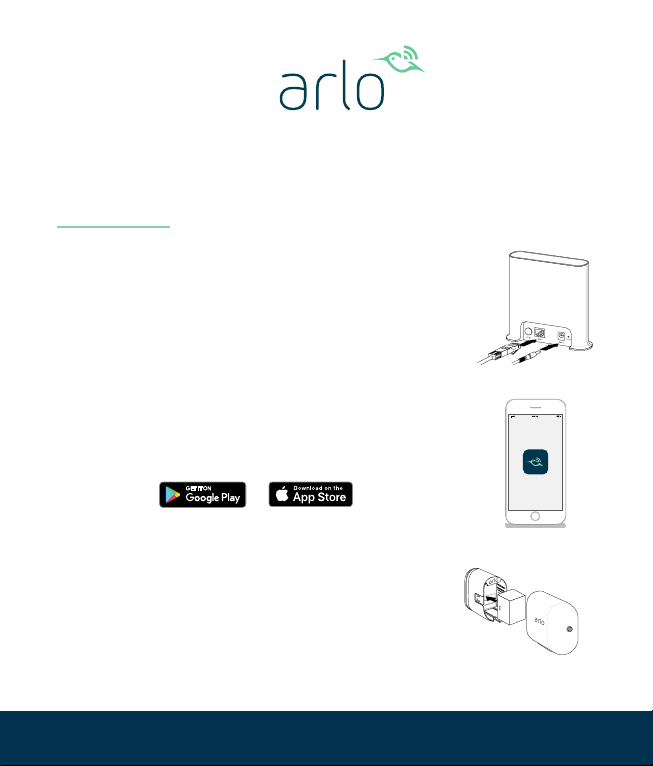
1. Connect the power adapter and the
Ethernet cable to your Arlo SmartHub.
2. Download the Arlo app and follow
the setup instructions for a wire-free
camera.
3. Insert the battery into your wire-free
camera.
Set up your Arlo Ultra Wire-Free camera
© Arlo Technologies, Inc. Arlo, Arlo logo, and Every Angle Covered are trademarks of Arlo Technologies,
Inc. Other trademarks are for reference purposes only.
Si ce produit est vendu au Canada, vous pouvez accéder à ce document en français canadien à arlo.com/
docs. (If this product is sold in Canada, you can access this document in Canadian French at arlo.com/docs.)
For regulatory compliance information including the EU Declaration of Conformity, visit
www.arlo.com/about/regulatory/.
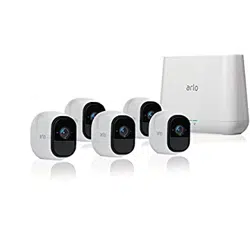
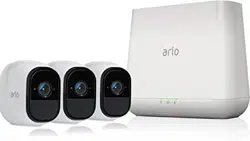
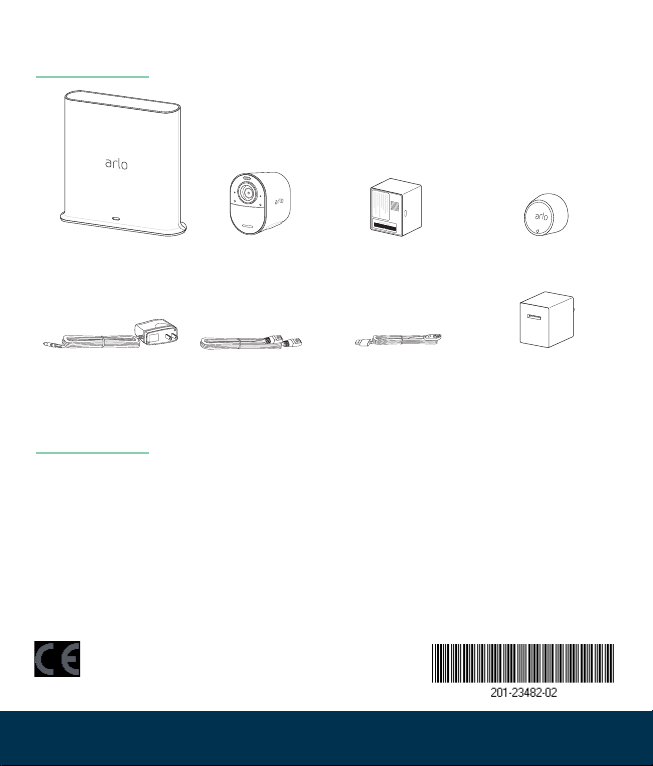
What’s in the box
To view tutorial videos, nd troubleshooting tips, or get
support, visit www.arlo.com/support.
Have questions?
Arlo International, Ltd.
Floor 3, Building 3
University Technology Center
Curraheen Road, Cork, Ireland
Arlo Technologies, Inc.
2200 Faraday Avenue, Suite 150
Carlsbad, CA 92008 USA
October 2018
Camera
charging cable
ArloSmart Hub
SmartHub
power adapter
Ethernet cable
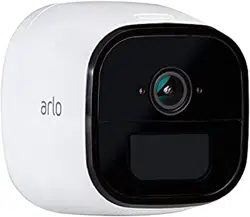
Ultra
Wire-Free
Camera
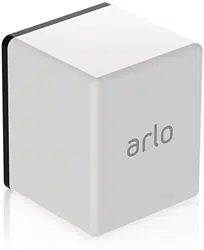
Rechargeable
battery
Mount
Camera
power adapter