Quick Start Guide
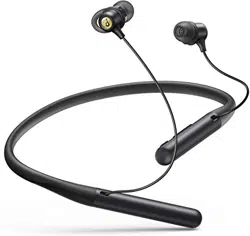
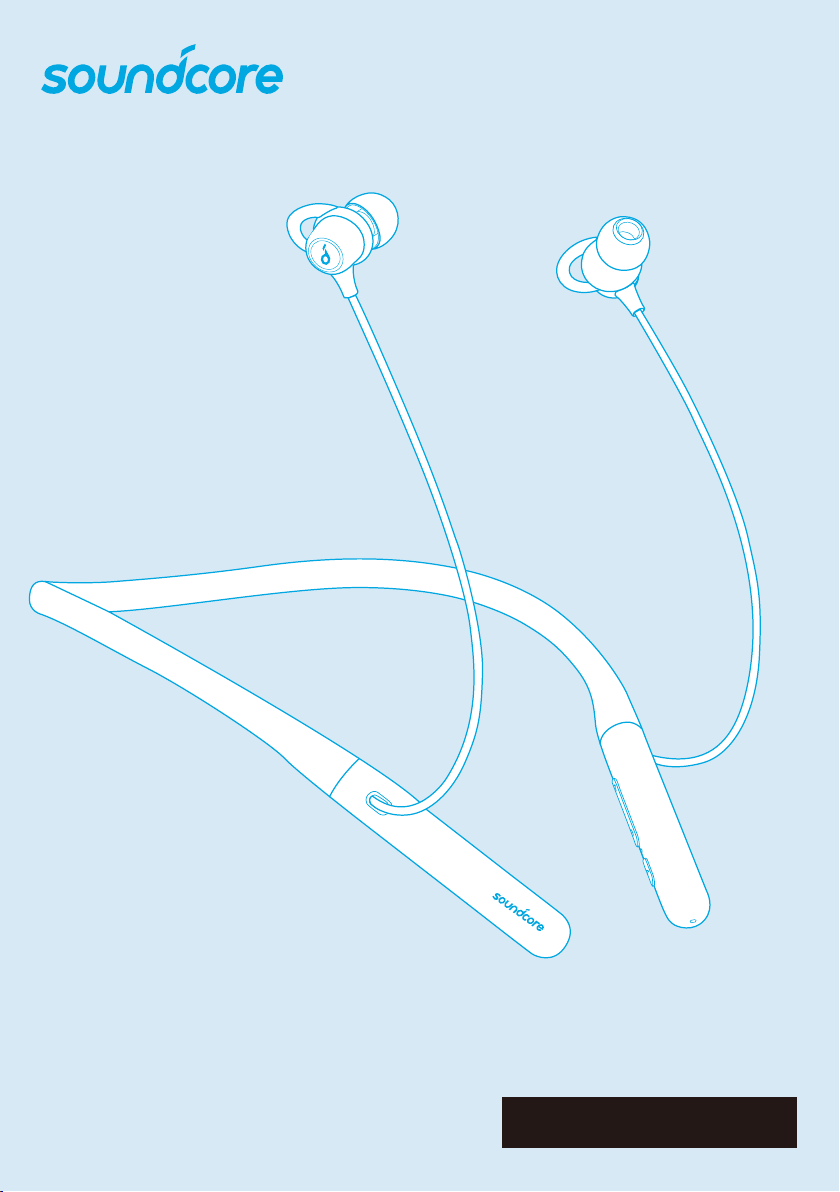
Soundcore Life U2
01 EN
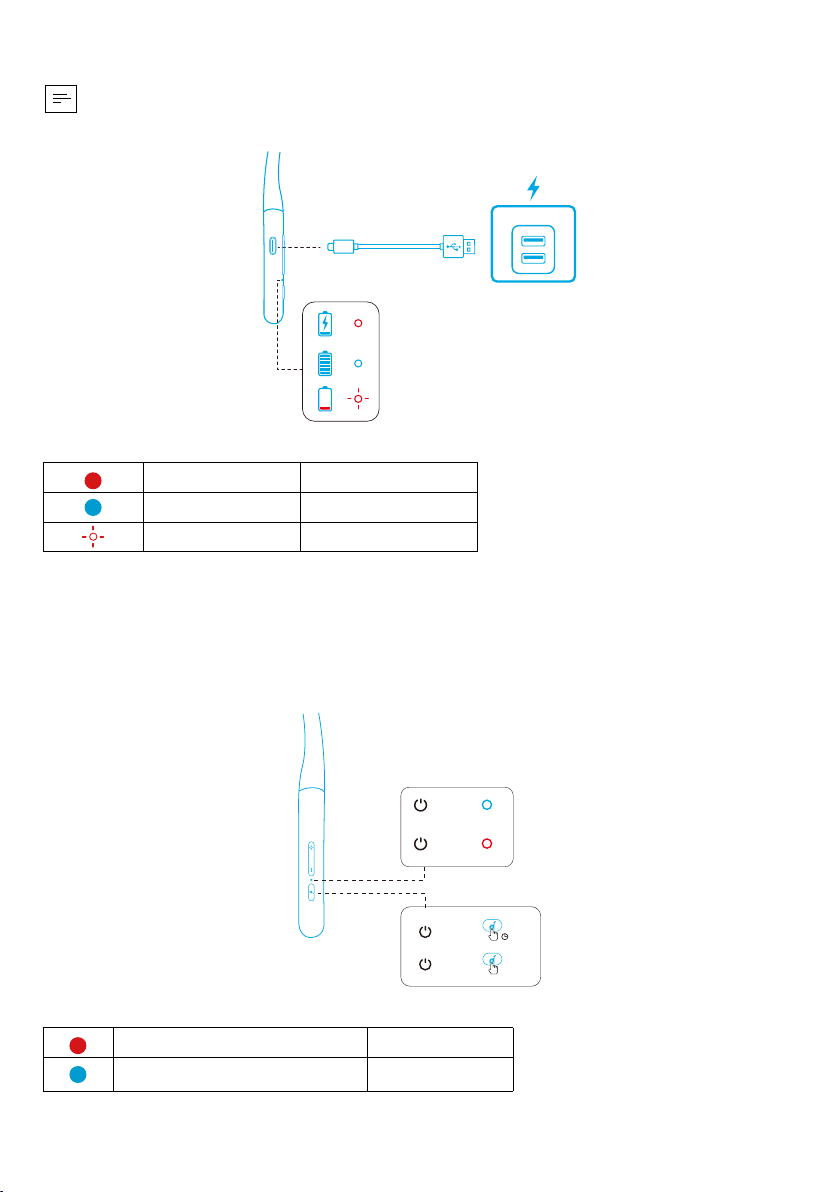
Charging
• Fully dry off the USB port before charging.
• To prevent damage, use the provided USB-C cable.
LED indicator
Steady red Being charged
Steady blue Fully charged
Flashing red Low battery
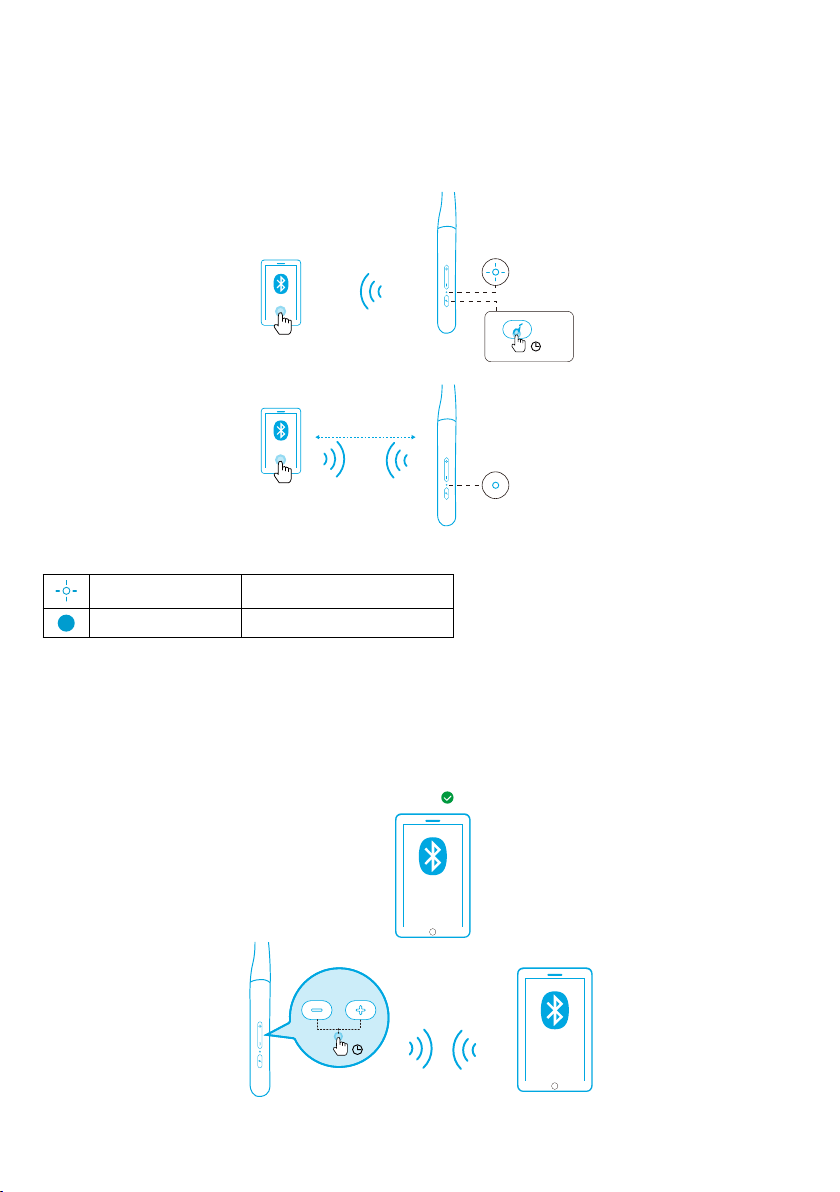
Powering On/Off
Press and hold the multi-function button for 1 second to power on.
Press and hold the multi-function button for 3 seconds to power off.
ON
OFF
ON
OFF
LED indicator
Steady white for 1 second Powered on
Steady red for 1 second Powered off
EN 02
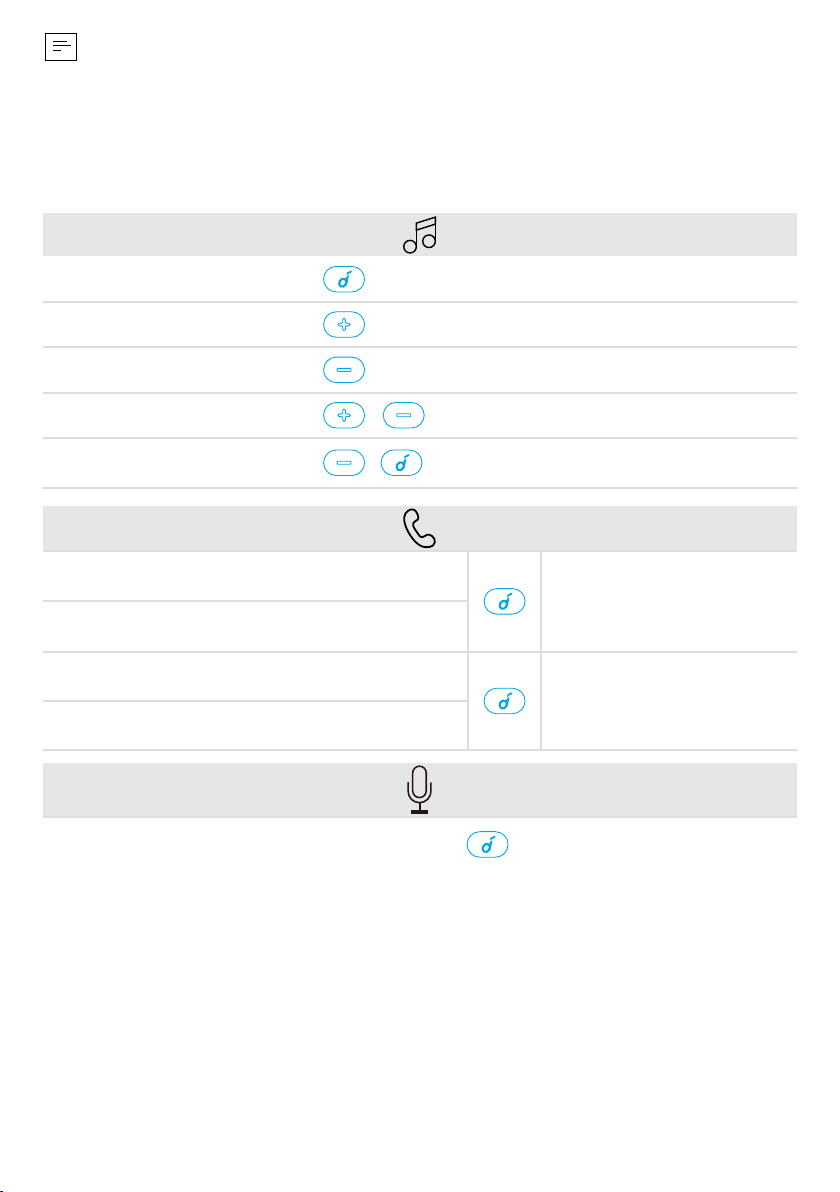
Bluetooth Pairing
When powered on, nd “Soundcore Life U2” in the Bluetooth list on your device and
connect.
When powered off, press and hold the multi-function button for 3 seconds until the
LED ashes blue to enter the Bluetooth pairing mode.
ON
Soundcore
Life U2
≤ 1m
LED indicator
Flashing blue Bluetooth pairing
Steady blue Bluetooth connected
Multi-point Pairing Mode
When successfully connected with the first device, press and hold the volume up
button and volume down button simultaneously for 3 seconds to pair with another
device.
Soundcore
Life U2
Soundcore
Life U2
3”
2/2
1/2
03 EN
• Soundcore Life U2 can only play music on one mobile device at a time.
• Each time you power your Soundcore Life U2, it will automatically connect
to your last successfully connected device if available.
Button Controls
Play / Pause Press
Next track Press and hold for 1 second
Previous track Press and hold for 1 second
Volume up / down / Press
BassUp™ (Dual Equalizer)
Press and hold for 1 second
simultaneously
Answer / End a call
Press
Put the current call on hold and answer a new
incoming call
Reject a call
Press and hold for 1
second
Switch between held call and active call
Activate Siri or other voice assistant software Press twice
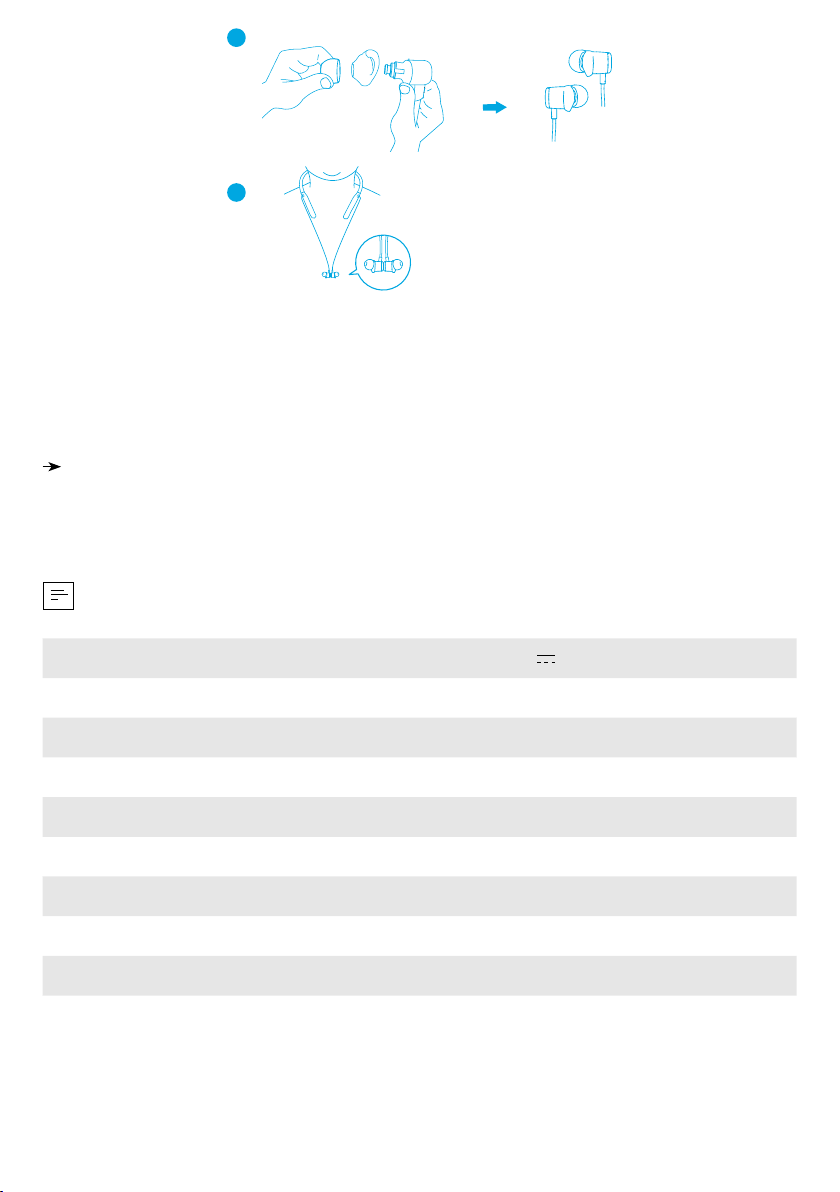
Wearing
Choose the EarTips and EarWings that t your ears best.
EN 04
1
2
Reset
1. Make sure the headphone is powered off and being charged.
2. Press and hold the multi-function button and volume up button simultaneously for
5 seconds until the LED indicator ashes red twice.
All the memory data will be cleared.
Specifications
Specications are subject to change without notice.
Input 5 V 0.5 mA
Charging time 2 hours
Playtime (varies by volume level and content) 24 hours
Driver size 10 mm × 2
Frequency response 20 Hz - 20 kHz
Impedance 16 Ω
Waterproof level IPX7
Bluetooth version V5.0
Bluetooth range 10 m / 33 ft
「スウェットガード」はカナルワークス株式会社の登録商標です。