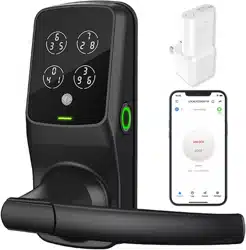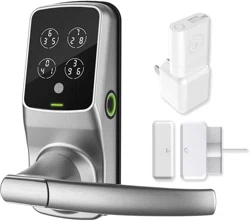
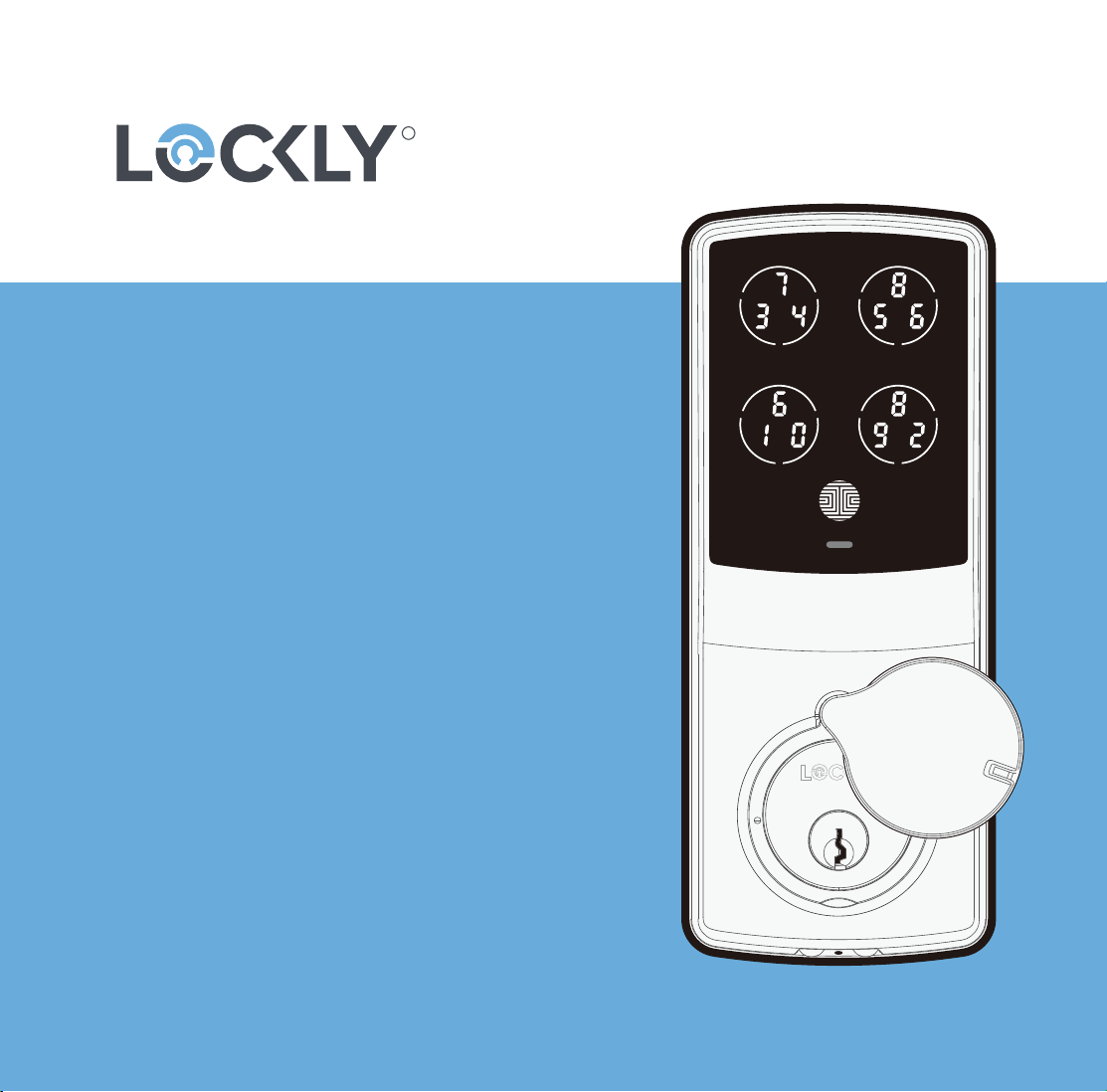
DEADBOLT EDITION
L@C<LY
®
SECURE SERIES
USER MANUAL
SECURE
SECURE PLUS | SECURE PRO
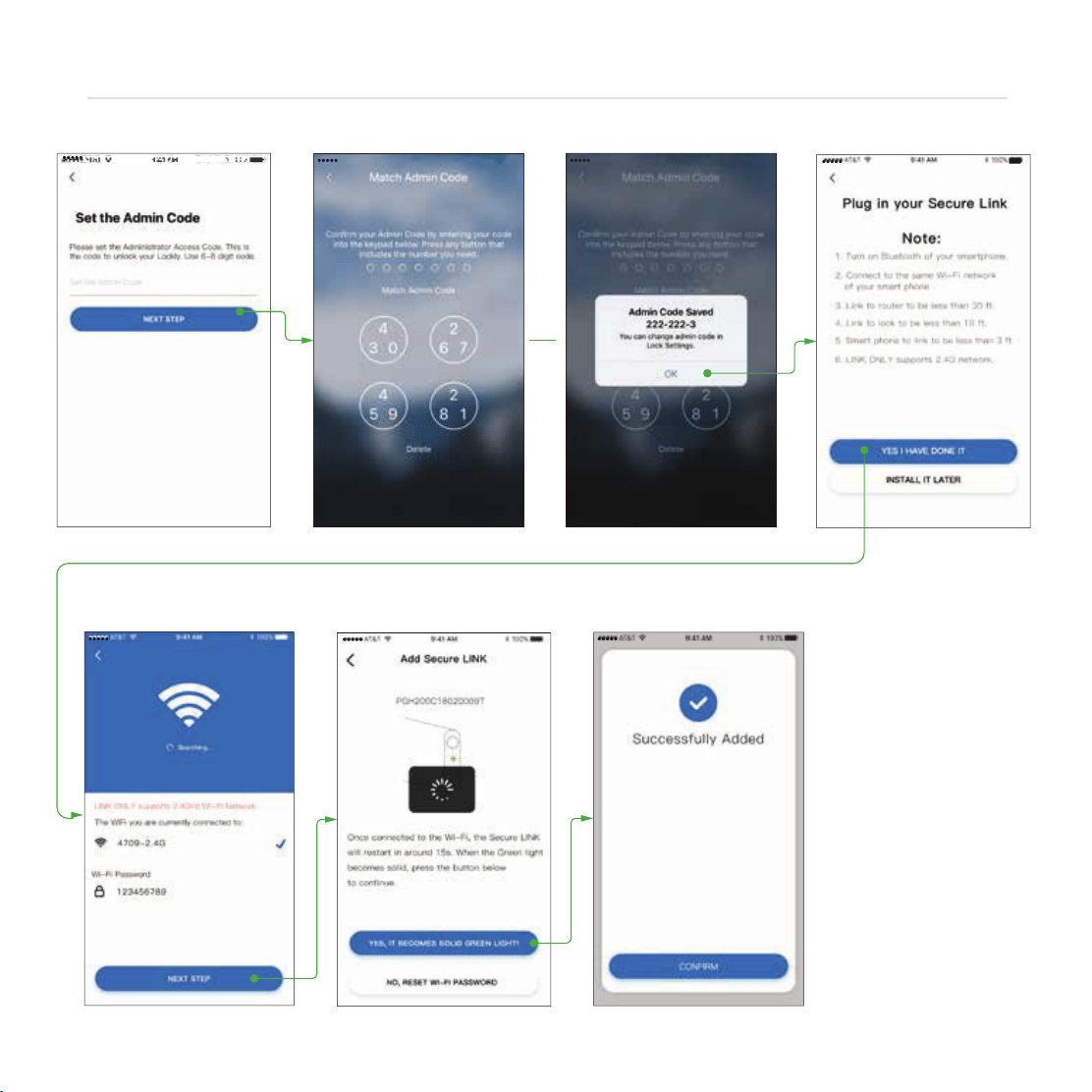
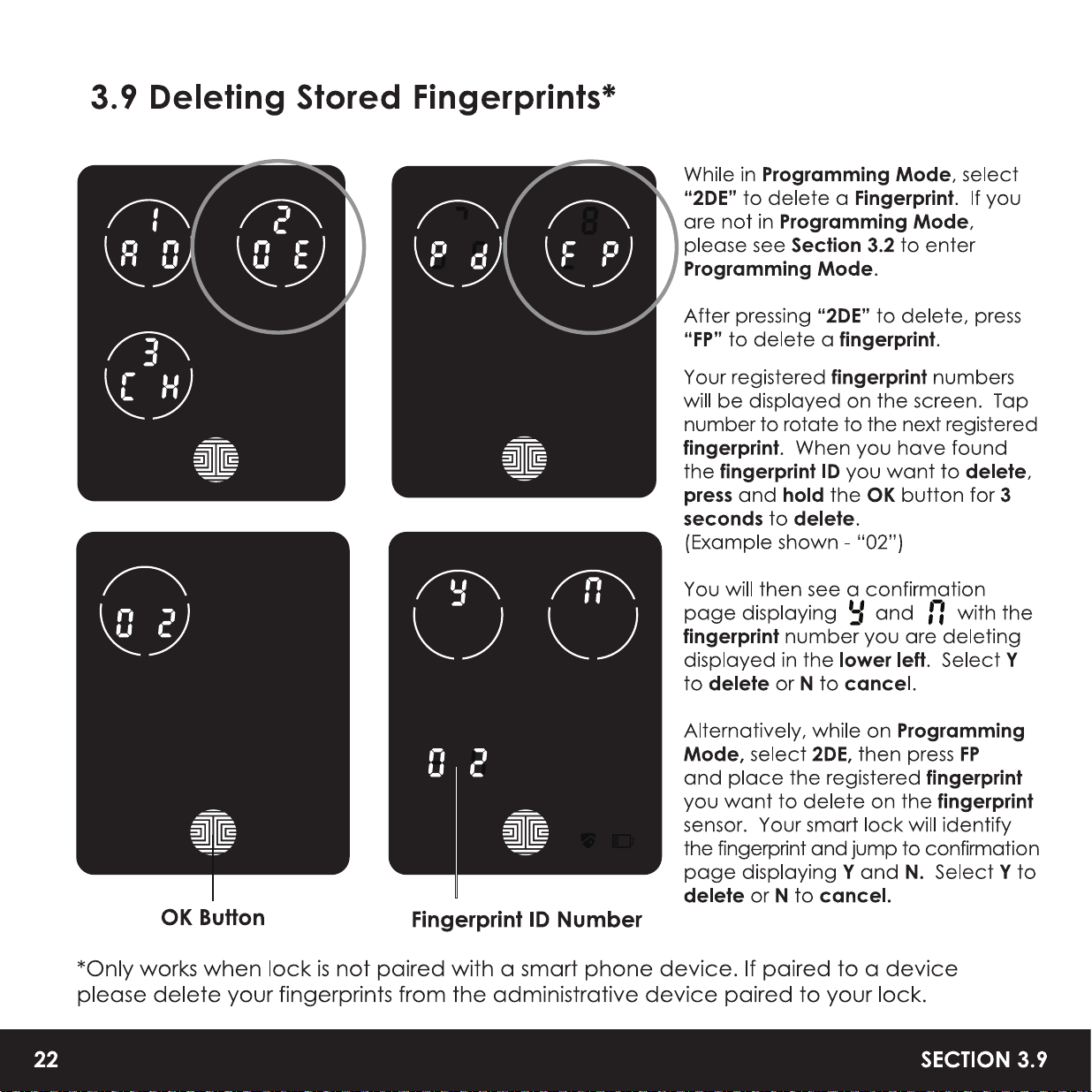
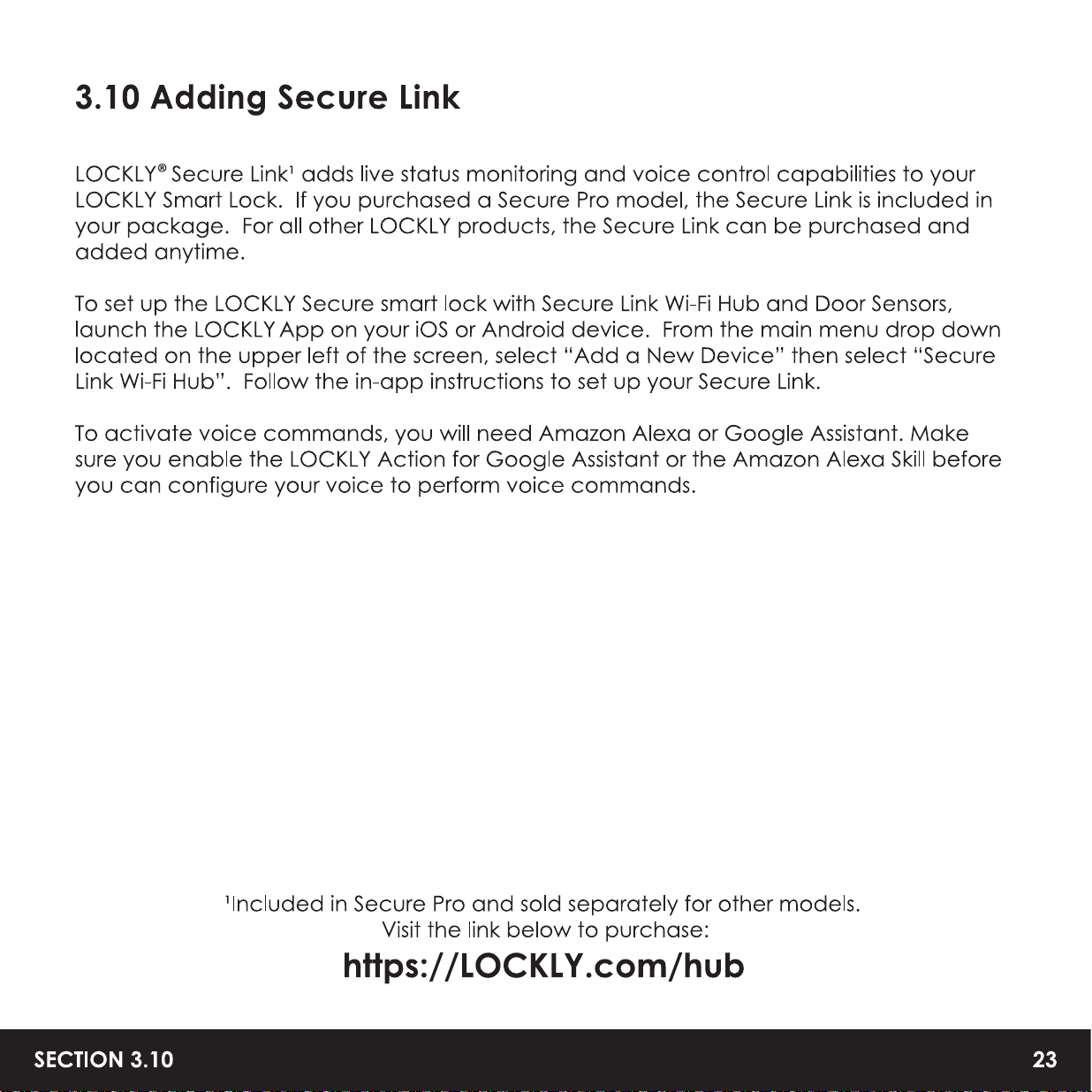

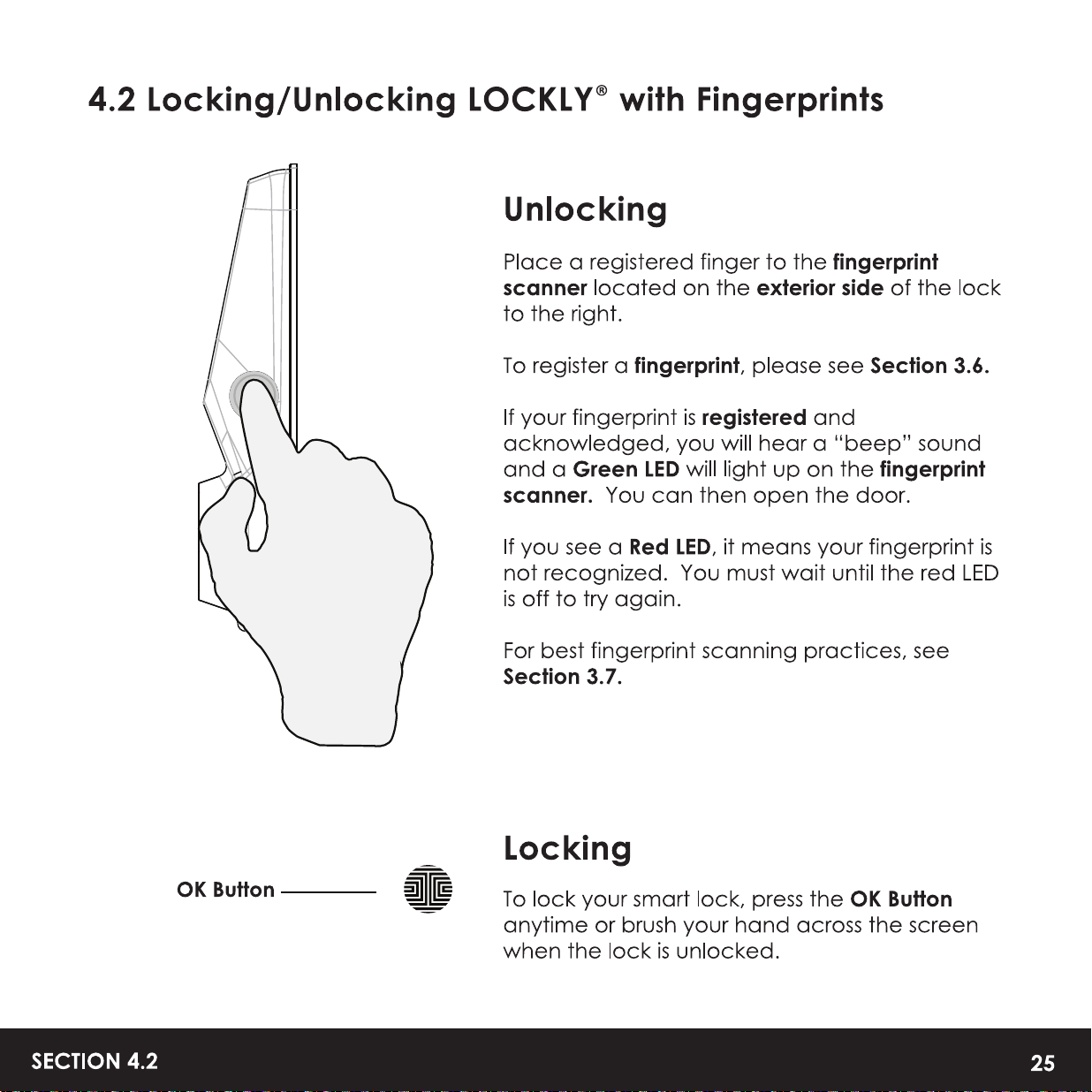
26
SECTION 4.3
4.3 Locking/Unlocking LOCKLY
®
with App
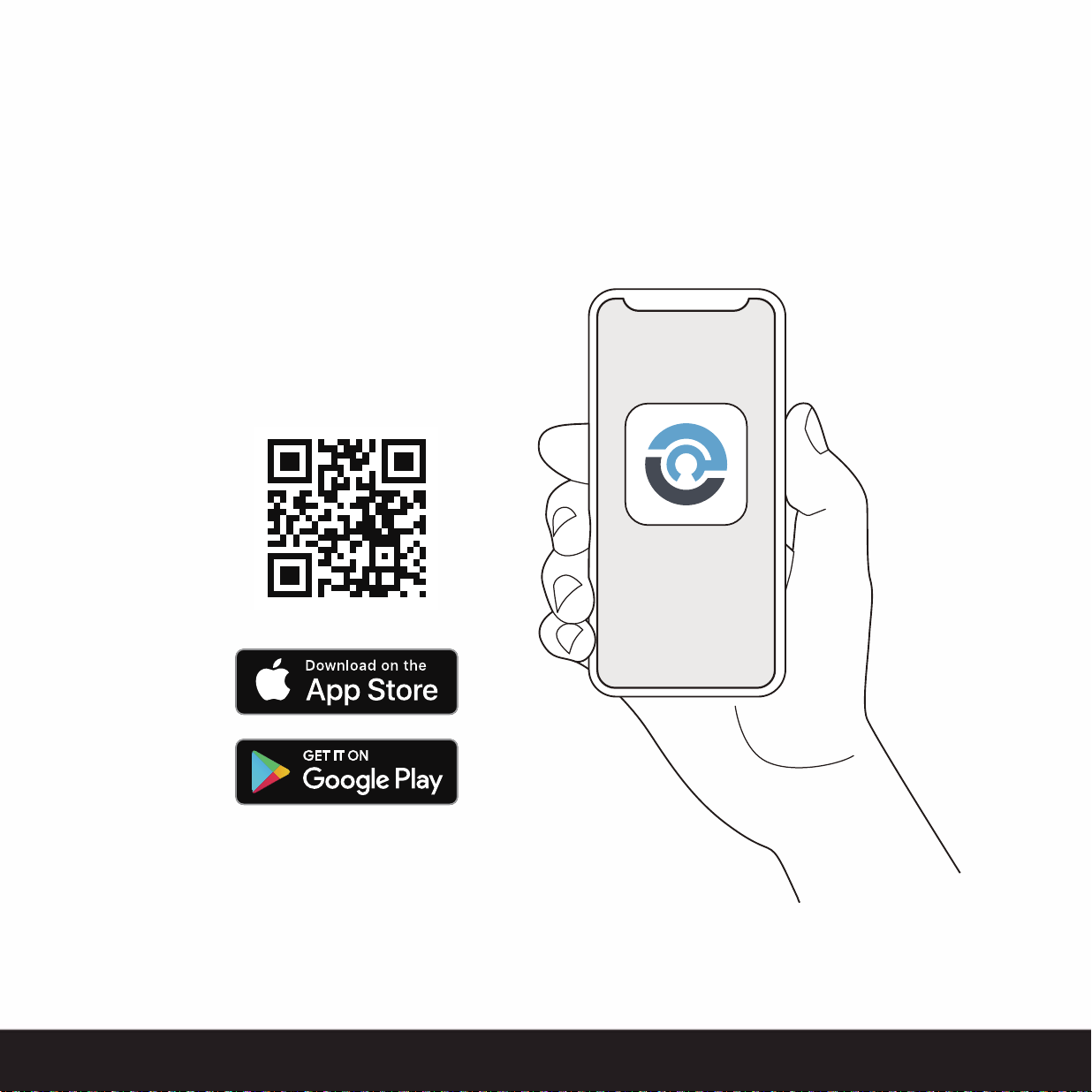
You must have the LOCKLY iOS or Android app installed in order to lock and unlock with
smartphone and connect with voice assistants like Alexa or Google Assistant. Please
download the app by visiting the link below or search “LOCKLY” from the correct app
store.
Scan or visit
LOCKLY.com/app
5.1 Offline Access Code
™
(OAC)
The Oline Access Code
™
(OAC) is a unique feature of our smart lock. It allows you
to grant access to guests remotely without guests needing to download the app.
To use the OAC feature, make sure you download the LOCKLY app for iOS or
Android first, and sync your smart lock to your mobile device. OAC can only be
issued by the administrative owner of the lock.
From there, you can then issue an Oline Access Code
™
within the app.
Go to "Access" and choose "Add a New User, then select Oline Access Code
™
(OAC)" and follow on screen instructions to generate your Offline Access Code
™
.
Understanding Oline Access Code
™
(OAC)
OAC are issued to the
uest by asking them to enter 4-12 digit number after a
double - click on the . Your LOCKL Y randomly generates the Oline Access
Code
™
which can be shared to your guests together with the instructions
generated using the LOCKL Y app.
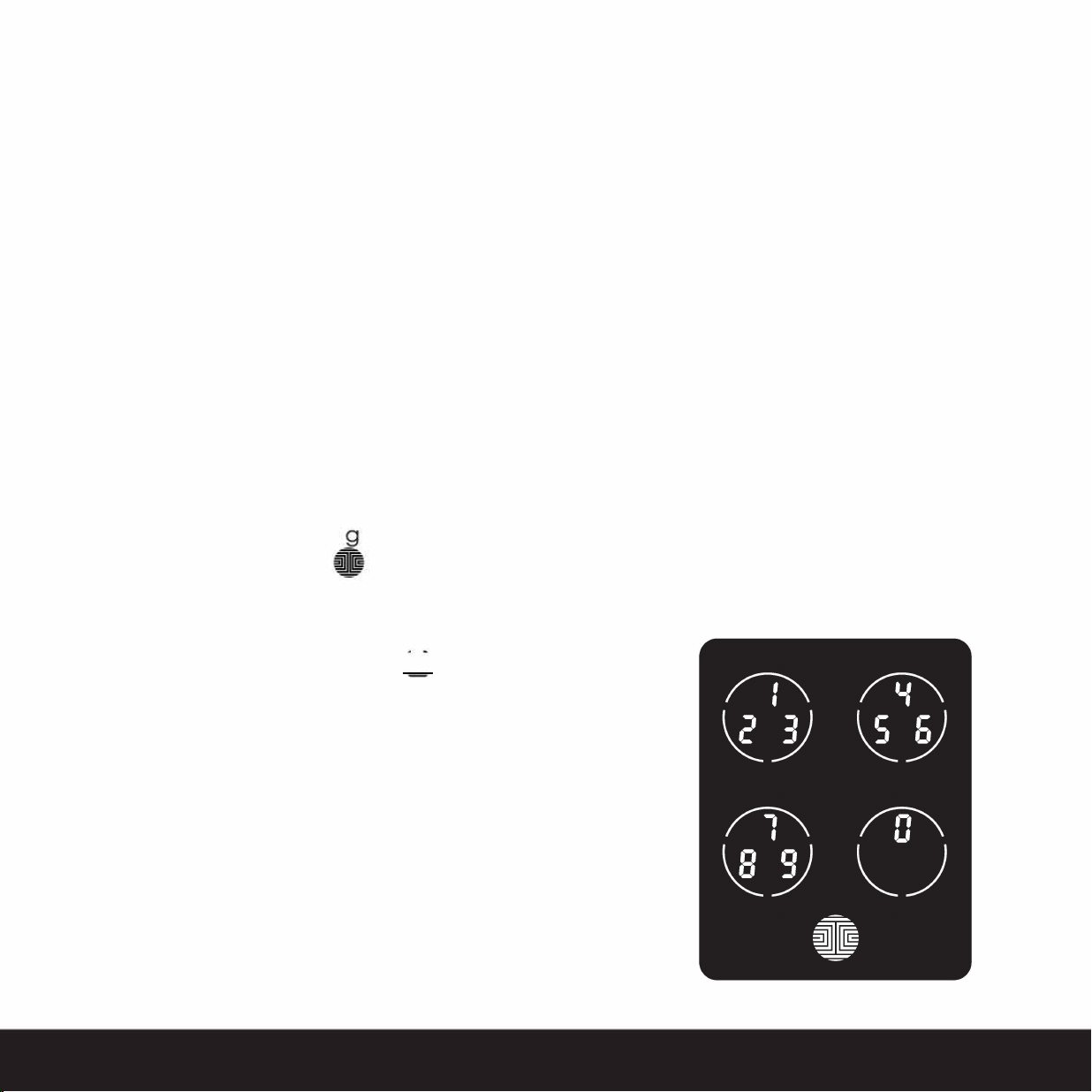
After a double-click on the �fl , touchscreen
will display numbers on Fixed-Digit mode, then guest
can enter the Oline Access Code
™
SECTION 5.1
31
32
SECTION 5.2
5.2 Sub-Admin Access
Sub-Admin Access can be created to grant access for others to be able to control
your lock and grant access to others via Bluetooth when within range of your LOCKLY
®
App then
Add A New User.
You can select the Validity Period and User Permissions of the sub-admin.
Sub Admins will not be able to access the lock remotely but Sub Admin will be able to
grant limited access codes to users when within Bluetooth range. Once Sub Admin
control is setup, you as the Admin will no longer be able to issue Offline Access Code™
(OAC)
The Sub-Admin access is ideal for long term property leasing and Airbnb tenants.
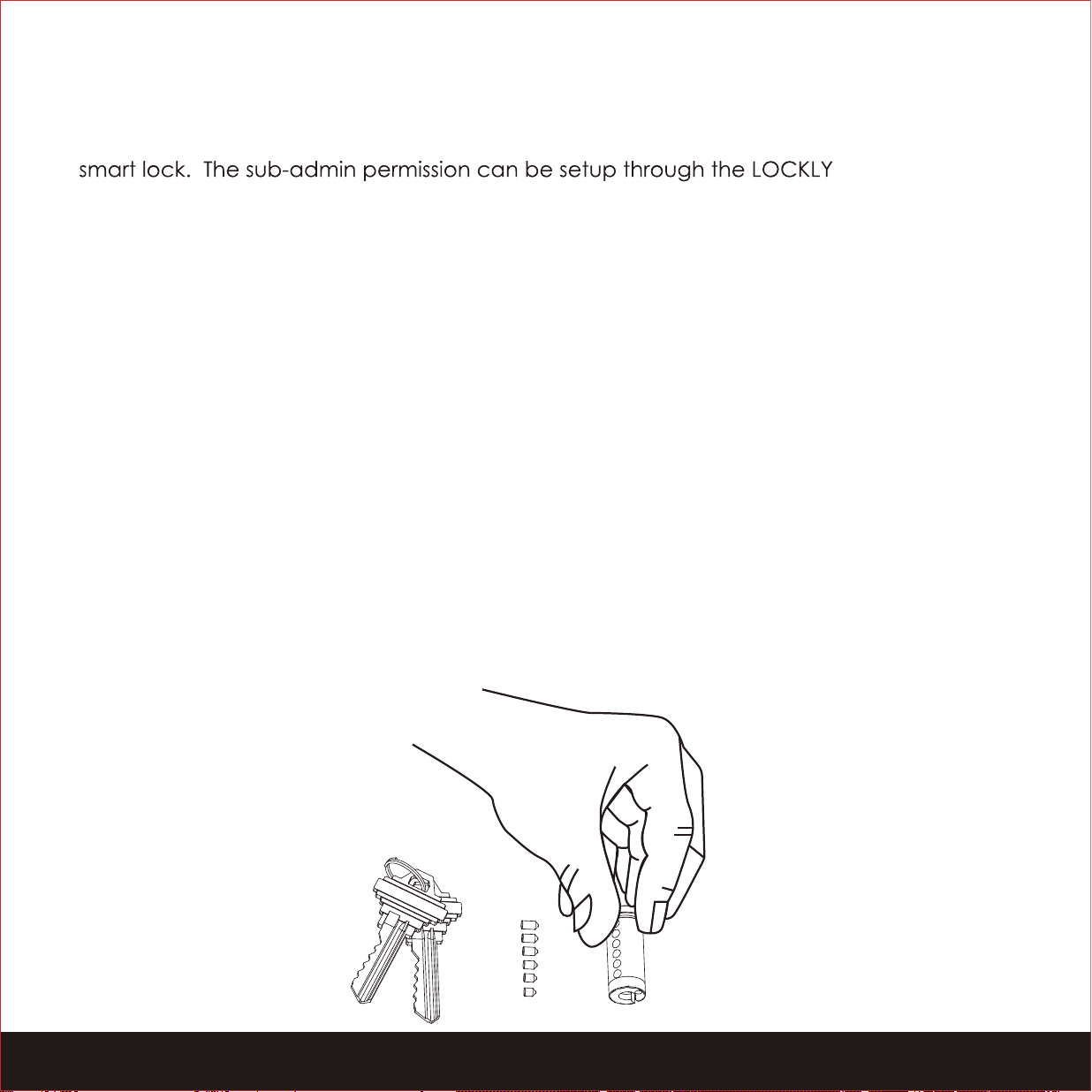
6.1 Re-keying
LOCKLY smart lock comes with a 6-pin cylinder which can be replaced with regularly
purchased DIY re-keying kit available in the market.
If you are not familiar with this process, please contact a professional locksmith. For
more information, visit : http://support.LOCKLY.com/faq/rekeying/

6.1 Important Notes
Auto Lock Feature
Your lock can be programmed to auto-lock between 5-300 seconds after the door
opening. You can select the timing through the LOCKLY
®
App. If auto-lock is
ot
activated and door is still open, the touchscreen will remain lighted, simply
•
ss the
on the keypad to lock.
�
One-Touch Locking
You can always manually do a quick lock by touching anywhere on the touchscreen.
LOCKLY smart lock is shipped with this feature already activated. You may deactivate this
feature through the LOCKL Y App.
9V Backup Access
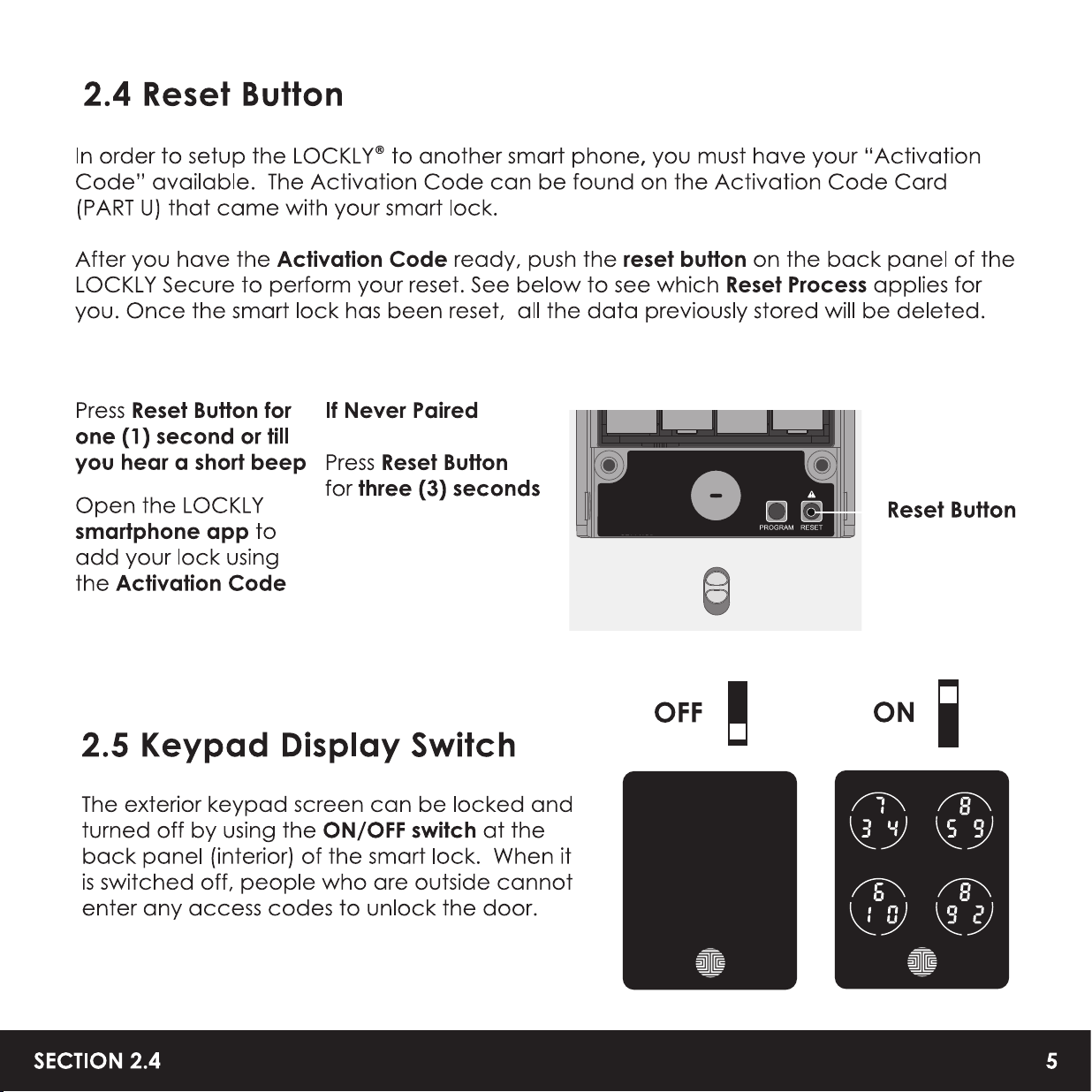
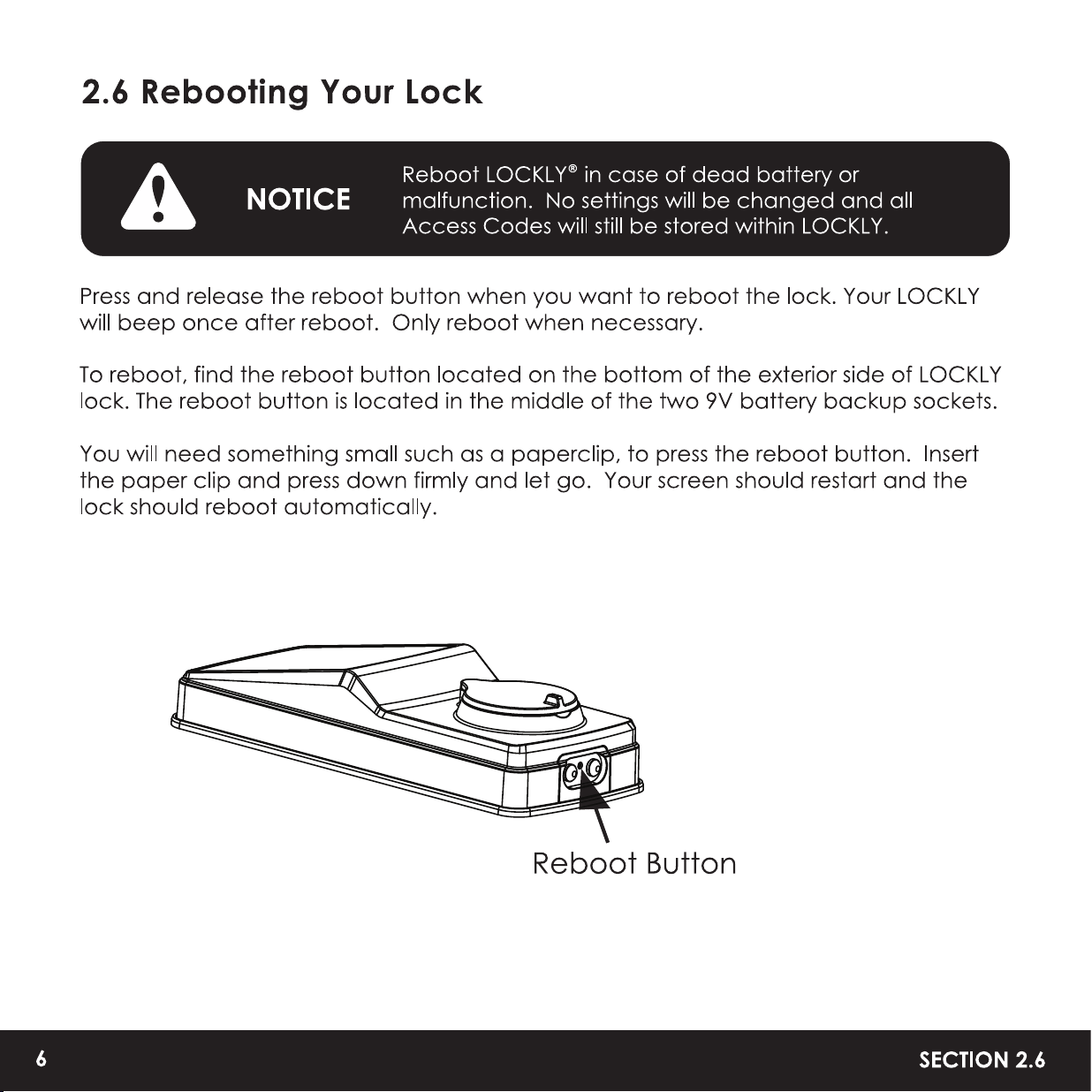
When your LOCKL Y is out of power, you can temporarily activate the keypad by using a
9V battery against the bottom of the exterior side of the smart lock. Please see Section
2.6 for more info.
Physical Keys
Even though you have your fingerprints registered and Access Codes stored, it's always
best practice to carry your physical keys with you at all times in case for any reason your
lock falls into Safe Mode.
Activation Code
You may find an Activation Card with an Activation Code included in your package. It
is very crucial that you do not lose this card. Please store this card safely as you will
need the default Activation Code on that card to master reset your lock in case, for any
reason, you have lost the phone paired to LOCKL Y and also forgot your Access Code.
Troubleshooting
Please visit http://LOCKLY.com/help for troubleshooting and the most frequently asked
questions and answers.
33
SECTION 6.1
7 .1 Cleaning
Making sure your LOCKL Y
®
is clean is best practice to ensure optimal product use. Follow
the DOs and DON'Ts below.
• Rinse the touchscreen with
warm water prior to cleaning.
• Use the application of soap
with a damp, lukewarm cloth.
• Air dry or wipe dry with a soft
microfiber cloth to avoid
scratches.
DON'T
• Don't use abrasives, high
alkaline cleaners, or gasoline to
clean your lock.
• Don't apply cleaning detergent
directly in sunlight or at high
temperatures.
• Don't leave cleaning deter
gent on the display keypad for
long periods of time - wash
immediately.
• Don't use scrapers, squeegees,
or razors.
SECTION 7.1
3
4

8.1 Safety Precautions
Please read all instructions carefully. Remind all LOCKLY
®
users of the safety precautions.
Read the following instructions for your own safety
Do not aempt to disassemble the smart lock by yourself. It can cause product
damage, void warranty, and cause injuries.
Do not use any inappropriate tools that can cause damages or malfunction to
your lock.
Always make sure your door is securely closed and locked when you leave your
house to prevent unwanted entry.
Please keep your Access Codes safe. Restrict access to the back panel of your
smart lock and check your seings regularly to ensure Access Codes have not
been changed without your knowledge.
Always dispose of used batteries according to your local laws. DO NOT BURN.
A
Unauthorized changes and modifications may void your product warranty. If you
have questions or any problems while using your LOCKL Y Secure Smart Lock,
contact our customer service department at [email protected] or visit
http:/ /LOCKLY.com/help for technical assistance.
3
5
SECTION 8.1

FCC Warning:
This device complies with Part 15 of the FCC Rules. Operation is subject to the following two
conditions: (1) This device may not cause harmful interference, and (2) this device must accept
any interference received, including interference that may cause undesired operation.
NOTE 1: This equipment has been tested and found to comply with the limits for a Class B digital
device, pursuant to part 15 of the FCC Rules. These limits are designed to provide reasonable
protection against harmful interference in a residential installation. This equipment generates, uses
and can radiate radio frequency energy and, if not installed and used in accordance with the
instructions, may cause harmful interference to radio communications. However, there is no
guarantee that interference will not occur in a particular installation. If this equipment does cause
harmful interference to radio or television reception, which can be determined by turning the
equipment off and on, the user is encouraged to try to correct the interference by one or more of
the following measures:
- Reorient or relocate the receiving antenna.
- Increase the separation between the equipment and receiver.
-
Connect the equipment into an outlet on a circuit different from that to which the receiver is
connected.
- Consult the dealer or an experienced radio/TV technician for help.
NOTE 2: Any changes or modifications to this unit not expressly approved by the party responsible
for compliance could void the user's authority to operate the equipment.
FCC Radiation Exposure Statement
The Secure Link Wi-Fi Hub complies with FCC radiation exposure limits set forth for an uncontrolled
environment. It should be installed and operated with minimum distance 20cm between the
radiator & your body.
IC WARNING
This device contains licence-exempt transmitter(s) that comply with Innovation, Science and
Economic Development Canada's licence-exempt RSS(s).
Operation is subject to the following two conditions:
(1) This device may not cause interference.
(2) This device must accept any interference, including interference that may cause undesired
operation of the device.

USA 9 665706 | CHINA 201310487970 | HONG KONG 1194496 |
EUROPE 3059689 | AUSTRALIA 2013403169 | RUSSIA 2665222 |
TAIWAN 621028 | KOREA 101860096 | INDONESIA 0020160364 |
Other Patents Pending
LOCKLY
®
All Rights Reserved
LOCKLY Secure
LOCKLY Secure Plus
LOCKLY Secure Pro
LOCKLY Secure Lux
LOCKLY Lux Compact
LOCKLY Model 6S
LOCKLY Model 7S
LOCKLY Secure Link
LOCKLY Vision™
LOCKLY Secure, Secure Plus, Secure Pro, Secure Lux, Lux Compact, Model 6S,
Model 7S and LOCKLY Vision are keyless smartlocks equipped with the patented
PIN Genie
®
, which is a peep proof and hidden camera proof algorithm software.
LOCKLY makes your life easier and safer.
For digital versions and instructional videos, please visit the following link:
http://LOCKLY.com/help