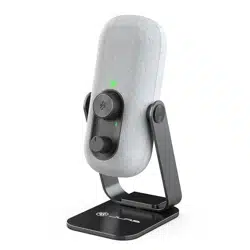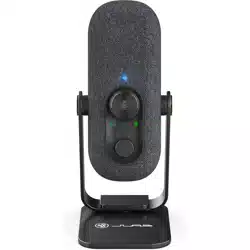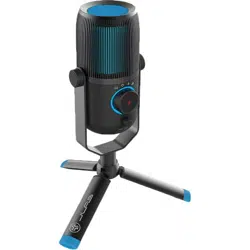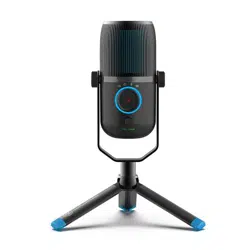
TALK GO USB
MICROPHONE
SETUP
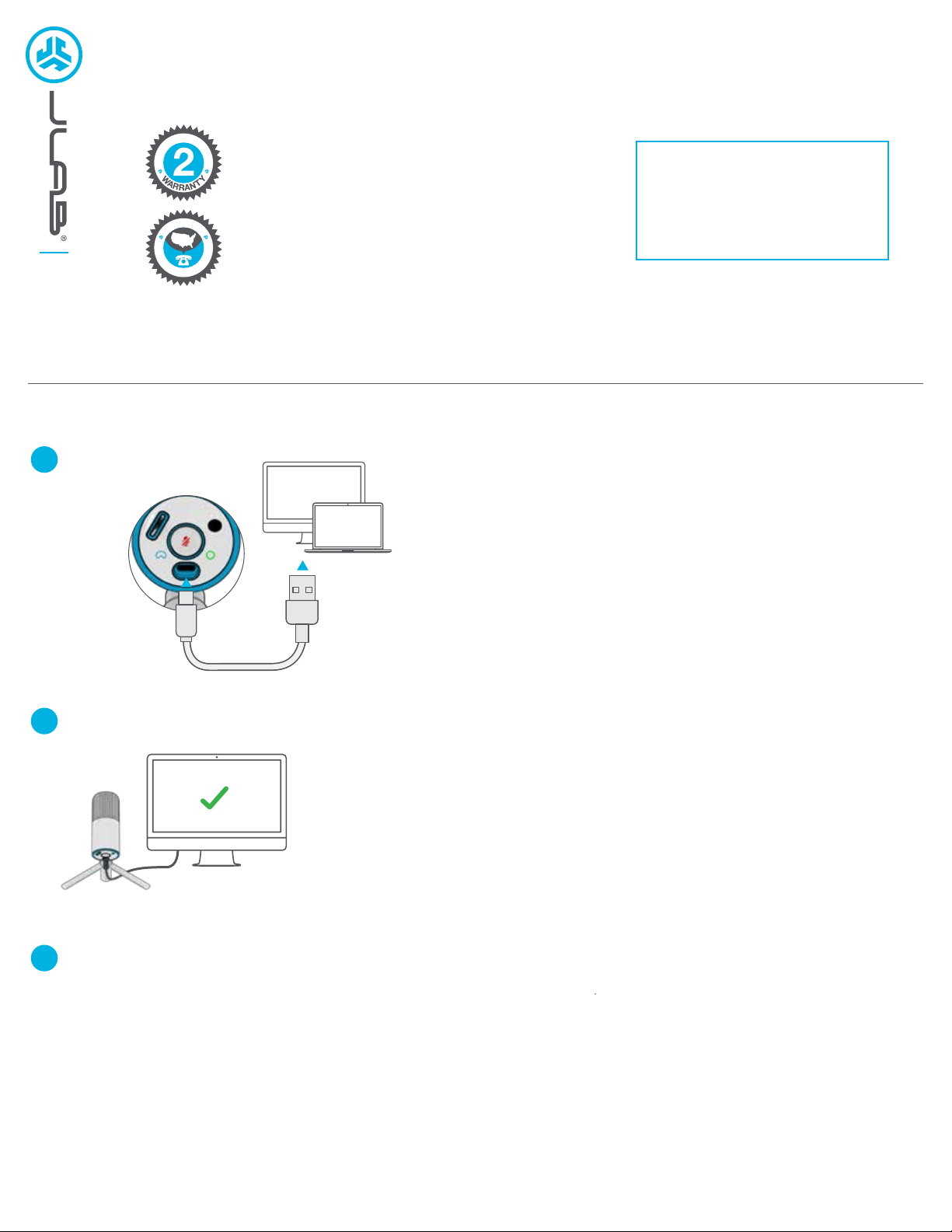
Connect USB-C to
Talk GO microphone.
Enter your PC or Mac settings to make sure connection is established.
SETUP TALK GO with PC / MAC
SETUP TALK GO WITH PC (WINDOWS 7, 8, or 10)
1. From the Start menu, select the Control Panel.
2. From the Control Panel, select the Sound icon.
3. Select the Recording tab and select “JLab Talk GO”.
4. Select the Playback tab and select “JLab Talk GO”.
SETUP TALK GO WITH MAC (macOS 10.10 or HIGHER)
1. Open System Preferences and select the Sound icon.
2. Select the Input tab and select “JLab Talk GO”.
3. Select Output tab and select “JLab Talk GO”.
4. From this screen, set the Output volume to desired level.
Connect to your PC
or Mac USB INPUT.
1
2
3
L
I
M
I
T
E
D
T
W
O
Y
E
A
R
C
U
S
T
O
M
E
R
S
U
P
P
O
R
T
U
.
S
.
B
A
S
E
D
We love that you are rocking JLab!
We take pride in our products and fully stand behind them.
YOUR WARRANTY
All warranty claims are subject to JLab authorization
and at our sole discretion. Retain your proof of
purchase to ensure warranty coverage.
CONTACT US
Reach out to us at [email protected]
or visit jlab.com/contact
REGISTER TODAY
jlab.com/register
Product updates | How-to tips
Shop products | Product alerts | Burn-in your headphones
JLab Store + Burn-in Tool
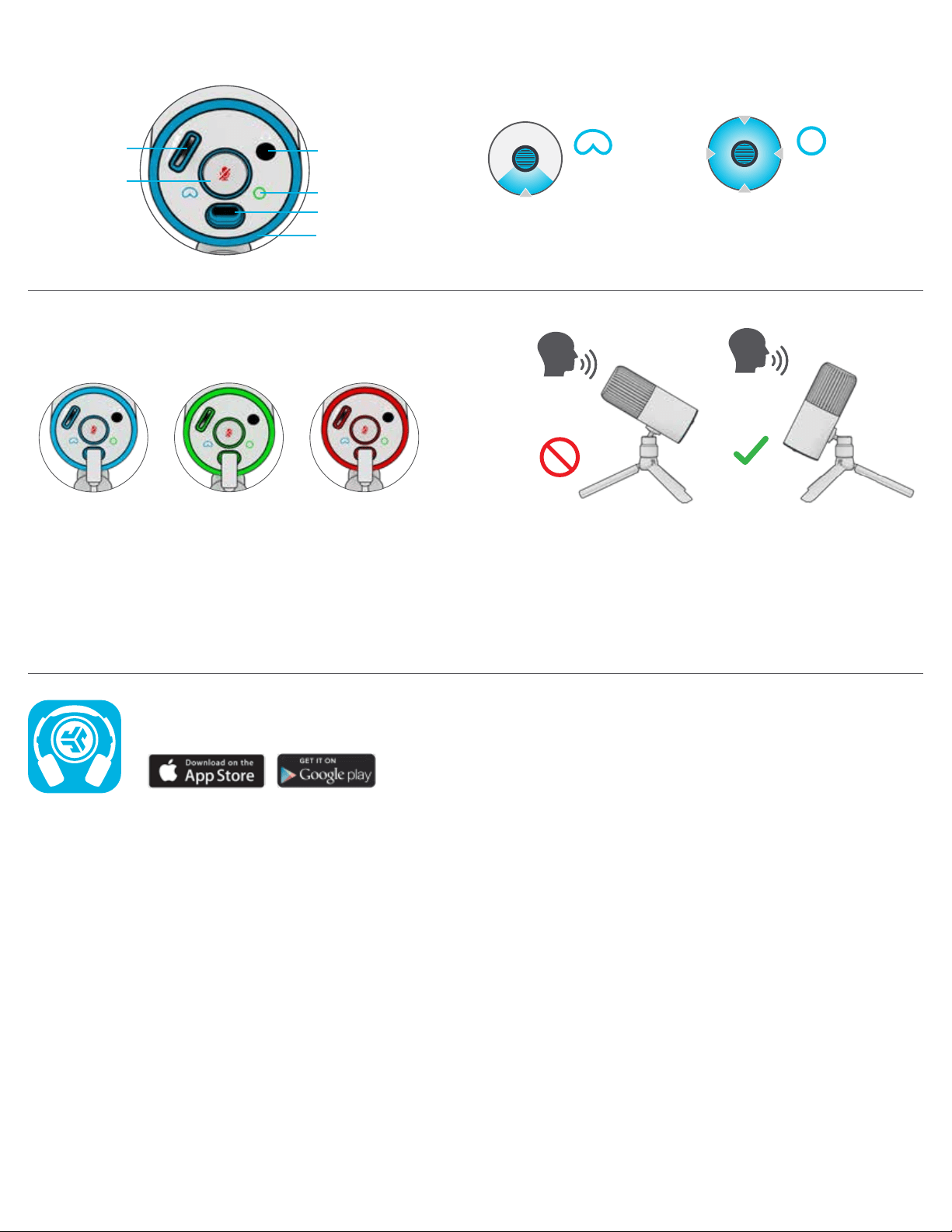
CONTROLS
CARDIOID
Record front
OMNI
Record all
surroundings
IN USE
• The Talk GO works with almost any recording software installed on macOS, Windows, or Linux.
Review in your software’s setting and adjust accordingly.
• No additional drivers/software are needed for the Talk GO. Simply plug in and setup in device settings.
• Talk GO will not work through a power bank/battery pack. It will only work with USB-A input with an operating system.
JLAB.COM
CARDIOID MUTEOMNI
Correct
position
Incorrect
position
RECORDING
SETTING
BOTTOM
VOLUME
CONTROL
3.5MM AUX
OUTPUT
USB-C INPUT
LED
CONTROL
MUTE ON / OFF:
Quick Press
SWITCH
RECORDING:
Press & Hold