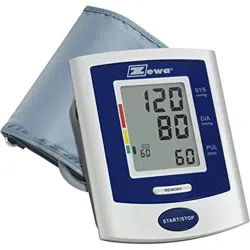
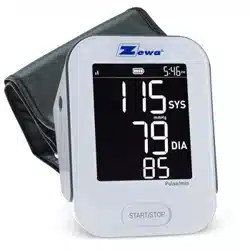
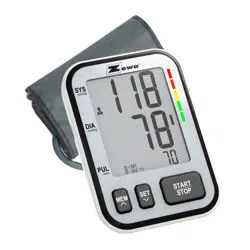
Zewa UAM-830 Advanced Automatic Blood Pressure Monitor

Product's Documents

Below are documents related to this product, you can read online or download:
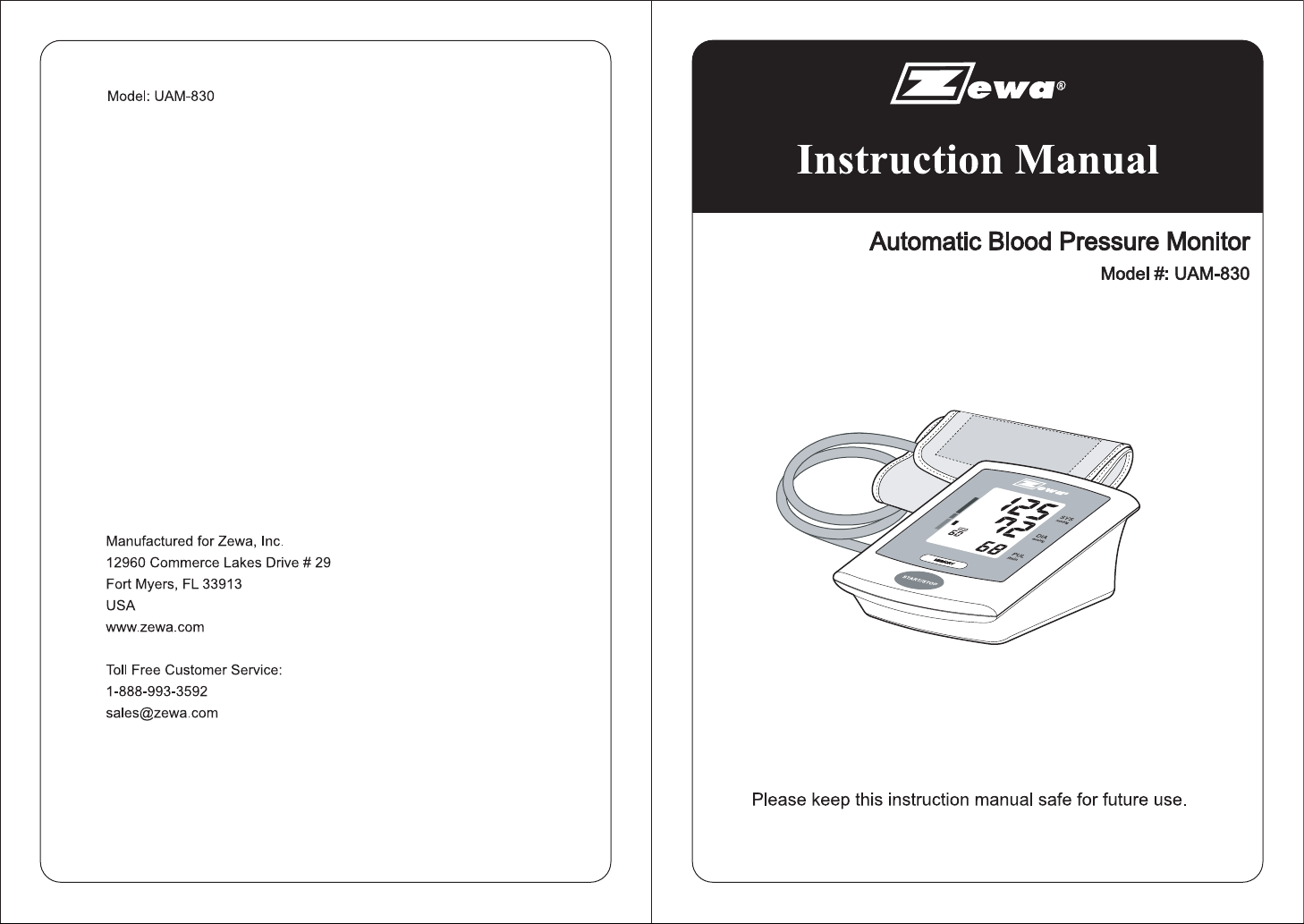
UAM-830 photo

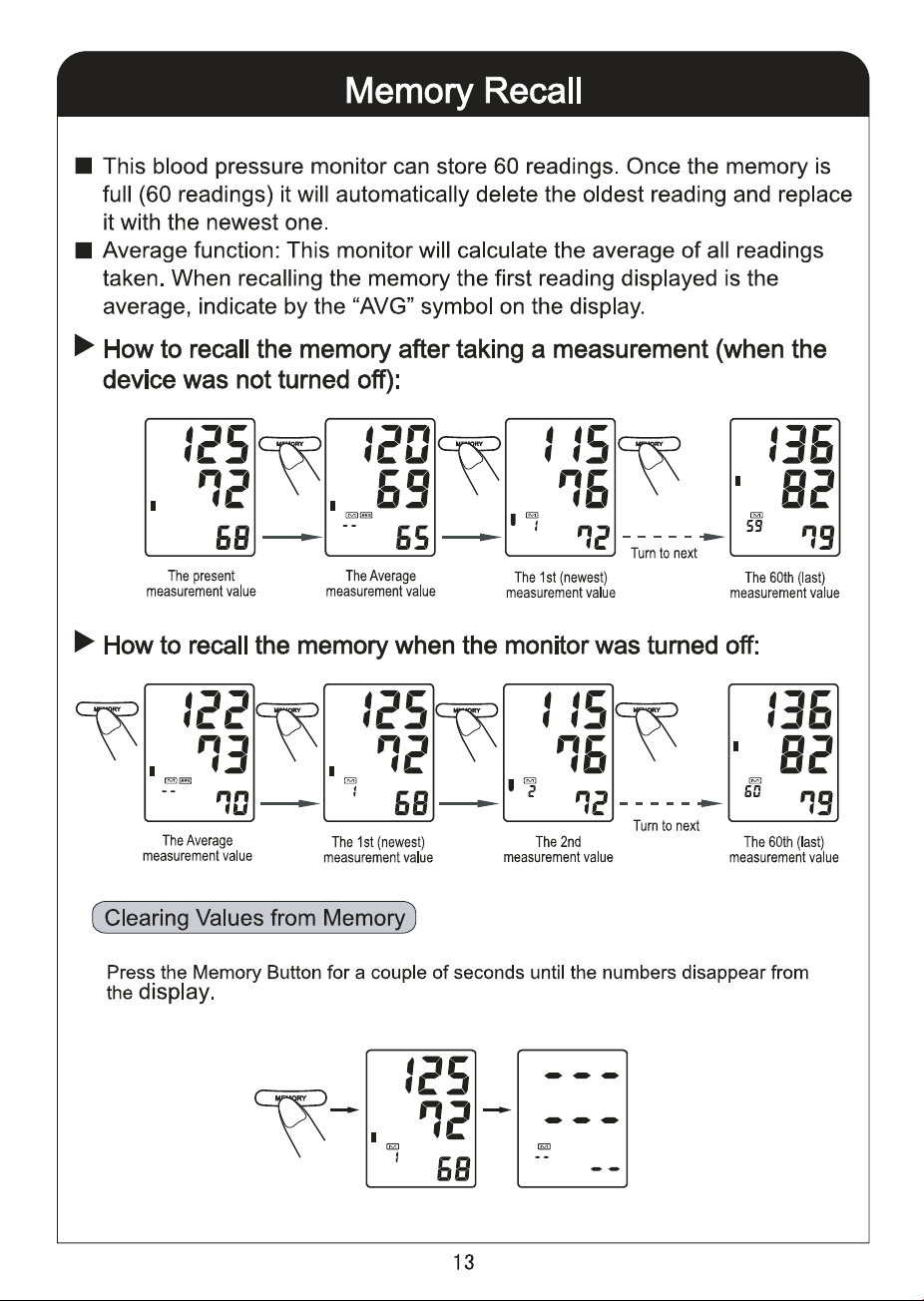
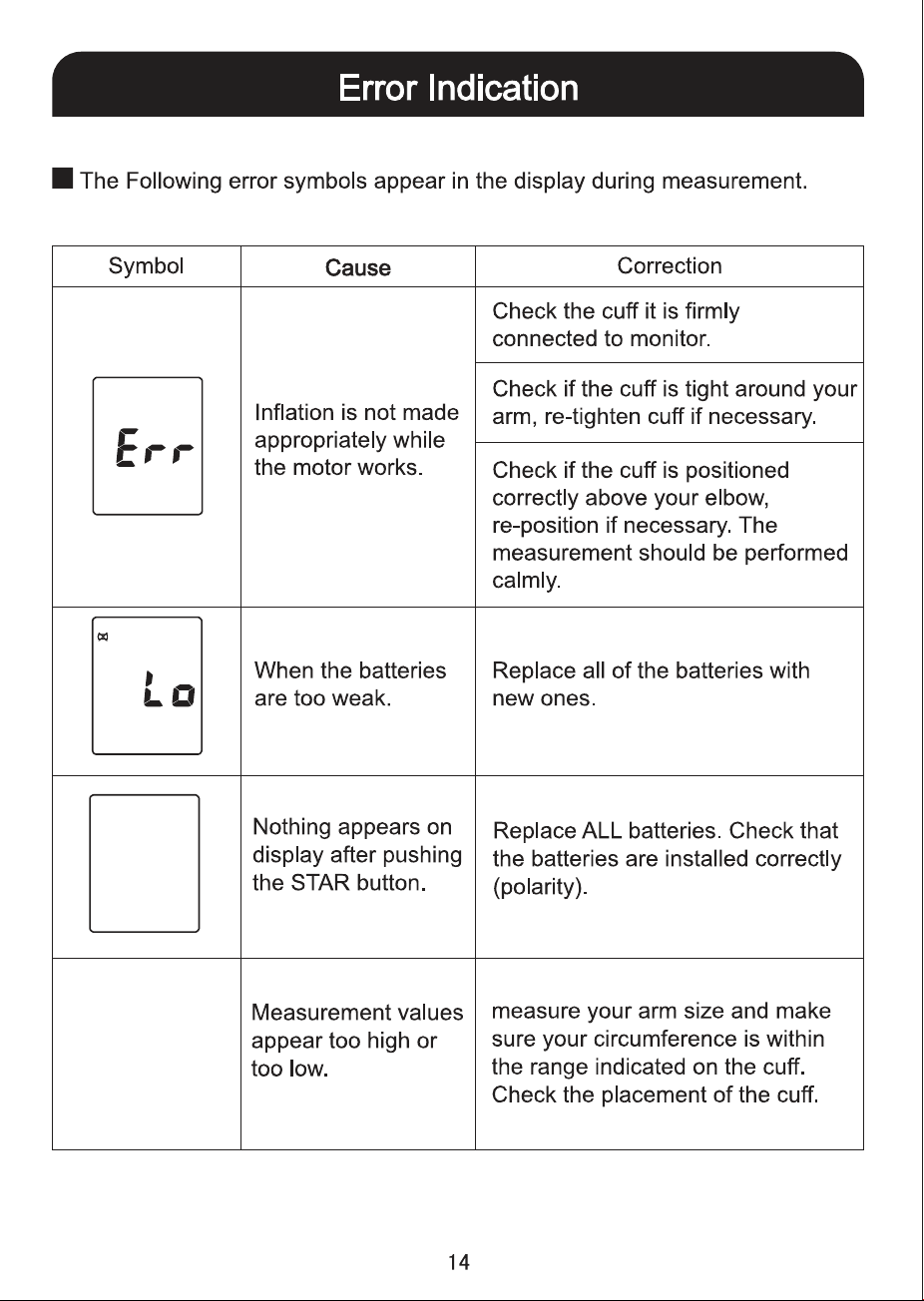
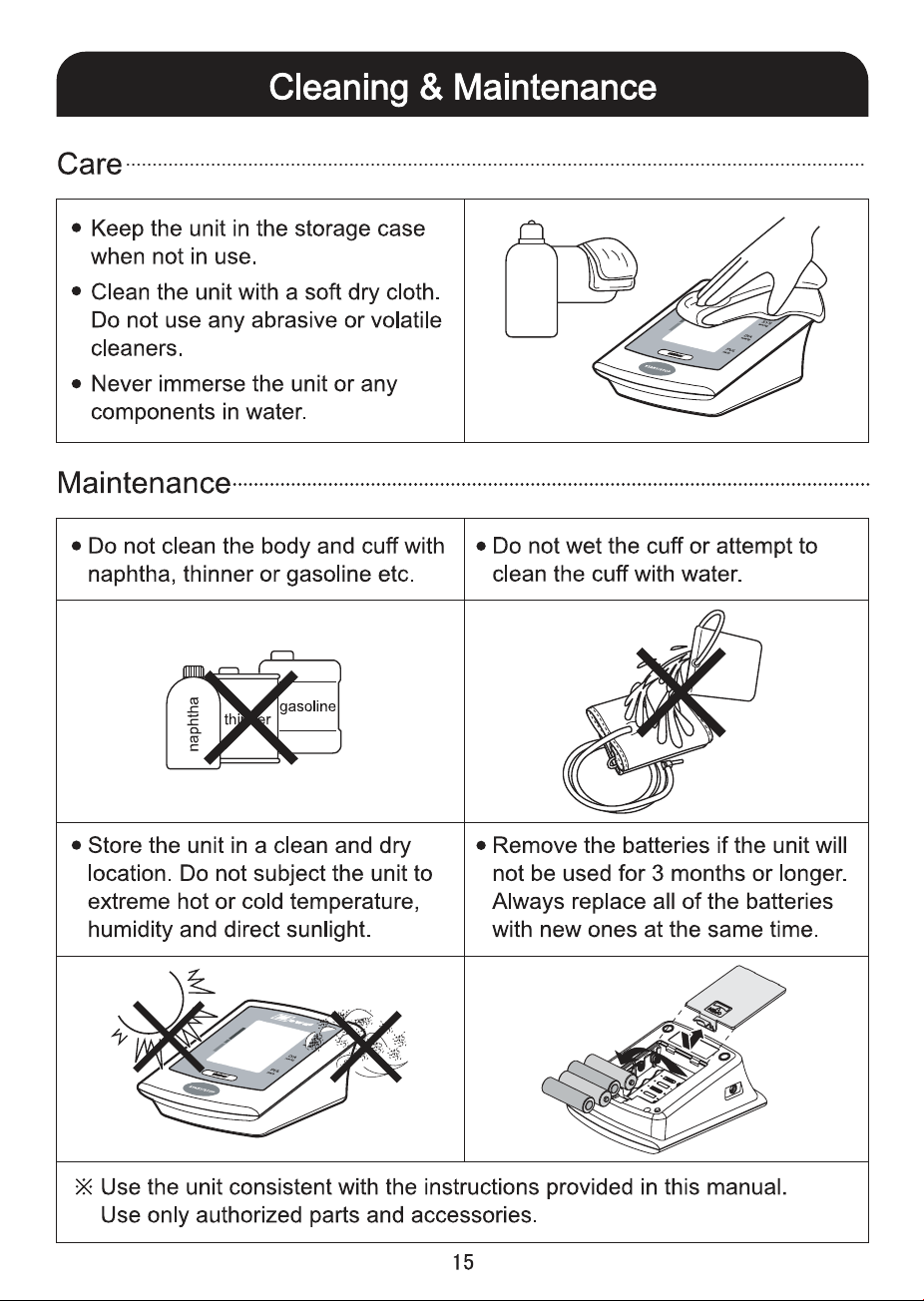
User Manual

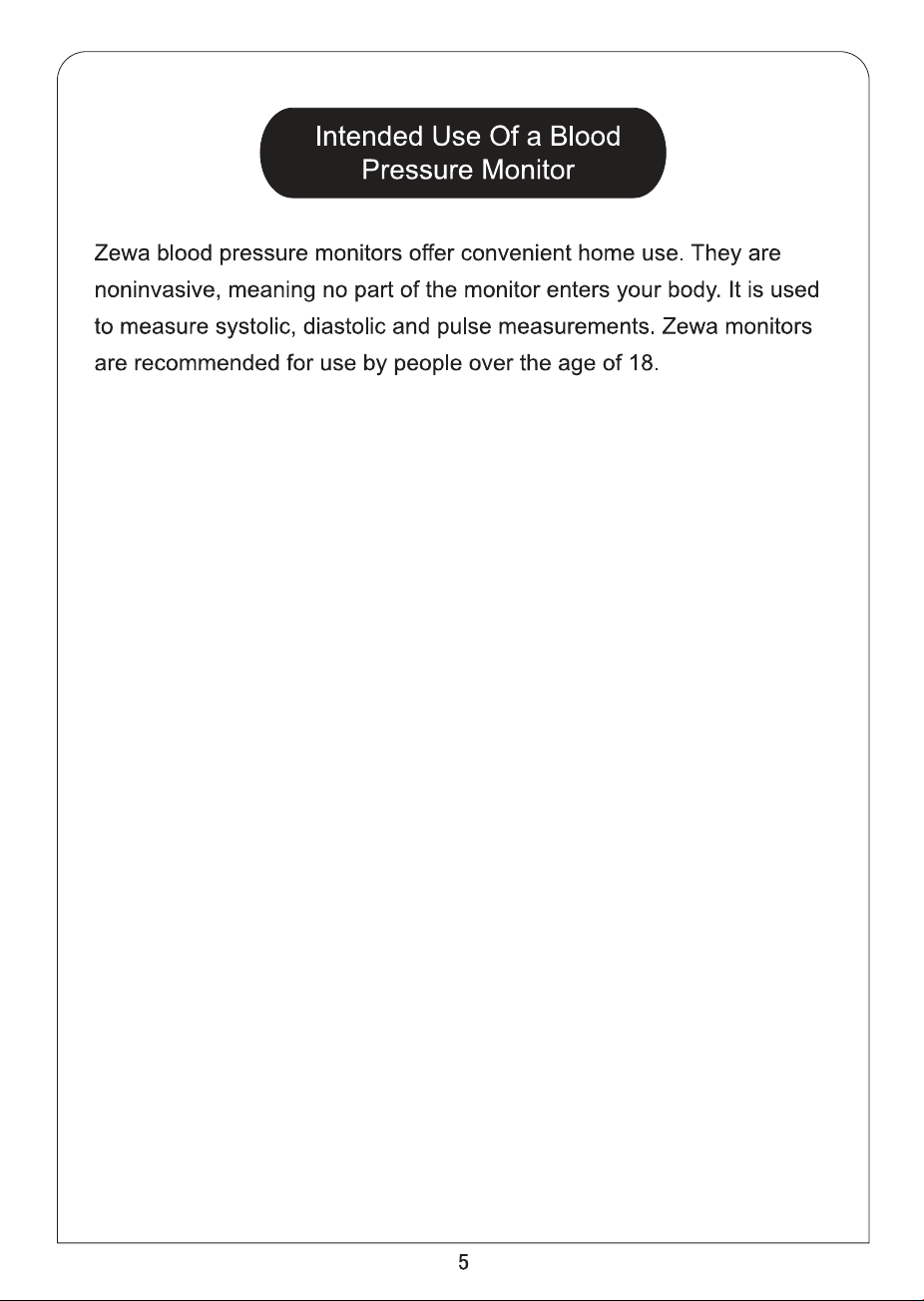
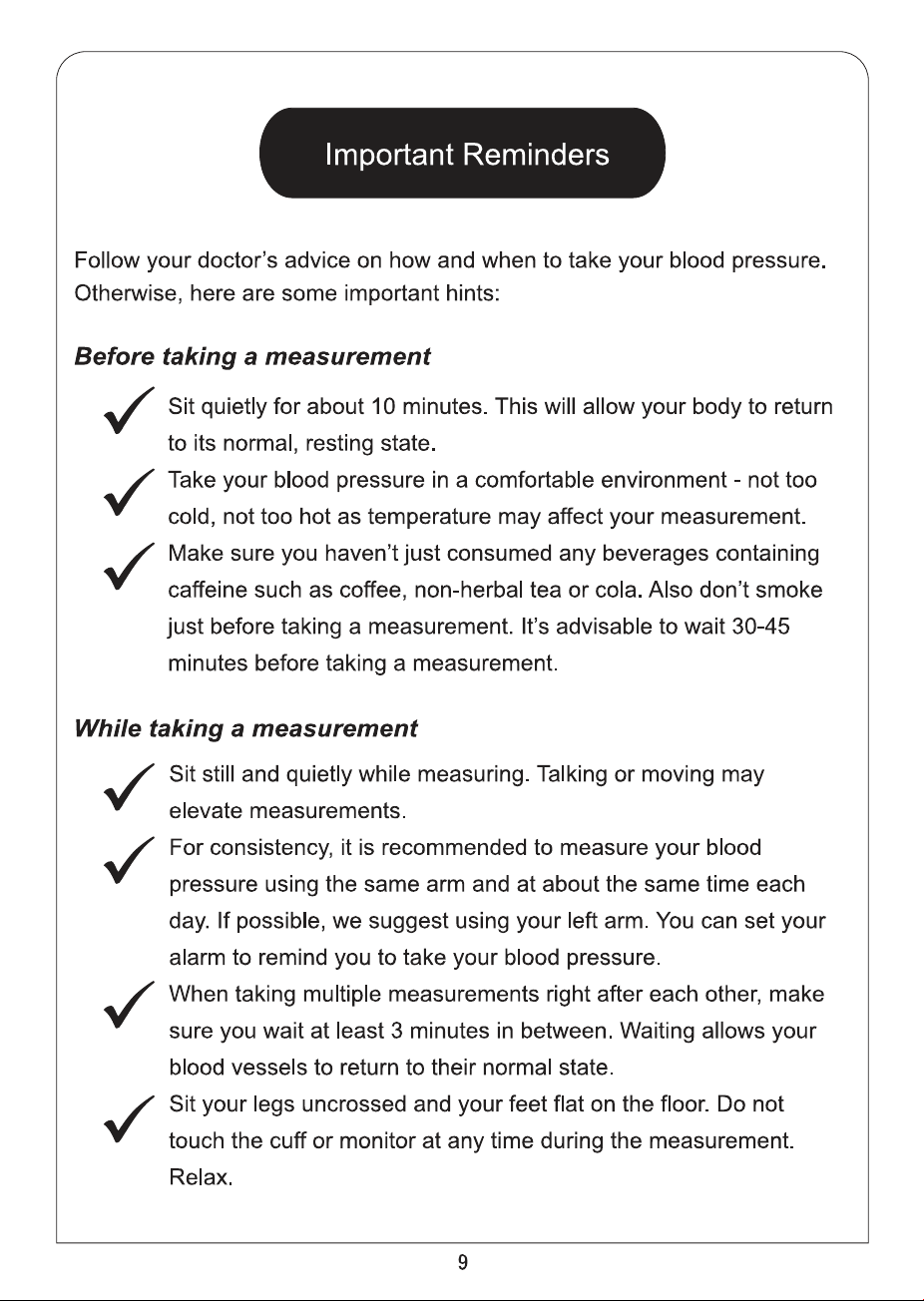
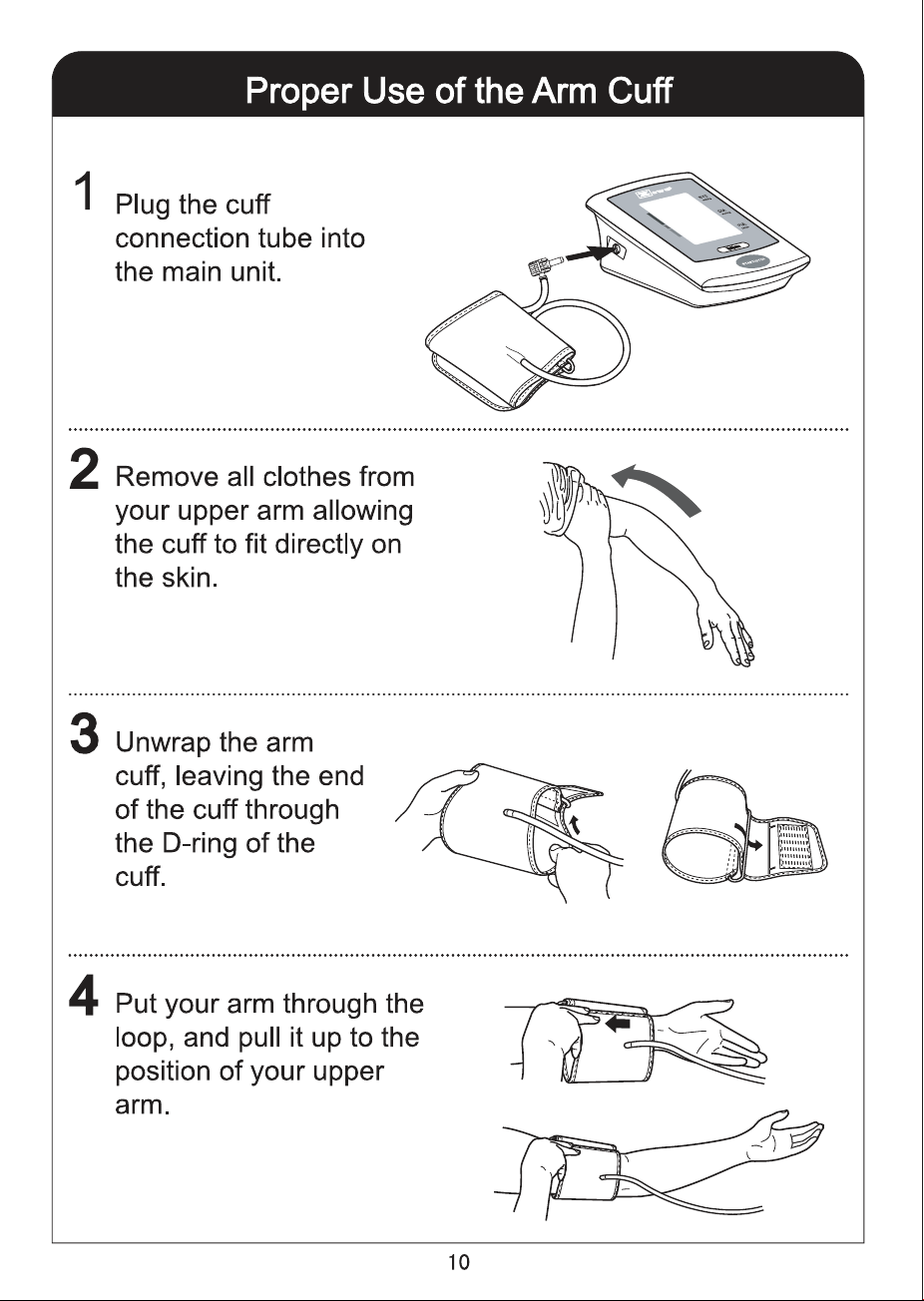
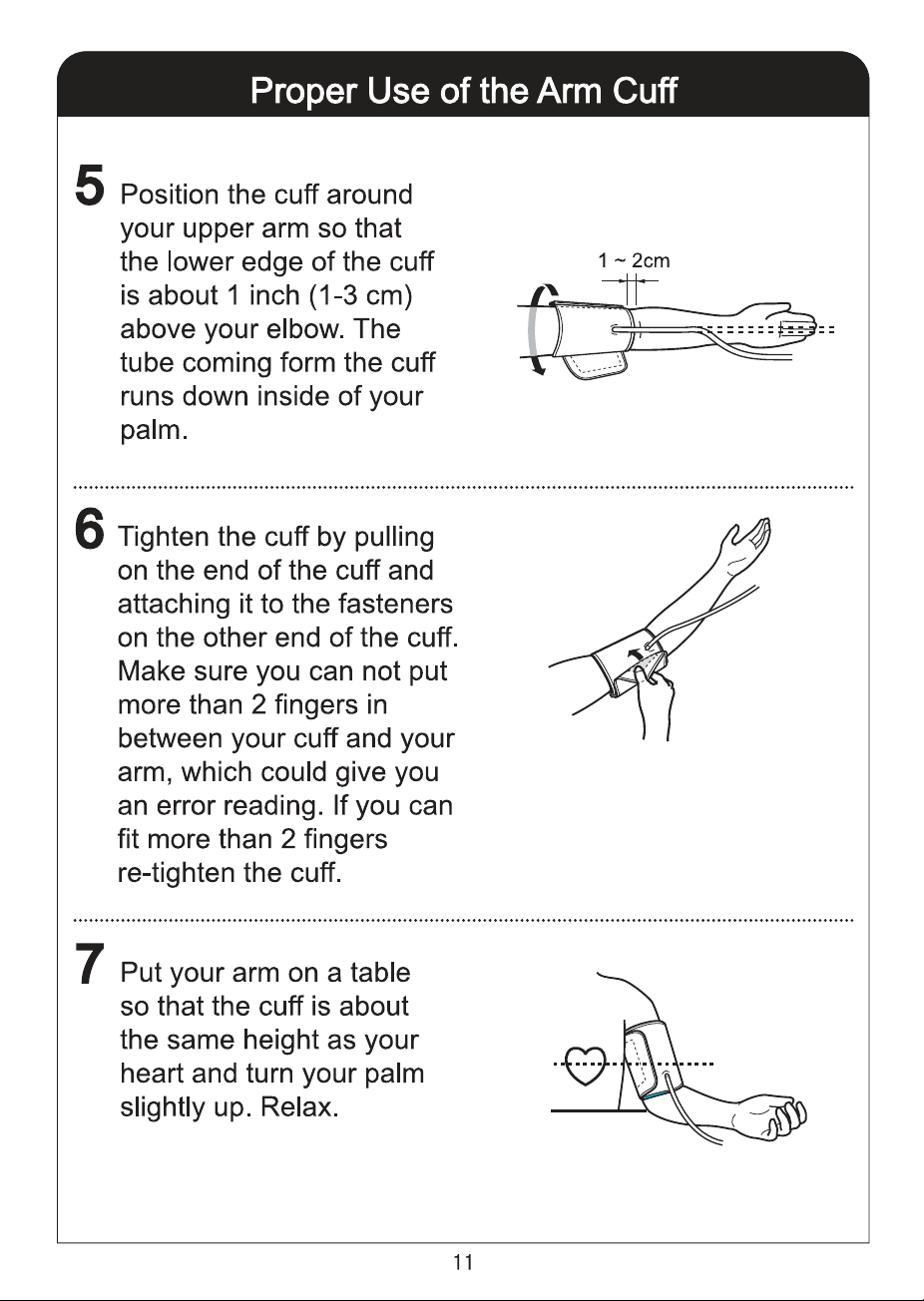
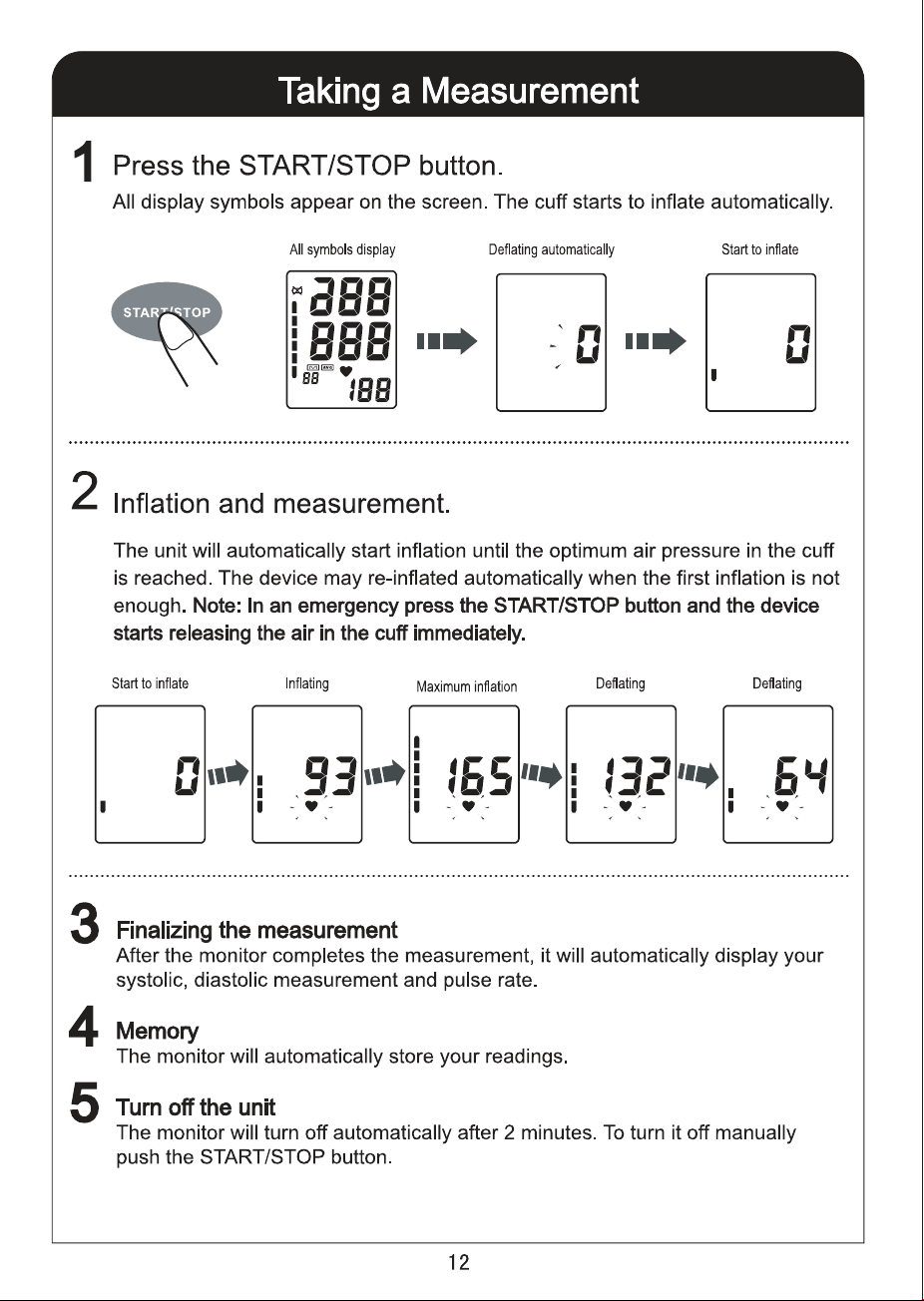
This is the main product document for model UAM-830.

The file format is pdf, 20 pages, you can download this manual here .

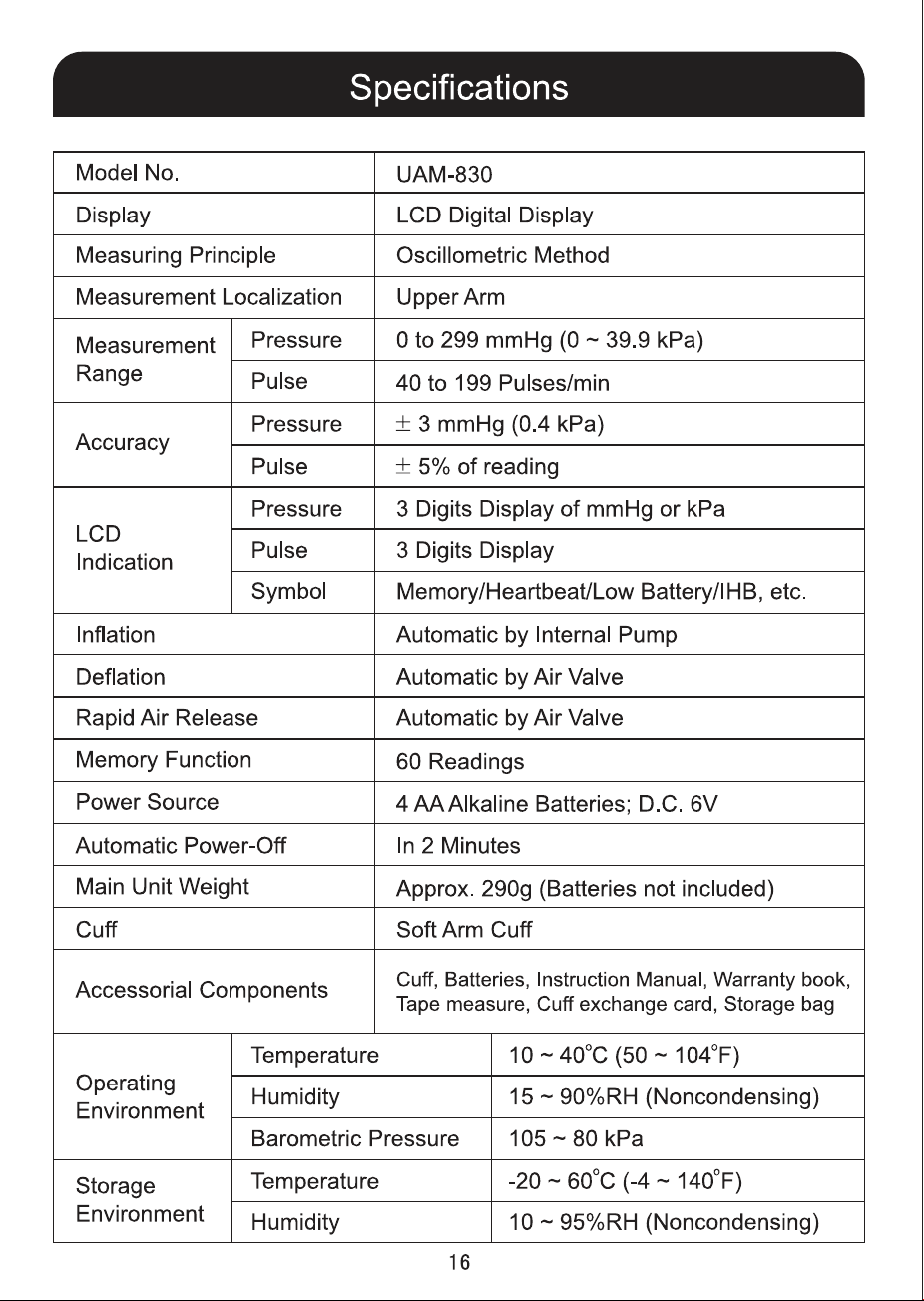
Specifications

Zewa UAM-830 Questions and Answers


#1 How do you change from kPa to mmHg?

1. Turn the BP monitor off (blank display).
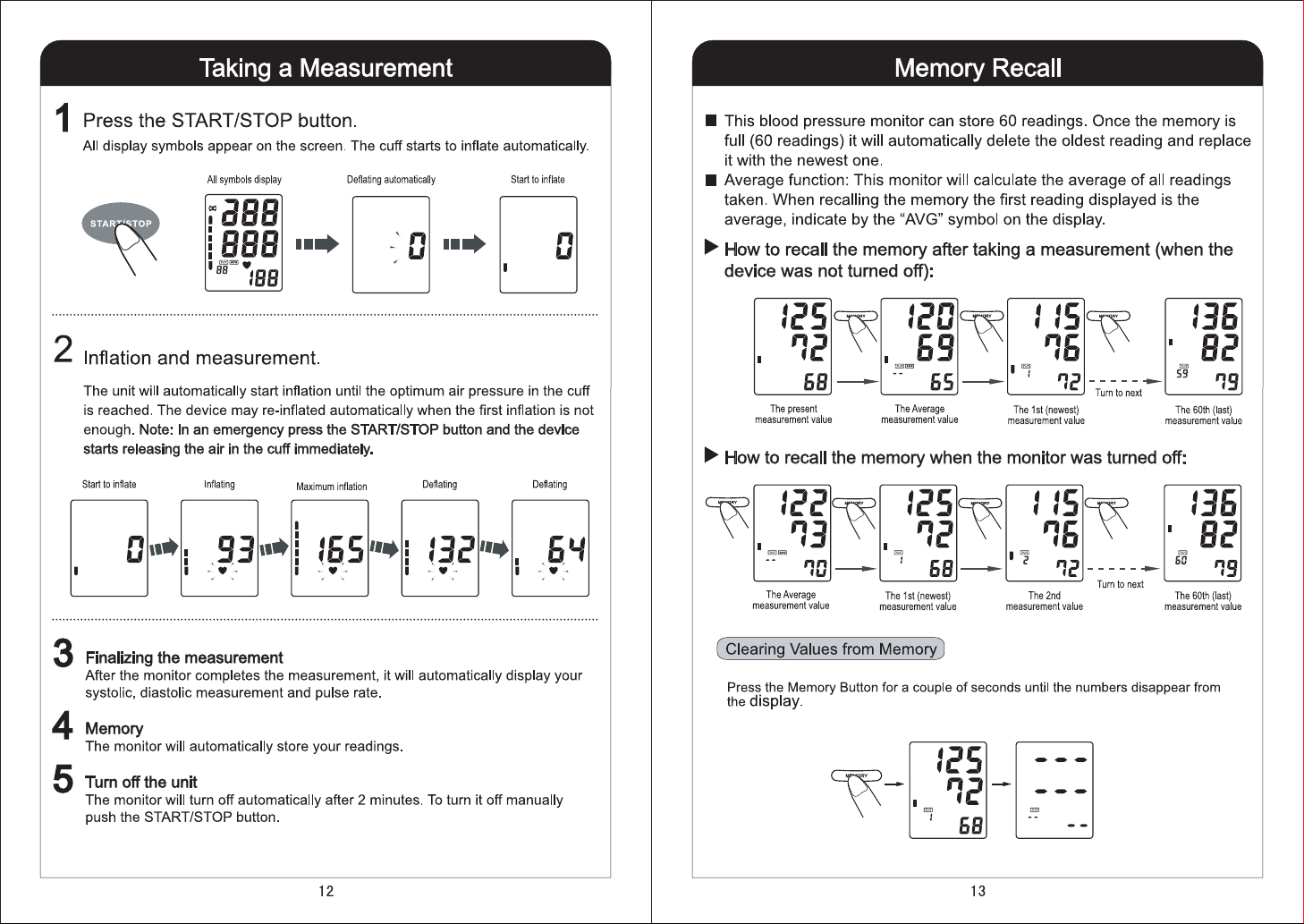
2. Push the memory button and keep it pushed until 0.0 appears on the display. Release the mem button.
3. Push the mem button one more time and 0.0 changes to 0.
4. Push the START/STOP button to turn the monitor off.
Questions and Answers

Related Products