TCK01-C9061A
Wireless communication service expert around you
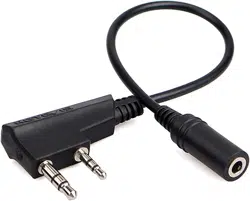
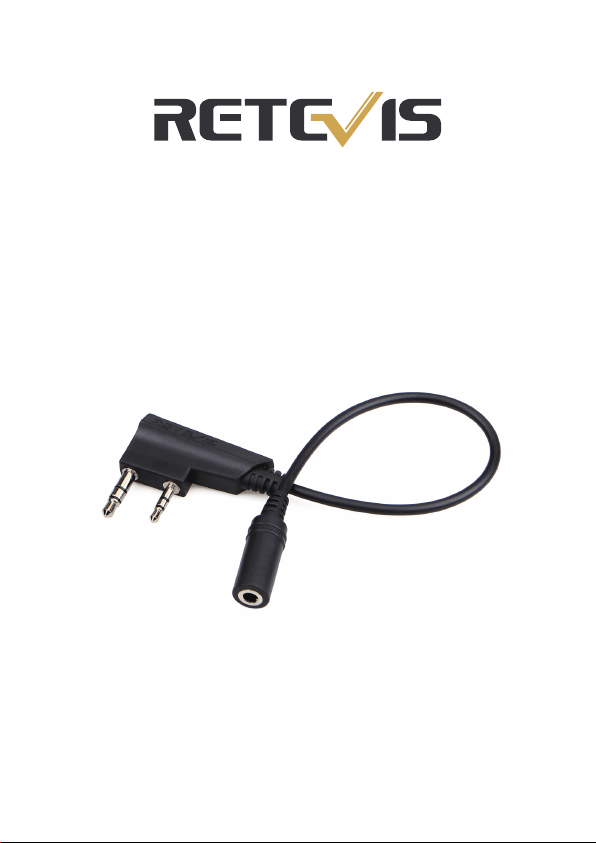
Adapter Cable
Shenzhen Retevis Technology Co.,Ltd
Web: www.retevis.com E-mail: [email protected]

1、Plug the adapter cable 2pin part into the headphone jack of the
walkie-talkie;
2、Plug the mobile phone headset into the adapter cable headset jack,
turn on the walkie-talkie;
3、Click the call button on the headset(if your headset has this button),
indicator light on walkie-talkie turn red, then you can use the
microphone on the headset to speak;
4、Long press the call button on the headset (> 1S)(if your headset has
this button), indicator light on walkie-talkie turn off, this time
walkie-talkie go to standby mode;
5、After using mobile phone headset for walkie-talkie calls, pay
attention to close the launch in time;
6、Adapter cable suitable for Retevis: RT21, RT22, RT24, RT7,
RT27, H777 six models;
7、Avoid to use larger power and strong signal walkie-talkie, so as not
to affect the normal use of the product;
8、Applicable to VOX launch, but depends on the sensitivity of the
headset microphone.
Kenwood 2 PIN walkie-talkie to mobile phone headset adapter cable,
realize the use of mobile phone headset in the walkie-talkie;
Adapter cable has auto. adaptive chips, can be used for a
variety of brand mobile phone headset, to achieve compatibility.
Product description:
Usage method and precautions:
Wish you have a good experience!