PAGE 1 of 4
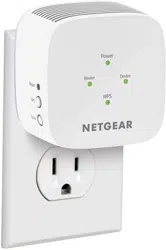
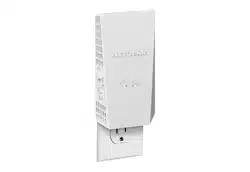
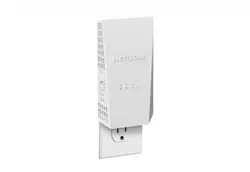
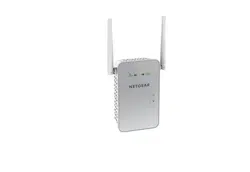
AC1750 WiFi Mesh Extender
Data Sheet | EX6250
Boost your existing WiFi
Overview WiFi Mesh
Push Button Setup One WiFi Name
Gigabit Ethernet Port
FastLane
™
Technology
Smart Roaming
• Dual band WiFi up to 1750Mbps
• Smart Roaming. One WiFi Name
• Supports 802.11ac & a/b/g/n WiFi devices
• Works with your existing WiFi
Easily create a whole home
WiFi Mesh with your existing
router.
Automatically connects your
mobile devices to the best
available WiFi.
Easy setup with a push of
a button.
Extends coverage of your
home’s WiFi with same WiFi
name & security password.
Connect a wired device like
Blu-ray
®
player, game console,
smart TV or streaming player
to your WiFi network.
Use both WiFi bands to
establish one high-speed
connection; ideal for HD
streaming & gaming.
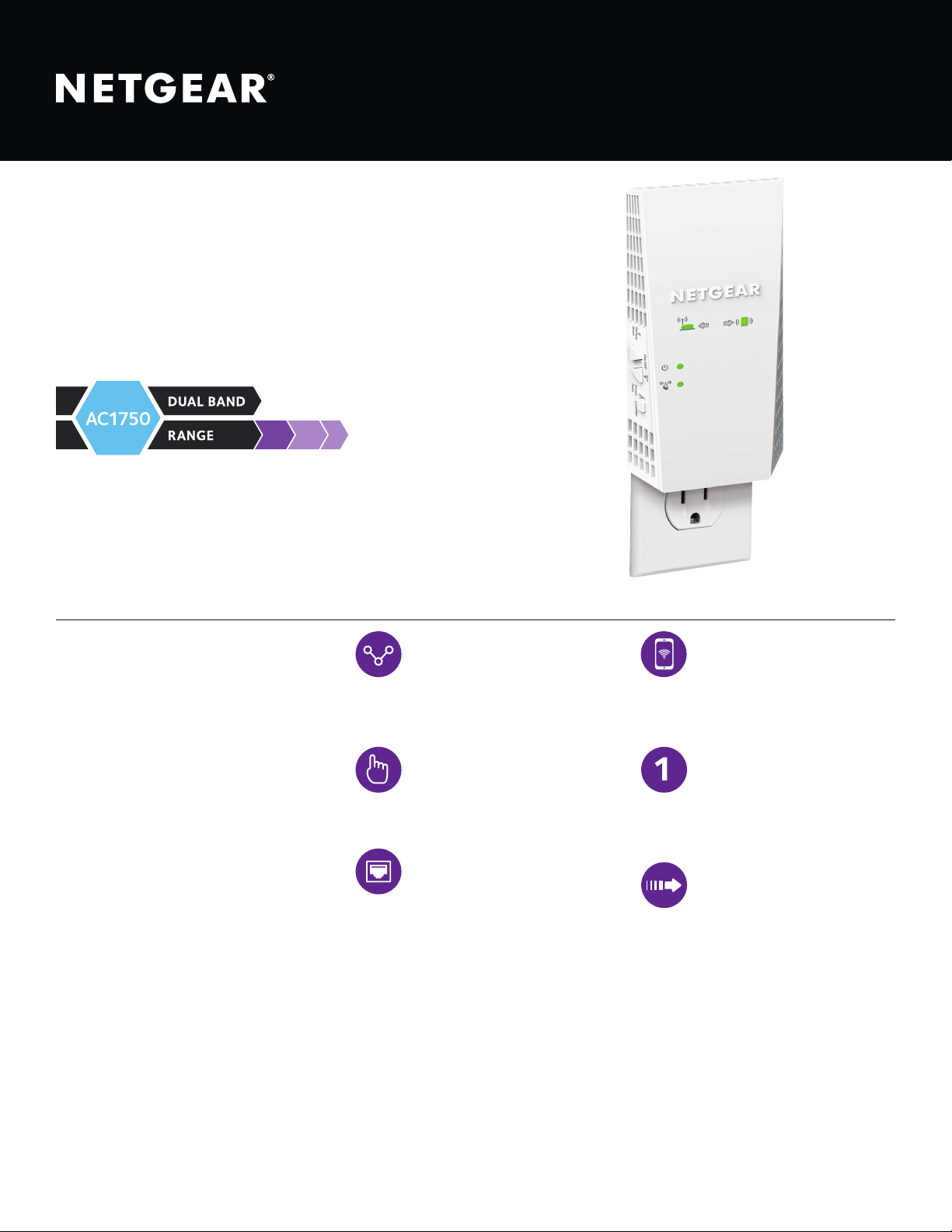
NETGEAR AC1750 Dual Band WiFi
Mesh Extender boosts WiFi coverage
with your existing home WiFi to create
a powerful WiFi Mesh for greater
wireless speed & coverage. It works
with any standard WiFi router & is ideal
for HD video streaming & gaming. Get
the connectivity you need for iPads
®
,
smartphones, laptops & more.
PAGE 2 of 4
AC1750 WiFi Mesh Extender
Data Sheet | EX6250
Boost WiFi coverage with your existing home WiFi to create a powerful WiFi Mesh for greater wireless speed & coverage throughout
your home. Improve your home’s WiFi & get better connections for iPads
®
, smartphones, laptops & more.
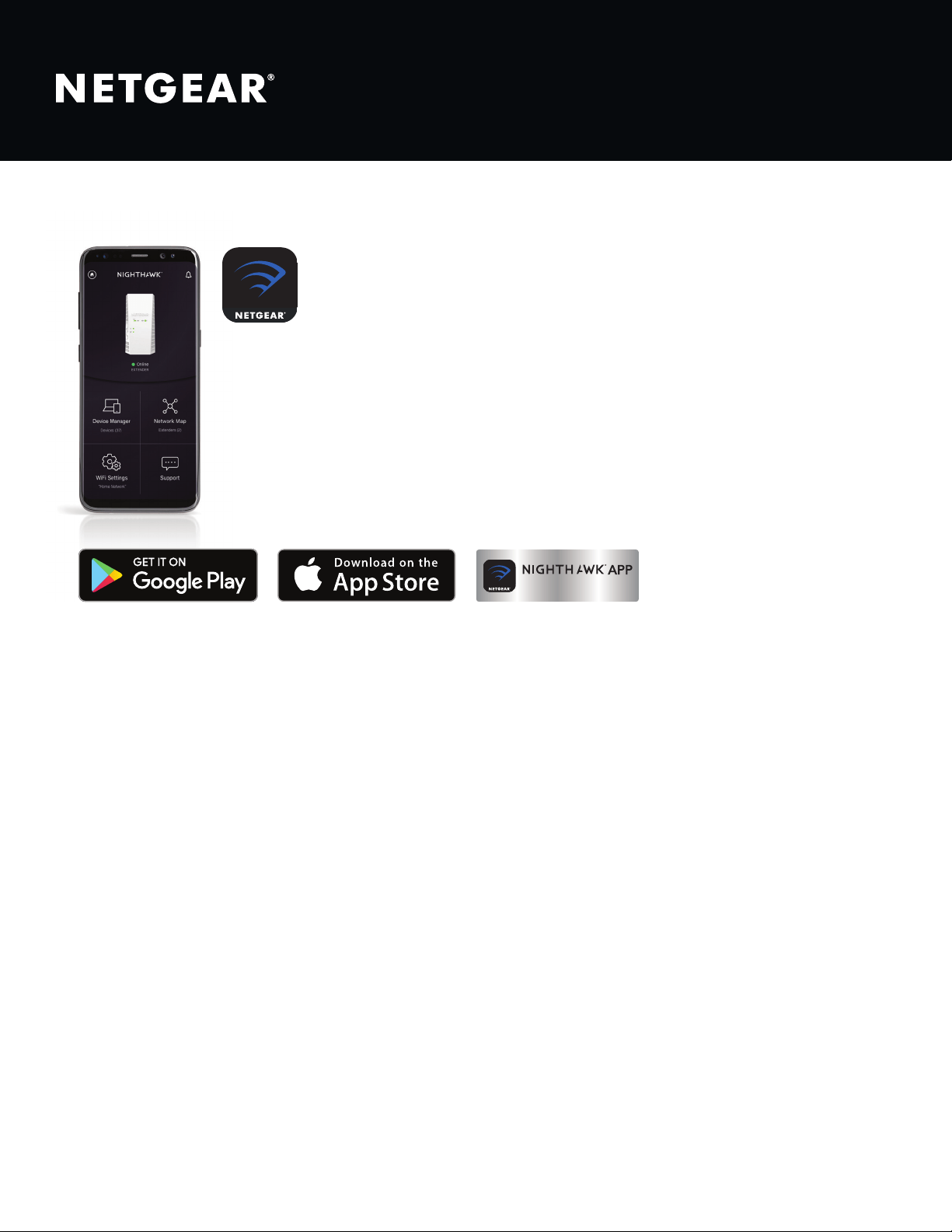
Existing WiFi
Sometimes your router
does not provide the WiFi
coverage you need.
WiFi Mesh Extender
Boosts the range of your
existing WiFi & creates a
WiFi Mesh to provide a strong
signal in hard-to-reach areas.
Gigabit
ethernet port
Secure Connection
(WPS)
Power on/off
Extender or Access
Point mode switch
PAGE 3 of 4
AC1750 WiFi Mesh Extender
Data Sheet | EX6250
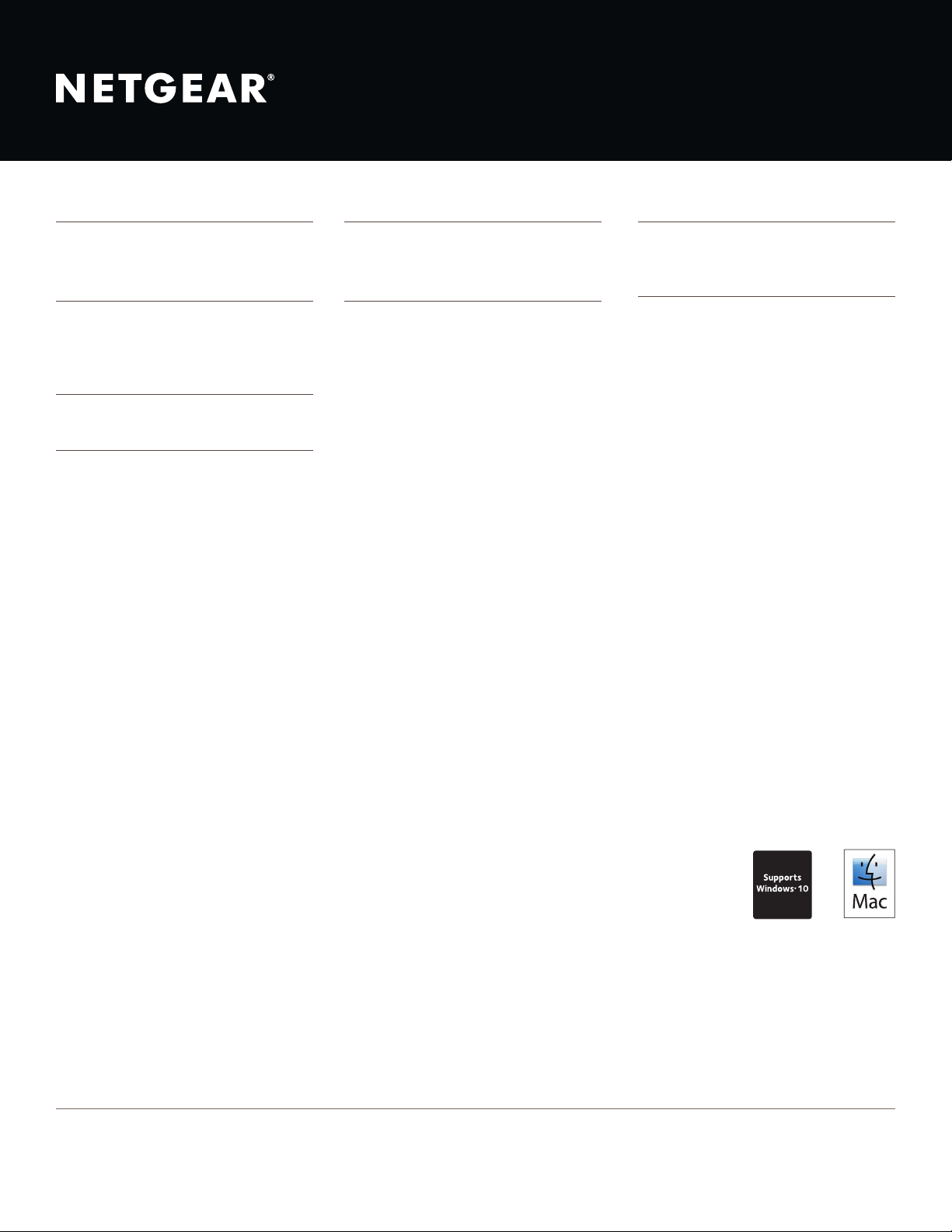
Nighthawk
®
App—Get more from your WiFi
• Quick Setup—Get connected in just minutes
• WiFi Settings—View your WiFi network name (SSID) and password
• Device List—Check devices connected to the extender
• Network Map—View extenders connected to the network
Quick WiFi Setup
PAGE 4 of 4
AC1750 WiFi Mesh Extender
Data Sheet | EX6250
This product comes with a limited warranty that is valid only if purchased from a NETGEAR authorized reseller.
*90-day complimentary technical support following purchase from a NETGEAR authorized reseller.
¹ Works with devices supporting Wi-Fi Protected Setup® (WPS). Data throughput, signal range, and wireless coverage per sq. ft. are not guaranteed and may vary due to differences
in operating environments of wireless networks, including without limitation building materials and wireless interference. Specications are subject to change without notice. The
product may not be compatible with routers or gateways with rmware that has been altered, is based on open source programs, or is non-standard or outdated.
For indoor use only.
NETGEAR, and the NETGEAR Logo are trademarks of NETGEAR, Inc. Apple, the Apple logo, iPad and Mac logo are trademarks of Apple Inc., registered in the U.S. and other
countries. App Store is a service mark of Apple Inc., registered in the U.S. and other countries. Google Play and the Google Play logo are trademarks of Google, LLC. Any other
trademarks mentioned herein are for reference purposes only. ©2019 NETGEAR, Inc.
NETGEAR, Inc. 350 E. Plumeria Drive, San Jose, CA 95134-1911 USA, www.NETGEAR.com/support
D-EX6250 -1
PACKAGE CONTENTS
• AC1750 WiFi Mesh Extender (EX6250)
• Quick start guide
PHYSICAL SPECIFICATIONS
• Dimensions: 6.34 x 3.2 x 1.75 in
(161 x 81.4 x 44.5 mm)
• Weight: 0.66lb (0.3kg)
WARRANTY
• www.netgear.com/about/warranty
SUPPORT
• 90-day complimentary technical support*
EASE OF USE
• Quick install using Nighthawk App
• Push ‘N’ Connect using WPS
1
SYSTEM REQUIREMENTS
• 2.4 and/or 5GHz 802.11ac & a/b/g/n
wireless router or gateway
• Microsoft
®
Internet Explorer 8.0, Firefox
®
20 or Safari
®
5.1 or Google Chrome
™
25.0
browsers or higher
SECURITY
• Standards-based WiFi Security (802.11i,
128-bit AES encryption with PSK)
STANDARDS
• IEEE
®
802.11 b/g/n 2.4GHz
• IEEE
®
802.11 a/n/ac 5GHz
• One (1) 10/100/1000Mbps Gigabit
Ethernet port with auto-sensing
technology