IN BRIEF
I
4
E X T E R I O R
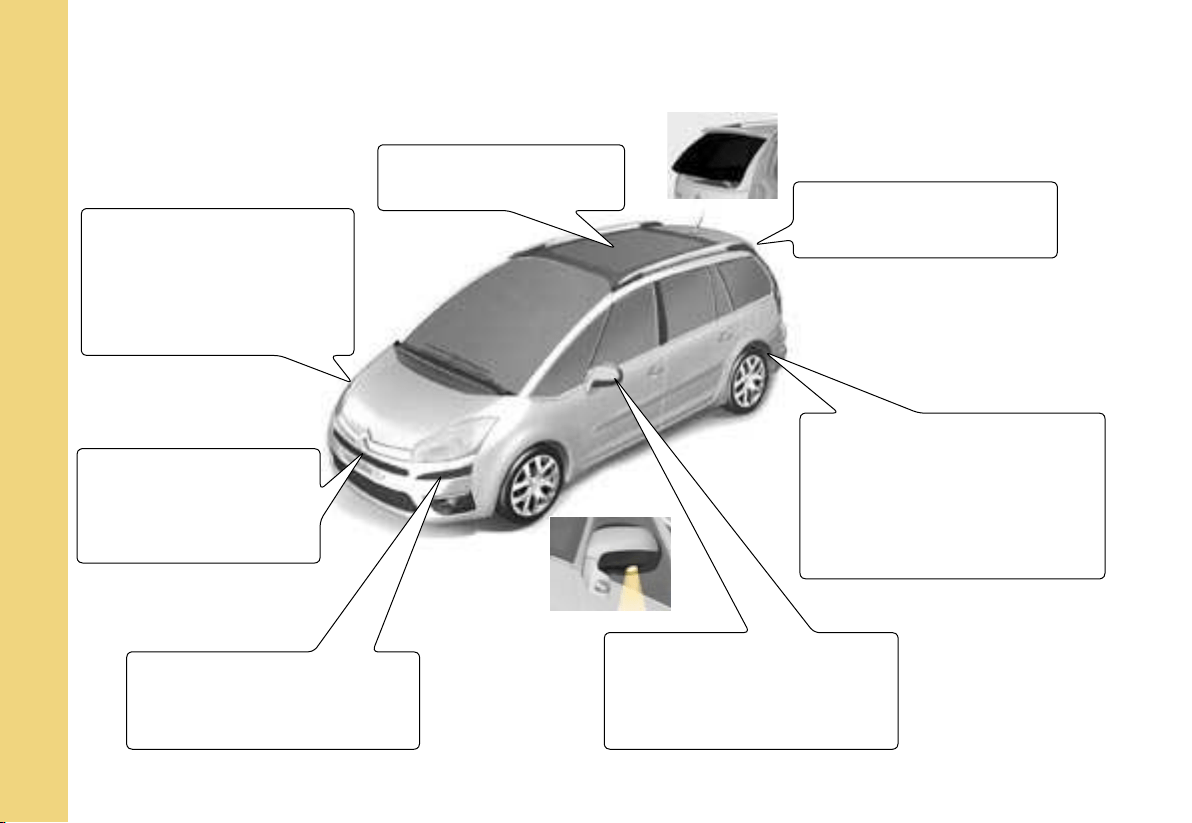
Panoramic glass roof
Xenon directional
headlamps
Whether on dipped beams
or main beams, this func-
tion allows your headlamps
to follow the direction of the
road ahead.
Opening rear screen
Pneumatic rear
suspension
The rear pneumatic suspen-
sion enhances driving comfort
and maintains a constant body
height whatever the vehicle
load.
138
94
145
Exterior side
lighters
These light up the zones fac-
ing the driver’s and passen-
ger’s doors.
Front/rear parking
assistance
Sensors located in the
bumpers detect obstacles.
95-96
Parking space sensor
Measures the size of a space
and informs you of the possi-
bility of parking.
76-77
A
B
C
D
B
A
IN BRIEF
I
5
O P E N I N G
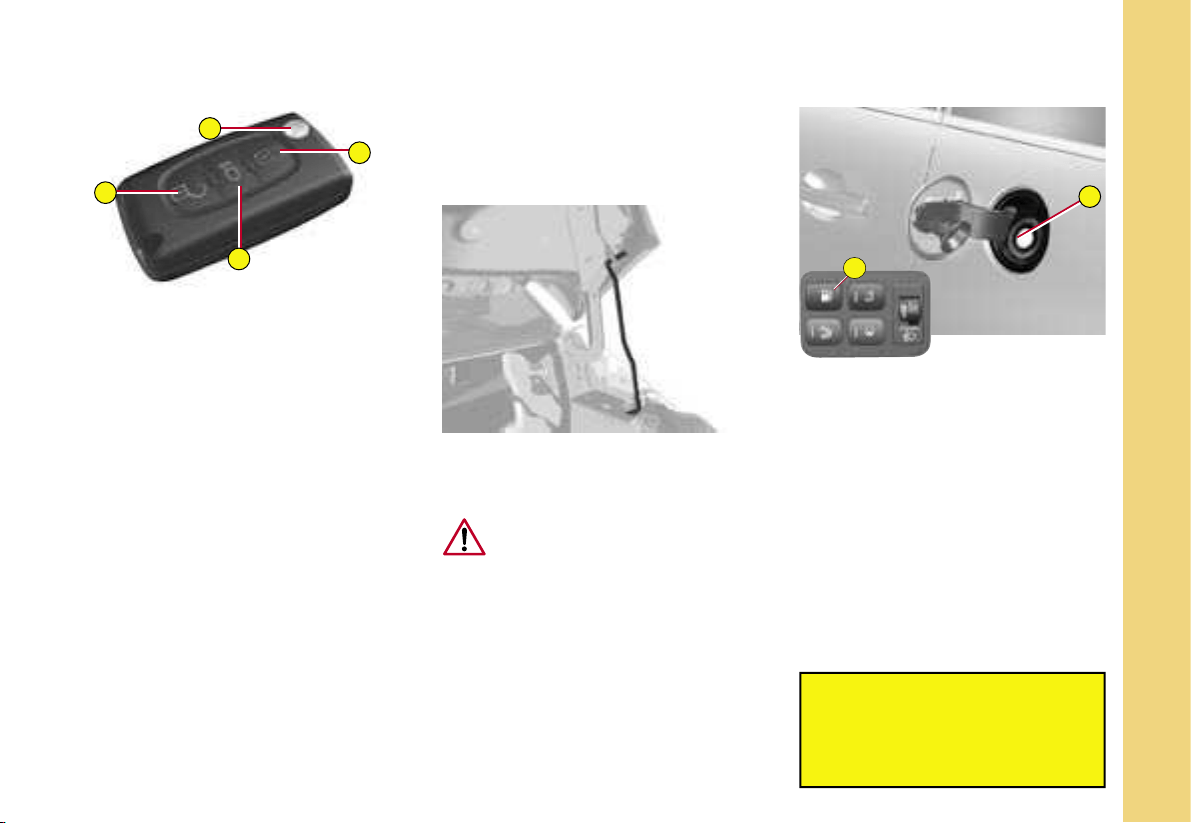
Remote control key
A. Central locking
B. Unlocking
C. Guide-me-home lighting
D. Key release/storage
Fuel tank
(60 litres)
Press on control A located on
the control panel to the left of the
dashboard. The fuel flap automati-
cally opens up fully.
Insert the nozzle so as to push in
the metallic gate valve B.
Push the fuel flap to reclose it.
After switching off the
ignition, control A is only active
for a few minutes. If necessary,
switch on the
ignition again to reactivate it.
Bonnet stay : detach the stay and
pivot it upwards to insert it into the
notch.
To close : move the stay
back to its initial position,
lower the bonnet and then
allow it to slam shut.
22-23
Bonnet opening/closing
To unlock, pull the control locat-
ed under the dashboard towards
you.
163
162
2
4
1
2
3
3
IN BRIEF
I
6
O P E N I N G
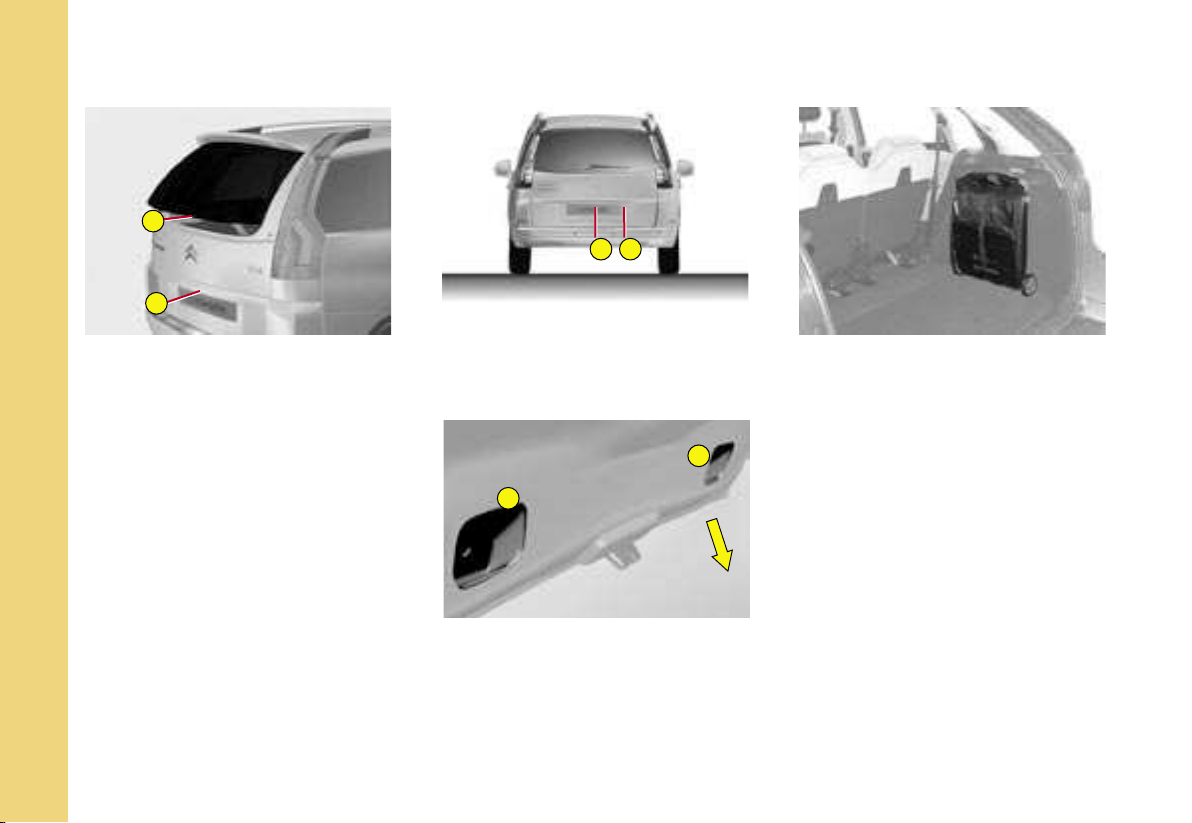
Opening rear screen
This opening gives you enhanced
access to the boot, even if you are
parked close to a wall or to another
vehicle.
Opening
- Press on control 2. The handhold
4 is in line with the rear wiper.
Closing
- Lower the rear screen.
Opening the tailgate
- Press on control 1.
Note : You cannot open the tail-
gate if the rear screen is already
open.
Closing the tailgate
- Lower the tailgate, using one of
the handholds 3, located on the
inside of the tailgate trim.
- Past the balancing point, allow
the tailgate to close itself (do
not assist it or slow it down).
MODUBOX (22 kg maximum)
C4 Picasso
The Modubox is composed of a
shopping trolley and a flexible bag
which can be used independently
of each other depending on your
needs.
140
138

IN BRIEF
I
7
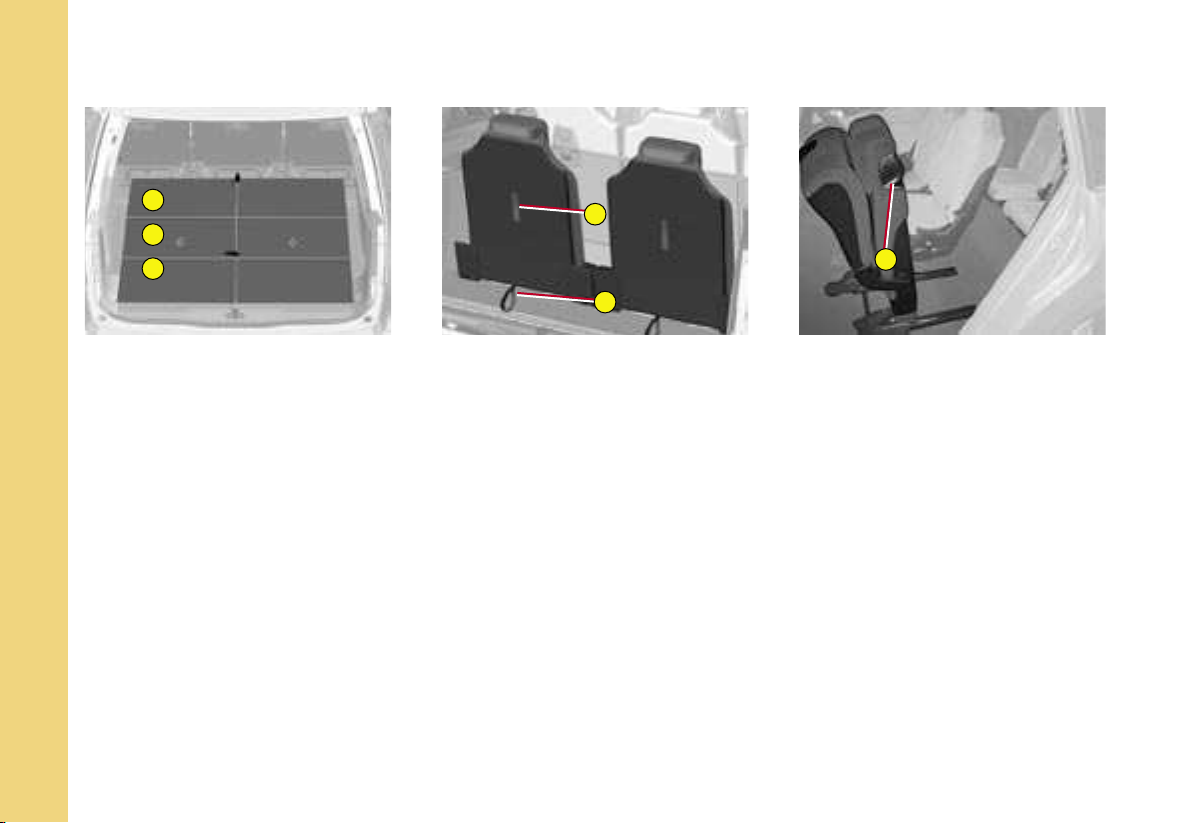
B O O T
C4 Picasso Grand C4 Picasso
Portable
lamp
Pneumatic rear
suspension
Allows the height of the
rear of the vehicle to be
adjusted
Access to
spare wheel
PUNCTURE REPAIR KIT
The puncture repair kit is located either in the compartment under the left hand second-row pas-
senger or in the boot well (according to equipment).
This puncture repair kit is a complete system including a compressor and a setting product.
Luggage cover blind
Luggage cover in
two sections
Portable lamp
139
142-143
187
145-146
185
132
1
2
3
G
F
E
IN BRIEF
I
8
I N T E R I O R
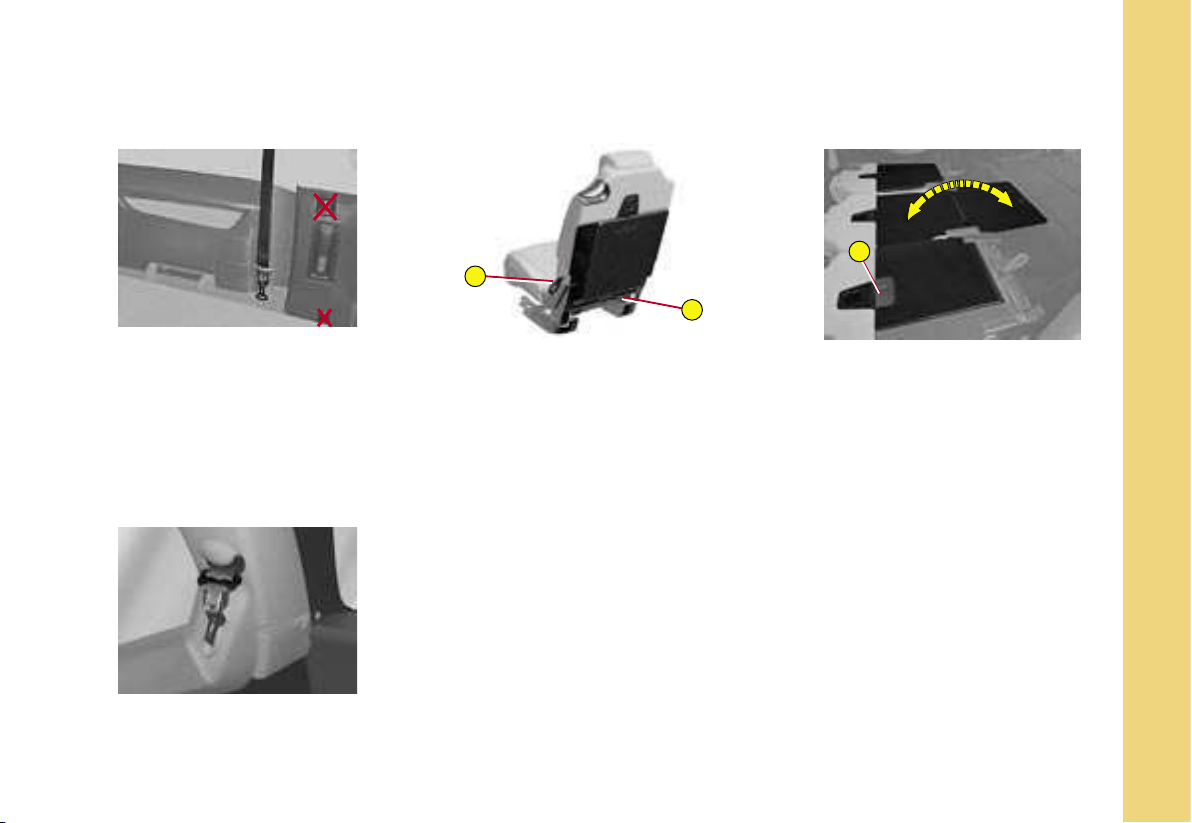
T h i r d - r o w s e a t s – G r a n d C 4 P i c a s s o
To return the seats to the
upright position
Fold the concertina plates (1 2 3)
arranged on each of the third-row
seats.
Pull on the black belt F located on
the seat backrest.
To stow the seats
Put the three sections of the con-
certina plates (1 2 3) to their ver-
tical position then pull on the red
belt G.
Before moving the third-row seats,
return the rigid plates to the upright
position and lock them.
Do not leave objects either on or
underneath the second-row seats
when you are folding them.
Access to third-row
seats
Pull on control E located at the top
of the second-row seats backrest.
119
118
C
D
A
IN BRIEF
I
9
I N T E R I O R
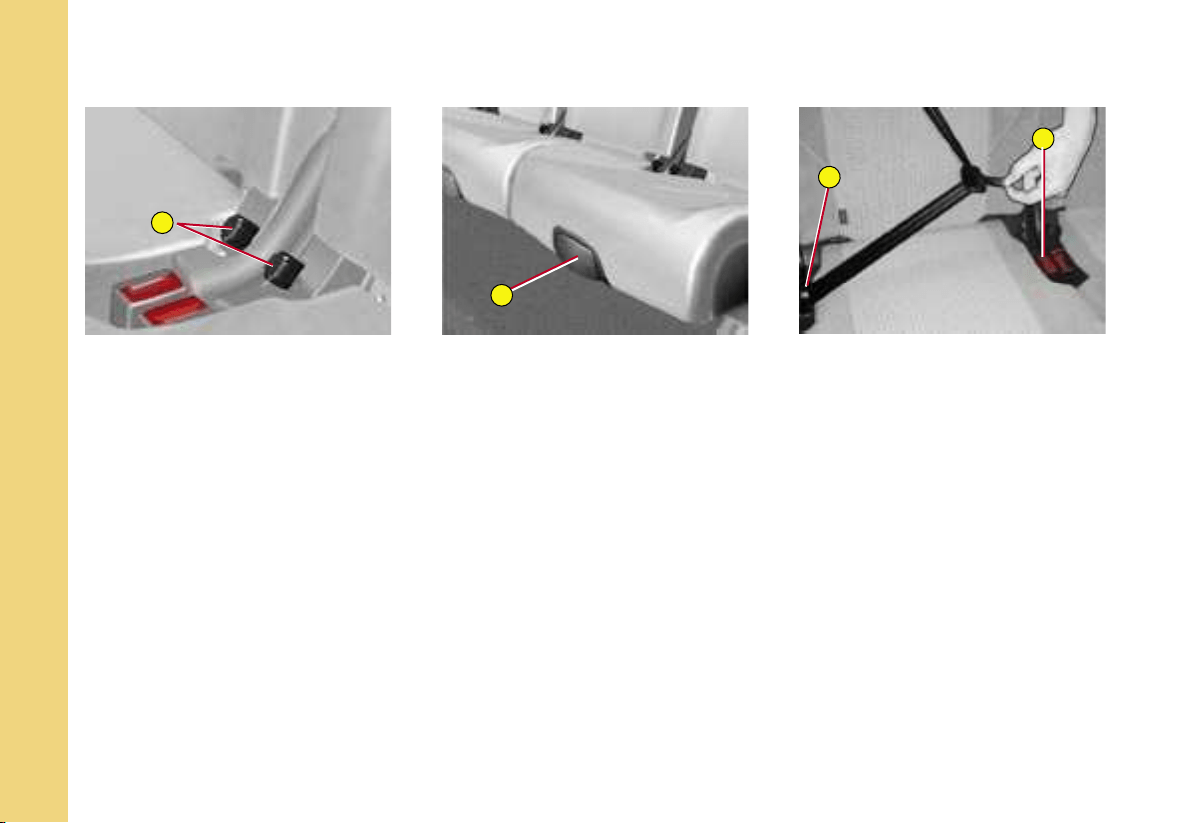
TO FOLD THE SEATS
From outside
- Pull upwards on control C as in-
dicated by the red arrow, to un-
lock the seat.
From the boot - whilst
loading, for example
(Grand C4 Picasso)
Having firstly folded the third-row
seats.
- Pull on control D to unlock the
required seat.
TO RETURN THE SEATS TO
THE UPRIGHT POSITION
Return the rigid plates of the second-
row seats to their initial (upright) posi-
tion and lock them in position (Grand
C4 Picasso).
Raise the backrest and push it back-
wards until it locks in position.
RIGID PLATE
(Grand C4 Picasso)
A rigid plate is attached to each
second-row seat backrest.
To unlock / lock the rigid plate :
- Slide latch A of the plate down-
wards, to unlock it.
- Return the plate to the upright
position, then slide latch A up-
wards to lock it.
Note : Before deploying the rigid
plates, check that the second-row
seats are slid as far back as pos-
sible.
Requirements for third-row
passenger seat belts
Take care to attach the third-row
passenger seat belts on the rings
provided for this purpose.
Do not attach the belts on the
anchoring points marked with
a red cross (see illustration
above).
Stowing the tongue of the
third-row seat belt
T h i r d - r o w s e a t s –
G r a n d C 4 P i c a s s o
S e c o n d - r o w
s e a t s
122
117
B
A
C
D
IN BRIEF
I
10
I N T E R I O R
S e c o n d - r o w s e a t s
THE « COMFORT » POSITION
The 3 second-row seats are inde-
pendent of each other and are all
the same width. They can all be ad-
justed to the « comfort » position.
To place the seat(s) in the
comfort position
- Pull on control B.
The backrest reclines and the seat
base pivots slightly.
To return the seat to its original
position
- Pull on control B and allow the
seat to come forward.
LONGITUDINAL ADJUSTMENT
Lift up control A, located at the
front of the seat, and adjust the
seat into the desired position.
Positioning the central seat
belt
- Insert tongue C into the buckle on
the right, then insert the second
tongue D into the buckle on the
left.
115
121
IN BRIEF
I
11
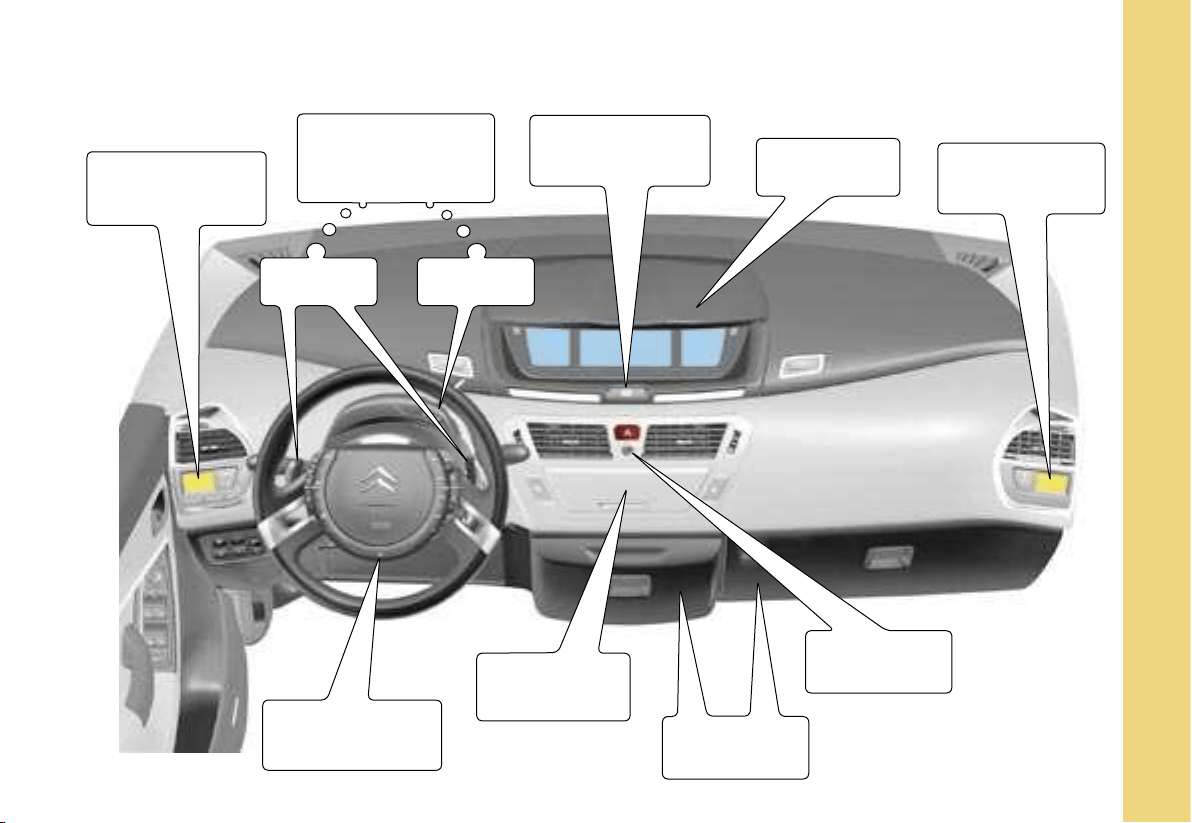
D A S H B O A R D
Driver’s
air conditioning
controls
Manual and
automatic gearbox
controls
Automatic
electronic parking
brake control
Instrument
panel
Passenger’s
air conditioning
controls
Scented air
freshener
Refrigerated
storage
Radio-CD
Fixed centred
controls steering
wheel
Gear control
levers
Selector
29
1
2
3
IN BRIEF
I
12
G E T T I N G S T A R T E D
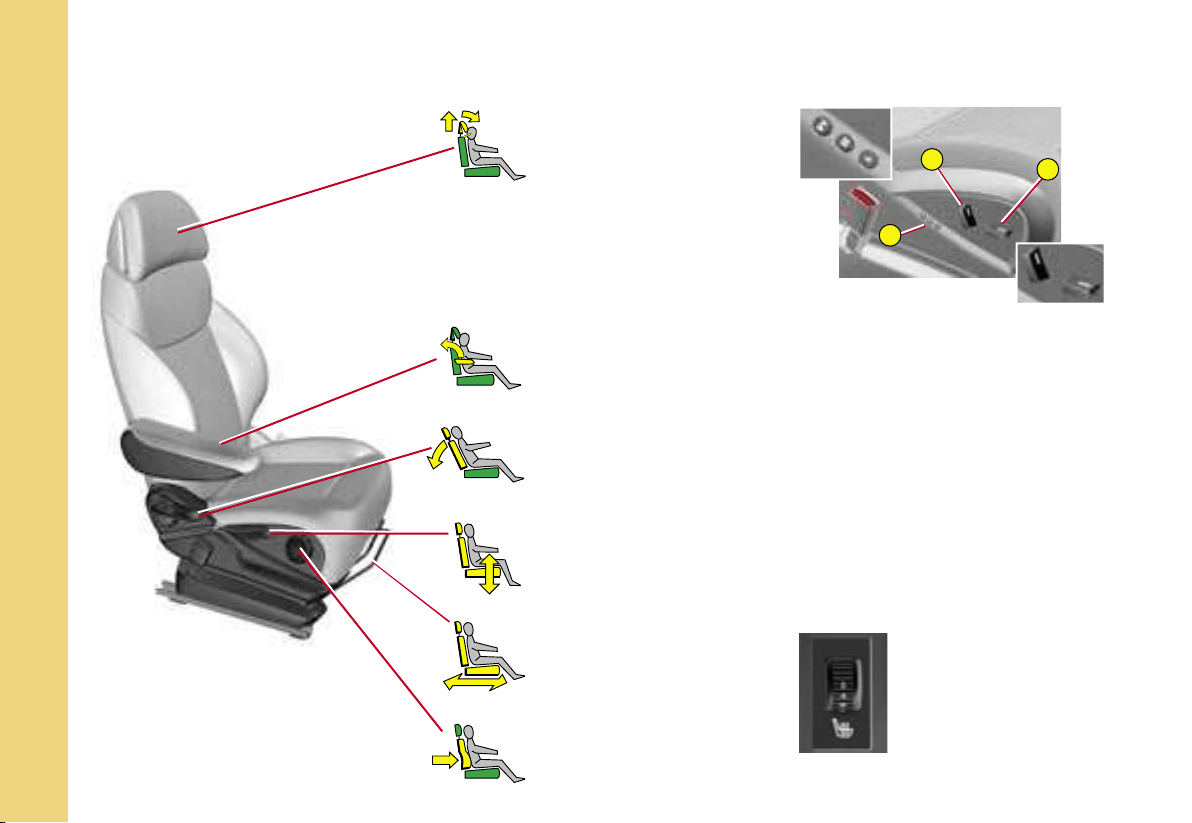
F r o n t s e a t s
Head restraint
Backrest angle
Driver’s seat height
adjustment
Longitudinal
adjustment
Lumbar support
Armrest
Manual adjustments
Electric adjustments :
Adjustment of seat height
and angle, longitudinal
adjustment
Adjustment of backrest angle
and lumbar support
Driver : memorisation of
driving positions
Note : The seats can also be ad-
justed on a temporary basis :
- on opening one of the front
doors,
- after switching on the ignition.
111
112
Heated seat control
(located on the inside
of the front seats)
A
1
2
1
2
IN BRIEF
I
13
G E T T I N G S T A R T E D
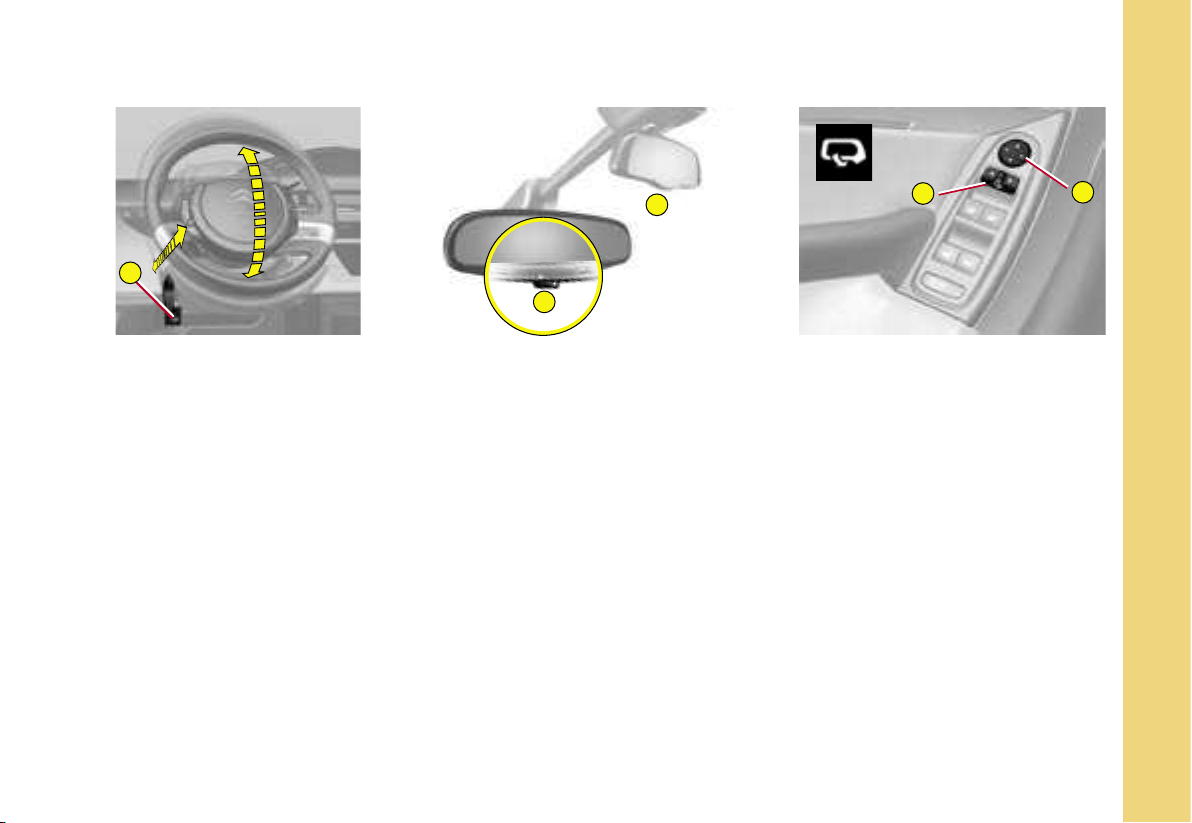
Adjusting the steering wheel
The steering wheel can be adjusted
in terms of height and reach.
Unlock the steering wheel by pull-
ing control A towards you.
Adjust the position of the steer-
ing wheel then lock it pushing the
control back fully.
Automatic photochromic
interior rear view mirror
This modifies its role automatically
and progressively between day
use and night use.
It can be deactivated using control 1.
Child mirror (2)
This allows you to monitor the rear
passengers. It can be folded away
to eliminate dazzle.
Rear view mirrors
adjustment
This operates with the ignition
switched on.
From the driver’s seat, select the
rear view mirror by moving control
1 to the left or right, then adjust
the rear view mirror as required in
the 4 directions using control 2.
Demisting-deicing of the rear view
mirrors is linked to that of the rear
screen.
Rear view mirrors foldback
When the vehicle is parked, the
rear view mirrors can be folded
back either manually or automati-
cally.
86
84
85
A
9
0
IN BRIEF
I
14
G E T T I N G S T A R T E D
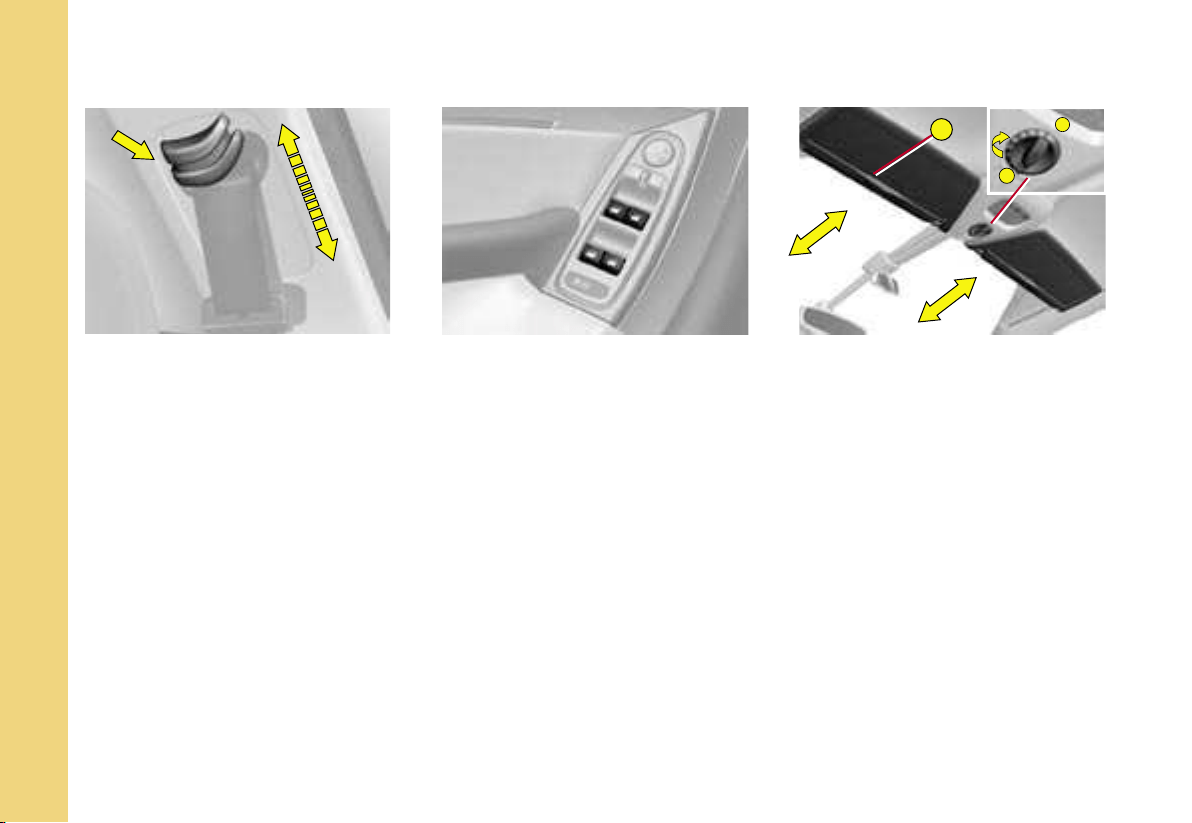
Adjusting the seat belt
height
To adjust the seat belt, pinch the
control and slide it in the direction
required.
Electric windows
controls
From the driver’s seat position,
the controls located on the door
enable the electric windows to be
controlled.
Sliding sun visors
- Slide the blind on the visor to the
desired position by pushing the
area A.
The blinds are extended on the
sun visor struts.
- Fold the visor downwards, to
protect against being dazzled.
Panoramic glass roof blind
Opening (positions 1 to 9)
Closing (position 0)
The blind has an anti-pinch de-
vice.
86
97
87
4
3
2
1
A
B
3
2
1
0
4
A
B
C
D
E
F
IN BRIEF
I
15
D R I V I N G
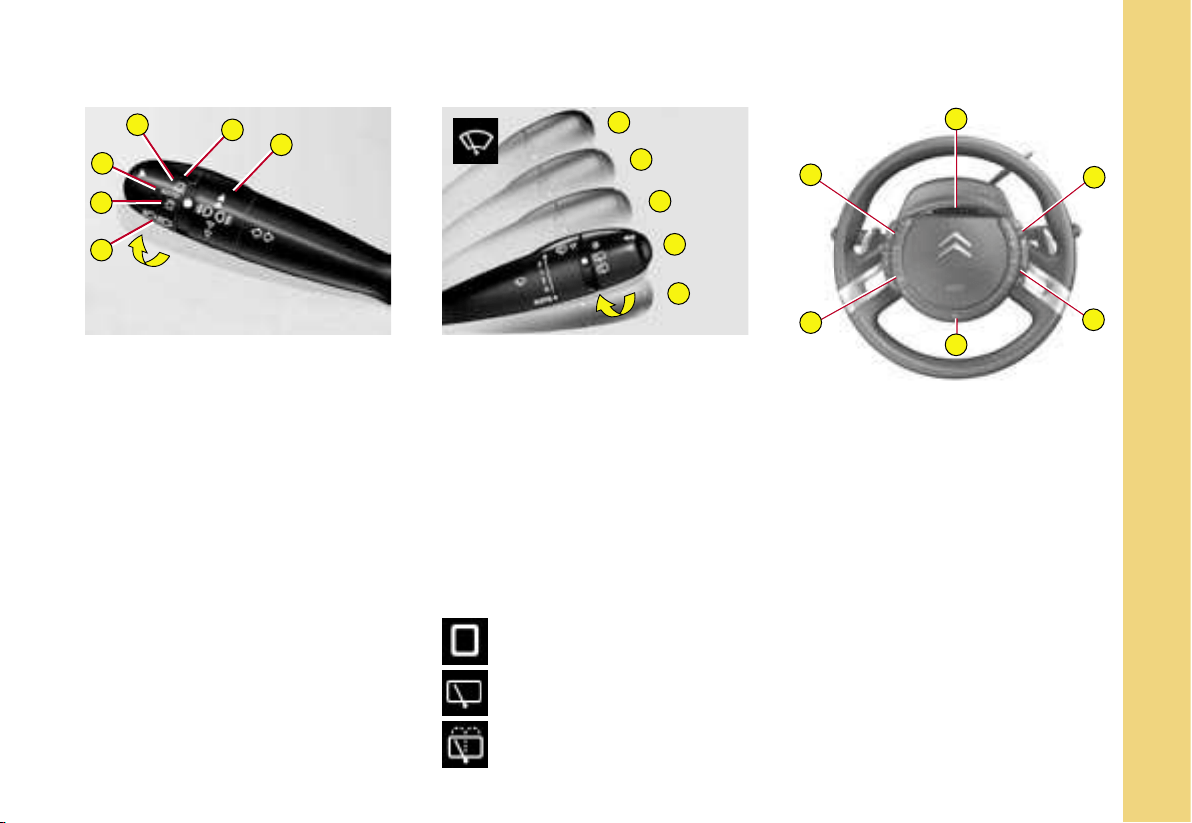
LIGHTING CONTROL
Ring A
1 Off
2 Automatic lighting
3 Sidelamps
4 Dipped beams / Main
beams
Ring B
Front foglamps
Rear foglamps
Windscreen wiper
3 Rapid wipe.
2 Normal wipe.
1 Intermittent wipe.
0 Off.
4 Automatic wipe by pressing
downwards, and single wipe.
Note : To deactivate automatic wipe :
- go to position 1, then return to
position 0.
Rear screen wipe
Stop.
Intermittent.
Timed wash and wipe.
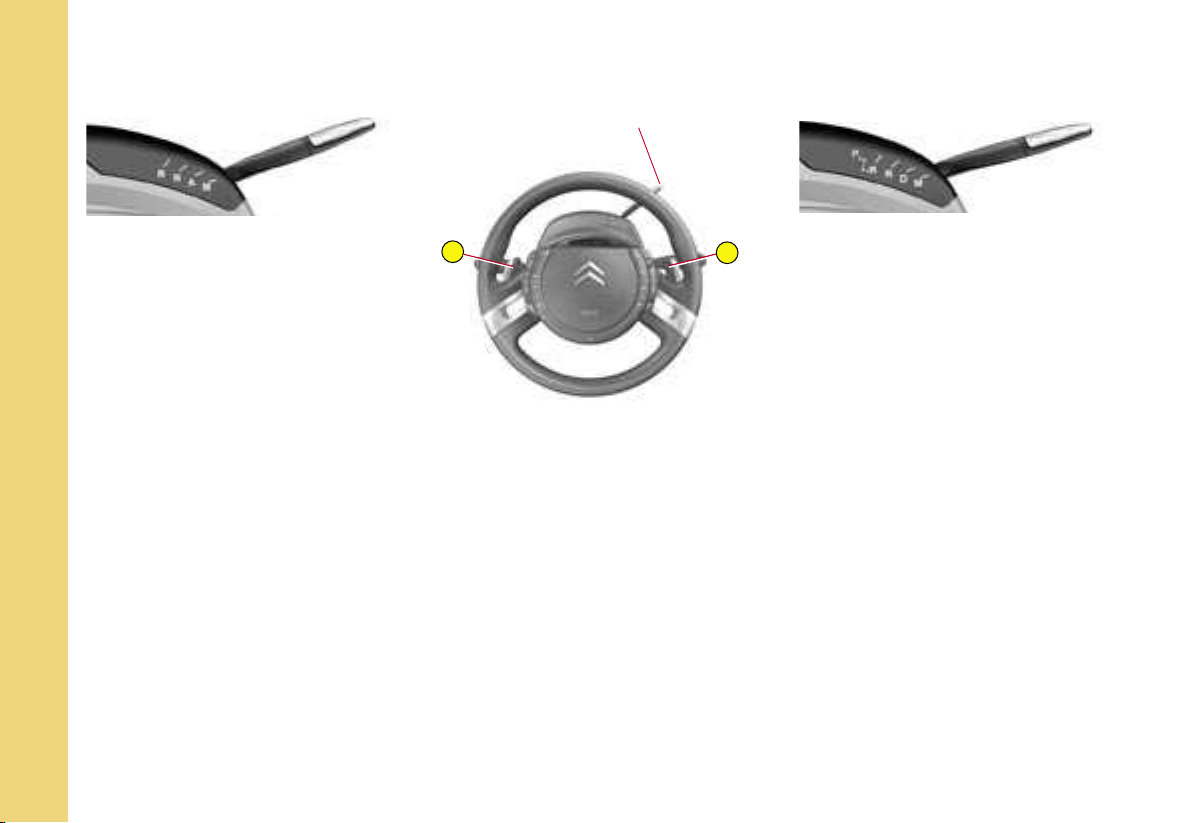
A Warning lamps for vehicle
lamps and direction indicators
B Audio system controls
C Multifunction display
controls
D Horn
E Optional function controls
F Cruise control and speed
limiter
80
82-88
+
–
IN BRIEF
I
16
D R I V I N G
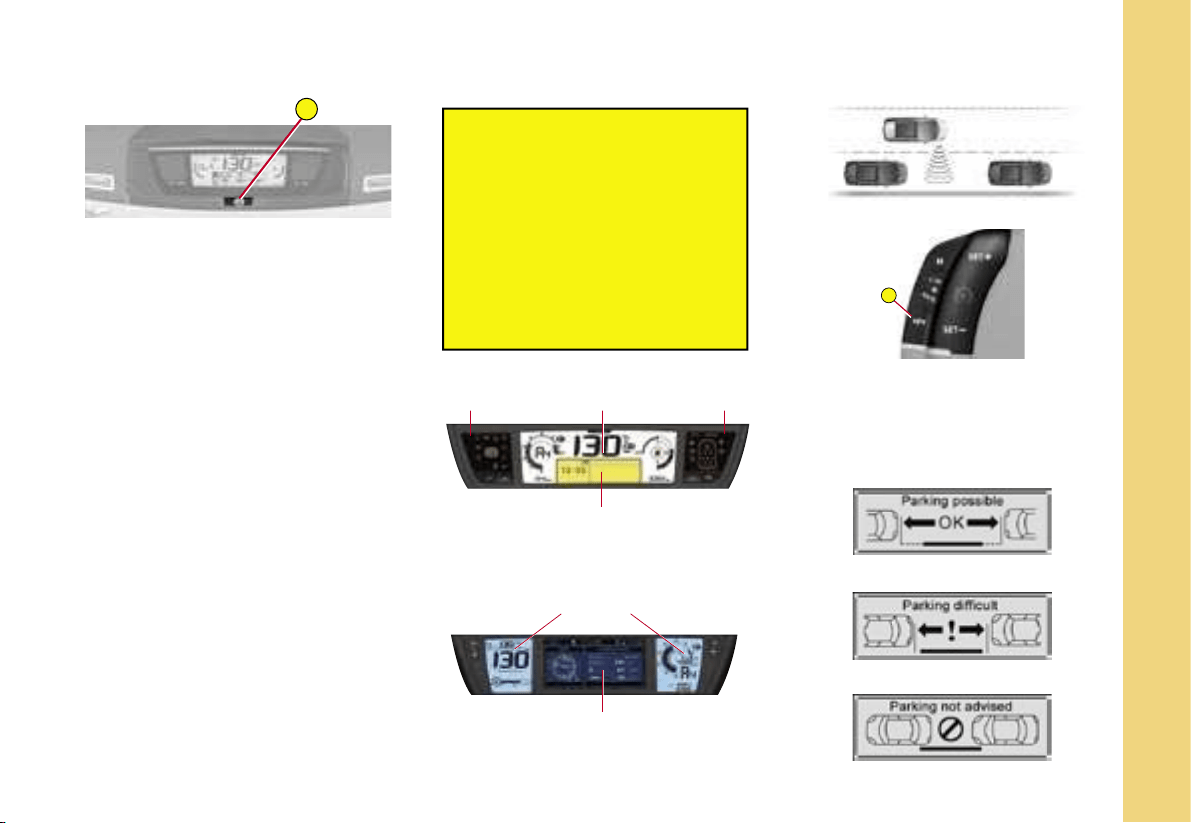
(6-Speed) electronic gearbox
system
R Reverse
N Neutral
A Automatic mode
M Manual mode
Using control levers + and - :
- Gear changing in manual mode
- Temporary manual operation in
automatic mode.
To start
(6-Speed) electronic gearbox
system
- Check that you are in neutral
(position N).
- Press firmly on the brake pedal
and turn the ignition key.
Position
selector
Position
selector
Automatic gearbox
P Park
R Reverse
N Neutral
D Automatic mode
M Sequential mode
Using control levers + and - :
- Gear changing in sequential mode
- Temporary manual operation in
automatic mode.
To start
Automatic gearbox
- Check that you are in position P
or N and turn the ignition key.
Note : To exit position P, press on
the brake pedal before moving the
selector.
Control
Control
58-62
63-66
Position selector
A
A
IN BRIEF
I
17
D R I V I N G
Electronic parking
brake
This device combines :
- automatic functions :
Automatic application when the
engine stops and automatic re-
lease on use of the accelerator
(automatic operation by default) ;
- manual use :
Permanent manual application /
release of parking brake is pos-
sible by pulling control A.
68-74
Hill start assist
To aid starting on a gradient, your
vehicle is equipped with a system
which keeps it immobilised for
about 2 seconds, the approximate
time it takes to move your foot
from the brake pedal to the accel-
erator pedal.
75
Navidrive Multifunction
display
Before leaving the vehicle,
check that the electronic
parking brake warning lamp P
(red) is permanently on.
If you leave the vehicle with
the engine running, manually
apply the parking brake.
Never leave a child alone
inside the vehicle with the
ignition on,
as they could release the
parking brake.
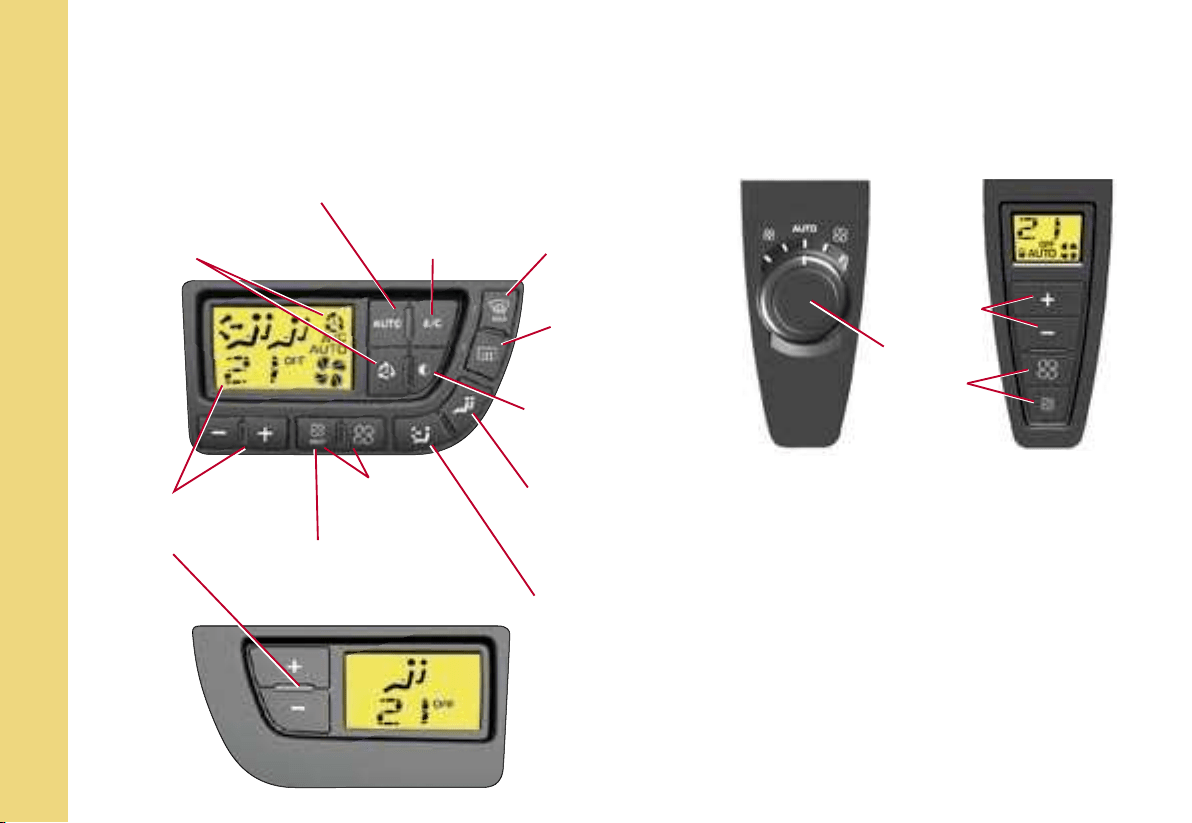
Parking space sensor
You can select the « parking space sen-
sor » function by pressing on button A.
Once the space has been measured, the
function displays the following messages :
Warning
lamps display
Warning
lamps display
Instrument
panel
Multifunction display
Instrument
panel
< 20 km/h
(approx. 12 mph)
Parking possible
Parking difficult
Parking not advised
32-33
34
76-77
IN BRIEF
I
18
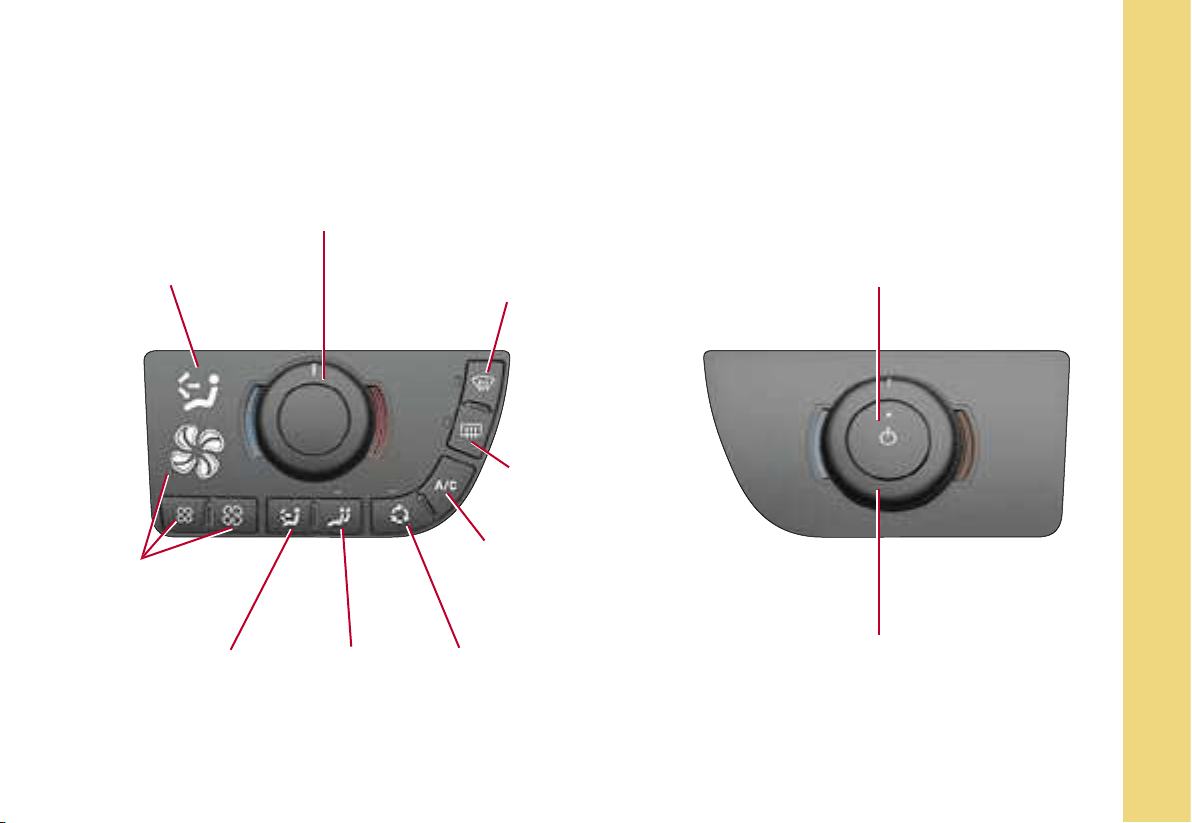
Air recirculation,
automatic
(depending on version)
Automatic comfort
regulation
Air
conditioning
Rapid deicing /
demisting of front
and rear windows
and rear view
mirrors
Adjustment and display
of temperature
(comfort requirement)
REST function
(retention of ventilation with
the engine switched off)
Adjustment
of air blower
speed
Adjustment of air
distribution
Mode of
adjustment for
rear passengers
Black panel function
(extinction of air
conditioning displays
and button
backlighting)
Deicing /
demisting of
rear screen
and rear view
mirrors
Adjustment
of air
blower
speed
104-110
DRIVER’S AND PASSENGER’S
CONTROL PANEL
REAR PASSENGERS’ CONTROL
PANEL
V E N T I L A T I O N
A u t o m a t i c a i r c o n d i t i o n i n g
With additional air
conditioning
(no warm air
distribution)
Temperature
adjustment
IN BRIEF
I
19
V E N T I L A T I O N
H e a t i n g a n d m a n u a l a i r c o n d i t i o n i n g
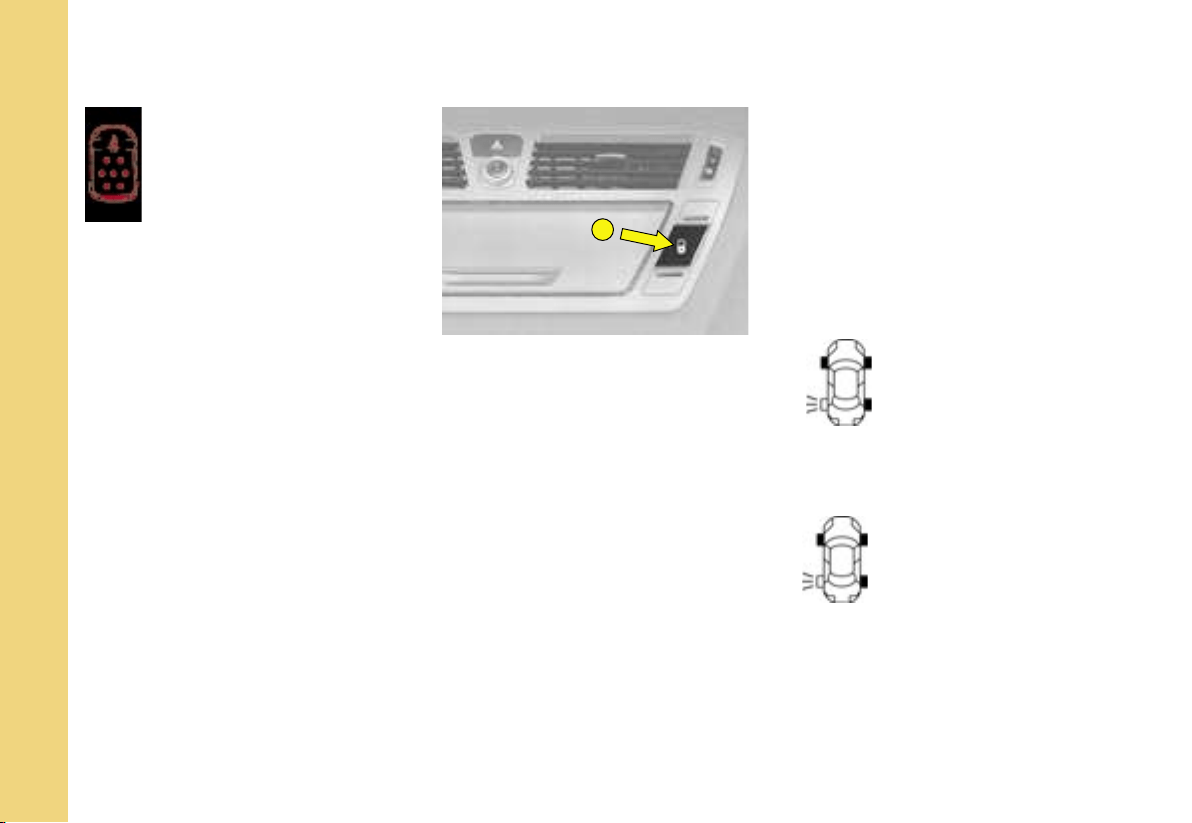
Display of air
distribution
Adjustment of blown air
temperature
Rapid deicing / demisting
of front and rear windows
and rear view mirrors
Adjustment
and display
of air blower
speed
Adjustment of
air distribution
Mode of
temperature
adjustment for
passenger
Air recirculation
Air conditioning
(not available in
heating version)
Deicing /
demisting of rear
screen and rear
view mirrors
Status of temperature
adjustment (active/inactive)
Temperature
adjustment
101-103
DRIVER’S CONTROL PANEL PASSENGER’S CONTROL PANEL
A
IN BRIEF
I
20
M O N I T O R I N G
Seat belts not
fastened / unfastened
warning lamp
This warning lamp informs you if the
front passenger’s seat belt is not
fastened / unfastened and if the sec-
ond- and third-row rear passengers’
seat belts are unfastened. The lit up
positions represent the passengers
whose seat belts are not fastened /
unfastened.
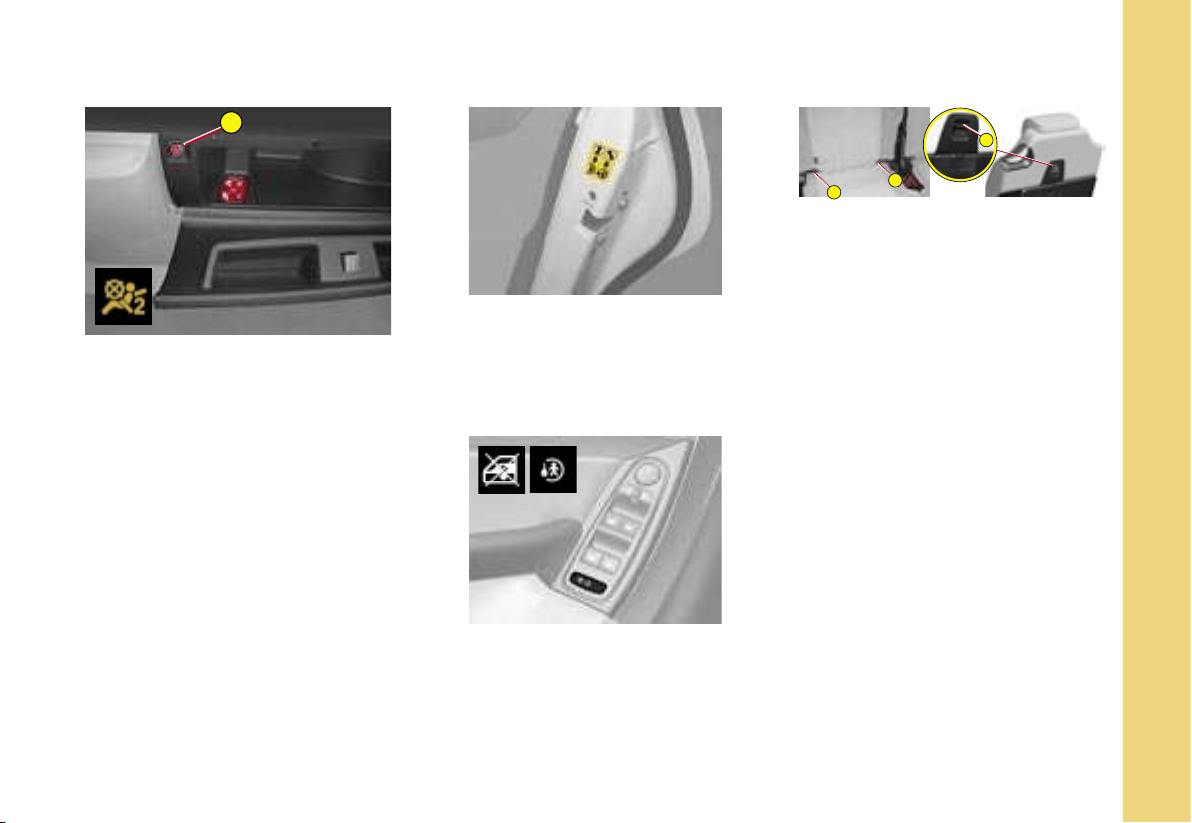
Locking from inside
You can use electrical central
locking or unlocking by pressing
on button A.
If one of the doors is open or is
not closed properly, central lock-
ing will not work.
Anti-intrusion security
When starting the engine, the sys-
tem automatically locks the doors
once you reach approximately
10 km/h (approximately 6 mph).
Tyre deflation
detection
This function warns you if a tyre is
deflated or punctured.
This system does not absolve
the driver of the need to regularly
check the tyre pressures.
The SERVICE warning
lamp lights up, and a ve-
hicle outline is displayed,
accompanied by a mes-
sage and a sound signal.
Deflation warning
The STOP warning lamp
lights up, and a vehicle
outline is displayed, ac-
companied by a message
and a sound signal.
Puncture
36
98
190
A
C
B
A
IN BRIEF
I
21
P A S S E N G E R S A F E T Y
Deactivation of front
passenger airbag
1. Insert key into
(A).
2. Select «OFF» position.
3. Remove key.
CHILD SAFETY
Manual control
The rear doors are locked by op-
erating the lever (aperture at an
angle).
ISOFIX fixing system
The 3 second-row rear seats
and the front passenger seat of
your vehicle are fitted with regu-
lation ISOFIX anchoring points,
with 3 rings for each seat position
(A B C).
This fixing system is designed for
children weighing up to 18 kg.
Electric control
Pressing on the button prohibits
operation of the electric windows
and opening of the rear doors from
the rear of the vehicle.
123
124
128

A
B
C
D
22
II
REMOTE CONTROL
Central unlocking
- A short press on button B un-
locks your vehicle.
The unlocking is confirmed by the
flashing of the direction indicators,
and by the disarming of the alarm
if the vehicle has one
.
The unlocking activates:
- the deployment (to the last po-
sition registered) of the exterior
rear view mirrors,
- the direction indicator side re-
peaters (located underneath the
exterior rear view mirrors),
- the timed lighting of the interior
lamps and the sill lighting for
around 30 seconds,
- the timed lighting of the exterior
side lighters (located underneath
the exterior rear view mirrors) for
around 30 seconds.
It is dangerous to operate the deadlocking when someone is
inside the vehicle because it is impossible to unlock the vehicle
from the inside (without the remote control).
When you are closing the windows and/or the panoramic glass
roof blind with the remote control, you must make sure that
no-one is obstructing them from closing properly.
Note : if none of the doors is
opened within thirty seconds fol-
lowing unlocking, the doors auto-
matically relock.
Central locking - Deadlocking
- A short press on button A locks
your vehicle.
- A long press on button A also
closes the windows and the pan-
oramic glass roof blind.
The locking is confirmed by the
continuous lighting of the direction
indicators and the arming of the
alarm.
The locking activates:
- folding of the exterior rear view
mirrors,
- operation of the guide-me-home
lighting, if it is activated,
- the exterior side lighters.
If any of the doors, or the boot, is
open or not properly closed, a re-
bound sound signals to you that it
is impossible to lock the vehicle.
For vehicles equipped with dead-
locking, two successive presses
on button A deadlock the vehicle.
It is then impossible to open the
doors either from the inside or from
the outside.
Selectivity of doors
If you have selected « driver » in
the « access to the vehicle » menu
of the multifunction screen :
- a press on button B opens the
driver’s door,
- a second press opens all the
doors.
This function is not available using
the key.

II
23
REMOTE CONTROL
Guide-me-home lighting
A press on button C operates the
guide-me-home lighting (lighting
of the sidelamps, dipped beams,
number plate lamps and side light-
ers (located underneath the exte-
rior rear view mirrors).
A second press before the end of
the timing cancels the guide-me-
home lighting.
Vehicle location
To locate the vehicle on a carpark,
press button A. The location of the
vehicle is revealed by :
- the flashing of the direction indi-
cators and side repeaters for a
few seconds,
- the lighting of the interior lamps
for around 30 seconds,
- the lighting of the side lighters.
The vehicle remains locked.
Foldaway and ejection of the
key
Button D folds the key in and out of
its housing in the remote control.
If you do not press on button D, you
could damage the mechanism.
Simultaneous use of other high frequency equipment
(mobile telephones, domestic alarms, etc.) may interfere
temporarily with the operation of the remote control. If it
malfunctions on a permanent basis, you must re-initialise the
remote control.
Except for re-initialisation, the remote control cannot function
while the key is in the ignition, even with the ignition switched off.
Be aware that an inadvertent manipulation of
the remote control in your pocket could cause the vehicle doors
to unlock without your knowledge.
However, if no door is opened within thirty seconds
following an unlocking, the doors will automatically relock.
Warning : there is a risk of damage if the replacement
battery is not in conformity.
Use only those batteries that are identical or equivalent
to those recommended by CITROËN.
Remote control battery spent
This information is given by a message on the multifunction screen, accompa-
nied by a sound signal and the lighting of the SERVICE warning lamp.
Changing the remote control battery
Detach the housing to access the battery.
Battery : CR 0523, 3V.
Re-initialising the remote control
After a change of battery, it is necessary to re-initialise the remote control.
For that, switch on the ignition and immediately press button A on your
remote control until the action desired is triggered. This manœuvre may
take some ten seconds.
Note : Make a careful note of the numbers for your keys and remote con-
trol on the ASSISTANCE card. Keep this in a safe place.
Do not throw away spent batteries. Return them to a CITROËN dealer
or to an approved collection point (photo shops, etc.).
24
II
Electronic immobiliser
key
The key locks and unlocks all the
vehicle’s doors, as well as switch-
ing on the engine.
Note : For security reasons when
the ignition is switched off, when
the driver’s door is opened a
sound signal reminds you if you
have not removed the key.
The key can also deactivate the front
passenger airbag (see «Airbags»)
.
It is dangerous to operate the deadlocking when someone is
inside the vehicle because it is impossible to unlock the vehicle
from the inside (without the remote control).
The number of the key is on the label supplied with the key.
In the case of loss, only a CITROËN dealer can provide you with
new keys or remote controls.
Central locking with the key
Turn the key briefly in the door lock. The vehicle is locked.
Deadlocking : Central locking with the key
Turn the key a second time in the door lock. The vehicle is deadlocked. It is
then impossible to open the doors from the inside or from the outside.
A long action with the key closes the windows.
Note : With the vehicle stationary and the engine switched off, locking is sig-
nalled by the flashing of the warning lamp on the interior locking control.
If any of the doors, or the boot, is open or not properly closed, a rebound
sound signals to you that it is impossible to lock the vehicle.
Electronic immobiliser
The ELECTRONIC IMMOBILISER locks the vehicle’s supply system.
The system activates automatically when the key is removed from the ignition
.
All the vehicle keys contain an electronic immobiliser device.
After you switch on the ignition, a dialogue is established between the ignition
key and the electronic immobiliser device.
If the key is not recognised, starting is impossible.
If this happens, leave your vehicle immobilised and contact a CITROËN
dealer.
KEYS
II
25
A confidential card is given to the
new owner when he takes deliv-
ery of his new vehicle.
This card bears a hidden access
code for the use of the CITROËN
dealer when servicing the elec-
tronic immobiliser device.
Do not scratch the confidential
strip, the security of the immobi-
liser system depends on the infor-
mation below remaining covered.
Should the card be lost, your im-
mobiliser system can no longer be
considered secure.
Never attempt to modify the electronic immobiliser’s
electrical circuit, as that could render your vehicle
undriveable.
Should the confidential card become lost, a CITROËN
dealer would have to undertake a major repair.
In the event of a change of vehicle ownership, it is essential for the new
owner to possess the CODE card.
Never leave it in the vehicle.
Advice
Keep the code card bearing your personal electronic immobiliser number
in a safe place (never in the vehicle).
If any key modifications become necessary (addition, cancellation or re-
placement of the key), It is essential to take the confidential card together
with all the keys to a CITROËN dealer.
CODE CARD
A
B
1
26
II
Your vehicle may be equipped with
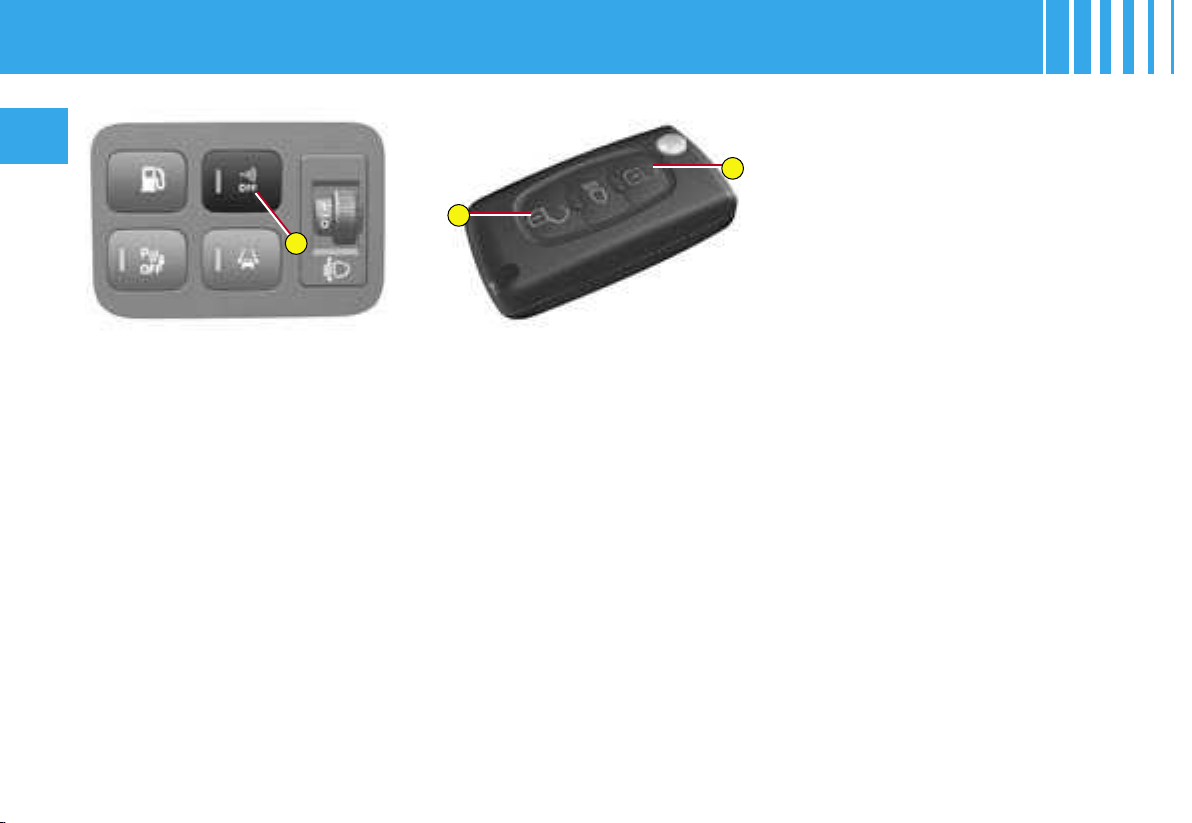
an ANTI-INTRUSION ALARM.
This provides :
• Exterior perimeter protection by
means of detectors on the vehi-
cle access points (doors, boot,
bonnet) as well as on the electri-
cal supply.
• Interior volumetric protection
by means of ultrasonic sensors
(detecting movement inside the
passenger compartment). This
can be deactivated using the
control 1.
The installation also has a siren,
and a warning lamp on the control
1 which is visible from outside the
vehicle, indicating the three pos-
sible statuses of the alarm:
• Alarm not active (disarmed),
warning lamp off.
• Alarm active (armed), the warn-
ing lamp flashes slowly.
• Alarm triggered (signalling an
intrusion), the warning lamp
flashes rapidly if the alarm is dis-
armed by a press on the control
B. It stops as soon as you switch
on the ignition.
Note : If there is a malfunction,
the warning lamp remains perma-
nently on.
DISARMING OF THE ALARM
USING THE REMOTE
CONTROL
The alarm is disarmed when you
unlock the vehicle (with a press on
button B on the remote control).
DISARMING OF THE ALARM
WITH THE KEY
Unlock the doors with the key.
The siren triggers. Enter the ve-
hicle, insert the key in the ignition
and turn it to the drive position to
stop the siren. Otherwise the si-
ren will continue for approximately
30 seconds.
ANTI-INTRUSION ALARM

II
27
ANTI-INTRUSION ALARM
OPERATION OF THE ALARM
First make sure all the doors are closed.
The alarm is armed by pressing button A on the re-
mote control.
With the alarm armed, the protections are active after
5 seconds (perimeter) and 45 seconds (volumetric).
When the alarm is armed (on standby), any intrusion
will trigger the siren for 30 seconds, accompanied by
the direction indicators lighting up.
The alarm then goes back on standby, but the trigger-
ing remains memorised and is signalled by the rapid
flashing of the warning lamp on control 1 after you
have deactivated the alarm with a press on the un-
locking button B. The flashing stops when you switch
on the ignition.
The siren is also triggered if there is a cutting of the
electrical supply. To stop it, restore the electrical sup-
ply then press on the unlocking button B.
Note :
• If you want to lock your vehicle without arming the
alarm, just lock with the key only.
• If you try to lock your vehicle but a door, or the boot,
is still open, the central locking does not operate but
the alarm will arm itself after approx. 45 seconds. You
will hear a rebound sound coming from the locks.
Note : The siren is automatically deactivated (for ex-
ample for disconnecting the battery) as soon as the
vehicle is unlocked using the remote control
Deactivation of the volumetric detection
You can operate the alarm with perimeter protection
only, by deactivating the volumetric protection (if for
example you wish to leave an animal in the vehicle).
For this, switch off the ignition then immediately press
button 1 for at least one second.
The warning lamp on button 1 should come permanent-
ly on. It will start to flash when the alarm is armed.
Arm the alarm by locking your vehicle with the remote
control.
It is recommended to disarm the volumetric detection
when you use an automatic car wash, to prevent ran-
dom triggering of the alarm.
Automatic activation (according to destination)
The alarm is armed automatically, 2 minutes after the
last door, or the boot, has been closed.
In order to prevent the alarm from triggering when you
open one of the doors or the boot, it is essential to press
the unlocking button B again on the remote control.
28
II
• D : Starter
Release the key as soon the en-
gine has started. Never action
the key while the engine is al-
ready running.
Steering lock
S : After removing the key, turn
the steering wheel to lock the
steering. The key can only be
removed in position S.
M : Ignition switched on, the steer-
ing is unlocked (by turning the
key to position M, move the
steering wheel gently if neces-
sary).
D : Starter position.
Starting and stopping the engine :
see « Starting ».
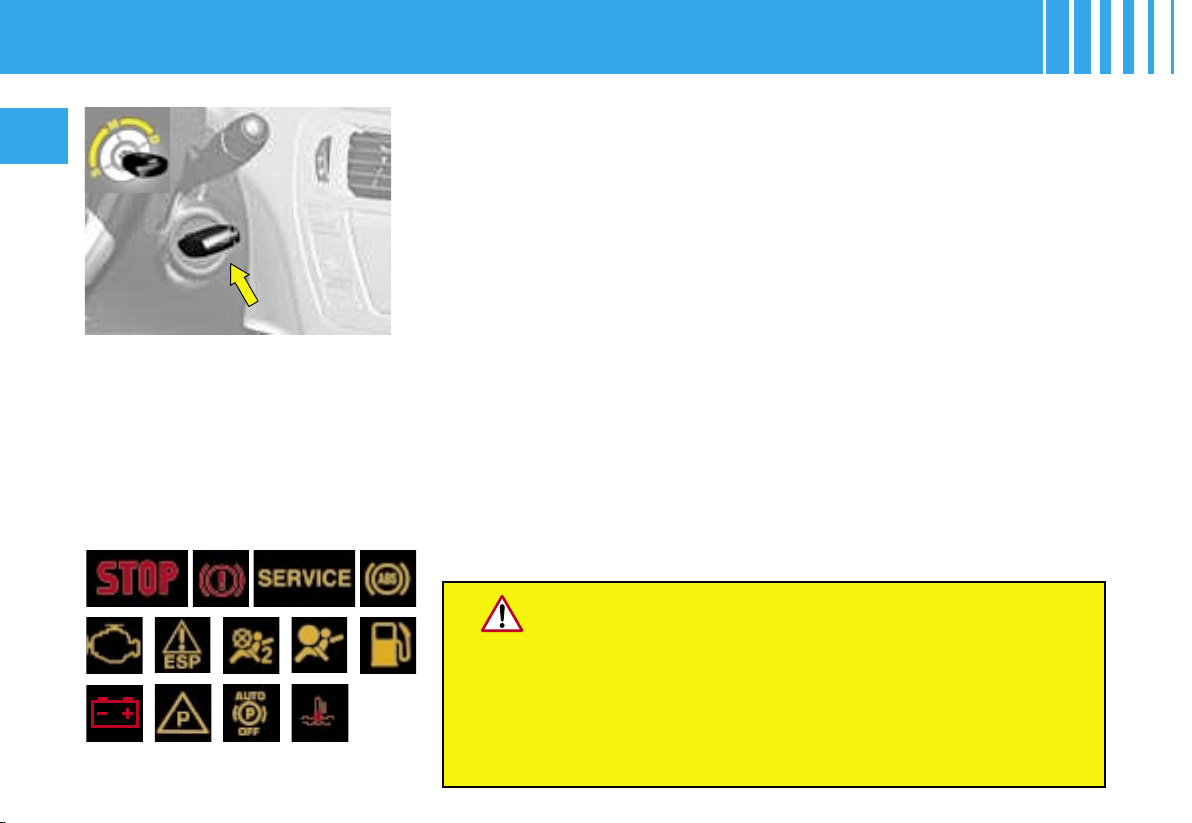
Test with the key in
the ignition position
STEERING LOCK - IGNITION - STARTER
Economy mode
To ensure engine starting, in cer-
tain situations the vehicle goes
into economy mode.
The electrical components relating
to comfort and lighting of head-
lamps (except side markers) are
automatically cut off.
To reactivate them, it will be
necessary to restart the engine.
Note : When the vehicle goes into
economy mode, a message dis-
plays.
NEVER REMOVE THE IGNITION KEY BEFORE
THE VEHICLE HAS COME TO A COMPLETE STOP.
IT IS ESSENTIAL ALWAYS TO KEEP THE ENGINE RUNNING
IN ORDER TO RETAIN BRAKING
AND STEERING ASSISTANCE
(risk of triggering the steering lock and rendering
the safety features inoperative).
When stationary, having removed the key, turn the steering wheel
gently if necessary to ensure that the steering lock engages.
• S : Steering lock
To unlock the steering, gently
move the steering wheel while
turning the key, without forcing it.
• M : Drive position
Depending on the version of
your vehicle, the following warn-
ing lamps should also come on
for a short time :
25
21191411109
7643
2 13
2429
1
32
3334
37
36
8
28
2018
13
15
12
16 17
31 222326273035
5
II
29
DASHBOARD

30
II
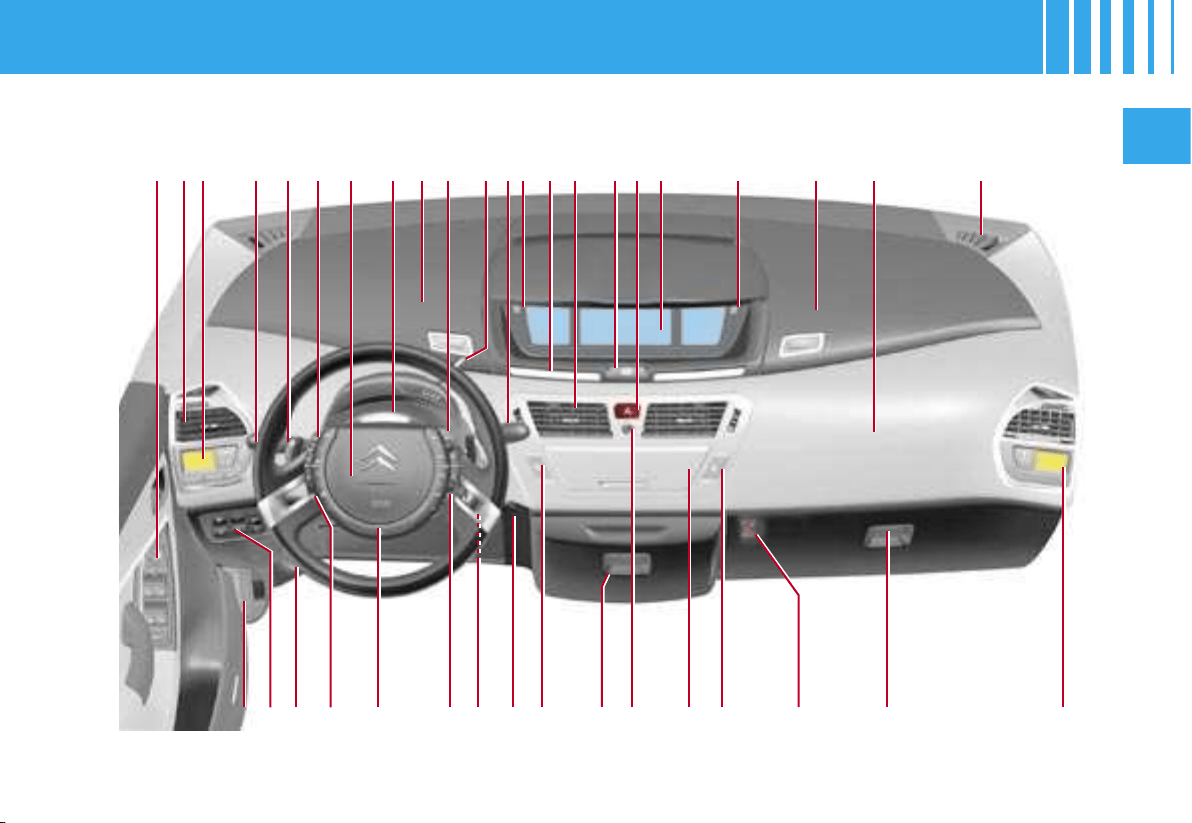
1 Controls :
• Rear view mirrors
• Windows
• Child safety
2 Side air vent
3 Driver’s air conditioning
controls
4 Controls :
• Lighting
• Direction indicators
• Front and rear foglamps
5 Gear controls
6 Cruise control and speed
limiter (controls on steering
wheel)
7 Driver’s airbag
8 Direction indicator warning
lamps
9 Left hand upper storage
10 Radio-CD controls on
steering wheel
11 Selector/controls for
automatic gearbox or
electronic gearbox system
(6 speed)
12 Controls :
• Windscreen wipe
• Screen wash
• Rear screen wipe
• Trip computer
13 Controls :
•
Trip mileage recorder
reset button
• Lighting rheostat
•
Colour (choice of
background colour)
• Personalisation
14 Warning lamps display
15 Central air vents
16 Automatic electronic
parking brake
17 Instrument panel
18 Hazard lamps control
19 Right hand upper storage
20 Passenger’s airbag
21 Loudspeaker (Tweeter)
(right and left)
22 Passenger’s air
conditioning controls
23 Lower glovebox :
• Air freshener clips
• Various storage
24 Key switch :
•
Passenger’s airbag
activation/deactivation
25 Central locking button
26 Radio-CD
27 Scented air freshener
28 Refrigerated storage
29 ESP deactivation button
30 Ambiance lighting control
31 Steering lock - ignition
32 Controls for multifunction
display (on steering wheel)
33 Horn
34 Optional function controls
(on steering wheel)
35 Fusebox access flap
36 Controls :
• Fuel flap
• Parking assistance
• Lane departure warning
system
• Alarm deactivation
• Headlamps adjustment
37 Bonnet release
DASHBOARD
II
31
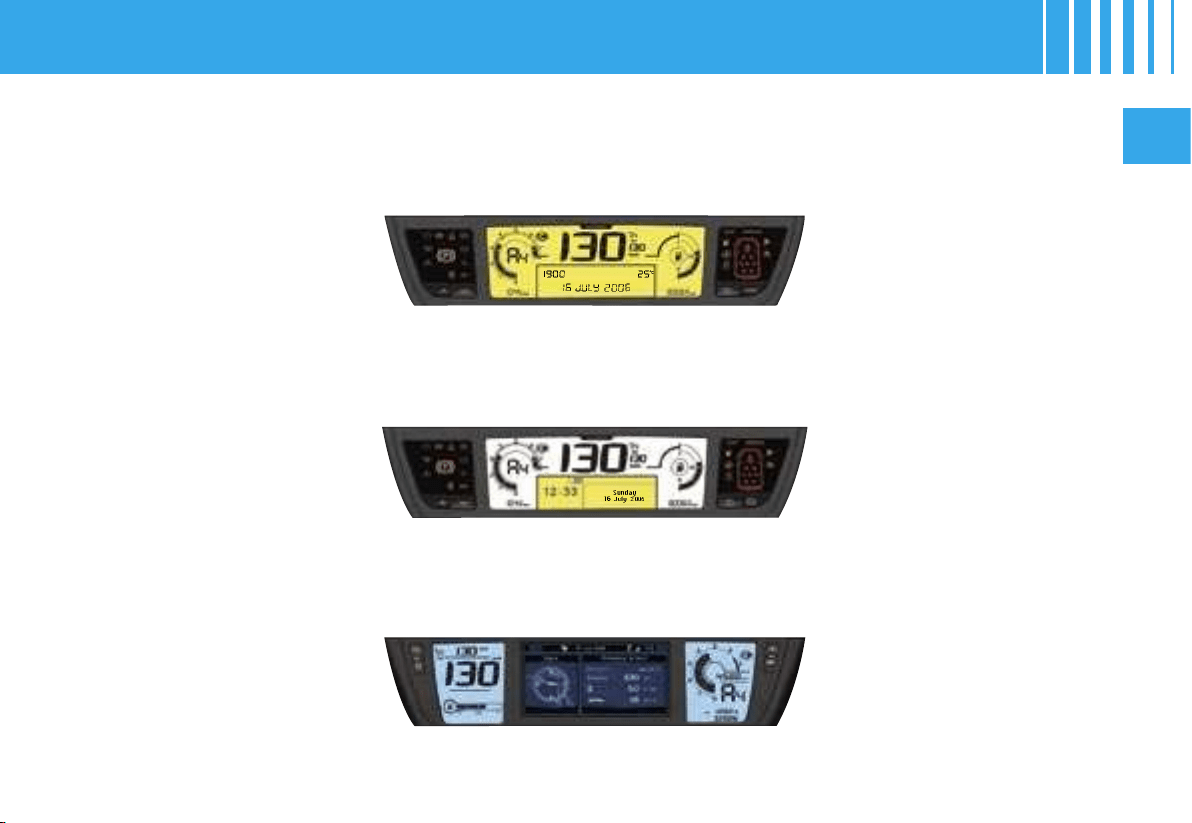
The instrument panel groups all the driving and comfort information
at the centre of the dashboard.
Mono-tone instrument panel with multifunction screen A
Bi-tone instrument panel with multifunction screen C
NaviDrive instrument panel with multifunction screen DT
INSTRUMENT PANELS

1 2
3
4 5 6
DC987BA
32
II
CENTRAL DISPLAY
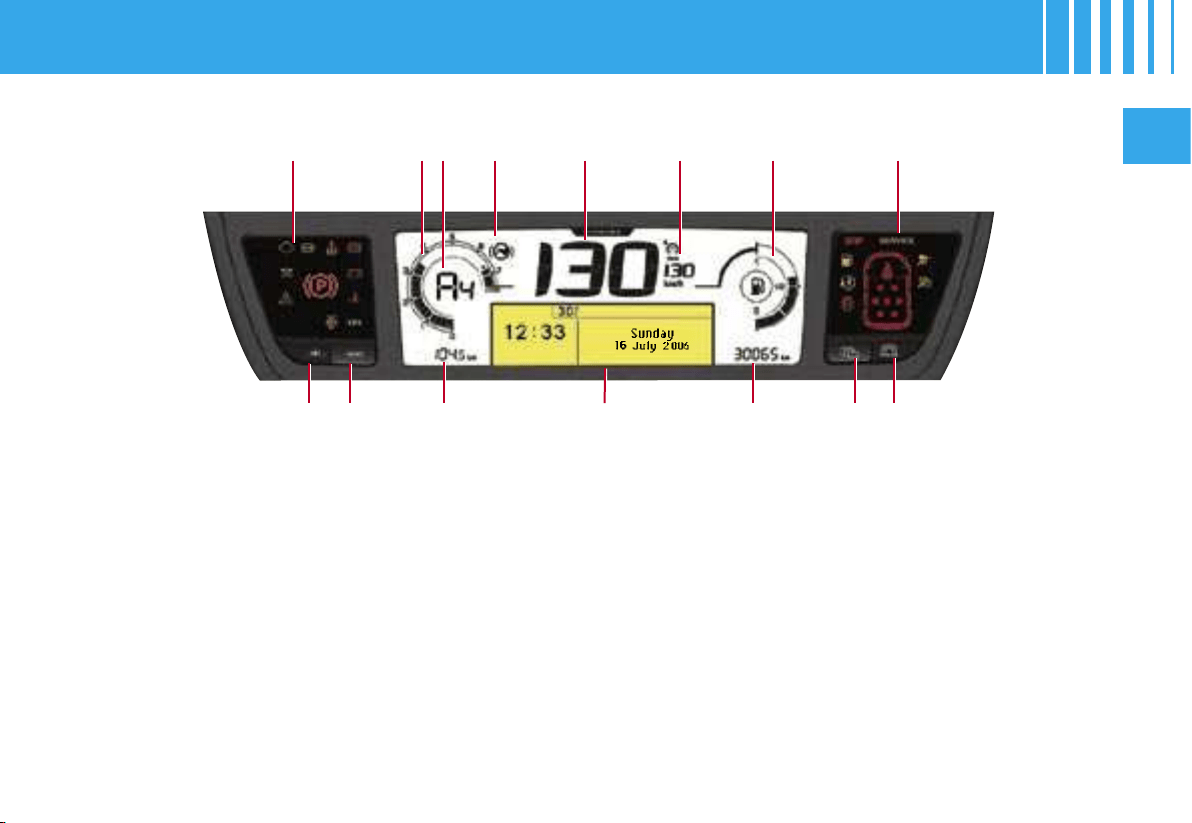
1. Rev counter
2. Gearbox information
3. « Foot on brake » warning
lamp
4. Speed indicator
5. Cruise control or speed
limiter reference
6. Fuel gauge
7. Trip mileage recorder
8. Multifunction screen A
9. Maintenance indicator, on
switching on ignition, then
total mileage recorder
COMMAND BUTTONS
A. Lighting rheostat (available
day and night)
B. Trip mileage recorder reset
C. Lighting rheostat (available
day and night)
D. Check (list of alerts)
42-45
Warning lamps
display
Warning lamps
display
MONO-TONE INSTRUMENT PANEL - MULTIFUNCTION SCREEN A
II
31
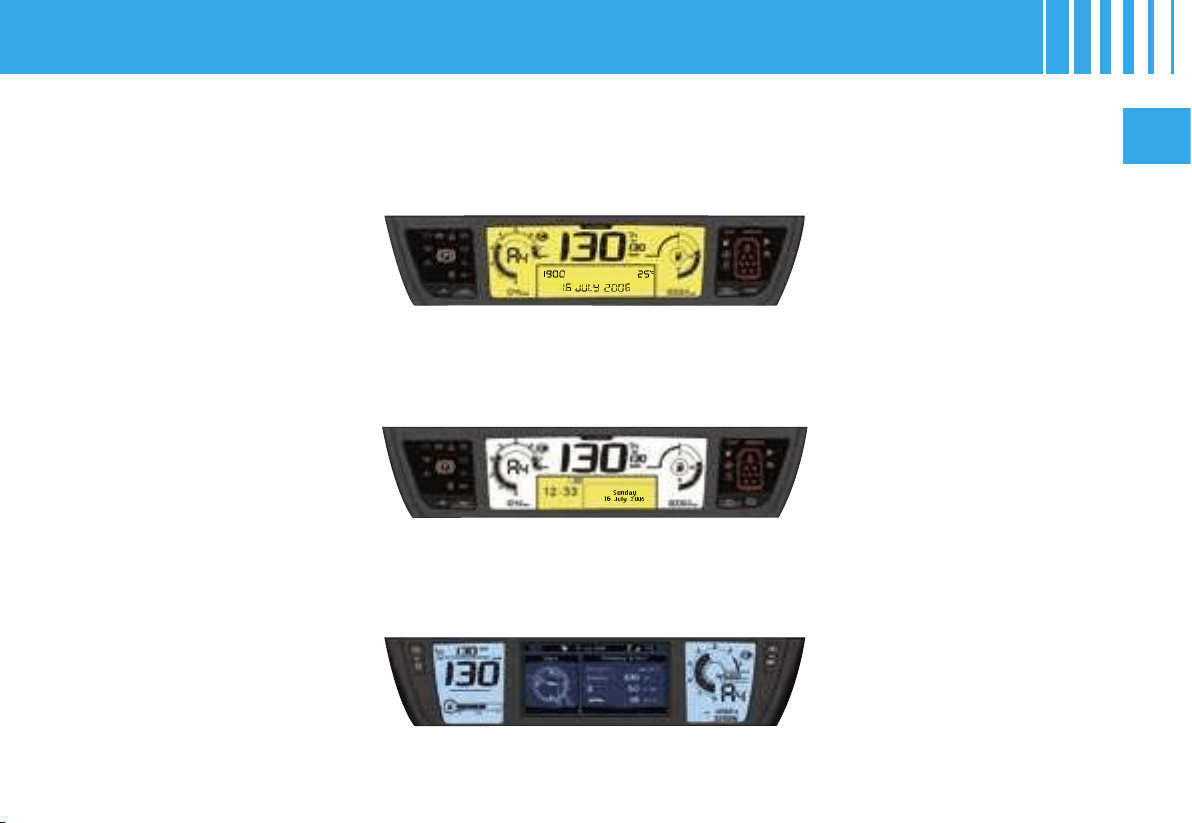
The instrument panel groups all the driving and comfort information
at the centre of the dashboard.
Mono-tone instrument panel with multifunction screen A
Bi-tone instrument panel with multifunction screen C
NaviDrive instrument panel with multifunction screen DT
INSTRUMENT PANELS
1 2 3 4 5 6
DC987BA
II
33
CENTRAL DISPLAY
1. Rev counter
2. Gearbox information
3. « Foot on brake » warning
lamp
4. Speed indicator
5. Cruise control or speed
limiter reference
6. Fuel gauge
7. Trip mileage recorder
8. Multifunction screen C
9. Maintenance indicator, on
switching on ignition, then
total mileage recorder
COMMAND BUTTONS
A. Lighting rheostat (available
day and night)
B. Trip mileage recorder reset
C. Personalisation of the
instrument panel (display of
desired information)
D. COLOUR (choice of
background colour)
This button offers you a whole
range of colour backgrounds,
from white to blue.
46-49
Warning lamps
display
Warning lamps
display
BI-TONE INSTRUMENT PANEL - MULTIFUNCTION SCREEN C
II
31
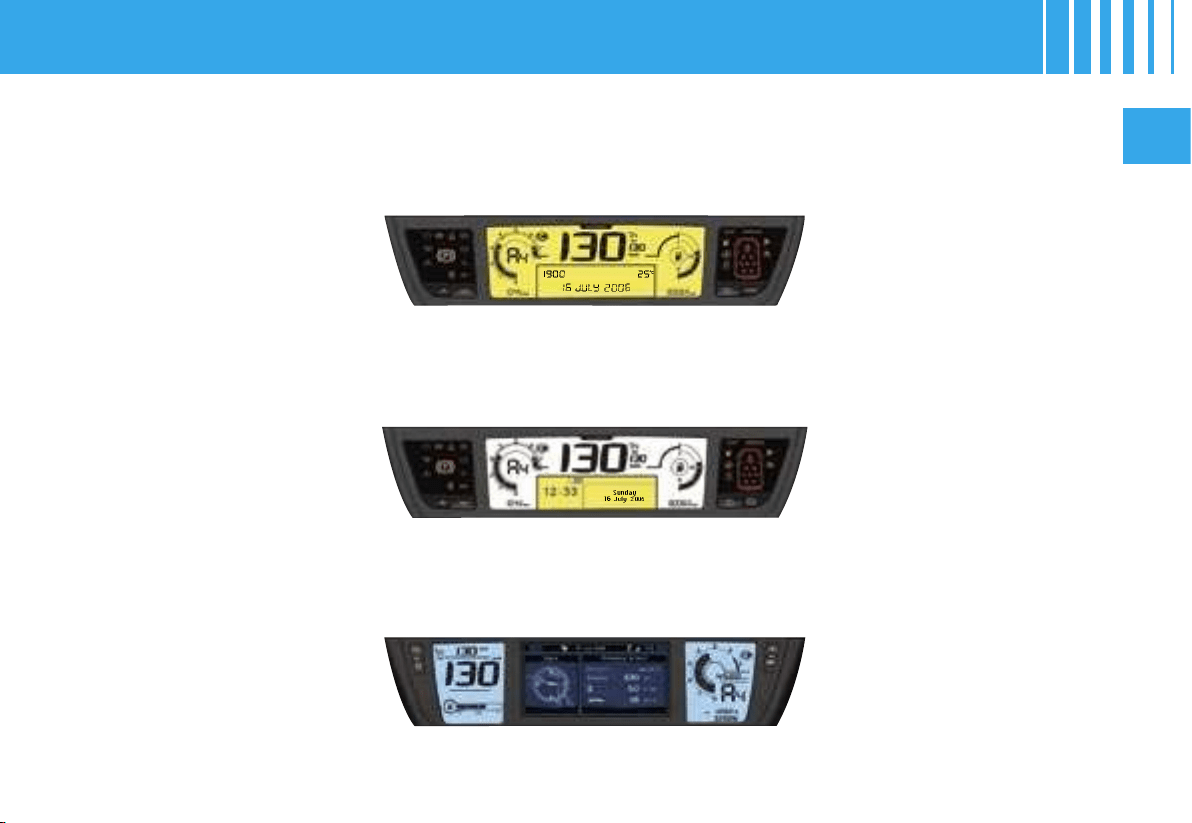
The instrument panel groups all the driving and comfort information
at the centre of the dashboard.
Mono-tone instrument panel with multifunction screen A
Bi-tone instrument panel with multifunction screen C
NaviDrive instrument panel with multifunction screen DT
INSTRUMENT PANELS
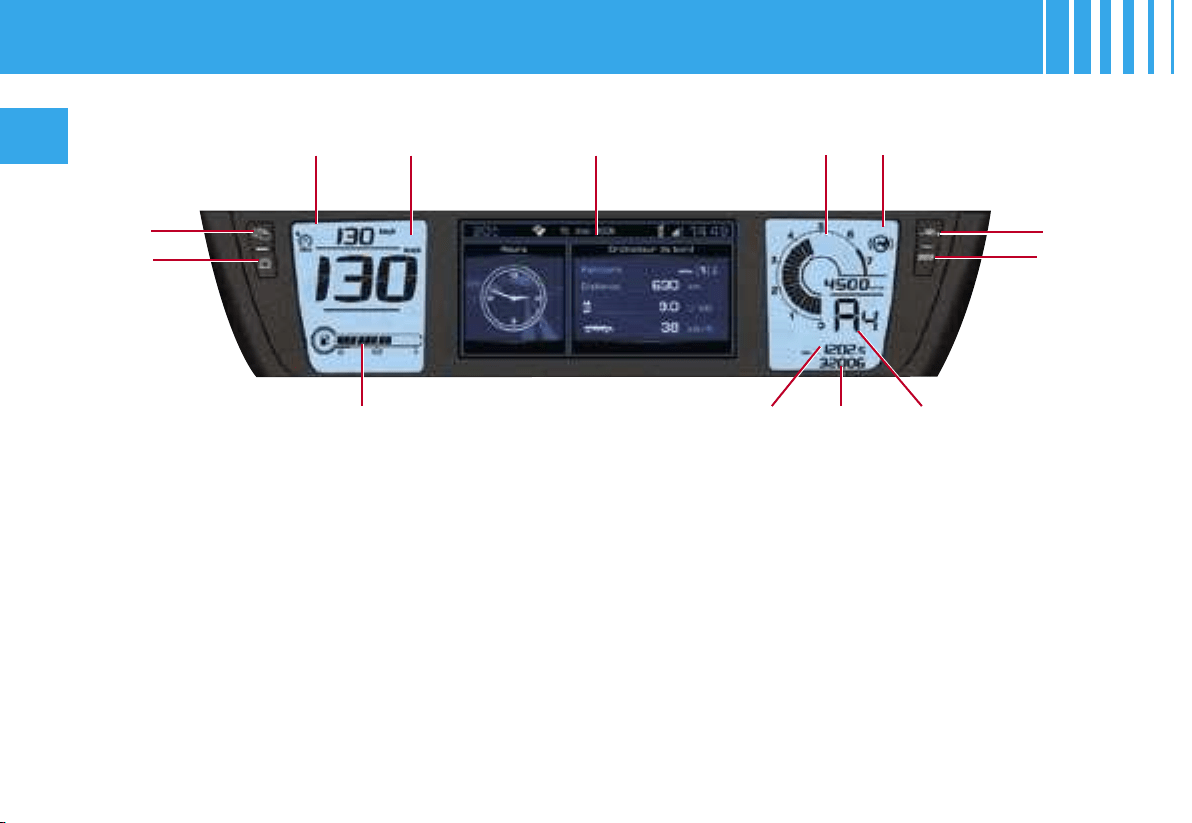
1 2 4
C
9876
B
3
5
D
A
34
II
CENTRAL DISPLAY
1. Cruise control or speed
limiter reference
2. Speed indicator
3. NaviDrive display
(see NaviDrive instructions)
4. Rev counter
5. « Foot on brake »
warning lamp
6. Fuel gauge
7. Trip mileage recorder
8. Maintenance indicator, on
switching on ignition, then
total mileage recorder
9. Gearbox information
COMMAND BUTTONS
A. Personalisation of the
instrument panel (display of
desired information)
B. COLOUR (choice of
background colour)
This button offers you a
whole range of colour
backgrounds, from white to
blue.
C. Lighting rheostat (available
day and night)
D. Trip mileage recorder reset
50
NAVIDRIVE INSTRUMENT PANEL - MULTIFUNCTION SCREEN DT
II
35
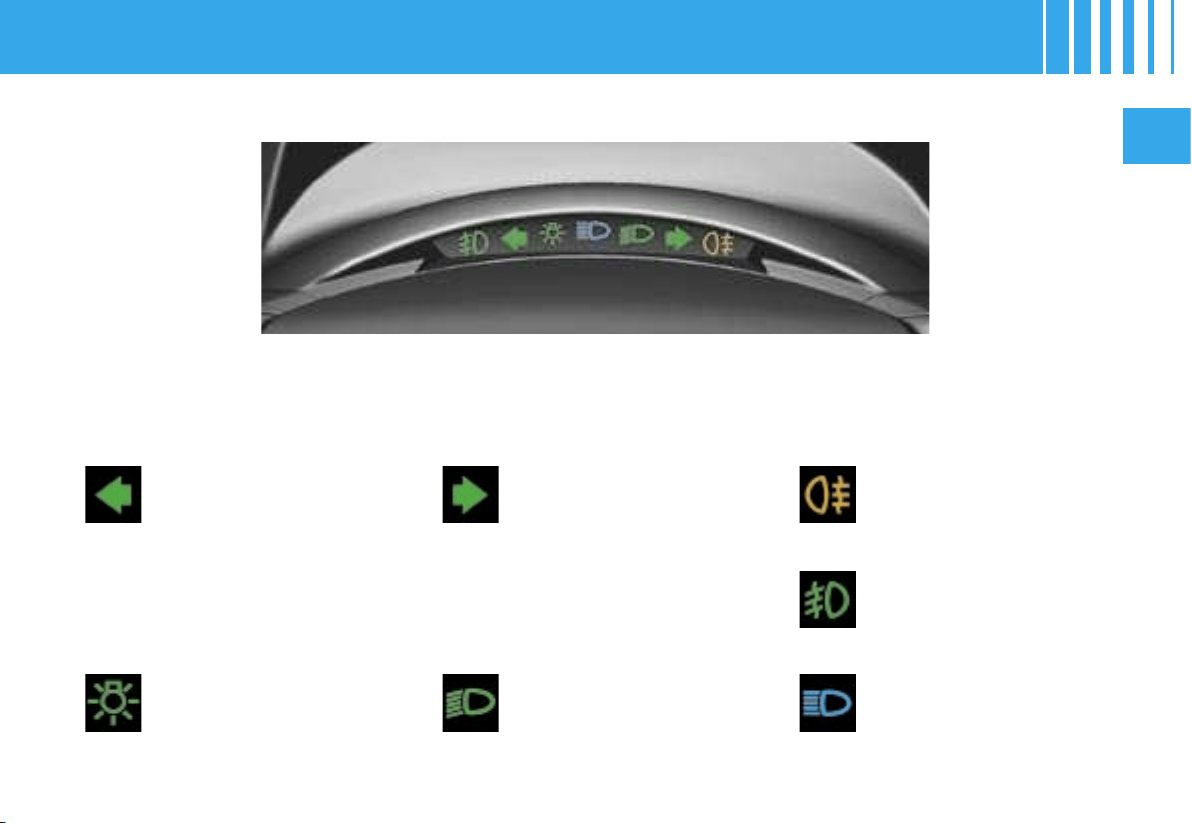
Left hand direction
indicator
See «Signalling»
Sidelamps
See «Signalling»
Right hand direction
indicator
See «Signalling»
Dipped beams
See «Signalling»
Foglamps (rear)
See «Signalling»
Main beams
See «Signalling»
Front foglamps
See «Signalling»
The direction indicators operate simultaneously when the hazard
lamps are activated.
Direction indicator and lighting lamps
WARNING LAMPS
36
II
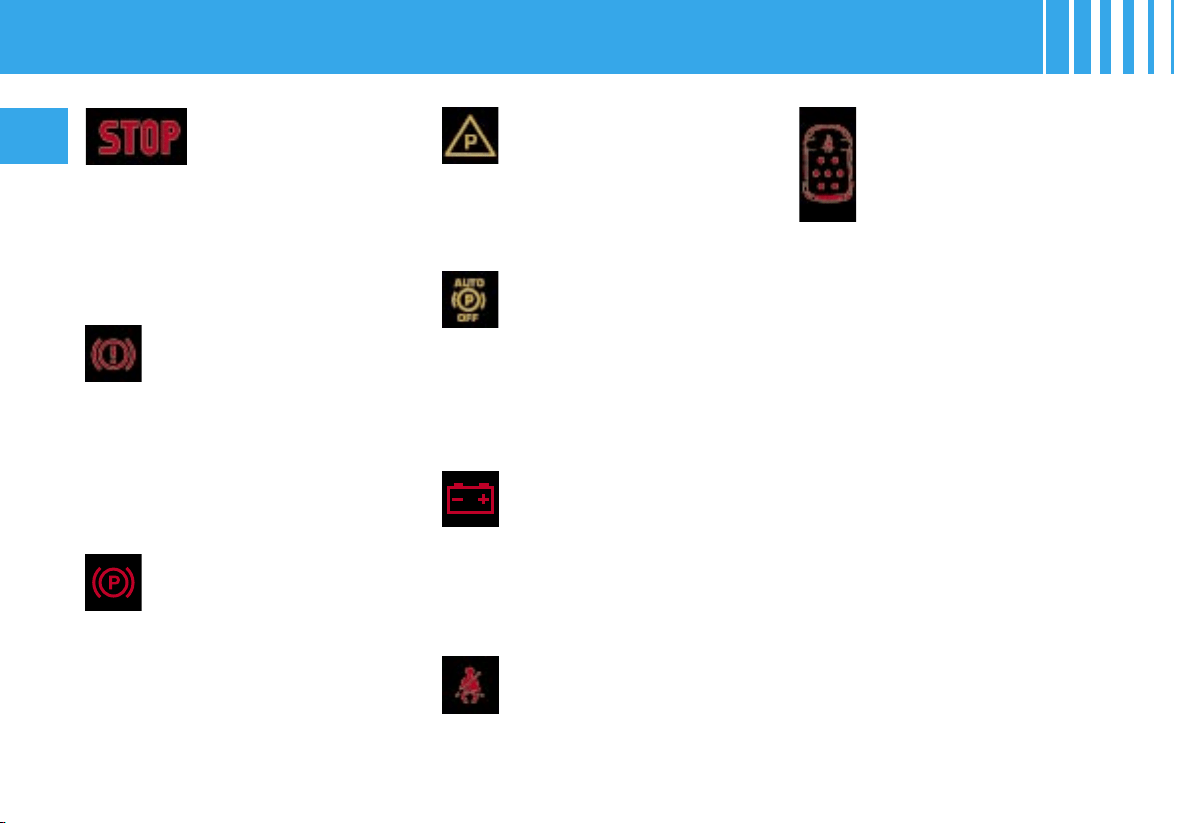
Imperative stop
warning lamp
When this warning lamp comes on,
it is essential to stop the vehicle and
switch off the engine. Contact a
CITROËN dealer.
The warning lamp is accompanied
by display on the screen of a Stop
symbol.
Warning lamp for low
brake fluid level and
braking distribution
malfunction
When the engine is running, this
warning lamp, always in associa-
tion with the STOP warning lamp,
indicates that the brake fluid level
is low.
If the warning lamp has come on,
stop immediately and contact a
CITROËN dealer (See « Brakes »).
Seat belt non-fastening
warning lamp
(on NaviDrive
instrument panel)
Seat belt non-fastening/
unfastening warning
lamp
This warning lamp informs you if
the front passengers’ seat belts
are non-fastened / unfastened or
if the 2
nd
and 3
rd
row rear passen-
gers’ seat belts are unfastened. The
points illuminated represent those
passengers whose seat belts are
un-fastened / non-fastened.
Driver’s and front passenger’s
seat belts not fastened :
-
The warning lamp lights up between
0 and 20 km/h. Above 20 km/h (ap-
prox. 12 mph), it flashes accompanied
by a screen message and a sound
signal for around 120 seconds
.
Rear passengers’ seat belts not
fastened:
-
When the ignition is switched on,
the points corresponding to the seat
positions with seat belts not fas-
tened remain lit up for 30 seconds
.
Seat belts unfastened during the
journey :
-
The point corresponding to the seat
position with seat belt unfastened
lights up between 0 and 20 km/h.
Above 20 km/h (approx. 12 mph),
it flashes accompanied by a sound
signal for around 120 seconds. The
sound signal stops when the ignition
is switched off or if a door is opened
.
Automatic electronic
parking brake warning
lamp
If this warning lamp comes on per-
manently, it is confirming that the
parking brake is applied.
If it flashes, it is indicating an ap-
plication or release fault. Urgently
contact a CITROËN dealer (See
« Automatic electronic parking
brake »).
Battery charge warning
lamp
This warning lamp lights up for
a short time when you start the
engine. It should go off when the
engine is running. If it comes on
permanently, urgently contact a
CITROËN dealer.
Automatic electronic
parking brake fault
warning lamp
This warning lamp comes on if
there is a malfunction in the auto-
matic electronic parking brake.
Warning lamp for
deactivation of the
automatic functions of
the automatic electronic
parking brake
This comes on if the « automatic
application » and « automatic re-
lease » functions when you switch
off the engine are deactivated or
faulty.
WARNING LAMPS
II
37
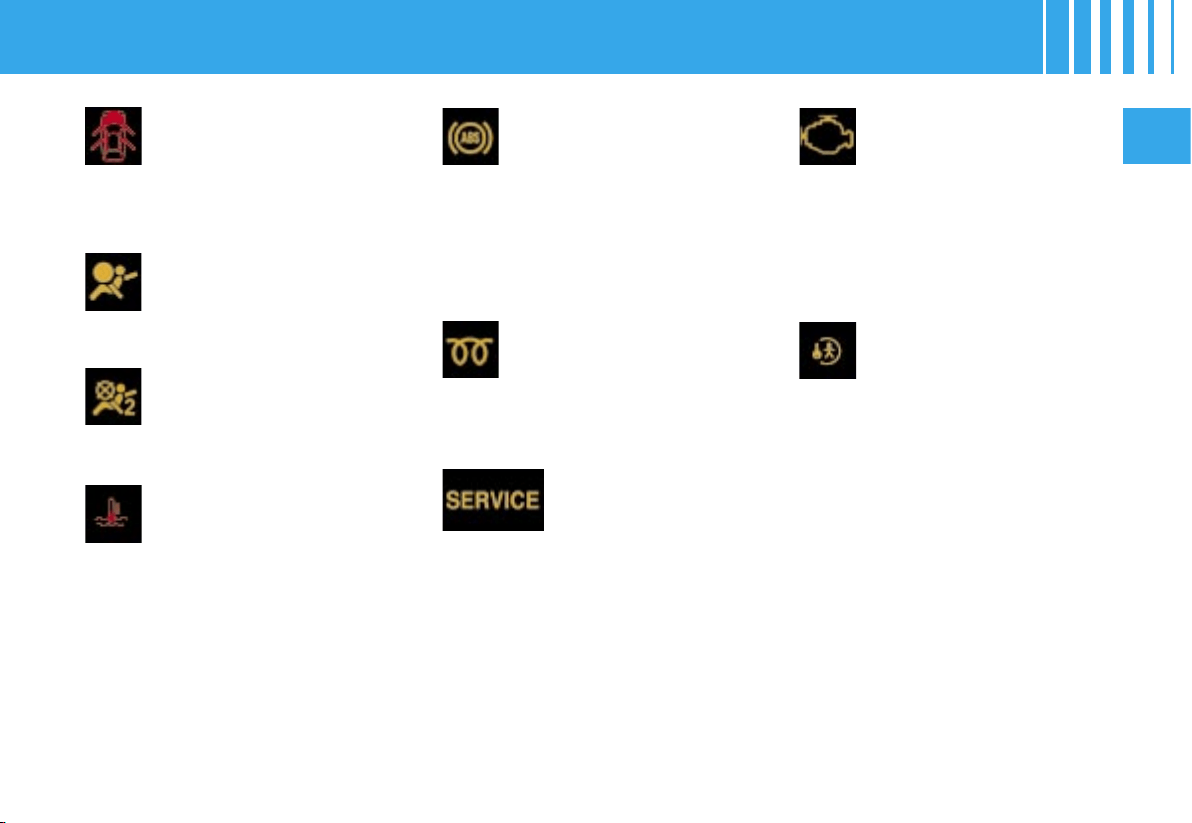
Depollution system
warning lamp
If it flashes or lights up while you
are driving, this indicates a depol-
lution system malfunction.
Urgently contact a CITROËN dealer
.
SERVICE warning
lamp
This warning lamp remains on for
as long as the fault relating to the
alert message is present, this for a
serious fault.
Urgently contact a CITROËN dealer
.
The warning lamp remains on
only temporarily in the case of mi-
nor faults.
Contact a CITROËN dealer.
To recall the corresponding alert
message, see « Log of alerts ».
Child safety warning
lamp
When you activate the child safety,
or each time you switch on the ig-
nition, the warning lamp appears
but goes out after 10 seconds (see
chapter « Child safety »).
ABS system
The ABS warning lamp comes on
when you switch on the ignition
and should go off after a few
seconds.
If the warning lamp does not go
off, there may be a system mal-
function (see « Brakes »).
Diesel engine preheater
warning lamp
See the procedures for starting
the engine.
See the chapter « Starting ».
Coolant temperature
warning lamp
This comes on each time you
switch on the ignition, for a few
seconds. If it comes on while the
engine is running, this indicates an
abnormal increase in the coolant
temperature.
It is essential to stop the vehicle.
Check the coolant level, having tak-
en all the appropriate precautions.
If the level is satisfactory, contact a
CITROËN dealer.
Warning lamp for
detection of a door left
open
When the engine is running, it
comes on to indicate that a door, the
bonnet and/or the boot is open.
Front / side airbag fault
warning lamp
See « Airbags ».
Front passenger’s airbag
deactivation warning
lamp
See « Airbags ».
WARNING LAMPS
38
II
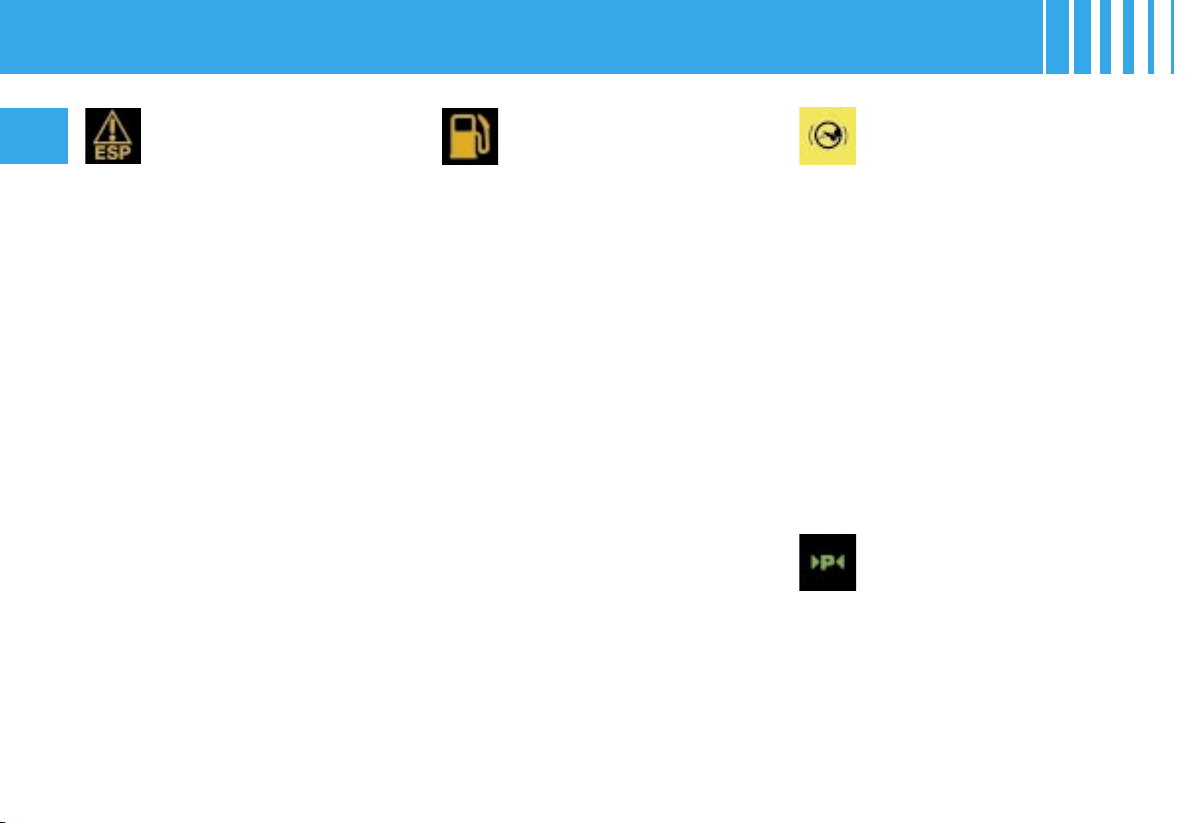
ESP/ASR warning lamp
In operation
While either the ESP or the trac-
tion control system is operating, the
ESP/ASR warning lamp flashes.
In the event of a malfunction
When the vehicle is moving, the
lighting of the ESP/ASR warning
lamp, accompanied by a message
on the multi-function screen and a
sound signal, indicates a system
malfunction.
C
ontact a CITROËN dealer
.
Deactivation
The lighting of the ESP/ASR warn-
ing lamp and the diode on the ESP
deactivation button indicates that
the system is deactivated.
See «ESP».
Fuel low
warning lamp
When the tank is full, all the bars
are lit up.
If the fuel low warning lamp comes
on accompanied by a beep and
a message on the multifunction
screen, there are approximately
7 litres of fuel remaining in the tank
and 2 or 3 bars flash in the instru-
ment panel.
When the last bar goes out, there
are approximately 2 litres of fuel re-
maining in the tank.
« Foot on brake »
warning lamp
The flashing of this warning lamp
on the display informs you that you
need to press the brake pedal in
order to be able to start the engine
on a vehicle with the (6-speed)
Electronic Gearbox System, or to
quit position P in the case of an au-
tomatic gearbox.
This warning lamp comes on if
you attempt to release the electric
parking brake without pressing the
brake pedal.
Note : In the case of the Electronic
Gearbox System, this warning lamp
flashes to indicate overheating of
the clutch if you excessively use
the accelerator to hold the vehicle
on an uphill slope. Use the brake
pedal or the electric parking brake.
Parking space warning
lamp
This warning lamp comes on
when the parking space function
is selected.
It flashes while the space is being
measured.
A control located on the panel to
the left of the steering wheel al-
lows you to open the fuel flap from
inside the vehicle (see « Fuel »).
WARNING LAMPS

oiloilok
oiloil
oil--
II
39
When you switch on the ignition,
the instrument panel displays :
- the maintenance indicator,
- the engine oil level indicator,
- the total mileage recoder,
- then the trip mileage recoder.
Engine oil level indicator
When you switch on the ignition, the maintenance indicator displays for a
few seconds (see « Maintenance indicator »), then the engine oil level is
displayed, also for a few seconds.
Note : to make sure that the measurement is reliable, check the oil level
on horizontal ground, with the engine having been stopped for at least
15 minutes.
This display indicates normal operation.
A flashing of «OIL» indicates that the oil level is
below minimum.
Check with the manual dipstick. See «Levels».
If the low level is confirmed, contact a CITROËN
dealer.
A flashing of «OIL ----» indicates a problem with
the indicator. Contact a CITROËN dealer.
INSTRUMENT PANEL
40
II
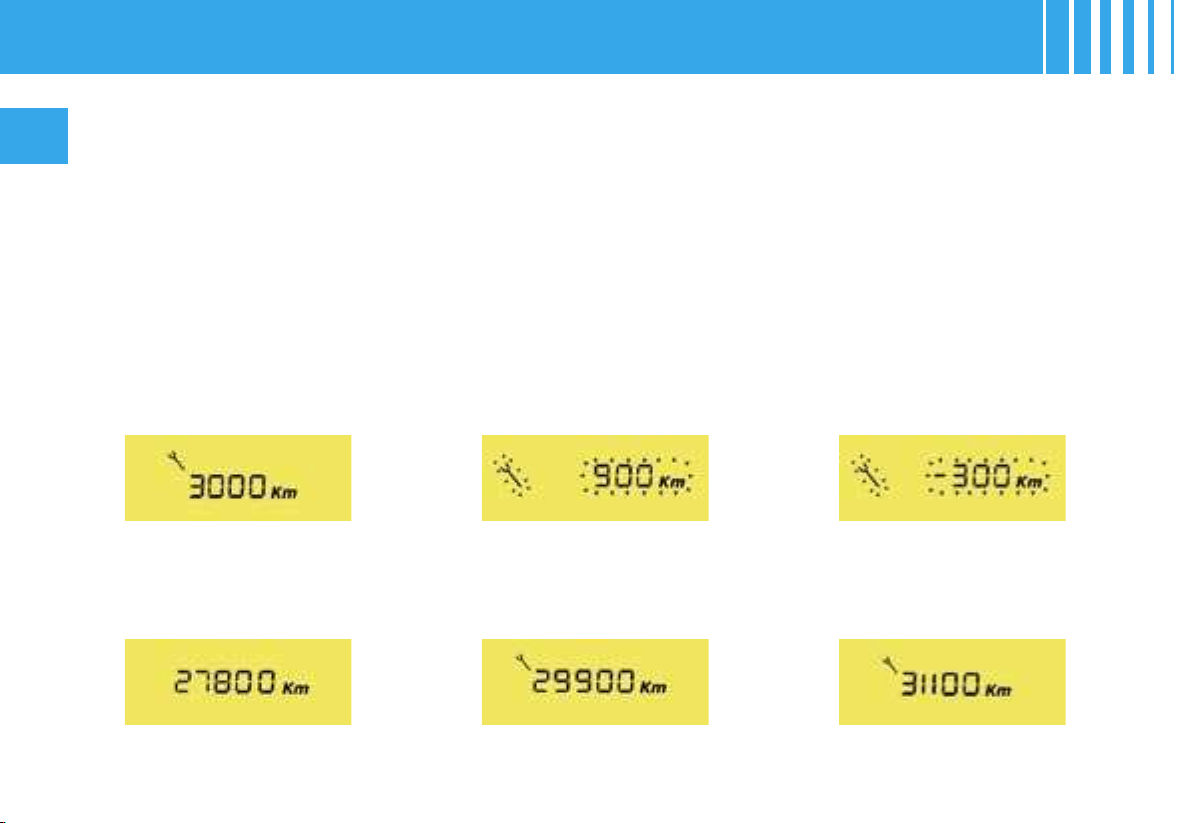
It informs you when the next routine service is due in accordance with the vehicle servicing schedule in
the Maintenance Guide. This information is dependent on two parameters: the mileage covered, and the
time elapsed since the last visit.
Operation
From switching on the ignition and
for a few seconds, the spanner
symbolising maintenance opera-
tions lights up; the total mileage
recorder display tells you the dis-
tance remaining to the next serv-
ice (in thousands and hundreds of
kilometres, or miles).
Example : before the next service
you can still travel :
Operation if the distance
remaining to the next service
is less than 1 000 km
(approx. 600 miles)
Each time you switch on the igni-
tion and for 5 seconds, the symbol
and the distance flash.
Example : There remain up to the
next service : 900 km (or miles).
On switching on the ignition and
for 5 seconds, the instrument pan-
el indicates :
Operation if the service interval
has been exceeded
Each time you switch on the igni-
tion, the maintenance symbol and
the distance covered (preceded
by a minus) beyond the recom-
mended interval flash.
Example : You have passed the
service interval by 300 km (or miles).
The routine service on your vehi-
cle needs to be carried as soon as
possible.
A few seconds after that, the total
mileage recorder display appears.
A few seconds after that, the total
mileage recorder display appears
and the the maintenance symbol
remains lit up.
A few seconds after switching on
the ignition, the total mileage re-
corder resumes its normal role
and the maintenance symbol re-
mains lit up.
MAINTENANCE INDICATOR
A
A
II
41
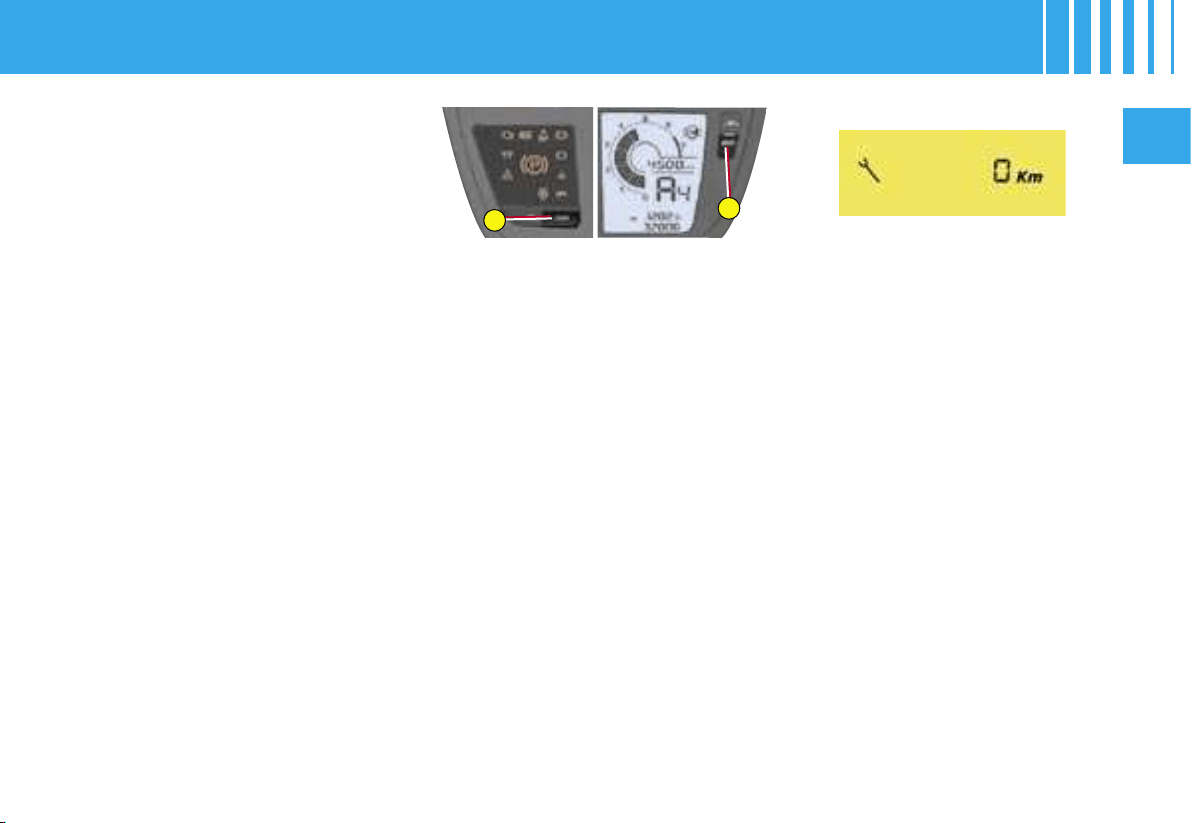
Reset to zero
Your CITROËN technician resets the indicator to zero after each service.
However, if you do your own servicing, the procedure for resetting to zero
is as follows :
- Switch off the ignition, then turn the key to position S, steering lock.
- Press on button A and keep it pressed.
- Switch on the ignition.
- Keep button A pressed until the screen indicates a zero and the mainte-
nance symbol disappears.
- Switch off the ignition.
Maintenance intervals
If you use your vehicle in particularly
difficult conditions, it is essential to
have recourse to the service sched-
ule for driving in conditions, compris-
ing shorter intervals between services
(see the Maintenance Guide).
MAINTENANCE INDICATOR
Mono-tone or
Bi-tone
instrument panel
NaviDrive
instrument panel
1 2 3
M
J
L
H
O
R
K
N
L
J
H
M
R
O
42
II
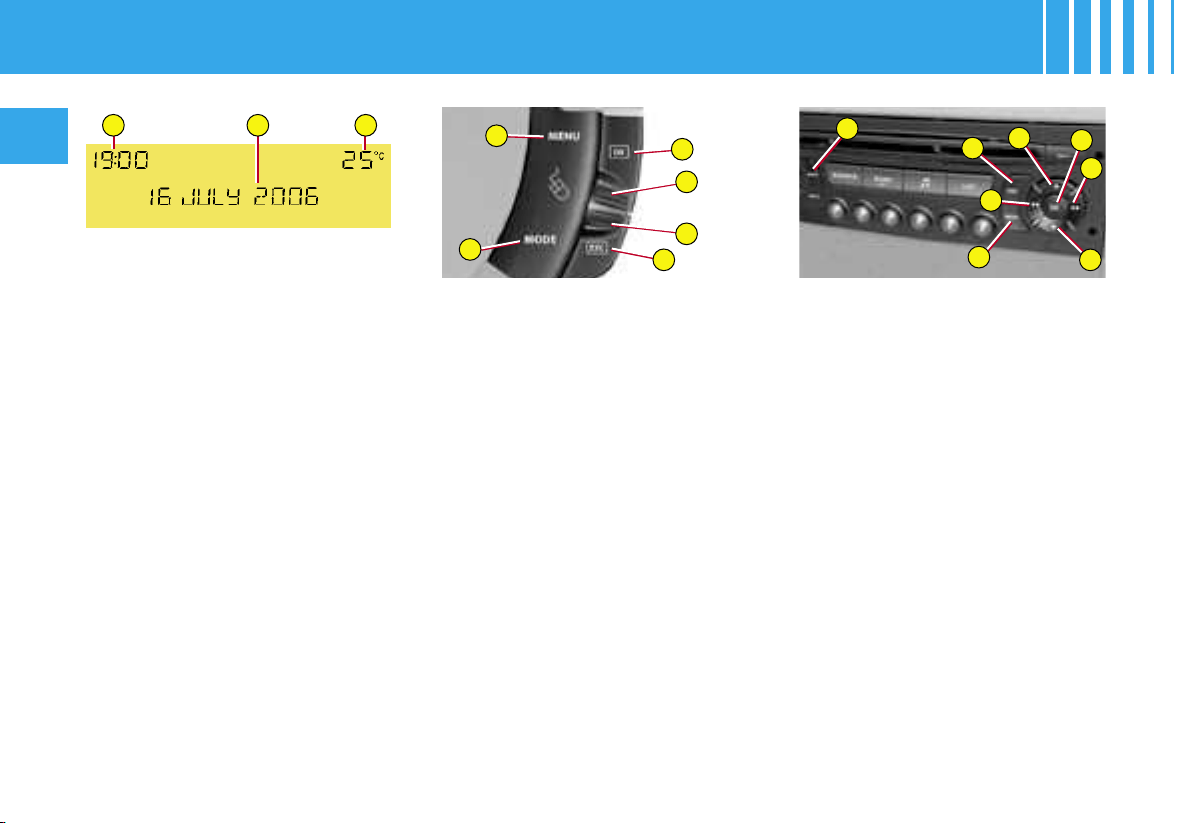
The display of certain types of in-
formation is sometimes by scroll-
ing and sometimes by alternation.
Controls
O -
Access to the « Main Menu »
J or M - Scrolling in the screen
menus
L - Validation and Selection
in the menus of the func-
tion chosen or the value
modified
H -
Cancellation of the opera-
tion or return to the previous
display
R - Selection of the type of in-
formation to be displayed
in zone 2 (date, radio/CD
and trip computer)
K or N - Within the Menus, choice
of activation/deactivation
of functions and selection
of adjustments
Main Menu
By pressing on the button O, then
using buttons J or M, you have ac-
cess to the following functions :
• Radio-CD (see Radio-CD)
• Vehicle configuration, to acti-
vate/deactivate :
- operation of the rear wiper
- automatic guide-me-home light-
ing (according to version)
-
electronic parking brake automatic
functions (application / release)
- door selectivity
-
lighting of daytime-running lamps
(according to country)
.
• Options, for display of alert mes-
sages
• Display adjustments, for alter-
ing the date and the time on the
displays
• Languages, for choosing the
display language
• Units, giving you access to the
choice of units of Temperature
and units of Fuel Consumption
MULTIFUNCTION SCREEN A
It is recommended that the driver
should not manipulate the controls
described below while the vehicle
is in motion.
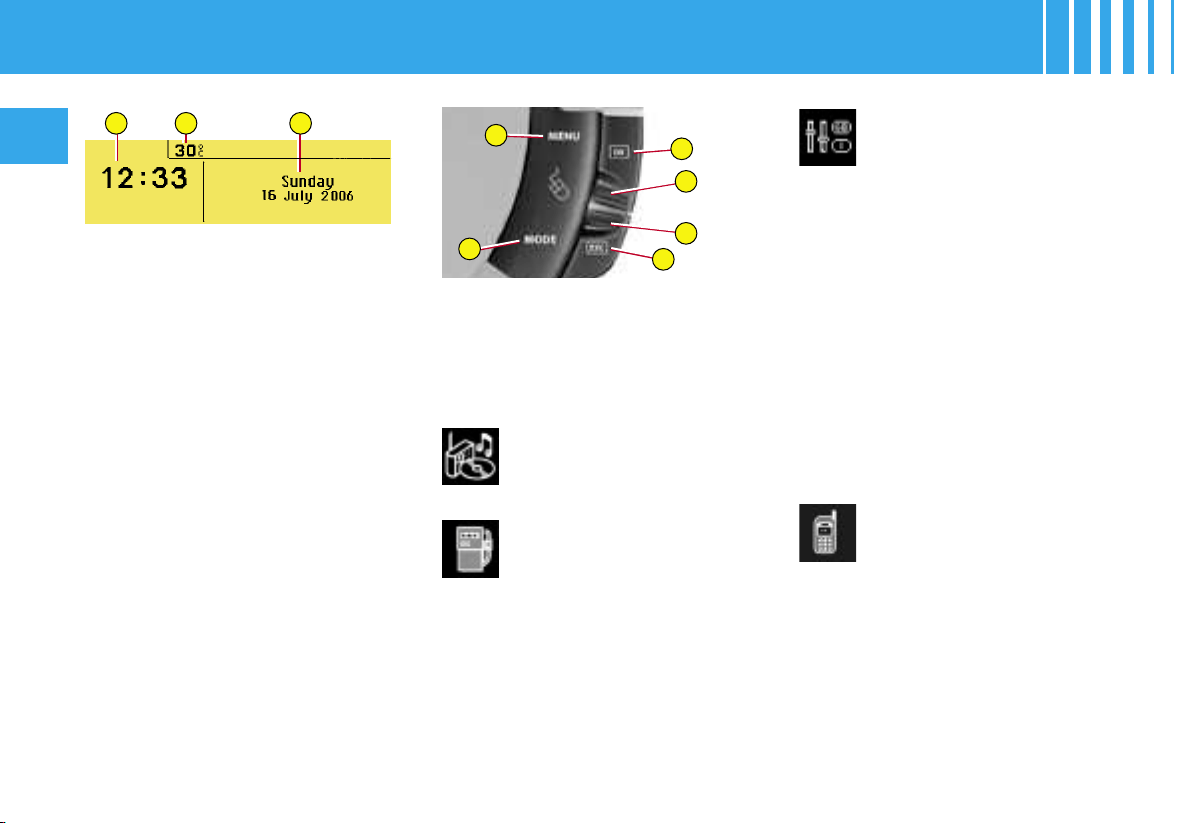
1 - Time
2 - Date and display zone
3 - Outside temperature
When the outside temperature is
between +3 °C and -3 °C, the dis-
play of temperature flashes (ice
risk).
Note : The outside temperature
displayed may be greater than the
actual temperature if the vehicle is
parked in bright sunlight.
L
J
H
M
R
O
M
J
L
H
O
R
K
N
II
43
MULTIFUNCTION SCREEN A
To activate/deactivate the automatic guide-me-home
lighting :
1. Press on O.
2. Use J or M to select the sub-menu for configuration of your vehicle,
then confirm your choice with a press on L.
3. Select guide-me-home lighting, by pressing J or M.
4. The system tells you whether the function status is active or in
active.
Modify this status with a press on K or N.
5. Validate with a press on L.
To activate/deactivate the electronic parking brake
automatic
functions :
1. Press on O.
2. Use J or M to select the sub-menu for configuration of your vehicle,
then confirm your choice with a press on L.
3. Select electronic automatic parking brake by pressing J or M.
4. The system tells you whether the function status is active or in
active.
Modify this status with a press on K or N.
5. Validate with a press on L.
PERSONALISATION and
CONFIGURATION
To activate/deactivate rear
screen wipe when you engage
reverse gear :
1. Press on O.
2. Use J or M to select the sub-
menu for personalisation-con-
figuration of your vehicle, then
confirm your choice with a
press on L.
3. Select rear wipe by pressing J
or M.
4. The system tells you whether
the function status is active
or inactive. Modify this status
with a press on K or N.
5. Validate with a press on L.
L
J
H
M
R
O
M
J
L
H
O
R
K
N
44
II
MULTIFUNCTION SCREEN A
To activate/deactivate door selectivity :
1. Press on O.
2. Use J or M to select the sub-menu for configuration of your vehicle, then confirm you
r choice with a press
on L.
3. Select the access point by pressing J or M.
4. The system tells you the status of the doors/tailgate. Modify
this status with a press on
K or N.
5. Validate with a press on L.
To activate/deactivate lighting of daytime-running lamps (ac
cording to country) :
1. Press on O.
2. Use J or M to select the sub-menu for configuration of your vehicle, then confirm you
r choice with a press
on L.
3. Select lighting of daytime-running lamps by pressing J or M.
4. The system tells you the status (active/inactive) of this function
. Modify this status with a press
K or N.
5. Validate with a press on L.
L
J
H
M
R
O
M
J
L
H
O
R
K
N
II
45
MULTIFUNCTION SCREEN A
To display the log of
alerts :
1. Press on O.
2. Use J or M to select the sub-
menu for options. Confirm with
two presses on L.
Note : You can cancel the start
of the display by pressing button
R to abandon and validating by
pressing L.
Alerts, signalled previously but not
resolved, will scroll in the display
for recall.
To adjust the date and the time :
1. Press on O.
2. Use J or M to select the sub-
menu for Display Adjustments,
then confirm by pressing L.
3.
Press J or M to select what you
want to modify : year, month, day,
hour, minutes, mode of display.
4. Make your adjustment by press-
ing K or N. You can continue
your adjustments by selecting a
different element by presses on
J or M. When you have finished
your adjustments, press L.
To choose the language :
1. Press on O.
2. Use J or M to select the sub-
menu for Languages. Confirm
your choice with a press on L.
3. With presses on K or N, select
the language of your choice,
then validate with a press on L.
To choose units :
1. Press on O.
2. Press J or M to select the sub-
menu for Units. Confirm your
choice with a press on L.
3. Press J or M to select the type
of unit you wish to modify (Tem-
perature or Fuel Consumption).
4. With presses on K or N, select
the unit of your choice, then
validate with a press on L.
Note : This choice concerns all the
information (Consumption - Speed)
appearing on the displays.
1 2 3
L
J
H
M
R
O
46
II
MULTIFUNCTION SCREEN C
Main Menu
Press on the button O to view the
«Main Menu» of the multifunction
screen. This menu gives you ac-
cess to the following functions :
It is recommended that the driver
should not manipulate the controls
described below while the vehicle
is in motion.
1 - Time
2 - Outside temperature
3 - Date and display zone
When the outside temperature is
between +3 °C and -3 °C, the dis-
play of temperature flashes (ice
risk).
Radio-CD
(See Radio-CD)
Trip computer,
for :
- Entering the distance to
your destination
- Access to the log of alerts (recall
of alerts signalled previously)
- Access to the status of functions,
such as automatic headlamps
and windscreen wipe.
Personalisation -
Configuration, for
activating/
deactivating :
- operation of the rear wiper
- automatic guide-me-home lighting
- Xenon dual-function directional
headlamps
-
electronic parking brake automatic
functions (application / release)
- door selectivity
- lighting of daytime-running lamps
and for choosing :
- brightness intensity, time, date
and units
- the display language
Bluetooth
®
hands-free kit
(See Radio-CD)
Note : The outside temperature
displayed may be greater than the
actual temperature if the vehicle is
parked in bright sunlight.
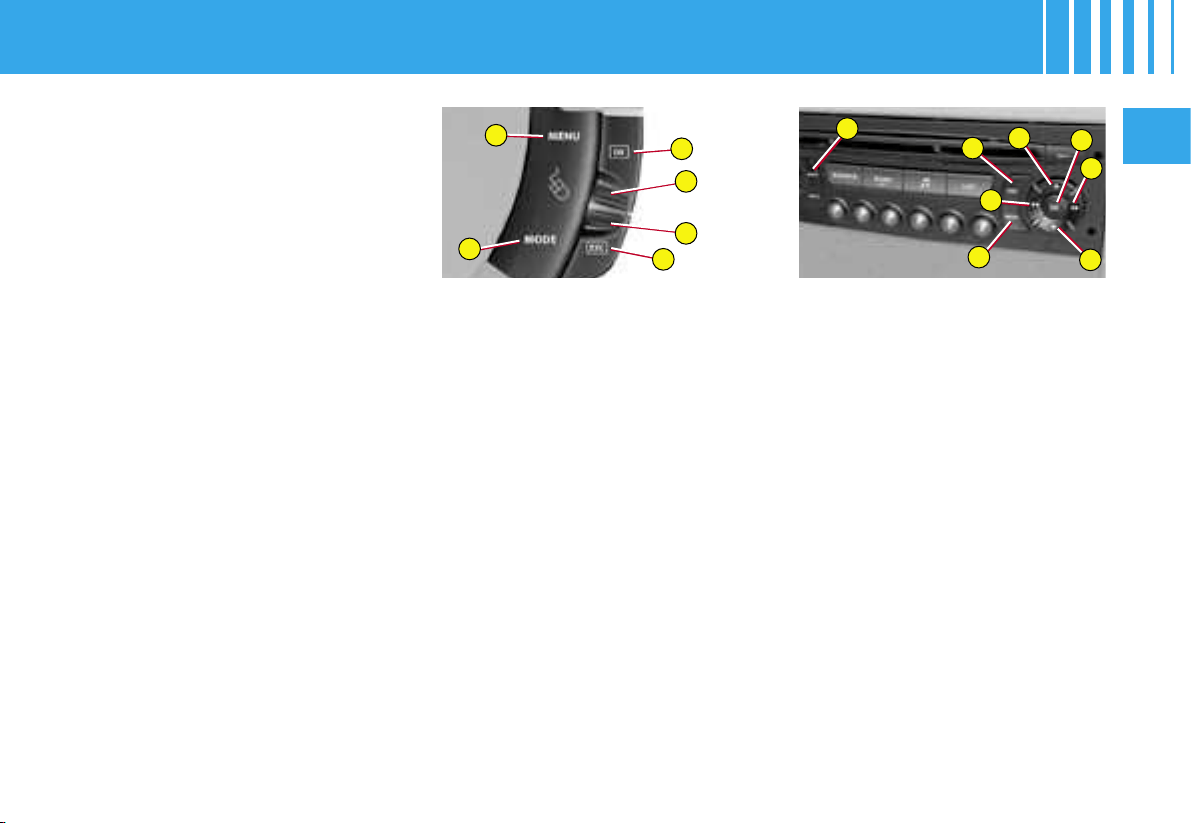
Controls
O -
Access to the «Main Menu»
J or M - Scrolling in the screen
menus
L - Validation and Selection
in the menus of the func-
tion chosen or the value
modified
H - Cancellation of the opera-
tion or return to the previ-
ous display
R - Selection of the type of in-
formation to be displayed
permanently (date, radio-
CD, trip computer) on the
right of the screen
L
J
H
M
R
O
M
J
L
H
O
R
K
N
II
47
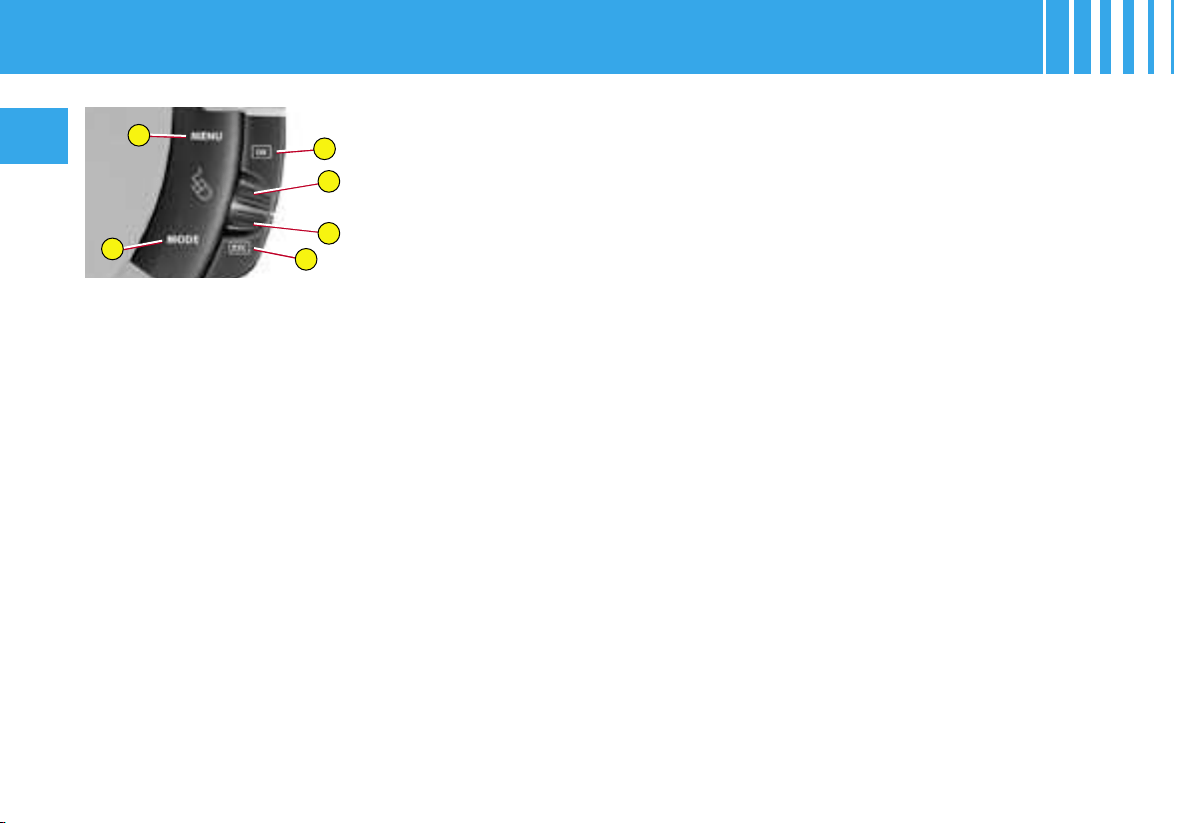
PERSONALISATION and
CONFIGURATION
To activate/deactivate rear
screen wipe when you engage
reverse gear :
1. Press on O.
2. Use J or M to select «Person-
alisation-Configuration», then
confirm your choice with a
press on L.
3. Then select the sub-menu for
vehicle parameters. Confirm
your choice with a press on L.
4. Using J or M, select «park-
ing assistance». Confirm your
choice with a press on L.
5. Then by pressing L, select/
deselect triggering of rear
screen wipe in reverse gear,
to activate/deactivate this.
6. Validate with «OK» on the dis-
play.
TRIP COMPUTER
To enter the distance to be
travelled in the trip computer :
1. Press on O.
2. Use J or M to select the icon
for the trip computer, then con-
firm your choice with a press
on L.
3. Press J or M to select entry of
distance. Confirm your choice
with a press on L.
4. To choose the distance, select
the figure you wish to modify
via J or M, then confirm your
choice with a press on L.
5. Using J or M, adjust the value
then validate with a press on L.
6. Validate with «OK» on the dis-
play.
To access the log of alerts in
the trip computer:
1. Press on O.
2. Use J or M to select the icon
for the trip computer, then con-
firm your choice with a press
on L.
3. Select the log of alerts.
4. When you see the list displayed,
scroll down using J or M.
5. Press on H, to return to the
permanent display.
To access the status of functions,
proceed in a similar manner.
To activate/deactivate the
automatic guide-me-home
lighting :
1. Press on O.
2. Use J or M to select «Person-
alisation-Configuration», then
confirm your choice with a
press on L.
3. Then select the sub-menu for
vehicle parameters. Confirm
your choice with a press on L.
4. Using J or M, select «lighting
and signalling». Confirm your
choice with a press on L.
5. Then by pressing L, select/
deselect «guide-me-home light-
ing» to activate/deactivate this.
After activation, choose its du-
ration : press on L, then use J
or M to select the duration and
then press on L.
6. Validate with «OK» on the dis-
play.
MULTIFUNCTION SCREEN C
L
J
H
M
R
O
48
II
3. Then select the sub-menu for
vehicle parameters. Confirm
your choice with a press on L.
4. Using J or M, select «access
to the vehicle». Confirm your
choice with a press on L.
5. Then by pressing L, select the
status of the vehicle access
as desired.
6. Validate with «OK» on the dis-
play.
To activate/deactivate lighting
of daytime-running lamps
(according to country) :
1. Press on O.
2. Use J or M to select «Person-
alisation-Configuration», then
confirm your choice with a
press on L.
3. Then select the sub-menu for
vehicle parameters. Confirm
your choice with a press on L.
4. Using J or M, select «lighting
and signalling». Confirm your
choice with a press on L.
5. Then by pressing L, select/
deselect «daytime-running
lamps» to activate/deactivate
the function.
6. Validate with «OK» on the dis-
play.
To activate/deactivate the
Xenon dual-function directional
headlamps :
1. Press on O.
2. Use J or M to select «Person-
alisation-Configuration», then
confirm your choice with a
press on L.
3. Then select the sub-menu for
vehicle parameters. Confirm
your choice with a press on L.
4. Using J or M, select « driv-
ing assistance ». Confirm your
choice with a press on L.
5. Then by pressing L, select/
deselect Xenon dual-function di-
rectional headlamps to activate/
deactivate them.
6. Validate with «OK» on the dis-
play.
MULTIFUNCTION SCREEN C
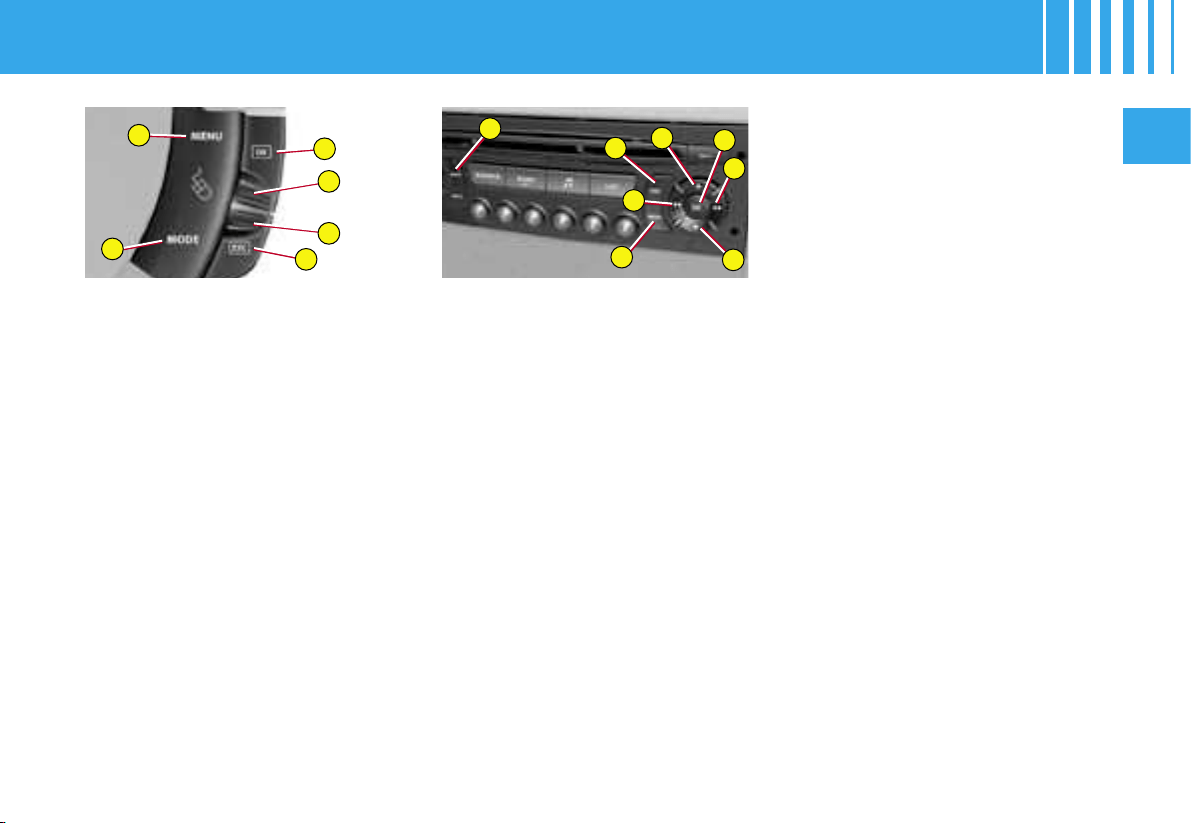
To activate/deactivate
the electronic parking
brake automatic functions
(application/release) :
1. Press on O.
2. Use J or M to select «Person-
alisation-Configuration», then
confirm your choice with a
press on L.
3. Then select the sub-menu for
vehicle parameters. Confirm
your choice with a press on L.
4. Using J or M, select « driving
assistance ». Confirm your
choice with a press on L.
5. Then by pressing L, select/
deselect «automatic parking
brake» to activate/deactivate
the electronic parking brake
automatic functions (applica-
tion/release).
6. Validate with «OK» on the dis-
play.
To activate/deactivate the door
selectivity :
1. Press on O.
2. Use J or M to select «Person-
alisation-Configuration», then
confirm your choice with a
press on L.
L
J
H
M
R
O
M
J
L
H
O
R
K
N
II
49
To choose the units :
1. Press on O.
2. Use J or M to select «Person-
alisation-Configuration», then
confirm your choice with a
press on L.
3. Select the display configuration
using J or M. Confirm with a
press on L.
4. Then select the sub-menu for
units. Confirm your choice
with a press on L.
5. Using J or M, select the unit
you wish to modify (Tempera-
ture or Consumption), then
validate by pressing L.
6. Validate with «OK» on the dis-
play.
Note : This choice concerns all the
information (Consumption - Speed)
appearing on the displays.
To adjust the date and the time :
1. Press on O.
2. Use J or M lto select «Person-
alisation-Configuration», then
confirm your choice with a
press on L.
3. Select the display configuration
using J or M». Confirm with a
press on L.
4. Select the adjustment for the
date and the time, using J or
M. Confirm with a press on L.
5. Press J or M to select the
values you wish to modify.
Confirm your choice with a
press on L.
6. Make your adjustments by
pressing J or M, validating
each adjustment choice by
pressing L.
7. Validate with «OK» on the dis-
play.
MULTIFUNCTION SCREEN C
To choose the language :
1. Press on O.
2. Use J or M to select «Person-
alisation-Configuration», then
confirm your choice with a
press on L.
3. Make your choice of language,
using J or M.
4. Using J or M, select the lan-
guage and validate your choice
with a press on L.
5. Validate with «OK» on the dis-
play.
L
J
H
M
R
O
M
K
O
R
H
J
L
N
1
2
3
4
5
50
II
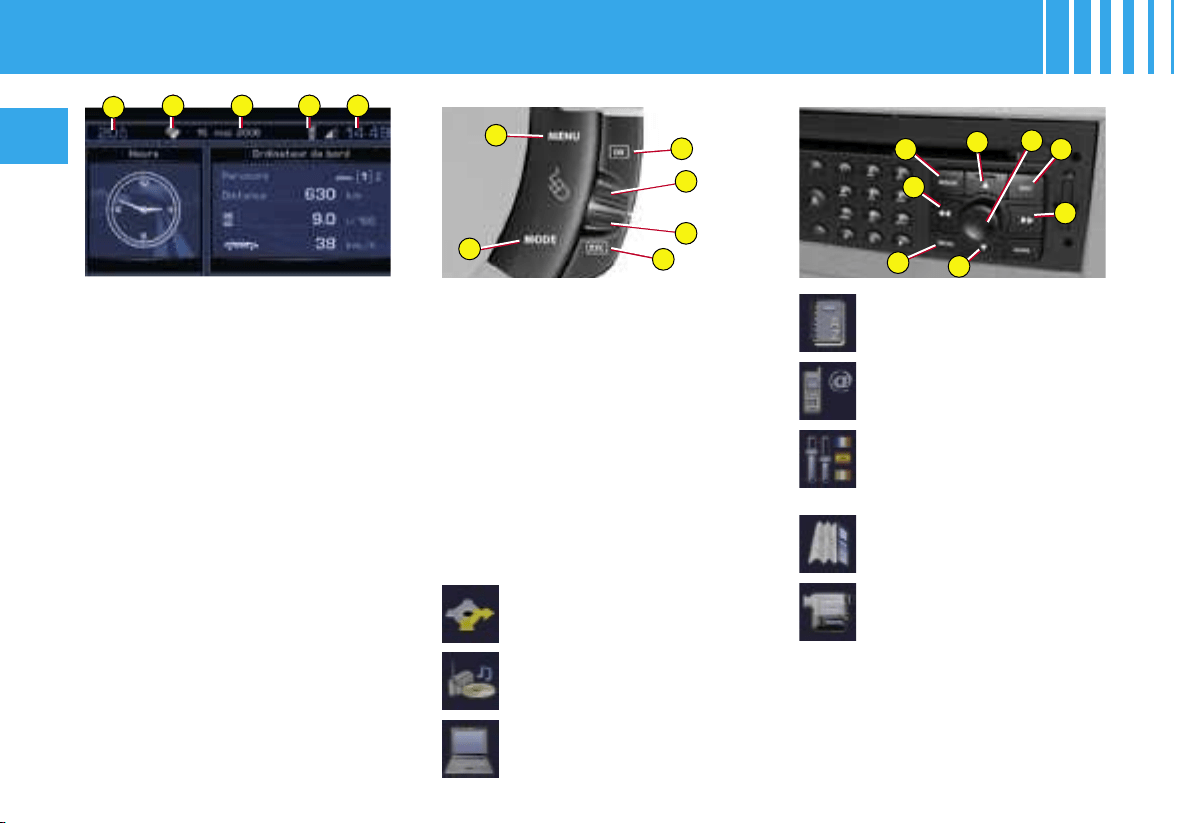
H - Cancellation of the opera-
tion or return to the previ-
ous display
R - Selection of the type of in-
formation to be displayed
permanently (date, radio-
CD, trip computer) on the
right of the screen
Main Menu
Press on the button O to view the
«Main Menu» of the multifunction
screen.
This menu gives you access to
the following functions :
Trip computer
(See NaviDrive instructions)
Directory
(See NaviDrive instructions)
Telematics
(See NaviDrive instructions)
Configuration, for adjusting
various parameters (date,
time, units)
(See NaviDrive instructions)
Map
(See NaviDrive instructions)
Video
(See NaviDrive instructions)
Navigation/guidance
(See NaviDrive instructions)
Audio
(See NaviDrive instructions)
It is recommended that the driver
should not manipulate the controls
described below while the vehicle
is in motion.
1 - Outside temperature
2 - Directory
3 - Date
4 - Telephone
5 - Time
When the outside temperature is
between +3 °C and -3 °C, the dis-
play of temperature flashes (ice
risk).
Note: The outside temperature
displayed may be greater than the
actual temperature if the vehicle is
parked in bright sunlight.
Controls
O -
Access to the «Main Menu»
J or M - Scrolling in the screen
menus
L -
Validation and Selection in
the menus of the function
chosen or the value modified
MULTIFUNCTION SCREEN DT
II
51
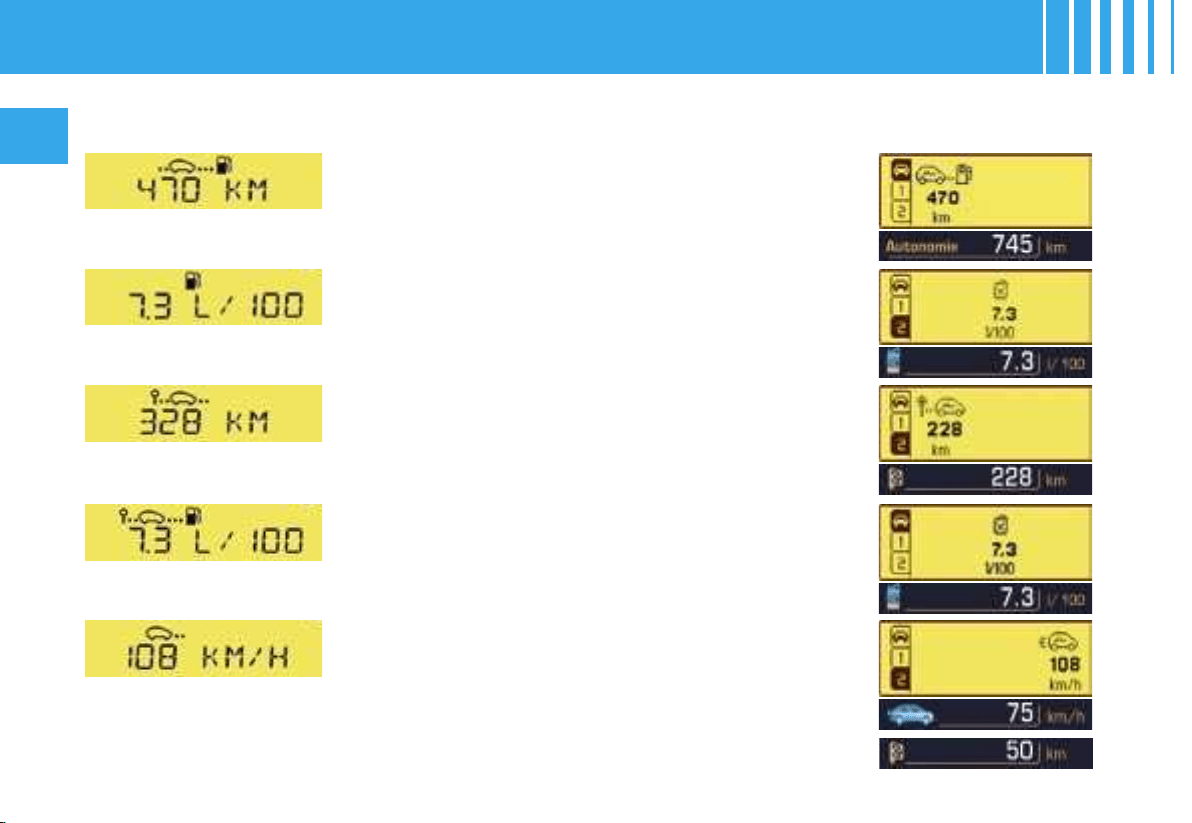
Multifunction screen A
The trip computer gives you 5 types
of information accessible by succes-
sive presses on the control stalk.
• Range
• Instantaneous consumption
• Distance travelled
• Average consumption
• Average speed
To cancel the display of the trip
computer information, press a fifth
time.
Multifunction screens C and
DT
The trip computer gives you ac-
cess to 3 types of instantaneous
information :
- Range
- Instantaneous consumption
- Distance remaining to be travelled
It also gives you access to 3 types
of information for two Journeys
1 and 2 :
- The distance travelled
- The average consumption
- The average speed
The Journeys
Journeys 1 and 2 are independent
of each other but identical in use.
For example they allow you to al-
locate journey 1 for daily calcula-
tions and journey 2 for monthly
calculations.
Setting a Journey to zero
When the relevant Journey is dis-
played, give a long press on the
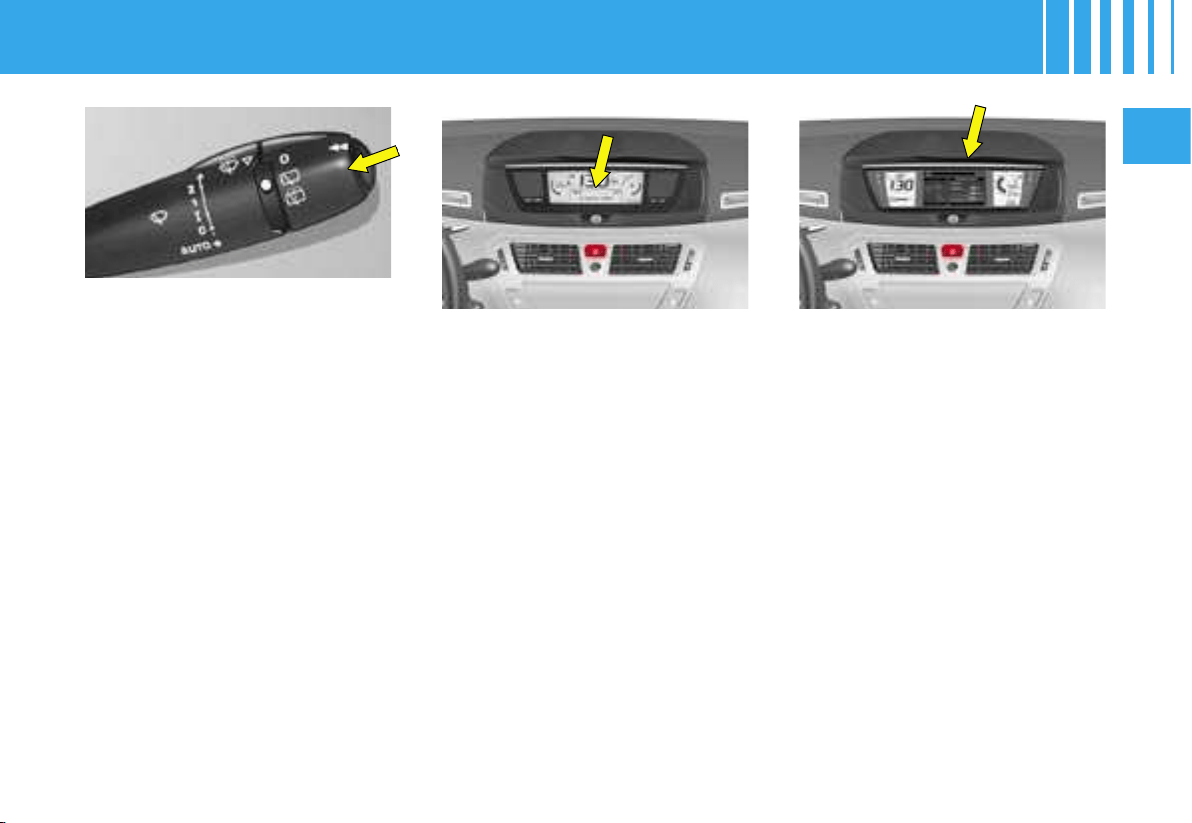
end of the wiper control stalk.
To access display and selection
of the various types of informa-
tion, give short presses on the
end of the windscreen wiper con-
trol stalk.
For multifunction screen C and DT,
a press on the «Mode» button will
display the trip computer informa-
tion permanently.
To reset the trip computer infor-
mation to zero, press continuously
for a few seconds on the end of the
control stalk when one of the types
of information is displayed.
TRIP COMPUTER
52
II
TRIP COMPUTER
Version for multifunction
screen A
Version for multifunction
screens C and DT
Range
This is the number of kilometres (or miles) that can still
be travelled on the fuel remaining in the tank.
When the distance remaining to be travelled is less
than 25 km (around 15 miles), only three dashes will
be displayed.
After a re-initialisation of the trip computer, the indica-
tion of range only becomes significant after a certain
length of time.
Average consumption
This is the relationship between the fuel consumed
and the distance travelled since the last time the trip
computer was reset to zero.
Instantaneous consumption
This is the result based on consumption recorded in
the last two seconds.This function only operates above
30 km/h (approx. 20 mph).
Average speed
This is the result (since the last time the trip computer
was reset to zero), from dividing the distance travelled
by the time taken (time with the ignition switched on).
Distance travelled
This is the number of kilometres (or miles) travelled
since the last time the trip computer was reset to zero.
Distance remaining to be travelled
To enter this, see « Multifunction screens C and DT ».
II
53
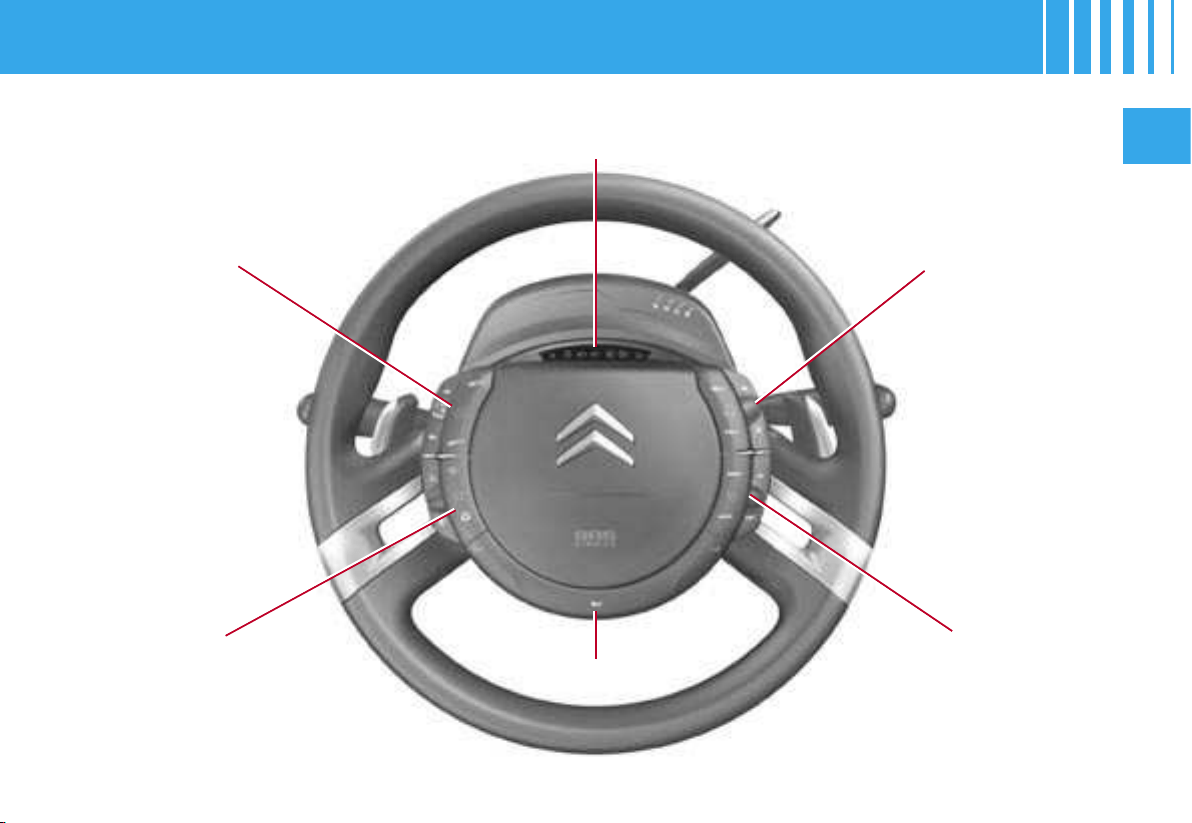
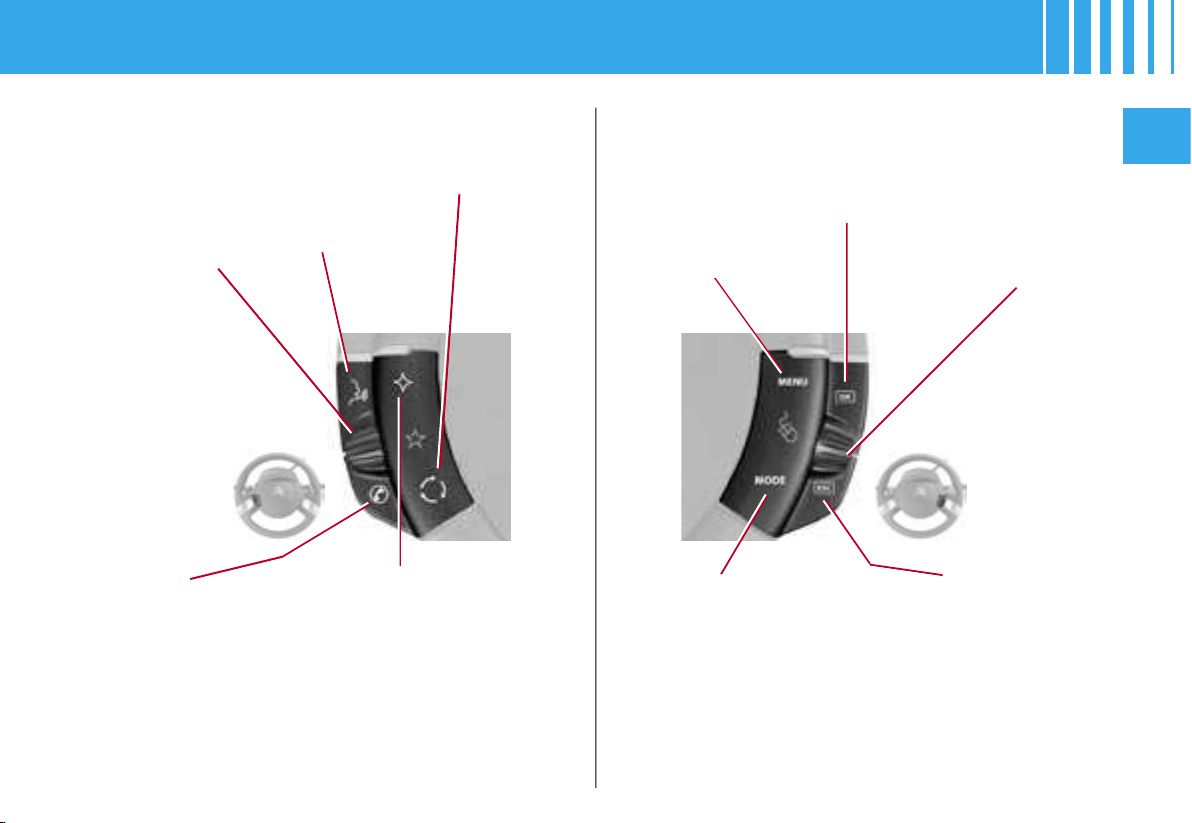
Cruise control and
speed limiter
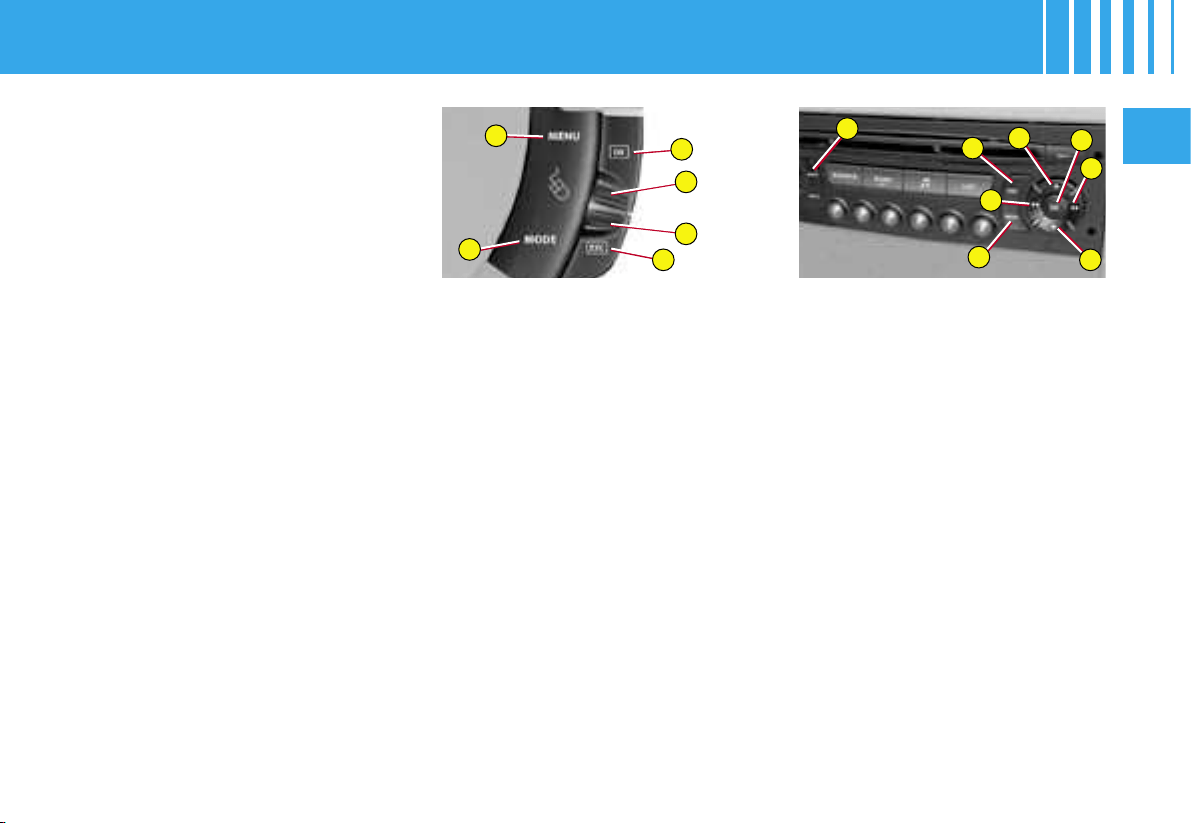
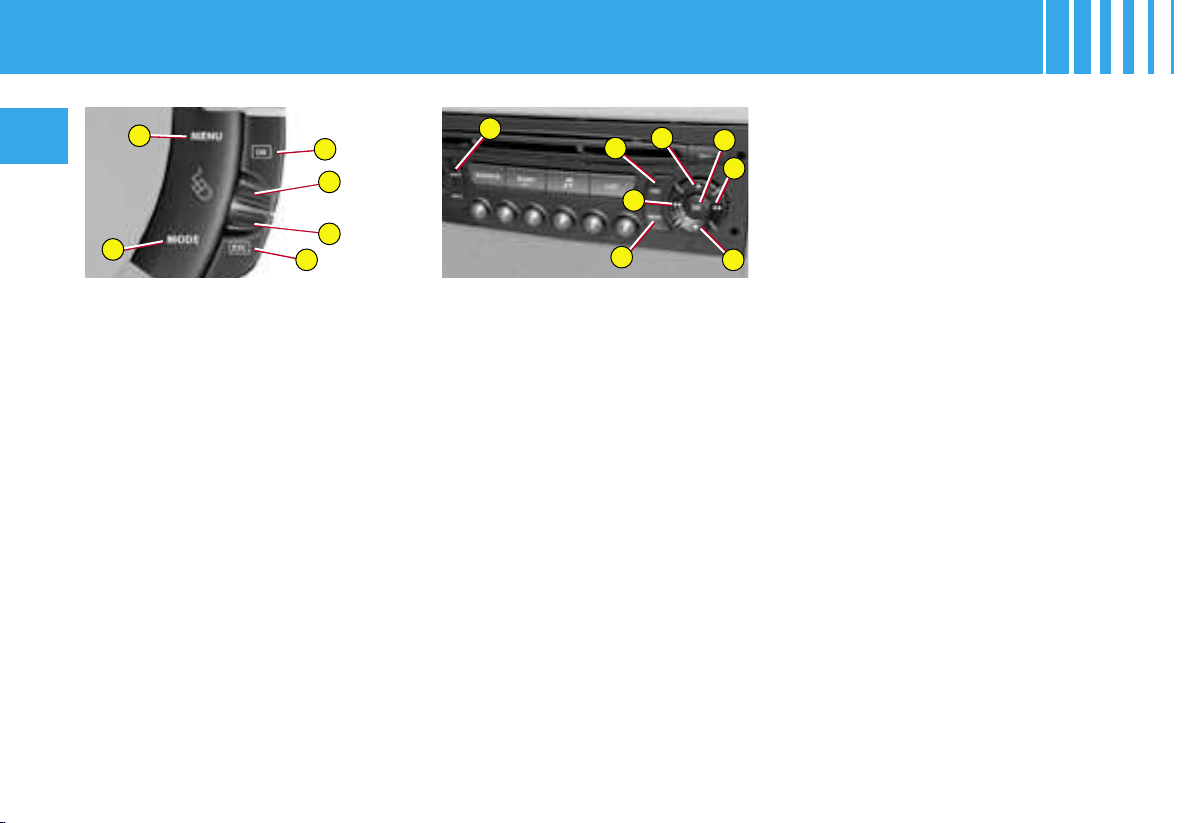
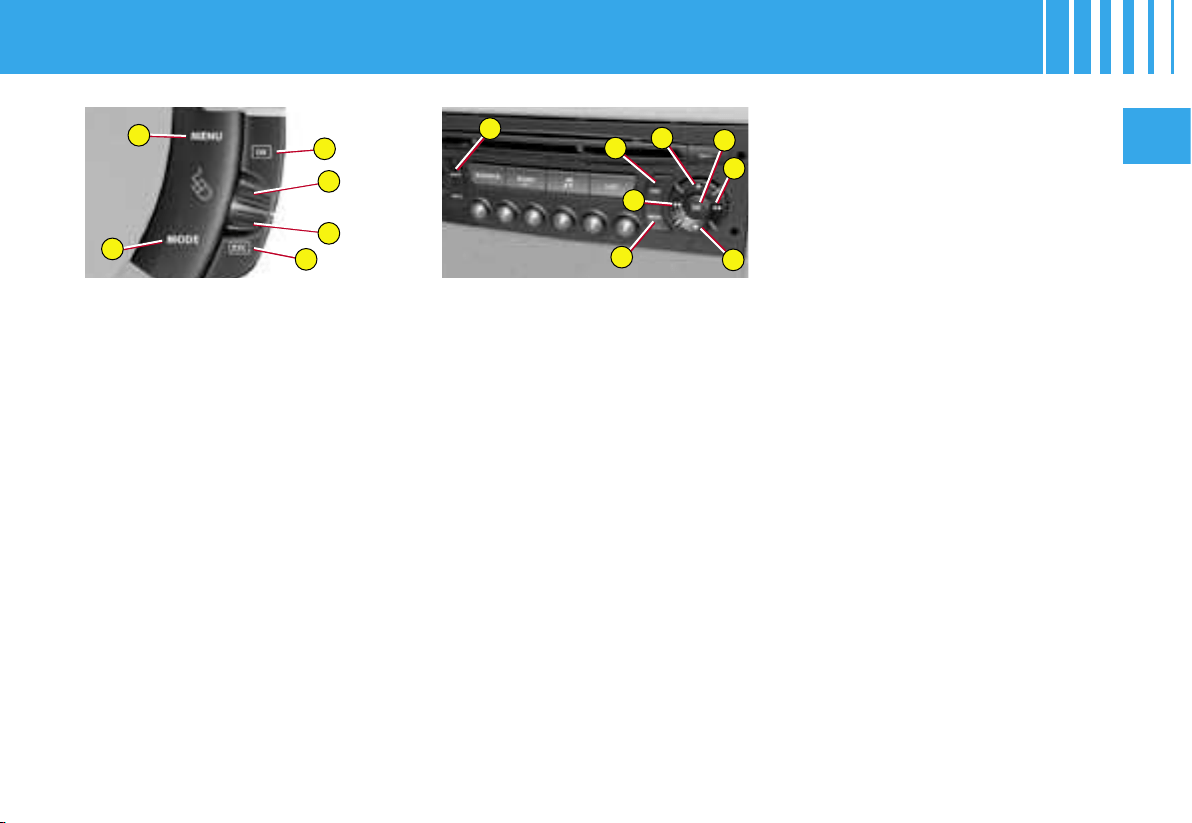
Audio system
controls
Warning lamps for vehicle lamps and
direction indicators
Optional function
controls
Multifunction display
controls
Horn
FIXED CENTRED CONTROLS STEERING WHEEL
54
II
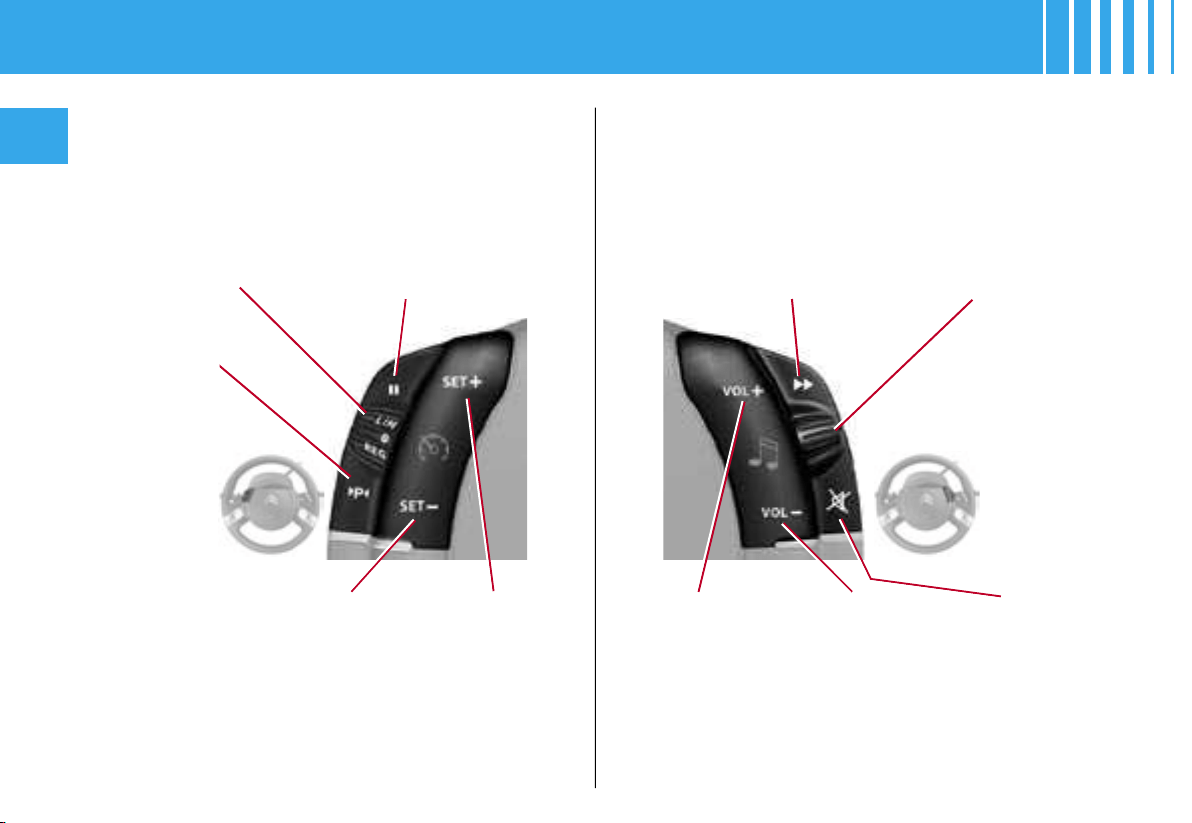
CRUISE CONTROL AND SPEED
LIMITER
AUDIO SYSTEM CONTROLS
Selection of cruise
control or speed
limiter
Activation of the speed
limiter and Deactivation /
Reactivation
of cruise control or
speed limiter
Search of higher
frequencies
Scrolling of pre-set
stations
Decrease of
speed /
Activation
of cruise control
Increase of
speed /
Activation
of cruise control
Increase in
sound volume
Decrease in
sound
volume
Mute
See chapter on Radio or NaviDrive instructions
Selection of
the parking
space
function
FIXED CENTRED CONTROLS STEERING WHEEL
II
55
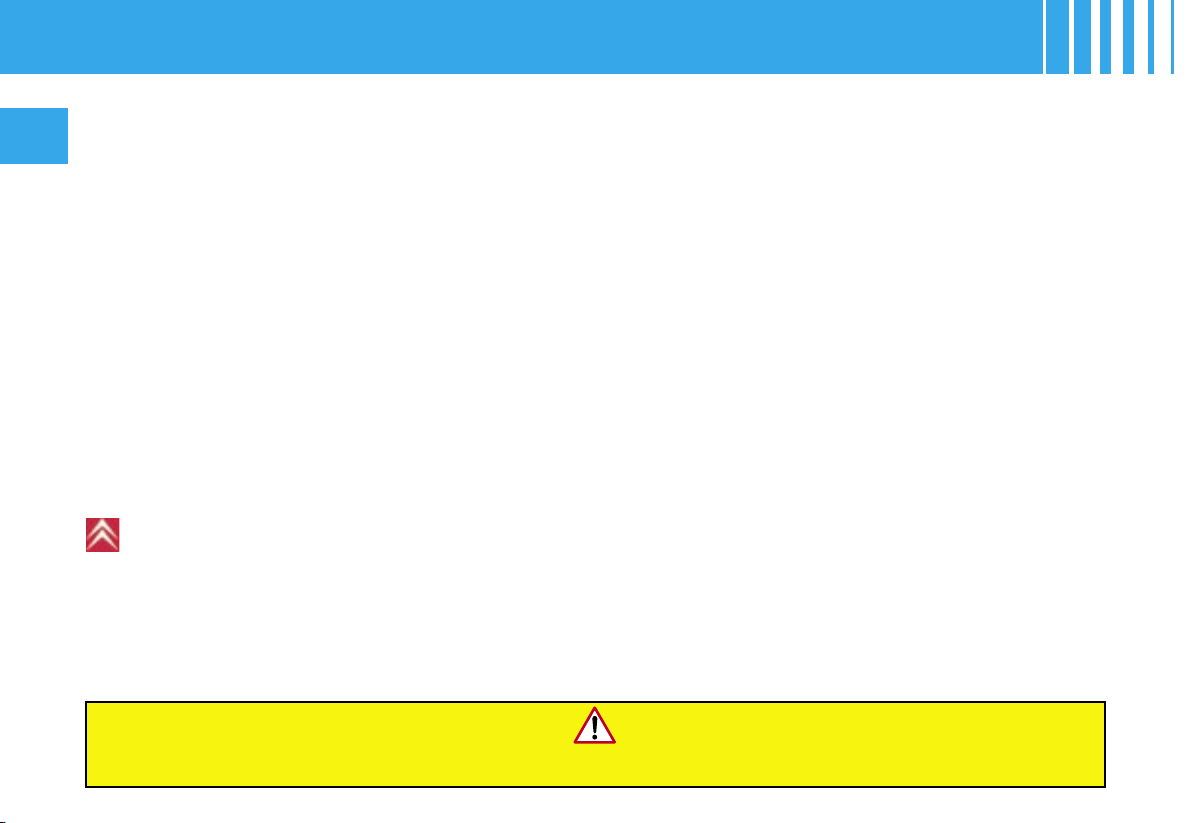
OPTIONAL FUNCTION CONTROLS MULTIFUNCTION DISPLAY CONTROLS
Rheostat for
dashboard
lighting
(instrument
panel +
controls)
Start of voice
recognition (see
chapter on Radio -
NaviDrive
instructions)
Access to the
« Main menu » *
Scrolling in the
multifunction
display
Pick-up /
hang-up
telephone
(see NaviDrive
instructions)
Personalisation button :
- Illumination / extinction of interior
lamp or
- Diagnosis or
- Personalisation of display of in-
formation in the instrument panel
or
- Choice of background colour for
the instrument panel.
To view the personalisation menu
via this button, give it a long press.
Selection of the type of
information to be
displayed on the right
of the screen (radio, trip
computer, navigation /
guidance, etc.) and
for multifunction screen A,
choice of activation/
deactivation of your
functions and adjustment
choices
Cancellation of the
current operation or
return to the previous
display
Air recirculation
Validation of the function chosen
or of the value modified
Pick-up / hang-up (see chapter on Radio)
* To comply with legisla-
tion in certain countries,
the «Menu» control may
be deactivated while the
vehicle is in motion.
Display of
« Directory »
menu
(see chapter on
Radio)
FIXED CENTRED CONTROLS STEERING WHEEL
56
II
Manual gearbox
1.
Check that you are in neutral
.
2. Do not touch the accelerator.
3. For Diesel engines : turn the
key as far as position M. Wait
for the preheater warning lamp
to go off if this has come on.
4. Action the starter by turning
the key until the engine starts
(not more than ten seconds).
5. In ambient temperatures low-
er than 0°C, declutch during
the action on the starter to fa-
cilitate starting. Then remove
your foot slowly from the
clutch pedal.
NEVER RUN THE ENGINE IN A SPACE THAT IS ENCLOSED OR INSUFFICIENTLY VENTILATED.
Electronic Gearbox System
(6-speed)
1.
Check that you are in position N
.
2.
Press firmly on the brake pedal
.
3. Do not touch the accelerator.
4.
For Diesel
engines
: turn the key
as far as position M. Wait for
the preheater warning lamp to
go off if this has come on
.
5. Action the starter by turning
the key until the engine starts
(not more than ten seconds).
Note : After the vehicle has had a
prolonged stop or if the brake ped-
al has been applied several times
when stationary, it is necessary to
press the brake pedal fully down
in order to authorise starting of the
engine.
Advice
Vehicles equipped with a turbocharger
Never stop the engine without having allowed it to run for a few seconds at idle, this being the time required for the
turbocharger to return to a normal speed.
«Flicking the accelerator» at the moment of switching off the ignition could cause serious damage.
Note : If the engine fails to start at the first attempt, switch off the ignition. Wait ten seconds, then action the starter
again as indicated above.
Automatic gearbox
1. Check that you are in position
P or N.
2. Do not touch the accelerator.
3. For Diesel
engines
: turn the
key as far as position M. Wait
for the preheater warning lamp
to go off if this has come on.
4. Action the starter by turning
the key until the engine starts
(not more than ten seconds).
Note : To exit from position P,
press on the brake pedal before
moving the selector.
STARTING THE ENGINE
II
57
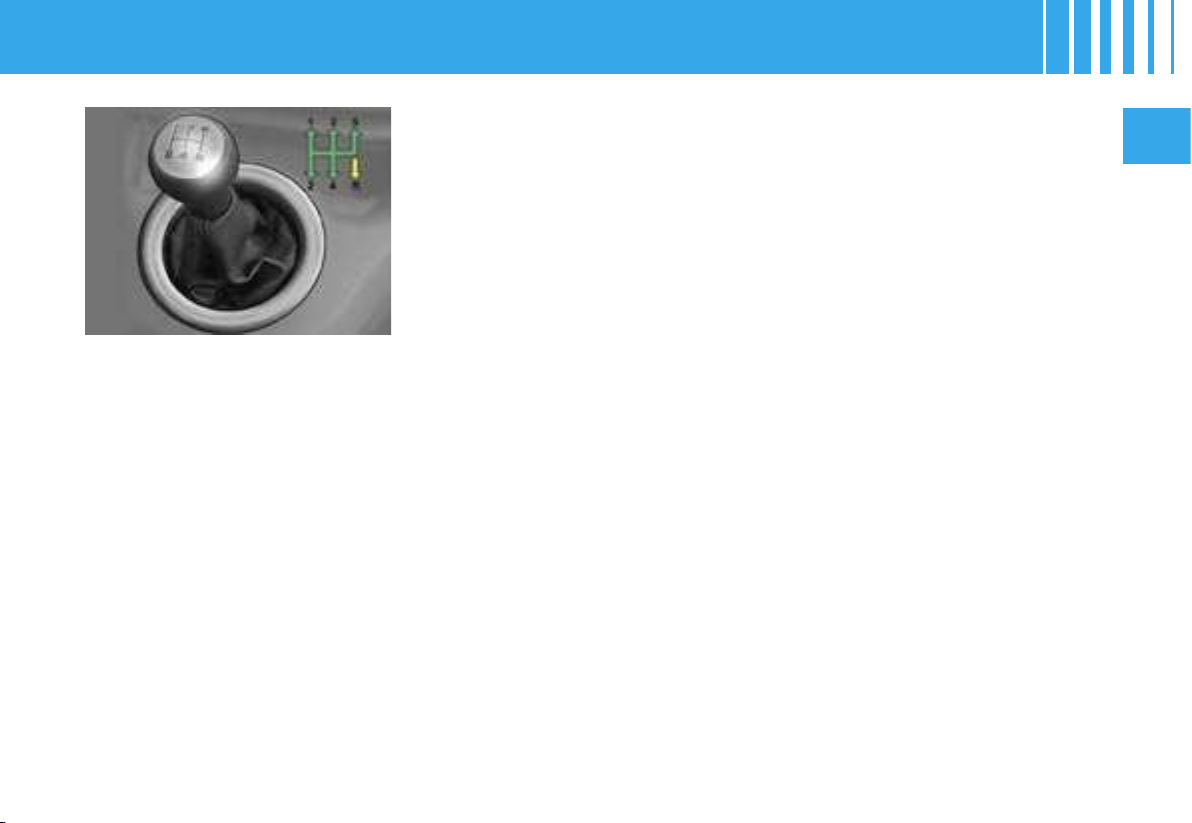
5 speed gearbox
Reverse gear
Never engage reverse gear before the vehicle has come to a complete halt.
The movement should be made slowly in order to prevent snatching noises.
Note : With a manual gearbox :
- the cruise control is active from 4
th
gear above speeds of 40 km/h (25 mph),
- the speed limiter is active above speeds of 30 km/h (19 mph).
MANUAL GEARBOX
1
1
2
58
II
The (6-speed) electronic gearbox offers you a choic
e
of two driving modes
:
- automatic mode,
- manual mode, with levers under the steering
wheel 1.
Mode selection :
- automatic mode : selector 2 in position A.
- manual mode : selector 2 in position M.
Note : in automatic mode, instant manual operation
is possible any time you action one of the levers 1.
Selection position
- The selector position is displayed in the instrument
panel, on the left on multifunction screens A and C
and on the right on multifunction screen DT.
- A background-lit position grille associated with the
selector allows you to view the position selected.
When the ignition is on, lighting of the SERVICE wa
rning lamp, accompanied by a sound signal and the
message « Gearbox faulty » indicates a malfunction.
Urgently contact a CITROËN dealer.
For safety :
• Position N can only be disengaged if you are pressing the brake pedal.
• When a door is opened, a sound signal is heard if
the selector is not in position
N.
• If the gearbox is in position N but the selector position is different, reposition the sele
ctor on
N in order to be
able to start
.
(6-SPEED) ELECTRONIC GEARBOX SYSTEM -
GENERAL
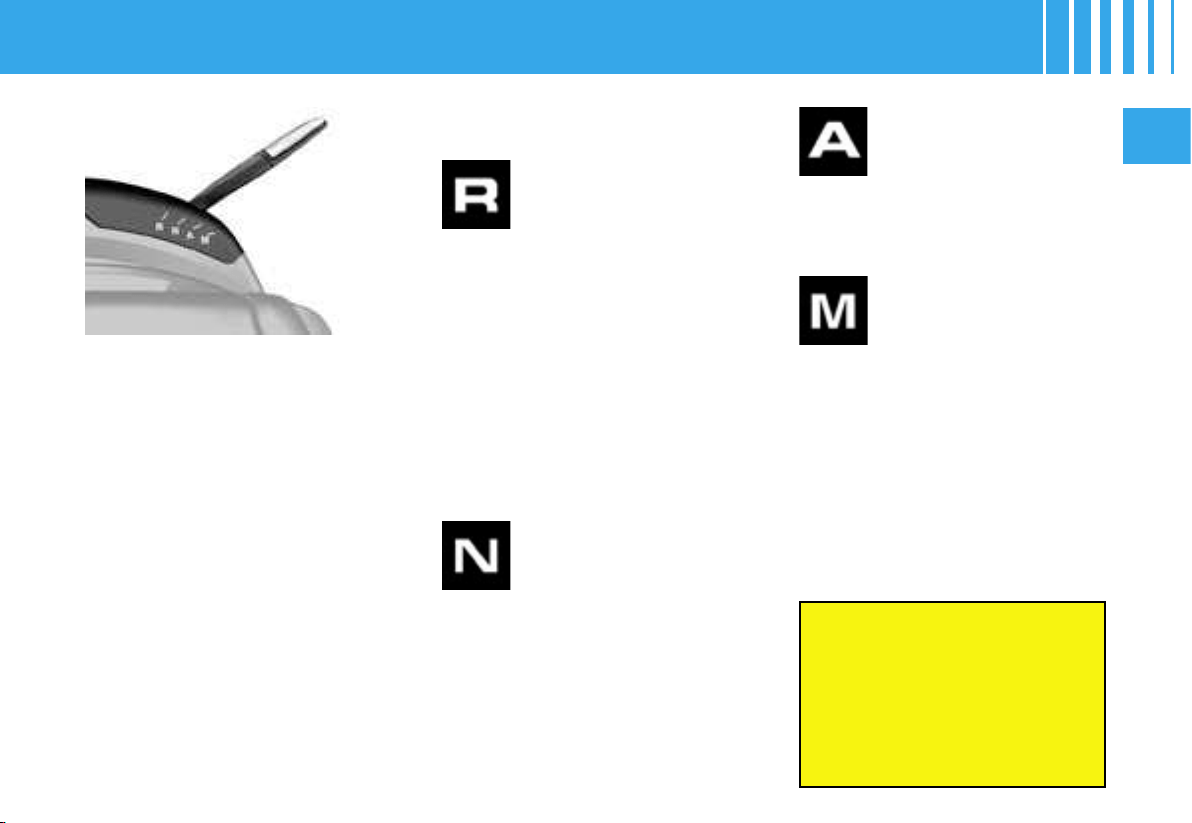
II
59
Starting the engine
1. To start the engine, the selec-
tor has to be in position N.
2.
Press firmly on the brake pedal
.
3. Action the starter.
4. When the engine is running,
place the selector on R, A or
M as desired.
5. Check, in the instrument pan-
el, the position engaged.
6. Release the brake pedal and
accelerate.
Note : If the selector is not in po-
sition N, and/or if the brake pedal
is not pressed, the correspond-
ing warning lamp(s) display and a
message informs you that at least
one of these two conditions is not
met.
In this case, the engine will not
start, recommence the above pro-
cedure.
Using the 6-speed electronic
gearbox
Reverse gear
Engaging reverse gear
To engage reverse gear, move the
selector to R.
Only attempt to change to reverse
gear when the vehicle is stationary
.
Automatic mode
Changing to automatic mode
To change to automatic mode,
move the selector to A.
Manual mode
Changing to manual mode
Manual mode activates when you
move the selector to M.
- Pull the lever « + » to change up
a gear.
- Pull the lever « - » to change
down a gear.
When the engine is running,
before accelerating to move
the vehicle, make sure that the
position engaged on the
selector grille or in the
instrument panel is either :
R, A or M
.
Do not leave the vehicle with
the engine running in R, A or M
.
If the vehicle is moving rapidly, if
an inadvertent attempt to engage
reverse gear is made, the warning
lamp N will flash and your vehicle
will go automatically into neutral.
To re-engage a gear, you have only
to reposition the selector on A, M
or R.
(6-SPEED) ELECTRONIC GEARBOX SYSTEM - GENERAL
Neutral
Changing to neutral
To change to neutral, move the
selector to N. If the vehicle is mov-
ing, do not select this position
even momentarily.
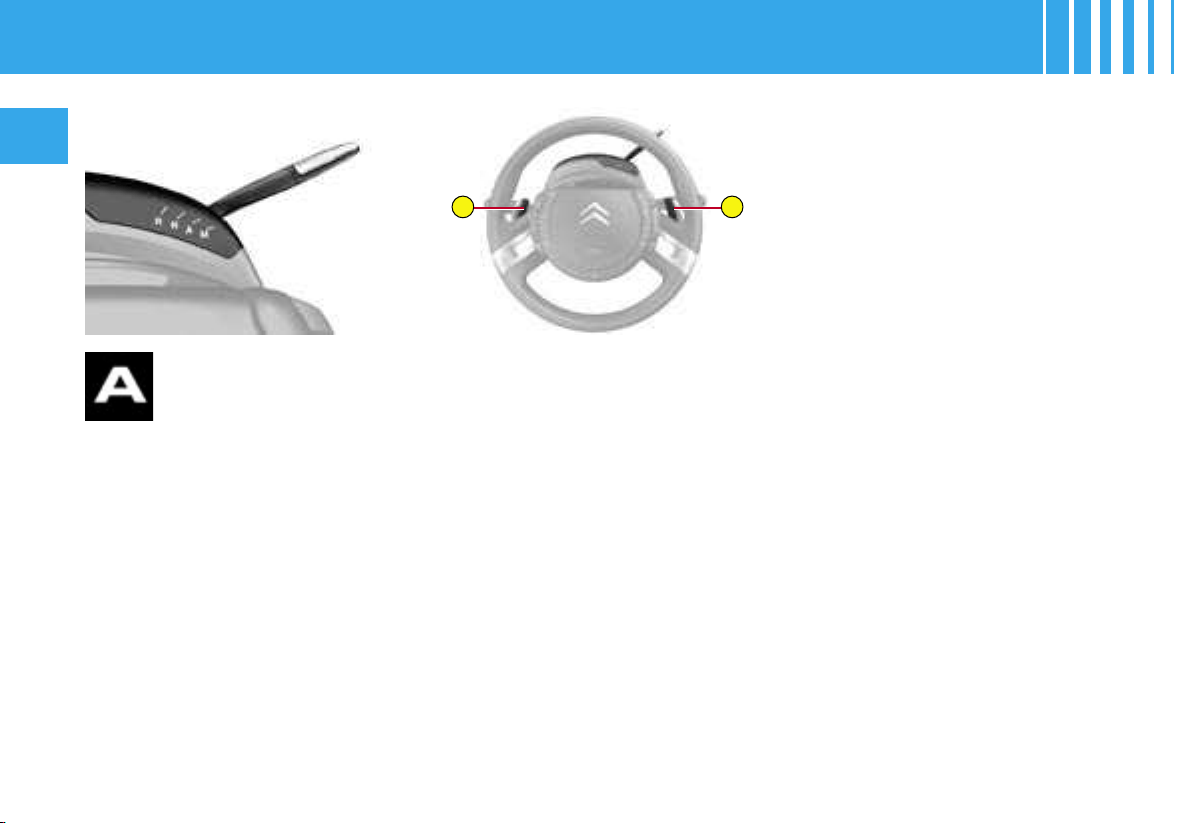
–
+
60
II
To select automatic
driving mode :
- Move the selector to position A.
The warning lamp A lights up in
the instrument panel to confirm
the selection.
The gearbox then functions in au-
tomatic mode, without any inter-
vention on your part.
It constantly selects the gear that
is best suited to the following pa-
rameters :
- driving style,
- road profile,
- optimum fuel consumption.
Temporary manual operation
when in automatic mode
- By pulling either of the levers
« + » or « - », you can exer-
cise temporary control over the
changing of gears. The request
to change gear will be taken into
account. You will still be in auto-
matic mode. The warning lamp
A remains lit up in the instrument
panel.
- This function enables you to an-
ticipate certain situations such the
approach of a bend or the need
to overtake another vehicle.
(6-SPEED) ELECTRONIC GEARBOX SYSTEM - AUTOMATIC MODE
Cancellation of automatic
mode
The change from position A (driv-
ing in automatic mode) to position
M (driving in manual mode) or vice
versa can be made at any time.
The warning lamp A disappears in
the instrument panel.
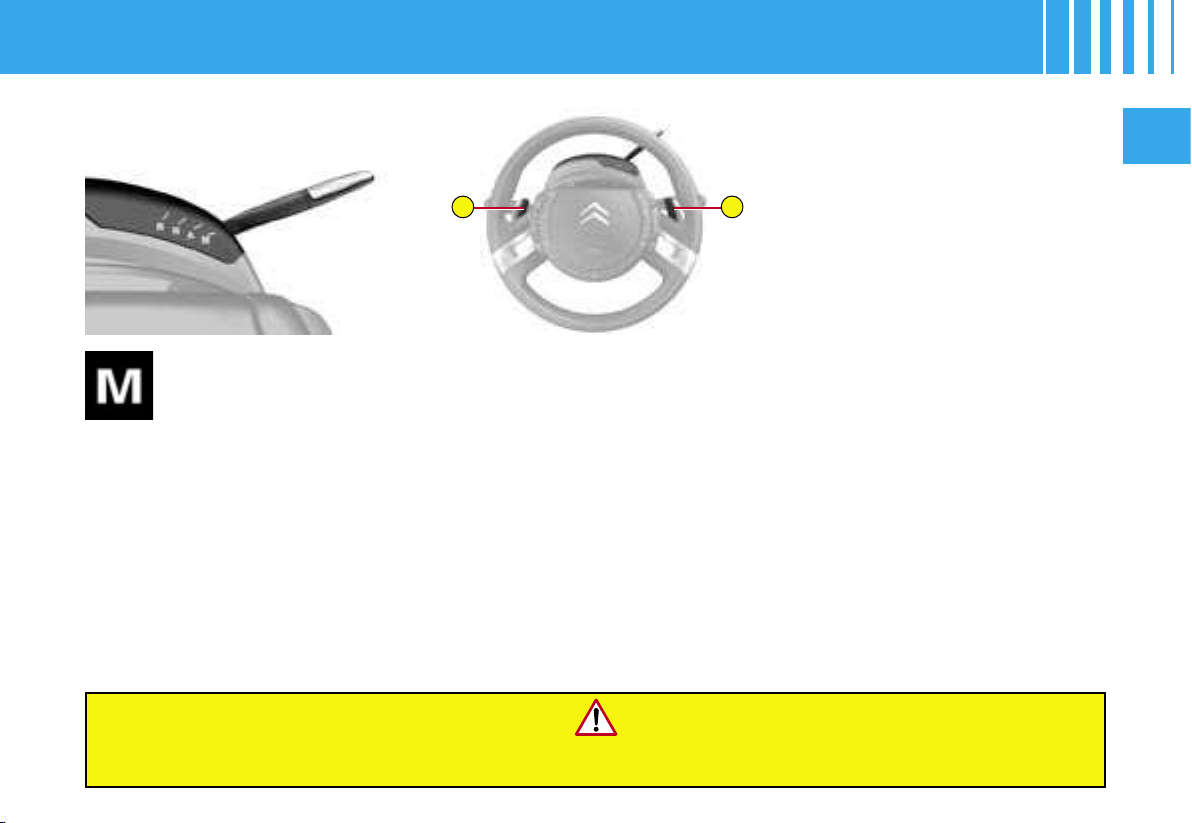
–
+
II
61
To select manual
mode :
-
Move the selector to po-
sition M.
Controls under the steering
wheel
The levers under the steering
wheel give you access to all the
six forward gears.
To change gear :
- Pull the lever « + » to change up
a gear.
- Pull the lever « - » to change
down a gear.
Note : The levers do not permit
you to select neutral or reverse
gear, or to exit reverse gear.
In situations of high engine speeds (heavy acceleration), a change up will not occur unless
the driver actions this on the lever controls.
(6-SPEED) ELECTRONIC GEARBOX SYSTEM - MANUAL MODE
Observations :
- If the vehicle stops or reduces
speed (for example when ap-
proaching a stop sign), the gear-
box changes down automatically
to first gear.
- In manual mode, it is not neces-
sary to release the accelerator
completely during gear changes.
- A request to change gear is ac-
cepted only if the engine speed
permits it.
- For safety reasons, depending
on the engine speed, a change
down may be performed auto-
matically.

62
II
Do not use the accelerator to hold your vehicle on a gradient. Use either the
brake pedal or the electric parking brake.
Before taking any action in the engine compartment, check that the
selector is in
(6-SPEED) ELECTRONIC GEARBOX SYSTEM - GENERAL
Acceleration
For optimum acceleration (to overtake another vehicle, you have only to apply the accelerator beyond the end-of-
travel switch, by pressing the accelerator pedal firmly.
Vehicle stationary with the engine running
In the event of a prolonged stop with the engine running, the gearbox changes automatically to neutral N.
Stopping the engine
Before stopping the engine, you can choose :
- to leave the vehicle in neutral : move the selector to position N.
- to leave the vehicle with a gear engaged (R, A or M) : Place the selector in the chosen position prior to stopping the
engine. In this case, the vehicle cannot be moved.
In all cases, it is essential to apply the parking brake. Check that the parking brake warning lamp is lit up in the
instrument panel.
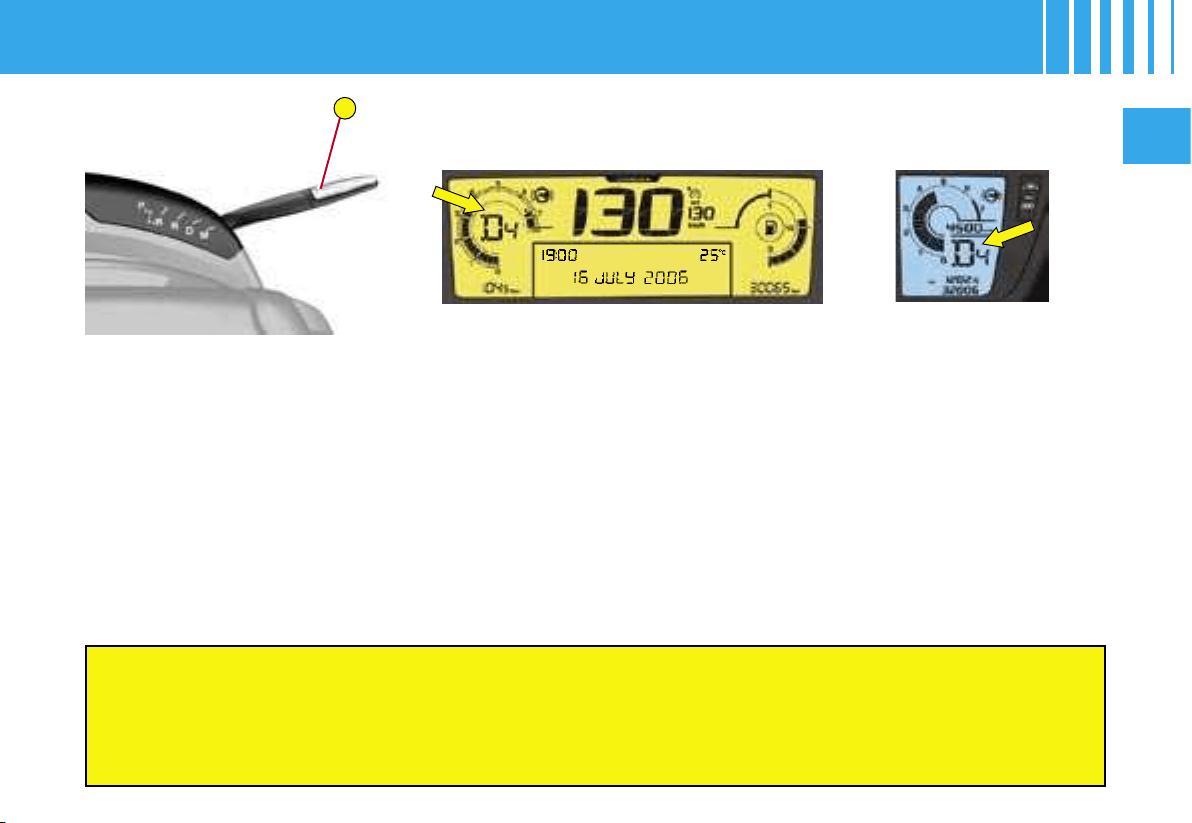
1
II
63
Selector position
The position of the selector is displayed in the in
strument panel, on the left
on multifunction screens A and C, on the right on multifunction screen DT.
A position grille relating to the selector allows you to vie
w the position that
is selected.
For safety :
• Position P can be disengaged only if you press the brake pedal
.
• When a door is opened, a sound signal is heard if the
selector is not in position
P.
• Always make sure that the selector is in position P before you leave your vehicle.
If the gearbox is in position P but the position of the selector is different, reposition
the selector on
P so that you
can start the vehicle.
The automatic gearbox gives you
a choice of two driving modes :
- automatic mode,
- sequential mode.
AUTOMATIC GEARBOX -
GENERAL
Mode selection :
- automatic mode : selector 1 in position D.
- sequential mode : selector 1 in position M.
Multifunction display A Multifunction display DT
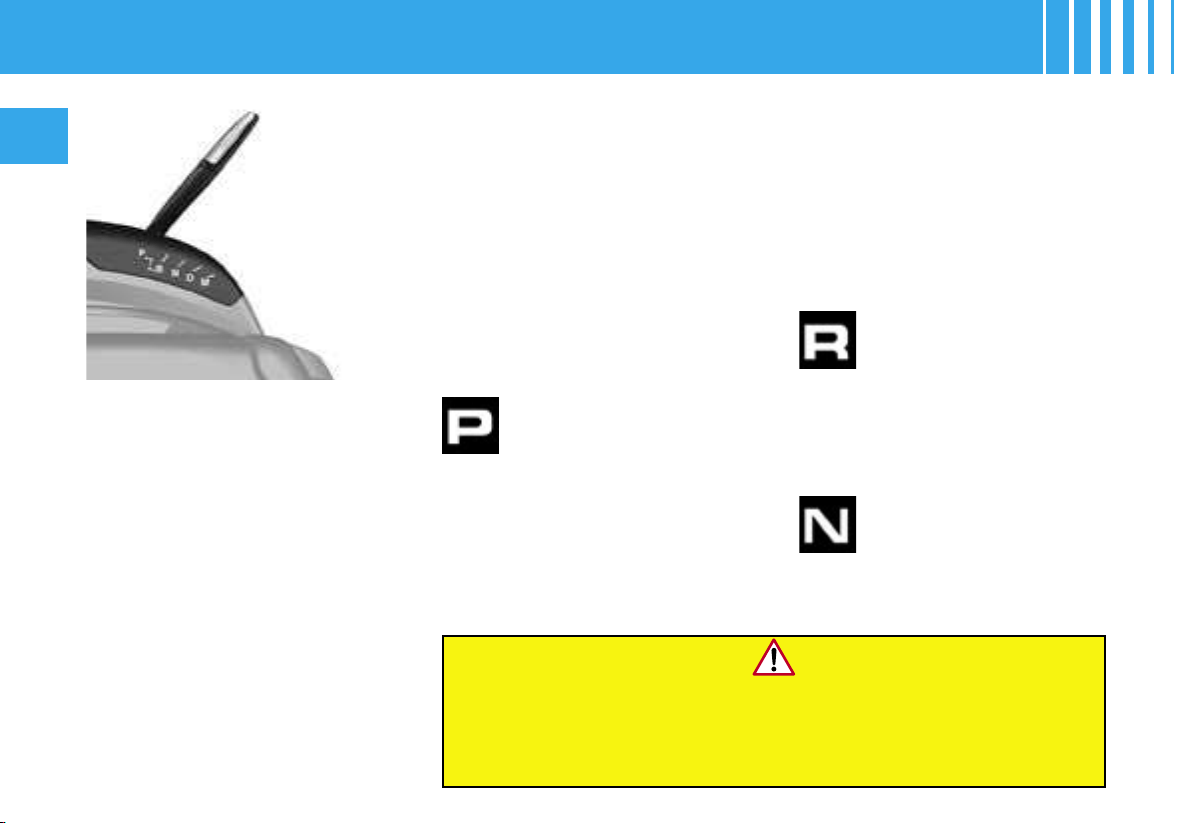
64
II
Park
Never select positions P or R if the vehicle is not
stationary.
If, while the vehicle is moving, position N is engaged
inadvertently, allow the engine to idle before engaging
position D or M.
Using the automatic
gearbox
This position of the selector
is used to prevent the vehicle
from moving when you are
stationary.
- To select position P, move the
selector back to the highest po-
sition (towards R), then push it
forwards and then to the left.
Reverse gear
Neutral
Starting the engine
1. To start the engine, the selector
has to be in position P or N.
2. Action the starter.
3. When the engine is running,
place the selector on R, D or
M as required.
4. Check, in the instrument panel,
the position engaged.
5. Release the brake pedal and
accelerate.
Note :
- If the selector is not in position P, a
message « place automatic gear-
box in position P » appears on the
multifunction screen, accompa-
nied by a beep and the flashing of
P in the instrument panel.
AUTOMATIC GEARBOX - GENERAL
- To avoid incoherence between
the position of the selector and
the actual position of the gear-
box, always exit from position P
when you switch on the ignition
and press the brake pedal.
Otherwise, when the ignition is
on or the engine is running :
1. Reposition the selector in
position P,
2. Put your foot on the brake
pedal and then select the
gear you want.
- To exit position P, move the se-
lector to the right and then to the
position you want.
- Only engage this position when
the vehicle is completely sta-
tionary. In this position, the front
wheels are locked. Make sure
that the selector is correctly po-
sitioned.
Only engage this position when
the vehicle is stationary. To pre-
vent snatching, do not accelerate
too soon after selection.
Never select position N if the vehi-
cle is moving.
II
65
Automatic mode
- Move the selector to position D.
The gearbox constantly selects the gear that is best suited to the following
parameters :
- driving style,
- road profile
- vehicle load.
The gearbox is then operating in auto-adaptive mode, without requiring
any intervention on your part.
For certain manœuvres (for example overtaking), you can obtain maximum
acceleration by pressing the accelerator pedal hard down, which then pro-
duces an automatic change down to a lower gear.
Observations :
When braking, the gearbox may change down automatically in order to
provide effective engine braking.
If you lift your foot off the accelerator abruptly, the gearbox will not engage
a higher gear.
Temporary manual operation when in automatic mode
By pulling either of the levers « + » or « - », you can exercise temporary
control over the changing of gears. The request to change gear will be
taken into account. You will still be in automatic mode. The warning lamp
D remains lit up in the instrument panel.
This function enables you to anticipate certain situations such the ap-
proach of a bend or the need to overtake another vehicle.
AUTOMATIC GEARBOX - AUTOMATIC MODE
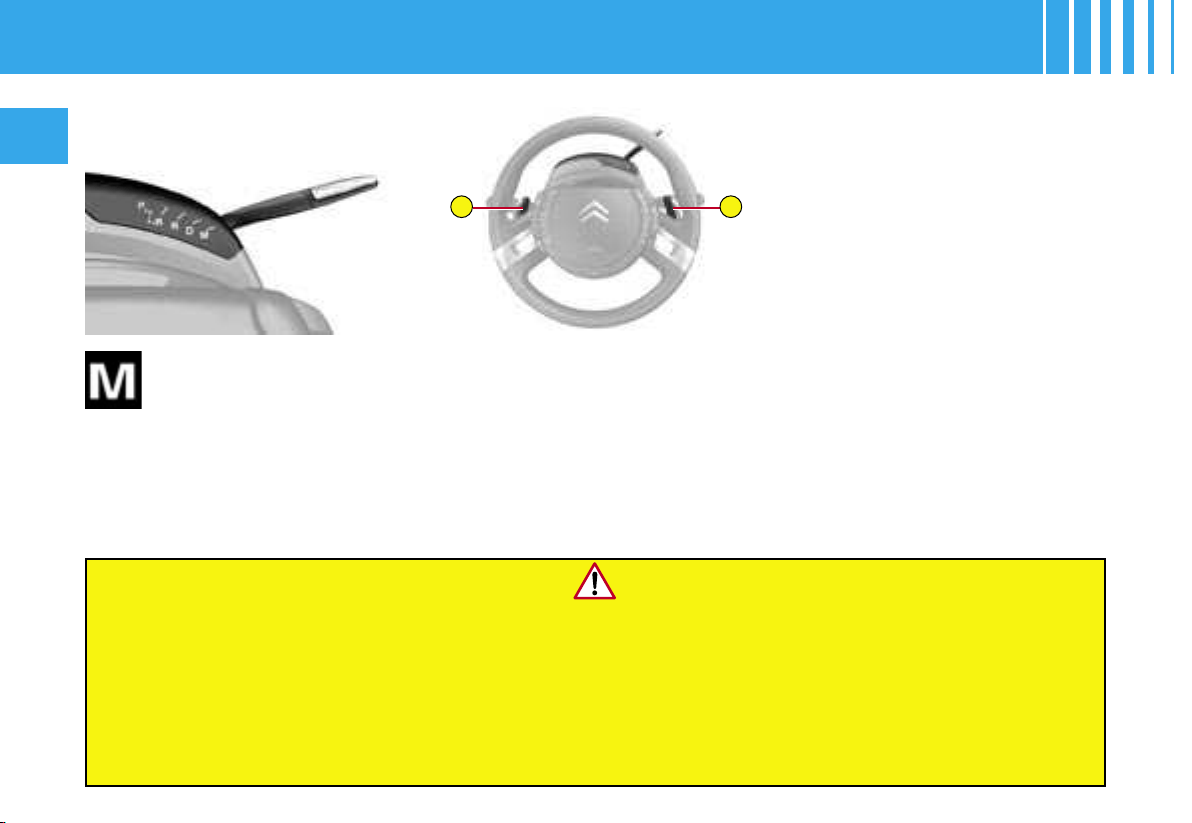
–
+
66
II
- The flashing of the warning lamp for the position requested signals that this position is not yet obtained.
- If the warning lamp is on fixed, the position is confirmed.
- Display of a dash in the rev counter indicates a malfunction. Urgently contact a CITROËN dealer.
Lighting of the SERVICE warning lamp accompanied by a message and a sound signal indicates a functioning
anomaly. In this case :
- a marked snatching may be felt when selecting R for reverse gear,
- the gearbox is locked on a gear,
- do not exceed 100 km/h (approx. 60 mph).
Urgently contact a CITROËN dealer.
Sequential mode
with manual gear
changing
Position of the selector for manual
gear changing.
- Move the selector to position M.
- Pull the lever « + » to change up
a gear.
- Pull the lever « - » to change
down a gear.
AUTOMATIC GEARBOX - SEQUENTIAL MODE
Observations :
- If the vehicle stops or reduces
speed (for example when ap-
proaching a stop sign), the gear-
box changes down automatically
to first gear.
- In sequential mode, it is not
necessary to release the accel-
erator during gear changes.
- A request to change gear is ac-
cepted only if the engine speed
permits it.
- For safety reasons, depending
on the engine speed, a change
up or down may be performed
automatically.
- It is possible at any time to move
from position D (driving in auto-
matic mode) to position M (driv-
ing in sequential mode) or vice
versa.

II
67
ABS - Anti-lock braking system
This system enhances your safety by preventing the wheels from locking under heavy braking or in conditions of
poor road adherence.
It enables you to retain control of the steering.
The operating capacity of all the electrical components that are essential to the ABS system is checked by an elec-
trical monitoring system before and during your journey. The ABS warning lamp comes on when you switch on the
ignition and should go out after a few seconds.
If the warning lamp does not go out, this means that the ABS has disconnected as a result of a malfunction. Also,
if the warning lamp lights up during a journey, it means that the ABS system is inactive. In either case, the normal
braking system remains fully effective, as on a non-ABS vehicle. However, to restore the safety associated with the
correct operation of the ABS, the vehicle should be examined as soon as possible by a CITROËN dealer.
On slippery surfaces (gravel, snow, ice, etc.), driving carefully is still essential.
Emergency braking assistance system
In an emergency, this system enables you to achieve the optimum braking pressure more quickly, thereby reduc-
ing the stopping distance. It deploys according to the speed of your action on the brake pedal, reducing the resist-
ance to that action. To prolong the effect of the emergency braking assistance, simply keep your foot on the brake
pedal.
State of wear of brake discs and drums
For all information relating to the checking of the state of wear of brake discs and drums, contact a CITROEN
dealer.
BRAKES
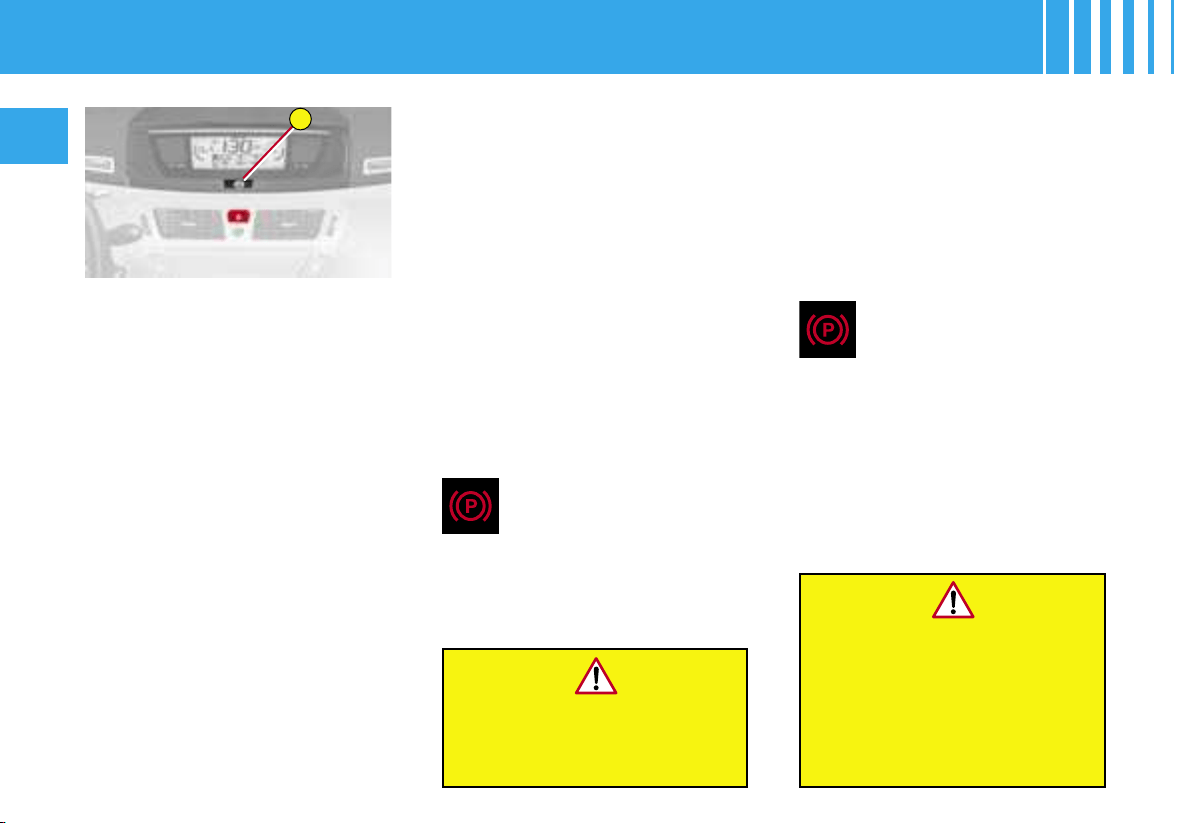
A
68
II
The electronic parking brake com-
bines 2 operational modes :
- AUTOMATIC :
Automatic application when the
engine stops and automatic re-
lease on use of the accelerator
(automatic operation by default),
- MANUAL :
Permanent manual application /
release of the parking brake is
possible by pulling control A.
AUTOMATIC OPERATION
To start the vehicle
The electronic parking brake re-
leases automatically and pro-
gressively when you press the
accelerator :
- with a manual gearbox (first
gear or reverse gear engaged),
press down fully on the clutch
pedal then press on the accelera-
tor pedal and move off.
- with an automatic gearbox, ac-
celerate with the selector in posi-
tion D, M or R.
- with an electronic gearbox, ac-
celerate with the selector in posi-
tion A, M or R.
When stationary, with the engine
running, do not press the
accelerator pedal unnecessarily, as you
may release the parking brake.
To immobilise the vehicle
Immobilisation, engine off
With the vehicle stationary, the park-
ing brake is automatically applied
when the engine is switched off.
E L E C T R O N I C PA R K I N G B R A K E
Full release of the parking
brake is confirmed by :
- the extinction of warning lamp P on
control A and on the instrument panel,
- the display of a message « park-
ing brake released » on the mul-
tifunction display.
Before leaving the vehicle,
check that warning lamp P on
the instrument panel is
permanently lit.
Never leave a child alone inside
the vehicle with the ignition on,
as they could release the
parking brake.
The application of the park-
ing brake is confirmed by :
- the lighting of warning lamp P on
control A and on the instrument
panel,
- the display of a message « park-
ing brake applied » on the multi-
function display (except DT).
Note : an operation sound will
confirm to you the application/re-
lease of your electronic parking
brake.
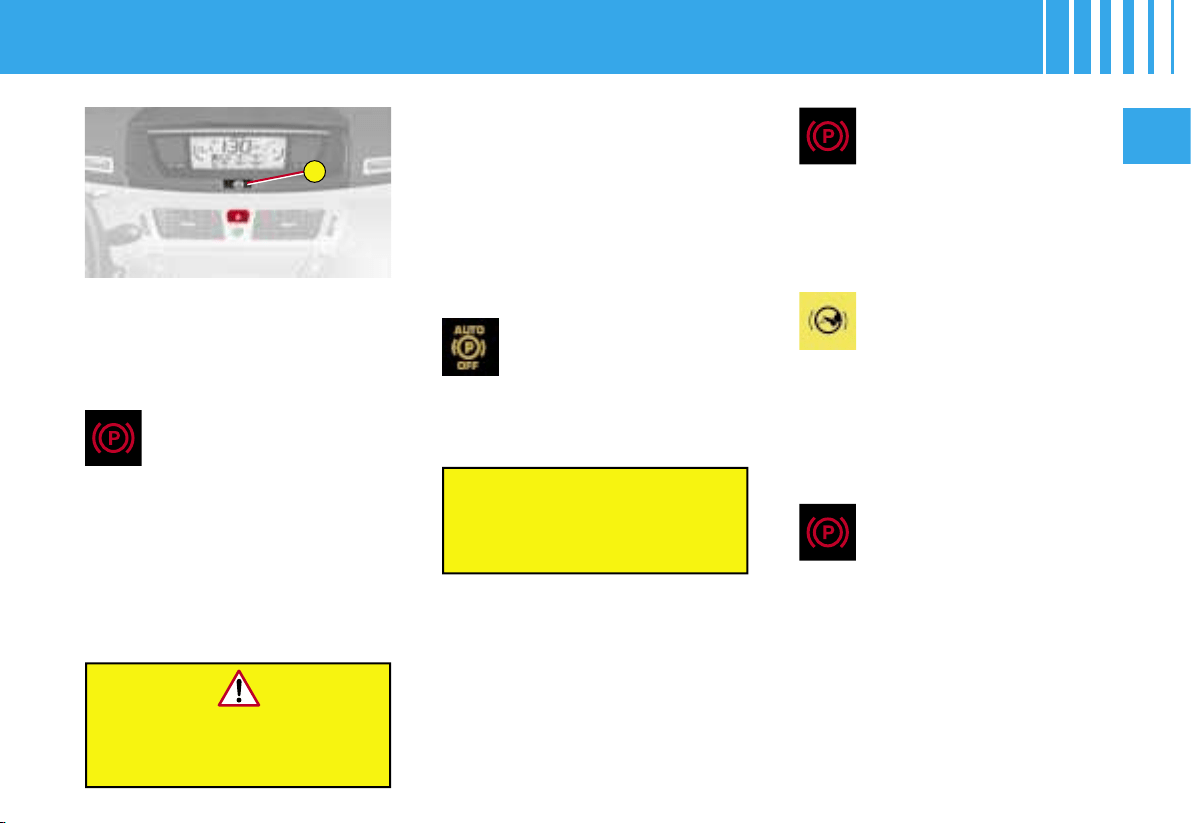
A
II
69
Immobilisation, engine running
With the engine running and the
vehicle stationary, in order to im-
mobilise the vehicle you need to
manually apply the parking brake
by pulling on control A.
The application of the park-
ing brake is confirmed by :
- the lighting of warning lamp P on
control A and on the instrument
panel,
- the display of a message « park-
ing brake applied » on the multi-
function display.
When the driver’s door is opened,
a beep is heard and a message
displayed if the parking brake has
not been applied.
ACTIVATION / DEACTIVATION OF
THE AUTOMATIC FUNCTIONS
The automatic application when the en-
gine is switched off and the automatic
release when you press the accelerator
can be deactivated. Activation / deacti-
vation is performed using the Menu of
the instrument panel screen. To do so,
select « Personalisation/Configuration /
Define the Vehicle parameters / Driving
assistance / Automatic handbrake ».
The deactivation of these
functions is confirmed by the
lighting of this warning lamp
on the instrument panel.
With the automatic functions de-
activated, the application and re-
lease of the parking brake are
done manually.
The full application of the park-
ing brake is confirmed by :
- the extinction of the warning
lamp on control A and of warning
lamp P on the instrument panel,
- the display of a message « park-
ing brake released » on the mul-
tifunction display.
Note : If you pull control A
without pressing the brake
pedal, the parking brake
will not be released and the
« foot on brake » warning lamp will
light up on the instrument panel.
To immobilise the vehicle
With the vehicle stationary, to ap-
ply the parking brake whether the
engine is running or off, pull on
control A.
E L E C T R O N I C PA R K I N G B R A K E
Before leaving the vehicle, check
that warning lamp P on the
instrument panel is permanently lit.
The deactivation of the automat-
ic functions is recommended in
particularly cold conditions (ice)
and during towing (breakdown,
caravan, ...)
MANUAL OPERATION
Manual application / release of the
parking brake is always possible.
To start the vehicle
With the ignition on or the engine
running, to release the parking
brake, press on the brake pedal,
pull then release control A.
The application of the park-
ing brake is confirmed by :
- the lighting of the warning lamp
on control A and of warning lamp
P on the instrument panel,
- the display of a message « park-
ing brake applied » on the multi-
function display.
When the driver’s door is opened
with the engine running, a beep is
heard and a message displayed
if the parking brake has not been
applied.

70
II
SPECIAL FEATURES OF THE PARKING BRAKE
MAXIMUM APPLICATION
If necessary, you can utilise maximum application of the parking brake. It is obtained by means of a long pull on
control A, until you see the message « parking brake applied » and a beep is heard.
Maximum application is indispensable :
- in the case of a vehicle towing a caravan or a trailer, if the automatic functions are activated but you are applying
the parking brake manually,
- when the gradient you are parked on is variable in its effect (e.g. on a ferry, in a lorry, during towing).
Note :
- In the case of towing, a loaded vehicle or parking on a gradient, turn the front wheels towards the pavement and
engage a gear when you park.
- After a maximum application, the release time will be longer.
PARTICULAR SITUATIONS
In certain situations (starting the engine ...), the parking brake can automatically alter its force. This is normal op-
eration.
To advance your vehicle a few centimetres without starting the engine, but with the ignition on, press on the brake
pedal and release the parking brake by pulling then releasing control A. The full release of the parking brake is
confirmed by the extinction of warning lamp P (red) on the instrument panel and the display of a message « parking
brake released » on the multifunction display.
If the parking brake malfunctions while applied or if the battery runs flat, an emergency release is always possible
(see paragraph « Emergency unlocking »).
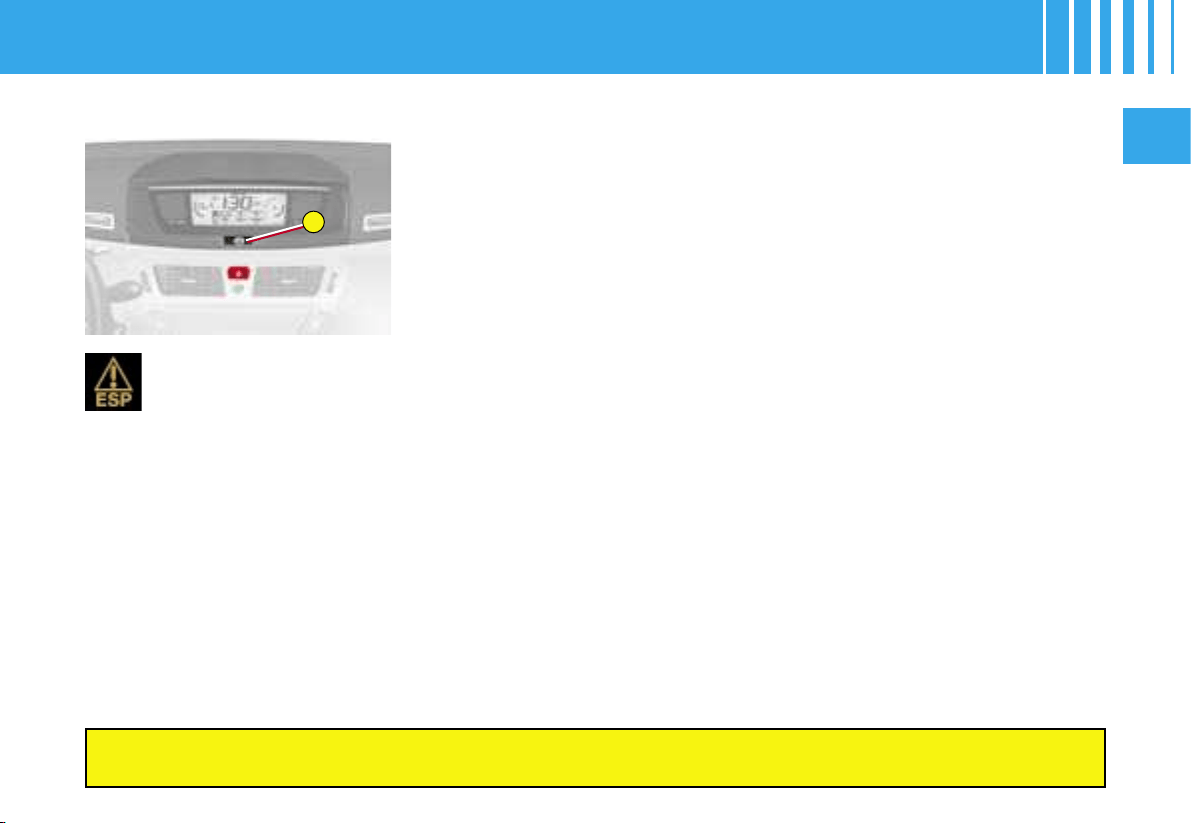
A
II
71
ELECTRONIC PARKING BRAKE -
DYNAMIC EMERGENCY BRAKING
DYNAMIC EMERGENCY BRAKING
In the event of a failure of the vehicle’s main braking system
or in an ex
-
ceptional situation (e.g. driver taken ill, under instruction,
etc) a continuous
pull on control A will stop the vehicle.
The electronic stability programme (ESP) provides stability during dynami
c
emergency braking.
If the dynamic emergency braking malfunctions, one of the follo
wing mes
-
sages will be displayed on the instrument panel screen :
• « Parking brake faulty ».
• « Parking brake control faulty ».
The dynamic emergency braking must only be used in e
xceptional circumstances.
If a failure of the ESP system is signalled by the lighting o
f this warning lamp, then braking stability is not
guaranteed. In this event, stability must be assured by the dri
ver by repeating alternate « pull-release »
actions on control A.
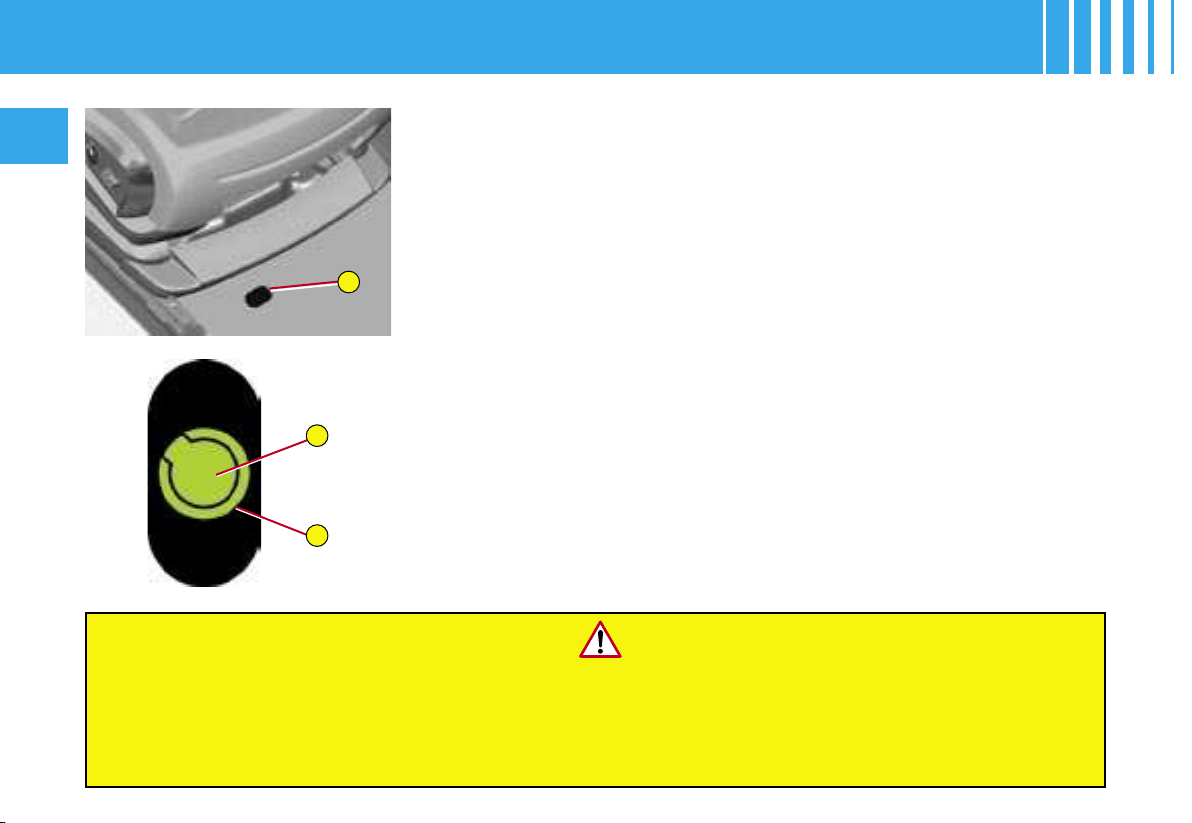
B
C
D
72
II
EMERGENCY UNLOCKING
In the event of the electronic parking brake malfunctioning o
r the battery running
flat, an emergency manual device can unlock the parking brake.
1. Immobilise the vehicle, with the engine running, by engag
ing first gear (man
-
ual gearbox), position P (automatic gearbox) or M or R (6-speed electronic
gearbox), then switch off the engine.
Note : if it is impossible to immobilise the vehicle, do not action
the control and
urgently contact a CITROËN dealer.
2. Fetch the vehicle blocks and the unlocking device (braided cabl
e) from the
toolbox (see « Changing a wheel », paragraph on « Tools »
).
3. Immobilise the vehicle by placing blocks at the front and at
the rear of one of
the rear wheels.
4. Slide the front left-hand seat back as far as possible.
5. Lift up the floor plug B in the carpet under the seat.
6. Pierce the tab C on the tube D with the unlocking device.
7. Place the unlocking device in the tube D.
8. Turn the unlocking device clockwise. For safety reasons, it is essential
to continue turning the device as far as it will go or unti
l you hear a knocking
noise. The parking brake is released.
9. Remove the unlocking device and store it with the blocks in t
he toolbox (see
« Changing a wheel », paragraph on « Tools »)
Note :
- The operation of the parking brake re-initialises when the
ignition is switched
off then on again. If the reinitialisation of the parki
ng brake proves impossible,
contact a CITROËN dealer.
- The subsequent time required for application may
be longer than during normal operation.
For safety reasons, after this manoeuvre it is esse
ntial to contact a CITROËN dealer urgently to have
the plug replaced.
Following an emergency unlocking, immobilisation of
the vehicle is no longer guaranteed
once the manual emergency unlocking has been deploy
ed and the manual control does not allow
the re-application of your parking brake.
Take no action, either on control A, or stopping st
arting the engine while the unlocking device is eng
aged.
Take care not to allow moisture or dust in the proximity
of the plug.
ELECTRONIC PARKING BRAKE -
EMERGENCY UNLOCKING
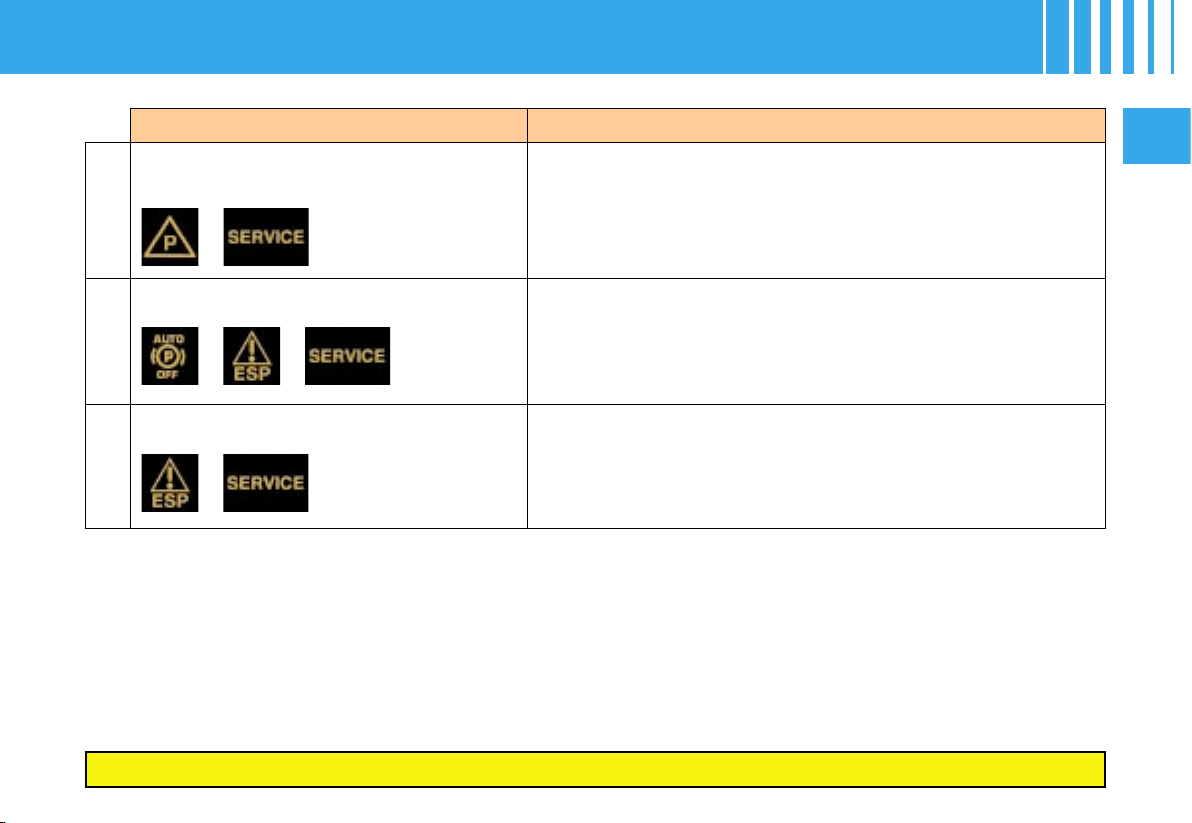
II
73
SITUATION CONSEQUENCES
1
Electronic parking brake fault and display of
message « Parking brake faulty » and the
following warning lamps :
If the electronic parking brake fault warning lamp and the serv-
ice warning lamp light up, position the vehicle in a safe loca-
tion (on flat ground, with a gear engaged).
2 Display of message «
Parking brake faulty
»
and the following warning lamps :
- The automatic functions are deactivated.
- The hill start assist is unavailable.
- The electronic parking brake is only available manually.
3
Display of message «
Parking brake faulty
»
and the following warning lamps :
- The manual unlocking of the electronic parking brake is una-
vailable.
- The hill start assist is unavailable.
- The automatic functions and manual application are still
available.
ELECTRONIC PARKING BRAKE - OPERATING ANOMALIES
If any of these instances arises, contact a CITROËN dealer as soon as possible.

74
II
If any of these instances arises, contact a CITROËN dealer as soon as possible.
ELECTRONIC PARKING BRAKE - OPERATING ANOMALIES
SITUATION CONSEQUENCES
4
Display of message «
Parking brake faulty
»
and the following warning lamps :
and/or flashing
- The automatic functions are deactivated.
- The hill start assist is unavailable.
To apply the electronic parking brake :
1. Immobilise the vehicle and switch off the ignition.
2. Pull the control lever for at least 5 seconds or until
maximum application.
3. Switch on the ignition and check that the electronic
parking brake warning lamps are on.
Note : - Application may take longer than in normal operation.
- If warning lamp P flashes or if the warning lamps do not
come on when the ignition is switched on, this method
does not work. Contact a CITROËN dealer.
To release the electronic parking brake :
1. Switch on the ignition.
2. Pull the control lever and hold it for approximately
3 seconds.
5
Display of message « Parking brake con-
trol faulty – automatic mode activated »
and the following warning lamps :
and/or flashing
- Only the functions for automatic application on switching off
the engine and automatic release on acceleration are avail-
able.
- Manual application/release of the electronic parking brake
and dynamic emergency braking are unavailable.
6
Battery fault - Lighting of the battery warning lamp makes it essential to
stop the vehicle as soon as traffic allows. Stop and immobi-
lise your vehicle.
- Apply the electronic parking brake before switching off the
engine.
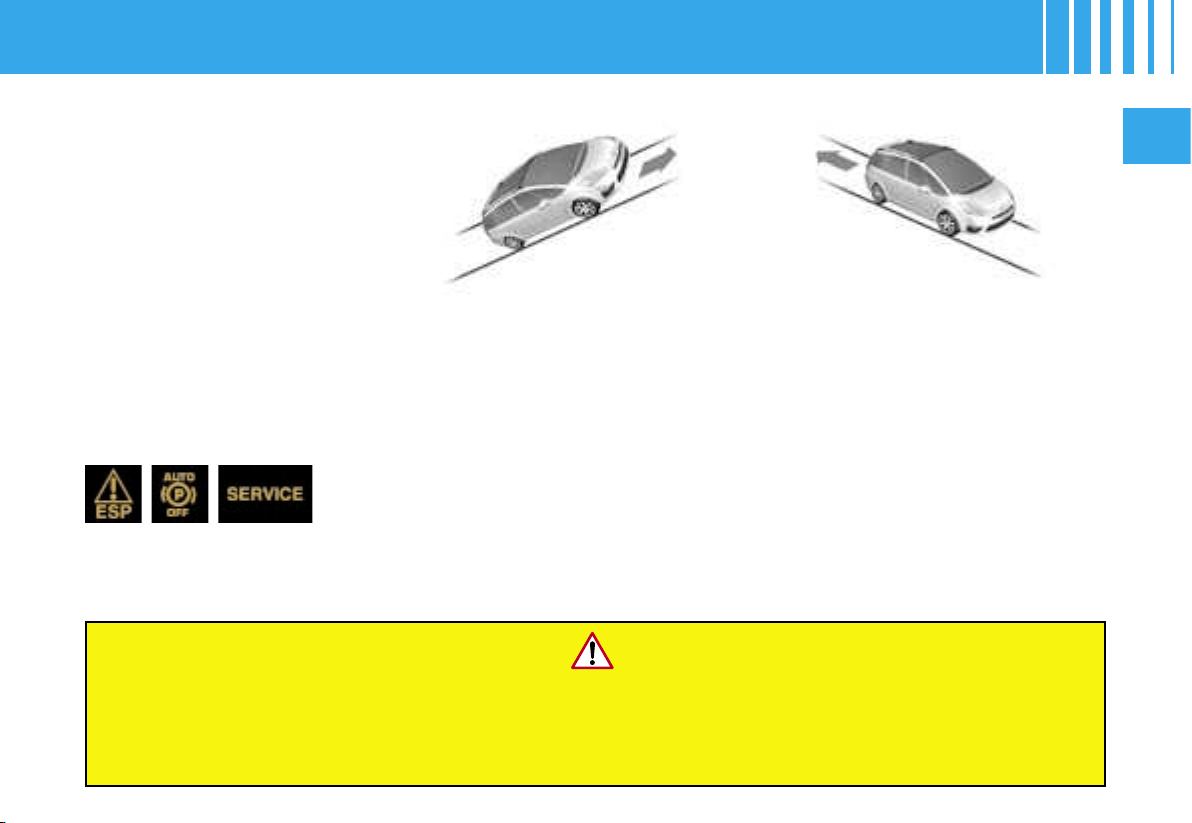
II
75
To aid starting on a gradient, your
vehicle is equipped with a system
which keeps it temporarily immo-
bilised for the time (approximately
2 seconds) it takes to move your
foot from the brake pedal to the
accelerator pedal.
This function is only active when :
• The vehicle is completely sta-
tionary, with your foot on the
brake pedal.
•
In particular conditions on a slope.
• With the driver's door closed.
Note :
The hill start assist function can-
not be deactivated.
On a descending slope, with
the vehicle stationary and re-
verse gear engaged, the vehicle
is held for a brief moment when
you release the brake pedal.
Warning :
do not exit the vehicle while it is being held in the hill start assist phase.
If you need to exit the vehicle with the engine running, manually apply the parking brake and ensure
that the warning lamp P (red) on the instrument panel is permanently on.
On an ascending slope, with the
vehicle stationary, the vehicle
is held for a brief moment when
you release the brake pedal :
- provided you are in first gear or
neutral on a manual gearbox,
- provided you are in A or M on an
electronic gearbox,
- provided you are in D or M on an
automatic gearbox.
Display of these warning lamps in-
dicates a malfunctioning of the hill
start assist function.
HILL START ASSIST

A
76
II
You can select the « parking space
sensor » function by pressing button
A. The fixed lighting of the warning
lamp indicates that the function is
selected.
Parking space sensor warning lamp
This warning lamp can have three different statuses :
- off : the function is not selected.
- on fixed : the function is selected but the conditions for measuring are not yet met (direction indicator not operating,
speed too high) or the measuring phase is terminated.
- flashing : the measuring is in progress or the message is being displayed.
The parking space sensor function assists you in finding a parking space.
it measures the size of the space and gives you information on :
- the possibility of fitting into a free space, depending on the dimensions of
your vehicle and the distances necessary for your manœuvring,
- the level of difficulty of the manœuvre to be performed.
Note : The system does not measure spaces which are clearly much
smaller or larger than the size of the vehicle.
PARKING SPACE SENSOR
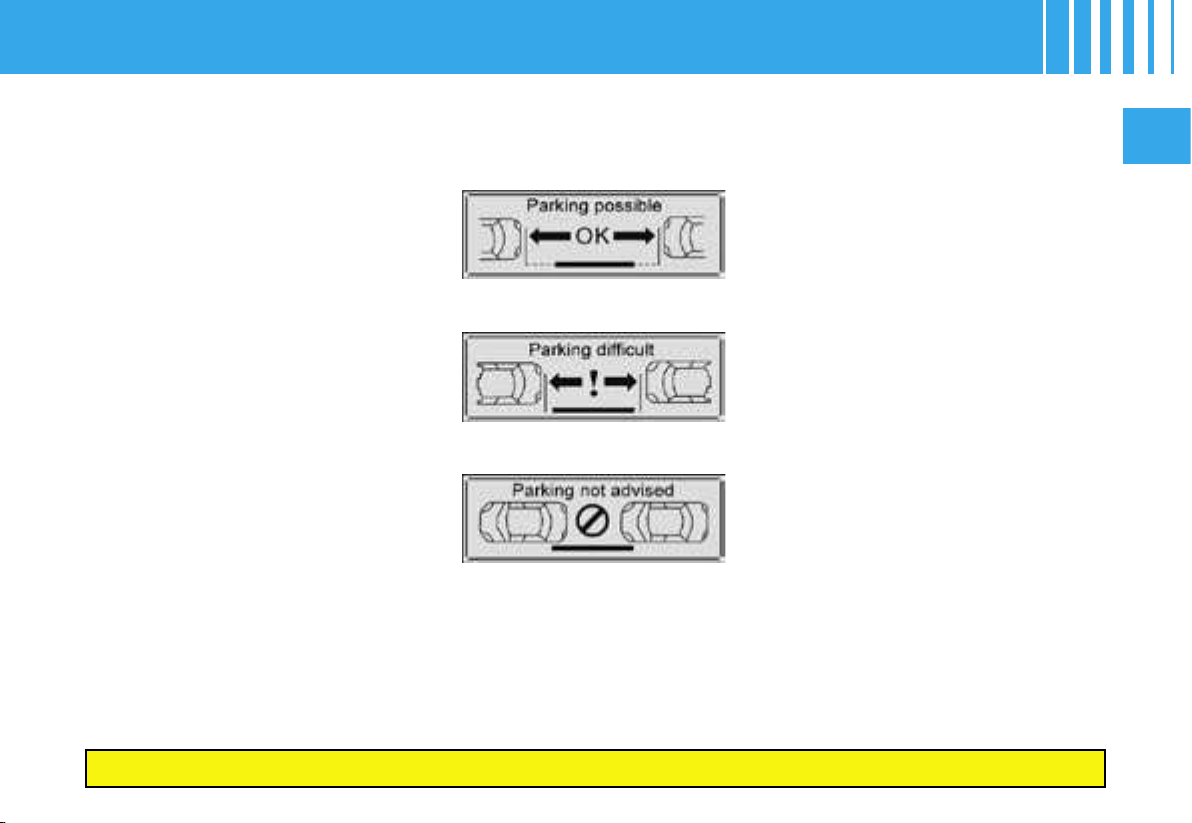
II
77
If there is a malfunction, have the system checked by a CITROËN dealer.
The function displays the following
types of message :
Operation :
You have identified a parking space
:
1. Press button A to select the
function.
2. Activate the direction indicator
on the side where the space is
to be measured.
3. During the measuring, go for-
ward the length of the space,
at a speed less than 20 km/h
(approx. 12 mph), to prepare
for your manœuvre.
The system then measures
the size of the space.
4. The system informs you of
the level of difficulty of the
manœuvre via a message on
the multifunction screen ac-
companied by a gong.
5. Depending on the message is-
sued by the system, you may
or may not be able to perform
the manœuvre.
Parking possible
Parking difficult
Parking not advised
Note : The function deselects itself
automatically :
- when you engage reverse gear,
- when you switch off the ignition,
- if measuring is not requested,
- within five minutes of selection
of the function,
- if the vehicle speed exceeds the
threshold of 70 km/h (approx.
45 mph) for one minute.
Warning : if the lateral distance be-
tween your vehicle and the parking
space is too large, the system may
not be able the measure the space.
Notes :
- The function remains available
after each measurement and
thus can measure more than
one space during your search.
- In bad weather conditions or in
winter, make sure that the sen-
sors are not covered by dirt, or
by ice or snow.
- The parking space sensor func-
tion deactivates the front park-
ing assistance during the space
measuring phase when you are
in forward gear.
PARKING SPACE SENSOR
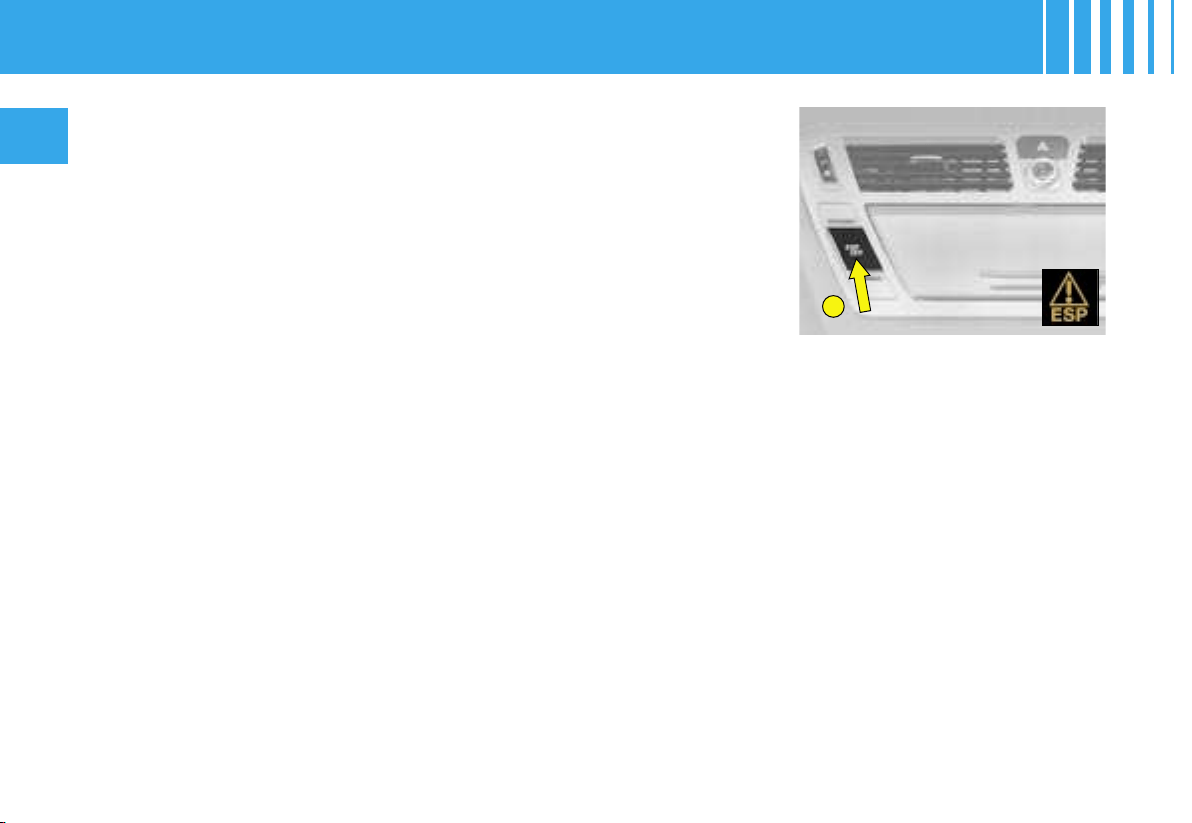
A
78
II
SAFETY RECOMMENDATIONS
The ESP system offers increased
driving safety but is not in place to
encourage the driver to take addi-
tional risks or to drive at excessive
speeds.
The functioning of this system is
subject to compliance with the
manufacturer’s recommendations
on wheels (tyres and rims), brake
parts and electronic components,
as well as with CITROËN’s as-
sembly and repair procedures.
After any collision, have this system
checked by a CITROËN dealer.
Electronic stability programme (ESP) and traction control (ASR)
These systems are closely connected to the ABS and additional to it. In
the event of a loss of control of the vehicle by the driver, the ESP system
acts automatically on one or more brakes and also on the engine to bring
the vehicle back on trajectory. The ASR system optimises traction and
prevents wheel spin by acting on the brakes of the driving wheels, as well
as on the engine. It also improves steering stability during acceleration.
Operation :
When either the ESP or ASR system is in operation, the ESP/ASR warning
lamp flashes.
Deactivation
In exceptional conditions (vehicle stuck in snow, soft ground, etc.) it may
prove useful to deactivate the ESP/ASR system to allow the wheels to spin
and thus regain traction.
- Press on control A, the ESP/ASR warning lamp and the control light up.
The ESP/ASR systems are no longer active.
The ESP/ASR systems will activate again :
- Automatically after the ignition has been switched off.
- Automatically above a speed of 50 km/h (30 mph).
- Manually with a new press on control A.
Operational anomaly
If the systems malfunction, the ESP/ASR warning lamp comes on, ac-
companied by a sound signal and a message on the multifunction display.
Contact a CITROËN dealer to have the system checked.
ELECTRONIC STABILITY PROGRAMME
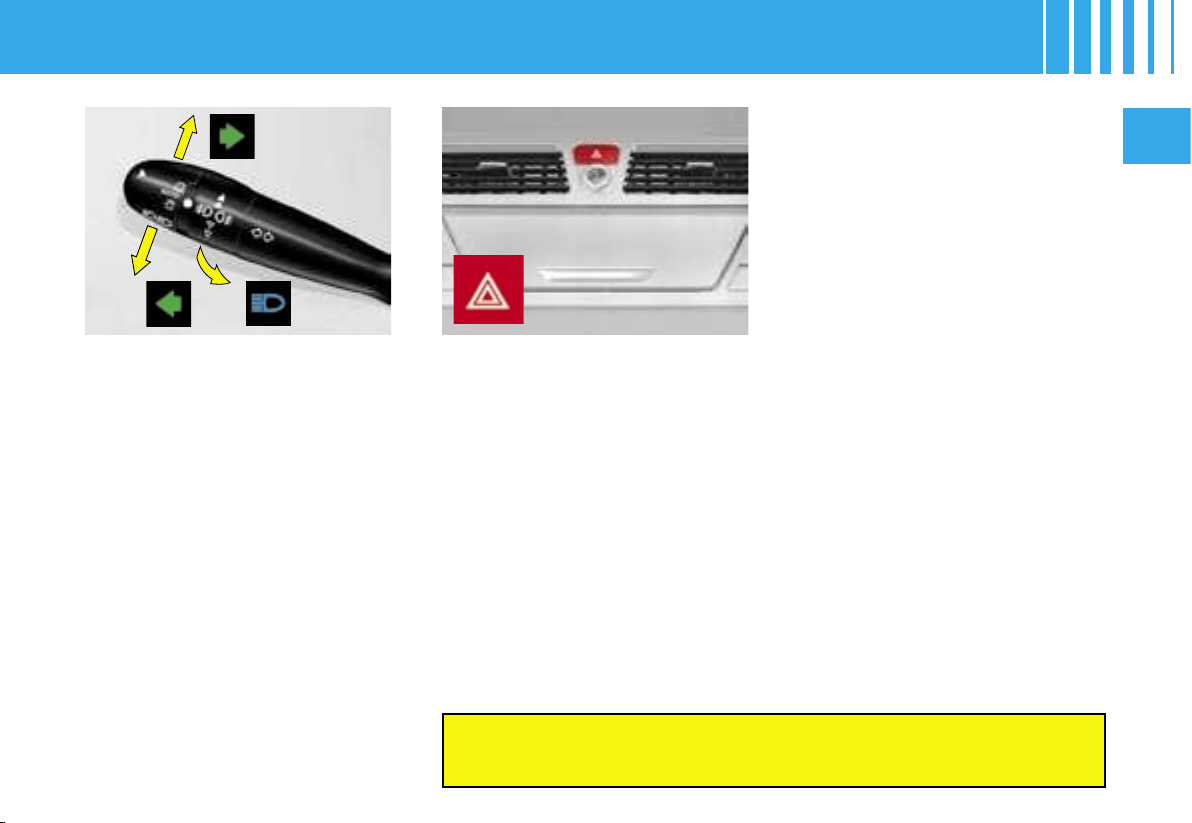
II
79
Direction indicators
Left, downwards.
Right, upwards.
For a change of direction, operate
the control stalk to go beyond the
“tight spot”. It will revert automati-
cally to its initial position with the
return of the steering wheel.
Headlamp flash
Pull the control stalk towards you.
The headlamp flash is possible
even with the ignition switched off.
Horn
Press at the lower part of the fixed
centred controls steering wheel.
Emergency activation of the
hazard warning lamps
A heavy deceleration of the vehi-
cle will cause the hazard lamps to
activate automatically.
They will cease automatically on
reacceleration of the vehicle or
manually if you press on the hazard
lamps button on the dashboard.
Distress signal
The distress signal operates all the
direction indicators simultaneously.
Driving with the hazard lamps activated renders the direction
indicators inoperational.
Only make use of this in a situa-
tion of danger, for an emergency
stop or if you find yourself driving in
exceptional weather conditions.
The distress signal will operate
even with the ignition switched off.
Sound signal for vehicle lamps
left on
With the ignition switched off, the
signal will activate when the driv-
er’s door is opened, to indicate
that lamps have been left on.
It will cease when the door is
closed, the lamps switched off, or
the ignition switched on again.
This signal is inactive if the auto-
matic lighting of headlamps and /
or the guide-me-home lighting are
activated.
Parking lights
These are for signalling the presence
of your vehicle when it is parked.
They can be activated by operating
the direction indicator immediately
after switching off the ignition, to
light the front and rear sidelamps on
the side selected.
A sound signal and the temporary
lighting of the direction indicator
confirm the activation of the func-
tion.
SIGNALLING
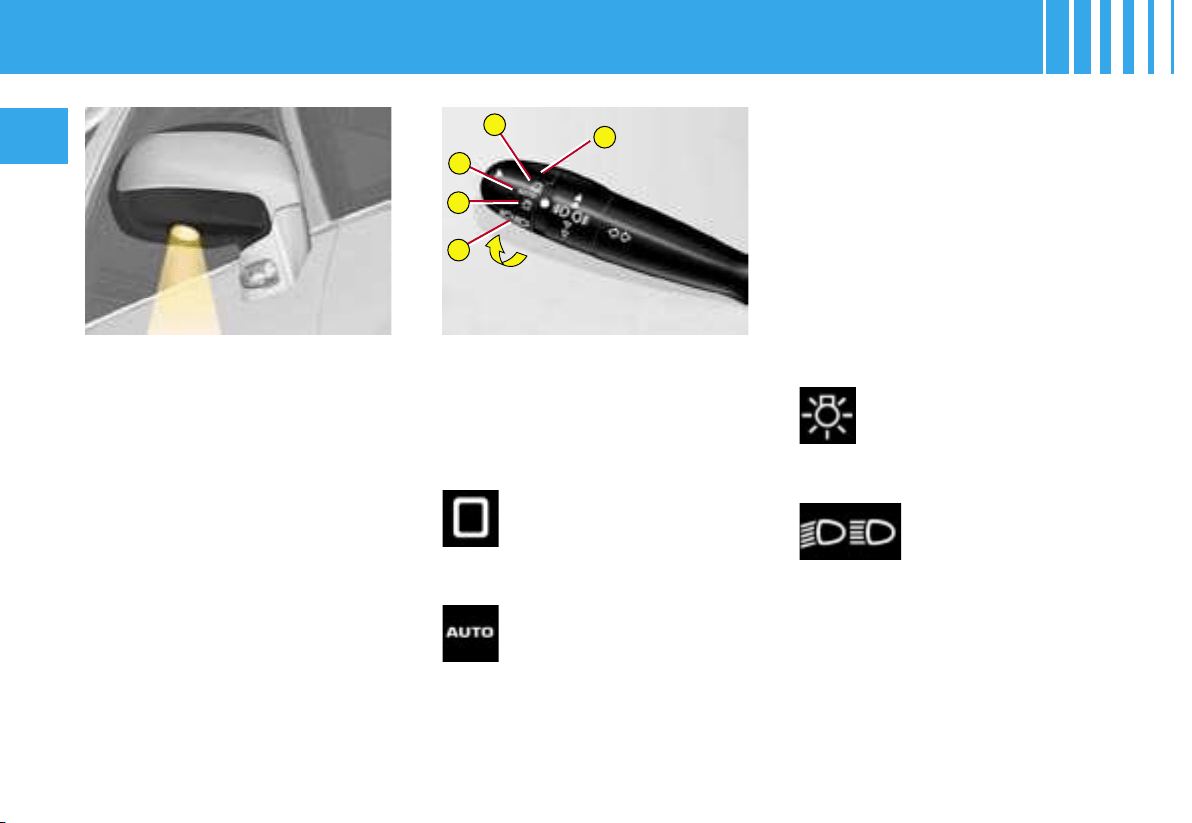
4
3
A
2
1
80
II
All lamps off
LIGHTING CONTROL
1 Stop
2 Automatic lighting
3 Sidelamps
4 Dipped beams / Main beams
Sidelamps on
Dipped beams /
main beams on
Turn the ring A forwards.
Turn the ring A forwards.
Automatic lighting of
headlamps
The sidelamps and dipped beams
come on automatically when the
ambient light is insufficient or if the
windscreen wipers are in continuous
operation
.
Pull the control stalk fully towards
you to swap between dipped
beams and main beams.
EXTERIOR SIDE
LIGHTERS
These illuminate :
- the zones facing the driver’s and
passenger’s doors,
- the zones forward of the door
mirrors and rearward of the front
doors.
Illumination / extinction
The side lighters come on :
- when you unlock the vehicle or
press on the lighting button on
the remote control.
- when you remove the key from
the ignition,
- when you open a door,
- when you use the remote control
to locate your vehicle.
They are timed to go out automatically
.
They go out as soon as the light is
again sufficient or approx. 5 minutes
after the windscreen wipers have
ceased.
To activate this function, place the
control A on position 2.
Do not cover the sunlight sen-
sor which is located behind the
interior rear view mirror and
visible from outside the wind-
screen.
Turn the ring A forwards.
SIGNALLING
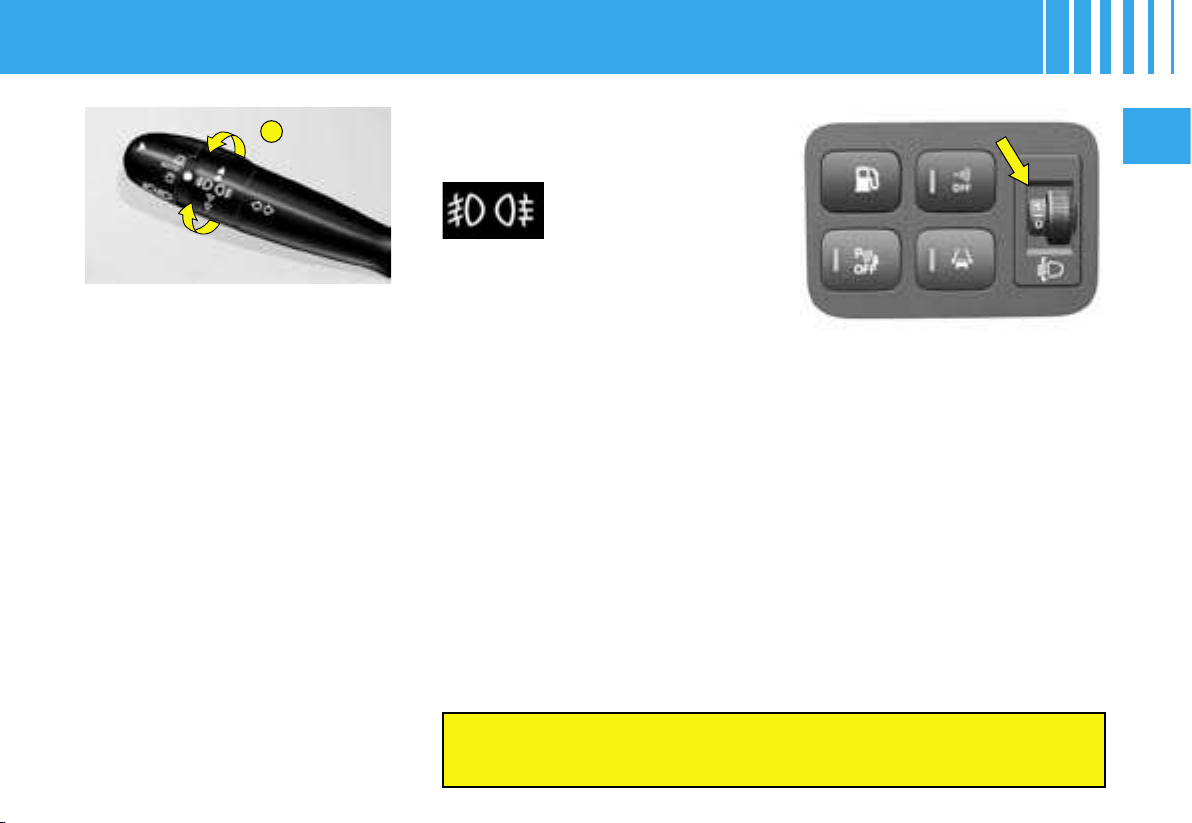
A
II
81
FRONT AND REAR
FOGLAMPS
(Ring A)
These operate in conjunction with
In foggy conditions, if the ambient brightness is not such as to
activate the automatic lighting, it is up to you to switch on your
dipped beams manually, along with your foglamps as necessary.
the sidelamps, the
dipped beams or the
main beams
.
Headlamps adjustment
Depending on the vehicle load, it is
recommended that you correct the
height of your headlamp beams.
On the dashboard beside the driver :
0 Unladen
1 Partial load
2 Medium load
3 Full load.
Note : Vehicles equipped with Xenon
dual-function directional headlamps
have an automatic adjustment of
headlamps depending on load.
For a vehicle equipped with
rear foglamps :
- 1
st
turn forwards : lighting of rear
foglamps.
- 1
st
turn rearwards: extinction of
rear foglamps.
For a vehicle equipped with
front and rear foglamps:
- 1
st
turn forwards: lighting of front
foglamps.
- 2
nd
turn forwards: lighting of rear
foglamps.
- 1
st
turn rearwards: extinction of
rear foglamps.
- 2
nd
turn rearwards: extinction of
front foglamps.
Note : Foglamps should be used
only in conditions of fog or snowfall.
GUIDE-ME-HOME LIGHTING
With the ignition off, this func-
tion temporarily switches on your
headlamps to gve you exterior
lighting when you are leaving your
vehicle.
This function is activated :
• Manually by pulling the control
stalk towards you, after switching
off the ignition.
• Automatically in the following
conditions :
- automatic headlamp lighting is
activated,
- and guide-me-home lighting is
activated.
See chapter « Multifunction display ».
Note : It is possible to modify
the timing for the guide-me-
home lighting (around 60, 30 or
15 seconds) in the «Personalisa-
tion-Configuration» menu.
For multifunction screen A, the
timing is fixed.
SIGNALLING
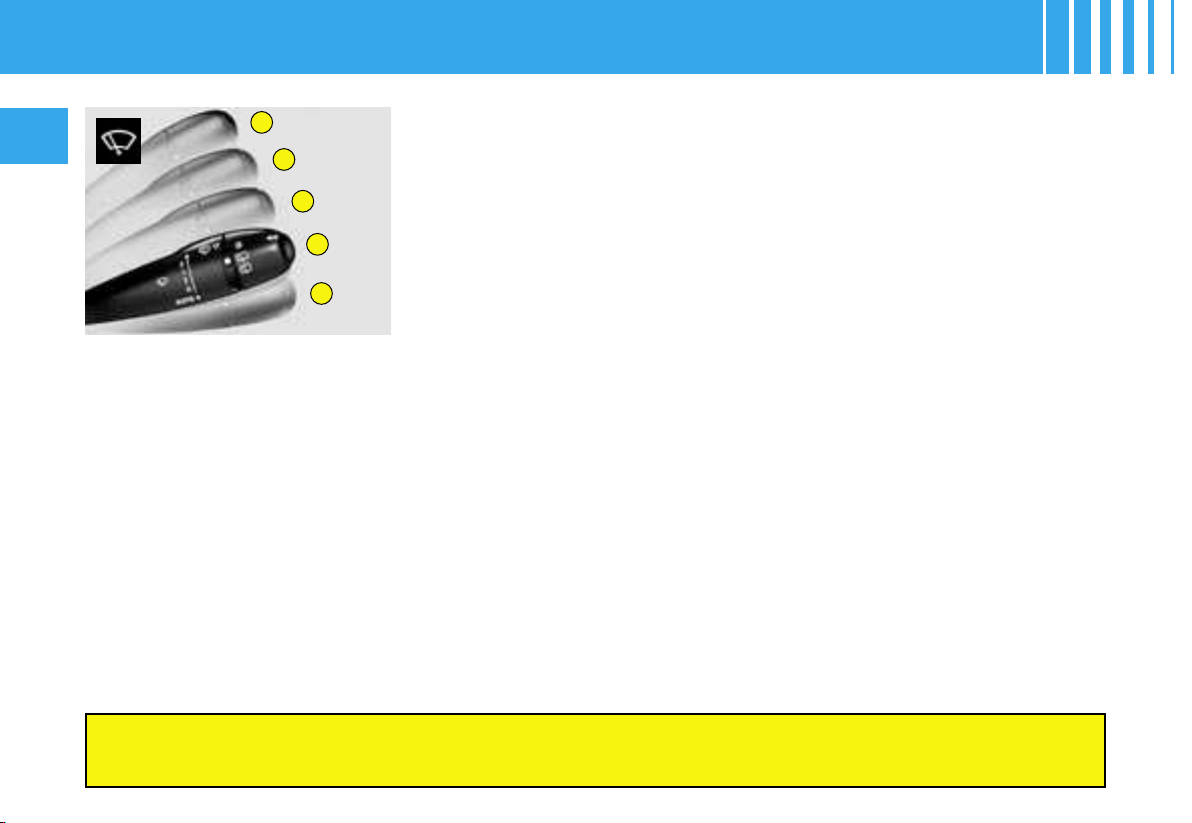
3
2
1
0
4
82
II
Windscreen wipe
3 Rapid wipe.
2 Normal wipe.
1 Intermittent wipe.
0 Stop.
4 Automatic wipe by pressing
downwards, and single wipe.
Note : To deactivate automatic wipe :
- go to position 1, then return to
position 0.
Position 1 : The wipe interval will adjust automatically as a function of the
speed of the vehicle.
Note : In position 2 or 3 : when the vehicle is stationary the wipe interval
will reduce automatically.
For safety, the wiper system is deactivated approx. one minute after
you switch off the ignition.
When you switch on the ignition, to reactivate the function :
- return to the Stop position,
- go to the position desired.
Vehicle equipped with a rain sensor
Position 4 by pressing downwards : The wipe interval will adjust auto-
matically as a function of the intensity of the rain.
Note : A press downwards produces a single wipe without deactivating
automatic wipe.
IMPORTANT :
Do not cover the rain sensor, which is located behind the interior rear
view mirror and visible from outside the windscreen.
If washing the vehicle, switch off the ignition or deactivate automatic
wipe.
Changing the wiper blades
For replacement, the wipers should be stopped in the maintenance position
.
Switch off the ignition, then within a minute action the wiper control stalk.
The wipers will position themselves in the middle of the windscreen.
After replacement, the wipers will resume their normal position when you
switch on the ignition and action the wiper stalk.
For safety, the wiper system is deactivated approx. one minute after you switch off the ignition.
If the windscreen is frozen when you are starting a journey, make sure that you de-ice it
before using the front and rear wipers.
WASH / WIPE
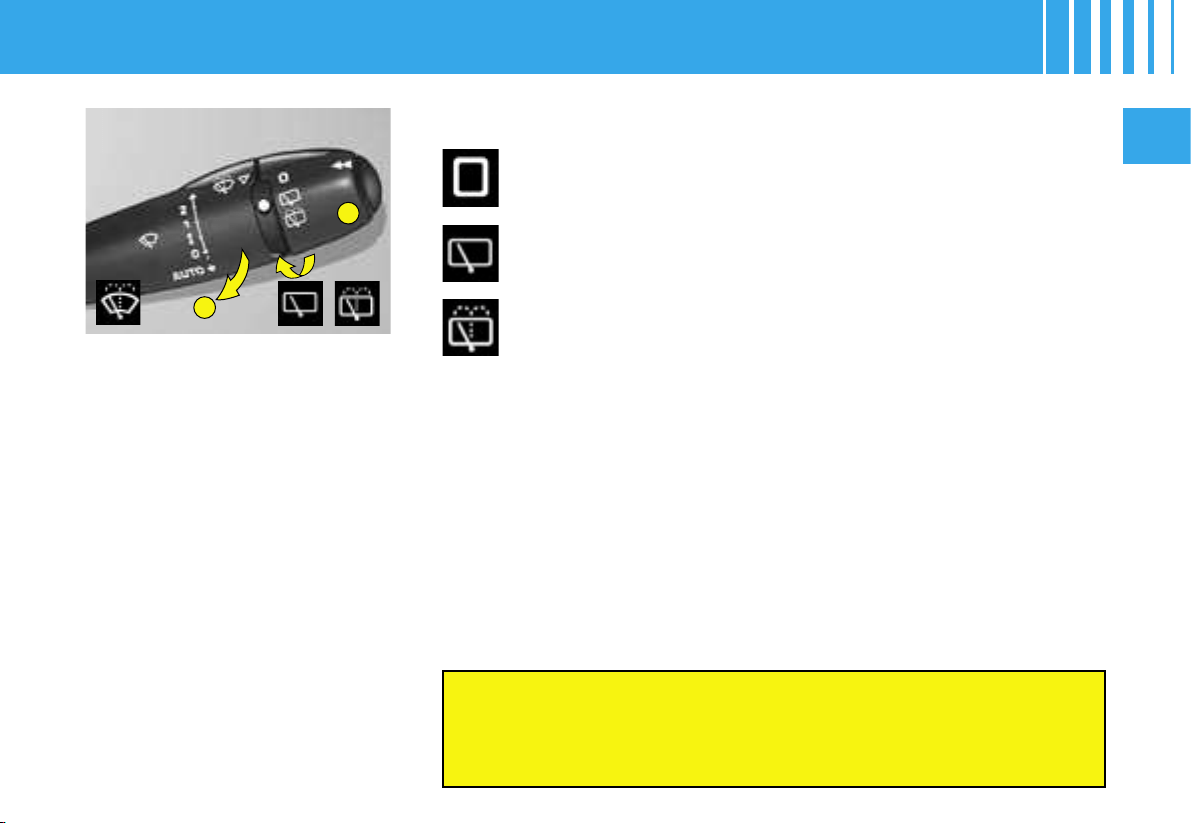
A
B
II
83
A - Headlamp wash
Provided the dipped beams are
on, pull the control stalk towards
you : screen wash will then be ac-
companied by a timed sweep of
the wipers as well as by a head-
lamp wash.
Check that the front and rear wipers are able to
operate freely if for example you are installing a bicycle-carrier,
or in freezing conditions.
Remove any accumulation of snow from the base of the
windscreen.
B - Rear screen wipe
Rear screen wipe will deploy automatically, provided the windscreen
wipers are operating, when you engage reverse gear.
Activation / deactivation of this function is possible via the « Personalisation -
Configuration » menu in the « Main menu ».
Note : Deactivation may be essential if you install a bicycle-carrier on the
tailgate.
Stop.
Intermittent rear screen wipe.
Timed rear screen wash and wipe.
WASH / WIPE
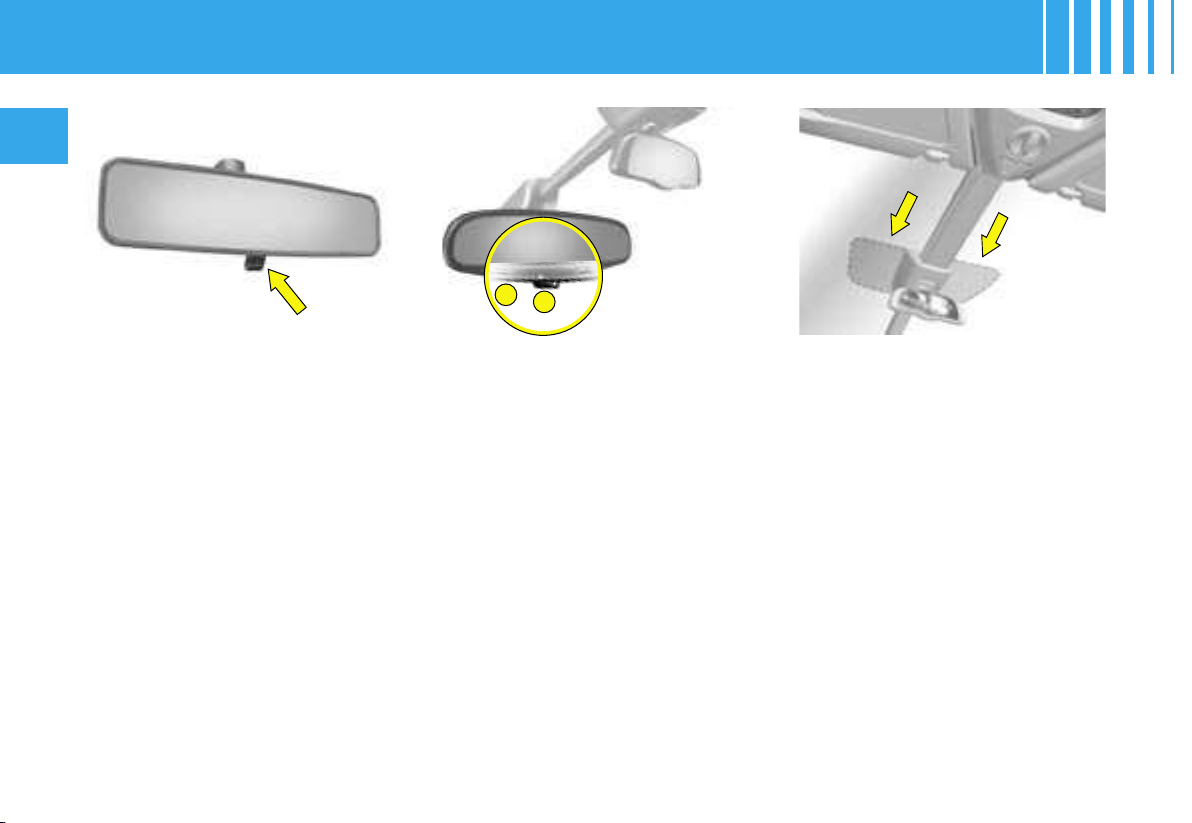
1
2
84
II
Automatic photochromic
interior rear view mirror
It modifies its role automatically
and progressively between day
use and night use.
In order to prevent dazzle, the glass
automatically darkens as a func-
tion of the intensity of light coming
from behind. It lightens as this di-
minishes, thus giving you optimum
visibility.
Operation
With the ignition on, press on con-
trol 1.
- Warning lamp 2 on : automatic
mode.
- Warning lamp 2 off : end of auto-
matic mode. The glass remains
in its lightest definition.
Note : For optimum visibility, the
glass lightens automatically when
you engage reverse gear.
The lever on the bottom edge of the
interior rear view mirror enables it
to be placed in two positions :
Day position : the lever is not visible.
Night position
(anti-dazzle) : the lever is visible.
Permit reader
The athermic windscreen comprises
a zone situated on either side of the
base of the child mirror, to enable
access permits to be read (e.g. mo-
torway toll permit).
Child mirror
A child monitoring mirror is installed
above the interior rear view mir-
ror. This allows you to monitor the
vehicle’s rear passengers, or it can
facilitate conversation between the
front and rear passengers without
the need to move the rear view mir-
ror. It can be folded away to elimi-
nate dazzle.
INTERIOR REAR VIEW MIRROR
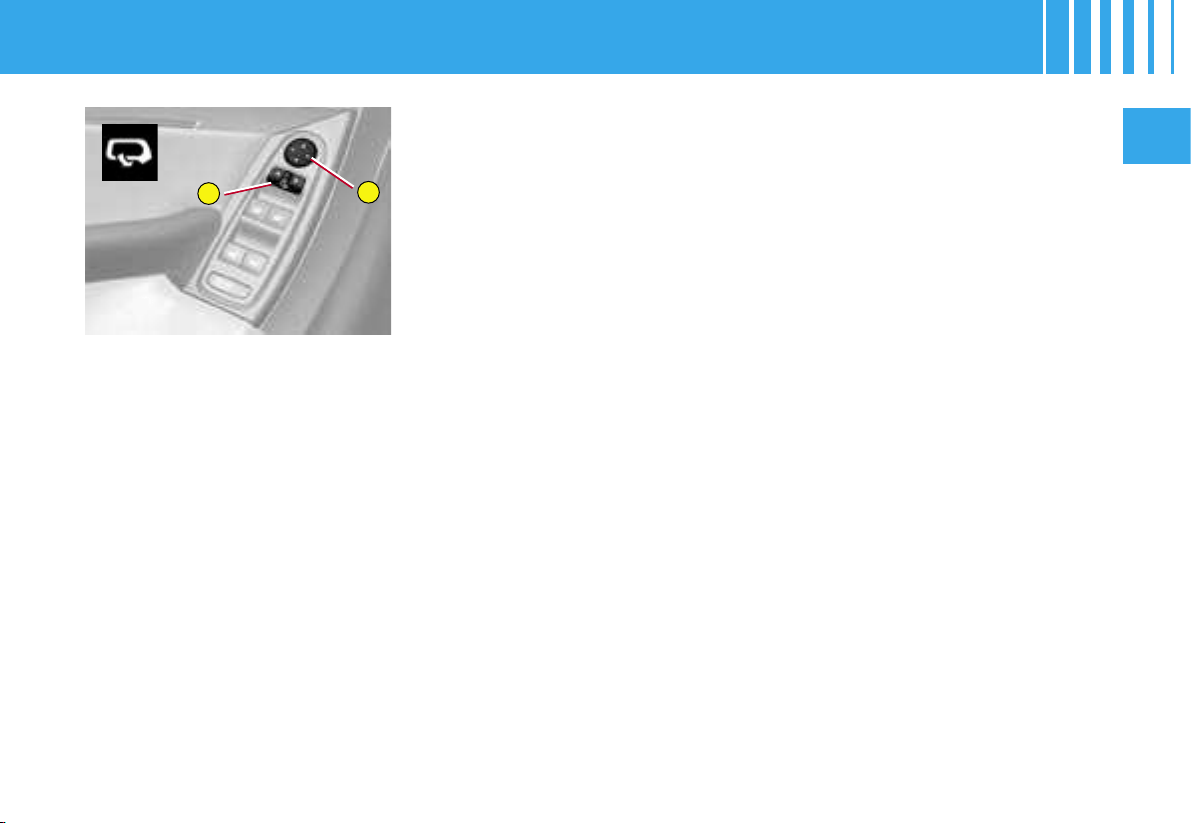
1
2
II
85
REAR VIEW MIRRORS
ADJUSTMENT
This operates with the ignition
switched on.
From the driver’s seat position, se-
lect the rear view mirror by moving
control 1 to the left or right, then
adjust the rear view mirror in the
four directions by acting on con-
trol 2.
Demisting-deicing of the rear view
mirrors is coupled with that for the
rear screen.
REAR VIEW MIRRORS
FOLDBACK
When the vehicle is parked, the rear
view mirrors can be folded back ei-
ther manually or electrically.
Electrically
From the central position, a press
to the rear on control 1 folds the
rear view mirrors back.
The opposite movement is ob-
tained by pressing again on the
rear of the control.
Electrically and automatically
The rear view mirrors also fold
back automatically when you lock
the doors.
The rear view mirrors redeploy
when you unlock the vehicle, un-
less the foldback was performed
manually. In this case, you have
to press on the rear of the control
to deploy them.
Note : The automatic foldback
of the rear view mirrors can be
deactivated. Contact a CITROËN
dealer.
Adjusting the indexed position
of the driver’s and passenger’s
rear view mirrors
With the engine running :
- Select the rear view mirror using
control 1.
- Engage reverse gear, the glass
of the rear view mirror positions
itself automatically to give a bet-
ter sight of the pavement.
- If necessary, adjust your rear
view mirror to your preference by
means of the electrical control 2.
This position is then memorised.
Deactivation of the rear view
mirror indexing function
To deactivate the function, move
control 1 to the central position.
EXTERIOR REAR VIEW MIRRORS
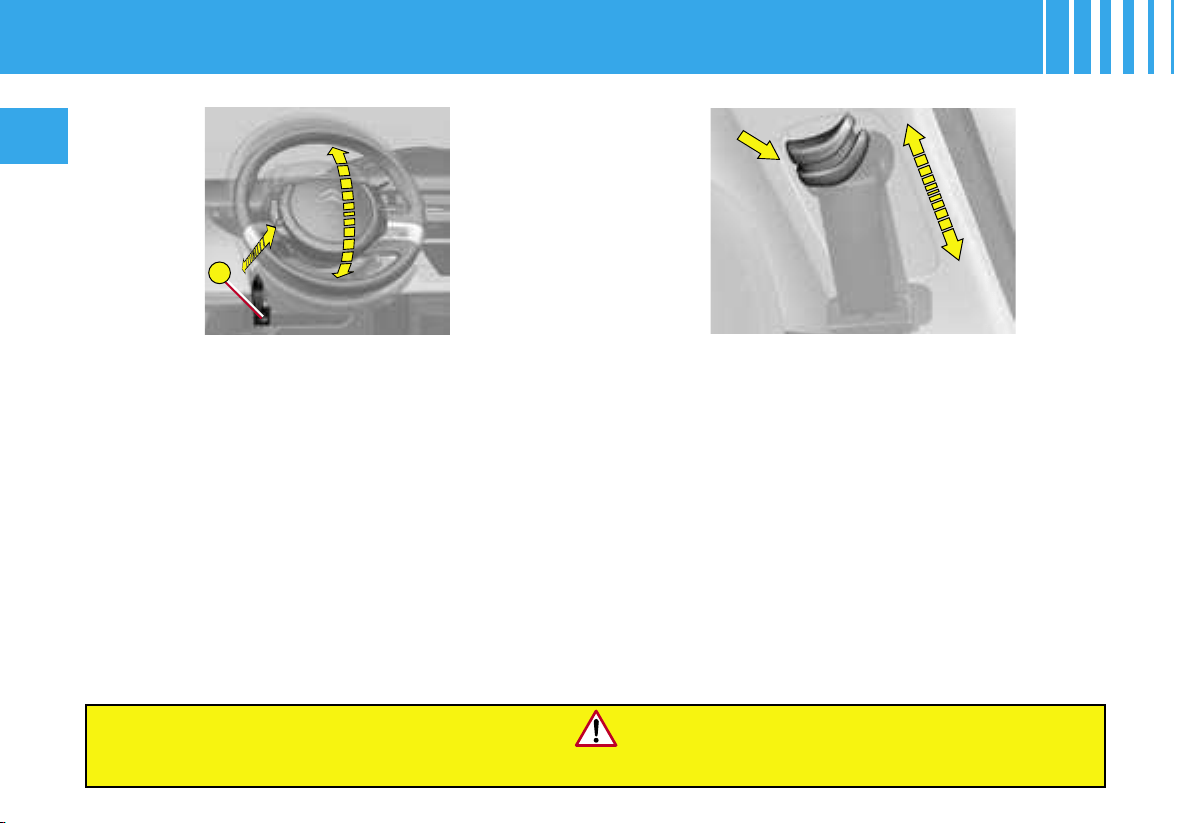
A
86
II
For safety, these manoeuvres should not be performed whi
le the vehicle is in motion.
Adjusting the seat belt height
The correct positioning of the seat belt reel is around
mid-shoulder level (see : USER PRECAUTIONS).
To adjust the belt, pinch the control and slide it in th
e
direction required.
Adjusting the steering wheel
The steering wheel can be adjusted for height and r
each.
WITH THE VEHICLE STATIONARY, first adjust your
seat to the most suitable position, then adjust the posi-
tion of the steering wheel.
See « Driving position ».
Unlock the steering wheel by pulling the control A
towards you.
Adjust the position of the steering wheel then lock it by
pushing the control firmly back into its initial location.
Note : If you press firmly on your steering wheel after
locking, a small click may be heard.
STEERING WHEEL ADJUSTMENT -
SEAT BELT ADJUSTMENT
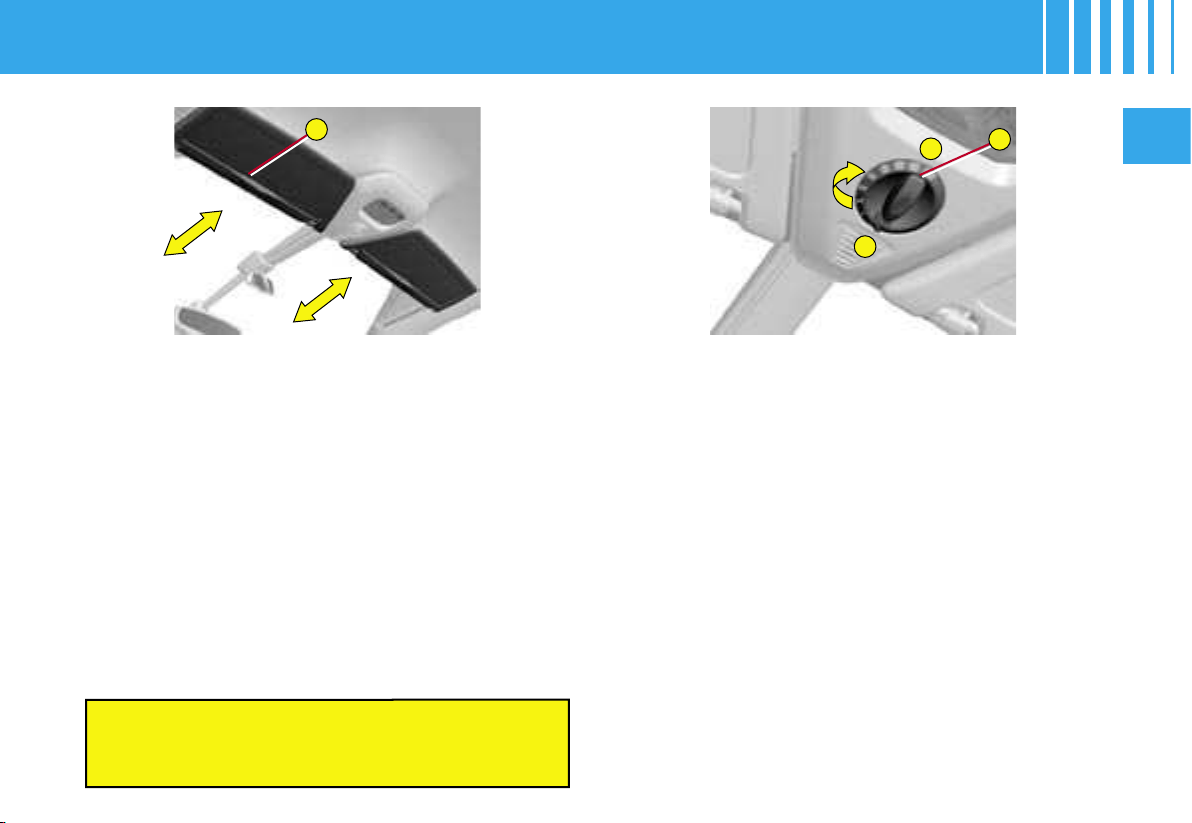
A
B
9
0
II
87
SLIDING SUN VISORS
Sliding blinds
Sliding blinds are provided for your protection against
bright sunlight. They can be adjusted manually.
- Slide the blind on the visor to the desired position by
pushing the area A.
Visor struts
The blinds are extended on the sun visor struts.
Fold the visor downwards, to protect against dazzle to
the face.
If dazzle is coming from the side windows, detach t
he vi
-
sor from its housing above the centre of the windsc
reen
and pivot it to the side.
PANORAMIC GLASS ROOF BLIND
Opening the roof blind (positions 1 to 9)
- Rotate the control B to slide the roof blind to the posi-
tion desired.
Closing the roof blind (position 0)
- Rotate the control B to position 0 to close the roof
blind.
The blind has an anti-pinch device.
Note :
-
A long press on the locking button on the remote co
ntrol
will close the blind (practical when for example yo
u leave
your vehicle on a sunlit carpark)
.
- On returning to your vehicle, a short press on the
button B repositions the blind to the last position
selected.
- Following a fault or after a battery disconnectio
n
during the movement of the blind or after it has st
opped,
you have to re-initialise the anti-pinch function.
Place
the blind in the closed position and press for arou
nd
2 seconds on button B.
Do not attach or suspend heavy objects on the
slide rail of the sun blind, which also
incorporates the interior rear view mirror.
ROOF ADJUSTMENTS
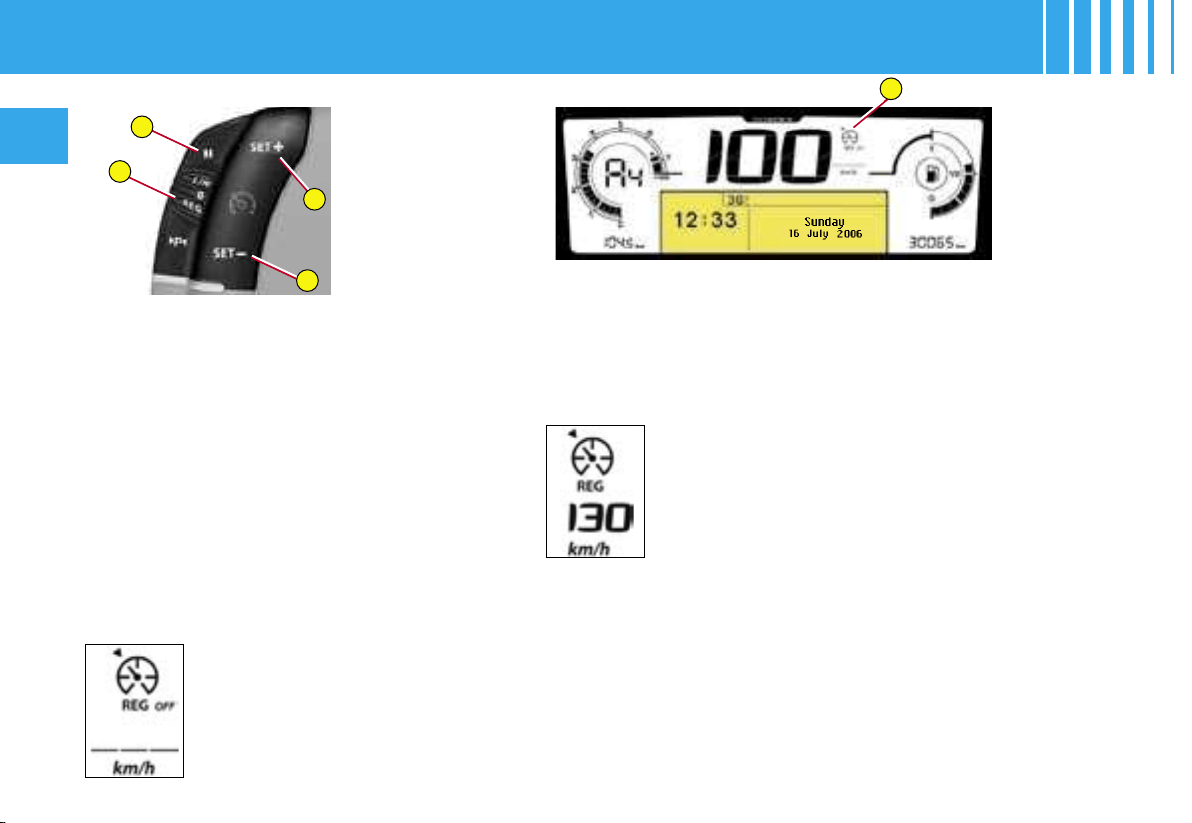
A
1
3
4
2
88
II
This driving assistance device
enables you to drive at a constant
speed of your choice, without the
need to action the accelerator. It
is active over speeds of around
40 km/h (approx. 25 mph).
The cruise control commands are
located on the steering wheel.
Note : The information relating to
the cruise control is displayed in
zone A of the instrument panel.
Selection of the function
Rotate the control 1 to the «REG»
position.
Selection of a cruise
speed
On selection of the
function via control
1, no cruise speed
has yet been memo-
rised.
Once the desired speed has been
reached via action on the accel-
erator, press button 2 or button 4.
The cruise speed is then memo-
rised. It is displayed in zone A of
the instrument panel.
You can then release the accelera-
tor pedal. The vehicle will automati-
cally keep to the speed chosen.
Note : The speed of your vehicle
may vary slightly in relation to that
memorised.
If during the operation of cruise
control, the system is unable to
keep within the memorised speed
(for example on a steep descent),
then the speed flashes. Adapt your
speed as necessary.
Bi-tone instrument panel
Adjustment of the memorised
speed while cruise control is in
operation
You can adjust the memorised
speed, displayed in zone A, by
pressing on :
- button 4 to increase the speed,
- button 2 to decrease the speed.
Note : successive presses will
modify the cruise speed in steps of
1 km/h and a sustained press in
steps of 5 km/h (3 mph).
Temporary override of the
cruise speed
During the operation of cruise con-
trol, it is always possible to action
the accelerator to go faster than the
cruise speed (for example to over-
take another vehicle). The speed
displayed in zone A flashes.
You have only to release the ac-
celerator pedal to return to the
cruise speed.
CRUISE CONTROL
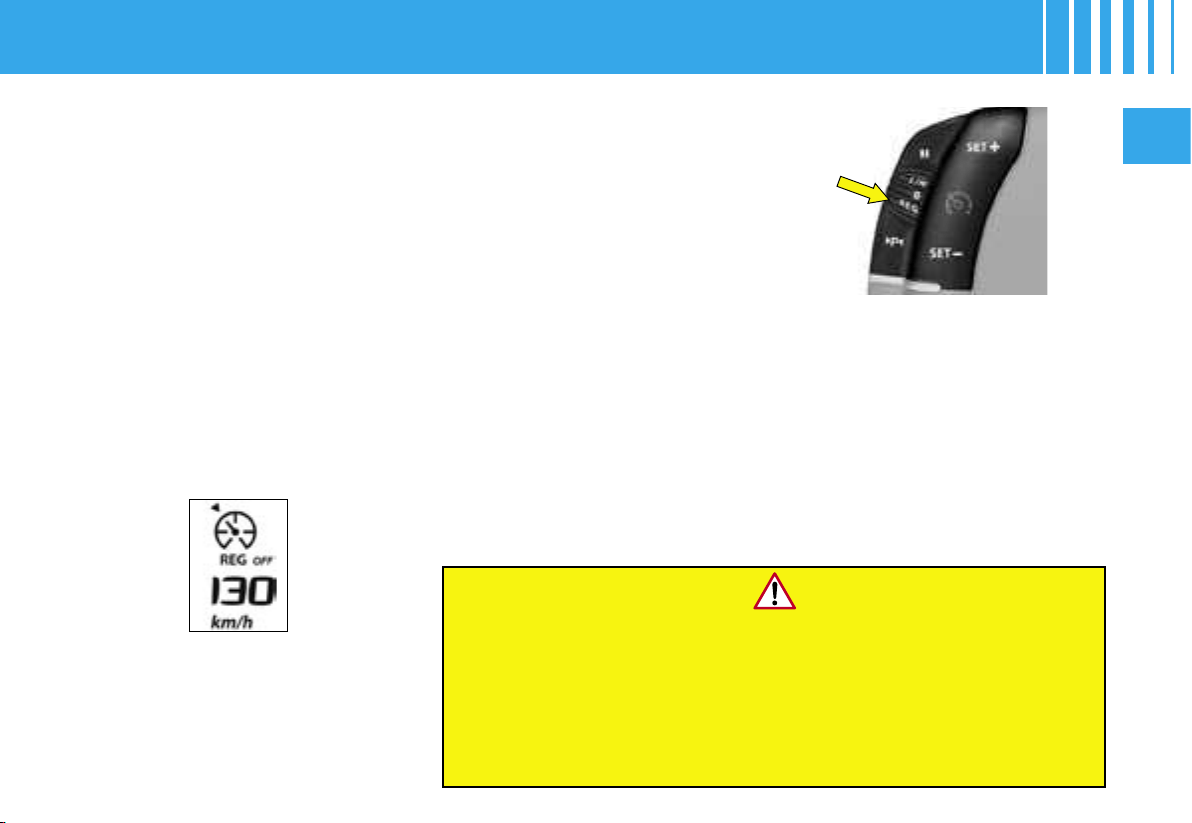
II
89
Stopping the function
- by an action on the control on
position «REG» to position 0.
- by the engine stopping.
The cruise speed previously cho-
sen is no longer memorised.
If there is a malfunction, a mes-
sage will display accompanied by
a sound signal and lighting of the
SERVICE warning lamp.
Contact a CITROËN dealer.
Cruise control should only be used when the
driving conditions allow you to drive at a
constant speed.
Do not use it in heavy traffic, or on dangerous or
slippery roads.
The driver must remain attentive and in full control of his vehicle.
You are recommended to keep your feet within range
of the pedals.
Re-engaging cruise control
- by recall of the memorised
speed :
After a disengagement, press on
button 3. Your vehicle automati-
cally returns to the memorised
cruise speed which is displayed
in zone A.
If the memorised cruise speed is
higher than the current speed, the
vehicle wll accelerate to reach the
former.
- by selection of the current
speed :
Press on button 2 or 4 once the
desired speed has been reached.
The information «OFF» will then
disappear from zone A.
Observation : If during the opera-
tion of cruise control, the system is
unable to keep within the memo-
rised speed (for example on a steep
descent), then the speed flashes.
Adapt your speed as necessary.
Disengaging of cruise control
while retaining the memorised
speed
- Either by pressing on the brake
pedal or on the clutch pedal.
- Or by pressing button 3.
- Or if either the ESP or the ASR
system is active.
Note : cruise control is not active if
the gear lever is in neutral.
These actions cause the informa-
tion «OFF» to appear in zone A of
the instrument panel.
These manœuvres do not cancel
the cruise speed which remains
displayed in the instrument panel.
CRUISE CONTROL
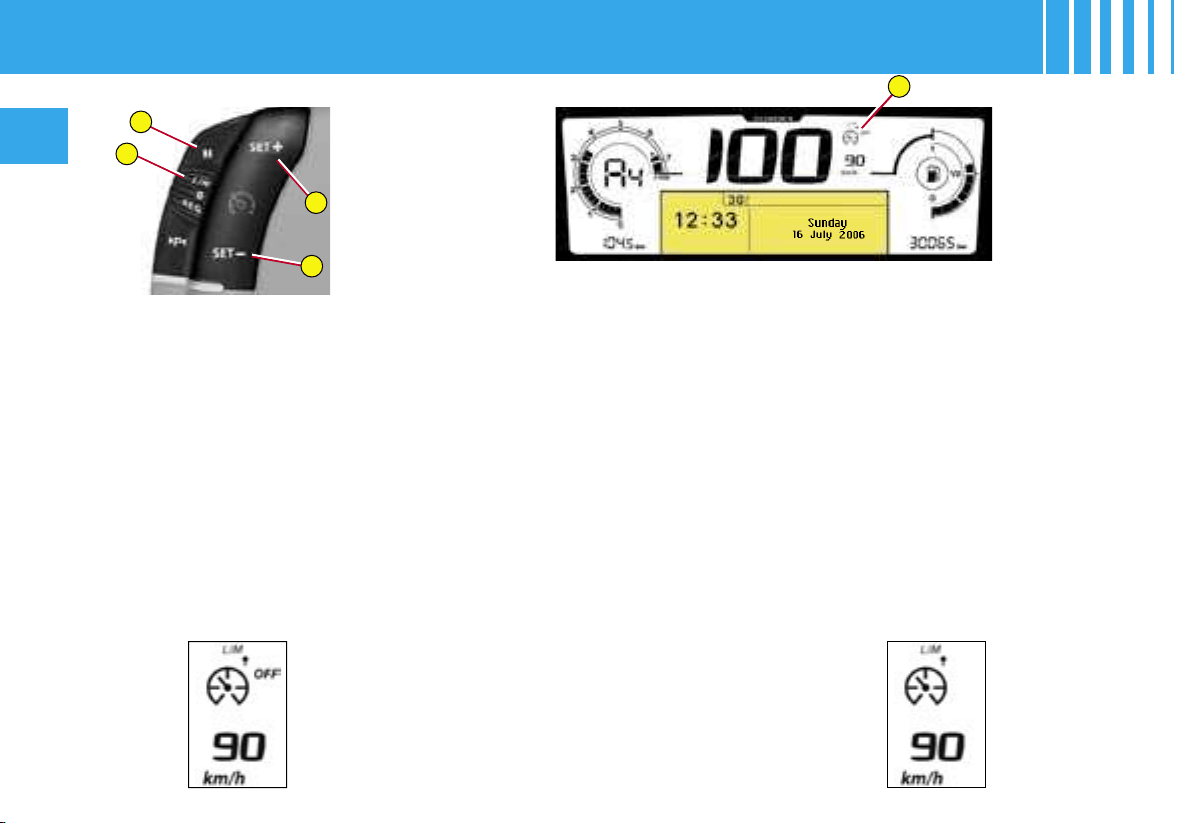
1
3
4
2
A
90
II
This driving assistance device en-
ables you to choose a maximum
speed that you wish not to exceed.
This has to be higher than 30 km/h
(around 20 mph).
The speed limiter controls are lo-
cated on the steering wheel.
Note : The information relating to
the speed limiter is displayed in
zone A of the instrument panel.
Selection of the function
Rotate the control 1 to the «LIM»
position.
On selection of the function, the
previous memorised speed and the
information «OFF» are displayed :
Adjustment of the maximum
speed
With the engine running, you can
adjust the memorised maximum
speed , by means of short or long
presses on :
- button 4 to increase the memo-
rised maximum speed,
- button 2 to decrease the memo-
rised maximum speed.
Note : successive presses will
modify the maximum speed in steps
of 1 km/h and a sustained press in
steps of 5 km/h (3 mph).
Activation of the maximum
speed
When the desired maximum speed
is displayed, press button 3 so that
the limitation is activated.
The information «OFF» then dis-
appears from zone A.
While the function is active, press-
ing the accelerator pedal will not en-
able the programmed speed to be
exceeded, except if you press the
pedal hard down to beyond the end-
of-travel switch (see « Temporary
override of the maximum speed »).
Note : The speed of your vehicle
may vary slightly in relation to that
memorised.
Bi-tone instrument panel
SPEED LIMITER
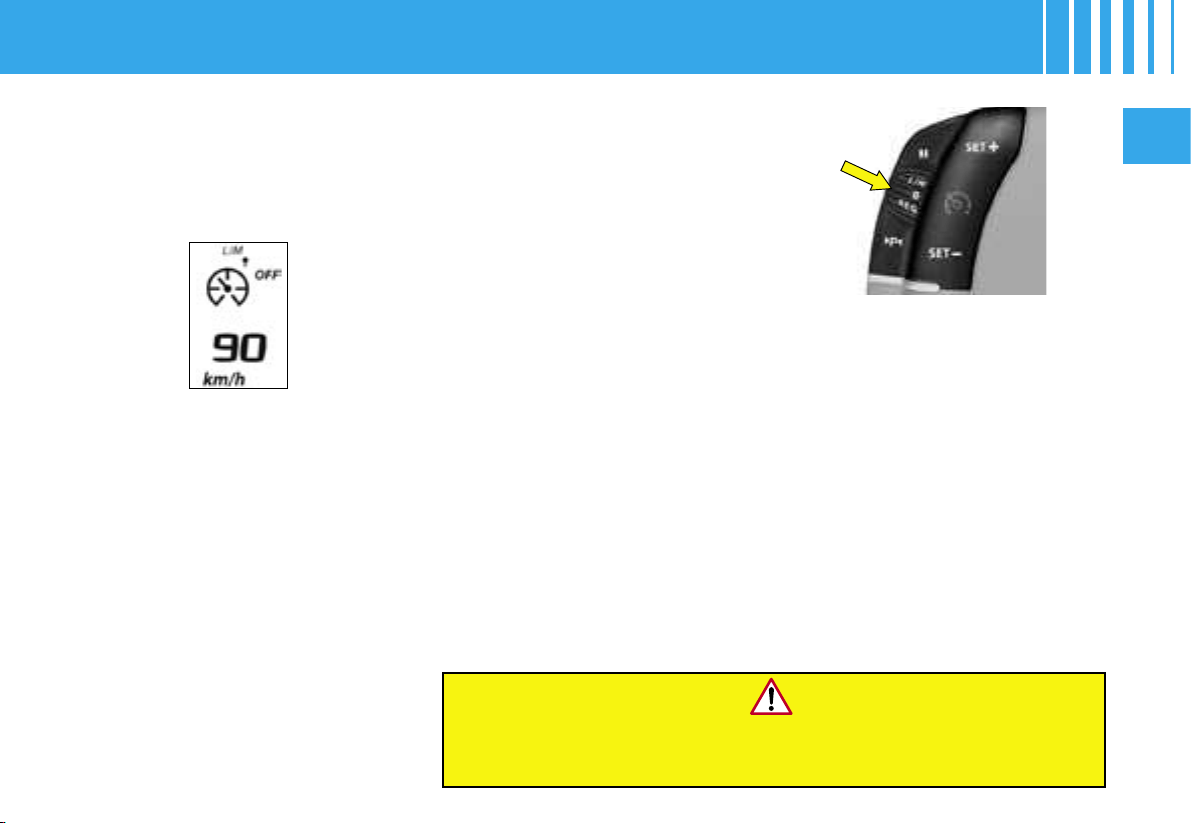
II
91
Stopping the function
- by an action on the control on
position «LIM» to position 0.
- by the engine stopping.
The speed previously chosen is
still memorised.
If there is a malfunction, a mes-
sage will display accompanied by
a sound signal and lighting of the
SERVICE warning lamp.
Contact a CITROËN dealer.
Temporary override of the
maximum speed
The accelerator pedal is equipped
with an end-of-travel switch. If you
action this switch by pressing the
pedal hard down, you can exceed
the memorised maximum speed
at any time.
During the time the speed is being
exceeded, the displayed speed
flashes.
You have only to release the ac-
celerator pedal to return below the
maximum speed and render the
function active again.
Observation : If during the operation
of the speed limiter, the system is
unable to keep within the maximum
speed (for example on a steep de-
scent or under heavy acceleration)
then the speed flashes. Adapt your
speed as necessary
.
The function will re-engage when
your speed returns below the de-
sired maximum speed.
Disengagement of the
maximum speed
Press on button 3.
This action causes the information
«OFF» to appear on the instru-
ment panel screen.
Use of floor mats that are not approved by CITROËN
may hinder access to the accelerator pedal and thus interfere
with the functioning of the speed limiter.
This action does not cancel the
memorised maximum speed which
remains displayed in zone A of the
instrument panel.
SPEED LIMITER

92
II
DIESEL PARTICULATE FILTER SYSTEM
Complementary to the catalytic converter, this filter makes an active contribution to the preservation of air quality
by the retaining of the unburnt pollutant particles. Black exhaust fumes are thus no longer emitted.
Clogging of the particle filter
If there is risk of clogging, a message appears on the multifunction display, accompanied by a sound signal and
lighting of the SERVICE warning lamp.
This alert tells you that the particle filter is starting to fill up (in conditions of urban driving of exceptionally long dura-
tion: low speeds, traffic jams etc.)
To regenerate the filter, it is advised to drive as soon as possible, when traffic conditions permit, at a speed of
60 km/h (around 40 mph) or more for at least five minutes (until the alert message disappears).
If this alert persists, consult a CITROËN dealer.
Observation : After prolonged idling or driving at very low speeds, you may occasionally notice water vapour be-
ing emitted from the exhaust when accelerating. This is of no consequence to the running of the vehicle or to the
environment.
Diesel fuel additive level
If the additive level becomes too low, a message appears on the multifunction display, accompanied by a sound
signal and lighting of the SERVICE warning lamp. It is necessary to have the additive level topped up. Urgently
consult a CITROËN dealer.
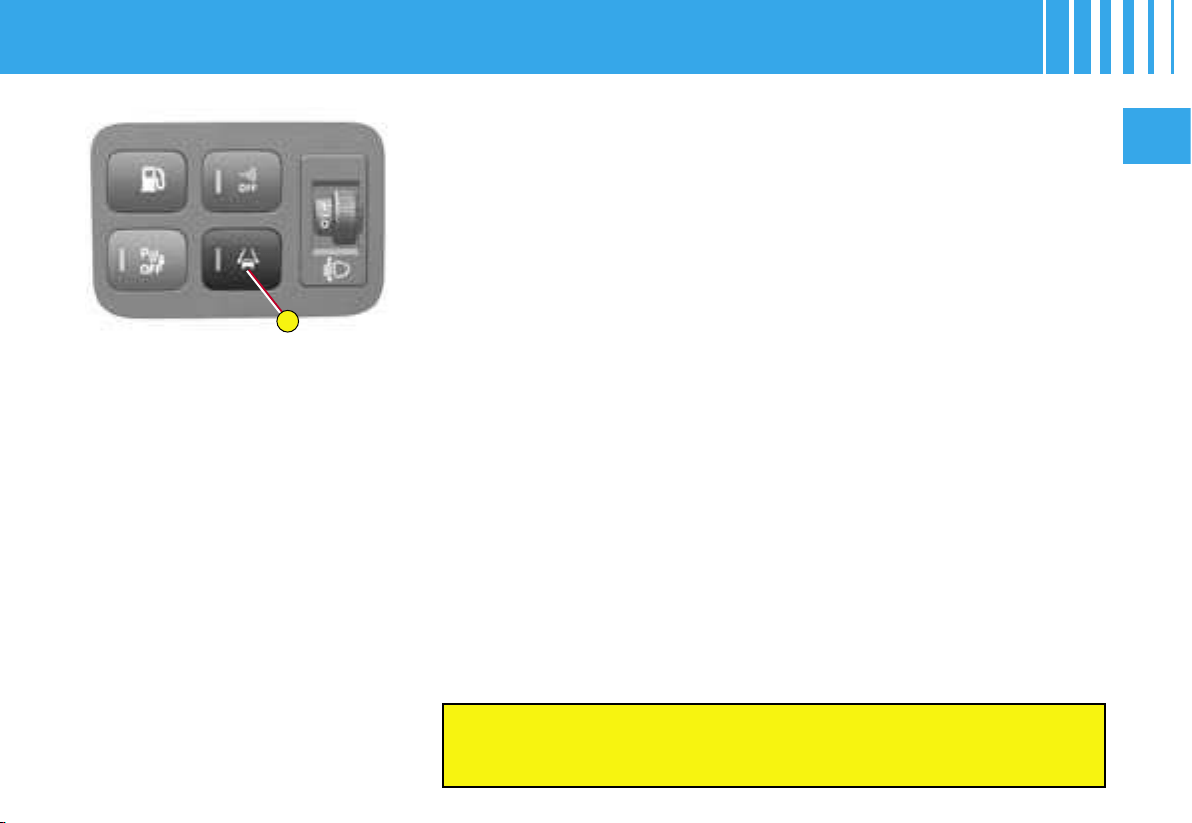
A
II
93
This driving assistance device
alerts you if you are wandering from
your lane (continuous or dotted line
marking on the road surface).
It is designed especially for use
on motorways and dual carriage-
ways, operating only at speeds
above 80 km/h (approx. 50 mph).
Activation / Deactivation
A press on control A activates the
function, the warning lamp on the
control lights up.
A second press on control A de-
activates the function, the warning
lamp on the control goes out.
Whenever you start the engine,
the mode (activated/deactivated),
selected when you last switched
off the engine, is retained.
The driver must still remain attentive and in complete
control of the vehicle.
Operation
Provided you are travelling at over 80 km/h (approx. 50 mph), if you
cross
a lane marking, you are alerted by a vibration within the cush
ion of your
seat :
- oriented to the right for crossing a lane marking to the righ
t,
- oriented to the left for crossing a lane marking to the lef
t.
The system does not alert you while your direction indicator is o
perating,
nor for about 20 seconds after your direction indicator has stopp
ed.
Note : In the event of an electronic malfunction, a message is displ
ayed,
the SERVICE warning lamp comes on and a sound signal is heard. Con-
tact a CITROËN dealer.
Observations : This device is designed to identify traffic lane markings.
In certain specific instances, it may trigger an unwanted alert, for examp
le
when you cross a direction arrow or some other random marking.
The effectiveness of the system may be temporarily affected by condi
tions
external to the vehicle :
• Detection of lanes made difficult by:
- Markings that are worn or erased.
- Insufficient contrast with the surface of the road.
• Masking of the sensors due to:
- Driving in snow or heavy rain.
- Driving on roads covered with mud or surface water.
If the system is ineffective for a prolonged period, contact a
CITROËN
dealer.
LANE DEPARTURE WARNING SYSTEM
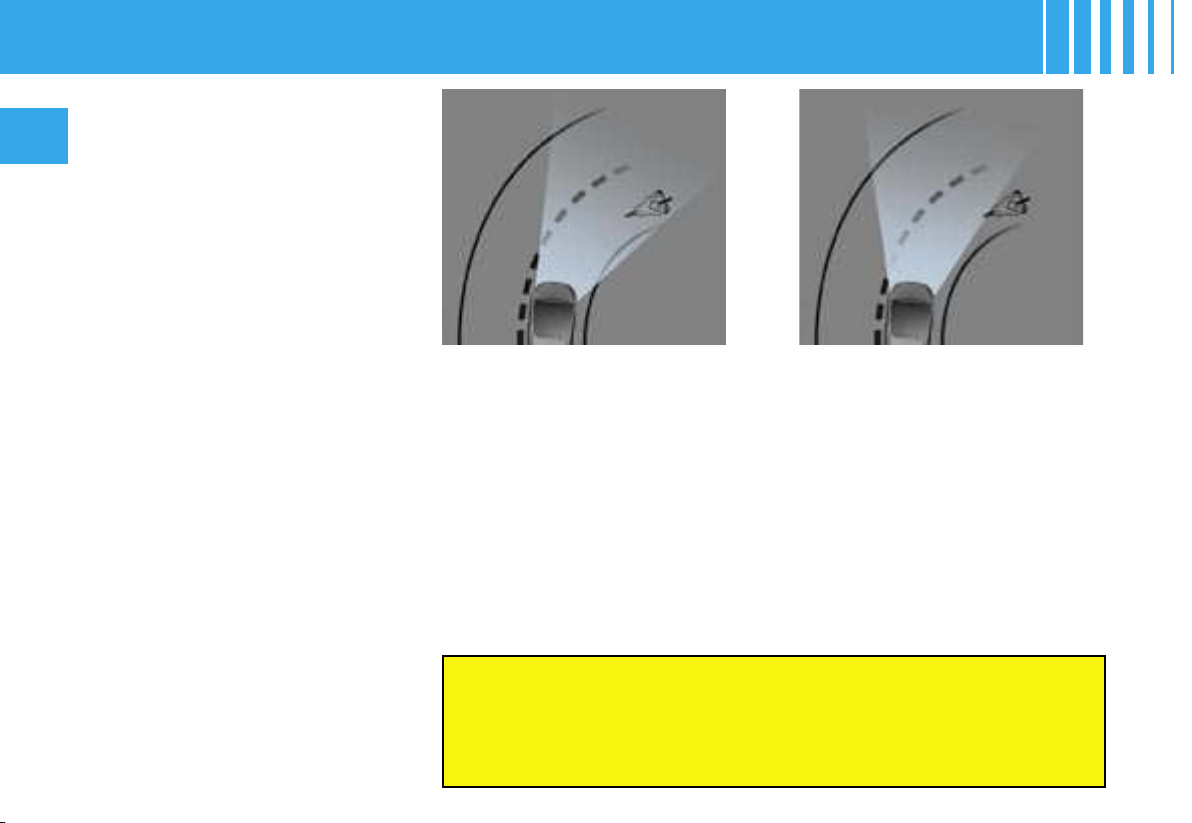
94
II
Function active
If there is a malfunction, a message informs you of this and the
« Dipped beams » warning lamp flashes.
Have the system checked by a CITROËN dealer.
You are recommended to have both Xenon dual-function
directional headlamps changed if there has been a
malfunction in either of them.
Function inactive
This function is associated with
Xenon dual-function directonal
headlamps.
Whether on dipped beam or main
beam, your headlamps follow the
direction of the road ahead.
Lighting quality when driving round
bends is considerably improved.
On vehicles equipped with day-
time-running lamps (according
to country), the function is acti-
vated only if the lighting control is
on main beam / dipped beam or
AUTO (automatic lighting of head-
lamps). If the control is in position
0, the function is not active.
Activation / Deactivation
The function can be activated / deactivated in the « Main menu ». See
« Multifunction displays ».
When you start the engine, you retain the mode (activated or deactivated)
that was selected when you last stopped the engine.
By default, this function is in activated mode.
Note : At zero or very low speed, or in reverse gear, this function is inactive.
XENON DUAL-FUNCTION DIRECTIONAL HEADLAMPS
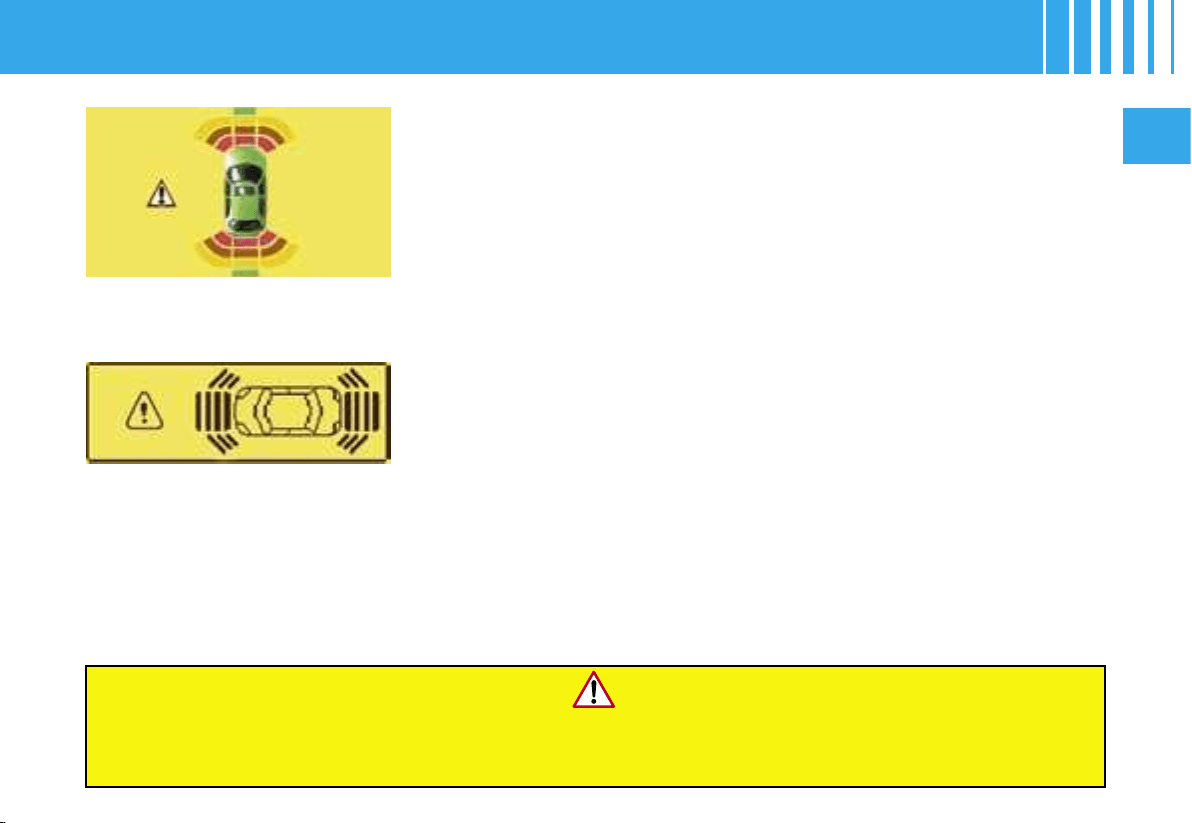
II
95
Proximity sensors are located in the front and rear bumpers of your
vehicle.
Functioning
- When you engage reverse gear, a sound signal informs you that the
system is active. The silhouette of your vehicle is displayed on the mul-
tifunction screen C or DT. Obstacles situated at the rear or in front of the
vehicle will be detected.
- When you are moving forward, provided this is at a speed less than
10 km/h (approx. 6 mph), either in neutral or in gear, the shape of your
vehicle is displayed on the screen as soon as an obstacle is detected
in front of the vehicle. Obstacles located in front of the vehicle will be
detected.
- In forward gear or in reverse gear, as the vehicle approaches the ob-
stacle, the sound signal becomes more and more rapid and the bars are
seen to move ever nearer to the vehicle.
- Whether in forward gear or in reverse gear, when the obstacle is close,
the sound signal becomes continuous and the WARNING panel appears
on the multifunction display.
Note : the sound signal is emitted by the loudspeakers that are nearest to
the obstacle.
PARKING ASSISTANCE
Multifunction
screen DT
Multifunction
screen C
When you engage reverse gear, a short sound signal followed by a different sound signal
accompanied by a message and the lighting of the SERVICE warning lamp, indicates that there is a malfunction.
Contact a CITROËN dealer.

A
96
II
Activation / Deactivation
You can activate/deactivate the parking assistance by pressing cont
rol
A.
If the parking assistance is inactive, the warning lamp is on.
Activation or deactivation of the parking assistance is memorised wh
en
you stop the vehicle.
Notes :
- The rear parking assistance is deactivated automatically if a tra
iler is attached to the vehicle. The fitting of the
towbar should be carried out by a CITROËN dealer.
- The proximity sensors will not be able to detect o
bstacles that are situated immediately below or abo
ve the bumpers.
- A thin object such as a spike, or a bollard or oth
er similar object, will be detected only at the sta
rt of the manœuvre,
not when the vehicle has arrived up close.
- In bad weather or in winter, make sure that the sensors are n
ot covered by dirt, or by ice or snow.
PARKING ASSISTANCE
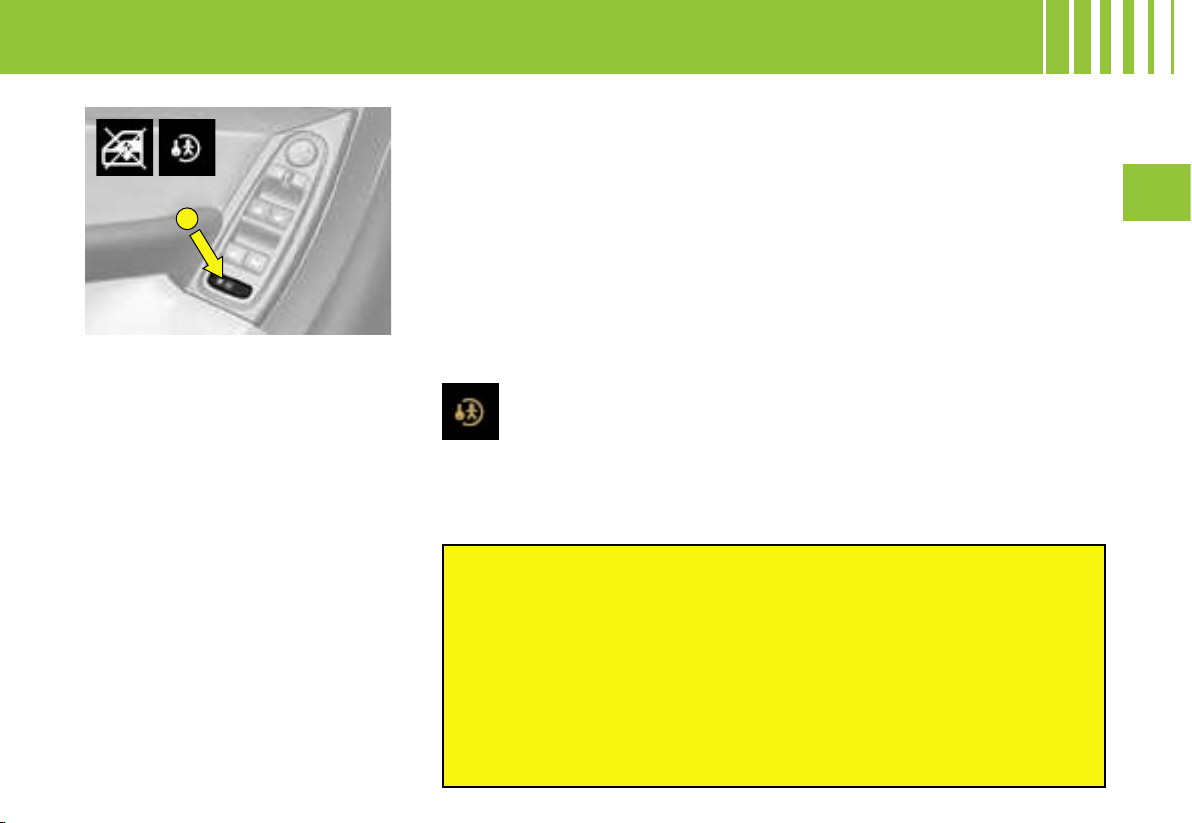
A
III
97
Electrical control
From the driver’s seat position,
the controls siutated on the door
enable the vehicle’s electric win-
dows to be actioned.
Note : The windows can also be
operated for a short time after the
ignition has been switched off (in-
cluding after the front doors have
been opened).
Sequential control
An action to the first notch on the
control starts a window movement
which stops when the control is
released. A press for about one
second on the control will close
or open the window fully, a further
press will stop the movement.
PAY ATTENTION TO WHERE CHILDREN ARE
WHEN OPERATING THE ELECTRIC WINDOWS.
- Always remove the key from the ignition when leaving the vehicle,
even for a short time.
- When the driver is actioning the controls for the passenger windows,
he must make sure that no-one is obstructing the windows from
closing properly.
- The driver should ensure that the passengers use the windows
correctly.
- If any person should be at risk of becoming trapped by the operation
of the windows, you must reverse the movement of the glass. For that,
reverse the position of the control concerned.
This is for deactivating operation of the electric windows and opening
of the rear doors from the rear seat positions.
It is activated by a press on the control A located on the window
control panel or by an action on the locks of the rear doors.
The warning lamp in the instrument panel comes on temporarily.
Each time you switch on the ignition, the warning lamp lights up for a short time.
It is still possible to open the doors from the outside and to operate the rear
windows from the front seat positions.
Anti-pinch
An anti-pinch device will stop the glass from rising. If it meets an obstacle,
it goes back down.
After a battery disconnection or following a malfunction, you have to
re-initialise the anti-pinch function for each window :
- Use the control to open the window fully, then attempt to close it. It will
rise only a few centimetres.
- Pull again on the control until the window closes fully. Once the window
is closed, sustain the press on the control for one second.
Warning : During this operation, the anti-pinch protection is inoperative.
Child safety
ELECTRIC WINDOWS
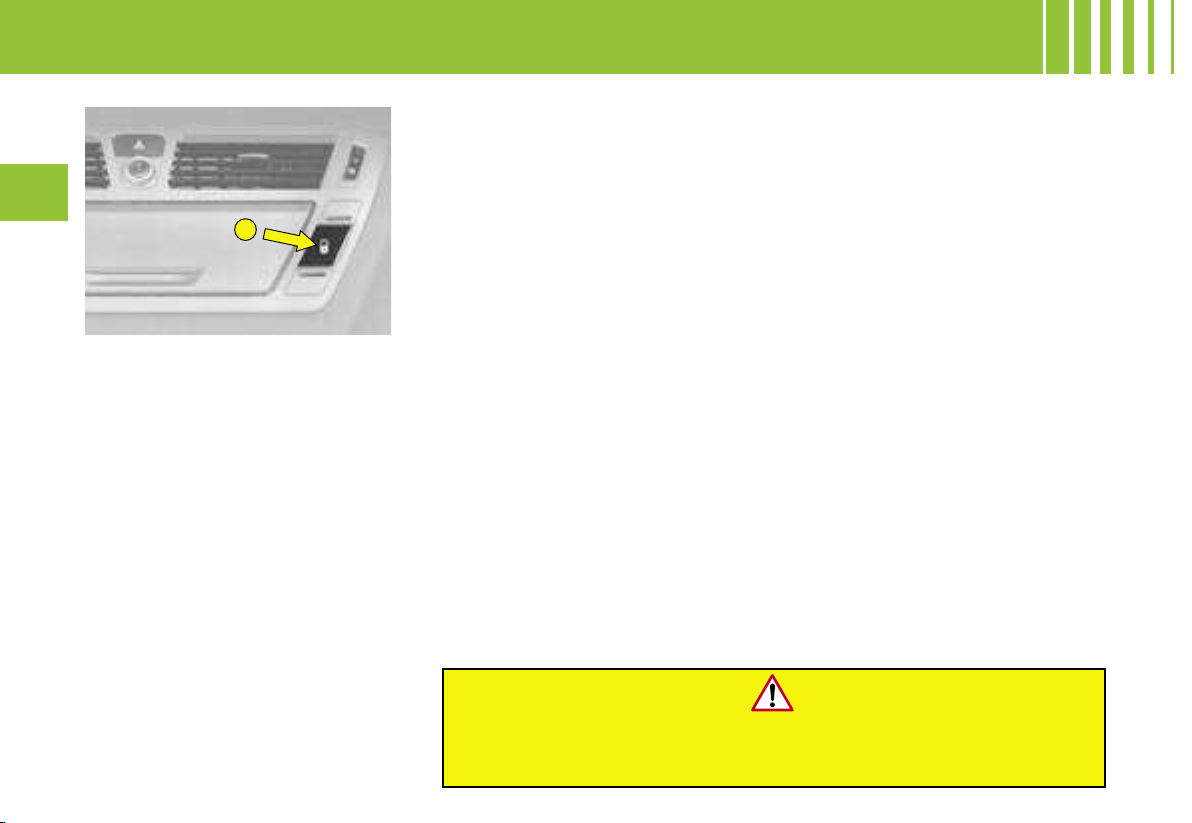
A
98
III
If you decide to drive with the doors locked,
be aware that this will make access more difficult for
the emergency services in the event of an accident.
Note : the control A is inactive when the vehicle has been locked by means
of the remote control or the key
Door selectivity
If you have selected « plip action : driver’s door » in the multifunction
screen menu :
- a press on the remote control opens the driver’s door,
- a second press opens all the doors.
Anti-intrusion security
On starting the vehicle, the system automatically locks the doors when you
have reached a speed of around 10 km/h (6 mph).
Note : Whenever a door is opened, the door will lock again automatically
when the vehicle reaches a speed of around 10 km/h (6 mph).
Activation / Deactivation of the function
After switching on the ignition, give a long press on the central unlocking
control until you see a message displayed and a sound signal is emitted.
Locking from the inside
A press on the control A operates
the electric central locking and un-
locking, provided the doors and
tailgate are closed.
The doors can still be opened from
the inside.
If one of the doors is open or not
properly closed, the central lock-
ing does not operate.
The warning lamp on the control A
signals 3 statuses :
- It flashes when the doors are
locked, with the vehicle stationary
and the engine turned off.
- It lights up when the doors are
locked, or when the ignition is
switched on.
- It goes out if the doors are not
locked.
ACCESS TO THE VEHICLE
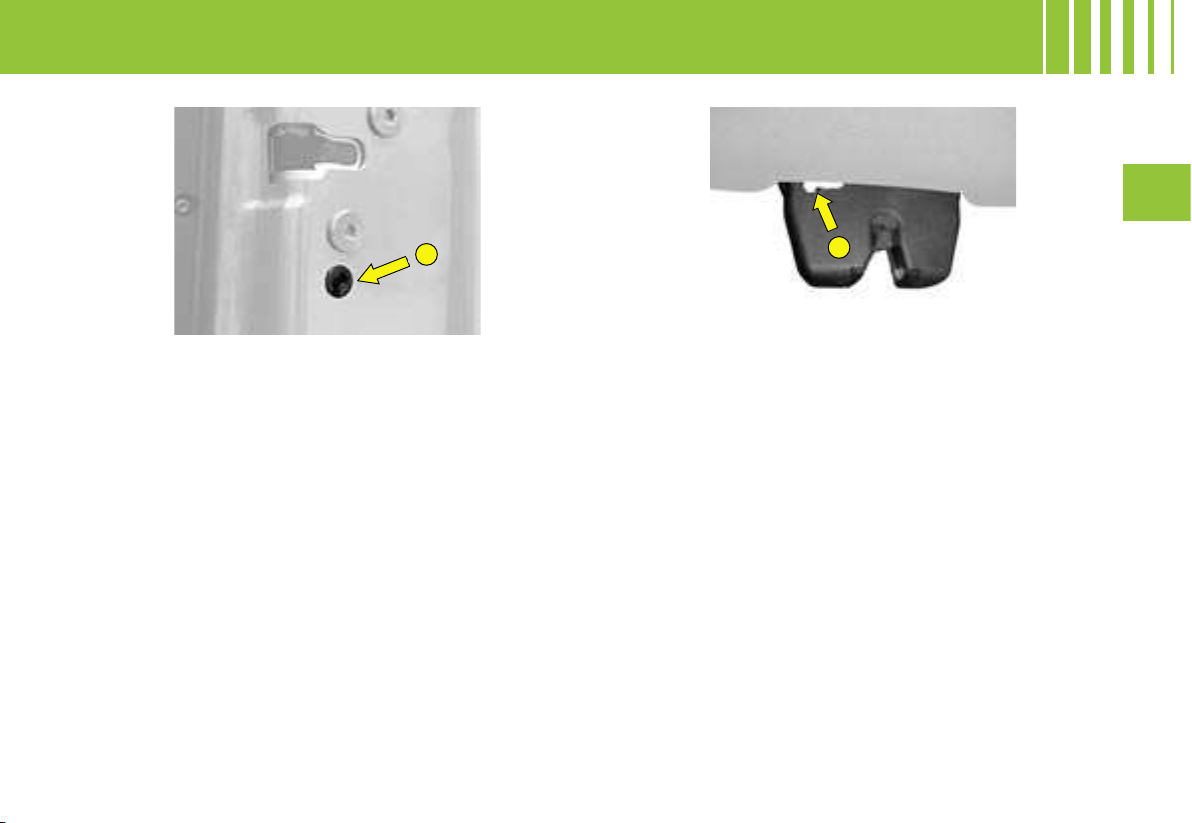
C
B
III
99
ACCESS TO THE VEHICLE
Emergency unlocking of the boot
Should there be a problem with the boot lock, or a
battery failure :
- From the interior of the bootspace, face the rear of
the vehicle.
- Insert the point of a screwdriver into the aperture C
of the lock.
- Push the white component inside the lock to the left,
to unlock the boot.
Manual control
(emergency mode)
Should there be an electrical failure it is possible to
lock the vehicle’ doors by actioning the control B on
each door.
With the door open, insert for example the end of the
ignition key into the aperture and turn it.
Close the door.
After a repair, normal functioning resumes by means
of the unlocking control A, the remote control or the
key used in the driver’s door.
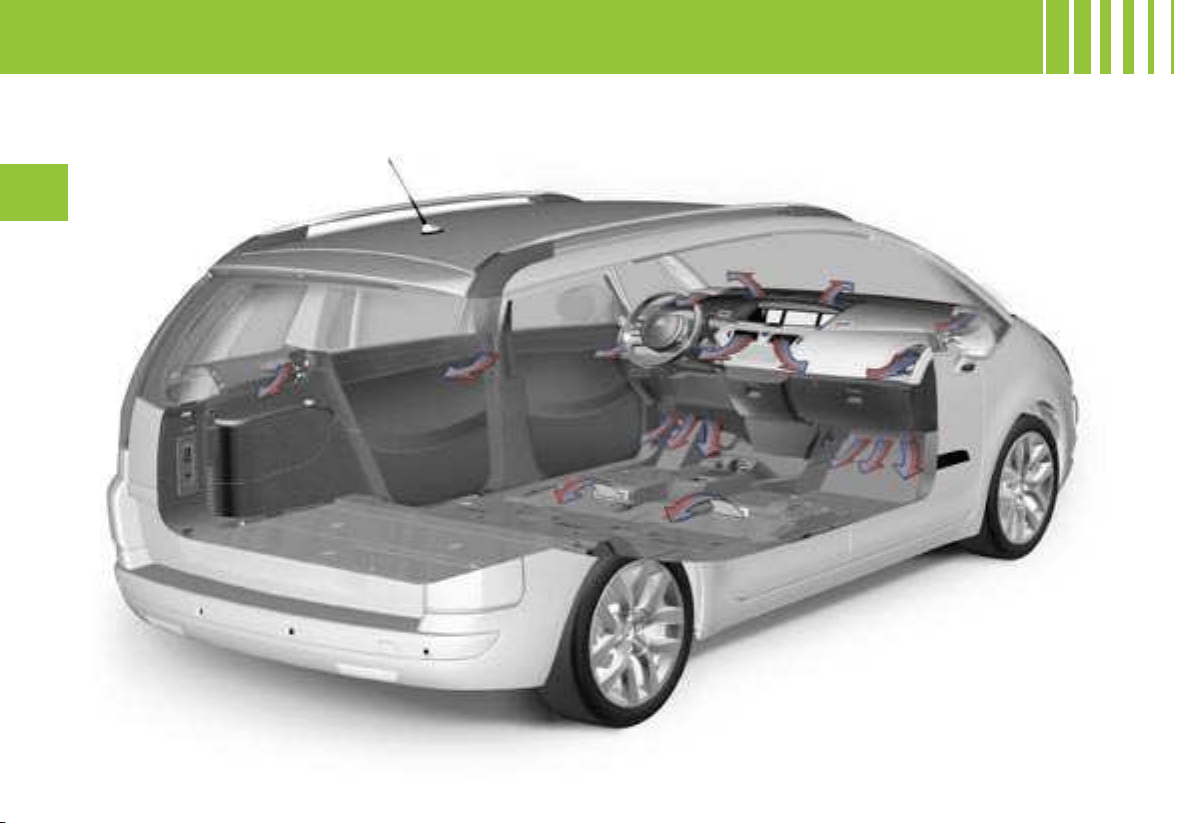
*
*
100
III
VENTILATION – HEATING
These air vents apply only to the 7-seater versions.
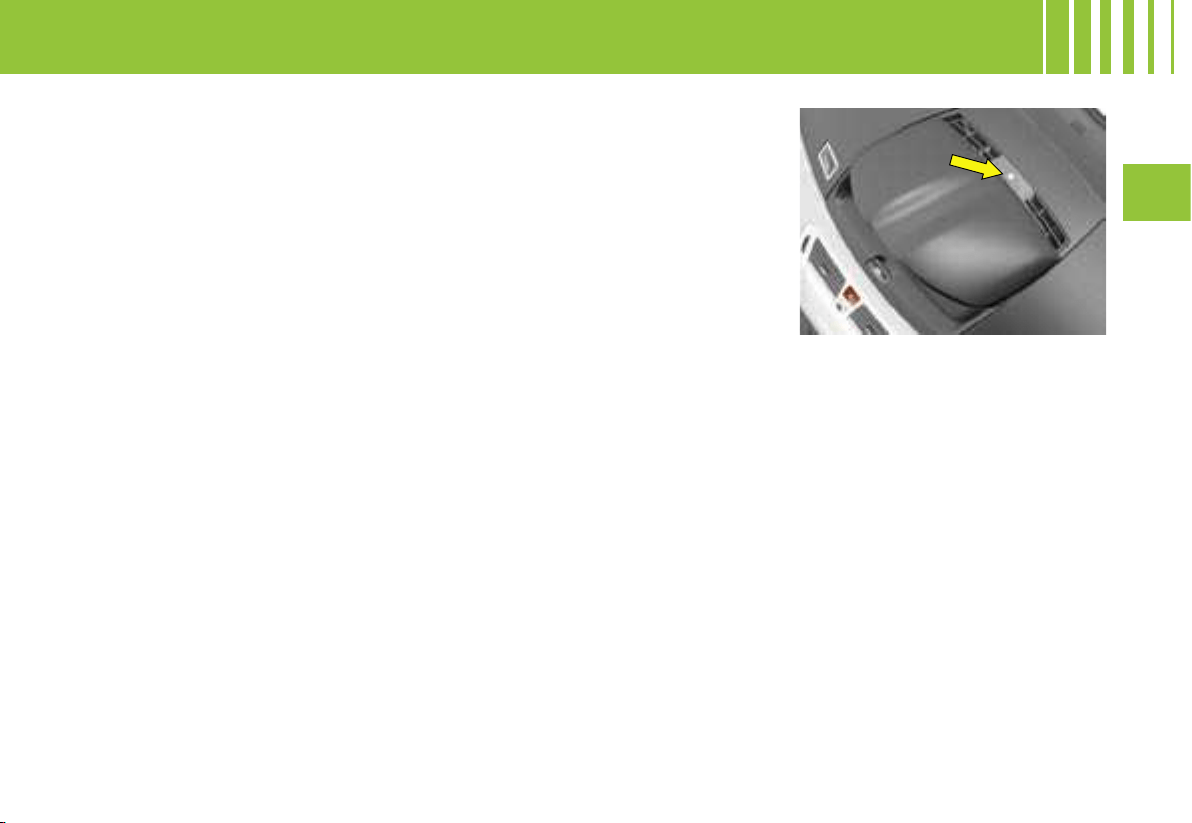
III
101
Sensors
The automatic regulation of the air
conditioning inside the cabin uses
a number of sensors that relieve
you of the need to make adjust-
ments outside the displayed tem-
perature.
Be careful not to obstruct the sun-
light sensor located on the dash-
board.
Air inlet
Check that the exterior grille for
the air inlet, at the bottom of the
windscreen, is clean and free of
dead leaves, snow, etc.
Air vents
The air vents to the face have grilles
and thumbwheels so that you can
adjust the air flow and direction
(up-down, right-left).
Air circulation
Air vents on the floor underneath
the front seats provide enhanced
heating for the rear seat positions :
take care not to obstruct them.
Dust filter / odour filter
(active carbon)
There is a filter for excluding odours
and dust.
This filter has to be changed in
accordance with the vehicle main-
tenance schedule (see the Main-
tenance Guide).
Air conditioning
To ensure that your system oper-
ates correctly, it is recommended
to have it checked regularly.
Water arising from condensation
in the air conditioning drains away
through a hole provided for this
purpose. A pool of water may thus
form under the vehicle when sta-
tionary.
To keep the air conditioning com-
pressor well sealed, it is essential
to operate the air conditioning at
least once in every month.
To be effective, the air condition-
ing should only be used with the
windows closed.
If after a lengthy stop in bright
sunlight the interior temperature is
excessive, air the passenger com-
partment by opening the windows
for a few moments, then close
them again.
The air conditioning operates by
using power from the engine. This
results in a slight increase in fuel
consumption.
VENTILATION – HEATING - AIR CONDITIONING
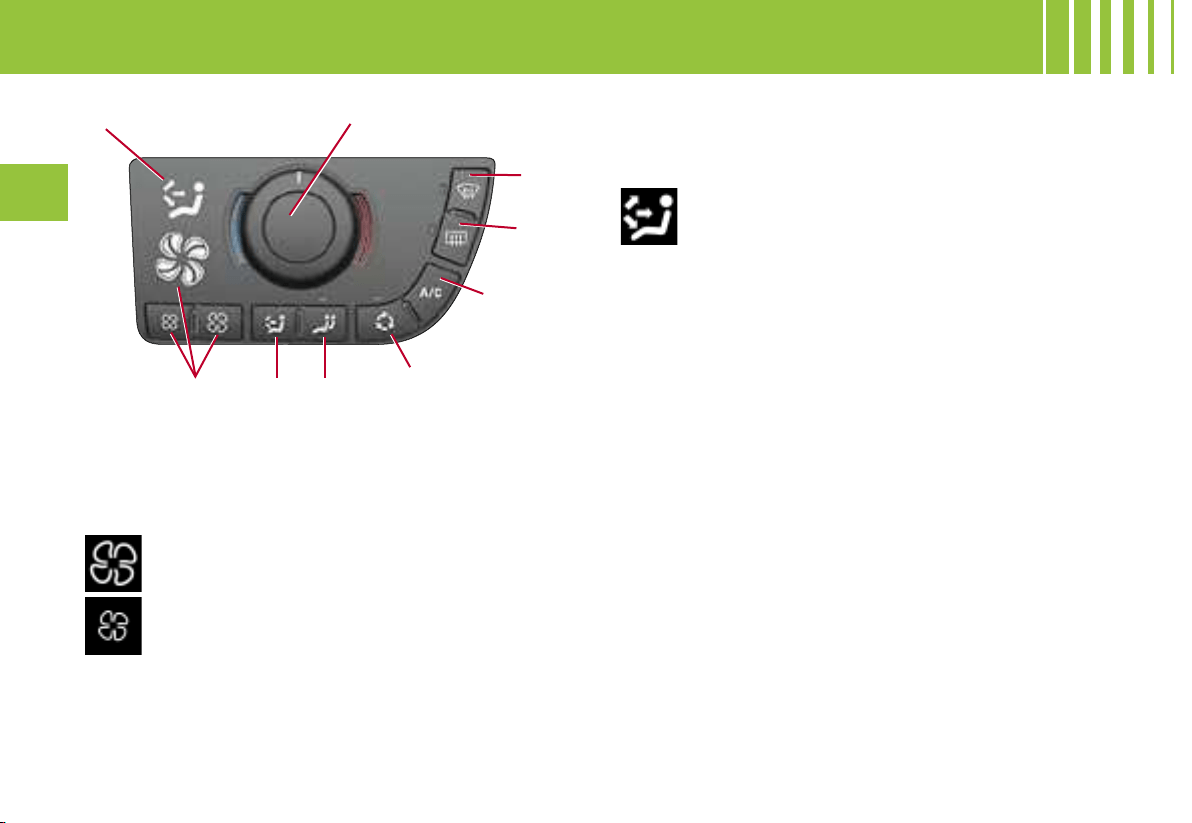
1
2 3
4
5
6
7
8
9
102
III
VENTILATION - HEATING - MANUAL AIR CONDITIONING
A. DRIVER’S CONTROL PANEL
1 - Adjustment of the air blower speed
The air blower adjustment only operates when the en-
gine is running.
To adjust the air flow, press on button :
The air distribution chosen is shown by the
lighting of the corresponding warning lamps
at 9.
to increase the flow of air
to decrease the flow of air
The level of air flow is shown by the progressive lighting
of the warning lamps depicting the ventilator blades.
By decreasing the flow to zero, you deactivate the air
conditioning system (OFF).
Note : to achieve an agreeable level of comfort in the
passenger compartment, you should not leave this
control too long in the OFF position.
3 - Mode of adjustment of temperature for the
passenger
- Press on button 3 to have independent passenger
control of cabin air temperature. The warning lamp
goes out.
Note : While the passenger is adjusting temperature,
the warning lamp lights up.
4 - Air recirculation
This control is for isolating disagreeable odours or
fumes coming from outside.
- Press on button 4, to exclude entry of outside air.
The warning lamp lights up.
This should be cancelled as soon as possible to permit
renewal of cabin air and to prevent misting.
- Press again on button 4, to deactivate air recirculation.
5 - Air conditioning
The air conditioning can only operate when the engine
is running. The air blower control (adjusting the flow of
air) has to be activated in order for air conditioning to
be obtained.
- Press on button 5. The warning lamp lights up.
To be effective, the air conditioning should be operated
only with the windows closed.
2 - Adjustment of the air distribution
- Press on button 2 to make the display scroll through
the different types of air distribution.
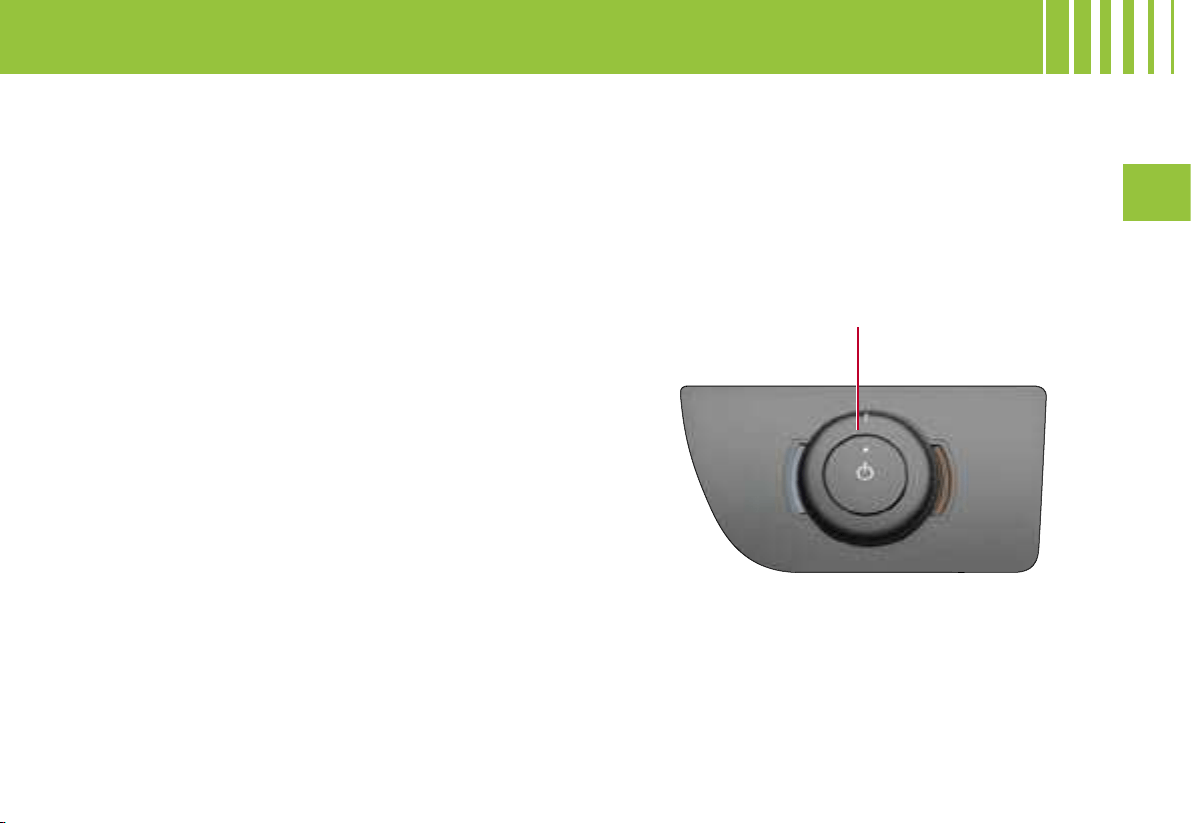
1
III
103
B. PASSENGER’S CONTROL PANEL
Adjustment of temperature
- Press on button 1 to take over control of the tem-
perature. The warning lamp on button 1 lights up.
- Rotate button 1 to adjust your temperature.
Note : The adjustment of the temperature is continuous
and progressive starting from one side.
VENTILATION - HEATING - MANUAL AIR CONDITIONING
Observation : If your vehicle is not equipped with air
conditioning, you will have the same control panel but
without the A/C button.
6 - Deicing / demisting of the rear screen
This operates only if the engine is running.
- Press on button 6 to activate/deactivate the electric
deicing/demisting of the rear screen and the exterior
rear view mirrors. The warning lamp lights up.
The deicing/demisting switches off automatically to
prevent excessive consumption of power.
7 - Rapid deicing / demisting of front and rear
windows and rear view mirrors
- Press on button 7. The warning lamp lights up.
This function simultaneously activates :
- front deicing/demisting,
- optimum flow of air,
- recirculation prohibition,
- deicing/demisting of rear view mirrors and heated
rear screen,
- air conditioning if necessary.
To stop the function, press again on button 7.
8 - Adjustment of the air blower temperature
This control is for adjusting the temperature of the air
in the passenger compartment. It can be used in cold
weather as well as in hot weather, provided the air
conditioning is active.
Note : The adjustment of the temperature is continuous
and progressive starting from one side.
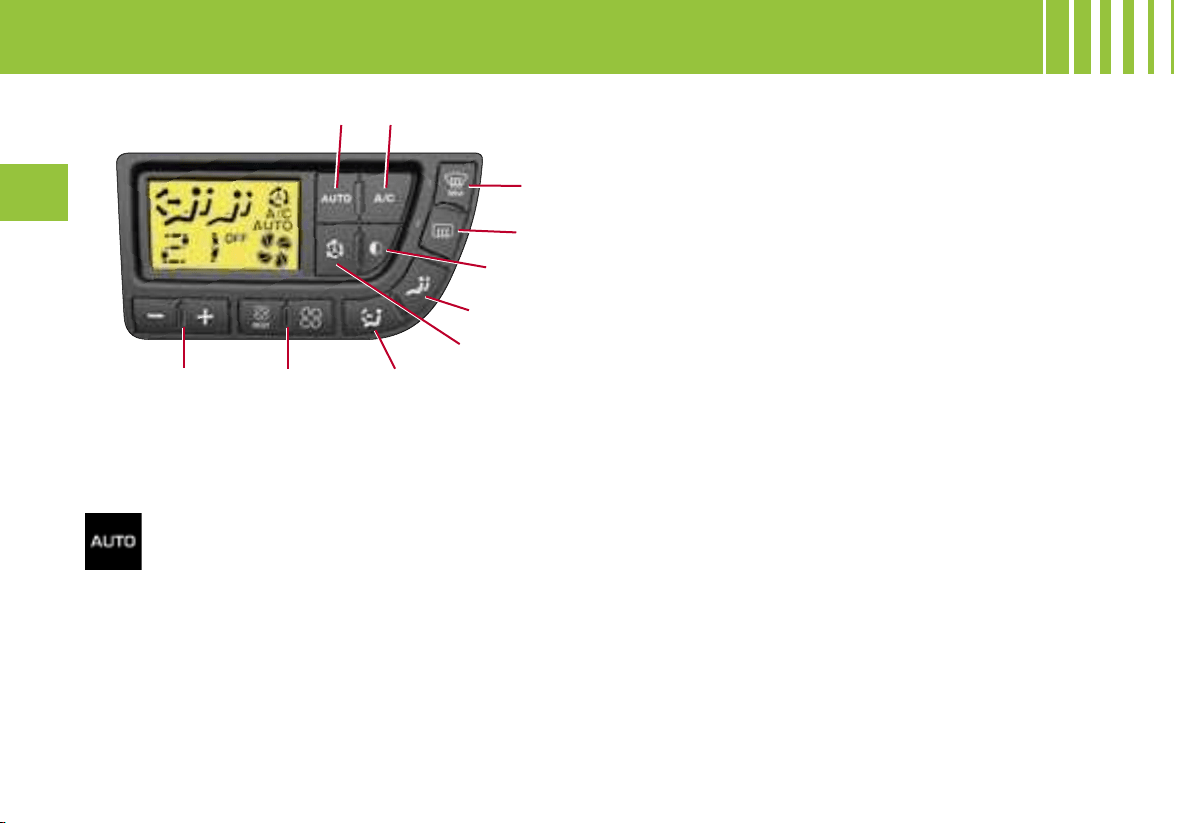
5
6
7
8
9
10
1
2
3
4
104
III
AUTOMATIC AIR CONDITIONING
1 - Automatic comfort regulation
A press on this button, confirmed by the dis-
play of the A/C warning lamp and of AUTO
on the screen, provides automatic control, at
the temperature selected, of all the following
5 functions :
- air flow,
- cabin temperature, on left hand side and
right hand side,
- air distribution,
- air conditioning,
- automatic air recirculation.
For this facility to operate, it is recommended to keep
all the air vents open.
Using the AUTO mode will prevent misting inside the
vehicle in cold or humid weather.
Note : When starting from cold, in order to avoid a
rush of cold air, the blower attains its optimum level
progressively.
Manual resumption of one or more functions
It is possible to adjust each of the functions 4, 6 and
10 manually. The display of the «AUTO» function will
then go off.
Resumption by the driver of the adjustment
of cabin temperatures (for the front and rear
passengers)
- A long press on this button will realign the tem-
peratures for all passengers with the preferences
of the driver.
A. DRIVER’S CONTROL PANEL
III
105
2 - Adjustment of temperature
The system can regulate temperature on an indepen-
dent basis for the left hand side and right hand side
as well as for the rear of the passenger compartment.
Front and rear passengers can thus adjust their own
temperatures.
To display the desired temperature, press button :
- – to decrease the temperature,
- + to increase the temperature.
An adjustment around 21 will provide an agreeable
temperature level. However, depending on your prefe-
rence, anything between 18 and 24 is quite normal.
For optimum comfort, it is recommended to avoid an
adjustment difference greater than 3 between right
and left.
Note : Actual temperatures experienced in the passenger
compartment are dependent on external factors and for
this reason might not be identical to those displayed.
On entering the vehicle, the inside temperature may
be much colder (or hotter) than would be comfortable.
It serves no purpose to alter the temperature displayed
in an attempt to attain your preference more rapidly.
The system automatically does all in its power to make
up the difference in temperature as soon as possible.
AUTOMATIC AIR CONDITIONING
3 - Adjustment of the air blower speed
The air blower operates only when the engine is running
(except when the REST function is activated).
To adjust the flow of air, press on the button :
to increase the air flow
to decrease the air flow (this button also has
the REST function)
The level of air flow is indicated on the display by the
progressive filling of the ventilator blades.
Note : If you place the air blower on position 0, the
system is deactivated. The air blower display will be
empty, with the indication OFF.
Function for retaining ventilation with the
engine switched off
The REST function is available when you switch
on the ignition and when you stop the engine.
This function allows you to retain ventilation in the
passenger compartment for a few minutes, even with
the engine stopped.
When you leave the vehicle, any passengers present
can still have the benefit of air circulation, even though
the engine is not running.
106
III
AUTOMATIC AIR CONDITIONING
(Function for retaining ventilation with the engine
switched off : REST function, continued…)
Engine stopped, ignition switched on :
- The displays will light up, with the air blower shown
empty as long as the function is available.
- A press on the REST button activates the function
for a timing of just a few minutes. Two blades of the
blower will fill to signify that the function is active.
- It can be deactivated and reactivated during the timing.
- At the end of the timing, the display will go off.
On stopping the engine :
- The displays remain lit up, the blower is shown empty
and the function can be activated for 30 seconds.
- A press on the REST button during the 30 seconds
activates the function for a timing of several minutes.
The duration and availability of the function are variable
according to the state of charge of the battery (a protec-
tion to guarantee engine starting). Two blower blades fill
up to signify that the function is active. It remains active,
even after the doors have been locked, until the end of
the timing.
- A further press before the end of the timing definitively
stops the function.
Note : This button does not activate the air conditioning,
only the air blowers. In the REST function, the air flow and
distribution are controlled automatically and you cannot
modify them.
4 - Adjustment of the air distribution
- Press on button 4 so that the air flows scroll succes-
sively on the display.
5 - Air recirculation
This button activates the recirculation of air within the
passenger compartment and also has an automatic
function.
The air distribution you have chosen is con-
firmed by the lighting of the corresponding
warning lamps in the display.
There are 7 possible adjustments.
Entry of air in automatic mode (activated
by default, in automatic comfort regulation)
Automatic mode makes use of an air quality sensor.
This analyses the air and isolates the passenger com-
partment from the exterior as soon as it detects the
presence of pollutants. Then it automatically activates
recirculation of cabin air.
1
Closing of the air inlet
- Press on button 5 to close off the entry of
air from outside.
2
Whilst retaining the other adjustments, this position
enables the driver at any time to exclude any disa-
greeable odours or fumes coming from outside the
vehicle.
It should be cancelled as soon as possible to permit
renewal of cabin air and to prevent misting.
- Press once on button 5 to return to the initial status
(entry of air in automatic mode).
Note : The air recirculation can also be accessed by
means of a press on the control located low down to
one side of the steering wheel (see « Fixed centred
controls steering wheel »).
Entry of air (manual mode)
- Press on button 5 to activate entry of air from the
outside. The warning lamp goes out.
3
III
107
AUTOMATIC AIR CONDITIONING
6 - Adjustment mode for the rear passengers 8 - Deicing / demisting of the rear screen
This can only operate when the engine is running.
- Press on button 8 to activate/deactivate the electric
deicing of the rear screen and, according to version,
of the exterior rear view mirrors. The warning lamp
lights up and the symbol appears on the display.
It switches off automatically to prevent excessive con-
sumption of power
9 - Rapid deicing / demisting of the front and rear
windows
- Press on button 9. The warning lamp lights up.
This button decides whether or not the rear
passengers may use their adjustment controls.
There are three possible statuses for this button :
Locking of the rear passenger
controls
The driver imposes his adjustment on
the rear passengers.
Authorisation of the rear passenger
controls
The rear passengers can use their
adjustment controls at their convenience.
Closing of the air flow for the rear
passengers
The supply of air is cut off.
7 - Panel display mode : black panel function
This function turns the displays and panel
backlighting on or off.
- Function activated, a press on any button will light up
the screen temporarily.
- A press on button 7 deactivates the function, lighting
of buttons and screen is again permanent.
Note : This function optimises notably the visual com-
fort for driving at night.
This function gives a rapid deicing / demisting
of the vehicle simultaneously with :
- front deicing at optimum temperature,
- optimum air flow,
- recirculation prohibition,
- deicing of the rear view mirrors and heated rear
screen,
- air conditioning, if necessary.
Press again on button 9 or on « AUTO » to stop the
function. Deicing of the rear view mirrors and heated
rear screen remains activated.
10 - Air conditioning
- Press on button 10 to activate the air conditioning.
The A/C warning lamp lights up.
With additional air conditioning, in cold weather you
are advised to close the supply of air to the rear pas-
sengers (no hot air distribution possible via these air
vents).
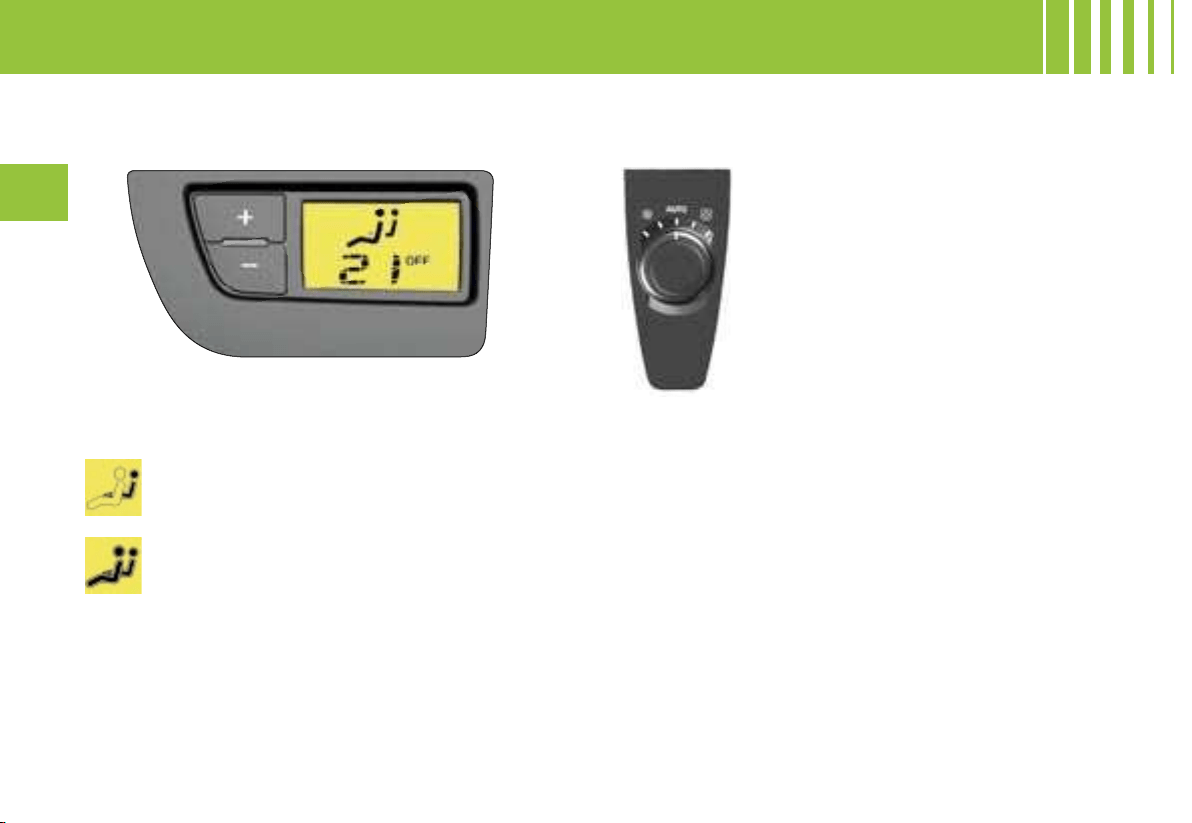
108
III
B. PASSENGER CONTROL PANELS
1. Front passenger
The front passenger can adjust his/her temperature
control independently at any time by pressing buttons
+ and -.
The front passenger controls the adjustment of
his/her own temperature.
The temperature for the passenger is indexed
on that for the driver.
2. Rear passengers (right/left)
By default, in AUTO position, the ad-
justment of the air flow is aligned on
the front ventilation.
- Rotate the button to decrease or in-
crease the air flow.
Note : you can adjust the air flow only
if the driver enables you to (see button
6 of the driver’s control panel).
AUTOMATIC AIR CONDITIONING
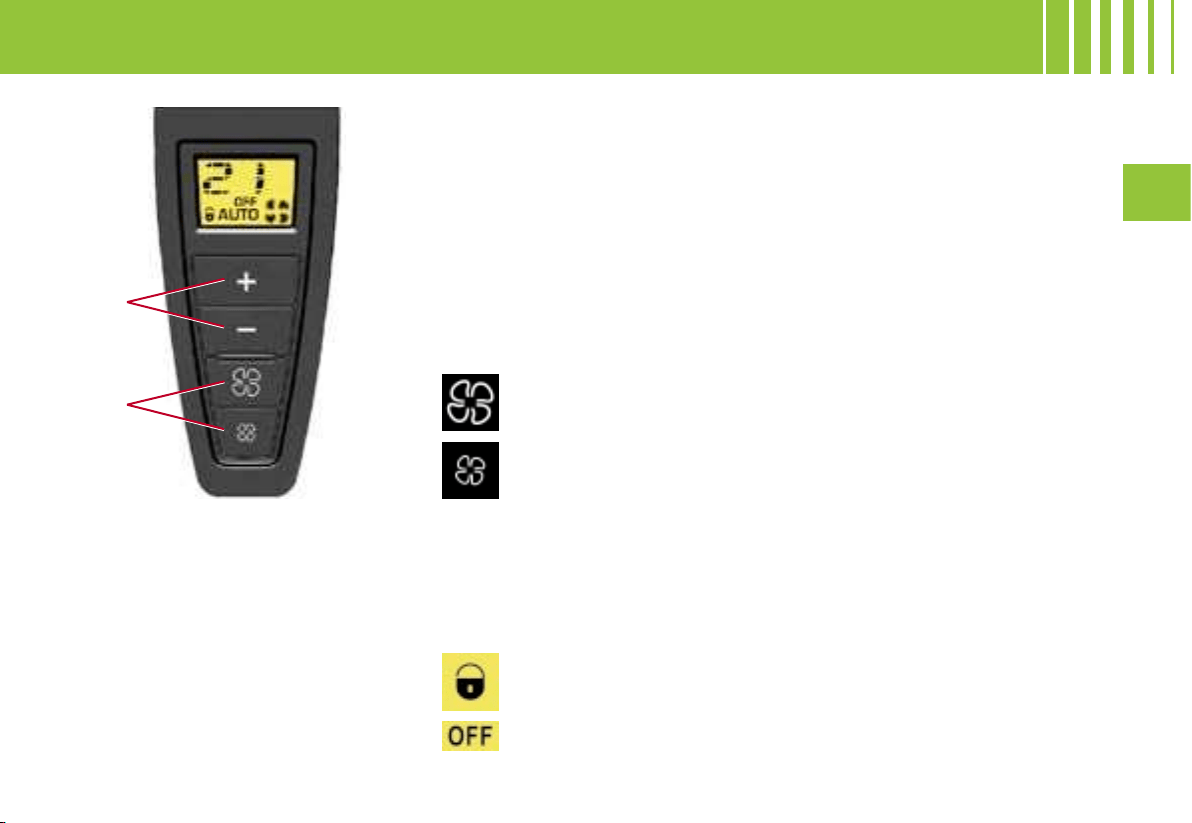
1
2
III
109
AUTOMATIC AIR CONDITIONING - ADDITIONAL AIR CONDITIONING
C. REAR PASSENGER CONTROL PANELS
(RIGHT / LEFT)
1. Adjustment of temperature
The rear passengers can adjust their temperature controls independently
via buttons + and -.
Note : Their preference cannot be greater than that of the driver by more
than 2. The reaching of this maximum preference is confirmed by the flash-
ing of its display.
2. Adjustment of air blower speed
The air blower operates only when the engine is running.
To adjust the flow of air, press on button :
to increase the air flow
to decrease the air flow
The level of air flow is indicated on the display by the progressive filling of
the ventilator blades.
By decreasing the flow to zero, you deactivate the air conditioning system
(OFF).
Note : you can adjust the temperature and the air flow only if the driver enables
you to (see button 6 of the driver’s control panel).
This warning lamp signifies that the passenger controls are
locked, you can adjust neither the temperature nor the air flow,
which remain aligned on the preferences of the driver.
This warning lamp indicates that the supply of air is cut off.
Additional air conditioning allows
you to optimise comfort levels in
warm weather conditions. It pro-
duces additional fresh air which is
supplied using the rear air vents.
The supply of warm air via the rear
air vents is not possible using this
system.
This position is recommended in cold weather conditions, as the air vents
do not supply warm air.
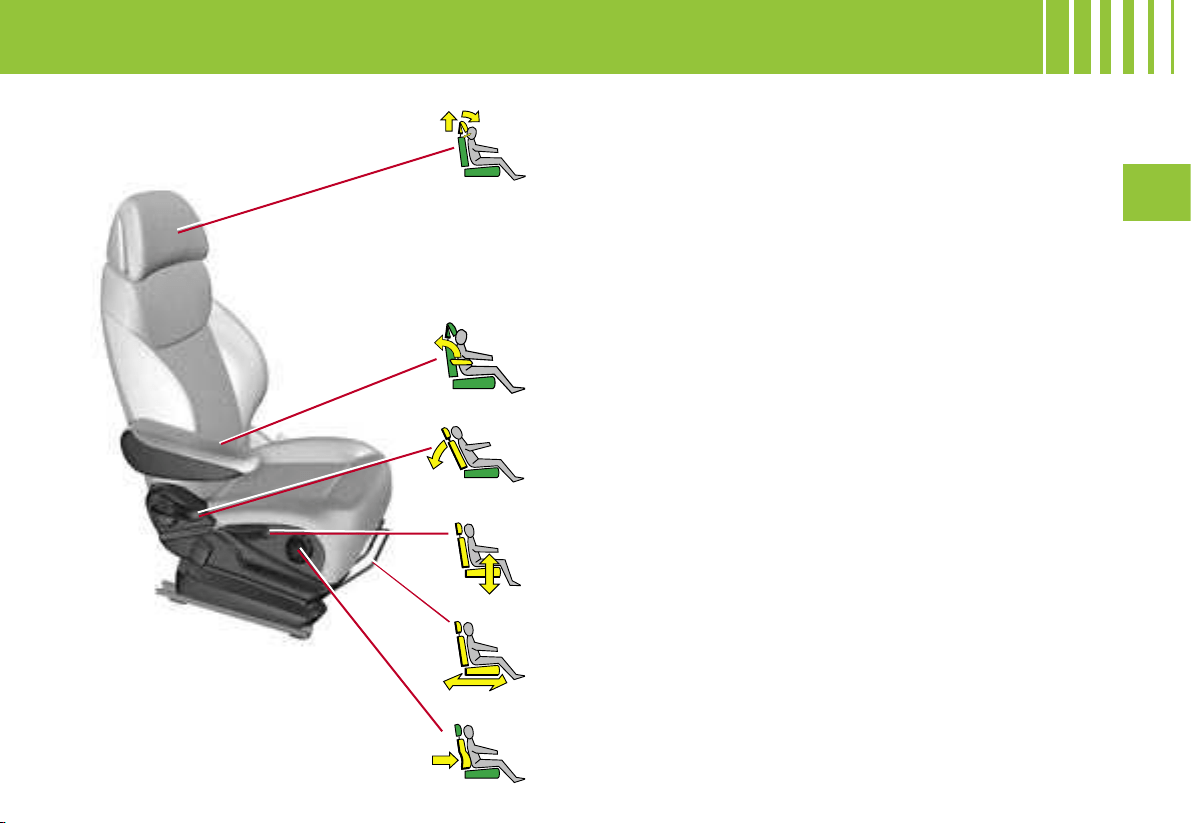
III
111
Head restraint
To raise it, pull it upwards. To lower it, press on the cont
rol as
well as on the head restraint. The adjustment is correct when
the top of the head restraint is level with the top of t
he head. It
can also be adjusted for tilt.
To remove it, press on the unlocking button and pull it up-
wards.
To adjust the head restraint fore/aft, move the base of the
head
restraint to obtain the position desired.
Note : Never drive without the head restraints fitted.
Backrest angle
Action the control and adjust the angle of the backrest.
It is possible to incline the backrest 45° rearward
s by tilting it until
it locks ; to unlock it, lift the control.
Driver’s seat height adjustment
Raise or lower the the control the number of times
necessary to
obtain the position desired.
Longitudinal adjustment
Raise the control bar, then slide the seat to the positio
n
desired.
Lumbar support
Rotate the control until you attain the position desired.
Armrest
To adjust the position of the armrest, pull it up and the
n fully
down, and then raise it to the desired position.
FRONT SEATS -
M A N U A L A D J U S T M E N T S
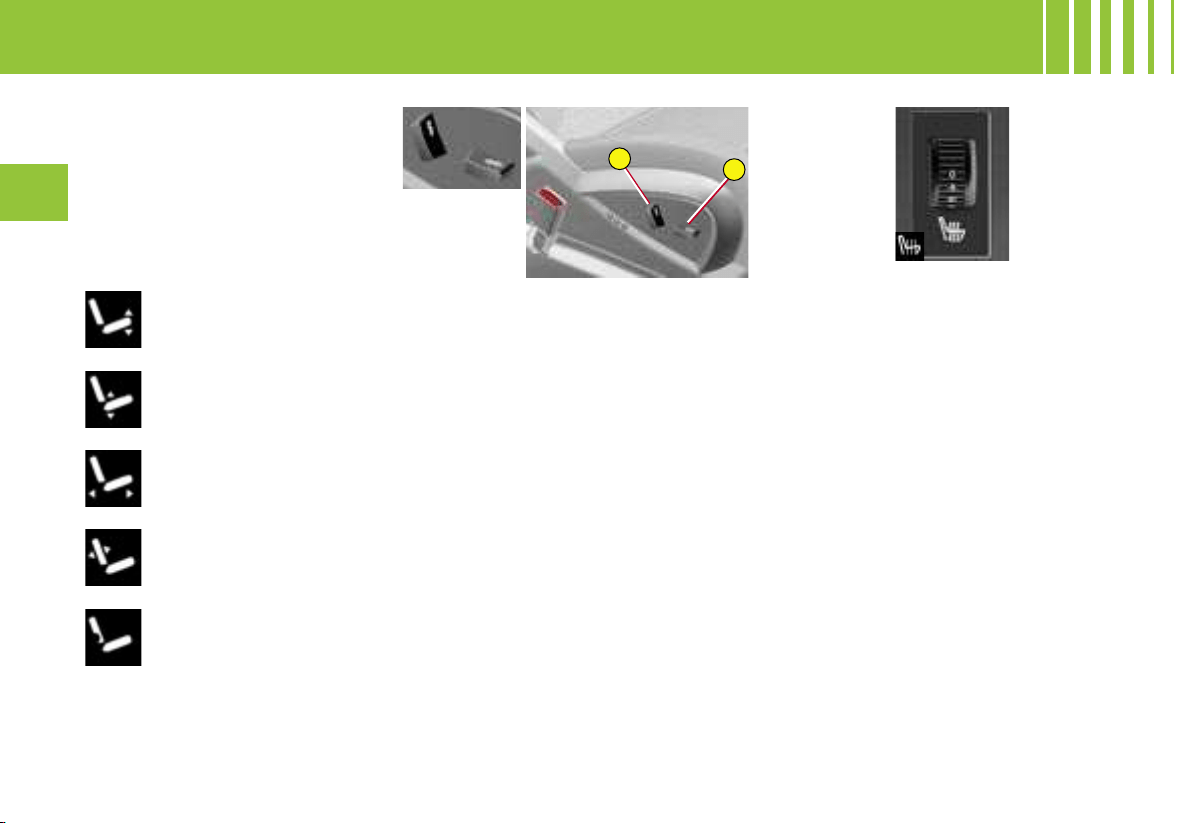
1
2
112
III
Heated seats
The front seats can be heated
independently. Use the controls
on the inner sides of the seats
and choose one of the three heat
intensities below
0 : Stop.
1 : Slight heat.
2 : Medum heat.
3 : Strong heat.
The seat temperature will adjust
automatically.
Note : the heated seats only func-
tion when the engine is running.
Note : The seats can also be adjusted on a temporary basis :
- on opening one of the front doors.
- after switching off the ignition.
Electric adjustments :
Adjustment of seat height
and angle, longitudinal
adjustment
Adjustment of backrest
angle and lumbar support
Raise or lower the front of control 1 to raise or lower the front of
the seat base (on driver’s seat).
Raise or lower the rear of control 1 to raise or lower the seat.
Action control 1 forwards or rearwards to slide the seat fore / aft.
Push the top of control 2 forwards or rearwards to adjust the
backrest angle.
Raise or lower control 2 to increase or decrease the lumbar
support.
FRONT SEATS -
E l e c t r i c a d j u s t m e n t s

1
2
M
III
113
To recall a memorised driving
position
Vehicle stationary, ignition
switched on or engine running
- Press briefly on button 1 or 2 to
recall the corresponding pre-set
position.
Note : after five consecutive re-
calls of a pre-set position, the
function will be deactivated until
the engine is started.
Vehicle in motion
- Keep button 1 or 2 pressed to
recall the corresponding pre-set
position.
Memorisation of driving
positions
You can pre-set two driving posi-
tions via the buttons located on
the side of the seat.
Memorising a driving
position
To pre-set a driving position :
- With the ignition on, adjust your
seat and your rear view mirrors.
- Press on button M then imme-
diately on button 1 «first driving
position » or button 2 «second
driving position ».
The memorisation will be con-
firmed by a sound signal. Memo-
risation of a new position cancels
the previous one.
Do not attempt to pre-set a driving position while
the vehicle is moving.
DRIVER’S SEAT
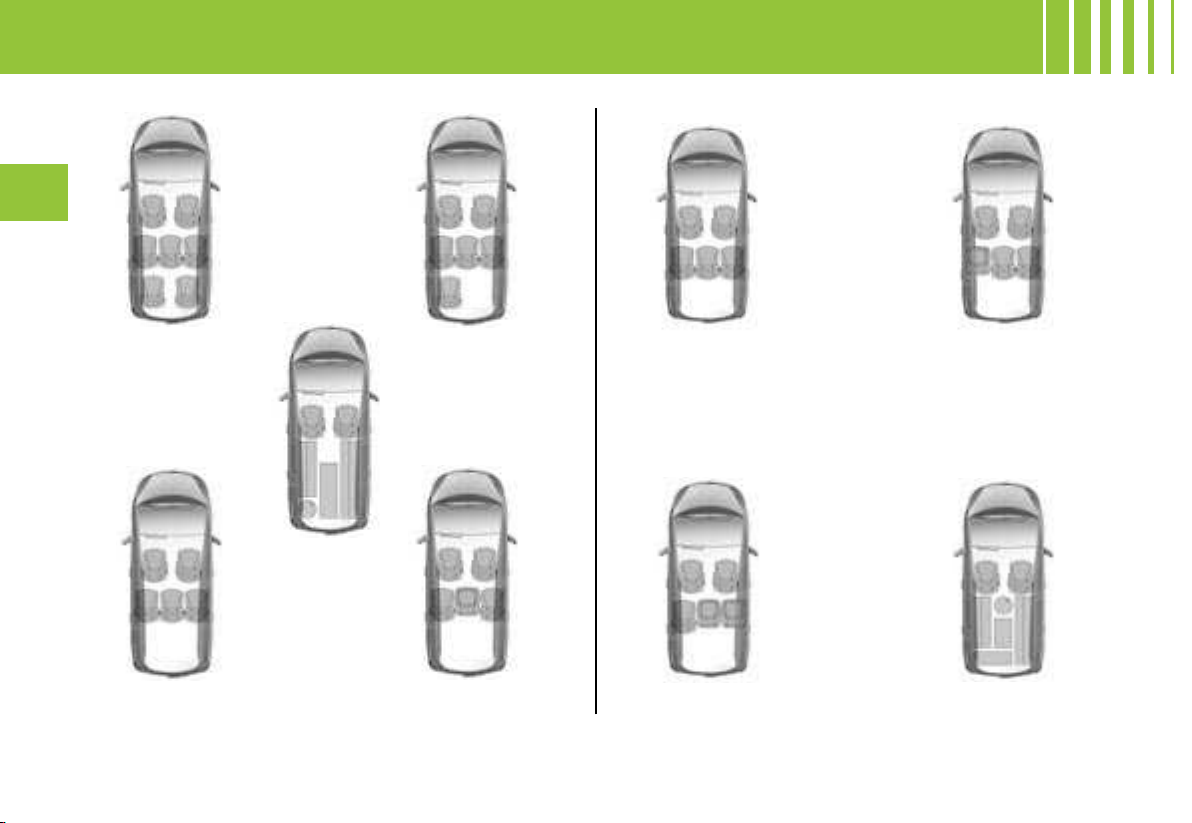
114
III
For easy modification of your interior vehicle space, all the rear seats can be individually folded : onto the
second-row floor, and under the third-row floor (in the case of the Grand C4 Picasso). You can then
have a load floor that is continuous up to the front seat backrests.
7 seats 6 seats
5 seats
4 seats
Maximum loadspace
5 seats 4 seats
3 seats
Maximum loadspace
Examples of seat configurations Grand C4 Picasso Examples of seat configurations C4 Picasso
REAR SEATS
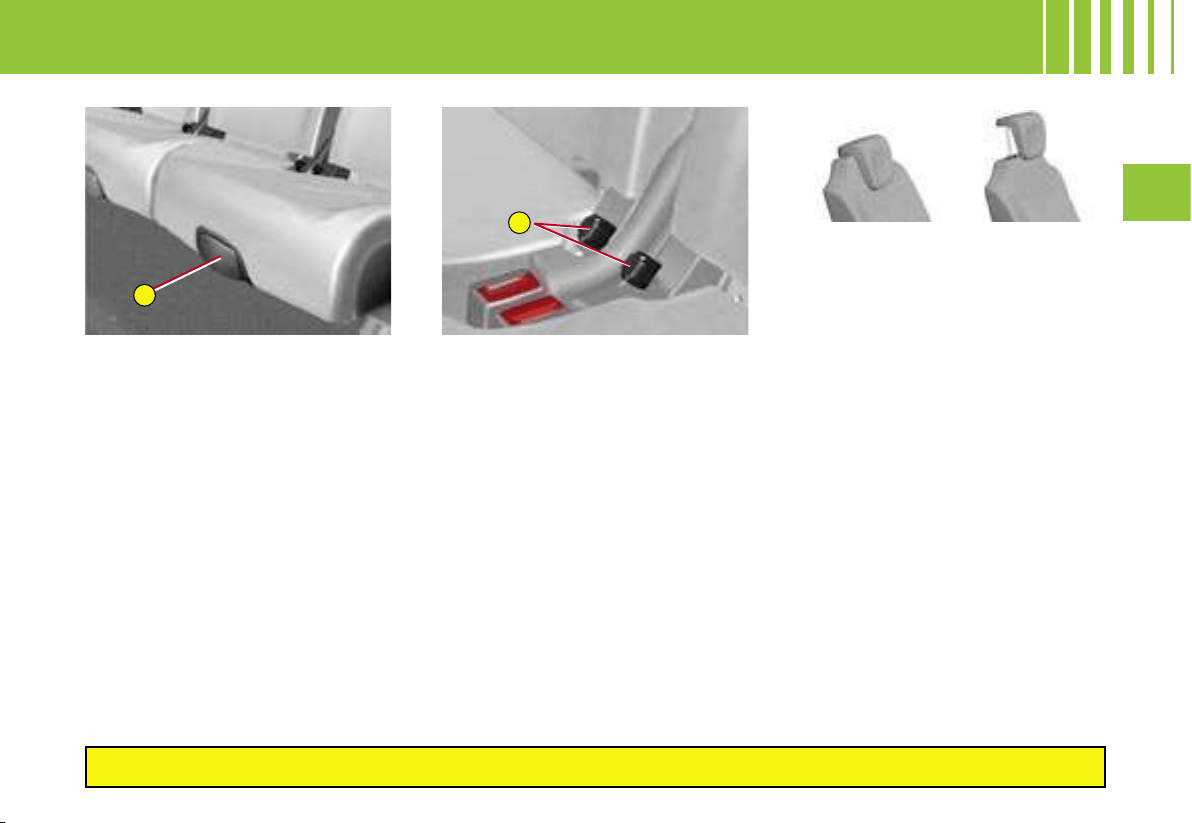
A
B
III
115
LONGITUDINAL ADJUSTMENT
Lift the control A, located at the
front of the seat, then adjust the
seat into the position desired.
THE « COMFORT » POSITION
The 3 second-row seats are inde-
pendent of each other and all the
same width. They all can have a
« comfort » position.
To place the seat(s) in the
comfort position
- Pull on the control B.
The backrest reclines and the seat
base pivots slightly.
To return the seat to the initial
position
- Pull on the control B and allow
the seat to come forwards.
IMPORTANT : Always supervise any movements of seats by ch
ildren.
REAR HEAD RESTRAINTS
The rear head restraints have two
possible positions :
1. a stowed position for when the
seats are not occupied,
2. a deployed position to assure
passenger safety, by raising
the restraints to their locking
point.
To lower the head restraints
- Press on the unlocking button.
- Press on the top of the head
restraint.
To raise the head restraints
- Pull the head restraint upwards
as far as it will go.
- Press on the unlocking button
and pull the head restraint up-
wards.
SECOND ROW SEATS
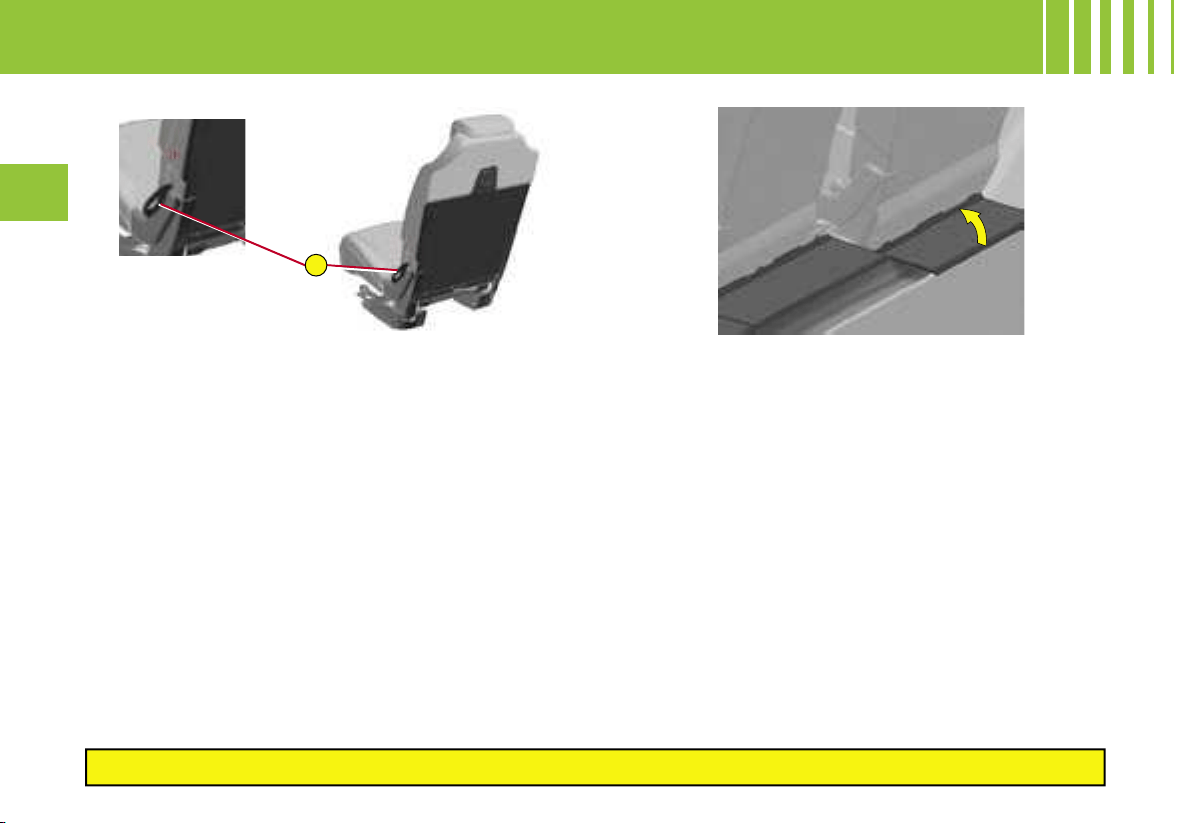
C
116
III
Each seat can be folded onto the floor to enable you to
modify your vehicle’s interior space.
TO FOLD THE SEATS
- Pull on the control C upwards as indicated by the
arrow, to unlock the seat. Push the backrest slightly
forwards so that the backrest pivots, folding onto the
seat base. The assembly then lowers onto the floor.
TO RETURN THE SEATS TO THE UPRIGHT
POSITION
Raise the backrests and push them rearwards so that
they lock in position
PLATES BEHIND THE SECOND ROW
SEATS
Plates below the second row seats provide the bottom
of the bootspace with rigidity. They automatically follow
the seat movements (e.g. longitudinal adjustment,
folding).
A storage area is available underneath the plates.
IMPORTANT : Always supervise any movements of seats by ch
ildren.
SECOND ROW SEATS -
C 4 P I C A S S O
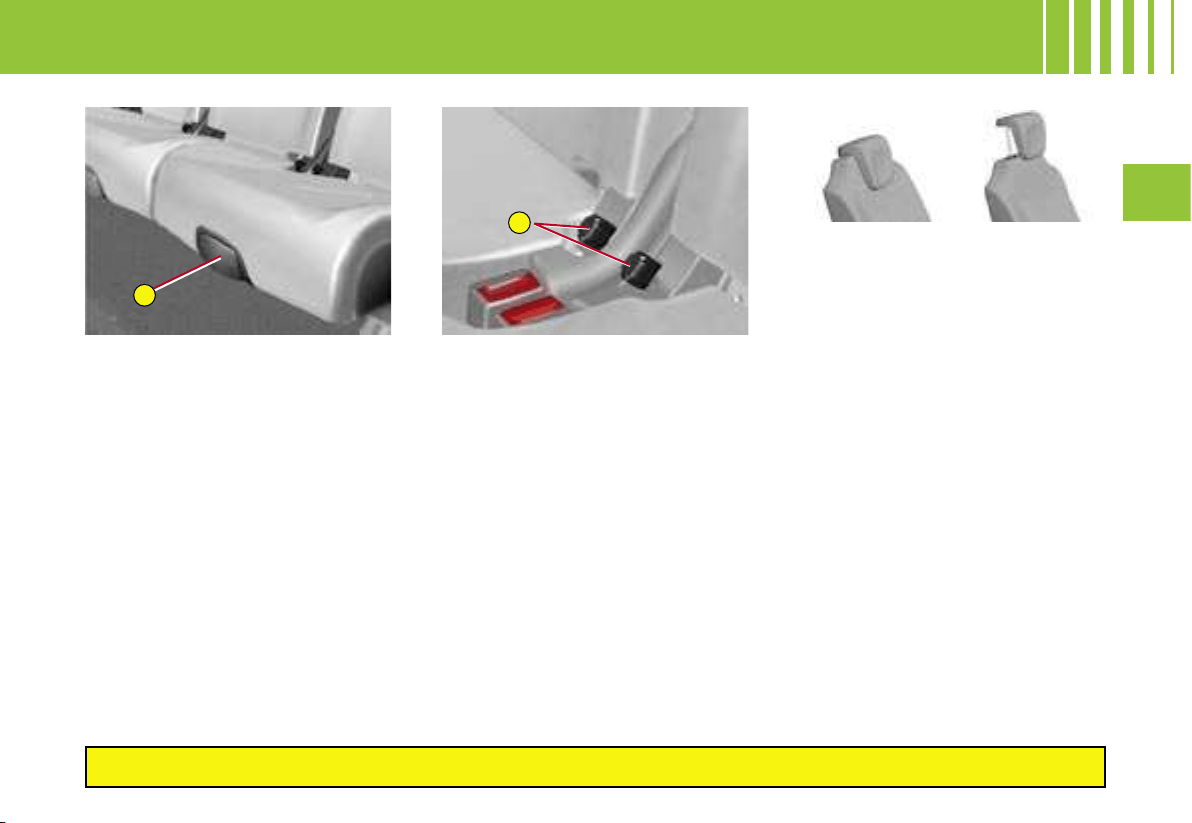
A
B
III
115
LONGITUDINAL ADJUSTMENT
Lift the control A, located at the
front of the seat, then adjust the
seat into the position desired.
THE « COMFORT » POSITION
The 3 second-row seats are inde-
pendent of each other and all the
same width. They all can have a
« comfort » position.
To place the seat(s) in the
comfort position
- Pull on the control B.
The backrest reclines and the seat
base pivots slightly.
To return the seat to the initial
position
- Pull on the control B and allow
the seat to come forwards.
IMPORTANT : Always supervise any movements of seats by ch
ildren.
REAR HEAD RESTRAINTS
The rear head restraints have two
possible positions :
1. a stowed position for when the
seats are not occupied,
2. a deployed position to assure
passenger safety, by raising
the restraints to their locking
point.
To lower the head restraints
- Press on the unlocking button.
- Press on the top of the head
restraint.
To raise the head restraints
- Pull the head restraint upwards
as far as it will go.
- Press on the unlocking button
and pull the head restraint up-
wards.
SECOND ROW SEATS
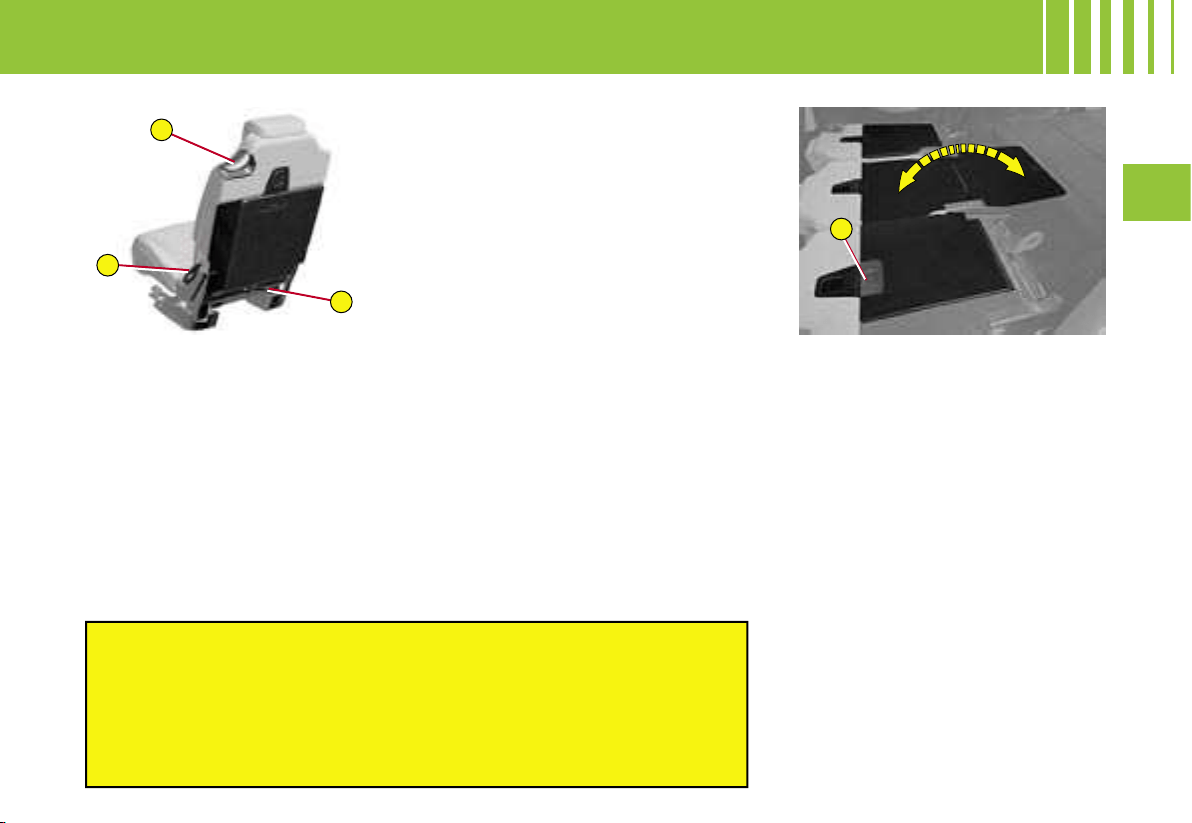
C
D
E
A
III
117
Each seat can be folded onto the
floor to form a flat surface, thus
enabling you to modify your vehi-
cle’s interior space.
TO FOLD THE SEATS
From the exterior
- Pull on the control C upwards,
as indicated by the red arrow, to
unlock the seat. Push the back-
rest slightly forwards, so that the
backrest pivots, folding onto the
seat base. The assembly will
then lower onto the floor.
From the boot (in the loading
situation, for example)
You can fold the second-row
seat(s) from the boot, having first
folded the third-row seats.
- Pull on the control D to unlock
the chosen seat, push the back-
rest gently forwards.
TO RETURN THE SEATS TO
THE UPRIGHT POSITION
1. Return the second-row seat
bases to their initial position
and lock them in that position.
2. Raise the backrests and push
them rearwards so that they
lock in position.
To unlock / lock the rigid plate :
- Slide the latch A on the plate
downwards, to unlock.
- Return the plate to the upright
position, then slide the latch A
upwards, to lock.
Note : Before deploying the rigid
plates, check that the second-row
seats are slid as far as possible
rearwards. 5-seater configurations
do not have these rigid plates.
RIGID PLATE
Each second-row seat backrest
has a rigid plate attached.
This plate enables you :
- to have a continuous load surface
in the boot, whatever the positions
of the seats,
- to avoid having objects sliding un-
der the second-row seats.
Before moving the third-row seats, return the second-row ri
gid
plates to their initial position and lock them.
Emergency exit : Should the first system fail (control C),
the control D is available for use by third-row passenge
rs
to accelerate their exit.
IMPORTANT : Always supervise any movements of seats
by children.
SECOND ROW SEATS -
GRAND C4 PICASSO
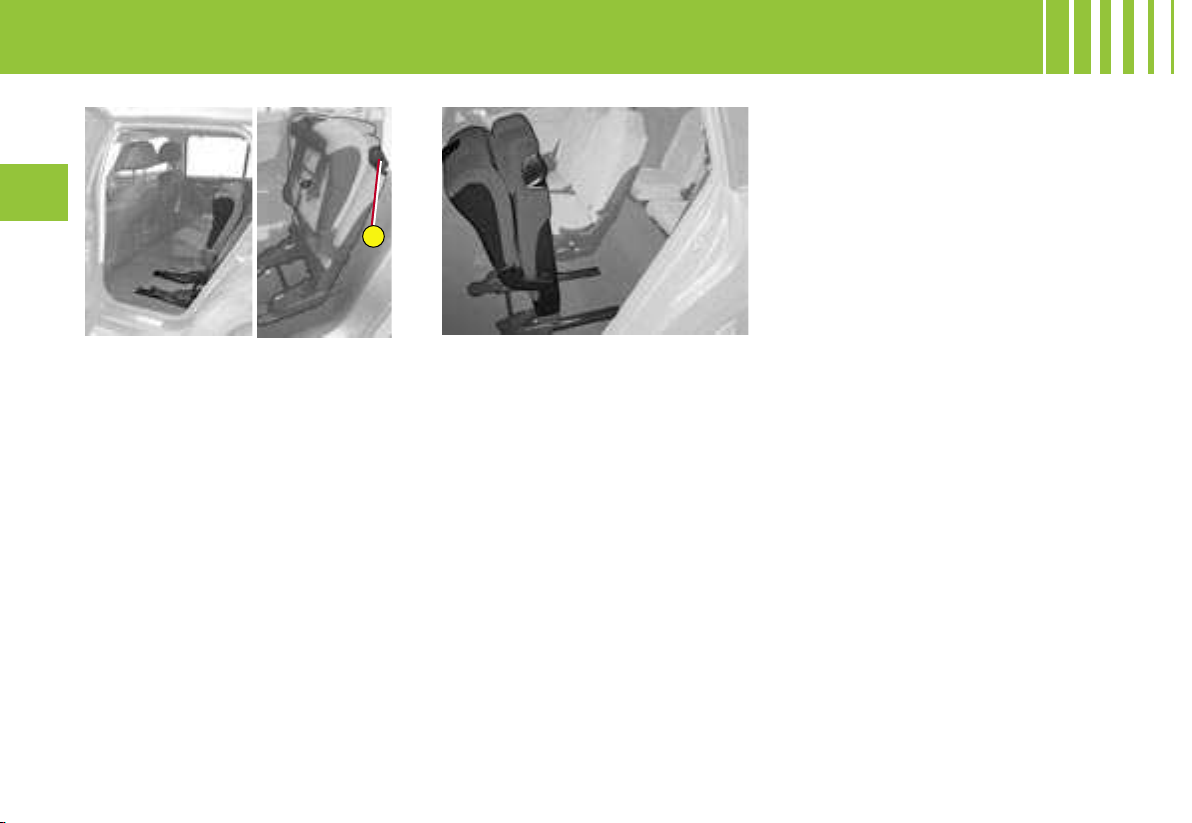
E
118
III
« CINEMA SEAT » POSITION
This position allows you to free up
space between the first row and
the second row.
Pull the control E under the seat.
Note : This position is possible
with the lateral seats.
ACCESS TO THE THIRD ROW
SEATS
The third-row seats can be accessed
via the lateral second-row seats.
1. Pull the control E. The seat un-
locks and the seat base comes
up against the backrest.
2. Hold the control E in the raised
position, pushing forwards.
The whole slides towards the
front seat.
3. Raise and lock the rigid plate.
Space becomes free behind the
seat, the third-row passengers
can get to their seats.
To exit the third-row seat
positions :
1. Hold the control E in the raised
position. The seat unlocks
and the seat base comes up
against the backrest.
2. Push the seat backrest, still
holding the control E in the
raised position.
Note : if the table on the back of
the first-row seat is down, close it
to enable this operation.
Repositioning the seat,
from the exterior,
with the door open
If there are passengers seated in
the third row :
1. Manually return the assembly
as far as possible rearwards.
The seat does not return as
far as the maximum aft posi-
tion, so as to retain leg space
for the third-row passengers.
2. Fold the seat base.
SECOND ROW SEATS - GRAND C4 PICASSO
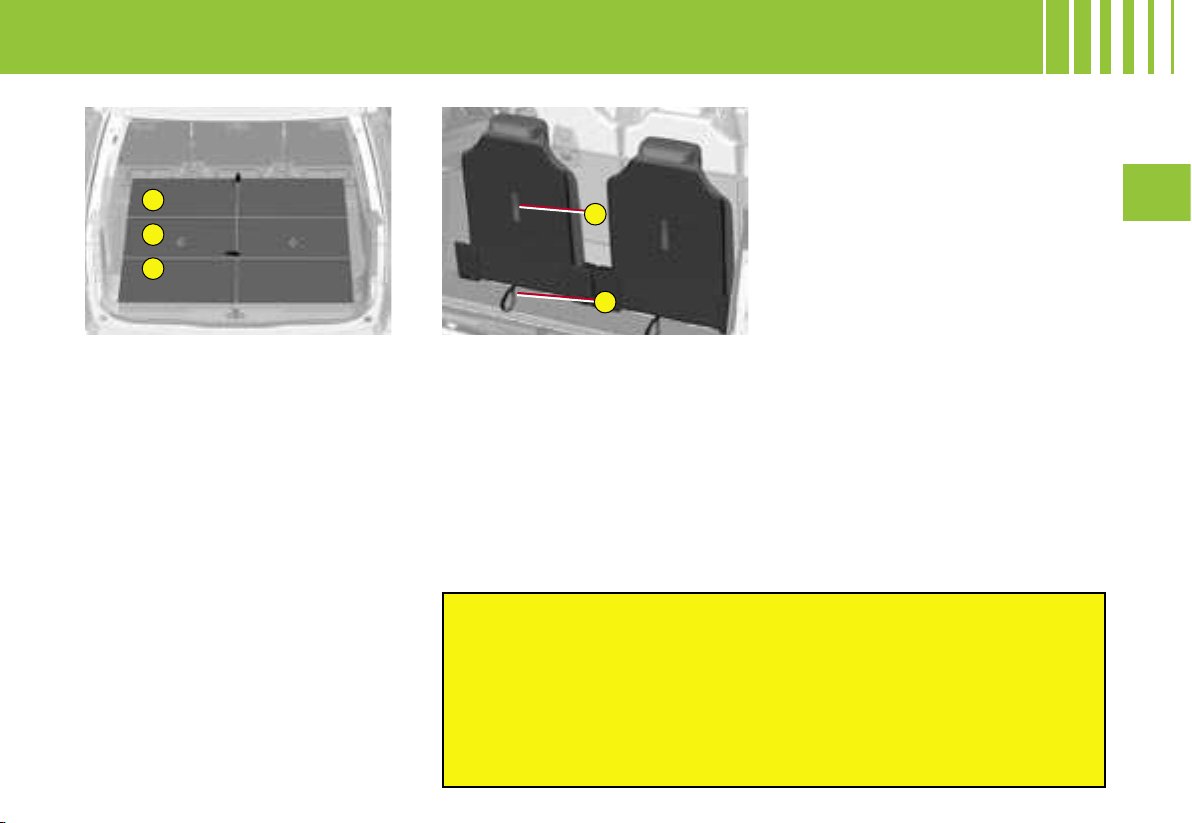
1
2
3
G
F
III
119
Two rigid concertina plates, which
cannot be separated from the ve-
hicle, are arranged on each of the
third-row seats.
- If the seats are folded, the con-
certina plates then cover the
seats and completely conceal
them.
- If the third-row seats are upright,
the concertina plates are folded
and provide a totally flat load
surface behind the seats.
- With the third-row seats up-
right, alternatively the concer-
tina plates folded in the vertical
position will allow objects to be
stowed.
To fold the concertina plates :
Pull on the control, the 3 sections
of the plate will fold concertina-
wise.
TO RETURN THE SEATS TO
THE UPRIGHT POSITION
1. Return the second-row rigid
plates to their initial position
and lock them.
2. Having folded your concertina
plate, pull on the control F lo-
cated behind the seat backrest.
The backrest pivots rearwards,
pulling the seat base with it. The
seat locks in the open position.
TO STOW THE SEATS
1. Return the second-row rigid
plates to their initial position
and lock them.
2. Lower the head restraints.
3. Correctly position the concer-
tina plate vertically behind the
seat.
4. Pull on the control G located
at the bottom of the seat back-
rest. The seat unlocks.
5. Next push the backrest gently
forwards. The backrest pivots,
folding onto the seat base.
The seat base then folds into
the stowage area provided for
that purpose.
6. Reposition the concertina plates
over the folded seats.
Before moving the third-row seats, return the rigid plates
of the
second-row seats to the upright position and lock them.
Do not try to fold a third-row seat that has not first had the
backrest fully locked in place.
Do not leave objects either on or underneath the seat bas
es of the
third-row seats when you are folding them.
Do not leave your hand on the control G as you fold the
seats, as
you risk trapping your fingers.
THIRD ROW SEATS -
GRAND C4 PICASSO
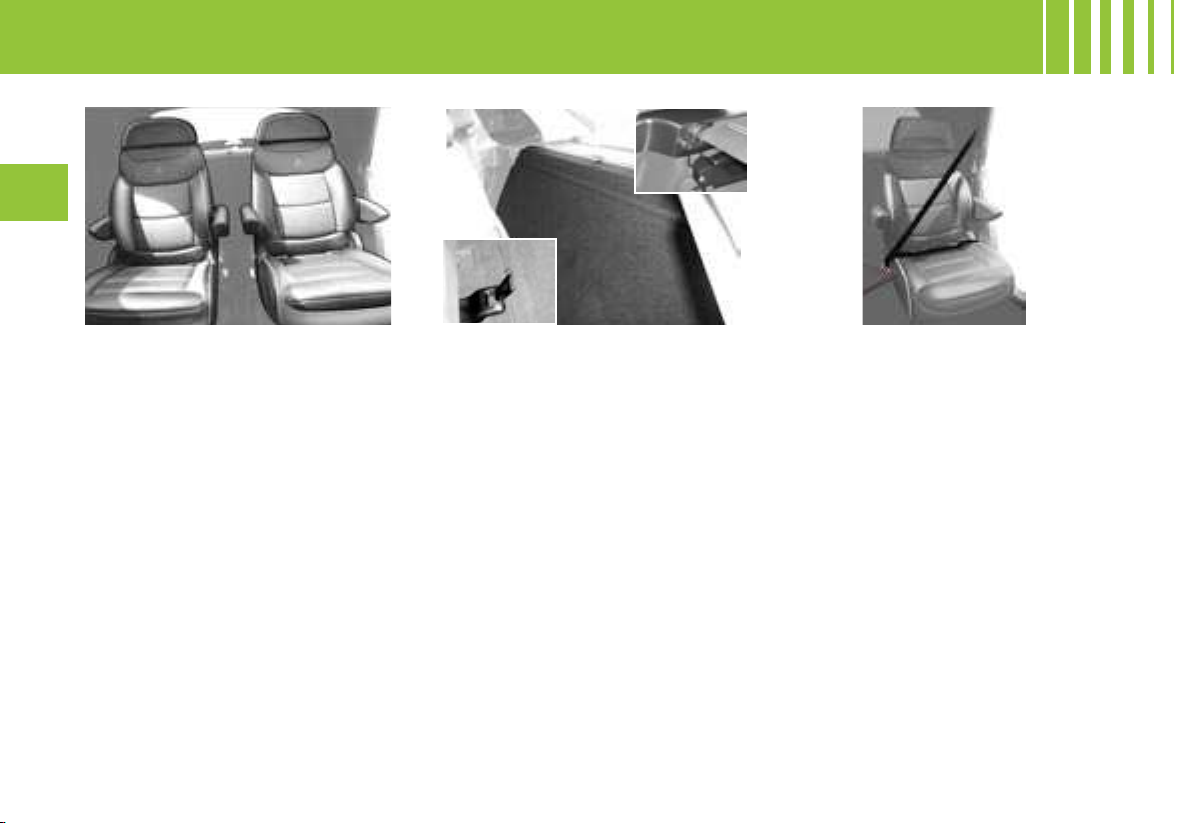
120
III
A Lounge version is available in the
5 seater model. This has two se-
cond-row seats that are identical to
the first-row seats, providing greater
comfort for rear passengers.
ADJUSTING THE SEATS
The seats have the following adjust-
ments :
- head-restraint adjustment,
- backrest angle,
- greater longitudinal adjustment,
- height-adjustable armrests.
Refer to the page « FRONT
SEATS - Manual adjustments» for
the operation of the adjustment
controls.
LUGGAGE COVER BEHIND
THE SEATS
A flexible luggage cover positio-
ned behind the second-row seats
enables you to prevent objects
from sliding under or between the
second-two seats, as well as con-
cealing the contents of your boot
from outside view.
It is fixed to the floor by two hooks
located behind the seats and an-
chored at special points on the
rear pillars.
This flexible luggage cover is mo-
vable and can be rolled up for
stowage behind the second-row
seats.
SEAT BELTS
For safety reasons, always attach
your seat belt before positioning
the armrest between yourself and
the door.
STORAGE POCKETS
Two storage pockets are located
on the insides of the Lounge ver-
sion seats.
FEATURES OF THE 4 SEATER LOUNGE VERSION
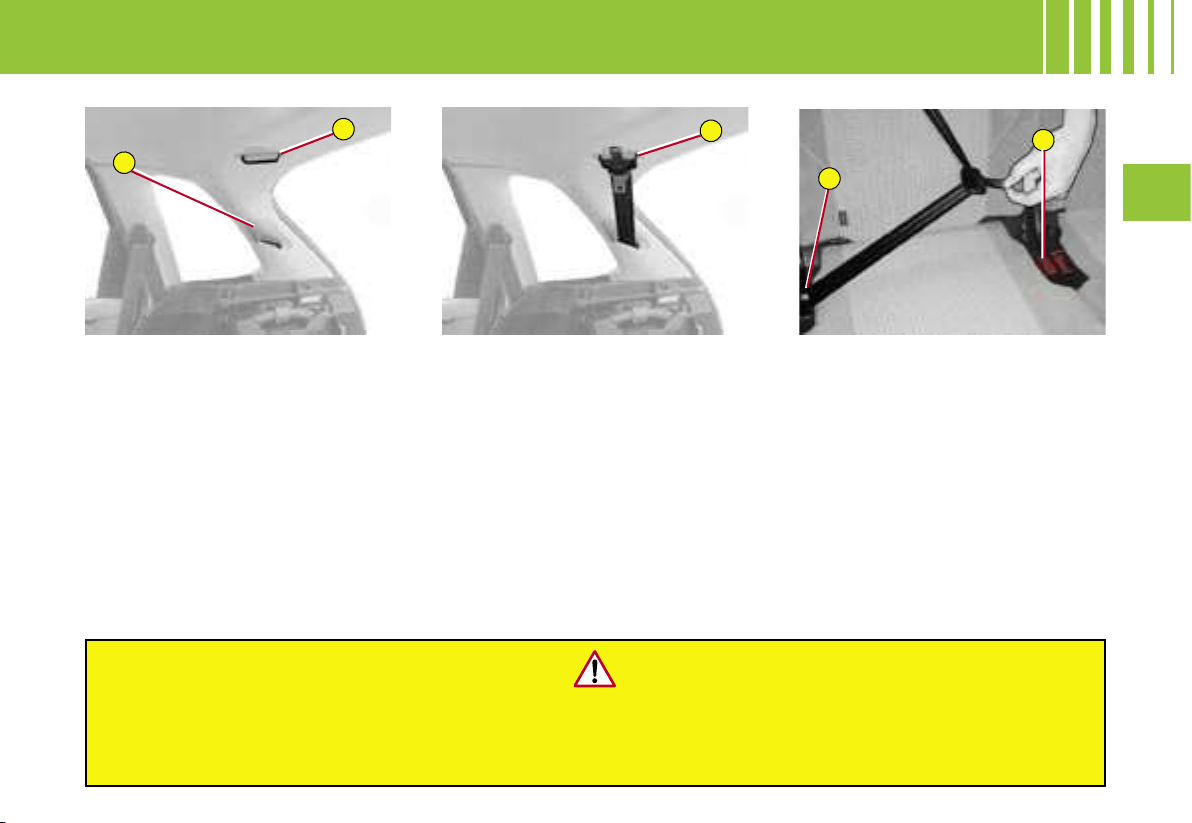
C
D
A
B
B
III
121
REAR CENTRAL SEAT BELT -
C 4 P IC A SS O A N D G RA N D C 4 P I C AS S O
Routing of the seat belt
(C4 Picasso and C4 Grand
Picasso)
- Insert the tongue C into the
buckle on the right, then insert
the second tongue D into the
buckle on the left.
Before use
For safety reasons, it is essential that the seat belt passes th
rough the relay ring.
To prevent any damage to seat belts and in order not to get
them jammed, take care to stow
them on the sides of the backrests.
Installation of the seat belt
(C4 Picasso)
1. Open the cover A.
2. Remove the belt tongues from
their housing.
3. Bring the belt tongues up to
the relay ring B.
4. Insert the attachment then
pass the tongues through the
ring.
5. Reclose the cover A. Make
sure that the belt is correctly
positioned in the recess in the
cover provided for this pur-
pose.
Stowage of the belt tongues
(C4 Picasso)
- Operate in reverse order to stow
the belt tongues.
Note : You may opt to leave the
seat belt in the relay ring even if
not using it.
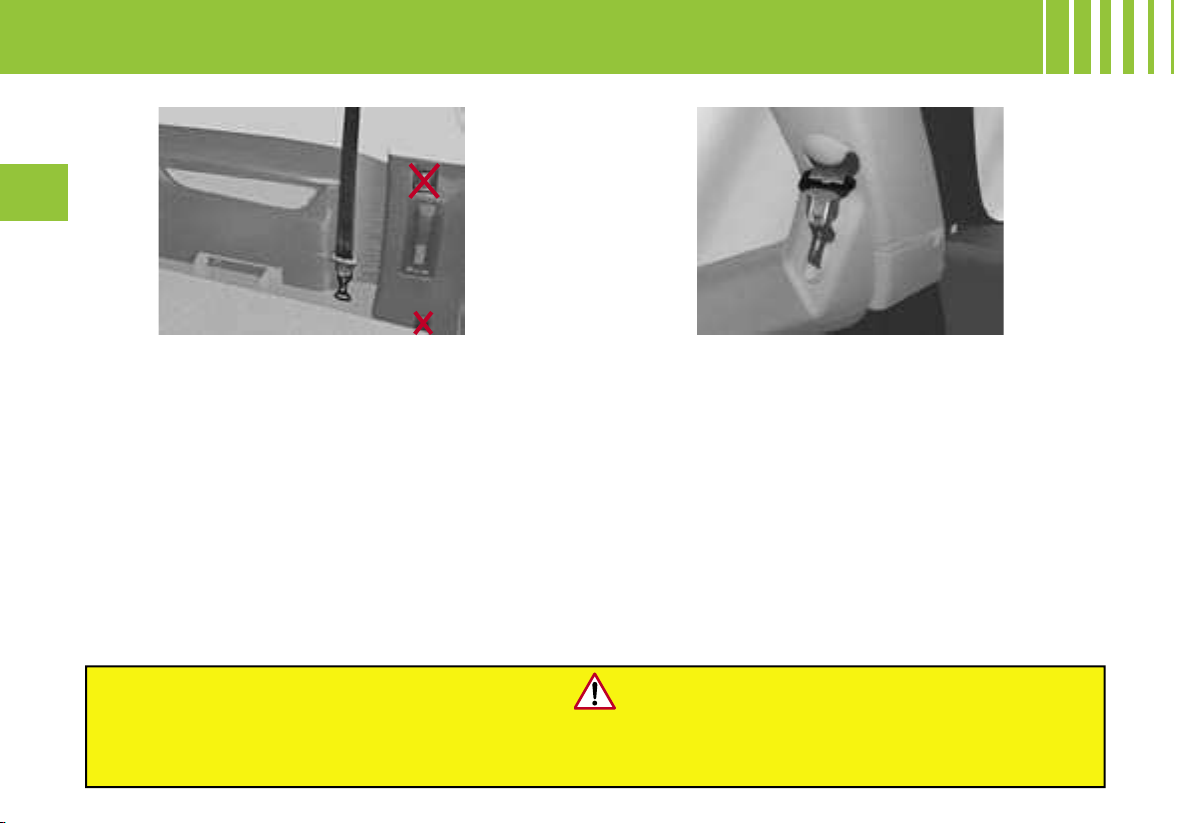
122
III
Stowing the tongue of the third-row seat belt
Secure the tongue in the place provided on the rear
pillar trim.
Note : The third-row passenger seat belts that are not
being used can be stowed in order to free up load-
space and facilitate use of the luggage cover.
Requirements for the third-row passenger seat
belts
Take care to attach the third-row passenger seat belts
on the rings provided for this purpose.
Do not attach the belts on the anchoring points
marked with a red cross (see illustration above).
THIRD ROW SEAT BELTS -
GRAND C4 PICASSO
Before use :
To avoid damaging or jamming the seat belts,
take care to stow them on the sides of the backrests.
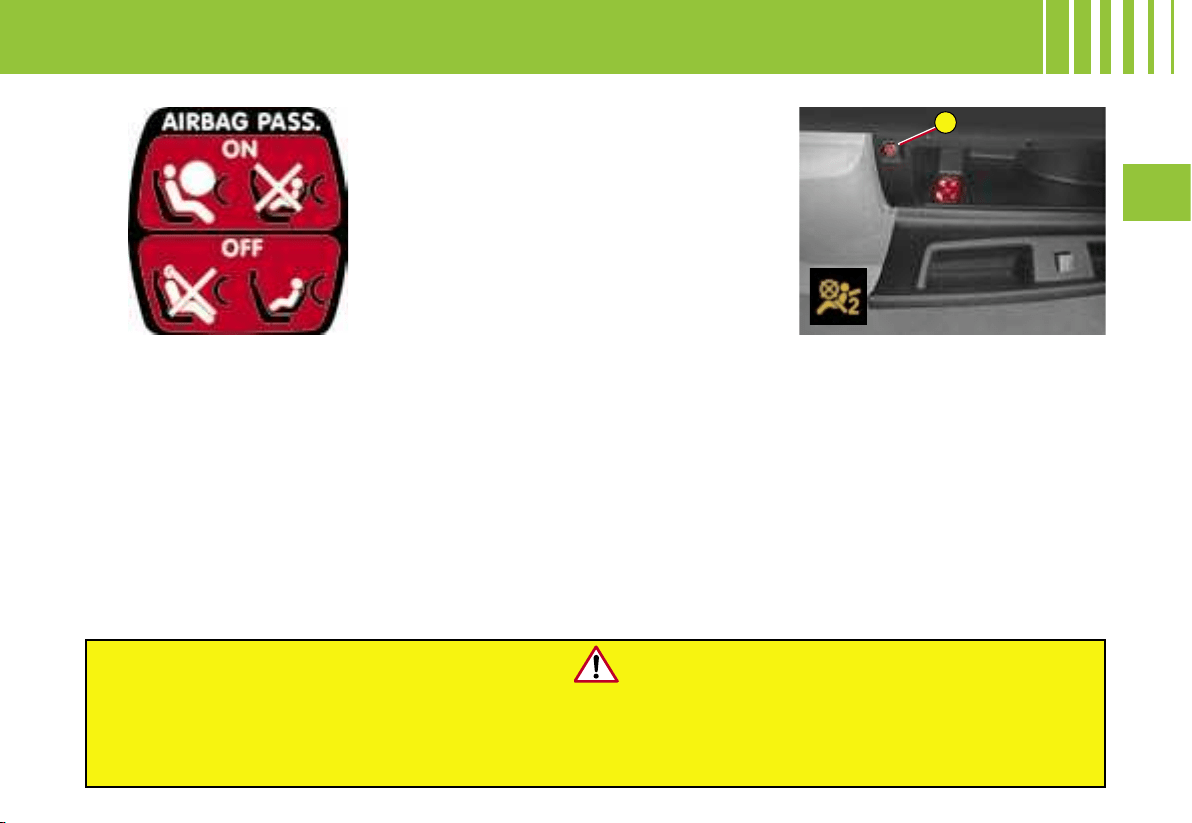
A
III
123
Reactivating the front
passenger airbag
Do not forget to reactivate the air-
bag function.
For that, with the ignition switched
off, insert and turn the key to the
« ON » position. The airbag is
activated.
The passenger airbag can be
deactivated.
Deactivation of the front
passenger airbag
To be able to use a “rear-facing”
child seat in the front passenger
seat position, it is imperative to
deactivate the passenger airbag.
For that :
- With the ignition switched off,
insert the key into the switch A
located in the glovebox.
- Turn the key to the « OFF » posi-
tion, the passenger airbag is de-
activated.
The front passenger airbag de-
activation warning lamp comes
on permanently on the display.
In the event of a malfunction, the « airbag fault » warning lamp comes on and a message displays.
In the front passenger’s seat position, it is imperative to deactivate the front
passenger’s airbag if you are installing a “rear-facing” child seat there.
Otherwise the child risks being killed or seriously injured should the airbag deploy.
AIRBAGS
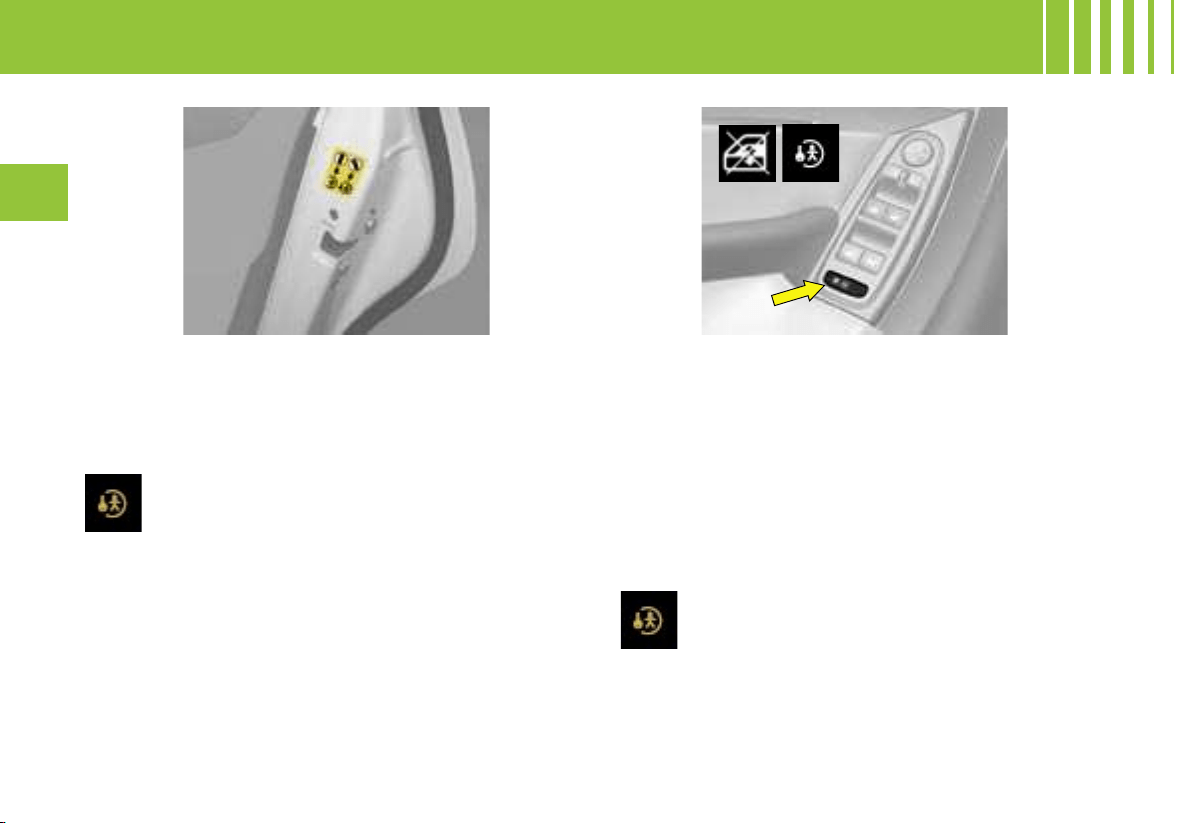
124
III
Manual control
The rear doors are locked by operating the lever.
When the manual safety is in use, the aperture is at
an angle.
Electric operation
The electrical safety is activated by pressing the con-
trol located to the rear of the electric windows panel.
This prohibits movement of the rear electric windows
and opening of the rear passenger doors.
It is still possible to open the doors from the outside,
provided the vehicle is not locked.
Note : with the ignition on, if the child safety is
activated for the two rear doors, the warning
lamp comes on then goes out again approx.
10 seconds after the engine is started.
When the ignition is switched on, the warning
lamp comes on then goes out again approx.
10 seconds after the engine is started.
Note : Activation of the function is confirmed by the
temporary lighting of the warning lamp accompanied
by a message.
CHILD SAFETY
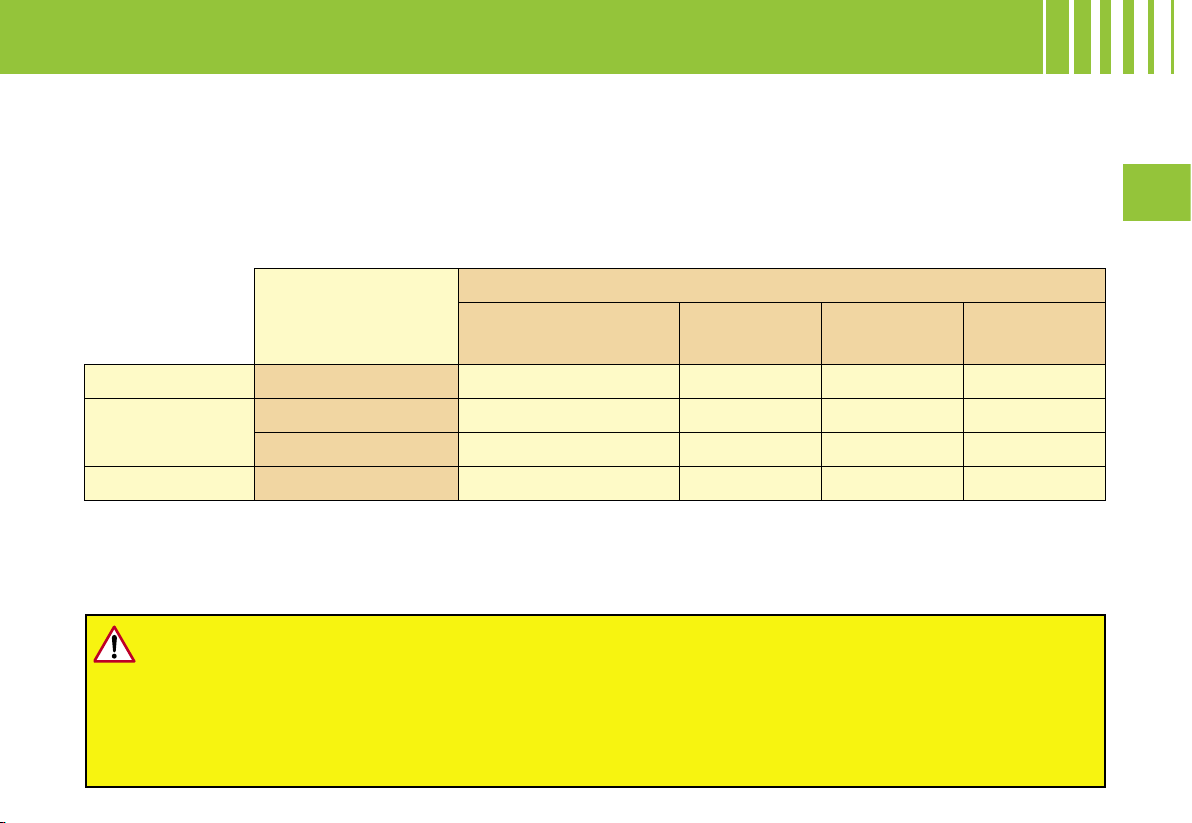
III
125
TABLE SUMMARISING CHILD SEATS SECURED BY MEANS OF THE VEHICLE SEAT BELT
In conformity with Directive 2000/3, the table tells you to what extent each of the seat positions in your vehicle may
take a child seat that is secured by means of the vehicle seat belt and approved as « Universal » (child seat that
can be used in any vehicle in conjunction with the vehicle seat belt) as a function of the weight of the child.
Consult « User Precautions », chapter on « Child Safety » at the end of this handbook, in order to ensure
that you are installing your child in conditions of maximum safety.
CHILD RESTRAINTS
For seats in groups 1, 2 and 3, check that the child seat is correctly secured on the backrest of the
vehicle seat. If necessary, remove and stow the head restraint.
It is imperative to deactivate the front passenger airbag if you are installing a « rear-facing » child
seat in the front passenger seat position.
Take care to comply with the fitting instructions given in the child seat manufacturer’s user
guide.
To install a large child seat, rear-facing or forward-facing, on one of the rear seats, slide the seat
rearwards so that the child seat is not hampered by the front seat.
Seat position
Weight groups established by legislation
< 10 kg and < 13 kg
(groups 0 and 0+)
9 – 18 kg
(group 1)
15 – 25 kg
(group 2)
22 – 36 kg
(group 3)
1
st
row* Front passenger U U U U
2
nd
row
Lateral U U U U
Central U U U U
3
rd
row** Lateral U U U U
U : Seat position suitable for the installation (in conjunction with the vehicle seat belt) of a universal rear-facing
child seat and a universal forward-facing child seat.
* :
Before installing your child in the front passenger seat position, refer to the chapter on Child Safety, paragraph on
« Rules for transporting of children in the front passenger seat position ».
** :
Applies only to the 7 seater model.

126
III
CHILD RESTRAINTS
Child weight / age given as a guide
Less than 10 kg (group 0)
Up to around 6 months
Less than 10 kg (group 0)
Less than 13 kg (group 0+)
Up to around 1year old
9 to 18 kg (group 1)
From 1 to 3 years approx.
Type of ISOFIX
child seat
Shell seat « Rear-facing » « Rear-facing »
« Forward-facing »
ISOFIX size
classes :
F G C D E C D A B B1**
Front passenger seat X IL-SU IL-SU IUF
ISOFIX rear
lateral seats
IL-SU* IL-SU IL-SU IUF
ISOFIX central
rear seat
X IL-SU IL-SU IUF
IUF : Seat position suitable for installation of a « universal » ISOFIX child seat : ISOFIX « forward-facing » child seat
equipped with a top belt attaching to the top ring on the vehicle’s ISOFIX positions.
IL-SU : Seat position suitable for installation of a « semi-universal » ISOFIX child seat : ISOFIX « rear-facing » child
seat equipped with a top belt and ISOFIX « shell » child seat with a top belt.
* The ISOFIX shell is secured to the bottom rings on an ISOFIX position, occupying 2 rear seat positions.
** To install ISOFIX child seats type B1, remove the head restraints from the seats.
TABLE SUMMARISING THE INSTALLATION OF ISOFIX CHILD SEATS
In compliance with European legislation (ECE 16), this table indicates which of the ISOFIX child seats can be
installed in seat positions in your vehicle that are equipped with ISOFIX anchoring points.
For ISOFIX universal and semi-universal child seats, the ISOFIX size class, defined by a letter from A to G, is
shown on the child seat to the right of the ISOFIX logo.
Do not install seats equipped with a bar.
It is imperative to deactivate the front passenger airbag if you are installing a « rear-facing » child
seat in the front passenger seat position.
Take care to comply with the fitting instructions given in the child seat manufacturer’s user guide.
To install a large child seat, rear-facing or forward-facing, on one of the rear seats, slide the seat
rearwards so that the child seat is not hampered by the front seat.
III
127
CHILD RESTRAINTS
ISOFIX anchoring points and the ISOFIX fixing system
Your vehicle is approved to the new ISOFIX regulations. The front passenger seat position and the second row
seat positions on your vehicle are equipped with the regulation ISOFIX anchorages.
Incorrect installation of a child seat in the vehicle compromises the protection of the child in the event of a collision.
The ISOFIX system enables you to eliminate these risks arising from poor installation. The ISOFIX fixing system
offers you a child seat fixing method that is strong, reliable and convenient.
Consult the legislation in force in your country before installing your child seat « forward-facing » in the front pas-
senger seat position.
The ISOFIX child seat recommended for your vehicle is the ISOFIX RÖMER Duo:
It is marketed in the CITROËN network. It is equipped with a top belt and so it is approved as an “ISOFIX universal”
child seat.
If it is installed in a rear seat position, the vehicle’s corresponding front seat should be adjusted so that the child’s
feet do not touch the backrest of this front seat.
This ISOFIX child seat can also be installed in seat positions that are not equipped with ISOFIX anchoring points.
In this case, it is compulsory to secure it to the vehicle seat by means of the vehicle seat belt.
In the front passenger’s seat position, it is imperative to deactivate the front passenger’s
airbag if you are installing a « rear-facing » child seat there.
Otherwise the child risks being killed or seriously injured
should the airbag deploy.
Take care to comply with the fitting instructions
given in the child seat manufacturer’s user guide.
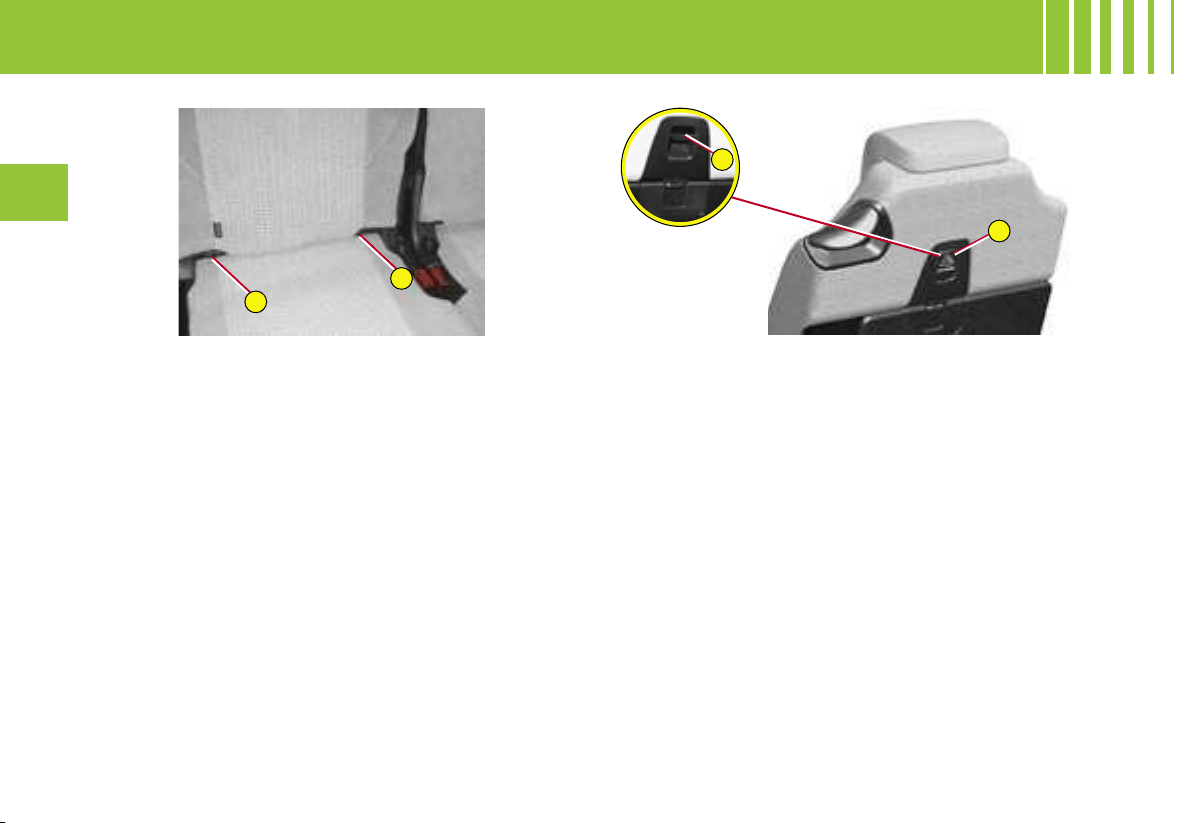
A
B
D
C
128
III
The ISOFIX anchoring system
The three second-row rear seats as well as the fron
t
passenger seat position on your vehicle are equipped
with the regulation ISOFIX anchoring points.
There are 3 rings for each seat position:
- Two « bottom » rings A and B, between the seat cush-
ion and the backrest. They are approx. 28 cm apart.
- A « top » ring C, behind a cover at the top of the back-
rest for the second-row seats, and at the bottom ri
ght
of the seat base for the front passenger seat positio
n.
ISOFIX child seats have two latches which are easy
to
attach on the two « bottom » rings A and B.
Top ring C
1. To attach the top ring, unclip the cover D.
2. Raise the head restraint of the vehicle seat, then
pass the attachment between the uprights.
3. Next secure the attachment on the « top » ring C
(second row seats).
4. Tension the top belt.
This fixing system is designed for children weighing
up to 18 kg.
CHILD RESTRAINTS
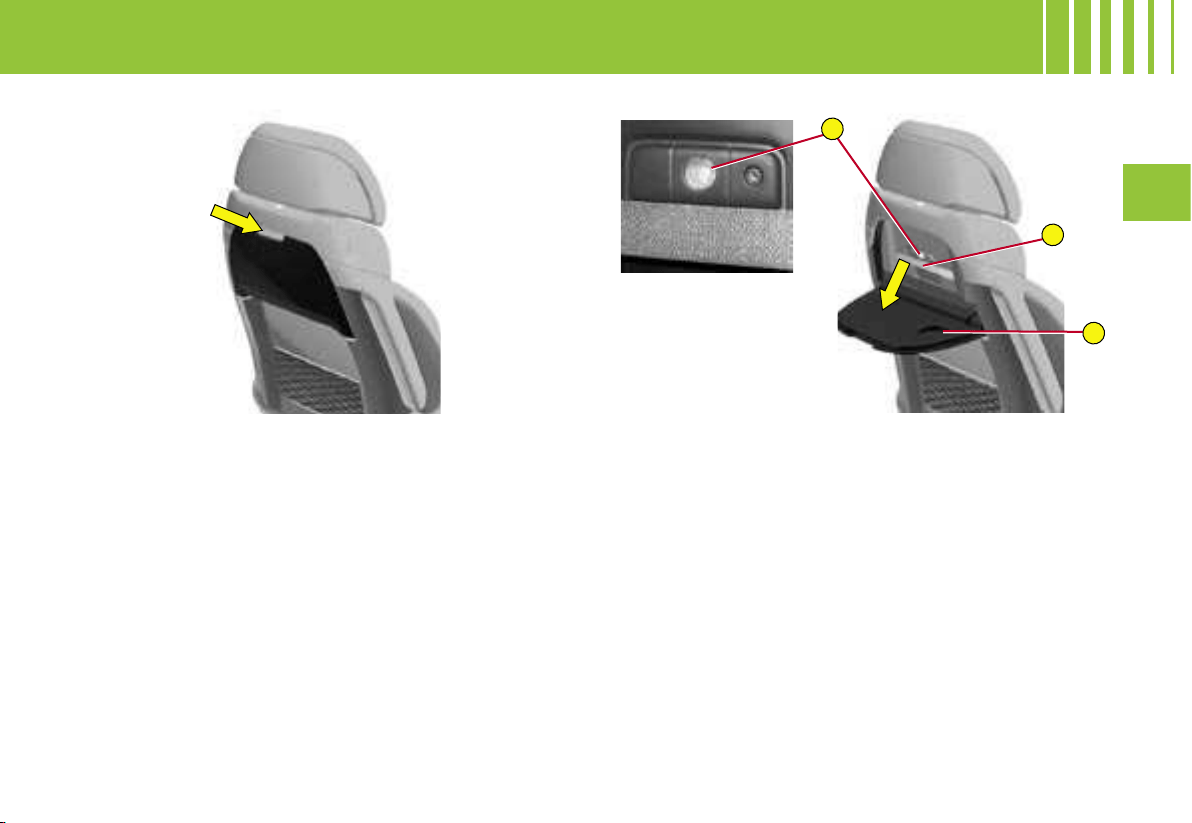
A
B
C
III
129
AIRCRAFT-STYLE REAR TABLES
Rear tables
The backrests of the front seats are fitted with aircraft-
style tables. These incorporate a cup-holder A and a
retaining strap B, for the placing of objects.
Operation table
- Pull the table downwards to open.
- To restow the table, raise it until the latch locks.
Note : For safety reasons, these collapse downwards
if excessive pressure is exerted.
Individual reading lamps
Reading lamps C may be incorporated in the front seat
backrests, behind the tables. These light the surface
of the tables without disturbing the other passengers.
They are accessible only while the table is down.
- Press on the On/Off button to turn the lamp on or
off.
Rear table stowed Rear table opened
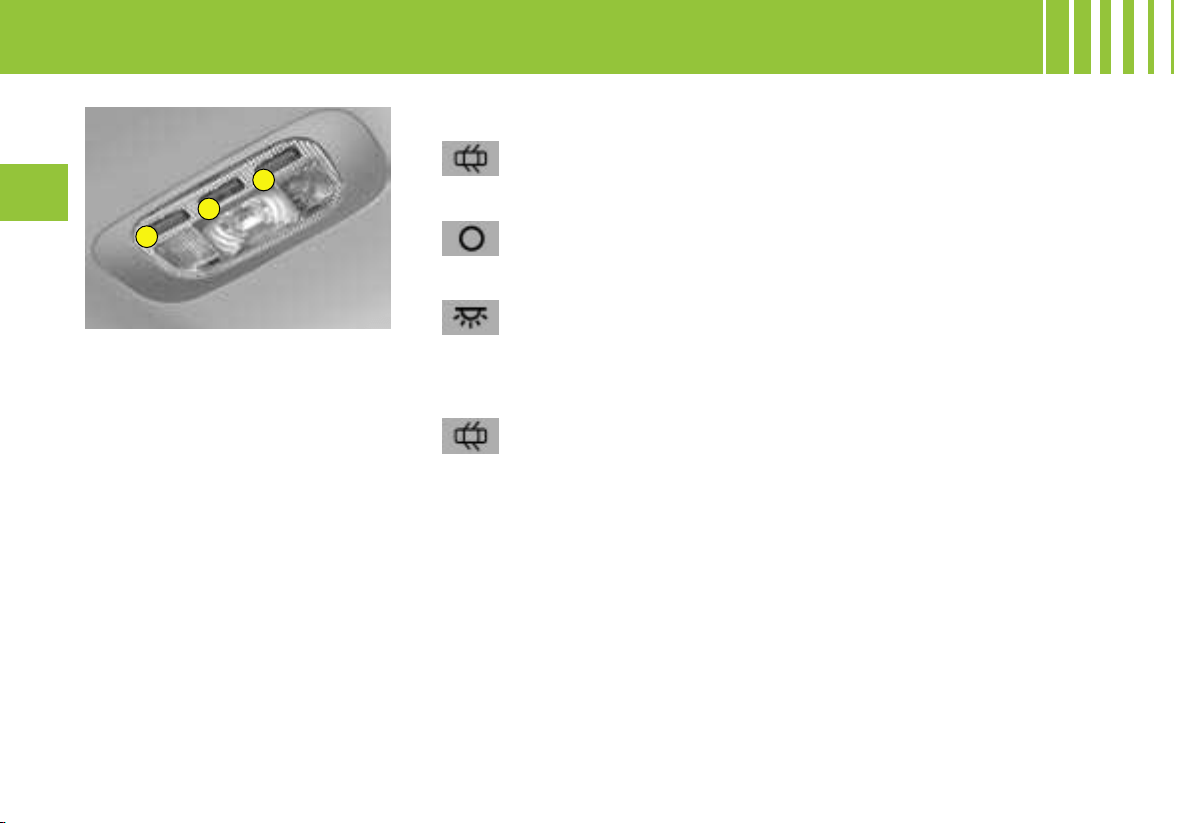
1
1
2
130
III
2.
Interior lamp with three positions
In this position, the interior
lamp comes on when you
open a door or the boot.
In this position, it is deac-
tivated and thus perma-
nently off.
In this position, lighting is
permanent.
They come on immediate-
ly you unlock the vehicle
or open a door.
They go out 30 seconds after the
doors have been closed, or when
the ignition is switched on.
Automatic illumination of the
interior lamps
« PANORAMIC GLASS ROOF »
LAMPS
The panoramic glass roof lamps
have two operating modes :
- automatic lighting when you
open a door or when the front in-
terior lamp is in the permanent
position,
- permanent lighting.
INTERIOR LIGHTING
Note :
- the opening of a door switches the interior lamps on.
- the opening of the tailgate switches the third-row interior lamp on, also the boot lamps.
INTERIOR LAMPS
1. Reading lamps
A press on one of the buttons
switches the corresponding spot-
lamp on or off.
They do not come on if the ignition
is switched off or if the vehicle is in
economy mode.
When you leave the vehicle :
-
they come on when you remove the
ignition key (for about 30 seconds),
or when a door is opened
.
-
they go out after 30 seconds with
the doors closed, or immediately the
vehicle is locked, or after 10 minutes
if a door is open
.
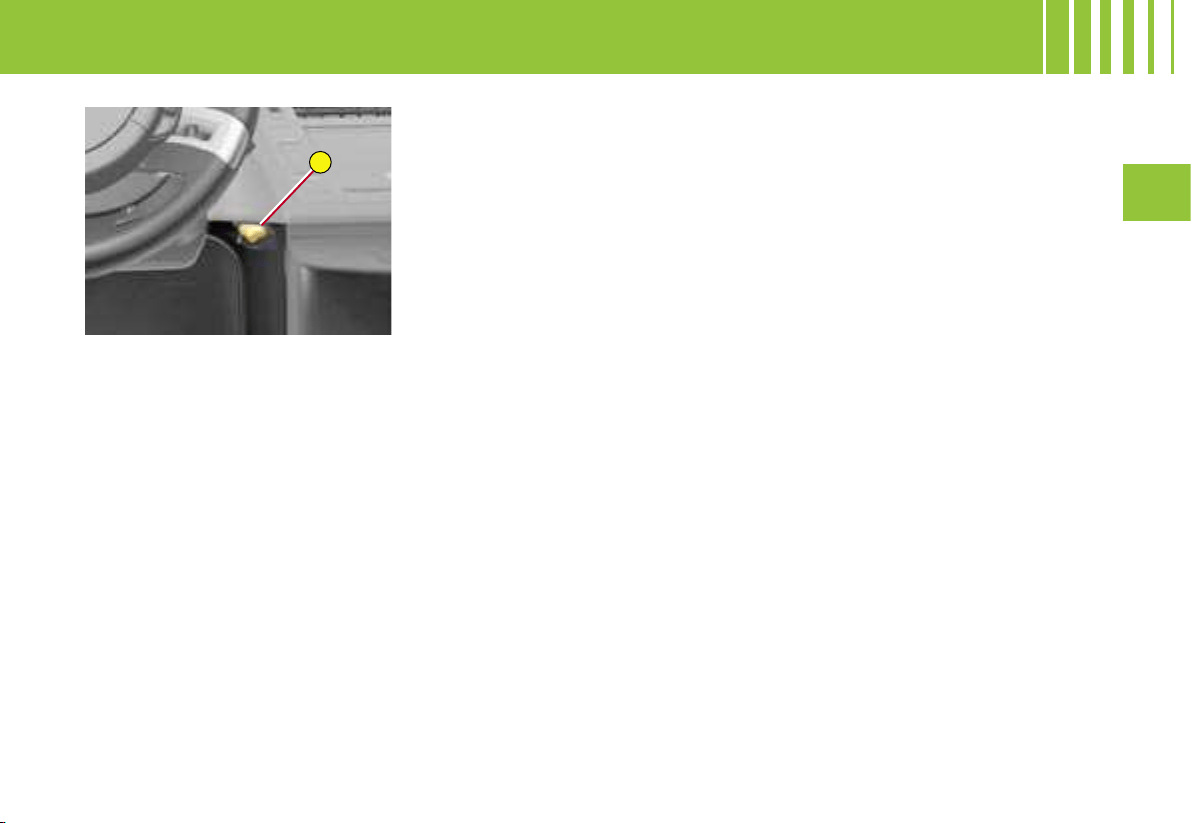
A
III
131
AMBIANCE LIGHTING
You have in your vehicle a system
of ambiance lighting that is warm
and convivial.
It casts a gentle, orange-tinted
light.
You can adjust the lighting by
pressing on the control A.
This activates the light sources
which are located as follows :
- on the sides of the front and rear
doors,
- on the front and rear interior door
handles,
- on the dashboard,
- at the roof.
Operation
The control A :
- activates/deactivates the ambi-
ance lighting,
- selects the lighting intensity.
The adjustment is memorised.
To increase the lighting intensity :
- Press a few times on the right
of the control A to obtain your
brightness preference.
To decrease
the lighting intensity :
- Press a few times on the left
of the control A to obtain your
brightness preference.
Note : This lighting is available at
night or in conditions of poor day-
light.
COURTESY LIGHTING
The automatic courtesy lighting
consists of the footwell lamps, the
interior lamps and the ambiance
light sources.
FRONT DOOR POCKETS
WITH AUTOMATIC LIGHTING
The lighting for the door pockets
comes on automatically when you
place a hand inside one of the
compartments.
It goes off after a few seconds when
you take your hand away.
READING LAMPS ON SEAT
BACKRESTS
There are spotlamps incorporated
in the backrests of the front seats,
behind the rear tables (see « Air-
craft-style rear tables »).
AMBIANCE LIGHTING PACK

C
B
A
132
III
The portable flash light, connected to the boot wall,
possesses the double function :
- boot lamp,
- portable lamp.
The boot lamp A comes on automatically when you
open the boot.
The portable lamp operates on rechargeable batterie
s.
Note :
- Never replace the rechargeable batteries with ordi
nary
batteries.
- Replace them with identical ones of the NiMH type.
- Respect the polarities when you are positioning
these rechargeable batteries.
-
See the procedure to be followed in the chapter « C
hanging
bulbs », to accees the rechargeable batteries
.
To use the portable flash light:
- Remove it from its housing by starting to pull from the
top as indicated by the arrow.
- Press on the switch C, located on the back of the
lamp, to turn it on or off.
- The bracket B allows you to put the lamp down for
a precise purpose (for example while changing a
wheel).
To stow the portable flash light:
- Always position the lamp in its housing starting from
the bottom.
If it is not properly positioned, it may not recharge and
will fail to come on when you open the boot.
Note:
- Putting the portable lamp back in position automati-
cally turns it off, if you have not already done so.
- The portable lamp can stay on for a maximum
of 45 minutes and recharges in a
few hours as you are driving.
183
Portable flash light for
Grand C4 Picasso
Portable flash light for
C4 Picasso
PORTABLE FLASH LIGHT
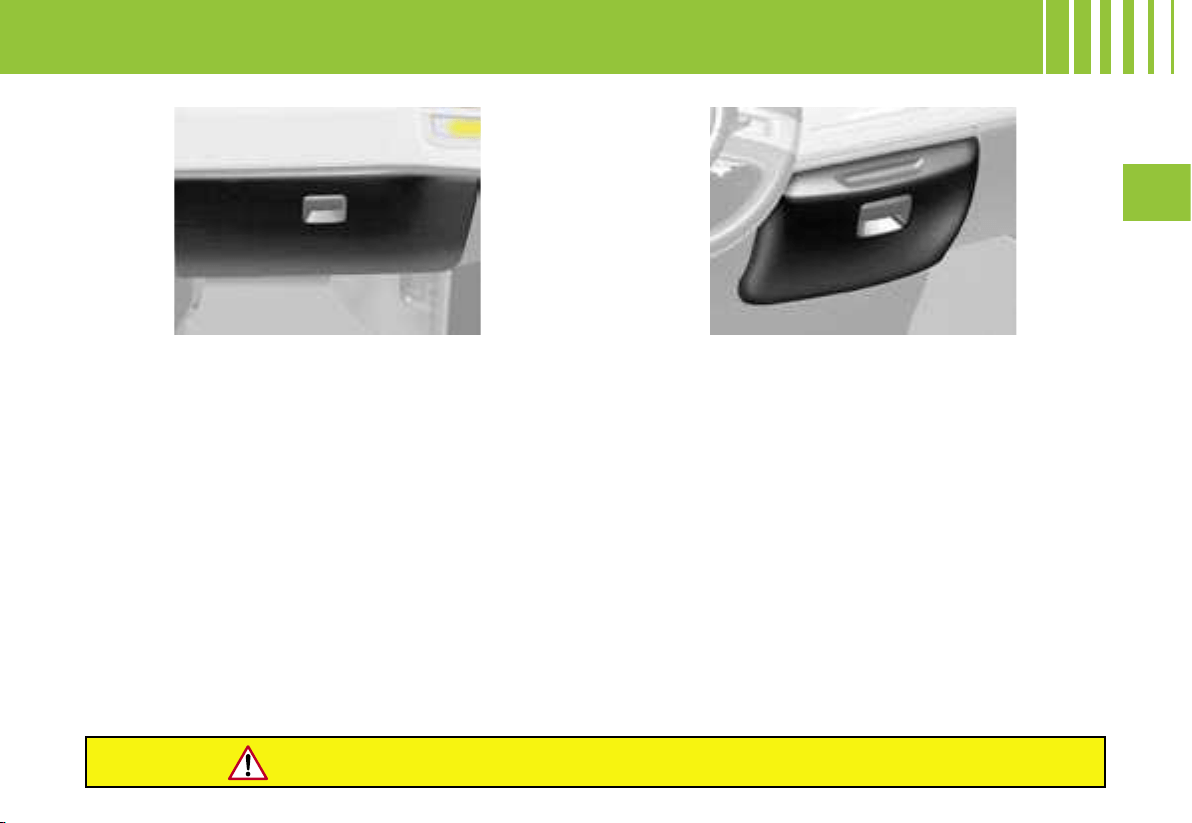
III
133
Glovebox
To open, pull on the handle and lower the lid.
The glovebox has an area specially for stowing two
cartridges for the scented air freshener.
It may be refrigerated, according to equipment (manual
gearbox), by a ventilation duct that can be closed off
manually.
It is directly linked to the vehicle’s air conditioning
system, being supplied with fresh air whatever the re-
quirements of the passenger compartment.
It also has automatic lighting.
Note : The refrigeration of your glovebox only oper-
ates when the engine is running and the air conditio-
ning is on.
For reasons of safety, the glovebox should remain closed when the vehicle is moving.
Dedicated refrigerated storage
Vehicles with an electronic gearbox or an automatic
gearbox possess a dedicated refrigerated storage
situated at the centre of the dashboard (according to
version).
To open, pull on the handle and lower the lid.
The refrigerated storage has a ventilation duct. It is di-
rectly linked to the vehicle’s air conditioning system,
being supplied with fresh air whatever the require-
ments of the passenger compartment and however
high the ambient temperature.
It can accommodate for example a 1.5 litre bottle and
two 0.5 litre bottles.
Two cupholders are available when the lid is open.
The refrigerated storage has automatic lighting.
Note : The refrigeration of this storage area only oper-
ates when the engine is running and the air conditio-
ning is on.
INTERIOR COMFORT
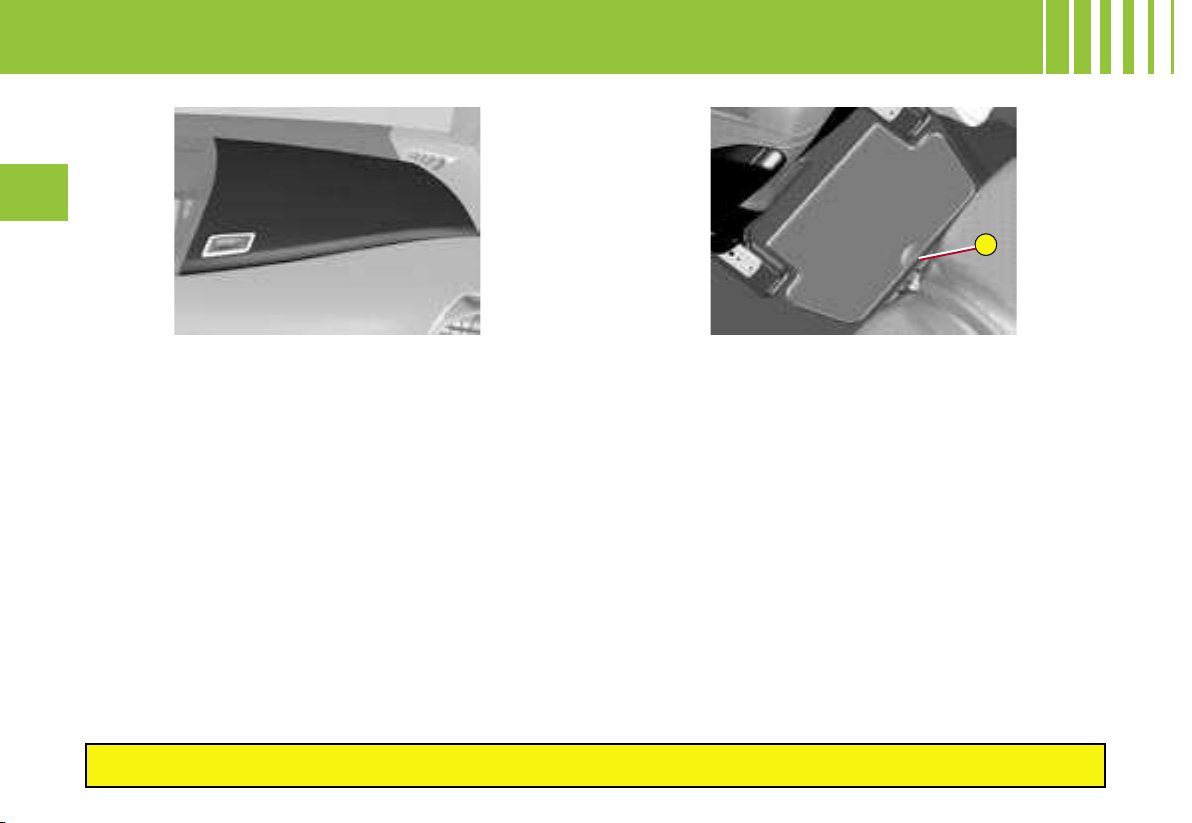
A
134
III
Upper storage area
This accommodates the CD changer, if the vehicle has
one.
There is also an upper storage area on the opposite
side.
Second row storage
The lateral second-row occupants may also have the
benefit, in certain configurations, of storage at foot level,
identifiable by its handhold A.
Third row storage
Third-row passengers may have storage pockets in
the side panel and each of them will have a cup-holder
(7 seater model).
Front door compartments
The front door pockets can hold objects equivalent in
volume to a 1.5 litre bottle.
They may have their own lighting, coming on automat
ically
when your hand approaches
.
This lighting goes out automatically after a few mo
ments
when your hand is taken away.
Rear door pockets
The rear door pockets can hold objects equivalent in
volume to a 0.5 litre bottle.
For reasons of safety, storage compartments should be kep
t closed when the vehicle is moving.
INTERIOR COMFORT
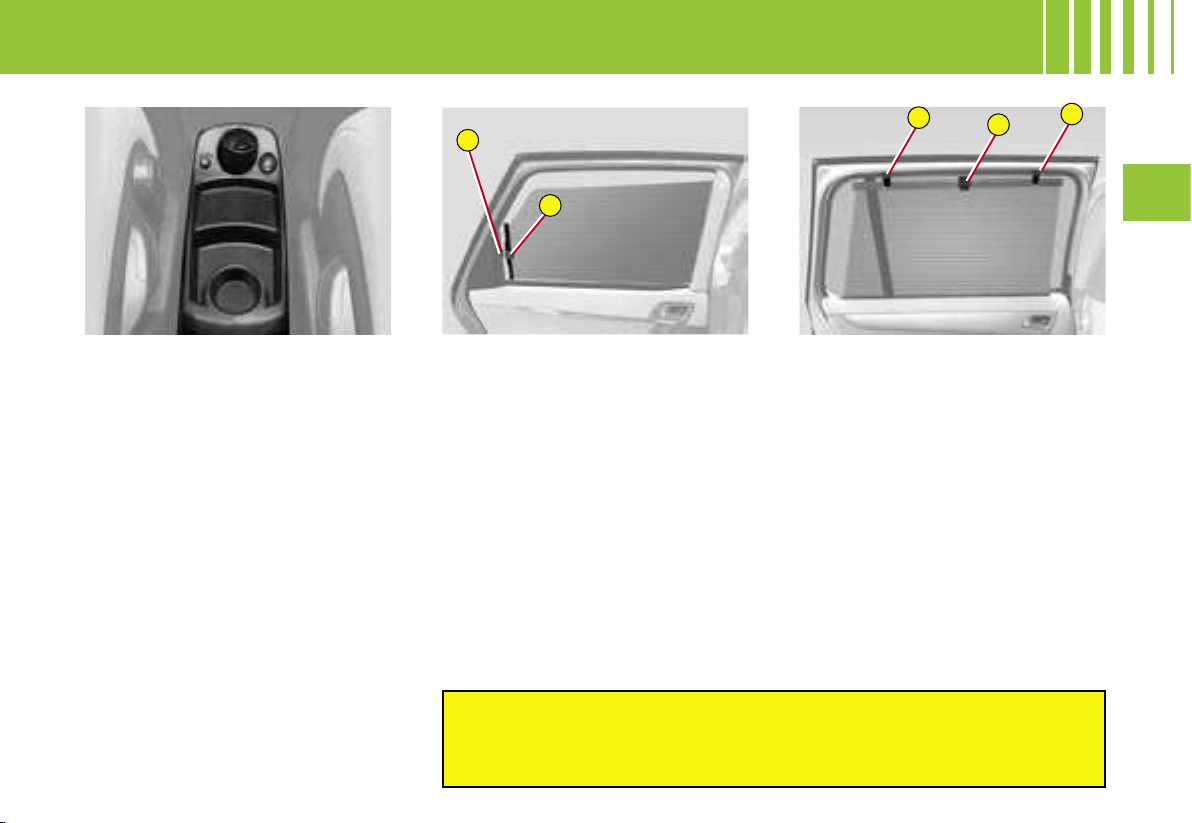
A
B
B
A
B
III
135
CENTRAL CONSOLE
The central console contains :
- two cup-holders.
- a 12V accessories socket
(Maximum power : 120W).
The latter is operational when
the ignition is on.
Note : There may be a second 12V
socket in the boot, operational even
with the ignition switched off.
- a cigar lighter.
Press and wait for a few moments
for the lighter to deploy automati-
cally.The cigar lighter comes out
slightly to enable you to grasp
it. It can act as a 12V socket
(120 W).
- a movable ashtray.
This is in one of the console’s
cup-holders: it can be used in the
cup-holders on the rear tables.
INTERIOR COMFORT
SUN BLINDS
(C4 Picasso)
Second row
- Pull on the tab A and anchor the
blind on the hook B.
Rear screen blind
- Pull on the tab of the blind lo-
cated on the luggage cover and
position the blind on the hooks.
Sliding sun visors (see « Roof adjustments »)
Do not attach or suspend heavy objects in the environs
of the sun visors (central rear view mirror rails, blin
d hooks,
sun visor blinds, etc.)
SUN BLINDS
(Grand C4 Picasso)
Second row
- Pull on the tab A and anchor the
blind on the hooks B.
Third-row
The blinds are incorporated in the
third-row trim panels.
- Pull on the tab and anchor the
blind on the hooks.
Rear screen blind
- Pull on the tab and anchor the
blind on the hooks.
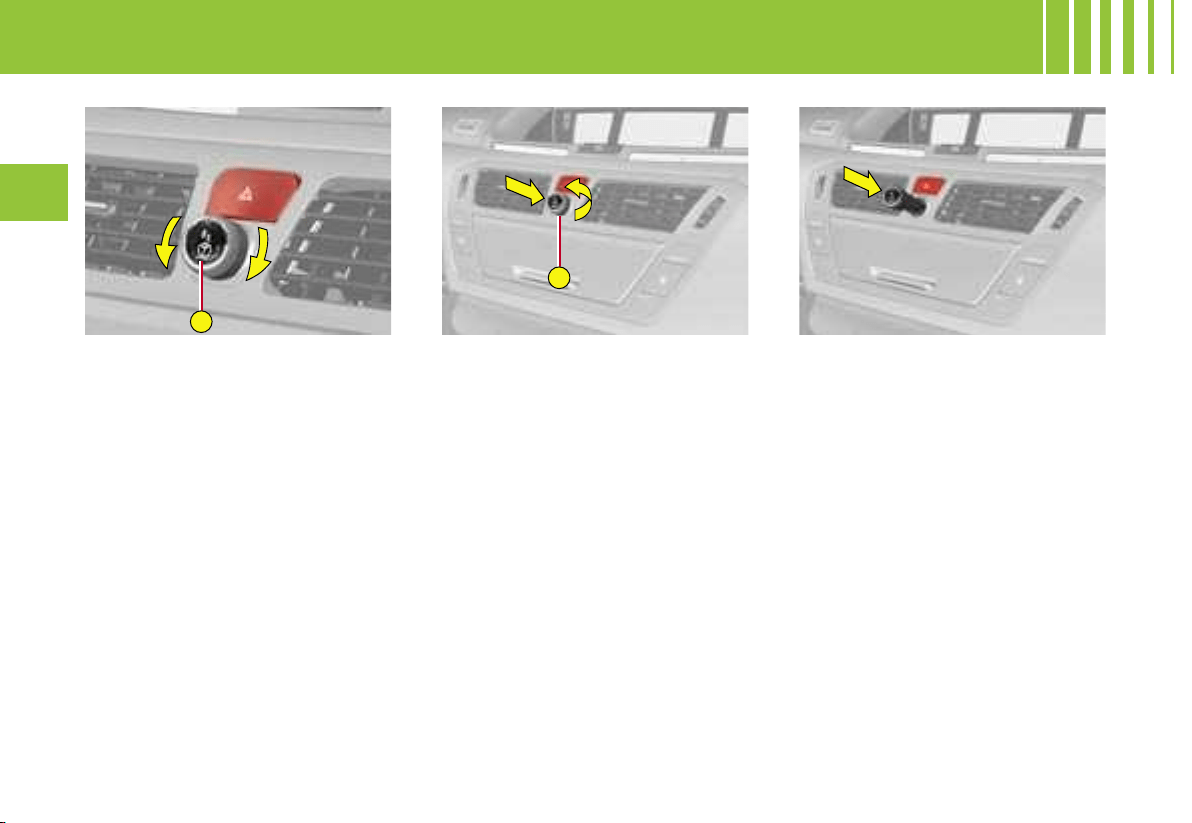
A
A
136
III
The scented air freshener releases
a fragrance into the passenger com-
partment via the central air vents.
Adjustment of flow
- Rotate the button A to adjust
(to
the left to reduce, to the right to in-
crease)
or stop
(maximum to the
left)
the flow of scented air.
Note : the central air vents have
to be open.
To remove the air freshener
1. Press the button A, rotating it
a quarter turn to the left as far
as it will go.
2. Remove the air freshener from
the dashboard.
3. Replace the cartridge (see
« Changing the cartridge »).
To insert the air freshener
After fitting or changing a cartridge :
1. Place the air freshener back in
its housing.
2. Rotate it a quarter turn to the
right.
Note :
- Your scented air freshener has
an empty cartridge to start with.
-
A cartridge lasts on average 3 months,
based on 1 hour’s usage per day
.
SCENTED AIR FRESHENER
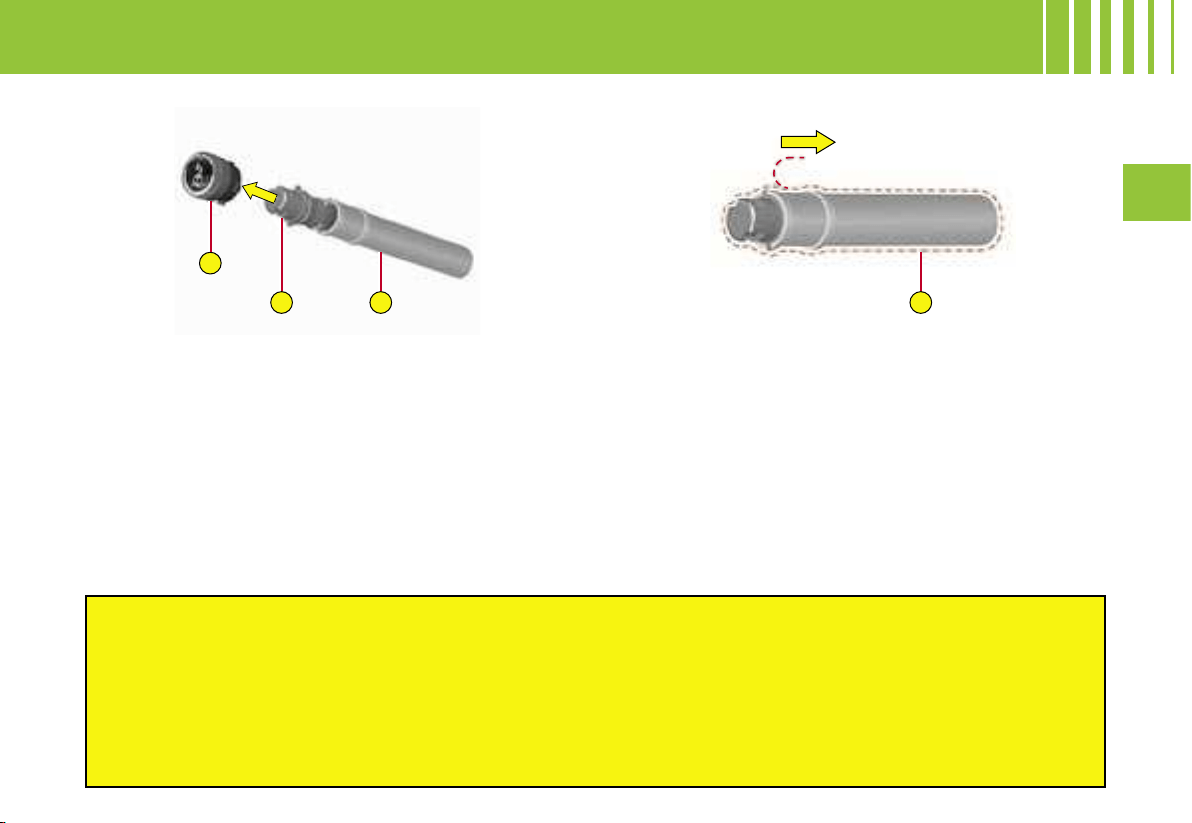
A
B
C
D
III
137
Replacing a cartridge
The recharge for the air freshener consists of a car-
tridge B and its sealed container C.
1. Remove the protective film D.
2. Place the head of the cartridge B on the button A
of the air freshener.
3. Rotate it a quarter turn to lock it on the button and
remove the container.
4. Insert the air freshener into its housing.
You can change cartridges at any time, keeping the
used cartridges in their original containers.
For safety, use only cartridges that are provided for this purpose.
Do not attempt to take cartridges apart.
Never recharge the cartridges with fragrances not supplied by CITROËN.
Keep them out of reach of children and animals.
Avoid all contact with the skin and with the eyes.
In the event of swallowing, consult a doctor and show him the product packaging or label.
Do not install or remove a cartridge while you are driving.
Air freshener button
The air freshener button A is independent of the car-
tridge. Cartridges are supplied without the air fresh-
ener button A.
The button of the air freshener A can only be fixed into
the central dashboard with a cartridge attached.
Therefore always keep the air freshener button A and
one cartridge.
Note : Recharges are available, according to country, either
on the CITROËN Internet site or from a CITROËN dealer.
Stowage points are provided in the glovebox for storing
of cartridges and containers.
SCENTED AIR FRESHENER - CHANGING THE CARTRIDGE
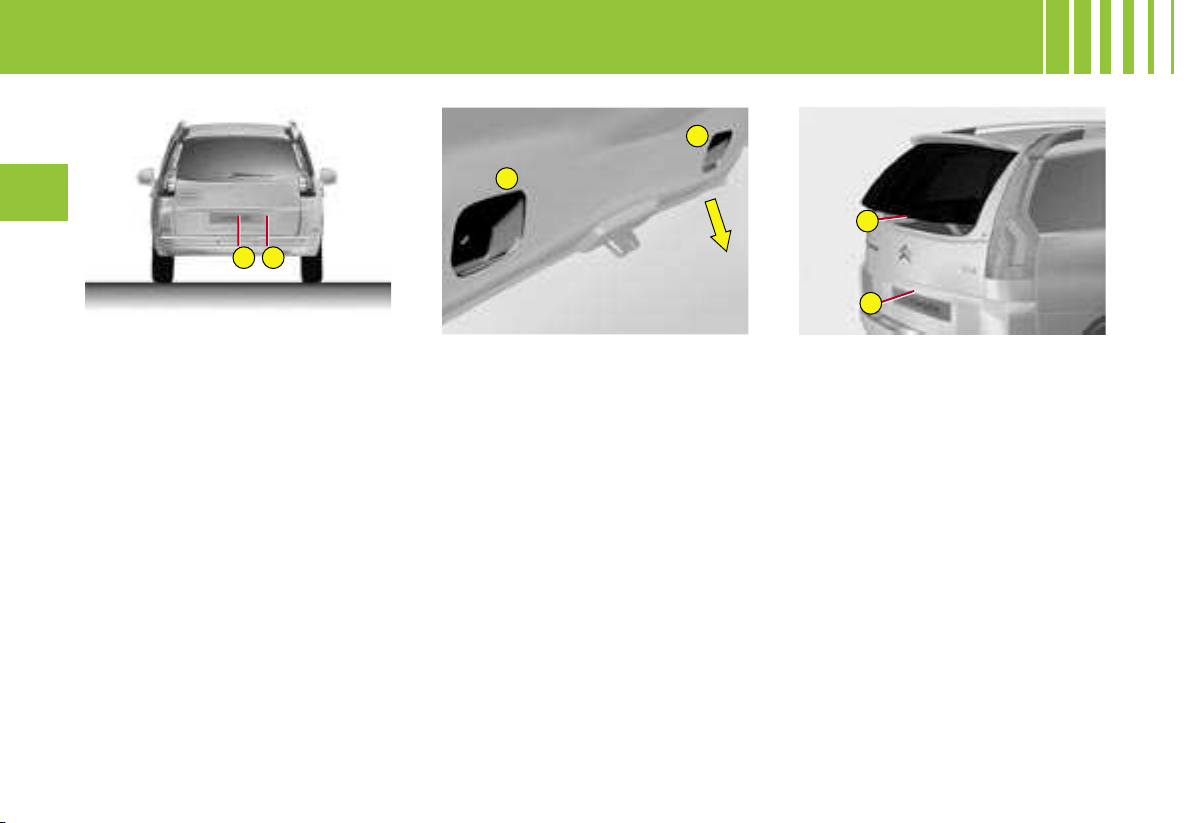
1
2
3
3
2
4
138
III
To open the tailgate
- Press on the control 1.
Note : You cannot open the tail-
gate if the rear screen is already
open.
To close the tailgate
- Lower the tailgate, using one of
the handholds 3, located on the
inside of the tailgate trim.
- Past the balancing point, allow
the tailgate to close itself (do not
assist it or slow it down).
To open the rear screen
Your vehicle may have an opening
rear screen.
This opening configuration gives
you enhanced access to the boot-
space, even if you are parked
close to a wall or to another ve-
hicle.
- Press on the control 2.
To close the rear screen
- Lower the rear screen.
Note :
- The handhold 4 is in line with the
rear wiper.
- In the C4 Picasso
vehicle, if the
rear screen is open, you can ac-
cess your bootspace by lifting the
rear shelf using the tab located on
the shelf.
OPENING THE BOOT
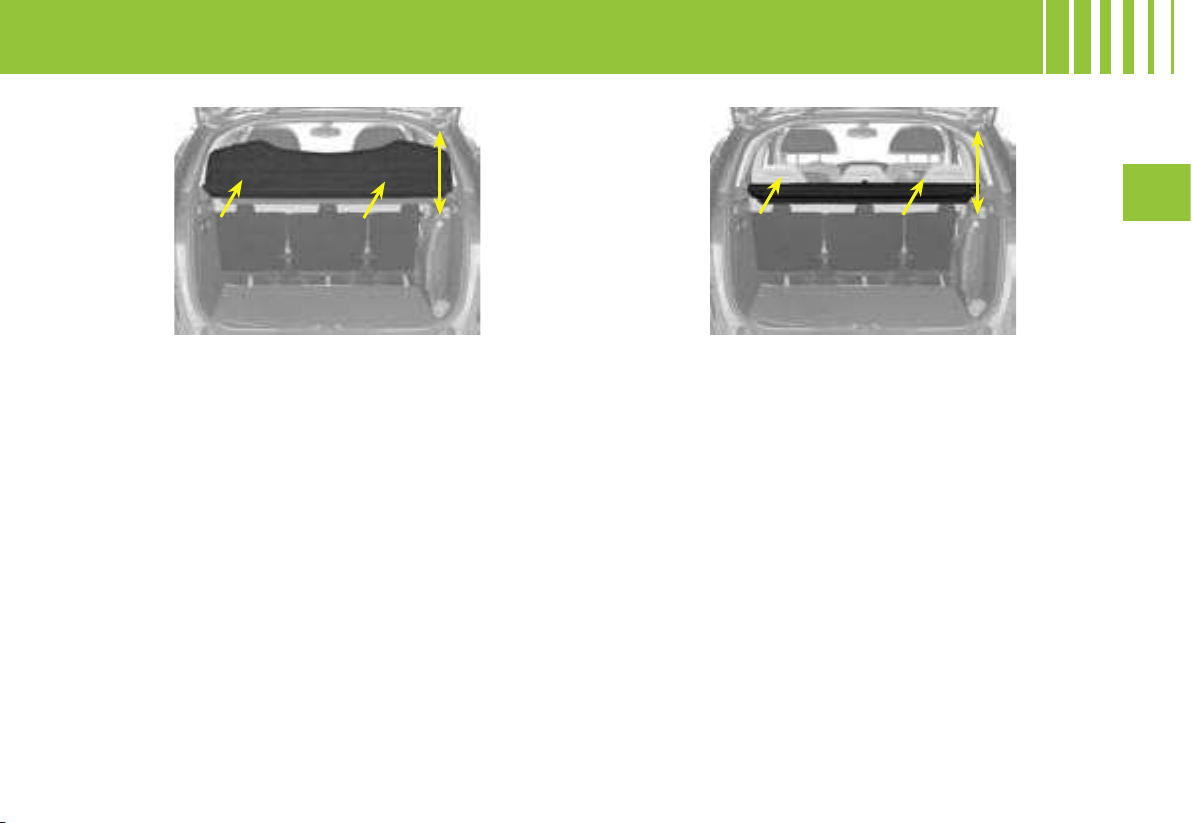
III
139
BOOT - LUGGAGE COVER - C4 PICASSO
LUGGAGE COVER IN TWO SECTIONS
Rear shelf
To remove
1. Unhook the cords.
2. Push upwards then lift on each side of the luggage
cover.
To refit
1. Present the luggage cover to its slots and push
firmly down.
2. So that the luggage cover will rise with the tailgate,
take the cords and attach them on the tailgate.
Front shelf
To remove
1. First remove the rear shelf.
2. Push upwards then lift on each side.
To refit
1. Orient the flap downwards.
2. Present the luggage cover to its slots and push
firmly down.
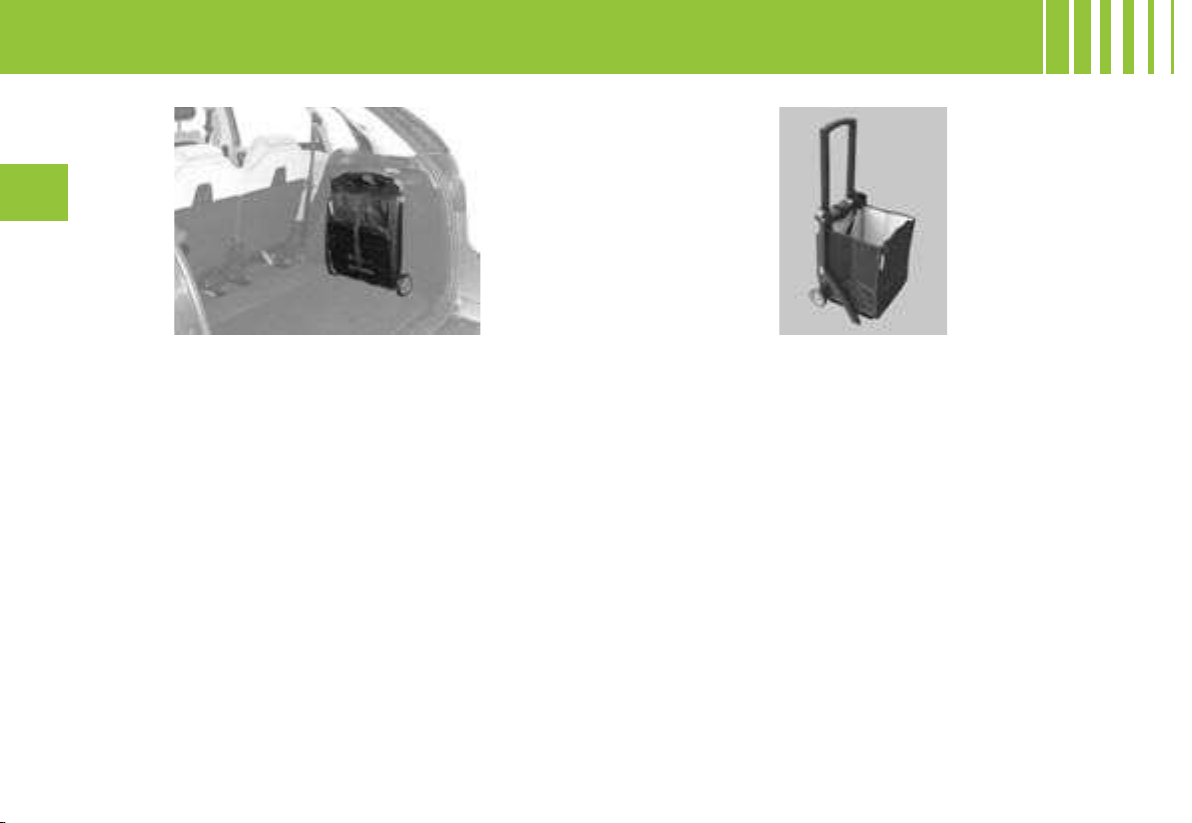
140
III
MODUBOX
The Modubox is for use both inside the vehicle and
away from the vehicle. It is composed of a shopping
trolley and a flexible bag (isotherm on some versions)
which can be used independently of each other de-
pending on your needs (by detaching the fastenings
on each side at the top and bottom).
To use
1. Unhook the red strap to free the Modubox.
2. Unhook the black strap then press on the round
buttons on either side of the Modubox simultane-
ously to deploy it.
BOOT - MODUBOX - C 4 PI C AS S O
Use of the Modubox outside the vehicle
- Press on the recess on the left hand side of the
Modubox to raise (or lower) the handle.
Stowage inside the vehicle
- Perform the operations in reverse to fold and stow
inside the vehicle.
- If you have used your Modubox away from the vehicle,
take care to reposition it correctly in the housings pro-
vided for this purpose.
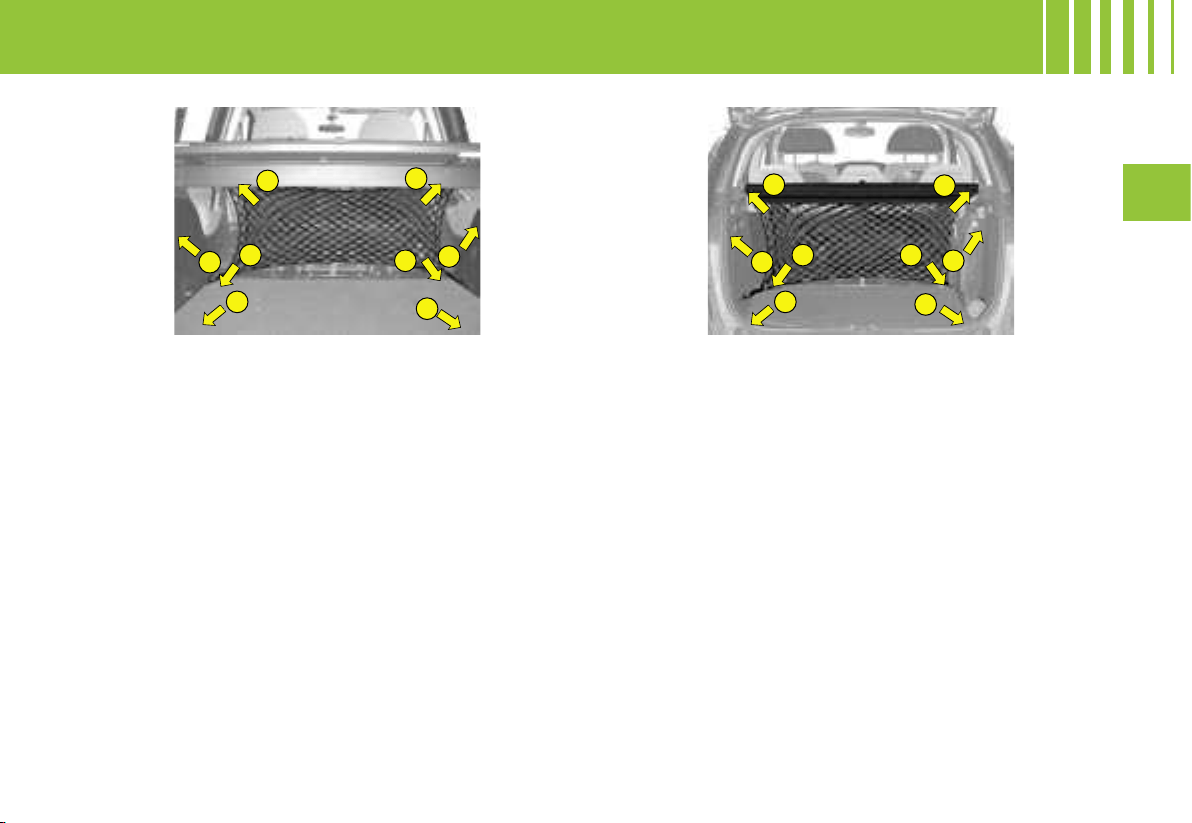
1
2
7
8
3
5
6
4
7
8
1 2
3
5
6
4
III
141
BOOT - CA R GO N E T - G RA N D C4 P IC A S SO A N D C 4 P IC A SS O
Cargo net : Grand C4 Picasso
There are 8 anchoring rings in the boot to enable you
to secure your loads :
- 1 and 2 underneath the luggage-cover blind.
- 3, 4, 7 and 8 on the boot floor.
- 5 and 6 on the boot pillars.
Cargo net : C4 Picasso
There are 8 anchoring rings in the boot to enable you
to secure your loads :
- 1, 2, 3 and 4 on the boot floor,
- 5, 6, 7 and 8 on the boot pillars.
The cargo net gives you a number of configurations depending on which of the anchoring rings you attach it to
(hammock format, vertical / horizontal, on the floor or behind the second row seats), enabling you to secure a
variety of objects in the boot.
Note : For reasons of safety in the event of sudden braking, it is recommended that you place heavy objects on
the floor as close as possible to the backrests of the second-row seats.
Carrier bag hook
A carrier bag hook is available inside the boot on the left hand side.
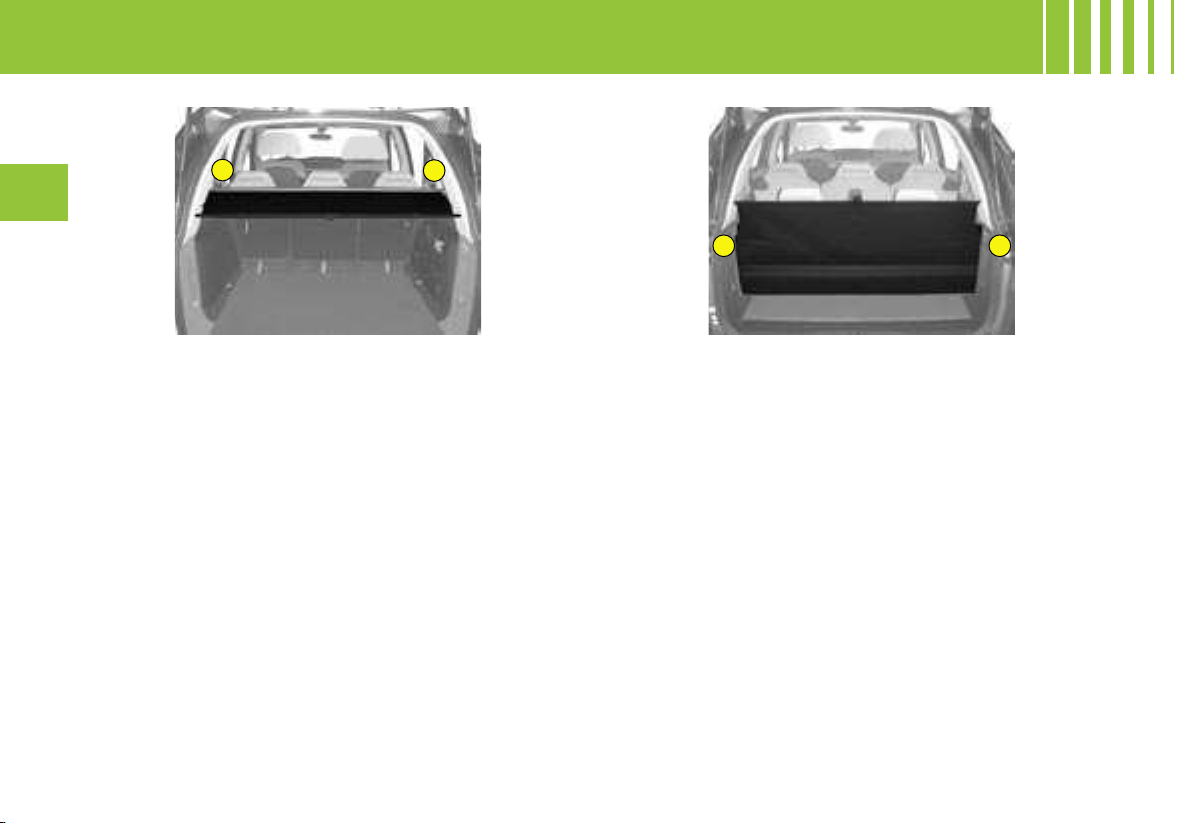
C
D
A
B
142
III
BOOT - LUGGAGECOVER BLIND - G RA N D C 4 P I C AS S O
Luggage-cover blind
Position 1 : (5-seat configuration, behind the second row)
Behind the second-row seats, with the third-row seats
folded away.
To install the roller :
1. Compress the left-hand end of the roller and place
it in notch A.
2. Position the right-hand end of the blind roller in
notch B.
3. Unroll the blind until it reaches the boot pillars.
4. Insert the guides of the blind into the rails on the
pillars.
To remove the blind:
- Perform these operations in reverse order.
Note : the roller has a moving flap to avoid interference
with the second-row passengers when the seats are in
the reclined position.
Position 2 : (7-seat configuration)
Behind the third-row seats, this position conceals
objects stowed in the boot from outside view.
To install the roller :
1. Roll up the blind, then remove the roller from its
initial position.
2. Position the roller, with the blind pull bar upper-
most, flap downward.
3. Fold the concertina plates in the vertical position.
4. Engage the lug on the left of the roller in notch C.
5. Pass the right-hand side above the third-row armrest.
6. Engage the lug in notch D.
7. Pull the seat belt(s) so that they will deploy without
locking.
8. Unroll the blind and engage the guides into the
rails on the pillars.
9. Lock the seat(s) in position.
10. Fold back the concertina plates, pressing them
firmly in position.
C
D
III
143
BOOT - LUGGAGECOVER BLIND - G RA N D C 4 P I C AS S O
Position 2 : (continued)
To remove the roller :
1. Push the flap towards the seat backrest.
2. Lift the concertina plate by grabbing it at the side,
then position it vertically.
3.
Unlock the seat by pulling the strap G (see « Third-row
rear seats »)
.
4. Push the backrest towards the front.
5. Proceed in reverse order to installing.
Note : you can position the concertina plate vertically
to lodge a bulkier object in the boot well.
Position 3 : (7-seat configuration, stowage
position)
To install the roller :
1. Remove the blind from its current position.
2. Position the roller, with the blind pull bar upper-
most, flap downward.
3. Engage the lug on the left of the roller in notch C.
4. Pass the right-hand side above the third-row armrest.
5. Engage the lug in notch D.
To remove the roller :
- Proceed in reverse order to installing.
144
III
BOOT - HIGH CARGO NET - G R AN D C4 P I CA S SO
Net for retaining high loads
This enables you to maximise the vehicle’s load-
space.
It retains objects, preventing them from sliding towards
the front of the passenger compartment.
You insert it under the roller of the luggage-cover
blind, securing it on the third-row side mouldings.
Position 1 (5-seat configuration, behind the
second row)
To install the roller :
1. Remove the protection covers located under the
blind roller notches.
2. Position the roller under that of the luggage-cover
blind.
3. Raise the flap on the blind, positioning it on top of
the blind.
4. Deploy the net, passing it between the rollers and
the seats.
5. Pull the net upwards.
6. Anchor it to the roof by means of the fixing points
(after you have removed their covers).
To remove :
- Perform these operations in reverse order.
Position 2 (2-seat configuration, behind the
first row)
To install the roller :
1. With the second-row seats folded away, remove
the covers of the Isofix anchoring points located
on the seat backrests.
2. Secure the roller on the Isofix anchoring points.
3. Deploy the net and pull it upwards.
4. Anchor it to the roof by means of the fixing points
(after you have removed their covers).
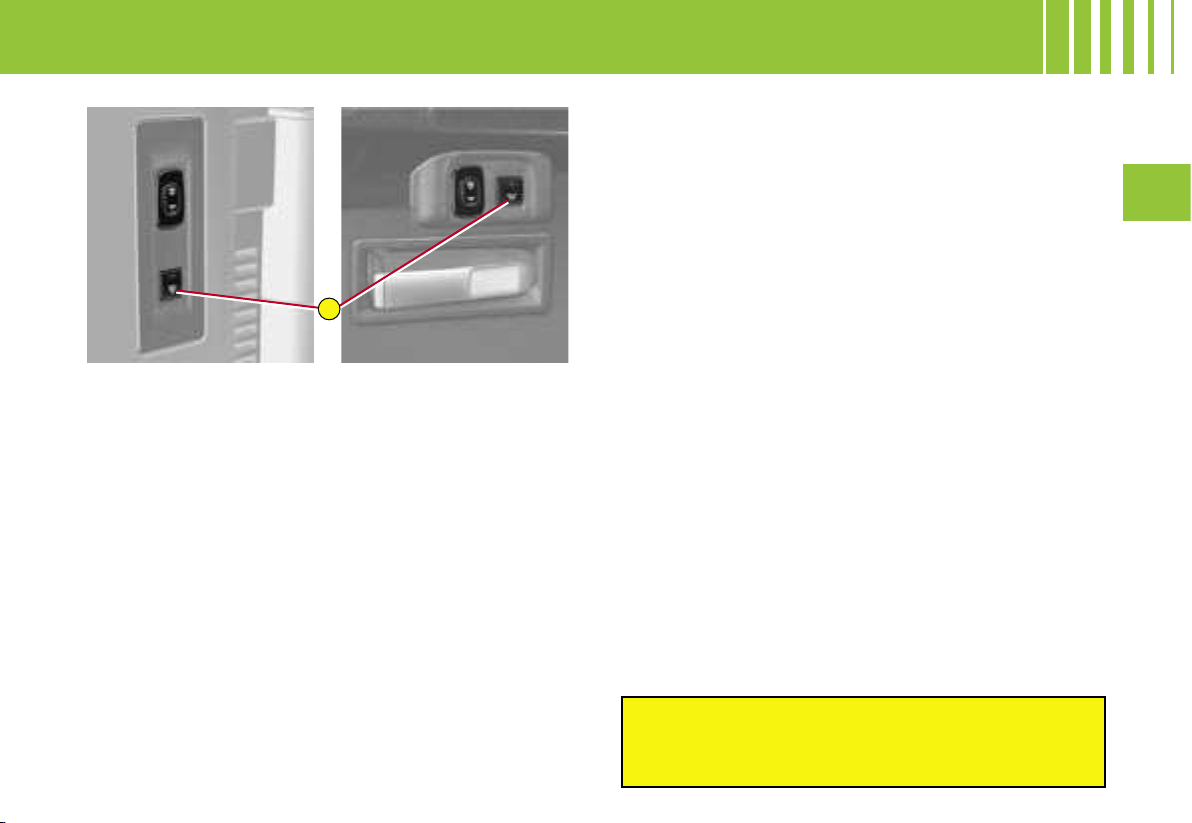
B
III
145
The rear pneumatic suspension enhances driving
comfort by maintaining a constant body height what-
ever the vehicle load.
OPERATION
- If there is an increase in vehicle load, a sinking of
the rear of the vehicle is detected and the pneumatic
springs inflate in order to compensate for the extra
weight.
- If there is an decrease in load, a rising of the rear of
the vehicle is detected and so the pneumatic springs
deflate to return the vehicle to its nominal height.
- If the vehicle has been unused for a long period, the
pneumatic springs may inflate if necessary when you
unlock or open a door, so as to return the vehicle to
its nominal height.
Note : If you do not reactivate the system manually,
the automatic correction will be activated as soon as
the vehicle starts to move. During the correction, the
SERVICE warning lamp lights up and a message on the
screen reminds you not to exceed 10 km/h (6 mph).
Note : the automatic correction does not function if the
doors or the tailgate are open.
The automatic correction operates even if your vehicle
is in economy mode.
ACTIVATION / DEACTIVATION
The automatic correction can be deactivated :
- Press on the button B for approximately two seconds.
-
Release the button when you hear a beep. Deactivati
on
is confirmed by the lighting of the LED on the button B
.
It is essential that you should deactivate the system in
the following instances :
- working under the vehicle,
- changing a wheel,
- transporting the vehicle on a truck or on a boot.
To reactivate the automatic correction :
- Press again on the button B for approximately
two seconds.
- Release the button when you hear a beep. Activati
on is
confirmed by the extinction of the LED on the button B.
In the event of the system malfunctioning, alert
messages, always in association with the SERVICE
warning lamp, will display in the instrument panel.
Contact a CITROËN dealer as soon as possible
.
Grand C4 Picasso C4 Picasso
PNEUMATIC SUSPENSION
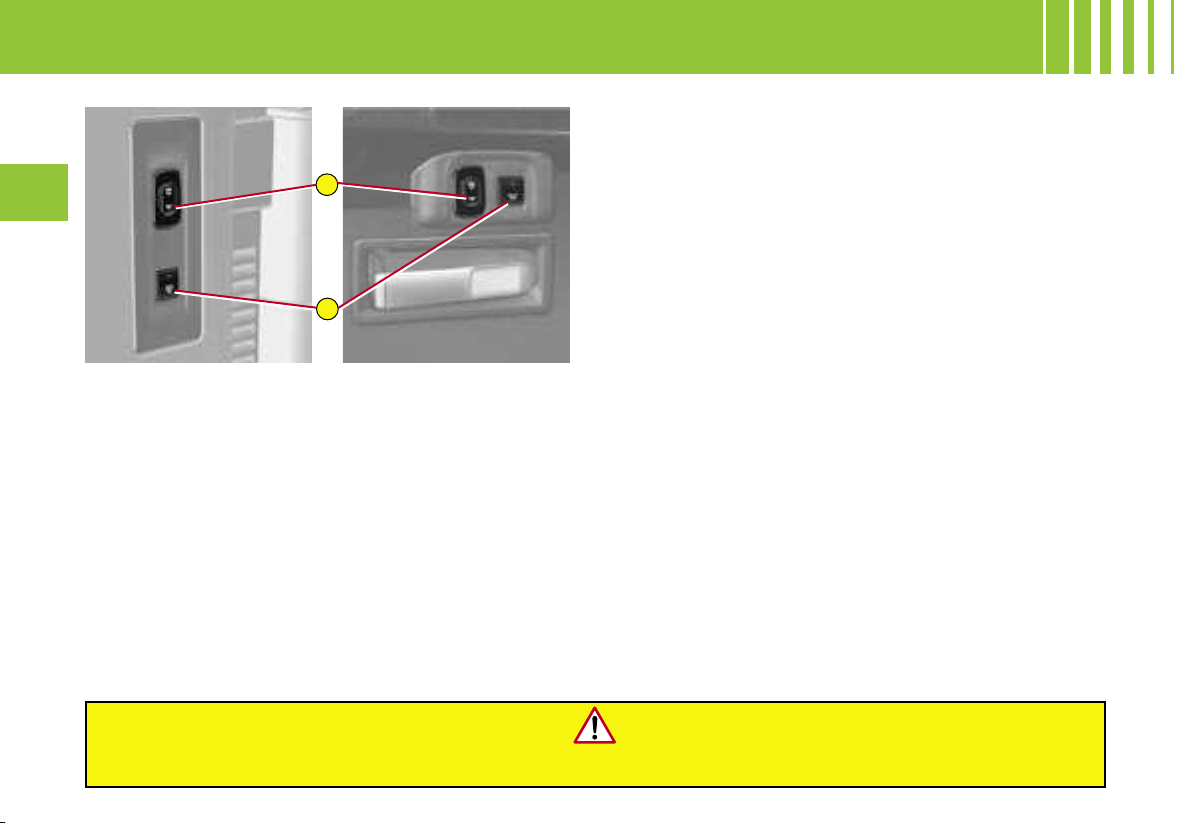
A
B
146
III
The pneumatic suspension has an additional function
associated with it : the possibility to raise or lower the
height of the rear of the vehicle when stationary, in or-
der to facilitate loading / unloading of the boot.
TO INCREASE THE HEIGHT OF THE BOOT
SILL
- Press continuously at the top of the control A, which
is located in the boot, on the left-hand side.
This action will be accompanied by a sound signal.
You can stop the movement at any time by releasing
the control.
3 beeps will confirm that the movement has gone as far
as it can
.
To return to the nominal height :
- Press briefly twice at the bottom of the control A.
TO DECREASE THE HEIGHT OF THE BOOT SILL
- Press continuously at the bottom of the control A.
This action will be accompanied by a sound signal.
You can stop the movement at any time by releasing
the control.
3 beeps will confirm that the movement has gone as
far as it can.
To return to the nominal height :
- Press briefly twice at the top of the control A.
Note :
- If you start the vehicle without having returned it to
the nominal height, the automatic correction will ac-
tivate as soon as the vehicle starts to move. During
the correction, the SERVICE warning lamp lights up
and a message on the screen reminds you not to ex-
ceed 10 km/h (6 mph).
- The loading assistance does not function in the fo
l
-
lowing instances:
- If the button B is lit up,
- in power economy mode.
-
When you first use the function, press for two seconds on
the control A to initialise the system. All subsequent ac-
tions will be followed immediately by the desired r
esults
.
Driving with the boot sill in a low position may damage
the components located under the bodyshell.
Grand C4 Picasso C4 Picasso
LOADING ASSISTANCE
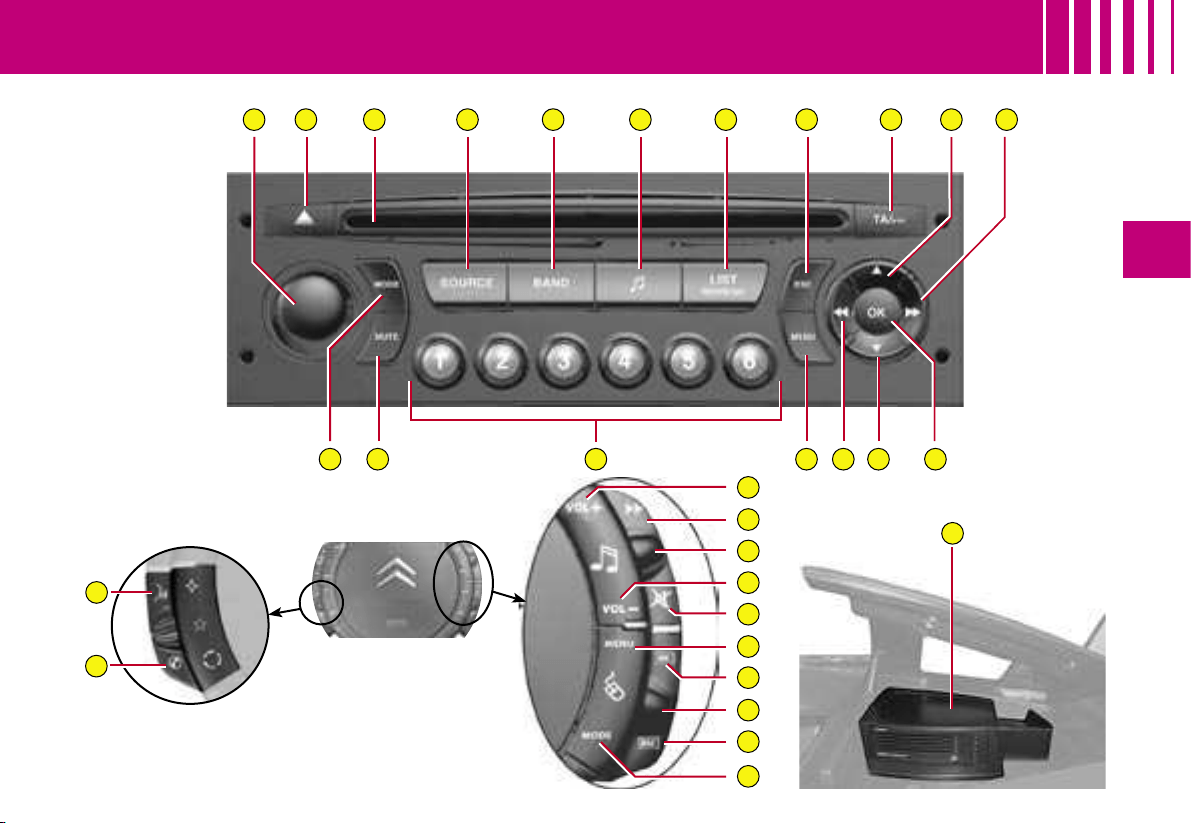
A B C D E F G H I J K
NP MR OQ L
10
11
3
4
2
1
5
7
8
9
6
S
12
IV
147
RADIO -
R D S A UD IO C OM PA CT D IS C S YS T EM W I TH C D C HA N GE R
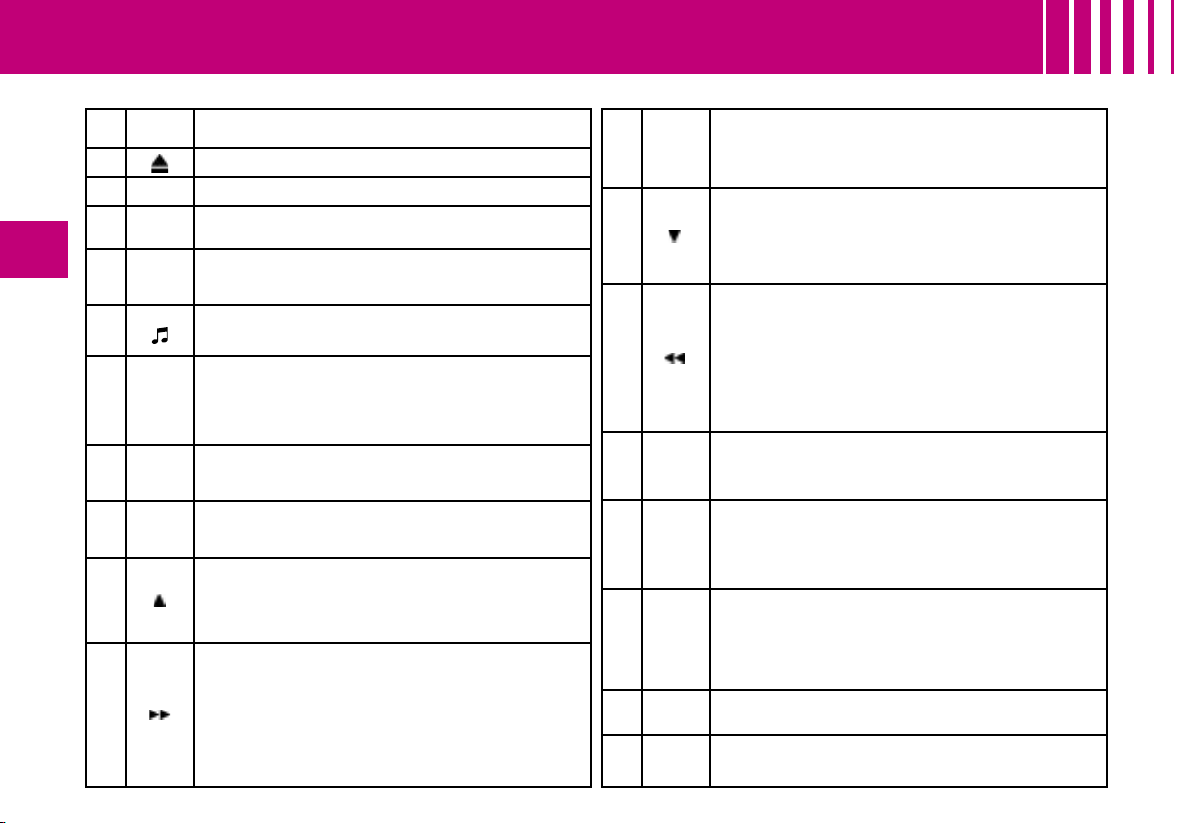
148
IV
BUTTON CONTROLS
A
On / Off.
Volume adjust.
B CD eject.
C CD aperture.
D SOURCE
One press : Selection of sound source (Radio, CD, CD
changer).
E
BAND/
AST
Short press : Selection of frequency bands and memory
banks.
Long press : Automatic pre-set function (Autostore).
F
Call-up of audio adjustments :
Sound ambiences, bass, treble, loudness, fade, balance,
speed-sensitive volume.
G LIST
Radio source :
-
Short press : Display of the list of radio stations available
(30 maximum).
-
Long press : Update of list of stations.
CD source : Display of list of tracks of the CD.
H ESC
Short press : Cancel the current operation or delete a
superimposed display.
Long press : Return to the permanent display.
I TA/PTY
Short press : TA function (road information).
Long press : PTY function (eélection of programme type).
J
Radio source : Manual search of higher frequencies.
CD/MP3 changer source : Selection of the previous
CD/CD-cover.
Other sources : Scrolling in the Main Menu.
K
Radio source : Automatic search of higher frequencies.
CD source, CD changer source and MP3 source :
Forward search for tracks.
-
Long press : Fast forward with accelerated sound.
Other sources : In the menus, choice of your adjustments.
If your vehicle has the Bluetooth system : Selection of
characters.
L OK
Button for validation and activation/deactivation of certain
functions.
If your vehicle has the Bluetooth system : Answer call, end
call.
M
Radio source : Manual search of lower frequencies.
CD/MP3 changer source : Selection of the next
CD/CD-cover.
Other sources : Scrolling in the Main Menu.
N
Radio source : Automatic search of lower frequencies.
CD source, CD changer source and MP3 source :
Reverse search for tracks.
-
Long press : Rapid reverse with accelerated sound.
Other sources : In the menus, choice of your adjustments.
If your vehicle has the Bluetooth system : Selection of
characters.
O MENU
Display of the Main Menu.
In certain countries, this control is deactivated while the vehicle
is moving.
P
1-6
1-5
Radio source :
-
Short press : Recall of pre-set stations.
-
Long press : Memorisation.
CD changer source : Selecting a CD.
Q MUTE
- First press :
Temporary sound pause.
- Second press : Restoration of sound.
R MODE Selection of the type of information displayed.
S CD changer.

IV
149
Multifunction screen A
Technical specifications
Your Bluetooth compatible radio possesses :
- 3 wavebands (MW/LW/FM).
- Dual tuner with RDS EON PTY, display of the PS
name, RDS programme search, TA traffic informa-
tion, 24 pre-selections (18 FM - 6 MW/LW), automatic
memorisation of the AST strongest stations.
- An MP3- compatible CD reader.
- Audio power of 4 x 35 W.
Multifunction screen C
CONTROLS AT THE STEERING WHEEL
The controls at the steering wheel give you access to certain functions, without you needing to use the radio-CD control panel.
1 VOL + Volume increase
2
Radio source :
Short press : Automatic search of higher frequencies.
CD and CD changer source :
Short press : Forward search for tracks.
Long press : Fast forward with accelerated sound.
3
Radio source :
Scrolling of pre-set stations.
CD and MP3 source :
Search of the track.
CD changer source :
Selection of next or previous CD.
4 VOL - Volume decrease.
5
Mute
First press : Temporary sound pause.
Second press : Restoration of sound.
6 MENU
Access to the main menu to activate/deactivate or choose
the adjustments for your vehicle.
In certain countries, this control is deactivated while the
vehicle is moving.
7 OK
In a menu, a list, an alphabet :
Validation of the function, the element or the value chosen.
If your vehicle has the Bluetooth system : Answer call,
end call
8
Selection of the next or previous elements of a menu in a
screen, a list, an alphabet.
9 ESC
Short press : Cancellation of the current operation.
Long press : Return to the permanent display.
10 MODE
Selection of type of information displayed on the right of the
screen and, for screen A, choice of activation/deactivation of
functions and adjustments.
11
If your vehicle has the Bluetooth system :
Press : Display of the “Directory” menu.
12
If your vehicle has the Bluetooth system :
Press : Activation of voice recognition.

150
IV
GENERAL FUNCTIONS - AUDIO ADJUSTMENTS
On / Off
With the key in Drive position M,
press on control A to switch the
radio on or off.
Note :
- If the radio was on the last time
you switched off the ignition, it
will resume automatically when
you switch on the ignition again.
You will not have to press on
control A.
- After switching off the ignition, you
can still operate the audio system
even without the ignition key be-
ing present. Simply press on but-
ton A. The system will turn itself
off after approx. 30 minutes.
Anti-theft system
This radio is coded in such a way
as to function only on your particu-
lar vehicle. It would be unusable if
installed on any other vehicle.
Note :
The anti-theft system is automatic
and requires no action on your
part.
Selection of source
To select either Radio, CD (CD
already inserted and Radio source
activated), or CD changer source,
press on control D.
When you insert a CD it automati-
cally starts being read.
Note :
When the radio is switched off, the
source selected is memorised.
Volume adjustment
Rotate control A to increase or de-
crease the sound volume.
You can also increase or decrease
the volume using buttons 1 and 4
at the steering wheel.
Note :
- The sound volume when you
switch off the radio will be the same
when you switch it on again.
- The radio sound volume auto-
matically adjusts to the vehicle
speed, provided the “volume ad-
justment” function is activated.
Temporary sound pause
Press on control 5 at the steering
wheel, or on the MUTE button, to
activate this function.
The sound will be paused, regard-
less of the source selected.
To restore the audio output, press
one of the controls at the steering
wheel.
Sound adjustments
Each press on button F brings up
the parameter to be adjusted :
choice of predefined sound am-
biances, bass, treble, loudness,
fade (front/rear sound distribu-
tion), balance (left/right sound dis-
tribution) and volume adjusted to
vehicle speed.
Press buttons K or N to modify the
values for the function displayed.
Note :
- The selection of a sound ambi-
ance automatically adjusts bass
and treble. These can be modified.
To restore the original adjust-
ments for the musical ambi-
ances, reset bass and treble to
zero.
- Adjustment of loudness, as well
as bass and treble when they
are available, are specific to
each sound source and to each
musical ambiance.
- If you leave the audio system
un-actioned for a few seconds, it
will revert to the normal display.

IV
151
RADIO SOURCE
Notes on radio reception
Your radio will be subject to certain
phenomena that are not encoun-
tered by domestic systems.
The reception of AM and FM sig-
nals may suffer from interference,
which is caused by the nature and
propagation of the signals and
does not reflect on the quality of
your radio installation.
In AM, the reception may be af-
fected when passing under power
lines or bridges, or when travelling
through tunnels.
In FM mode, the reception may be
affected by the distance from the
station transmitter, the reflecting of
signals off obstacles (mountains,
hills, tower blocks) and radio blacks-
pots (no coverage from the station
transmitter).
Selection of radio source
Press button D to select the source.
Selection of frequencies and
memory banks
Press button E successively to go
through the memory banks FM1,
FM2 and FM3, for the FM wave-
band, and the memory banks MW/
LW, for the AM waveband.
Manual search
Manual seearch is via buttons J
or M.
By keeping button J or M pressed,
you will be able to scroll through
the waveband. Scrolling will stop
as soon as you release the button.
The radio will remain tuned to the
frequency that is displayed.
Tuning sensitivity
Automatic searches can be car-
ried out according to two levels of
sensitivity :
- To capture the most powerful trans-
mitters, choose the local search
mode “LO” (default option).
- To capture the weakest or most
distant transmitters, choose the
sensitive search mode “DX”.
Search for a station is done first
in “LO” (local) sensitivity, then in
“DX” (distant) sensitivity.
To commence a search in sensi-
tivity “DX” (distant) immediately ,
press twice in succession on one
of the buttons K or N.
Automatic search
A short press on one of the but-
tons K or N will tune into higher or
lower radio stations respectively,
within the chosen waveband.
By keeping button K or N pressed,
you will be able to scroll through
the waveband. The scrolling will
stop at the first station it finds once
the button is released.
You can also do this by means of
control 2 at the steering wheel.
If the automatic search is unable
to tune into a known frequency
(perhaps owing to very weak re-
ception), it is possible to search
manually to find this station.
Display and selection of a
station available in the area in
which you are travelling
Briefly press on button G to bring
up a list of stations, this is updated
every 10 minutes.
You can also update this list at
any time by giving a long press on
button G.
To listen to one of these stations,
select by pressing buttons J or M
and validate using button L.

152
IV
Manual pre-setting
Select the waveband and memory
bank required using button E.
Select a station using either auto-
matic or manual search.
Keep pressing for more than two
seconds on one of the pre-selection
buttons 1 to 6 on the keypad P.
The sound momentarily cuts off,
then returns to its previous level to
confirm that it has memorised the
station.
Automatic memorisation of
transmitters
(Autostore function)
In FM, if you hold down button E
for more than two seconds, your
radio will automatically memorise
the 6 strongest stations on the
FM3 memory bank.
The display shows “FM AST”.
The radio memorises the 6 strong-
est transmitters, deleting the
6 previously memorised.
After the memorisation, the ra-
dio goes directly to memory 1 of
memory bank FM3.
Note :
- If the traffic information function
has been activated (see RDS
SYSTEM), the stations offering
this facility will be memorised as
priority.
- If it is unable to memorise any
new stations, the system will re-
tain the previously memorised
stations.
- If the system is unable to find
6 stations, the unfilled memory
slots will remain free.
Recall of pre-set stations
Press button E briefly to select the
required waveband and memory
bank.
A short press on one the pre-
selection buttons 1 to 6 on the
keypad P recalls the correspond-
ing memorised station. You can
also do this using the control 3 at
the steering wheel.
If it is a RDS station, the frequency
appears some seconds before the
name appears.
For RDS stations, recall of a sta-
tion may prompt a search for a
frequency corresponding to the
region where you happen to be
(see RDS system).
RADIO SOURCE

IV
153
Using the RDS
(radio data system)
function on FM
The majority of FM radio stations
use the RDS system. The radio in
your vehicle has this system,.
The RDS system enables these
stations to transmit non-audible
data in addition to the broadcas
ting of their programmes. The data
provides access to various functions
described in this chapter, such as:
display of the station name, inter-
mittent traffic information flashes or
automatic scanning of stations. This
enables you to continue listening to
your chosen radio station, regard-
less of the different frequencies it
uses in the regions through which
you are travelling
.
Scanning of RDS stations
Your radio keeps the best pos-
sible reception by continuously
looking for any other frequencies
on which the selected radio sta-
tion is broadcast, automatically
choosing the frequency offering
the best reception (providing the
station broadcasts on more than
one transmitter or frequency).
Activation/deactivation of the
RDS functions
The RDS functions can be accessed
via the following two menus :
- Main menu (press button O).
- Audio menu (press button L).
To activate/deactivate the RDS
functions on multifunction
screen C :
1. Press button O.
2. Select the AUDIO icon using
buttons J or M.
3. Confirm your choice with a
press on button L.
4. Select the sub-menu for the
FM waveband, via buttons J
or M. Confirm your choice with
a press on button L.
5. Select scanning for RDS sta-
tions, via buttons J or M.
6. Validate your choice with a
press on button L.
7. Using control L, select/dese-
lect to activate/deactivate the
function.
8. Validate your choice by select-
ing “OK” on the display.
To activate/deactivate the
RDS functions on
multifunction screen A :
1. Press button O.
2. Select the AUDIO-CD icon via
buttons J or M.
3. Select scanning for RDS sta-
tions, via buttons J or M. The
system tells you the status (ac-
tive or inactive) of the function.
4. Modify this status via buttons
K or N.
5. Then please wait for the dis-
play to disappear.
Note :
If the RDS function is active :
The “RDS” on the display will light
up provided the station being re-
ceived uses the RDS system with
scanning of frequencies.
The “RDS” on the display is barred
if the station received uses the
RDS system without frequency
search.
If your RDS function is deactiva-
ted, the “RDS” on the display will
be absent in all cases.
The display will indicate the
“NAME” for the stations that use
the RDS system and the frequency
for stations that do not use it.
RDS SYSTEM

154
IV
Regional search mode
Some stations, when they are or-
ganised in networks, broadcast
regional programmes at certain
times of day, and national pro-
grammes at other times.
It is possible to search :
- Either for a regional station only.
-
Or across the whole network in
order to find a different programme
.
To activate/deactivate this func-
tion, proceed as for Scanning of
RDS stations.
Note :
When this mode is activated, the
system will remain tuned to one
specific regional station.
TA traffic information
(traffic announcements)
Some stations allow broadcasting,
only in FM, of these messages
thanks to the “TA” function.
You can activate the “TA” func-
tion by pressing on button I. This
allows you, even though you are
listening to another audio source
or to a radio programme not itself
providing traffic messages, to re-
ceive traffic information flashes
from an FM station which broad-
casts them.
While the messages are being
broadcast the original source is
paused and when the messages
have ended your radio will auto-
matically revert to the music pro-
gramme you were listening to.
Notes :
- You have to be in FM wave
band.
-
The station being listened to should
indicate via the RDS system that it
broadcasts traffic information
.
- Stations organised in a network
(EON) have regional transmitters
that send their own programmes:
while you are listening to one of
these stations the system will
switch automatically to a station
on the network that is broadcast-
ing traffic information.
- You can stop listening to a mes-
sage by pressing button I.
Sound volume adjustment for
traffic information
The sound volume for traffic infor-
mation operates separately from
that for the rest of the system, and
can be adjusted independently.
Rotate button A while a traffic
information message is being
broadcast.
This volume adjustment is memo-
rised.
Selecting a programme
type
Certain stations offer the possibi-
lity of listening to a particular pro-
gramme type, selected from a list
(PTY).
press for more than two seconds
on button I.
Press on buttons J or M to scroll
through and select the programme
type you prefer, then press on but-
ton L to validate your choice.
Searching for a station
broadcasting this programme
type
When you have chosen a pro-
gramme type, the list of corres-
ponding stations appears on the
display, press on buttons J or M to
scroll down and select the station
you want, then press on button L
to validate your choice.
Quitting pty mode
To quit “PTY” mode, select the
function to deactivate “PTY” in
the list of the different programme
types
.
Radio text via contextual menu
This function allows to view the
information broadcast by the sta-
tion, concerning the programme
you are currently listening to.
To activate/deactivate this func-
tion, proceed as for Scanning of
RDS stations.
RDS SYSTEM

IV
155
Selecting CD source
After inserting a CD, with the printed
side facing upwards, the player will
start playing the CD automatically.
To change manually to CD source
(CD already inserted), press button
D until you obtain the source you
require.
Ejecting a CD
Press button B to eject the CD,
the audio system will automati-
cally switch to radio source.
If the CD is not removed within 10
to 15 seconds of being ejected, it
will automatically be taken back
into the CD player, although it will
not be played.
Selecting a track
Press button K once to play the
next track.
Press button N once to return to
the beginning of the track current-
ly being played, press a second
time to go back to the start of the
previous track.
Press the buttons successively to
skip several tracks at a time.
This can also be done via the con-
trol G. As the list of tracks is dis-
played on the screen, select the
desired track using buttons J or
M, then validate using button L.
You can also do this by means of
control 2 at the steering wheel.
Fast forward and rapid reverse
with accelerated sound
To move swiftly through the CD,
press and keep pressed button K
or N, respectively for fast forward
or rapid reverse with accelerated
sound.
Play resumes as normal when the
button is released.
Menu
This menu allows activation/deac-
tivation of two options :
- Playback of the first 7 seconds
(approx.) of each track of the
CD.
- Random playback of the CD
tracks.
This can be accessed in two ways :
- Either by pressing button O and
proceeding as for Search of Sta-
tions RDS – for screen C, the
sub-menu corresponds to the
Audio Preferences.
- Or, provided you are in CD
source, by pressing onbutton L.
You can then access the Audio
menu (for screen C only).
Note :
If one of these options is active,
it remains active for CD changer
source.
Safety precautions
For safety, do not use a CD player
if the cabin temperature is higher
than +60 °C or lower than -10° C.
If the temperature becomes too
high, an automatic safety device
will prevent the CD player from
working until an acceptable tem-
perature is restored.
Handling compact discs
Do not drop them. Store the CDs
so that they are kept of dust. Avoid
touching the disc surface as any
scratches may adversely affect
the sound quality. Do not attach
any stickers to the discs. Do not
use damaged or deformed discs.
Do not expose them to heat or di-
rect sunlight.
If the surface of the compact disc
is dirty, it can be wiped with a soft,
clean cloth. Always wipe from the
centre of the disc outwards.
CD SOURCE

156
IV
CD SOURCE
MP3 CD player
Your Audio CD system may be
MP3 compatible.
As you insert a CD recorded in
MP3 format, playback starts of the
first song of the first CD-cover.
You can select a particular track
by using buttons N or K and CD-
covers using buttons J or M.
To select a track
To display the list of CD-covers,
press on button G.
Use buttons J or M to select the
CD-cover you wish to listen to.
To open a CD-cover, press L.
Use buttons N or K to select the
track you wish to listen to.
Validate by pressing button L or
control 7 at the steering wheel.
Menu
This menu is for activation/deacti-
vation of three options :
- Playback of the first 7 seconds
(approx.) of each track of the CD.
-
Repetition of the current CD-cover.
- Random playback of CD-cover
tracks by CD-cover.
This can be accessed in two ways :
- Either by pressing button O and
proceeding as for Search of Sta-
tions RDS – for screen C, the
sub-menu corresponds to the
Audio Preferences.
- Or, provided you are in CD
source, by pressing onbutton L.
You can then access the Audio
menu (for screen C only).

IV
157
CD CHANGER SOURCE
Selecting a CD
To select a CD, either press one of
the pre-selection buttons 1 to 5 on
the keypad P, or scroll using but-
tons J or M.
The CD will start to play automati-
cally.
You can also do this by means of
control 3 at the steering wheel.
After each change of source, on
return to CD changer source, play-
back will resume at the same point
where it had been interrupted.
Selecting a track
Press button K once to play the
next track.
Press button N once to return to
the beginning of the track current-
ly being played, press a second
time to go back to the start of the
previous track.
Press the buttons successively to
skip several tracks at a time.
You can also do this by means of
the controls 2 and 3 at the steer-
ing wheel.
Fast forward and rapid reverse
with accelerated sound
Press and keep pressed one of
the buttons K or N respectively for
fast forward or rapid reverse with
accelerated sound. Play resumes
as normal when the button is re-
leased.
Menu
This menu is for activation/deacti-
vation of three options :
- Playback of the first 7 seconds
(approx.) of each track of the
CD.
- Repetition of the current CD.
- Random playback of tracks, CD
by CD.
This can be accessed in two ways :
- Either by pressing button O and
proceeding as for Search of Sta-
tions RDS – for screen C, the
sub-menu corresponds to the
Audio Preferences.
- Or if you are in CD changer
source by pressing button L. You
then have access to the AUDIO
menu (for screen C only).
Note :
If one of these options is active, it
remains active for CD source.
CD Changer
This equipment S (if present) is lo-
cated in the passenger’s storage
compartment on the dashboard. It
can accommodate 5 discs.
Inserting CDs into the
magazine
Insert the CDs printed surface to
the left.
Note :
- Each compartment takes one
disc only.
- The CD changer will not operate
if discs are inserted the wrong
way up.
Removing discs
To remove a CD, give a long press
on the corresponding button.
Note :
- The CD changer (if there is one)
is not MP3 compatible.
Selecting CD changer source
Press on button D until you reach
CD changer.
After the magazine engages, play-
back of the first track of the first
CD will begin.

158
IV
- The telephone detects the Blue-
tooth system on your vehicle.
“CITROËN” displays on your
telephone.
You should then select “CITROËN”
on your telephone controls. Next
you must choose whether or not
to accept this twinning then select,
on screen C using J, M or 8, one
of the 4 memories. Validate with a
press on button L or 7.
Note :
You can select a memory already
attributed, although the telephone
twinned to this location will no
longer be.
- Next the telephone asks you to en-
ter an identification code : 1234.
- Validate.
Notes :
This entry may be demanded ear-
lier in the twinning sequence.
The telephone is now twinned to
your Bluetooth system. For imme-
diate access to the Bluetooth func-
tions, it may be necessary to make
a connection (see following page,
Configuration : Connecting a
twinned mobile telephone).
Once the twinning is finished, you
will be able to connect your tele-
phone via the “Main menu”.
Connecting a twinned telephone
Each time you enter the vehicle,
after switching on the audio sys-
tem, your telephone is detected
automatically. If more than one
telephone is present, the last
telephone to have been connect-
ed is the first to be recognised.
Note :
Disconnections may occur. You
may have to make a new connec-
tion (see following page, Configu-
ration : Connecting a twinned
mobile telephone).
Observations :
- In the event of a problem, it is
recommended to switch your
telephone off and then on again.
- If you switch off your telephone
within the field of reception of the
Bluetooth system on your vehi-
cle, the next connection will not
be automatic. To restore auto-
matic connection, you will have to
connect your telephone manually
(see following page, Configura-
tion : Connecting a twinned
mobile telephone).
- If you are already in telephone
communication when the audio
system is turned on, the latter
detects the telephone.
- To avoid interference, you are
advised not to place your mobile
telephone close to your radio.
To accept an incoming call
Use button L or control 7 at the
steering wheel.
Your audio system may be Bluetooth
compatible. It allows you to connect
a mobile telephone for use “hands
free” and even to use its directory.
It permits you to twin up to four
telephones, to be able then to con-
nect whichever one you choose.
The Bluetooth functions available
and the content of the display are
dependent on the type of mobile
telephone, its settings and the type
of contract you have. For this rea-
son it is advisable to make enqui-
ries with your telephone provider.
Prior to any operation :
Your display should be lit up (key
in position M).
Your telephone’s Bluetooth sys-
tem must be activated.
Twinning a telephone
Twinning a telephone consists of
having it recognised by the Bluetooth
system on your vehicle. This then
permits an instantaneous connec-
tion
.
Twinning can only be performed
with ignition switched on, dis-
play illuminated, engine stopped.
No other telephone should be
connected.
The twinning must be per-
formed with the telephone and its
Bluetooth system activated.
Notes :
Refer to the user instructions to fa-
miliarise yourself with the features
of twinning.
BLUETOOTH
®

IV
159
Main Menu
Press on the Menu control O to
access the Main Menu, then se-
lect the “Telephone” icon via but-
tons J, M or 8 and then validate
the selection via button L or 7.
You have access :
- To the Directory.
- To Configuration.
- To Communication Management.
You access your choices using J,
M or 8 then you validate them with
a press on L or 7.
This main menu can also be ac-
cessed by pressing button E then
button L.
Directory
This menu lets you open :
The telephone Directory of the
telephone that is connected.
The Calls List.
This menu can also be accessed
with a press on control 11.
Telephone directory
The starting of a telephone call
can be done independently of the
telephone or of the audio system,
thanks to the directory.
The directory is displayed. Select
the number via J, M or 8, then vali-
date with a press on L or 7.
Observations :
The directory displayed updates
itself automatically.
If the person to be called does not
figure in the directory, the call can
only be made starting from the
telephone.
If you have information recorded
in the Vcard format, you must se-
lect the person you wish to call,
then validate. A list of 4 numbers
maximum can be displayed with
the following labels : “Home”, “Of-
fice”, “Mobile” and “Car”.
Calls list
After selecting this component
and then validating, the calls list
is displayed with a maximum of :
10 calls made (arrow pointing up-
ward), 10 calls received (arrow
pointing downward) and 10 calls
not connected.
It is possible to make a call starting
from this list : Select the number
via J, M or 8, then validate with a
press on L or 7.
Configuration
This menu allows you to :
- Delete a twinning.
Using J, M or 8, select this choice
then validate via L or 7. Select
in the list the telephone that you
no longer wish to have twinned.
Validate.
- Consult the list of twinnings.
The list of telephones twinned is
displayed.
- Connect a mobile telephone
that is twinned.
Select the telephone that you
wish to connect. This access al-
lows you to make a connection
manually.
Call management
This menu is accessible during
your calls, permitting you to :
- Swap a call if there is another
call incoming.
- End a call.
- Be in Secret mode.
Note :
If you are in telephone conver-
sation, you have access to this
“Configuration” menu by means
of a press on L or 7.
BLUETOOTH
®

160
IV
BLUETOOTH
®
Voice recognition
A short press on button 12 starts
voice recognition for the telephone.
Voice recognition allows you to
make a call to a number for which
you have recorded a label on the
mobile telephone that is twinned
and connected.
Note :
It is possible to stop the call as
long as the dialling has not com-
menced, by means of a short
press on button 12.
Notes :
- While you are on a call, the audio
source currently being listened
to is paused.
- Some ring tones on your mobile
telephone may not be recognised
by the Bluetooth system on your
vehicle. A different ring tone will
be chosen by the system.
Displays
A press on the “TEL” button dis-
plays the telephone information
on the right on your screen.
A “Telephone” symbol appears on
your display when you connect a
mobile telephone.
A “Battery” symbol appears at the
bottom of the display to indicate
the range of the mobile telephone
connected.
An “Envelope” symbol appears at
the bottom of the display to indicate
the presence of an unread SMS on
the mobile telephone connected.
A “Sound track” symbol appears
at the bottom of the display to indi-
cate the presence of a message on
the mobile telephone connected.
To swap a call
During a telephone conversation,
the system is able to tell you of a
second call incoming. To accept it,
validate. To change from one call
to the other, select this choice.
To end a call
This choice enables you to end a
telephone conversation, for exam-
ple if there is another call incoming.
Secret mode
Select this choice. This allows
you not to be heard by the other
person. To restore sound to the
other person, select deactivation
of Secret mode in the menu “Call
Management”.
Note :
If you wish to transfer a call from
the audio system to the mobile
telephone (for example when lea-
ving your vehicle), refer to the user
instructions for the latter.

IV
161
PH IL I P S HI-FI SYSTEM
Your vehicle may be equipped with a Philips Hi-Fi system, specially designed to fit in with your cabin interior.
It consists of :
- A DSP (Digital Signal Processing) high power digital amplifier,
- A low subwoofer box (30Hz – 100 Hz),
- 8 Philips-specific loudspeakers,
- an MP3 reader.
Adjustment in CD or radio mode
The basic functions remain the same as those for the radio.
No extra adjustment is necessary.
However, to profit fully from your Philips system, you are recommended to adjust the audio functions: bass (Bass),
treble (Treb), front/rear balance (Fad), left/right balance (Bal) to position O, Loudness (Loud) to position ON for
listening to a CD and to position OFF for listening to the radio.
Your system also gives you Dolby wrap-around sound for Pop, Rock and Classical.
Note : In the event of poor reception of the FM stereo signal and/or the mono source, deactivate the sound ambiances.
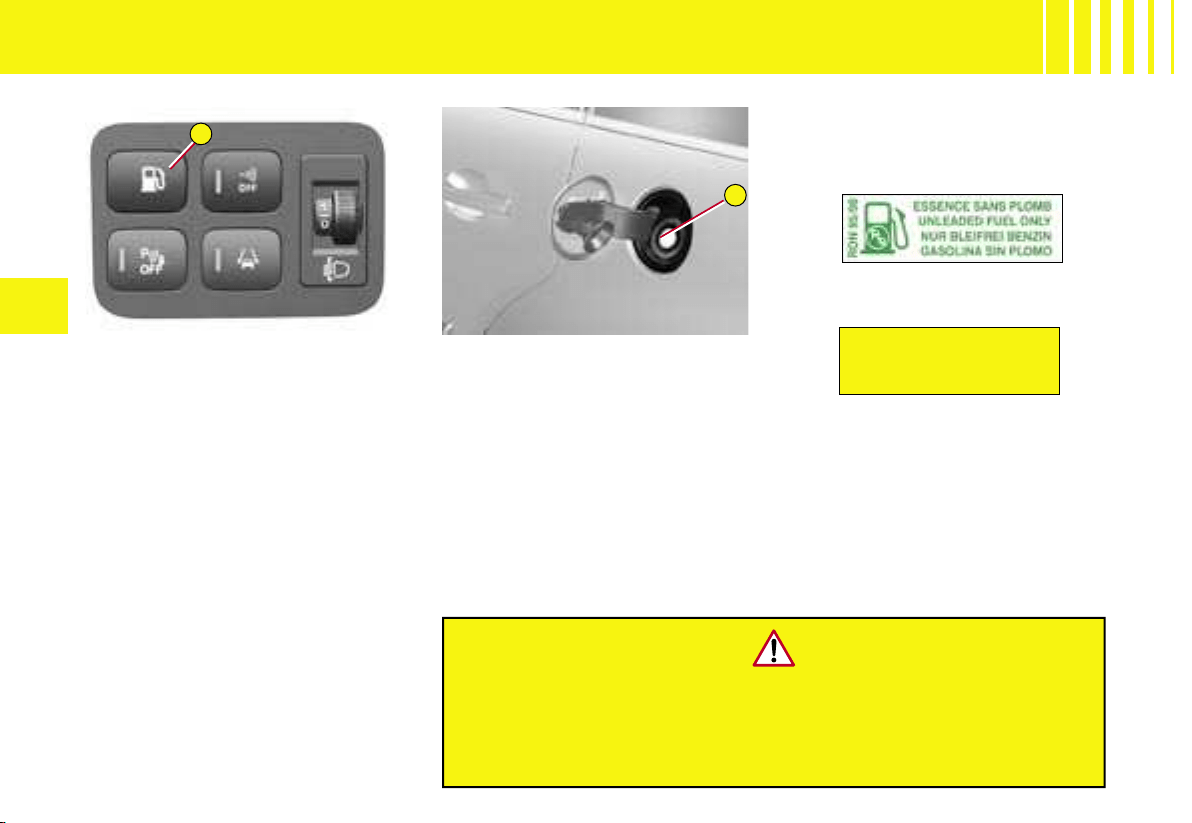
DIESEL
A
B
162
V
Refuelling
1. Press on the the control A
situated on the control panel
on the left hand side. The fuel
flap automatically opens up.
2.
Take care to select the pump
that corresponds to the correct
fuel type for your vehicle
.
3. Introduce the nozzle so as to
push in the metallic gate valve
B.
4. Make sure that the nozzle is
pushed in as far as possible
before starting to refuel (risk
of blowback).
5. Maintain this position through-
out the refuelling operation.
6. Push the fuel flap to reclose it.
For petrol engines, unleaded fuel
is obligatory.
The filler neck is narrower, permit-
ting unleaded petrol only.
If you are filling your tank to
the top, do not persist after the
third cut-off ; that could cause
your vehicle to malfunction.
FUEL QUALITY
A label affixed to the inside of the
fuel flap indicates the fuels that
are authorised.
UNLEADED PETROL
DIESEL FUEL
The petrol engines are designed
to run on RON 95.
However, for better vehicle per-
formance (petrol engines), we rec-
ommend RON 98.
After switching off the ignition, the control A is active for only a few
minutes. If necessary, switch on the ignition again to reacti
vate it.
If you have put in fuel that is wrong for your vehicle,
it is essential to have the tank drained before
you start the engine.
FUEL
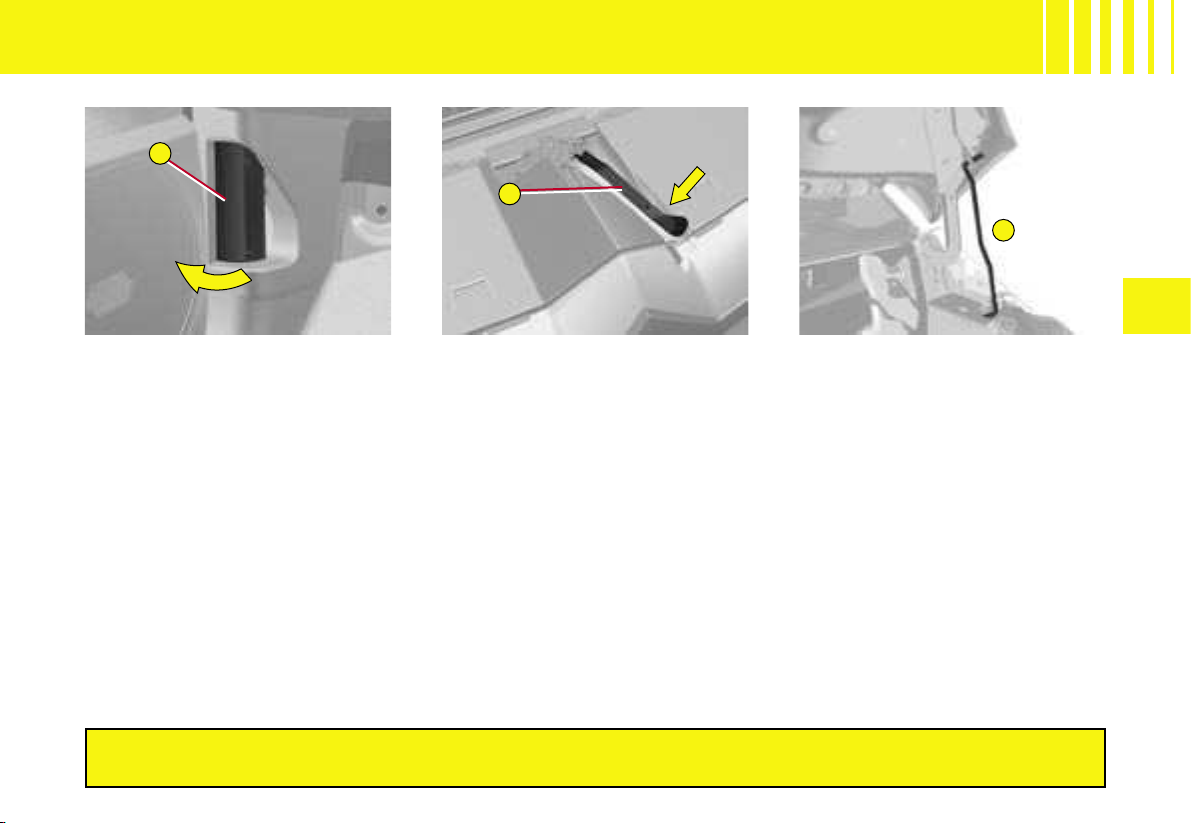
C
A
B
V
163
BONNET RELEASE
This operation should only be
performed when the vehicle is
stationary.
To unlock the bonnet, pull towards
you the control A located under
the dashboard.
Note : the driver’s door has to be
open for you to be able to action
the control.
Move the lever B, located at the
top of the grille to the right of the
chevrons, then raise the bonnet.
Bonnet stay : detach the stay C
and pivot it upwards to insert it
into the notch.
To close the bonnet
Move the stay C back to its initial
position, lower the bonnet and
then allow it to slam shut.
Check that the bonnet is locked.
Avoid opening the bonnet in high winds.
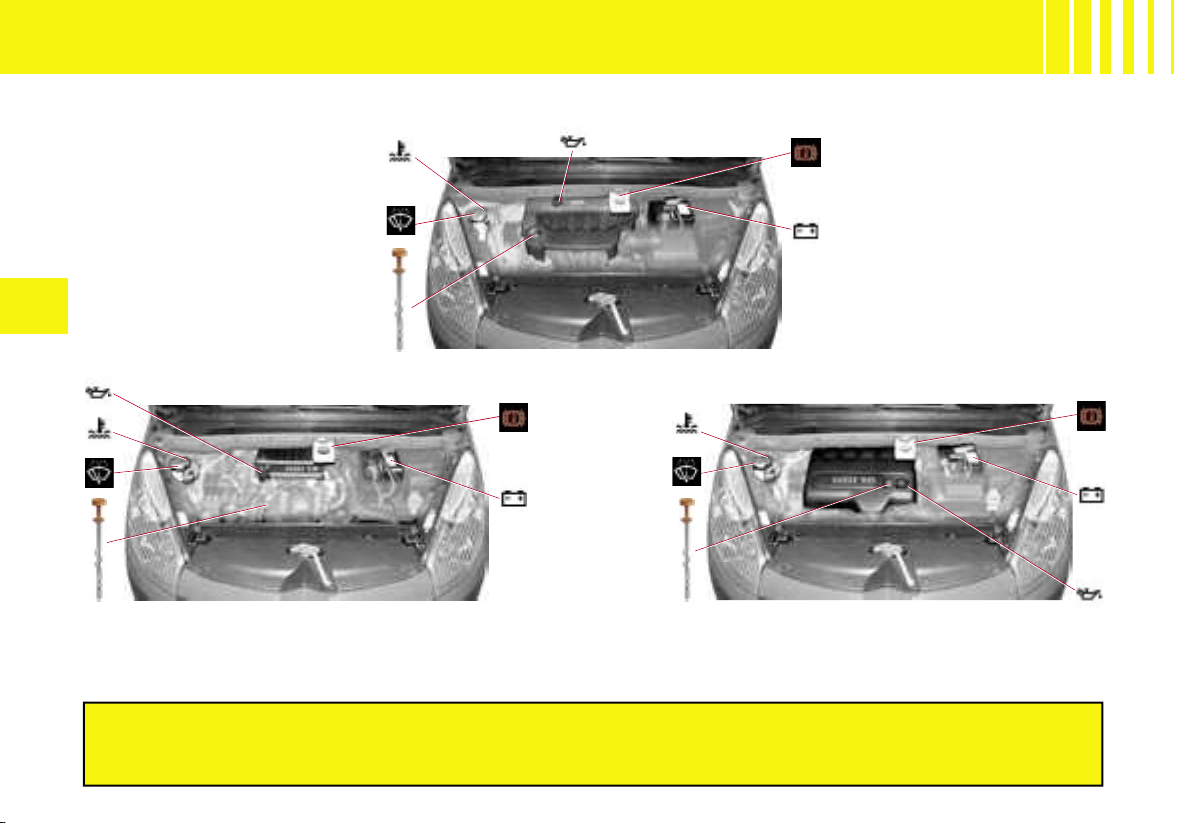
164
V
ENGINE
1.8i 16V ENGINE - 2.0i 16V ENGINE
1.6 HDi 110 ENGINE
2.0 HDi 138 ENGINE
Due to the fact that the diesel fuel system is a high pressu
re system :
IT IS FORBIDDEN TO CARRY OUT ANY REPAIRS TO THE SYS
TEM.
HDi engines are of a highly technical nature.
All maintenance and repairs require specific qualificati
ons which only a
CITROËN dealer can guarantee.
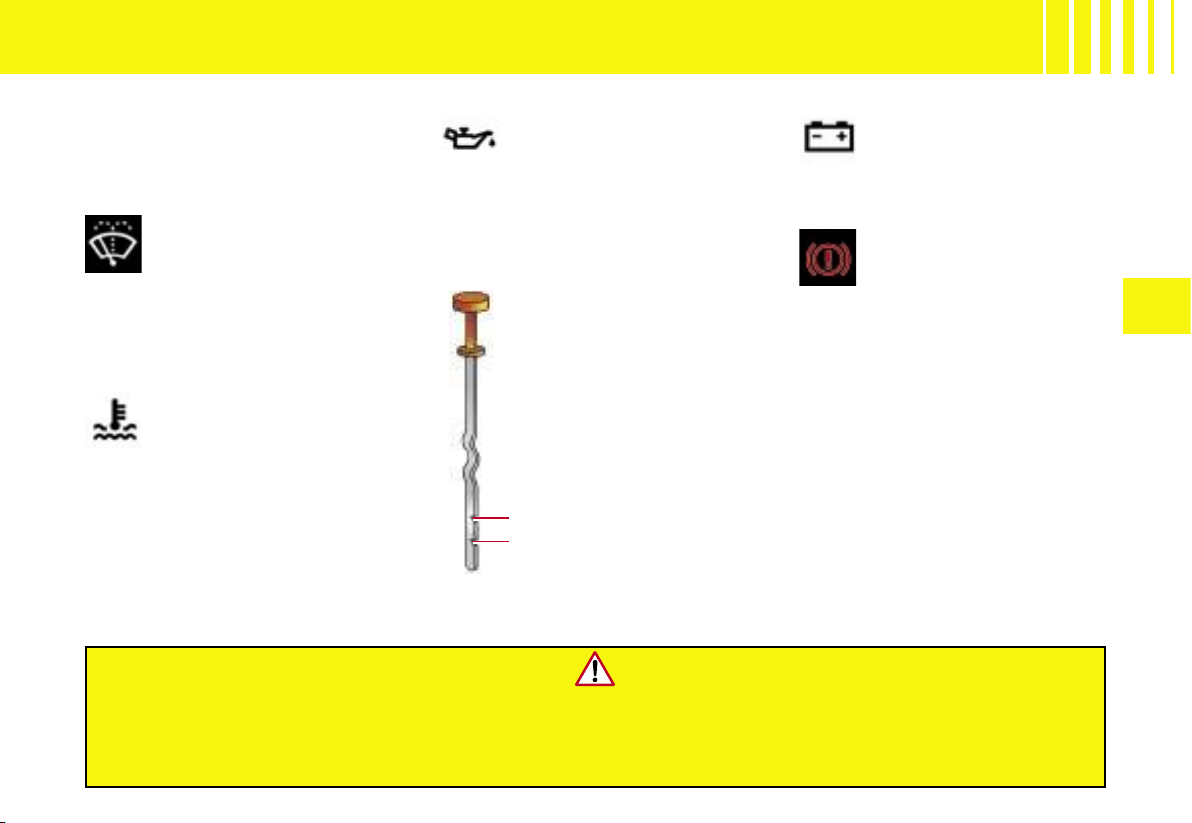
V
165
LEVELS - CONSULT THE CHAPTER “USER PRECAUTIONS”
Air filter
Follow the instructions given in the
Maintenance Guide.
If intervening under the bonnet when the engine is hot, even when the vehicle is stationary and the
ignition switched off, be aware that the cooling fan could operate at any time.
Check the engine oil level frequently between each routine service visit,
as well as before starting long journeys.
Engine coolant
The coolant level should
be between the MIN. and
MAX. marks on the expan-
sion chamber.
If the engine is hot, wait 15 minutes
for it to cool down.
Quality : See the Maintenance
Guide.
Never intervene on the cooling
system of an engine that is hot
(See «Levels»).
12V battery
See «
Emergency starting
with a slave battery ».
Engine oil
Check the oil level with the
vehicle parked on horizon-
tal ground, with the engine
having been switched off for at
least 15 minutes.
Quality : See the Maintenance Guide.
Brake fluid
The brake fluid level should
be between the MIN. and
MAX. marks on the reservoir
.
Quality : See the Maintenance Guide.
Should the warning lamp come on
while you are driving, stop imme-
diately and contact a CITROËN
dealer.
Pull out the manual dip-
stick.
The level should be be-
tween the MIN. and MAX.
marks on the gauge.
It must never exceed the
maximum.
Wash fluid for
windscreen, rear screen
and headlamps
Use only those products that are
approved by CITROËN.
Capacity : see «Capacities»
MAX.
MIN.
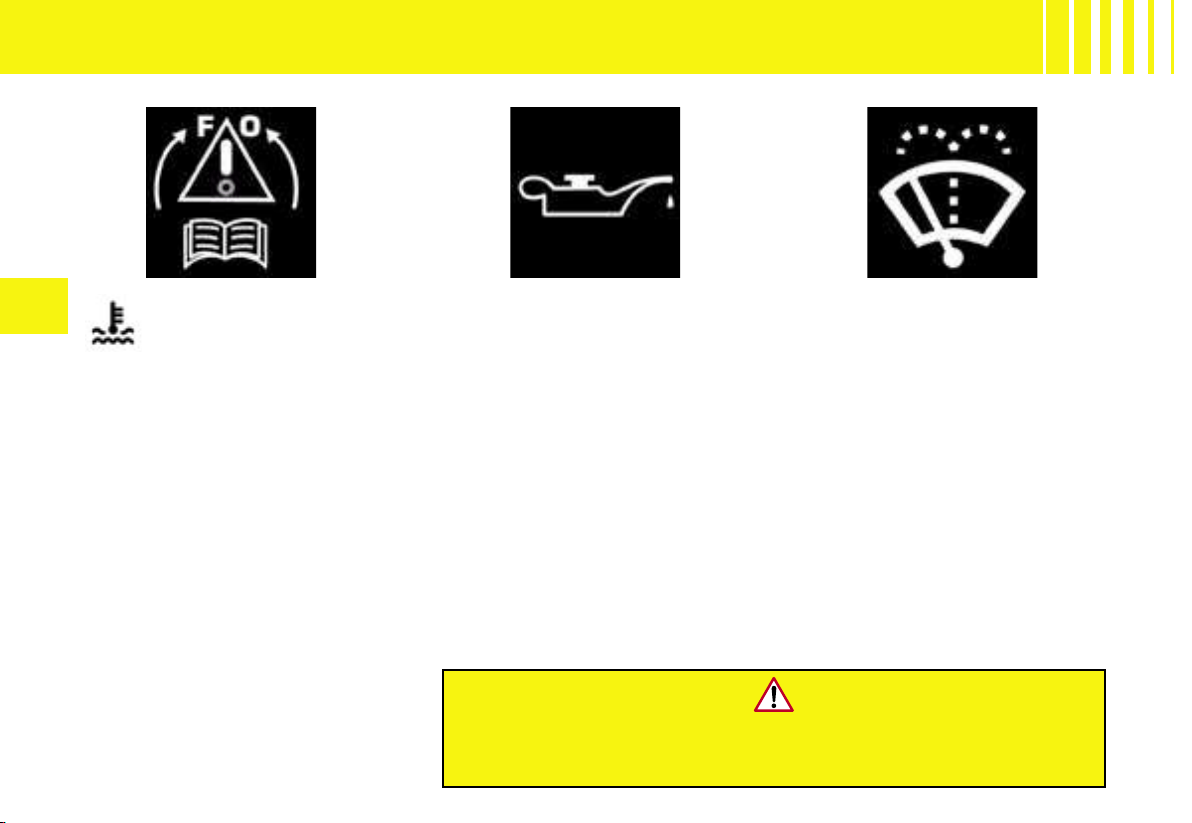
166
V
Radiator - coolant
fluid
Checking the level and topping-
up with coolant should always be
done with the engine cold.
Engine hot
Wait fifteen minutes or for the
engine temperature to fall below
100°C, then slowly undo the cap
to allow the pressure to drop, pro-
tecting yourself with a cloth for
example.
Topping up the engine oil
Take out the dipstick before filling.
Check the level after filling.
The maximum mark must never
be exceeded.
Do up the cap before closing the
bonnet.
Quality : See the Maintenance
Guide.
Note : for vehicles with a particle
filter, the cooling fan can operate
as long as ten minutes after the
engine has stopped.
If intervening under the bonnet when the engine is hot, even
when the vehicle is stationary and the ignition switched off, be
aware that the cooling fan could operate at any time.
The coolant level should be be-
tween the MIN. and MAX. marks
on the expansion chamber.
Top up the level. If you have to add
more than 1 litre, have the cooling
system checked by a CITROËN
dealer.
Ensure that the cap is securely on
.
Note : The need to top up frequently
indicates a malfunction which should
be checked out as soon as possible
.
LEVELS
Screen wash fluid
It is essential to have sufficient
wash fluid, particularly if your ve-
hicle has Xenon dual-function di-
rectional headlamps.
Capacity : See «Capacities».
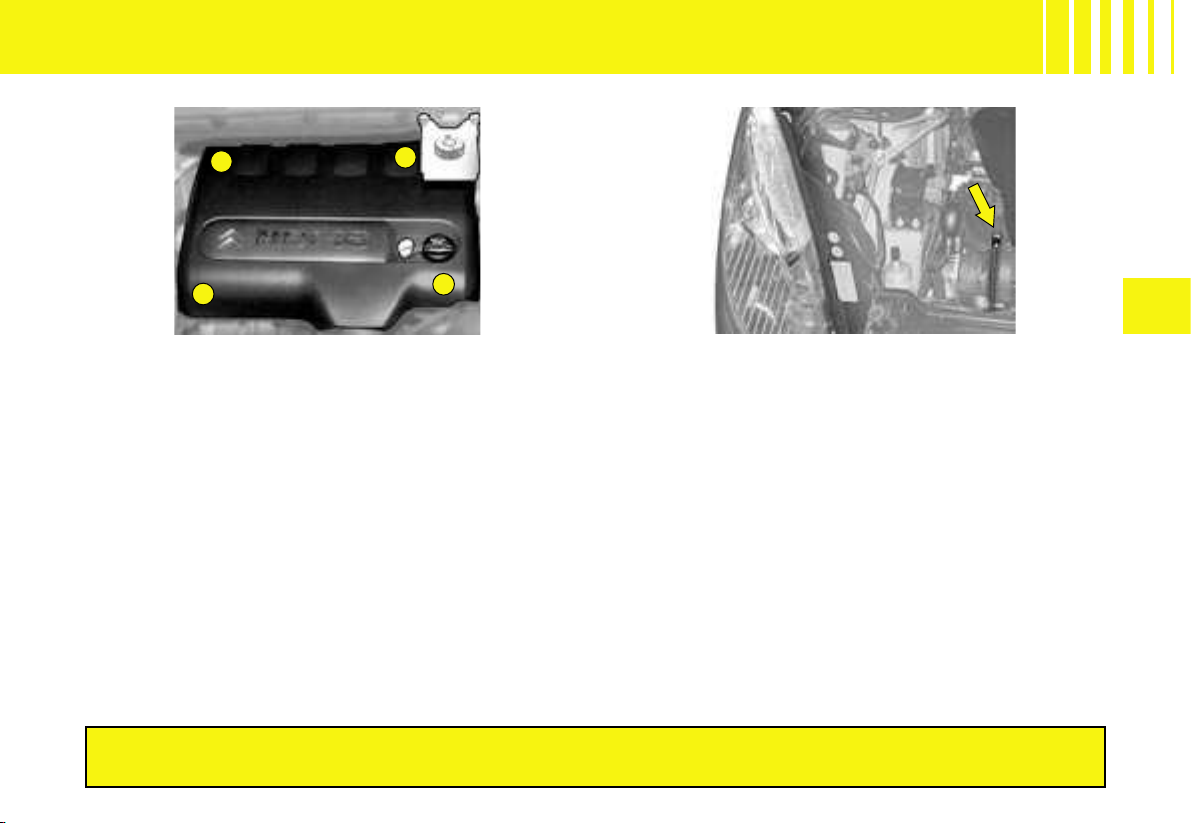
1
4
3
2
V
167
HDi engines are of a highly technical nature.
All maintenance and repairs require specific qualifications which only your CITROËN Dealer can guarantee.
Draining water from the fuel filter
Bleed on a regular basis (at every oil change).
To evacuate the water, slacken the bleed screw or
the water-in-diesel-fuel sensor, which is located at the
base of the filter.
Persist until water ceases to flow out.
Then retighten the bleed screw or the water-in-diesel-
fuel sensor.
DIESEL INJECTION EQUIPMENT
Protection cover
HDi 138 engine
Remove the protection cover by first unclipping point 1,
then 3 and 4. Detach point 2 by pulling towards you,
then lift.
To reposition the protection cover, attach point 2 first.
Lower the cover, keeping it centred. Clip points 1 and
4, pushing vertically and slightly rearwards. Clip point 3
pushing down vertically.
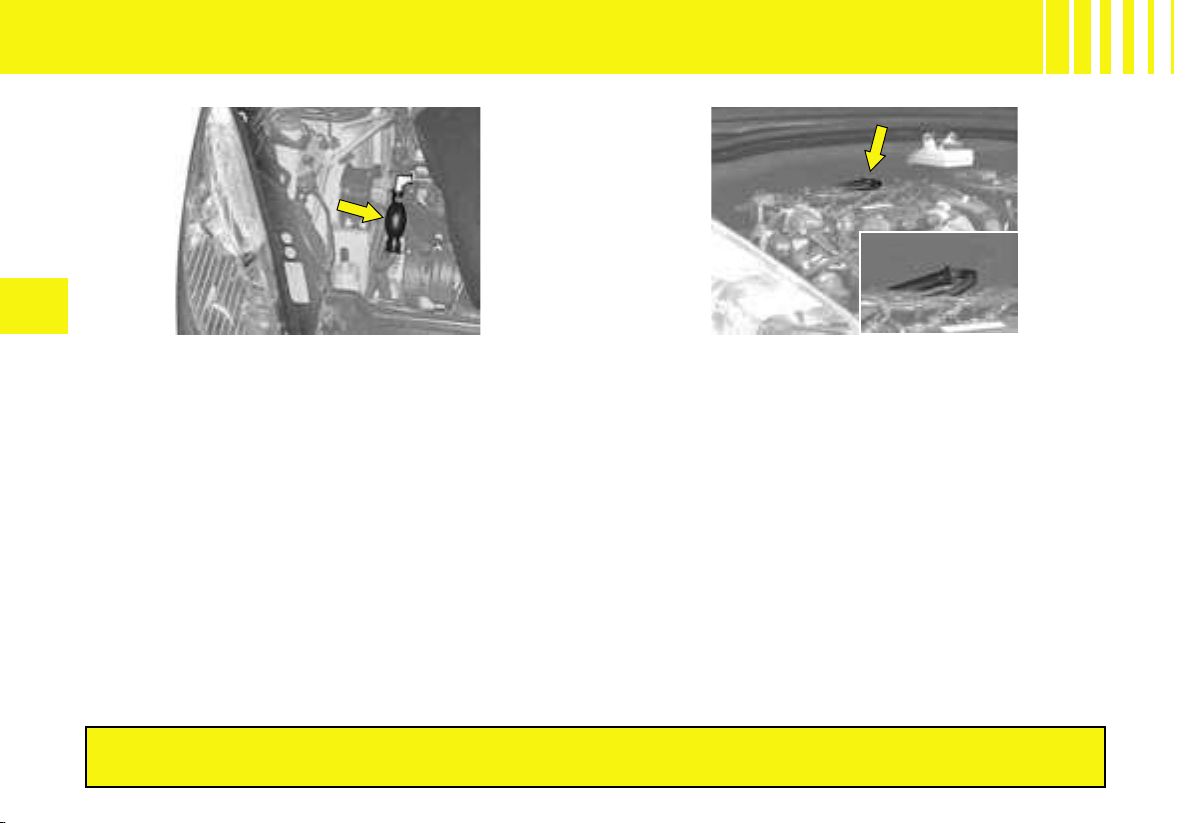
168
V
HDi 138 engine
Detach the protection cover to gain access to the priming
pump
.
HDi engines are of a highly technical nature.
All maintenance and repairs require specific qualifications which only your CITROËN Dealer can guarantee.
Priming the circuit
In the event of running out of fuel :
- After filling (minimum 5 litres), action the manual priming pump, until some resistance is felt.
- Then action the starter, gently pressing the accelerator until the engine starts.
If the engine fails to start at the first attempt, wait 15 seconds before trying again.
If the engine fails to start after a few attempts, repeat the procedure from the beginning. When the engine is idling,
accelerate gently to complete the purge of the circuit.
DIESEL INJECTION EQUIPMENT
HDi 110 engine
Detach the protection cover to gain access to the priming
pump
.
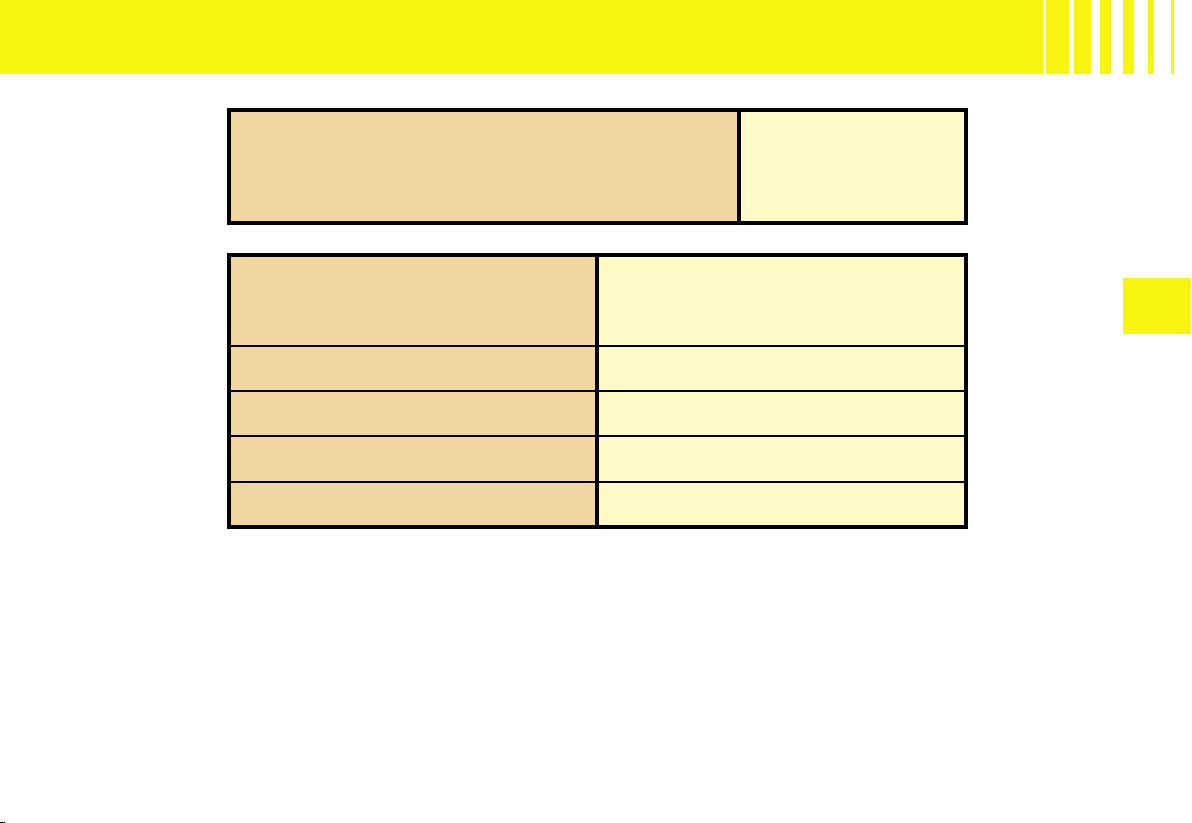
V
169
CAPACITIES
(1) After oil change with oil filter change
Fluid for screen wash 3 litres
Fluid for screen wash and headlamp wash 6 litres
Engine type
Engine oil capacities
(in litres)
(1)
1.8i 16V - 92kW 5.00
2.0i 16V 105 kW (143hp) 5.00
HDI 110 (80kW) 3.75
HDI 138 (100kW) 5.25
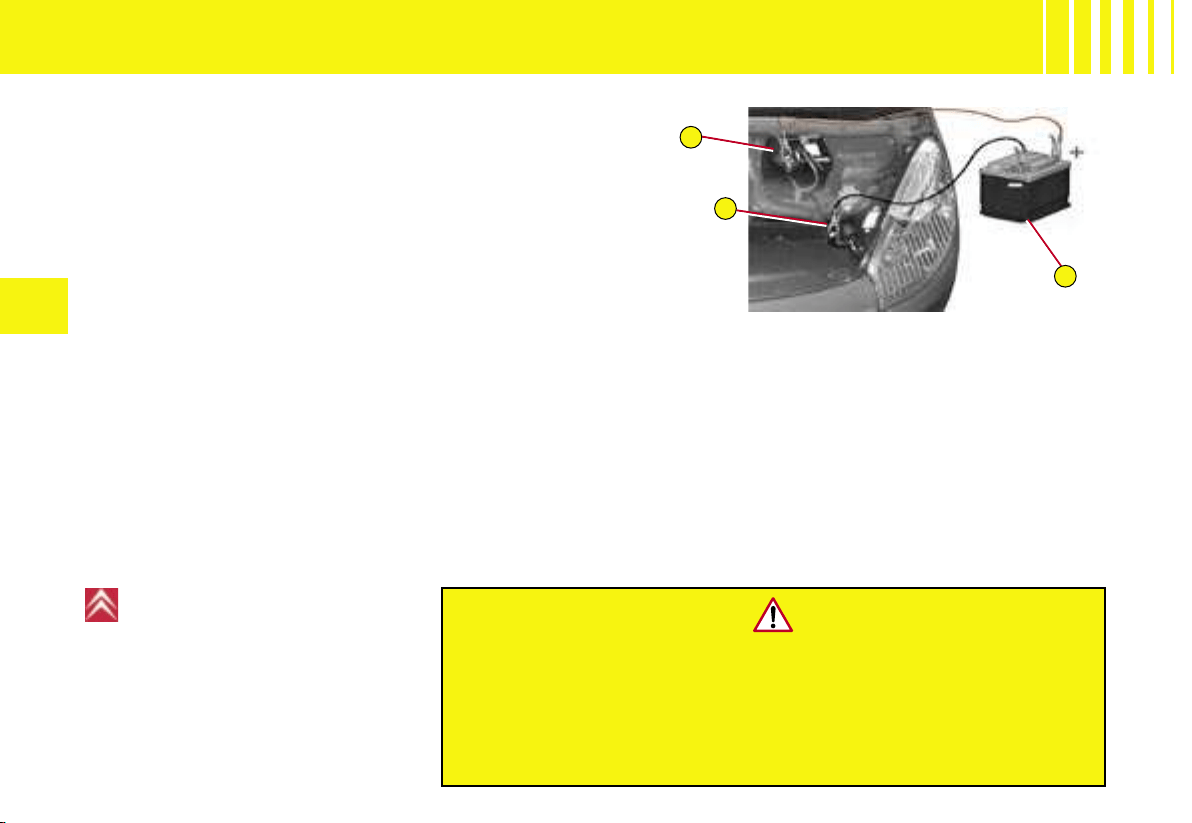
A
C
B
170
V
BATTERY
Emergency starting with a slave battery
A vehicle with a discharged battery can be started with
either a slave battery or the battery of another vehicle.
A Discharged battery on broken-down vehicle
(under the bonnet).
B Slave battery
C Earth point on broken-down vehicle.
Check that the emergency battery is correctly charged up
(12 volts).
If you are using the battery on another vehicle, stop the
engine of the assisting vehicle. The two vehicles must not
come into direct contact with each other.
Never apply a flame or create sparks
close to the battery (explosive gas).
The battery contains diluted sulphuric acid which is highly corrosive.
If ever you are handling the battery, protect your eyes and face.
In the event of any contact with the skin, rinse immediately with
copious amounts of fresh water.
For
any battery replacement, contact a
CITROËN dealer.
Advice
Do not touch the cable clamps
during the procedure.
Do not lean over the batteries.
Disconnect the cables in the re-
verse order to connection, ensuring
that they do not touch each other.
Connect the cables in the order indicated in the diagram. Make sure that the clamps are properly secured
(risk of sparks).
Start the engine of the assisting vehicle. Let the engine run for about a minute at a slightly accelerated speed.
Start the engine of the assisted vehicle.
Note : For any operation necessitating a disconnection of the battery, you should wait three minutes after switch-
ing off the ignition, without taking any action which would prevent the vehicle’s electrical circuit from going to sleep
(such as operating the doors and tailgate or the remote control, etc.).
After a disconnection and reconnection of the battery, when you switch on the ignition, wait for approximately one
minute before operating the starter motor in order to allow the electronic systems to reinitialise. Following a pro-
longed disconnection of the battery, it may be necessary to reinitialise the parameters of the multifunction display
(date, time, language, units of distance and of temperature).
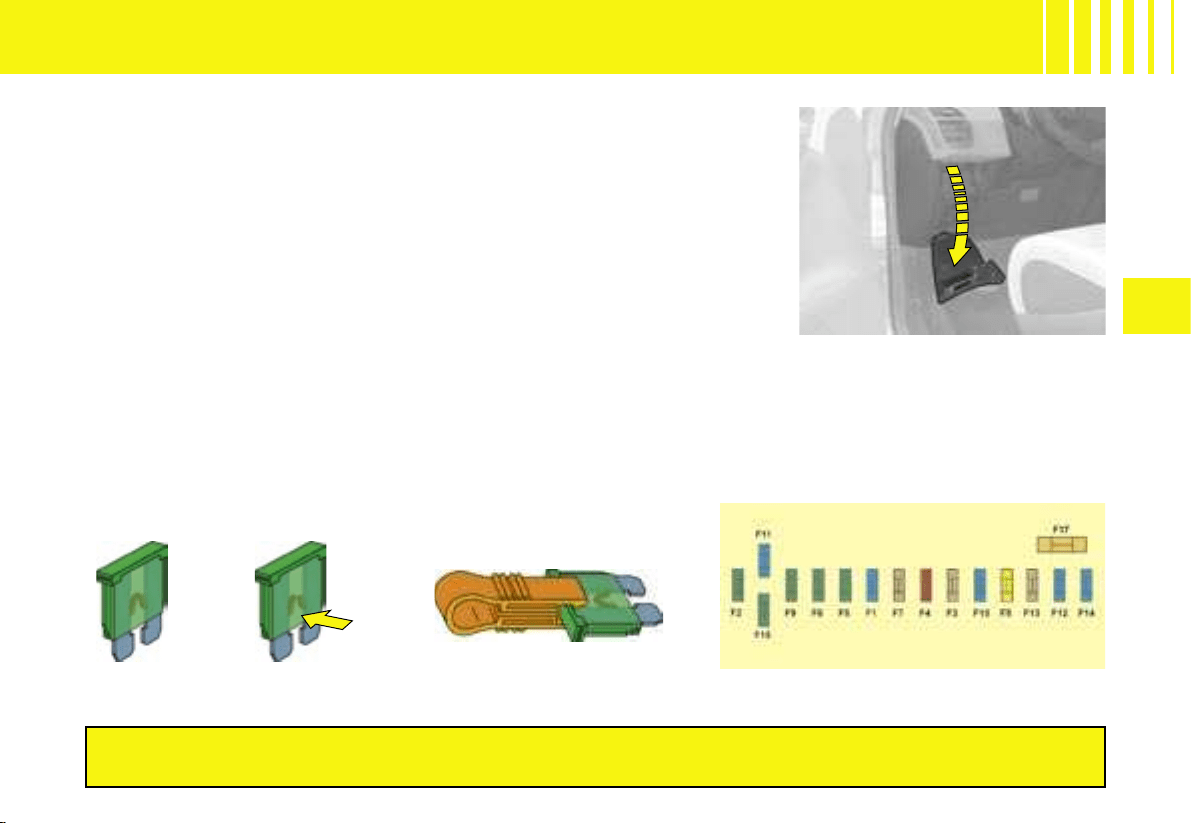
V
171
Fuseboxes
There are two fuseboxes under the dashboard, one fusebox in the
engine compartment and another on the battery.
Fuses under the dashboard
To access the fuses under the dashboard, undo the screw by a
quarter turn and pivot the housing.
Changing a fuse
Before replacing a fuse, it is essential to find the cause of the in-
cident and to have it rectified. The fuse identification numbers are
indicated inside the fusebox.
Replace a blown fuse with one of the same rating
(the same colour)
Use the special tool A that is provided in the fuse housing flap,
which also contains spare fuses.
FUSES
Correct
Incorrect Tool A
After any operation on the fuses in the fusebox, check that the fusebox cover is
put back correctly for their protection.
Fuses under the dashboard
Access to the first
dashboard
fusebox

172
V
TABLE OF FUSES - FUSES UNDER THE DASHBOARD
Reference Rating Functions
F1 15A Rear screen wipe
F2 30A Locking and unlocking earth
F3 5A Airbag
F4 10A
Multimedia, photochromic rear view mirror, particle flter, diagnostic socket,
air conditioning, headlamp height correction control
F5 30A Front windows, front door electronics, panoramic glass roof
F6 30A Rear windows
F7 5A Interior lamps, refrigerated glovebox, radio
F8 20A
Multifunction display, radio, CD changer, steering wheel controls, multimedia,
deflation detection, alarm, trailer
F9 30A Cigar lighter, multimedia, front 12V socket, torch, radio
F10 15A Height corrector (suspension)
F11 15A Brake switch, ignition switch
F12 15A
Parking assistance, automatic screen wipe and lighting, passenger’s electric seat,
AFIL, Hi-Fi amplifier, trailer
F13 5A Engine relay unit, driver’s electric seat
F14 15A
Air conditioning, Bluetooth
®
hands-free kit, automatic gearbox selector, airbag,
instrument panel
F15 30A Locking and unlocking
F16 SHUNT
F17 40A Heated rear screen
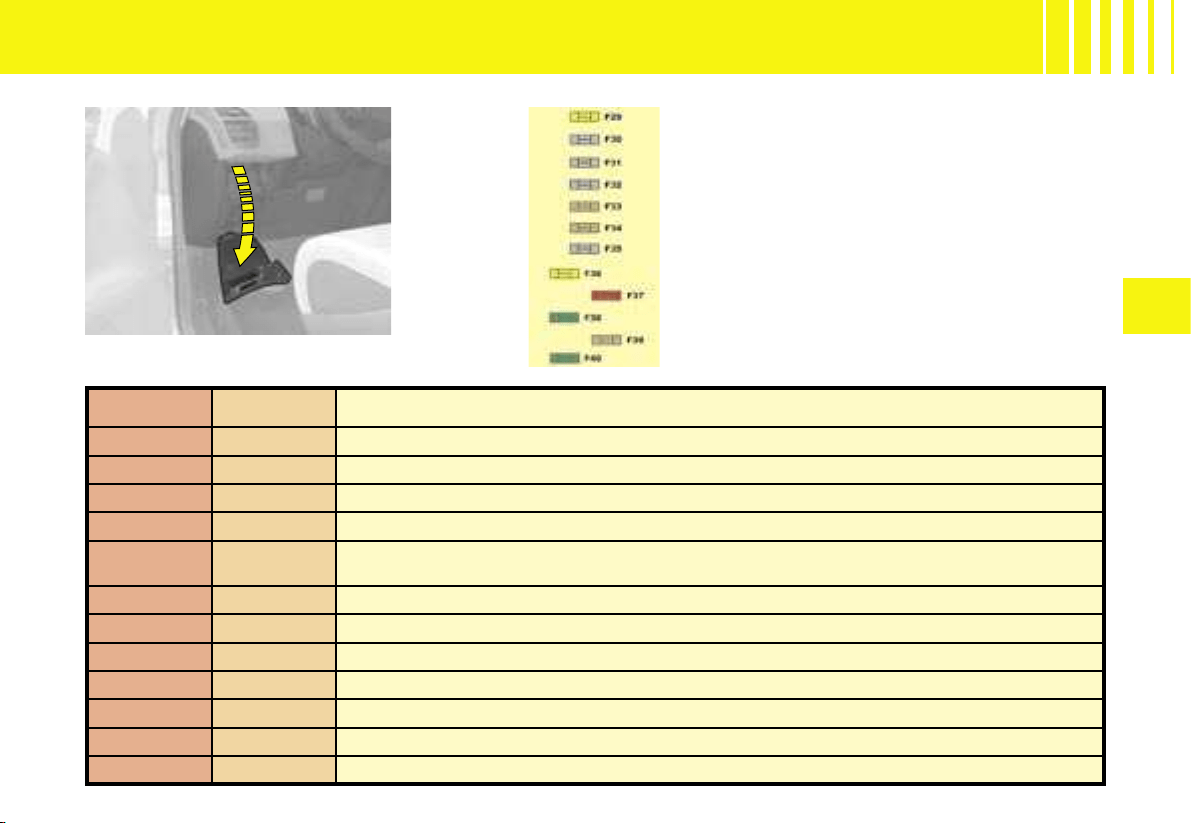
V
173
TABLE OF FUSES - FUSES UNDER THE DASHBOARD
Access to the second
dashboard fusebox
Reference Rating Functions
F29 20A Heated seats
F30 Free
F31 Free
F32 Free
F33 5A
Parking assistance, automatic screen wipe and lighting, passenger’s electric seat,
AFIL, Hi-Fi amplifier
F34 5A Trailer
F35 Free
F36 20A Hi-Fi amplifier
F37 10A Air conditioning, light pack
F38 30A Driver’s electric seat
F39 5A Fuel flap
F40 30A Passenger’s electric seat, panoramic roof
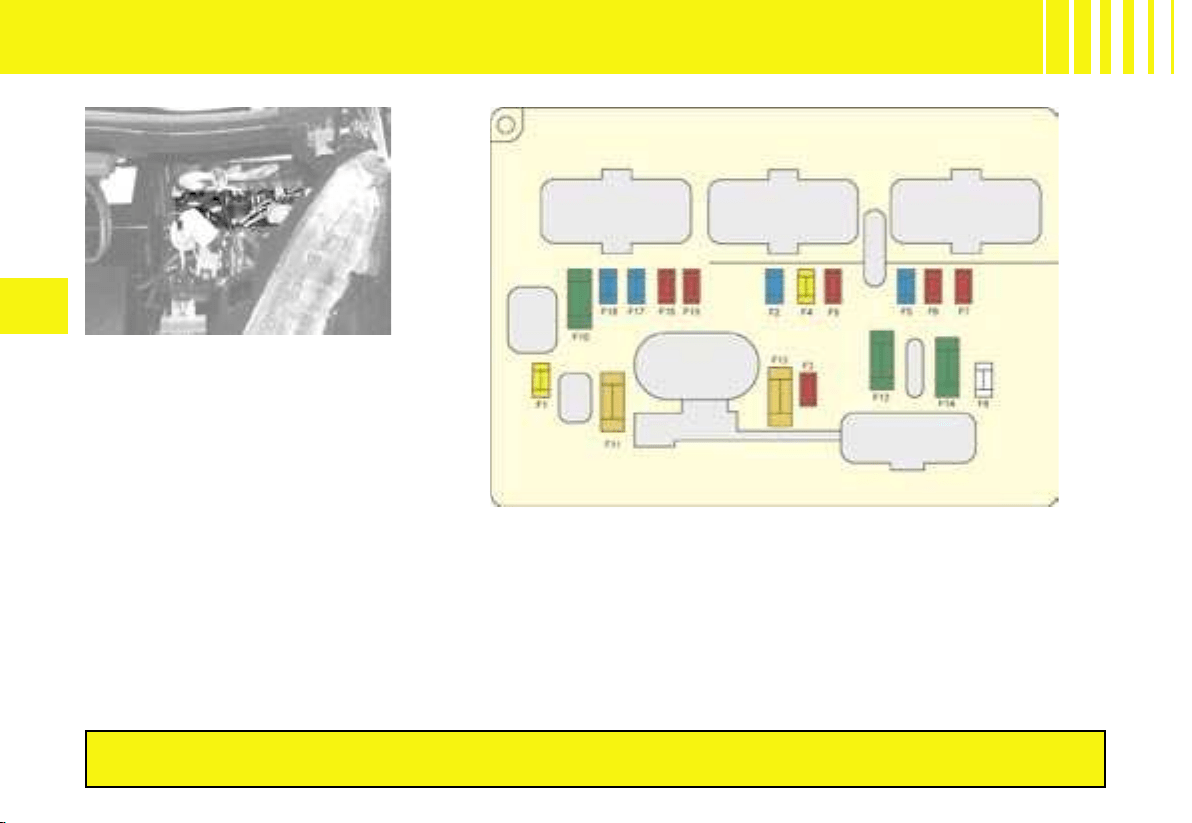
174
V
TABLE OF FUSES - FUSES UNDER THE BONNET
Engine compartment fuses
Fusebox
To access the fusebox located in
the engine compartment, detach
and remove the cover.
All work on the MAXI fuses, which are located in these fuseboxes
and which give extra protection, is the preserve of CITROËN technicians.
After any operation, carefully
reclose the cover. If the cover is
not correctly positioned or not
properly closed, that could cause
serious problems on your vehi-
cle. For the same reason, take
care not to spill any liquid in the
fusebox.

V
175
TABLE OF FUSES - FUSES UNDER THE BONNET
Reference Rating Functions
F1 20A Engine management
F2 15A Horn
F3 10A Screen wash pump
F4 20A Headlamp wash pump
F5 15A Engine components
F6 10A
Xenon dual-function directional headlamps, headlamp height correction motor,
clutch switch, BCP (protection switch box)
F7 10A Automatic gearbox, engine coolant level switch, power steering
F8 25A Starter motor
F9 10A Stoplamp switch
F10 30A Engine components
F11 40A Rear blower
F12 30A Screen wipe
F13 40A BSI (Built-in Systems Interface)
F14 30A Air pump, heat exchange saver
F15 10A Right-hand main beam
F16 10A Left-hand main beam
F17 15A Left-hand dipped beam
F18 15A Right-hand dipped beam
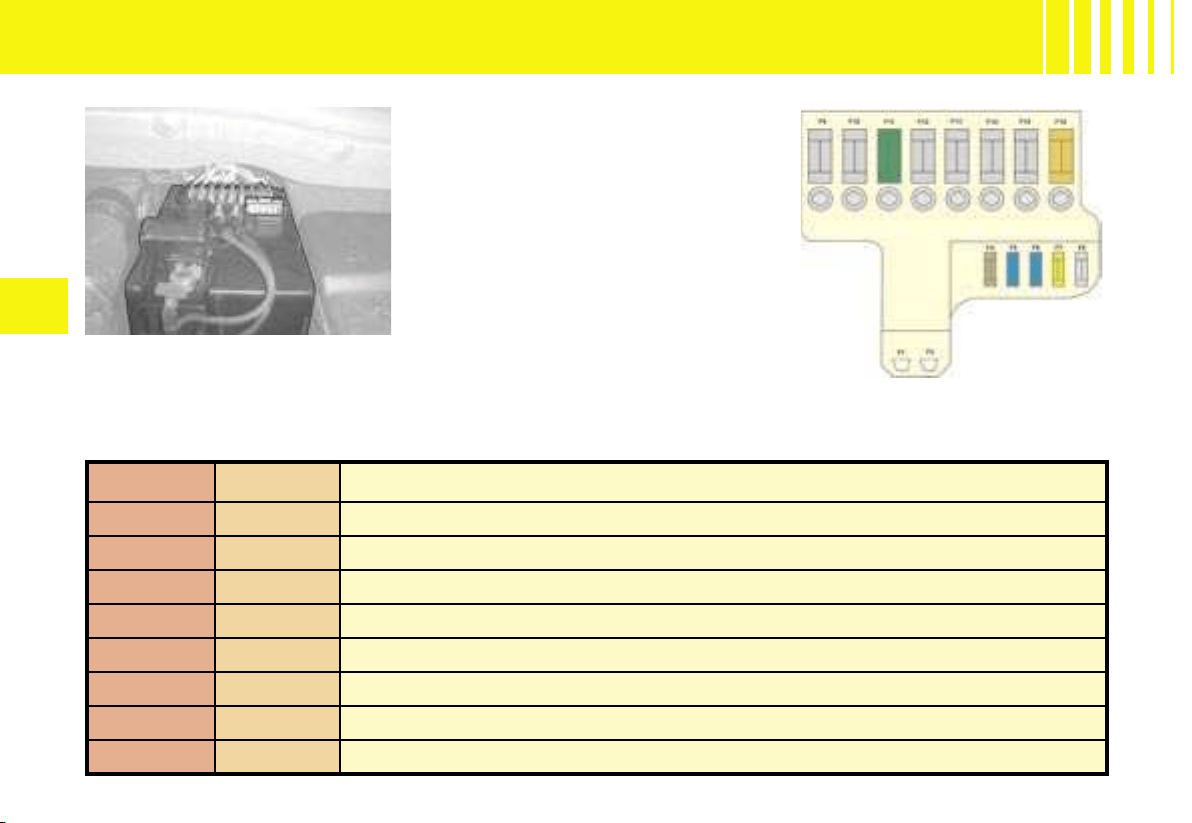
176
V
TABLE OF FUSES - FUSES ON THE BATTERY
Reference Rating Functions
F1 Battery Plus connection studs
F2 Supply connection studs, BSM (engine relay unit)
F3
F4 5A Automatic gearbox actuator and ECU
F5 15A Diagnostic socket
F6 15A ECU for 6-speed electronic gearbox / automatic gearbox
F7 5A ESP ECU
F8 20A Rear 12V socket
Fuses on the battery
Fusebox
To access the fusebox located on
the battery, detach and remove
the cover.
After any operation, carefully
reclose the cover. If the cover is
not correctly positioned or not
properly closed, that could cause
serious problems on your vehi-
cle. For the same reason, take
care not to spill any liquid in the
fusebox.
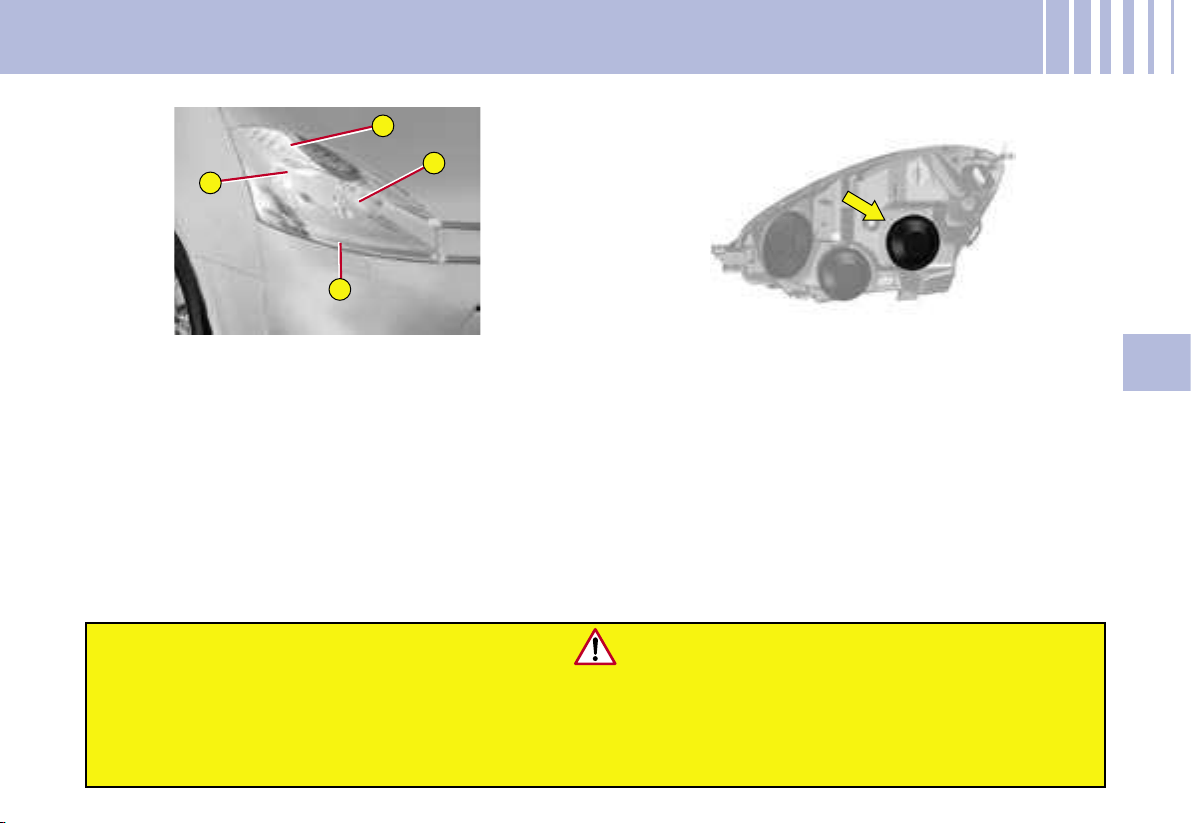
1
2
3
4
VI
177
FRONT LENS
Dipped beam
Main beam
Sidelamp
Direction indicator
Note : A slight misting may appear on the surface of
the headlamp glass in certain conditions of use.
CHANGING BULBS -
HALOGEN HEADLAMPS
Dipped beam
1. Remove the rubber plug
.
2. Rotate the bulb-holder a quarter turn anti-clockwis
e
and remove it from its housing.
3. Replace the bulb H7.
4. Reposition the bulb-holder by pushing it in, tighte
-
ning it by a quarter turn (clockwise).
5. Put back the rubber plug.
Changing a halogen bulb should only be done after the
headlamp has been
switched off for a few minutes (risk of serious burn).
Do not touch the bulb directly with your fingers, use lint-fre
e cloths.
It is imperative to use only anti-U.V. type bulbs in
order not to damage the headlamp.
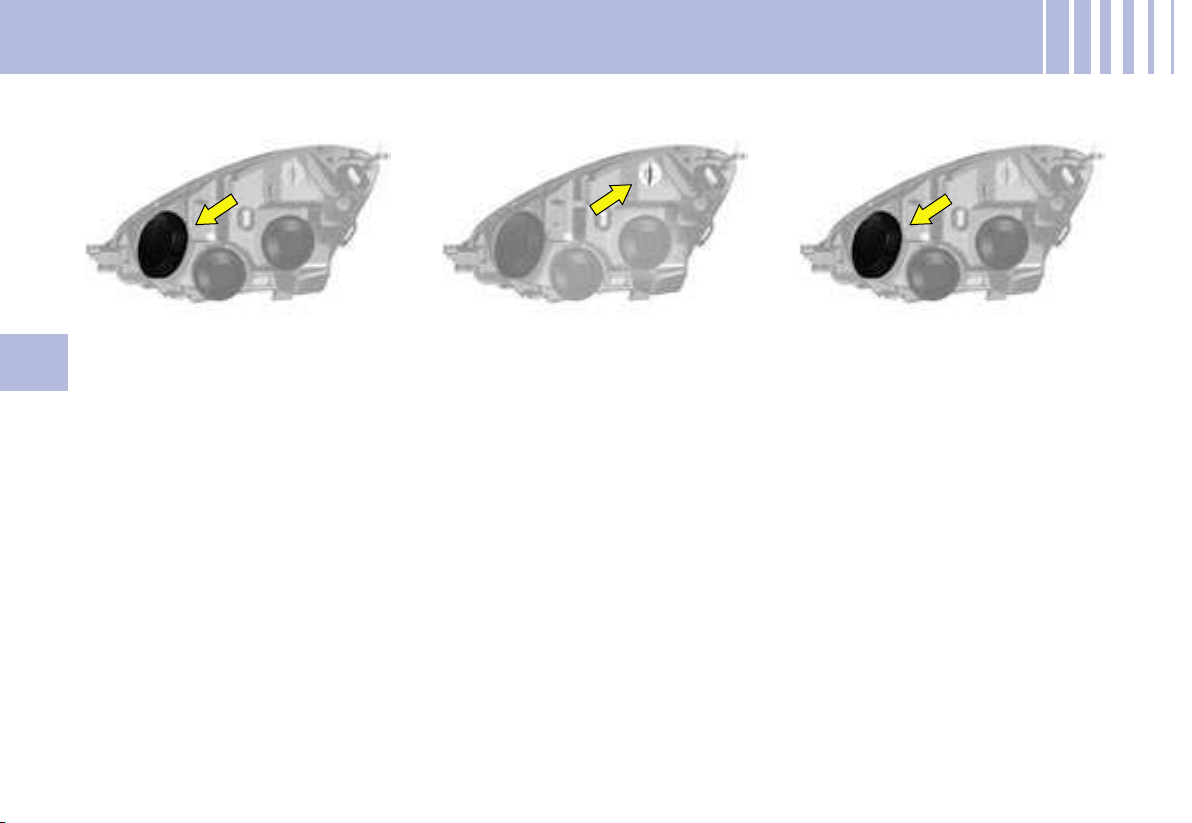
178
VI
Main beam
1. Remove the rubber plug.
2. Detach the clips by lowering
them on each side of the bulb.
3. Pull on the bulb-holder to
remove it.
4. Replace the bulb H1.
5. Push the bulb-holder back into
its housing.
6. Reattach the clips.
7. Put back the rubber plug.
Sidelamp
1. Rotate the bulb-holder a quarter
turn anti-clockwise.
2. Remove it from its housing.
3. Replace the bulb H6W.
4. Reposition the bulb-holder.
5.
Rotate it a quarter turn clock-
wise to reposition in its housing
.
Direction indicator
1. The direction indicator bulb is
located underneath the main
beam bulb. Remove the rub-
ber plug.
2. Pull on the bulb-holder to re-
move it.
3. Replace the bulb H21.
4. Reposition the bulb-holder in
the bracket and push it in.
5. Put back the rubber plug.
CHANGING BULBS - HALOGEN HEADLAMPS
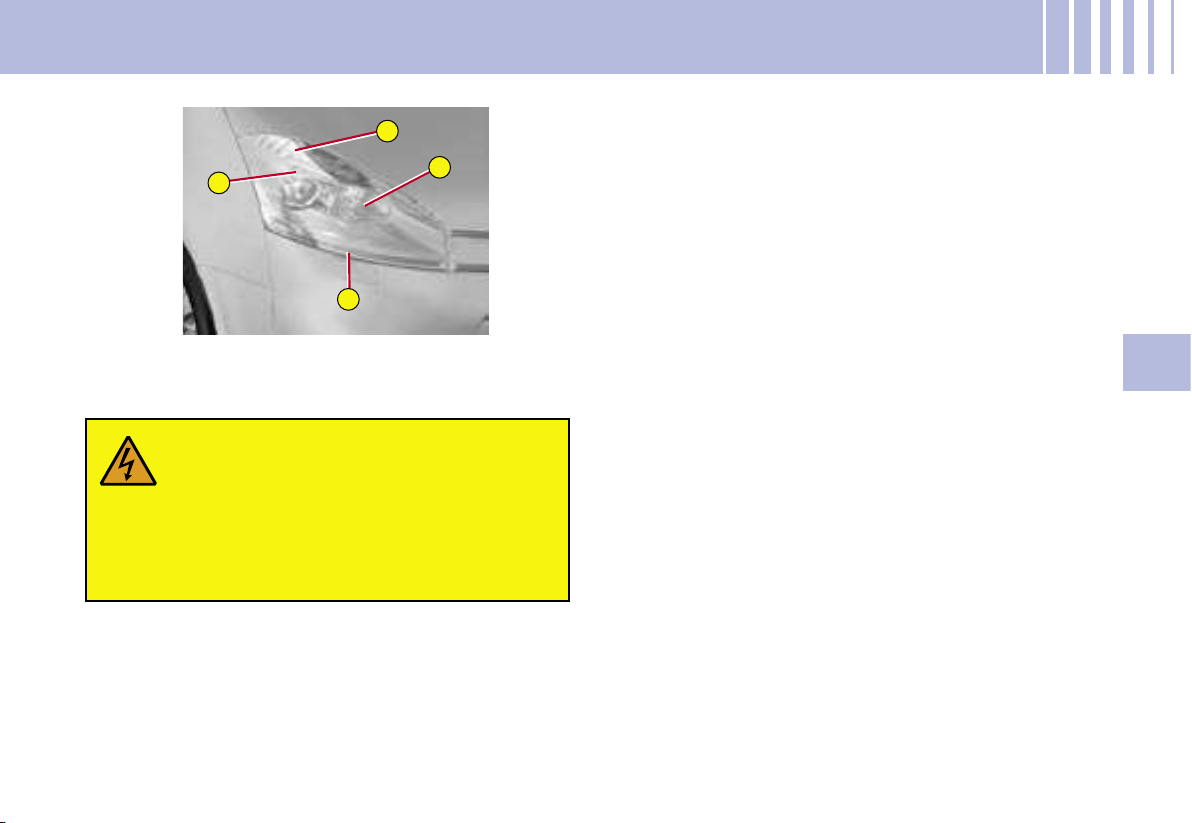
1
2
3
4
VI
179
Main beam (H7)
1. Remove the rubber plug
.
2. Rotate the bulb-holder a quarter turn anti-clockwis
e
and remove it from its housing.
3. Replace the bulb H7.
4. Reposition the bulb-holder by pushing it in, tighte
-
ning it by a quarter turn (clockwise).
5. Put back the rubber plug.
CHANGING BULBS -
DIRECTIONAL HEADLAMPS
FRONT LENS WITH XE
NON DUAL-FUNCTION
DIRECTIONAL HEADLAMPS
Xenon dual-function headlamp (dipped/main beam)
If the headlamp bears this symbol, any
operation to change the Xenon dual-function
directional headlamp D1S is the preserve of
professionals (risk of electrocution).
Contact a CITROËN dealer.
It is recommended to change both bulbs at the same
time if one of them is faulty.
Sidelamp (see « Halogen headlamps »)
Direction indicator (see « Halogen headlamps »)
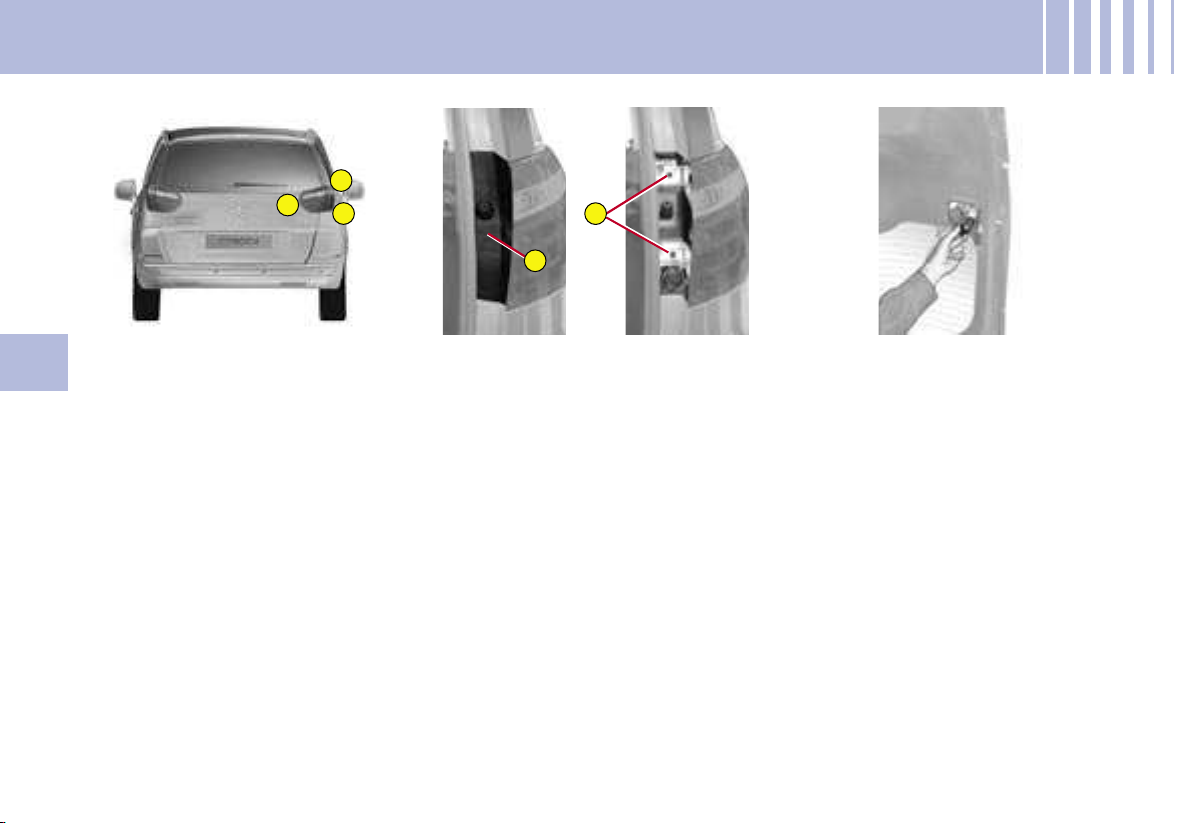
1
2
3
A
B
180
VI
REAR LENS
Note the bulb that is faulty.
Bulbs
Direction indicator: PY21W.
Stoplamp and sidelamp :
P21/5W.
Reversing lamp : P21W.
Rear lamp units on the
bodywork
1. With the tailgate open, press
on the plastic cover A, located
close to the lens, to release it
from its housing.
2. Undo the two screws B on the
side of the lens and detach the
lamp by pulling it rearwards.
3.
Disconnect the connector linking
the lens unit with the tailgate
.
4. Remove the bulb-holder.
5. Replace the bulbs. To remove a
bulb, rotate it a quarter turn. To
refit the bulb, rotate it a quarter
turn in the other direction.
6. Reposition the bulb-holder.
7. Reconnect the connector to
the lens unit.
8. Reattach the lamp unit on the
bodywork and do up the two
screws.
9. Reposition the plastic cover
by exerting a pressure.
Rear lamps on the tailgate
1. With the boot open, remove the
plastic cover on the tailgate.
2. Remove the bulb-holder from
its housing.
3. Replace the bulb. To remove a
bulb, rotate it a quarter turn. To
refit the bulb, rotate it a quarter
turn in the other direction.
4. Reposition the bulb-holder.
5. Refit the plastic cover.
CHANGING BULBS -
REAR LENS - C4 PICASSO
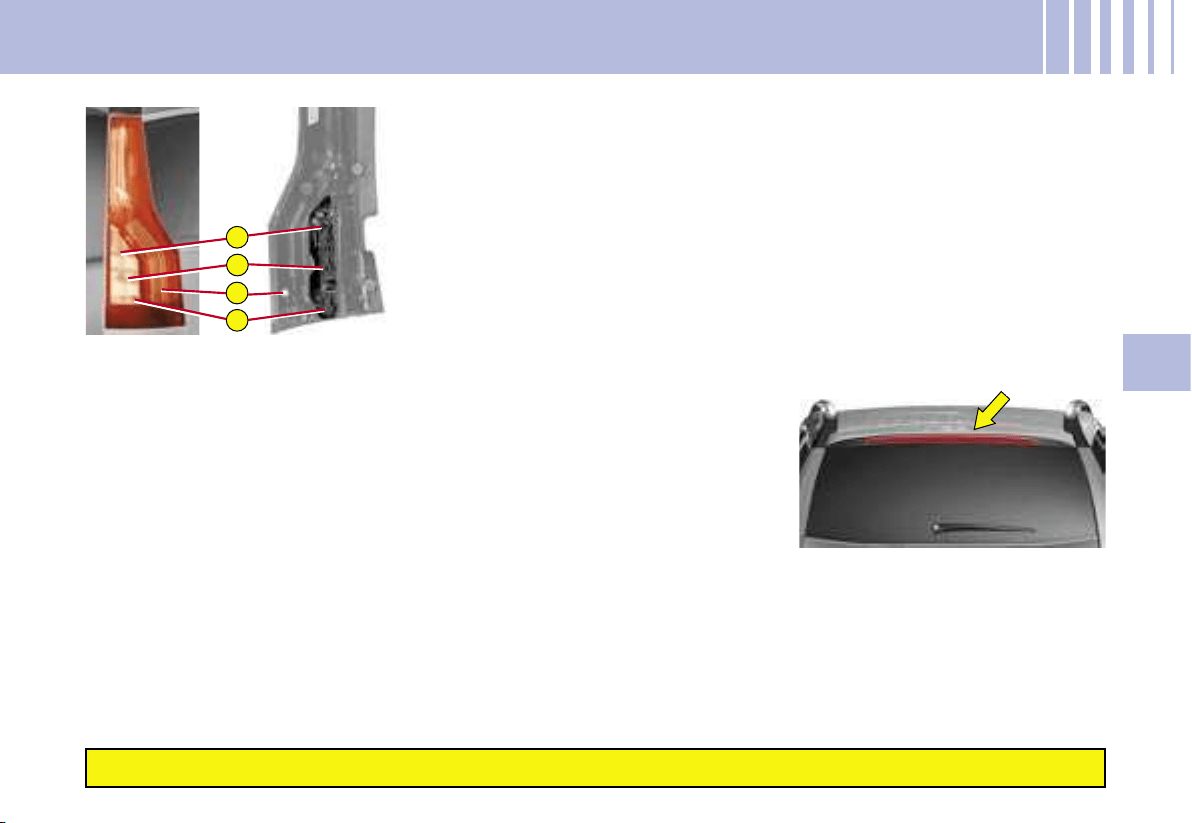
3
2
1
4
VI
181
REAR LENS
Note the bulb that is faulty.
Bulbs :
Direction indicator : PY21W.
Stoplamp :
P21W.
Reversing lamp :
P21W.
Sidelamp : LED
Contact a CITROËN dealer.
Rear lamps
1. With the tailgate open, undo
the 3 screws located on the
side of the lens unit and pull it
rearwards to detach.
2. Disconnect the connector lin-
king the lens unit to the boot.
Do not disconnect the LEDs.
3. Remove the seal.
4. Remove the bulb-holder.
5. Replace the bulbs. To remove
a bulb, rotate it a quarter turn.
To fit the bulb, rotate it a quarter
turn in the other direction.
6. Reposition the bulb-holder.
7. Put back the seal.
8. Reconnect the connector to
the lens unit.
9. Stow the harness in the open-
ing provided in the bodywork.
10. Reattach the lens unit on
the bodywork and do up the
3 screws.
Third stoplampwith bulb
1. With the boot open, detach
the interior trim.
2. Undo the nuts.
3. Using a thin screwdriver, de-
tach the 3 retaining lugs.
4. Remove the lamp via the ex-
terior of the tailgate.
5. Remove the bulb-holder.
6. Change the faulty bulb(s).
Check that the vehicle lamps work correctly after each op
eration.
CHANGING BULBS -
REAR LENS - GRAND C4 PICASSO
Third stoplampwith LED
Contact a CITROËN dealer
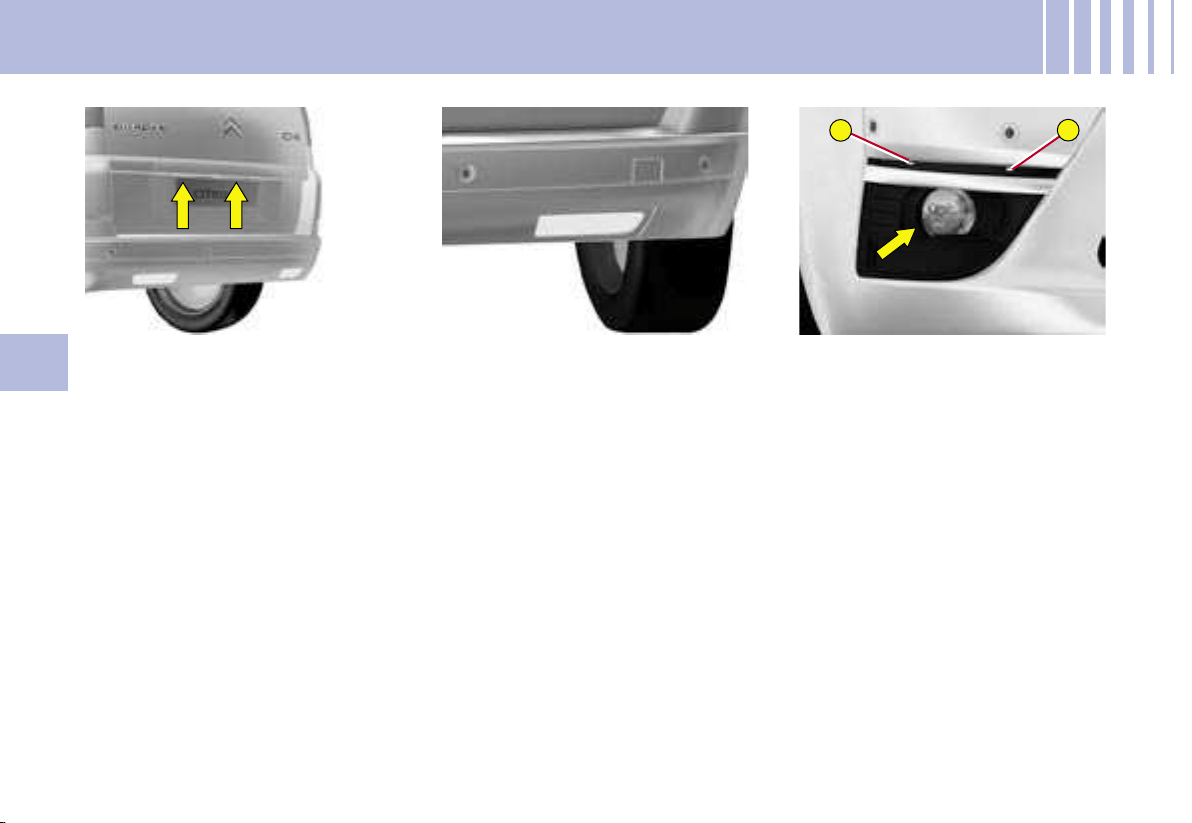
1
2
182
VI
CHANGING BULBS
Number plate lamp
1. Insert a thin screwdriver in one
of the holes on the outside of
the plastic cover.
2. Push outwards.
3. Remove the plastic cover.
4. Pull on the bulb to remove it.
5. Replace the faulty bulb W5W.
Foglamp
1. Pass your hand underneath
the bumper to reach the bulb-
holder.
2. Rotate the bulb-holder a quar-
ter turn.
3. Pull on the bulb-holder.
4. Rotate the bulb a quarter turn
to remove it.
5. Replace the bulb P21W.
6. Fit the bulb.
7. Reposition the bulb-holder by
rotating it a quarter turn.
Front foglamps
1. Insert the key in the notch 1,
tilting the bulb-holder cover lo-
cated underneath the bumper,
then insert the key in the notch
2 to remove it.
2. Undo the lens.
3. Tilt the bulb-holder.
4. Change the bulb H11.
5. Reposition the bulb-holder.
6. Do up the lens and refit the bulb-
holder cover firmly in place.
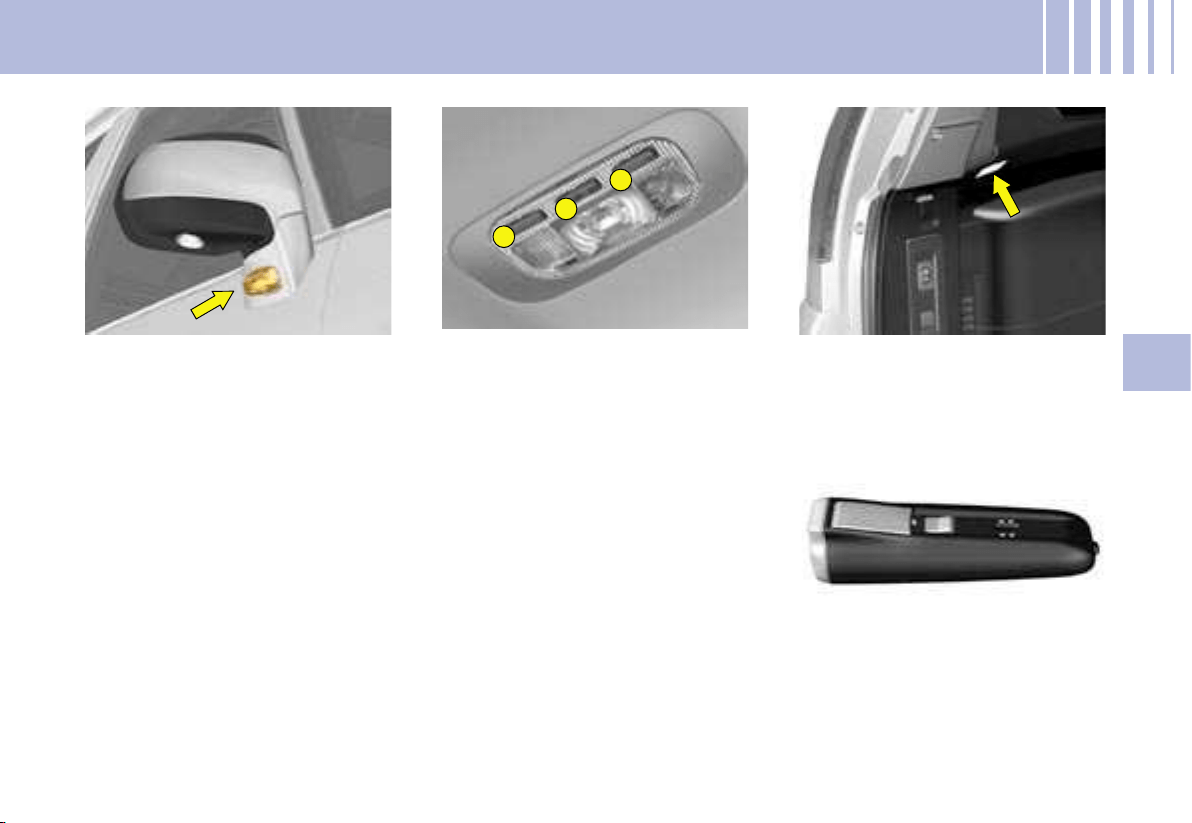
2
2
1
VI
183
Direction indicators side
repeaters in the rear view
mirrors
To change the side repeater, press
firmly downwards on the zone indi-
cated by the arrow, then pull out the
side repeater bulb.
CHANGING BULBS
Interior lamp (1)
Detach the cover of the interior
lamp 1 with a thin screwdriver
close to the button, to access the
bulb.
Bulb : W 5 W
Spotlamps (2)
Detach the cover of the interior
lamp. To access the bulb, detach
the partition for the spotlamp con-
cerned, as necessary.
Bulb: W 5 W
Boot lamps
Detach the unit by pushing it rear-
wards.
Bulb: W 5 W
Torch
1. Open the tab.
2. Push with a flat screwdriver in
the hole under the tab and re-
cover the bulb unit.
3. Open the bulb unit fully to
change the bulb.
Bulb: Krypton 3.6V.
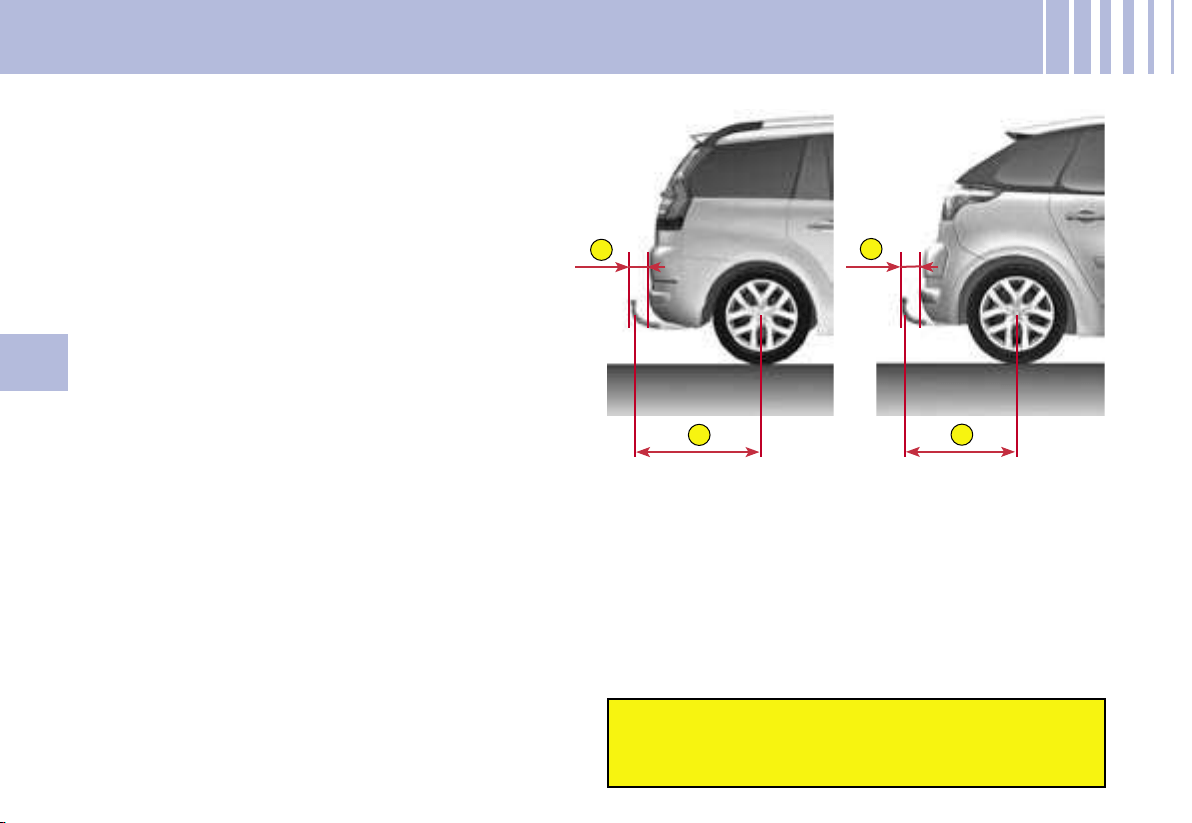
C
D
A
B
184
VI
Towbar
We recommend you to have this device fitted by a
CITROËN dealer, who will be acquainted with your
vehicle’s towing capability and with the procedures
necessary for installing a safety item of this kind.
It is essential to install a CITROËN approved elec-
tronic unit when having a towbar fitted, in order to
prevent any risk of malfunction or damage (risk of
fire).
The fitting of a caravan mirror on the wing is pro-
hibited.
SAFETY RECOMMENDATIONS - C4 PICASSO AND GRAND C4 PICASSO
Respect the authorised load capacities.
For maximum loads that can be distributed on
the roof bars:
See Chapter: “General information”.
Bicycle carrier
Do not attach a bicycle carrier with straps to the fol-
lowing vehicle versions:
- C4 Picasso 5-seater (all versions) ;
- C4 Picasso 7-seater version with opening rear
screen.
Roof bars and roof boxes
The design of your vehicle, for your safety and to
avoid damage to the roof and tailgate, requires the
use of roof bars and roof boxes that are tested and
approved by AUTOMOBILES CITROËN.
DIMENSIONS (in millimetres)
A : 99.04 mm C : 96.84 mm
B : 931.60 mm D : 820.53 mm
Recommendations
- Distribute your load evenly, avoiding overloading on one side.
- Arrange the heaviest part of the load as close as possible to the roof.
- Anchor the load securely and signal if any part of it is overhanging.
- Drive gently, as the vehicle will be more liable to the effects of side winds (vehicle stability may be altered).
- Remove the roof bars as soon as they are no longer needed.
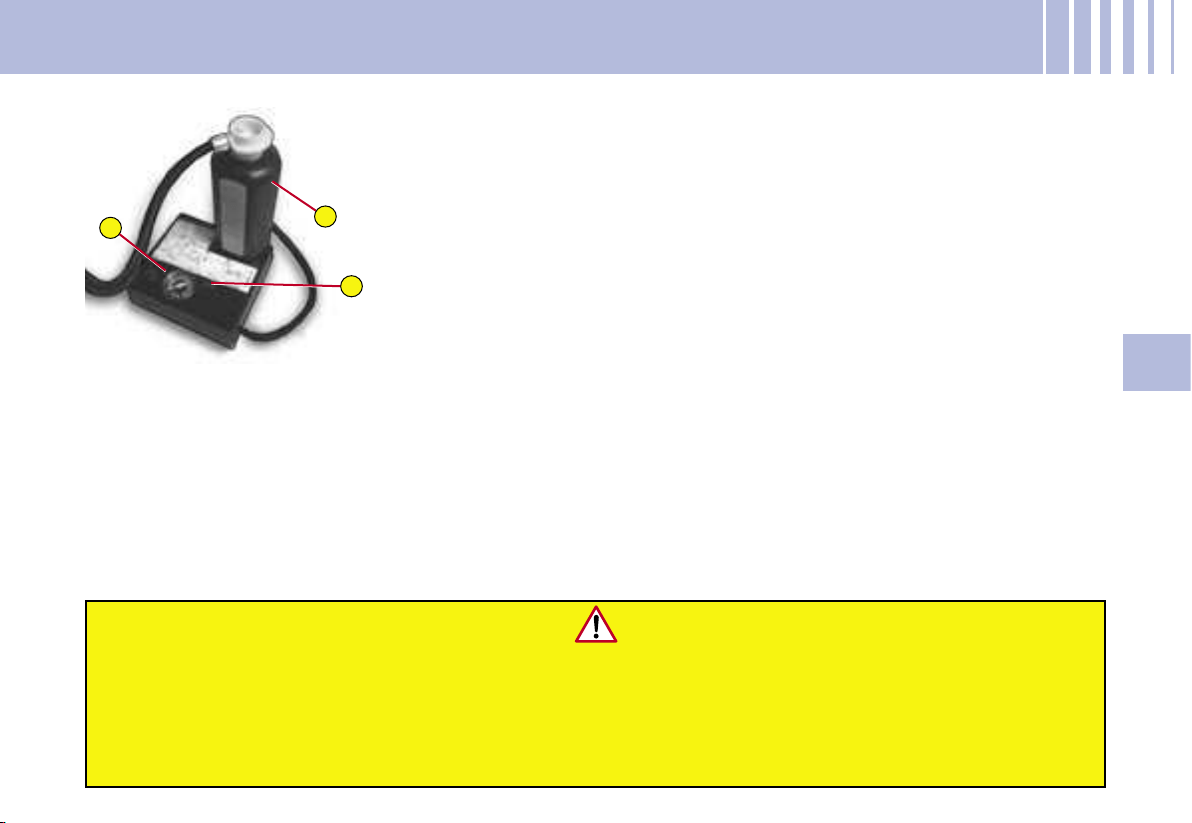
1
2
A
VI
185
PUNCTURE REPAIR KIT
The puncture repair kit is to be
found either in the compartment
under the second-row passenger
footwells or in the boot well (ac-
cording to equipment).
The puncture repair kit is a complete
system including a compressor and
a setting product.
Using the puncture repair kit
1. Affix a speed limit sticker on
the affected wheel, and one
on the steering wheel, to re-
mind you that you are driving
with a wheel that is only fit for
temporary use.
2. Clip the flask 1 on the com-
pressor 2.
3. Couple the flask 1 to the valve
of the tyre to be repaired.
4. Couple the compressor pipe
to the flask.
5.
Connect the electric cable to one
of the vehicle’s 12V sockets
.
6. Operate the compressor by
pressing the button A until the
pressure in the tyre reaches
2.0 bars. If you cannot make
the pressure attain this level,
then the tyre is not repairable.
7. Remove and stow the com-
pressor.
8. Drive immediately for a few
miles at reduced speed, in or-
der for the repair to set.
9. Adjust the tyre pressure to the
normal level for the vehicle,
checking that there is no air es-
caping (no loss of pressure).
10. Drive at reduced speed (80 km/h /
50 mph). The tyre should be ex-
amined and repaired as soon as
possible by a professional.
Note : After use, the flask should
be stored in a plastic container
(provided in the kit), so as not to
soil your vehicle with residues of
the fluid.
Warning, the flask of puncture repair gel contains ethylene-gly
col, a product that
is toxic if ingested and irritating for the eyes.
Keep out of reach of children.
After use, do not dispose of the flask in the environment, but r
eturn it to a
CITROËN dealer or alternatively to a recognised recover
y facility
.
This repair kit is available from a CITROËN dealer.
CHANGING A WHEEL
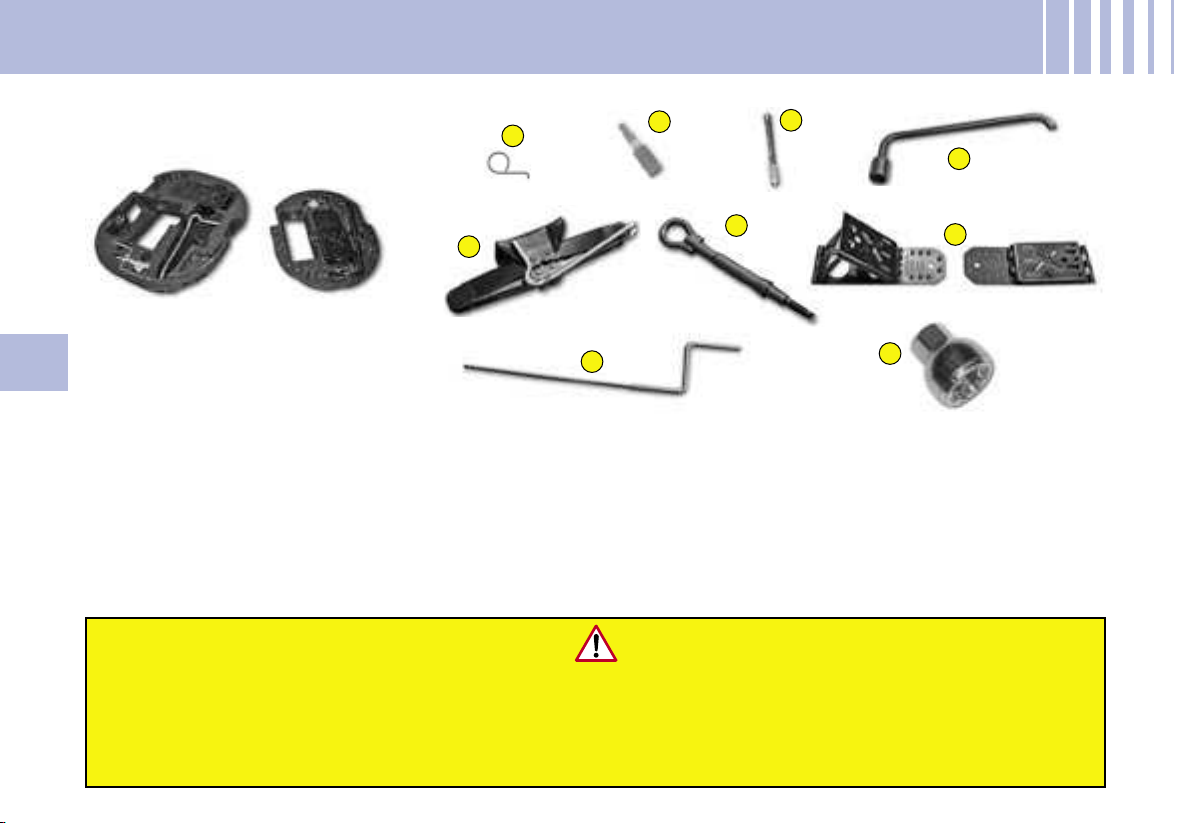
2
3
4
5
6
7
8
9
1
186
VI
CHANGING A WHEEL
TOOLS
The tools are to be found either in
the compartment under the second-
row passenger footwells or in the
well under the third-row seats (ac-
cording to equipment).
1- Tool for removing the central
trim on alloy wheels
2- Tool for removing the chrome
covers on the wheel bolts on
alloy wheels
3- Centring guide
4- Tool for removing the wheel
bolts
Never get underneath the vehicle if it is supported only by the jack.
The jack and all the tools are designed specifically for use on your particular vehicle.
Do not use them for any other applications.
Have the original wheel repaired and refitted as soon as possible.
It is essential not to exceed a speed of 80 km/h (50 mph) on your spare wheel.
5- Vehicle jack with handle
6- Removable towing eye
7-
Two chocks, provided for chan-
ging a wheel or for other uses on
the vehicle (such as unlocking
the electric parking brake)
8- Electric parking brake unlocking
device
9- Anti-theft socket.
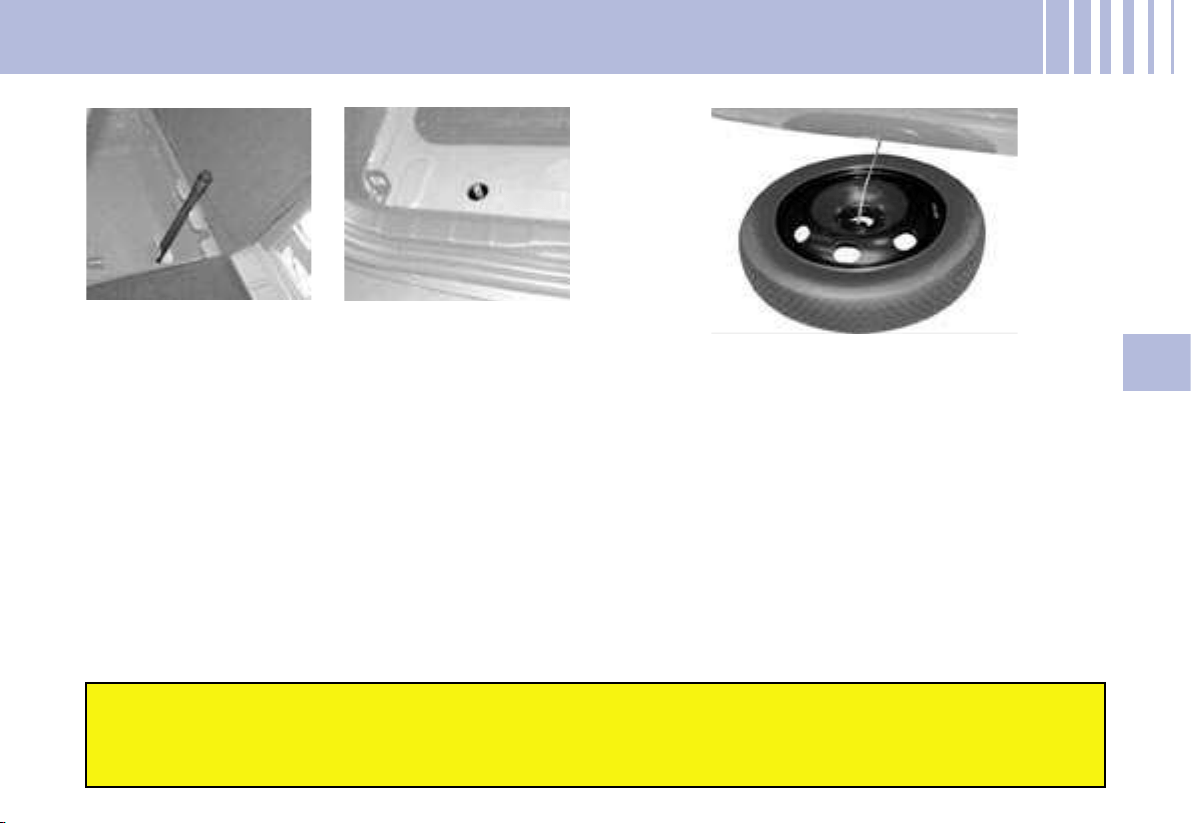
VI
187
CHANGING A WHEEL
ACCESSING THE SPARE WHEEL
1. Move the third-row seat, right-hand side (7 seater
model).
2. Retrieve the extension that is attached to the rear
of the seat well.
3. Engage the extension on the pinion located under
the carpet in the seat well.
4. Using the wheel brace on the extension to turn the
pinion clockwise, release the cable to lower the
spare wheel to the ground.
5. Remove the wheel from under the vehicle, disen-
gaging the linking plate in the centre of the wheel.
STOWING THE AFFECTED WHEEL
1. It is essential to orient the valve upwards.
2. Pass the linking plate through the centre of the
wheel (first removing the central trim on certain al-
loy wheels).
3. Turn the pinion anti-clockwise to draw in the ca-
ble. First the pinion will turn idly, then the cable will
tighten to raise the wheel. Check that the wheel is
tight against the vehicle floor and not interfering
with other nearby components (e.g. the exhaust).
4. Stow the tools and chocks.
With the affected road wheel now under the vehicle floor, the vehicle has reduced ground clearance,
so take extra care when reversing or driving on uneven surfaces, including kerbs.
Retrieval of the spare wheel and stowage of the affected road wheel are operations that should be
done with the vehicle supported on its wheels, not by the jack.
Note : The pinion to release the spare wheel is located
under the boot carpet, on the right hand side in the
wheel well for the Grand C4 Picasso and on the left
hand side for the C4 Picasso.
Grand C4 Picasso C4 Picasso
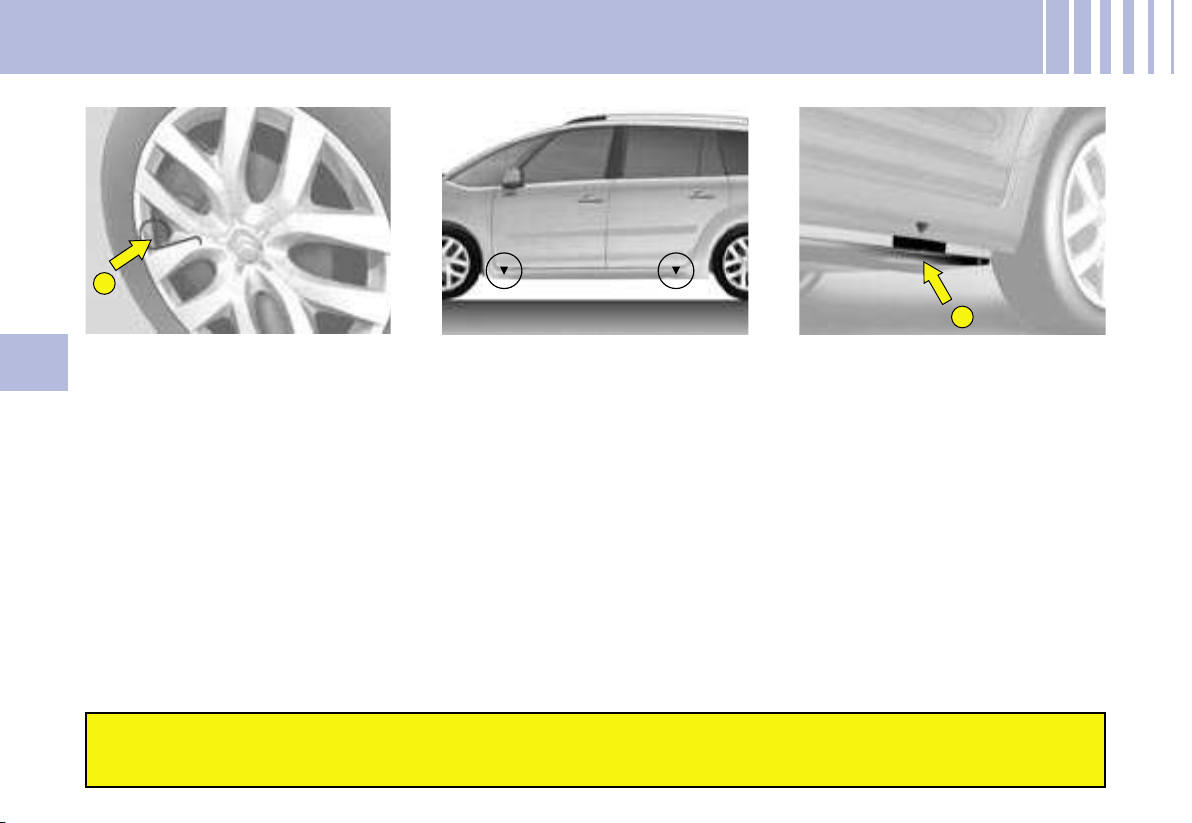
A
1
188
VI
CHANGING A WHEEL
REMOVING A WHEEL
1. Park the vehicle on level, sta-
ble and non-slippery ground.
Apply the parking brake.
Switch off the ignition, check
that the parking brake is ap-
plied (message and warning
lamp in the instrument panel)
and engage first gear or re-
verse gear depending on the
slope (P if an automatic gear-
box, D or R if a 6-speed elec-
tronic gearbox).
2. Use a chock to secure the ve-
hicle more safely. Place the
chock in front of the wheel that
is opposite the wheel affected.
3. Detach the trim using the re-
moving tool 4, pulling in the
area of the valve.
For vehicles with alloy wheels,
insert the trim removing tool 1
into the recess in the central
trim and lever it off.
For vehicles with alloy wheels
that have visible bolts, remove
the chromes covers using the
tool 2.
Before any operation of this sort, it is advisable to deactivate your pneumatic suspension
(see « Pneumatic suspension »). When changing a wheel, it is essential to immobilise
the vehicle on ground that is level, stable and non-slippery.
4. Slacken the wheel bolts. For
vehicles with alloy wheels,
undo the anti-theft bolts using
tool 9.
5. Position the jack under the
vehicle (see diagrams), at the
jacking point A closest to the
wheel to be changed.
6. Unwind the jack 5 until its
bracket is in contact with the
ground. Make sure that the
jack is vertical under the jack-
ing point used.
7. Continue to extend the jack so
as to raise the vehicle.
8. Undo the wheel bolts and re-
move the wheel.
VI
189
CHANGING A WHEEL
WHEEL FOR TEMPORARY USE
If your vehicle is equipped with
a spare wheel for temporary use
only, when fitting this it is normal
to observe that the wheel bolts do
not come to bear directly on the
wheel rim.
The spare wheel is secured by the
conical tapering of the wheel bolt’s
shaft (see illustration).
When refitting the original wheel,
ensure that the wheel bolt contact
surfaces are clean and in good
condition.
WHEEL EQUIPPED WITH
DEFLATION DETECTION
SYSTEM
Such wheels have tyre pressure
sensors. It is essential to have re-
pairs carried out by a CITROËN
dealer.
ANTI-THEFT BOLTS
(alloy wheels)
Each wheel may be equipped with
one anti-theft bolt.
To remove it :
1. Remove the protector that is
covering it by means of the tool
2 (for removing the chrome
covers on alloy wheels).
2. Use the anti-theft socket 9
with the handle.
DIMENSION OF THE SPARE
WHEEL
If your spare wheel has dimen-
sions different from those of the
normal vehicle wheels (identified
by a label), it is imperative to use
the spare wheel only temporarily,
to drive with caution, not to exceed
80 km/h (50 mph) and to have the
tyre repaired and the normal wheel
refitted as soon as possible.
Tyre pressures
These are indicated on the label
on the front door pillar. See “Ve-
hicle identification” and “User Pre-
cautions”.
The wheel bolts are specific to each type of wheel.
If new wheels are fitted, check with your CITROËN dealer that the
wheel bolts are compatible with the new wheels.
Note : take care to note down the code number on the head of the
anti-theft bolt socket. This will enable you to obtain a replacement
anti-theft socket from a CITROËN dealership.
REFITTING A WHEEL
1. Position the wheel with the aid
of the centring guide 3.
2. Do up the 3 bolts by hand, then
remove the centring guide 3.
Position the 4
th
bolt.
3. Pre-tighten the wheel bolts,
using the wheelbrace 4.
4. Retract the jack 5 and disen-
gage it.
5. Tighten the wheel bolts, using
the wheelbrace 4.
6. Ensure that the tyre pressure
is correct (see “Vehicle identi-
fication”).
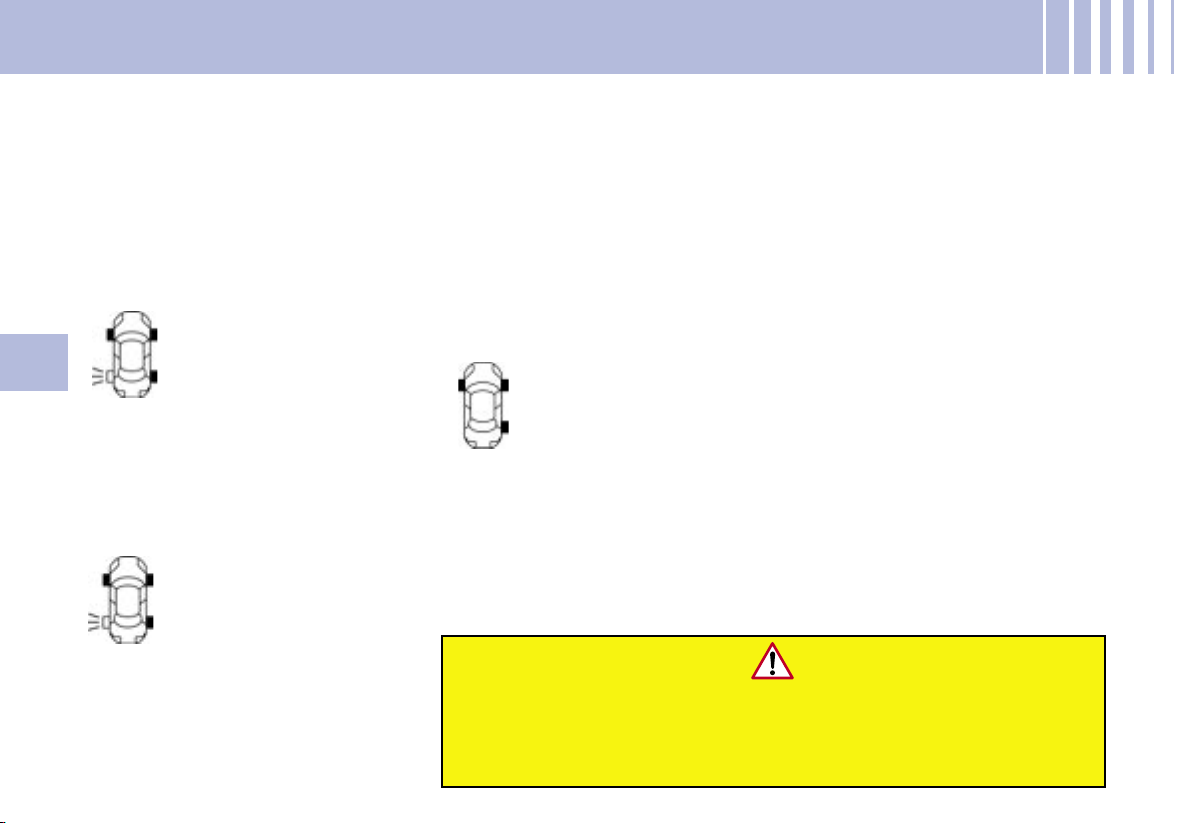
190
VI
Any repair or any change of tyre, on a wheel fitted with a sensor,
should be carried out by a CITROËN dealer.
The system may be affected from time to time by interference
from radio transmissions on similar frequencies.
This function alerts you in the
event of a tyre being deflated or
punctured. For this purpose, sen-
sors continuously monitor the con-
dition of the vehicle’s wheels.
This system does not absolve the
driver of the need to check the tyre
pressures regularly.
TYRE DEFLATION DETECTION
The SERVICE warning
lamp comes on and a ve-
hicle outline is displayed,
accompanied by a mes-
sage and a sound signal.
The wheel(s) concerned
will be shown flashing on the vehicle
outline. Check the tyre pressures as
soon as possible.
Deflation warning
The STOP warning lamp
comes on and a vehicle
outline is displayed, ac-
companied by a mes-
sage and a sound signal.
The wheel(s) concerned
will be shown flashing on the vehi-
cle outline. Stop the vehicle imme-
diately, avoiding any violent actions
on the steering wheel or brakes.
Puncture
Change the damaged wheel
(whether punctured or substan-
tially deflated), have the tyre re-
paired as soon as possible, then
check the tyre pressures as soon
as you can after that.
The wheel affected will no longer
be detectable by the alert system
if it is in the boot or undergoing re-
pair. The spare wheel is not moni-
tored by the alert system.
The SERVICE warning
lamp comes on and a ve-
hicle outline is displayed,
accompanied by a mes-
sage and a sound signal.
The wheel(s) concerned
will be shown as absent on the vehi-
cle outline. If you have not changed
a wheel, this information indicates a
malfunctioning of the system.
Wheel not monitored
Consult the CITROËN network to
have the defective sensor(s) re-
placed.
The deflation detection system is a
driving assistance function which
does not relieve the driver from
the responsibility to be vigilant.
This system does not absolve the
driver of the need to check the
tyre pressures on a regular basis
(see « Vehicle identification»), to
ensure that the vehicle behaves
as it should and to avoid prema-
ture wear on the tyres, especially
when the vehicle is being subject-
ed to heavy loads or driven at high
speeds.
Do not forget to check the tyre
pressure on the spare wheel.
VI
191
Towing with all wheels on the ground
Towing ring fixings are placed at the front and at the rear of the vehicle.
To access them:
- at the front : push at top left, then pull on right.
- at the rear : push at bottom, then pull on top.
The cover remains attached to the bumper by means of a tab, so that it
cannot become lost.
The ignition key should be in position “M” so as to retain steering.
Use a bar with hooks to attach on the towing rings.
If the engine is not running, the steering and braking systems will not be power-assisted.
If towing another vehicle, the latter should be free-wheeling
(that is, gearbox in neutral).
Removable towing ring
The towing ring is detachable and
can be fitted either at the front or at
the rear of the vehicle. It is stowed
with the tools either in the storage
flap under the second-row footwell
or (according to equipment) in the
boot well.
TOWING - LIFTING
Advice
In exceptional circumstances, it
is permitted to tow the vehicle at
low speed over a short distance
(depending on local legislation in
force).
In all other cases, the vehicle
must be transported by a trans-
porter.
CAUTION - TOWING A
VEHICLE WITH AUTOMATIC
TRANSMISSION
Put the selector lever in posi-
tion N (neutral).
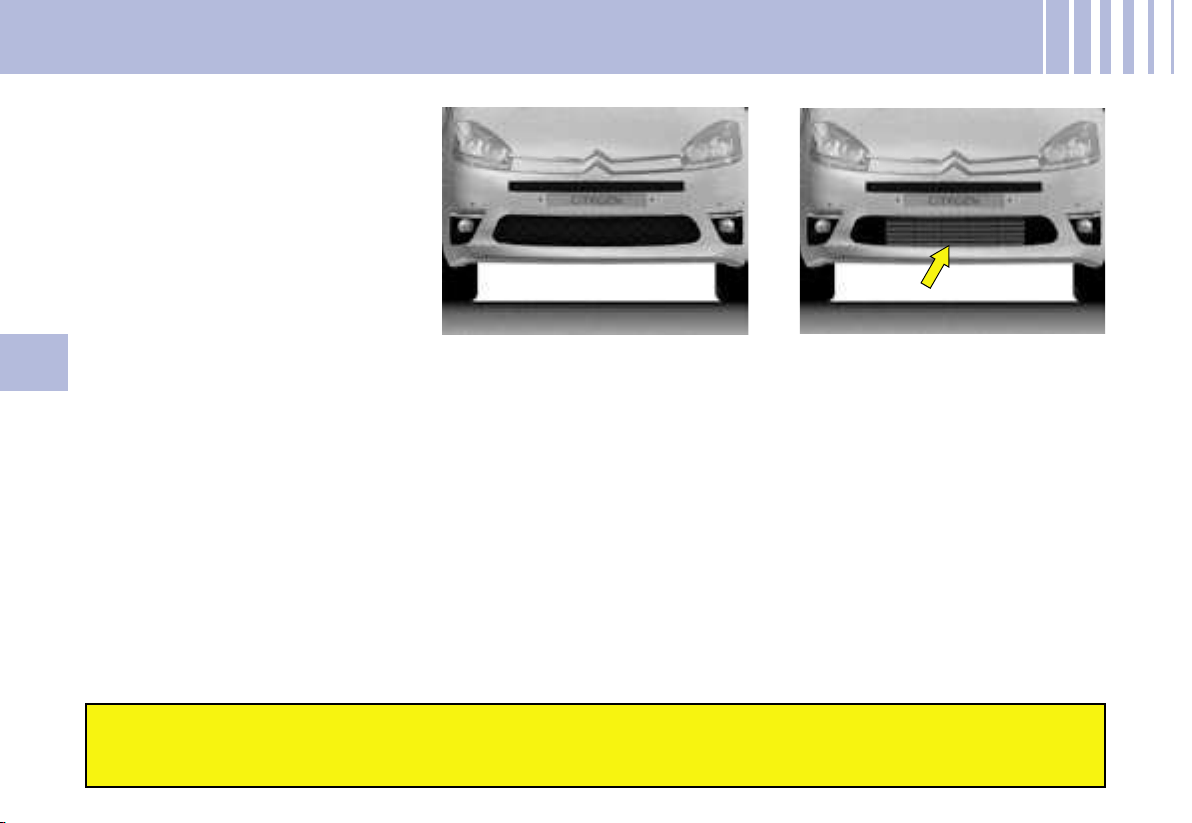
192
VI
COLD WEATHER SCREEN
INSTRUCTIONS FOR FITTING
THE SCREEN
Clip the component on the ribs of
the front bumper.
Before fitting After fitting
The screen supplied with the vehicle (depending on destination)
should be fitted during the winter period only and removed when ambient
temperatures are above 10 degrees Celsius.
VII
193
FUEL CONSUMPTION - IN LITRES/100 KM (MILES PER GALLON)
The fuel consumption figures quoted are correct at time
of going to press.
BVM : Manual gearbox.
BVA : Automatic gearbox.
BMP : Electronic Gearbox System.
These values apply to both Grand C4 Picasso and C4 Picasso.
These consumption values are established in compliance with European directive 80/1268/CEE. They can vary
depending on how the vehicle is driven, on the prevailing trafficconditions,onweatherconditions,onvehicleload,on
how the vehicle has been maintained and also on how many accessories are in use
Engine type 1.8i 16v 2.0i 16V 143hp HDi 110 HDi 138
BVM BMP BVA BVM BMP BMP BVA
Urban 11.3 (25.0) 11.1 (25.4) 12.9 (21.9) 7.3 (38.7) 6.8 (41.5) 7.9 (35.8) 9.9 (28.5)
CO
2
emissions
(g/km)
269 263 306 190 176 206 262
Extra urban 6.1 (46.3) 6.2 (45.6) 6.6 (42.8) 5.1 (55.4) 5.1 (55.4) 5.1 (55.4) 5.9 (47.9)
CO
2
emissions
(g/km)
145 148 157 135 135 132 156
Combined 8.0 (35.3) 8.0 (35.3) 8.9 (31.7) 5.9 (47.9) 5.7 (49.6) 6.1 (46.3) 7.4 (38.2)
CO
2
emissions
(g/km)
190 190 211 155 150 159 195
194
VII
Engine type
1.8 16V 2.0 16V 143hp HDi 110 HDi 138
BVM BMP BVA BVM BMP BMP BVA
Fuel tank capacity
Approximately 60 litres
Fuels to be used
Unleaded petrol
RON 95 – RON 98
Diesel fuel
Turning circle between walls (in metres)
11.85
French fiscal rating 8 9 9 6 6 8 9
Maximum power (kW) 92 103 103 80 80 100 100
Calculated maximum speed
in km/h (mph) (in top gear)
185
(115)
195
(121)
190
(118)
180
(112)
180
(112)
195
(121)
190
(118)
BVM : Manual gearbox.
BVA : Automatic gearbox.
BMP : Electronic Gearbox System.
These values apply to both Grand C4 Picasso and C4 Picasso.
GENERAL INFORMATION
VII
195
GENERAL INFORMATION
Weights (kg) : Grand C4 Picasso
1.8 16V
BVM
2.0 16V
143hp
BVA
2.0 16V
143hp
BMP
HDi
110
BVM
HDi
110
BMP
HDi
138
BMP
HDi
138
BVA
Unladen weight 1510 1600 1560 1530 1539 1620 1650
Gross vehicle weight 2200 2260 2240 2250 2250 2320 2350
Maximum weight on rear axle 1210
Gross train weight 3400 3660 3440 3130 3130 3620 3550
Gross trailer weight
8 % < Incline ≤ 12 % 1200 1400 1200 880 880 1300 1200
Incline ≤ 8 % 1700 1400 1700 1050 1050 1700 1440
With weight transfer
(within gross train weight)
Incline ≤ 12% 1500 1500 1500 1180 1180 1500 1500
Trailer weight without brakes 750
Trailer nose weight 60 60 60 50 50 70 70
Maximum weight on roof bars 80
196
VII
Weights (kg) : C4 Picasso
1.8 16V
BVM
2.0 16V
143hp
BVA
2.0 16V
143hp
BMP
HDi
110
BVM
HDi
110
BMP
HDi
138
BMP
HDi
138
BVA
5 seater version
Unladen weight
1470 1552 1511 1489 1499 1581 1640
Gross vehicle weight
2000 2090 2040 2050 2060 2140 2150
Maximum weight on rear axle 1000
Gross train weight
3400 3590 3440 3130 3130 3540 3550
Gross trailer weight
8 % < Incline ≤ 12 %
1400 1500 1400 1080 1070 1400 1400
Incline ≤ 8 %
1700 1500 1700 1200 1200 1700 1600
With weight transfer
(within gross train weight)
Incline ≤ 12%
1500 1500 1500 1300 1300 1500 1500
Trailer weight without brakes 750
Trailer nose weight 60
Maximum weight on roof bars 80
4 seater Lounge version
Unladen weight -
1600 1579 - - 1615 1655
Gross vehicle weight
- 2070 2040 - - 2090 2130
Maximum weight on rear axle
1000
Gross train weight
- 3570 3440 - - 3490 3530
Gross trailer weight
8 % < Incline ≤ 12 %
- 1500 1400 - - 1400 1400
Incline ≤ 8 %
- 1500 1700 - - 1700 1600
With weight transfer
(within gross train weight)
Incline ≤ 12%
- 1500 1500 - - 1500 1500
Trailer weight without brakes
750
Trailer nose weight 60
Maximum weight on roof bars 80
GENERAL INFORMATION

VII
197
GENERAL INFORMATION
Weights : refer to the manufacturer’s identification plate.
Weight transfer : it is possible, when the towing vehicle is within the gross vehicle weight, to transfer weight
allowance from the trailer, provided you do not exceed the gross train weight.
In all cases, do not exceed the gross train weight indicated.
The maximum speed of a towing vehicle is limited to 100 km/h (approx. 60 mph).
Observe your vehicle’s towing limits. It is essential to comply with the max.
Gross Trailer Weights and speed limits as specified by legislation in each country.
For Belgium and Switzerland : see homologation documents.
Chainable tyres : consult a CITROËN dealer to know which tyres can
be fitted with chains.
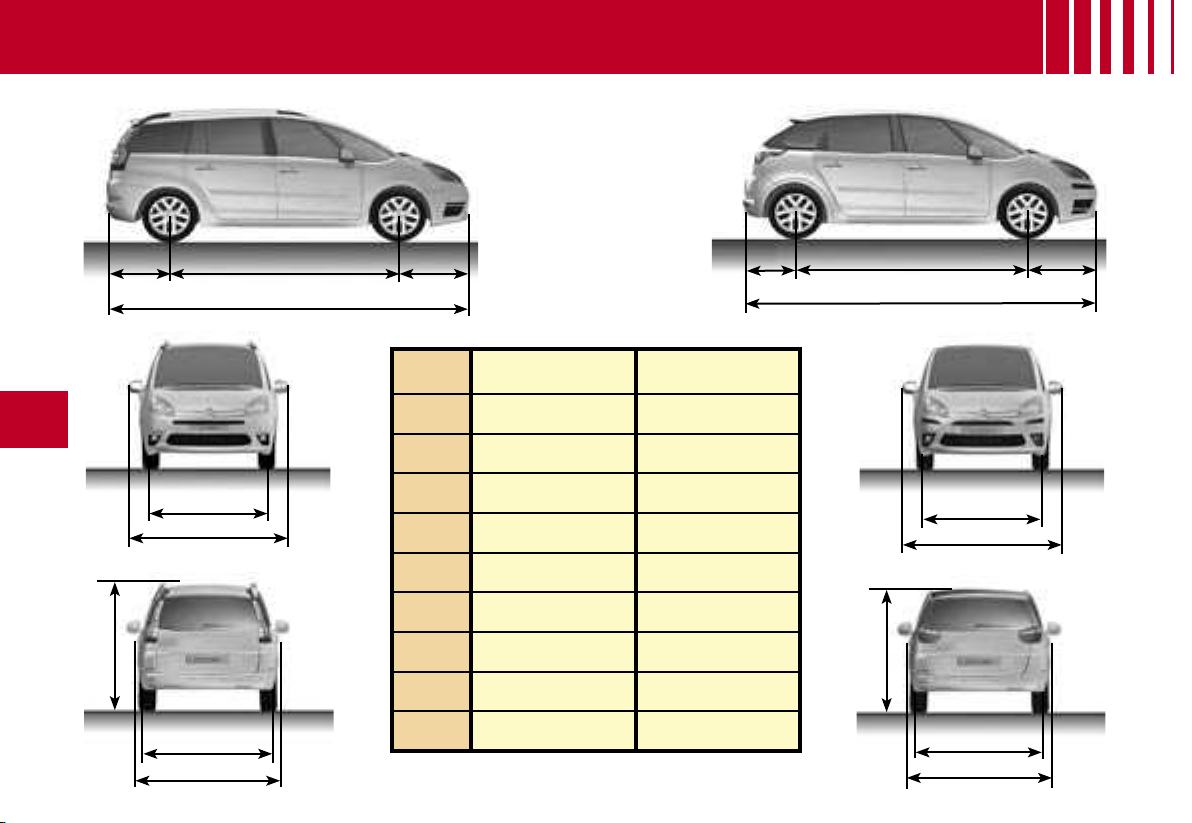
D A
C
B
E
H
I
F
G
E
H
F
I
G
CA
D
B
198
VII
DIMENSIONS - GRAND C4 PICASSO AND C4 PICASSO (IN METRES)
Grand C4
Picasso
C4 Picasso
A 2.730
2.730
B 4.590
4.470
C 0.990
0.990
D 0.870
0.750
E 1.510
1.510
F 1.540
1.540
G* 1.660 to 1.710
1.660 to 1.680
H 2.100
2.100
I 1.830
1.830
* Depending on suspensions and roof bars.
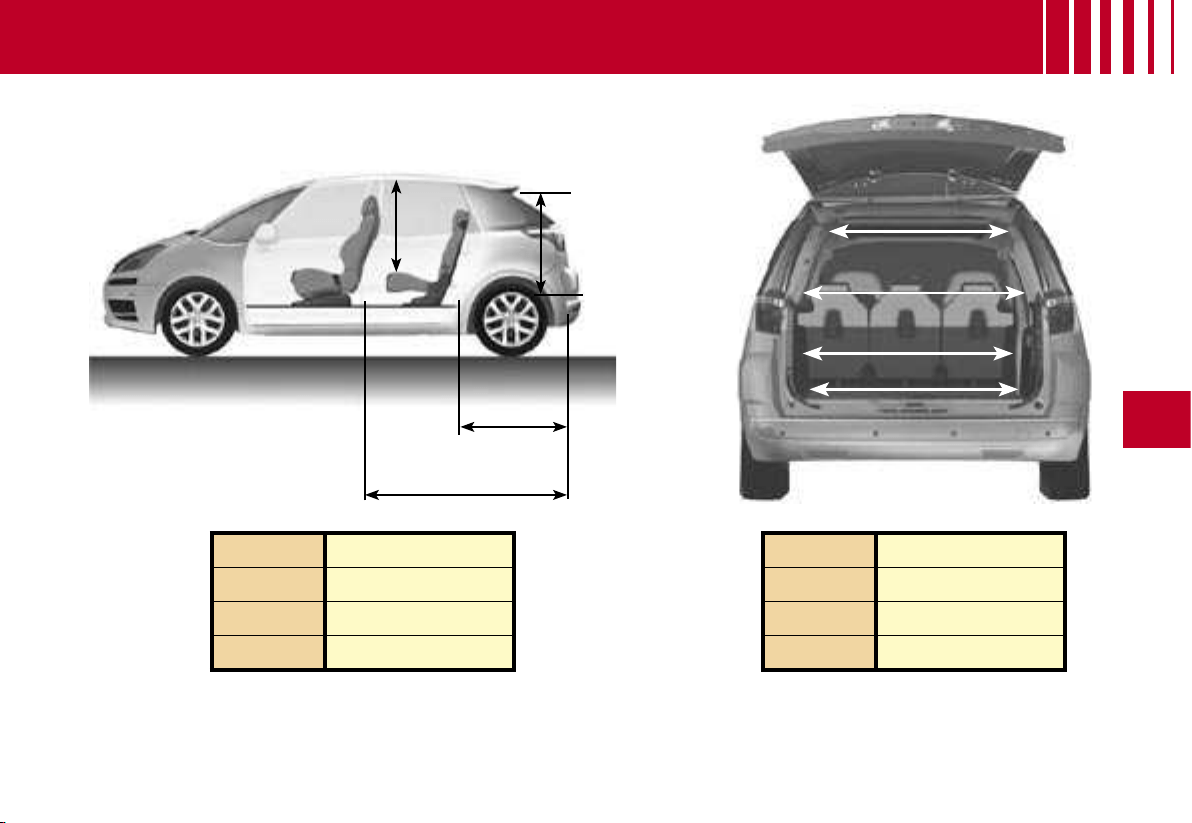
C
B
A
D
E
F
G
H
VII
199
A 0.930
B 0.960/0.980
C 0.880/1.000
D 1.610/1.870
E 0.930
F 1.140
G 1.120
H 1.170
DIMENSIONS - C4 PICASSO (IN METRES)
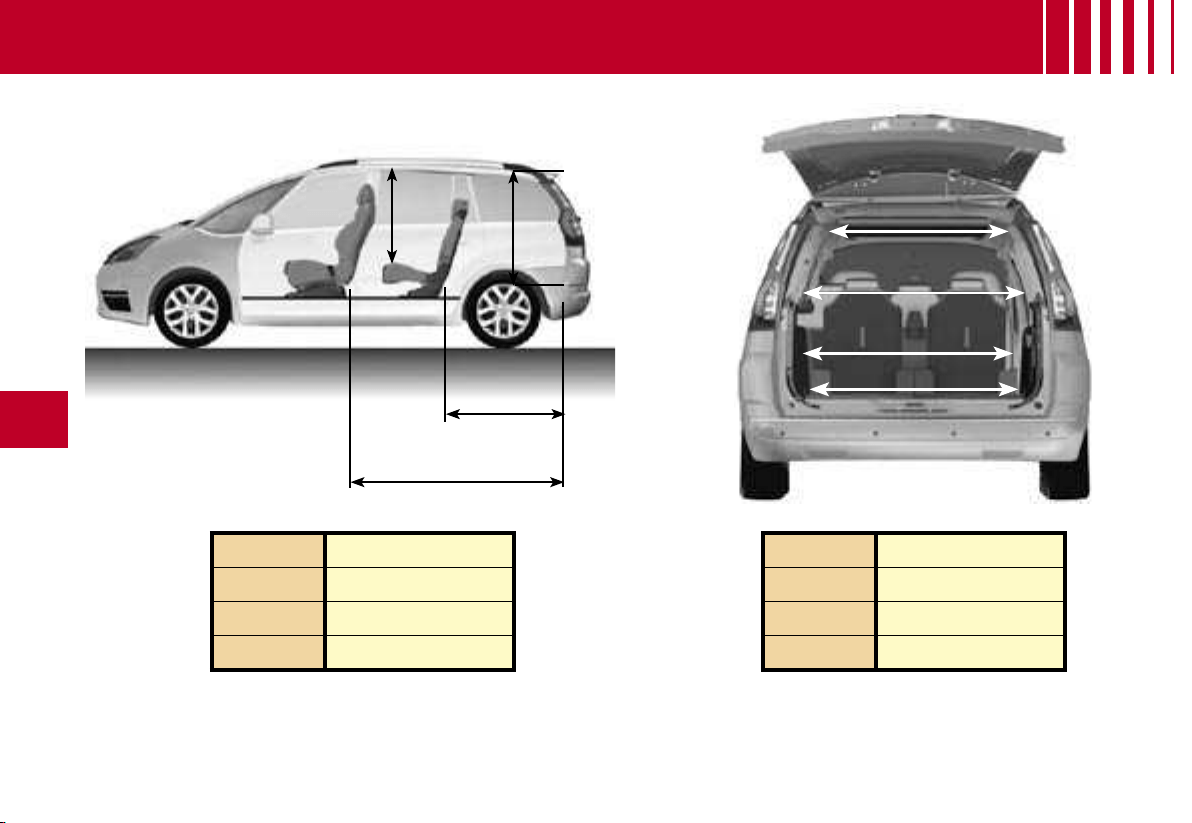
C
B
A
D
E
F
G
H
200
VII
DIMENSIONS - GRAND C4 PICASSO (IN METRES)
A 0.920
B 0.990/1.000
C 1.030/1.160
D 1.800/2.060
E 0.880
F 1.070
G 1.160
H 1.170
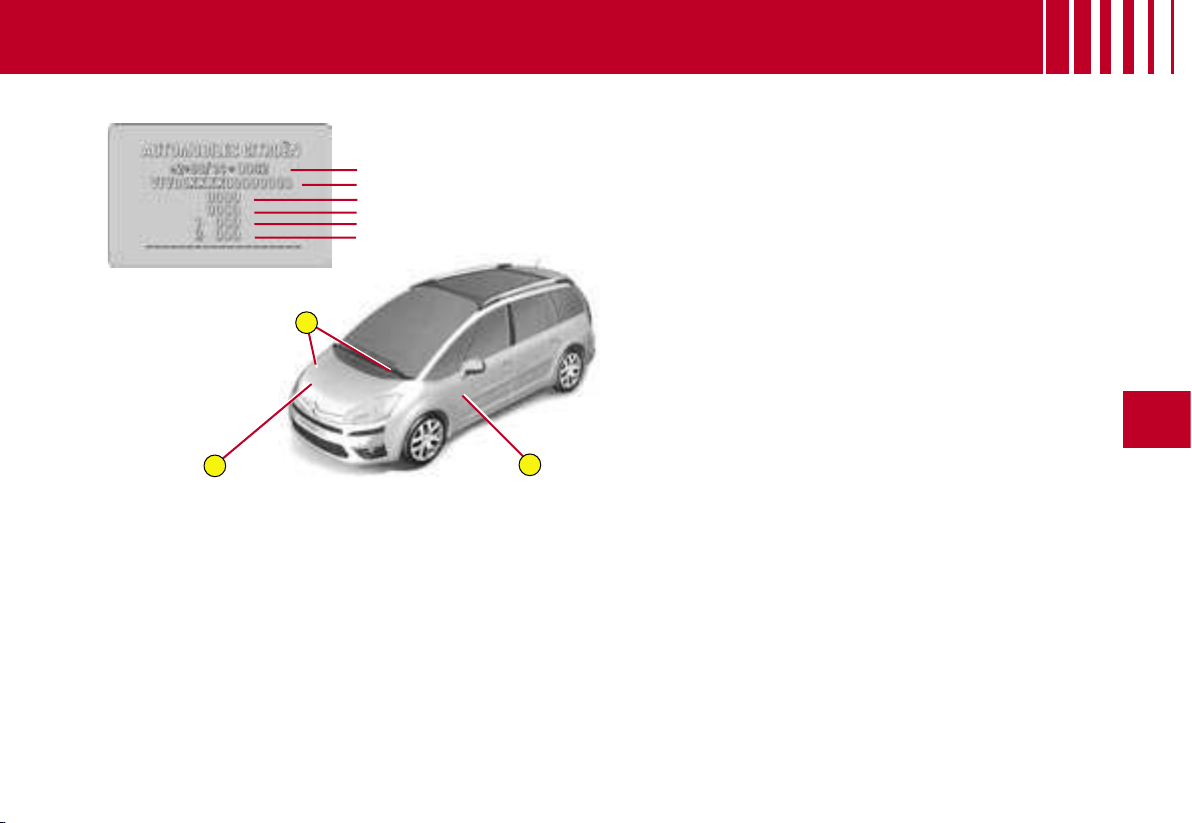
A
B
C
1
2
3
4
6
5
VII
201
VEHICLE IDENTIFICATION
A Manufacturer’s plate
In the engine compartment.
1. EU type approval number.
2.
Vehicle identification No. (VIN).
3. Gross vehicle weight.
4. Gross train weight.
5.
Maximum weight on front axle.
6.
Maximum weight on rear axle.
B Vehicle identification
No. (VIN)
On bodywork and behind wind-
screen
C Paint colour code.
Tyre reference.
Tyre pressures.
The vehicle type and the identification number are also indicated
on the
registration document.
All CITROËN original replacement parts are available exclusively w
ithin
the dealer network.
For your safety and in order to remain within the terms of the
guarantee,
you are advised to use only CITROËN replacement parts
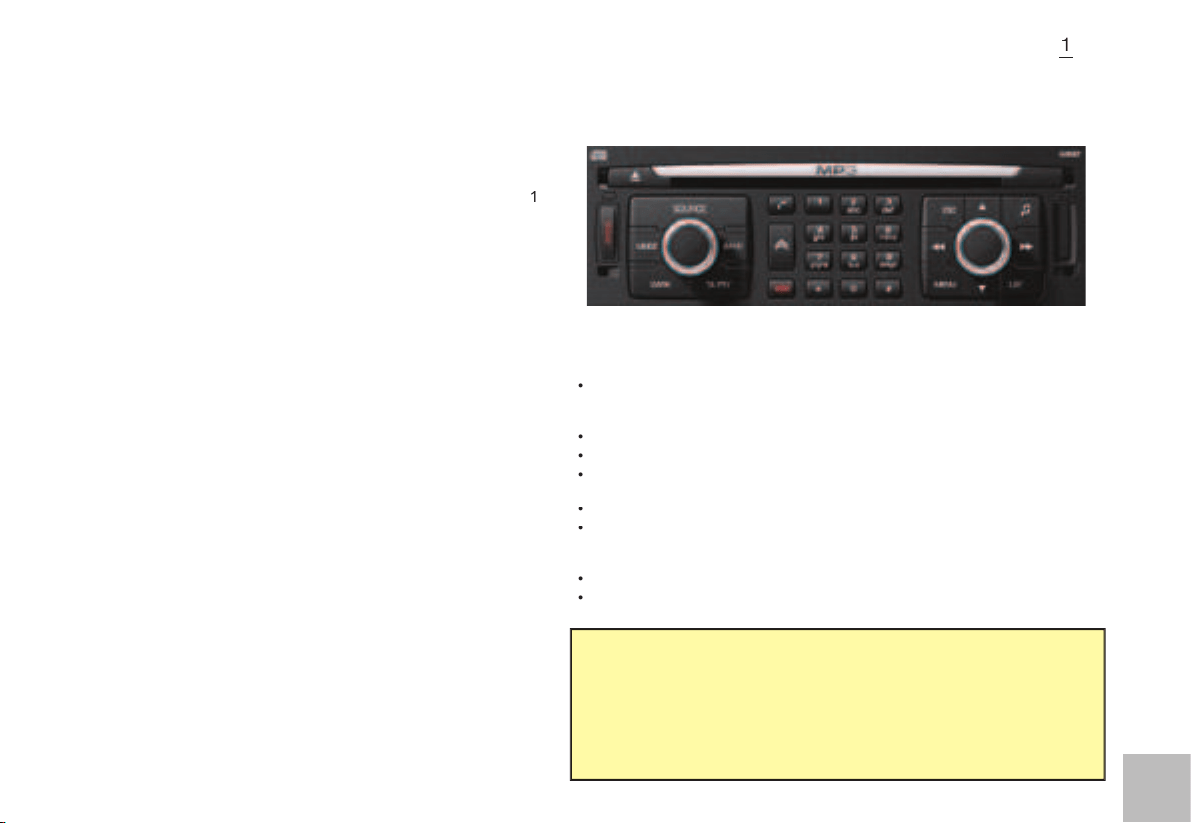
1
1
1
CONTENTS
What is NaviDrive ?
...................................................................
1
Description of the controls
.........................................................
2
Voice commands
........................................................................
6
Main Menu
..................................................................................
8
Navigation - Guidance
...............................................................
9
Map
..........................................................................................
18
Traffi c information
...................................................................
22
Audio system (Radio, CD player, CD changer, MP3)
..............
25
Telephone
.................................................................................
42
Telematic services
..................................................................
48
Confi guration
...........................................................................
50
Vehicle diagnosis
.....................................................................
52
Video
.......................................................................................
53
Frequently-asked questions
....................................................
54
Index NaviDrive
.......................................................................
56
W H AT I S N AV I D R I V E ?
NAVIDRIVE IS A SYSTEM WHICH ENABLES YOU:
To navigate to the destination of your choice (European map on hard disc)
including journeys to your Centres of interest (cinema, hotel, restaurant..)
and taking account of traffi c conditions.
To listen to the radio.
To listen to CDs / MP3 CDs.
To copy CDs into your Jukebox source (10 Go's available on the hard
disc).
To telephone hands-free.
To enjoy access to
CITROËN
services according to the country you are
in (Citroën Emergency, Citroën Assistance, Citroën On line and NaviDrive
services).
To access a vehicle diagnosis menu.
To connect a nomad audio/video device.
•
•
•
•
•
•
•
•
Your NaviDrive is coded so as to function only on your particular
vehicle.
It cannot be used on any other vehicle.
The anti-theft system is automatic and requires no action on your
part.
Your NaviDrive can operate without the ignition on for a maximum of
30 minutes depending on the level of charge of the vehicle battery.
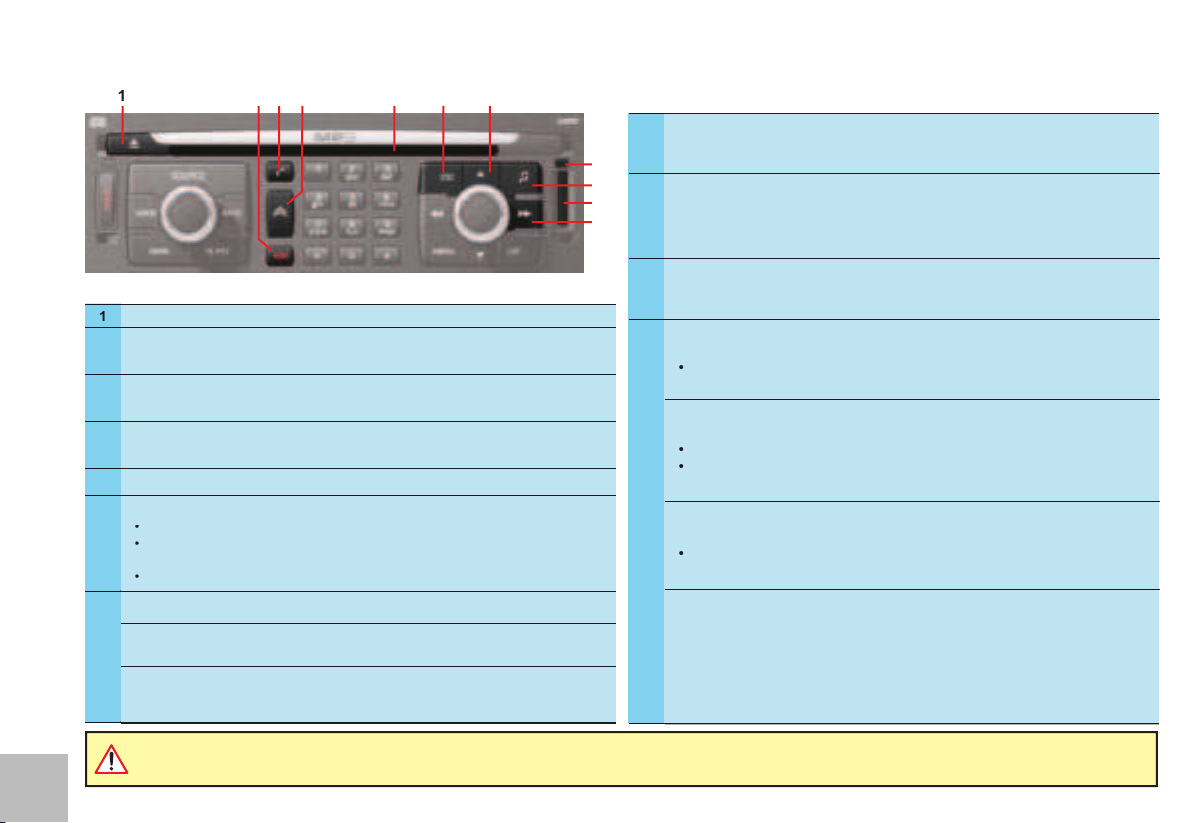
2
2
1
9
11
5
3
8
6
7
2
4
10
D ES C R I P T I O N O F T H E C O N T RO L S
It is recommended that you do not use the NaviDrive controls while your vehicle is moving. In some countries, certain commands may be
deactivated to comply with national regulations.
1
CD eject.
2
Call in progress:
Short press:
End a call.
3
Short press:
Answer call.
Display of telephone menu.
4
Short press:
Access to the CITROËN services menu.
Long press:
Direct call to the CITROËN assistance service.
5
CD aperture.
6
Short press:
Cancellation of the current operation.
Deletion of a superimposed display.
Long press:
Close main menu and return to the welcome screen.
•
•
•
7
Short press:
Manual search of higher frequencies.
Jukebox/CD/CD changer source MP3:
Selection of the prev ious CD/prev-
ious directory.
Other sources:
Moving in the menus.
In “
Select - Move on map
” mode, move upwards.
8
SIM card eject button.
9
Audio adjustments:
Sound ambiences, bass, treble, loudness, fade, balance, speed-sensitive
volume.
10
SIM card slot.
11
Radio sources:
Short press:
Automatic search of higher frequencies.
•
CD or CD changer source:
Short press:
Search of the next track.
Long press:
Fast forward with accelerated sound.
•
•
Jukebox/MP3 CD source:
Short press:
Search of the next track.
•
Exploration:
Movement in the menus and movement of the cursor in an entry zone.
In “
Select - Move on Map
” : move to the right.
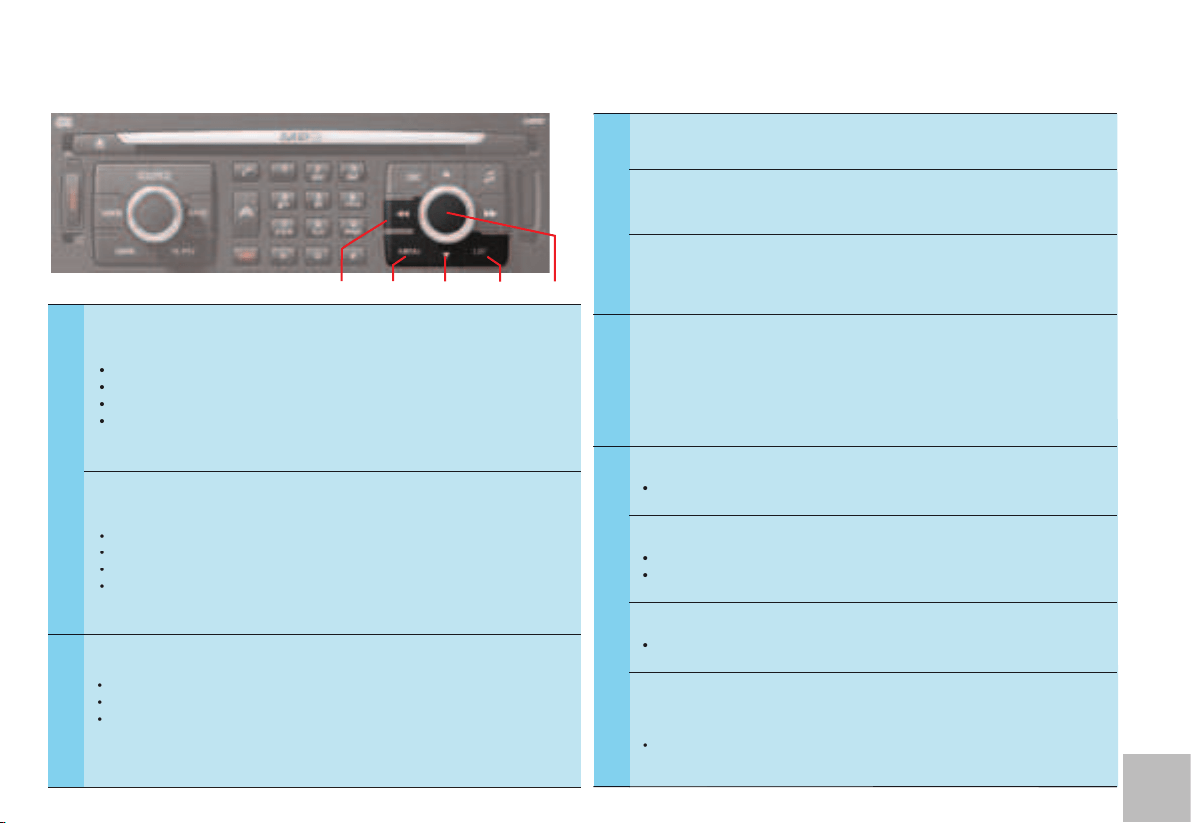
3
3
13
14
15
16
12
D ES C R I P T I O N O F T H E C O N T RO L S
12
Rotate:
Movement
in the screen for choosing a function, a parameter or a value.
Decrease or increase
of data in the case of an adjustment.
Scrolling
of the elements to select from a list.
Modifi cation
of the scale of the map on the screen.
•
•
•
•
Short press:
Access to the contextual menu (shortcuts).
Validation of the function chosen or of the value modifi ed.
Selection of an “
adjustment
” or “
list
” type parameter for modifi cation.
Activation/Deactivation of a function.
•
•
•
•
13
Short press:
Radio source: Display of the list of radio stations available (60 maximum).
CD source: Display of list of tracks of the CD.
Jukebox source: Display of the list of albums.
Long press:
Update of the list of radio stations available.
•
•
•
14
Radio source:
Manual search of lower frequencies.
Jukebox/CD/CD changer source MP3:
Selection of the next CD/next
directory.
Other sources:
Moving in the menus.
In “
Selection - Move on map
” mode: move downwards.
15
Short press:
Access to the Main Menu.
Long press:
Access to the Voice Commands menu, to the description of your
equipment, to the démonstration of Navigation, to the status of services and
to the level of charge of the reserve battery.
In certain countries, this control is deactivated while the vehicle is moving.
16
Radio source:
Short press:
Automatic search of lower frequencies.
•
CD or CD changer source:
Short press:
Search of prev ious track.
Long press:
Rapid reverse with accelerated sound.
•
•
Jukebox/MP3 CD source:
Short press:
Search of prev ious track.
•
Exploration:
Movement in the menus and movement of the cursor in an entry zone.
In “
Select - Move on Map
” : move to the left.
•
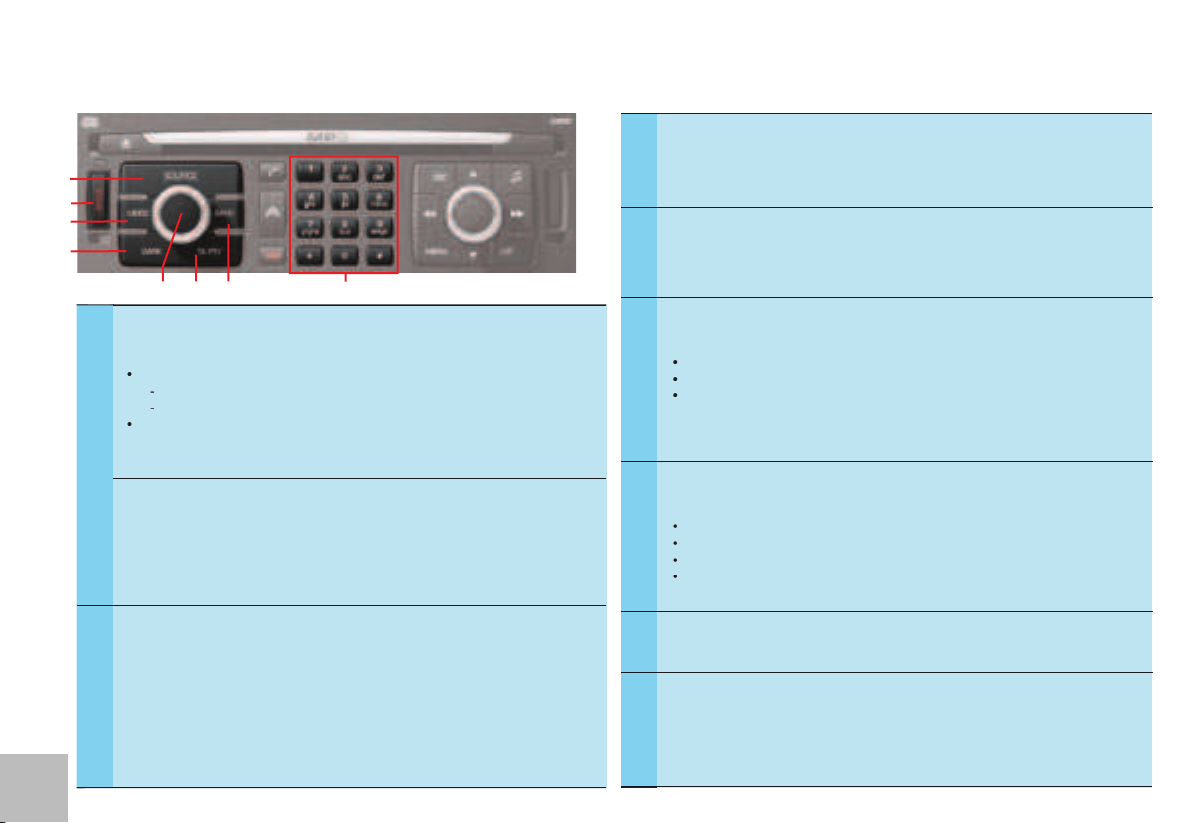
4
4
21
19
20
18
22
23
24
17
D ES C R I P T I O N O F T H E C O N T RO L S
19
Short press:
On/Off for TA traffi c information (Traffi c Annoucements).
Long press:
On/Off for PTY programme type (Program Type).
20
Press:
On / Off.
Rotate:
Volume adjust.
21
Short successive presses:
One press:
Only the top part of the display remains lit.
Two presses:
Display off (blank display).
Three presses:
Return to the standard display.
Long press (more than 10 seconds:
Re-initialisation of the system.
•
•
•
22
Short successive presses will display all the information relating to
the following sources:
Audio.
Telephone.
Trip computer.
Navigator.
•
•
•
•
23
Long press (between 2 and 8 seconds):
Emergency call.
24
Short press:
Selection of the audio source (Radio, CD, CD changer, Juke-
box).
Long press:
Copy of a CD on Jukebox source.
17
Other functions of the alphanumeric keypad:
Radio source:
Short press:
Recall of pre-set stations.
Long press:
Pre-setting of stations.
CD changer source:
Selecting a CD.
•
-
-
•
Any alphanumeric entry (telephone, address, adjustment of date/time, etc.).
Rapid selection of a name commencing with the letter chosen, in the directory
and in the SIM card.
18
Short press:
Selection of frequency bands and memory banks.
Long press:
Automatic memorisation of FM stations available (Autostore).
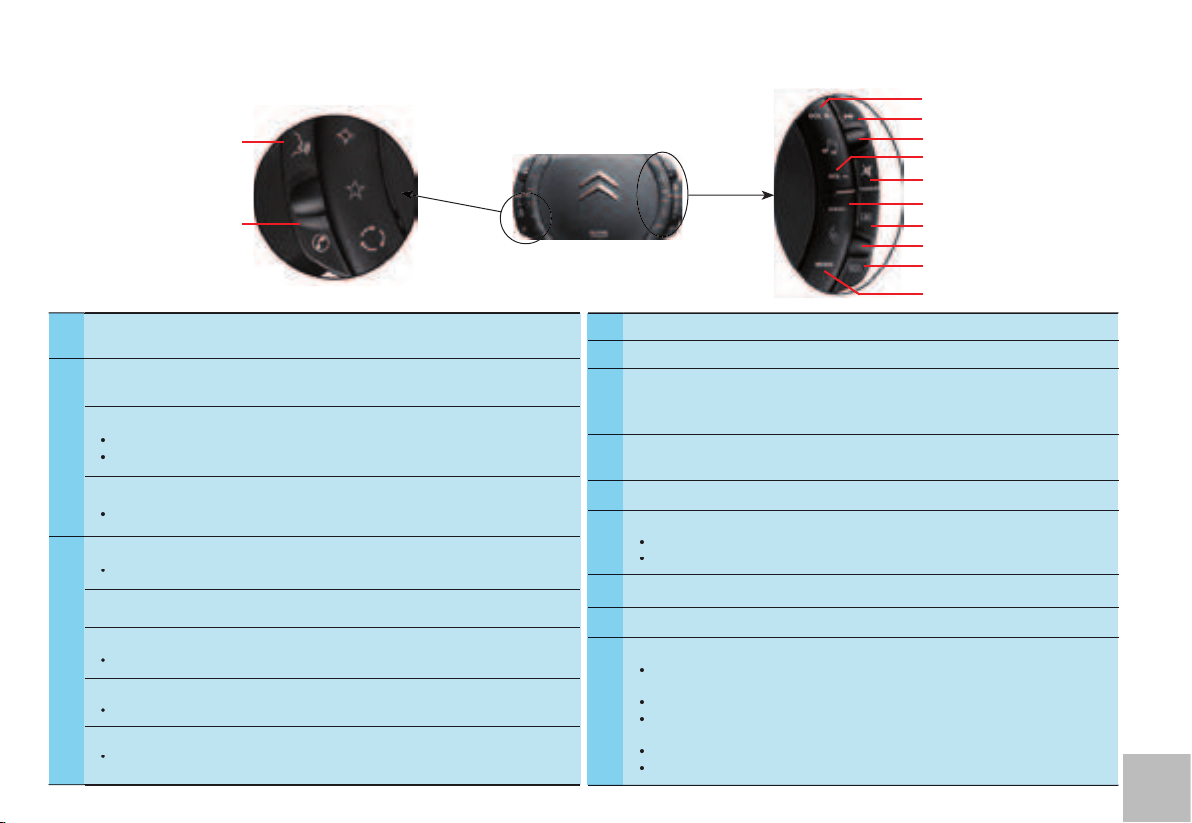
5
5
34
27
28
26
25
29
31
32
33
30
35
36
D ES C R I P T I O N O F T H E C O N T RO L S
O N TH E ST EE RI NG W HE E L
25
Volume increase.
26
Radio source:
Short press
: Automatic search of higher frequencies.
CD or CD changer source:
Short press:
Search of the next track.
Long press:
Fast forward with accelerated sound.
•
•
Jukebox source:
Short press:
Search of the next track.
•
27
Radio source:
Scrolling of pre-set stations.
•
CD source:
Search of the track.
CD changer source:
Selection of next or prev ious CD.
•
MP3 CD / Jukebox source:
Selection of the next or prev ious album.
•
Other sources:
Selection of the next or prev ious elements of a menu in a screen, a list,
an alphabet.
•
28
Volume decrease.
29
Temporary sound pause / Restoration of sound:
Mute.
30
Main menu access button:
To comply with legislation in certain countries, the “
Menu
” button is deactivated
while the vehicle is moving.
31
Validation button:
Validation of the function chosen or of the value modifi ed.
32
Scrolling
of the elements to select from a list.
33
Cancel or delete button:
Short press:
Cancellation of the current operation.
Long press:
Deletion of a superimposed display.
•
•
34
Selection of the type of information displayed on the right of the screen.
35
Activation/Deactivation of the voice recognition control.
36
Not in communication
Press:
Access to the telephone contextual menu.
If there is an incoming call
Short press:
Answer call.
Long press:
Refuse the call.
During a call
Short press:
End a call.
Long press:
Access to the telephone contextual menu.
•
•
•
•
•
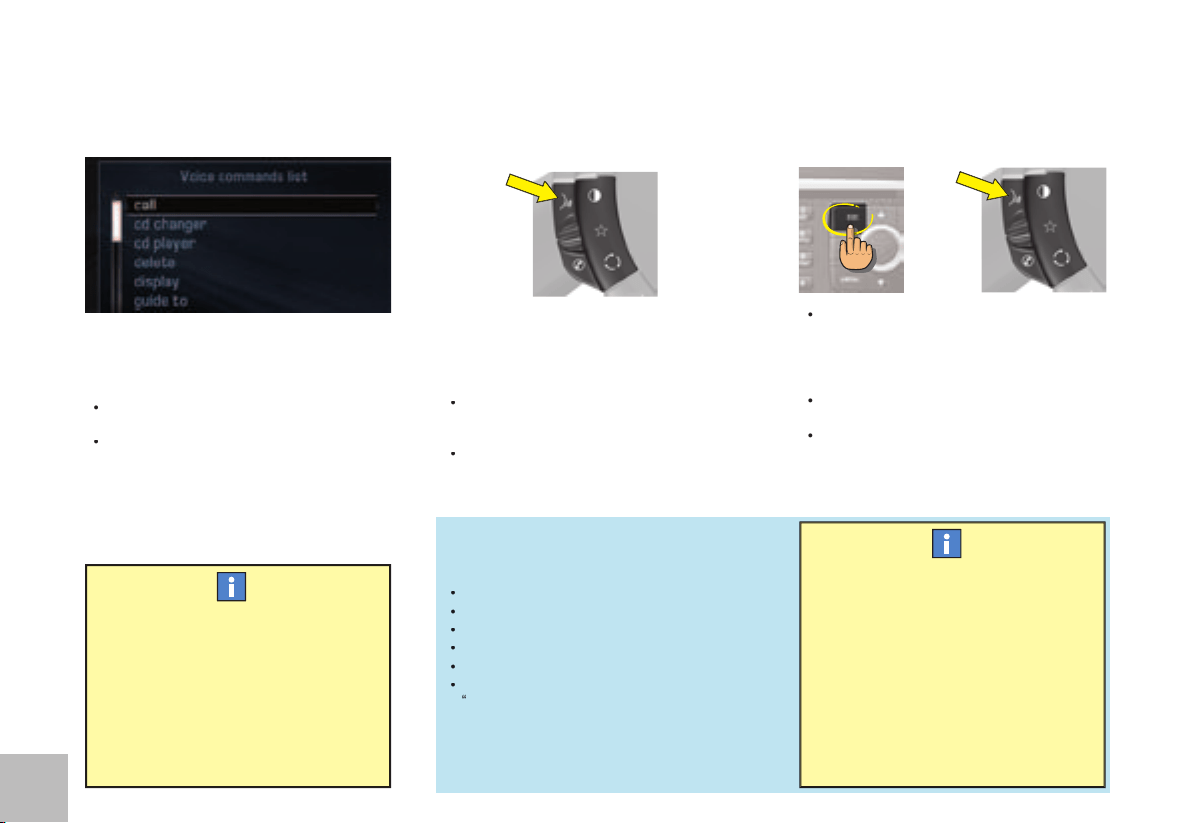
6
6
D ES C R I P T I O N O F T H E C O N T RO L S
V O IC E
You can operate Navidrive using your
voice.
NaviDrive lets you access certain func-
tions by pronouncing the corresponding
voice label:
Using pre-recorded words and expres-
sions, for example: “
Radio
”, “
Help
”.
Using a label recorded by the user.
To associate a voice label to a directory fi le,
select this fi le.
Record a voice label for this fi le (e.g. “
Offi ce
”
or “
Home
”).
•
•
press on the voice recognition button.
Activation of the function is confi rmed by
a beep and by the opening of a window on
the display.
The system is then listening:
If the word pronounced is understood by
the system, it is displayed in the window
and you hear a beep.
If the word pronounced has not been
understood, the system displays and
announces “
Sorry
”.
You must then repeat the words.
•
•
To enhance the effi ciency of recogni-
tion of the labels in your directory fi les,
it is recommended to record them with
different intonations.
The voice commands function in a
logical sequence. A word voiced at
one level must be recognised before
another word at the next level can be
recognised.
Press on the control ESC or on the voice
recognition button to deactivate voice
recognition.
Note:
Voice recognition deactivates auto-
matically:
following an action using voice commands
(emission of a double beep),
after a few seconds with no voice com-
mands (the system says “
End of rec-
ognition
”).
•
•
•
or
Example
To call a number in your telephone direc-
tory:
press on the voice recognition button.
Pronounce the word “
Telephone
”.
Wait for the system to answer with a beep.
Pronounce the word “
Directory
”.
Wait for the system to answer with a beep.
Finally pronounce for example the label
“
Home
”.
After the double beep, the desired action is
performed.
Say the key words that correspond to the
action that you wish carried out.
•
•
•
•
•
•
If you say the word “
Help
” and “
What can
I say
”, you will see displayed all the com-
mands that are available at the moment
of this request.
If you should lose your way in the different
levels of the voice command structure,
say the word “
Cancel
” to bring you back
to the voice commands at the previous
level of the structure.
However careful the user may be, the
pre-recorded words or expressions will
always be more easily recognised than
words recorded by the user.
WHAT IS A VOICE COMMAND ?
HOW TO ACTIVATE VOICE RECOGNI-
TION ?
HOW TO DEACTIVATE VOICE RECOGNI-
TION ?
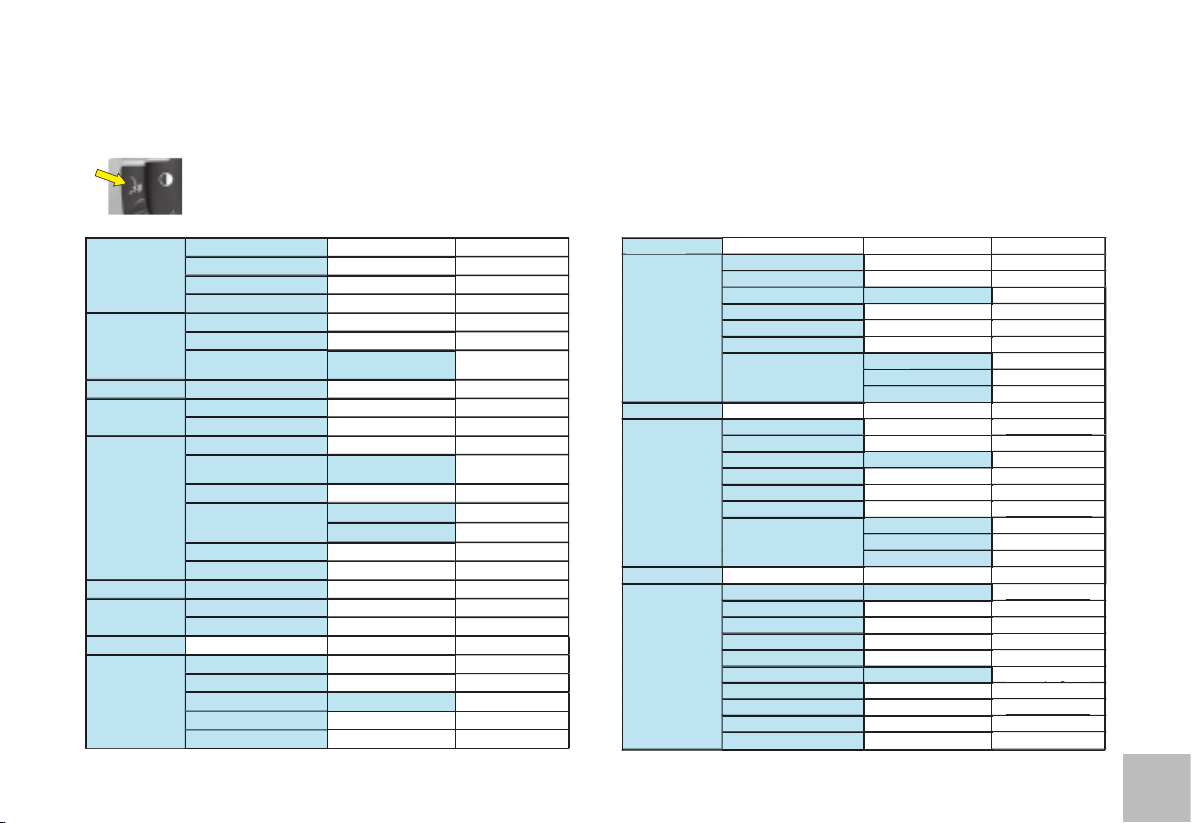
7
7
Press on the end of the lighting control stalk to start voice recognition and say “Help” or “What can I say” to display the list of
voice commands that are available.
CD player
Detail page 35
CD player
Random
Detail page 28
List
Track number
1-20
Previous track
Next track
Scan
Detail page 28
Detail page 28
Folder
Repeat
Next
Previous
Jukebox
Detail page 37
Detail page 37
Jukebox
Random
Detail page 28
Detail page 28
List
Track number
1-20
Previous track
Next track
Scan
Detail page 28
Detail page 28
Folder
Repeat
Next
Previous
CD changer
Detail page 41
CD changer
Disc number
1-5
Detail page 41
Detail page 41
Previous disc
Next disc
Random
Detail page 28
Detail page 28
List
Track number
1-20
Detail page 41
Detail page 41
Previous track
Detail page 41
Detail page 41
Next track
Detail page 41
Detail page 41
Repeat
Scan
Detail page 28
Display
Audio
Detail page 27
Navigator
Detail page 11
Trip computer
Telephone
Detail page 44
Telephone
Voice mail
Detail page 44
Redial
Adress book
“Pre-recorded label”
Detail page 44
Call
“Pre-recorded label”
Detail page 46
Message
Display
Detail page 47
Read
Detail page 47
Navigator
Stop
Detail page 11
Adress book
“Pre-recorded label”
Detail page 12
Restart
Detail page 11
Show
Destination
Detail page 24
Vehicle
Detail page 24
Zoom out
Detail page 18
Zoom in
Detail page 18
Guide to
“Pre-recorded label”
Traffi c Info
Display
Detail page 24
Read
Detail page 24
Radio
Detail page 33
Radio
Autostore
Detail page 31
List
Detail page 31
Memory
1-6
Detail page 30
Previous
Detail page 30
Next
Detail page 30
LI ST A N D S T R U C T U R E O F VO I C E
C O M M A N D S
HOW TO ACCESS THE LIST OF PRE-RECORDED VOICE COMMANDS?
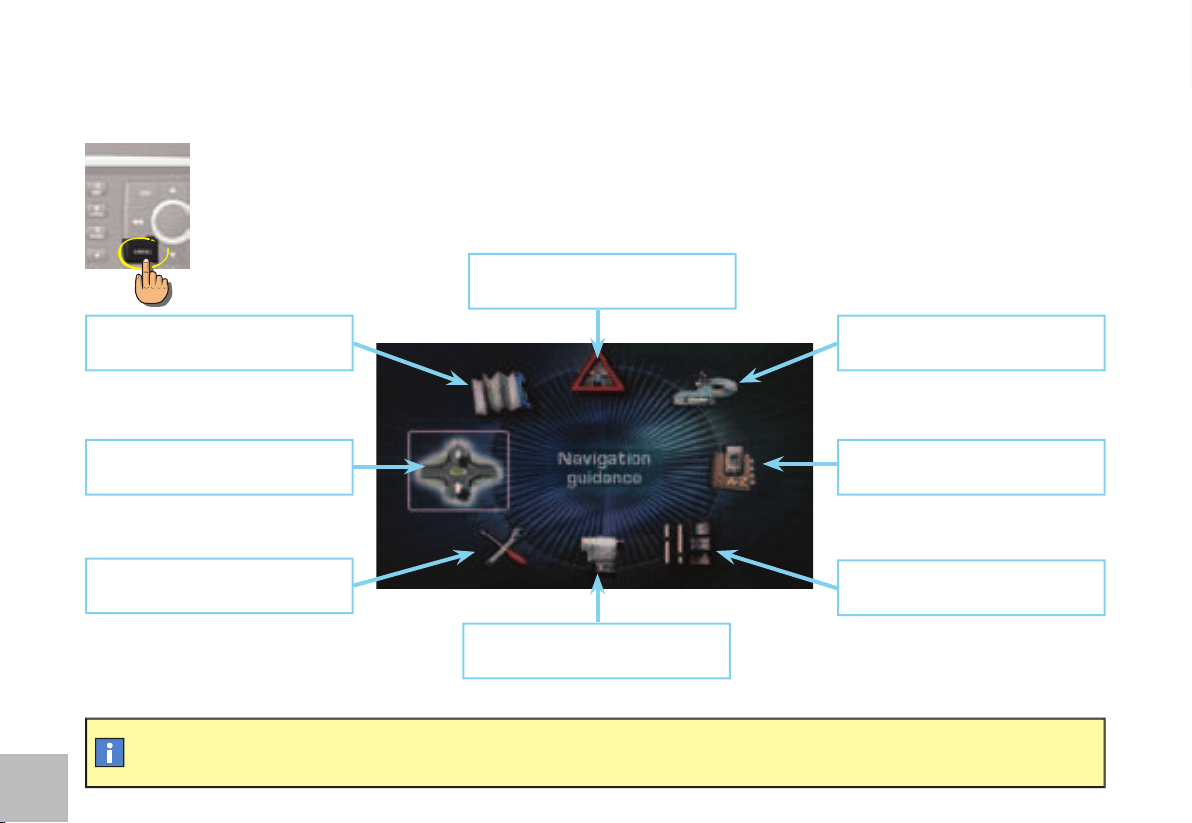
8
8
M A I N M E N U
To keep the display clean, it is recommended to wipe with a soft, non-abrasive cloth (e.g. for spectacles) without any cleaning
product added.
HOW TO ACCESS THE MAIN MENU ?
Press on the MENU button.
TRAFFIC INFORMATION:
TMC in-
formation, messages, etc
AUDIO:
radio, CD, Jukebox source
, options, etc
T E L E M AT I C S :
t e l e p h o n e ,
directory, SIM, services, etc
CONFIGURATION:
vehicle param-
eters, display, time, languages, voice,
auxiliary socket, etc
VIDEO:
activation, parameters, etc
VEHICLE DIAGNOSIS:
log of alerts,
etc
NAVIGATION - GUIDANCE:
GPS,
stages, options, etc
MAP:
orientation, details, display,
etc
9
99
I
N AV I G AT I O N / G U I DA N C E
G E N ER AL
WHAT YOU NEED TO DO IN ORDER TO
USE THE NAVIGATION SYSTEM ?
You have to initialise the navigation system:
when you fi rst use the navigation
following a battery disconnection.
Park the vehicle in the open air so that it can
make contact with a satellite.
Place the ignition key in the “Ignition” position
for 15 minutes.
If the navigation system has diffi culty in
receiving its GPS positioning from satel-
lites, this may be caused by the presence
of bridges, underground carparks, etc.,
which may temporarily interfere with vehi-
cle location or guidance calculation.
•
•
WHAT IS THE NAVIGATION SYSTEM ?
The on-board navigation system uses audible
and visual instructions to guide you towards
the destination of your choice.
The system uses GPS and a mapping data-
base stored on a hard disc.
The GPS system enables your position
to be plotted via contact with a number of
satellites.
The navigation system is composed of the
following elements:
A synthesised voice for enunciating the
guidance instructions during navigation.
A multifunction display.
A GPS aerial.
Controls on your NaviDrive as well as on
the steering wheel.
•
•
•
•
The demonstration gives you a simulation
of the Navigation function.
The demonstration only operates if the
Navigation function is displaying
(
suc-
cessive
presses on button MODE).
Keep the MENU button pressed.
Enter a destination (see “How to enter
an address ?”).
Launch Navigation to start the demon-
stration.
The departure point will be either the current
location of the vehicle or the last location
known.
•
•
•
If your NaviDrive should malfunction, press for at least 10 seconds on the DARK button to re-initialise the system.
HOW TO ACTIVATE A NAVIGATION
SYSTEM DEMONSTRATION ?
You can use the demonstration menu to enter a different point of departure to where you are now.
This lets you plan a trip that you are wishing to make.
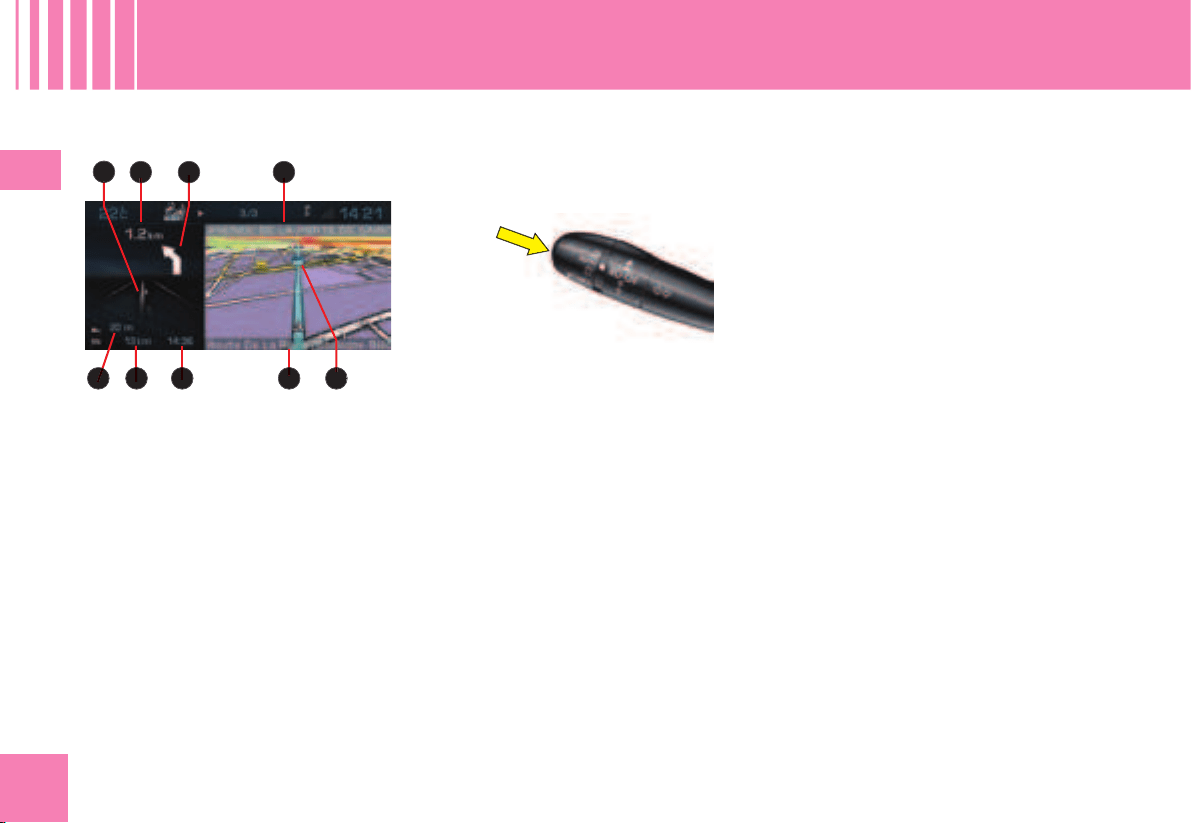
10
1010
I
e
a
b c
fgh
d
i
N AV I G AT I O N / G U I DA N C E
G E N ER AL
The Multifunction screen
During a guidance, you have access to the
following types of information:
a
Manœuvre to be made, or direction to be
taken.
b
Distance to the next manoeuvre.
c
Next manoeuvre to be made.
d
Next road to be taken and name of
town.
e
Symbol concerning Traffi c information or
the services that are in proximity.
f
Road you are currently on, name of the
town.
g
Estimated time of arrival at destination
(based on fl owing traffi c).
h
Distance to fi nal destination.
i
Altitude.
Apart from on the screen, the manœuvres
to be made are announced by a voice
synthesiser.
Repeating the last piece of voice infor-
mation
A few seconds after enunciation of a guid-
ance voice instruction, you have the pos-
sibility of hearing it again.
Keep the end of the lighting control stalk
pressed.
How to adjust the volume for the voice
instructions ?
While a voice instruction is being spoken,
press on the volume adjustment button
controls either on the system or on the
steering wheel.
Adjustment is also possible in the “Confi gu-
ration” menu.
DESCRIPTION OF THE TYPES OF INFORMA-
TION DISPLAYED DURING NAVIGATION
THE VOICE SYNTHESIS

11
1111
I
B
C
D
E
F
A
C
D
B
E
F
HOW TO ACCESS THE NAVIGATION/GUIDANCE MENU ?
N AV I G AT I O N / G U I DA N C E
A C C E S SI NG T H E M E N U
HOW TO ACCESS THE NAVIGATION MENU SHORTCUTS ?
The shortcut options available allow you:
to resume or stop the guidance towards the last destination entered
to divert an itinerary according to the number of kilometres (or miles) that you will have indicated
to defi ne or modify the calculation criteria for the itinerary (shortest way, quickest way. etc.),
to access the list of Traffi c information messages,
to move the pointer on the Map.
Press button MENU.
•
Rotate the control to select the Navigation/Guidance icon
A
.
Press on the control to validate.
•
•
When the Navigation function is displayed (successive presses on the MODE button), the Navigation menu shortcuts give you access to the main
Navigation functions.
Press on the control. A window opens.
•
Rotate the control to select the option of your choice.
Press on the control to validate.
•
•
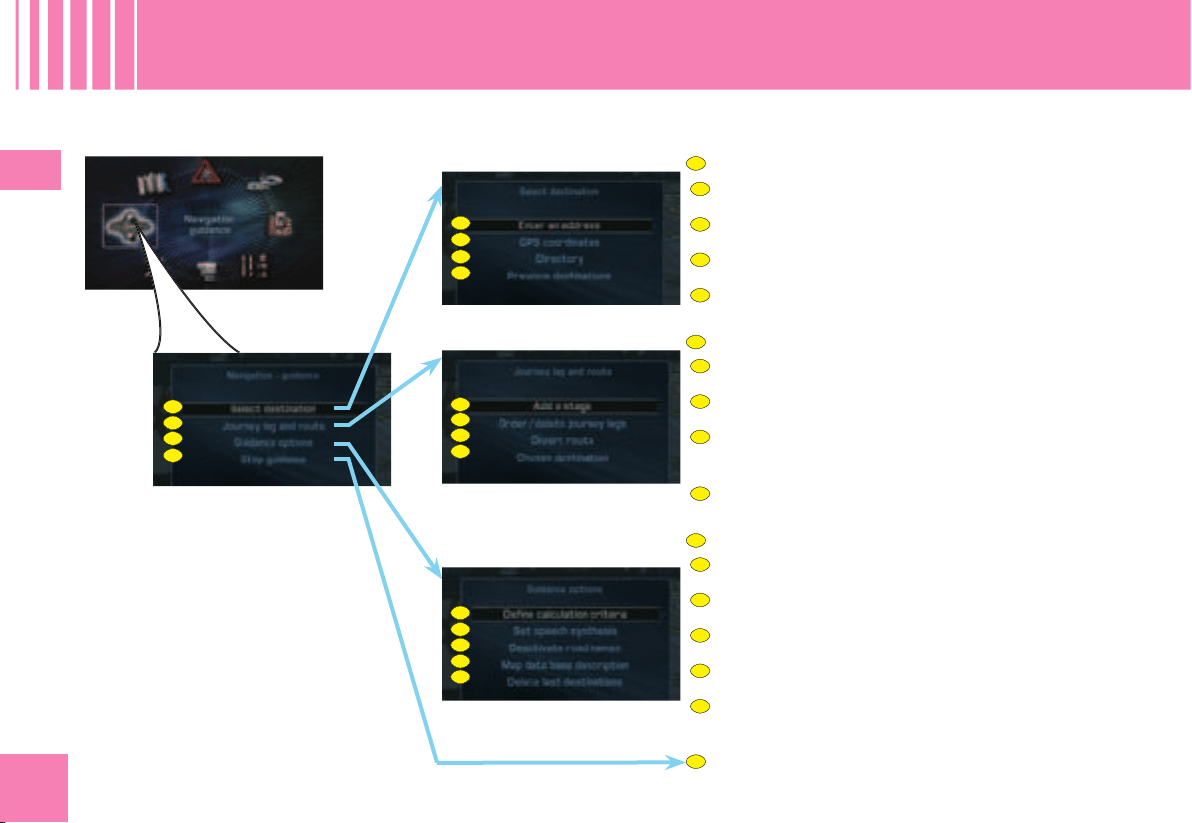
12
1212
I
B1
B2
B3
B4
C1
C2
C3
C4
C5
A1
A2
A3
A4
B1
B2
B3
B4
C1
C2
C3
C4
C5
D
A
B
C
A
B
C
D
A1
A2
A3
A4
N AV I G AT I O N / G U I DA N C E
M E N U ST RU CT UR E
WHAT ARE THE FUNCTIONS OF THE NAVIGATION/GUIDANCE MENU ?
CHOOSE A DESTINATION
Enter a city name, a street name, a street no. or inter-
section.
Enter the GPS coordinates for a location.
Select a location that is stored in the directory.
Select a location from among the last twenty destina-
tions requested.
ENTER STAGES AND ITINERARY
Add a stage to an itinerary after starting a guidance.
Order or delete stages when creating an itinerary.
Divert an itinerary according to the number of kilome-
tres (or miles) you will have indicated (for example to
avoid a traffi c hold-up).
Alter the destination initially chosen.
SET PARAMETERS FOR THE GUIDANCE OPTIONS
Defi ning the route calculation criteria.
Adjust the volume of the voice synthesis.
Activate/Deactivate the pronunciation of a street name
in the voice instructions.
View the types of navigation information available on
the hard disc.
Delete the last destinations automatically memorised.
STOP/RESUME THE CURRENT GUIDANCE
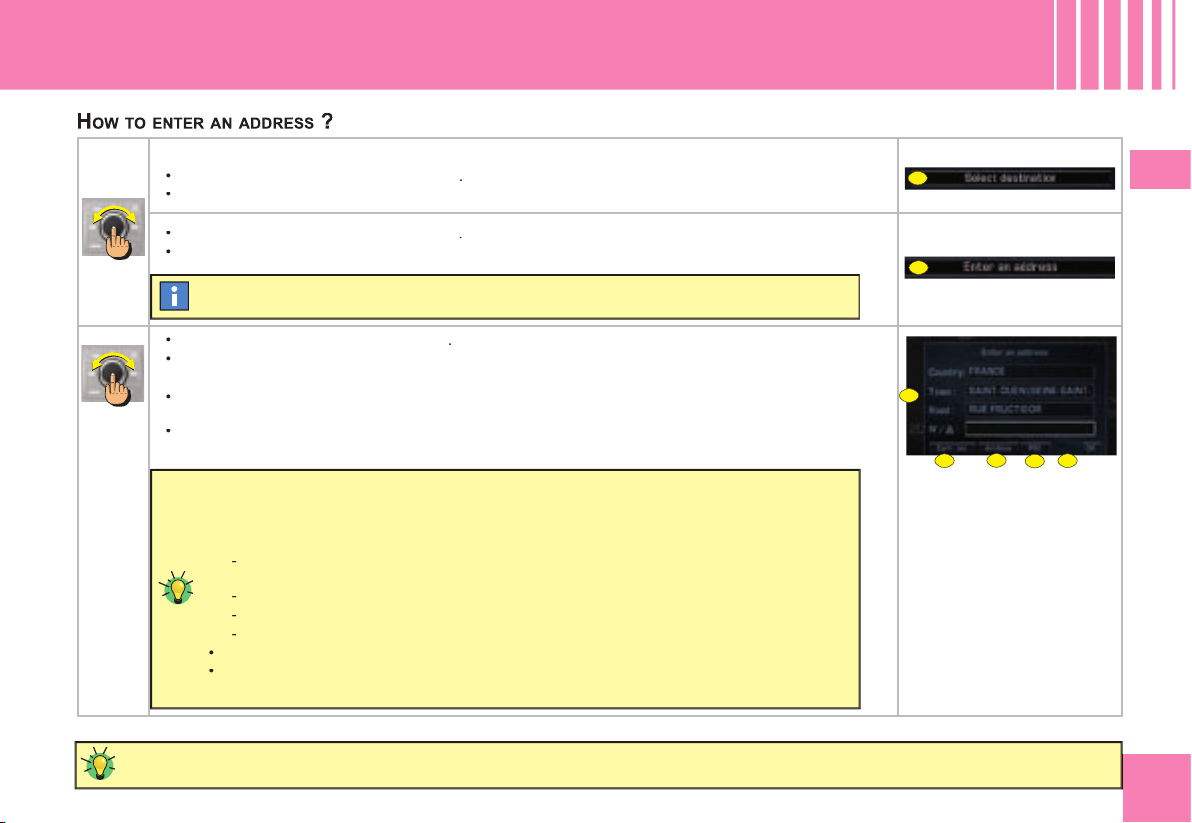
1313
I
A
B
D
E
F
G
C
N AV I G AT I O N / G U I DA N C E
E N T ER A N A D D R E S S ( 1 / 2 )
To go faster, enter the postcode instead of the name of the town.
In the Navigation/Guidance menu:
Rotate the control to select the menu
A
.
Press on the control to validate.
•
•
Rotate the control to select the menu
B
.
Press on the control to validate.
•
•
Rotate the control to select the fi eld
C
.
Press on the control to validate.
Rotate the control or use the alphanumeric keypad to select the letters composing the name of the
town.
Press on the control to validate each letter.
•
•
•
•
The last guidance address is displayed.
After the fi rst letter has been validated, only those letters that can complete an existing
name in the database will be displayed.
At the time of the entry you can select the following functions:
D
to see list of the towns commencing with or comprising the same letters (when the
list contains only 6 names of towns, these display automatically),
E
to display the address corresponding to the vehicle's current position,
F
to select a Centre of interest (POI): the address displays automatically,
G
to store the displayed address in a directory fi le.
Rotate the control to select the option desired.
Press on the control to validate.
-
-
-
-
•
•
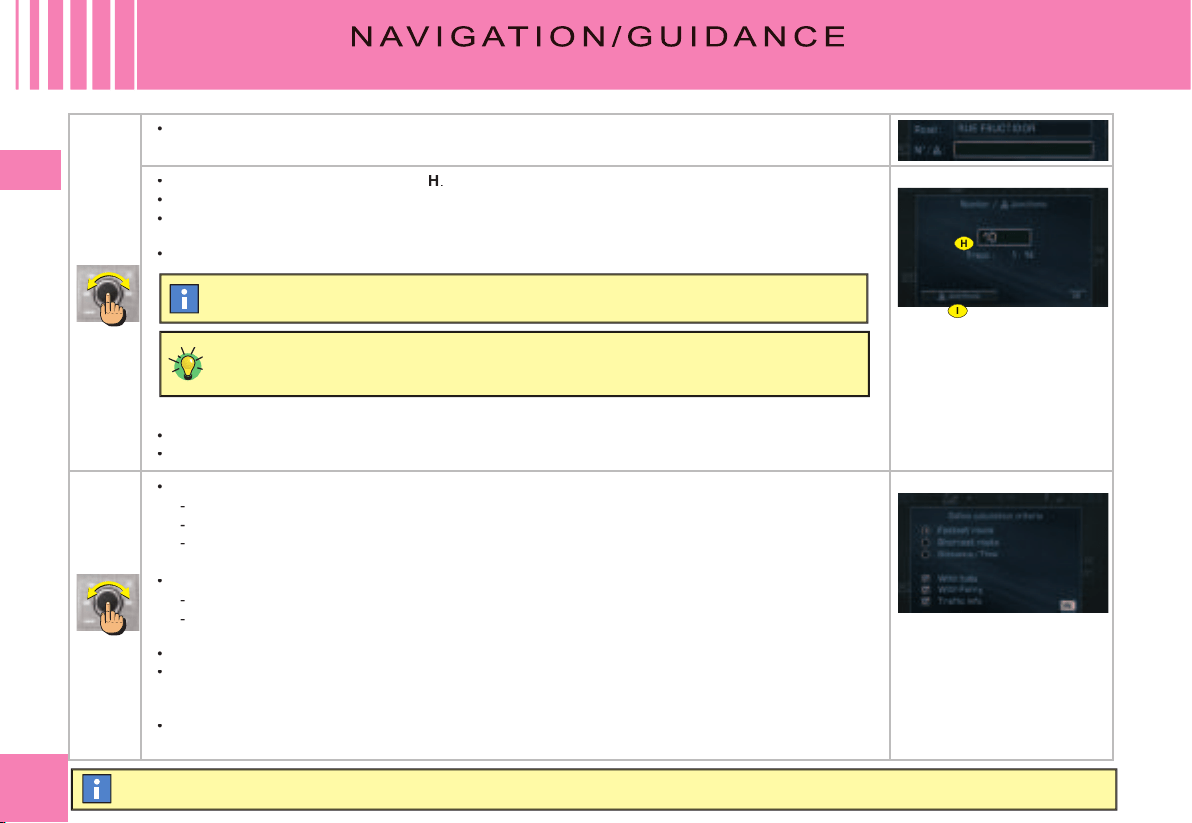
14
1414
I
I
H
E N T ER A N A D D R E S S ( 2 / 2 )
If you only indicate a town name, you will be automatically guided towards the town centre.
In the same way enter the name of the road without indicating the type of road (street, avenue, etc.).
•
Rotate the control to select the fi eld
H
.
Press on the control to validate.
Rotate the control or use the alphanumeric keypad to select the fi gures that make up the street
number.
Press on the control to validate each fi gure.
•
•
•
•
When the complete address has been entered:
Rotate the control to select the fi eld OK.
Press on the control to validate.
•
•
Rotate the control to defi ne the calculation criterion you prefer:
Quickest route
shortest route
route offering the optimum distance/time relationship.
Note:
If you modify one of the criteria during a guidance, the itinerery can be altered.
You can also select routes favouring:
toll roads (motorways, bridges)
traffi c information with the possibility of diverting the route according to the messages (See “Traf-
fi c information”) (advised).
Press on the control to validate.
Start the guidance by selecting OK and press on the control to validate.
Note:
After starting a guidance, a display informs you on the precautions in force concerning the use
of navigation.
If you accept its content, press on the control
Respect the road regulations that are in force.
•
-
-
-
•
-
-
•
•
•
The fi rst is the last street no. fi gure displayed.
When the street nos. are not recorded in the database, your NaviDrive automatically
offers you a list of the streets intersecting with that named.
You also have access to the list of intersections by selecting the fi eld I
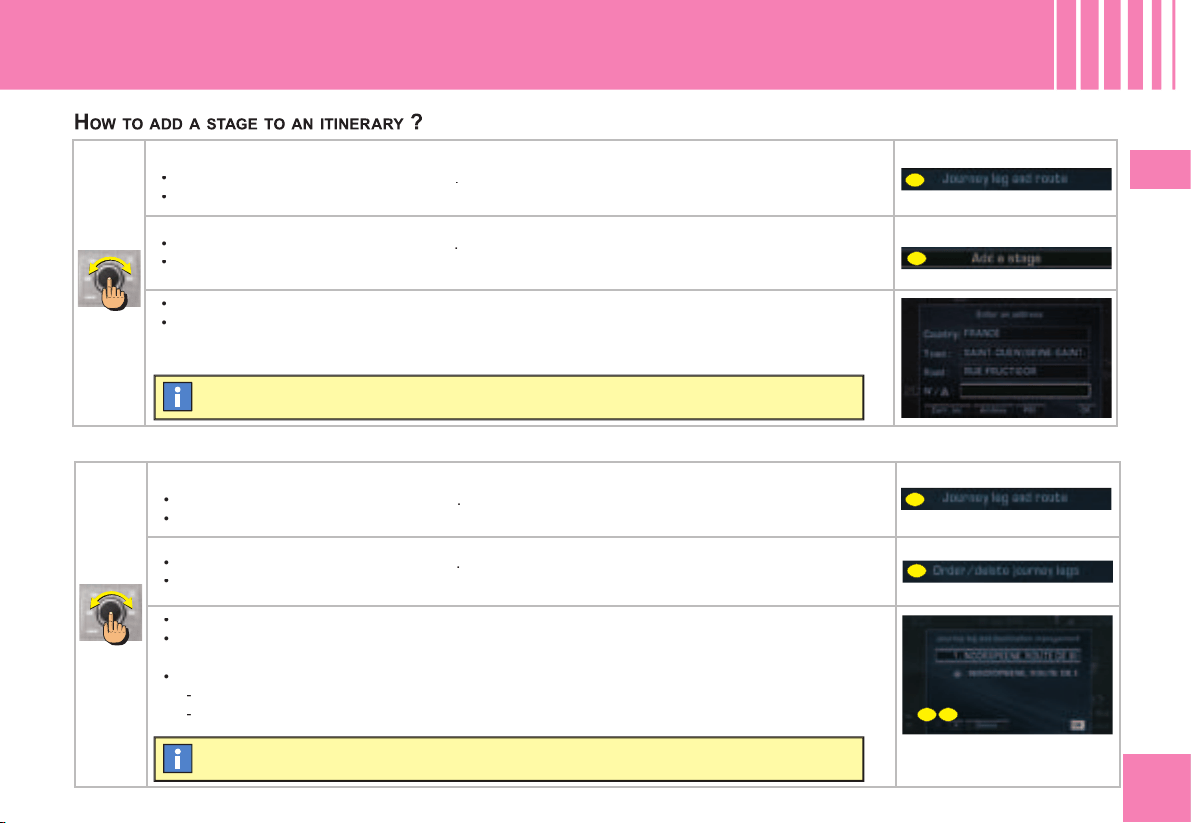
15
1515
I
A
A
B
C
D
E
N AV I G AT I O N / G U I DA N C E
A D D I N G A STA G E
HOW TO CHANGE THE SEQUENCE OF STAGES ?
During guidance, in the menu Navigation/Guidance:
Rotate the control to select the menu
A
.
Press on the control to validate.
•
•
Rotate the control to select the menu
C
.
Press on the control to validate.
•
•
Rotate the control to select the stage to be moved.
Press on the control to validate.
Rotate the control to select:
D
to move the selected stage higher in the list.
E
to move the selected stage lower in the list
•
•
•
-
-
The stage has to be either reached or deleted in order for you to be able to continue
beyond this stage.
The itinerary is recalculated automatically according to the sequence of stages.
During guidance, in the menu Navigation/Guidance:
Rotate the control to select the menu
A
.
Press on the control to validate.
•
•
Rotate the control to select the menu
B
.
Press on the control to validate.
•
•
Enter the address of the additional stage. See “How to enter an address ?”.
Press on the control to validate.
•
•
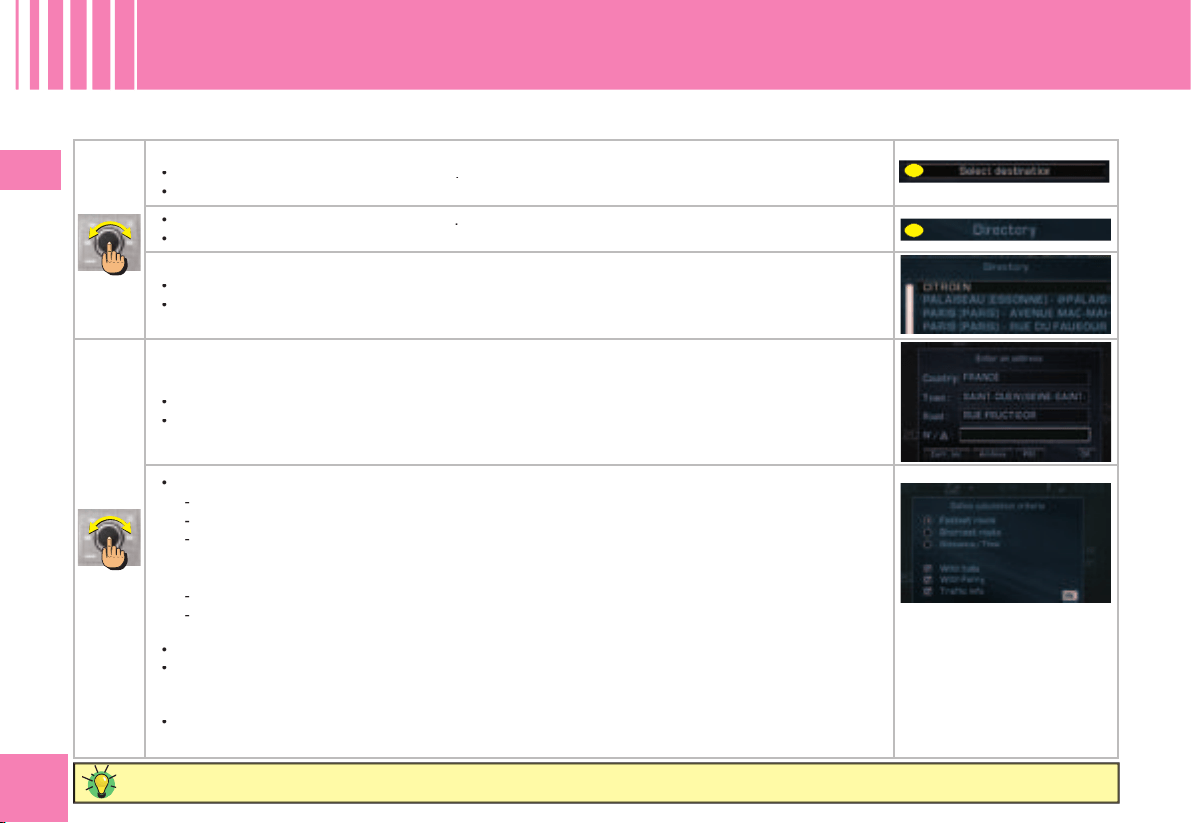
16
1616
I
A
B
HOW TO START A GUIDANCE FROM AN ARCHIVED ADDRESS ?
N AV I G AT I O N / G U I DA N C E
U S I NG T H E D I R E C TO RY
Remember to archive your address in a fi le.
In the Navigation/Guidance menu:
Rotate the control to select the menu
A
.
Press on the control to validate.
•
•
Rotate the control to select the menu
B
.
Press on the control to validate.
•
•
Rotate the control to select a fi le.
Press on the control to validate.
•
•
When the address stored in the fi le is displayed:
Rotate the control to select OK.
Press on the control to validate.
•
•
Rotate the control to defi ne the calculation criterion you prefer:
Quickest route
shortest route
route offering the optimum distance/time relationship.
Note:
If you modify one of the criteria during a guidance, the itinerery can be altered.
You can also select routes favouring:
toll roads (motorways, bridges)
traffi c information so that you have the possibility to divert the route according to the messages
(See “Traffi c information”) (advised).
Press on the control to validate.
Start the guidance by selecting OK and press on the control to validate.
Note:
After starting a guidance, a display informs you on the precautions in force concerning the use
of navigation.
If you accept its content, press on the control.
Respect the road regulations that are in force.
•
-
-
-
-
-
•
•
•
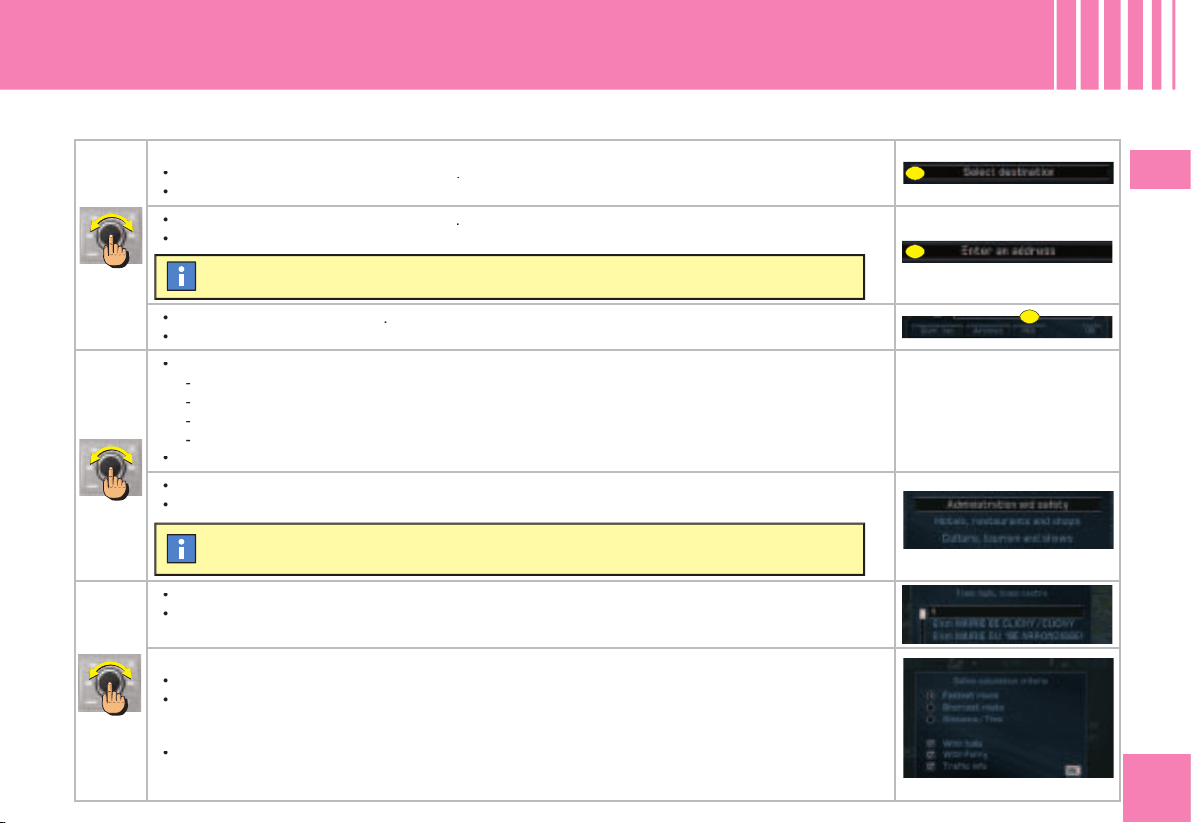
17
1717
I
A
B
C
N AV I G AT I O N / G U I DA N C E
START GUIDANCE TO A CENTRE OF INTEREST (POI)
HOW TO START A GUIDANCE TO A CENTRE OF INTEREST ? (LIST PAGE 21)
In the Navigation/Guidance menu:
Rotate the control to select the menu
A
.
Press on the control to validate.
•
•
Rotate the control to select the menu
B
.
Press on the control to validate.
•
•
Rotate the control to select
C
.
Press on the control to validate.
•
•
Rotate the control to select the location of the Centre of interest:
around the fi nal destination of the itinerary,
anywhere on the route,
around the current location of the vehicle,
you can also do a name search.
Press on the control to validate.
•
-
-
-
-
•
Rotate the control to select the category of Centre of interest that you require.
Press on the control to validate.
•
•
Rotate the control to select the location of the Centre of interest.
Press on the control to validate.
The address of the Centre of interest displays automatically.
•
•
Rotate the control to defi ne the calculation criterion you prefer (see “How to enter an address ?”).
Press on the control to validate.
Start the guidance by selecting OK
Note:
After starting a guidance, a display informs you on the precautions in force concerning the use
of navigation.
If you accept its contents, press on the control.
Respect the road regulations that are in force.
•
•
•
The last guidance address is displayed.
When you have fi nished defi ning the category of centre of interest required, a list of cor-
responding locations comes up.
18
1818
II
The map menu lets you set parameters for
the display and to access the information
available on the map.
The mapping data is stored directly on the
hard disc of your NaviDrive.
Regular updates of the Map database are available. Contact a CITROËN
dealer.
M A P
G E N ER AL
DISPLAY OF THE MAP
Your NaviDrive allows you to select 2 types
of displays for the map.
Window mode
The map is shown on the right of the
screen.
•
Full screen mode
The map appears full screen on the
display.
•
When the map is displayed, rotate the
control to modify the scale.
The scale of the map can be varied
between 50 m/cm and 200 km/cm.
When the scale is less than or equal
to 10 km, the map goes automatically
to North orientation.
HOW TO MOVE THE POINTER ON THE MAP ?
1
2
4
3
1.
Move to the North.
2.
Move to the West.
3.
Move to the South.
4.
Move to the East.
WHAT IS THE MAP MENU ?
MODIFY THE ORIENTATION OF THE MAP
You can move on a map in order to view the
centres of interest, observe an area, etc
HOW TO MODIFY THE SCALE OF THE MAP ?
Viewing in 3D
Your NaviDrive gives you a view of the
map in 3D.
Vehicle orientation
The time turns with the vehicle. The arrow
showing the orientation of your vehicle
remains fi xed.
•
•
You can defi ne 3 orientations for the map
of your NaviDrive.
Note:
Keep the button pressed to accelerate
the movement on the map.
North orientation
The map is fi xed and oriented to North.
The arrow showing the orientation of your
vehicle moves on the map.
•
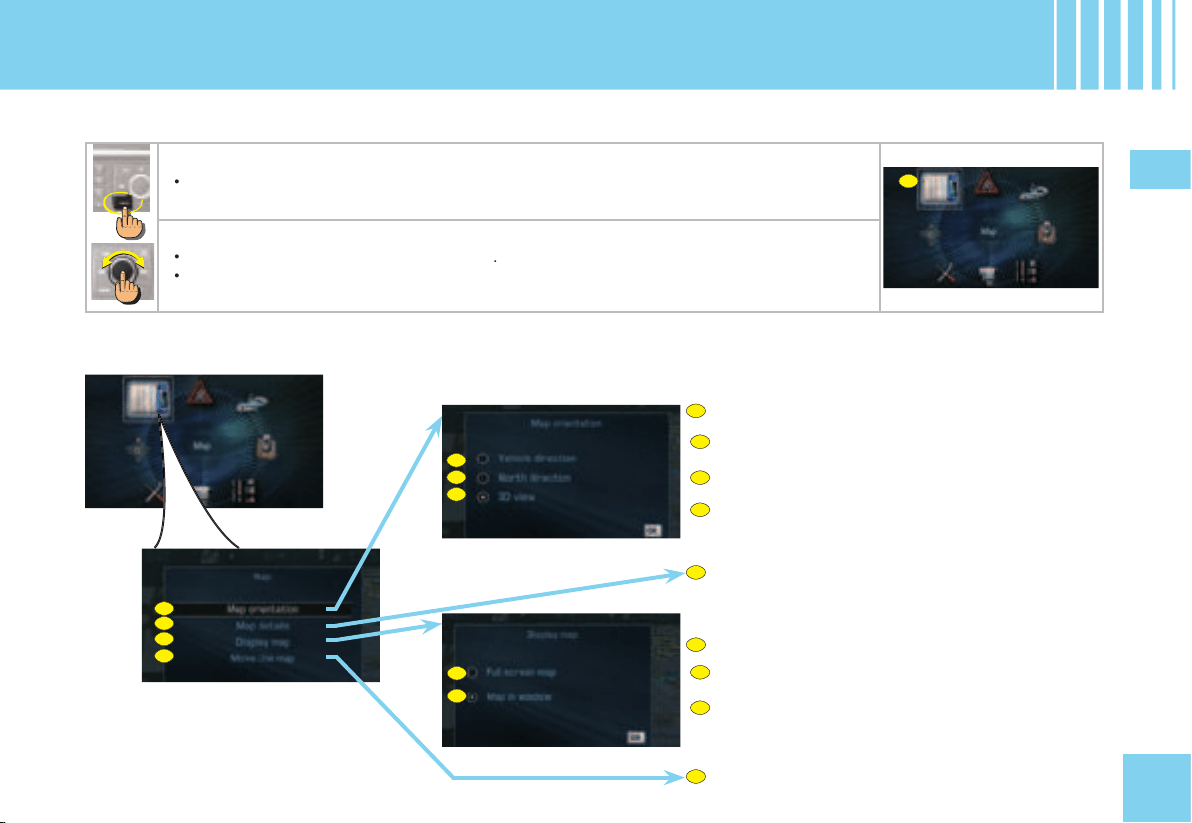
19
1919
II
A1
A2
A3
A
B
C
D
A1
A2
A3
C1
C2
C2
C1
D
B
A
C
A
WHAT ARE THE FUNCTIONS OF THE MAP MENU ?
ORIENT THE MAP
Orient the map to the direction the vehicle is headed.
Orient the map to the North.
View the map in perspective.
DISPLAY ON THE MAP THE DETAILS OF THE CENTRES
OF INTEREST (POI) AVAILABLE (LIST PAGE 21)
MODIFY THE DISPLAY OF THE MAP
Display the map full screen.
Display the map on the right of the screen.
MOVE THE POINTER ON THE MAP
M A P
A C C E S SI NG T H E M E N U - S T R U C TU RE
HOW TO ACCESS THE MAP MENU ?
Press button MENU.
•
Rotate the control to select the Map icon
A
.
Press on the control to validate.
•
•
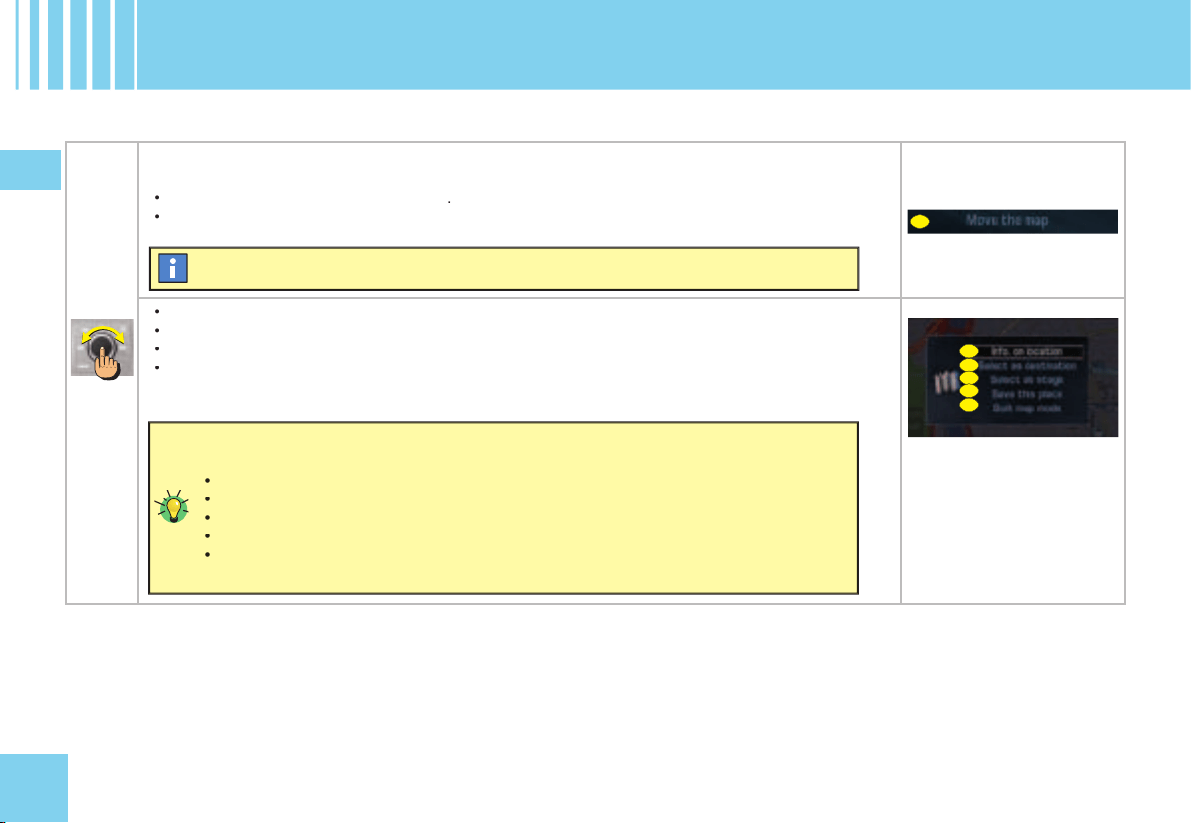
20
2020
II
B
C
D
E
F
G
M A P
S E L EC TI NG A C E N T R E O F I N T E R E S T ( PO I)
HOW TO SELECT AND ADD A CENTRE OF INTEREST ON THE MAP?
In the Map menu:
Rotate the control to select the menu
B
.
Press on the control to validate.
•
•
Move it to a centre of interest symbol. See “How to move the pointer on the Map ?”
Press on the control to access the contextual menu for the centre of interest.
Rotate the control to select the function desired.
Press on the control to validate.
•
•
•
•
A pointer appears on the map.
You can select the following functions:
C: obtain information on the category of centre of interest.
D: defi ne the Centre of interest as a new destination of an itinerary.
E: defi ne the centre of interest as a stage of an itinerary.
F: record the address of the centre of interest in a directory fi le.
G: return to guidance mode.
•
•
•
•
•
21
2121
II
City hall, City centre
Hospital
PUBLIC AUTHORITIES AND SECURITY
School, university, college
HOTELS, RESTAURANTS, BUSINESS AND RETAIL PARKS
Selected hotels
Vineyards
Selected restaurants
Retail parks, trading estates
Supermakets, Shopping malls
SPORTS AND OPEN AIR CENTRES
Sports centres and complexes
Golf courses
Parks, gardens
Winter sports
Public attractions
CULTURE, TOURISM, ENTERTAINMENT
Culture, museums and theatres
Historic monuments, tourist attractions
Exhibitions
Cinemas
Skating, Bowling
TRANSPORT AND MOTORING
Airports, fl ying clubs
Rail stations, bus stations
Car hire
Car parks, rest areas
Ferry terminals, port areas
Service stations, garages
Radar zones/High-accident zones (depending on the country
of marketing and availability of the service)
CITROËN Dealer or Repairer
Casinos and night life
M A P
L I S T O F C E N T R E S O F I N T E R ES T ( P O I )
Police
Law Courts
Michelin guides
Activity centre
Customs
22
2222
IiI
TMC traffi c information consists of messages
transmitted by FM radio stations.
As opposed to the road information fl ashes
broadcast by radio (TA), TMC (Traffi c Mes-
sage Channel) messages are coded and
silent. You can fi lter the types of information
that interest you.
Your NaviDrive issues messages written in
the selected language (including in a foreign
country where your language is not that of
the local radio stations).
The messages contain:
The date and the time of the broadcast
the nature of the incident
the location
the name
the direction of traffic on the artery
concerned.
A message is sent when an event occurs.
You are again informed of the event when
you are coming into proximity. The messages
are classed according to the distance of the
event from your vehicle.
The list of messages is updated every 15
minutes approximately.
•
•
•
•
•
Traffi c information is shown on the map by
means of the symbols opposite.
Note:
These symbols may be accompanied
by an arrow indicating in which traffi c direc-
tion they are situated.
Quality of the TMC information
Depending on the station selected, the traffi c
information may be more or less complete
and precise, or cover a larger or smaller
area. Each radio station is individually
responsible for the quality of the information
that it broadcasts.
AVAILABILITY OF THE TMC INFORMA-
TION
When the FM station selected is able to
broadcast TMC information, the multifunction
screen displays the symbol “
TMC
”.
When the FM station selected is unable
to broadcast TMC information, the “
TMC
”
symbol appears shaded.
Bottleneck
Carriageway narrows
Vehicle size restrictions
Road conditions and dangers
Rainstorm
Parking
Information
The availability of traffi c information depends on the country and on the region where you are driving.
The TMC traffi c information can be read by the voice synthesiser.
T R A FF I C I N FO R M AT I O N
G E N ER AL
Accident
Vehicle overturned
Road closed
Two-way traffi c
Vehicle broken down
Exit closed
Access closed
Road works
Slippery road
Snowstorm
Weather
Loose chippings on the road
Strong winds
Temporary traffi c lights
WHAT IS THE “TMC” TRAFFIC INFOR-
MATION FUNCTION ?
LIST OF TMC SYMBOLS
23
2323
IIi
C
B1
B2
B3
D1
D2
D3
B1
B2
B3
C2
D1
D2
D3
C1
C2
C1
A
B
D
A
B
C
D
A
ACCESSING THE LIST OF MESSAGES
Select the information relating to a geographical area.
Select the information relating to traffi c.
Select the information relating to built-up areas.
SETTING PARAMETERS FOR MESSAGE ANNOUNCEMENTS
Activate or deactivate the reading of new messages by
the NaviDrive voice.
Activate or deactivate the display of new TMC mes-
sages (do not select the tab for the regions with dense
traffi c).
CHOOSING A TMC STATION
Select an automatic TMC search.
Select a manual TMC search.
Access the list of TMC stations.
FILTERING TMC INFORMATION
T R A FF I C I N FO R M AT I O N
A C C E S SI NG T H E M E N U - S T R U C TU RE
HOW TO ACCESS THE TRAFFIC INFORMATION MENU ?
Press button MENU.
•
Rotate the control to select the Traffi c Information icon
A
.
Press on the control to validate.
•
•
24
2424
IiI
A
CONSULTING OF MESSAGES
The fi lters enable you to select the types of
information which you wish to receive.
This menu gives you access:
To the
geographical fi lter
: information
concerning incidents situated around your
vehicle, around a given location and/or on
an itinerary (radius of 3 to 200 km),
To
road information
: information con-
cerning road incidents such as traffi c,
road closures, height/width limitations,
state of the roadway or weather condi-
tions (depending on the information
available).
To
urban traffi c information
: information
concerning the town where you are, such
as parking, public transport and demon-
strations (depending on the information
available).
The fi lters can be cumulative.
If no fi lter is selected, all the TMC information
will be displayed.
•
•
•
This menu gives you access to the
list of
messages
:
Certain of these messages may offer you
a diversion from your route, depending on
the TMC information received (it is neces-
sary for you to have selected the “
traffi c
info
” guidance option). If you accept one
of these messages, then the NaviDrive
offers you a diversion and recalculates
your itinerary. You can then choose
whether or not to accept the offer.
A message is sent to you when the deci-
sion is imminent. You are informed again
as you approach the junction.
•
•
FILTERING TMC INFORMATION
T R A FF I C I N FO R M AT I O N
F U N C T IO NS I N DE TA I L
You can consult a message by selecting on the map (see “Move the pointer on
the map”.
HOW TO DIVERT A ROUTE AS A RESULT
OF TRAFFIC INFORMATION ?
Depending on the fi lters that you choose for
Traffi c Information, your NaviDrive is able to
allow you to divert your journey.
If a signifi cant incident arises on your route,
a window opens and informs you of the
problem.
To account for this incident in your journey
and to modify your itinerary:
Rotate the control to select
A
.
Press on the control to validate.
Your NaviDrive offers you a new itinerary.
•
•
To make the best use of the fi l-
ters in your NaviDrive, we advise
you to select a fi lter around your
vehicle of:
5 km or 10 for a region with dense traffic,
20 km for a region with normal traffi c,
100 km for long, motorway-type
journeys.
•
•
•

25
2525
IV
A
B
C
WHAT DOES THE AUDIO SYSTEM COM-
PRISE ?
Your audio system uses 5 sources:
Radio source,
CD source,
Jukebox source,
Audio/video auxiliary input,
CD changer (according to equipment)
•
•
•
•
•
It is necessary to activate the audio/video auxiliary input before using this. See “Confi guration”.
2- THE CD/CD MP3 SOURCE
The CD player of your NaviDrive allows you:
to playback CDs/CD MP3,
to play back the start of each album,
thanks to Introscan,
to display information about the CD (artist,
name of the album, etc.) provided the CD
is compatible with CD Textformat.
3- JUKEBOX SOURCE
Jukebox source lets you copy and store
around 140 CDs or 14 CD MP3 (depending
on the compression rate).
10 Goes on the hard disc of your NaviDrive
are reserved for Jukebox source.
When you copy a CD MP3, Jukebox source
deletes all the levels of covers, retaining
only the 2 latest.
Copying from Jukebox source to a CD is
not possible.
Playlist
Playlist is a function available in Jukebox
source. It lets you read a selection of titles
recorded in different albums or directories
of Jukebox source.
Jukebox source can contain a maximum
of 4 Playlists.
•
•
•
•
AU D I O
G E N ER AL
1- RADIO SOURCE
The radio of your NaviDrive system allows you:
to listen to radio stations on waveband AM
or FM,
to search for the strongest reception pos-
sible thanks to the RDS system,
to obtain traffi c information (TA) over a
current programme
to select radio stations according to your
choice of programme type (PTY).
•
•
•
•
4- THE AUDIO/VIDEO AUXILIARY INPUT
The auxiliary input allows you to connect a
nomad audio/video device directly to your
NaviDrive. You connect your nomad audio
device using the red connector
A
and the
white connector
B
. You connect your nomad
video device using the red connector
A
, the
white connector
B
and the yellow connector
C
(See video chapter for functioning)
5- THE CD C H A NGER SOURCE
(ACCORDING TO EQUIPMENT)
See “CD changer source”.
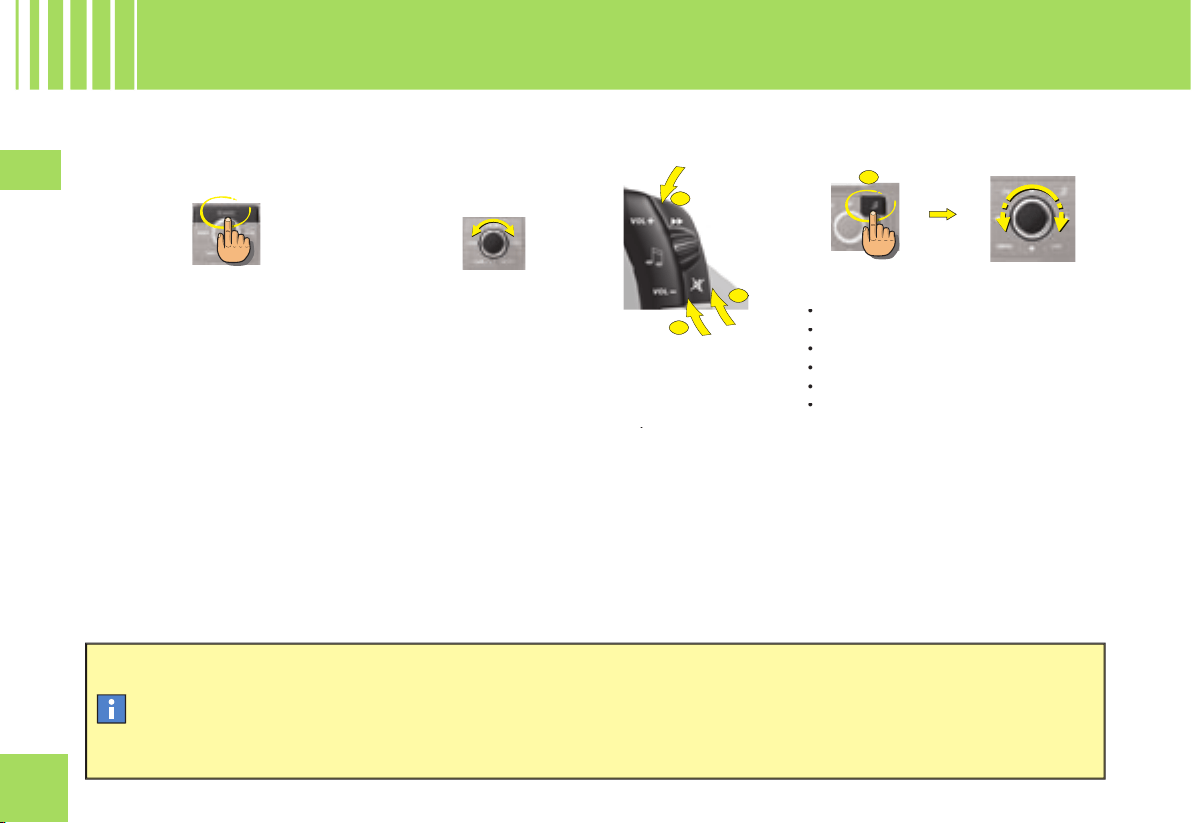
26
2626
IV
B
C
D
D
Selection of a pre-defi ned musical ambiance automatically adjusts bass and treble. Select the musical ambiance “None” to
personalise your adjustment of bass and treble.
Adjustments of loudness, bass and treble (when they are available) are specifi c to each source.
The sound volume is automatically corrected as a function of vehicle speed, provided the facility has been activated.
Press button SOURCE.
Rotate the control or use the buttons at the
steering
B
and
C
to increase or decrease
the volume.
How to stop the sound momentarily ?
Press on the Mute button
D
.
The sound of the Audio source currently
being listened to is cut. The guidance
instructions remain activated. To restore
sound, press on one of the buttons on your
NaviDrive, or on one of the controls on the
steering wheel.
or
Press on button
D
to select:
the pre-defi ned musical ambiances,
bass,
treble,
loudness,
front/rear and left/right balance
automatic correction of the volume as a
function of vehicle speed.
Rotate the control to modify the value of the
parameter displayed.
The value is automatically taken into account
without the need for validation.
•
•
•
•
•
•
AU D I O
G E N ER AL
HOW TO SELECT AN AUDIO SOURCE ?
HOW TO ADJUST THE SOUND VOLUME ?
HOW TO ADJUST THE SOUND ?
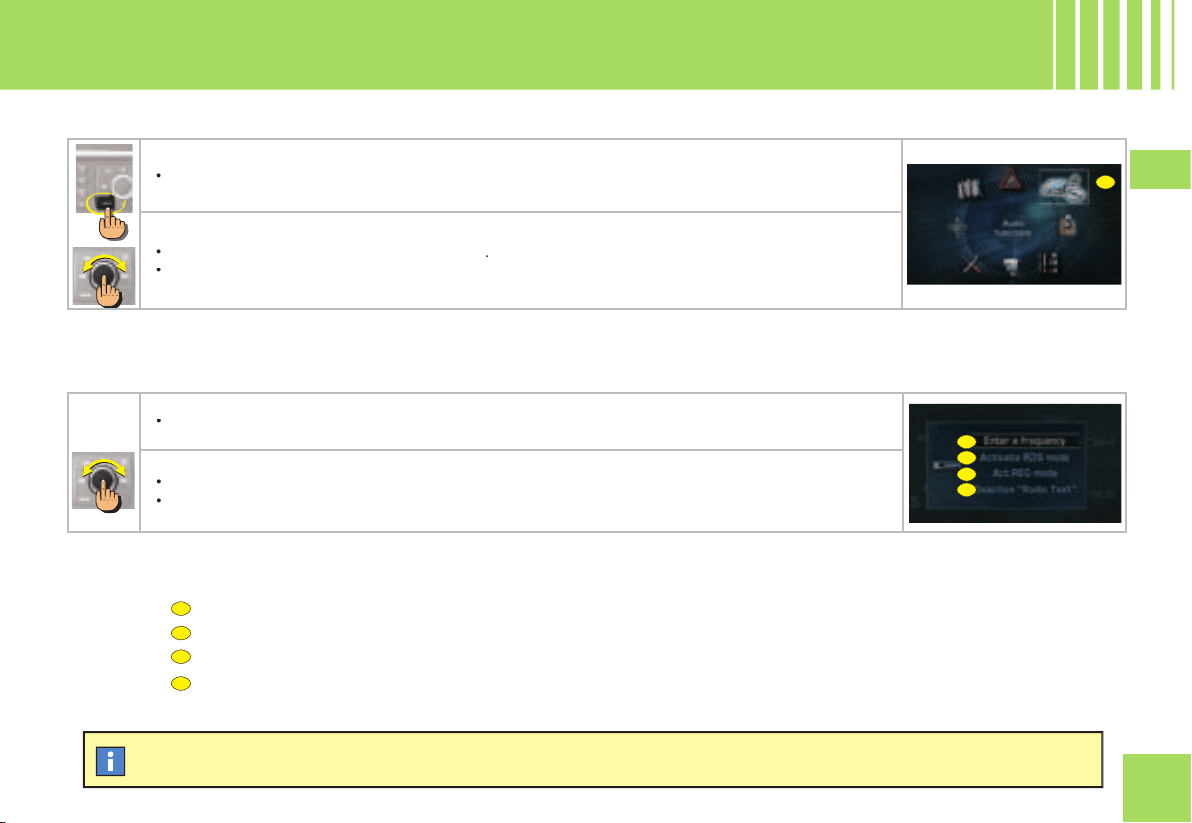
27
2727
IV
B
C
D
E
B
C
D
E
A
HOW TO ACCESS THE AUDIO MENU ?
HOW TO ACCESS THE AUDIO MENU SHORTCUTS ?
The shortcut options available allow you:
Manually enter the frequency of a station.
To activate or deactivate RDS search.
To activate or deactivate regional search mode.
To activate or deactivate display of the text information broadcast by the station being listened to.
AU D I O
A C C E S SI NG T H E M E N U
Each Audio source has a shortcut.
Press button MENU.
•
Rotate the control to select the Audio icon
A
.
Press on the control to validate.
•
•
When one of the Audio functions is displayed (successive presses on the MODE button), the shortcuts for the current source give you access to the
principal functions (e.g. the Radio functions).
Press on the control. A window opens.
•
Rotate the control to select your chosen option.
Press on the control to validate.
•
•
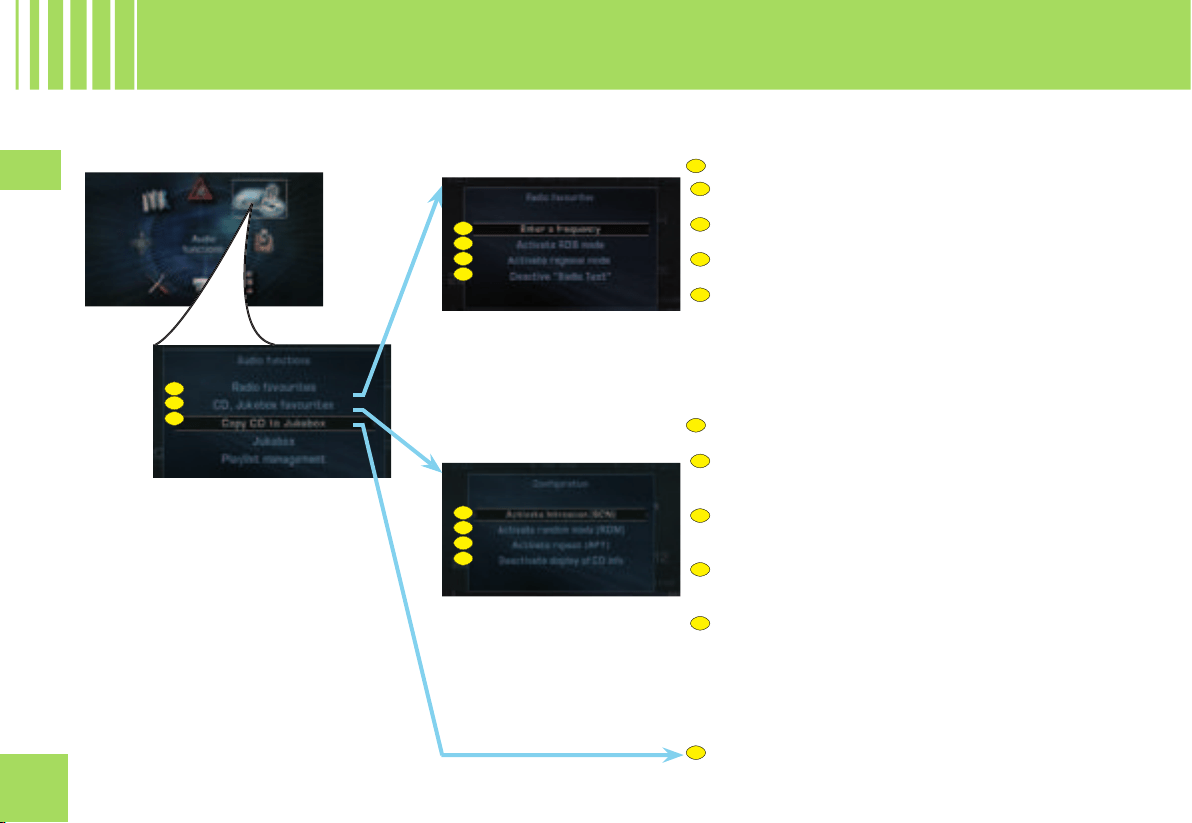
28
2828
IV
A1
A2
A3
A4
B1
B2
B3
B4
A1
A2
A3
A4
A
B
C
B1
B2
B3
B4
C
A
B
WHAT ARE THE FUNCTIONS OF THE AUDIO MENU ?
SETTING PARAMETERS FOR RADIO SOURCE
Manually enter the frequency of a station.
Activate or deactivate RDS search.
Activate or deactivate regional search mode.
To activate or deactivate display of the text information
broadcast by the station being listened to (name of singer,
title of song, etc.).
SETTING PARAMETERS FOR CD AND JUKEBOX
SOURCES
Activate or deactivate playback of the start of each track
of the CD/CD MP3.
Activate or deactivate playback of all the tracks of the
CD or of all the directory of the Jukebox.
Activate or deactivate repetition of the current album
or CD-cover.
Activate or deactivate display of the information on the
CD (Name of the album, artist, etc.).
COPY OR STOP COPYING A CD OR A CD MP3
AU D I O
S T R UC TU RE O F T H E M E N U ( 1 / 2 )
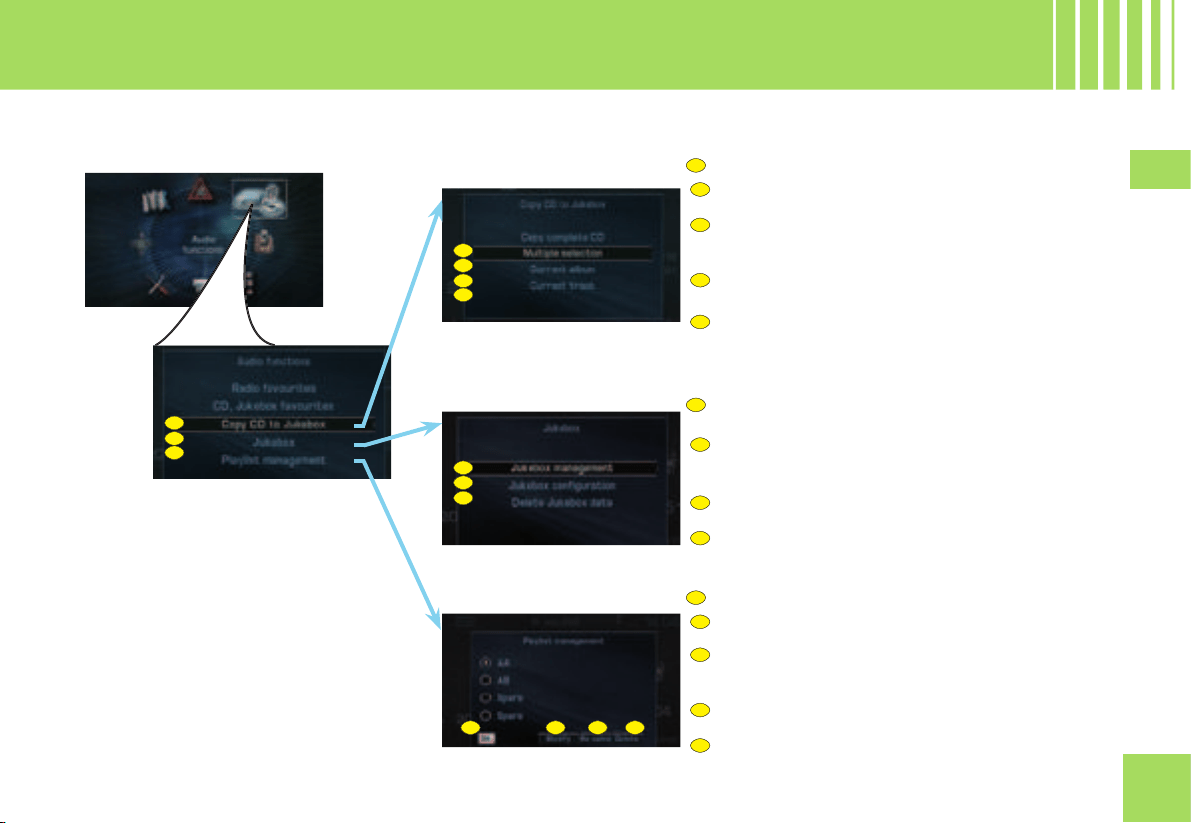
29
2929
IV
C1
C2
C3
C4
D1
D2
D3
E2
E3
E4
C
D
E
C1
C2
C3
C4
D1
D2
D3
E2
E3
E4
E1
E1
C
D
E
COPYING A CD ONTO JUKEBOX SOURCE
Copy the whole of a CD.
Select several tracks and/or several albums to be
copied.
Copy the current track.
Copy the current album (CD MP3 only).
MANAGING AND SETTING PARAMETERS FOR
JUKEBOX SOURCE
Move, delete or rename data stored on the hard disc or
from Jukebox source (Albums, titles).
Defi ne a compression rate in MP3.
Re-initialise Jukebox source.
MANAGING THE PLAYLIST
Select titles or albums in order to modify or create a
Playlist.
Rename a Playlist.
Delete a Playlist.
AU D I O
S T R UC TU RE O F T H E M E N U ( 2 / 2 )
WHAT ARE THE FUNCTIONS OF THE AUDIO MENU ? (CONTINUED)
Listen to the Playlist selected.
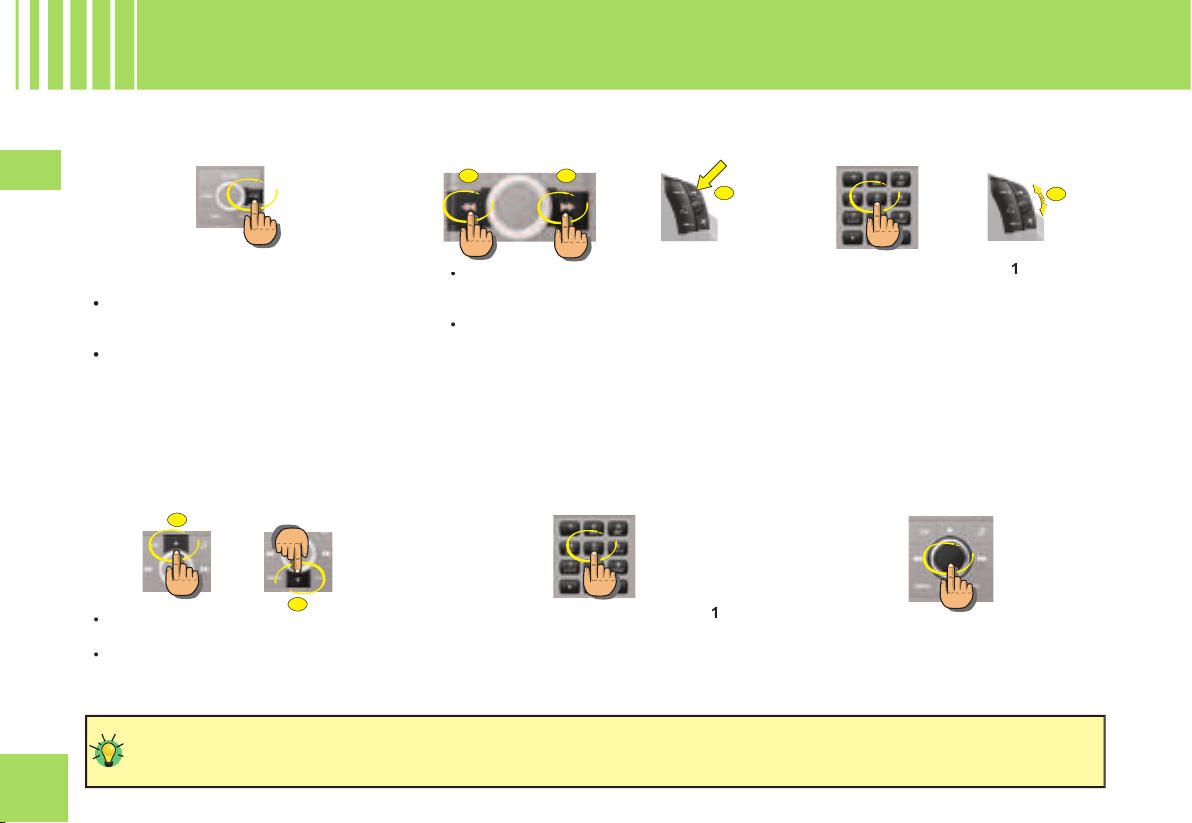
30
3030
IV
B
D
C
E
A
G
Press on button BAND to change successivly
through the memory banks:
FM1, FM2 and AM
: 2 FM wavebands
and 1 AM wavebands for pre-setting the
radio stations.
FMast
: the FM waveband dedicated to
the stations memorised automatically (see
Autostore function).
•
•
Press on button
A
to increase the dis-
played frequency.
Press on button
B
to decrease the dis-
played frequency.
•
•
Press on button
C
or on the control on
the steering wheel
E
to increase the
frequency.
Press on button
D
to decrease the dis-
played frequency.
•
•
or
Keep the buttons A, B, C, D, or E pressed to obtain a continuous scrolling of the frequency.
During an automatic search, if your NaviDrive does not manage to capture a station whose frequency you know, do a manual
search.
Maintain pressure on one of the buttons
1
to
6
on the keypad for more than 2 seconds.
Note:
A window opens on the screen. The
station is memorised as it appears on the
attributed memory number.
Press on one of the buttons
1
to
6
on the
keypad and rotate the control
G
at the
steering wheel.
For RDS stations, recall of a station launches
a search for the frequency corresponding to
the region you are in.
The frequency of the RDS station appears a
few seconds before the station name.
or
R A D I O S O U R C E
HOW TO SELECT A WAVE BAND ?
HOW TO SEARCH FOR A STATION
AUTOMATICALLY ?
HOW TO RECALL PRE-SET STATIONS ?
HOW TO PRE-SET A STATION ?
HOW TO SEARCH FOR A STATION
MANUALLY ?
Press on the control to view briefl y the text
information relating to the programme being
listened to (name of artist, title, etc.).
HOW TO BRING UP “RADIO TEXT” ?
31
3131
IV
A list of the stations available locally is
updated automatically every 10 minutes. The
stations are graded alphabetically and then
by frequency in ascending order.
Press on button LIST to access the list of
stations available.
Rotate the control to choose a station.
Press on the control to validate.
•
•
•
In FM, keep button BAND pressed for more
than 2 seconds to start the automatic memo-
risation function (Autostore).
The 6 strongest transmitters are memorised
in the FMast memory bank. They replace the
6 previously memorised.
Note:
If you have activated the “TA” function (traffi c
information), the transmitters offering this
service are memorised fi rst.
Keep button LIST pressed to
update the list of stations avail-
able.
R A D I O S O U R C E
HOW TO SEARCH FOR STATION IN A
SORTED LIST ?
HOW TO MEMORISE TRANSMITTERS
AUTOMATICALLY ?
Your NaviDrive may be subject to
phenomena which you do not encoun-
ter with the installation you have at
home.
Reception in AM as in FM is affected
by various kinds of interference that
have nothing to do with the quality
of your equipment but are due to the
nature of the signals and the way they
are sent out.
In AM, you may notice disturbance
when passing under high tension
cables or bridges, or in tunnels.
In FM, distance from the transmitter,
defl ecting of the signal by obstacles
(mountains, hills, high buildings,
etc.), or blind spots (no coverage by
transmitters) may cause interference
with reception.
32
3232
IV
The RDS (Radio Data System) function
allows you:
to listen to the same station even though
you are travelling through different regions
(on condition that the transmitters for this
station cover the area being travelled
through),
to listen to traffi c announcement fl ashes
on a temporary basis
to have the station name displayed, etc.
•
•
•
R A D I O S O U R C E
T H E R DS S YS TE M
The majority of FM stations use the
RDS system.
These stations process non-audio data
in addition to their programmes.
The data broadcast in this way gives
you access to a variety of functions
that are described in this chapter,
notably the display of the station name,
temporary traffi c information fl ashes
and automatic station search.
It allows to listen to the same sta-
tion thanks to the frequency search.
But RDS frequency search is not
guaranteed over the whole country.
The radio stations cannot cover the
entire territory, which explains the
loss of reception of the station during
a journey.
Your NaviDrive automatically checks and
selects the best frequency for the radio sta-
tion captured (provided the station transmits
on more than one frequency).
The frequency of a radio station extends
to around 50 km. Loss of reception during
a journey is explained by the change from
one frequency to another.
If the station you have selected does not
broadcast on different frequencies in the
areas in which you are travelling, it is possible
to deactivate the automatic RDS transmission
scanning function.
The display will indicate:
RDS while the function is activated
and available.
RDS shaded while the function is
activated but not available for the
station being listened to.
•
•
Certain stations are organised in a net-
work.
In the various regions, they transmit pro-
grammes that are sometimes different,
sometimes common.
You can do a search:
On a regional station only
On the entire network, with the possibility
of hearing a different programme.
•
•
When the function is activated: your
NaviDrive does not change from one
regional station to another.
When the function is deactivated:
your NaviDrive selects the best fre-
quency from among the regional
stations.
•
•
THE RDS FUNCTION ON FM WAVEBAND
REGIONAL SEARCH MODE
RDS STATION SEARCH
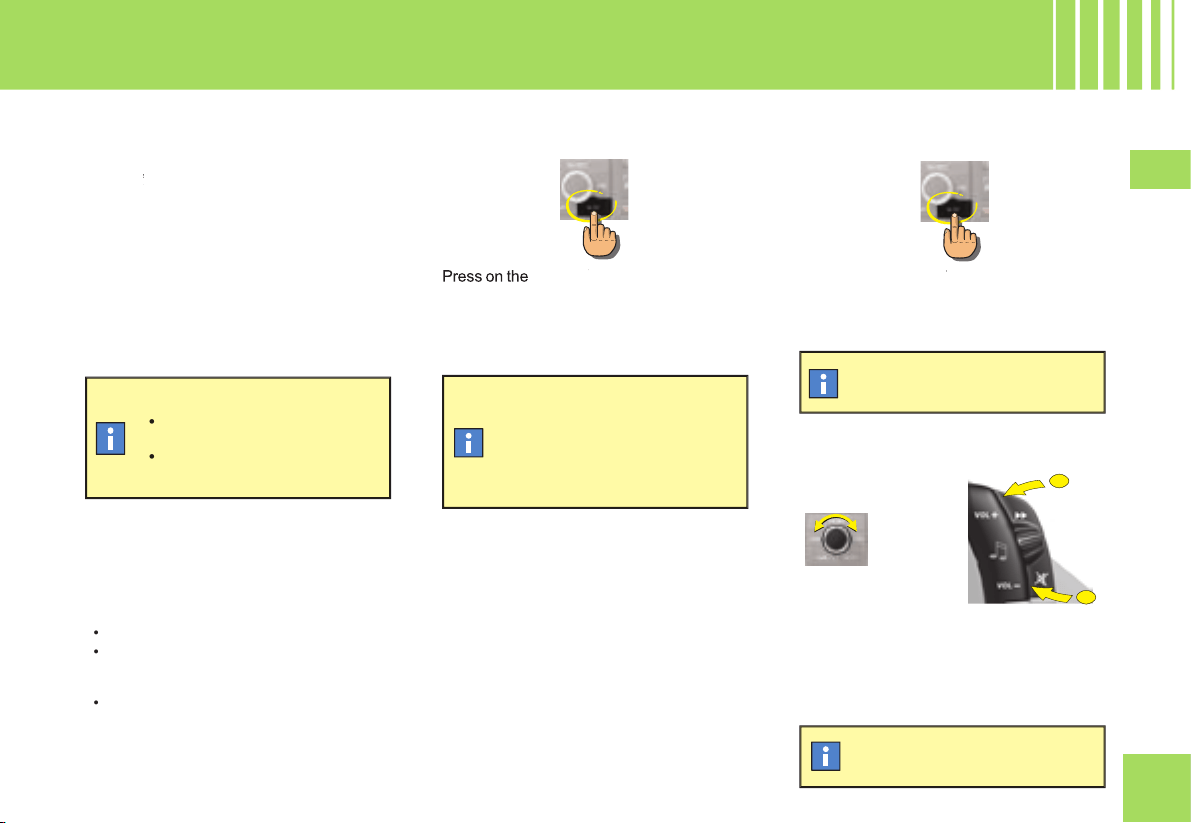
33
3333
IV
J
K
TA/PTY
button to activate auto-
PTY
matic broadcasting of traffi c announcemnts.
During broadcasting of traffi c announce-
ments, the sound volume can be adjusted
independently of the general radio vol-
ume.
Rotate the control or press on the controls
at the steering wheel
J
and
K
to increase or
decrease the volume.
The “
TA
” function lets you switch automati-
TATA
cally on a temporary basis to an FM station
broadcasting road information.
The radio station, or the audio source being
listened to at that moment, is paused. Once
the traffi c information is fi nished, the system
switches back to the radio station or audio
source initially being listened to.
Press on the
TA/PTY
button to stop listening
PTY
to a message being broadcast.
CONDITIONS FOR RECEIVING TRAFFIC
ANNOUNCEMENTS
You have to be in FM.
The station you are tuned to must confi rm
through the RDS system that it broadcasts
road information.
Stations organised in a network (EON)
have regional transmitters sending their
own programmes. While listening to one
of these stations you can switch to any
station on the network that is broadcasting
traffi c information messages.
•
•
•
The display will indicate:
TA
provided the station is com-
patible.
TA
shaded if the station is not
compatible.
•
•
If you activate the “TA” function,
the transmitters compatible with
broadcasting of these messages
will be captured as priority
during an automatic search or
pre-setting of stations.
In this case, the “TA” function
remains activated.
The adjustment is automatically
memorised.
R A D I O S O U R C E
T R A FF IC A N N O U N C E M E N T S ( TA )
HOW TO ACTIVATE THE “TA” FUNCTION ?
HOW TO STOP LISTENING TO A “TA”
MESSAGE ?
HOW TO ADJUST THE VOLUME FOR
TRAFFIC ANNOUNCEMENTS ?
THE TRAFFIC ANNOUNCEMENTS (TA)
FUNCTION
or
34
3434
IV
THE PROGRAMME TYPE MODE “PTY”
Certain stations allow you to choose to
listen to a particular type of programme
selected from the available list, for example
as below:
Information.
Current affairs.
Info-Services.
Sport.
Education.
Fiction.
Culture.
Sciences.
Entertainment.
Pop music.
Rock music.
Folk music.
Light classical.
Classical music.
Other music.
Weather.
Economy.
Children.
Social affairs.
Religion.
Line open.
Travel.
Leisure.
Jazz.
Country.
Folk singing.
Golden oldies.
Traditional.
Documentary.
•
•
•
•
•
•
•
•
•
•
•
•
•
•
•
•
•
•
•
•
•
•
•
•
•
•
•
•
•
Press on the
TA/PTY
button for more
than 2 seconds to display the list of pro-
gramme types.
Rotate the control to choose a programme
type.
Press on the control to validate the pro-
gramme type chosen.
•
•
•
Press on the
TA/PTY
button for more than
PTY
2 seconds.
Your NaviDrive launches a station
search. It will tune to the fi rst trans-
mitter broadcasting this type of pro-
gramme. If it does not fi nd one, it will
return to the original station and quit
PTY mode.
R A D I O S O U R C E
P R O GR AM ME T Y P E S ( P T Y )
HOW TO SELECT A PROGRAMME TYPE ?
HOW TO QUIT PTY MODE ?
35
3535
IV
Do not operate the CD player if the tem-
perature in the cabin is higher than +60°C
or lower than -10 °C.
Some CDs are badly affected by very strong
heat and may damage your CD player.
In excessive temperature, an automatic
safety mechanism prevents the CD from
operating until the temperature becomes
more acceptable.
HANDLING OF CDS
Do not drop them.
Store the CDs so that they are kept of
dust. Avoid touching the disc surface as
any scratches may adversely affect the
sound quality.
Do not attach any stickers to the discs.
Do not write on them.
Do not use damaged or deformed
discs.
Do not expose them to heat or direct
sunlight.
•
•
•
•
•
•
Format MP3 (MPEG 1,2 & 2,5 Audio Layer 3)
is a compression norm for audio, allowing
you to record 10 times as many musical
fi les on one CD.
Your NaviDrive only reads fi les with the exten-
sion “.mp3”. The other types of fi les (.wav,
.mpg4, .ogg, midi, etc.) cannot be read.
When you insert a CD MP3, the radio
searches all the musical tracks. Playback
may require some tens of seconds before
starting.
Playback of the CD MP3 is optimised if the
cover level is limited to 2.
C D/ C D M P 3 S O U R C E
Your Audio equipment may enable you to listen to musical works. Musical work is protected by law. Non-respect of the law
can lead to prosecutions.
If the surface of the compact
disc is dirty, it can be wiped
with a soft, clean cloth. Always
wipe from the centre of the disc
outwards.
Some cut CDs cannot be read by your equip-
ment (quality, speed of recording, etc.).
When you burn a CD-R or CD-RW, select
the burning standard ISO 9660 level 1,2 or
Joliet. Playback of other formats may not
occur correctly. Use the Joliet standard to
burn multi-session CDs.
On a given CD, always use the same burn-
ing standard.
To obtain the best possible acoustic quality,
select the lowest burning speed.
Transmission speeds of 8 to 320 kbits/s
and bands of 22,05 to 44,1 kHz are accom-
modated.
SAFETY PRECAUTIONS
CD MP3
Burning format
After several months of use,
it may be necessary to clean
the lens of the CD player (with
a cleaning CD) if the playback
starts to become intermittent.
36
3636
IV
A
D
B
C
B
C
D
press button
B
to return to the start of the
current track. A second press takes you
back to the previous track.
Press on button
C
or on the control at the
steering wheel
D
to play the next track.
•
•
Press button
A
.
Your NaviDrive goes automatically to radio
source.
If the CD is not removed within 10 to 15 seconds,
it is automatically taken back into the slot but
without being played back.
When you are listening to an audio CD:
Keep button
B
pressed for rapid reverse
with accelerated sound.
Keep pressing button
C
, or the control
on the steering wheel
D
, to listen in fast
forward.
Release to resume normal playback of
the disc.
•
•
C D/ C D M P 3 S O U R C E
HOW TO EJECT A CD/DVD MP3 ?
HOW TO SELECT A TRACK ?
HOW TO PLAYBACK IN ACCELERATED
SOUND
Fast forward and rewind are not
possible with a CD MP3.
or
37
3737
IV
A
B
C
D
E
F
G
J U K EB OX SO U R C E
C O PY I N G A CD /C D M P 3 O N TO T HE H A RD DI SC (1 / 2)
HOW TO COPY A CD ONTO JUKEBOX SOURCE ?
Insert a CD/CD MP3 into the reader of your NaviDrive.
•
In the Audio menu:
Rotate the control to select the menu
A
.
Press on the control to validate.
•
•
If you wish to copy:
the whole of the CD Rotate the control to select
B
several tracks, rotate the control to select
C
the current album (CD MP3 only), rotate the control to select
D
.
the track being listened to, rotate the control to select
E
Press on the control to validate.
•
•
•
•
•
If you select option
C
:
Rotate the control to select the context containing the list of tracks on the CD.
Press on the control to validate.
Rotate the control to select a track.
Press on the control to select the track.
Once all the desired tracks have been selected, press on button ESC to exit from the context.
Rotate the control to select OK.
Press on the control to validate.
•
•
•
•
•
•
Jukebox source gives you the chance to:
create a personalised album
F
,
to create an album by default
G
.
•
•
Once the CD is inserted, you can press directly on the control to access the contextual
menu to copy the CD.

38
3838
IV
G
H
J U K EB OX SO U R C E
C O PY I N G A CD /C D M P 3 O N TO T HE H A RD DI SC (2 / 2)
Musical work is protected by law. It can only be copied in the context of private use and distribution, for commercial reasons. Any
copying contrevening these conditions is an act of counterfeit, punishable by law.
If you select option
E
, you have to name the album.
Rotate the control to select the letters that make up the name of the album.
Press on the control to validate each letter.
•
•
Select the
H
option to correct the entry.
•
Once the entry is completed, rotate the control to select OK.
Press on the control to validate. A warning about illegal copying of music is displayed.
Press on the control to accept.
•
•
Copying is started.
An alert tells you that the copying of the CD is fi nished.
If it is not a CD MP3, Jukebox source compresses the CD automatically.
An alert tells you that the compressing of the CD is fi nished.
You can select upper case, lower case or special characters by selecting the G
option.
If you copy a CD MP3 or *2 CDs containing CD text information, the names of the
albums and tracks will be retained. The names of the ID3 Tags is retained and used
if a CD MP3 is copied.
Jukebox source copies the CDs in 4x.
For example: a CD of 1 hour will be copied in 15 minutes.
During copying, the CD cannot be played back. Playback is again possible during
compression. The other Audio sources remain available at any time.
If you copy a CD that is not in MP3 format, Jukebox source will itself compress the CD
once the copying is completed. The compression rate in MP3 can be parametered (see
Audio menu - Jukebox confi guration). The compression time is added to the time taken
by your system to copy the CD. (the copying time will be multiplied by 2).
At any time, you can stop the copying of the CD/CD MP3 by accessing the Audio main
menu. The compression cannot be stopped. Stopping copying of CDs/CD MP3 does
not delete the fi les already transferred onto the hard disc of Jukebox source.
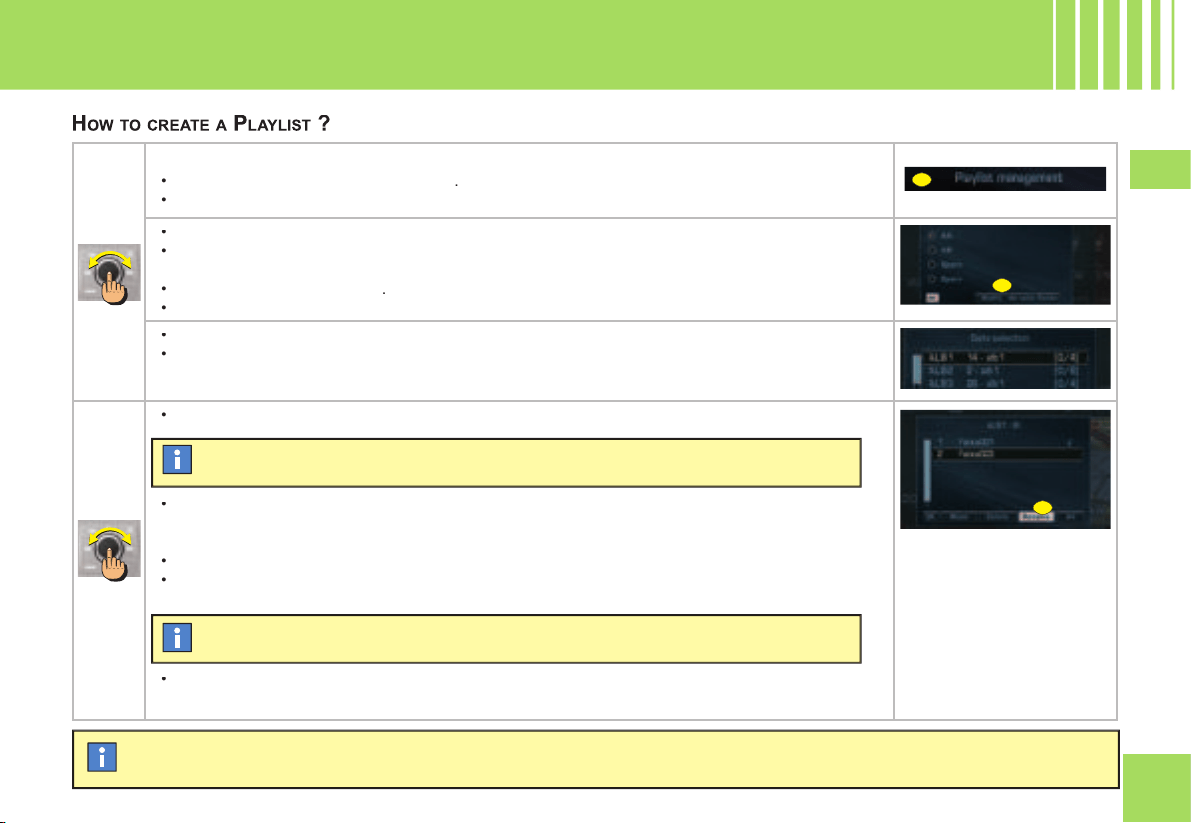
39
3939
IV
A
B
C
You cannot copy Playlists (fi les Winamp or .M3U) onto the Jukebox source. You have to create Playlists directly on the Jukebox
source.
J U K E B OX S O U R C E
C R E AT IN G A PL AY L I S T
In the Audio menu:
Rotate the control to select the menu
A
.
Press on the control to validate.
•
•
Rotate the control to select an empty Playlist.
Press on the control to validate.
Rotate the control to select
B
.
Press on the control to validate.
•
•
•
•
Rotate the control to select an album.
Press on the control to validate.
•
•
Rotate the control to select tracks.
•
Press on the control to enter.
Once the selection is completed:
Rotate the control to select OK.
Press on the control to validate.
•
•
•
Repeat the operation until your Playlist is completed.
•
The order of selection of the albums and tracks determines their order in the Playlist.
Select the option C to rename the tracks of the album.
40
4040
IV
A
P L AY I N G B A C K A N A L B U M / A P L AY L I S T
HOW TO PLAY BACK AN ALBUM IN JUKEBOX SOURCE ?
To stop playback of a Playlist, press on the control to access the contextual menu.
HOW TO PLAY BACK A PLAYLIST ?
Press several times on button SOURCE until you obtain Jukebox source.
•
To select another album, press on the buttons on the panel. You can also use the control on the steer-
ing wheel.
Rotate the control to select an initial track.
Press on the control to validate.
•
•
In the Audio menu:
Rotate the control to select the menu
A
.
Press on the control to validate.
•
•
Rotate the control to select a Playlist.
Press on the control to validate.
Rotate the control to select OK.
Press on the control to validate.
•
•
•
•
Playback starts automatically on the last album played.
To select an album in Jukebox source from a list, press on button LIST. A window
opens on a list of all the albums in Jukebox source.
Playback of the album commences automatically.
Playback of the Playlist commences automatically.
41
4141
IV
D
B
C
A
C D C H A N G E R S O U R C E
( A C C O RD IN G T O E Q U I P M E N T )
Hold down one of the buttons
1
to
5
on the
alphanumeric keypad to choose the CD that
you wish to play back.
1.
Press on button
C
or rotate the control on
the steering wheel
D
upwards to listen to
the next CD.
2.
Press on button
B
or rotate the control on
the steering wheel
D
downwards to listen
to the previous CD.
Note:
Playback of the start of the CD is
automatic.
After each change of source, on return to CD
changer source, playback will resume at the
same point where it had been interrupted.
WHAT IS THE CD CHANGER ?
SELECTING A CD
PLAY BACK THE NEXT/PREVIOUS CD
or
CD CHANGER SOURCE
This device can accommodate 5 discs.
INSERTING CDS INTO THE MAGAZINE
Insert the CDs printed surface to the left.
Note:
Each compartment takes one disc only.
The CD changer will not operate if discs
are inserted the wrong way up.
REMOVING DISCS
To remove a CD, give a long press on the
corresponding button
A
.
SELECTING CD CHANGER SOURCE
Press successively on button
24
, until the
desired source is obtained.
•
•
42
42
V
T EL EP H O N E
G E N ER AL
The telephone function consists of a GSM
telephone incorporated in NaviDrive.
It has a “Hands-free” function, provided by
a microphone located in the front interior
lamp and controls at the steering wheel for
accessing the majority of operations.
As with any mobile telephone, this
telephone operates thanks to both
cellular and terrestrial networks. For
this reason, it cannot guarantee a con-
nection in all cases.
Do not allow yourself to be distracted
while you are driving.
It is essential to comply with the
national legislation in force.
Stop the vehicle if you wish to pursue
a telephone conversation or proceed
with certain actions (composing a
number for example).
Apart from during a communication, it indi-
cates to you:
the presence of voice messages or text
messages (SMS) that have not been
read,
the communication time since the last
update,
the level of reception of the networks.
During a communication, it indicates to you:
the time elapsed since the start of the
communication,
the number (provided the option and the
service are available),
the name of your correspondant (if this is
recorded in the directory),
the level of reception of the network.
•
•
•
•
•
•
•
Each press on one of the keypad buttons
lets you scroll through the characters which
are allocated on it.
Button
Selection
[1]
1
or
space
with a short press in
text entry (SMS)
[2]
2
or
ABC
or
abc
[3]
3
or
DEF
or
def
[4]
4
or
GHI
or
ghi
[5]
5
or
JKL
or
jkl
[6]
6
or
MNO
or
mno
[7]
7
or
PQRS
or
pqrs
[8]
8
or
TUV
or
tuv
[9]
9
or
WXYZ
or
wxyz
[0]
In text entry (SMS):
Short press:
Space
or
0
Long press:
Space
•
•
In dialling:
Short press:
0
Long press:
+
•
•
[#]
In dialling:
Short press:
#
•
[*]
In text entry (SMS):
Short press: Deletion of
last
character
Long press: Progressive dele-
tion of the
entire line
•
•
In dialling:
Short press: *
Long press: Deletion of
last
character
•
•
You can use the keyapad to do
a rapid search for a name in the
directory and in the SIM card.
THE MULTIFUNCTION SCREEN
WHAT IS THE TELEPHONE FUNCTION ?
THE ALPHANUMERIC KEYPAD
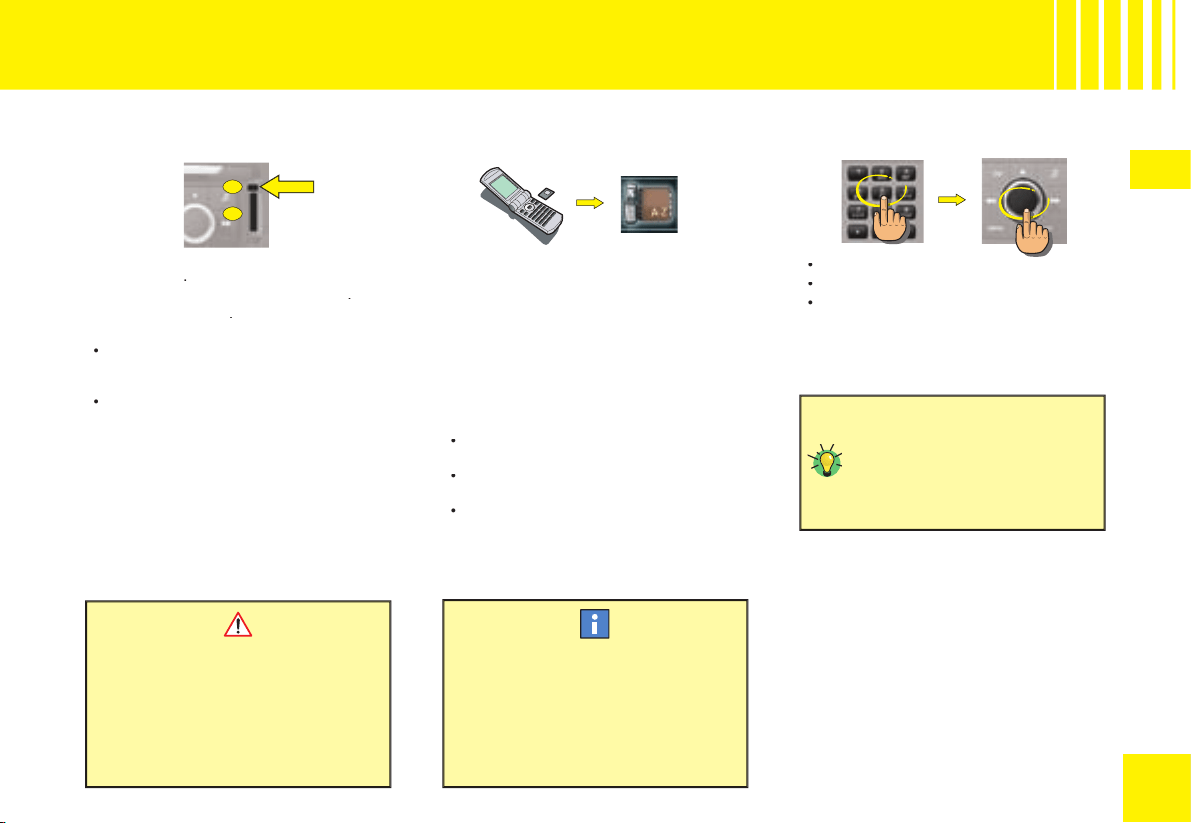
43
43
V
A
B
T EL EP H O N E
G E N ER AL
Enter the
PIN
code on the keypad.
Rotate the control to select OK.
Press on the control to validate.
•
•
•
Press on control
A
with a ballpoint to eject
the support
B
.
Place the SIM card on the support
B
.
Insert the support
B
.
Note:
Switch off the NaviDrive before removing
the SIM card (key in position
S
(Steering
lock) and display off).
The card has to be present in order for
certain functions to work properly.
•
•
HOW TO DEBLOCK THE TELEPHONE ?
After three entry errors, the telephone will
be blocked.
Enter your PUK code to deblock the tel-
ephone.
Note:
The PUK code is supplied by the ven-
dor of your SIM card. The entering of the PUK
code tolerates 10 errors in succession.
After that, the SIM card will be defi nitively
unusable.
Contact your telephone operator.
Depending on countries and operators, you
may be able to benefi t from having 2 SIM
cards at a discounted rate. These 2 cards
have the same call number and the same
messaging. Calls arrive as priority on your
principal line. If the telephone containing the
principal SIM card is switched off, the calls
are transferred automatically to the equip-
ment with the second SIM card.
On first installation or for updating your
directory:
Insert the SIM card from your mobile
telephone.
Transfer the information to the directory
of your NaviDrive.
Insert the twin SIM card.
•
•
•
This transfer necessitates a callback
(consult your telephone service opera-
tor.
For the services to operate at their
best, it is recommended to have the
principal SIM card inserted in your
NaviDrive.
Your NaviDrive can defi nitively
memorise the PIN code of a SIM
card. Once the memorisation
is accepted, your PIN code will
only be requested the fi rst time
you do an entry.
HOW TO INSTALL AND REMOVE THE
SIM CARD ?
HOW TO ENTER THE PIN CODE ?
RECOMMENDATION FOR INSTALLING A
TWIN SIM CARD
Your SIM card has to be valid.
Before starting a call, make sure that
you are in an area covered by your
telephone operator.
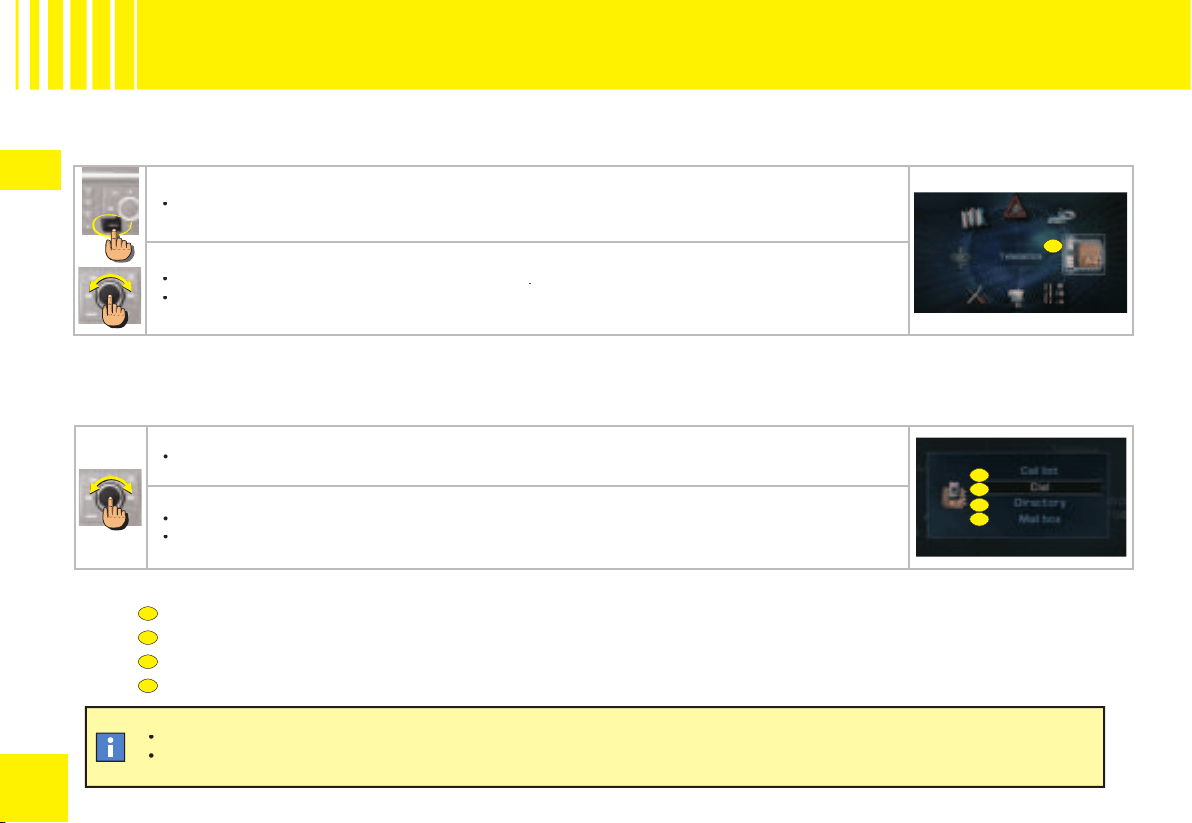
44
44
V
A
B
C
D
A
B
C
A
D
T EL EP H O N E
A C C E S SI NG T H E M E N U
HOW TO ACCESS THE TELEPHONE MENU ?
HOW TO ACCESS THE TELEPHONE MENU SHORTCUTS ?
The shortcut options available allow you:
to access the Calls list
to compose a number
to access the directory
to access your voice mail (GSM operator messaging).
In the directory, there are 2 groupings of memorised numbers accessible:
the numbers in the current directory of your NaviDrive,
the numbers in the SIM card.
The numbers contained in the SIM card are preceded by a “SIM card” symbol.
•
•
Press button MENU.
•
Rotate the control to select the Telematics icon
A
.
Press on the control to validate.
•
•
When the telephone function is displayed (in the Telephone menu giving access to the main functions for the telephone and telematic services).
Press on the control. A window opens.
•
Rotate the control to select the option of your choice.
Press on the control to validate.
•
•
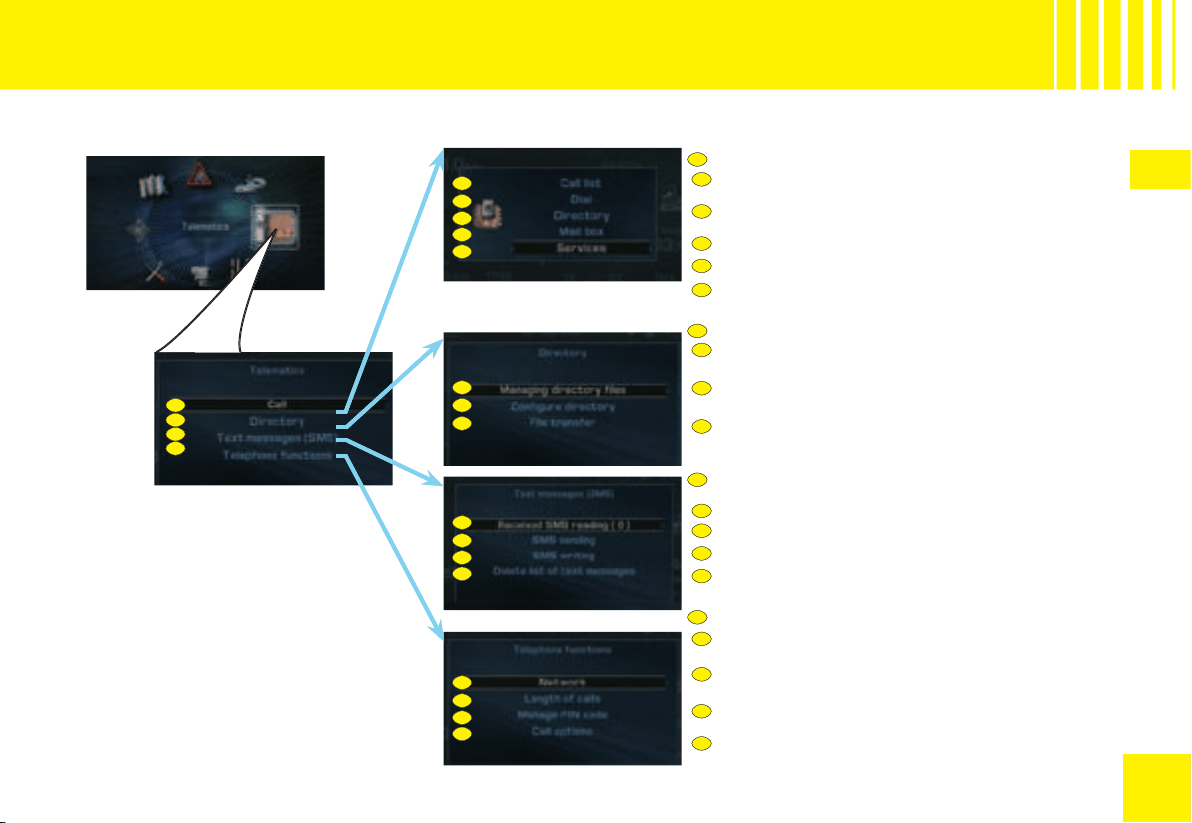
45
45
V
A
B
C
D
A1
A2
A3
A4
C1
C2
C3
C4
A1
A2
A3
A4
B1
B2
B3
C1
C2
C3
C4
A5
B1
B2
B3
D1
D2
D3
D4
A5
D1
D2
D3
D4
A
B
C
D
T EL EP H O N E
M E N U ST RU CT UR E
WHAT ARE THE FUNCTIONS OF THE TELEMATICS MENU ?
MAKING A TELEPHONE CALL
Consult the list of incoming, outgoing and missed
calls.
Compose a telephone number on the numeric keypad.
Select a fi le in the directory.
Consult your voice mail.
OPERATING THE TELEPHONE DIRECTORY
Consult, modify, create or delete a directory fi le.
Select or name a directory. Choose the start directory.
Send or receive one or more fi les by infrared or from
the SIM card.
READING, SENDING, EDITING OR DELETING AN
SMS MESSAGE
Read SMS messages received or stored.
Send a stored SMS.
Drafting an SMS.
Delete all stored SMS messages.
Select one of the CITROËN network services (depend-
ing on subscription).
SETTING PARAMETERS FOR THE TELEPHONE FUNCTIONS
Configure the network search mode or consult the
networks available.
Consult the length of one or all of the incoming or outgo-
ing calls. Reset the counter to zero.
Activate, deactivate, memorise or modify the PIN
code.
Confi gure the displaying of the number, the automatic
pick up, the ring tone and the call return. Delete the log
of calls.
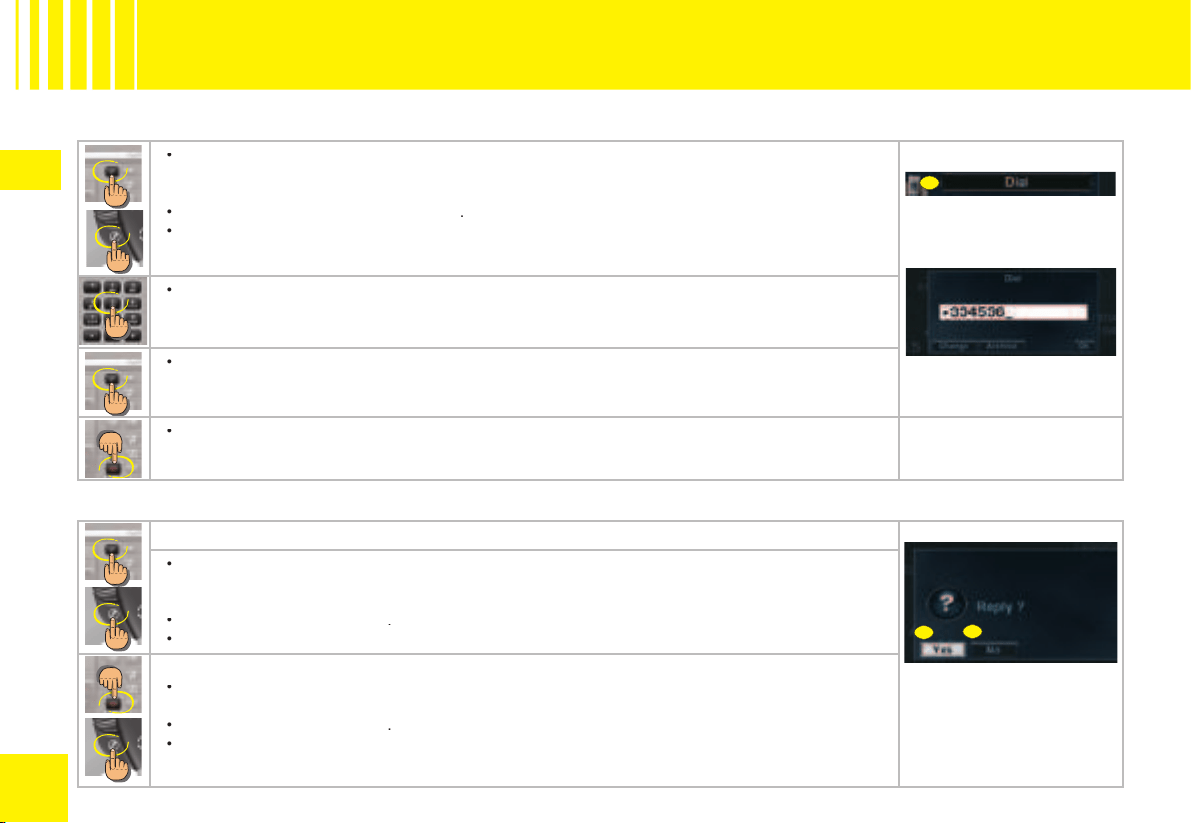
46
46
V
A
B
C
T EL EP H O N E
M A K IN G A CA LL
HOW TO MAKE A CALL ?
HOW TO ACCEPT/REFUSE A CALL ?
Press the “Pick-up” button or press the control on the steering wheel.
in the Telephone menu:
Rotate the control to select the menu
A
.
Press on the control to validate.
•
•
•
Compose the number of the person you wish to call on the alphanumeric keypad.
•
Press the “Pick-up” button or press the control on the steering wheel.
•
To end the call, press the “Hang-up” button or press the control on the steering wheel.
•
When you receive a call:
Press the “Pick-up” button to accept the call or press the control on the steering wheel.
or
in the Telephone menu:
Rotate the control to select
B
.
Press on the control to validate.
•
•
•
To refuse the call:
Press the “Hang-up” button or give a long press on the control on the steering wheel.
or
Rotate the control to select
C
.
Press on the control to validate.
•
•
•
47
47
V
A
C
B
D
E
On receiving an SMS
A sound signal and a superimposed window announce the arrival of a new SMS:
Select YES to read the SMS.
Select NO to store the SMS without reading it.
You can reply directly to an SMS or record the number of the sender.
•
•
T EL EP H O N E
D R A F T IN G A N SM S
Rotate the control to select the menu
A
.
Press on the control to validate.
•
•
Rotate the control to select the letters to make up the message.
Press on the control to validate each letter.
•
•
Select the
C
option to correct the entry.
•
Once the message is complete:
Rotate the control to select OK.
Press on the control to validate.
•
•
A window opens. You can view the content of your SMS.
Rotate the control to select OK.
Press on the control to validate.
•
•
Compose the number of your correspondant on the alphanumeric keypad, select a fi le in your direc-
tory or access the log of calls.
Rotate the control to select the
D
option.
Press on the control to validate. The message is sent.
•
•
•
You can select upper case, lower case or special characters by selecting the B
option.
You can defer sending the SMS by storing it E.
48
48
V
T EL EP H O N E
T E L EM AT I C S E R V I CE S
To benefit from the localised emergency
service with vehicle location, you have:
to have signed the general conditions of
the service stated on your vehicle order
form, or have signed the specifi c CITROËN
the service stated on your vehicle order
order
Emergency Contract,
to have made an initial call to the CITROËN
Emergency service.
To initialise this service:
press on the SOS button, with the vehicle
stationary and parked in the open air in an
area covered by your mobile telephone
operator,
be prepared to refer to your registration
document,
specify to the operator that you are mak-
ing a “CITROËN Emergency service
specify to the operator that you are mak-
e ope
initialisation” call.
When should you use this service ?
In an emergency situation (accident with
injuries, assault, etc.).
How to access this service ?
Press on the SOS button of your NaviDrive.
You are put in contact with our specialised
assistance platform. An operator will rapidly
assess the situation and if necessary send
help to the spot.
Your vehicle is automatically located thanks
to the GPS function of your NaviDrive.
•
•
•
•
•
Any call to this service must be
motivated by an actual situation
of serious emergency.
If there is a deployment of the pyrotechnic
components on your vehicle, the NaviDrive
will automatically transmit an emergency
call to our specialised assistance platform
(given no atmospheric, topographical or
technical restrictions in the country you are
in, as stipulated in the general conditions of
the CITROËN Emergency service).
in, as stipulated in the general conditi
tipulate
Should there be no response from the per-
sons present in the vehicle, assistance will
systematically be sent to the location of the
incident. To gain time, your vehicle is located
automatically thanks to the GPS function of
the NaviDrive system.
Note:
In the absence of a subscription to
the CITROËN Emergency service or if there
In the absence of a subscription to
In the
is no service in the country concerned,
the SOS button is set to trigger a call to 112, a
unique number reserved for emergency calls
by the European GSM network. However,
you will not then be geographically located.
Depending on country, the call to 112 can
be made without the need for a SIM card to
be present in the system.
If you have made an error, to
cancel the call being made,
press on the SOS button for 8
seconds. You have 6 seconds
to cancel.
To be able to activate this service and
in order to be aware of the detailed
conditions for its use and operation,
refer to the general conditions of
the CITROËN Emergency service.
refer to the general conditions
o the
This service is only accessible if there
is a subscription to the CITROËN
This service is only accessible if there
f there
Emergency service and is dependent
on availability.
At the end of 2006, the service is avail-
able in France, Germany, Italy, Benelux,
Spain and Portugal. The service is
due to be extended to other countries,
details of which can be obtained from a
member of the CITROËN network.
HO W D O E S T H E CI T RO ËN
EMERGENCY SERVICE OPERATE
ABROAD ?
If the service is available in the country
you are travelling to, the emergency
call will be connected and an operator
will respond in the language of your
country (provided the operator of the
SIM card inserted in the NaviDrive is
indeed that of your country).
CITROËN EMERGENCY
Automatic triggering of the emergency call
49
49
V
MESSAGES RECEIVED
To read the messages relating to the benefi ts
offered by your specifi c Service Contract.
T EL EP H O N E
T E L EM AT I C S E R V I CE S
When should you use this service ?
If your vehicle malfunctions (mechanical
breakdown), this service puts you in contact
with our CITROËN Assistance platform to
breakdown), this service puts you in contact
this se
request a recovery vehicle.
Note:
While making an assistance call, it is
impossible to make other calls apart from
an emergency call.
How to access this service ?
Keep the CITROËN button pressed.
Or
Press button CITROËN.
Select the CITROËN Assistance menu.
Validate.
•
•
•
•
Provided you have subscribed to
the CITROËN Emergency service and
Provided you have subscribed to
ed yo
the service is available in your country,
our assistance vehicles will easily be
able to locate your vehicle and check
your position with you.
This service can only be accessed if
there is a subscription to the CITROËN
This service can only be accessed if
sed if
Assistance service, subject to avail-
ability in the country concerned.
When should you use this service ?
CITROËN On Line puts you in contact with
When should you use this service ?
en sho
specialised operators who can answer ques-
tions about use of your NaviDrive and the
associated services offered by the manu-
facturer and its dealer networks.
How to access this service ?
Press button CITROËN.
Select the CITROËN On Line menu.
Validate.
•
•
•
This service operates only in France
from end 2006.
When should you use this service ?
This menu gives you access to the basket
of telematic services offered by CITROËN
This menu gives you access to the basket
basket
(construction of an optimised itinerary,
sending of a destination, search for a point
of interest, a restaurant, search for an indi-
vidual or professional in directory enquiries,
etc.) depending on availability in the country
concerned and on there being a subscription
to the services.
How to access this service ?
Press button CITROËN.
Select the menu for NaviDrive Serv-
ices.
Validate.
•
•
•
The NaviDrive Services symbol will
only appear if there is a subscription
to the services and provided they are
available.
Subject to a subscription to the services and
to availability in the country concerned.
CITROËN ASSISTANCE
CITROËN ON LINE
NAVIDRIVE SERVICES
The reserve battery enables you to
make an emergency call even if the
vehicle battery is disconnected.
The battery has a life of 4 years. It must
be disposed of by a specialist operator,
never thrown into the public refuse.
It is essential to be familiar with, and
comply with, the legislation in force.
50
5050
VI
A1
A2
A3
A
B
C
D
A1
A2
A3
B2
D1
D2
D1
A4
B1
B2
B3
D2
A4
B1
B3
C
A
B
D
D3
D3
D4
D4
C O N FI G U R AT I O N
A C C E S SI NG T H E M E N U - S T R U C T U RE
The Confi guration menu enables you to programme your NaviDrive
as well as certain functions of your vehicle.
WHAT ARE THE FUNCTIONS OF THE CONFIGURATION MENU ?
CONFIGURING THE DISPLAY OF YOUR NAVIDRIVE
Choose the colour of the display.
Adjust the brightness of the display.
Adjust the date and the time and defi ne the format 12H or 24H.
Choose a feminine voice or a masculine voice and adjust
the voice synthesiser volume.
CONFIGURE THE VOICE OF YOUR NAVIDRIVE
CHOOSE THE LANGUAGE OF THE VOICE SYNTHESISER
AND OF THE DISPLAY
Choose the duration for guide-me-home lighting and activate
or deactivate the directional headlamps.
DEFINE THE VEHICLE PARAMETERS (ACCORDING TO
EQUIPMENT)
DEFINE THE V
THE
Choose system of measurement: metric or imperial.
Activate or deactivate the voice commands.
Activate or deactivate the audio/video auxiliary input.
Activate or deactivate the automatic triggering of the rear
wiper when you engage reverse gear.
HOW TO ACCESS THE CONFIGURATION MENU ?
Press button MENU.
Rotate the control to select the Confi guration icon.
Press on the control to validate.
•
•
•
WHAT IS THE CONFIGURATION MENU ?
To select unlocking of all the doors or only that of the driv-
er's door.
Activate or deactivate the automatic engagement of the
electric parking brake and access the confi guration but-
ton.

51
5151
VI
A
B
F
C
D
E
G
I
H
A D J U S TI NG T H E D AT E A ND T H E T IM E
HOW TO ADJUST THE DATE AND THE TIME ?
In the confi guration menu:
Rotate the control to select the menu
A
.
Press on the control to validate.
•
•
Rotate the control to select the menu
B
.
Press on the control to validate.
•
•
Rotate the control to select a fi eld:
C
for the day
D
for the month
E
for the year
F
for the time.
Press on the control to validate.
Rotate the control or use the alphanumeric keypad to select the digits that make up the date and the
time.
Press on the control to validate each fi eld.
-
-
-
-
•
•
•
Rotate the control to select:
G
for 12 hour mode.
H
for 24 hour mode.
I
for an automatic adjustment of minutes thanks to GPS.
Press on the control to validate.
-
-
-
•
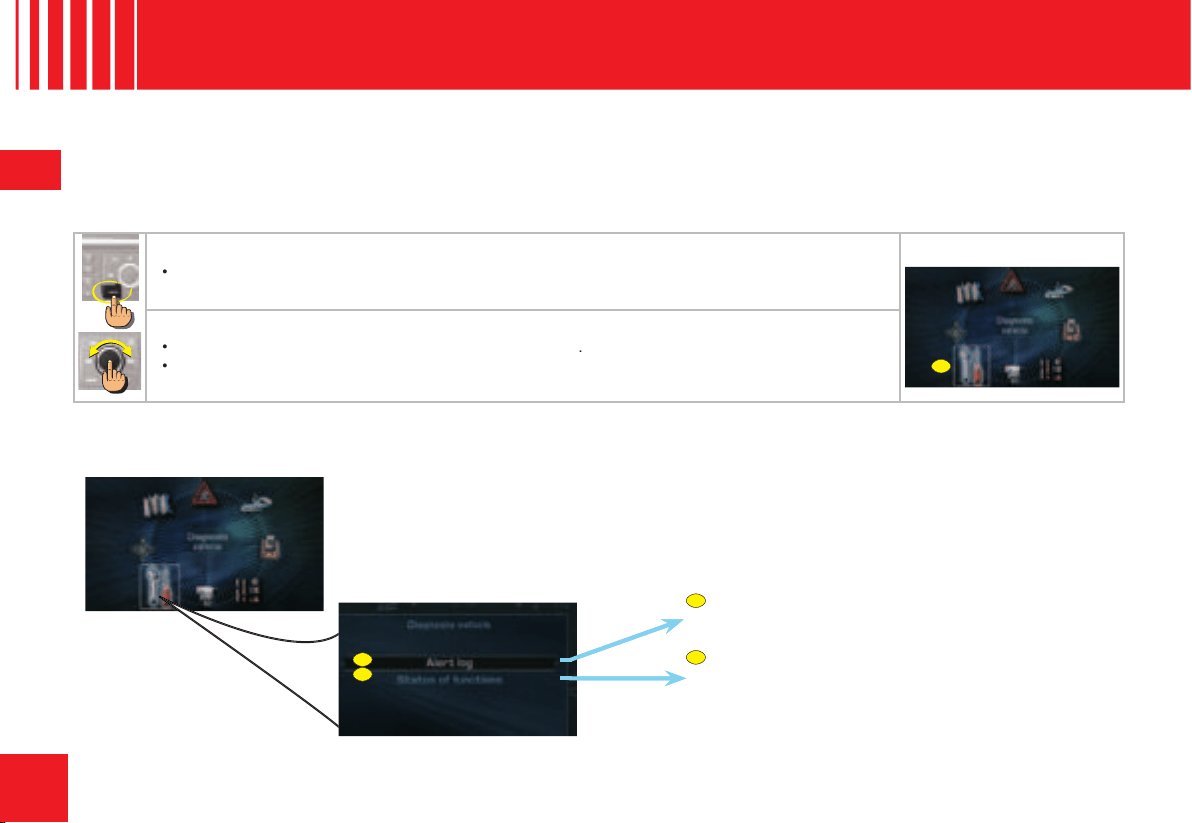
52
5252
VII
A
B
A
A
B
V E H I C L E D I AG N O S I S
M E N U ST RU CT UR E
WHAT IS THE VEHICLE DIAGNOSIS MENU ?
The vehicle diagnosis menu accesses the latest alerts that have been signalled as well as the status of the various functions on the vehicle.
WHAT ARE THE FUNCTIONS OF THE VEHICLE DIAGNOSIS MENU ?
CONSULT THE LIST OF LATEST ALERTS SIGNALLED
ON THE DISPLAY
CONSULT THE STATUS OF THE VARIOUS FUNCTIONS
ON THE VEHICLE (ACTIVATED OR DEACTIVATED)
HOW TO ACCESS THE VEHICLE DIAGNOSIS MENU ?
(according to equipment)
Press button MENU.
•
Rotate the control to select the Vehicle Diagnosis icon
A
.
Press on the control to validate.
•
•
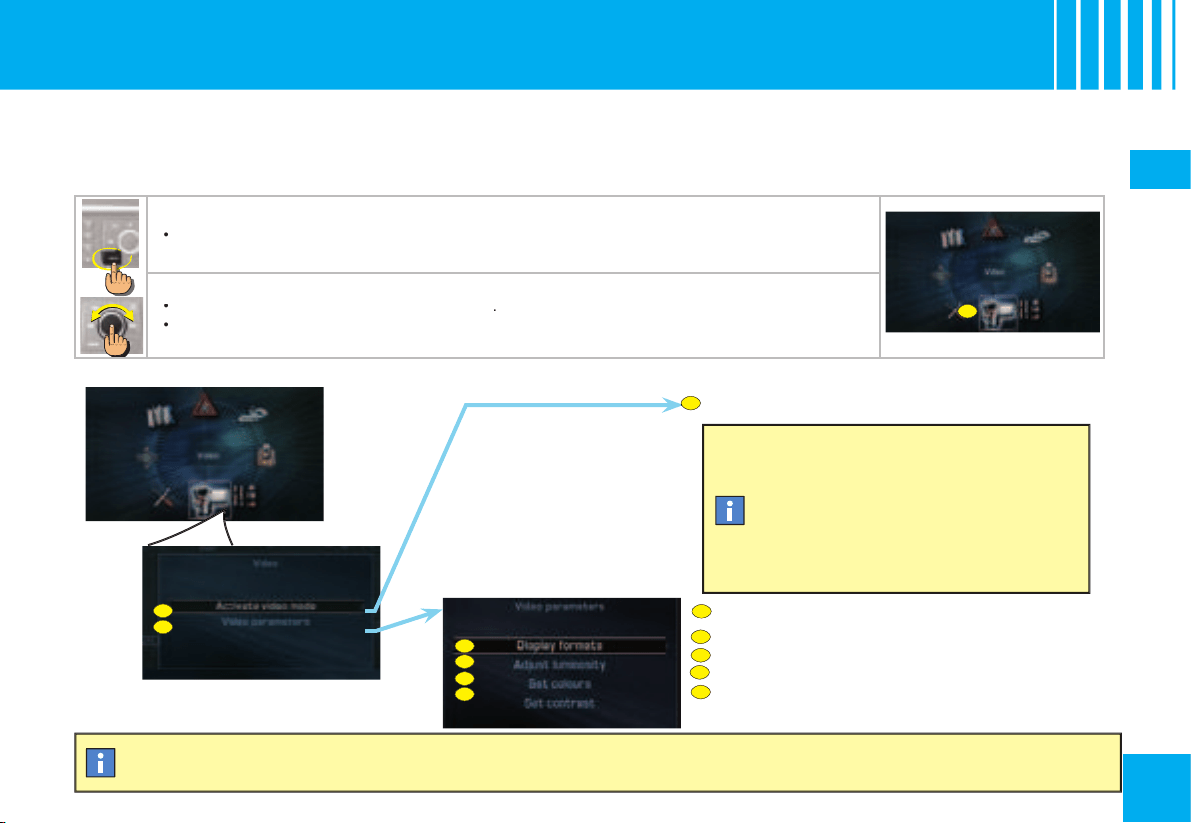
53
5353
VIII
A
B
B1
B2
B4
B1
B2
B3
B4
A
A
B3
B
V I D EO
A C C E S SI NG T H E M E N U - S T R U C TU RE
WHAT IS THE VIDEO MENU ?
The Video menu comprises the functions for adjusting the video on your NaviDrive.
WHAT ARE THE FUNCTIONS OF THE VIDEO MENU ?
ACTIVATING OR DEACTIVATING VIDEO MODE
HOW TO ACCESS THE VIDEO MENU ?
Select a display format (16/9 or 4/3).
SETTING THE VIDEO PARAMETERS
Adjust the brightness of the display.
Adjust the contrast on the display.
If you have equipment connected on the
audio/video sockets, activation of video
mode cuts the audio source currently being
listened to. Press on button SOURCE to
reactivate any other audio source.
To view the images, the equipment has
to emit a signal and the vehicle must be
stationary. While the vehicle is in motion,
only the sound is available.
To use this source, activate the video mode.The video can be used if the vehicle speed is less than 5 km/h.
Press button MENU.
•
Rotate the control to select the Video icon
A
.
Press on the control to validate.
•
•
Adjust the colour on the display.
54
5454
IX
FR E Q U E N T LY- A S K E D Q U E S TI O N S
QUESTIONS
ANSWERS
SOLUTIONS
There is a discrepancy in sound quality
between the different audio sources
(radio, CD, CD changer etc.).
To achieve an optimum listening quality, the audio adjustments
(Volume, Bass, Treble, Ambiance, Loudness) can be adapted
to each of the different sound sources, which can produce
audible shifts when you change the source (radio, CD, CD
changer etc.).
Check that the AUDIO adjustments (Volume, Bass,
Treble, Ambiance and Loudness) are adapted to your
wishes for each of the audio sources.
The CD immediately ejects.
The CD is the wrong way up, is unplayable, does not contain
audio data or contains an audio format that the radio cannot
play back.
Check that you have inserted the CD the right way up
in the CD player.
Check the condition of the CD: the CD cannot be played
back if it is too damaged.
Check the contents if it is a burnt CD: refer to the advice
given in the chapter on Audio System.
For reasons of poor quality, some burnt CDs will not be
played back by the audio system.
The CD changer does not play back DVDs.
The CD changer does not play back MP3 CDs.
The CD player sound is down-
graded.
The CD is scratched or of poor quality.
Insert only CDs of good quality and keep them in good
condition.
The pre-set stations do not work (no
sound, 87,5 Mhz is displayed, etc.).
The waveband selected is not the correct one.
Press on the BAND button to retrieve the waveband
(AM,FM1, FM2, FMAST) where the stations are memo-
rised.
Traffi c Announcements (TA) is dis-
played. I do not receive any traffi c infor-
mation or public announcements.
The particular radio station is not in the regional traffi c informa-
tion network.
Change to a radio station that does broadcast traffi c
information.
The table below brings together the answers to the questions that are the most frequently asked.
55
5555
IX
FR E Q U E N T LY- A S K E D Q U E S TI O N S
QUESTIONS
ANSWERS
SOLUTIONS
The reception quality of the radio
station being listened to gradually
deteriorates.
The vehicle is too distant from the transmitter, or no transmitter is
present in the geographical area you are passing through.
Activate the RDS function to allow the system to check
whether a more powerful transmitter is to be found in
the geographical area.
The environment (hills, high buildings, tunnels, underground car
parks, etc.) is blocking reception, even in RDS mode.
This phenomenon is normal and does not imply anything
wrong with the radio.
The aerial is absent or has been damaged (for example after going
through a car wash or in an underground car park).
Have the aerial checked by a CITROËN dealer.
When the engine is not running, the
radio stops after a few minutes.
When the engine is switched off, the working time for the radio
depends on the battery charge. The interruption is normal: the
radio goes into economy mode, cutting off in order to save the
vehicle’s battery.
You have to start the engine so as to increase the bat-
tery charge.
The message “the audio system
is overheating” appears on the
screen.
In order to protect the audio equipment in excessive ambient
temperatures, the radio goes into an automatic thermic protection
mode which results in a reduction in sound volume or stopping
of the CD player.
Switch off the audio system for a few minutes in order
to allow the system to cool down.
Why is one not informed in real time
of a hold-up on the route even though
the option for guidance by “traffi c info”
is activated ?
When you start up, the system takes a few minutes to capture
the traffi c information via RDS-TMC.
Wait for the traffi c information to be safely received
(pictogrammes displayed on the map) and make sure
that you use the major arterial roads to have “informed”
navigation.
Only the major arterial roads (motorways and some dual car-
riageways) are featured in RDS-TMC traffi c information).
It may happen that a hold-up is not reported by the traffi c info
provider.
Why is a diversion not suggested when
I have selected traffi c info ?
Do not confuse the “traffi c info” guidance option which can sug-
gest a diversion (the “divert” button appears in the window) with
the menus “Display of traffi c messages” or “Reading of traffi c
messages” which affect only the display without recalculating
the itinerary (no “divert” button in the window).
To have “informed” navigation with the detour proposi-
tion, it is essential to activate the guidance option with
“traffi c info”.