Owner’s Manual
2020 AVIATOR
March 2019
First Printing
Litho in U.S.A.
2020 AVIATOR Owner’s Manual
owner.lincoln.com lincolncanada.com
LC5J 19A321 AA

The information contained in this publication was correct at the time of going to print. In the interest of continuous development, we reserve the right to change specifications,
design or equipment at any time without notice or obligation. No part of this publication may be reproduced, transmitted, stored in a retrieval system or translated into any language
in any form by any means without our written permission. Errors and omissions excepted.
© Ford Motor Company 2019
All rights reserved.
Part Number: 201902 20190222185610
California Proposition 65
WARNING: Operating, servicing and maintaining a passenger vehicle or off-highway motor
vehicle can expose you to chemicals including engine exhaust, carbon monoxide, phthalates,
and lead, which are known to the State of California to cause cancer and birth defects or other
reproductive harm. To minimize exposure, avoid breathing exhaust, do not idle the engine except
as necessary, service your vehicle in a well-ventilated area and wear gloves or wash your hands
frequently when servicing your vehicle. For more information go to
www.P65Warnings.ca.gov/passenger-vehicle.
WARNING: Battery posts, terminals and related accessories contain lead and lead compounds,
chemicals known to the State of California to cause cancer and reproductive harm. Wash your
hands after handling.


Introduction
About This Manual ...........................................9
Symbols Glossary ............................................9
Data Recording ...............................................12
Perchlorate .......................................................16
Lincoln Automotive Financial Services
..........................................................................16
Replacement Parts Recommendation
..........................................................................17
Special Notices ................................................17
Mobile Communications Equipment .........19
Export Unique Options ..................................19
Environment
Protecting the Environment ........................20
At a Glance
Instrument Panel .............................................21
Child Safety
General Information ......................................24
Installing Child Restraints ............................26
Booster Seats ..................................................37
Child Restraint Positioning ..........................39
Child Safety Locks ..........................................41
Seatbelts
Principle of Operation ..................................43
Fastening the Seatbelts ...............................44
Seatbelt Height Adjustment .......................46
Seatbelt Warning Lamp and Indicator
Chime ...........................................................46
Seatbelt Reminder .........................................47
Child Restraint and Seatbelt Maintenance
.........................................................................49
Seatbelt Extension ........................................50
Personal Safety System™
Personal Safety System™ ..............................51
Supplementary Restraints System
Principle of Operation ..................................52
Driver and Passenger Airbags ...................53
Front Passenger Sensing System .............55
Side Airbags ....................................................57
Driver and Passenger Knee Airbags ........58
Safety Canopy™ ..............................................58
Crash Sensors and Airbag Indicator ........60
Airbag Disposal ...............................................61
911 Assist
About 911 Assist .............................................62
Emergency Call Requirements ..................62
Emergency Call Limitations ........................63
Keys and Remote Controls
General Information on Radio Frequencies
.........................................................................64
Remote Control ..............................................64
Replacing a Lost Key or Remote Control
........................................................................68
Phone as a Key ..............................................69
Phone as a Key – Troubleshooting ...........69
MyKey™
Principle of Operation ..................................70
Creating a MyKey ............................................71
Clearing All MyKeys ......................................72
1
Aviator (CTV) Canada/United States of America, enUSA, Edition date: 201902, First-Printing
Table of Contents

Checking MyKey System Status ................72
Using MyKey With Remote Start Systems
.........................................................................73
MyKey – Troubleshooting ............................73
Doors and Locks
Locking and Unlocking .................................75
Opening the Doors .......................................82
Emergency Door Release ............................83
Soft Closing Door ..........................................83
Keyless Entry ..................................................83
Liftgate
Power Liftgate ................................................86
Security
Passive Anti-Theft System ............................91
Anti-Theft Alarm .............................................92
Steering Wheel
Adjusting the Steering Wheel - Vehicles
With: Manual Adjustable Steering
Column .........................................................94
Adjusting the Steering Wheel - Vehicles
With: Power Adjustable Steering Column
.........................................................................94
Audio Control .................................................96
Voice Control ..................................................96
Cruise Control - Vehicles With: Adaptive
Cruise Control With Lane Centering
........................................................................96
Cruise Control - Vehicles With: Cruise
Control ..........................................................97
Information Display Control ........................98
Heated Steering Wheel ...............................98
Horn ..................................................................98
Wipers and Washers
Windshield Wipers - Vehicles Without:
Heated Wiper Blades ...............................99
Windshield Wipers - Vehicles With: Heated
Wiper Blades ............................................100
Autowipers ....................................................100
Windshield Washers .....................................101
Rear Window Wiper and Washers ...........102
Lighting
General Information ....................................103
Lighting Control ............................................103
Autolamps ......................................................104
Instrument Lighting Dimmer ......................104
Headlamp Exit Delay ...................................105
Daytime Running Lamps - Vehicles With:
Configurable Daytime Running Lamps
.......................................................................105
Daytime Running Lamps - Vehicles With:
Daytime Running Lamps (DRL) ............105
Front Fog Lamps ..........................................105
Adaptive Headlamps ..................................106
Direction Indicators .....................................108
Welcome Lighting ........................................108
Interior Lamps ...............................................109
Ambient Lighting ..........................................109
Automatic High Beam Control
About Automatic High Beam Control .......111
Switching Automatic High Beam Control
On and Off ...................................................111
Automatic High Beam Control Indicators
........................................................................112
Overriding Automatic High Beam Control
........................................................................112
2
Aviator (CTV) Canada/United States of America, enUSA, Edition date: 201902, First-Printing
Table of Contents

Windows and Mirrors
Power Windows .............................................113
Global Opening and Closing ......................114
Exterior Mirrors ..............................................114
Interior Mirror .................................................116
Sun Visors .......................................................117
Moonroof .........................................................117
Instrument Cluster
Gauges ...........................................................120
Warning Lamps and Indicators .................122
Audible Warnings and Indicators .............126
Information Displays
General Information .....................................127
Personalized Settings .................................130
Information Messages ..................................131
Head Up Display ..........................................153
Climate Control
Automatic Climate Control .........................157
Hints on Controlling the Interior Climate
.......................................................................160
Rear Passenger Climate Controls -
Vehicles With: Quadruple Zone
Automatic Temperature Control ...........161
Rear Passenger Climate Controls -
Vehicles With: Triple Zone Automatic
Temperature Control ...............................162
Heated Rear Window ..................................164
Heated Exterior Mirrors ..............................164
Remote Start ..................................................164
Interior Air Quality
About the Cabin Air Filter ..........................166
Locating the Cabin Air Filter .....................166
Changing the Cabin Air Filter ...................166
Seats
Sitting in the Correct Position ...................167
Head Restraints ............................................168
Power Seats ....................................................171
Memory Function .........................................175
Rear Seats ......................................................178
Heated Seats ................................................182
Climate Controlled Seats ...........................183
Garage Door Opener
Universal Garage Door Opener ...............186
Auxiliary Power Points
Auxiliary Power Points .................................191
Wireless Accessory Charging ...................192
Storage Compartments
Center Console ............................................195
Overhead Console ......................................195
Starting and Stopping the Engine
General Information ....................................196
Keyless Starting ............................................196
Starting a Gasoline Engine ........................197
Engine Block Heater ...................................201
Unique Driving Characteristics
Auto-Start-Stop ............................................203
Fuel and Refueling
Safety Precautions ......................................206
3
Aviator (CTV) Canada/United States of America, enUSA, Edition date: 201902, First-Printing
Table of Contents

Fuel Quality ...................................................207
Fuel Filler Funnel Location .......................207
Running Out of Fuel ...................................208
Refueling .......................................................209
Fuel Consumption .......................................212
Engine Emission Control
Emission Law .................................................214
Catalytic Converter ......................................215
Transmission
Automatic Transmission .............................218
All-Wheel Drive
Using All-Wheel Drive ................................224
Brakes
General Information .....................................231
Hints on Driving With Anti-Lock Brakes
......................................................................232
Electric Parking Brake ................................232
Hill Start Assist .............................................234
Auto Hold ......................................................235
Reverse Braking Assist
About Reverse Braking Assist .................237
Reverse Braking Assist Precautions .......237
Switching Reverse Braking Assist On and
Off ...............................................................238
Overriding Reverse Braking Assist .........238
Reverse Braking Assist Indicators ..........238
Reverse Braking Assist – Troubleshooting
......................................................................238
Traction Control
Principle of Operation .................................241
Using Traction Control ................................241
Stability Control
Principle of Operation ................................242
Using Stability Control ...............................243
Hill Descent Control
About Hill Descent Control .......................244
Switching Hill Descent Control On and Off
......................................................................244
Setting the Hill Descent Speed ...............244
Hill Descent Control Indicator ..................245
Parking Aids
Principle of Operation ................................246
Rear Parking Aid ..........................................246
Front Parking Aid ........................................248
Side Sensing System .................................250
Active Park Assist .......................................252
Rear View Camera ......................................256
360 Degree Camera ..................................259
Cruise Control
About Cruise Control .................................262
Switching Cruise Control On and Off .....262
Setting the Cruise Control Speed ..........262
Canceling the Set Speed ..........................263
Resuming the Set Speed ..........................263
Cruise Control Indicators ..........................263
Adaptive Cruise Control
About Adaptive Cruise Control With Stop
and Go .......................................................264
4
Aviator (CTV) Canada/United States of America, enUSA, Edition date: 201902, First-Printing
Table of Contents

About Adaptive Cruise Control With Lane
Centering ..................................................264
About Intelligent Adaptive Cruise Control
......................................................................264
Adaptive Cruise Control Precautions -
Vehicles With: Adaptive Cruise Control
With Lane Centering ..............................264
Adaptive Cruise Control Precautions -
Vehicles With: Adaptive Cruise Control
With Stop and Go ....................................264
Adaptive Cruise Control Limitations -
Vehicles With: Adaptive Cruise Control
With Lane Centering ..............................265
Adaptive Cruise Control Limitations -
Vehicles With: Adaptive Cruise Control
With Stop and Go ...................................266
Switching Adaptive Cruise Control On and
Off ...............................................................268
Setting the Adaptive Cruise Control Speed
......................................................................269
Setting the Adaptive Cruise Control Gap
......................................................................270
Canceling the Set Speed ...........................271
Resuming the Set Speed ............................271
Overriding the Set Speed ..........................271
Adaptive Cruise Control Indicators -
Vehicles With: Adaptive Cruise Control
With Lane Centering ...............................271
Adaptive Cruise Control Indicators -
Vehicles With: Adaptive Cruise Control
With Stop and Go ....................................272
Adaptive Cruise Control Indicators -
Vehicles With: Intelligent Adaptive
Cruise Control ..........................................272
Switching From Adaptive Cruise Control
to Cruise Control .....................................272
Switching Lane Centering On and Off
......................................................................273
Switching Intelligent Mode On and Off
......................................................................274
Adjusting the Set Speed Tolerance ........274
Adaptive Cruise Control – Troubleshooting
......................................................................274
Driving Aids
Driver Alert ....................................................278
Lane Keeping System ................................279
Blind Spot Information System ................285
Cross Traffic Alert ........................................289
Steering .........................................................294
Pre-Collision Assist .....................................295
Drive Mode Control
About Drive Mode Control ........................301
Selecting a Drive Mode ..............................301
Drive Modes ..................................................301
Load Carrying
Rear Under Floor Storage .........................303
Roof Racks and Load Carriers .................303
Load Limit ......................................................304
Air Suspension .............................................308
Towing
Towing a Trailer .............................................310
Trailer Sway Control .....................................311
Recommended Towing Weights ...............311
Essential Towing Checks ............................313
Towing the Vehicle on Four Wheels .......315
Driving Hints
Breaking-In .....................................................316
Reduced Engine Performance ..................316
5
Aviator (CTV) Canada/United States of America, enUSA, Edition date: 201902, First-Printing
Table of Contents

Economical Driving ......................................316
Cold Weather Precautions .........................317
Driving Through Water ................................317
Floor Mats ......................................................318
Roadside Emergencies
Roadside Assistance ..................................320
Hazard Flashers ............................................321
Fuel Shutoff ...................................................321
Jump Starting the Vehicle .........................322
Post-Crash Alert System ............................324
Transporting the Vehicle ...........................325
Customer Assistance
Getting the Services You Need ...............326
In California (U.S. Only) ..............................327
The Better Business Bureau (BBB) Auto
Line Program (U.S. Only) .......................328
Utilizing the Mediation/Arbitration Program
(Canada Only) ..........................................329
Getting Assistance Outside the U.S. and
Canada ......................................................330
Ordering Additional Owner's Literature
......................................................................332
Reporting Safety Defects (U.S. Only) ......333
Reporting Safety Defects (Canada Only)
......................................................................333
Fuses
Fuse Specification Chart ...........................335
Changing a Fuse .........................................348
Maintenance
General Information .....................................351
Opening and Closing the Hood ...............351
Under Hood Overview ...............................353
Engine Oil Dipstick .....................................354
Engine Oil Check ........................................354
Oil Change Indicator Reset ......................355
Engine Coolant Check ...............................356
Automatic Transmission Fluid Check ......361
Brake Fluid Check ........................................361
Power Steering Fluid Check ....................362
Washer Fluid Check ...................................362
Fuel Filter .......................................................363
Changing the 12V Battery .........................363
Checking the Wiper Blades ......................365
Changing the Front Wiper Blades -
Vehicles Without: Heated Wiper Blades
......................................................................366
Changing the Front Wiper Blades -
Vehicles With: Heated Wiper Blades
......................................................................367
Changing the Rear Wiper Blades ............367
Adjusting the Headlamps .........................368
Changing a Bulb ..........................................369
Changing the Engine Air Filter ................369
Vehicle Care
General Information .....................................371
Cleaning Products ........................................371
Cleaning the Exterior ..................................372
Waxing ............................................................373
Cleaning the Engine ...................................374
Cleaning the Windows and Wiper Blades
......................................................................374
Cleaning the Interior ...................................375
Cleaning the Instrument Panel and
Instrument Cluster Lens ........................375
Cleaning Leather Seats .............................376
Repairing Minor Paint Damage ................377
6
Aviator (CTV) Canada/United States of America, enUSA, Edition date: 201902, First-Printing
Table of Contents

Cleaning the Wheels ..................................377
Vehicle Storage ............................................377
Wheels and Tires
General Information ...................................380
Tire Care ........................................................382
Using Summer Tires ...................................394
Using Snow Chains ....................................395
Tire Pressure Monitoring System ............397
Changing a Road Wheel ...........................403
Technical Specifications ..............................411
Capacities and Specifications
Engine Specifications ..................................413
Motorcraft Parts ............................................414
Vehicle Identification Number ..................416
Vehicle Certification Label .........................416
Transmission Code Designation ...............417
Capacities and Specifications ...................418
Bulb Specification Chart ............................429
Vehicle Identification
Installing the Vehicle Identification Card
......................................................................430
Network Connectivity
Connecting the Vehicle to a Mobile
Network ......................................................431
Network Connectivity – Troubleshooting
......................................................................432
Wi-Fi Hotspot
Creating a Wi-Fi Hotspot ...........................435
Changing the Wi-Fi Hotspot Name or
Password ...................................................435
Audio System
General Information ....................................437
Audio Unit ......................................................437
Digital Radio .................................................440
Satellite Radio ..............................................443
USB Port ........................................................446
SYNC™ 3
General Information ....................................447
Using Voice Recognition ...........................449
Entertainment ................................................461
Climate ...........................................................473
Phone .............................................................476
Navigation .....................................................478
Apps ...............................................................486
Settings ..........................................................489
SYNC™ 3 Troubleshooting ..........................491
Accessories
Accessories ..................................................508
Lincoln Protect
Lincoln Protect ..............................................510
Scheduled Maintenance
General Maintenance Information ...........513
Normal Scheduled Maintenance ..............517
Special Operating Conditions Scheduled
Maintenance .............................................521
Scheduled Maintenance Record .............524
7
Aviator (CTV) Canada/United States of America, enUSA, Edition date: 201902, First-Printing
Table of Contents

Appendices
Electromagnetic Compatibility ................545
End User License Agreement .................550
Declaration of Conformity ........................580
Declaration of Conformity - Vehicles With:
SYNC 3 .......................................................581
8
Aviator (CTV) Canada/United States of America, enUSA, Edition date: 201902, First-Printing
Table of Contents
ABOUT THIS MANUAL
Thank you for choosing Lincoln. We
recommend that you take some time to get
to know your vehicle by reading this manual.
The more that you know about it, the greater
the safety and pleasure you will get from
driving it.
WARNING: Driving while distracted
can result in loss of vehicle control, crash
and injury. We strongly recommend that
you use extreme caution when using any
device that may take your focus off the
road. Your primary responsibility is the safe
operation of your vehicle. We recommend
against the use of any hand-held device
while driving and encourage the use of
voice-operated systems when possible.
Make sure you are aware of all applicable
local laws that may affect the use of
electronic devices while driving.
Note: This manual describes product
features and options available throughout
the range of available models, sometimes
even before they are generally available. It
may describe options not fitted to the vehicle
you have purchased.
Note: Some of the illustrations in this manual
may show features as used in different
models, so may appear different to you on
your vehicle.
Note: Always use and operate your vehicle
in line with all applicable laws and
regulations.
Note: Pass on this manual when selling your
vehicle. It is an integral part of your vehicle.
This manual may qualify the location of a
component as left-hand side or right-hand
side. The side is determined when facing
forward in the seat.
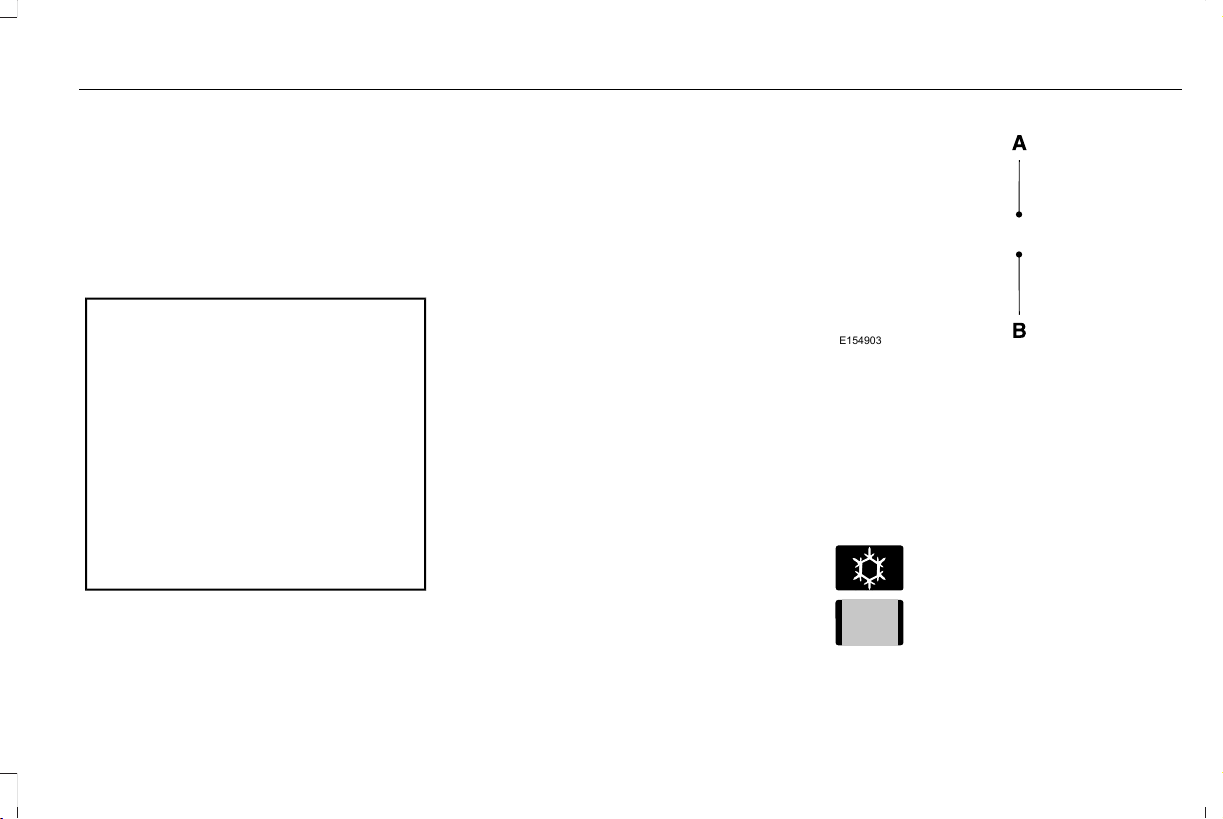
E154903
Right-hand side.A
Left-hand side.B
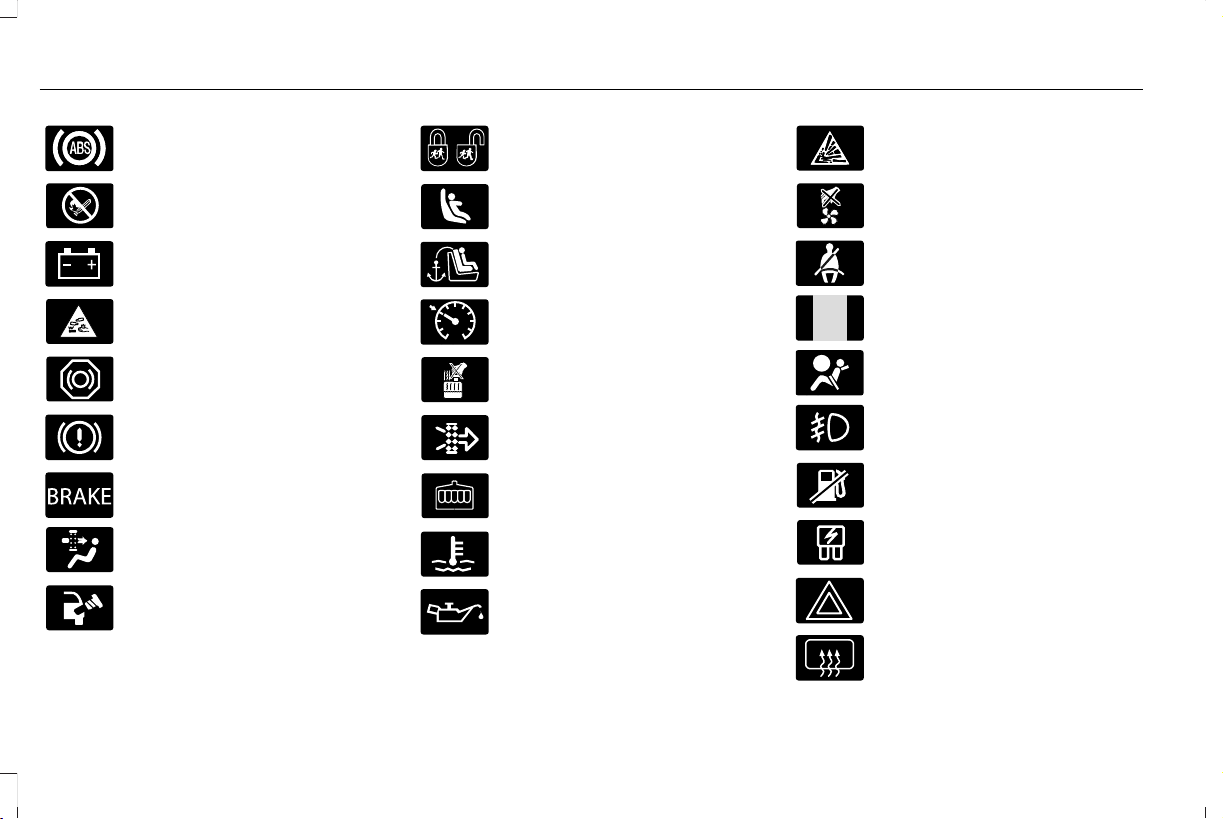
SYMBOLS GLOSSARY
These are some of the symbols you may see
on your vehicle.
E162384
Air conditioning system
E231157
Air conditioning system lubricant
type
9
Aviator (CTV) Canada/United States of America, enUSA, Edition date: 201902, First-Printing
Introduction
Anti-lock braking system
Avoid smoking, flames or sparks
Battery
Battery acid
Brake fluid - non petroleum based
Brake system
E270480
Brake system
Cabin air filter
Check fuel cap
Child safety door lock or unlock
Child seat lower anchor
Child seat tether anchor
E71340
Cruise control
Do not open when hot
Engine air filter
Engine coolant
Engine coolant temperature
Engine oil
Explosive gas
Fan warning
E71880
Fasten seatbelt
E231160
Flammable
E67017
Front airbag
Front fog lamps
Fuel pump reset
Fuse compartment
Hazard flashers
Heated rear window
10
Aviator (CTV) Canada/United States of America, enUSA, Edition date: 201902, First-Printing
Introduction
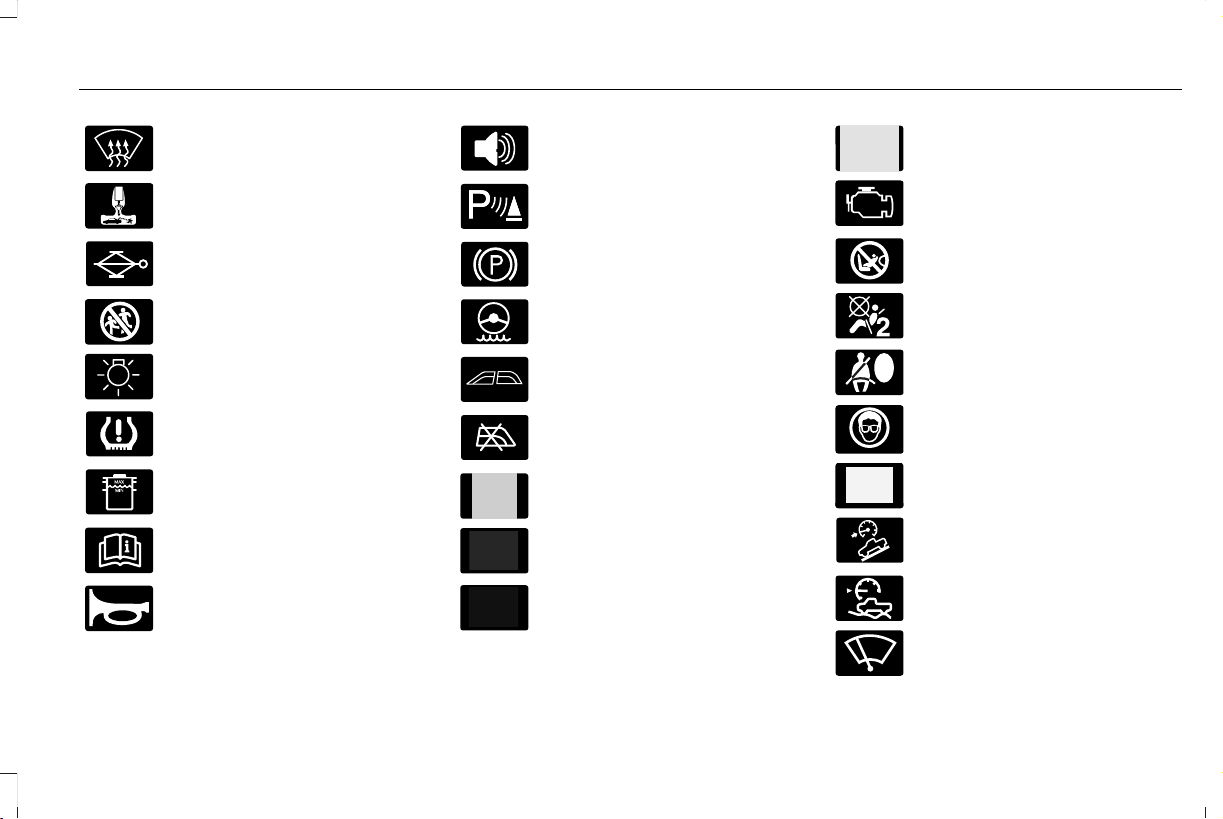
Windshield defrosting system
Interior luggage compartment
release
Jack
E161353
Keep out of reach of children
Lighting control
Low tire pressure warning
Maintain correct fluid level
Note operating instructions
E270945
Horn control
Panic alarm
E139213
Parking aid
Parking brake
Power steering fluid
Power windows front/rear
Power window lockout
E231159
Requires registered technician
Safety alert
See Owner's Manual
E231158
See Service Manual
Service engine soon
E270849
Passenger airbag activated
E270850
Passenger airbag deactivated
Side airbag
E167012
Shield the eyes
E138639
Stability control
E163957
Hill descent control
E272858
Trail control
E270969
Windshield wiping system
11
Aviator (CTV) Canada/United States of America, enUSA, Edition date: 201902, First-Printing
Introduction

Windshield wash and wipe
DATA RECORDING
WARNING: Do not connect wireless
plug-in devices to the data link connector.
Unauthorized third parties could gain
access to vehicle data and impair the
performance of safety related systems.
Only allow repair facilities that follow our
service and repair instructions to connect
their equipment to the data link connector.
We respect your privacy and are committed
to protecting it. The information contained
in this publication was correct at the time of
going to print but as technology rapidly
changes, we recommend that you visit the
regional Ford website for the latest
information.
Your vehicle has electronic control units that
have data recording functionality and the
ability to permanently or temporarily store
data. This data could include information on
the condition and status of your vehicle,
vehicle maintenance requirements, events
and malfunctions. The types of data that can
be recorded are described in this section.
Some of the data recorded is stored in event
logs or error logs.
Note: Error logs are reset following a service
or repair.
Note: We may provide information in
response to requests from law enforcement,
other government authorities and third
parties acting with lawful authority or through
a legal process. Such information could be
used by them in legal proceedings.
Data recorded includes, for example:
• Operating states of system components,
for example, fuel level, tire pressure and
battery charge level.
• Vehicle and component status, for
example, wheel speed, deceleration,
lateral acceleration and seatbelt status.
• Events or errors in essential systems, for
example, headlamps and brakes.
• System responses to driving situations,
for example, airbag deployment and
stability control.
• Environmental conditions, for example,
temperature.
Some of this data, when used in combination
with other information, for example, an
accident report, damage to a vehicle or
eyewitness statements, could be associated
with a specific person.
Service Data
Service data recorders in your vehicle are
capable of collecting and storing diagnostic
information about your vehicle. This
potentially includes information about the
performance or status of various systems
and modules in the vehicle, such as engine,
throttle, steering or brake systems. In order
to properly diagnose and service your
vehicle, Ford Motor Company (Ford of
Canada in Canada), and service and repair
facilities may access or share among them
vehicle diagnostic information received
12
Aviator (CTV) Canada/United States of America, enUSA, Edition date: 201902, First-Printing
Introduction

through a direct connection to your vehicle
when diagnosing or servicing your vehicle.
Additionally, Ford Motor Company (Ford of
Canada, in Canada) may, where permitted
by law, use vehicle diagnostic information
for vehicle improvement or with other
information we may have about you, for
example, your contact information, to offer
you products or services that may interest
you. Data may be provided to our service
providers such as part suppliers that may
help diagnose malfunctions, and who are
similarly obligated to protect data. We retain
this data only as long as necessary to
perform these functions or to comply with
law. We may provide information where
required in response to official requests to
law enforcement or other government
authorities or third parties acting with lawful
authority or court order, and such information
may be used in legal proceedings. For U.S.
only (if equipped), if you choose to use
connected apps and services, you consent
that certain diagnostic information may also
be accessed electronically by Ford Motor
Company and Ford authorized service
facilities, and that the diagnostic information
may be used to provide services to you,
personalizing your experience, troubleshoot,
and to improve products and services and
offer you products and services that may
interest you, where permitted by law. For
Canada only, for more information, please
review the Lincoln of Canada privacy policy
at www.Lincolncanada.com, including our
U.S. data storage and use of service
providers in other jurisdictions who may be
subject to legal requirements in Canada, the
United States and other countries applicable
to them, for example, lawful requirements to
disclose personal information to
governmental authorities in those countries.
Event Data
This vehicle is equipped with an event data
recorder. The main purpose of an event data
recorder is to record, in certain crash or near
crash-like situations, such as an airbag
deployment or hitting a road obstacle; this
data assist in understanding how a vehicle’ s
systems performed. The event data recorder
is designed to record data related to vehicle
dynamics and safety systems for a short
period of time, typically 30 seconds or less.
The event data recorder in this vehicle is
designed to record such data as:
• How various systems in your vehicle
were operating;
• Whether or not the driver and passenger
seatbelts were buckled/fastened;
• How far (if at all) the driver was
depressing the accelerator and/or the
brake pedal; and
• How fast the vehicle was traveling; and
• Where the driver was positioning the
steering wheel.
This data can help provide a better
understanding of the circumstances in which
crashes and injuries occur.
13
Aviator (CTV) Canada/United States of America, enUSA, Edition date: 201902, First-Printing
Introduction

Note: Event data recorder data is recorded
by your vehicle only if a non-trivial crash
situation occurs; no data is recorded by the
event data recorder under normal driving
conditions and no personal data or
information (e.g., name, gender, age, and
crash location) is recorded. However, other
parties, such as law enforcement, could
combine the event data recorder data with
the type of personally identifying data
routinely acquired during a crash
investigation.
To read data recorded by an event data
recorder, special equipment is required, and
access to the vehicle or the event data
recorder is needed. In addition to the vehicle
manufacturer, other parties, such as law
enforcement, that have such special
equipment, can read the information if they
have access to the vehicle or the event data
recorder.
Comfort, Convenience and
Entertainment Data
Your vehicle has electronic control units that
have the ability to store data based on your
personalized settings. The data is stored
locally in the vehicle or on devices that you
connect to it, for example, a USB drive or
digital music player. You can delete some of
this data and also choose whether to share
it through the services to which you
subscribe. See Settings (page 489).
Comfort and Convenience Data
Data recorded includes, for example:
• Seat and steering wheel position.
• Climate control settings.
• Radio presets.
Entertainment Data
Data recorded includes, for example:
• Music, videos or album art.
• Contacts and corresponding address
book entries.
• Navigation destinations.
Services That We Provide
If you use our services, we collect and use
data, for example, account information,
vehicle location and driving characteristics,
that could identify you. We transmit this data
through a dedicated, protected connection.
We only collect and use data to enable your
use of our services to which you have
subscribed, with your consent or where
permitted by law. For additional information,
see the terms and conditions of the services
to which you have subscribed.
Services That Third Parties Provide
We recommend that you review the terms
and conditions and data privacy information
for any services to which you subscribe. We
take no responsibility for services that third
parties provide.
14
Aviator (CTV) Canada/United States of America, enUSA, Edition date: 201902, First-Printing
Introduction

Vehicles With a Modem
The modem has a SIM. The modem was
enabled when your vehicle was built and
periodically sends messages to stay
connected to the cell phone network, receive
automatic software updates and send
vehicle-related information to us, for
example, diagnostic information. These
messages could include information that
identifies your vehicle, the SIM and the
electronic serial number of the modem. Cell
phone network service providers could have
access to additional information, for example,
cell phone network tower identification. For
additional information about our privacy
policy, refer to your local Lincoln website.
Note: The modem continues to send this
information unless you disable the modem
or stop the modem from sharing vehicle data
by changing the modem settings. See
Network Connectivity (page 431). .
Note: The service can be unavailable or
interrupted for a number of reasons, for
example, environmental or topographical
conditions and data plan coverage.
Vehicles With SYNC
Mobile Device Data
If you connect a mobile device to your
vehicle, you can display data from your
device on the touchscreen for example,
music and album art. You can share your
vehicle data with mobile apps on your device
through the system. See Apps (page 486).
The mobile apps function operates by your
connected device sending data to us in the
United States. The data is encrypted and
includes the vehicle identification number of
your vehicle, the SYNC module serial
number, odometer, enabled apps, usage
statistics and debugging information. We
retain it only as long as necessary to provide
the service, to troubleshoot, for continuous
improvement and to offer you products and
services that may be of interest to you
according to your preferences and where
allowed by law.
If you connect a cell phone to the system,
the system creates a profile that links to that
cell phone. The cell phone profile enables
more mobile features and efficient operation.
The profile contains, for example, data from
your phonebook, read and unread text
messages and call history, including history
of calls when your cell phone was not
connected to the system.
If you connect a media device, the system
creates and retains a media device index of
supported media content. The system also
records a short diagnostic log of
approximately 10 minutes of all recent system
activity.
The cell phone profile, media device index
and diagnostic log remain in your vehicle
unless you delete them and are generally
accessible only in your vehicle when you
connect your cell phone or media device. If
you no longer plan to use the system or your
vehicle, we recommend you use the master
reset function to erase the stored
information. See Settings (page 489).
15
Aviator (CTV) Canada/United States of America, enUSA, Edition date: 201902, First-Printing
Introduction
System data cannot be accessed without
special equipment and access to your
vehicle's module.
For additional information about our privacy
policy, refer to your local Ford website.
911 Assist Privacy Notice
When you switch on 911 Assist, it may
disclose to emergency services that your
vehicle has been in a crash involving the
deployment of an airbag or activation of the
fuel pump shut-off.
Certain versions or updates to 911 Assist may
also be capable of electronically or verbally
disclosing to 911 operators your vehicle
location or other details about your vehicle
or crash to assist 911 operators to provide
the most appropriate emergency services.
If you do not want to disclose this
information, do not switch the feature on.
Note: To switch 911 Assist on or off. See
Settings (page 489).
PERCHLORATE
Certain components in your vehicle such as
airbag modules, seatbelt pretensioners and
remote control batteries may contain
perchlorate material. Special handling may
apply for service or vehicle end of life
disposal.
For more information visit:
Web Address
www.dtsc.ca.gov/hazard-
ouswaste/perchlorate
LINCOLN AUTOMOTIVE
FINANCIAL SERVICES
Lincoln Automotive Financial Services offers
a full range of financing and lease plans to
help you acquire your vehicle. We are
dedicated to providing answers, information
and a truly extraordinary experience.
Use the options below to contact us with
questions about your account or financing
and we will respond promptly:
Web Address
www.credit.lincoln.com
Phone: 1-888-498-8801
Mail: Lincoln Automotive Financial Services
P.O. Box 542000
Omaha, NE 68154-8000
16
Aviator (CTV) Canada/United States of America, enUSA, Edition date: 201902, First-Printing
Introduction

REPLACEMENT PARTS
RECOMMENDATION
We have built your vehicle to the highest
standards using quality parts. We
recommend that you demand the use of
genuine Ford and Motorcraft parts whenever
your vehicle requires scheduled
maintenance or repair. You can clearly
identify genuine Ford and Motorcraft parts
by looking for the Ford, FoMoCo or
Motorcraft branding on the parts or their
packaging.
Scheduled Maintenance and
Mechanical Repairs
One of the best ways for you to make sure
that your vehicle provides years of service
is to have it maintained in line with our
recommendations using parts that conform
to the specifications detailed in this Owner’ s
Manual. Genuine Ford and Motorcraft parts
meet or exceed these specifications.
Collision Repairs
We hope that you never experience a
collision, but accidents do happen. Genuine
Ford replacement collision parts meet our
stringent requirements for fit, finish, structural
integrity, corrosion protection and dent
resistance. During vehicle development we
validate that these parts deliver the intended
level of protection as a whole system. A
great way to know for sure you are getting
this level of protection is to use genuine Ford
replacement collision parts.
Warranty on Replacement Parts
Genuine Ford and Motorcraft replacement
parts are the only replacement parts that
benefit from a Lincoln Warranty. Damage
caused to your vehicle as a result of the
failure of non-Ford parts may not be covered
by the Lincoln Warranty. For additional
information, refer to the terms and conditions
of the Lincoln Warranty.
SPECIAL NOTICES
New Vehicle Limited Warranty
Vehicles sold in the United States and
Canada
For a detailed description of what is covered
by your New Vehicle Limited Warranty, see
your warranty guide that is available online.
For more information, refer to our website
and download your copy of the warranty
guide.
Vehicles sold outside the United States and
Canada
For a detailed description of what is covered
by your New Vehicle Limited Warranty, see
the warranty guide that is provided to you
along with your Owner’s Manual.
Special Instructions
For your added safety, your vehicle is fitted
with sophisticated electronic controls.
17
Aviator (CTV) Canada/United States of America, enUSA, Edition date: 201902, First-Printing
Introduction

WARNING: You risk death or serious
injury to yourself and others if you do not
follow the instruction highlighted by the
warning symbol. Failure to follow the
specific warnings and instructions could
result in personal injury.
WARNING: NEVER use a rearward
facing child restraint on a seat protected
by an ACTIVE AIRBAG in front of it, DEATH
or SERIOUS INJURY to the CHILD can
occur.
On Board Diagnostics Data Link
Connector
WARNING: Do not connect wireless
plug-in devices to the data link connector.
Unauthorized third parties could gain
access to vehicle data and impair the
performance of safety related systems.
Only allow repair facilities that follow our
service and repair instructions to connect
their equipment to the data link connector.
Your vehicle has an OBD Data Link
Connector (DLC) that is used in conjunction
with a diagnostic scan tool for vehicle
diagnostics, repairs and reprogramming
services. Installing an aftermarket device that
uses the DLC during normal driving for
purposes such as remote insurance company
monitoring, transmission of vehicle data to
other devices or entities, or altering the
performance of the vehicle, may cause
interference with or even damage to vehicle
systems. We do not recommend or endorse
the use of aftermarket plug-in devices unless
approved by Ford. The vehicle Warranty will
not cover damage caused by an aftermarket
plug-in device.
Notice to Owners of Pickup Trucks and
Utility Type Vehicles
WARNING: Utility vehicles have a
significantly higher rollover rate than other
types of vehicles.
Before you drive your vehicle, please read
this Owner’s Guide carefully. Your vehicle is
not a passenger car. As with other vehicles
of this type, failure to operate this vehicle
correctly may result in loss of vehicle control,
vehicle rollover, personal injury or death.
Using Your Vehicle With a Snowplow
Do not use this vehicle for snowplowing.
Your vehicle does not have a snowplowing
package.
Using Your Vehicle as an Ambulance
Do not use this vehicle as an ambulance.
Your vehicle does not have the Ford
Ambulance Preparation Package.
18
Aviator (CTV) Canada/United States of America, enUSA, Edition date: 201902, First-Printing
Introduction

MOBILE COMMUNICATIONS
EQUIPMENT
WARNING: Driving while distracted
can result in loss of vehicle control, crash
and injury. We strongly recommend that
you use extreme caution when using any
device that may take your focus off the
road. Your primary responsibility is the safe
operation of your vehicle. We recommend
against the use of any hand-held device
while driving and encourage the use of
voice-operated systems when possible.
Make sure you are aware of all applicable
local laws that may affect the use of
electronic devices while driving.
Using mobile communications equipment is
becoming increasingly important in the
conduct of business and personal affairs.
However, you must not compromise your
own or others’ safety when using such
equipment. Mobile communications can
enhance personal safety and security when
appropriately used, particularly in emergency
situations. Safety must be paramount when
using mobile communications equipment to
avoid negating these benefits. Mobile
communication equipment includes, but is
not limited to, cellular phones, pagers,
portable email devices, text messaging
devices and portable two-way radios.
EXPORT UNIQUE OPTIONS
For your particular global region, your vehicle
may be equipped with features and options
that are different from the features and
options that are described in this Owner’s
Manual. A market unique supplement may
be supplied that complements this book. By
referring to the market unique supplement,
if provided, you can properly identify those
features, recommendations and
specifications that are unique to your vehicle.
This Owner’s Manual is written primarily for
the U.S. and Canadian Markets. Features or
equipment listed as standard may be
different on units built for export. Refer to
this Owner’s Manual for all other required
information and warnings.
19
Aviator (CTV) Canada/United States of America, enUSA, Edition date: 201902, First-Printing
Introduction

PROTECTING THE ENVIRONMENT
You should play your part in protecting the
environment. Correct vehicle usage and the
authorized disposal of waste, cleaning and
lubrication materials are significant steps
toward this aim.
For details about Ford Motor Company's
sustainability progress and initiatives visit:
Web Address
www.sustainability.ford.com
20
Aviator (CTV) Canada/United States of America, enUSA, Edition date: 201902, First-Printing
Environment
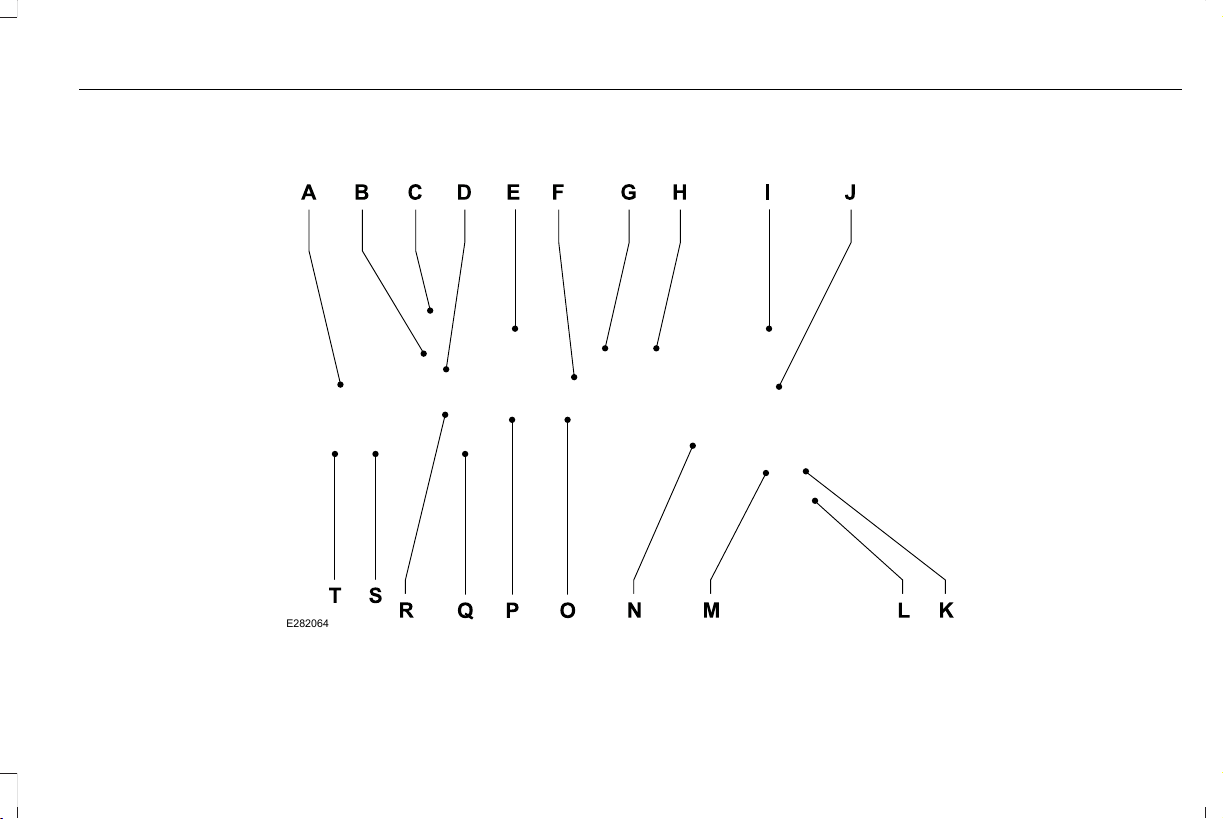
INSTRUMENT PANEL
E282064
21
Aviator (CTV) Canada/United States of America, enUSA, Edition date: 201902, First-Printing
At a Glance

Air vents.A
Direction indicator. See Direction Indicators (page 108).B
Voice control. See Using Voice Recognition (page 449).C
Audio control. See Audio Control (page 96).D
Information display. See General Information (page 127).E
Information display control. See Information Display Control (page 98).F
Wiper lever. See Windshield Wipers (page 99).G
Ignition switch. See Keyless Starting (page 196).H
Information and Entertainment display.I
Camera button. Park aid button. See Parking Aids (page 246). Driver assistance button.J
Audio unit. See Audio Unit (page 437).K
Climate control. See Automatic Climate Control (page 157).L
Hazard flasher switch. See Hazard Flashers (page 321).M
Transmission selector. See Automatic Transmission (page 218).N
Cruise control. See Cruise Control (page 96).O
Horn. See Horn (page 98).P
Steering wheel adjustment. See Adjusting the Steering Wheel (page 94).Q
Cruise control.R
22
Aviator (CTV) Canada/United States of America, enUSA, Edition date: 201902, First-Printing
At a Glance


GENERAL INFORMATION
See the following sections for directions on
how to properly use safety restraints for
children.
WARNING: Always make sure your
child is secured properly in a device that
is appropriate for their height, age and
weight. Child safety restraints must be
bought separately from your vehicle.
Failure to follow these instructions and
guidelines may result in an increased risk
of serious injury or death to your child.
WARNING: All children are shaped
differently. The National Highway Traffic
Safety Administration and other safety
organizations, base their recommendations
for child restraints on probable child height,
age and weight thresholds, or on the
minimum requirements of the law. We
recommend that you check with a NHTSA
Certified Child Passenger Safety
Technician (CPST) to make sure that you
properly install the child restraint in your
vehicle and that you consult your
pediatrician to make sure you have a child
restraint appropriate for your child. To
locate a child restraint fitting station and
CPST, contact NHTSA toll free at
1-888-327-4236 or go to
www.nhtsa.dot.gov. In Canada, contact
Transport Canada toll free at
1-800-333-0371 or go to www.tc.gc.ca to
find a Child Car Seat Clinic in your area.
Failure to properly restrain children in child
restraints made especially for their height,
age and weight, may result in an increased
risk of serious injury or death to your child.
WARNING: On hot days, the
temperature inside the vehicle can rise
very quickly. Exposure of people or animals
to these high temperatures for even a short
time can cause death or serious heat
related injuries, including brain damage.
Small children are particularly at risk.
24
Aviator (CTV) Canada/United States of America, enUSA, Edition date: 201902, First-Printing
Child Safety

Recommendations for Safety Restraints for Children
Recommended Restraint TypeChild Size, Height, Weight, or AgeChild
Use a child restraint (sometimes called an
infant carrier, convertible seat, or toddler
seat).
Children weighing 40 lb (18 kg) or less (generally age four or
younger).
Infants or toddlers
Use a belt-positioning booster seat.
Children who have outgrown or no longer properly fit in a child
restraint (generally children who are less than 57 in (1.45 m) tall,
are greater than age four and less than age 12, and between 40 lb
(18 kg) and 80 lb (36 kg) and upward to 100 lb (45 kg) if recom-
mended by your child restraint manufacturer).
Small children
Use a vehicle seatbelt having the lap belt
snug and low across the hips, shoulder belt
centered across the shoulder and chest, and
seat backrest upright.
Children who have outgrown or no longer properly fit in a belt-
positioning booster seat (generally children who are at least 57 in
(1.45 m) tall or greater than 80 lb (36 kg) or 100 lb (45 kg) if
recommended by child restraint manufacturer).
Larger children
25
Aviator (CTV) Canada/United States of America, enUSA, Edition date: 201902, First-Printing
Child Safety

• You are required by law to properly use
child restraints for infants and toddlers in
the United States and Canada.
• Many states and provinces require that
small children use approved booster
seats until they reach age eight, a height
of 57 in (1.45 m) tall, or 80 lb (36 kg).
Check your local and state or provincial
laws for specific requirements about the
safety of children in your vehicle.
• When possible, always properly restrain
children 12 years of age and under in a
rear seating position of your vehicle.
Accident statistics suggest that children
are safer when properly restrained in the
rear seating positions than in a front
seating position. See Front Passenger
Sensing System (page 55).
• When installing a rear facing child
restraint, adjust the vehicle seats to avoid
interference between the child restraint
and the vehicle seat in front of the child
restraint.
INSTALLING CHILD RESTRAINTS
Child Seats
E142594
Use a child restraint (sometimes called an
infant carrier, convertible seat, or toddler
seat) for infants, toddlers and children
weighing 40 lb (18 kg) or less (generally
four-years-old or younger).
Using Lap and Shoulder Belts
WARNING: Do not place a rearward
facing child restraint in front of an active
airbag. Failure to follow this instruction
could result in personal injury or death.
WARNING: Properly secure children
12 years old and under in a rear seating
position whenever possible. If you are
unable to properly secure all children in a
rear seating position, properly secure the
largest child on the front seat. If you must
use a forward facing child restraint on the
front seat, move the seat as far back as
possible. Failure to follow these
instructions could result in personal injury
or death.
26
Aviator (CTV) Canada/United States of America, enUSA, Edition date: 201902, First-Printing
Child Safety

WARNING: Depending on where you
secure a child restraint, and depending on
the child restraint design, you may block
access to certain seatbelt buckle
assemblies and LATCH lower anchors,
rendering those features potentially
unusable. To avoid risk of injury, make sure
occupants only use seating positions
where they are able to be properly
restrained.
When installing a child restraint with
combination lap and shoulder belts:
• Use the correct seatbelt buckle for that
seating position.
• Insert the belt tongue into the proper
buckle until you hear a snap and feel it
latch. Make sure the tongue is securely
fastened in the buckle.
• Keep the buckle release button pointing
up and away from the child restraint, with
the tongue between the child restraint
and the release button, to prevent
accidental unbuckling.
• Place the vehicle seat in the upright
position before you install the child
restraint.
• For second row seating positions, adjust
the recliner slightly to improve child
restraint fit. If needed, remove the head
restraints.
• For third row seating positions, stow the
head restraints to improve child restraint
fit. See Head Restraints (page 168).
• Put the seatbelt in the automatic locking
mode. See Step 5. This vehicle does not
require the use of a locking clip.
Perform the following steps when installing
the child restraint with combination lap and
shoulder belts:
Note: Although the child restraint illustrated
is a forward facing child restraint, the steps
are the same for installing a rear facing child
restraint.
Note: Follow all instructions provided by the
manufacturer of the child restraint regarding
the necessary and proper use of the lock-off
device. In some instances these devices
have been provided only for use in vehicles
with seatbelt systems that would otherwise
require a locking clip.
E142528
1. Position the child restraint in a seat with
a combination lap and shoulder belt.
27
Aviator (CTV) Canada/United States of America, enUSA, Edition date: 201902, First-Printing
Child Safety
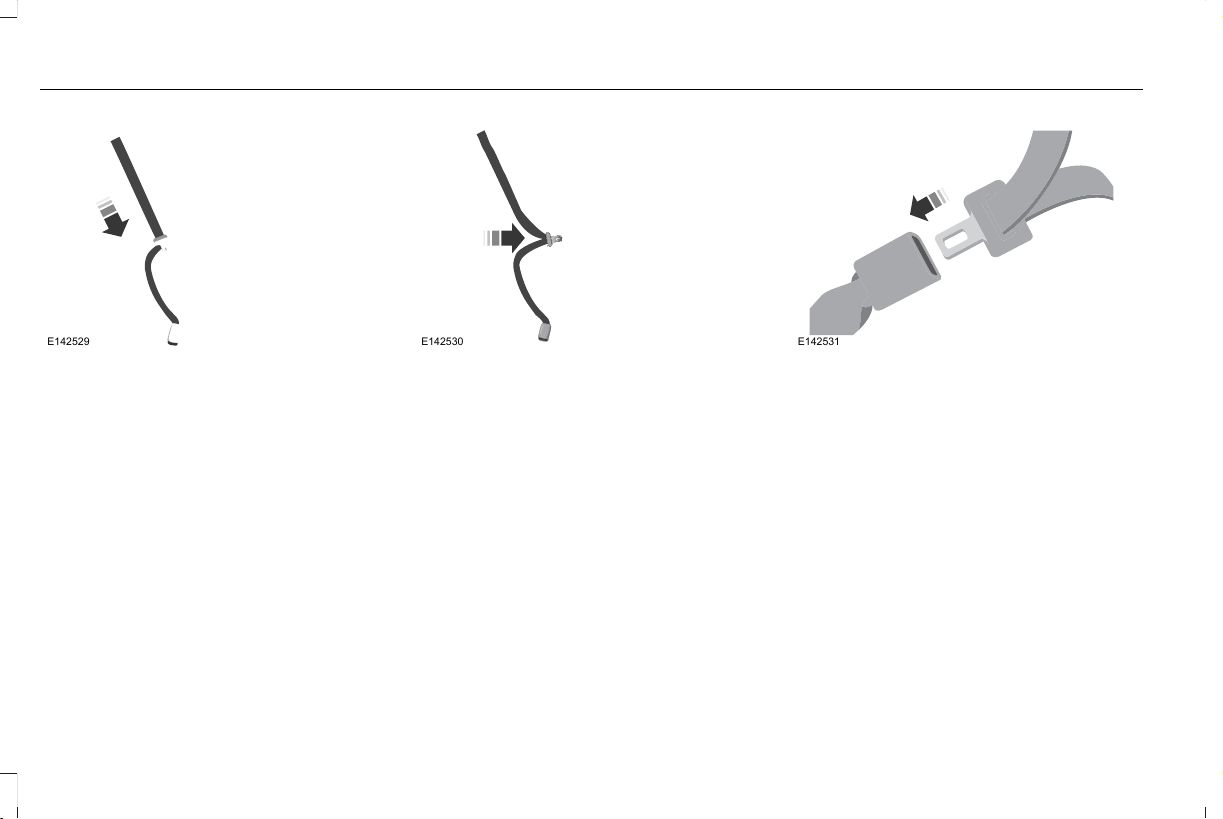
E142529
2. After positioning the child restraint in the
proper seating position, pull down on the
shoulder belt and then grasp the
shoulder belt and lap belt together
behind the belt tongue.
E142530
3. While holding the shoulder and lap belt
portions together, route the tongue
through the child restraint according to
the child restraint manufacturer's
instructions. Make sure you do not twist
the belt webbing.
E142531
4. Insert the belt tongue into the proper
buckle (the buckle closest to the direction
the tongue is coming from) for that
seating position until you hear a snap and
feel the latch engage. Make sure you
securely latch the tongue by pulling on
it.
28
Aviator (CTV) Canada/United States of America, enUSA, Edition date: 201902, First-Printing
Child Safety
E142875
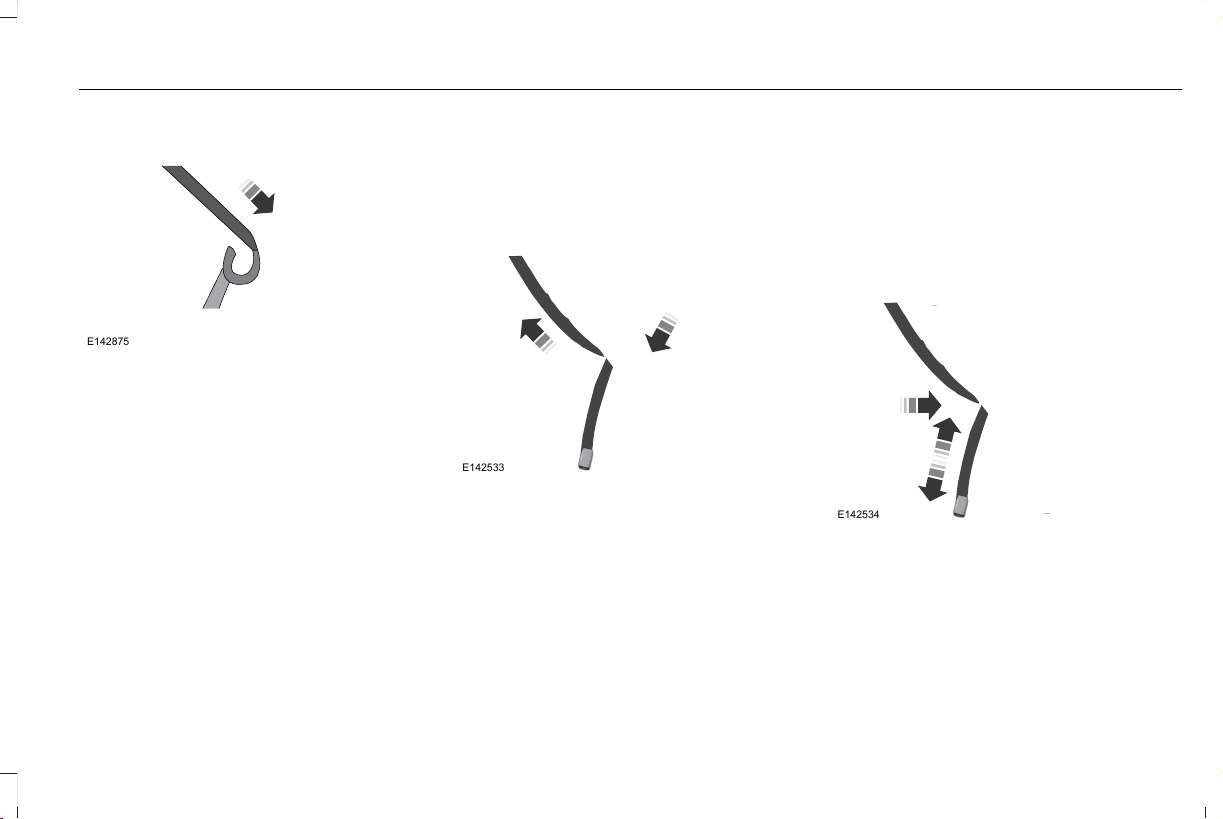
5. To put the retractor in the automatic
locking mode, grasp the shoulder portion
of the belt and pull downward until you
pull all of the belt out.
Note: The automatic locking mode is
available on the front passenger and rear
seats.
6. Allow the belt to retract to remove slack.
The belt clicks as it retracts to indicate it
is in the automatic locking mode.
7. Try to pull the belt out of the retractor to
make sure the retractor is in the
automatic locking mode. You should not
be able to pull more belt out. If the
retractor did not lock, unbuckle the belt
and repeat Steps 5 and 6.
E142533
8. Remove remaining slack from the belt.
Force the seat down with extra weight,
for example, by pressing down or
kneeling on the child restraint as you pull
up on the shoulder belt to force slack
from the belt. This is necessary to remove
the remaining slack that exists once you
add the extra weight of the child to the
child restraint. It also helps to achieve the
proper snugness of the child restraint to
your vehicle. Sometimes, a slight lean
toward the buckle provides extra help to
remove remaining slack from the belt.
9. If the child restraint has a tether strap,
attach it.
E142534
29
Aviator (CTV) Canada/United States of America, enUSA, Edition date: 201902, First-Printing
Child Safety
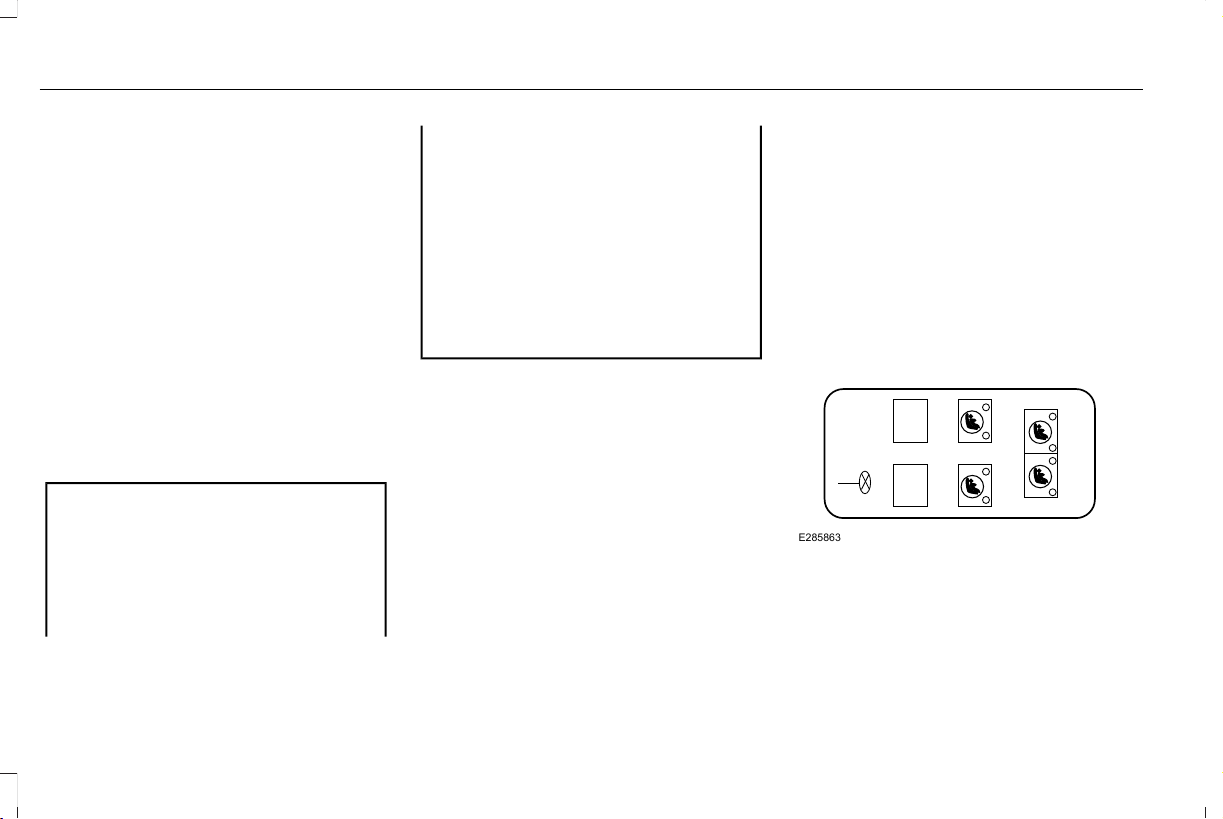
10. Before placing the child in the seat,
forcibly move the seat forward and back
to make sure you have the seat
securely held in place. To check this,
grab the seat at the belt path and
attempt to move it side to side and
forward and back. There should be no
more than 1 in (2.5 cm) of movement for
proper installation.
We recommend checking with a NHTSA
Certified Child Passenger Safety Technician
to make certain the child restraint is properly
installed. In Canada, check with Transport
Canada for referral to a Child Car Seat Clinic.
Using Lower Anchors and Tethers for
CHildren (LATCH)
WARNING: Do not attach two child
safety restraints to the same anchor. In a
crash, one anchor may not be strong
enough to hold two child safety restraint
attachments and may break, causing
serious injury or death.
WARNING: Depending on where you
secure a child restraint, and depending on
the child restraint design, you may block
access to certain seatbelt buckle
assemblies and LATCH lower anchors,
rendering those features potentially
unusable. To avoid risk of injury, make sure
occupants only use seating positions
where they are able to be properly
restrained.
The LATCH system has three vehicle anchor
points: two lower anchors where the seat
backrest and seat cushion meet (called the
seat bight) and one top tether anchor behind
that seating position.
LATCH compatible child restraints have two
rigid or webbing mounted attachments that
connect to the two lower anchors at the
LATCH equipped seating positions in your
vehicle. This type of attachment method
eliminates the need to use seatbelts to attach
the child restraint. However, you can still use
the seatbelt to attach the child restraint. For
forward-facing child restraints, you must also
attach the top tether strap to the proper top
tether anchor if one came with your child
restraint.
Your vehicle has LATCH lower anchors for
child restraint installation at the seating
positions marked with the child restraint
symbol.
Second Row Bucket Seats and Third Row
Seats
E285863
30
Aviator (CTV) Canada/United States of America, enUSA, Edition date: 201902, First-Printing
Child Safety
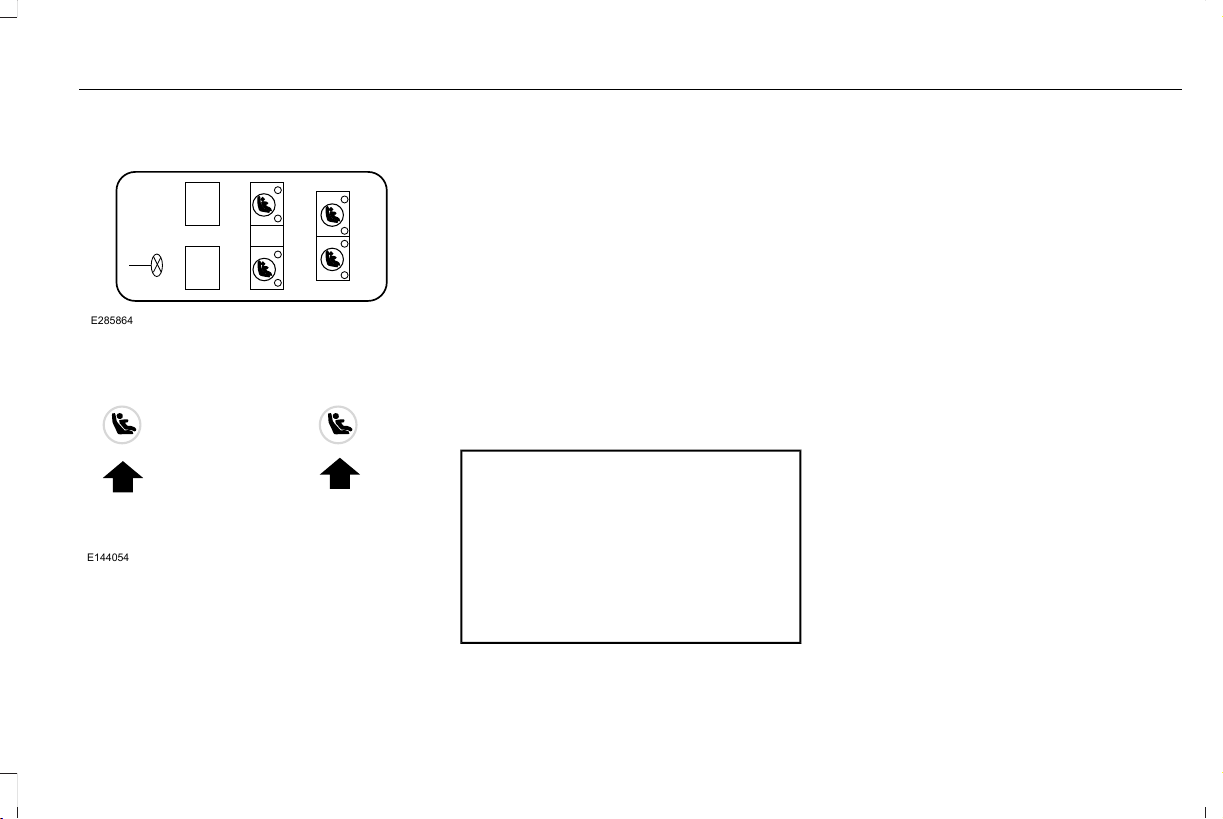
Second Row Bench Seats and Third Row
Seats
E285864
E144054
The LATCH anchors are at the rear section
of the rear seat between the cushion and
seat backrest below the symbols as shown.
Follow the child restraint manufacturer's
instructions to properly install a child restraint
with LATCH attachments.
Follow the instructions on attaching child
restraints with tether straps. See Using
Tether Straps later in this chapter.
Attach LATCH lower attachments of the child
restraint only to the anchors shown.
Use of Inboard Lower Anchors from the
Outermost Seating Positions (Center
Seating Use)
WARNING: The standardized spacing
for LATCH lower anchors is 11 in (280 mm)
center to center. Do not use LATCH lower
anchors for the center seating position
unless the child restraint manufacturer's
instructions permit and specify using
anchors spaced at least as far apart as
those in this vehicle.
The lower anchors at the center of the
second row bench seat are spaced 20.5 in
(52 cm) apart. The standardized spacing for
LATCH lower anchors is 11 in (28 cm) center
to center. You cannot install a child restraint
with rigid LATCH attachments at the center
seating position. You can only use LATCH
compatible child restraints with attachments
on belt webbing at this seating position
provided that the child restraint
manufacturer’s instructions permit use with
the anchor spacing stated. Do not attach a
child restraint to any lower anchor if you have
an adjacent child restraint attached to that
anchor.
Each time you use the child restraint, check
that the seat is properly attached to the lower
anchors and tether anchor, if applicable. Tug
the child restraint from side to side and
forward and back where you secured it to
your vehicle. The child restraint should move
less than 1 in (2.5 cm) if you properly installed
it.
If you do not properly anchor the child
restraint, the risk of injury to a child greatly
increases in a crash.
31
Aviator (CTV) Canada/United States of America, enUSA, Edition date: 201902, First-Printing
Child Safety
Combining Seatbelt and LATCH Lower
Anchors for Attaching Child Restraints
When used in combination, you can attach
either the seatbelt or the LATCH lower
anchors first, provided a proper installation
is achieved. Attach the tether strap afterward,
if included with the child restraint.
Using Tether Straps
Many forward-facing child
restraints include a tether strap
which extends from the back of the
child restraint and hooks to an anchoring
point called the top tether anchor. Tether
straps are available as an accessory for many
older child restraints.
Contact the manufacturer of your child
restraint for information about ordering a
tether strap, or to obtain a longer tether strap
if the tether strap on your child restraint does
not reach the appropriate top tether anchor
in your vehicle.
Once you install the child restraint using
either the seatbelt, the lower anchors of the
LATCH system, or both, you can attach the
top tether strap.
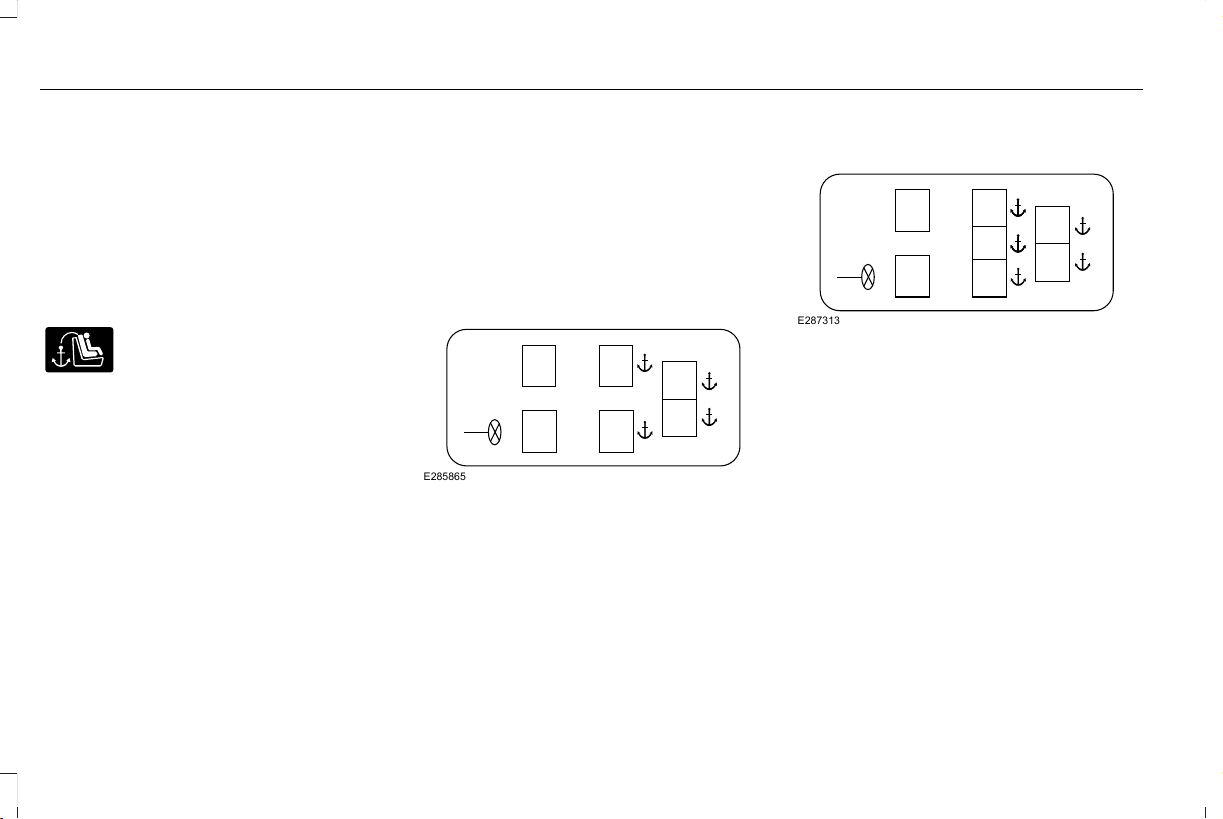
The tether strap anchors in your vehicle are
in the following positions (shown from top
view):
Second Row Bucket Seats and Third Row
Seats
E285865
Second Row Bench Seats and Third Row
Seats
E287313
Perform the following steps to install a child
restraint with tether anchors:
Note: If you install a child restraint with rigid
LATCH attachments, do not tighten the
tether strap enough to lift the child restraint
off your vehicle seat cushion when the child
is seated in it. Keep the tether strap just snug
without lifting the front of the child restraint.
Keeping the child restraint just touching your
vehicle seat gives the best protection in a
severe crash.
32
Aviator (CTV) Canada/United States of America, enUSA, Edition date: 201902, First-Printing
Child Safety
For second row outermost seating positions,
route the child restraint tether strap over the
seat backrest, under the head restraint and
between the head restraint posts. If needed,
remove the head restraint to improve the fit
of the child restraint or tether strap.
For the second row center seating position,
route the child restraint tether strap over the
top of the head restraint. If needed, remove
the head restraint to improve the fit of the
child restraint or tether strap. See Head
Restraints (page 168).
For third row seating positions, route the
child restraint tether strap over the seat
backrest, under the head restraint and
between the head restraint posts. If needed,
fold the head restraint down to improve the
fit of the child restraint or tether strap. See
Head Restraints (page 168).
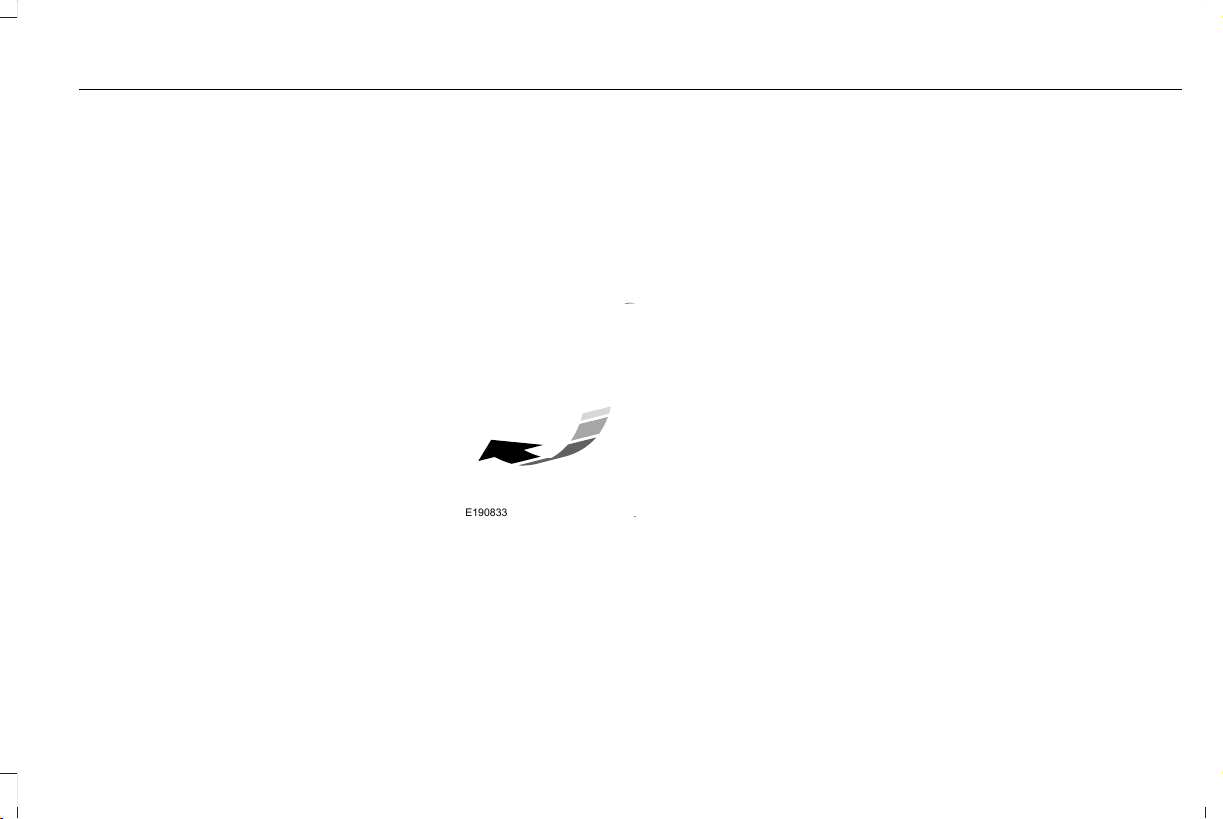
1. Route the tether strap.
2. Locate the correct anchor for the
selected seating position.
3. Clip the tether strap to the anchor as
shown. The tether hook may be twisted
½ turn to improve installation. If you clip
the tether strap incorrectly, the child
restraint may not be retained properly in
the event of a crash.
E190833
4. Tighten the child restraint tether strap
according to the manufacturer's
instructions.
If the child restraint is not anchored properly,
the risk of injury to a child greatly increases
in a crash.
If your child restraint system has a tether
strap, and the child restraint manufacturer
recommends its use, we also recommend its
use.
33
Aviator (CTV) Canada/United States of America, enUSA, Edition date: 201902, First-Printing
Child Safety
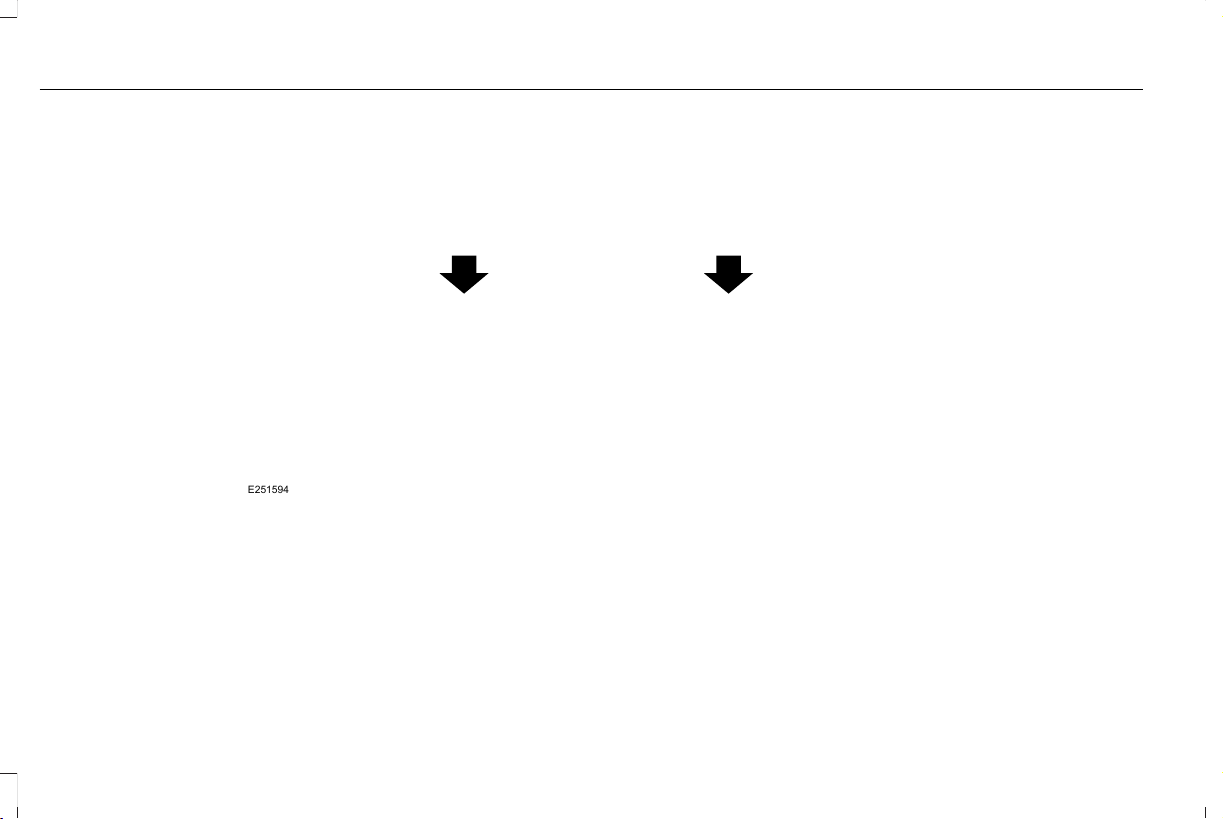
Second Row Bucket Seats
E251594
34
Aviator (CTV) Canada/United States of America, enUSA, Edition date: 201902, First-Printing
Child Safety
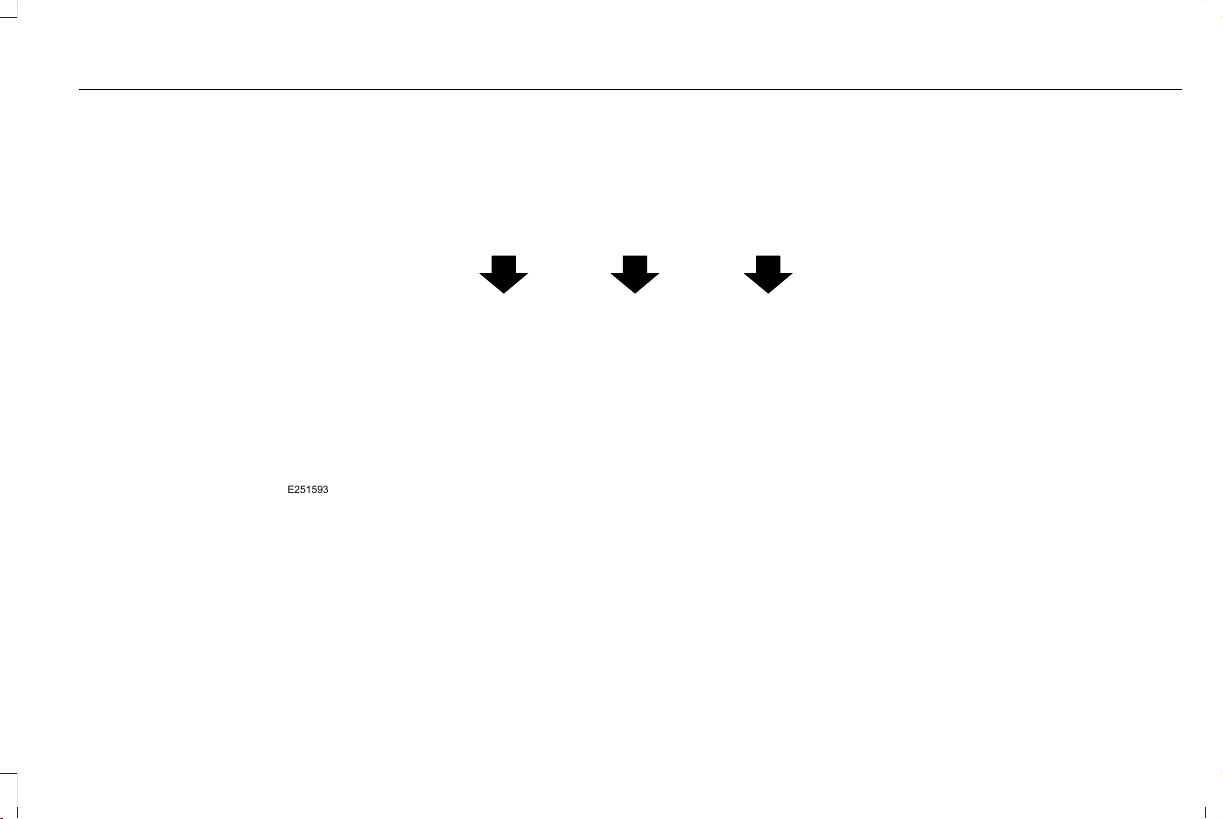
Second Row Bench Seats
E251593
35
Aviator (CTV) Canada/United States of America, enUSA, Edition date: 201902, First-Printing
Child Safety
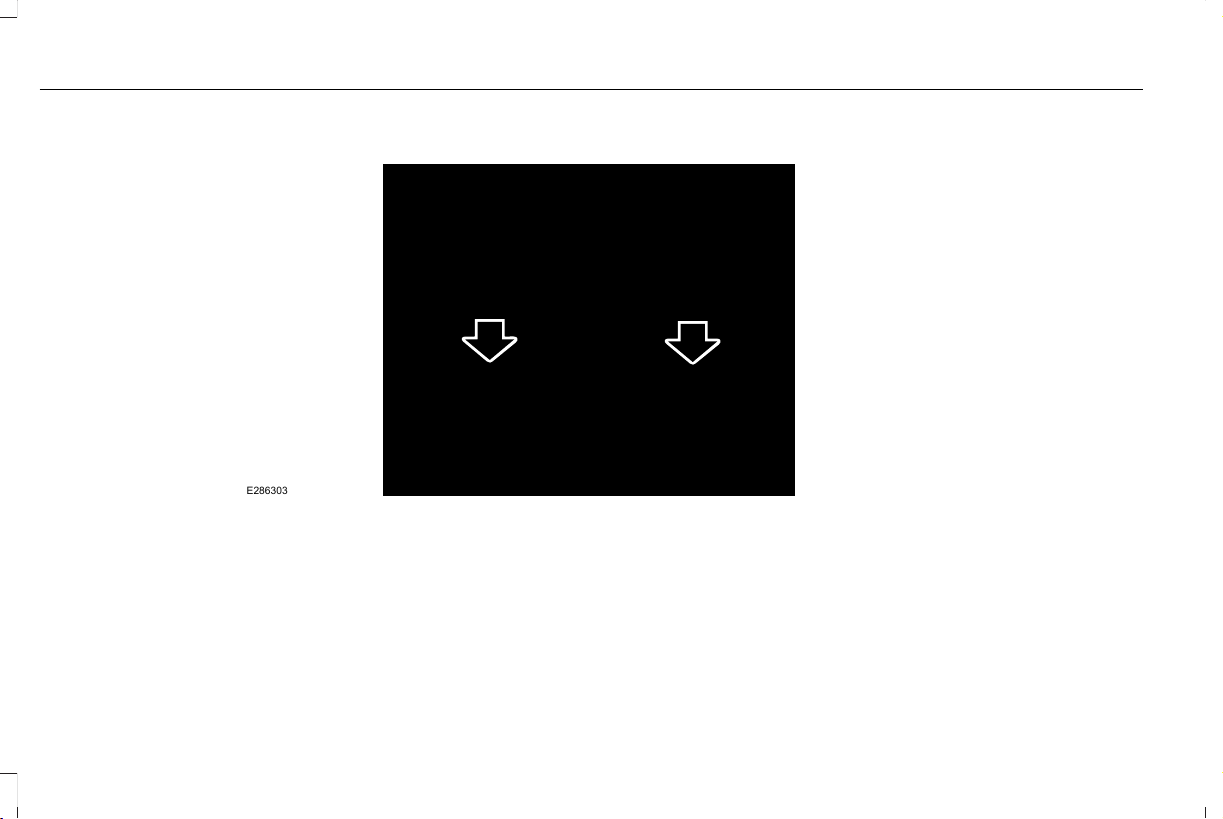
Third Row Seats
E286303
Note: The cargo tie downs at the rear edge
of the floor are not tether anchors.
36
Aviator (CTV) Canada/United States of America, enUSA, Edition date: 201902, First-Printing
Child Safety
BOOSTER SEATS
WARNING: Do not put the shoulder
section of the seatbelt or allow the child to
put the shoulder section of the seatbelt
under their arm or behind their back.
Failure to follow this instruction could
reduce the effectiveness of the seatbelt
and increase the risk of injury or death in
a crash.
Use a belt-positioning booster seat for
children who have outgrown or no longer
properly fit in a child safety restraint
(generally children who are less than 57 in
(1.45 m) tall, are greater than age 4 and less
than age 12, and between 40 lb (18 kg) and
80 lb (36 kg) and upward to 100 lb (45 kg) if
recommended by your child restraint
manufacturer). Many state and provincial
laws require that children use approved
booster seats until they reach age eight, a
height of 57 in (1.45 m) tall, or 80 lb (36 kg).
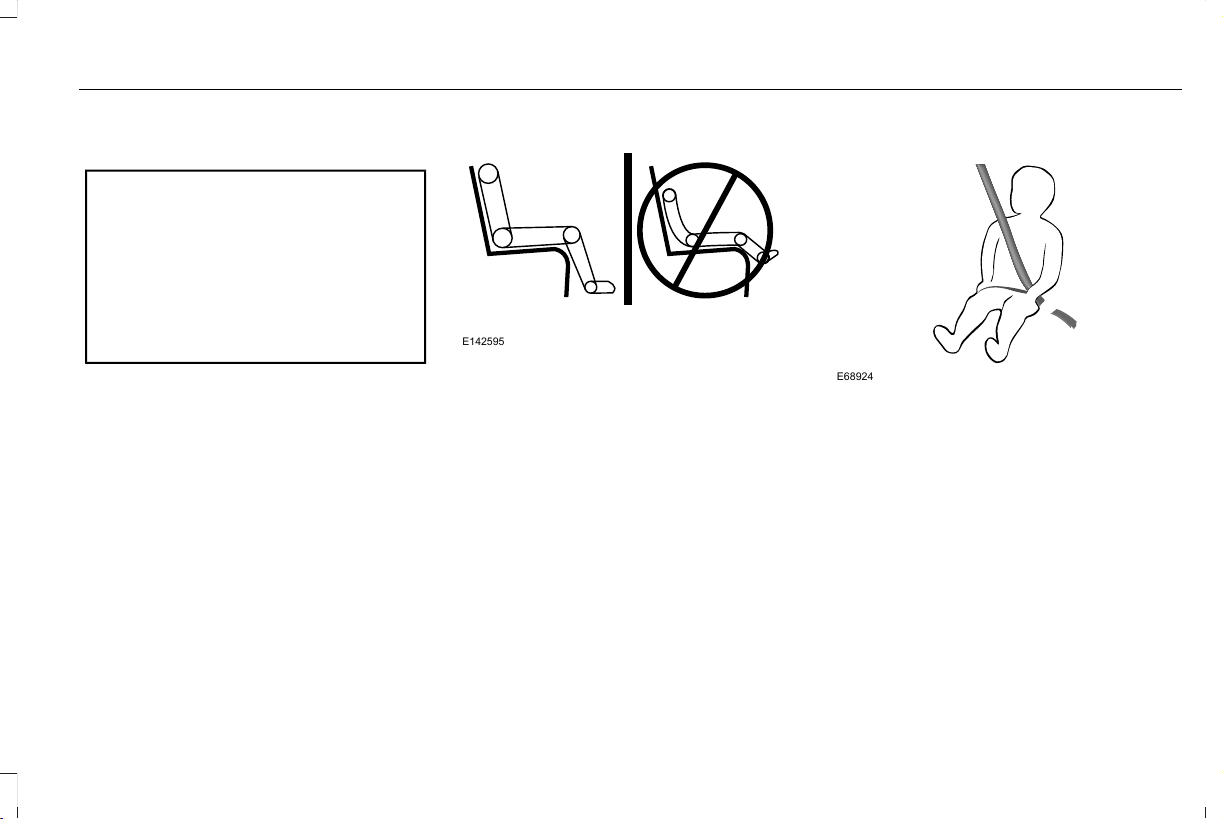
Booster seats should be used until you can
answer YES to ALL of these questions when
seated without a booster seat:
E142595
• Can the child sit all the way back against
their vehicle seat backrest with knees
bent comfortably at the edge of the seat
cushion?
• Can the child sit without slouching?
• Does the lap belt rest low across the
hips?
• Is the shoulder belt centered on the
shoulder and chest?
• Can the child stay seated like this for the
whole trip?
Always use booster seats in conjunction with
your vehicle lap and shoulder belt.
Types of Booster Seats
E68924
• Backless booster seats
If your backless booster seat has a
removable shield, remove the shield. If a
vehicle seating position has a low seat
backrest or no head restraint, a backless
booster seat may place your child's head (as
measured at the tops of the ears) above the
top of the seat. In this case, move the
backless booster to another seating position
with a higher seat backrest or head restraint
and lap and shoulder belts, or consider using
a high back booster seat.
37
Aviator (CTV) Canada/United States of America, enUSA, Edition date: 201902, First-Printing
Child Safety
E70710
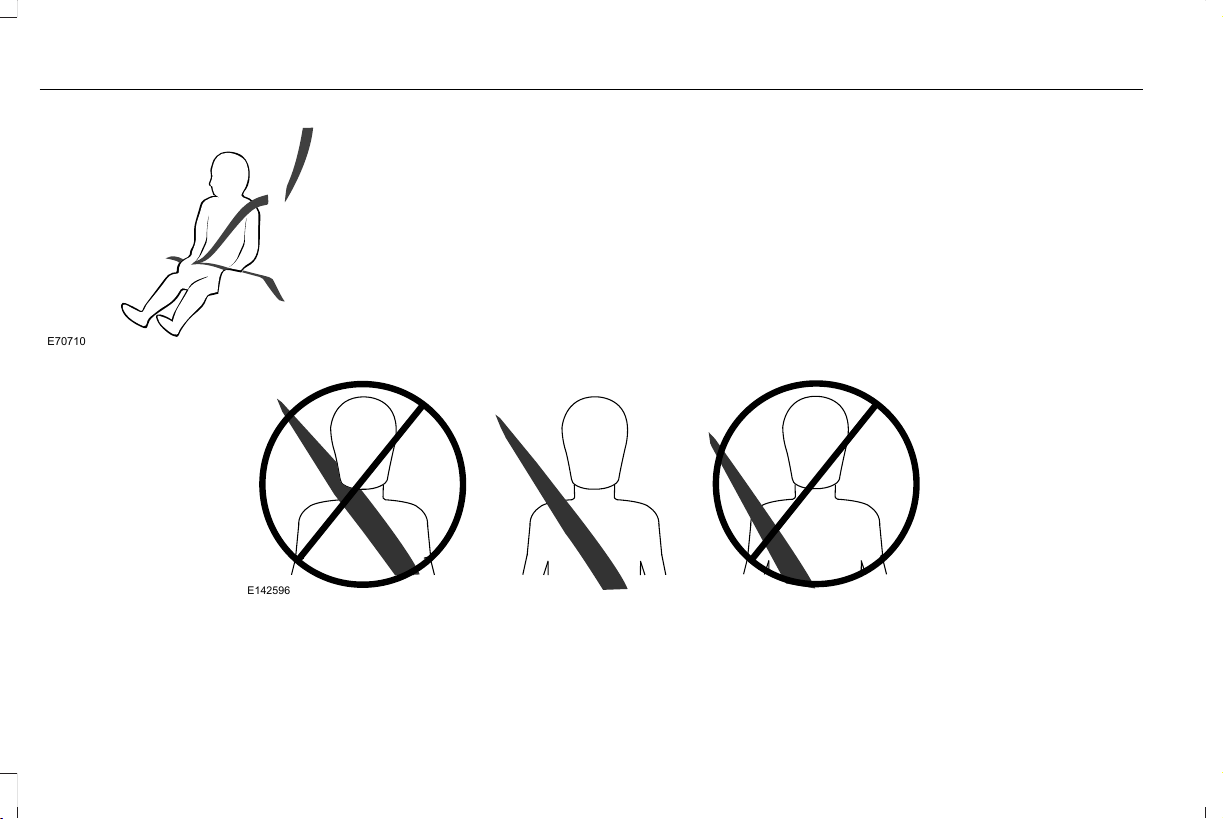
• High back booster seats
If, with a backless booster seat, you cannot
find a seating position that adequately
supports your child's head, a high back
booster seat would be a better choice.
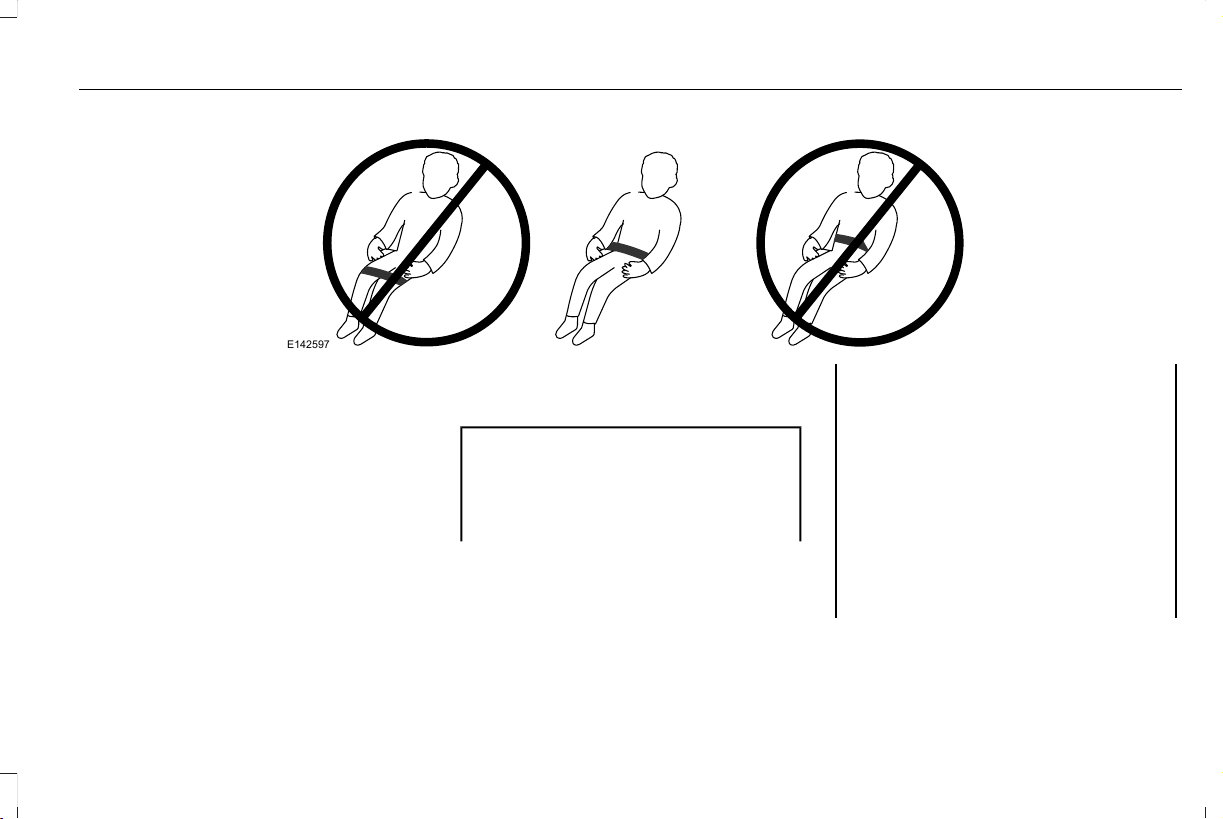
Children and booster seats vary in size and
shape. Choose a booster that keeps the lap
belt low and snug across the hips, never up
across the stomach, and lets you adjust the
shoulder belt to cross the chest and rest
snugly near the center of the shoulder. The
following drawings compare the ideal fit
(center) to a shoulder belt uncomfortably
close to the neck and a shoulder belt that
could slip off the shoulder. The drawings also
show how the lap belt should be low and
snug across the child's hips.
E142596
38
Aviator (CTV) Canada/United States of America, enUSA, Edition date: 201902, First-Printing
Child Safety
E142597
If the booster seat slides on the vehicle seat
upon which it is being used, placing a
rubberized mesh sold as shelf or carpet liner
under the booster seat may improve this
condition. Do not introduce any item thicker
than this under the booster seat. Check with
the booster seat manufacturer's instructions.
CHILD RESTRAINT POSITIONING
WARNING: Do not place a rearward
facing child restraint in front of an active
airbag. Failure to follow this instruction
could result in personal injury or death.
WARNING: Properly secure children
12 years old and under in a rear seating
position whenever possible. If you are
unable to properly secure all children in a
rear seating position, properly secure the
largest child on the front seat. If you must
use a forward facing child restraint on the
front seat, move the seat as far back as
possible. Failure to follow these
instructions could result in personal injury
or death.
39
Aviator (CTV) Canada/United States of America, enUSA, Edition date: 201902, First-Printing
Child Safety

WARNING: Always carefully follow
the instructions and warnings provided by
the manufacturer of any child restraint to
determine if the restraint device is
appropriate for your child's size, height,
weight, or age. Follow the child restraint
manufacturer's instructions and warnings
provided for installation and use in
conjunction with the instructions and
warnings provided by your vehicle
manufacturer. A safety seat that is
improperly installed or utilized, is
inappropriate for your child's height, age,
or weight or does not properly fit the child
may increase the risk of serious injury or
death.
WARNING: Do not allow a passenger
to hold a child on their lap when your
vehicle is moving. Failure to follow this
instruction could result in personal injury
or death in the event of a sudden stop or
crash.
WARNING: Do not use pillows, books
or towels to boost your child's height.
Failure to follow this instruction could result
in personal injury or death.
WARNING: Properly secure child
restraints or booster seats when they are
not in use. They could become projectiles
in a sudden stop or crash. Failure to follow
this instruction could result in personal
injury or death.
WARNING: Do not put the shoulder
section of the seatbelt or allow the child to
put the shoulder section of the seatbelt
under their arm or behind their back.
Failure to follow this instruction could
reduce the effectiveness of the seatbelt
and increase the risk of injury or death in
a crash.
WARNING: Do not leave children or
pets unattended in your vehicle. Failure to
follow this instruction could result in
personal injury or death.
40
Aviator (CTV) Canada/United States of America, enUSA, Edition date: 201902, First-Printing
Child Safety

Recommendations for Attaching Child Safety Restraints for Children
Use Any Attachment Method as Indicated Below by X
Combined Weight
of Child and Child
Restraint
Restraint Type
Seatbelt OnlySeatbelt and LATCH
(Lower Anchors and
Top Tether Anchor)
Seatbelt and Top
Tether Anchor
LATCH (Lower
Anchors Only)
LATCH (Lower
Anchors and Top
Tether Anchor)
XX
Up to 65 lb
(29.5 kg)
Rear facing child
restraint
X
Over 65 lb
(29.5 kg)
Rear facing child
restraint
XXX
Up to 65 lb
(29.5 kg)
Forward facing
child restraint
XX
Over 65 lb
(29.5 kg)
Forward facing
child restraint
Note: The child restraint must rest tightly
against the vehicle seat upon which it is
installed. It may be necessary to lift or
remove the head restraint. See Seats (page
167).
CHILD SAFETY LOCKS
When the child safety locks are set, you
cannot open the rear doors from the inside.
41
Aviator (CTV) Canada/United States of America, enUSA, Edition date: 201902, First-Printing
Child Safety

E295318
The child safety lock control is on the driver
door.
Press the control to switch the child safety
locks on. Press the control again to switch
them off. A light on the child safety control
illuminates when you switch them on.
The child lock setting remains on when you
switch off the ignition.
42
Aviator (CTV) Canada/United States of America, enUSA, Edition date: 201902, First-Printing
Child Safety

PRINCIPLE OF OPERATION
WARNING: Always drive and ride
with your seatback upright and the lap belt
snug and low across the hips.
WARNING: Children must always be
properly restrained.
WARNING: Do not allow a passenger
to hold a child on their lap when your
vehicle is moving. Failure to follow this
instruction could result in personal injury
or death in the event of a sudden stop or
crash.
WARNING: All occupants of your
vehicle, including the driver, should always
properly wear their seatbelts, even when
an airbag supplemental restraint system is
provided. Failure to properly wear your
seatbelt could seriously increase the risk
of injury or death.
WARNING: It is extremely dangerous
to ride in a cargo area, inside or outside of
a vehicle. In a crash, people riding in these
areas are more likely to be seriously
injured or killed. Do not allow people to
ride in any area of your vehicle that is not
equipped with seats and seatbelts. Make
sure everyone in your vehicle is in a seat
and properly using a seatbelt. Failure to
follow this warning could result in serious
personal injury or death.
WARNING: In a rollover crash, an
unbelted person is significantly more likely
to die than a person wearing a seatbelt.
WARNING: Each seating position in
your vehicle has a specific seatbelt
assembly made up of one buckle and one
tongue designed to be used as a pair. Use
the shoulder belt on the outside shoulder
only. Never wear the shoulder belt under
the arm. Never use a single seatbelt for
more than one person.
WARNING: Even with advanced
restraints systems, properly restrain
children 12 and under in a rear seating
position. Failure to follow this could
seriously increase the risk of injury or
death.
WARNING: Seatbelts and seats may
be hot in a vehicle that is in the sunshine.
The hot seatbelts or seats may burn a small
child. Check seat covers and buckles
before you place a child anywhere near
them.
All seating positions in your vehicle have lap
and shoulder seatbelts. All occupants of the
vehicle should always properly wear their
seatbelts, even when an airbag supplemental
restraint system is provided.
The seatbelt system consists of:
• Lap and shoulder seatbelts.
• Shoulder seatbelt with automatic locking
mode, (except driver seatbelt).
• Height adjuster at the front outermost
seating positions.
43
Aviator (CTV) Canada/United States of America, enUSA, Edition date: 201902, First-Printing
Seatbelts
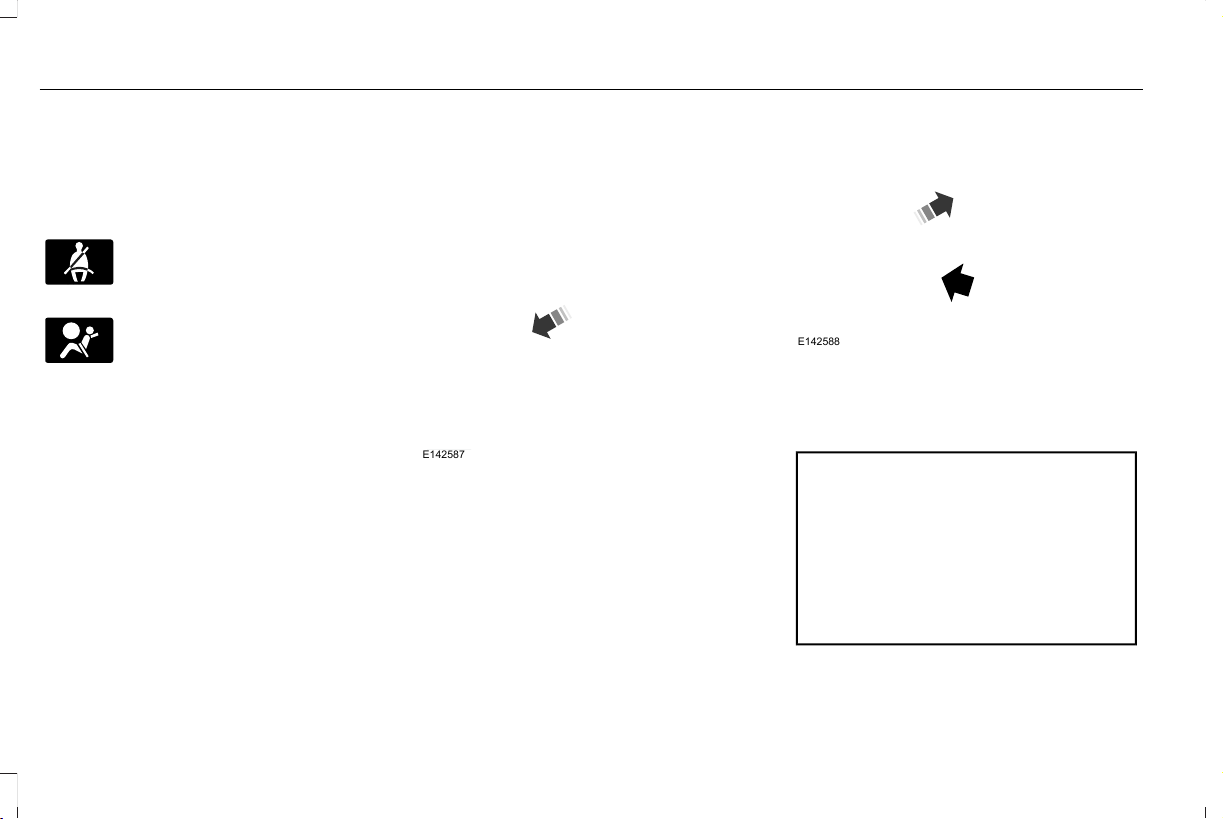
• Seatbelt pretensioners at the front
outermost and second row outermost
seating positions.
• Belt tension sensor at the front outermost
passenger seating position.
E71880
• Seatbelt warning light and chime.
E67017
• Crash sensors and monitoring system
with readiness indicator.
The seatbelt pretensioners are designed to
tighten the seatbelts when activated. In
frontal and near-frontal crashes, the seatbelt
pretensioners may be activated alone or, if
the crash is of sufficient severity, together
with the front airbags. The pretensioners may
also activate when a Safety Canopy airbag
deploys.
FASTENING THE SEATBELTS
The front outboard and rear safety restraints
in the vehicle are combination lap and
shoulder belts.
E142587
1. Insert the belt tongue into the proper
buckle (the buckle closest to the direction
the tongue is coming from) until you hear
a snap and feel it latch. Make sure that
you securely fasten the tongue in the
buckle.
E142588
2. To unfasten, press the release button
and remove the tongue from the buckle.
Using Seatbelts During Pregnancy
WARNING: Always ride and drive
with your seatback upright and properly
fasten your seatbelt. Fit the lap portion of
the seatbelt snugly and low across the
hips. Position the shoulder portion of the
seatbelt across your chest. Pregnant
women must follow this practice. See the
following figure.
44
Aviator (CTV) Canada/United States of America, enUSA, Edition date: 201902, First-Printing
Seatbelts
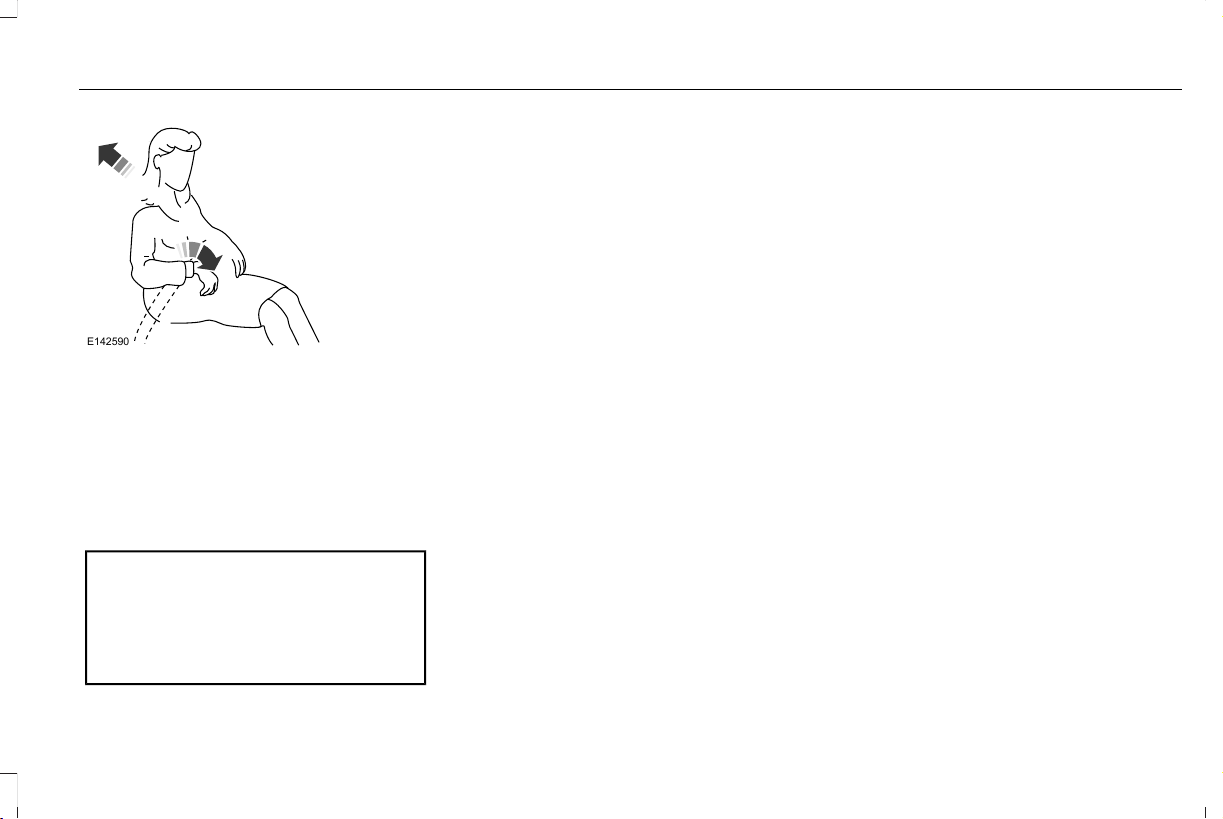
E142590
Pregnant women should always wear their
seatbelt. Position the lap belt portion of a
combination lap and shoulder belt low across
the hips below the belly and worn as tight
as comfort allows. Position the shoulder belt
to cross the middle of the shoulder and the
center of the chest.
Seatbelt Locking Modes
WARNING: If your vehicle is involved
in a crash, have the seatbelts and
associated components inspected as soon
as possible. Failure to follow this instruction
could result in personal injury or death.
All safety restraints in the vehicle are
combination lap and shoulder belts. The
driver seatbelt has the first type of locking
mode, and the front outboard passenger and
rear seat seatbelts have both types of locking
modes described as follows:
Vehicle Sensitive Mode
This is the normal retractor mode, which
allows free shoulder belt length adjustment
to your movements and locking in response
to vehicle movement. For example, if the
driver brakes suddenly or turns a corner
sharply, or the vehicle receives an impact of
about 5 mph (8 km/h) or more, the
combination seatbelts lock to help reduce
forward movement of the driver and
passengers.
In addition, the design of the retractor is to
lock if you pull the webbing out too quickly.
If the seatbelt retractor locks, slowly lower
the height adjuster to allow the seatbelt to
retract. If the retractor does not unlock, pull
the seatbelt out slowly then feed a small
length of webbing back toward the stowed
position. For rear seatbelts, recline the rear
seat backrest or push the seat backrest
cushion away from the seatbelt. Feed a small
length of webbing back toward the stowed
position.
Automatic Locking Mode
In this mode, the shoulder belt automatically
pre-locks. The belt retracts to remove any
slack in the shoulder belt. The automatic
locking mode is not available on the driver
seatbelt.
When to Use the Automatic Locking Mode
Use this mode any time you install a child
safety seat, except a booster, in passenger
front or rear seating positions. Properly
restrain children 12 years old and under in a
rear seating position whenever possible.
See Child Safety (page 24).
45
Aviator (CTV) Canada/United States of America, enUSA, Edition date: 201902, First-Printing
Seatbelts
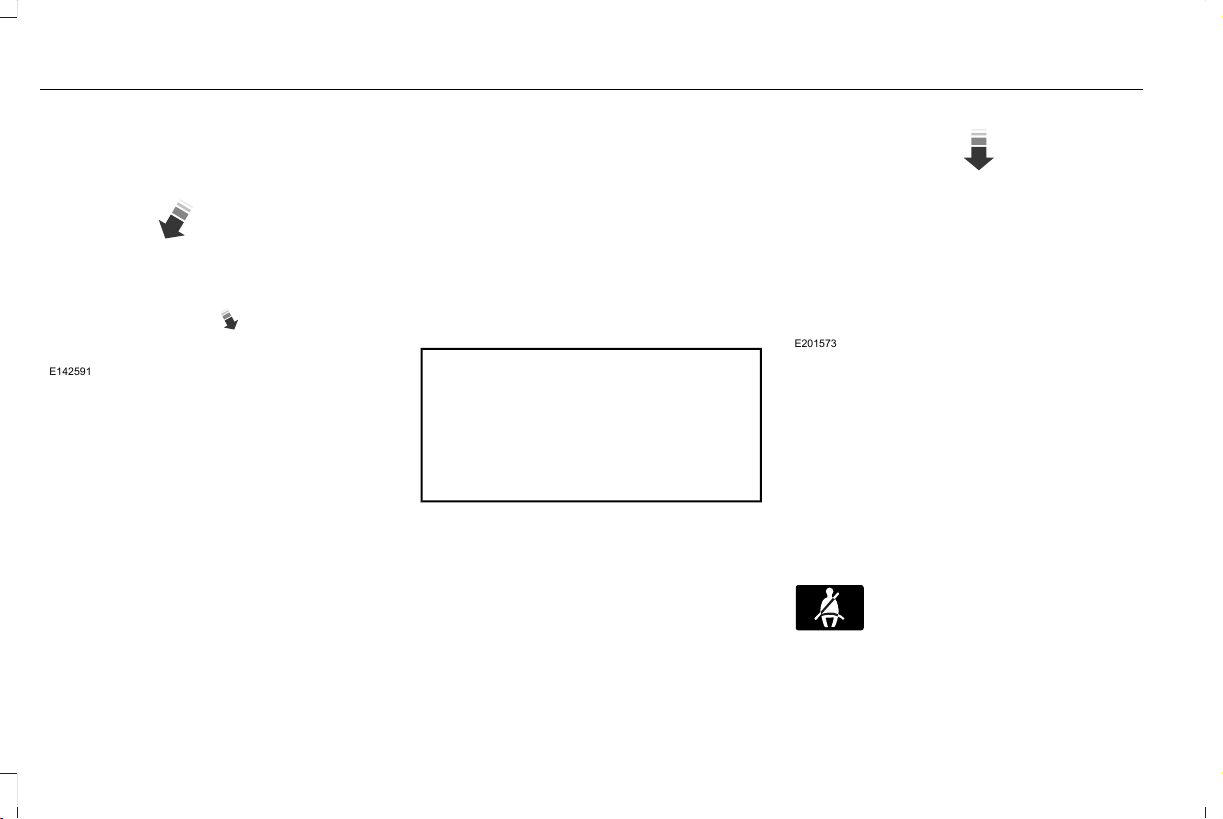
How to Use the Automatic Locking Mode
E142591
1. Buckle the combination lap and shoulder
belt.
2. Grasp the shoulder portion and pull
downward until you pull the entire belt
out. Allow the belt to retract. As the belt
retracts, you will hear a clicking sound.
This indicates the seatbelt is now in the
automatic locking mode.
How to Disengage the Automatic Locking
Mode
Unbuckle the combination lap and shoulder
belt and allow it to retract completely to
disengage the automatic locking mode and
turn on the vehicle sensitive (emergency)
locking mode.
SEATBELT HEIGHT ADJUSTMENT
WARNING: Position the seatbelt
height adjuster so that the seatbelt rests
across the middle of your shoulder. Failure
to adjust the seatbelt correctly could
reduce its effectiveness and increase the
risk of injury in a crash.
E201573
1. Adjust the height of the shoulder belt so
the belt rests across the middle of your
shoulder.
2. Slide the adjuster up to raise the belt.
Press the button and slide it down to
lower the belt.
SEATBELT WARNING LAMP AND
INDICATOR CHIME
E71880
This lamp illuminates and an
indicator chime will sound if the
driver seatbelt has not been
fastened when the vehicle's ignition is turned
on.
46
Aviator (CTV) Canada/United States of America, enUSA, Edition date: 201902, First-Printing
Seatbelts
Conditions of operation
ThenIf
The seatbelt warning lamp illuminates and the indicator chime sounds
for a few seconds.
The driver seatbelt is not buckled before the ignition switch is turned
to the on position...
The seatbelt warning lamp and indicator chime turn off.The driver seatbelt is buckled while the warning lamp is illuminated
and the indicator chime is sounding...
The seatbelt warning lamp and indicator chime remain off.The driver seatbelt is buckled before the ignition switch is turned to
the on position...
SEATBELT REMINDER
WARNING: The system will only
provide protection when you use the
seatbelt correctly.
This system monitors all seating positions
and provides audio and graphic feedback.
E71880
This lamp illuminates and a
warning tone sounds if you do not
fasten your seatbelt when you
switch the ignition on. The lamp and tone
switch off when you fasten your seatbelt or
about one minute has elapsed.
When the initial warning expires for the
driver, more warnings are provided for the
driver and front outermost passenger. This
lamp illuminates and a warning tone sounds
if you or your front passenger do not fasten
the seatbelt buckle and the vehicle speed
exceeds 6 mph (9.7 km/h). To deactivate the
warning, see Deactivating and Activating the
Belt-Minder Feature.
Note: To avoid inadvertent warnings, do not
place large objects on the front passenger
seat.
E206718
This lamp illuminates when you
switch the ignition on, identifying
the number of seating positions
with fastened buckles. It illuminates again
when a seating position changes from
unfastened to fastened.
47
Aviator (CTV) Canada/United States of America, enUSA, Edition date: 201902, First-Printing
Seatbelts
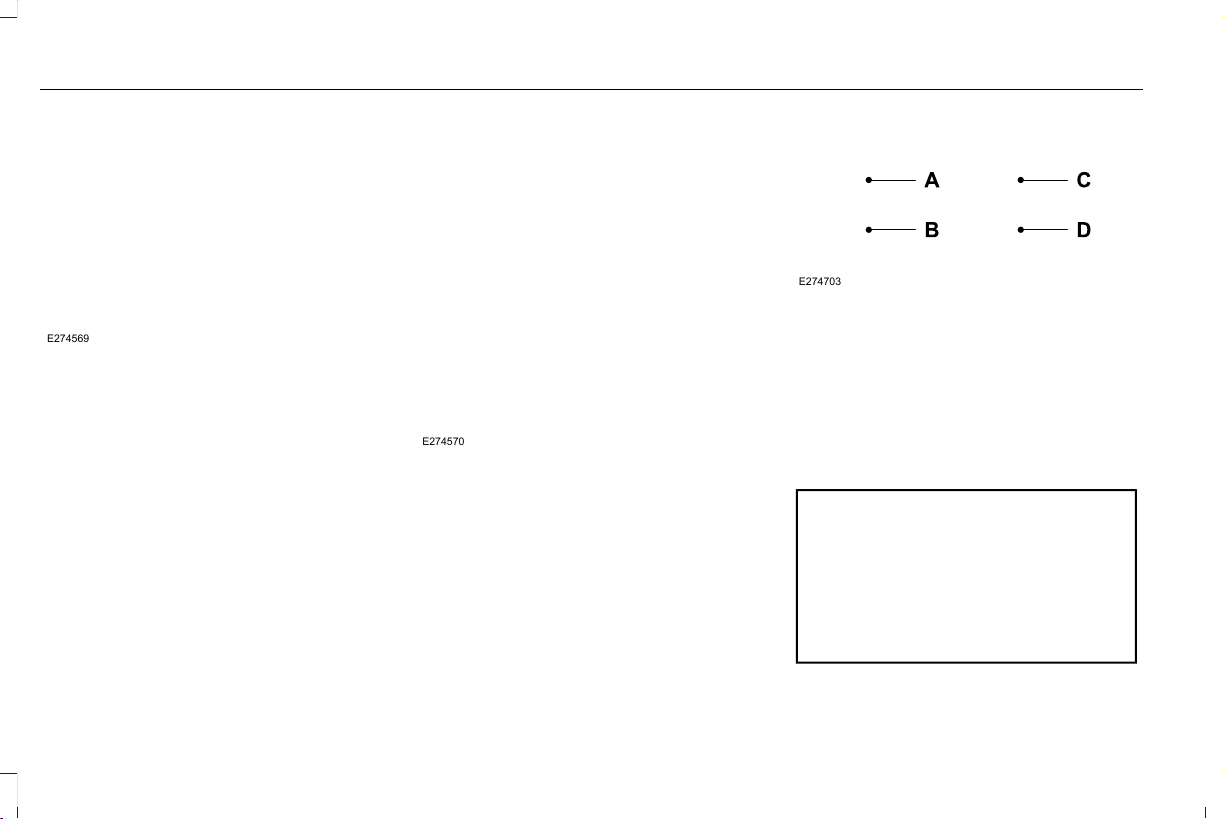
E274569
This warning displays and a tone sounds if
an occupant unfastens the rear seatbelt
buckle or it becomes unfastened.
Note: If a rear seat is unoccupied, or an
occupant never fastens the seatbelt buckle
to begin with, the warning will not display.
Note: Front seating positions appear in this
warning display. Warnings for unfastened
front seatbelt buckles appear in the initial
warning lamp.
Seatbelt Status
To view the seatbelt status, use the
information display controls on the steering
wheel. See General Information (page 127).
E274570
E274703
Seatbelt fastened.A
Seatbelt not fastened.B
Seatbelt recently unfastened.C
FaultD
Deactivating and Activating the Belt-Minder
Feature - Front outermost seats only
WARNING: While the system allows
you to deactivate it, this system is designed
to improve your chances of being safely
belted and surviving an accident. We
recommend you leave the system
activated for yourself and others who may
use the vehicle.
48
Aviator (CTV) Canada/United States of America, enUSA, Edition date: 201902, First-Printing
Seatbelts

Note: The driver and front passenger
warnings switch on and off independently.
When you perform this procedure for one
seating position, do not buckle the other
position as this terminates the process.
Read Steps 1 - 4 before starting the
procedure.
Make sure that:
• You set the parking brake.
• The transmission is in park (P).
• The ignition is off.
• You close all vehicle doors.
• You unbuckle the driver and front
passenger seatbelts.
1. Switch the ignition on. Do not start the
engine.
2. Wait until the seatbelt warning lamp turns
off (about one minute). After Step 2, wait
an additional five seconds before
proceeding with Step 3. Once you start
Step 3, you must complete the procedure
within 60 seconds.
3. For the seating position you are switching
off, buckle then unbuckle the seatbelt
three times at a moderate speed, ending
in the unbuckled state. After Step 3, the
seatbelt warning lamp turns on.
4. When the seatbelt warning lamp is on,
buckle then unbuckle the seatbelt. After
Step 4, the seatbelt warning lamp flashes
for confirmation.
• This switches the feature off if it is
currently on.
• This switches the feature on if it is
currently off.
CHILD RESTRAINT AND SEATBELT
MAINTENANCE
Inspect the vehicle seatbelts and child safety
seat systems periodically to make sure they
work properly and are not damaged. Inspect
the vehicle and child restraint seatbelts to
make sure there are no nicks, tears or cuts.
Replace if necessary. All vehicle seatbelt
assemblies, including retractors, buckles,
front seatbelt buckle assemblies, buckle
support assemblies (slide bar-if equipped),
shoulder belt height adjusters (if equipped),
shoulder belt guide on seat backrest (if
equipped), child safety seat LATCH and
tether anchors, and attaching hardware,
should be inspected after a crash. Read the
child restraint manufacturer's instructions for
additional inspection and maintenance
information specific to the child restraint.
We recommend that all seatbelt assemblies
in use in vehicles involved in a crash be
replaced. However, if the crash was minor
and an authorized dealer finds that the belts
do not show damage and continue to
operate properly, they do not need to be
replaced. Seatbelt assemblies not in use
during a crash should also be inspected and
replaced if either damage or improper
operation is noted.
Properly care for seatbelts. See Vehicle
Care (page 371).
49
Aviator (CTV) Canada/United States of America, enUSA, Edition date: 201902, First-Printing
Seatbelts

SEATBELT EXTENSION
WARNING: Persons who fit into the
vehicle's seatbelt should not use an
extension. Unnecessary use could result
in serious personal injury in the event of a
crash.
WARNING: Only use extensions
provided free of charge by our dealers.
The dealer will provide an extension
designed specifically for this vehicle, model
year and seating position. The use of an
extension intended for another vehicle,
model year or seating position may not
offer you the full protection of your
vehicle's seatbelt restraint system.
WARNING: Never use seatbelt
extensions to install child restraints.
WARNING: Do not use a seatbelt
extension with an inflatable seatbelt.
WARNING: Do not use extensions
to change the way the seatbelt fits across
the torso, over the lap or to make the
seatbelt buckle easier to reach.
If, because of body size or driving position,
it is not possible to properly fasten the
seatbelt over your lap and shoulder, an
extension that is compatible with the
seatbelts is available free of charge from our
dealers. Only use our seatbelt extensions
made by the original equipment seatbelt
manufacturer with our seatbelts. Ask your
authorized dealer if your extension is
compatible with your vehicle restraint system.
50
Aviator (CTV) Canada/United States of America, enUSA, Edition date: 201902, First-Printing
Seatbelts

This system provides an improved overall
level of frontal crash protection to front seat
occupants and is designed to help further
reduce the risk of airbag-related injuries. The
system analyzes different occupant
conditions and crash severity before
activating the appropriate safety devices to
help better protect occupants in a variety of
frontal crash situations.
Your vehicle's Personal Safety System
consists of:
• Driver and passenger dual-stage airbag
supplemental restraints.
• Front seat outermost seatbelts with
pretensioners, energy management
retractors and seatbelt usage sensors.
• Front passenger sensing system.
• Passenger airbag off and on indicators.
• Front crash severity sensors.
• Restraints control module with impact
and safing sensors.
• Restraint system warning light and tone.
• The electrical wiring for the airbags, crash
sensors, seatbelt pretensioners, front
seatbelt usage sensors, front passenger
sensing system and indicator lights.
How Does the Personal Safety System
Work?
The Personal Safety System can adapt the
deployment strategy of the safety devices
according to crash severity and occupant
conditions. A collection of crash and
occupant sensors provides information to
the restraints control module. During a crash,
the restraints control module may deploy the
seatbelt pretensioners, one or both stages
of the dual-stage airbags based on crash
severity and occupant conditions.
51
Aviator (CTV) Canada/United States of America, enUSA, Edition date: 201902, First-Printing
Personal Safety System™

PRINCIPLE OF OPERATION
WARNING: Airbags do not inflate
slowly or gently, and the risk of injury from
a deploying airbag is the greatest close to
the trim covering the airbag module.
WARNING: All occupants of your
vehicle, including the driver, should always
properly wear their seatbelts, even when
an airbag supplemental restraint system is
provided. Failure to properly wear your
seatbelt could seriously increase the risk
of injury or death.
WARNING: Even with advanced
restraints systems, properly restrain
children 12 and under in a rear seating
position. Failure to follow this could
seriously increase the risk of injury or
death.
WARNING: Do not place your arms
on the airbag cover or through the steering
wheel. Failure to follow this instruction
could result in personal injury.
WARNING: Keep the areas in front
of the airbags free from obstruction. Do
not affix anything to or over the airbag
covers. Objects could become projectiles
during airbag deployment or in a sudden
stop. Failure to follow this instruction could
result in personal injury or death.
WARNING: Airbags can kill or injure
a child in a child restraint. Never place a
rear-facing child restraint in front of an
active airbag. If you must use a
forward-facing child restraint in the front
seat, move the seat upon which the child
restraint is installed all the way back.
WARNING: Do not attempt to service,
repair, or modify the supplementary
restraint system or associated components.
Failure to follow this instruction could result
in personal injury or death.
WARNING: Several airbag system
components get hot after inflation. To
reduce the risk of injury, do not touch them
after inflation.
WARNING: If a supplementary
restraint system component has deployed,
it will not function again. Have the system
and associated components inspected as
soon as possible. Failure to follow this
instruction could result in personal injury
or death.
The airbags are a supplemental restraint
system and are designed to work with the
seatbelts to help protect the driver and right
front passenger from certain upper body
injuries. Airbags do not inflate slowly; there
is a risk of injury from a deploying airbag.
Note: You will hear a loud bang and see a
cloud of harmless powdery residue if an
airbag deploys. This is normal.
52
Aviator (CTV) Canada/United States of America, enUSA, Edition date: 201902, First-Printing
Supplementary Restraints System
The airbags inflate and deflate rapidly upon
activation. After airbag deployment, it is
normal to notice a smoke-like, powdery
residue or smell the burnt propellant. This
may consist of cornstarch, talcum powder (to
lubricate the bag) or sodium compounds (for
example, baking soda) that result from the
combustion process that inflates the airbag.
Small amounts of sodium hydroxide may be
present which may irritate the skin and eyes,
but none of the residue is toxic.
While the system is designed to help reduce
serious injuries, contact with a deploying
airbag may also cause abrasions or swelling.
Temporary hearing loss is also a possibility
as a result of the noise associated with a
deploying airbag. Because airbags must
inflate rapidly and with considerable force,
there is the risk of death or serious injuries
such as fractures, facial and eye injuries or
internal injuries, particularly to occupants
who are not properly restrained or are
otherwise out of position at the time of airbag
deployment. Thus, it is extremely important
that occupants be properly restrained as far
away from the airbag module as possible
while maintaining vehicle control.
Routine maintenance of the airbags is not
required.
DRIVER AND PASSENGER
AIRBAGS
WARNING: Do not place your arms
on the airbag cover or through the steering
wheel. Failure to follow this instruction
could result in personal injury.
WARNING: Keep the areas in front
of the airbags free from obstruction. Do
not affix anything to or over the airbag
covers. Objects could become projectiles
during airbag deployment or in a sudden
stop. Failure to follow this instruction could
result in personal injury or death.
WARNING: Airbags can kill or injure
a child in a child restraint. Never place a
rear-facing child restraint in front of an
active airbag. If you must use a
forward-facing child restraint in the front
seat, move the seat upon which the child
restraint is installed all the way back.
E151127
The driver and front passenger airbags will
deploy during significant frontal and near
frontal crashes.
53
Aviator (CTV) Canada/United States of America, enUSA, Edition date: 201902, First-Printing
Supplementary Restraints System
The driver and passenger front airbag system
consists of:
• Driver and passenger airbag modules.
• Front passenger sensing system.
E67017
· Crash sensors and monitoring
system with readiness indicator.
See Crash Sensors and Airbag
Indicator (page 60).
Proper Driver and Front Passenger
Seating Adjustment
WARNING: National Highway Traffic
Safety Administration (NHTSA)
recommends a minimum distance of at
least 10 in (25 cm) between an occupant's
chest and the driver airbag module.
To properly position yourself away from the
airbag:
• Move your seat to the rear as far as you
can while still reaching the pedals
comfortably.
• Recline the seat slightly (one or two
degrees) from the upright position.
After all occupants have adjusted their seats
and put on seatbelts, it is very important that
they continue to sit properly. A properly
seated occupant sits upright, leaning against
the seatback, and centered on the seat
cushion, with their feet comfortably extended
on the floor. Sitting improperly can increase
the chance of injury in a crash event. For
example, if an occupant slouches, lies down,
turns sideways, sits forward, leans forward
or sideways, or puts one or both feet up, the
chance of injury during a crash is greatly
increased.
Children and Airbags
WARNING: Airbags can kill or injure
a child in a child restraint. Never place a
rear-facing child restraint in front of an
active airbag. If you must use a
forward-facing child restraint in the front
seat, move the seat upon which the child
restraint is installed all the way back.
E142846
Children must always be properly restrained.
Accident statistics suggest that children are
safer when properly restrained in the rear
seating positions than in the front seating
position. Failure to follow these instructions
may increase the risk of injury in a crash.
54
Aviator (CTV) Canada/United States of America, enUSA, Edition date: 201902, First-Printing
Supplementary Restraints System

FRONT PASSENGER SENSING
SYSTEM
WARNING: Even with advanced
restraints systems, properly restrain
children 12 and under in a rear seating
position. Failure to follow this could
seriously increase the risk of injury or
death.
WARNING: Sitting improperly, out of
position or with the seatback reclined too
far can take weight off the seat cushion
and affect the decision of the passenger
sensing system, resulting in serious injury
or death in the event of a crash. Always sit
upright against your seat back, with your
feet on the floor.
WARNING: Any alteration or
modification to the front passenger seat
may affect the performance of the front
passenger sensing system. This could
seriously increase the risk of injury or
death.
This system works with sensors that are part
of the front passenger seat and seatbelt to
detect the presence of a properly-seated
occupant and determine if the front
passenger frontal airbag should be enabled
(may inflate) or not.
E181984
The front passenger sensing system uses a
passenger airbag status indicator that
illuminates indicating that the front
passenger frontal airbag is either on
(enabled) or off (disabled).
The indicators are on the overhead console.
Note: The indicators illuminate briefly when
you first switch the ignition on to confirm they
are functional.
The front passenger sensing system is
designed to disable (will not inflate) the front
passenger frontal airbag when the front
passenger seat is unoccupied, or a rear
facing infant seat, a forward-facing child
restraint, or a booster seat is detected. Even
with this technology, parents are strongly
encouraged to always properly restrain
children in the rear seat.
• When the front passenger sensing
system disables (will not inflate) the front
passenger frontal airbag, the airbag off
indicator illuminates and stays lit to
remind you that the front passenger
frontal airbag is disabled.
• If you have installed the child restraint
and the airbag on indicator illuminates,
switch the vehicle off, remove the child
restraint from the vehicle and reinstall
the restraint according to the child
restraint manufacturer's instructions.
The front passenger sensing system is
designed to enable (may inflate) the front
passenger frontal airbag anytime the system
senses that a person of adult size is sitting
properly in the front passenger seat.
55
Aviator (CTV) Canada/United States of America, enUSA, Edition date: 201902, First-Printing
Supplementary Restraints System
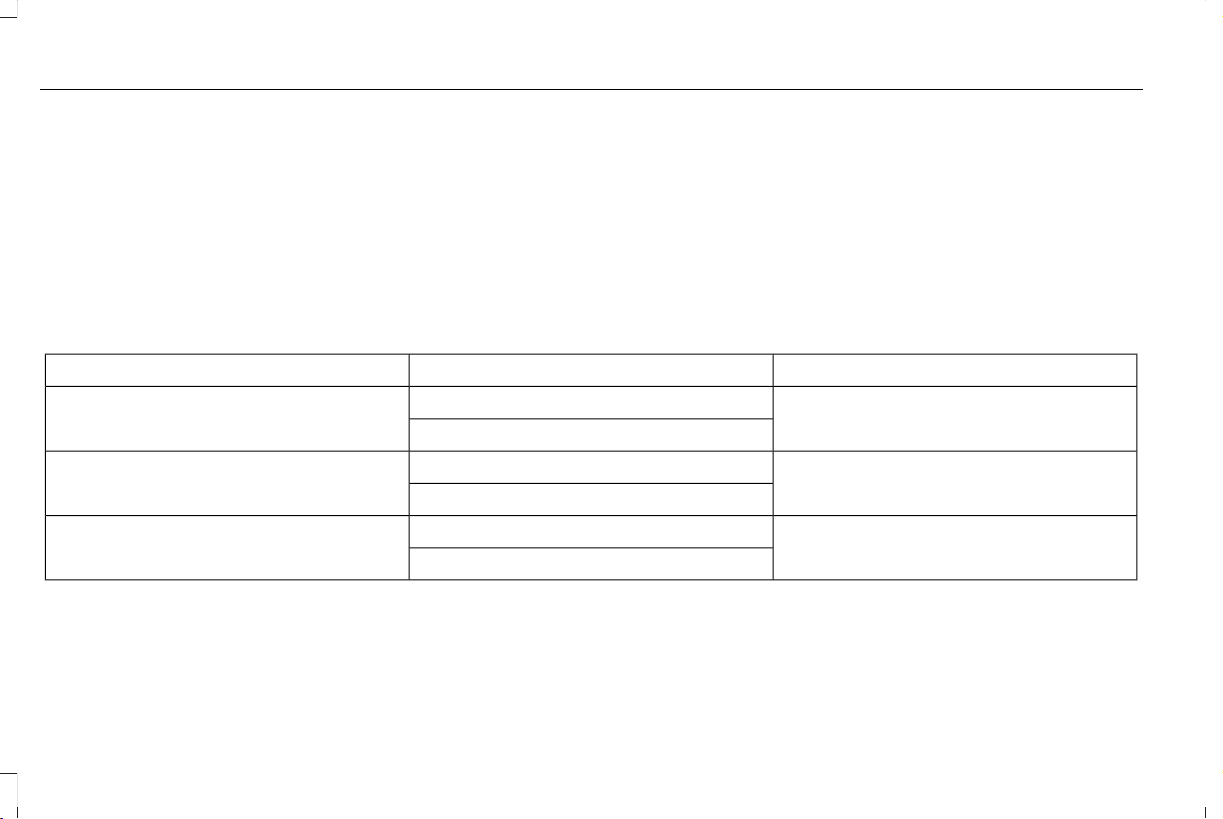
• When the front passenger sensing
system enables the front passenger
frontal airbag (may inflate), the airbag on
indicator illuminates and remains
illuminated.
If a person of adult size is sitting in the front
passenger seat, but the airbag off indicator
is lit, it is possible that the person is not
sitting properly in the seat. If this happens:
• Switch the vehicle off and ask the person
to place the seat backrest in an upright
position.
• Have the person sit upright in the seat,
centered on the seat cushion, with the
person’s legs comfortably extended.
• Restart the vehicle and have the person
remain in this position for about two
minutes. This allows the system to detect
that person and enables the passenger
frontal airbag.
• If the airbag off indicator remains lit even
after this, advise the person to ride in the
rear seat.
Passenger AirbagPassenger Airbag Status IndicatorOccupant
DisabledOFF: LitEmpty
ON: Unlit
DisabledOFF: LitChild
ON: Unlit
EnabledOFF: UnlitAdult
ON: Lit
56
Aviator (CTV) Canada/United States of America, enUSA, Edition date: 201902, First-Printing
Supplementary Restraints System

After all occupants have adjusted their seats
and put on seatbelts, it is very important that
they continue to sit properly. A properly
seated occupant sits upright, leaning against
the seat backrest, and centered on the seat
cushion, with their feet comfortably extended
on the floor. Sitting improperly can increase
the chance of injury in a crash event. For
example, if an occupant slouches, lies down,
turns sideways, sits forward, leans forward
or sideways, or puts one or both feet up, the
chance of injury during a crash greatly
increases.
E67017
Make sure the front passenger
sensing system is operating
properly. See Crash Sensors and
Airbag Indicator (page 60).
Do not attempt to repair or service the
system. Take your vehicle immediately to an
authorized dealer.
If it is necessary to modify an advanced front
airbag system to accommodate a person
with disabilities, contact the Ford Customer
Relationship Center. See Getting the
Services You Need (page 326).
SIDE AIRBAGS
WARNING: Do not place objects or
mount equipment on or near the airbag
cover, on the side of the front or rear
seatbacks, or in areas that may come into
contact with a deploying airbag. Failure to
follow these instructions may increase the
risk of personal injury in the event of a
crash.
WARNING: Do not use accessory
seat covers. The use of accessory seat
covers may prevent the deployment of the
side airbags and increase the risk of injury
in an accident.
WARNING: Do not lean your head
on the door. The side airbag could injure
you as it deploys from the side of the
seatback.
WARNING: Do not attempt to service,
repair, or modify the supplementary
restraint system or associated components.
Failure to follow this instruction could result
in personal injury or death.
WARNING: If a supplementary
restraint system component has deployed,
it will not function again. Have the system
and associated components inspected as
soon as possible. Failure to follow this
instruction could result in personal injury
or death.
The side airbags are on the outboard side
of the seat backrests of the front seats. In
certain sideways crashes, the side airbags
will be inflated. The airbag was designed to
inflate between the door panel and occupant
to further enhance the protection provided
occupants in side impact crashes.
57
Aviator (CTV) Canada/United States of America, enUSA, Edition date: 201902, First-Printing
Supplementary Restraints System
E152533
The system consists of the following:
• A label or embossed side panel
indicating that side airbags are fitted to
your vehicle.
• Side airbags inside the driver and front
passenger seat backrests.
• Front passenger sensing system.
E67017
• Crash sensors and monitoring system
with readiness indicator. See Crash
Sensors and Airbag Indicator (page 60).
The design and development of the side
airbag system included recommended
testing procedures that were developed by
a group of automotive safety experts known
as the Side Airbag Technical Working Group.
These recommended testing procedures
help reduce the risk of injuries related to the
deployment of side airbags.
DRIVER AND PASSENGER KNEE
AIRBAGS
Driver and passenger knee airbags are
located under or within the instrument panel.
During a crash, the restraints control module
may activate the driver and passenger knee
airbags (individually or both) based on crash
severity and respective occupant conditions.
Under certain crash and occupant conditions,
the driver and passenger knee airbags may
deploy (individually or both) but the
corresponding front airbag may not activate.
As with front and side airbags, it is important
to be properly seated and restrained to
reduce the risk of death or serious injury.
E67017
Make sure the knee airbags are
operating properly. See Crash
Sensors and Airbag Indicator
(page 60).
SAFETY CANOPY™
WARNING: Do not place objects or
mount equipment on or near the headliner
at the siderail that may come into contact
with a deploying curtain airbag. Failure to
follow these instructions may increase the
risk of personal injury in the event of a
crash.
WARNING: Do not lean your head
on the door. The curtain airbag could injure
you as it deploys from the headliner.
WARNING: Do not attempt to service,
repair, or modify the supplementary
restraint system or associated components.
Failure to follow this instruction could result
in personal injury or death.
58
Aviator (CTV) Canada/United States of America, enUSA, Edition date: 201902, First-Printing
Supplementary Restraints System
WARNING: All occupants of your
vehicle, including the driver, should always
properly wear their seatbelts, even when
an airbag supplemental restraint system is
provided. Failure to properly wear your
seatbelt could seriously increase the risk
of injury or death.
WARNING: To reduce risk of injury,
do not obstruct or place objects in the
deployment path of the airbag.
WARNING: If a supplementary
restraint system component has deployed,
it will not function again. Have the system
and associated components inspected as
soon as possible. Failure to follow this
instruction could result in personal injury
or death.
The Safety Canopy will deploy during
significant side crashes or when a certain
likelihood of a rollover event is detected by
the rollover sensor. The Safety Canopy is
mounted to the roof side-rail sheet metal,
behind the headliner, above each row of
seats. In certain sideways crashes or rollover
events, the Safety Canopy will be activated,
regardless of which seats are occupied. The
Safety Canopy is designed to inflate between
the side window area and occupants to
further enhance protection provided in side
impact crashes and rollover events.
E75004
The system consists of the following:
• Safety canopy curtain airbags above the
trim panels over the front and rear side
windows identified by a label or wording
on the headliner or roof-pillar trim.
• A flexible headliner which opens above
the side doors to allow air curtain
deployment
E67017
· Crash sensors and monitoring
system with readiness indicator.
See Crash Sensors and Airbag
Indicator (page 60).
Always properly restrain children 12 years
old and under in the rear seats. The Safety
Canopy will not interfere with children
restrained using a properly installed child or
booster seat because it is designed to inflate
downward from the headliner above the
doors along the side window opening.
59
Aviator (CTV) Canada/United States of America, enUSA, Edition date: 201902, First-Printing
Supplementary Restraints System
The design and development of the Safety
Canopy included recommended testing
procedures that were developed by a group
of automotive safety experts known as the
Side Airbag Technical Working Group. These
recommended testing procedures help
reduce the risk of injuries related to the
deployment of side airbags (including the
Safety Canopy).
CRASH SENSORS AND AIRBAG
INDICATOR
WARNING: Modifying or adding
equipment to the front end of your vehicle
(including hood, bumper system, frame,
front end body structure, tow hooks and
hood pins) may affect the performance of
the airbag system, increasing the risk of
injury. Do not modify or add equipment to
the front end of your vehicle.
Your vehicle has a collection of crash and
occupant sensors which provide information
to the restraints control module. The
restraints control module deploys (activates)
the seatbelt pretensioners, driver airbag,
passenger airbag, knee airbag(s), seat
mounted side airbags and the Safety
Canopy. Based on the type of crash, the
restraints control module deploys the
appropriate safety devices.
The restraints control module also monitors
the readiness of the above safety devices
plus the crash and occupant sensors. The
readiness of the safety system is indicated
by a warning indicator light in the instrument
cluster or by a backup tone if the warning
light is not working. Routine maintenance of
the airbag is not required.
A difficulty with the system is indicated by
one or more of the following:
E67017
• The readiness light will not illuminate
immediately after you switch the ignition
on.
• The readiness light either flashes or stays
lit.
• A series of five beeps is heard. The tone
pattern repeats periodically until the
problem, the light or both are repaired.
If any of these things happen, even
intermittently, have the supplemental
restraint system serviced at an authorized
dealer immediately. Unless serviced, the
system may not function properly in the
event of a crash.
The restraint system is designed to activate
when the vehicle sustains conditions
sufficient to cause the restraint control
module to deploy a safety device.
60
Aviator (CTV) Canada/United States of America, enUSA, Edition date: 201902, First-Printing
Supplementary Restraints System

The fact that not all the safety devices
activate for all occupants in a crash does not
mean something is wrong with the system.
Rather, it means the restraints control module
determined the accident conditions (crash
severity, type of crash, belt usage) were not
appropriate to activate these safety devices.
• The front airbags are designed to
activate only in frontal and near-frontal
crashes (not rollovers, side impacts or
rear impacts) unless the crash causes
sufficient frontal deceleration.
• The seatbelt pretensioners are designed
to activate in frontal, near-frontal and side
crashes, and in rollovers.
• The knee airbag(s) may deploy based on
crash severity and occupant conditions.
• The side airbags are designed to inflate
in certain side impact crashes or rollover
events. Side airbags may activate in other
types of crashes if your vehicle
experiences sufficient sideways motion
or deformation, or a certain likelihood of
rollover.
• The Safety Canopy is designed to inflate
in certain side impact crashes or rollover
events. The Safety Canopy may activate
in other types of crashes if your vehicle
experiences sufficient sideways motion
or deformation, or a certain likelihood of
rollover.
AIRBAG DISPOSAL
Contact your authorized dealer as soon as
possible. Airbags must be disposed of by
qualified personnel.
61
Aviator (CTV) Canada/United States of America, enUSA, Edition date: 201902, First-Printing
Supplementary Restraints System

ABOUT 911 ASSIST
911 Assist is a SYNC system feature that can
call for help if you’re in an accident. If a crash
deploys an airbag (excluding knee airbags
and rear inflatable seatbelts [if equipped]) or
activates the fuel pump shut-off, your
SYNC-equipped vehicle may be able to
contact emergency services by dialing 911
through a paired and connected
Bluetooth-enabled phone. You can learn
more about the 911 Assist feature, by visiting:
Website
www.owner.ford.com
www.syncmyride.ca
www.syncmaroute.ca
Not all crashes will deploy an airbag or
activate the fuel pump shut-off (the triggers
for 911 Assist). If a connected cell phone
sustains damage or loses its connection to
SYNC during a crash, SYNC will search for
and try to connect to a previously paired cell
phone; SYNC will then attempt to call the
emergency services.
Before making the call:
• SYNC provides a short window of time
(about 10 seconds) to cancel the call. If
you fail to cancel the call, SYNC attempts
to dial 911.
• SYNC says the following, or a similar
message: "SYNC will attempt to call 911,
to cancel the call, press Cancel on your
screen or press and hold the phone
button on your steering wheel."
If you do not cancel the call, and SYNC
makes a successful call, a pre-recorded
message plays for the 911 operator, and then
the occupant(s) in your vehicle is able to talk
with the operator. Be prepared to provide
your name, phone number and location
immediately, because not all 911 systems are
capable of receiving this information
electronically.
During an emergency call, the system
transmits vehicle data to the emergency
service. See Data Recording (page 12).
EMERGENCY CALL
REQUIREMENTS
WARNING: Do not wait for 911 Assist
to make an emergency call if you can do
it yourself. Dial emergency services
immediately to avoid delayed response
time which could increase the risk of
serious injury or death after a crash. If you
do not hear 911 Assist within five seconds
of the crash, the system or phone may be
damaged or non-functional.
WARNING: Always place your phone
in a secure location in your vehicle so it
does not become a projectile or get
damaged in a crash. Failure to do so may
cause serious injury to someone or
damage the phone which could prevent
911 Assist from working properly.
62
Aviator (CTV) Canada/United States of America, enUSA, Edition date: 201902, First-Printing
911 Assist

WARNING: Unless the 911 Assist
setting is set on before a crash, the system
will not dial for help which could delay
response time, potentially increasing the
risk of serious injury or death after a crash.
• SYNC must be powered and working
properly at the time of the incident and
throughout feature activation and use.
• The 911 Assist feature must be set on
before the incident.
• You must pair and connect a Bluetooth
enabled and compatible cell phone to
SYNC.
• A connected Bluetooth enabled phone
must have the ability to make and
maintain an outgoing call at the time of
the incident.
• A connected Bluetooth enabled phone
must have adequate network coverage,
battery power and signal strength.
• The vehicle must have battery power and
be located in the U.S., Canada or in a
territory in which 911 is the emergency
number.
Note: If any user sets 911 Assist to on or off,
that setting applies for all paired phones. If
911 Assist is switched off and the phone is
connected to SYNC, an icon displays on the
status bar.
Note: Every phone operates differently.
While SYNC 911 Assist works with most
cellular phones, some may have trouble
using this feature.
EMERGENCY CALL LIMITATIONS
The SYNC 911 Assist feature only operates
in the U.S., Canada or in a territory in which
911 is the emergency number.
• Your cellular phone or 911 Assist
hardware sustains damage in a crash.
• The vehicle's battery or the SYNC system
has no power.
• The phone(s) thrown from your vehicle
are the ones paired and connected to
the system.
63
Aviator (CTV) Canada/United States of America, enUSA, Edition date: 201902, First-Printing
911 Assist

GENERAL INFORMATION ON
RADIO FREQUENCIES
This device complies with Part 15 of the FCC
Rules and with Industry Canada
license-exempt RSS standard(s). Operation
is subject to the following two conditions: (1)
This device may not cause harmful
interference, and (2) This device must accept
any interference received, including
interference that may cause undesired
operation.
Note: Changes or modifications not
expressively approved by the party
responsible for compliance could void the
user's authority to operate the equipment.
The term IC before the radio certification
number only signifies that Industry Canada
technical specifications were met.
The typical operating range for your
transmitter is approximately 33 ft (10 m).
Vehicles with the remote start feature will
have a greater range.
One of the following could cause a decrease
in operating range:
• Weather conditions.
• Nearby radio towers.
• Structures around the vehicle.
• Other vehicles parked next to your
vehicle.
The radio frequency used by your remote
control can also be used by other radio
transmitters, for example amateur radios,
medical equipment, wireless headphones,
wireless remote controls, cell phones, battery
chargers and alarm systems. If the
frequencies are jammed, you will not be able
to use your remote control. You can lock and
unlock the doors with the key.
Note: Make sure to lock your vehicle before
leaving it unattended.
Note: If you are in range, the remote control
will operate if you press any button
unintentionally.
Note: The remote control contains sensitive
electrical components. Exposure to moisture
or impact may cause permanent damage.
Intelligent Access (If Equipped)
The system uses a radio frequency signal to
communicate with your vehicle and authorize
your vehicle to unlock when one of the
following conditions are met:
• You activate the front exterior door
handle switch.
• You press the luggage compartment
button.
• You press a button on the transmitter.
If excessive radio frequency interference is
present in the area or if the transmitter
battery is low, you may need to mechanically
unlock your door. You can use the
mechanical key blade in your intelligent
access key to open the driver door in this
situation.
REMOTE CONTROL (IF EQUIPPED)
Intelligent Access Key
Note: You may not be able to shift out of
park (P) unless the intelligent access key is
inside your vehicle.
64
Aviator (CTV) Canada/United States of America, enUSA, Edition date: 201902, First-Printing
Keys and Remote Controls
E254198
The intelligent access keys operate the
power locks and the remote start system.
The key must be in your vehicle to use the
push button start.
E151795
Note: Your vehicle keys came with a
security label that provides important key
cut information. Keep the label in a safe
place for future reference.
Removable Key Blade
The intelligent access key also contains a
removable key blade that you can use to
unlock your vehicle.
E254199
Push the release button and pull the key
blade out.
Replacing the Battery
Note: Refer to local regulations when
disposing of transmitter batteries.
Note: Do not wipe off any grease on the
battery terminals or on the back surface of
the circuit board.
65
Aviator (CTV) Canada/United States of America, enUSA, Edition date: 201902, First-Printing
Keys and Remote Controls
Note: Replacing the battery does not erase
the programmed key from your vehicle. The
transmitter should operate normally.
A message appears in the information
display when the remote control battery is
low. See Information Messages (page 131).
The remote control uses one coin-type
three-volt lithium battery.
E254199
1. Push the release button and pull the key
blade out.
E218690
2. Twist a thin coin under the tab hidden
behind the key blade head to remove
the battery cover.
E218691
3. Insert a suitable tool, for example a
screwdriver, in the position shown and
carefully remove the battery.
4. Install a new battery with the + facing
upward.
66
Aviator (CTV) Canada/United States of America, enUSA, Edition date: 201902, First-Printing
Keys and Remote Controls
5. Reinstall the battery housing cover onto
the transmitter and install the key blade.
Car Finder
E138623
Press the button twice within three
seconds. A tone sounds and the
direction indicators flash. We
recommend you use this method to locate
your vehicle, rather than using the panic
alarm.
Sounding the Panic Alarm
Note: The panic alarm only operates when
the ignition is off.
E138624
Press the button to sound the
panic alarm. Press the button
again or switch the ignition on to
turn it off.
Remote Start
WARNING: To avoid exhaust fumes,
do not use remote start if your vehicle is
parked indoors or in areas that are not well
ventilated.
Note: Do not use remote start if your fuel
level is low.
E138625
The remote start button is on the
transmitter.
This feature allows you to start your vehicle
from the outside. The transmitter has an
extended operating range.
You can configure your automatic climate
control to operate when you remote start
your vehicle. See Climate Control (page
157).
Many states and provinces have restrictions
for the use of remote start. Check your local
and state or provincial laws for specific
requirements regarding remote start
systems.
The remote start system does not work if any
of the following occur:
• The ignition is on.
• The anti-theft alarm triggers.
• You switch the feature off through the
touchscreen.
• The hood is open.
• The transmission is not in park (P).
• The battery voltage is below the
minimum operating voltage.
Remote Control Feedback
An LED on the remote control provides status
feedback of remote start or stop commands.
StatusLED
Remote start
successful
Solid green
Remote stop
successful
Solid red
Request failed or
status not received
Blinking red
Status incompleteBlinking green
67
Aviator (CTV) Canada/United States of America, enUSA, Edition date: 201902, First-Printing
Keys and Remote Controls
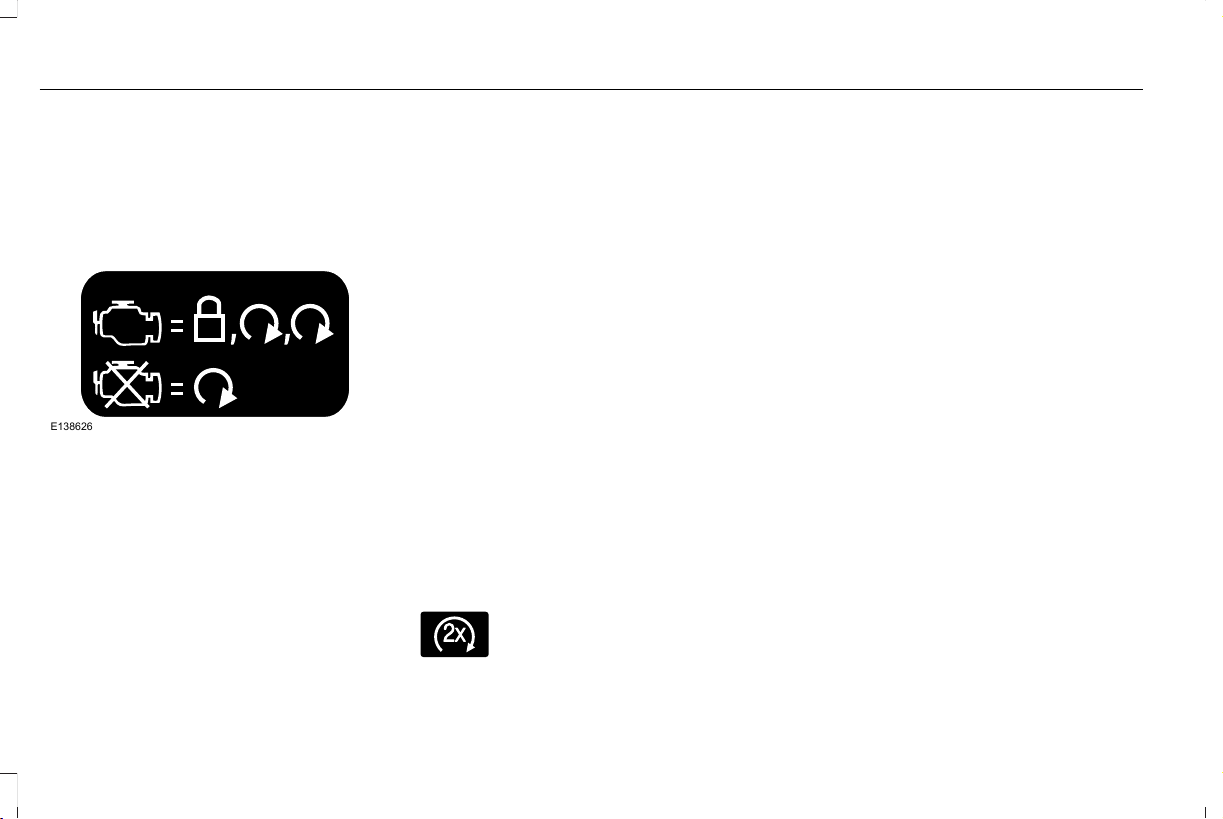
Remote Starting Your Vehicle
Note: You must press each button within
three seconds of each other. If you do not
follow this sequence, your vehicle does not
start remotely, the direction indicators do
not flash twice and the horn does not sound.
E138626
1. Press the lock button to lock all the
doors.
2. Press the remote start button twice. The
exterior lamps flash twice.
A tone sounds if the system fails to start.
Note: You must press the push button
ignition switch on the instrument panel once
while applying the brake pedal before
driving your vehicle.
The power windows do not work during
remote start and the radio does not turn on
automatically.
The parking lamps remain on and your
vehicle will run for 5, 10 or 15 minutes,
depending on the setting.
Extending the Engine Running Time
To extend the engine running time duration
of your vehicle during remote start, repeat
steps 1 and 2 while the engine is running. If
the duration is set to 15 minutes, the duration
extends by another 15 minutes. For example,
if your vehicle had been running from the
first remote start for 5 minutes, your vehicle
continues to run now for a total of 30
minutes. You can extend the engine running
time duration to a maximum of 30 minutes.
Wait at least five seconds before remote
starting after the engine stops running.
Turning Your Vehicle Off After Remote
Starting
E138625
Press the button once. Your
vehicle and the parking lamps turn
off.
You may have to be closer to your vehicle
than when starting due to ground reflection
and the added noise of your running vehicle.
You can switch this feature on or off through
the touchscreen. See Settings (page 489).
Memory Feature
You can program your intelligent access key
to recall memory positions.
REPLACING A LOST KEY OR
REMOTE CONTROL
Replacement keys or remote controls can
be purchased from an authorized dealer.
Authorized dealers can program remote
controls for your vehicle. See Passive
Anti-Theft System (page 91).
68
Aviator (CTV) Canada/United States of America, enUSA, Edition date: 201902, First-Printing
Keys and Remote Controls
PHONE AS A KEY
Programming Your Phone
Your vehicle allows you to set up your phone
as an intelligent access key allowing you to
lock, unlock, start and drive your vehicle
using the Lincoln Way app. Visit your device's
app store or our website for more
information.
PHONE AS A KEY – TROUBLESHOOTING
Phone as a Key – Frequently Asked Questions
See your authorized dealer for system configuration.Why won't Phone as a Key activate?
Use the Backup Start Passcode to start the engine. See Starting a
Gasoline Engine (page 197).
Why won't the engine start?
The Backup Start Passcode feature must be active and enabled on
at least one phone.
Why doesn't the Backup Start Passcode work?
69
Aviator (CTV) Canada/United States of America, enUSA, Edition date: 201902, First-Printing
Keys and Remote Controls

PRINCIPLE OF OPERATION
MyKey allows you to program keys with
restricted driving modes to promote good
driving habits. You can program the
restrictions to all keys except one. Any keys
that you did not program are administrator
keys or admin keys.
You can use admin keys to:
• Create a MyKey with certain vehicle
restrictions.
• Program certain MyKey settings.
• Clear all MyKey restrictions.
After you program a MyKey, you can view
the following information through the
information display:
• The total number of admin keys and
MyKeys for your vehicle.
• The total distance a MyKey driver
traveled with your vehicle.
Note: Every MyKey receives the same
restrictions and settings. You cannot
program them individually.
Note: For vehicles equipped with a
push-button start switch: When both a MyKey
and an admin key are present when you
start your vehicle, the system recognizes the
admin key only.
Standard Settings
Not every vehicle includes the features listed
below. If your vehicle has this equipment,
then you cannot change the following
settings when using a MyKey:
• Seatbelt reminder or Belt-Minder™. MyKey
mutes the audio system until drivers, and
in some instances, passengers, fasten
their seatbelts. Note: If your vehicle
includes an AM/FM radio or a very basic
audio system, then the radio may not
mute.
• Earlier low-fuel warning. The low-fuel
warning activates earlier for MyKey
drivers, giving them more time to refuel.
• Certain driver alerts, stability systems or
parking aids turn on automatically when
you use the MyKey system. For example,
Blind Spot Information System (BLIS),
cross traffic alert, lane departure warning
or forward collision warning. Note: MyKey
drivers may be able to turn the lane
departure warning feature off, but this
feature turns back on automatically with
every new key cycle.
• Restricted touchscreen operation in some
markets. For example, MyKey may
prevent manual navigation destination
input while the vehicle is in any gear
other than park (P) or when the vehicle
reaches a certain rate of speed.
• Satellite radio adult content restrictions,
if this feature is available in your market.
Optional Settings
You can configure certain vehicle feature
settings when you first create a MyKey. You
can also change the settings afterward with
an admin key.
70
Aviator (CTV) Canada/United States of America, enUSA, Edition date: 201902, First-Printing
MyKey™

Note: Not every feature applies to every
vehicle in every market. When they are
available for your vehicle, then they appear
in your information display, providing choices
to switch them on or off, or to select a more
specific setting.
• Various vehicle speed limits so the
MyKey driver cannot exceed certain
speeds. The information display shows
warnings followed by an audible tone
when the MyKey driver reaches the set
speed. You cannot override the set
speed by fully depressing the accelerator
pedal.
WARNING: Do not set MyKey
maximum speed limit to a limit that will
prevent the driver from maintaining a safe
speed considering posted speed limits and
prevailing road conditions. The driver is
always responsible to drive in accordance
with local laws and prevailing conditions.
Failure to do so could result in accident or
injury.
• Various vehicle speed reminders so
MyKey drivers know when their vehicle
speed approaches the limits. Warnings
appear in your information display and a
tone sounds when the MyKey drivers
exceed the set vehicle speed.
• The audio system's maximum volume
limits to 45% so MyKey drivers can
concentrate on the road. A message
appears in the information display when
MyKey drivers attempt to exceed the
limited volume. MyKey also disables the
automatic volume control. Note: If your
vehicle includes an AM/FM radio or a
very basic audio system, then the radio
may not limit.
• Always on setting. This setting forces
certain features to remain on and active
for MyKey drivers. For example, E911 or
emergency assistance and the do not
disturb features stay on even if a MyKey
driver uses the feature's control to switch
it off. When selected, you will not be able
to turn off Advance Trac or traction
control (if your vehicle has this feature).
CREATING A MYKEY
Use the touchscreen to create a MyKey:
1. Insert the key you want to program into
the ignition. If your vehicle has a
push-button start, place the remote
control into the backup slot. See Passive
Anti-Theft System (page 91).
2. Switch the ignition on.
3. Access the main menu in the
touchscreen and then scroll through the
menus to change the settings of your
MyKey. From the MyKey menu select the
option Create MyKey. See Settings
(page 489).
4. When prompted, hold the OK button until
you see a message informing you to label
this key as a MyKey. The programmed
restrictions apply when you key off, open
and close the driver door and restart your
vehicle with the programmed key or
remote control.
You have successfully created a MyKey.
Make sure you label it so you can distinguish
it from the admin keys.
71
Aviator (CTV) Canada/United States of America, enUSA, Edition date: 201902, First-Printing
MyKey™

You can also program configurable settings
for the key(s). See Programming and
Changing Configurable Settings.
Programming and Changing
Configurable Settings
Use the touchscreen to access your
configurable MyKey settings.
1. Switch the ignition on using an admin key
or remote control you want to program.
2. Access the main menu in the information
display and then scroll through the
menus to change the settings of your
MyKey. See Settings (page 489).
3. Follow the instructions in the
touchscreen. The programmed
restrictions apply when you switch the
vehicle off, open and close the driver
door and restart your vehicle with the
programmed key or remote control.
Note: You can clear or change your MyKey
settings at any time during the same key
cycle as you created the MyKey. Once you
have switched the vehicle off, however, you
will need an admin key to change or clear
your MyKey settings. When you make any
changes to your MyKey settings, you change
the settings for every MyKey. You cannot
make individual changes to apply to certain
MyKeys.
CLEARING ALL MYKEYS
When you clear your MyKeys, you remove
all restrictions and return all MyKeys to their
original admin key status at once. To clear
all MyKeys of all MyKey settings, use the
touchscreen.
1. Switch the ignition on using an admin
key.
2. Access the main menu in the
touchscreen and then scroll through the
menus to begin clearing your MyKey
programming. See Settings (page 489).
3. Follow the instructions in the display.
4. A confirmation message appears in the
display after you finish clearing your
MyKeys.
Note: When you clear your MyKeys, you
remove all restrictions and return all MyKeys
to their original admin key status. You cannot
remove the MyKey restrictions individually.
CHECKING MYKEY SYSTEM
STATUS
You can find information about your
programmed MyKeys by using the
touchscreen. See Settings (page 489).
MyKey Distance
Tracks the distance when drivers use a
MyKey. The only way to delete the
accumulated distance is by using an admin
key to clear all MyKeys. If the distance does
not accumulate as expected, then the
intended user is not using the MyKey, or an
admin key user recently cleared and then
recreated a MyKey.
72
Aviator (CTV) Canada/United States of America, enUSA, Edition date: 201902, First-Printing
MyKey™

Number of MyKeys
Indicates the number of MyKeys you have
programmed to your vehicle. Use this feature
to detect how many MyKeys you have for
your vehicle and determine when you have
deleted all MyKeys.
Number of Admin Keys
Indicates how many admin keys you have
programmed to your vehicle. Use this feature
to determine how many admin keys you have
for your vehicle, and detect if an additional
MyKey has been programmed.
USING MYKEY WITH REMOTE
START SYSTEMS
MyKey is not compatible with non
Ford-approved, aftermarket remote start
systems. If you choose to install a remote
start system, see an authorized dealer for a
Ford-approved remote start system.
MYKEY – TROUBLESHOOTING
Potential causesCondition
· The key or transmitter used to start the vehicle does not have admin
privileges.
I cannot create a MyKey.
· Vehicles with keyless start: Make sure you place the transmitter into
the backup slot. See Passive Anti-Theft System (page 91).
· The key or transmitter used to start the vehicle is the only admin key.
There always has to be at least one admin key.
· SecuriLock passive anti-theft system is disabled or in unlimited mode.
· The key or transmitter used to start the vehicle does not have admin
privileges.
I cannot program the configurable settings.
73
Aviator (CTV) Canada/United States of America, enUSA, Edition date: 201902, First-Printing
MyKey™

Potential causesCondition
· There are no MyKeys programmed to the vehicle. See Creating a
MyKey (page 71).
· The key or transmitter used to start the vehicle does not have admin
privileges.
I cannot clear the MyKeys.
· No MyKeys are created. See Creating a MyKey (page 71).
· Purchase a new key or transmitter from your authorized dealer.I lost the only admin key.
· Program a spare key or transmitter. You may need to see your
authorized dealer. See Passive Anti-Theft System (page 91).
I lost a key.
· The MyKey user is not using the MyKey.MyKey distances do not accumulate.
· An admin key holder cleared the MyKeys and created new MyKeys.
· The key system has been reset.
74
Aviator (CTV) Canada/United States of America, enUSA, Edition date: 201902, First-Printing
MyKey™

LOCKING AND UNLOCKING
Your vehicle has an intelligent electronically
controlled door system that is in constant
communication with overall vehicle systems.
When you lock your vehicle using the lock
switch on each door interior trim panel, or
by using the keyless entry keypad or the lock
sensor on each door exterior trim panel, the
exterior door handle switches do not release
the doors. This helps to secure your vehicle
and prevent unauthorized entry. Also, when
your vehicle reaches a speed greater than
12 mph (20 km/h) the exterior door handle
switches do not release the doors.
If the airbags deploy or the fuel pump shutoff
switch activates, all interior and exterior
unlock switches do not unlock your door for
six seconds. This helps to secure the doors
in the event of a crash. After six seconds, all
switches reset and you can open the doors
using the interior and exterior unlatch
switches.
Door Lock Indicator
An LED on each front door window trim
illuminates when you lock the doors. It
remains on for 2 to 5 seconds after you
switch the ignition off.
Door Lock Switch Inhibitor
When you electronically lock your vehicle,
the door lock switches and the interior
luggage compartment release switch do not
operate after 20 seconds. You must unlock
your vehicle with the remote control or
keyless entry keypad, or switch the ignition
on, to restore function to these switches.
You can switch this feature on or off in the
information display. See General
Information (page 127).
Activating Intelligent Access
The intelligent access key must be within 3 ft
(1 m) of the door or luggage compartment
you intend to lock or unlock.
At a Door
E295769
75
Aviator (CTV) Canada/United States of America, enUSA, Edition date: 201902, First-Printing
Doors and Locks
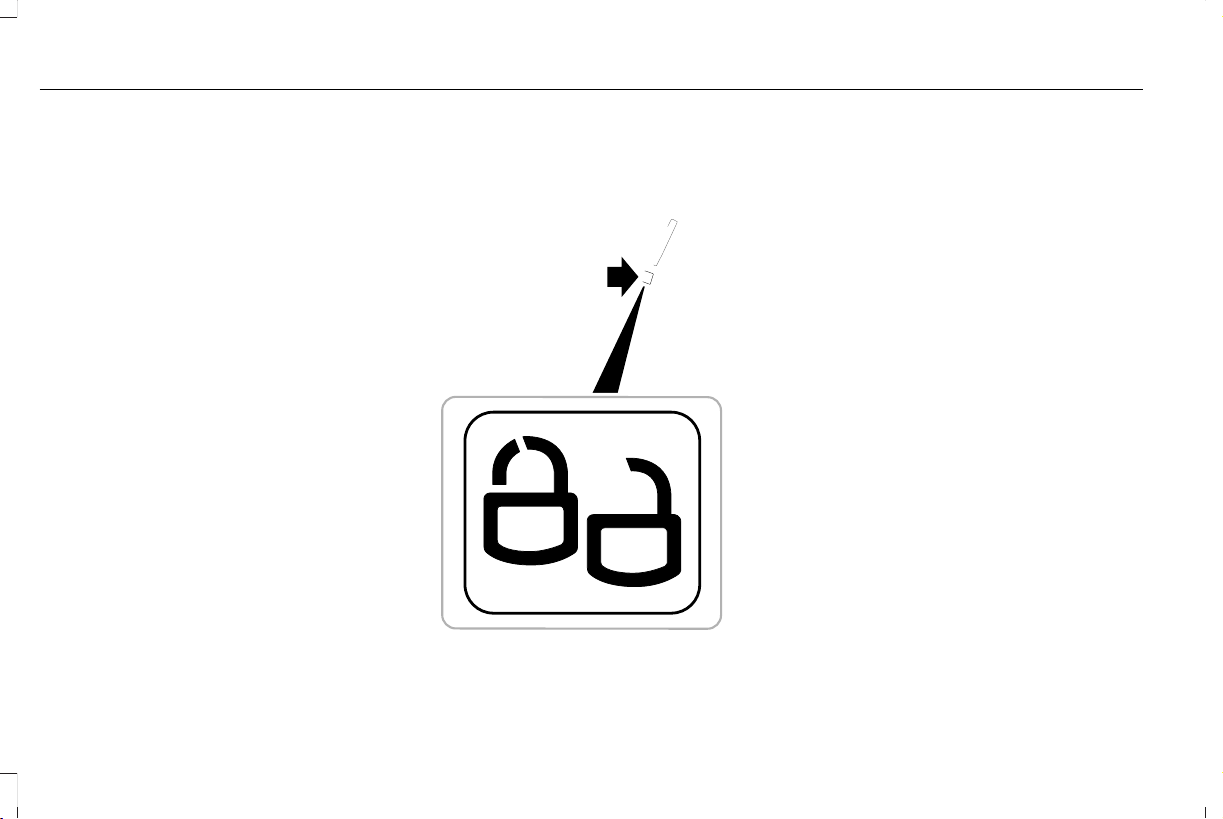
Electronic door handles are on each door.
Gently depress the switch inside the exterior
door handle to unlock and open the door.
An unlock symbol illuminates on the door
window trim indicating your vehicle is
unlocked.
E295770
Locking sensors are on both front doors.
When the intelligent access key is within 3 ft
(1 m) of your vehicle you can lock your
vehicle by touching the locking sensor below
the keyless entry keypad. Doing so causes
a lock symbol to illuminate on the door
window trim indicating your vehicle is locked
and you can no longer release the door using
the exterior door handle switches. Touching
the locking sensor when the intelligent
access key is not within 3 ft (1 m) causes the
lock status to display, but does not lock the
doors.
Swipe across the locking sensor to display
the current lock status of your vehicle. The
lock status also displays when you open a
door or when the lock status changes.
Note: You cannot use the locking sensors
to unlock your vehicle.
76
Aviator (CTV) Canada/United States of America, enUSA, Edition date: 201902, First-Printing
Doors and Locks
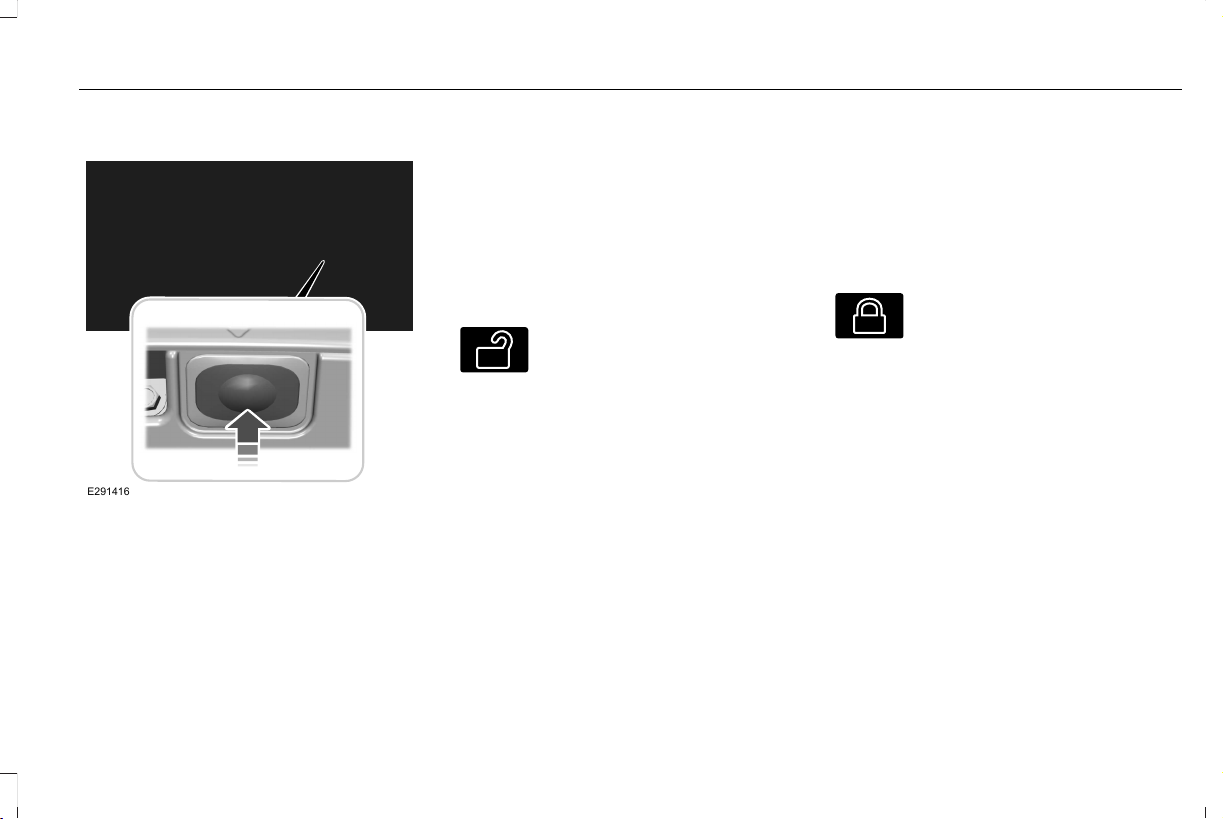
At the Luggage Compartment
E291416
Press the exterior release button.
Remote Control
You can use the remote control at any time.
When you press the lock button on the
remote control, all exterior door handle
switches do not release the doors. When you
press the unlock button, all exterior door
handle switches release the doors.
Unlocking the Doors
E138629
Press the button. The direction
indicators flash. You can then use
the exterior door handle switch to
unlock the door.
Press and hold both the lock and unlock
buttons on the remote control for three
seconds to change between driver door or
all doors unlock mode. The direction
indicators flash twice to confirm the change.
Driver door mode only unlocks the driver
door when you press the unlock button
once. All door mode unlocks all doors when
you press the unlock button once. The
unlocking mode applies to the remote
control, keyless entry keypad and intelligent
access. You can also change between the
unlocking modes using the information
display. See General Information (page 127).
Locking the Doors
E138623
Press the button. The direction
indicators flash. You can no longer
use the exterior door handle switch
to release the door.
Press the button again within three seconds
to confirm that all the doors are closed. A
tone sounds and the direction indicators
flash if all the doors and the luggage
compartment are closed.
Mislock
If any door is open, or if the luggage
compartment or hood is open, a tone sounds
and the direction indicators do not flash. The
exterior lock status display also flashes if any
door does not lock. You can switch this
feature on or off in the information display.
See General Information (page 127).
77
Aviator (CTV) Canada/United States of America, enUSA, Edition date: 201902, First-Printing
Doors and Locks
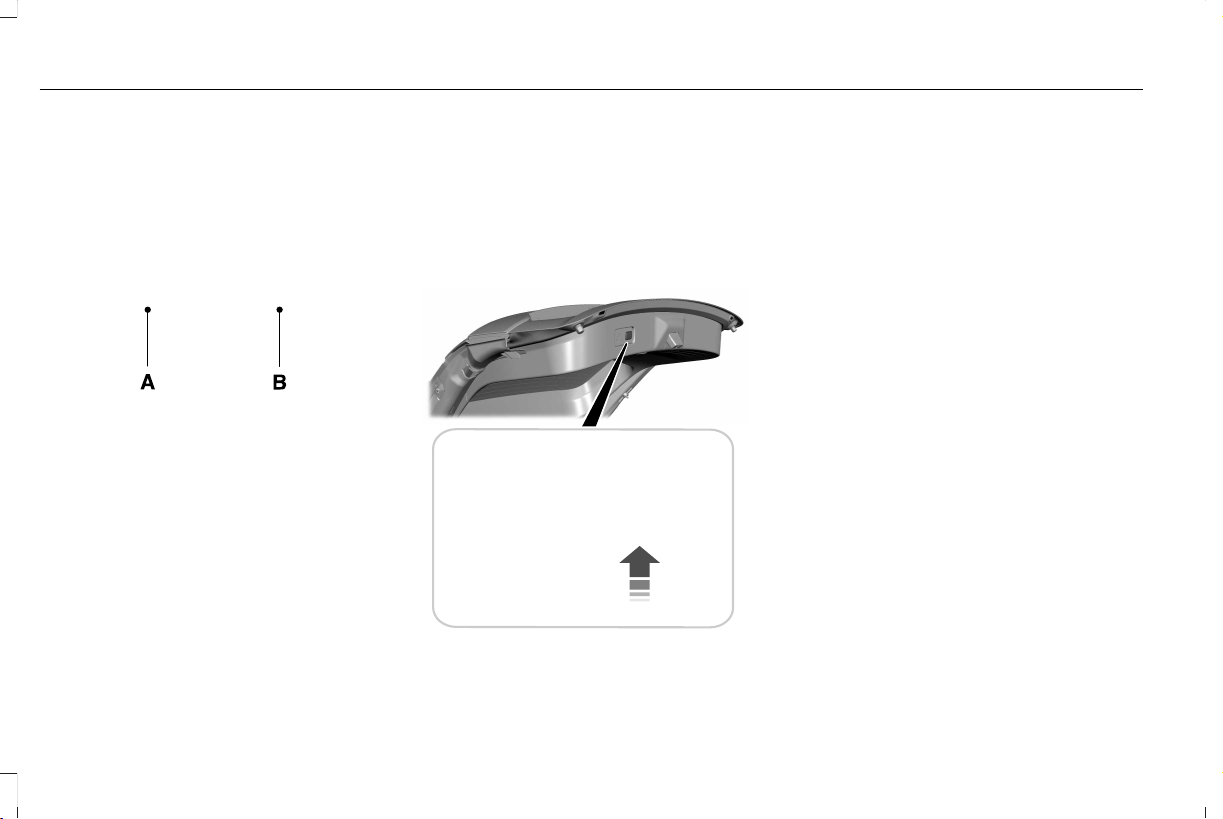
Locking and Unlocking the Doors From
Inside
E295772
Unlock.A
Lock.B
Locking the Doors
Press the lock switch on the door interior trim
panel. The doors can no longer be released
using the exterior door handle switches and
the luggage compartment locks.
Unlocking the Doors
Press the unlock switch on the door interior
trim panel. The doors can then be released
using the exterior door handle switches.
Locking the Doors From the Luggage
Compartment
E295920
Press the lock switch on the liftgate on the
left-hand side. The doors can no longer be
released using the exterior door handle
switches and the luggage compartment
locks.
Emergency Locking
Each door has a backup power system which
allows the door to function if your vehicle
has no power. The system has a limited
number of operations before the power is
depleted and turns off. When the system
turns off, the door remains open and
unlatched and does not close.
If your vehicle has no power and the backup
power system is turned off, you can close
and secure your vehicle by manually
resetting each door latch using a key in the
position shown.
78
Aviator (CTV) Canada/United States of America, enUSA, Edition date: 201902, First-Printing
Doors and Locks
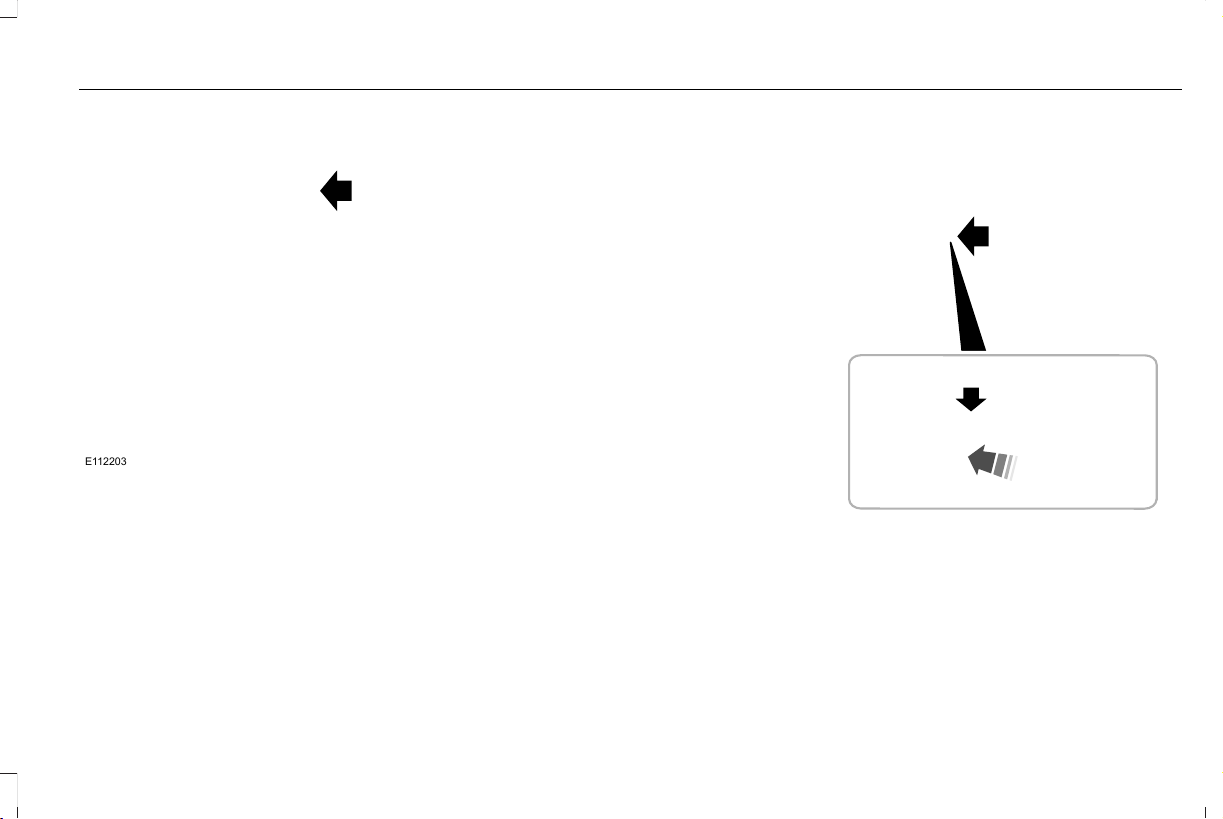
E112203
Left-Hand Side
Turn clockwise to reset the latch.
Right-Hand Side
Turn counterclockwise to reset the latch.
When you have reset the latch, you are then
able to fully close and latch the door.
Note: You cannot open the door again until
the vehicle battery is fully charged and
operational.
Unlatching the Driver Door with the
Key Blade
If your vehicle has no power and the backup
power system is turned off, you can manually
unlatch the driver door using a key in the
position shown.
E295771
1. Remove the key blade from the
transmitter.
2. Insert the key blade into the lock cylinder.
3. Turn the key clockwise to unlatch the
driver door.
Note: All other doors remain locked.
79
Aviator (CTV) Canada/United States of America, enUSA, Edition date: 201902, First-Printing
Doors and Locks

Smart Unlocks for Intelligent Access
Keys
This feature helps to prevent you from
locking your intelligent access key inside
your vehicle’s passenger compartment or
rear cargo area.
When you electronically lock your vehicle
with any door open, the transmission is in
park (P) and the ignition is off, the system
searches for an intelligent access key inside
your vehicle after you close the last door. If
the system finds a key, all of the doors will
immediately unlock and the horn will sound
twice, indicating that a key is inside.
You can override the smart unlock feature
and intentionally lock the intelligent access
key inside your vehicle.
To do this, lock your vehicle after you have
closed all the doors by:
• Using the keyless entry keypad.
• Pressing the lock button on another
intelligent access key.
• Touching the locking sensor on the door
window trim with another intelligent
access key in your hand.
When you open one of the front doors and
lock your vehicle using the power door lock
control, all doors will lock then unlock if:
• The ignition is on.
• The ignition is off and the transmission
is not in park (P).
Autolock (If Equipped)
Autolock locks all the doors when:
• All doors are closed.
• The ignition is on.
• You shift into any gear putting your
vehicle in motion.
• Your vehicle reaches a speed greater
than 12 mph (20 km/h).
Autolock repeats when:
• You open then close any door while the
ignition is on and your vehicle speed is
9 mph (15 km/h) or lower.
• Your vehicle reaches a speed greater
than 12 mph (20 km/h).
Autounlock
Autounlock unlocks all the doors when:
• The ignition is on, all the doors are
closed, and your vehicle has been
moving at a speed greater than 12 mph
(20 km/h).
• Your vehicle comes to a stop and you
switch the ignition off or to the accessory
position.
• You open the driver door within 10
minutes of switching the ignition off or to
accessory.
Note: The doors do not autounlock if you
electronically lock your vehicle after you
switch the ignition off and before you open
the driver door.
Enabling or Disabling Autounlock
You can enable or disable the autounlock
feature in the information display or an
authorized dealer can do it for you. See
General Information (page 127).
80
Aviator (CTV) Canada/United States of America, enUSA, Edition date: 201902, First-Printing
Doors and Locks
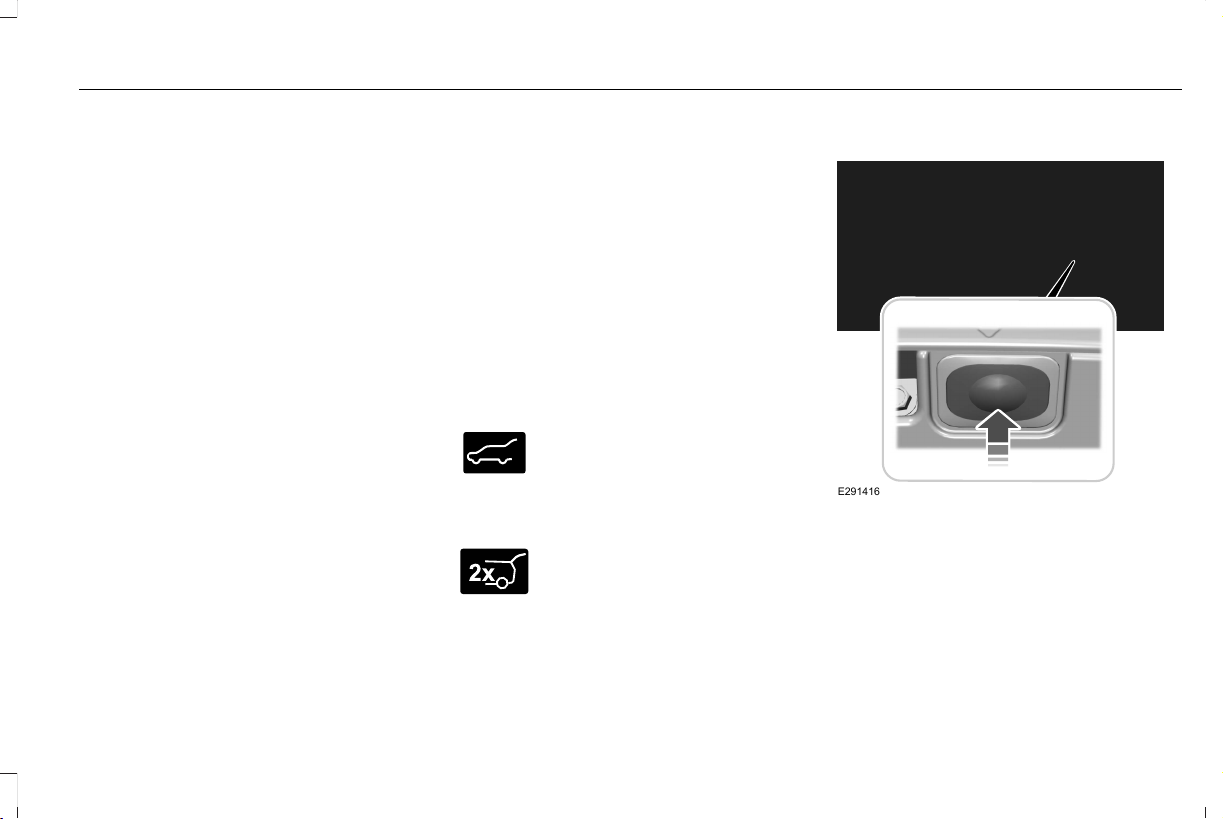
Illuminated Entry
The interior lamps and some exterior lamps
illuminate when you unlock the doors with
the remote control.
The illuminated entry system turns off the
lights if:
• The ignition is on.
• You press the remote control lock button.
• After 25 seconds of illumination.
The lights do not turn off if:
• You turn them on with the lamp control.
• Any door is open.
Illuminated Exit
The interior lamps and some exterior lamps
illuminate when all doors are closed and you
switch the ignition off.
The lamps turn off if all the doors remain
closed and:
• 25 seconds have elapsed.
• You press the push button ignition
switch.
Battery Saver
If you leave the courtesy lamps, interior
lamps or headlamps on, the battery saver
shuts them off 10 minutes after you switch
the ignition off.
Battery Saver for Intelligent Access Keys
If you leave the ignition switched on, it shuts
off when it detects a certain amount of
battery drain, or after 45 minutes.
Opening the Luggage Compartment
From Inside Your Vehicle
E138633
Press the button on the instrument
panel to open the luggage
compartment.
With the Remote Control
E267940
Press twice within three seconds
to open the luggage compartment.
From Outside Your Vehicle
E291416
Press the exterior release button. Your
vehicle must be unlocked or have an
intelligent access key within 3 ft (1 m) of the
luggage compartment.
81
Aviator (CTV) Canada/United States of America, enUSA, Edition date: 201902, First-Printing
Doors and Locks
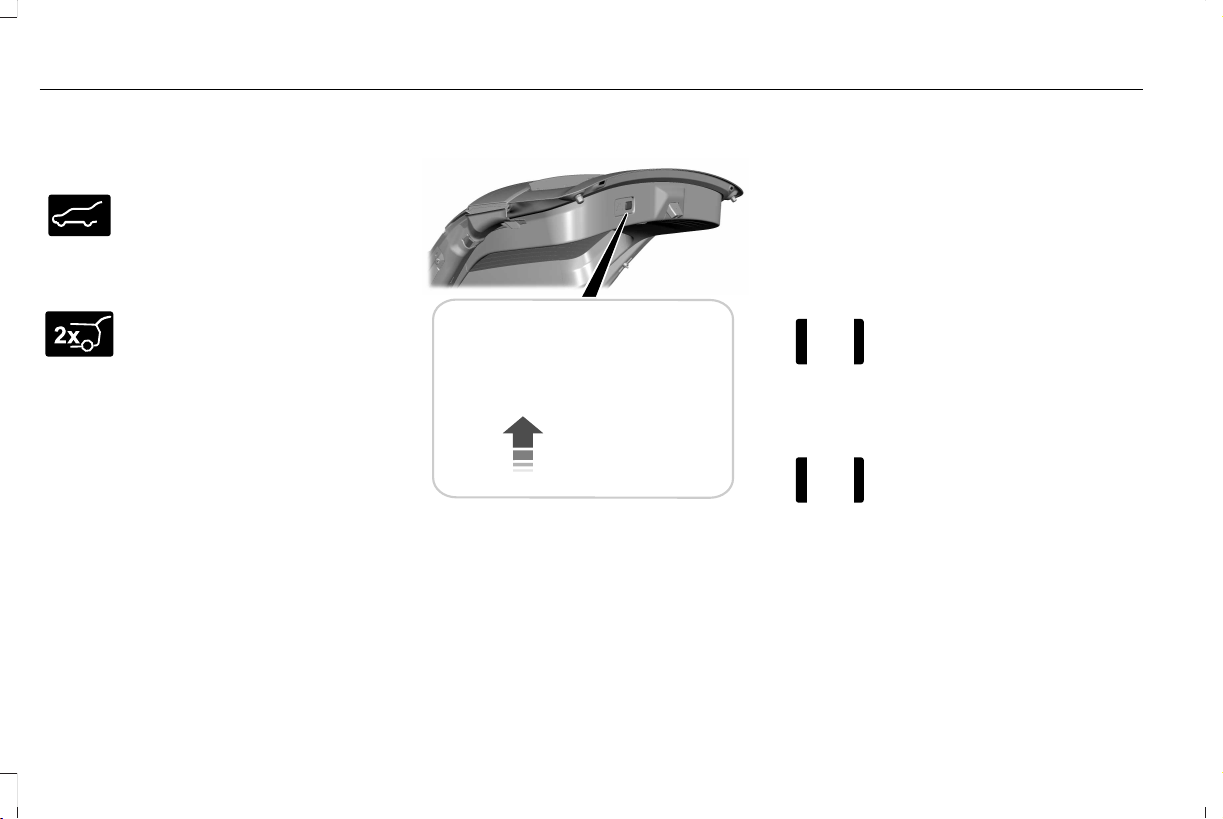
Closing the Luggage Compartment
From Inside Your Vehicle
E138633
Press the button on the instrument
panel to close the luggage
compartment.
With the Remote Control
E267940
Press twice within three seconds
to close the luggage compartment.
From Outside Your Vehicle
E295919
Press the button inside the liftgate on the
left-hand side.
OPENING THE DOORS
Note: When your vehicle reaches a speed
greater than 2 mph (3 km/h), you will only be
able to release the door by pressing the
unlock button and then door release button
within two seconds.
Front Doors
E232417
Press the door release button on
the arm rest to release the door.
Push the door out to open the
door.
Rear Doors
E232417
Press the unlock switch on the
door and then press the door
release button on the arm rest to
release the door. The first press unlocks the
door and the second press unlatches the
door. Push the door out to open the door.
82
Aviator (CTV) Canada/United States of America, enUSA, Edition date: 201902, First-Printing
Doors and Locks
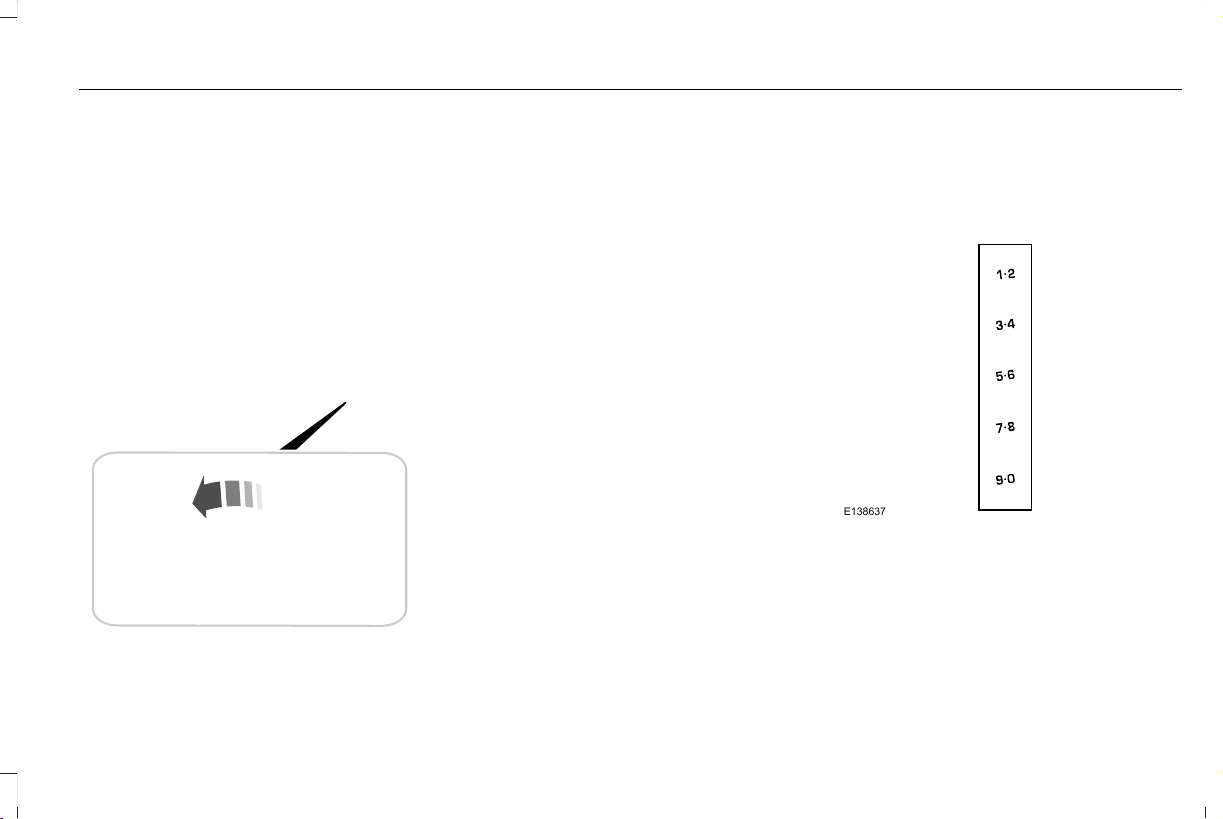
EMERGENCY DOOR RELEASE
E295773
If you are inside your vehicle and unable to
use the electronic door system, you can
open the driver door using the emergency
door release switch in the map pocket.
SOFT CLOSING DOOR
Gently close the door until it fully latches.
The system automatically closes the door,
making sure it is fully secure.
Note: The system does not work if the
vehicle battery charge is low.
Note: The system is limited to 25 cycles
between each ignition cycle. This is to
prevent the vehicle battery from losing
charge.
Note: You can override soft close by fully
closing the door manually.
KEYLESS ENTRY
SECURICODE™ Keyless Entry Keypad
The keypad is near the driver window. It
illuminates when touched.
Note: If you enter your entry code too fast
on the keypad, the unlock function may not
work. Enter your entry code again more
slowly.
E138637
You can use the keypad to do the following:
• Lock or unlock the doors.
• Program and erase user codes.
• Arm and disarm the anti-theft alarm.
83
Aviator (CTV) Canada/United States of America, enUSA, Edition date: 201902, First-Printing
Doors and Locks

You can operate the keypad with the
factory-set five-digit entry code. The code
is on the owner's wallet card in the glove box
and is available from an authorized dealer.
You can also program up to five of your own
five-digit personal entry codes.
Programming a Personal Entry Code
1. Enter the factory-set five-digit code.
2. Press 1·2 on the keypad within five
seconds.
3. Enter your personal five-digit code. You
must enter each number within five
seconds of each other.
4. Press 1·2 on the keypad to save personal
code 1.
The doors lock then unlock to confirm that
programming was successful.
To program additional personal entry codes,
repeat steps 1 through 3, then for step 4:
• Press 3·4 to save personal code 2.
• Press 5·6 to save personal code 3.
• Press 7·8 to save personal code 4.
• Press 9·0 to save personal code 5.
Hints:
• Do not set a code that uses five of the
same number.
• Do not use five numbers in sequential
order.
• The factory-set code works even if you
have set your own personal code.
Erasing a Personal Code
1. Enter the factory-set five-digit code.
2. Press and release 1·2 on the keypad
within five seconds.
3. Press and hold 1·2 for two seconds. You
must do this within five seconds of
completing step 2.
All personal codes erase and only the
factory-set five-digit code works.
Anti-Scan Feature
The keypad goes into an anti-scan mode if
you enter the wrong code seven times. This
mode turns off the keypad for one minute
and the keypad lamp flashes.
The anti-scan feature turns off after any of
the following occur:
• One minute of keypad inactivity.
• You press the unlock button on the
remote control.
• You switch your vehicle on.
• You unlock the vehicle using intelligent
access.
Locking and Unlocking the Doors
Locking All Doors
Press and hold 7·8 and 9·0 on the keypad
simultaneously with the driver door closed.
You do not need to enter a code first.
Unlocking All Doors
Enter the factory-set code or your personal
code, then press 3·4 on the keypad within
five seconds.
Unlocking Only the Driver Door
Enter the factory-set or your personal
five-digit code. You must press each number
within five seconds of each other. The
interior lamps illuminate.
84
Aviator (CTV) Canada/United States of America, enUSA, Edition date: 201902, First-Printing
Doors and Locks


POWER LIFTGATE
WARNING: It is extremely dangerous
to ride in a cargo area, inside or outside of
a vehicle. In a crash, people riding in these
areas are more likely to be seriously
injured or killed. Do not allow people to
ride in any area of your vehicle that is not
equipped with seats and seatbelts. Make
sure everyone in your vehicle is in a seat
and properly using a seatbelt. Failure to
follow this warning could result in serious
personal injury or death.
WARNING: Make sure that you fully
close the liftgate to prevent exhaust fumes
from entering your vehicle. If you are
unable to fully close the liftgate, open the
air vents or the windows to allow fresh air
to enter your vehicle. Failure to follow this
instruction could result in personal injury
or death.
WARNING: Keep keys out of reach
of children. Do not allow children to
operate or play near an open or moving
power liftgate. You should supervise the
operation of the power liftgate at all times.
Note: Make sure that you close the liftgate
before operating or moving your vehicle,
especially in an enclosure, like a garage or
a parking structure. This could damage the
liftgate and its components.
Note: Do not hang anything, for example a
bike rack, from the glass or liftgate. This
could damage the liftgate and its
components.
The liftgate only operates with the
transmission in park (P).
If there is a problem with the open or close
request, a tone sounds for one of the
following reasons:
• The ignition is on and the transmission
is not in park (P).
• The battery voltage is below the
minimum operating voltage.
• The liftgate is not fully closed and your
vehicle speed is at or above 3 mph
(5 km/h).
If the liftgate starts to close after it has fully
opened, this indicates there may be
excessive weight on the liftgate or a possible
strut failure. A repetitive tone sounds and
the liftgate closes under control. If the liftgate
continues to close after opening, have the
system checked by an authorized dealer.
Remove any excessive weight from the
liftgate.
Opening and Closing the Liftgate
WARNING: Make sure all persons
are clear of the power liftgate area before
using the power liftgate control.
86
Aviator (CTV) Canada/United States of America, enUSA, Edition date: 201902, First-Printing
Liftgate
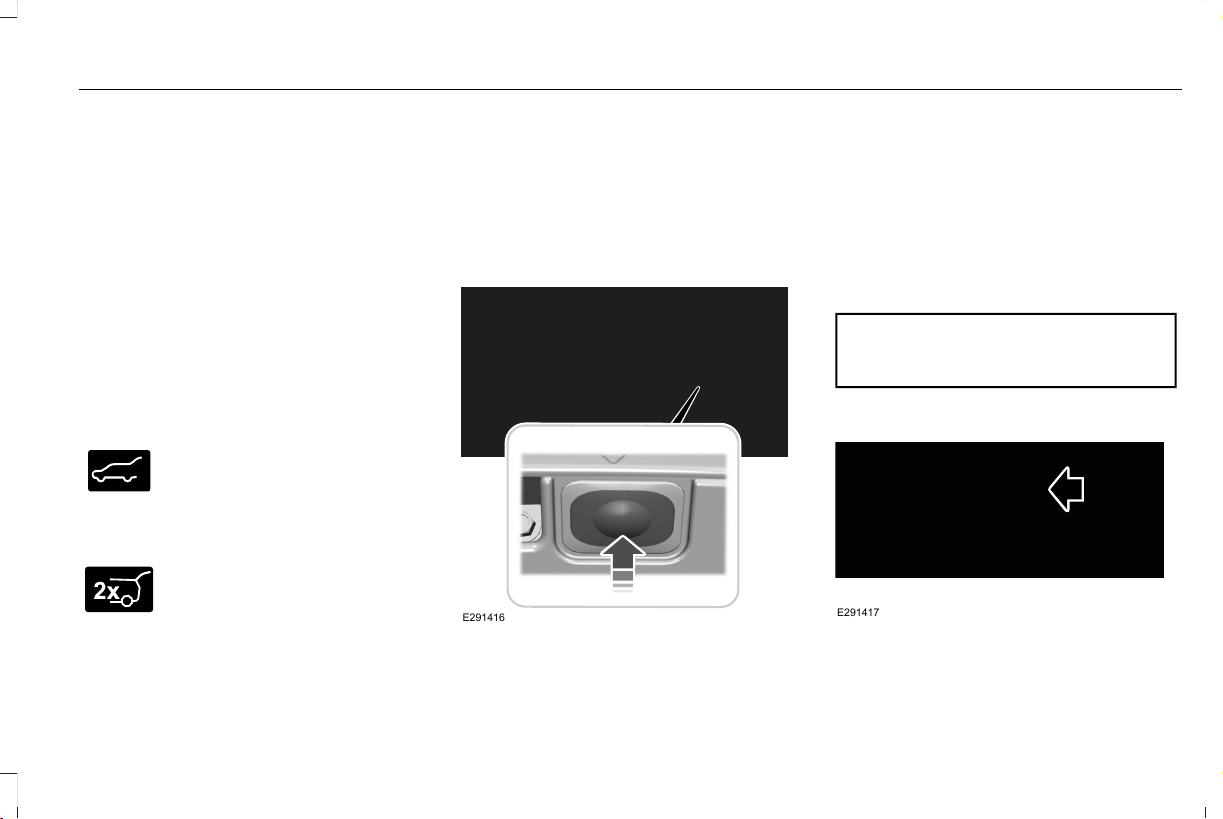
Note: Make sure the area behind your
vehicle is free from obstruction and that
there is enough room for you to operate the
liftgate. Make sure the area behind your
vehicle is free from obstruction and that
there is enough room for you to operate the
liftgate.
Note: Be careful when opening or closing
the liftgate in a garage or other enclosed
area to avoid damaging the liftgate.
Note: Do not leave the liftgate open when
you are driving. This could damage the
liftgate and its components.
Opening From the Instrument Panel
E138633
With the transmission in park (P),
press the button on the instrument
panel.
Opening with the Remote Control
E267940
Press the button twice within three
seconds.
Opening with the Outside Control Button
1. Unlock the liftgate with the remote
control or power door unlock control. If
an intelligent access key is within 3 ft
(1 m) of the liftgate, the liftgate unlocks
when you press the liftgate release
button.
E291416
2. Press the control button to the right of
the rear view camera.
Note: Allow the power system to open the
liftgate. Manually pushing or pulling the
liftgate may activate the system’s obstacle
detection feature and stop the power
operation or reverse its direction, replicate
a strut failure, or damage mechanical
components.
Closing the Liftgate
WARNING: Keep clear of the liftgate
when using the rear switch.
E291417
Press and release the liftgate button.
87
Aviator (CTV) Canada/United States of America, enUSA, Edition date: 201902, First-Printing
Liftgate

Stopping the Liftgate Movement
Note: Do not apply sudden excessive force
to the liftgate while it is in motion. This could
damage the power liftgate and its
components.
You can stop the liftgate movement by doing
any of the following:
• Pressing the liftgate control button.
• Pressing the liftgate button on the remote
control twice.
• Pressing the liftgate button on the
instrument panel.
• Moving your foot under and away from
the center rear bumper in a single-kick
motion.*
*This method only works for vehicles with
the hands-free liftgate feature.
Setting the Liftgate Open Height
1. Open the liftgate.
2. Stop the liftgate movement by pressing
the control button on the liftgate when it
reaches the desired height.
Note: Once the liftgate has stopped moving,
you can also manually move it to the desired
height.
3. Press and hold the liftgate control button
on the liftgate until you hear a tone,
indicating programming is complete.
Note: You can only use the liftgate control
button to program the height.
Note: You cannot program the height if the
liftgate position is too low.
The new open liftgate height is recalled
when the power liftgate is opened. To
change the programmed height, repeat the
above procedure. Once you open the power
liftgate, you can manually move it to a
different height.
Note: The system recalls the new
programmed height until you reprogram it,
even if you disconnect the battery.
When operating the power liftgate after you
have programmed a lower height than fully
open, you can fully open the liftgate by
manually pushing it upward to the maximum
open position.
Obstacle Detection
Note: Entering your vehicle while the liftgate
is closing can cause your vehicle to bounce
and activate obstacle detection. To prevent
this, let the power liftgate close completely
before you enter your vehicle. Before driving
off, check the instrument cluster for a liftgate
or door ajar message or warning indicator.
Failure to do this could result in
unintentionally leaving the liftgate open
while driving.
When Closing
The system stops when it detects an
obstacle. A tone sounds and the system
reverses to open. Once you remove the
obstacle, you can power close the liftgate.
When Opening
The system stops when it detects an
obstacle and a tone sounds. Once you
remove the obstacle, you can continue to
operate the liftgate.
88
Aviator (CTV) Canada/United States of America, enUSA, Edition date: 201902, First-Printing
Liftgate
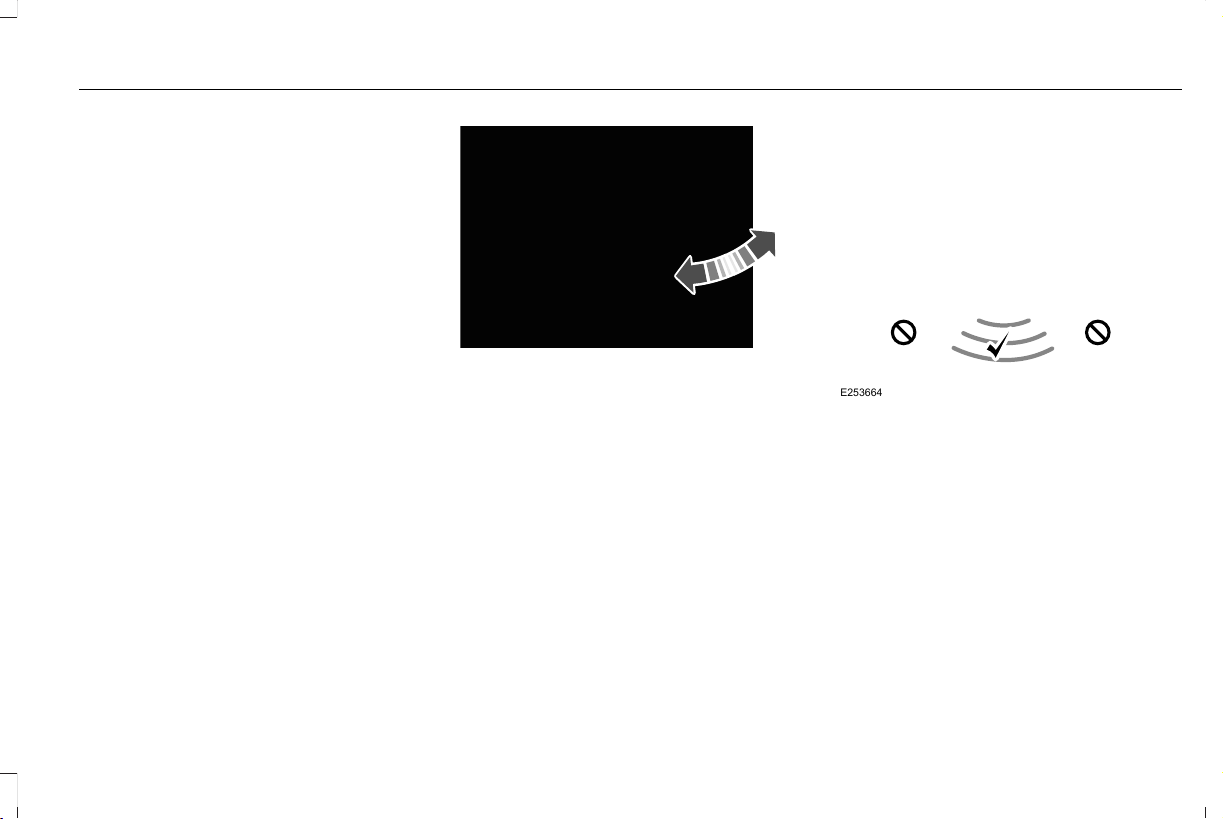
Switching the Power Liftgate On or Off
You can switch the power liftgate on or off
through the vehicle settings on your
touchscreen.
When switched off, the liftgate only unlatches
and will not power open or close.
Hands-Free Feature (If Equipped)
Make sure you have the intelligent access
remote within 3 ft (1 m) of the liftgate.
1. Stand behind your vehicle, and face the
liftgate.
2. Move your foot, in a single-kick motion,
without pausing, under and away from
the rear bumper detection area.
E300799
3. The liftgate opens or closes.
Avoid the following actions when using the
hands-free opening feature:
• Making physical contact with the bumper.
• Holding your foot under the bumper.
• Sweeping your foot from side to side, or
kicking at an odd angle.
Detection zones
Vehicles Without a Trailer Hitch
E253664
The detection area is in the center of the rear
bumper.
89
Aviator (CTV) Canada/United States of America, enUSA, Edition date: 201902, First-Printing
Liftgate

Vehicles With a Trailer Hitch
E253799
The detection area is on the left-hand side
and right-hand side of the hitch, between the
exhaust and the hitch.
Note: Allow the power system to open the
liftgate. Manually pushing or pulling the
liftgate may activate the system’s obstacle
detection feature and stop the power
operation or reverse its direction, replicate
a strut failure, or damage mechanical
components.
Note: Splashing water may cause the
hands-free liftgate to open. Keep the
intelligent access remote away from the rear
bumper detection area when you wash your
vehicle.
90
Aviator (CTV) Canada/United States of America, enUSA, Edition date: 201902, First-Printing
Liftgate

PASSIVE ANTI-THEFT SYSTEM
Note: The system is not compatible with
non-Ford aftermarket remote start systems.
Use of these systems may result in vehicle
starting problems and a loss of security
protection.
Note: Metallic objects, electronic devices or
a second coded key on the same key chain
may cause vehicle starting problems if they
are too close to the key when starting the
engine. Prevent these objects from touching
the coded key while starting the engine.
Switch the ignition off, move all objects on
the key chain away from the coded key and
restart the engine if a problem occurs.
Note: Do not leave a duplicate coded key
in the vehicle. Always take your keys and
lock all doors when leaving the vehicle.
SecuriLock®
The system is an engine immobilization
system. It is designed to help prevent the
engine from being started unless a coded
key programmed to your vehicle is used.
Using the wrong key may prevent the engine
from starting. A message may appear in the
information display.
If you are unable to start the engine with a
correctly coded key, a malfunction has
happened and a message may appear in the
information display.
Automatic Arming
The vehicle arms immediately after you
switch the ignition off.
Automatic Disarming
Switching the ignition on with a coded key
disarms the vehicle.
Replacement Keys
Note: Your vehicle comes equipped with two
intelligent access keys.
The intelligent access key functions as a
programmed key that operates the driver
door lock and activates the intelligent access
with push button start system, as well as a
remote control.
If your programmed transmitters are lost or
stolen and you do not have an extra coded
key, you will need to have your vehicle
towed to an authorized dealer. You need to
erase the key codes from your vehicle and
program new coded keys.
Store an extra programmed key away from
the vehicle in a safe place to help prevent
any inconveniences. See your authorized
dealer to purchase additional spare or
replacement keys.
Programming a Spare Intelligent Access
Key
See your authorized dealer to have
additional keys programmed to your vehicle.
91
Aviator (CTV) Canada/United States of America, enUSA, Edition date: 201902, First-Printing
Security

ANTI-THEFT ALARM
The active anti-theft system is designed to
warn you in the event of unauthorized
vehicle entry and is also designed to help
prevent unwanted towing of your vehicle.
You can choose what is monitored by arming
the system in different ways. See
Information Displays (page 127).
The direction indicators flash and the horn
sounds if the system triggers while the alarm
is armed.
Take all remote controls to an authorized
dealer if there is any potential alarm problem
with your vehicle.
Using the System
You can select two levels of alarm security.
You can change the level of security when
the ignition is switched off through the
information display with the two options
below:
Perimeter Sensing (If Equipped)
Perimeter sensing monitors the following:
• Doors.
• Hood.
• Liftgate.
All Sensors (If Equipped)
All sensors monitors the following:
• Doors.
• Hood.
• Liftgate.
• Movement inside your vehicle.
• Change in vehicle inclination, for
example, unwanted towing.
Note: Do not choose all sensors monitor
mode when the vehicle is in transport or if
movement within the vehicle is likely to
occur.
Note: For correct operation of the interior
motion detection system, make sure you
close all the windows prior to arming the
system. This helps prevent accidental alarm
activation due to external influences.
Additionally, the interior motion sensing
system does not arm if any door is ajar.
Arming the Alarm
The alarm is ready to arm when there is not
a key in the ignition. Lock your vehicle using
the remote control or keyless entry keypad.
You can also lock your vehicle using the lock
sensor on the exterior door handle if your
vehicle is equipped with intelligent access.
See Locking and Unlocking (page 75).
The direction indicators flash once after you
lock your vehicle. This indicates the alarm is
in the pre-armed mode. It fully arms after 20
seconds.
92
Aviator (CTV) Canada/United States of America, enUSA, Edition date: 201902, First-Printing
Security

Disarming the Alarm
Disarm the alarm by any of the following
actions:
• Press the power door unlock button
within the 20-second pre-armed mode.
• Unlock the doors with the remote control
or keyless entry keypad. If equipped with
intelligent access, you can use the unlock
sensor on the exterior door handle. See
Locking and Unlocking (page 75).
• Switch the ignition on or start your
vehicle.
• Use a key in the driver door lock cylinder
to unlock your vehicle, then switch the
ignition on within 12 seconds.
Note: Pressing the panic button on the
remote control stops the horn and direction
indicators, but does not disarm the system.
93
Aviator (CTV) Canada/United States of America, enUSA, Edition date: 201902, First-Printing
Security
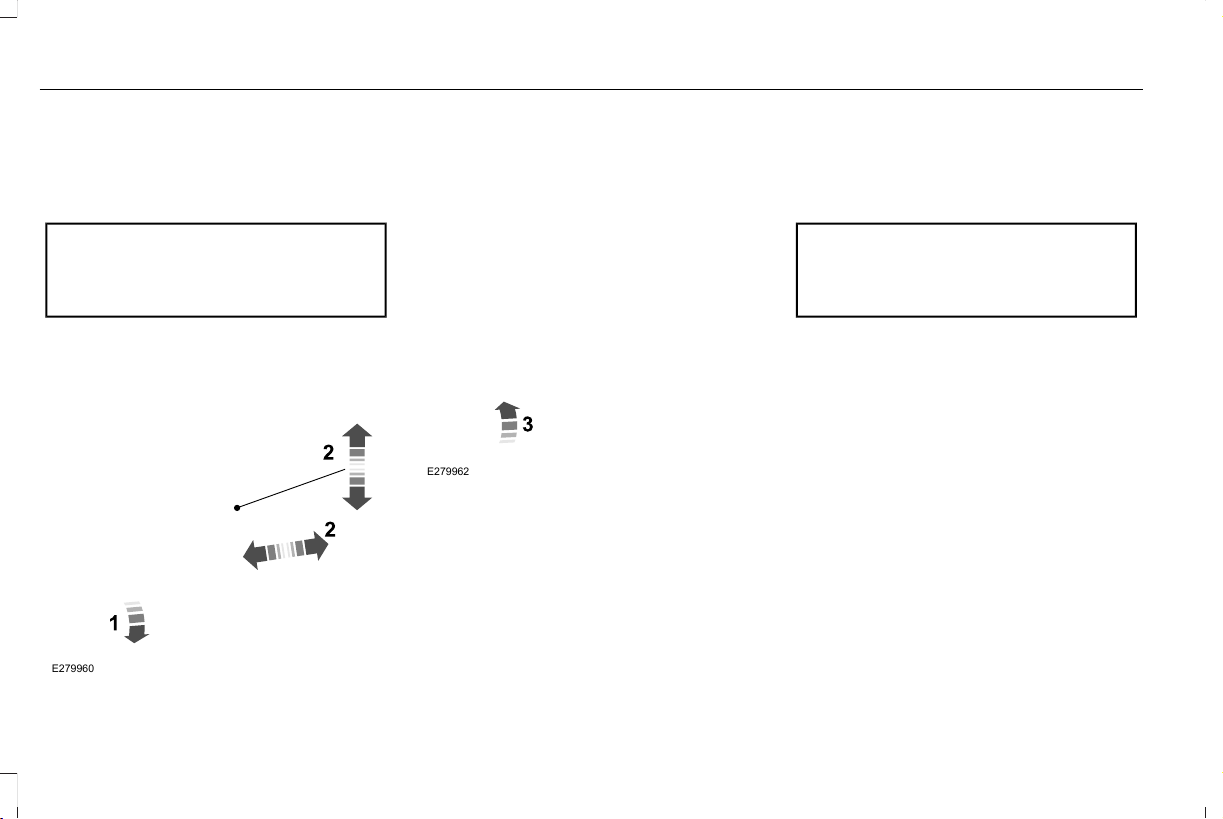
ADJUSTING THE STEERING WHEEL
- VEHICLES WITH: MANUAL
ADJUSTABLE STEERING COLUMN
WARNING: Do not adjust the
steering wheel when your vehicle is
moving.
Note: Make sure that you are sitting in the
correct position. See Sitting in the Correct
Position (page 167).
E279960
1. Unlock the steering column.
2. Adjust the steering wheel to the desired
position.
E279962
3. Lock the steering column.
ADJUSTING THE STEERING WHEEL
- VEHICLES WITH: POWER
ADJUSTABLE STEERING COLUMN
WARNING: Do not adjust the
steering wheel when your vehicle is
moving.
Note: Make sure that you are sitting in the
correct position. See Sitting in the Correct
Position (page 167).
94
Aviator (CTV) Canada/United States of America, enUSA, Edition date: 201902, First-Printing
Steering Wheel
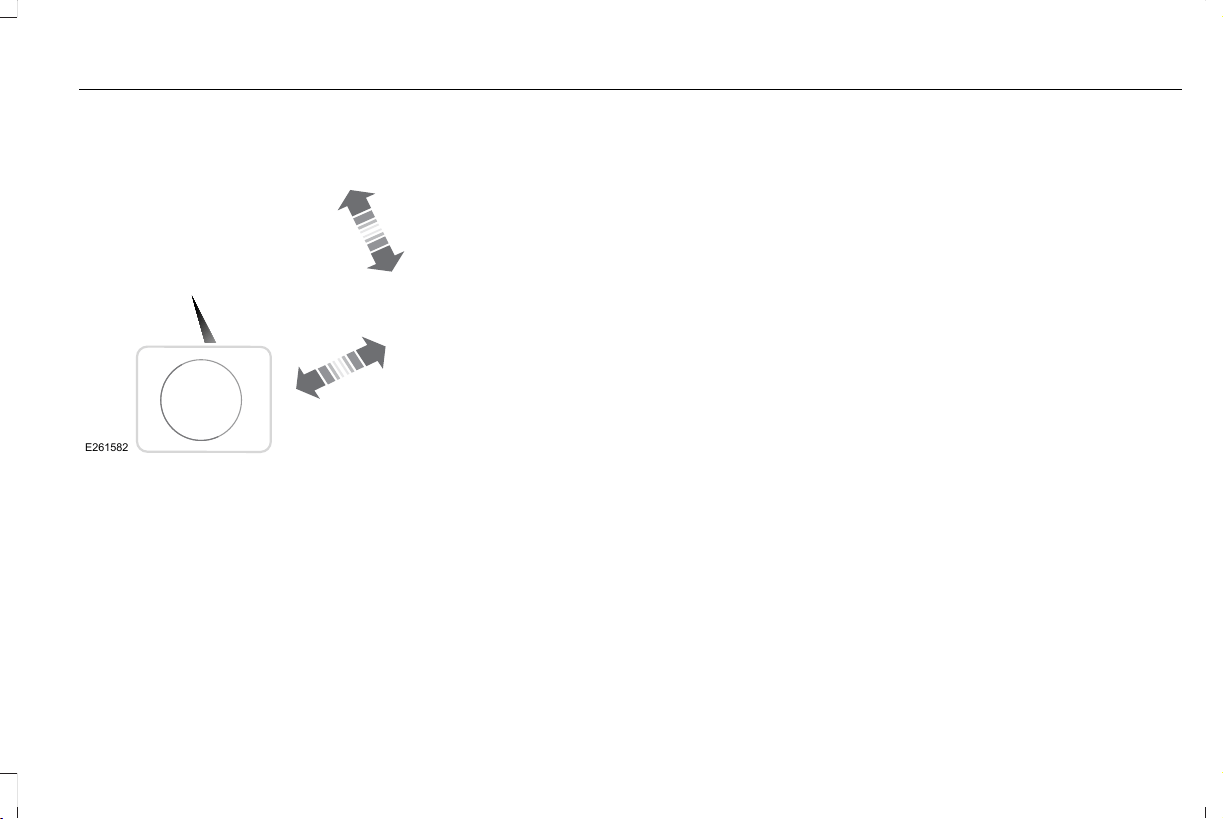
E261582
Use the control on the side of the steering
column to adjust the position.
To adjust:
• Tilt: Press the top or bottom of the
control.
• Telescope: Press the front or rear of the
control.
End of Travel Position
The steering column sets a stopping position
just short of the end of the column position
to prevent damage to the steering column.
A new stopping position sets if the steering
column encounters an object when tilting or
telescoping.
To reset the steering column to its normal
stopping position:
1. Confirm there is nothing obstructing the
motion of the steering column.
2. Press and hold the steering column
control until the steering column stops
moving.
3. Press the steering column control again.
Note: The steering column may begin to
move again.
4. When the steering column stops,
continue holding the control for a few
seconds.
5. Repeat for each direction as necessary.
A new stopping position sets. The next time
you tilt or telescope the steering column, it
stops just short of the end of the column
position.
Memory Feature
You can save and recall the steering column
position with the memory function.
Pressing the adjustment control during a
memory recall cancels the operation.
Easy Entry and Exit Feature
The column moves up when you switch the
ignition off. Switch the ignition on to return
the system to its previous settings. You can
switch this feature on or off through the
touchscreen. See Settings (page 489).
Note: If you press any adjustment or
memory button when in easy exit mode, the
system cancels the operation.
Note: Depending on your vehicle, the column
may move up and in.
95
Aviator (CTV) Canada/United States of America, enUSA, Edition date: 201902, First-Printing
Steering Wheel
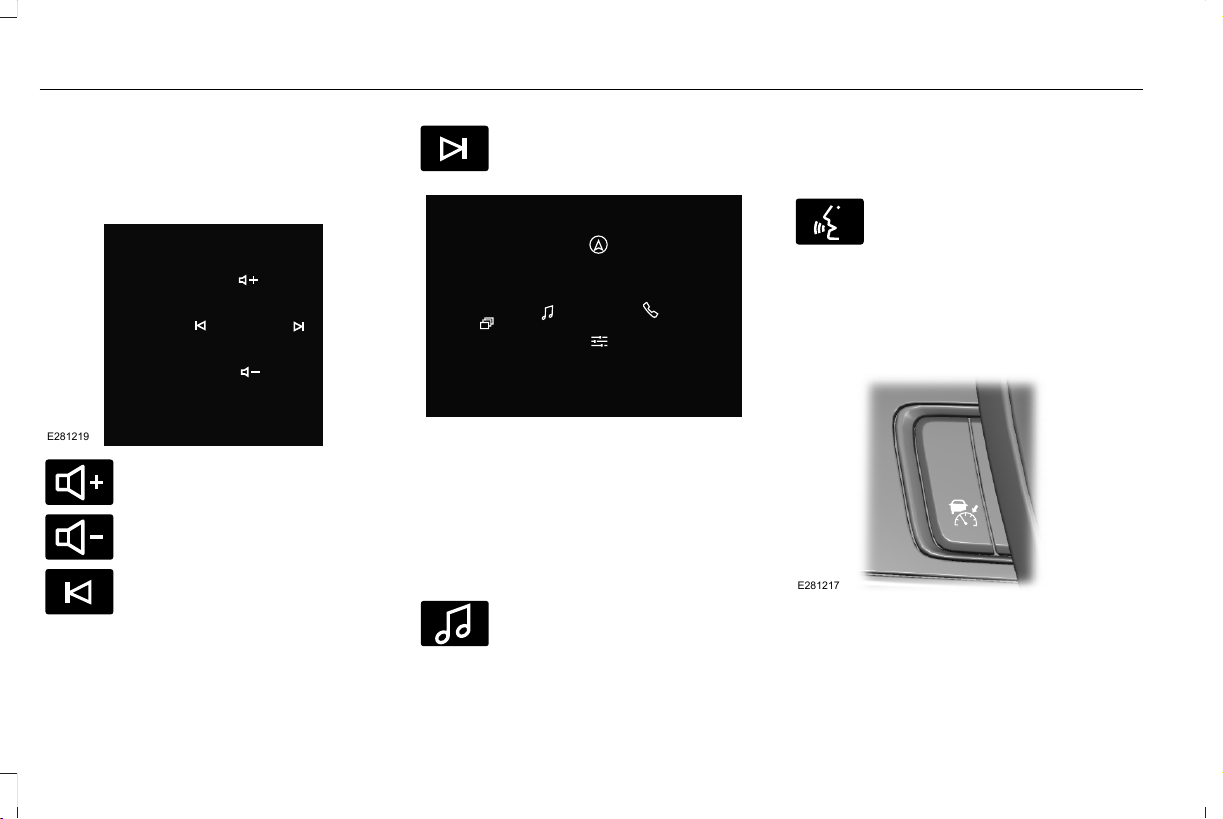
AUDIO CONTROL
You can operate the following
functions with the control:
E281219
E280803
Move the selector switch up to
increase volume level.
E280802
Move the selector switch down to
decrease volume level.
E265045
Move the selector switch to the left
to access the previous media
selection.
E265044
Move the selector switch to the
right to access the next media
selection.
E281220
Note: The controls change when you enter
a submenu.
The following controls are not available when
you enter a submenu:
Move the selector switch to the
right to enter the mode phone
submenu.
E100027
Move the selector switch to the left
to enter the media submenu.
VOICE CONTROL
The controls are on the steering wheel.
E142599
Press and release to activate voice
recognition.
CRUISE CONTROL - VEHICLES
WITH: ADAPTIVE CRUISE
CONTROL WITH LANE CENTERING
E281217
The following controls are only available
when you switch cruise control on:
96
Aviator (CTV) Canada/United States of America, enUSA, Edition date: 201902, First-Printing
Steering Wheel
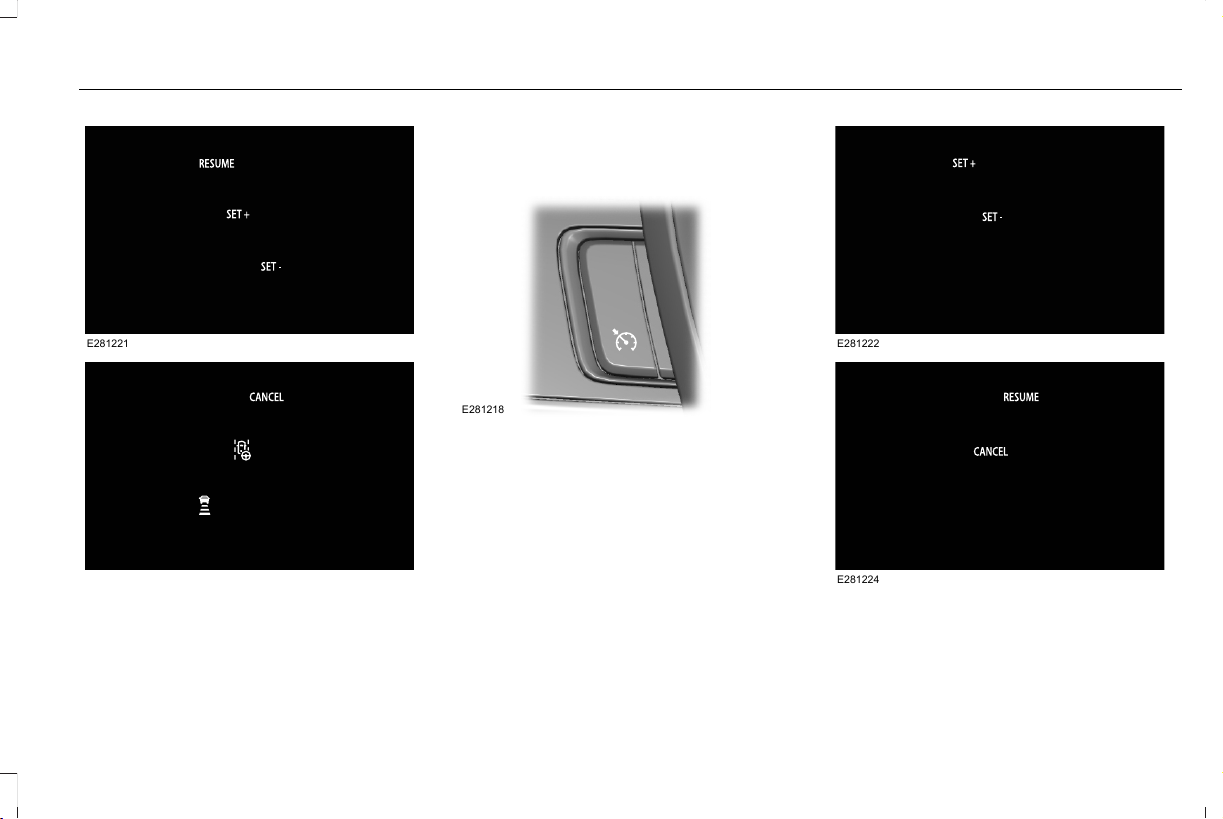
E281221
E281225
See About Adaptive Cruise Control With
Lane Centering (page 264).
CRUISE CONTROL - VEHICLES
WITH: CRUISE CONTROL
E281218
The following controls are only available
when you switch cruise control on:
E281222
E281224
See About Cruise Control (page 262).
97
Aviator (CTV) Canada/United States of America, enUSA, Edition date: 201902, First-Printing
Steering Wheel
INFORMATION DISPLAY CONTROL
E281220
Note: The controls change when you enter
a submenu.
The following controls are only available
once you enter a submenu:
E299701
See General Information (page 127).
HEATED STEERING WHEEL (IF
EQUIPPED)
The heated steering wheel button is on the
climate controls.
Press the button to switch the
heated steering wheel on and off.
Note: You can use the heated steering
wheel only when the engine is running.
Note: The system uses a sensor and is
designed to control the temperature of the
steering wheel and to prevent it from
overheating.
Note: In warm temperatures, the steering
wheel quickly reaches its maximum
temperature and the system reduces the
current to the heating element. This could
cause you to think that the system has
stopped working but it has not. This is
normal.
HORN
E270945
98
Aviator (CTV) Canada/United States of America, enUSA, Edition date: 201902, First-Printing
Steering Wheel
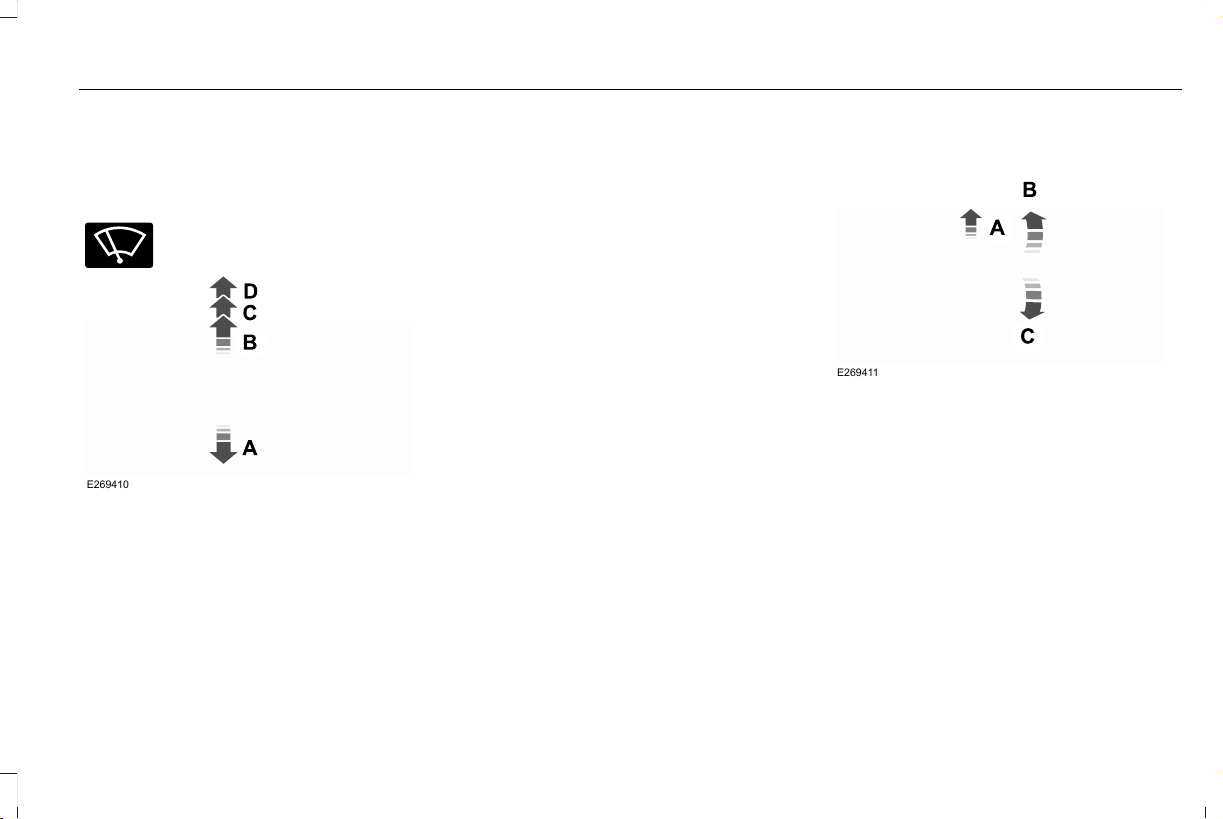
WINDSHIELD WIPERS - VEHICLES
WITHOUT: HEATED WIPER
BLADES
E270969
Push the lever up or down to
operate the windshield wiper.
E269410
Single wipe.A
Intermittent wipe.B
Normal wipe.C
High-speed wipe.D
Note: Fully defrost the windshield before you
switch the windshield wipers on.
Note: Make sure that you switch the
windshield wipers off before entering a car
wash.
Note: If streaks or smears appear on the
windshield, clean the windshield and the
wiper blades. If that does not resolve the
issue, install new wiper blades.
Note: Do not operate the wipers on a dry
windshield. This may scratch the glass,
damage the wiper blades or cause the wiper
motor to burn out. Always use the
windshield washers before wiping a dry
windshield.
Intermittent Wipe
E269411
Intermittent wipeA
Shortest wipe interval.B
Longest wipe interval.C
Use the rotary control to adjust the
intermittent wipe interval.
Speed Dependent Wipers
When your vehicle speed increases, the
interval between wipes decreases.
99
Aviator (CTV) Canada/United States of America, enUSA, Edition date: 201902, First-Printing
Wipers and Washers
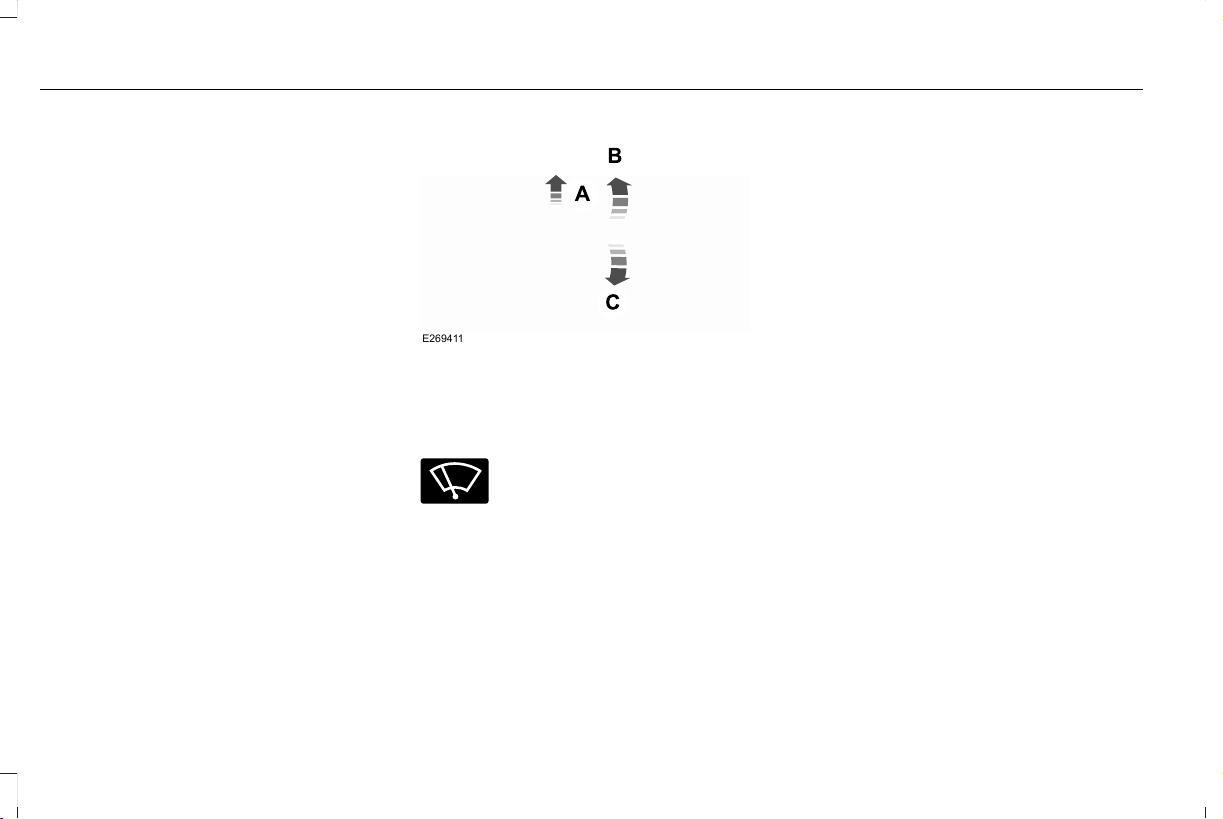
WINDSHIELD WIPERS - VEHICLES
WITH: HEATED WIPER BLADES
Heated Wiper Blade
The heated wiper blades turn on in low
temperature when the windshield wipers are
active or defrost is on. See Automatic
Climate Control (page 157).
Note: In below freezing temperatures, the
heated wiper blades turn on when the wipers
are inactive.
AUTOWIPERS
Wet or winter driving conditions with ice,
snow or salty road mist can cause
inconsistent and unexpected wiping or
smearing.
E269411
Autowipers On.A
High sensitivity.B
Low sensitivity.C
E270969
Use the rotary control to adjust the
sensitivity of the autowipers.
When you select low sensitivity, the wipers
operate when the sensor detects a large
amount of water on the windshield. When
you select high sensitivity, the wipers
operate when the sensor detects a small
amount of water on the windshield.
Keep the outside of the windshield clean.
The rain sensor is very sensitive and the
wipers may operate if dirt, mist or insects hit
the windshield.
In these conditions, you can do the following:
• Lower the sensitivity of the autowipers
to reduce the amount of smearing on the
windshield.
• Switch to normal or high-speed wipe.
• Switch autowipers off.
Note: Fully defrost the windshield before you
switch the windshield wipers on.
Note: Make sure that you switch the
windshield wipers off before entering a car
wash.
Note: If streaks or smears appear on the
windshield, clean the windshield and the
wiper blades. If that does not resolve the
issue, install new wiper blades.
Note: If you switch autolamps and
autowipers on, the headlamps turn on when
the windshield wipers continuously operate.
100
Aviator (CTV) Canada/United States of America, enUSA, Edition date: 201902, First-Printing
Wipers and Washers
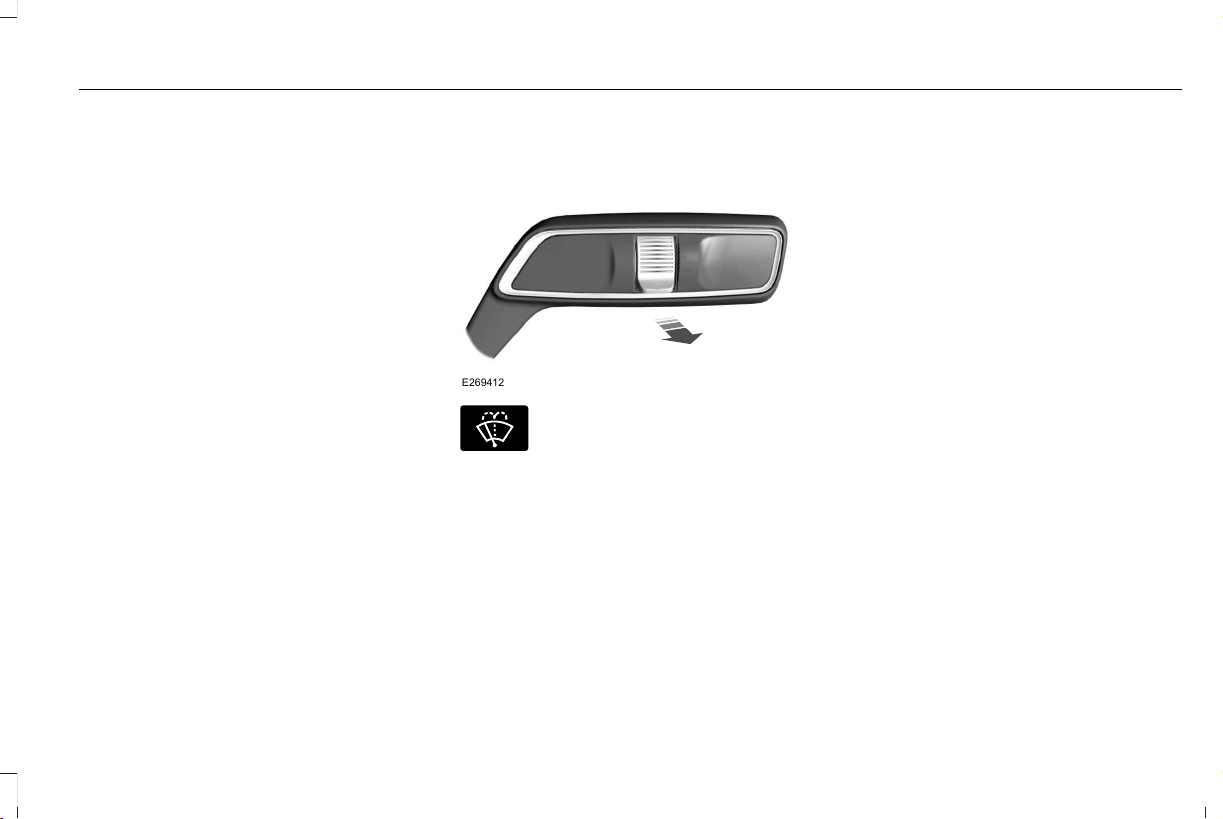
Autowipers Settings
This setting defaults to on and remains on
until you switch it off in the information
display.
When you switch off autowipers, the wipers
operate in intermittent mode.
Low Temperature Wipe Inhibit
The rain sensing feature will not operate
immediately after starting your vehicle when
it is in park (P) and the outside temperature
is below 32°F (0°C). You can switch on the
wipers by adjusting the rain sensor sensitivity
or adjusting the wiper speed.
This prevents damage to the wiper blades
from ice and snow on the windshield.
WINDSHIELD WASHERS
E269412
E270967
Pull the lever toward you to
operate the windshield washers.
When you release the lever, the wipers
operate for a short time. When activated, a
courtesy wipe occurs a short time after the
wipers stop to clear any remaining washer
fluid.
Note: You can switch courtesy wipe on or
off in the information display. See
Information Messages (page 131).
Note: Do not operate the washers when the
washer reservoir is empty. This could cause
the washer pump to overheat.
Front Camera Washer (If Equipped)
Operating the windshield washer also turns
on the front camera washer.
101
Aviator (CTV) Canada/United States of America, enUSA, Edition date: 201902, First-Printing
Wipers and Washers
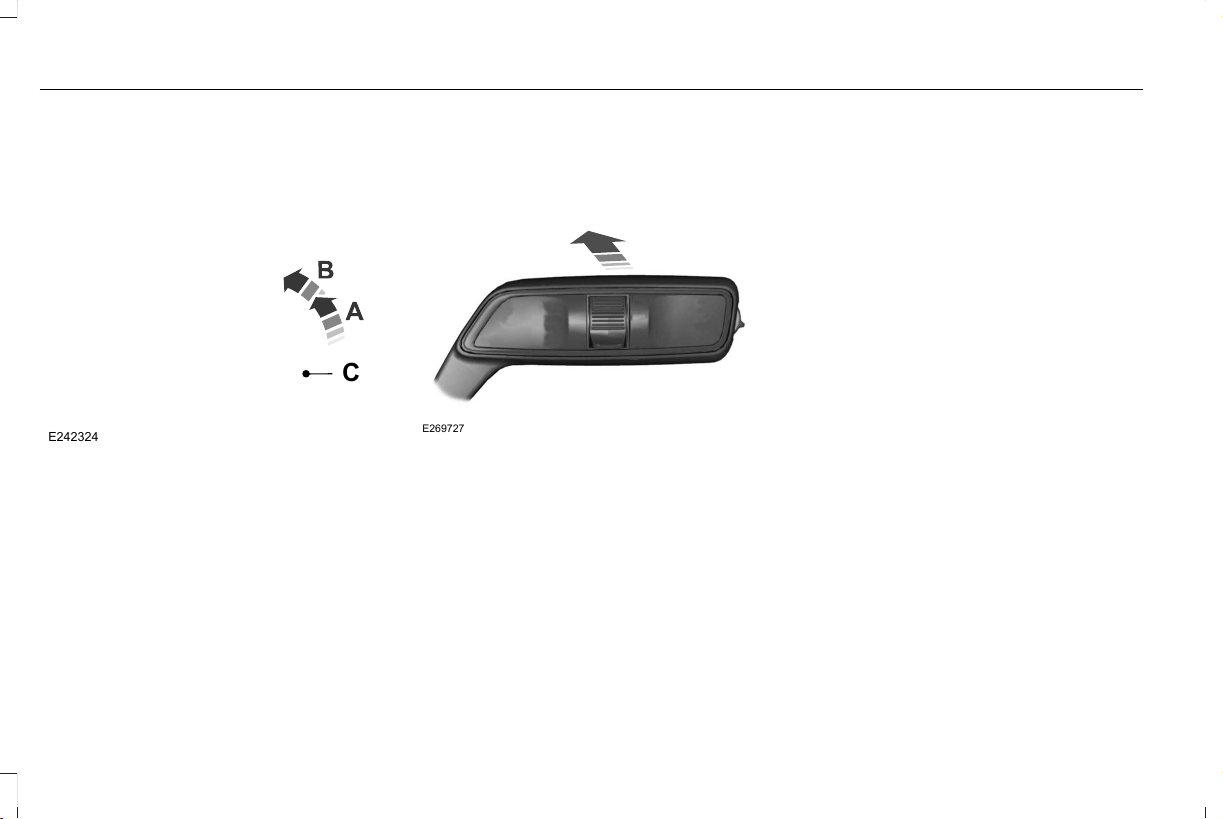
REAR WINDOW WIPER AND
WASHERS
Rear Window Wiper
E242324
C
Intermittent wipe.A
Continuous wipe.B
Rear window wiper off.C
Depending on your vehicle, when you switch
on the front wipers and move the gearshift
lever to reverse (R), the rear intermittent wipe
may turn on.
Note: Make sure you switch the rear window
wiper off before entering a car wash.
Rear Window Washer
E269727
Push the lever away from you to operate the
rear window washer. When you release the
lever, the wipers operate for a short time.
Do not operate the washers when the
washer reservoir is empty. This could cause
the washer pump to overheat.
Rear Camera Washer (If Equipped)
Switching on the rear washer also turns on
the rear camera washer.
102
Aviator (CTV) Canada/United States of America, enUSA, Edition date: 201902, First-Printing
Wipers and Washers
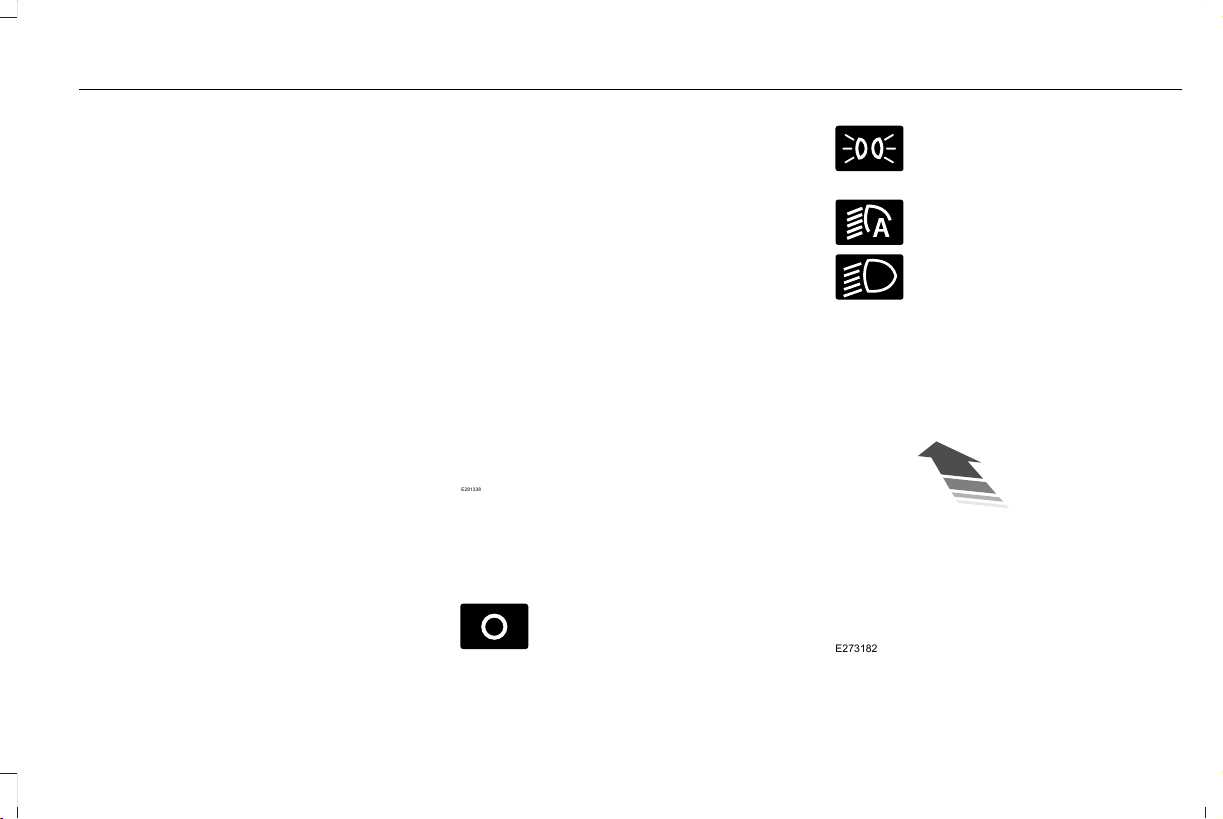
GENERAL INFORMATION
Condensation in the Exterior Front
Lamps and Rear Lamps
Exterior front lamps and rear lamps have
vents to accommodate normal changes in
air pressure.
Condensation can be a natural by-product
of this design. When moist air enters the
lamp assembly through the vents, there is a
possibility that condensation can occur when
the temperature is cold. When normal
condensation occurs, a fine mist can form on
the interior of the lens. The fine mist
eventually clears and exits through the vents
during normal operation.
Clearing time may take as long as 48 hours
under dry weather conditions.
Examples of acceptable condensation are:
• The presence of a fine mist (no streaks,
drip marks or large droplets).
• A fine mist covers less than 50% of the
lens.
Examples of unacceptable condensation are:
• A water puddle inside the lamp.
• Streaks, drip marks or large droplets
present on the interior of the lens.
If you see any unacceptable condensation,
have your vehicle checked by an authorized
dealer.
LIGHTING CONTROL
Lighting Control Selections
E281338
Press the toggle switch upward or downward
to make a selection.
Note: An indicator illuminates next to the
active selection.
E265031
Lamps off.
Parking lamps, instrument panel
lamps, license plate lamps and rear
lamps.
E281240
Autolamps.
E270968
Headlamps on.
Note: The lighting control defaults to
autolamps each time you switch your vehicle
on.
Switching High Beam Headlamps On
and Off
E273182
103
Aviator (CTV) Canada/United States of America, enUSA, Edition date: 201902, First-Printing
Lighting
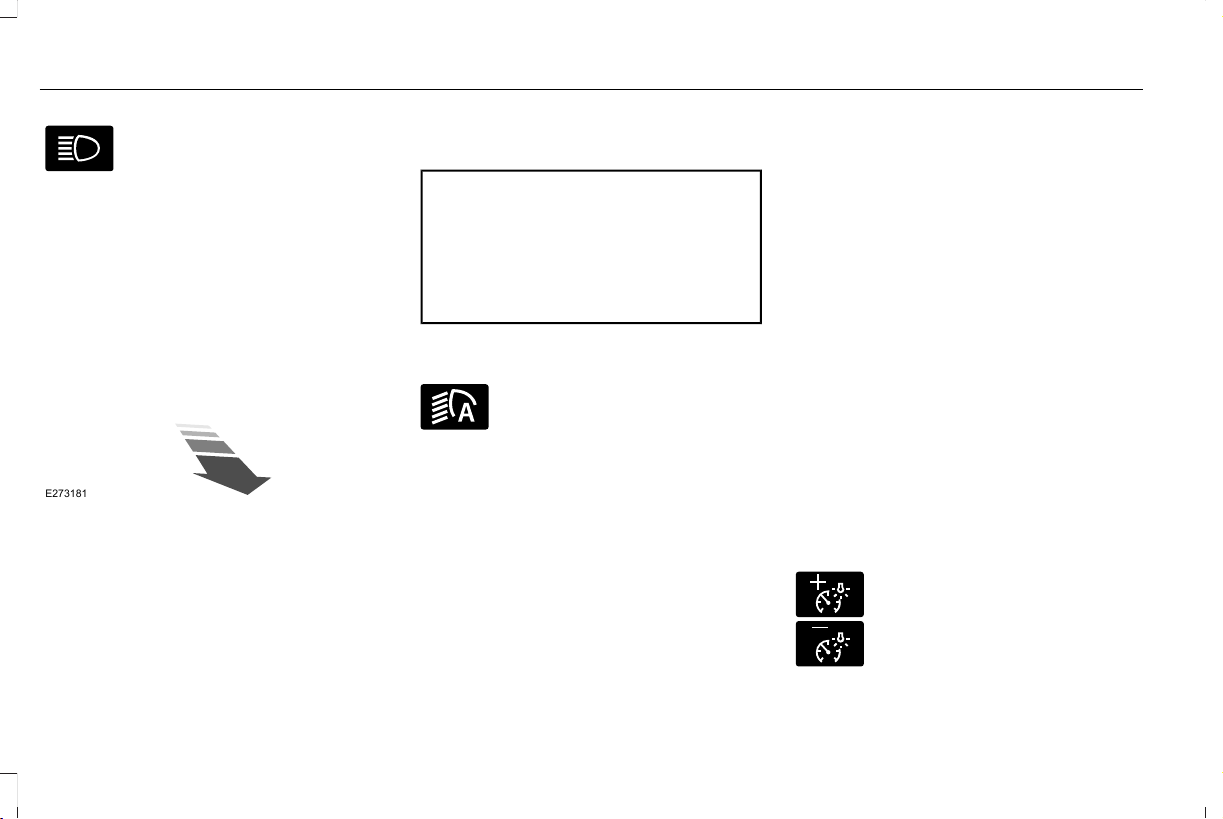
Push the lever away from you to
switch the high beam on.
Push the lever forward again or pull the lever
toward you to switch the high beams off.
Flashing High Beam Headlamps
E273181
Pull the lever toward you and release it to
flash the high beam headlamps.
AUTOLAMPS
WARNING: The system does not
relieve you of your responsibility to drive
with due care and attention. You may need
to override the system if it does not turn
the headlamps on in low visibility
conditions, for example daytime fog.
Autolamps turn the headlamps on in low light
situations or when the wipers operate.
E281240
Switch the lighting control to the
autolamps position.
Note: The lighting control defaults to
autolamps each time you switch your vehicle
on.
The headlamps remain on for a period of
time after you switch the ignition off. Use the
touchscreen to adjust the period of time that
the headlamps remain on.
Note: If you switch the autolamps on, you
cannot switch the high beams on until the
system turns the low beams on.
Windshield Wiper Activated Headlamps
When you switch the autolamps on, the
headlamps turn on within 10 seconds of
switching the wipers on. They turn off
approximately 60 seconds after you switch
the windshield wipers off.
The headlamps do not turn on with the
wipers:
• During a single wipe.
• When using the windshield washers.
• If the wipers are in intermittent mode.
Note: If you switch the autolamps and the
autowipers on, the headlamps turn on when
the windshield wipers continuously operate.
INSTRUMENT LIGHTING DIMMER
The instrument lighting dimmer buttons are
on the lighting control.
E291299
E296433
Repeatedly press one of the
buttons to adjust the brightness.
104
Aviator (CTV) Canada/United States of America, enUSA, Edition date: 201902, First-Printing
Lighting

HEADLAMP EXIT DELAY (IF EQUIPPED)
After you switch the ignition off, you can
switch the headlamps on by pulling the
direction indicator lever toward you. You will
hear a short tone. The headlamps will switch
off automatically after three minutes with any
door open or 30 seconds after the last door
has been closed. You can cancel this feature
by pulling the direction indicator toward you
again or switching the ignition on.
DAYTIME RUNNING LAMPS -
VEHICLES WITH: CONFIGURABLE
DAYTIME RUNNING LAMPS
WARNING: The daytime running
lamps system does not activate the rear
lamps and may not provide adequate
lighting during low visibility driving
conditions. Make sure you switch the
headlamps on, as appropriate, during all
low visibility conditions. Failure to do so
may result in a crash.
Switch the daytime running lamps on or off
using the touchscreen:
1. Select Settings. See Settings (page 489).
2. Select Vehicle.
3. Select Lighting.
The daytime running lamps turn on when:
1. The lamps are on in the information
display.
2. You switch the ignition on.
3. The transmission is not in park (P) for
vehicles with automatic transmissions or
you release the parking brake for
vehicles with manual transmissions.
4. The lighting control is in the autolamps
position.
5. The headlamps are off.
The other lighting control switch positions
do not turn on the daytime running lamps.
If the daytime running lamps are off in the
information display, the lamps stay off in all
switch positions.
DAYTIME RUNNING LAMPS -
VEHICLES WITH: DAYTIME
RUNNING LAMPS (DRL)
WARNING: The daytime running
lamps system does not activate the rear
lamps and may not provide adequate
lighting during low visibility driving
conditions. Make sure you switch the
headlamps on, as appropriate, during all
low visibility conditions. Failure to do so
may result in a crash.
The system turns the lamps on in daylight
conditions.
To switch the system on, switch the lighting
control to any position except headlamps.
FRONT FOG LAMPS (IF EQUIPPED)
Switching the Front Fog Lamps On or
Off
Only switch the front fog lamps on during
reduced visibility.
105
Aviator (CTV) Canada/United States of America, enUSA, Edition date: 201902, First-Printing
Lighting

You can switch the front fog lamps on if any
of the following occur:
• You set the lighting control to the parking
lamps position.
• You set the lighting control to the
headlamps position.
• You set the lighting control to the
autolamps position and the headlamps
are on.
The front fog lamp button is on the lighting
control.
Press the button to switch the front
fog lamps on or off.
Note: The brightness of the daytime running
lamps decreases when the front fog lamps
are switched on.
Front Fog Lamp Indicator
It illuminates when you switch the
front fog lamps on.
ADAPTIVE HEADLAMPS (IF EQUIPPED)
About Adaptive Headlamps
The headlamps are designed to adapt when
you are steering around a curve, or if the
camera detects lane markings indicating a
curve or traffic signs indicating an
intersection.
The system is designed to operate if all of
the following occur:
• You switch the system on through your
vehicle settings.
• You set the lighting control to the
autolamps position.
• The ambient light level is low enough that
high beams are required.
106
Aviator (CTV) Canada/United States of America, enUSA, Edition date: 201902, First-Printing
Lighting
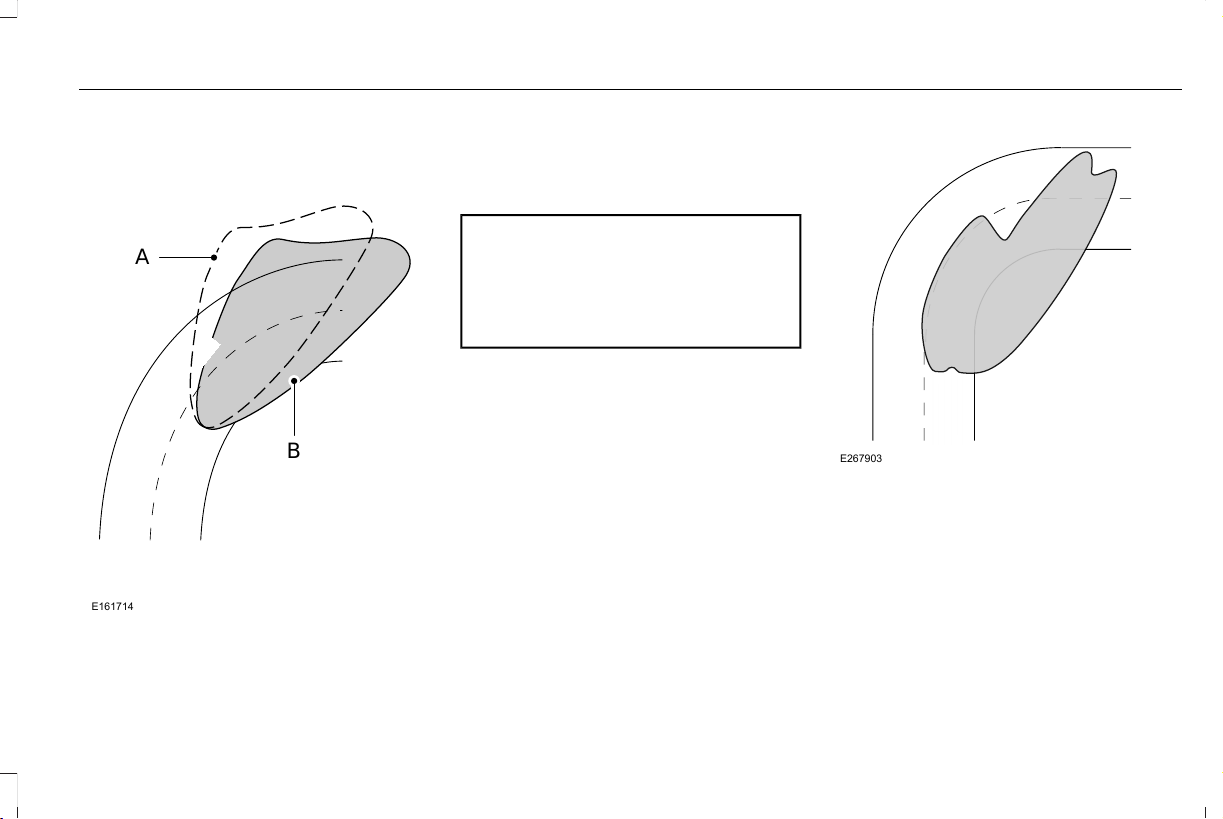
Steering Around a Curve
E161714
B
A
Without adaptive headlamps.A
B With adaptive headlamps.
Camera Detects Lane Markings (If Equipped)
WARNING: Inspect and replace the
windshield wiper blades regularly to make
sure the camera sensor has a clear view.
The windshield wiper blades must be the
correct length.
E267903
107
Aviator (CTV) Canada/United States of America, enUSA, Edition date: 201902, First-Printing
Lighting
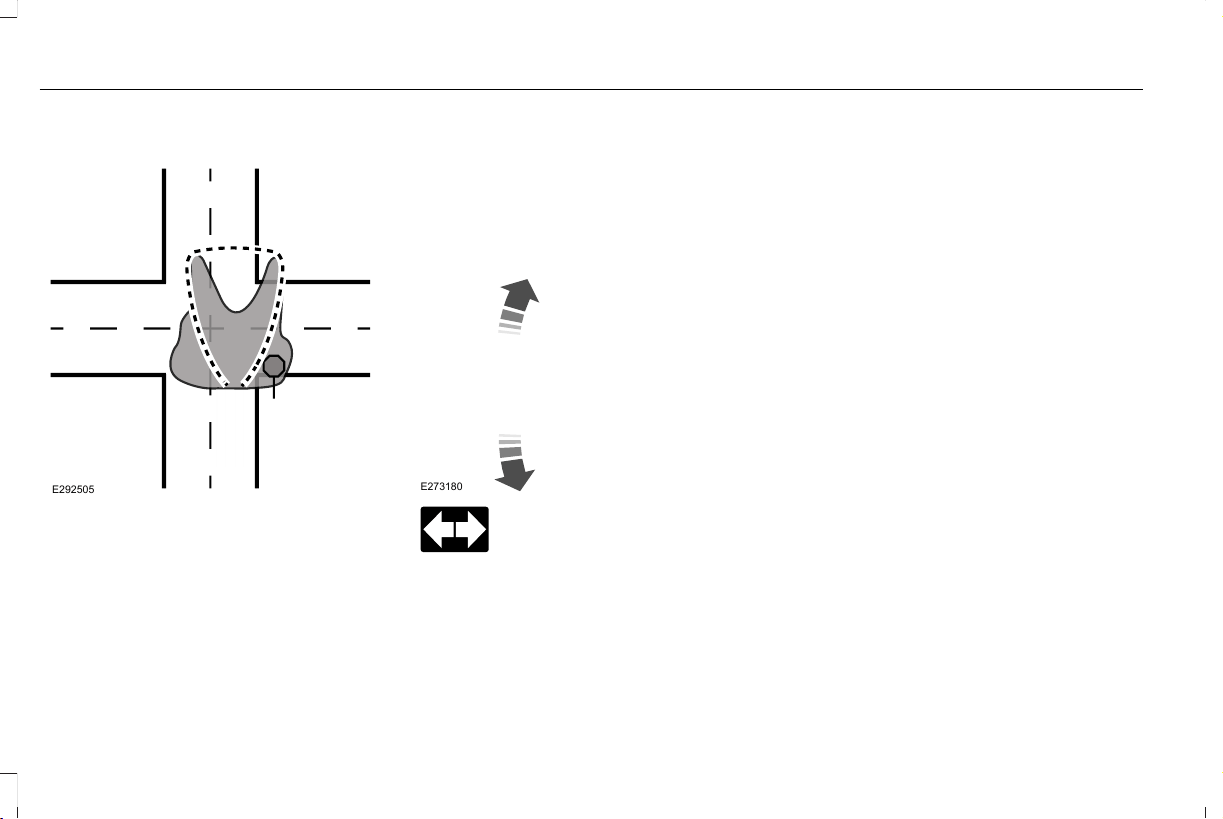
Camera Detects Traffic Signs (If Equipped)
E292505
Note: The camera only detects traffic signs
if your vehicle speed is below 31 mph
(50 km/h).
Switching Adaptive Headlamps On or
Off
Use the touchscreen to select the following:
1. Select Settings. See Settings (page 489).
2. Select Vehicle.
3. Select Lighting.
DIRECTION INDICATORS
E273180
Push the lever up or down to use
the direction indicators.
Indicating a Lane Change
Tap the lever up or down to make the
direction indicators flash three times to
indicate a lane change.
WELCOME LIGHTING
The Lincoln welcome mat projection lights
are on the bottom of the exterior mirror
housings. They project an image onto the
ground a short distance from your vehicle
when welcome lighting or lighted entry turns
on.
For auto-fold mirrors, the Lincoln welcome
mat turns on when welcome lighting or
lighted entry turns on and the mirrors fold in
upon locking or using the switch on the door.
Note: Moisture, frost and ice build-up or
other types of contamination on the surface
of the light lens can cause non-permanent
distortion or reduced brightness of the
image. Do not use abrasive materials to
clean the lens.
Note: If you enable auto-fold and then you
fold the mirrors in to the door window glass,
the welcome mats do not turn on.
Switching the Welcome Lighting On or
Off
Use the touchscreen to select the following:
108
Aviator (CTV) Canada/United States of America, enUSA, Edition date: 201902, First-Printing
Lighting

1. Select Settings. See Settings (page 489).
2. Select Vehicle.
3. Select Lighting.
INTERIOR LAMPS
The lamps turn on under the following
conditions:
• You open any door.
• You press a button on the remote control.
• You press the all lamps on button on the
overhead console.
Front Interior Lamp
E301059
The front interior lamp switches are on the
overhead console.
Note: The position of each button on the
overhead console depends on your vehicle.
All Lamps On or Off
Press to switch all interior lamps
on or off.
Individual Map Lamps
Touch the lamp lens to switch the map lamps
on and off.
Interior Lamp Function
Press to switch the interior lamp
function on and off.
When the interior lamp function is off and
you open a door, the courtesy and door
lamps stay off.
When the interior lamp function is on and
you open a door, the courtesy and door
lamps turn on.
Note: The indicator lamp lights amber when
the door function is off.
Rear Interior Lamps
E281231
The rear interior lamps may be above the
rear seat or above the rear windows.
Press to switch the lamps on or off.
Note: If the rear lamps are switched on
through the overhead console, you cannot
switch them off with the rear lamp switch.
AMBIENT LIGHTING (IF EQUIPPED)
Use the touchscreen to select the following:
109
Aviator (CTV) Canada/United States of America, enUSA, Edition date: 201902, First-Printing
Lighting

E280315
Select the settings option on the
feature bar.
E279027
Select ambient lighting.
E281470
Switching Ambient Lighting On
Touch a color once.
Changing the Color
Touch any color once.
Adjusting the Brightness
Drag the selected color up or down.
Switching Ambient Lighting Off
Touch the selected color once or drag the
selected color down to zero brightness.
110
Aviator (CTV) Canada/United States of America, enUSA, Edition date: 201902, First-Printing
Lighting
ABOUT AUTOMATIC HIGH BEAM
CONTROL
The system turns on high beams if it is dark
enough and no other traffic is present. If it
detects an approaching vehicle’s headlamps
or tail lamps, or street lighting ahead, the
system turns the high beams off. Low beams
remain on.
A camera sensor, centrally mounted behind
the windshield of your vehicle, continuously
monitors conditions to turn the high beams
on and off.
SWITCHING AUTOMATIC HIGH
BEAM CONTROL ON AND OFF
WARNING: Do not use the system
in poor visibility, for example fog, heavy
rain, spray or snow.
Use the touchscreen to select the following:
1. Select Settings. See Settings (page 489).
2. Select Vehicle.
3. Select Lighting.
Activating the Automatic High Beam
Control
E281240
Switch the lighting control to the
autolamps position. See
Autolamps (page 104).
Note: The lighting control defaults to
autolamps each time you switch your vehicle
on.
When active, the high beams turn on if:
• The ambient light level is low enough.
• There is no traffic in front of your vehicle.
• The vehicle speed is greater than
approximately 32 mph (51 km/h).
When active, the high beams turn off if:
• The ambient light level is high enough
that high beams are not required.
• The system detects an approaching
vehicle's headlamps or tail lamps.
• The system detects severe rain, snow or
fog.
• The camera is blocked.
• The vehicle speed falls below
approximately 27 mph (44 km/h).
Note: The deactivation speed is lower on
curves.
Note: High beam reactivation may be
delayed in certain curvy road situations.
Note: The system may not operate properly
if the sensor is blocked. Keep the windshield
free from obstruction or damage.
Note: The system may not operate properly
in cold or inclement conditions. You can
switch on the high beams by overriding the
system.
Note: If the system detects a blockage, for
example bird droppings, bug splatter, snow
or ice, the system goes into low beam mode
until you clear the blockage. A message may
appear in the information display if the
camera is blocked.
Note: Using much larger tires or equipping
vehicle accessories such as snowplows can
modify your vehicle's ride height and
degrade automatic high beam control
performance.
111
Aviator (CTV) Canada/United States of America, enUSA, Edition date: 201902, First-Printing
Automatic High Beam Control
AUTOMATIC HIGH BEAM
CONTROL INDICATORS
The indicator illuminates to confirm
when the system is ready to assist.
OVERRIDING AUTOMATIC HIGH
BEAM CONTROL
WARNING: The system does not
relieve you of your responsibility to drive
with due care and attention. You may need
to override the system if it does not turn
the high beams on or off.
WARNING: You may need to
override the system when approaching
other road users.
WARNING: You may need to
override the system during inclement
weather.
E273182
Push the lever away from you to switch
between high beam and low beam.
112
Aviator (CTV) Canada/United States of America, enUSA, Edition date: 201902, First-Printing
Automatic High Beam Control
POWER WINDOWS
WARNING: Do not leave children
unattended in your vehicle and do not let
them play with the power windows. Failure
to follow this instruction could result in
personal injury.
WARNING: When closing the power
windows, verify they are free of obstruction
and make sure that children and pets are
not in the proximity of the window
openings.
E295317
Note: You may hear a pulsing noise when
just one of the windows is open. Lower the
opposite window slightly to reduce this
noise.
Press the switch to open the window.
Lift the switch to close the window.
One-Touch Down
Press the switch fully and release it. Press
again or lift it to stop the window.
One-Touch Up
Lift the switch fully and release it. Press or
lift it again to stop the window.
Resetting One-Touch Up
Start the engine.
1. Lift and hold the window switch until you
fully close the door window. Continue to
hold the switch for a few seconds after
you close the window.
2. Release the window switch.
3. Press and hold the window switch until
you fully open the door window.
4. Release the window switch.
5. Lift and hold the window switch until you
fully close the window.
6. Test for correct window operation by
carrying out the one-touch down and
one-touch up features.
Bounce-Back
The window will stop automatically while
closing. It reverses some distance if there
is an obstacle in the way.
Overriding the Bounce-Back Feature
WARNING: If you override
bounce-back, the window does not reverse
if it detects an obstacle. Take care when
closing the windows to avoid personal
injury or damage to your vehicle.
Pull up the window switch and hold within a
few seconds of the window reaching the
bounce-back position. The window travels
up with no bounce-back protection. The
window stops if you release the switch
before the window fully closes.
113
Aviator (CTV) Canada/United States of America, enUSA, Edition date: 201902, First-Printing
Windows and Mirrors
Window Lock
E295318
Press the control to lock or unlock the rear
window controls. It illuminates when you
lock the rear window controls.
Accessory Delay
You can use the window switches for several
minutes after you switch the ignition off or
until you open either front door.
GLOBAL OPENING AND CLOSING
You can use the remote control to operate
the windows with the ignition off.
Note: You can enable or disable this feature
in the information display or see an
authorized dealer. See Remote Control
(page 64).
Note: To operate this feature, accessory
delay must not be active.
Opening the Windows
You can only open the windows for a short
time after you unlock your vehicle with the
remote control. After you unlock your vehicle,
press and hold the remote control unlock
button to open the windows. Release the
button once movement starts. Press the lock
or unlock button to stop movement.
Closing the Windows
WARNING: When closing the power
windows, you should verify they are free
of obstructions and make sure that children
and pets are not in the proximity of the
window openings.
To close the windows, press and hold the
remote control lock button. Release the
button once movement starts. Press the lock
or unlock button to stop movement.
EXTERIOR MIRRORS
Power Exterior Mirrors
WARNING: Do not adjust the mirrors
when your vehicle is moving. This could
result in the loss of control of your vehicle,
serious personal injury or death.
114
Aviator (CTV) Canada/United States of America, enUSA, Edition date: 201902, First-Printing
Windows and Mirrors

E295322
Power-folding mirror control.A
Window lockout.B
Adjustment control.C
Right-hand mirror.D
Left-hand mirror.E
To adjust your mirrors, switch your vehicle
on (with the ignition in accessory mode or
the engine running) and then:
1. Select the mirror you want to adjust. The
control lights.
2. Use the adjustment control to adjust the
position of the mirror.
3. Press the mirror control again. The
control light turns off.
Fold-Away Exterior Mirrors
Push the mirror toward the door window
glass. Make sure that you fully engage the
mirror in its support when returning it to its
original position.
Auto-Folding Mirrors (If Equipped)
The exterior mirrors automatically fold in
toward the glass after you place the
transmission into park (P), turn off the vehicle,
open and close the driver's side door and
lock the vehicle. The exterior mirrors
automatically unfold and return to their
driving position after you unlock the vehicle
and open and close the driver's side door.
You can switch this feature on and off
through the information display. See General
Information (page 127).
You can fold the mirrors on demand by
pressing the power-folding mirror control on
the door. The control lights and the mirrors
fold in toward the glass. Press the control
again to unfold the mirrors. The control light
turns off.
Note: If you use the power-folding control to
fold the mirrors on demand with the auto
fold feature on, you must use the control
again to unfold them.
Loose Mirror
If you manually fold your power-folding
mirrors, they may not work properly even
after you re-position them. You need to reset
them if:
• The mirrors vibrate when you drive.
• The mirrors feel loose.
• The mirrors do not stay in the folded or
unfolded position.
• One of the mirrors is not in its normal
driving position.
115
Aviator (CTV) Canada/United States of America, enUSA, Edition date: 201902, First-Printing
Windows and Mirrors
To reset the power-fold feature, use the
power-folding mirror control to fold and
unfold the mirrors. You may hear a loud noise
as you reset the power-folding mirrors. This
sound is normal. Repeat this process as
needed each time you manually fold the
mirrors.
Heated Exterior Mirrors
See Heated Exterior Mirrors (page 164).
Memory Mirrors (If Equipped)
You can save and recall the mirror positions
through the memory function. See Memory
Function (page 175).
Auto-dimming Feature (If Equipped)
The driver exterior mirror dims when the
interior auto-dimming mirror turns on.
Direction Indicator Mirrors (If Equipped)
When the vehicle is running, the
forward-facing portion of the appropriate
mirror housing blinks when you switch on
the direction indicator.
Puddle Lamps (If Equipped)
The lamps on the bottom part of the mirror
housing light when you use your transmitter
to unlock the doors or when you open a
door.
Blind Spot Information System
See Blind Spot Information System (page
285).
INTERIOR MIRROR
WARNING: Do not adjust the mirrors
when your vehicle is moving. This could
result in the loss of control of your vehicle,
serious personal injury or death.
Note: Do not clean the housing or glass of
any mirror with harsh abrasives, fuel or other
petroleum or ammonia-based cleaning
products.
You can adjust the interior mirror to your
preference. Some mirrors also have a second
pivot point. This lets you move the mirror
head up or down and from side to side.
Auto-Dimming Mirror
Note: Do not block the sensors on the front
and back of the mirror. A rear center
passenger or raised rear center head
restraint may also block light from reaching
the sensor.
The mirror dims to reduce the effect of bright
light from behind. It returns to normal when
the bright light from behind is no longer
present or if you shift into reverse (R).
116
Aviator (CTV) Canada/United States of America, enUSA, Edition date: 201902, First-Printing
Windows and Mirrors
SUN VISORS
E138666
Rotate the sun visor toward the side window
and extend it rearward for extra shade.
Illuminated Vanity Mirror
E162197
Lift the cover to switch the lamp on.
MOONROOF
WARNING: Do not leave children
unattended in your vehicle and do not let
them play with the moonroof. Failure to
follow this instruction could result in
personal injury.
WARNING: When closing the
moonroof, verify that it is free of
obstruction and make sure that children
and pets are not in the proximity of the roof
opening.
The moonroof controls are located on the
overhead console and have a one-touch
open and close feature. To stop it during
one-touch operation, press the control a
second time.
117
Aviator (CTV) Canada/United States of America, enUSA, Edition date: 201902, First-Printing
Windows and Mirrors

Opening and Closing the Moonroof
E295253
Moonroof open. Press and release
to open the moonroof.
A
Moonroof vent/close. Press and
release to vent or close the
moonroof.
B
Sunshade open. Press and release
to open the sunshade. The
sunshade opens automatically with
the moonroof. You can also open
the sunshade with the moonroof
closed.
C
Sunshade close. Press and release
to close the sunshade.
D
Note: The sunshade stops short of its fully
opened position for the comfort of rear
passengers. To open the sunshade fully,
press the control again.
Note: When closing the sunshade stops at
the first panel for the dual panel moonroof.
Press and release again to continue to fully
close sunshade.
Rear SunShade Opening and Closing
(If Equipped)
E297640
Sunshade close. Press and release
to close the sunshade.
A
Sunshade open. Press and release
to open the sunshade. The
sunshade opens automatically with
the moonroof. You can also open
the sunshade with the moonroof
closed.
B
Note: Rear sunshade open and close
controls may be located on the rear
console or fold down armrest bezel.
118
Aviator (CTV) Canada/United States of America, enUSA, Edition date: 201902, First-Printing
Windows and Mirrors

Note: The sunshade stops short of its fully
opened position for the comfort of rear
passengers. To open the sunshade fully,
press the control again.
Bounce-Back
The moonroof automatically reverses some
distance if an obstacle is detected while
closing.
To override this feature, press and hold the
moonroof close control within two seconds
after the roof comes to a stop following a
bounce-back reversal.
119
Aviator (CTV) Canada/United States of America, enUSA, Edition date: 201902, First-Printing
Windows and Mirrors
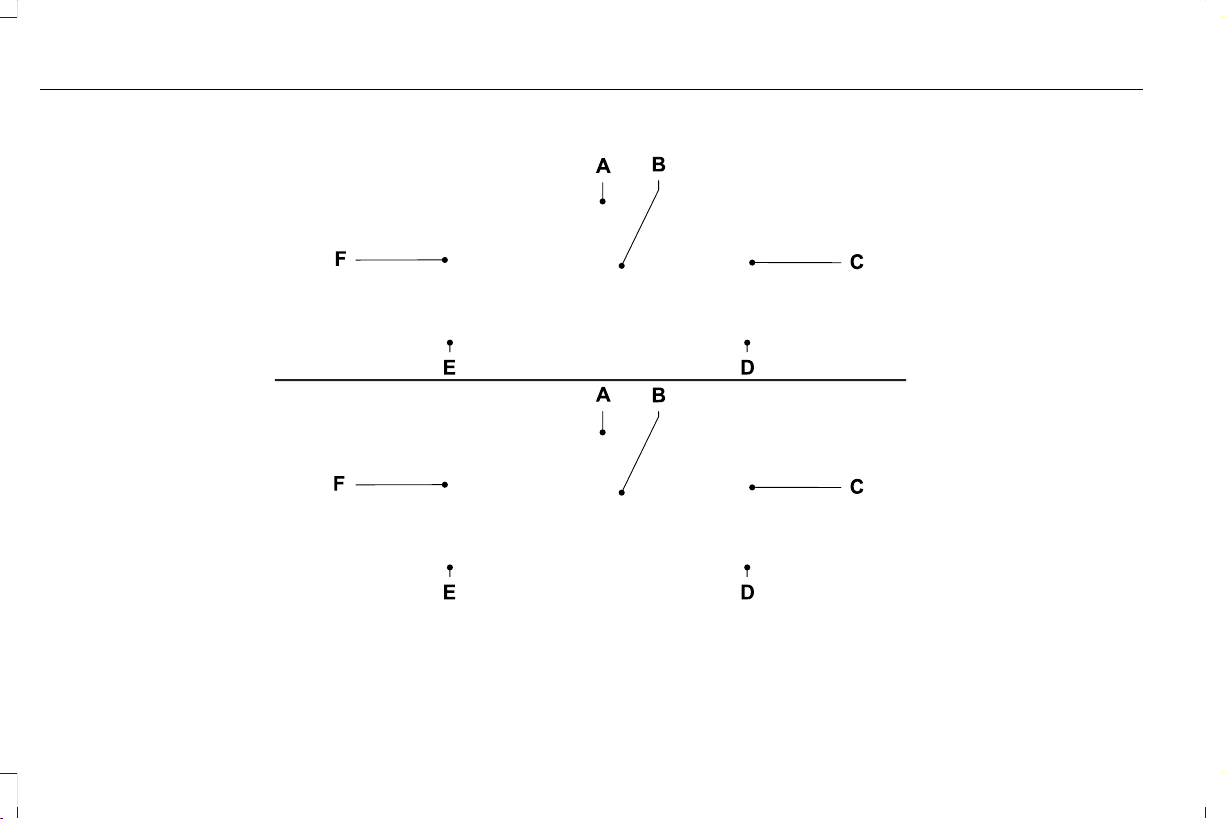
GAUGES
Note: Clusters shown in single gauge view.
E297320
Status Bar.A
Speedometer.B
120
Aviator (CTV) Canada/United States of America, enUSA, Edition date: 201902, First-Printing
Instrument Cluster

Right Information Group.C
Fuel Gauge.D
Coolant Gauge.E
Left Information Group.F
Status Bar
Displays information related to the current
audio source, compass direction and outside
air temperature.
Left and Right Information Group
Information that appears depends on current
gauge view and on-demand settings. See
General Information (page 127).
Fuel Gauge
The fuel gauge indicates about how much
fuel is in the fuel tank.
The arrow adjacent to the fuel pump symbol
indicates on which side of your vehicle the
fuel filler door is located.
Note: The fuel gauge may vary slightly when
your vehicle is moving or on a slope.
Distance to Empty
Indicates the approximate distance your
vehicle can travel on the fuel remaining in
the tank. Changes in driving pattern can
cause the value to not only decrease but also
increase or stay constant for periods of time
Low Fuel Reminder
A low fuel level reminder displays and
sounds when the distance to empty reaches
75 mi (120 km) to empty for MyKey, and at
50 mi (80 km), 25 mi (40 km), 10 mi (20 km)
and 0 mi (0 km) for all vehicle keys.
Note: The low fuel reminder can appear at
different fuel gauge positions depending on
fuel economy conditions. This variation is
normal.
Engine Coolant Temperature Gauge
Indicates engine coolant temperature. At
normal operating temperature, the level
indicator will be in the normal range. If the
engine coolant temperature exceeds the
normal range, stop your vehicle as soon as
safely possible, switch off the engine and let
the engine cool.
WARNING: Do not remove the
coolant reservoir cap when the engine is
on or the cooling system is hot. Wait 10
minutes for the cooling system to cool
down. Cover the coolant reservoir cap with
a thick cloth to prevent the possibility of
scalding and slowly remove the cap.
Failure to follow this instruction could result
in personal injury.
121
Aviator (CTV) Canada/United States of America, enUSA, Edition date: 201902, First-Printing
Instrument Cluster
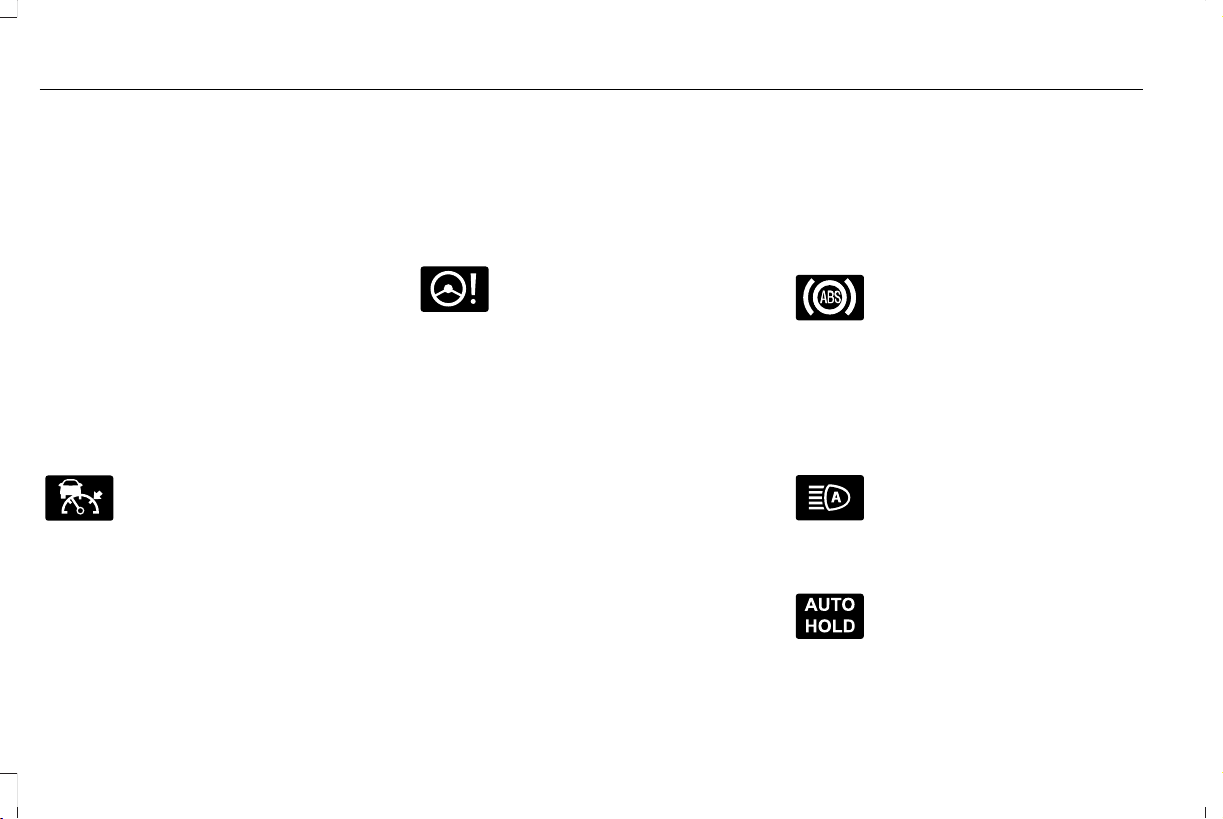
WARNING LAMPS AND
INDICATORS
The following warning lamps and indicators
alert you to a vehicle condition that may
become serious. Some lamps illuminate
when you start your vehicle to make sure
they work. If any lamps remain on after
starting your vehicle, refer to the respective
system warning lamp for further information.
Note: Some warning indicators appear in
the information display and function the
same as a warning lamp, but do not display
when you start your vehicle.
Adaptive Cruise Control (If Equipped)
E144524
The speed control system indicator
light changes color to indicate
what mode the system is in. See
About Adaptive Cruise Control With Stop
and Go (page 264).
On (white light): Illuminates when you switch
on the adaptive cruise control system. Turns
off when the speed control system is turned
off.
Engaged (green light): Illuminates when you
engage the adaptive cruise control system.
Turns off when you disengage the speed
control system.
Adaptive Steering (If Equipped)
E223375
The adaptive steering system
indicator illuminates if the system
detects a fault during the
continuous diagnostic checks.
Adaptive Steering Initialization (yellow,
flashing): The adaptive steering system
detects a difference between steering wheel
angle and the desired road wheel angle. The
steering wheel adjusts itself to correct this
difference. This adjustment is part of normal
system operation.
Adaptive Steering Off (yellow, solid): The
adaptive steering system is off. It is possible
that the steering wheel may not be straight
when you drive straight ahead. If this
message persists, see an authorized dealer.
Adaptive Steering Loss (red, solid): The
adaptive steering system integrity cannot be
verified. Do not drive the vehicle and contact
an authorized dealer immediately. See
Steering (page 294).
Anti-Lock Braking System
If it illuminates when you are
driving, this indicates a system
error. You continue to have the
normal braking (without ABS) unless the
brake system warning lamp also illuminates.
Have the system checked by an authorized
dealer.
Automatic High Beam Control (If Equipped)
Illuminates when this feature is on.
See About Automatic High Beam
Control (page 111).
Auto Hold Active
E197933
Illuminates when the system holds
your vehicle stationary.
122
Aviator (CTV) Canada/United States of America, enUSA, Edition date: 201902, First-Printing
Instrument Cluster
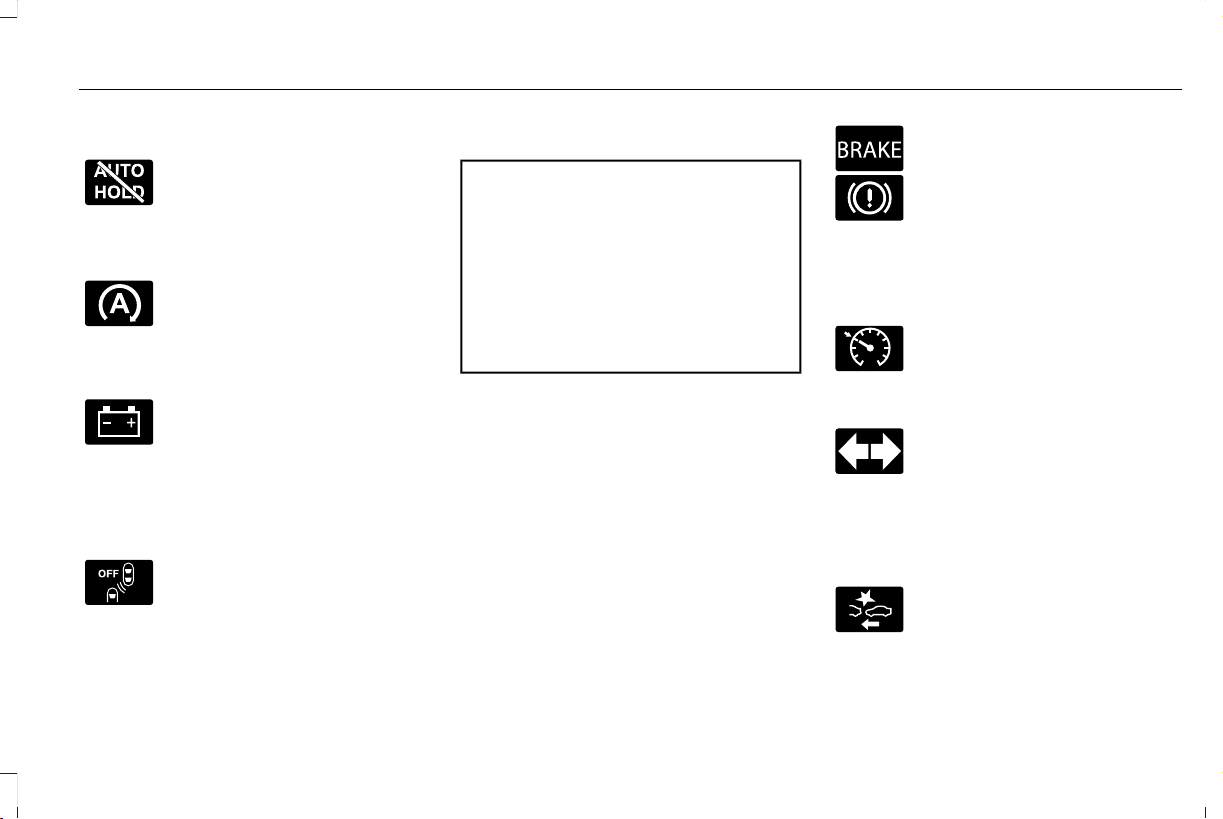
Auto Hold Unavailable
E197934
Illuminates when the system is on,
but unavailable to hold your
vehicle stationary.
Auto Start-stop (If Equipped)
Illuminates to inform you when the
engine shuts down or in
conjunction with a message.
Battery
If it illuminates while driving, it
indicates a system error. Switch off
all unnecessary electrical
equipment and have the system checked by
an authorized dealer immediately.
Blind Spot Monitor (If Equipped)
E151262
Illuminates when you switch this
feature off or in conjunction with a
message. See Blind Spot
Information System (page 285).
Brake System Warning Lamp
WARNING: Driving your vehicle with
the warning lamp on is dangerous. A
significant decrease in braking
performance may occur. It may take you
longer to stop your vehicle. Have your
vehicle checked as soon as possible.
Driving extended distances with the
parking brake engaged can cause brake
failure and the risk of personal injury.
Note: Indicators vary depending on region.
This lamp is a dual function lamp and
illuminates when:
• You apply the parking brake with the
ignition on.
• Your vehicle has a brake fault or low
brake fluid level, regardless of parking
brake position.
E270480
If the lamp illuminates when you
are moving, you may have the
parking brake applied. Make sure
the parking brake is off. Have your
vehicle checked as soon as
possible if the lamp continues to
illuminate.
Cruise Control (If Equipped)
E71340
Illuminates when you switch this
feature on.
Direction Indicator
Illuminates when you switch on the
left or right direction indicator or
the hazard flasher. If the indicators
stay on or flash faster, check for a burned
out bulb. See Changing a Bulb (page 369).
Distance Alert
E281485
Flashes when your vehicle is
rapidly approaching another
vehicle or a pedestrian within your
driving path. See Pre-Collision Assist (page
295).
123
Aviator (CTV) Canada/United States of America, enUSA, Edition date: 201902, First-Printing
Instrument Cluster
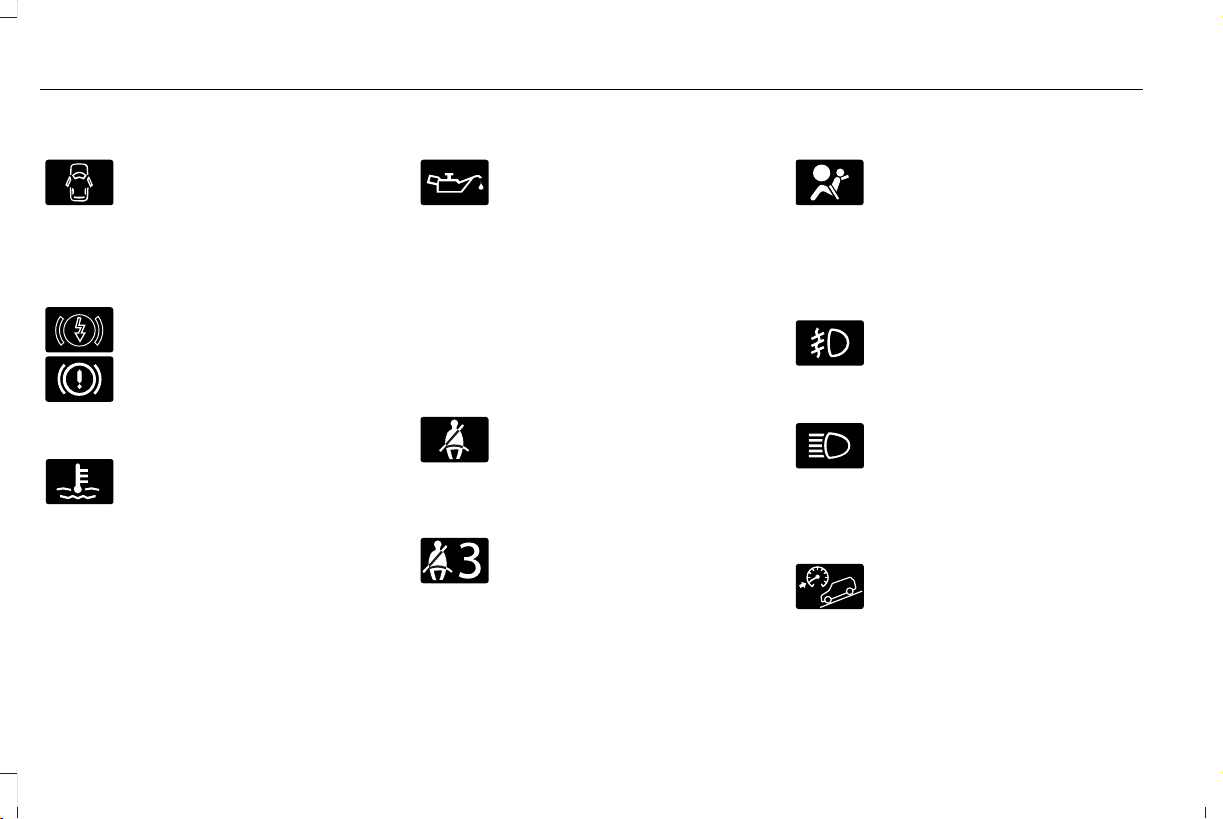
Door Ajar
Illuminates when the ignition is on
and any door is not completely
closed.
Electric Park Brake
Note: Indicators vary depending on region.
E146190
Illuminates or flashes when the
electric parking brake has a system
error. See Electric Parking Brake
(page 232).
Engine Coolant Temperature
Illuminates when the engine
coolant temperature is high. Stop
your vehicle as soon as possible,
switch off the engine and let it cool. See
Engine Coolant Check (page 356).
Engine Oil
If it illuminates with the engine
running or when you are driving,
this indicates a system error. Stop
your vehicle as soon as it is safe to do so
and switch the engine off. Check the engine
oil level. See Engine Oil Check (page 354).
Note: Do not resume your journey if it
illuminates despite the level being correct.
Have the system checked by an authorized
dealer immediately.
Fasten Seatbelt
E71880
Illuminates and a tone sounds to
remind you to fasten your seatbelt.
See Seatbelt Reminder (page 47).
Fasten Rear Seatbelt (If Equipped)
E206718
Illuminates and a tone sounds to
signal the rear seatbelts are not
fastened.
Front Airbag
E67017
If it fails to illuminate when you
start your vehicle, continues to
flash or remains on, it indicates
there is a system error. Have the system
checked by an authorized dealer.
Front Fog Lamps (If Equipped)
Illuminates when you switch the
front fog lamps on.
High Beam
Illuminates when you switch the
high beam headlamps on. It flashes
when you use the headlamp
flasher.
Hill Descent (If Equipped)
Illuminates when you switch hill
descent on.
124
Aviator (CTV) Canada/United States of America, enUSA, Edition date: 201902, First-Printing
Instrument Cluster
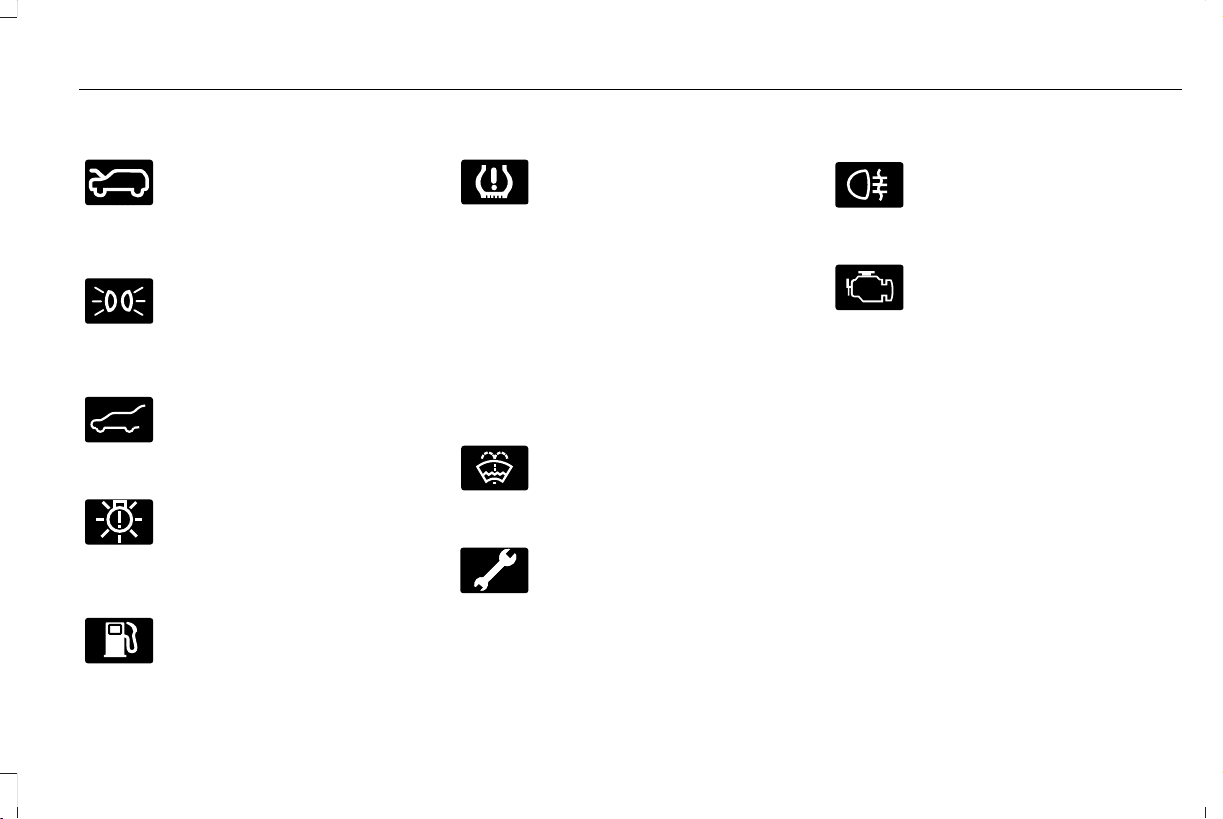
Hood Ajar
E246598
Illuminates when the ignition is on
and the hood is not completely
closed.
Lamps On
Illuminates when you switch the
low beam headlamps or the
parking lamps on.
Liftgate Ajar
E162453
Illuminates when the liftgate is not
completely closed.
Low Beam Warning
E181350
Illuminates when the low beam
headlamp bulb is not functioning
properly.
Low Fuel Level
Illuminates when the fuel level is
low or the fuel tank is nearly
empty. Refuel as soon as possible.
Low Tire Pressure Warning
Illuminates when your tire pressure
is low. If the lamp remains on with
the engine running or when
driving, check your tire pressure as soon as
possible.
It also illuminates momentarily when you
switch the ignition on to confirm the lamp is
functional. If it does not illuminate when you
switch the ignition on, or begins to flash at
any time, have the system checked by an
authorized dealer.
Low Washer Fluid
E132353
Illuminates when the windshield
washer fluid is low.
Powertrain Fault
Illuminates when the system
detects a powertrain or an 4WD
fault. Contact an authorized dealer
as soon as possible.
Rear Fog Lamps Indicator (If Equipped)
E67040
Illuminates when you switch the
rear fog lamps on.
Service Engine Soon
It illuminates when you switch the
ignition on prior to engine start to
check the bulb and to indicate
whether your vehicle is ready for Inspection
and Maintenance (I/M) testing.
Normally, it illuminates until the engine is
cranked and automatically turns off if no
system errors are present. However, if after
15 seconds it flashes eight times, this
indicates that your vehicle is not ready for
Inspection and Maintenance (I/M) testing.
See Catalytic Converter (page 215).
If it illuminates when the engine is running
this indicates a system error. The On Board
Diagnostics system has detected an error in
the vehicle emission control system.
125
Aviator (CTV) Canada/United States of America, enUSA, Edition date: 201902, First-Printing
Instrument Cluster
If it flashes, engine misfire may be occurring.
Continuing to drive your vehicle may cause
reduced power or the engine to stop. Failure
to respond to the warning lamp may cause
component damage not covered by the
vehicle Warranty. Have your vehicle
checked as soon as possible.
Stability Control
E138639
It flashes when the system is
active. If it remains illuminated or
does not illuminate when you
switch the ignition on, this indicates a system
error. During a system error the system
switches off. Have the system checked by
an authorized dealer immediately. See
Using Stability Control (page 243).
Stability Control Off
E130458
Illuminates when you switch the
system off. It goes out when you
switch the system back on or when
you switch the ignition off. See Using
Stability Control (page 243).
Tow Haul Indicator (If Equipped)
E246592
Illuminates when the system
switches on.
AUDIBLE WARNINGS AND
INDICATORS
Keyless Warning Alert
The horn will sound twice when you exit your
vehicle with the intelligent access key and
your vehicle is in RUN, indicating your vehicle
is still on.
Headlamps On Warning Chime
Sounds when you have left the headlamps
or parking lamps on and open the driver door
with the vehicle off.
Parking Brake On Warning Chime
Sounds when you have left the parking brake
on and drive your vehicle. If the warning
chime remains on after you have released
the parking brake, have the system checked
by your authorized dealer immediately.
126
Aviator (CTV) Canada/United States of America, enUSA, Edition date: 201902, First-Printing
Instrument Cluster
GENERAL INFORMATION
WARNING: Driving while distracted
can result in loss of vehicle control, crash
and injury. We strongly recommend that
you use extreme caution when using any
device that may take your focus off the
road. Your primary responsibility is the safe
operation of your vehicle. We recommend
against the use of any hand-held device
while driving and encourage the use of
voice-operated systems when possible.
Make sure you are aware of all applicable
local laws that may affect the use of
electronic devices while driving.
You can control various systems on your
vehicle using the quick action menu (QAM)
on the right-hand side of the steering wheel.
The information display provides the
corresponding information.
Information Display Controls
E281220
Note: The controls change when you enter
a submenu.
E281481
Move the selector switch up to
enter the navigation submenu.
E280315
Move the selector switch down to
enter the settings submenu.
Move the selector switch to the
right to enter the mode phone
submenu.
E100027
Move the selector switch to the left
to enter the media submenu.
E281483
Press the folder button to scroll
through information on demand
display screens. See Personalized
Settings (page 130).
Menu Controls
The following controls are only available
once you enter a submenu:
E299701
Use the selector switch to toggle up and
down.
E272621
Press the home button to exit a
submenu.
127
Aviator (CTV) Canada/United States of America, enUSA, Edition date: 201902, First-Printing
Information Displays
E281480
Move the selector switch to the left
to exit a submenu.
E265041
Move the selector switch to the
right to choose and confirm
settings or messages.
Menu
E204495
This icon shows the features on or
off status. A check in the box
indicates the feature is on, and
unchecked indicates the feature is off.
Note: Some options may appear slightly
different or not at all if the items are optional.
Settings
Settings
See Personalized Settings (page 130).Information ScreensDisplay Setup
Speedometer km/h
Speedometer MPH
Add Tachometer to View
Enter the submenu and select your settingBorder Crossing
Displays your oil life statusOil Life
Hold OK to Reset
Hold OK to ResetTire monitor
Hold OK to InitializeNeutral Tow
Note: Additional vehicle settings are
available through your touchscreen. See
Settings (page 489).
128
Aviator (CTV) Canada/United States of America, enUSA, Edition date: 201902, First-Printing
Information Displays
Head Up Display
Head Up Display
Menu options covered in the head up display section. See Head Up Display (page 153).
Phone
Phone
Menu options covered in the SYNC chapter. See Phone (page 476).
Audio
Audio
Menu options covered in the SYNC chapter. See Entertainment (page 461).
Navigation (If Equipped)
Navigation
Menu options covered in the SYNC chapter. See Navigation (page 478).
129
Aviator (CTV) Canada/United States of America, enUSA, Edition date: 201902, First-Printing
Information Displays

PERSONALIZED SETTINGS
Information On Demand (If Equipped)
Note: On Demand information appears on the right-hand side of the instrument cluster in single gauge view and in the center of the instrument
cluster in dual gauge view when you switch on certain drive modes.
Calm Screen
Trip 1
Trip 2
Fuel Economy
Auto StartStop
Seatbelts
Tire Pressure
Power Distribution
Trailer Light Check
Off Road
Eco Coach
130
Aviator (CTV) Canada/United States of America, enUSA, Edition date: 201902, First-Printing
Information Displays
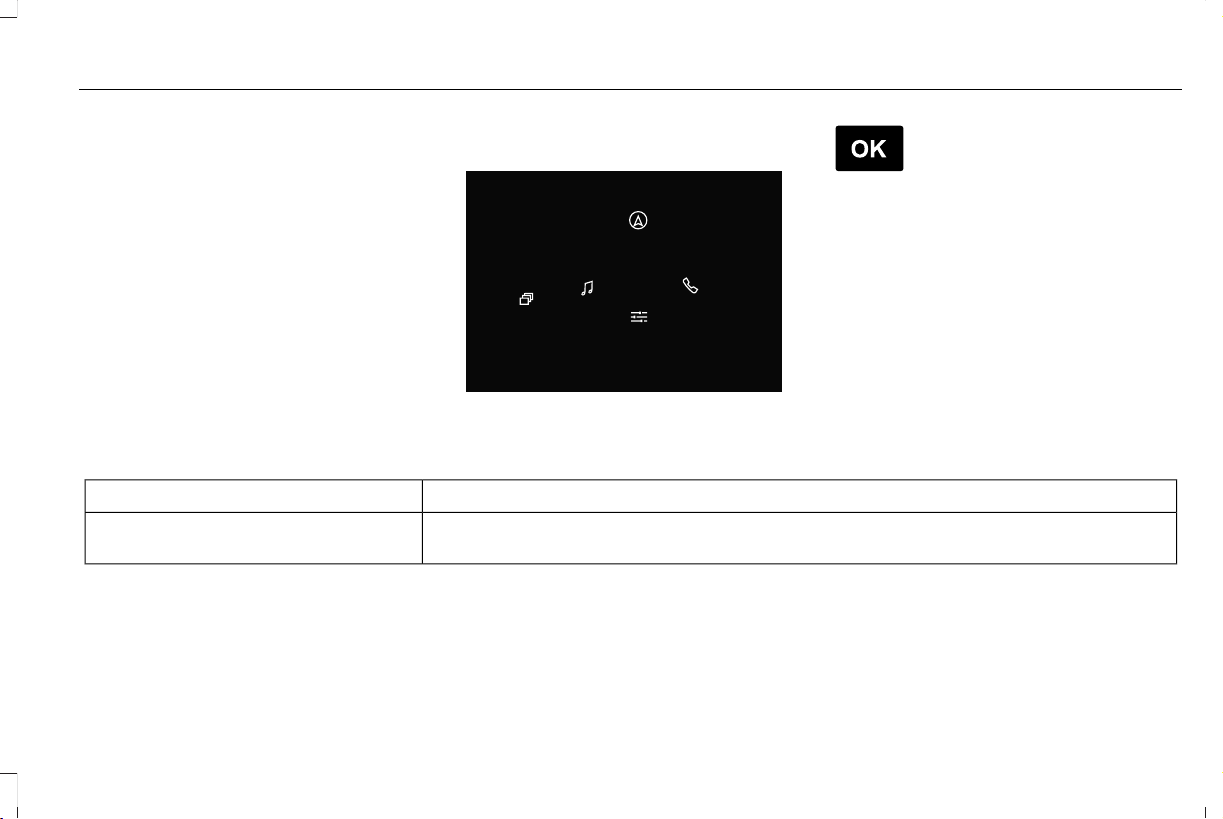
Trip 1 and 2
Provides trip timer, trip average fuel economy
and total trip distance traveled.
Press and hold the folder button to reset.
Fuel Economy
An Instant Fuel Economy gauge is provided
along with Average Fuel Economy. Average
fuel economy is continuously averaged since
the last reset.
While viewing this screen you can reset your
average fuel economy by pressing and
holding the folder button.
INFORMATION MESSAGES
E281220
E265041
Move the selector switch to the
right to acknowledge and remove
some messages from the
information display. Other messages will be
removed automatically after a short time.
Certain messages need to be confirmed
before you can access the menus.
Active Park
ActionMessage
The system requires service due to a malfunction. Have the system checked by an authorized
dealer.
Active Park Fault
131
Aviator (CTV) Canada/United States of America, enUSA, Edition date: 201902, First-Printing
Information Displays

Adaptive Cruise Control
ActionMessage
A radar malfunction is preventing the adaptive cruise from engaging. See About Adaptive Cruise
Control With Stop and Go (page 264).
Adaptive Cruise Malfunction
Front Sensor Not Aligned
Conditions exist such that the adaptive cruise cannot function properly. See About Adaptive
Cruise Control With Stop and Go (page 264).
Adaptive Cruise Not Available
The radar is blocked because of poor radar visibility due to bad weather, ice, mud or water in
front of radar. You can typically clean the sensor to resolve. See About Adaptive Cruise Control
With Stop and Go (page 264).
Adaptive Cruise Not Available Sensor
Blocked See Manual
Displayed when the automatic braking has been disabled.Normal Cruise Active Adaptive Braking Off
Displayed when the adaptive cruise has reinstated controls to the driver.Adaptive Cruise - Driver Resume Control
Displays when the vehicle speed is too slow to activate the adaptive cruise.Adaptive Cruise Speed Too Low to
Activate
Adaptive Headlamps
ActionMessage
Displays when a system error has occurred. Contact an authorized dealer as soon as possible.Check Headlamp System See Manual
132
Aviator (CTV) Canada/United States of America, enUSA, Edition date: 201902, First-Printing
Information Displays

Adaptive Steering
ActionMessage
The adaptive steering system detects a difference between steering wheel angle and the desired
road wheel angle. The steering wheel adjusts itself to correct this difference. This adjustment is
part of normal system operation.
Adaptive Steering Initialization
The adaptive steering system is off. It is possible that the steering wheel may not be straight
when you drive the vehicle straight ahead. If this message persists, see an authorized dealer.
Adaptive Steering Fault Service Required
The adaptive steering system integrity cannot be verified. Do not drive the vehicle and contact
an authorized dealer immediately.
Adaptive Steering Loss Do Not Drive
AdvanceTrac™ and Traction Control
ActionMessage
The system detects a condition that requires service. Contact an authorized dealer as soon as
possible.
Service AdvanceTrac
The status of the system after you switched it off.AdvanceTrac Off
The status of the system after you switched it off.AdvanceTrac On
133
Aviator (CTV) Canada/United States of America, enUSA, Edition date: 201902, First-Printing
Information Displays

ActionMessage
The status of the system after you switched it on.AdvanceTrac SPORT MODE
The status of the system after you switched it off.Traction Control Off
The status of the system after you switched it off.Traction Control On
Alarm
ActionMessage
Alarm triggered due to unauthorized entry. See Anti-Theft Alarm (page 92).Vehicle Alarm To Stop Alarm, Start Vehicle.
Automatic Engine Shutdown
ActionMessage
The engine is getting ready to shut off.Vehicle Shuts Off In {seconds:#0} Seconds
The engine has shut off to help increase fuel economy.Vehicle Shut Off to Save Energy
The engine is getting ready to shut off. You can press OK on the left-hand steering wheel button
to override the shut down.
Vehicle Shuts Off in {seconds:#0} Seconds
Press Ok to Override
134
Aviator (CTV) Canada/United States of America, enUSA, Edition date: 201902, First-Printing
Information Displays

AWD
ActionMessage
The all-wheel drive system temporarily turns off to protect itself from overheating.AWD Temporarily Disabled
The all-wheel drive system is locking up the torque transfer clutch to help reduce clutch
temperature.
AWD Temporarily Locked
The all-wheel drive system temporarily turns off to protect itself from overheating or if you are
using the temporary spare tire.
AWD OFF
The all-wheel drive system will resume normal function and clear this message after driving a
short distance with the road tire re-installed or after the system cools.
AWD Restored
The all-wheel drive system is not operating properly. If the warning stays on or continues to
come on, contact an authorized dealer.
AWD Fault Service Required
Displayed when the transfer case fluid requires service.Change AWD Power Transfer Unit Lube
Displayed when the transfer case fluid has been changed and reset to new.AWD Power Transfer Unit Lube Set to New
135
Aviator (CTV) Canada/United States of America, enUSA, Edition date: 201902, First-Printing
Information Displays

Battery and Charging System
ActionMessage
The charging system needs servicing. If the warning stays on or continues to come on, contact
an authorized dealer as soon as possible.
Check Charging System
The charging system needs servicing. If the warning stays on or continues to come on, contact
an authorized dealer as soon as possible.
Charging System Service Soon
The charging system needs servicing. Contact an authorized dealer as soon as possible.Charging System Service Now
The battery management system determines that the 12V battery is at a low state of charge.
Start the engine to charge the battery or charge the battery using an aftermarket battery charger.
This message clears once you restart your vehicle and the battery state of charge has recovered.
Battery State of Charge Low
The battery management system determines that the battery is at a low state of charge. Turn
the ignition off as soon as possible to protect the battery. This message will clear once the vehicle
has been started and the battery state of charge has recovered. Turning off unnecessary electrical
loads will allow faster battery state-of-charge recovery.
Turn Power Off To Save Battery
Displayed when the battery management system detects an extended low-voltage condition.
Various vehicle features will be disabled to help preserve the battery. Turn off as many of the
electrical loads as soon as possible to improve system voltage. If the system voltage has
recovered, the disabled features will operate again as normal.
Low Battery Features Temporarily Turned
Off
136
Aviator (CTV) Canada/United States of America, enUSA, Edition date: 201902, First-Printing
Information Displays

Blind Spot Information and Cross Traffic Alert System
ActionMessage
A system error has occurred. Contact an authorized dealer as soon as possible.Blind Spot System Fault
The system sensors are blocked. See Blind Spot Information System (page 285).Blind Spot Not Available Sensor Blocked
See Manual
The system detects a vehicle and automatically applied the brakes.Cross Traffic Alert Applying Brakes
The blind spot information system and cross traffic alert system sensors are blocked. See Cross
Traffic Alert (page 289).
Cross Traffic Not Available Sensor Blocked
See Manual
A system error has occurred. Contact an authorized dealer as soon as possible.Cross Traffic System Fault
The system automatically turns off and displays this message when you connect a trailer to the
vehicle that does not have a trailer blind spot system or when you switch the trailer blind spot
system off through the information display. See Cross Traffic Alert (page 289).
Cross Traffic Alert Deactivated Trailer
Attached
The system automatically turns off and displays this message when you connect a trailer to the
vehicle that does not have a trailer blind spot system or when you switch the trailer blind spot
system off through the information display. See Blind Spot Information System (page 285).
Blind Spot Alert Deactivated Trailer
Attached
137
Aviator (CTV) Canada/United States of America, enUSA, Edition date: 201902, First-Printing
Information Displays

Doors and Locks
ActionMessage
The driver door is not completely closed.Driver Door Ajar
The passenger door is not completely closed.Passenger Door Ajar
The rear left-hand door is not completely closed.Rear Left Door Ajar
The rear right-hand door is not completely closed.Rear Right Door Ajar
The liftgate is not completely closed.Liftgate Ajar
The hood is not completely closed.Hood Ajar
The system has disabled the door switches.Switches Inhibited Security Mode
Displays when the door lock is turned on and you attempt to open the door.Doors Locked Unlock Before Opening
Indicates a driver door fault that requires manually opening the door by the override lever.
Contact an authorized dealer.
Driver Door Fault Use Inside Override
Lever In Map Pocket
Indicates a fault with the electronic door system. Contact an authorized dealer.Door Fault Service Required
There is a system malfunction with the child locks. Contact an authorized dealer as soon as
possible.
Child Lock Malfunction Service Required
138
Aviator (CTV) Canada/United States of America, enUSA, Edition date: 201902, First-Printing
Information Displays

ActionMessage
Indicates that the rear seat interior door release switches and power windows are switched off,
preventing rear seat occupants from opening the doors or windows.
Child Lock ON
Indicates that the rear seat interior door release switches and power windows are switched on.Child Lock OFF
The factory keypad code displays in the information display after the system resets the keypad.
See Passive Anti-Theft System (page 91).
Factory Keypad Code {X X X X X}
Driver Alert
ActionMessage
Stop and rest as soon as it is safe to do so.Driver Alert Warning Rest Now
Take a rest soon.Driver Alert Warning Rest Suggested
Fuel
ActionMessage
An early reminder of a low fuel condition.Fuel Level Low
The fuel fill inlet valve may not be properly closed.Check Fuel Fill Inlet
139
Aviator (CTV) Canada/United States of America, enUSA, Edition date: 201902, First-Printing
Information Displays

Hill Descent Control
ActionMessage
Displays when you deactivate hill descent control mode.Hill Descent Control OFF
Displays when hill descent speed exceeds 20 mph (32 km/h).For Hill Descent Reduce Speed 20 MPH
or Less
Displays when hill descent speed exceeds 20 mph (32 km/h).For Hill Descent Reduce Speed 32 Km/h
or Less
Displays when hill descent control mode requires you to shift the transmission into gear.For Hill Descent Select Gear
Displays when the hill control mode requires you to resume control.Hill Descent Driver Resume Control
Displays when a hill descent system fault is present.Hill Descent Control Fault
Displays when you disable the hill descent control mode to cool the brake system.Hill Descent Control Off System Cooling
Displays when hill descent control mode is ready.Hill Descent Control Ready
Displays when you activate the hill descent control mode.Hill Descent Control Active
Hill Start Assist
ActionMessage
Hill start assist is not available. Contact an authorized dealer. See Hill Start Assist (page 234).Hill Start Assist Not Available
140
Aviator (CTV) Canada/United States of America, enUSA, Edition date: 201902, First-Printing
Information Displays

Keys and Intelligent Access
ActionMessage
A reminder to press the brake while starting your vehicle.To START Press Brake
The key is not detected by the system. See Keyless Starting (page 196).No Key Detected
The Start Stop button is pressed to shut off the engine and an Intelligent Access key is not
detected inside your vehicle.
Restart Now or Key is Needed
Your vehicle is in the accessory ignition state.Full Accessory Power Active
There is a problem with your vehicle’s starting system. See an authorized dealer for service.Starting System Fault
During spare key programming, an intelligent access key is programmed to the system.Key Program Successful
During spare key programming, the maximum number of keys have been programmed.Max Number of Keys Learned
Displayed during spare key programming, when an intelligent access key has failed to be
programmed.
Key Program Failure
Displayed during spare key programming when not enough keys have been programmed.Not Enough Keys Learned
Displays when the key battery is low. Change the battery as soon as possible.Key Battery Low Replace Soon
Displays when the vehicle is switched off.Vehicle Switched Off
141
Aviator (CTV) Canada/United States of America, enUSA, Edition date: 201902, First-Printing
Information Displays

Lane Keeping System
ActionMessage
The system has malfunctioned. Contact an authorized dealer as soon as possible.Lane Keeping Sys. Malfunction Service
Required
The system has detected a condition that has caused the system to be temporarily unavailable.Front Camera Temporarily Not Available
The system has detected a condition that requires the windshield to be cleaned to operate
properly.
Front Camera Low Visibility Clean Screen
The system has malfunctioned. Contact an authorized dealer as soon as possible.Front Camera Malfunction Service
Required
The system requests the driver to keep their hands on the steering wheel.Keep Hands on Steering Wheel
Maintenance
ActionMessage
Stop your vehicle as soon as safely possible and turn off the engine. Check the oil level. If the
warning stays on or continues to come on with your engine running, contact an authorized dealer
as soon as possible.
Low Engine Oil Pressure
The engine oil life remaining is 10% or less.Change Engine Oil Soon
The oil life left reaches 0%.Oil Change Required
142
Aviator (CTV) Canada/United States of America, enUSA, Edition date: 201902, First-Printing
Information Displays

ActionMessage
The brake fluid level is low and the brake system should be inspected immediately. See Brake
Fluid Check (page 361).
Brake Fluid Level Low
The brake system needs servicing. Stop the vehicle in a safe place. Contact an authorized dealer.Check Brake System
The engine coolant temperature is excessively high.Engine Coolant Over Temperature
The washer fluid is low and needs to be refilled.Washer Fluid Level Low
Indicates that your vehicle is still in Transport mode. This may not allow some features to operate
properly. Contact an authorized dealer.
Transport Mode Contact Dealer
Indicates that your vehicle is still in Factory mode. This may not allow some features to operate
properly. Contact an authorized dealer.
Factory Mode Contact Dealer
Informs the driver that the powertrain needs service due to a powertrain malfunction.See Manual
The engine has reduced power to help reduce high engine temperature.Power Reduced to Lower Engine Temp
The brake system has reduced stopping power.Brake Applied Power Reduced
143
Aviator (CTV) Canada/United States of America, enUSA, Edition date: 201902, First-Printing
Information Displays

MyKey
ActionMessage
You cannot program a MyKey.MyKey not Created
MyKey is active.MyKey Active Drive Safely
When switching on your vehicle and MyKey is in use, displays that the MyKey speed limit is on.Speed Limited to XX MPH/km/h
MyKey is in use and the MyKey speed limit is on and the vehicle speed is approaching 80 mph
(130 km/h).
Near Vehicle Top Speed
You have reached the speed limit set for your MyKey.Vehicle at Top Speed of MyKey Setting
You have an active MyKey with a programmed set speed limit.Check Speed Drive Safely
Belt-Minder turns on with a MyKey in use.Buckle Up to Unmute Audio
With a MyKey in use, AdvanceTrac turns on.AdvanceTrac On - MyKey Setting
With a MyKey in use, traction control turns on.Traction Control On - MyKey Setting
With a MyKey in use, park aid is always on.MyKey Park Aid Cannot be Deactivated
With a MyKey in use, lane keeping alert turns on.Lane Keeping Alert On MyKey Setting
144
Aviator (CTV) Canada/United States of America, enUSA, Edition date: 201902, First-Printing
Information Displays

Park Aid
ActionMessage
The system has detected a condition that requires service. Contact an authorized dealer.Check Front Park Aid
The system has detected a condition that requires service. Contact an authorized dealer.Check Rear Park Aid
The radar is blocked due to bad weather, ice, mud or water in front of radar. You can typically
clean the sensor to resolve. See Rear Parking Aid (page 246).
Rear Park Aid Not Available Sensor
Blocked See Manual
The radar is blocked due to bad weather, ice, mud or water in front of radar. You can typically
clean the sensor to resolve. See Front Parking Aid (page 248).
Front Park Aid Not Available Sensor
Blocked See Manual
The radar is blocked due to bad weather, ice, mud or water in front of radar. You can typically
clean the sensor to resolve. See Principle of Operation (page 246).
Park Aid Not Available Sensor Blocked See
Manual
Displays the park aid status.Front Park Aid On Off
Displays the park aid status.Rear Park Aid On Off
145
Aviator (CTV) Canada/United States of America, enUSA, Edition date: 201902, First-Printing
Information Displays

Park Brake
ActionMessage
The parking brake is set, the engine is running and you drive your vehicle more than 3 mph
(5 km/h). If the warning stays on after the parking brake is released, contact an authorized dealer
as soon as possible.
Park Brake Engaged
The electric parking brake is set and a manual release is attempted without the brake pedal
being pressed.
To Release: Press Brake and Switch
The electric parking brake is set and an automatic release is attempted but cannot be performed.
Perform a manual release.
Park Brake Use Switch to Release
The electric parking brake is set and your vehicle speed exceeds 3 mph (5 km/h). Release park
brake before continued driving.
Release Park Brake
The electric parking brake is not fully applied.Park Brake Not Applied
The electric parking brake is not fully released.Park Brake Not Released
The electric parking brake system has been put into a special mode that is used to allow service
of the rear brakes. Contact an authorized dealer.
Park Brake Maintenance Mode
146
Aviator (CTV) Canada/United States of America, enUSA, Edition date: 201902, First-Printing
Information Displays

ActionMessage
The electric park brake system has detected a condition that requires service. Some functionality
may still be available. Contact your authorized dealer.
Park Brake Limited Function Service
Required
The electric parking brake system has detected a condition that requires service. Contact your
authorized dealer.
Park Brake Malfunction Service Now
Applying the park brake numerous times has overheated the system. Wait 2 minutes before
attempting to apply again.
Park Brake System Overheated
Power Steering
ActionMessage
The power steering system has detected a condition that requires service. See an authorized
dealer.
Steering Fault Service Now
The power steering system is not working. Stop your vehicle in a safe place. Contact an
authorized dealer.
Steering Loss Stop Safely
The power steering system has detected a condition within the power steering system or passive
entry or passive start system that requires service. Contact an authorized dealer.
Steering Assist Fault Service Required
The steering lock system has detected a condition that requires service. See an authorized
dealer.
Steering Lock Malfunction Service Now
147
Aviator (CTV) Canada/United States of America, enUSA, Edition date: 201902, First-Printing
Information Displays

Pre-Collision Assist
ActionMessage
You have a blocked sensor due to bad weather, ice, mud or water in front of the radar sensor.
You can typically clean the sensor to resolve.
Pre-Collision Assist Not Available Sensor
Blocked
A fault with the system has occurred. Contact an authorized dealer as soon as possible.Pre-Collision Assist Not Available
Remote Start
ActionMessage
Displays as a reminder to apply the brake and push the gear shift button to drive the vehicle
after a remote start.
To Drive: Press Brake and Gear Shift
Button
Seats
ActionMessage
Objects are by the passenger seat. After the objects are moved away from the seat, if the warning
stays on or continues to come on contact an authorized dealer as soon as possible.
Occupant Sensor BLOCKED Remove
Objects Near Passenger Seat
Displays as a reminder that memory seats are not available while driving.Memory Recall Not Permitted While Driving
Displays to show where your memory setting has been saved.Memory {0} Saved
148
Aviator (CTV) Canada/United States of America, enUSA, Edition date: 201902, First-Printing
Information Displays

Starting System
ActionMessage
Displays when starting the vehicle as a reminder to apply the brake.To START Press Brake
Displays when the starter has exceeded its cranking time in attempting to start the vehicle.Cranking Time Exceeded
Displays when the starter is attempting to start the vehicle.Engine Start Pending Please Wait
Displays when the pending start has been cancelled.Pending Start Cancelled
Tire Pressure Monitoring System
ActionMessage
One or more tires on your vehicle have low tire pressure. See Tire Pressure Monitoring System
(page 397).
Tire Pressure Low
The tire pressure monitoring system is malfunctioning. If the warning stays on or continues to
come on, contact an authorized dealer. See Tire Pressure Monitoring System (page 397).
Tire Pressure Monitor Fault
A tire pressure sensor is malfunctioning, or your spare tire is in use. For more information on
how the system operates under these conditions, See Tire Pressure Monitoring System (page
397). If the warning stays on or continues to come on, contact an authorized dealer as soon as
possible.
Tire Pressure Sensor Fault
149
Aviator (CTV) Canada/United States of America, enUSA, Edition date: 201902, First-Printing
Information Displays

Trailer
ActionMessage
A correct trailer connection is sensed during a given ignition cycle.Trailer Connected
A trailer connection becomes disconnected, either intentionally or unintentionally,
and has been sensed during a given ignition cycle.
Trailer Disconnected
The trailer sway control has detected trailer sway.Trailer Sway Reduce Speed
There are certain faults in your vehicle wiring and trailer wiring or brake system.
See Towing a Trailer (page 310).
Trailer Wiring Fault
There is a fault with your trailer turn lamp. Check your lamp.Trailer Left Turn Lamps Fault Check Lamps
There is a fault with your trailer turn lamp. Check your lamp.Trailer Right Turn Lamps Fault Check Lamps
There is a fault with your trailer battery. See Towing a Trailer (page 310).Trailer Battery Not Charging See Manual
There is a fault with your vehicle trailer lighting module. See Towing a Trailer
(page 310).
Trailer Lighting Module Fault See Manual
150
Aviator (CTV) Canada/United States of America, enUSA, Edition date: 201902, First-Printing
Information Displays

Transmission
ActionMessage
You switched the engine off and the gear selector is in any position other than park (P).Shift to Park
The transmission is too cold. Wait for it to warm up before you drive.Transmission Warming Up Please Wait
Displays when you need to press the brake pedal.Press Brake Pedal
The transmission is overheating and needs to cool. Stop in a safe place as soon as it’ s possible.Transmission Over Temperature Stop
Safely
See an authorized dealer.Transmission Service Required
The transmission is overheating and needs to cool. Stop in a safe place as soon as it’ s possible.Transmission Too Hot Press Brake
The transmission has limited functionality. See an authorized dealer.Transmission Limited Function See Manual
A reminder to shift into park. In addition, this message is typical after reconnecting or recharging
the battery until you cycle the ignition to the on mode. See Changing the 12V Battery (page
363).
Transmission Not in Park
Displays when there is a system fault and the park brake needs to be depressed before exiting
the vehicle. See your authorized dealer.
SHIFT SYS FAULT Confirm Park Brake
Apply Before Exiting the Vehicle
See your authorized dealer.SHIFT SYS FAULT Service Required
Displays when there is a system fault while the vehicle is shifting to park. See your authorized
dealer.
SHIFT SYS FAULT Vehicle is Shifting to
Park
151
Aviator (CTV) Canada/United States of America, enUSA, Edition date: 201902, First-Printing
Information Displays

ActionMessage
Displays when there is a system fault while the vehicle is shifting to reverse. See your authorized
dealer.
SHIFT SYS FAULT Reverse Unavailable
Service Required
See an authorized dealer.SHIFT SYS FAULT Drive Unavailable Select
S for Drive Service Required
See your authorized dealer.SHIFT SYS FAULT Neutral Unavailable
Service Required
See your authorized dealer.SHIFT SYS FAULT Sport Unavailable
Service Required
Displays when an invalid gear has been selected.Invalid Gear Selection
Displays when the brake pedal needs to be depressed to enable the transmission to shift from
park.
Depress Brake to Shift from Park
Reminder to switch off the ignition while in neutral tow.Neutral Tow Engaged Turn Ignition Off for
Towing
Displays when neutral tow is active and you want to exit neutral tow.Neutral Tow Engaged Depress Brake and
Select Park to Exit Neutral Tow
152
Aviator (CTV) Canada/United States of America, enUSA, Edition date: 201902, First-Printing
Information Displays

ActionMessage
Reminder to remove the park brake while in neutral tow.Neutral Tow Remove Park Brake for
Towing
Displays when the neutral tow is off.Neutral Tow Disengaged
Displays when neutral tow is on.Neutral Tow Enabled Leave Transmission
in Neutral
HEAD UP DISPLAY (IF EQUIPPED)
This is a visual system that shows information
in your field of view as you drive. The
information comes from various vehicle
systems and includes vehicle speed, speed
limit, navigation, and advanced driver
assistance systems (ADAS), such as adaptive
cruise control (ACC) and the lane keeping
system. This system projects the information
off the windshield, and focuses the image
near the end of the hood approximately 7 ft
(2 m) in front of the driver. Viewing this
information does not require you to
significantly move your head, allowing you
to keep your eyes on the road while having
quick and easy access to information.
Configuring The Head Up Display
You can control the system's options through
the information display by using the 4-way
toggle on the right-hand side of your steering
wheel. See General Information (page 127).
You can adjust the display according to your
height to make viewing the content easier.
You can also adjust what content displays
and the brightness of the content. The
system's options appear in the instrument
cluster while the updates happen in the HUD.
Note: If HUD On is unchecked, other options
of the system are hidden.
Note: The HUD menu automatically closes
after a certain period of inactivity.
Note: The HUD image brightness
automatically adjusts to the brightness of
the ambient environment. You have the
ability to adjust the brightness further
according to your preference.
Note: In some instances, sunlight can cause
some reflections in and around the HUD
image.
153
Aviator (CTV) Canada/United States of America, enUSA, Edition date: 201902, First-Printing
Information Displays
Head-Up Display (HUD)
Turns the HUD on and off.HUD On
Follow onscreen directions to confirm or modify your settings.Brightness
Follow onscreen directions to confirm or
modify your settings.
Vertical PositionHUD Position
Image Rotation
Turns the distance to empty, time and temperature on and off.HUD Content
Select Your SettingCruise and Lane Control
Note: When you save a memory preset position, your current HUD settings are also saved to that memory preset position. See Memory
Function (page 175).
154
Aviator (CTV) Canada/United States of America, enUSA, Edition date: 201902, First-Printing
Information Displays
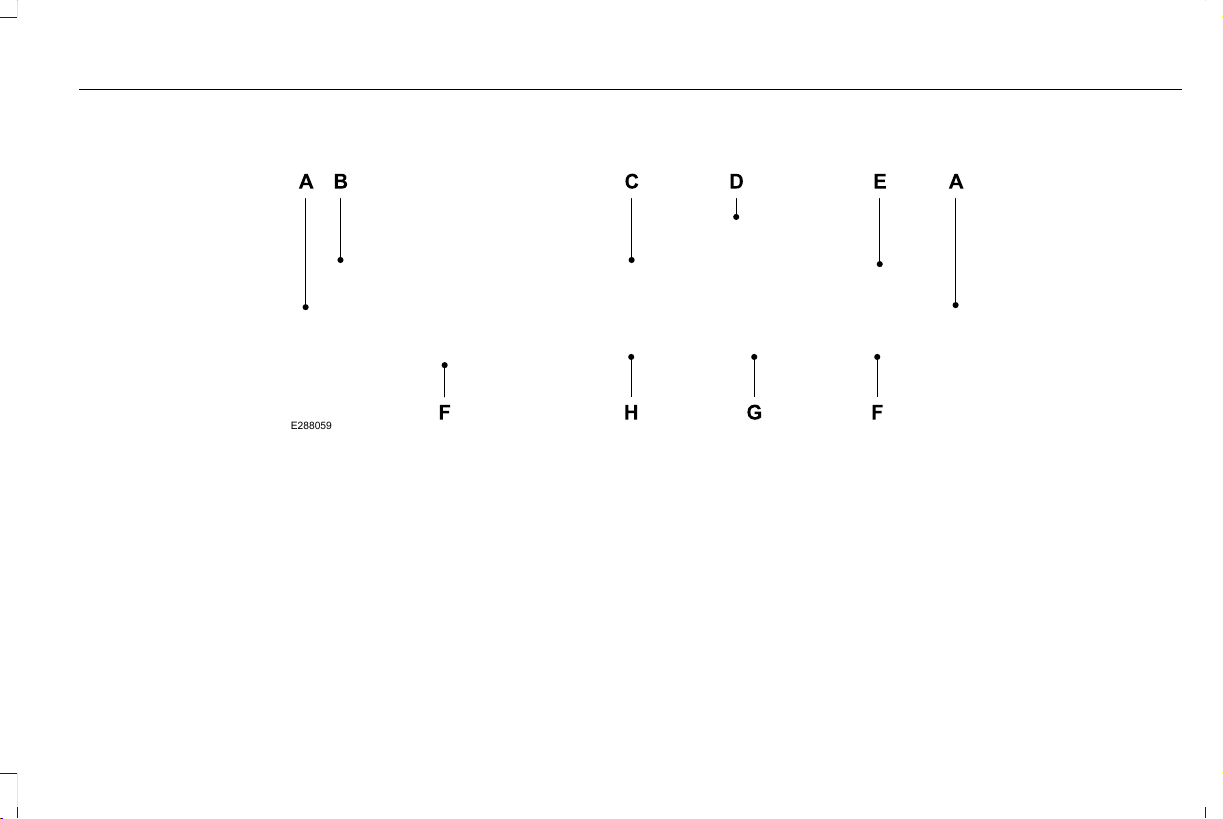
Head Up Display Overview
E288059
Signaling and Traffic Indication.A
Navigation Display Area.B
ADAS Display Area.C
System Message Display Area.D
ADAS Message Display Area.E
Status Bar.F
Speed Limit Display Area.G
Speedometer Display Area.H
155
Aviator (CTV) Canada/United States of America, enUSA, Edition date: 201902, First-Printing
Information Displays

Signaling and Traffic Indication
Displays direction indicators and blind spot
information (if direction indicators are active).
Navigation Display Area
Displays navigation next turn instructions.
ADAS Display Area
Displays Adaptive Cruise Control (ACC), Lane
centering aid and lane keeping system status
and warnings.
System Message Display Area
Displays system messages and notifications
including an incoming phone call.
ADAS Message Display Area
Displays ADAS messages and image
adjustment prompts.
Status Bar
Displays Distance To Empty (DTE), time and
outside air temperature. Next to DTE, the
fuel gauge fill color changes to yellow in low
fuel conditions. You can switch off the status
bar in the HUD settings menu.
Note: For Hybrid vehicles, the status bar also
displays your EV Range.
Speed Limit Display Area
Displays your speed limit information (if
available in the map database or detected
by the camera).
Speedometer Display Area
Displays your current vehicle speed and your
transmission gear selection.
Maintaining Your Head Up Display
• Do not place objects onto the transparent
cover, as they may block you from seeing
portions of the image. These objects
could also damage the cover and affect
the quality of the projected image.
• The system uses a special windshield
designed to provide the optimum image
quality. You must replace the windshield
in a vehicle with this system with a
certified original equipment
manufactured (OEM) head up display
windshield. Replacing this system's
windshield with a non-head up display
windshield causes a double image or
distorted image. Have an authorized
dealer or authorized repair facility replace
the windshield.
• Light conditions such as oncoming
headlamps, sunrise, sunset or reflections
off road surfaces can affect the driver's
ability to see the HUD image.
• Clean the windshield often for optimal
HUD performance. See Cleaning the
Windows and Wiper Blades (page 374).
156
Aviator (CTV) Canada/United States of America, enUSA, Edition date: 201902, First-Printing
Information Displays
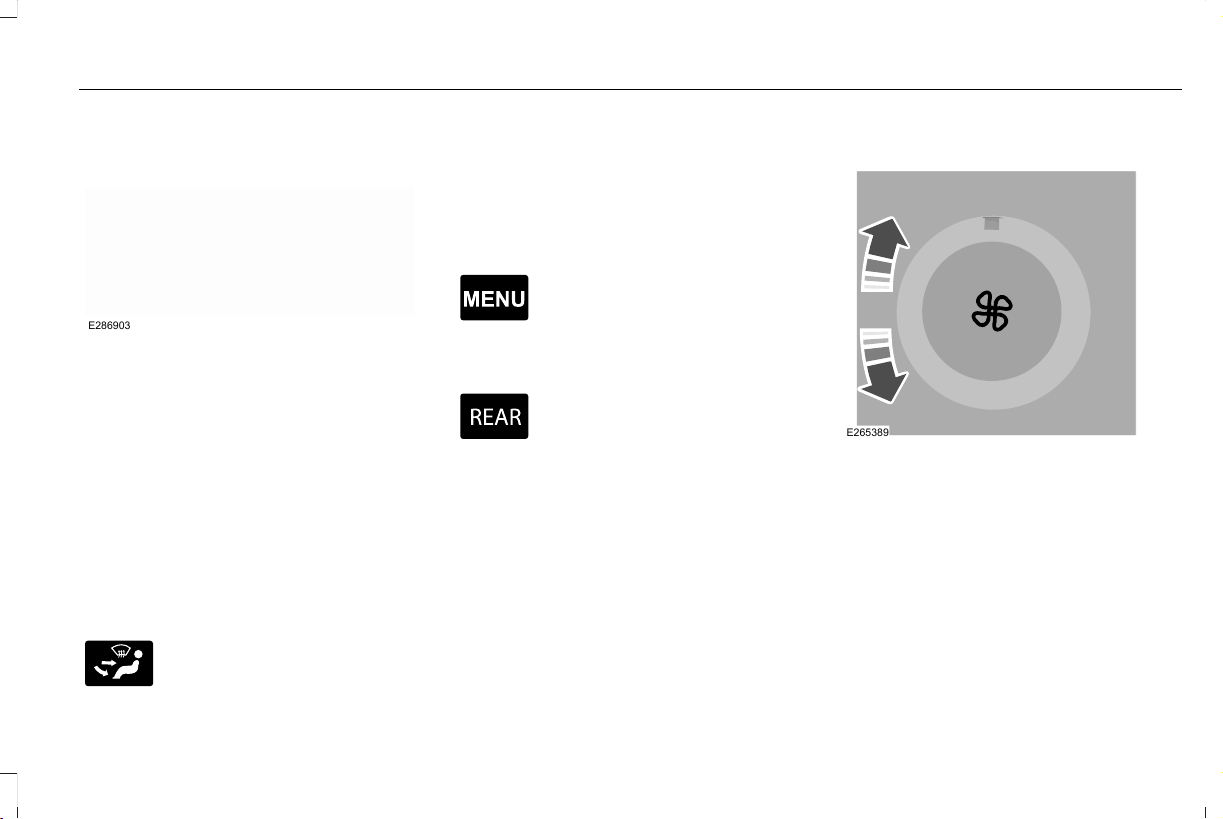
AUTOMATIC CLIMATE CONTROL
E286903
Note: Depending on your vehicle option
package, the controls may look different
from what you see here.
Note: You can switch temperature units
between Fahrenheit and Celsius.
Note: You can control some of the climate
features through the touchscreen.
Note: For Hybrid vehicles, the air
conditioning compressor may run and airflow
may be felt when the climate control is off
to provide cooling to the battery.
Accessing the Air Distribution Controls
E265283
Press and release the button to
activate the selection screen.
From the screen you can direct air to the
windshield, instrument panel or footwell
vents. You can direct air through any
combination of these vents. See Climate
(page 473).
Accessing the Climate Control Menu
E265038
Press and release the button to
access additional controls for the
front climate system.
Accessing Rear Climate Controls
E270447
Press and release the button to
access additional controls for the
rear climate system.
Setting the Blower Motor Speed
E265389
Turn the control to adjust the volume of air
circulated in the vehicle.
157
Aviator (CTV) Canada/United States of America, enUSA, Edition date: 201902, First-Printing
Climate Control
Setting the Temperature
E266187
E266186
Press the toggle button on the left-hand side
of the climate control upward or downward
to set the left-hand temperature.
Note: This control also adjusts the right-hand
side temperature when you switch off dual
zone mode.
Press the toggle button on the right-hand
side of the climate control upward or
downward to set the right-hand temperature.
Switching Auto Mode On and Off
Press and release the button to
switch on automatic operation.
Repeatedly press the button to
adjust auto mode.
The system adjusts the blower motor speed,
air distribution, air conditioning operation,
and outside or recirculated air to reach and
maintain the temperature you have set.
Under high humidity conditions, the system
adjusts the blower motor speed, air
distribution and air conditioning operation
to reduce window fogging.
Note: The system starts at the previous
setting when you switch on AUTO mode.
Note: You can also switch off dual zone
mode by pressing and holding the button for
more than two seconds.
158
Aviator (CTV) Canada/United States of America, enUSA, Edition date: 201902, First-Printing
Climate Control

Auto Mode Indicator Status
DescriptionAuto Mode Indicator Status
One indicator illuminated. • The blower motor speed is reduced.
• Use this setting to minimize the amount of noise from the blower motor.
• This setting increases the time taken to cool the interior.
Two indicators illuminated. • The blower motor speed is moderate.
Three indicators illuminated. • The blower motor speed is increased.
• Use this setting to reduce the time taken to cool the interior.
• This setting increases the amount of noise from the blower motor.
Switching the Air Conditioning On and
Off
Press and release the button.
Use air conditioning with recirculated air to
improve cooling performance and efficiency.
Note: In certain conditions, such as
maximum defrost, the air conditioning
compressor may continue to operate even
though you switch off the air conditioning.
Note: The A/C LED light may turn on and off
based on the temperature setting or the
current conditions.
Switching the Climate Control On and
Off
Press and release the button.
Note: Your vehicle may not have a physical
button. You can use the touchscreen to turn
the climate control on and off.
159
Aviator (CTV) Canada/United States of America, enUSA, Edition date: 201902, First-Printing
Climate Control
Switching Maximum Air Conditioning
On and Off
Press and release the button for
maximum cooling.
The driver and passenger temperatures are
set to LO, recirculated air flows through the
instrument panel air vents, air conditioning
turns on and the blower motor adjusts to the
highest speed.
Switching Maximum Defrost On and
Off
Press and release the button for
maximum defrosting.
The driver and passenger temperatures are
set to HI, air flows through the windshield air
vents, and the blower motor adjusts to the
highest speed.
Note: Depending on your region, air
conditioning turns on.
You can also use this setting to defog and
clear the windshield of a thin covering of ice.
Note: To prevent window fogging, you
cannot select recirculated air when
maximum defrost is on.
Note: The heated rear window also turns on
when you select maximum defrost.
Switching Recirculated Air On and Off
Press and release the button to
switch between outside air and
recirculated air.
The air currently in the passenger
compartment recirculates. This may reduce
the time needed to cool the interior, when
used with A/C, and reduce unwanted odors
from entering your vehicle.
Note: Recirculated air may turn off, or
prevent you from switching on, in all air flow
modes except MAX A/C to reduce the risk
of fogging. Recirculation may also turn on
and off in various air distribution control
combinations during hot weather to improve
cooling efficiency.
HINTS ON CONTROLLING THE
INTERIOR CLIMATE
General Hints
Note: Prolonged use of recirculated air may
cause the windows to fog up.
Note: You may feel a small amount of air
from the footwell air vents regardless of the
air distribution setting.
Note: To reduce humidity build-up inside
your vehicle, do not drive with the system
switched off or with recirculated air always
switched on.
Note: Do not place objects under the front
seats as this may interfere with the airflow
to the rear seats.
Note: Remove any snow, ice or leaves from
the air intake area at the base of the
windshield.
Note: To improve the time to reach a
comfortable temperature in hot weather,
drive with the windows open until you feel
cold air through the air vents.
160
Aviator (CTV) Canada/United States of America, enUSA, Edition date: 201902, First-Printing
Climate Control

Automatic Climate Control
Note: Adjusting the settings when your
vehicle interior is extremely hot or cold is not
necessary.
Note: The system adjusts to heat or cool the
interior to the temperature you select as
quickly as possible.
Note: For the system to function efficiently,
the instrument panel and side air vents
should be fully open.
Note: If you select AUTO during cold outside
temperatures, the system directs air flow to
the windshield and side window air vents. In
addition, the blower motor may run at a
slower speed until the engine warms up.
Note: If you select AUTO during hot
temperatures and the inside of the vehicle
is hot, the system uses recirculated air to
maximize interior cooling. Blower motor
speed may also reduce until the air cools.
Quickly Heating the Interior
1. Press and release AUTO.
2. Adjust the temperature function to the
setting you prefer.
Recommended Settings for Heating
1. Press and release AUTO.
2. Adjust the temperature function to the
setting you prefer. Use 72°F (22°C) as a
starting point, then adjust the setting as
necessary.
Quickly Cooling the Interior
1. Press and release MAX A/C.
Recommended Settings for Cooling
1. Press and release AUTO.
2. Adjust the temperature function to the
setting you prefer. Use 72°F (22°C) as a
starting point, then adjust the setting as
necessary.
Defogging the Side Windows in Cold
Weather
1. Press and release defrost.
2. Adjust the temperature control to the
setting you prefer. Use 72°F (22°C) as a
starting point, then adjust the setting as
necessary.
REAR PASSENGER CLIMATE
CONTROLS - VEHICLES WITH:
QUADRUPLE ZONE AUTOMATIC
TEMPERATURE CONTROL
Use the rear passenger touchscreen to
select the following:
E283811
Touch the climate button on the
feature bar to access the rear
passenger climate control screen.
Rear Passenger Climate Control Screen
E283809
161
Aviator (CTV) Canada/United States of America, enUSA, Edition date: 201902, First-Printing
Climate Control
Selecting a Row
Touch 2nd Row to control the second row
climate.
Touch 3rd Row to control the third row
climate.
Linking the Rows
E282078
Touch the button to simultaneously
control the climate of the second
and third row.
Setting the Rear Blower Motor Speed
Touch the arrow buttons to adjust
the volume of air circulated in the
rear passenger compartment.
Setting the Rear Temperature
Touch the arrow buttons to set the
temperature in the rear passenger
compartment.
Switching the Rear Climate Control On
and Off
Touch the button to switch the
selected row controls on or off.
Note: When linked, touch the button to
switch both rows on or off.
Directing Air to the Overhead and Rear
Footwell Air Vents
Touch the button to activate the
selection screen.
Touch the button to direct airflow
to the overhead air vents.
Touch the button to direct airflow
to the rear footwell air vents.
Switching Rear Auto Mode On and Off
Touch AUTO switch on rear automatic
operation, then set the temperature.
Rear Climate Control Lock Message
A message displays when the controls are
locked through the front and you try to
operate them.
REAR PASSENGER CLIMATE
CONTROLS - VEHICLES WITH:
TRIPLE ZONE AUTOMATIC
TEMPERATURE CONTROL
E290004
Note: Depending on your vehicle option
package, the controls may look different
from what you see here.
162
Aviator (CTV) Canada/United States of America, enUSA, Edition date: 201902, First-Printing
Climate Control
Directing Air to the Rear Console Air
Vents
Press and release the button to
direct airflow to the rear console
air vents.
Directing Air to the Rear Footwell Air
Vents
Press and release the button to
direct airflow to rear footwell air
vents.
Note: Air can be directed through any
combination of air vents.
Rear Climate Control Lock Indicator
Illuminates when the rear climate
controls are locked through the
front climate controls.
Note: If the rear climate controls are locked
and the rear climate system is turned off, the
indicator illuminates for a few seconds when
you try to use any of the rear climate
controls.
Setting the Rear Blower Motor Speed
E265389
Turn the control to adjust the volume of air
circulated in the rear passenger
compartment.
Setting the Rear Temperature
E265862
Turn the control to set the temperature in
the rear passenger compartment.
Switching Rear Auto Mode On
Press and release the button to
switch rear automatic operation on,
then set the temperature.
163
Aviator (CTV) Canada/United States of America, enUSA, Edition date: 201902, First-Printing
Climate Control
The system adjusts the blower motor speed,
air distribution, air conditioning operation to
reach and maintain the temperature you
have set.
Switching the Rear Climate Control On
and Off
Press and release the button to
switch the rear climate control on
or off.
Note: If the system is on and Max Defrost is
switched on through the front climate
controls, the system turns off. It turns back
on when Max Defrost is switched off.
Note: If Max Defrost is switched on, the
system can be turned on at the same time.
Switching the Rear Heated Seats On
and Off (If Equipped)
See Heated Seats (page 182).
Switching the Rear Ventilated Seats
On and Off (If Equipped)
E268558
See Climate Controlled Seats
(page 183).
HEATED REAR WINDOW
E184884
Press the button to clear the rear
window of thin ice and fog. The
heated rear window turns off after
a short period of time.
Note: Do not use harsh chemicals, razor
blades or other sharp objects to clean or
remove decals from the inside of the heated
rear window. The vehicle warranty may not
cover damage to the heated rear window
grid lines.
HEATED EXTERIOR MIRRORS
When you switch the heated rear window
on, the heated exterior mirrors turn on.
Note: Do not remove ice from the mirrors
with a scraper or adjust the mirror glass
when it is frozen in place.
Note: Do not clean the mirror housing or
glass with harsh abrasives, fuel or other
petroleum-based cleaning products. The
vehicle warranty may not cover damage
caused to the mirror housing or glass.
REMOTE START
The climate control system adjusts the
interior temperature during remote start.
You can switch this feature on or off and
adjust the settings using the touchscreen.
See Settings (page 489).
You cannot adjust the climate control setting
during remote start operation. Switch the
ignition on to make adjustments.
Based on your remote start settings, the
following vehicle-dependent features may
or may not remain on after remote starting
your vehicle:
• Climate controlled seats.
• Heated steering wheel.
164
Aviator (CTV) Canada/United States of America, enUSA, Edition date: 201902, First-Printing
Climate Control

• Heated mirrors.
• Heated rear window.
• Windshield wiper de-icer.
Note: For dual zone climate controlled seats,
the passenger seat setting defaults to match
the driver seat during remote start.
Automatic Settings
If Auto is on, the system sets the interior
temperature to 72°F (22°C) and heats or
cools the vehicle interior as required to
achieve comfort.
Note: In cold weather, the heated rear
window and heated mirrors turn on.
Last Settings
If Last Settings is on, the system uses the
settings last selected before you turned off
the vehicle.
Heated and Cooled Features
In Auto mode, certain heated features may
switch on during cold weather, and cooled
features during hot weather.
165
Aviator (CTV) Canada/United States of America, enUSA, Edition date: 201902, First-Printing
Climate Control

ABOUT THE CABIN AIR FILTER
Your vehicle has a cabin air filter, which gives
you and your passengers the following
benefits:
• It improves your driving comfort by
reducing particle concentration.
• It improves the interior compartment
cleanliness.
• It protects the climate control
components from particle deposits.
LOCATING THE CABIN AIR FILTER
You can locate the cabin air filter behind the
glove box.
CHANGING THE CABIN AIR FILTER
Replace the filter at regular intervals. See
Scheduled Maintenance (page 513).
Note: Make sure you have a cabin air filter
installed at all times. This prevents foreign
objects from entering the system. Running
the system without a filter in place could
result in degradation or damage to the
system.
Note: Using an aftermarket cabin air filter
could reduce cabin air filtration and climate
control performance.
166
Aviator (CTV) Canada/United States of America, enUSA, Edition date: 201902, First-Printing
Interior Air Quality
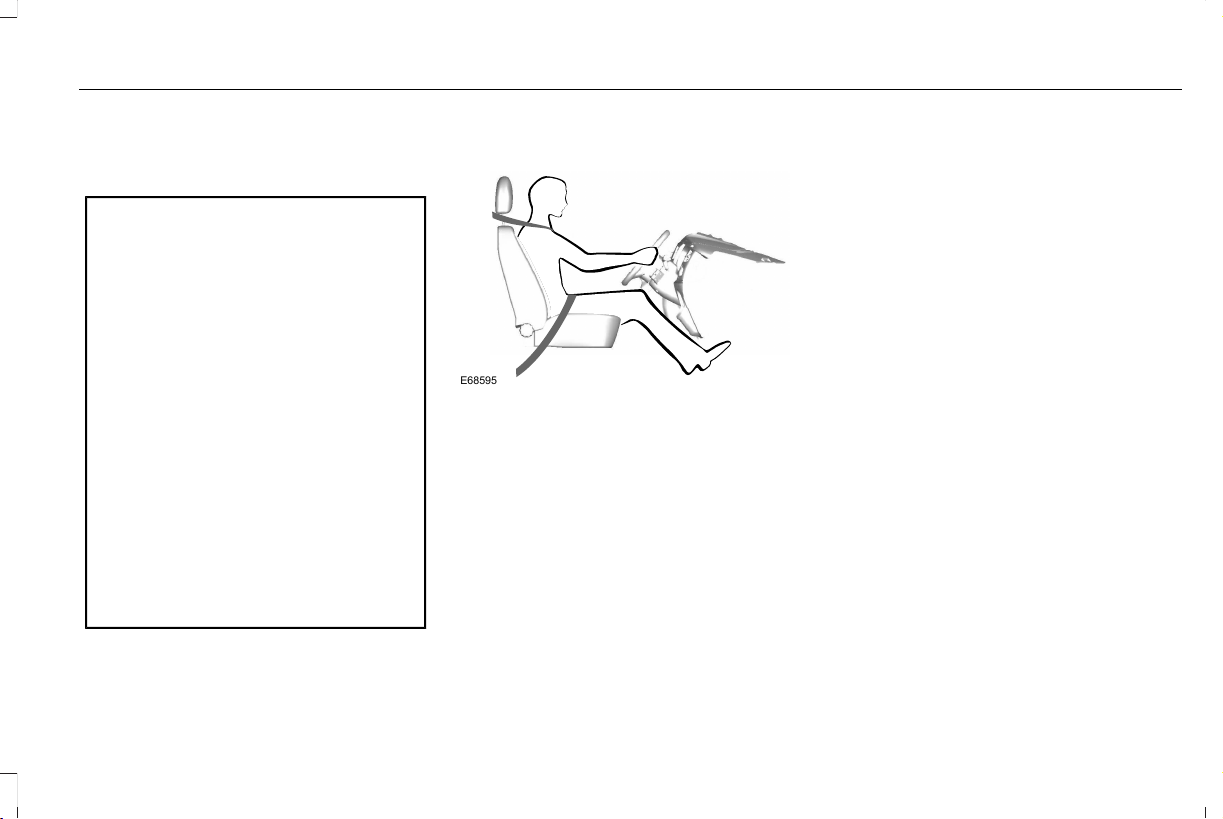
SITTING IN THE CORRECT
POSITION
WARNING: Sitting improperly, out of
position or with the seatback reclined too
far can take weight off the seat cushion
and affect the decision of the passenger
sensing system, resulting in serious injury
or death in the event of a crash. Always sit
upright against your seat back, with your
feet on the floor.
WARNING: Do not recline the
seatback too far as this can cause the
occupant to slide under the seatbelt,
resulting in serious injury in the event of a
collision.
WARNING: Do not place objects
higher than the top of the seat backrest.
Failure to follow this instruction could result
in personal injury or death in the event of
a sudden stop or crash.
E68595
When you use them properly, the seat, head
restraint, seatbelt and airbags will provide
optimum protection in the event of a crash.
We recommend that you follow these
guidelines:
• Sit in an upright position with the base of
your spine as far back as possible.
• Do not recline the seat backrest so that
your torso is more than 30° from the
upright position.
• Adjust the head restraint so that the top
of it is level with the top of your head and
as far forward as possible. Make sure that
you remain comfortable.
• Keep sufficient distance between
yourself and the steering wheel. We
recommend a minimum of 10 in (25 cm)
between your breastbone and the airbag
cover.
• Hold the steering wheel with your arms
slightly bent.
• Bend your legs slightly so that you can
press the pedals fully.
• Position the shoulder strap of the seatbelt
over the center of your shoulder and
position the lap strap tightly across your
hips.
Make sure that your driving position is
comfortable and that you can maintain full
control of your vehicle.
167
Aviator (CTV) Canada/United States of America, enUSA, Edition date: 201902, First-Printing
Seats
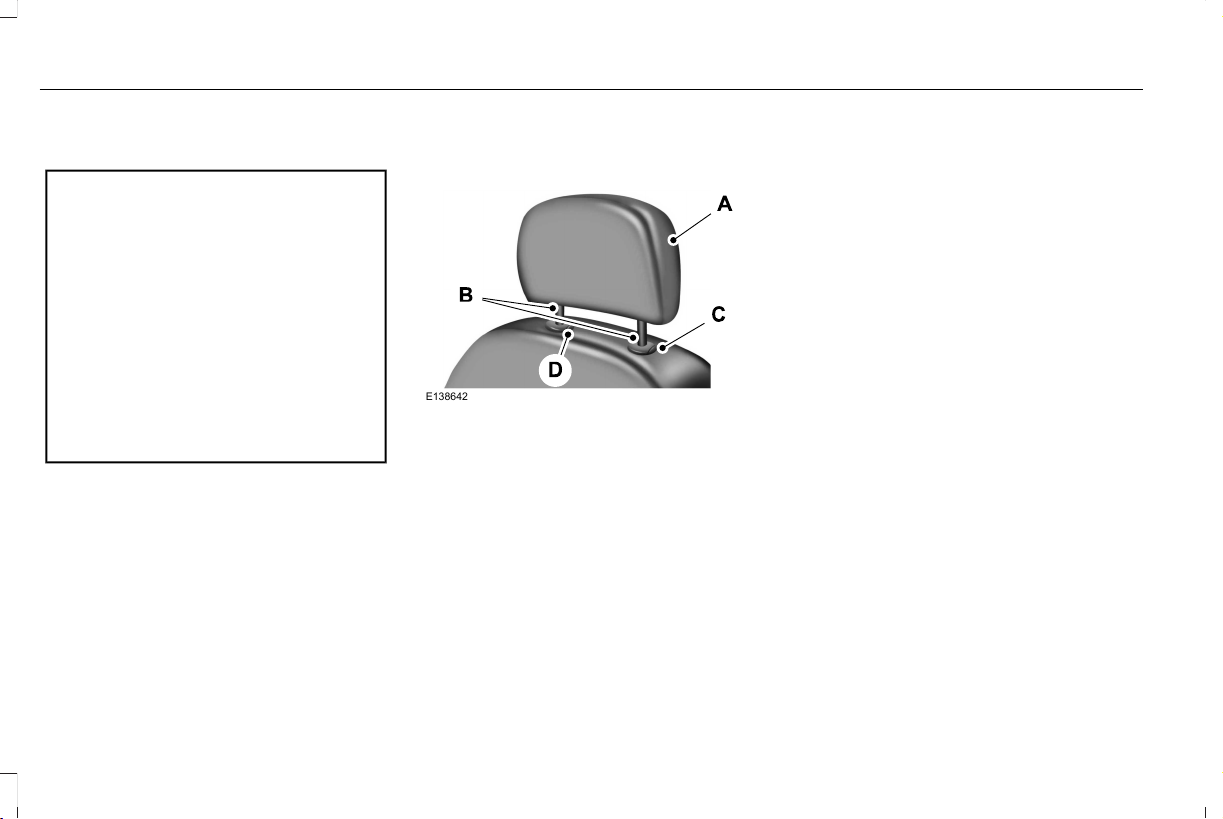
HEAD RESTRAINTS
WARNING: Fully adjust the head
restraint before you sit in or operate your
vehicle. This will help minimize the risk of
neck injury in the event of a crash. Do not
adjust the head restraint when your vehicle
is moving.
WARNING: The head restraint is a
safety device. Whenever possible it should
be installed and properly adjusted when
the seat is occupied. Failure to adjust the
head restraint properly could reduce its
effectiveness during certain impacts.
Note: Adjust the seat backrest to an upright
driving position before adjusting the head
restraint. Adjust the head restraint so that
the top of it is level with the top of your head
and as far forward as possible. Make sure
that you remain comfortable. If you are
extremely tall, adjust the head restraint to
its highest position.
Adjusting the Head Restraint
Front Seat Head Restraints
E138642
The head restraints consist of:
An energy absorbing head
restraint.
A
Two steel stems.B
Guide sleeve adjust and release
button.
C
Guide sleeve unlock and remove
button.
D
Raising the Head Restraint
Pull the head restraint up.
Lowering the Head Restraint
1. Press and hold button C.
2. Push the head restraint down.
Removing the Head Restraint
1. Pull the head restraint up until it reaches
its highest position.
2. Press and hold buttons C and D.
3. Pull the head restraint up.
Installing the Head Restraint
Align the steel stems into the guide sleeves
and push the head restraint down until it
locks.
168
Aviator (CTV) Canada/United States of America, enUSA, Edition date: 201902, First-Printing
Seats
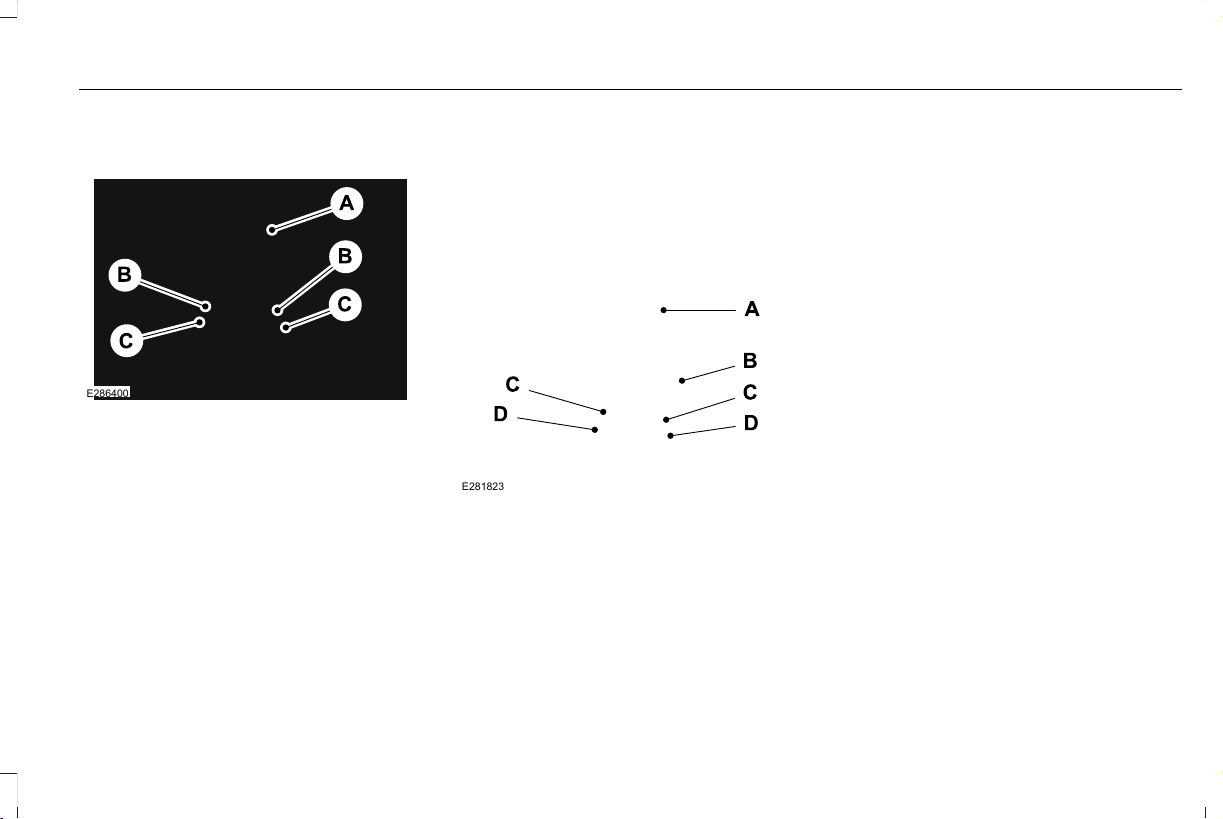
Second Row Center Seat Head Restraint
(If Equipped)
E286400
The head restraints consist of:
An energy absorbing head
restraint.
A
Two steel stems.B
Guide sleeve adjust and release
buttons.
C
Raising the Head Restraint
Pull the head restraint up.
Lowering the Head Restraint
1. Press and hold C buttons.
2. Push the head restraint down.
Second Row Outermost Seat Head
Restraints
E281823
The head restraints consist of:
An energy absorbing head
restraint.
A
Fold button.B
Two steel stems.C
Guide sleeve unlock and remove
button.
D
Folding the Head Restraint
1. Press and hold button B.
2. Pull the head restraint back up to reset.
Removing the Head Restraint
1. Press and hold both D buttons.
2. Pull the head restraint up.
Installing the Head Restraint
Align the steel stems into the guide sleeves
and push the head restraint down until it
locks.
169
Aviator (CTV) Canada/United States of America, enUSA, Edition date: 201902, First-Printing
Seats
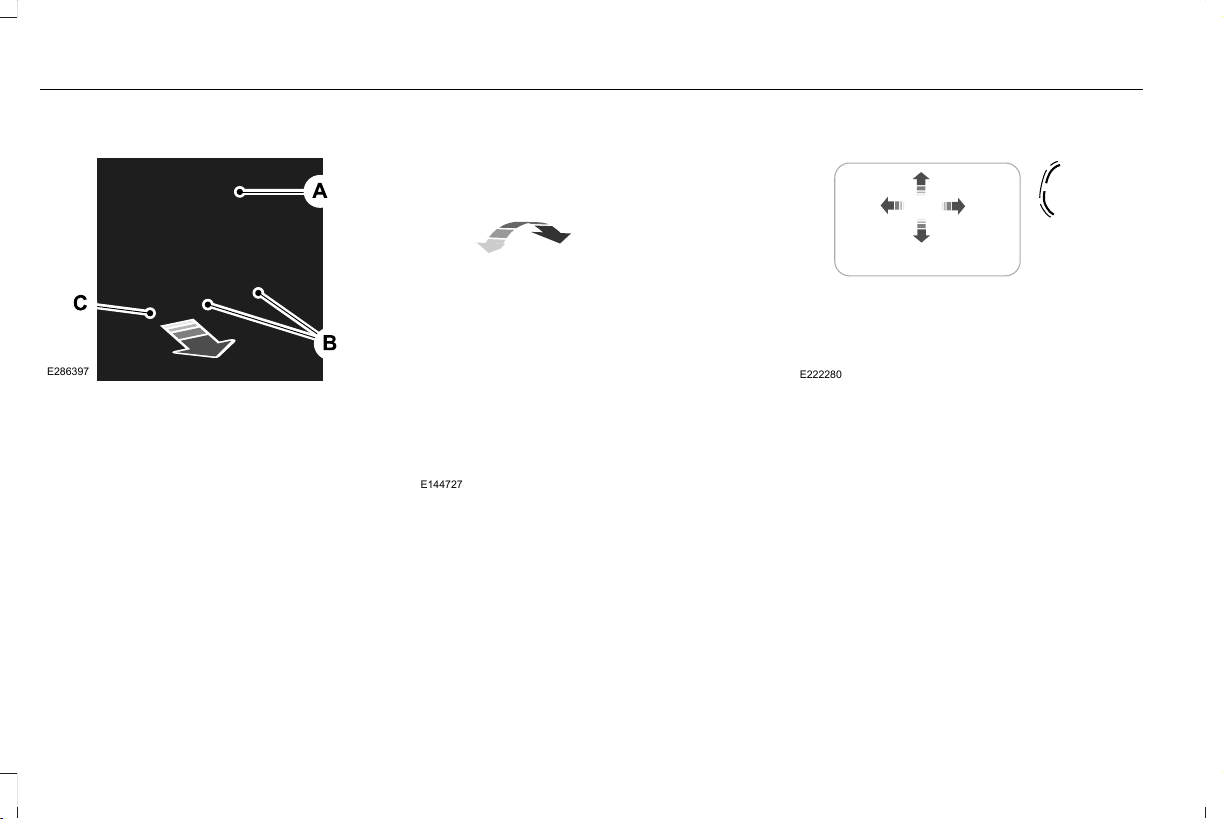
Third Row Seat Head Restraints
E286397
The head restraints consist of:
An energy absorbing head
restraint.
A
Two steel stems.B
Fold strap.C
Folding the Head Restraint
Pull the fold strap (C). Pull the head restraint
back up to reset.
Tilting Head Restraints
The front head restraints tilt for extra comfort.
To tilt the head restraint, do the following:
E144727
1. Adjust the seat backrest to an upright
driving or riding position.
2. Pivot the head restraint forward toward
your head to the desired position.
After the head restraint reaches the
forward-most tilt position, pivot it forward
again to release it to the rearward, un-tilted
position.
Power Front Head Restraints (If Equipped)
E222280
To raise the head restraint, lift the switch up
until you reach a comfortable height.
To lower the head restraint, press the switch
down.
To move the head restraint forward, push
the switch forward until you reach the
desired position.
To move the head restraint rearward, push
the switch rearward.
170
Aviator (CTV) Canada/United States of America, enUSA, Edition date: 201902, First-Printing
Seats
POWER SEATS
WARNING: Do not adjust the driver
seat or seat backrest when your vehicle is
moving. This may result in sudden seat
movement, causing the loss of control of
your vehicle.
WARNING: Do not place cargo or
any objects behind the seatback before
returning it to the original position.
10-Way and 12-Way Seat Controls
The power seat controls are on the door.
E285258
Recline.A
Lumbar control.B
Memory function.C
Seat adjust (forward, backward,
height and tilt).
D
E285278
Press this button to access the
lumbar menu on the touchscreen.
171
Aviator (CTV) Canada/United States of America, enUSA, Edition date: 201902, First-Printing
Seats
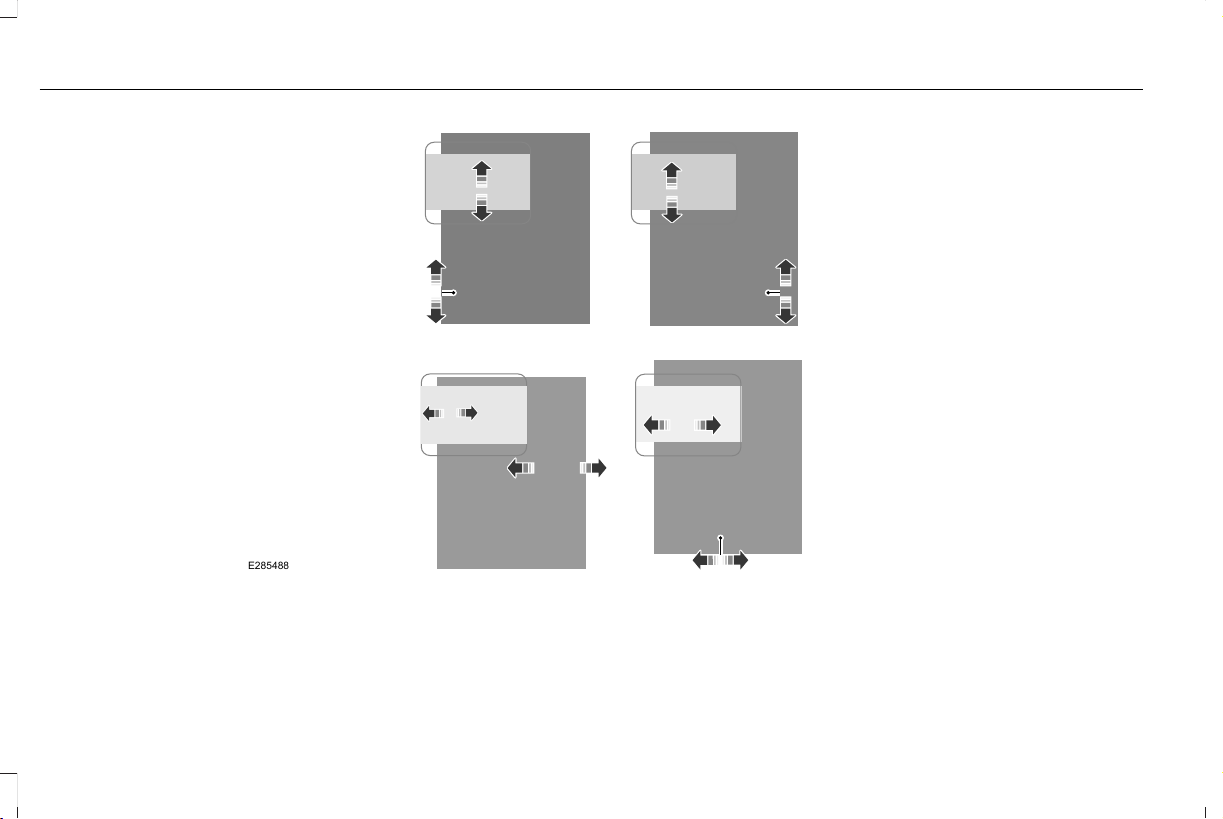
E285488
30-Way Seat Controls
The power seat controls are on the door.
172
Aviator (CTV) Canada/United States of America, enUSA, Edition date: 201902, First-Printing
Seats
E282855
Head restraint.A
Lumbar support.B
Memory function.C
Independent leg and thigh seat
extensions.
D
Seat adjust (forward, backward,
height and tilt).
E
Upper seat backrest.F
Recline.G
E285278
Press this button to access the
lumbar menu on the touchscreen.
173
Aviator (CTV) Canada/United States of America, enUSA, Edition date: 201902, First-Printing
Seats
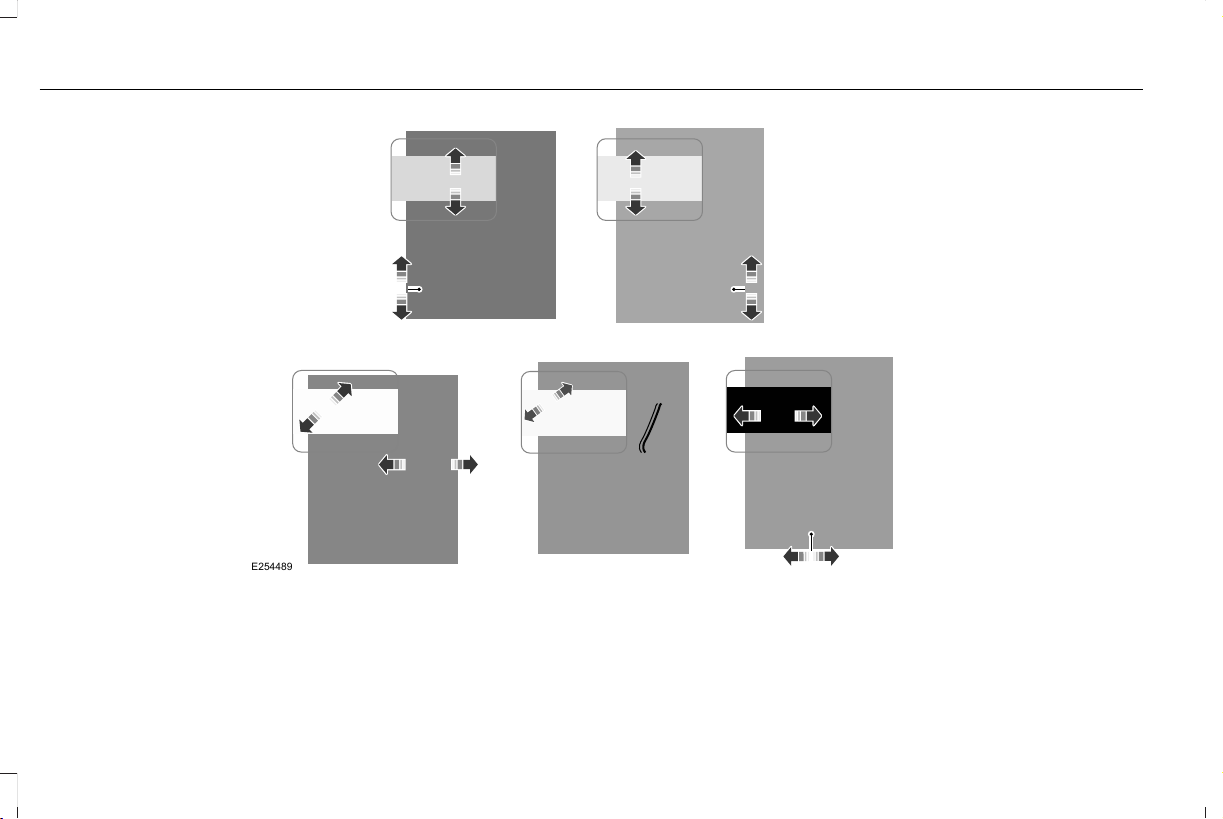
E254489
174
Aviator (CTV) Canada/United States of America, enUSA, Edition date: 201902, First-Printing
Seats
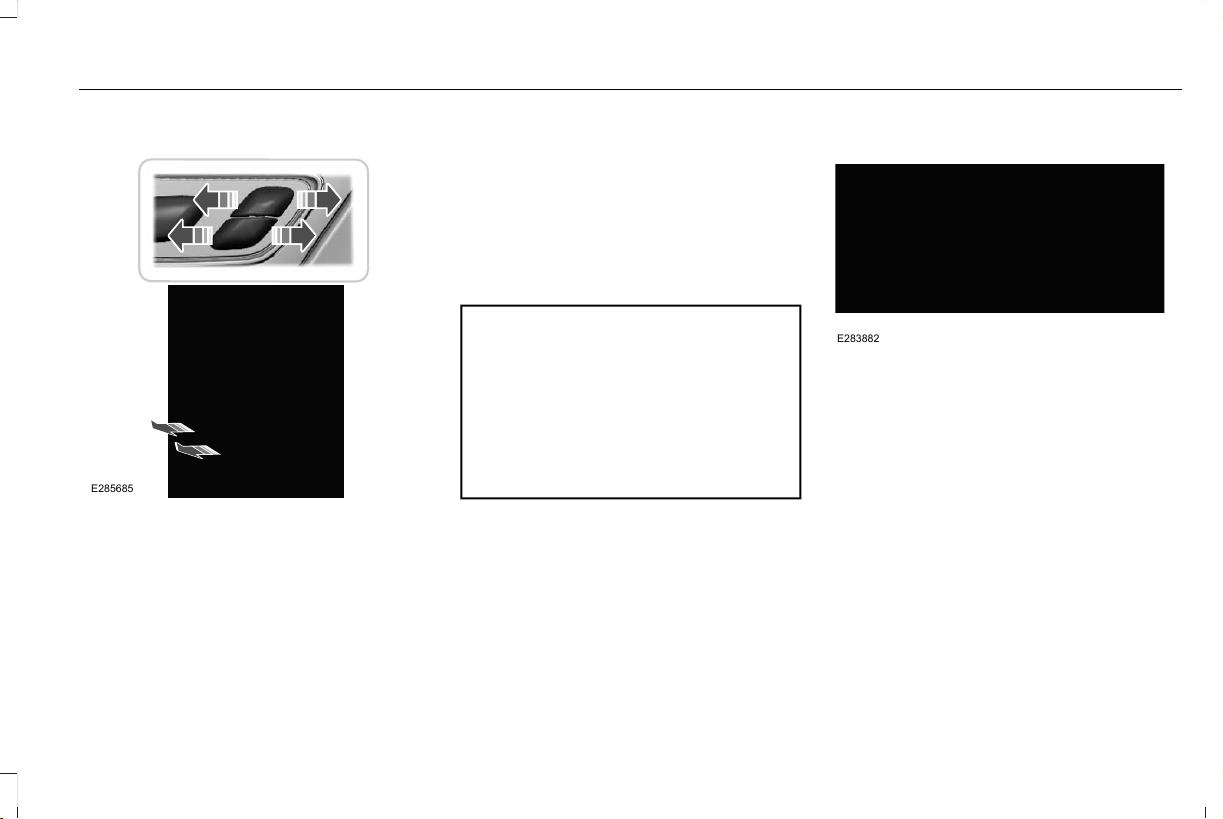
Adjusting the Length of the Seat Cushion
E285685
Adjusting the Multi-Contour Front
Seats With Active Motion (If Equipped)
Note: The engine must be running or the
vehicle must be in accessory mode to
activate the seats.
Note: Allow a few seconds for any selection
to activate. The seat backrest and cushion
massage cannot function at the same time.
You can adjust this feature through the
touchscreen. See SYNC™ 3 (page 447).
MEMORY FUNCTION
WARNING: Before activating the
memory seat, make sure that the area
immediately surrounding the seat is clear
of obstructions and that all occupants are
clear of moving parts.
WARNING: Do not use the memory
function when your vehicle is moving.
This feature recalls the position of the
following:
• Driver seat.
• Power mirrors.
• Optional power steering column.
The memory control is on the driver door.
E283882
Saving a PreSet Position
1. Switch the ignition on.
2. Adjust the memory features to your
preferred position.
3. Press and hold the preferred preset
button until you hear a single tone.
You can save up to three preset memory
positions. You can save a memory preset at
any time.
175
Aviator (CTV) Canada/United States of America, enUSA, Edition date: 201902, First-Printing
Seats

Recalling a PreSet Position
Press and release the preset button
associated with your preferred driving
position. The memory features move to the
position stored for that preset.
Note: You can only recall a preset memory
position when the ignition is off, or when the
transmission is in park (P) or neutral (N) and
the vehicle is not moving if the ignition is on.
You can also recall a preset memory position
by:
• Pressing the unlock button on your
remote control if it is linked to a preset
position.
• Unlocking the intelligent driver door
handle if a linked remote control is
present.
• Recalling a personal profile in your SYNC
3 menu.
Note: Using a linked remote control to recall
your memory position when the ignition is
off moves the seat to the Easy Entry position.
Note: Pressing any active memory feature
adjustment control, or any memory button
during a memory recall, cancels the
operation.
Easy Entry and Exit Feature
If you enable the easy entry and exit feature,
it moves the driver seat position rearward up
to 2 in (5 cm) when you switch the ignition
off.
The driver seat returns to the previous
position when you switch the ignition on.
You can enable or disable this feature
through the touchscreen. See Settings
(page 489).
Personal Profiles
This feature allows you to create multiple
personal profiles enabling users to
personalize vehicle’s settings. You can
create one profile for each preset memory
seat button along with a guest profile. You
can recall a profile using SYNC 3 or the
preset button you selected when you created
your profile. You can also link a remote
control and a mobile device to your profile,
which are used to recall it.
Creating a Personal Profile
Use the SYNC display to create a personal
profile.
1. Switch the ignition on and leave the
vehicle in park (P).
2. Select the Personal Profiles button under
Settings.
3. Follow the instructions on the display.
176
Aviator (CTV) Canada/United States of America, enUSA, Edition date: 201902, First-Printing
Seats

Linking a Personal Profile to Your Remote
Control or Mobile Device
You can save preset memory positions for
up to three remote controls, by assigning a
remote control to a personal profile in your
SYNC 3. You can assign three additional
remote controls set up as Phone as a Key.
See Keys and Remote Controls (page 64).
Use the SYNC display to link a remote
control, mobile device or both to a personal
profile.
1. Switch the ignition on and leave the
vehicle in park (P).
2. Select the Personal Profiles button under
Settings.
3. Touch the arrow for the profile you wish
to link to a remote control or mobile
device.
4. Select the correct button to link a remote
control, mobile device, or both.
5. Follow the instructions on the display.
Note: To successfully link a mobile device,
the mobile device must be present in your
vehicle, and must have previously been
setup as a remote control for your vehicle.
Note: If more than one linked remote control
is in range, the memory function moves to
the settings of the first key to initiate a
memory recall.
Note: The guest profile consists of existing
settings when there is no driver profile
created. After you create a driver profile, the
guest profile serves as an additional driver
profile.
Note: You cannot link a personalized name,
a memory seat button or a remote control
to a guest profile.
Personal Settings
Personal Profiles allow you to personalize
positional settings such as seats and mirrors,
as well as non-positional settings such as
radio, navigation, driver assist and system
settings. See SYNC™ 3 (page 447). You
cannot change the menu locations and
settings of those personalized features with
Personal Profiles.
Note: Non-positional settings are saved to
the active driver profile whenever you
change a setting.
Note: You can save positional settings if you
press and hold a memory seat button.
Recalling and Changing a Profile
You can recall a profile by:
• Using a remote control or mobile device
that has been linked to a driver profile to
access the remote start feature, press an
unlock button or open the door with the
exterior door handle.
• Pressing a memory seat button that has
been linked to a driver profile.
• Using the Personal Profiles menu on the
SYNC touchscreen.
Note: The recalled profile replaces the
previously active profile. If the active profile
is not your preferred profile, you can change
it using any of the three methods listed.
177
Aviator (CTV) Canada/United States of America, enUSA, Edition date: 201902, First-Printing
Seats

When you switch on the Personal Profiles
feature:
• Unlocking a door with a remote control
or mobile device that is not linked to a
driver profile recalls non-positional
settings from the guest profile. It will not
change the positional settings.
• Pressing a memory seat button that is
not linked to a driver profile or has not
been saved to a preset setting recalls
non-positional settings from the guest
profile. It will not change the positional
settings.
• Pressing a memory seat button that is
not linked to a driver profile but has been
saved to a preset setting recalls
non-positional settings from the guest
profile. It recalls the positional settings
that you saved to that memory seat
button.
See SYNC™ 3 Troubleshooting (page 491).
When you switch off a Personal Profiles
feature:
• Unlocking a door with a remote control
or mobile device recalls non-positional
settings from the guest profile and still
recalls positional settings from the driver
profile which the remote control or
mobile device had been linked to.
• Pressing a memory seat button that has
not been linked to a driver profile or has
not been saved to a preset setting recalls
non-positional settings from the guest
profile. It will not change the positional
settings.
• Pressing a memory seat button that has
been linked to a driver profile or has
saved to a preset setting recalls
non-positional settings from the guest
profile. It recalls the positional settings
that you saved to that memory seat
button.
REAR SEATS
WARNING: Always drive and ride
with your seatback upright and the lap belt
snug and low across the hips.
WARNING: Do not recline the
seatback too far as this can cause the
occupant to slide under the seatbelt,
resulting in serious injury in the event of a
collision.
178
Aviator (CTV) Canada/United States of America, enUSA, Edition date: 201902, First-Printing
Seats
Adjusting the Second Row Outermost
Seats Backrest
E281809
Lift the handle and adjust the seat backrest
rearward or forward.
Folding the Second Row Outermost
Seats Flat
E281813
Lift the handle and fold the seat backrest
forward until it is flat.
Adjusting the Second Row Seats for
Easy Entry
WARNING: Do not drive your vehicle
with a seat that is unlatched or in the
folded position. Failure to follow this
instruction could result in personal injury
or death in the event of a sudden stop or
crash.
WARNING: Do not place cargo or
any objects behind the seat backrest
before returning it to the original position.
Pull on the seat backrest to make sure that
it has fully latched after returning the seat
backrest to its original position. An
unlatched seat may become dangerous if
you stop suddenly or have a crash.
WARNING: Do not adjust a seat or
release a seat floor latch when the vehicle
is moving. Failure to follow this instruction
could result in personal injury or death in
a sudden stop or crash.
Note: You may have to move the front row
seat forward to allow the second row seat
to be fully folded.
Note: You can move the second row
outermost seats forward to allow access to
the third row seats.
This feature allows for easier entry and exit
to and from the third row seat.
179
Aviator (CTV) Canada/United States of America, enUSA, Edition date: 201902, First-Printing
Seats
Folding the Second Row Center Seat
E281821
Pull the strap to fold the seat backrest flat.
To return the seat to the upright position,
rotate the seat backrest until it locks.
To recline the seat backrest, pull the strap
and adjust the seat backrest rearward or
forward.
Adjusting the Second Row Outermost Seats
E286395
Lift the handle to move the seat forward or
rearward.
Adjusting the Second Row Seats with
Power Easy Entry
WARNING: Do not fold a seat if it is
occupied. Failure to follow this instruction
could result in personal injury.
The easy entry seat allows for easier entry
and exit to and from the third row seat.
E281819
Press the button on top of the second row
seat backrest to move the seat forward. This
provides access to the third row.
180
Aviator (CTV) Canada/United States of America, enUSA, Edition date: 201902, First-Printing
Seats
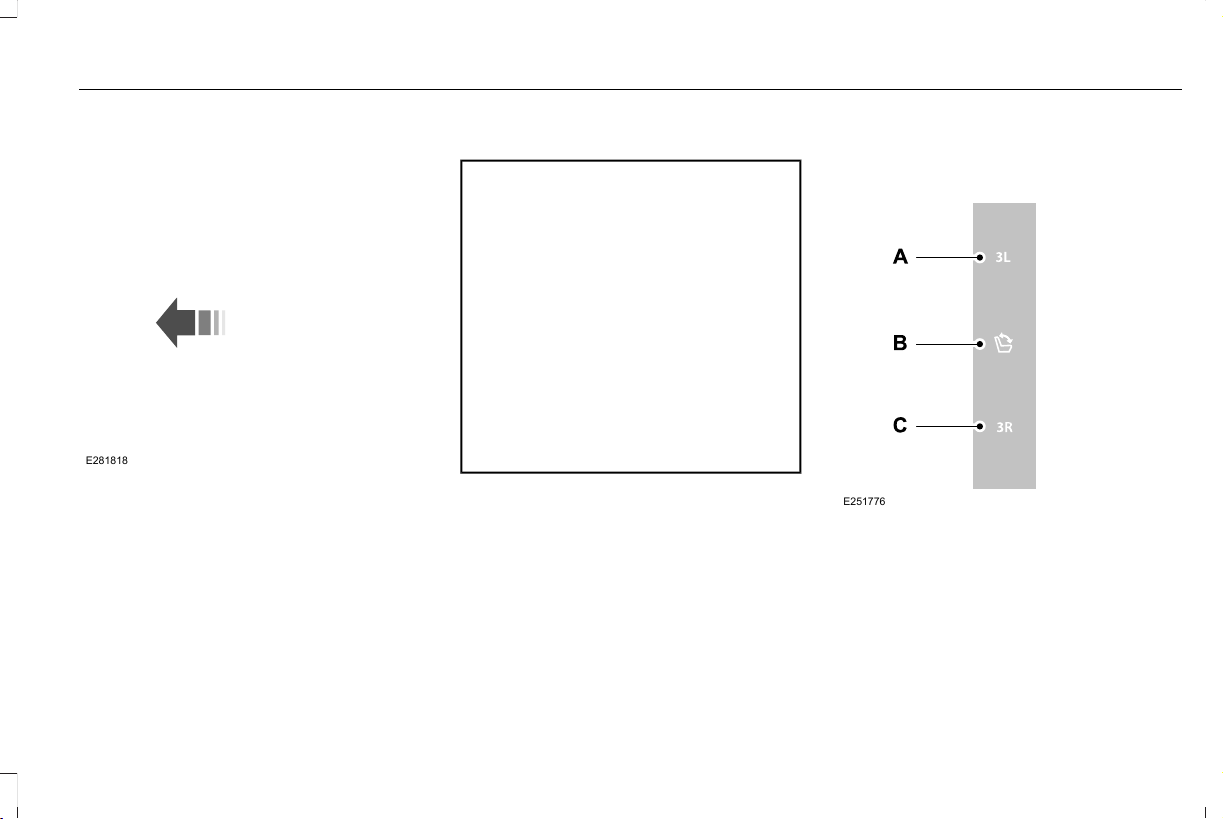
E281818
1. Push the seat forward.
2. To return the seat to the seating position,
push the seat backrest rearward until it
latches.
Adjusting the Third Row Power Seats
WARNING: Do not fold a seat if it is
occupied. Failure to follow this instruction
could result in personal injury.
WARNING: Do not place cargo or
any objects behind the seatback before
returning it to the original position.
WARNING: Do not drive your vehicle
with a seat that is unlatched or in the
folded position. Failure to follow this
instruction could result in personal injury
or death in the event of a sudden stop or
crash.
Note: The power rear seat functions disable
10 minutes after you switch the ignition off.
The transmission must be in park (P) and the
liftgate must be open to operate the seats.
The control buttons are inside the liftgate
area.
E251776
Press to fold the left-hand third row
seat.
A
Press to fold and unfold both third
row seats.
B
Press to fold the right-hand third
row seat.
C
181
Aviator (CTV) Canada/United States of America, enUSA, Edition date: 201902, First-Printing
Seats
To return the third-row seat backrest to the
original position, press the corresponding
control again.
If the power rear seat disables after 10
minutes, you can enable the seat by:
• Opening any door.
• Pressing the unlock button on the key
fob.
• Pressing any keyless entry keypad
button.
• Switching the ignition on.
HEATED SEATS (IF EQUIPPED)
Front Seats
WARNING: Use caution when using
the heated seat if you are unable to feel
pain to your skin because of advanced
age, chronic illness, diabetes, spinal cord
injury, medication, alcohol use, exhaustion
or other physical conditions. The heated
seat could cause burns even at low
temperatures, especially if used for long
periods of time. Failure to follow this
instruction could result in personal injury.
WARNING: Do not poke sharp
objects into the seat cushion or seat
backrest. This could damage the heated
seat element and cause it to overheat.
Failure to follow this instruction could result
in personal injury.
WARNING: Do not place anything
on the seat that blocks the heat, for
example a seat cover or a cushion. This
could cause the seat to overheat. Failure
to follow this instruction could result in
personal injury.
Do not do the following:
• Place heavy objects on the seat.
• Operate the heated seat if water or any
other liquid spills on the seat. Allow the
seat to dry thoroughly.
Note: The engine must be running to use
this feature.
E146322
182
Aviator (CTV) Canada/United States of America, enUSA, Edition date: 201902, First-Printing
Seats
Press the heated seat symbol to cycle
through the various heat settings and off.
More indicator lights indicate warmer
settings.
Note: Based on your remote start settings,
the heated seats may remain on after you
remote start your vehicle. The heated seats
may also turn on when you start your vehicle
if they were on when you switched your
vehicle off.
Second Row Heated Seats
WARNING: Use caution when using
the heated seat if you are unable to feel
pain to your skin because of advanced
age, chronic illness, diabetes, spinal cord
injury, medication, alcohol use, exhaustion
or other physical conditions. The heated
seat could cause burns even at low
temperatures, especially if used for long
periods of time. Failure to follow this
instruction could result in personal injury.
WARNING: Do not poke sharp
objects into the seat cushion or seat
backrest. This could damage the heated
seat element and cause it to overheat.
Failure to follow this instruction could result
in personal injury.
WARNING: Do not place anything
on the seat that blocks the heat, for
example a seat cover or a cushion. This
could cause the seat to overheat. Failure
to follow this instruction could result in
personal injury.
Do not do the following:
• Place heavy objects on the seat.
• Operate the seat heater if water or any
other liquid spills on the seat. Allow the
seat to dry thoroughly.
Note: The engine must be running to use
this feature.
E146322
Press the heated seat symbol to cycle
through the various heat settings and off.
More indicator lights indicate warmer
settings.
Note: Based on your remote start settings,
the heated seats may remain on after you
remote start your vehicle. The heated seats
may also turn on when you start your vehicle
if they were on when you switched your
vehicle off.
CLIMATE CONTROLLED SEATS (IF
EQUIPPED)
Heated Seats
183
Aviator (CTV) Canada/United States of America, enUSA, Edition date: 201902, First-Printing
Seats
WARNING: Use caution when using
the heated seat if you are unable to feel
pain to your skin because of advanced
age, chronic illness, diabetes, spinal cord
injury, medication, alcohol use, exhaustion
or other physical conditions. The heated
seat could cause burns even at low
temperatures, especially if used for long
periods of time. Failure to follow this
instruction could result in personal injury.
WARNING: Do not poke sharp
objects into the seat cushion or seat
backrest. This could damage the heated
seat element and cause it to overheat.
Failure to follow this instruction could result
in personal injury.
WARNING: Do not place anything
on the seat that blocks the heat, for
example a seat cover or a cushion. This
could cause the seat to overheat. Failure
to follow this instruction could result in
personal injury.
Note: The heated seats switch on during a
remote start if they are enabled through the
information displays. See Remote Control
(page 64).
Note: The heated seats may also switch on
when you start your vehicle if they were on
when you previously switched your vehicle
off.
Note: Do not do the following:
• Place heavy objects on the seat.
• Operate the seat heater if water or any
other liquid spills on the seat. Allow the
seat to dry thoroughly.
E146322
Press this symbol to cycle through the
various heat settings and off. More indicator
lights indicate warmer settings.
The rear heated seat controls are on the rear
of the center console.
Ventilated Seats
Note: The ventilated seats switch on during
a remote start if they are enabled through
the information displays. See Remote
Control (page 64).
Note: The ventilated seats may also switch
on when you start your vehicle if they were
on when you previously switched your
vehicle off.
Note: Do not do the following:
• Spill liquid on the front seats. This may
cause the air vent holes to become
blocked and not work properly.
• Place cargo or objects under the seats.
They may block the air intake causing
the air vents to not work properly.
The ventilated seats only function when the
engine is running.
184
Aviator (CTV) Canada/United States of America, enUSA, Edition date: 201902, First-Printing
Seats

E224689
Press this symbol to cycle through the
various ventilation settings and off. More
indicator lights indicate higher fan speeds.
The rear ventilated seat controls are on the
rear of the center console.
If the engine falls below 350 RPM
(revolutions per minute) while the ventilated
seats are on, the feature switches off.
Ventilation returns to the last setting after
RPM recovery.
Note: To improve comfort, use the ventilated
seats along with the vehicle’s air
conditioning system.
185
Aviator (CTV) Canada/United States of America, enUSA, Edition date: 201902, First-Printing
Seats

UNIVERSAL GARAGE DOOR
OPENER
HomeLink Wireless Control System
WARNING: Do not use the system
with any garage door opener that does not
have the safety stop and reverse feature
as required by U.S. Federal Safety
Standards (this includes any garage door
opener manufactured before April 1, 1982).
A garage door opener which cannot detect
an object, signaling the door to stop and
reverse, does not meet current federal
safety standards. Using a garage door
opener without these features increases
the risk of serious injury or death.
Note: Make sure that the garage door and
security device are free from obstruction
when you are programming. Do not program
the system with the vehicle in the garage.
Note: Make sure you keep the original
remote control transmitter for use in other
vehicles as well as for future system
programming.
Note: We recommend that upon the sale or
lease termination of your vehicle, you erase
the programmed function buttons for security
reasons. See Erasing the Function Button
Codes.
Note: You can program a maximum of three
devices. To change or replace any of the
three devices after it has been initially
programmed, you must first erase the current
settings. See Erasing the Function Button
Codes.
E142657
The universal garage door opener replaces
the common hand-held garage door opener
with a three-button transmitter that is
integrated into the driver’s sun visor.
The system includes two primary features, a
garage door opener and a platform for
remote activation of devices within the home.
As well as being programmed for garage
doors, the system transmitter can be
programmed to operate entry gate operators,
security systems, entry door locks and home
or office lighting.
Additional system information can be found
online at www.homelink.com,
www.youtube.com/HomeLinkGentex or by
calling the toll-free help line on
1-800-355-3515.
In-Vehicle Programming
This process is to program your hand-held
transmitter and your in-vehicle HomeLink
button.
Note: The programming steps below assume
you will be programming HomeLink that was
not previously programmed.
Note: Put a new battery in the hand-held
transmitter. This will ensure quicker training
and accurate transmission of the
radio-frequency signal.
186
Aviator (CTV) Canada/United States of America, enUSA, Edition date: 201902, First-Printing
Garage Door Opener
E142658
1. With your vehicle parked outside of the
garage, turn your ignition to the on
position, but do not start your vehicle.
2. Hold your hand-held garage door
transmitter 2–6 in (5–14 cm) away from
the HomeLink button you want to
program.
3. Using both hands, simultaneously, press
and hold the desired HomeLink button
and the hand-held transmitter button. DO
NOT release either one until the
HomeLink indicator light flashes slowly
and then rapidly. When the indicator light
flashes rapidly, both buttons may be
released. The rapid flashing indicates
successful training.
Note: You may need to use a different
method if you live in Canada or have
difficulties programming your gate operator
or garage door opener. See Gate Operator
/ Canadian Programming.
4. Press and hold the HomeLink button you
programmed for two seconds, then
release. You may need to do this twice
to activate the door. If your garage door
does not operate, watch the HomeLink
indicator light.
If the indicator light stays on, the
programming is complete. No further action
is needed.
If the indicator light flashes rapidly for 2
seconds and then turns to a constant light,
the HomeLink button is not programmed yet.
See Programming Your Garage Door
Opener Motor.
To program additional buttons, repeat Steps
1 – 4.
For questions or comments, please contact
HomeLink at www.homelink.com,
www.youtube.com/HomeLinkGentex or
1-800-355-3515.
Programming Your Garage Door Opener
Motor
Note: You may need a ladder to reach the
unit and you may need to remove the cover
or lamp lens on your garage door opener.
E142659
1. Press the learn button on the garage
door opener motor and then you have
30 seconds to complete the next two
steps.
2. Return to your vehicle.
187
Aviator (CTV) Canada/United States of America, enUSA, Edition date: 201902, First-Printing
Garage Door Opener
E142658
3. Press and hold the function button you
want to program for 2 seconds, then
release. Repeat this step. Depending on
your brand of garage door opener, you
may need to repeat this sequence a third
time.
Gate Operator / Canadian Programming
Canadian radio-frequency laws require
transmitter signals to “time-out” (or quit) after
several seconds of transmission – which may
not be long enough for HomeLink to pick up
the signal during programming. Similar to
this Canadian law, some U.S. gate operators
are designed to “time-out” in the same
manner.
Note: If programming a garage door opener
or gate operator, it is advised to unplug the
device during the “cycling” process to
prevent possible overheating.
1. Press and hold the HomeLink button
while you press and release, every two
seconds, your hand-held transmitter until
the HomeLink indicator light changes
from a slow to a rapidly blinking light.
2. Release both the HomeLink and
hand-held transmitter buttons.
3. Continue programing HomeLink. See
In-Vehicle Programming.
Erasing the Function Button Codes
Note: You cannot erase individual buttons.
E142660
1. Press and hold the outer two function
buttons simultaneously for approximately
20 seconds until the indicator lights
above the buttons flash rapidly.
2. When the indicator lights flash, release
the buttons. The codes for all buttons are
erased.
Reprogramming a Single Button
To program a device to a previously trained
button, follow these steps:
1. Press and hold the desired button. Do
NOT release the button.
188
Aviator (CTV) Canada/United States of America, enUSA, Edition date: 201902, First-Printing
Garage Door Opener
2. The indicator light will begin to flash after
20 seconds. Without releasing the
button, follow Step 1 in the Programming
section.
For questions or comments, contact
HomeLink at www.homelink.com,
www.youtube.com/HomeLinkGentex or
1-800-355-3515.
Programming to a Genie Intellicode 2
Garage Door Opener
Note: The Genie Intellicode 2 transmitter
must already be programmed to operate
with the garage door opener.
Note: To program HomeLink to the
transmitter you must first put the transmitter
into programming mode.
BA
E142661
Red indicator lightA.
Green indicator lightB.
1. Press and hold one of the buttons on the
hand-held transmitter for 10 seconds. The
indicator light will change from green to
red and green.
2. Press the same button twice to confirm
the change to programming mode. If
done properly the indicator light will
appear red.
3. Hold the transmitter within 1–3 in
(2–8 cm) of the button on the visor you
want to program.
4. Press and hold both the programmed
Genie button on the hand-held
transmitter and the button you want to
program. The indicator light on the visor
will flash rapidly when the programming
is successful.
Note: The Genie transmitter will transmit for
up to 30 seconds. If HomeLink does not
program within 30 seconds the Genie
transmitter will need to be pressed again. If
the Genie transmitter indicator light displays
green and red, release the button until the
indicator light turns off before pressing the
button again.
Once HomeLink has been programmed
successfully, the Genie transmitter must be
changed out of program mode. To do this:
1. Press and hold the previously
programmed Genie button on the
hand-held transmitter for 10 seconds. The
indicator light will change from red to red
and green.
2. Press the same button twice to confirm
the change. If done correctly the indicator
light will turn green.
189
Aviator (CTV) Canada/United States of America, enUSA, Edition date: 201902, First-Printing
Garage Door Opener

Programming HomeLink to the Genie
Intellicode Garage Door Opener Motor
Note: You may need a ladder to access the
garage door opener motor.
E142662
1. Press and hold the program button on
the garage door opener motor until both
blue indicator lights turn on.
2. Release the program button. Only the
smaller round indicator light should be
on.
3. Press and release the program button.
The larger purple indicator light will flash.
Note: The next two steps must be completed
in 30 seconds.
4. Press and release the Genie Intellicode
2 hand-held transmitter’s previously
programmed button. Both indicator lights
on the garage door opener motor unit
should now flash purple.
5. Press and hold the previously
programmed button on the visor for 2
seconds. Repeat this step up to 3 times
until the garage door moves.
Programming is now complete.
Clearing a HomeLink Device
To erase programming from the three
HomeLink buttons press and hold the two
outer HomeLink buttons until the indicator
light begins to flash. The indicator light will
begin flashing in 10 to 20 seconds, at which
time both buttons should be released.
Programming has now been erased, and the
indicator light should blink slowly to indicate
the device is in train mode when any of the
three HomeLink buttons are pressed.
FCC and RSS-210 Industry Canada
Compliance
This device complies with Part 15 of the FCC
Rules and with RSS-210 of Industry Canada.
Operation is subject to the following two
conditions: (1) this device may not cause
harmful interference, and (2) this device must
accept any interference received, including
interference that may cause undesired
operation.
Changes or modifications to your device not
expressly approved by the party responsible
for compliance can void the user’ s authority
to operate the equipment.
190
Aviator (CTV) Canada/United States of America, enUSA, Edition date: 201902, First-Printing
Garage Door Opener

12 Volt DC Power Point
WARNING: Do not plug optional
electrical accessories into the cigar lighter
socket. Incorrect use of the cigar lighter
can cause damage not covered by the
vehicle warranty, and can result in fire or
serious injury.
Note: When you switch the ignition on, you
can use the socket to power 12 volt
appliances with a maximum current rating
of 15 amps.
If the power supply does not work after you
switch the ignition off, switch the ignition on.
Note: Do not hang any accessory from the
accessory plug.
Note: Do not use the power point over the
vehicle capacity of 12 volt DC 180 watts or
a fuse may blow.
Note: Always keep the power point caps
closed when not in use.
Do not insert objects other than an accessory
plug into the power point. This damages the
power point and may blow the fuse.
Run the vehicle for full capacity use of the
power point.
To prevent the battery from running out of
charge:
• Do not use the power point longer than
necessary when the vehicle is not
running.
• Do not leave devices plugged in
overnight or when you park your vehicle
for extended periods.
USB Port and Power Point Locations
USB Ports and Power Points may be in the
following locations:
• On the lower instrument panel.
• Inside the center console.
• On the front of the center console.
• On the rear of the center console.
• In the cargo area.
• On the passenger side floor panel.
• 3rd row on the quarter trim panels.
Note: Some of the USB ports may not have
data transfer capabilities.
110 Volt AC Power Point (If Equipped)
WARNING: Do not keep electrical
devices plugged in the power point
whenever the device is not in use. Do not
use any extension cord with the 110 volt
AC power point, since it will defeat the
safety protection design. Doing so may
cause the power point to overload due to
powering multiple devices that can reach
beyond the 150 watt load limit and could
result in fire or serious injury.
Note: The power point turns off when you
switch off the ignition, when the vehicle is
not in accessory mode or when the battery
voltage drops below 11 volts.
You can use the power point for electric
devices that require up to 150 watts. It is on
the rear of the center console.
191
Aviator (CTV) Canada/United States of America, enUSA, Edition date: 201902, First-Printing
Auxiliary Power Points

E247586
When the indicator light on the power point
is:
• On: The power point is working, the
ignition is ON or the vehicle is in
accessory mode.
• Off: The power point is OFF, the ignition
is OFF or the vehicle is not in accessory
mode.
• Flashing: The power point is in fault
mode.
Due to the different technologies used on
its construction, some devices may exceed
the capacity shown on its label when they
are initially plugged-in.
The power outlet temporarily turns off power
when in fault mode if the device exceeds the
150 watt limit. Unplug your device and
switch the ignition off. Switch the ignition
back on, but do not plug your device back
in. Let the system cool off and switch the
ignition off to reset the fault mode. Switch
the ignition back on and make sure the
indicator light remains on.
Do not use the power point for certain
electric devices, including:
• Cathode-ray, tube-type televisions.
• Motor loads, such as vacuum cleaners,
electric saws and other electric power
tools or compressor-driven refrigerators.
• Measuring devices, which process
precise data, such as medical equipment
or measuring equipment.
• Other appliances requiring an extremely
stable power supply such as
microcomputer-controlled electric
blankets or touch-sensor lamps.
WIRELESS ACCESSORY
CHARGING
WARNING: Wireless charging
devices can affect the operation of
implanted medical devices, including
cardiac pacemakers. If you have any
implanted medical devices, we recommend
that you consult with your physician.
Note: Devices without built-in Qi wireless
charging receivers require an additional Qi
receiver or sleeve.
The system supports one Qi wireless
charging compatible device on the charging
area.
Keep the charging area clean and remove
foreign objects prior to charging a device.
Do not place items with a magnetic strip, for
example passports, parking tickets or credit
cards, near the charging area when charging
a device. Damage may occur to the magnetic
strip.
192
Aviator (CTV) Canada/United States of America, enUSA, Edition date: 201902, First-Printing
Auxiliary Power Points
Do not place metal objects, for example
remote controls, coins and candy wrappers,
on or near the charging area when charging
a device. Metal objects may heat up and
degrade the charging performance.
Note: The rate of charge, or charging power,
is controlled by the device. During charging,
the device and the charger may heat up, this
is normal. If the battery gets hotter than
usual, the charger may stop charging.
E297549
To begin charging, place the
device on the charging icon with
the charging side down.
The charging area is on the center console
or lower instrument panel. See Center
Console (page 195).
You can charge a device if the vehicle is on,
when in accessory mode or when SYNC is
on. The charging stops after your device
reaches a full charge.
Note: If the system detects a foreign object
or if the device is misaligned on the charging
area, a message appears in the display.
Note: Software and firmware updates may
affect device compatibility, including the use
of unofficial software or firmware. Customers
should verify charging functionality with their
specific devices in-vehicle.
DescriptionBehaviorMessage
This message appears when wireless charging
begins.
Message on screen display or pop-up window.Wireless Charger Active
The system stops charging your device if the
system detects the phone is misaligned, or a
foreign metal object is on the charging
surface.
Pop-up window.
Charging Terminated
Phone misaligned or object between phone
and charger detected. Correct the condition
to resume charging.
193
Aviator (CTV) Canada/United States of America, enUSA, Edition date: 201902, First-Printing
Auxiliary Power Points

This equipment has been tested and found
to comply with Part 18 of the FCC Rules.
• This equipment generates, uses, and can
radiate radio frequency energy and may
cause harmful interference to radio
communications. There is no guarantee
that interference will not occur in a
particular installation. If this equipment
does cause harmful interference to radio
or television reception, please consult
the dealer.
• This product is not end-user serviceable.
FCC ID: L2C0074TR
This device contains licence-exempt
transmitter(s)/receiver(s) that comply with
Innovation, Science and Economic
Development Canada’s licence-exempt
RSS(s). Operation is subject to the following
two conditions:
• This device may not cause interference,
and
• This device must accept any interference,
including interference that may cause
undesired operation of the device.
IC ID: 3432A-0074TR
L’émetteur/récepteur exempt de licence
contenu dans le présent appareil est
conforme aux CNR d’Innovation, Sciences
et Développement économique Canada
applicables aux appareils radio exempts de
licence. L’exploitation est autorisée aux deux
conditions suivantes:
• L’appareil ne doit pas produire de
brouillage;
• L’appareil doit accepter tout brouillage
radioélectrique subi, même si le
brouillage est susceptible d’en
compromettre le fonctionnement.
IC ID: 3432A-0074TR
194
Aviator (CTV) Canada/United States of America, enUSA, Edition date: 201902, First-Printing
Auxiliary Power Points
CENTER CONSOLE
Carefully stow items in the center console
as items may become loose during hard
braking, acceleration or crashes.
Available console features include:
E292506
Media tray with USB ports.A
Cup holder.B
12 volt power point.C
USB smart charger.D
AC power point.E
OVERHEAD CONSOLE
E224352
Press near the rear edge of the door to open
it.
195
Aviator (CTV) Canada/United States of America, enUSA, Edition date: 201902, First-Printing
Storage Compartments

GENERAL INFORMATION
WARNING: Extended idling at high
engine speeds can produce very high
temperatures in the engine and exhaust
system, creating the risk of fire or other
damage.
WARNING: Do not park, idle or drive
your vehicle on dry grass or other dry
ground cover. The emission system heats
up the engine compartment and exhaust
system, creating the risk of fire.
WARNING: Do not start the engine
in a closed garage or in other enclosed
areas. Exhaust fumes can be toxic. Always
open the garage door before you start the
engine.
WARNING: Exhaust leaks may result
in entry of harmful and potentially lethal
fumes into the passenger compartment. If
you smell exhaust fumes inside your
vehicle, have your vehicle inspected
immediately. Do not drive if you smell
exhaust fumes.
If you disconnect the battery, your vehicle
may exhibit some unusual driving
characteristics for approximately 5 mi (8 km)
after you reconnect it. This is because the
engine management system must realign
itself with the engine. You can disregard any
unusual driving characteristics during this
period.
The powertrain control system meets all
Canadian interference-causing equipment
standard requirements regulating the
impulse electrical field or radio noise.
When you start the engine, avoid pressing
the accelerator pedal before and during
operation. Only use the accelerator pedal
when you have difficulty starting the engine.
KEYLESS STARTING
Note: The system may not function if the
intelligent access key is close to metal
objects or electronic devices, for example
keys or a cell phone.
Note: A valid intelligent access key must be
located inside your vehicle to switch the
ignition on and start your vehicle.
Ignition Modes
E144447
The keyless starting system has three
modes:
Off: Turns the ignition off.
196
Aviator (CTV) Canada/United States of America, enUSA, Edition date: 201902, First-Printing
Starting and Stopping the Engine

• Without applying the brake pedal, press
and release the button once when the
ignition is in the on mode, or when your
vehicle is running but is not moving.
On: All electrical circuits are operational and
the warning lamps and indicators illuminate.
• Without applying the brake pedal, press
and release the button once.
Start: Starts your vehicle. The engine may
not start when your vehicle starts.
• Press the brake pedal, and then press
the button for any length of time. An
indicator light on the button illuminates
when the ignition is on and when your
vehicle starts.
STARTING A GASOLINE ENGINE
When you start the engine, the idle speed
increases. This helps to warm up the
engine. If the engine idle speed does not
slow down automatically, have your vehicle
checked by an authorized dealer.
Note: You can crank the engine for a total
of 60 seconds without the engine starting
before the starting system temporarily
disables. The 60 seconds does not have to
be all at once. For example, if you crank the
engine three times for 20 seconds each time,
without the engine starting, you reached the
60-second time limit. A message appears
in the information display alerting you that
you exceeded the cranking time. You
cannot attempt to start the engine for at
least 15 minutes. After 15 minutes, you are
limited to a 15-second engine cranking time.
You need to wait 60 minutes before you can
crank the engine for 60 seconds again.
Before starting your vehicle, check the
following:
• Make sure all occupants have fastened
their seatbelts.
• Make sure the headlamps and electrical
accessories are off.
• Make sure the parking brake is on.
• Make sure the transmission is in park (P).
• Switch the ignition on.
Vehicles with an Ignition Key
Note: Do not touch the accelerator pedal.
1. Fully depress the brake pedal.
2. Turn the key to the start position to start
the engine.
Note: The engine may continue cranking for
up to 15 seconds or until it starts.
Note: If you cannot start the engine on the
first try, wait for a short period and try again.
Vehicles with Keyless Start
Note: Do not touch the accelerator pedal.
Note: You must have your intelligent access
key in your vehicle in order to shift the
transmission out of park (P).
1. Fully depress the brake pedal.
2. Press the push button ignition switch.
The system does not function if:
• The passive key frequencies are jammed.
• The key battery has no charge.
If you are unable to start your vehicle, do the
following:
197
Aviator (CTV) Canada/United States of America, enUSA, Edition date: 201902, First-Printing
Starting and Stopping the Engine
E297378
1. Open the floor console storage
compartment lid.
2. Insert the passive key into the backup
slot.
3. With the key in this position, press the
brake pedal then press the push button
ignition switch to switch the ignition on
and start your vehicle.
Fast Restart
The fast restart feature allows you to restart
your vehicle within 20 seconds of switching
it off, even if it does not detect a valid
passive key.
Within 20 seconds of switching the engine
off, press the brake pedal and press the push
button ignition switch. After 20 seconds, you
can no longer start your vehicle if it does not
detect a valid passive key.
Once your vehicle starts, it remains running
until you press the push button ignition
switch, even if your vehicle does not detect
a valid passive key. You cannot start your
vehicle if the system does not detect a valid
passive key within 20 seconds.
Vehicles using Phone as a Key
Note: Do not touch the accelerator pedal.
Note: You must have your Phone as a Key
in your vehicle in order to shift the
transmission out of park (P).
1. Fully depress the brake pedal.
2. Press the push button ignition switch.
The system does not function if:
• The bluetooth-enabled phone
frequencies are jammed.
• The Phone as a Key battery is low or fully
discharged.
Phone as a Key Backup Starting
Passcode
Note: In order to use the Backup Start
Passcode feature, Phone as a Key must be
active and enabled on at least one phone.
If you are unable to start your vehicle, do the
following:
1. Fully depress the brake pedal.
2. SYNC displays the Backup Starting
Passcode entry screen.
198
Aviator (CTV) Canada/United States of America, enUSA, Edition date: 201902, First-Printing
Starting and Stopping the Engine

3. Using the SYNC display enter the backup
password and select Enter within 30
seconds.
4. SYNC displays messages to start the
vehicle.
5. Fully depress the brake pedal and press
the start button within 20 seconds to start
the engine.
Failure to Start
If you cannot start the engine after three
attempts, wait 10 seconds and follow this
procedure:
1. Fully depress the brake pedal.
2. Shift into park (P).
3. Fully depress the accelerator pedal and
hold it there.
4. Start the engine.
Automatic Engine Shutdown
For vehicles with a keyless ignition, this
feature automatically shuts down the engine
if it has been idling for an extended period.
The ignition also turns off in order to save
battery power. Before your vehicle shuts
down, a message appears in the information
display showing a timer counting down from
30 seconds. If you do not intervene within
30 seconds, your vehicle shuts down.
Another message appears in the information
display to inform you that your vehicle has
shut down to save fuel. Start your vehicle
as you normally do.
Automatic Engine Shutdown Override
Note: You cannot permanently switch off
the automatic shutdown feature. When you
switch it off temporarily, it turns on at the
next ignition cycle.
You can stop the shutdown, or reset the
timer, at any point before the 30-second
countdown has expired by doing any of the
following:
• You can reset the timer by interacting
with your vehicle, for example pressing
the brake or accelerator pedal.
• You can temporarily switch off the
shutdown feature any time the ignition is
on using the information display. See
Information Displays (page 127). The
feature only remains off for the current
ignition cycle.
• During the 30-second countdown, the
system prompts you to press OK or
RESET to temporarily switch the feature
off for the current ignition cycle only.
Stopping the Engine When Your
Vehicle is Stationary
Vehicles with an Ignition Key
1. Shift into park (P).
2. Switch the ignition off.
3. Apply the parking brake.
199
Aviator (CTV) Canada/United States of America, enUSA, Edition date: 201902, First-Printing
Starting and Stopping the Engine

Vehicles with Keyless Start
1. Shift into park (P).
2. Press the push button ignition switch.
3. Apply the parking brake.
Note: The ignition, all electrical circuits and
all warning lamps and indicators will be
turned off.
Note: If the engine is idling for 30 minutes,
the ignition and engine automatically shut
down.
Vehicles using Phone as a Key
1. Shift into park (P).
2. Press the push button ignition switch.
3. Apply the parking brake.
Note: The ignition, all electrical circuits and
all warning lamps and indicators will be
turned off.
Note: If the engine is idling for 30 minutes,
the ignition and engine automatically shut
down.
Stopping the Engine When Your
Vehicle is Moving
WARNING: Switching off the engine
when your vehicle is still moving results in
a significant decrease in braking
assistance. Higher effort is required to
apply the brakes and to stop your vehicle.
A significant decrease in steering
assistance could also occur. The steering
does not lock, but higher effort could be
required to steer your vehicle. When you
switch the ignition off, some electrical
circuits, for example airbags, also turn off.
If you unintentionally switch the ignition
off, shift into neutral (N) and restart the
engine.
Vehicles with an Ignition Key
1. Shift into neutral (N) and use the brakes
to bring your vehicle to a safe stop.
2. When your vehicle has stopped, shift into
park (P) and switch the ignition off.
3. Apply the parking brake.
Vehicles with Keyless Start
1. Shift into neutral (N) and use the brakes
to bring your vehicle to a safe stop.
2. When your vehicle has stopped, shift into
park (P).
3. Press and hold the push button ignition
switch, or press it three times within two
seconds.
4. Apply the parking brake.
Vehicles using Phone as a Key
1. Shift into neutral (N) and use the brakes
to bring your vehicle to a safe stop.
2. When your vehicle has stopped, shift into
park (P).
3. Press and hold the push button ignition
switch, or press it three times within two
seconds.
4. Apply the parking brake.
200
Aviator (CTV) Canada/United States of America, enUSA, Edition date: 201902, First-Printing
Starting and Stopping the Engine

Guarding Against Exhaust Fumes
WARNING: Exhaust leaks may result
in entry of harmful and potentially lethal
fumes into the passenger compartment. If
you smell exhaust fumes inside your
vehicle, have your vehicle inspected
immediately. Do not drive if you smell
exhaust fumes.
Important Ventilating Information
If you stop your vehicle and then leave the
engine idling for long periods, we
recommend that you do one of the following:
• Open the windows at least 1 in (3 cm).
• Set your climate control to outside air.
ENGINE BLOCK HEATER
WARNING: Failure to follow engine
block heater instructions could result in
property damage or serious personal
injury.
WARNING: Do not use your heater
with ungrounded electrical systems or
two-pronged adapters. There is a risk of
electrical shock.
WARNING: Do not fully close the
hood, or allow it to drop under its own
weight when using the engine block
heater. This could damage the power cable
and may cause an electrical short resulting
in fire, injury and property damage.
Note: The heater is most effective when
outdoor temperatures are below 0°F (-18°C).
The heater acts as a starting aid by warming
the engine coolant. This allows the climate
control system to respond quickly. The
equipment includes a heater element
(installed in the engine block) and a wire
harness. You can connect the system to a
grounded 120-volt AC electrical source.
We recommend that you do the following for
a safe and correct operation:
• Use a 16-gauge outdoor extension cord
that is product certified by Underwriter’ s
Laboratory (UL) or Canadian Standards
Association (CSA). This extension cord
must be suitable for use outdoors, in cold
temperatures, and be clearly marked
Suitable for Use with Outdoor
Appliances. Do not use an indoor
extension cord outdoors. This could
result in an electric shock or become a
fire hazard.
• Use as short an extension cord as
possible.
• Do not use multiple extension cords.
• Make sure that when in operation, the
extension cord plug and heater cord plug
connections are free and clear of water.
This could cause an electric shock or fire.
• Make sure your vehicle is parked in a
clean area, clear of combustibles.
• Make sure the heater, heater cord and
extension cord are firmly connected.
201
Aviator (CTV) Canada/United States of America, enUSA, Edition date: 201902, First-Printing
Starting and Stopping the Engine

• Check for heat anywhere in the electrical
hookup once the system has been
operating for approximately 30 minutes.
• Make sure the system is unplugged and
properly stowed before starting and
driving your vehicle. Make sure the
protective cover seals the prongs of the
block heater cord plug when not in use.
• Make sure the heater system is checked
for proper operation before winter.
Using the Engine Block Heater
The engine block heater receptacle terminals
are located on the left lower portion of the
front fascia, behind the receptacle door.
Make sure the receptacle terminals are clean
and dry prior to use. Clean them with a dry
cloth if necessary.
The heater uses 0.4 to 1.0 kilowatt-hours of
energy per hour of use. The system does not
have a thermostat. It achieves maximum
temperature after approximately three hours
of operation. Using the heater longer than
three hours does not improve system
performance and unnecessarily uses
electricity.
202
Aviator (CTV) Canada/United States of America, enUSA, Edition date: 201902, First-Printing
Starting and Stopping the Engine

AUTO-START-STOP
The system helps reduce fuel consumption
by automatically stopping and restarting the
engine when your vehicle has stopped. The
engine restarts automatically when you
release the brake pedal.
In some situations, your vehicle may restart
automatically, for example:
• To maintain interior comfort.
• To recharge the battery.
Note: Power assist steering turns off when
the engine is off.
Note: If your vehicle is flex fuel capable,
Auto-Start-Stop will be inhibited for a short
time after a refuel event while the system is
verifying the fuel type being used.
WARNING: Apply the parking brake,
shift into park (P), switch the ignition off
and remove the key before you leave your
vehicle. Failure to follow this instruction
could result in personal injury or death.
WARNING: Apply the parking brake,
shift into park (P), switch the ignition off
and remove the key before you open the
hood or have any service or repair work
completed. If you do not switch the ignition
off, the engine could restart at any time.
Failure to follow this instruction could result
in personal injury or death.
WARNING: The system may require
the engine to automatically restart when
the auto-start-stop indicator illuminates
green or flashes amber. Failure to follow
this instruction could result in personal
injury.
The Auto-Start-Stop system status is
available at a glance within the information
display. See Information Displays (page
127).
Enabling Auto-Start-Stop
The system automatically enables every time
you start your vehicle if:
• Your vehicle exceeds an initial speed of
3 mph (5 km/h) after you have initially
started your vehicle.
• You have stopped your vehicle.
• Your foot is on the brake pedal.
• The driver door is closed.
• The interior compartment has cooled or
warmed to an acceptable level.
• The front windshield defroster is off.
• You have not turned the steering wheel
rapidly or you do not have it at a sharp
angle.
• The vehicle is not on a steep road grade.
• The battery is within optimal operating
conditions (battery state of charge and
temperature in range).
• The engine coolant is near operating
temperature.
• Elevation is below about 12,000 ft
(3,650 m).
• Ambient temperature is moderate.
• The trailer is not connected.
• If you select Normal, Conserve, or
Slippery.
203
Aviator (CTV) Canada/United States of America, enUSA, Edition date: 201902, First-Printing
Unique Driving Characteristics
• You are not in 4H or 4L.
• You have not selected Manual shift
mode.
• Hill descent control is not active.
• You have not selected Tow haul, Excite,
Deep, or Slow Climb.
Note: When in Excite mode, Start/Stop can
be enabled by pressing the Auto-Start-Stop
button.
The green Auto-Start-Stop
indicator light on the instrument
cluster will illuminate to indicate
when the automatic engine stop occurs.
E146361
If the instrument cluster is
equipped with a grey
Auto-Start-Stop indicator light, it
illuminates when automatic engine stop is
not available due to one of the above noted
conditions not being met.
Automatic Engine Restart
Any of the following conditions will result in
an automatic restart of the engine:
• You have removed your foot from the
brake pedal.
• You press the accelerator pedal.
• You press the accelerator and the brake
pedal at the same time.
• The driver safety belt becomes
unfastened or the driver door is ajar.
• Your vehicle is moving.
• The interior compartment does not meet
customer comfort when air conditioning
or heat is on.
• Fogging of the windows could occur and
the air conditioning is on.
• The battery is not within optimal
operating conditions.
• You have exceeded the maximum engine
off time.
• When you press the Auto-Start-Stop
button with the engine automatically
stopped.
• The front defroster is turned to the Max
setting.
• When you shift into park (P), the engine
will restart.
Any of the following conditions may result in
an automatic restart of the engine:
• You have increased the blower fan speed
or changed the climate control
temperature.
• You have an electrical accessory turned
on or plugged in.
Note: You may notice that the climate seat
fan fluctuates during an automatic restart.
Disabling Auto-Start-Stop
E287975
Press the button on the instrument
panel to access the
Auto-Start-Stop feature on the
touchscreen. Use the touchscreen to
deactivate the feature.
Deactivating the feature lasts only 1 key
cycle. Use the touchscreen to restore
Auto-Start-Stop function.
204
Aviator (CTV) Canada/United States of America, enUSA, Edition date: 201902, First-Printing
Unique Driving Characteristics

Note: If the Shift to park (P), Restart Engine
message appears and the amber
Auto-Start-Stop indicator light flashes in the
instrument cluster. This indicates automatic
restart is unavailable. You must restart the
vehicle manually. See Information Displays
(page 127).
If your vehicle is in an engine off
Auto-Start-Stop, shifting from drive (D) to
reverse (R) will not cause a restart if you do
not press the brake pedal. The message
Auto-Start-Stop Press Brake to Start Engine
appears. You must press the brake pedal
within 60 seconds or the system requires
you to shift into park (P) and manually restart
your vehicle.
205
Aviator (CTV) Canada/United States of America, enUSA, Edition date: 201902, First-Printing
Unique Driving Characteristics

SAFETY PRECAUTIONS
WARNING: Do not overfill the fuel
tank. The pressure in an overfilled tank
may cause leakage and lead to fuel spray
and fire.
WARNING: The fuel system may be
under pressure. If you hear a hissing sound
near the fuel filler inlet, do not refuel until
the sound stops. Otherwise, fuel may spray
out, which could cause serious personal
injury.
WARNING: Fuels can cause serious
injury or death if misused or mishandled.
WARNING: Fuel may contain
benzene, which is a cancer-causing agent.
WARNING: When refueling always
shut the engine off and never allow sparks
or open flames near the fuel tank filler
valve. Never smoke or use a cell phone
while refueling. Fuel vapor is extremely
hazardous under certain conditions. Avoid
inhaling excess fumes.
Follow these guidelines when refueling:
• Extinguish all smoking materials and any
open flames before refueling your
vehicle.
• Always switch the engine off before
refueling.
• Automotive fuels can be harmful or fatal
if swallowed. Fuel is highly toxic and if
swallowed can cause death or permanent
injury. If fuel is swallowed immediately
call a physician, even if no symptoms are
immediately apparent. The toxic effects
of fuel may not be apparent for hours.
• Avoid inhaling fuel vapors. Inhaling fuel
vapor can lead to eye and respiratory
tract irritation. In severe cases, excessive
or prolonged breathing of fuel vapor can
cause serious illness and permanent
injury.
• Avoid getting fuel in your eyes. If you
splash fuel in your eyes, immediately
remove contact lenses (if worn), flush with
water for 15 minutes and seek medical
attention. Failure to seek proper medical
attention could lead to permanent injury.
• Fuels can be harmful if absorbed through
the skin. If you splash fuel on your skin,
clothing or both, promptly remove
contaminated clothing and thoroughly
wash your skin with soap and water.
Repeated or prolonged skin contact
causes skin irritation.
• Be particularly careful if you are taking
Antabuse or other forms of Disulfiram for
the treatment of alcoholism. Breathing
fuel vapors could cause an adverse
reaction, serious personal injury or
sickness. Immediately call a physician if
you experience any adverse reactions.
206
Aviator (CTV) Canada/United States of America, enUSA, Edition date: 201902, First-Printing
Fuel and Refueling
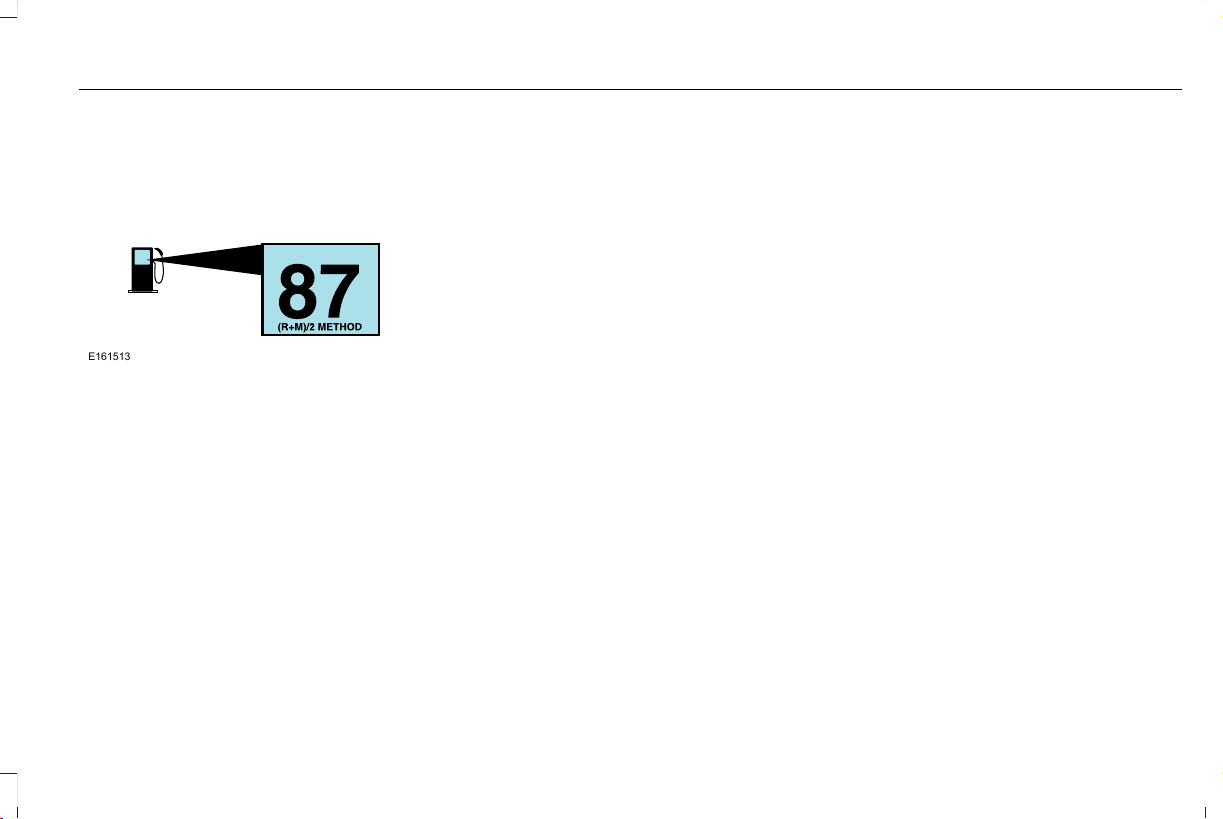
FUEL QUALITY
Choosing the Right Fuel
E161513
Your vehicle is designed to operate on
regular unleaded gasoline with a minimum
pump (R+M)/2 octane rating of 87.
Some fuel stations, particularly those in high
altitude areas, offer fuels posted as regular
unleaded gasoline with an octane rating
below 87. The use of these fuels could result
in engine damage that will not be covered
by the vehicle warranty.
For best overall vehicle and engine
performance, premium fuel with an octane
rating of 91 or higher is recommended. The
performance gained by using premium fuel
is most noticeable in hot weather as well as
other conditions, for example when towing
a trailer. See Towing (page 310).
Do not be concerned if the engine
sometimes knocks lightly. However, if the
engine knocks heavily while using fuel with
the recommended octane rating, contact an
authorized dealer to prevent any engine
damage.
We recommend Top Tier detergent
gasolines, where available to help minimize
engine deposits and maintain optimal vehicle
and engine performance. For additional
information, refer to www.toptiergas.com.
Note: Use of any fuel for which the vehicle
was not designed can impair the emission
control system, cause loss of vehicle
performance, and cause damage to the
engine which may not be covered by the
vehicle Warranty.
Do not use:
• Diesel fuel.
• Fuels containing kerosene or paraffin.
• Fuel containing more than 15% ethanol
or E85 fuel.
• Fuels containing methanol.
• Fuels containing metallic-based additives,
including manganese-based compounds.
• Fuels containing the octane booster
additive, methylcyclopentadienyl
manganese tricarbonyl (MMT).
• Leaded fuel, using leaded fuel is
prohibited by law.
The use of fuels with metallic compounds
such as methylcyclopentadienyl manganese
tricarbonyl (commonly known as MMT), which
is a manganese-based fuel additive, will
impair engine performance and affect the
emission control system.
FUEL FILLER FUNNEL LOCATION
The fuel filler funnel is in the spare wheel
storage tray.
207
Aviator (CTV) Canada/United States of America, enUSA, Edition date: 201902, First-Printing
Fuel and Refueling

RUNNING OUT OF FUEL
Running out of fuel can cause damage not
covered by the vehicle Warranty.
If your vehicle runs out of fuel:
• Add a minimum of 1.3 gal (5 L) of fuel to
restart the engine.
• You may need to switch the ignition from
off to on several times after refueling to
allow the fuel system to pump the fuel
from the tank to the engine. When
restarting, cranking time takes a few
seconds longer than normal.
Note: If your vehicle is on a steep slope,
more fuel may be required.
Filling a Portable Fuel Container
WARNING: Flow of fuel through a
fuel pump nozzle can produce static
electricity. This can cause a fire if you are
filling an ungrounded fuel container.
Use the following guidelines to avoid
electrostatic charge build-up, which can
produce a spark, when filling an ungrounded
fuel container:
• Only use an approved fuel container to
transfer fuel to your vehicle. Place the
container on the ground when filling it.
• Do not fill a fuel container when it is
inside your vehicle (including the cargo
area).
• Keep the fuel pump nozzle in contact
with the fuel container when filling it.
• Do not use a device that holds the fuel
pump nozzle lever in the fill position.
Adding Fuel From a Portable Fuel
Container
WARNING: Do not insert the nozzle
of a fuel container or an aftermarket funnel
into the fuel filler neck. This may damage
the fuel system filler neck or its seal and
cause fuel to run onto the ground.
WARNING: Do not try to pry open or
push open the capless fuel system with
foreign objects. This could damage the fuel
system and its seal and cause injury to you
or others.
WARNING: Do not dispose of fuel in
the household refuse or the public sewage
system. Use an authorized waste disposal
facility.
When refueling the vehicle fuel tank from a
fuel container, use the fuel filler funnel
included with your vehicle. See Fuel Filler
Funnel Location (page 207).
Note: Do not use aftermarket funnels as they
may not work with the capless fuel system
and can damage it.
When refueling the vehicle fuel tank from a
fuel container, do the following:
1. Fully open the fuel filler door.
2. Fully insert the fuel filler funnel into the
fuel filler inlet.
208
Aviator (CTV) Canada/United States of America, enUSA, Edition date: 201902, First-Printing
Fuel and Refueling
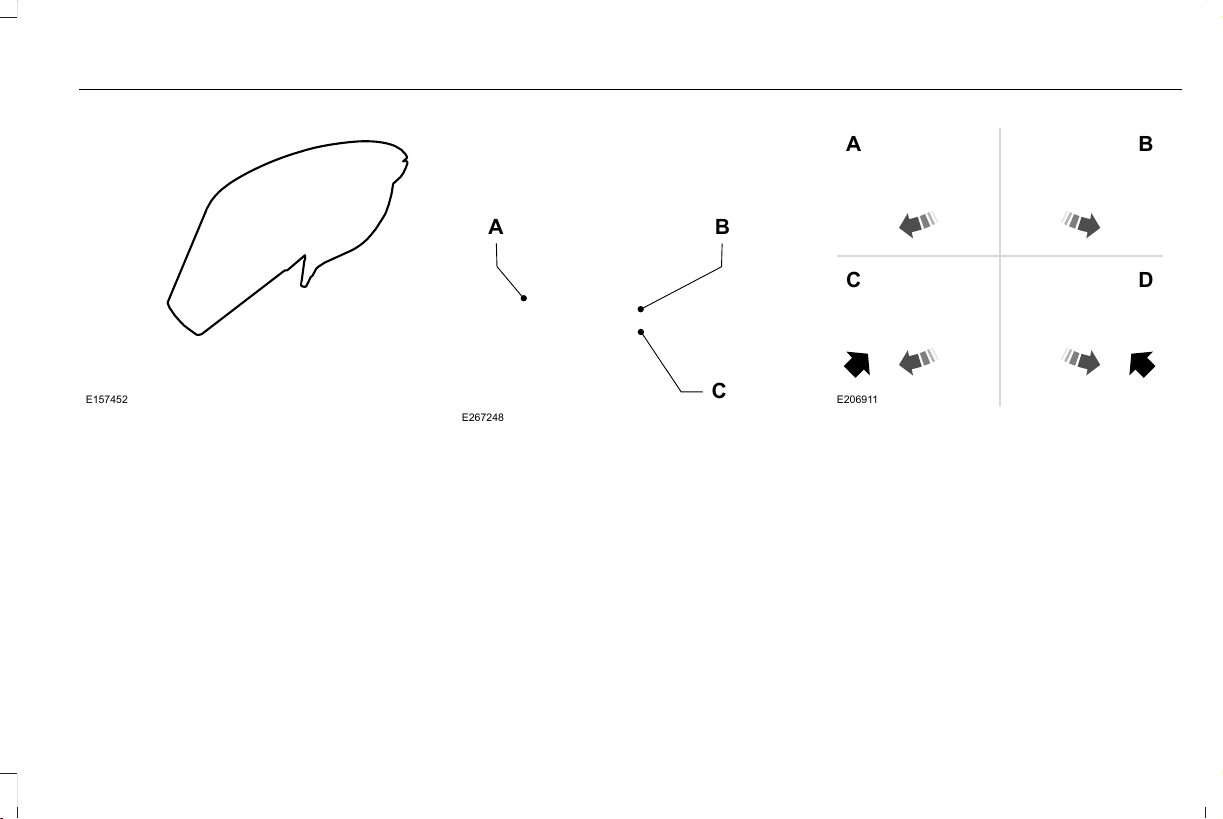
E157452
3. Add fuel to your vehicle from the fuel
container.
4. Remove the fuel filler funnel.
5. Fully close the fuel filler door.
6. Clean the fuel filler funnel and place it
back in your vehicle or correctly dispose
of it.
Note: Extra funnels can be purchased from
an authorized dealer if you choose to
dispose of the funnel.
REFUELING
Refueling System Overview
E267248
B
C
A
Fuel filler door.A
Fuel tank filler valve.B
Fuel tank filler pipe.C
Your vehicle does not have a fuel tank filler
cap.
E206911
A B
C D
Left-hand side. To open the fuel
filler door, press the center rear
edge of the fuel filler door and
then release.
A
Right-hand side. To open the fuel
filler door, press the center rear
edge of the fuel filler door and
then release.
B
209
Aviator (CTV) Canada/United States of America, enUSA, Edition date: 201902, First-Printing
Fuel and Refueling
Left-hand side. Pull the rear of the
fuel filler door to open it.
C
Right-hand side. Pull the rear of the
fuel filler door to open it.
D
Refueling Your Vehicle
WARNING: When refueling always
shut the engine off and never allow sparks
or open flames near the fuel tank filler
valve. Never smoke or use a cell phone
while refueling. Fuel vapor is extremely
hazardous under certain conditions. Avoid
inhaling excess fumes.
WARNING: The fuel system may be
under pressure. If you hear a hissing sound
near the fuel filler inlet, do not refuel until
the sound stops. Otherwise, fuel may spray
out, which could cause serious personal
injury.
WARNING: Do not pry open the fuel
tank filler valve. This could damage the fuel
system. Failure to follow this instruction
could result in fire, personal injury or death.
WARNING: Do not remove the fuel
pump nozzle from its fully inserted position
when refueling.
WARNING: Stop refueling when the
fuel pump nozzle automatically shuts off
for the first time. Failure to follow this will
fill the expansion space in the fuel tank and
could lead to fuel overflowing.
WARNING: Do not overfill the fuel
tank. The pressure in an overfilled tank
may cause leakage and lead to fuel spray
and fire.
WARNING: Wait at least five seconds
before removing the fuel pump nozzle to
allow any residual fuel to drain into the fuel
tank.
1. Fully open the fuel filler door.
2. Select the correct fuel pump nozzle for
your vehicle.
E139202
A
3. Insert the fuel pump nozzle up to the first
notch on the nozzle A. Keep the fuel
pump nozzle resting on the fuel tank filler
pipe.
210
Aviator (CTV) Canada/United States of America, enUSA, Edition date: 201902, First-Printing
Fuel and Refueling
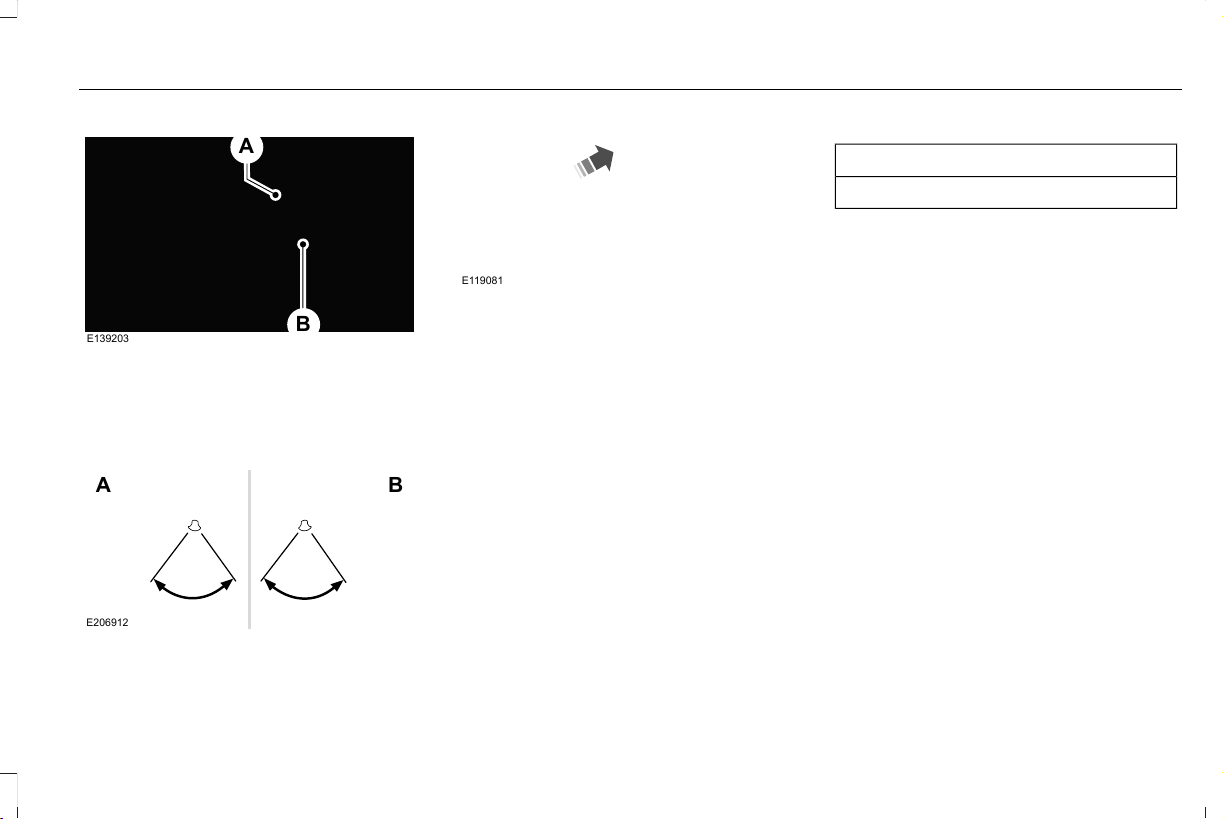
E139203
A
B
4. Hold the fuel pump nozzle in position B
when refueling. Holding the fuel pump
nozzle in position A can affect the flow
of fuel and shut off the fuel pump nozzle
before the fuel tank is full.
E206912
A B
5. Operate the fuel pump nozzle within the
area shown.
E119081
6. When you finish refueling slightly raise
the fuel pump nozzle and slowly remove
it.
7. Fully close the fuel filler door.
Do not attempt to start the engine if you have
filled the fuel tank with incorrect fuel.
Incorrect fuel use could cause damage not
covered by the vehicle Warranty. Have your
vehicle immediately checked.
Refueling System Warning (If Equipped)
If the fuel tank filler valve does not fully close,
a message could appear in the information
display.
Message
Check Fuel Fill Inlet
If the message appears, do the following:
1. Stop your vehicle as soon as it is safe to
do so and switch the engine off.
2. Shift into park (P) or neutral (N).
3. Apply the parking brake.
4. Fully open the fuel filler door.
5. Check the fuel tank filler valve for any
debris that may be restricting its
movement.
6. Remove any debris from the fuel tank
filler valve.
7. Fully insert a fuel pump nozzle or the fuel
filler funnel provided with your vehicle
into the fuel filler pipe. See Fuel Filler
Funnel Location (page 207). This action
should dislodge any debris that may be
preventing the fuel tank filler valve from
fully closing.
8. Remove the fuel pump nozzle or fuel filler
funnel from the fuel filler pipe.
211
Aviator (CTV) Canada/United States of America, enUSA, Edition date: 201902, First-Printing
Fuel and Refueling

9. Fully close the fuel filler door.
Note: The message may not immediately
reset. If the message continues to appear
and a warning lamp illuminates, have your
vehicle checked as soon as possible.
FUEL CONSUMPTION
Advertised Capacity
The advertised capacity is the maximum
amount of fuel that you can add to the fuel
tank when the fuel gauge indicates empty.
See Capacities and Specifications (page
418).
In addition, the fuel tank contains an empty
reserve. The empty reserve is an unspecified
amount of fuel that remains in the fuel tank
when the fuel gauge indicates empty.
Note: The amount of fuel in the empty
reserve varies and should not be relied upon
to increase driving range.
Filling the Fuel Tank
For consistent results when refueling:
• Turn the ignition off before fueling; an
inaccurate reading results if the engine
is left running.
• Use the same fill rate (low-medium-high)
each time the tank is filled.
• Allow no more than one automatic
shut-off when refueling.
Results are most accurate when the filling
method is consistent.
Calculating Fuel Economy
Your vehicle calculates fuel economy figures
through the trip computer average fuel
function. See Information Displays (page
127).
The first 1,000 mi (1,500 km) of driving is the
break-in period of the engine. A more
accurate measurement is obtained after
2,000 mi (3,000 km).
1. Completely fill the fuel tank and record
the initial odometer reading. See
Refueling (page 209).
2. Each time you fill the fuel tank, record the
amount of fuel added.
3. After at least three fill ups, fill the fuel
tank and record the current odometer
reading.
4. Subtract your initial odometer reading
from the current odometer reading.
To calculate L/100 km (liters per 100
kilometers) fuel consumption, multiply the
liters used by 100, then divide by kilometers
traveled. To calculate MPG (miles per gallon)
fuel consumption, divide miles traveled by
gallons used.
Keep a record for at least one month and
record the type of driving, for example city
or highway. This provides an accurate
estimate of your vehicle’s fuel economy
under current driving conditions. Keeping
records during summer and winter shows
how temperature impacts fuel economy.
212
Aviator (CTV) Canada/United States of America, enUSA, Edition date: 201902, First-Printing
Fuel and Refueling

Conditions
• Heavily loading your vehicle reduces fuel
economy.
• Carrying unnecessary weight in your
vehicle may reduce fuel economy.
• Avoid adding accessories that increase
aerodynamic drag to your vehicle such
as bug deflectors, car top carriers and
ski or bike racks.
• Using fuel blended with alcohol may
lower fuel economy.
• Fuel economy may decrease with lower
temperatures.
• Fuel economy may decrease when
driving short distances.
• You will get better fuel economy when
driving on flat terrain than when driving
on hilly terrain.
213
Aviator (CTV) Canada/United States of America, enUSA, Edition date: 201902, First-Printing
Fuel and Refueling

EMISSION LAW
WARNING: Do not remove or alter
the original equipment floor covering or
insulation between it and the metal floor
of the vehicle. The floor covering and
insulation protect occupants of the vehicle
from the engine and exhaust system heat
and noise. On vehicles with no original
equipment floor covering insulation, do not
carry passengers in a manner that permits
prolonged skin contact with the metal floor.
Failure to follow these instructions may
result in fire or personal injury.
U.S. federal laws and certain state laws
prohibit removing or rendering inoperative
emission control system components. Similar
federal or provincial laws may apply in
Canada. We do not approve of any vehicle
modification without first determining
applicable laws.
Tampering with emissions control
systems including related sensors
or the Diesel Exhaust Fluid system
can result in reduced engine power and the
illumination of the service engine soon light.
Tampering With a Noise Control
System
Federal laws prohibit the following acts:
• Removal or rendering inoperative by any
person other than for purposes of
maintenance.
• Repair or replacement of any device or
element of the design incorporated into
a new vehicle for the purpose of noise
control prior to its sale or delivery to the
ultimate purchaser or while it is in use.
• The use of the vehicle after any person
removes or renders inoperative any
device or element of the design.
The U.S. Environmental Protection Agency
may presume to constitute tampering as
follows:
• Removal of hood blanket, fender apron
absorbers, fender apron barriers,
underbody noise shields or acoustically
absorptive material.
• Tampering or rendering inoperative the
engine speed governor, to allow engine
speed to exceed manufacturer
specifications.
If the engine does not start, runs rough,
experiences a decrease in engine
performance, experiences excess fuel
consumption or produces excessive exhaust
smoke, check for the following:
• A plugged or disconnected air inlet
system hose.
• A plugged engine air filter element.
• Water in the fuel filter and water
separator.
• A clogged fuel filter.
• Contaminated fuel.
• Air in the fuel system, due to loose
connections.
214
Aviator (CTV) Canada/United States of America, enUSA, Edition date: 201902, First-Printing
Engine Emission Control

• An open or pinched sensor hose.
• Incorrect engine oil level.
• Incorrect fuel for climatic conditions.
• Incorrect engine oil viscosity for climactic
conditions.
Note: Some vehicles have a lifetime fuel filter
that is integrated with the fuel tank. Regular
maintenance or replacement is not needed.
Note: If these checks do not help you correct
the concern, have your vehicle checked as
soon as possible.
Noise Emissions Warranty, Prohibited
Tampering Acts and Maintenance
On January 1, 1978, Federal regulation
became effective governing the noise
emission on trucks over 10,000 lb (4,536 kg)
Gross Vehicle Weight Rating (GVWR). The
preceding statements concerning prohibited
tampering acts and maintenance, and the
noise warranty found in the Warranty Guide,
are applicable to complete chassis cabs over
10,000 lb (4,536 kg) GVWR.
CATALYTIC CONVERTER
WARNING: Do not park, idle or drive
your vehicle on dry grass or other dry
ground cover. The emission system heats
up the engine compartment and exhaust
system, creating the risk of fire.
WARNING: The normal operating
temperature of the exhaust system is very
high. Never work around or attempt to
repair any part of the exhaust system until
it has cooled. Use special care when
working around the catalytic converter.
The catalytic converter heats up to a very
high temperature after only a short period
of engine operation and stays hot after the
engine is switched off.
WARNING: Exhaust leaks may result
in entry of harmful and potentially lethal
fumes into the passenger compartment. If
you smell exhaust fumes inside your
vehicle, have your vehicle inspected
immediately. Do not drive if you smell
exhaust fumes.
Your vehicle has various emission control
components and a catalytic converter that
enables it to comply with applicable exhaust
emission standards.
To make sure that the catalytic converter and
other emission control components continue
to work properly:
• Do not crank the engine for more than
10 seconds at a time.
• Do not run the engine with a spark plug
lead disconnected.
• Do not push-start or tow-start your
vehicle. Use booster cables. See Jump
Starting the Vehicle (page 322).
• Use only the specified fuel listed.
• Do not switch the ignition off when your
vehicle is moving.
• Avoid running out of fuel.
• Have the items listed in scheduled
maintenance information performed
according to the specified schedule.
Note: Resulting component damage may
not be covered by the vehicle Warranty.
215
Aviator (CTV) Canada/United States of America, enUSA, Edition date: 201902, First-Printing
Engine Emission Control

The scheduled maintenance items listed in
scheduled maintenance information are
essential to the life and performance of your
vehicle and to its emissions system.
If you use anything other than Ford,
Motorcraft or Ford-authorized parts for
maintenance replacements or for service of
components affecting emission control, such
non-Ford parts should be equivalent to
genuine Ford Motor Company parts in
performance and durability.
Illumination of the service engine soon
indicator, charging system warning light or
the temperature warning light, fluid leaks,
strange odors, smoke or loss of engine
power could indicate that the emission
control system is not working properly.
An improperly operating or damaged exhaust
system may allow exhaust to enter the
vehicle. Have a damaged or improperly
operating exhaust system inspected and
repaired immediately.
Do not make any unauthorized changes to
your vehicle or engine. By law, vehicle
owners and anyone who manufactures,
repairs, services, sells, leases, trades
vehicles, or supervises a fleet of vehicles are
not permitted to intentionally remove an
emission control device or prevent it from
working. Information about your vehicle’s
emission system is on the Vehicle Emission
Control Information Decal located on or near
the engine. This decal also lists engine
displacement.
Please consult your warranty information for
complete details.
On-Board Diagnostics (OBD-II)
Your vehicle has a computer known as the
on-board diagnostics system (OBD-II) that
monitors the engine’s emission control
system. The system protects the environment
by making sure that your vehicle continues
to meet government emission standards. The
OBD-II system also assists a service
technician in properly servicing your vehicle.
When the service engine soon
indicator illuminates, the OBD-II
system has detected a malfunction.
Temporary malfunctions may cause the
service engine soon indicator to illuminate.
Examples are:
1. Your vehicle has run out of fuel—the
engine may misfire or run poorly.
2. Poor fuel quality or water in the fuel—the
engine may misfire or run poorly.
3. The fuel fill inlet may not have closed
properly. See Refueling (page 209).
4. Driving through deep water—the
electrical system may be wet.
You can correct these temporary
malfunctions by filling the fuel tank with good
quality fuel, properly closing the fuel fill inlet
or letting the electrical system dry out. After
three driving cycles without these or any
other temporary malfunctions present, the
service engine soon indicator should stay off
the next time you start the engine. A driving
cycle consists of a cold engine startup
followed by mixed city and highway driving.
No additional vehicle service is required.
216
Aviator (CTV) Canada/United States of America, enUSA, Edition date: 201902, First-Printing
Engine Emission Control

If the service engine soon indicator remains
on, have your vehicle serviced at the first
available opportunity. Although some
malfunctions detected by the OBD-II may not
have symptoms that are apparent, continued
driving with the service engine soon indicator
on can result in increased emissions, lower
fuel economy, reduced engine and
transmission smoothness and lead to more
costly repairs.
Readiness for Inspection and
Maintenance (I/M) Testing
Some state and provincial and local
governments may have
Inspection/Maintenance (I/M) programs to
inspect the emission control equipment on
your vehicle. Failure to pass this inspection
could prevent you from getting a vehicle
registration.
If the service engine soon indicator
is on or the bulb does not work,
your vehicle may need service.
See On-Board Diagnostics.
Your vehicle may not pass the I/M test if the
service engine soon indicator is on or not
working properly (bulb is burned out), or if
the OBD-II system has determined that some
of the emission control systems have not
been properly checked. In this case, the
vehicle is not ready for I/M testing.
If the vehicle’s engine or transmission has
just been serviced, or the battery has
recently run down or been replaced, the
OBD-II system may indicate that the vehicle
is not ready for I/M testing. To determine if
the vehicle is ready for I/M testing, turn the
ignition key to the on position for 15 seconds
without cranking the engine. If the service
engine soon indicator blinks eight times, it
means that the vehicle is not ready for I/M
testing; if the service engine soon indicator
stays on solid, it means that your vehicle is
ready for I/M testing.
The OBD-II system checks the emission
control system during normal driving. A
complete check may take several days.
If the vehicle is not ready for I/M testing, you
can perform the following driving cycle
consisting of mixed city and highway driving:
1. 15 minutes of steady driving on an
expressway or highway followed by 20
minutes of stop-and-go driving with at
least four 30-second idle periods.
2. Allow your vehicle to sit for at least eight
hours with the ignition off. Then, start the
vehicle and complete the above driving
cycle. The vehicle must warm up to its
normal operating temperature. Once
started, do not turn off the vehicle until
the above driving cycle is complete.
If the vehicle is still not ready for I/M testing,
you need to repeat the above driving cycle.
217
Aviator (CTV) Canada/United States of America, enUSA, Edition date: 201902, First-Printing
Engine Emission Control

AUTOMATIC TRANSMISSION
WARNING: Always fully apply the
parking brake and make sure you shift into
park (P). Failure to follow this instruction
could result in personal injury or death.
WARNING: Do not apply the brake
pedal and accelerator pedal
simultaneously. Applying both pedals
simultaneously for more than a few
seconds will limit engine performance,
which may result in difficulty maintaining
speed in traffic and could lead to serious
injury.
Note: You will not be able to shift out of park
(P) unless the intelligent access key is inside
your vehicle.
Understanding your Transmission
Selector Positions
Your vehicle has an electronic transmission
shifter. The transmission selector is located
on the center stack below the touchscreen.
E247220
Park.P
Reverse.R
Neutral.N
Drive.D
The instrument cluster displays the current
gear.
Park (P)
With the transmission in park (P), your vehicle
locks the transmission and prevents the
wheels from turning. Always come to a
complete stop before putting your vehicle
into and out of park (P). An audible tone
sounds once you select park (P).
When you switch the ignition off, your vehicle
shifts into park (P). If you switch the ignition
off while your vehicle is moving, the
transmission first shifts into neutral (N) until
it reaches a speed less than 3 mph (5 km/h)
and then shifts into park (P).
The electric parking brake could apply when
you shift to park (P) without the brake pedal
fully pressed. The electric parking brake
applies when you shift to park (P) on large
slopes. The electric parking brake releases
with the drive away release function or
manually as described in Releasing the
Electric Parking Brake. See Electric Parking
Brake (page 232).
Note: A warning tone sounds if you open the
driver door and you have not shifted the
transmission selector to park (P).
218
Aviator (CTV) Canada/United States of America, enUSA, Edition date: 201902, First-Printing
Transmission

Reverse (R)
With the transmission selector in reverse (R),
your vehicle moves backward. Always come
to a complete stop before shifting into and
out of reverse (R).
Neutral (N)
With the transmission selector in neutral (N),
you can start your vehicle and it is free to
roll. Hold the brake pedal down when in this
position.
Drive (D)
Drive (D) is the normal driving position for
the best fuel economy and smoothness. Shift
the transmission selector to drive (D) to allow
your vehicle to move forward and shift
automatically through the forward gears.
The transmission shifts to the appropriate
gear for optimum performance based on
ambient temperature, road slope, vehicle
load and your input.
Automatic Return to Park
Note: This feature does not operate when
your vehicle is in Stay in Neutral Mode. See
Towing the Vehicle on Four Wheels (page
315).
The transmission returns to park (P) if any of
the following occur:
• You switch the ignition off.
• Your seatbelt is not fastened and you
open the driver door.
• The driver door is open and you unfasten
your seatbelt.
If you switch the ignition off when your
vehicle is moving, your vehicle shifts into
neutral (N) until it slows down enough to shift
into park (P).
Note: This feature will not work properly if
the door ajar switch is malfunctioning. If your
door ajar indicator does not illuminate when
you open the driver door or the indicator
illuminates with the driver door closed, or
the Transmission Not in Park message still
displays when the shifter has already
selected reverse (R), neutral (N) or drive (D)
and driver door remains closed, see your
authorized dealer.
Stay in Neutral Mode
Note: Stay in Neutral Mode is a temporary
vehicle state that works with the engine
running or OFF. Once in this mode, sufficient
battery voltage must be maintained or your
vehicle returns to park if the feature is left
active for extended time when the engine is
OFF.
Failure to follow this instruction could result
in vehicle damage not covered by the vehicle
Warranty.
Note: When entering an automatic car wash,
always enter the Stay in Neutral Mode. Stay
in Neutral Mode must be enabled if you are
exiting the vehicle before the car wash.
219
Aviator (CTV) Canada/United States of America, enUSA, Edition date: 201902, First-Printing
Transmission

Extended usage of Stay in Neutral Mode
could result in a battery voltage reduction to
a level where the vehicle could no longer
start.
Do not tow your vehicle in this mode.
With the vehicle in Stay in Neutral Mode, you
can start the vehicle and it is free to roll.
To enter Stay in Neutral Mode, do the
following:
1. Bring your vehicle to a complete stop.
2. Shift into neutral (N).
Note: Press neutral (N) again to Enter Stay
in Neutral Hold and a message appears in
the information display.
3. Press neutral (N) again within 5 seconds
after shifting to neutral to enter Stay in
Neutral Mode.
Note: A Stay in Neutral Mode confirmation
message appears in the information display
when your vehicle has entered Stay in
Neutral Mode and the neutral (N) button on
the transmission selector slowly blinks.
To exit Stay in Neutral Mode, press (P) at
anytime or apply the brakes when the engine
is running to shift into another driving range
such as drive (D) or reverse (R).
Note: The park (P) position can be selected
with or without the brakes applied when the
engine is OFF.
SelectShift Automatic™ Transmission
Your vehicle is equipped with a SelectShift
Automatic transmission. The SelectShift
Automatic transmission gives you the ability
to change gears up or down (without a
clutch) as desired.
In order to prevent the engine from running
at too low an RPM, which could cause it to
stall, SelectShift still automatically makes
some downshifts if it has determined that
you have not downshifted in time. Although
SelectShift makes some downshifts for you,
it still allows you to downshift at any time as
long as the SelectShift determines that
damage to the engine from over-revving
does not occur.
Note: Engine damage could occur if you
maintain excessive engine revving without
shifting.
Note: Vehicles will have either steering
wheel controls or gearshift lever controls.
SelectShift does not automatically upshift,
even if the engine is approaching the RPM
limit. It must be shifted manually by pressing
the + button. Notice should be taken of the
shift indicator lamp, which alerts you when
to shift to make sure you achieve the highest
level or efficiency and fuel economy.
Pull the + paddle on the steering wheel or
push the + button on the gearshift lever to
activate SelectShift.
• Pull the right paddle (+) to upshift.
• Pull the left paddle (–) to downshift.
E144821
220
Aviator (CTV) Canada/United States of America, enUSA, Edition date: 201902, First-Printing
Transmission

SelectShift in drive (D):
• Provides a temporary manual mode for
performing more demanding maneuvers
where extra control of gear selection is
required (for example, when towing or
overtaking). This mode holds a selected
gear for a temporary period of time
dependent on driver inputs (for example,
steering or accelerator pedal input).
The instrument cluster displays your currently
selected gear. If a gear is requested but not
available due to vehicle conditions (low
speed, too high engine speed for requested
gear selection), the current gear flashes three
times.
Note: At full accelerator pedal travel, the
transmission automatically downshifts for
maximum performance.
Manual Park Release
WARNING: When doing this
procedure, you need to take the
transmission out of park (P) which means
your vehicle can roll freely. To avoid
unwanted vehicle movement, always fully
apply the parking brake prior to doing this
procedure. Use wheels chocks if
appropriate.
WARNING: If the parking brake is
fully released, but the brake warning lamp
remains illuminated, the brakes may not
be working properly. Have your vehicle
checked as soon as possible.
WARNING: Do not drive your vehicle
until you verify that the stoplamps are
working.
Use the manual park release to move your
transmission from the park (P) position in the
event of an electrical malfunction or
emergency.
Activating the Manual Park Release Cable
E294326
1. Apply the parking brake. See Electric
Parking Brake (page 232).
Note: If the vehicle battery is dead, for
example, no electrical power available, an
external power could be required to apply
the parking brake.
2. Using a 4.7 in (120 mm) flat head
screwdriver , carefully open the access
cover located under the armrest or
console.
3. Turn the vehicle ignition on without
starting the vehicle (press the ignition
button without pressing the brake).
221
Aviator (CTV) Canada/United States of America, enUSA, Edition date: 201902, First-Printing
Transmission

4. Once in the driver seat, fully apply the
brake pedal and hold. Do not release.
5. Insert a screwdriver, into the manual park
release lever slot and pull the manual
park release lever toward the rear until
the detent in the slot pops up (against
the tool). Allow full upward travel of the
detent 0.3 in (7 mm) which locks in the
park override mode. The mechanism
clicks and you can remove the tool. If
done correctly, a message in the
information display shows park not
available, Transmission Not in Park or
shift system fault.
E301768
Note: Screwdrivers longer than 4.7 in
(120 mm) could hit the underside of armrest
or console before full travel of detent is
achieved.
6. With your foot still fully applied on the
brake pedal, disengage the parking
brake. See Electric Parking Brake (page
232).
7. Your vehicle remains in neutral (N) for
emergency towing purposes.
8. Switch off the ignition.
9. Once safe to do so, and there is no risk
that your vehicle will roll, disconnect the
negative (black) battery cable from the
battery.
Returning Your Vehicle to Normal Mode
1. Once it is safe to do so, reconnect the
negative (black) battery cable to the
battery.
2. Apply the parking brake. See Electric
Parking Brake (page 232).
Note: If vehicle battery is dead, for example,
no electrical power available, an external
power could be required to apply the parking
brake.
3. Fully apply the brake pedal and hold, do
not release.
4. Insert the screwdriver fully into the
manual park release lever slot. Push the
tool downwards. The system detent will
release and the manual park release
lever will move forward allowing the
vehicle to go back into the Park position.
Remove the screwdriver.
5. Install the access cover.
6. With your foot fully applied on the brake
pedal, start your vehicle. Confirm that
your vehicle is in the park (P) position and
that the instrument cluster indicates park
(P).
7. If the information display is not showing
the park (P) position or there is a
message stating park not available,
Transmission Not in Park or shift system
fault, apply the parking brake before
exiting your vehicle. Contact a dealer for
service.
222
Aviator (CTV) Canada/United States of America, enUSA, Edition date: 201902, First-Printing
Transmission

If Your Vehicle Gets Stuck In Mud or
Snow
Note: Do not rock the vehicle if the engine
is not at normal operating temperature or
damage to the transmission could occur.
Note: Do not rock the vehicle for more than
a minute or damage to the transmission and
tires could occur, or the engine could
overheat.
If your vehicle gets stuck in mud or snow, it
could be rocked out by shifting between
forward and reverse gears, stopping
between shifts in a steady pattern. Press
lightly on the accelerator in each gear.
223
Aviator (CTV) Canada/United States of America, enUSA, Edition date: 201902, First-Printing
Transmission

USING ALL-WHEEL DRIVE
WARNING: Vehicles with a higher
center of gravity (utility and four-wheel
drive vehicles) handle differently than
vehicles with a lower center of gravity
(passenger cars). Avoid sharp turns,
excessive speed and abrupt steering in
these vehicles. Failure to drive cautiously
increases the risk of losing control of your
vehicle, vehicle rollover, personal injury
and death.
The intelligent AWD system continuously
monitors vehicle conditions and adjusts the
power distribution between the front and
rear wheels. It combines transparent
all-surface operation with highly capable
all-wheel drive.
The AWD system is always active and
requires no driver input. It is capable of
handling all road conditions including street
and highway driving as well as off-road and
winter driving. You can optimize more AWD
control by selecting different drive modes.
See Selecting a Drive Mode (page 301).
Note: A warning message displays in the
information display when a AWD system fault
is present. See Information Messages
(page 131). A AWD system fault causes the
AWD system to default to rear-wheel drive
only mode. When this warning message is
displayed, have your vehicle serviced at an
authorized dealer.
Note: A warning message displays in the
information display if the AWD system
overheats. See Information Messages
(page 131). This condition could occur if the
vehicle is operated in extreme conditions
with excessive wheel slip, such as deep
sand. To resume normal AWD function as
soon as possible, stop the vehicle in a safe
location and stop the engine for at least 10
minutes. After the engine is restarted and
the AWD system is adequately cooled, the
warning message turns off and normal AWD
function returns.
Operating All-Wheel Drive (AWD)
Vehicles With Spare Tires
Do not use a different size spare tire other
than the tire provided. If the mini-spare tire
is installed, the AWD system will disable and
enter rear-wheel drive only mode to protect
driveline components. Some limited AWD
traction could be provided if the mini-spare
is installed on one of the front wheels. If you
are in driving conditions where limited AWD
traction is needed while the mini-spare is
installed, it is recommended the mini-spare
be installed on the front axle.
If the mini-spare is installed, this condition is
indicated by a warning in the information
display.
The slip response system could activate if
the mini spare is installed on the front
wheels. If the mini spare was installed on the
rear wheels the slip response system will
fully disable. In situations where there is a
wintery mix or an off road situation, and you
need to use a mini spare, you must install
the mini spare in the front tire position and
move a full size tire to the rear tire position
for the slip response system to function.
224
Aviator (CTV) Canada/United States of America, enUSA, Edition date: 201902, First-Printing
All-Wheel Drive (If Equipped)

Operating ALL-Wheel drive (AWD)
Vehicles with Mismatched Tires
WARNING: Only use replacement
tires and wheels that are the same size,
load index, speed rating and type (such as
P-metric versus LT-metric or all-season
versus all-terrain) as those originally
provided by Ford. The recommended tire
and wheel size may be found on either the
Safety Compliance Certification Label
(affixed to either the door hinge pillar,
door-latch post, or the door edge that
meets the door-latch post, next to the
driver's seating position), or the Tire Label
which is located on the B-Pillar or edge of
the driver's door. If this information is not
found on these labels, then you should
contact your authorized dealer as soon as
possible. Use of any tire or wheel not
recommended by Ford can affect the
safety and performance of your vehicle,
which could result in an increased risk of
loss of vehicle control, vehicle rollover,
personal injury and death.
Major dissimilar tire sizes between the front
and rear axles (for example, 17 inch low
profile tires on the front axle and 22 inch high
profile tires on the rear axle) could cause the
AWD system to stop functioning and default
to rear-wheel drive or damage the AWD
system.
For optimum AWD Performance, it is
recommended to follow the tire rotation
maintenance schedule. To avoid potential
AWD malfunction or AWD system damage,
it is recommended to replace all four tires
rather than mixing significantly worn tires
with new tires. For example, using 3 worn
tread tires and 1 new tread tire all of the same
original tire size/brand, can be tolerated by
the AWD system as long as the worn tires
still have usable tread depth.
How Your Vehicle Differs From Other
Vehicles
Truck and utility vehicles can differ from
some other vehicles. Your vehicle could be
higher to allow it to travel over rough terrain
without getting hung up or damaging
underbody components.
The differences that make your vehicle so
versatile also make it handle differently than
an ordinary passenger car.
Maintain steering wheel control at all times,
especially in rough terrain. Since sudden
changes in terrain can result in abrupt
steering wheel motion, make sure you grip
the steering wheel from the outside. Do not
grip the spokes.
Drive cautiously to avoid vehicle damage
from concealed objects such as rocks and
stumps.
You should either know the terrain or
examine maps of the area before driving.
Map out your route before driving in the area.
To maintain steering and braking control of
your vehicle, you must have all four wheels
on the ground and they must be rolling, not
sliding or spinning.
225
Aviator (CTV) Canada/United States of America, enUSA, Edition date: 201902, First-Printing
All-Wheel Drive (If Equipped)

Driving In Special Conditions With All-
Wheel Drive (AWD)
Note: AWD vehicles are equipped for driving
on sand, snow, mud and rough roads and
have operating characteristics that are
somewhat different from conventional
vehicles, both on and off the highway.
Basic Operating Principles in Special
Conditions
• Drive slower in strong crosswinds which
can affect the normal steering
characteristics of your vehicle.
• Be extremely careful when driving on
pavement made slippery by loose sand,
water, gravel, snow or ice.
If Your Vehicle Goes Off the Edge of the
Pavement
• If your vehicle goes off the edge of the
pavement, slow down, but avoid severe
brake application, ease the vehicle back
onto the pavement only after reducing
your speed. Do not turn the steering
wheel too sharply while returning to the
road surface.
• It could be safer to stay on the apron or
shoulder of the road and slow down
gradually before returning to the
pavement. You could lose control if you
do not slow down or if you turn the
steering wheel too sharply or abruptly.
• It often could be less risky to strike small
objects, such as highway reflectors, with
minor damage to your vehicle rather than
attempt a sudden return to the pavement
which could cause the vehicle to slide
sideways out of control or rollover.
Remember, your safety and the safety of
others should be your primary concern.
If Your Vehicle Gets Stuck
WARNING: Apply the parking brake,
shift into park (P), switch the ignition off
and remove the key before you leave your
vehicle. Failure to follow this instruction
could result in personal injury or death.
WARNING: If the parking brake is
fully released, but the brake warning lamp
remains illuminated, the brakes may not
be working properly. Have your vehicle
checked as soon as possible.
WARNING: Do not spin the wheels
at over 34 mph (55 km/h). The tires may
fail and injure a passenger or bystander.
If your vehicle gets stuck in mud or snow it
could be rocked out by shifting between
forward and reverse gears, stopping
between shifts, in a steady pattern. Press
lightly on the accelerator in each gear.
226
Aviator (CTV) Canada/United States of America, enUSA, Edition date: 201902, First-Printing
All-Wheel Drive (If Equipped)

If your vehicle is equipped with
AdvanceTrac® with Roll Stability Control™, it
could be beneficial to disengage the
AdvanceTrac® with Roll Stability Control™
system while attempting to rock the vehicle.
Note: Do not rock the vehicle if the engine
is not at normal operating temperature or
damage to the transmission could occur.
Note: Do not rock the vehicle for more than
a few minutes or damage to the transmission
and tires could occur or the engine could
overheat.
Emergency Maneuvers
• In an unavoidable emergency situation
where a sudden sharp turn must be
made, remember to avoid "over-driving"
your vehicle (i.e., turn the steering wheel
only as rapidly and as far as required to
avoid the emergency). Excessive steering
can result in less vehicle control, not
more. Additionally, smooth variations of
the accelerator and/or brake pedal
pressure should be utilized if changes in
vehicle speed are called for. Avoid abrupt
steering, acceleration or braking which
could result in an increased risk of loss
of vehicle control, vehicle rollover and/or
personal injury. Use all available road
surface to return the vehicle to a safe
direction of travel.
• In the event of an emergency stop, avoid
skidding the tires and do not attempt any
sharp steering wheel movements.
• If the vehicle goes from one type of
surface to another (i.e., from concrete to
gravel) there is a change in the way the
vehicle responds to a maneuver
(steering, acceleration or braking). Again,
avoid these abrupt inputs.
Sand
When driving over sand, try to keep all four
wheels on the most solid area of the trail.
Avoid reducing the tire pressures but shift
to a lower gear and drive steadily through
the terrain. Apply the accelerator slowly and
avoid spinning the wheels.
Avoid excessive speed because vehicle
momentum can work against you and cause
the vehicle to become stuck to the point that
assistance could be required from another
vehicle. Remember, you could be able to
back out the way you came if you proceed
with caution.
Mud and Water
If you must drive through high water, drive
slowly. Traction or brake capability could be
limited.
Note: Driving through deep water could
damage your vehicle.
When driving through water, determine the
depth; avoid water higher than the bottom
of the hubs (if possible) and proceed slowly.
If the ignition system gets wet, the vehicle
could stall.
Once through water, always try the brakes.
Wet brakes do not stop the vehicle as
effectively as dry brakes. Drying can be
improved by moving your vehicle slowly
while applying light pressure on the brake
pedal.
227
Aviator (CTV) Canada/United States of America, enUSA, Edition date: 201902, First-Printing
All-Wheel Drive (If Equipped)
Be cautious of sudden changes in vehicle
speed or direction when you are driving in
mud. Even AWD vehicles can lose traction
in slick mud. As when you are driving over
sand, apply the accelerator slowly and avoid
spinning your wheels. If the vehicle does
slide, steer in the direction of the slide until
you regain control of the vehicle.
After driving through mud, clean off residue
stuck to rotating driveshafts and tires. Excess
mud stuck on tires and rotating driveshafts
causes an imbalance that could damage
drive components.
E143950
“Tread Lightly” is an educational program
designed to increase public awareness of
land-use regulations and responsibilities in
our nations wilderness areas. Ford Motor
Company joins the U.S. Forest Service and
the Bureau of Land Management in
encouraging you to help preserve our
national forest and other public and private
lands by “treading lightly.”
Driving on Hilly or Sloping Terrain
Although natural obstacles could make it
necessary to travel diagonally up or down a
hill or steep incline, you should always try to
drive straight up or straight down.
Note: Avoid driving crosswise or turning on
steep slopes or hills. A danger lies in losing
traction, slipping sideways and possibly
rolling over. Whenever driving on a hill,
determine beforehand the route you will
use. Do not drive over the crest of a hill
without seeing what conditions are on the
other side. Do not drive in reverse over a
hill without the aid of an observer.
When climbing a steep slope or hill, start in
a lower gear rather than downshifting to a
lower gear from a higher gear once the
ascent has started. This reduces strain on
the engine and the possibility of stalling.
If you do stall out, do not try to turn around
because you might roll over. It is better to
back down to a safe location.
Apply just enough power to the wheels to
climb the hill. Too much power can cause
the tires to slip, spin or lose traction, resulting
in loss of vehicle control.
E143949
228
Aviator (CTV) Canada/United States of America, enUSA, Edition date: 201902, First-Printing
All-Wheel Drive (If Equipped)

Descend a hill in the same gear you would
use to climb up the hill to avoid excessive
brake application and brake overheating. Do
not descend in neutral; instead, disengage
overdrive or manually shift to a lower gear.
When descending a steep hill, avoid sudden
hard braking as you could lose control. The
front wheels have to be turning in order to
steer the vehicle.
Your vehicle has anti-lock brakes, therefore
apply the brakes steadily. Do not “pump” the
brakes.
Driving on Snow and Ice
WARNING: If you are driving in
slippery conditions that require tire chains
or cables, then it is critical that you drive
cautiously. Keep speeds down, allow for
longer stopping distances and avoid
aggressive steering to reduce the chances
of a loss of vehicle control which can lead
to serious injury or death. If the rear end
of your vehicle slides while cornering, steer
in the direction of the slide until you regain
control of your vehicle.
Note: Excessive tire slippage can cause
driveline damage.
AWD vehicles have advantages over 2WD
vehicles in snow and ice but can skid like
any other vehicle.
Should you start to slide while driving on
snowy or icy roads, turn the steering wheel
in the direction of the slide until you regain
control.
Avoid sudden applications of power and
quick changes of direction on snow and ice.
Apply the accelerator slowly and steadily
when starting from a full stop.
Avoid sudden braking as well. Although an
AWD vehicle could accelerate better than a
two-wheel drive vehicle in snow and ice, it
won’t stop any faster, because as in other
vehicles, braking occurs at all four wheels.
Do not become overconfident as to road
conditions.
Make sure you allow sufficient distance
between you and other vehicles for stopping.
Drive slower than usual and consider using
one of the lower gears. In emergency
stopping situations, apply the brake steadily.
Since your vehicle is equipped with a four
wheel (ABS), do not “pump” the brakes. See
Hints on Driving With Anti-Lock Brakes
(page 232).
Maintenance and Modifications
The suspension and steering systems on
your vehicle have been designed and tested
to provide predictable performance whether
loaded or empty and durable load carrying
capability. For this reason, we strongly
recommend that you do not make
modifications such as adding or removing
parts (such as lowering kits or stabilizer bars)
or by using replacement parts not equivalent
to the original factory equipment.
229
Aviator (CTV) Canada/United States of America, enUSA, Edition date: 201902, First-Printing
All-Wheel Drive (If Equipped)

Any modifications to a vehicle that raise the
center of gravity can make it more likely the
vehicle will rollover as a result of a loss of
control. We strongly recommend that caution
be used with any vehicle equipped with a
high load or device (such as ladder or
luggage racks).
Failure to maintain your vehicle properly
could void the warranty, increase your repair
cost, reduce vehicle performance and
operational capabilities and adversely affect
driver and passenger safety. Frequent
inspection of vehicle chassis components is
recommended if the vehicle is subjected to
off-highway usage.
230
Aviator (CTV) Canada/United States of America, enUSA, Edition date: 201902, First-Printing
All-Wheel Drive (If Equipped)

GENERAL INFORMATION
Note: Occasional brake noise is normal. If
a metal-to-metal, continuous grinding or
continuous squeal sound is present, the
brake linings may be worn-out and an
authorized dealer should check them. If the
vehicle has continuous vibration or shudder
in the steering wheel while braking, an
authorized dealer should check your vehicle.
Note: Brake dust may accumulate on the
wheels, even under normal driving
conditions. Some dust is inevitable as the
brakes wear and does not contribute to
brake noise. See Cleaning the Wheels
(page 377).
Wet brakes result in reduced braking
efficiency. Gently press the brake pedal a
few times when driving from a car wash or
standing water to dry the brakes.
Brake Over Accelerator
In the event the accelerator pedal becomes
stuck or entrapped, apply steady and firm
pressure to the brake pedal to slow the
vehicle and reduce engine power. If you
experience this condition, apply the brakes
and bring your vehicle to a safe stop. Switch
the engine off, move the transmission to park
(P) and apply the parking brake. Inspect the
accelerator pedal and the area around it for
any items or debris that may be obstructing
its movement. If none are found and the
condition persists, have your vehicle towed
to the nearest authorized dealer.
Emergency Brake Assist
Emergency brake assist detects when you
brake heavily by measuring the rate at which
you press the brake pedal. It provides
maximum braking efficiency as long as you
press the pedal. Emergency brake assist
can reduce stopping distances in critical
situations.
Anti-lock Brake System
This system helps you maintain steering
control during emergency stops by keeping
the brakes from locking.
This lamp momentarily illuminates
when you switch the ignition on. If
the light does not illuminate during
start up, remains on or flashes, the anti-lock
braking system may be disabled. Have the
system checked by an authorized dealer. If
the anti-lock brake system is disabled,
normal braking is still effective.
See Warning Lamps and Indicators (page
122).
Note: Indicators vary depending on region.
E270480
This lamp also illuminates
momentarily when you switch the
ignition on to confirm the lamp is
functional. If it does not illuminate
when you switch the ignition on,
or begins to flash at any time, have
the system checked by an authorized dealer.
If the brake warning lamp illuminates with
the parking brake released, have the system
checked immediately.
231
Aviator (CTV) Canada/United States of America, enUSA, Edition date: 201902, First-Printing
Brakes
HINTS ON DRIVING WITH ANTI-
LOCK BRAKES
The anti-lock braking system does not
eliminate the risks when:
• You drive too closely to the vehicle in
front of you.
• Your vehicle is hydroplaning.
• You take corners too fast.
• The road surface is poor.
Note: If the system activates, the brake
pedal may pulse and may travel further.
Maintain pressure on the brake pedal. You
may also hear a noise from the system. This
is normal.
ELECTRIC PARKING BRAKE
WARNING: Always fully apply the
parking brake and make sure you shift into
park (P). Failure to follow this instruction
could result in personal injury or death.
WARNING: If you drive extended
distances with the parking brake applied,
you could cause damage to the brake
system.
WARNING: The electric parking
brake does not operate if the vehicle
battery is running out of charge.
Your vehicle has an electric parking brake.
You operate it with a switch instead of a
lever. The switch is on the center console or
to the left-hand side of the steering wheel,
on the lower part of the instrument panel.
Note: The electric parking brake makes
noises during operation. This is normal.
Applying the Electric Parking Brake
E267156
Pull the switch upward.
E270480
The red warning lamp flashes
during operation and illuminates
when the parking brake is applied.
Note: It remains illuminated for a short
period of time after you switch the ignition
off.
If it continues to flash or does not illuminate,
the system has malfunctioned. Have your
vehicle checked as soon as possible.
Note: You can apply the electric parking
brake when the ignition is off.
Note: The electric parking brake could
automatically apply when you shift into park
(P). See Transmission (page 218).
Applying the Electric Parking Brake in an
Emergency
Note: Do not apply the electric parking brake
when your vehicle is moving, except in an
emergency. If you repeatedly use the electric
parking brake to slow or stop your vehicle,
you could cause damage to the brake
system.
You can use the electric parking brake to
slow or stop your vehicle in an emergency.
232
Aviator (CTV) Canada/United States of America, enUSA, Edition date: 201902, First-Printing
Brakes
E267156
Pull the switch upward and hold it.
E270480
The red warning lamp illuminates,
a tone sounds and the stoplamps
turn on.
The electric parking brake continues to slow
your vehicle down unless you release the
switch.
Manually Releasing the Electric Parking
Brake
Switch the ignition on.
Press and hold the brake pedal.
E267156
Push the switch downward.
E270480
The red warning lamp turns off.
If it remains illuminated or flashes, the system
has malfunctioned. Have your vehicle
checked as soon as possible.
Pulling Away on a Hill When Towing a
Trailer
Press and hold the brake pedal.
E267156
Pull the switch upward and hold it.
Shift into gear.
Press the accelerator pedal until engine has
developed sufficient torque to prevent your
vehicle from rolling down the hill.
E267156
Release the switch and pull away
in a normal manner.
Automatically Releasing the Electric
Parking Brake
Close the driver door.
Shift into gear.
Press the accelerator pedal and pull away in
a normal manner.
E270480
The red warning lamp turns off.
If it remains illuminated or flashes, the electric
parking brake has not released. Manually
release the parking brake.
Releasing the Electric Parking Brake if
the Vehicle Battery is Running Out of
Charge
Connect a booster battery to the vehicle
battery to release the electric parking brake
if the vehicle battery is running out of charge.
See Jump Starting the Vehicle (page 322).
233
Aviator (CTV) Canada/United States of America, enUSA, Edition date: 201902, First-Printing
Brakes

HILL START ASSIST
WARNING: The system does not
replace the parking brake. When you leave
your vehicle, always apply the parking
brake.
WARNING: You must remain in your
vehicle when the system turns on. At all
times, you are responsible for controlling
your vehicle, supervising the system and
intervening, if required. Failure to take care
may result in the loss of control of your
vehicle, serious personal injury or death.
WARNING: The system will turn off
if a malfunction is apparent or if you rev
the engine excessively. Failure to take care
may result in the loss of control of your
vehicle, serious personal injury or death.
The system makes it easier to pull away
when your vehicle is on a slope without the
need to use the parking brake.
When the system is active, your vehicle
remains stationary on the slope for two to
three seconds after you release the brake
pedal. This allows time to move your foot
from the brake to the accelerator pedal. The
system releases the brakes automatically
once the engine has developed sufficient
torque to prevent your vehicle from rolling
down the slope. This is an advantage when
pulling away on a slope, for example from a
car park ramp, traffic lights or when reversing
uphill into a parking space.
The system activates on any slope that
causes your vehicle to roll.
Note: There is no warning light to indicate
the system is either on or off.
Using Hill Start Assist
1. Press the brake pedal to bring your
vehicle to a complete standstill. Keep the
brake pedal pressed and shift into first
gear when facing uphill or reverse (R)
when facing downhill.
2. If the sensors detect that your vehicle is
on a slope, the system activates
automatically.
3. When you remove your foot from the
brake pedal, your vehicle remains on the
slope without rolling away for about two
to three seconds. This hold time
automatically extends if you are in the
process of driving off.
4. Drive off in the normal manner. The
system releases the brakes automatically.
Note: When you remove your foot from the
brake pedal and press the pedal again when
the system is active, you will experience
significantly reduced brake pedal travel. This
is normal.
Switching the System On and Off
Vehicles with Manual Transmission
You can switch this feature on or off in the
information display. The system remembers
the last setting when you start your vehicle.
Vehicles with Automatic Transmission
You cannot turn the system on or off. When
you switch the ignition on, the system
automatically turns on.
234
Aviator (CTV) Canada/United States of America, enUSA, Edition date: 201902, First-Printing
Brakes
AUTO HOLD
WARNING: The system does not
replace the parking brake. When you leave
your vehicle, always apply the parking
brake.
WARNING: You must remain in your
vehicle when the system turns on. At all
times, you are responsible for controlling
your vehicle, supervising the system and
intervening, if required. Failure to take care
may result in the loss of control of your
vehicle, serious personal injury or death.
WARNING: The system turns off if
there is a malfunction or if you excessively
rev the engine.
The system is designed to apply the brakes
to hold your vehicle at a standstill after you
stop your vehicle and release the brake
pedal. This could be beneficial in certain
situations, for example when waiting on a hill
or in traffic.
Switching Auto Hold On and Off
E287975
Press the button in the instrument
panel to access the Auto Hold
feature on the touchscreen.
Note: You can only switch the system on
after you close the driver door, fasten your
seatbelt and start the engine.
Note: The system remembers the last setting
when you start your vehicle.
Make sure you switch the system off before
towing with your vehicle or before using an
automatic car wash.
Using Auto Hold
1. Use the brakes to bring your vehicle to
a complete stop. The auto hold active
indicator illuminates in the information
display.
2. Release the brake pedal. The system
holds your vehicle at a standstill. The
auto hold active indicator remains
illuminated in the information display.
Note: The system only activates if you apply
enough brake pressure. If your vehicle is on
a steep slope, you need to press the brake
pedal harder before the system activates.
Note: Under certain conditions, the system
could apply the electric parking brake. The
brake system warning lamp illuminates. The
electric parking brake releases when you
press the accelerator pedal. See Electric
Parking Brake (page 232).
Note: If auto-start-stop turns off the engine,
auto hold remains active.
Note: The system deactivates if you shift into
reverse (R) and press the brake pedal.
3. Pull away in the normal manner. The
system releases the brakes and the auto
hold active indicator turns off.
Auto Hold Indicator
E197933
The auto hold indicator illuminates
in the information display when the
system is on and is either active or
unavailable.
235
Aviator (CTV) Canada/United States of America, enUSA, Edition date: 201902, First-Printing
Brakes

E197934
Illuminates when the system is
active. Your vehicle remains
stationary after you release the
brake pedal.
Illuminates when the system is on but
unavailable to hold your vehicle at a
standstill.
The system could be unavailable when any
of the following occur:
• During an active park assist maneuver.
• Your vehicle is in stay in neutral mode.
• The driver door is open.
• You do not fasten your seatbelt.
• You shift into reverse (R) before the
system is active.
236
Aviator (CTV) Canada/United States of America, enUSA, Edition date: 201902, First-Printing
Brakes
ABOUT REVERSE BRAKING ASSIST
WARNING: To help avoid personal
injury, always use caution when in reverse
(R) and when using the sensing system.
Note: If your vehicle sustains damage to the
bumper or fascia leaving it misaligned or
bent, the sensing zone may be altered
causing inaccurate measurement of
obstacles or false alerts.
Note: When you connect a trailer, the system
may detect the trailer and provide an alert
or the system automatically turns off. If the
system does not automatically turn off,
switch the system off manually after you
connect the trailer.
Note: Vehicle loading and suspension
changes can impact the angle of the sensors
and may change the normal detection zone
of the system resulting in inaccurate
measurement of obstacles or false alerts.
Note: You may experience reduced system
performance on road surfaces that limit
deceleration. For example, roads with ice,
loose gravel, mud or sand.
E205199
The system is designed to reduce impact
damage or avoid a collision completely by
using the sensors on the rear of your vehicle.
The system functions when in reverse (R)
and traveling at a speed of 1–7 mph
(1.5–12 km/h).
If the system detects an obstacle behind your
vehicle, it provides a warning through the
rear parking aid or cross traffic alert system.
See Rear Parking Aid (page 246). See Cross
Traffic Alert (page 289).
REVERSE BRAKING ASSIST
PRECAUTIONS
WARNING: You are responsible for
controlling your vehicle at all times. The
system is designed to be an aid and does
not relieve you of your responsibility to
drive with due care and attention. Failure
to follow this instruction could result in the
loss of control of your vehicle, personal
injury or death.
WARNING: The system may not
operate properly during severe weather
conditions, for example snow, ice, heavy
rain and spray. Always drive with due care
and attention. Failure to take care may
result in a crash.
WARNING: Traffic control systems,
inclement weather, air brakes, external
motors and fans may affect the correct
operation of the sensing system.This may
cause reduced performance or false alerts.
237
Aviator (CTV) Canada/United States of America, enUSA, Edition date: 201902, First-Printing
Reverse Braking Assist (If Equipped)
WARNING: In situations where the
vehicle camera has limited detection
capability, this may reduce system
performance. These situations include but
are not limited to direct or low sunlight,
vehicles at night without tail lights,
unconventional vehicle types, pedestrians
with complex backgrounds, running
pedestrians, partly obscured pedestrians,
or pedestrians that the system cannot
distinguish from a group. Failure to take
care may result in the loss of control of
your vehicle, serious personal injury or
death.
Note: Certain add-on devices around the
bumper or fascia may create false alerts. For
example, large trailer hitches, bike or
surfboard racks, license plate brackets,
bumper covers or any other device that may
block the normal detection zone of the
system. Remove the add-on device to
prevent false alerts.
Note: The system does not react to small or
moving objects, particularly those close to
the ground.
Note: The system does not operate during
hard acceleration or steering.
The system only applies the brakes for a
short period of time when an event occurs.
The driver should take action as soon as they
notice the brakes automatically apply in
order to remain in control of the vehicle.
SWITCHING REVERSE BRAKING
ASSIST ON AND OFF
You can switch the system on or off through
the touchscreen. See Settings (page 489).
Note: The system is unavailable when rear
parking aid or cross traffic alert is off.
OVERRIDING REVERSE BRAKING
ASSIST
You can override the system by firmly
pressing the accelerator pedal.
Note: There may be instances where
unexpected or undesired automatic braking
occurs. When this occurs, override the
system or switch the system off.
REVERSE BRAKING ASSIST
INDICATORS
If the system determines that a collision with
an obstacle may occur, full braking may
automatically apply. Bring your vehicle to a
stop a safe distance away from the obstacle.
E293490
A message and warning indicator
appear when the system
automatically applies the brakes.
REVERSE BRAKING ASSIST –
TROUBLESHOOTING
Reverse Braking Assist – Information
Messages
The system has several preconditions for
operation. If these preconditions are not met
or if a fault occurs, a message appears when
in reverse (R) letting you know that the
system is off or unavailable. See Information
Messages (page 131).
238
Aviator (CTV) Canada/United States of America, enUSA, Edition date: 201902, First-Printing
Reverse Braking Assist (If Equipped)
Reverse Braking Assist – Frequently
Asked Questions
Note: If the frequently asked questions and
answers that are shown in the following
chart do not assist you in returning the
system to available, contact an authorized
dealer to have the system checked for
proper operation.
Make sure you switch the system on. See Switching Reverse Braking Assist On and
Off (page 238).
Why is the system off?
Make sure that the liftgate and all doors are closed.
Why is the system unavailable?
Make sure the cross traffic alert system is on. See Cross Traffic Alert (page 289).
Make sure the rear parking aid system is on. See Rear Parking Aid (page 246).
Make sure traction control is on. See Using Traction Control (page 241).
The vehicle has sustained a rear end impact. Contact an authorized dealer to have the
sensors checked for proper coverage and operation.
An ABS, traction control or stability control event may have occurred. The system resumes
operation when the event is complete.
239
Aviator (CTV) Canada/United States of America, enUSA, Edition date: 201902, First-Printing
Reverse Braking Assist (If Equipped)
Make sure the rear view camera and 360 degree camera are not dirty or obstructed. If
it is dirty, clean the camera. See Rear View Camera (page 256). See 360 Degree Camera
(page 259). If the message still appears after cleaning the camera, wait a short time and
the message should clear. If the message does not clear, contact an authorized dealer.
Make sure the sensors are not blocked or faulted. See Cross Traffic Alert (page 289).
See Rear Parking Aid (page 246).
The system does not function when you connect a trailer. Operation resumes when you
disconnect the trailer.
Why does the system turn off when I connect a
trailer?
240
Aviator (CTV) Canada/United States of America, enUSA, Edition date: 201902, First-Printing
Reverse Braking Assist (If Equipped)
PRINCIPLE OF OPERATION
The traction control system helps avoid drive
wheel spin and loss of traction.
If your vehicle begins to slide, the system
applies the brakes to individual wheels and,
when needed, reduces engine power at the
same time. If the wheels spin when
accelerating on slippery or loose surfaces,
the system reduces engine power in order
to increase traction.
USING TRACTION CONTROL
WARNING: The stability and traction
control light illuminates steadily if the
system detects a failure. Make sure you
did not manually disable the traction
control system using the information
display controls or the switch. If the stability
control and traction control light is still
illuminating steadily, have the system
serviced by an authorized dealer
immediately. Operating your vehicle with
the traction control disabled could lead to
an increased risk of loss of vehicle control,
vehicle rollover, personal injury and death.
The system turns on each time you switch
on the ignition.
If your vehicle is stuck in mud or snow,
switching traction control off may be
beneficial as this allows the wheels to spin.
Note: When you switch traction control off,
stability control remains fully active.
Switching the System Off
When you switch the system off or on, a
message appears in the information display
showing system status.
You can switch the system off by accessing
the traction control settings through the
touchscreen. See Settings (page 489).
Note: If your vehicle detects a loss of traction
due to excessive wheel spin or deceleration,
a display message appears on the SYNC
screen prompting you to disable traction
control if needed.
Using the Information Display Controls
You can switch this feature off or on in the
information display. See General
Information (page 127).
System Indicator Lights and Messages
E138639
The stability and traction control
light:
• Temporarily illuminates on engine
start-up.
• Flashes when a driving condition
activates either of the systems.
• Illuminates if a problem occurs in either
of the systems.
E130458
The stability and traction control
off light temporarily illuminates on
engine start-up and stays on when
you switch the traction control system off.
241
Aviator (CTV) Canada/United States of America, enUSA, Edition date: 201902, First-Printing
Traction Control

PRINCIPLE OF OPERATION
WARNING: Vehicle modifications
involving braking system, aftermarket roof
racks, suspension, steering system, tire
construction and wheel and tire size may
change the handling characteristics of your
vehicle and may adversely affect the
performance of the electronic stability
control system. In addition, installing any
stereo loudspeakers may interfere with
and adversely affect the electronic stability
control system. Install any aftermarket
stereo loudspeaker as far as possible from
the front center console, the tunnel, and
the front seats in order to minimize the risk
of interfering with the electronic stability
control sensors. Reducing the
effectiveness of the electronic stability
control system could lead to an increased
risk of loss of vehicle control, vehicle
rollover, personal injury and death.
WARNING: Remember that even
advanced technology cannot defy the laws
of physics. It’s always possible to lose
control of a vehicle due to inappropriate
driver input for the conditions. Aggressive
driving on any road condition can cause
you to lose control of your vehicle
increasing the risk of personal injury or
property damage. Activation of the
electronic stability control system is an
indication that at least some of the tires
have exceeded their ability to grip the
road; this could reduce the operator’s
ability to control the vehicle potentially
resulting in a loss of vehicle control, vehicle
rollover, personal injury and death. If your
electronic stability control system activates,
SLOW DOWN.
The system automatically turns on each time
you switch the ignition on.
If a driving condition activates either the
stability control or the traction control system
you may experience the following conditions:
• The stability and traction control light
flashes.
• Your vehicle slows down.
• Reduced engine power.
• A vibration in the brake pedal.
• The brake pedal is stiffer than usual.
• If the driving condition is severe and your
foot is not on the brake, the brake pedal
may move as the systems applies higher
brake forces.
The stability control system has several
features built into it to help you maintain
control of your vehicle:
Electronic Stability Control
The system enhances your vehicle’s ability
to prevent skids or lateral slides by applying
brakes to one or more of the wheels
individually and, if necessary, reducing
engine power.
242
Aviator (CTV) Canada/United States of America, enUSA, Edition date: 201902, First-Printing
Stability Control
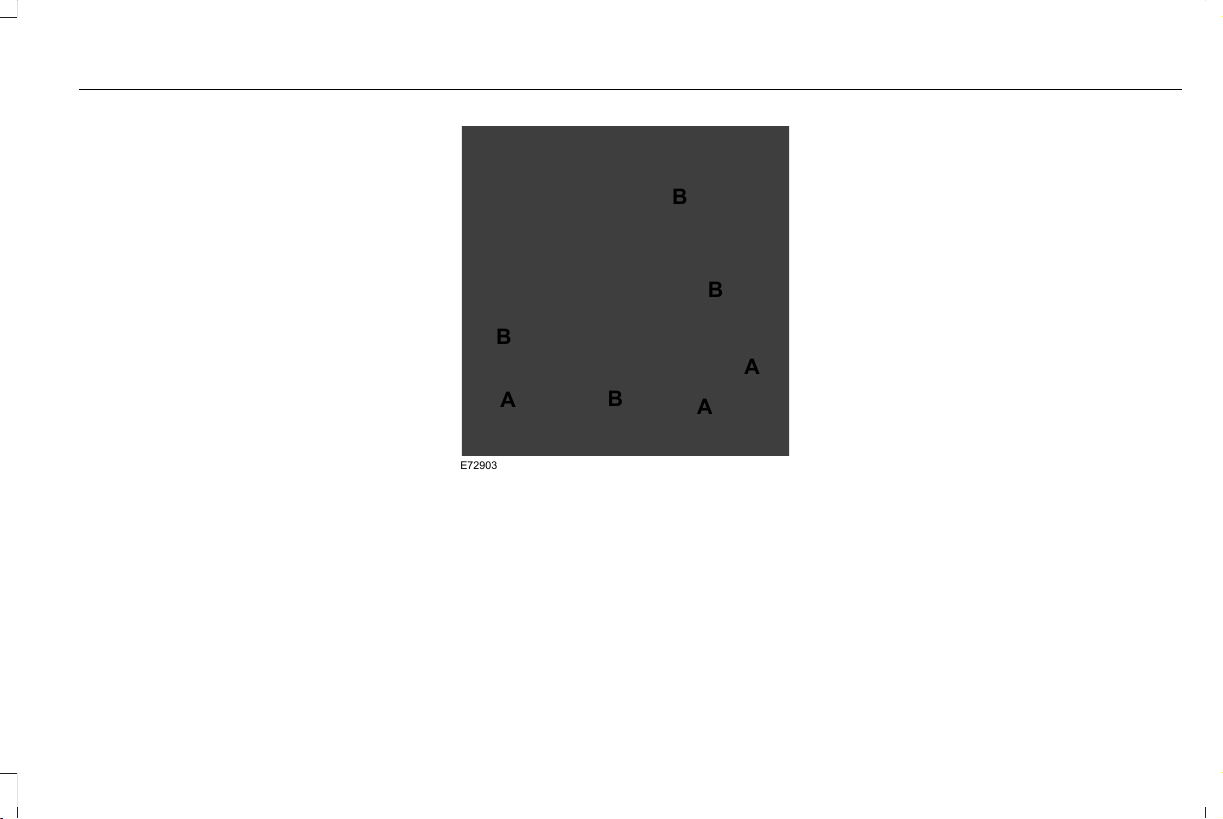
Roll Stability Control
The system enhances your vehicle’s ability
to prevent rollovers by detecting your
vehicle’s roll motion and the rate at which it
changes by applying the brakes to one or
more wheels individually.
Curve Control
The system enhances your vehicle’s ability
to follow the road when cornering severely
or avoiding objects in the roadway. Curve
Control operates by reducing engine power
and, if necessary, applying brakes to one or
more of the wheels individually.
Traction Control
The system enhances your vehicle’s ability
to maintain traction of the wheels by
detecting and controlling wheel spin. See
Using Traction Control (page 241).
E72903
A
A
A
B
B
B
B
Vehicle without stability control
skidding off its intended route.
A
Vehicle with stability control
maintaining control on a slippery
surface.
B
USING STABILITY CONTROL
The system automatically turns on each time
you switch the ignition on.
You cannot switch the stability control and
roll stability control systems off, but when
you shift into reverse (R), the systems
deactivate.
You can switch the traction control system
off or on. See Using Traction Control (page
241).
243
Aviator (CTV) Canada/United States of America, enUSA, Edition date: 201902, First-Printing
Stability Control

ABOUT HILL DESCENT CONTROL
WARNING: Hill descent control
cannot control descent in all surface
conditions and circumstances, such as ice
or extremely steep grades. Hill descent
control is a driver assist system and cannot
substitute for good judgment by the driver.
Failure to do so may result in loss of
vehicle control, crash or serious injury.
WARNING: The system does not
replace the parking brake. When you leave
your vehicle, always apply the parking
brake and shift the transmission into park
(P) for automatic transmission or first gear
for manual transmission.
Note: The system does not function below
3 mph (5 km/h).
Hill descent control allows the driver to set
and maintain vehicle speed while
descending steep slopes in various surface
conditions.
The system can maintain vehicle speeds on
downhill slopes between 3–20 mph
(5–32 km/h). Above 20 mph (32 km/h), the
system remains on but the descent speed
cannot be set or maintained.
The system requires a cool down interval
after a period of sustained use. The amount
of time that the system can remain active
before cooling varies with conditions. The
system provides a warning in the message
center and a tone sounds when the system
is about to disengage for cooling. At this
time, manually apply the brakes as needed
to maintain descent speed.
SWITCHING HILL DESCENT
CONTROL ON AND OFF
You can switch the hill descent control on
and off through the touchscreen.
SETTING THE HILL DESCENT
SPEED
WARNING: The system does not
replace the parking brake. When you leave
your vehicle, always apply the parking
brake and shift the transmission into park
(P) for automatic transmission or first gear
for manual transmission.
WARNING: The system does not
control speed in low traction conditions or
extremely steep slopes. The system is
designed to be an aid and does not relieve
you of your responsibility to drive with due
care and attention. Failure to follow this
instruction could result in personal injury.
To increase the descent speed, press the
accelerator pedal until you reach the speed
you prefer.
To decrease the descent speed, press the
brake pedal until you reach the speed you
prefer.
244
Aviator (CTV) Canada/United States of America, enUSA, Edition date: 201902, First-Printing
Hill Descent Control (If Equipped)

When you reach the speed you prefer, either
by accelerating or decelerating, remove your
feet from the pedals. The system maintains
the chosen vehicle speed.
HILL DESCENT CONTROL
INDICATOR
Illuminates when you switch hill
descent control on.
245
Aviator (CTV) Canada/United States of America, enUSA, Edition date: 201902, First-Printing
Hill Descent Control (If Equipped)

PRINCIPLE OF OPERATION
WARNING: To help avoid personal
injury, always use caution when in reverse
(R) and when using the sensing system.
WARNING: The system may not
detect objects with surfaces that absorb
reflection. Always drive with due care and
attention. Failure to take care may result
in a crash.
WARNING: Traffic control systems,
inclement weather, air brakes, external
motors and fans may affect the correct
operation of the sensing system.This may
cause reduced performance or false alerts.
WARNING: The system may not
detect small or moving objects, particularly
those close to the ground.
Note: If your vehicle has MyKey™, the sensing
system cannot be switched off when a
MyKey™ is present. See Principle of
Operation (page 70).
Note: Keep the sensors on the bumper or
fascia free from snow, ice and large
accumulations of dirt. If the sensors are
covered, the system’s accuracy can be
affected. Do not clean the sensors with sharp
objects.
Note: If your vehicle sustains damage to the
bumper or fascia, leaving it misaligned or
bent, the sensing zone may be altered
causing inaccurate measurement of
obstacles or false alerts.
Note: Certain add-on devices installed
around the bumper or fascia may create
false alerts. For example, large trailer
hitches, bike or surfboard racks, license plate
brackets, bumper covers or any other device
that may block the normal detection zone
of the system. Remove the add-on device to
prevent false alerts.
Note: When you connect a trailer to your
vehicle, the rear parking aid may detect the
trailer and therefore provide an alert. Disable
the rear parking aid when you connect a
trailer to prevent the alert.
The sensing system warns the driver of
obstacles within a certain range of your
vehicle. The system turns on automatically
whenever you switch the ignition on.
You can switch the system off through the
touchscreen or from the pop-up message
that appears once you shift the transmission
into reverse (R). See Settings (page 489). If
your vehicle has a parking aid button, you
can switch the system off by pressing the
button.
If a fault is present in the system, a warning
message appears in the information display.
See Information Messages (page 131).
REAR PARKING AID
WARNING: The system may not
detect objects with surfaces that absorb
reflection. Always drive with due care and
attention. Failure to take care may result
in a crash.
246
Aviator (CTV) Canada/United States of America, enUSA, Edition date: 201902, First-Printing
Parking Aids

WARNING: The system may not
detect small or moving objects, particularly
those close to the ground.
WARNING: To help avoid personal
injury, always use caution when in reverse
(R) and when using the sensing system.
WARNING: The parking aid system
can only assist you to detect objects when
your vehicle is moving at parking speeds.
To help avoid personal injury you must
take care when using the parking aid
system.
Note: Keep the sensors free from snow, ice
and large accumulations of dirt.
Note: Do not cover up the sensors.
Note: Do not clean the sensors with sharp
objects.
Note: If your vehicle sustains damage
leaving the sensors misaligned, this may
cause inaccurate measurements or false
alerts.
Note: Some accessories, for example large
trailer hitches or bike or surfboard racks can
cause reduced performance or false alerts.
The sensors are on the rear bumper.
The sensors are active when the
transmission is in reverse (R) and the vehicle
speed is less than 3 mph (5 km/h). When the
parking aid system sounds a tone, the audio
system may reduce the set volume.
A warning tone sounds when your vehicle
approaches an object. As your vehicle
moves closer to an object, the rate of the
tone increases. The warning tone
continuously sounds when an object is 12 in
(30 cm) or less from the center of the rear
bumper.
Note: There is a decreased coverage area
at the outer corners.
E130178
The sensor coverage area is up to 70 in
(180 cm) from the rear bumper.
If the system detects a fault, a warning
message appears in the information display.
247
Aviator (CTV) Canada/United States of America, enUSA, Edition date: 201902, First-Printing
Parking Aids
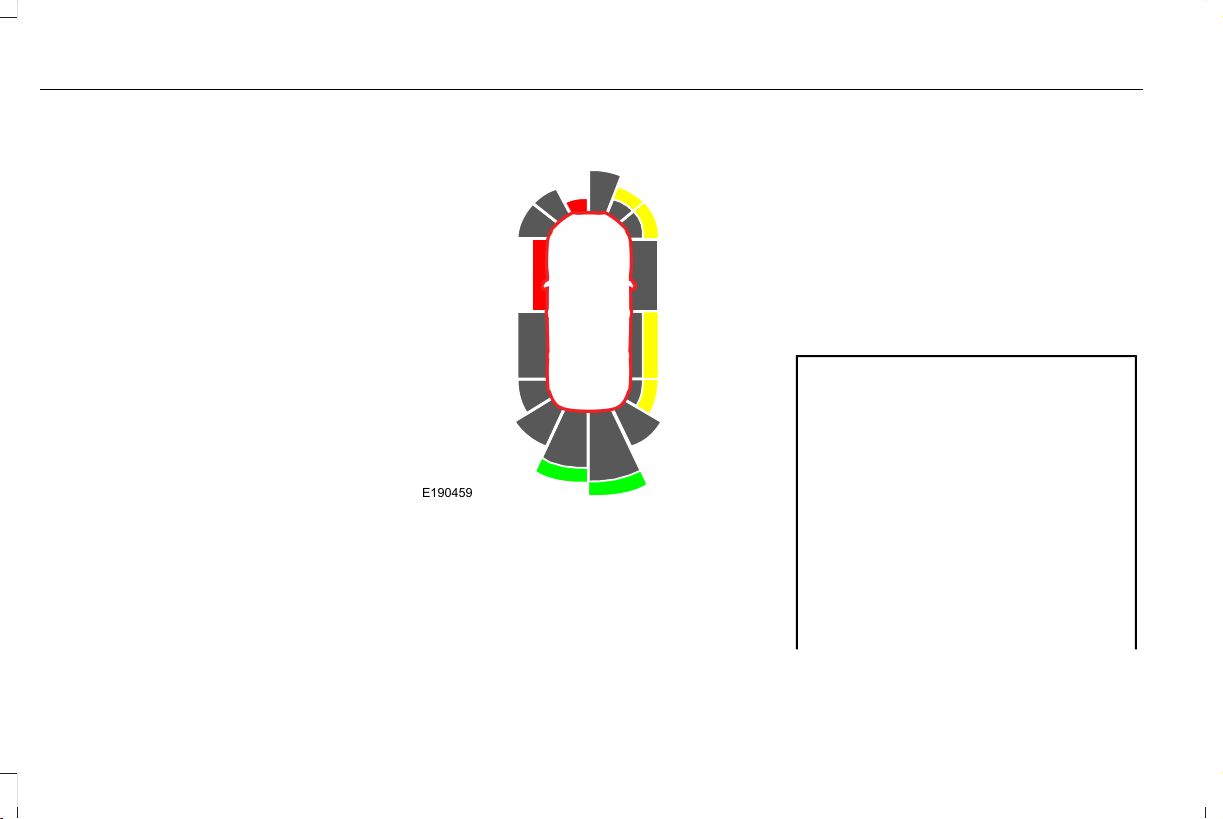
The system detects large objects when you
shift into reverse (R) and any of the following
occur:
• Your vehicle is moving backward at low
speed.
• Your vehicle is stationary but an object
is approaching the rear of your vehicle
at low speed.
• Your vehicle is moving backward at low
speed and an object is moving toward
your vehicle, for example another vehicle
at low speed.
If your vehicle remains stationary for two
seconds the audible warning turns off. If your
vehicle moves backward the tone sounds
again.
Note: If the detected object is 12 in (30 cm)
or less from the rear bumper, the audible
warning does not turn off.
Object Distance Indicator (If Equipped)
E190459
The system provides object distance
indication through the information display.
• As the distance to the object decreases,
the indicator blocks illuminate and move
toward the vehicle icon.
• If the system does not detect an object,
the distance indicator blocks are gray.
When you shift into reverse (R), the system
provides audible warnings and visual
indication when your vehicle is moving and
the detected object is moving toward your
vehicle. When you stop your vehicle, the
audible warnings stop after two seconds.
Visual indication remains on when the
transmission is in reverse (R).
FRONT PARKING AID
WARNING: The system may not
detect objects with surfaces that absorb
reflection. Always drive with due care and
attention. Failure to take care may result
in a crash.
WARNING: The system may not
detect small or moving objects, particularly
those close to the ground.
WARNING: To help avoid personal
injury, always use caution when in reverse
(R) and when using the sensing system.
248
Aviator (CTV) Canada/United States of America, enUSA, Edition date: 201902, First-Printing
Parking Aids
WARNING: The parking aid system
can only assist you to detect objects when
your vehicle is moving at parking speeds.
To help avoid personal injury you must
take care when using the parking aid
system.
Note: Keep the sensors free from snow, ice
and large accumulations of dirt.
Note: Do not cover up the sensors.
Note: Do not clean the sensors with sharp
objects.
Note: If your vehicle sustains damage
leaving the sensors misaligned, this may
cause inaccurate measurements or false
alerts.
Note: Some accessories, for example large
trailer hitches or bike or surfboard racks can
cause reduced performance or false alerts.
The sensors are on the front bumper.
The sensors are active when the
transmission is in any position other than
park (P). When the parking aid system
sounds a tone, the audio system may reduce
the set volume.
A warning tone sounds when your vehicle
approaches an object. As your vehicle
moves closer to an object, the rate of the
tone increases. The warning tone
continuously sounds when an object is 12 in
(30 cm) or less from the front bumper.
Note: There is a decreased coverage area
at the outer corners.
The system turns off when the vehicle speed
reaches 5 mph (8 km/h).
E187330
The sensor coverage area is up to 28 in
(70 cm) from the center of the bumper.
If the transmission is in reverse (R), the
system detects objects when your vehicle is
moving at low speed or an object is moving
toward your vehicle, for example another
vehicle at low speed. When you stop your
vehicle, the audible warning turns off after
two seconds.
If the transmission is in any forward gear, the
system provides audible warnings when your
vehicle is moving and an object is within the
detection area. When you stop your vehicle,
the audible warning turns off after two
seconds and the visual warning turns off after
four seconds.
If the system detects a fault, a warning
message appears in the information display.
249
Aviator (CTV) Canada/United States of America, enUSA, Edition date: 201902, First-Printing
Parking Aids
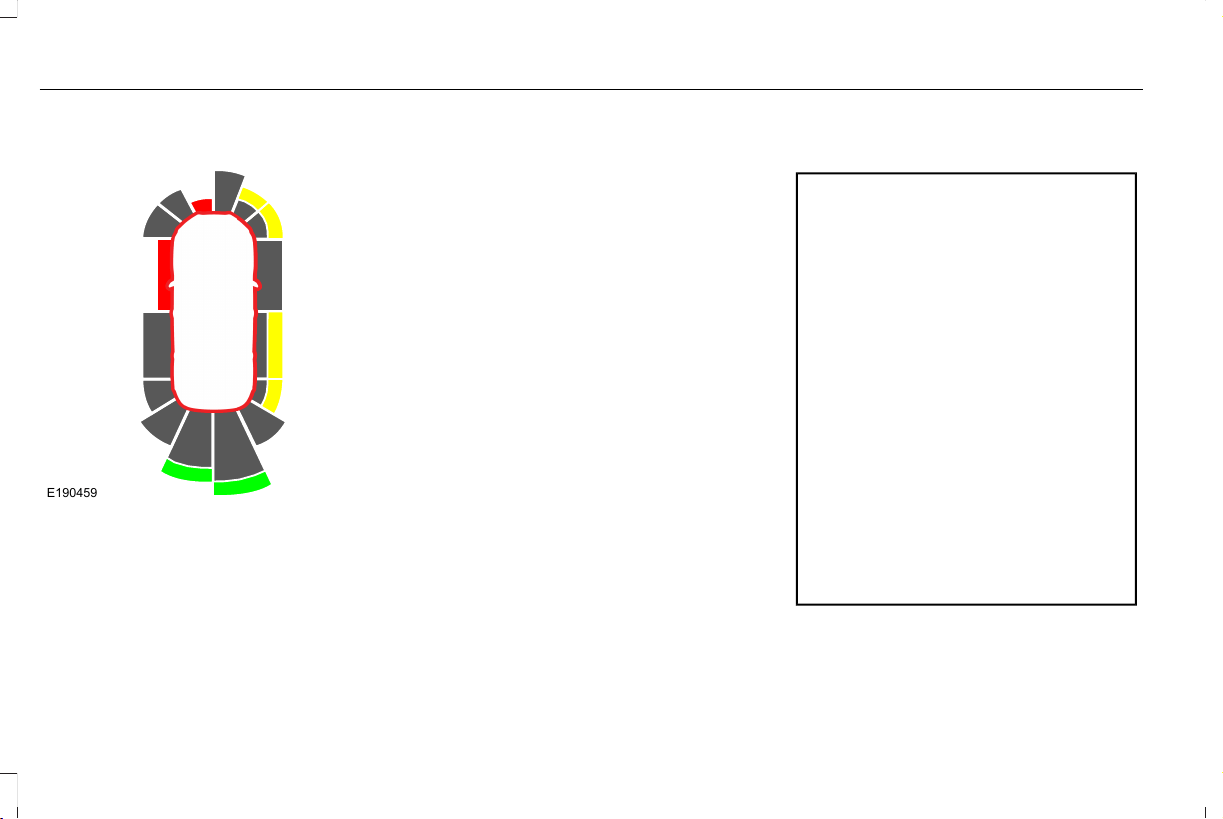
Object Distance Indicator (If Equipped)
E190459
The system provides object distance
indication through the information display.
• As the distance to the object decreases,
the indicator blocks illuminate and move
toward the vehicle icon.
• If there is no object detected, the
distance indicator blocks are gray.
When you shift into any forward gear, the
system provides audible warnings and visual
indication when your vehicle is moving at a
speed of approximately 5 mph (8 km/h) or
below and the system detects an object
within the detection zone. When you stop
your vehicle, the audible warnings stop after
two seconds and visual indication stops after
four seconds.
Note: If the detected object is 12 in (30 cm)
or less from your vehicle, visual indication
remains on.
When you shift into neutral (N), the system
only provides visual indication if your vehicle
is moving at a speed of approximately 5 mph
(8 km/h) or below, for example, your vehicle
is moving on a slope, and the system detects
an object moving toward your vehicle. When
you stop your vehicle, visual indication stops
after four seconds.
SIDE SENSING SYSTEM (IF EQUIPPED)
WARNING: The system may not
detect objects with surfaces that absorb
reflection. Always drive with due care and
attention. Failure to take care may result
in a crash.
WARNING: The system may not
detect small or moving objects, particularly
those close to the ground.
WARNING: To help avoid personal
injury, always use caution when in reverse
(R) and when using the sensing system.
WARNING: The parking aid system
can only assist you to detect objects when
your vehicle is moving at parking speeds.
To help avoid personal injury you must
take care when using the parking aid
system.
Note: Keep the sensors free from snow, ice
and large accumulations of dirt.
Note: Do not cover up the sensors.
250
Aviator (CTV) Canada/United States of America, enUSA, Edition date: 201902, First-Printing
Parking Aids
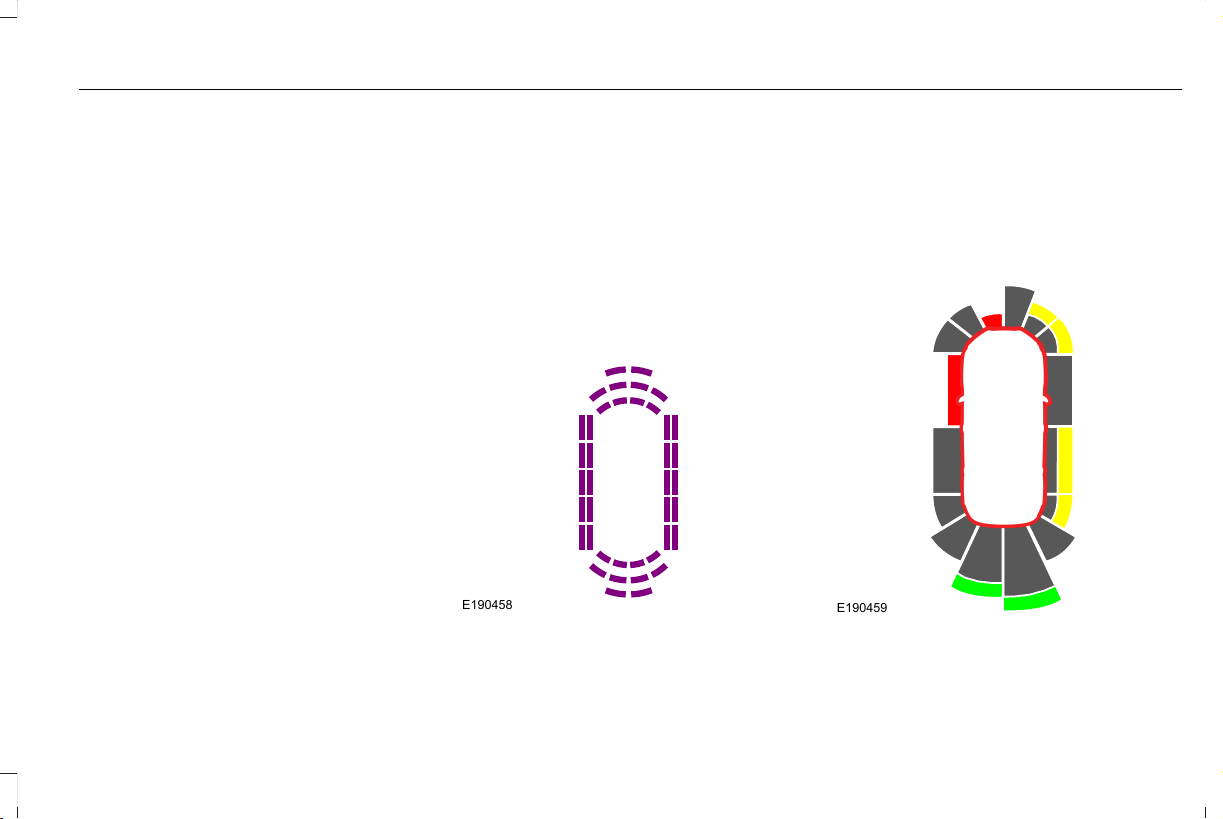
Note: Do not clean the sensors with sharp
objects.
Note: If your vehicle sustains damage
leaving the sensors misaligned, this may
cause inaccurate measurements or false
alerts.
Note: If you switch traction control off, the
side sensing system also turns off.
Note: Some accessories, for example large
trailer hitches or bike or surfboard racks can
cause reduced performance or false alerts.
Note: The system does not detect an object
that is moving toward the side of your
vehicle, for example another vehicle moving
at low speed, if it does not pass a front or
rear sensor.
The system uses the front and rear
outermost parking aid sensors to detect
objects that are near to the sides of your
vehicle. The system displays them on a
virtual map in the information display as your
vehicle moves past them.
The sensors are on the front and rear
bumpers.
The system may not function if:
• You switch the ignition on, off and back
on within a few seconds.
• Your vehicle remains stationary for over
two minutes.
• The anti-lock brake system activates.
• The traction control system activates.
To reinitialize the system, you may have to
drive your vehicle approximately 10 ft (3 m).
E190458
The sensor coverage area is up to 24 in
(60 cm) from the side of your vehicle.
When the system detects an object within
the coverage area and the driving path of
your vehicle, an audible warning sounds. As
the object moves closer to your vehicle, the
rate of the tone increases.
Object Distance Indicator (If Equipped)
E190459
The system provides object distance
indication through the information display.
251
Aviator (CTV) Canada/United States of America, enUSA, Edition date: 201902, First-Printing
Parking Aids

• As the distance to the object decreases,
the indicator blocks illuminate and move
toward the vehicle icon.
• If there is no object detected, the
distance indicator blocks are gray.
When you shift into reverse (R), the system
provides audible warnings and visual
indication when detected objects are within
24 in (60 cm) and are inside the driving path
of your vehicle. When you stop your vehicle,
the audible warnings turn off after two
seconds.
When you shift into any forward gear, the
system provides audible warnings and visual
indication when your vehicle is moving at a
speed of approximately 5 mph (8 km/h) or
below and the system detects an object
within the detection zone. When you stop
your vehicle, the audible warnings turn off
after two seconds and visual indication turns
off after four seconds.
When you shift into neutral (N), the system
only provides visual indication if your vehicle
is moving at a speed of approximately 5 mph
(8 km/h) or below. For example, your vehicle
is moving on a slope, and the system detects
an object moving toward your vehicle. When
you stop your vehicle, visual indication turns
off after four seconds.
If the system is not available, the side
distance indicator blocks do not display.
ACTIVE PARK ASSIST (IF EQUIPPED)
WARNING: You must remain in your
vehicle when the system turns on. At all
times, you are responsible for controlling
your vehicle, supervising the system and
intervening, if required. Failure to take care
may result in the loss of control of your
vehicle, serious personal injury or death.
WARNING: The sensors may not
detect objects in heavy rain or other
conditions that cause interference.
WARNING: You are responsible for
controlling your vehicle at all times. The
system is designed to be an aid and does
not relieve you of your responsibility to
drive with due care and attention. Failure
to follow this instruction could result in the
loss of control of your vehicle, personal
injury or death.
The system assists parking into and out of
parking spaces. Sensors are used to detect
parking spaces. The system then steers,
accelerates, brakes and shifts gear as
required to maneuver into or out of a parking
space.
252
Aviator (CTV) Canada/United States of America, enUSA, Edition date: 201902, First-Printing
Parking Aids

Using Active Park Assist
E301112
The parking button is above the transmission
selector, just below the display screen.
Press the parking button then touch the
Active Park Assist icon on the display screen
to bring up full screen notifications. Press the
soft keys on the display screen to switch
between Parallel Park In, Perpendicular Park
In or Parallel Park Out parking modes.
Driving into a Parking Space
1. Press the active park assist button.
Note: The system searches for parallel
parking spaces on the passenger side. Press
the active park assist button again to make
the system search for perpendicular spaces.
2. Use the direction indicator lever to
search for a parking space on the driver
or passenger side of your vehicle.
3. Drive your vehicle approximately 3 ft (1 m)
away from and parallel to the other
parked vehicles when searching for a
parking space.
Note: A tone sounds and a message
appears in the information display when
active park assist finds a suitable parking
space.
4. Press and hold the brake pedal.
5. Release the steering wheel and shift into
neutral (N).
6. Press and hold the active park assist
button.
7. Release the brake pedal to allow the
vehicle to park.
Note: You can slow down your vehicle at
any time by pressing the brake pedal.
Note: When parking is complete the vehicle
shifts into park (P).
Leaving a Parking Space
The system assists leaving only parallel
parking spaces.
1. Press the active park assist button.
2. Use the direction indicator lever to
choose the direction to leave.
3. Press and hold the brake pedal.
4. Release the steering wheel and shift into
neutral (N).
5. Release the parking brake.
6. Press and hold the active park assist
button.
7. Release the brake pedal to allow the
vehicle to move.
Note: You can slow down your vehicle at
any time by pressing the brake pedal.
Note: After the system drives your vehicle
to a position where you can exit the parking
space in a forward movement, a message
appears instructing you to take full control
of your vehicle.
253
Aviator (CTV) Canada/United States of America, enUSA, Edition date: 201902, First-Printing
Parking Aids

Canceling Active Park Assist
To cancel parking assistance at any time,
shift out of neutral (N).
Note: If you turn the steering wheel or open
the driver door the parking assistance also
cancels.
Pausing Active Park Assist
To pause parking assistance at any time,
release the active park assist button.
The vehicle stops moving until you press and
hold the active park assist button again.
Note: If you open the passenger or rear
doors the parking assistance also pauses.
Active Park Assist Troubleshooting
Possible CauseSymptom
You may have switched traction control off.The system does not search for a parking space.
The transmission is in reverse (R). Your vehicle must be moving forward to be able to
detect a parking space.
The sensors may be blocked. For example, snow, ice or large accumulations of dirt.
Blocked sensors can affect how the system functions.
The system does not offer a parking space.
The sensors in the front or rear bumper could be damaged.
There is not enough room in the parking space for your vehicle to safely park.
There is not enough space for the parking maneuver on the opposite side of the parking
space.
The parking space is more than 5 ft (1.5 m) or less than 2 ft (0.5 m) away.
254
Aviator (CTV) Canada/United States of America, enUSA, Edition date: 201902, First-Printing
Parking Aids

Possible CauseSymptom
The vehicle speed is greater than 22 mph (35 km/h) for parallel parking or greater than
19 mph (30 km/h) for perpendicular parking.
You recently disconnected or replaced the battery. After you reconnect the battery you
must drive your vehicle on a straight road for a short period of time.
An irregular curb along the parking space prevents the system from correctly aligning
your vehicle.
The system does not correctly position your vehicle
in a parking space.
Vehicles or objects bordering the space may not be correctly parked.
Your vehicle stopped too far past the parking space.
The tires may not be correctly installed or maintained. For example, not inflated correctly,
improper size, or of different sizes.
A repair or alteration changes the detection capabilities.
A parked vehicle has a high attachment. For example, a salt sprayer, snowplow or moving
truck bed.
The parking space length or position of parked objects changes after your vehicle passes
the space.
You are using a spare tire or a tire that is significantly worn more than the other tires.
The temperature around your vehicle quickly changes. For example, driving from a
heated garage into cold outside temperature, or after leaving a car wash.
255
Aviator (CTV) Canada/United States of America, enUSA, Edition date: 201902, First-Printing
Parking Aids

REAR VIEW CAMERA
WARNING: The rear view camera
system is a reverse aid supplement device
that still requires the driver to use it in
conjunction with the interior and exterior
mirrors for maximum coverage.
WARNING: Objects that are close to
either corner of the bumper or under the
bumper, might not be seen on the screen
due to the limited coverage of the camera
system.
WARNING: Reverse your vehicle
slowly. Failure to follow this instruction
could result in the loss of control of your
vehicle, personal injury or death.
WARNING: Use caution when the
rear cargo door is ajar. If the rear cargo
door is ajar, the camera will be out of
position and the video image may be
incorrect. All guidelines disappear when
the rear cargo door is ajar. Failure to follow
this instruction could result in personal
injury.
WARNING: Use caution when turning
camera features on or off when the
transmission is not in park (P). Make sure
your vehicle is not moving.
Note: Some vehicles may not come
equipped with guidelines.
The rear view camera system provides a
video image of the area behind your vehicle.
During operation, lines appear in the display
which represent your vehicle’s path and
proximity to objects behind your vehicle.
E288858
The camera is on the luggage compartment
door.
Using the Rear View Camera System
The rear view camera system displays what
is behind your vehicle when you place the
transmission in reverse (R).
Note: The reverse sensing system is not
effective at speeds above 3 mph (5 km/h)
and may not detect certain angular or
moving objects.
256
Aviator (CTV) Canada/United States of America, enUSA, Edition date: 201902, First-Printing
Parking Aids
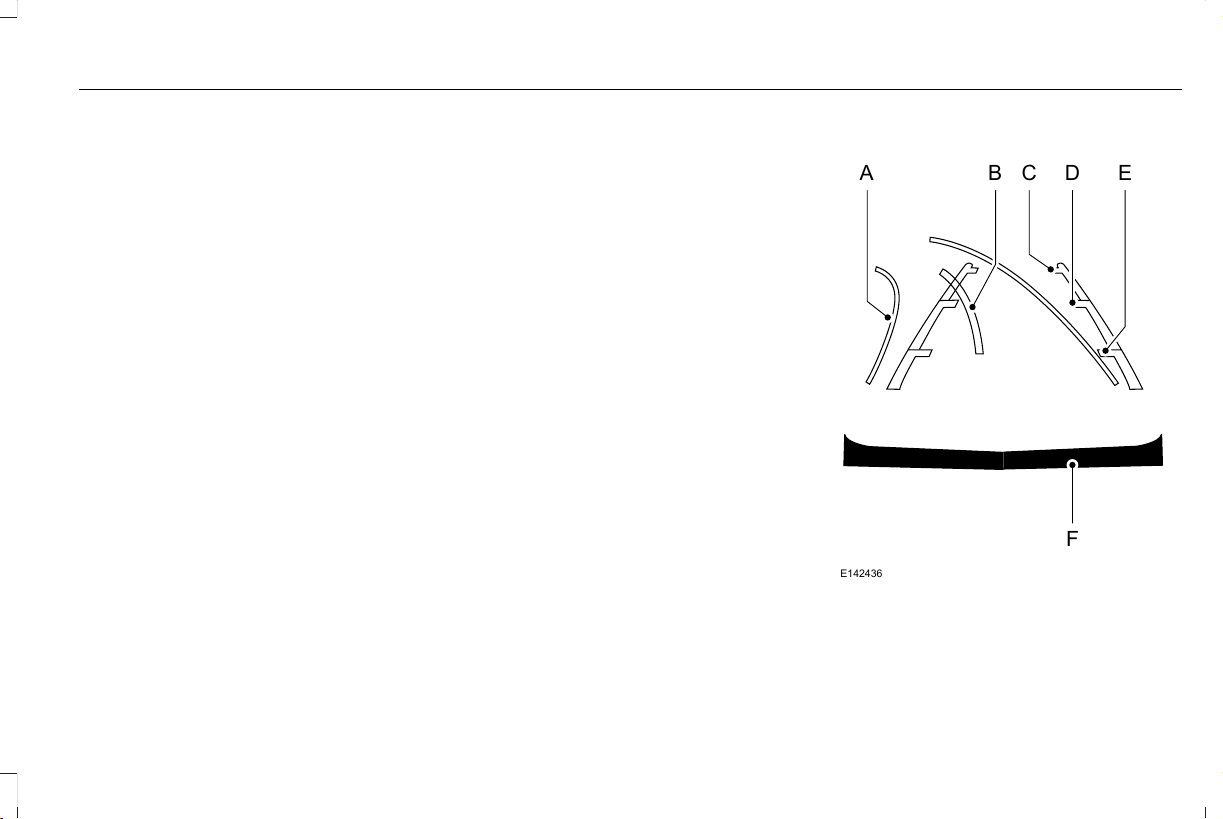
The system uses three types of guides to
help you see what is behind your vehicle:
• Active guidelines (if equipped): Show the
intended path of your vehicle when
reversing.
• Fixed guidelines: Show the actual path
your vehicle is moving in while reversing
in a straight line. This can be helpful
when backing into a parking space or
aligning your vehicle with another object
behind you.
• Centerline: Helps align the center of your
vehicle with an object (for example, a
trailer).
Note: If the transmission is in reverse (R) and
the luggage compartment door is open, no
rear view camera features display.
Note: When towing, the camera only sees
what you are towing. This might not provide
adequate coverage as it usually provides in
normal operation and some objects might
not be seen. In some vehicles, the
guidelines may disappear when you connect
the trailer tow connector.
The camera may not operate correctly under
the following conditions:
• Nighttime or dark areas if one or both
reverse lamps are not operating.
• Mud, water or debris obstructs the
camera's view. Clean the lens with a soft,
lint-free cloth and non-abrasive cleaner.
You can also use the rear washer to
clean the camera. See Rear Window
Wiper and Washers (page 102).
• The rear of your vehicle is hit or
damaged, causing the camera to become
misaligned.
Camera System Settings
Depending on your vehicle options, the rear
view camera system settings may be in the
following:
• Information display. See General
Information (page 127).
• Touchscreen. See Settings (page 489).
Camera Guidelines
Note: Active guidelines are only available
when the transmission is in reverse (R).
A B C D
F
E
E142436
Active guidelines (If equipped)A
CenterlineB
Fixed guideline: Green zoneC
257
Aviator (CTV) Canada/United States of America, enUSA, Edition date: 201902, First-Printing
Parking Aids
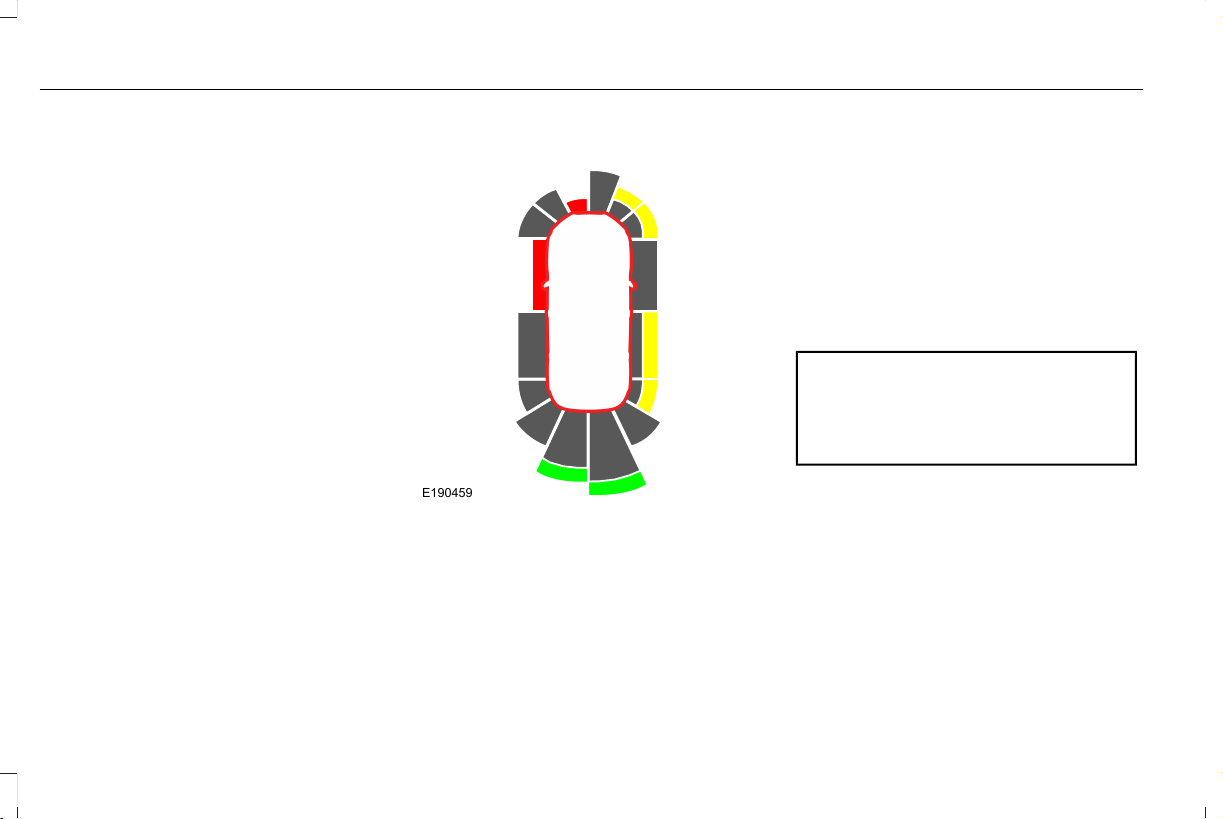
Fixed guideline: Yellow zoneD
Fixed guideline: Red zoneE
Rear bumperF
Active guidelines are only shown with fixed
guidelines. To use active guidelines, turn
the steering wheel to point the guidelines
toward an intended path. If you change the
steering wheel position while reversing, your
vehicle might deviate from the original
intended path.
The fixed and active guidelines fade in and
out depending on the steering wheel
position. The active guidelines do not
display when the steering wheel position is
straight.
Always use caution while reversing. Objects
in the red zone are closest to your vehicle
and objects in the green zone are farther
away. Objects are getting closer to your
vehicle as they move from the green zone
to the yellow or red zones. Use the side view
mirrors and rear view mirror to get better
coverage on both sides and rear of the
vehicle.
Obstacle Distance Indicator (If Equipped)
E190459
The system provides an image of your
vehicle and the sensor zones. The zones
highlight green, yellow and red when the
parking aid sensors detect an object in the
coverage area.
Rear Camera On Demand (If Equipped)
Press the camera button while in park (P),
neutral (N) or drive (D) and under a speed of
6 mph (10 km/h) to bring up the rear camera
view in the display screen. The guidelines
appear as white and you are able to use the
manual zoom feature by pressing the zoom
button on the display screen.
Manual Zoom
WARNING: When manual zoom is
on, the full area behind your vehicle may
not show. Be aware of your surroundings
when using the manual zoom feature.
Note: Manual zoom is only available when
the transmission is in reverse (R).
Note: When you enable manual zoom, only
the centerline is shown.
Selectable settings for this feature are Zoom
in (+) and Zoom out (-). Press the symbol in
the camera screen to change the view. The
default setting is Zoom OFF.
258
Aviator (CTV) Canada/United States of America, enUSA, Edition date: 201902, First-Printing
Parking Aids

This allows you to get a closer view of an
object behind your vehicle. The zoomed
image keeps the bumper in the image to
provide a reference. The zoom is only active
while the transmission is in reverse (R).
Rear Camera Delay
Selectable settings for this feature are ON
and OFF.
The default setting for the rear camera delay
is OFF.
When shifting the transmission out of reverse
(R) and into any gear other than park (P), the
camera image remains in the display until:
• Your vehicle speed reaches
approximately 5 mph (8 km/h).
• You shift your vehicle into park (P).
360 DEGREE CAMERA (IF EQUIPPED)
WARNING: The 360 degree camera
system still requires the driver to use it in
conjunction with looking out of the
windows, and checking the interior and
exterior mirrors for maximum coverage.
WARNING: Objects that are close to
either corner of the bumper or under the
bumper, might not be seen on the screen
due to the limited coverage of the camera
system.
WARNING: Use caution when turning
camera features on or off when the
transmission is not in park (P). Make sure
your vehicle is not moving.
WARNING: You are responsible for
controlling your vehicle at all times. The
system is designed to be an aid and does
not relieve you of your responsibility to
drive with due care and attention. Failure
to follow this instruction could result in the
loss of control of your vehicle, personal
injury or death.
Note: Use caution using the 360 view when
any of the doors are ajar. If a door is ajar,
the camera will be out of position and the
video image may be incorrect.
The 360 degree camera system consists of
front, side and rear cameras. The system:
• Allows you to see what is directly in front
or behind your vehicle.
• Provides cross traffic view in front and
behind your vehicle.
259
Aviator (CTV) Canada/United States of America, enUSA, Edition date: 201902, First-Printing
Parking Aids
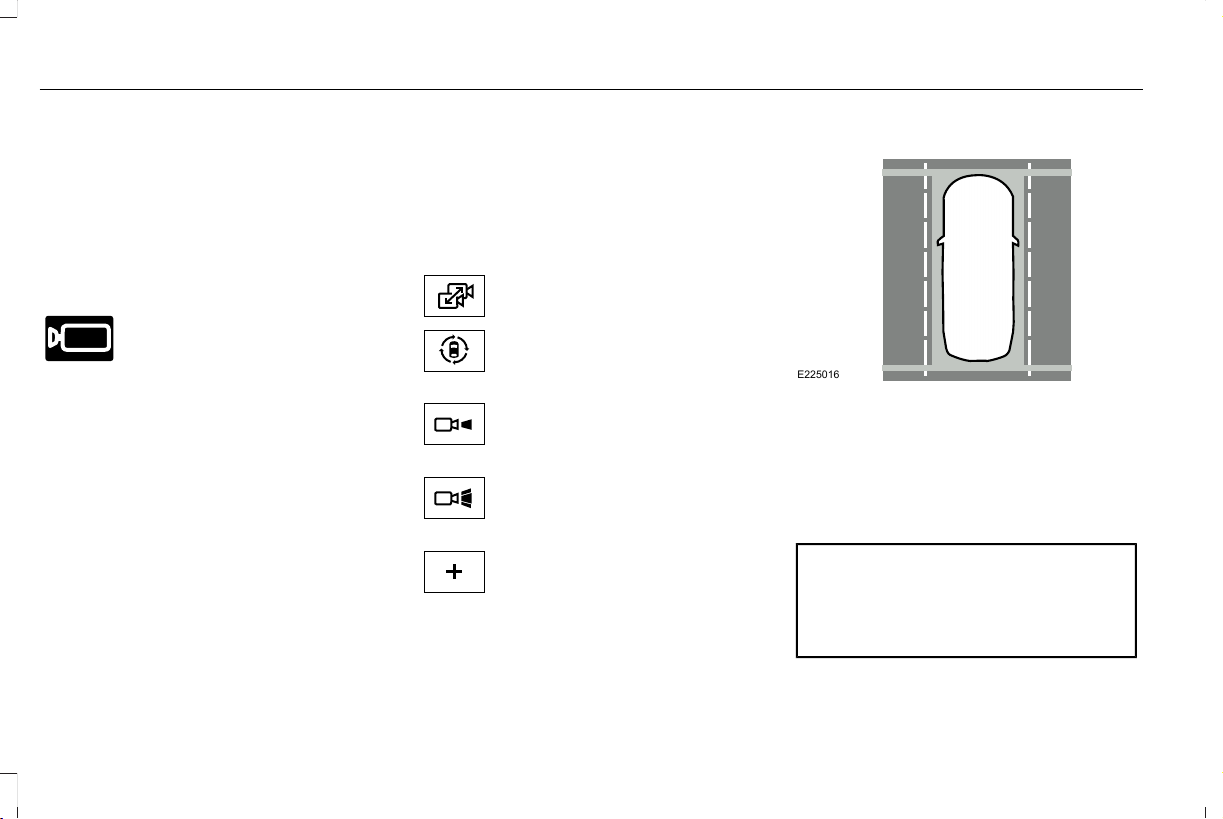
• Allows you to see a top-down view of the
area outside your vehicle, including the
blind spots.
• Provides visibility around your vehicle to
you in parking maneuvers such as:
• Centering in a parking space.
• Obstacles near vehicle.
• Parallel parking.
E205884
The front camera enable button is
located near the display screen
and turns on the front camera
when your vehicle is not in reverse (R). This
camera is only available at slow parking
speeds.
Using the System
Note: The 360 degree camera system turns
off when your vehicle is in motion at low
speed, except when in reverse (R).
The front and rear cameras have multiple
screens which consist of: normal view with
360, normal view, and split view. When in
park (P), neutral (N) or drive (D), only the front
images display when you press the button.
When in reverse (R), only the rear images
display.
E224483
Press to access the different
camera views.
E224783
Normal + 360 view: Contains the
normal camera view next to a 360
degree camera view.
E224784
Normal view: Provides an image
of what is directly in front or behind
your vehicle.
E224785
Split view: Provides an extended
view of what is in front or behind
your vehicle.
E224485
Zooms in on the image.
Keep Out Zone
E225016
The Keep Out Zone is represented by the
yellow dotted lines running parallel to your
vehicle. It is designed to give you the
indication on the ground of the fully
extended outside mirror position.
Front Camera
WARNING: The front camera system
still requires the driver to use it in
conjunction with looking out of your
vehicle.
260
Aviator (CTV) Canada/United States of America, enUSA, Edition date: 201902, First-Printing
Parking Aids
Note: The system turns off the front video
image when your vehicle is in motion at low
speed, except when in reverse (R).
E288873
The front video camera is on the grille. It
provides a video image of the area in front
of your vehicle. It adds assistance to the
driver while driving forward at low speeds.
To use the front video camera system, place
the transmission in any gear except reverse
(R). An image displays once you press the
front camera enable button. The image on
the screen may vary according to your
vehicle's orientation or road condition.
Side Camera
E250816
The side view camera, located in the outside
mirror, provides a video image of the area
on the sides of your vehicle as part of the
front 360 + normal view and rear 360 +
normal view. It aids you while parking your
vehicle either forward or backwards.
261
Aviator (CTV) Canada/United States of America, enUSA, Edition date: 201902, First-Printing
Parking Aids
ABOUT CRUISE CONTROL
Cruise control lets you maintain a set speed
without keeping your foot on the accelerator
pedal. You can use cruise control when your
vehicle speed is greater than 20 mph
(30 km/h).
The cruise controls are on the steering
wheel. See Cruise Control (page 97).
SWITCHING CRUISE CONTROL ON
AND OFF
WARNING: Do not use cruise control
on winding roads, in heavy traffic or when
the road surface is slippery. This could
result in loss of vehicle control, serious
injury or death.
Switching Cruise Control On
E71340
Press to set the system in standby
mode.
Switching Cruise Control Off
E71340
Press the button when the system
is in standby mode.
The system also turns off when you switch
the ignition off.
Note: The set speed erases when you switch
the system off.
SETTING THE CRUISE CONTROL
SPEED
WARNING: When you are going
downhill, your vehicle speed could
increase above the set speed. The system
does not apply the brakes.
Drive to the speed you prefer.
Press either button to set the
current speed.
Take your foot off the accelerator pedal.
Note: The indicator changes color in the
information display.
Changing the Set Speed
Press and release the button to
increase the set speed in small
increments.
Press and hold the button to accelerate.
Release the button when you reach your
preferred speed.
Press and release the button to
decrease the set speed in small
increments.
Press and hold the button to decelerate.
Release the button when you reach your
preferred speed.
Note: If you accelerate by pressing the
accelerator pedal, the set speed does not
change. When you release the accelerator
pedal, your vehicle returns to the speed that
you previously set.
262
Aviator (CTV) Canada/United States of America, enUSA, Edition date: 201902, First-Printing
Cruise Control
CANCELING THE SET SPEED
E281471
Press the button, or tap the brake
pedal to cancel the set speed.
Note: The system remembers the set speed.
Note: The system cancels if the vehicle
speed drops below 10 mph (16 km/h) under
the set speed when driving uphill.
RESUMING THE SET SPEED
E281472
Press the button.
CRUISE CONTROL INDICATORS
E71340
Illuminates when you switch the
system on.
263
Aviator (CTV) Canada/United States of America, enUSA, Edition date: 201902, First-Printing
Cruise Control

ABOUT ADAPTIVE CRUISE
CONTROL WITH STOP AND GO
Adaptive cruise control with stop and go
uses radar and camera sensors to adjust the
speed of your vehicle to maintain a set gap
from the vehicle in front of you in the same
lane while following it to a complete stop.
You can also engage the system to follow a
vehicle in front of you and adjust set speed
while stopped.
The controls are on the steering wheel.
ABOUT ADAPTIVE CRUISE
CONTROL WITH LANE CENTERING
Adaptive cruise control with lane centering
uses radar and camera sensors to help keep
your vehicle in the lane by applying
continuous assistance steering torque input
toward the lane center on highways.
Note: The adaptive cruise control gap setting
operates normally.
The controls are on the steering wheel.
ABOUT INTELLIGENT ADAPTIVE
CRUISE CONTROL
Intelligent adaptive cruise control combines
speed sign recognition with adaptive cruise
control to adjust the cruise set speed to the
speed limit detected by the speed sign
recognition system. For example, if the speed
sign recognition system detects a 50 mph
(80 km/h) speed limit, the cruise set speed
is updated to 50 mph (80 km/h).
Note: The adaptive cruise control gap setting
operates normally.
ADAPTIVE CRUISE CONTROL
PRECAUTIONS - VEHICLES WITH:
ADAPTIVE CRUISE CONTROL
WITH LANE CENTERING
Adaptive cruise control precautions apply to
lane centering unless stated otherwise or
contradicted by a lane centering precaution.
See Adaptive Cruise Control Precautions
(page 264).
WARNING: Do not use the system
when towing a trailer. Failure to follow this
instruction could result in the loss of
control of your vehicle, personal injury or
death.
ADAPTIVE CRUISE CONTROL
PRECAUTIONS - VEHICLES WITH:
ADAPTIVE CRUISE CONTROL
WITH STOP AND GO
WARNING: The system is not a crash
warning or avoidance system.
WARNING: Always pay close
attention to changing road conditions when
using the system. It does not replace
attentive driving. Failure to follow this
instruction could result in personal injury
or death.
264
Aviator (CTV) Canada/United States of America, enUSA, Edition date: 201902, First-Printing
Adaptive Cruise Control

WARNING: Do not use the system
when towing a trailer that has aftermarket
electronic trailer brake controls. Failure to
follow this instruction could result in the
loss of control of your vehicle, personal
injury or death.
WARNING: Do not use tire sizes
other than those recommended because
this can affect the normal operation of the
system. Failure to do so may result in a loss
of vehicle control, which could result in
serious injury.
WARNING: Do not use the system
when entering or leaving a highway, on
roads with intersections or roundabouts or
non-vehicular traffic or roads that are
winding, slippery, unpaved, or steep
slopes.
WARNING: Do not use the system
with a snow plow blade installed.
WARNING: Do not use the system
in poor visibility, for example fog, heavy
rain, spray or snow.
When Following a Vehicle
WARNING: When following a vehicle
that is braking, your vehicle does not
always decelerate quickly enough to avoid
a crash without driver intervention. Apply
the brakes when necessary. Failure to
follow this instruction could result in
personal injury or death.
Hilly Condition Usage
You should select a lower gear when the
system is active in situations such as
prolonged downhill driving on steep grades,
for example in mountainous areas. The
system needs additional engine braking in
these situations to reduce the load on the
vehicle’s regular brake system to prevent it
from overheating.
Note: An audible alarm sounds and the
system shuts down if it applies brakes for an
extended period of time. This allows the
brakes to cool. The system functions
normally again after the brakes cool.
ADAPTIVE CRUISE CONTROL
LIMITATIONS - VEHICLES WITH:
ADAPTIVE CRUISE CONTROL
WITH LANE CENTERING
Adaptive cruise control limitations apply to
lane centering unless stated otherwise or
contradicted by a lane centering limitation.
See Adaptive Cruise Control Limitations
(page 266).
The system may not correctly operate in any
of the following conditions:
• Your vehicle is not centered in the lane.
• The lane is too narrow or wide.
• The system does not detect at least one
lane marking or when lanes merge or
split.
• You switch the direction indicator on.
265
Aviator (CTV) Canada/United States of America, enUSA, Edition date: 201902, First-Printing
Adaptive Cruise Control

• Limited steering torque input is applied.
• Areas under construction or new
infrastructure.
• When modifications to the steering
system have been made.
• When using a spare tire.
Note: The assistance steering torque is
limited and may not be sufficient for all
driving situations.
Note: In exceptional conditions, the system
may deviate from the center line.
ADAPTIVE CRUISE CONTROL
LIMITATIONS - VEHICLES WITH:
ADAPTIVE CRUISE CONTROL
WITH STOP AND GO
Sensor Limitations
WARNING: On rare occasions,
detection issues can occur due to the road
infrastructures, for example bridges,
tunnels and safety barriers. In these cases,
the system may brake late or
unexpectedly. At all times, you are
responsible for controlling your vehicle,
supervising the system and intervening, if
required.
WARNING: If the system
malfunctions, have your vehicle checked
as soon as possible.
WARNING: Large contrasts in outside
lighting can limit sensor performance.
WARNING: The system only warns
of vehicles detected by the radar sensor.
In some cases there may be no warning
or a delayed warning. Apply the brakes
when necessary. Failure to follow this
instruction could result in personal injury
or death.
WARNING: The system may not
detect stationary or slow moving vehicles
below 6 mph (10 km/h).
WARNING: The system does not
detect pedestrians or objects in the road.
WARNING: The system does not
detect oncoming vehicles in the same lane.
WARNING: The system may not
operate properly if the sensor is blocked.
Keep the windshield free from obstruction.
WARNING: The sensor may
incorrectly track lane markings as other
structures or objects. This can result in a
false or missed warning.
266
Aviator (CTV) Canada/United States of America, enUSA, Edition date: 201902, First-Printing
Adaptive Cruise Control
E243054
The camera is mounted behind the interior
mirror.
E244279
The radar sensor is in the lower grille.
Note: You cannot see the sensor. It is behind
a fascia panel.
Note: Keep the front of your vehicle free of
dirt, metal badges or objects. Vehicle front
protectors and aftermarket lights may also
block the sensor.
A message displays if something obstructs
the camera or the sensor. When something
blocks the sensor, the system cannot detect
a vehicle ahead and does not function. See
About Adaptive Cruise Control With Stop
and Go (page 264).
The radar sensor has a limited field of view.
It may not detect vehicles at all or detect a
vehicle later than expected in some
situations. The lead vehicle image does not
illuminate if the system does not detect a
vehicle in front of you.
267
Aviator (CTV) Canada/United States of America, enUSA, Edition date: 201902, First-Printing
Adaptive Cruise Control
Detection issues can occur:
E71621
When driving on a different line
than the vehicle in front.
A
B With vehicles that edge into your
lane. The system can only detect
these vehicles once they move
fully into your lane.
There may be issues with the
detection of vehicles in front when
driving into and coming out of a
bend or curve in the road.
C
In these cases, the system may brake late or
unexpectedly.
If something hits the front end of your vehicle
or damage occurs, the radar-sensing zone
may change. This could cause missed or
false vehicle detection.
Optimal system performance requires a clear
view of the road by the windshield-mounted
camera.
Optimal performance may not occur if:
• The camera is blocked.
• There is poor visibility or lighting
conditions.
• There are bad weather conditions.
SWITCHING ADAPTIVE CRUISE
CONTROL ON AND OFF
Switching Adaptive Cruise Control On
E144529
Press to set the system in standby
mode.
The indicator, current gap setting and set
speed appear in the information display.
Switching Adaptive Cruise Control Off
E144529
Press when the system is in
standby mode, or switch the
ignition off.
Note: You erase the set speed and gap
setting when you switch the system off.
Automatic Cancellation or Deactivation
The system may cancel if:
• The tires lose traction.
• You apply the parking brake.
268
Aviator (CTV) Canada/United States of America, enUSA, Edition date: 201902, First-Printing
Adaptive Cruise Control
The system may cancel and set the parking
brake if:
• You unbuckle the seatbelt and open the
driver door after you stop your vehicle.
• Your vehicle is held at a stop
continuously for more than three minutes.
The system may deactivate or prevent
activating when requested if:
• A sensor is blocked.
• The brake temperature is too high.
• There is a failure in the system or a
related system.
SETTING THE ADAPTIVE CRUISE
CONTROL SPEED
Drive to the speed you prefer.
Press either button to set the
current speed.
Take your foot off the accelerator pedal.
The indicator, current gap setting and set
speed appear in the information display.
E255686
A vehicle image illuminates if there is a
vehicle detected in front of you.
Note: When adaptive cruise control is active,
the speedometer may vary slightly from the
set speed displayed in the information
display.
Setting the Adaptive Cruise Speed
from a Complete Stop
Press and release either button
while keeping the brake pedal fully
pressed.
The set speed adjusts to 20 mph (30 km/h).
The indicator, current gap setting and set
speed appear in the information display.
Manually Changing the Set Speed
Press and release to increase the
set speed in small increments.
Press and release to decrease the
set speed in small increments.
Press and hold either button to change the
set speed in large increments. Release the
button when you reach the speed you prefer.
Press the accelerator or brake pedal until
you reach the speed you prefer. Press either
button to select the current speed as the set
speed.
The system may apply the brakes to slow
the vehicle to the new set speed. The set
speed displays continuously in the
information display when the system is
active.
269
Aviator (CTV) Canada/United States of America, enUSA, Edition date: 201902, First-Printing
Adaptive Cruise Control
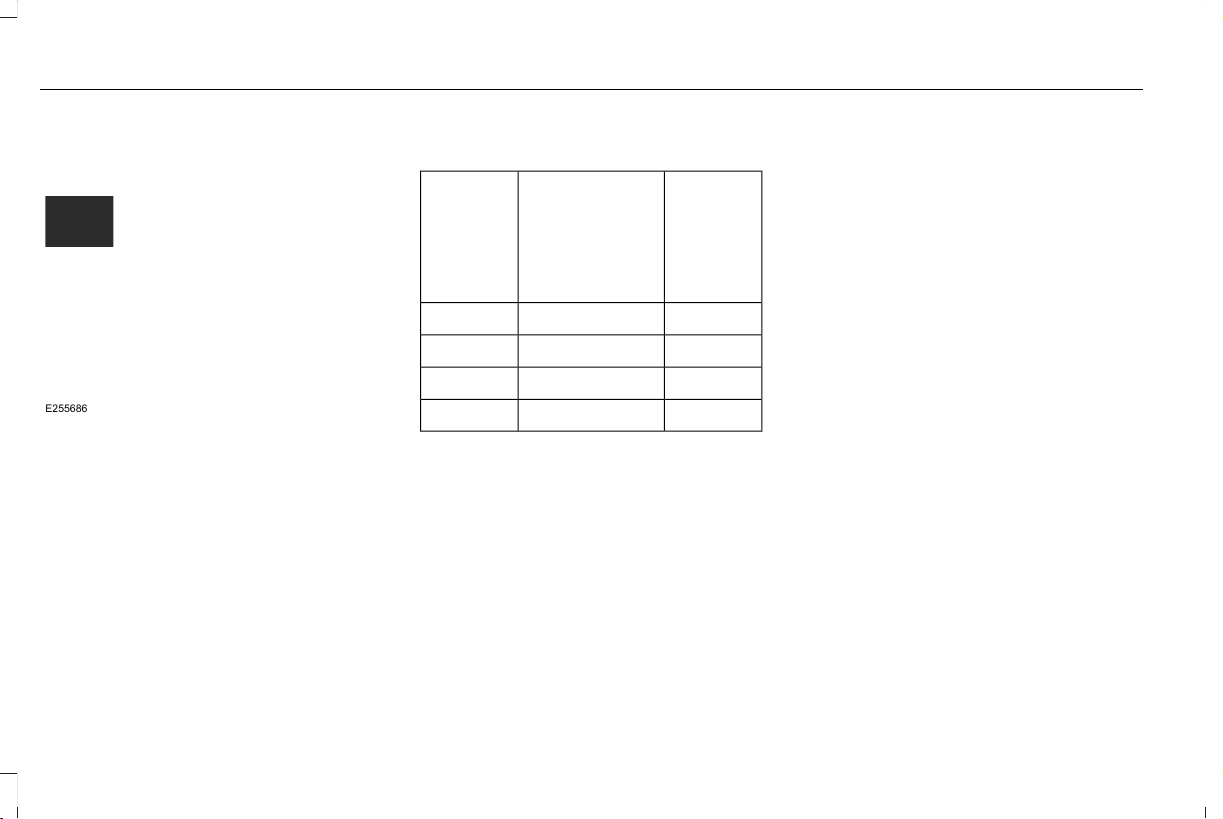
SETTING THE ADAPTIVE CRUISE
CONTROL GAP
Press the button to cycle through
the four gap settings.
E255686
The selected gap appears in the information
display as shown by the bars in the image.
Note: The gap setting is time dependent and
therefore the distance adjusts with your
vehicle speed.
Note: It is your responsibility to select a gap
appropriate to the driving conditions.
Adaptive Cruise Control Gap Settings
Dynamic
Behavior
Distance GapGraphic
Display,
Bars Indic-
ated
Between
Vehicles
Sport.Closest.1
Normal.Close.2
Normal.Medium.3
Comfort.Far.4
Each time you switch the system on, it
selects the last chosen gap setting.
Following a Vehicle
When a vehicle ahead of you enters the
same lane or a slower vehicle is ahead in the
same lane, the vehicle speed adjusts to
maintain the gap setting.
Note: When you are following a vehicle and
you switch on a direction indicator, adaptive
cruise control may provide a small temporary
acceleration to help you pass.
Your vehicle maintains a consistent gap from
the vehicle ahead until:
• The vehicle in front of you accelerates to
a speed above the set speed.
• The vehicle in front of you moves out of
the lane you are in.
• You set a new gap distance.
The system applies the brakes to slow your
vehicle to maintain a safe gap distance from
the vehicle in front. The system only applies
limited braking. You can override the system
by applying the brakes.
Note: The brakes may emit noise when
applied by the system.
If the system determines that its maximum
braking level is not sufficient, an audible
warning sounds, a message appears in the
information display and an indicator flashes
when the system continues to brake. Take
immediate action.
270
Aviator (CTV) Canada/United States of America, enUSA, Edition date: 201902, First-Printing
Adaptive Cruise Control
CANCELING THE SET SPEED
E281471
Press the button or tap the brake
pedal.
The set speed does not erase.
RESUMING THE SET SPEED
E281472
Press the button.
Your vehicle speed returns to the previously
set speed and gap setting. The set speed
displays continuously in the information
display when the system is active.
Note: Only use resume if you are aware of
the set speed and intend to return to it.
Resuming the Set Speed from a
Complete Stop
If your vehicle follows a vehicle to a complete
stop and remains stationary for less than
three seconds, your vehicle accelerates from
a stationary position to follow the vehicle
ahead.
E281472
If your vehicle follows a vehicle to
a complete stop and remains
stationary for more than three
seconds, press and release the button or
press the accelerator pedal to follow the
vehicle ahead.
OVERRIDING THE SET SPEED
WARNING: If you override the
system by pressing the accelerator pedal,
it does not automatically apply the brakes
to maintain a gap from any vehicle ahead.
When you press the accelerator pedal, you
override the set speed and gap distance.
Use the accelerator pedal normally to
intentionally exceed the set speed limit.
When you override the system, the green
indicator illuminates and the vehicle image
does not appear in the information display.
The system resumes operation when you
release the accelerator pedal. The vehicle
speed decreases to the set speed, or a lower
speed if following a slower vehicle.
ADAPTIVE CRUISE CONTROL
INDICATORS - VEHICLES WITH:
ADAPTIVE CRUISE CONTROL
WITH LANE CENTERING
E262175
Illuminates when you switch lane
centering on. The color of the
indicator changes to indicate the
system status.
Gray indicates the system is on but inactive.
Green indicates the system is active and
applying assistance steering torque input to
keep your vehicle in the center of the lane.
271
Aviator (CTV) Canada/United States of America, enUSA, Edition date: 201902, First-Printing
Adaptive Cruise Control
ADAPTIVE CRUISE CONTROL
INDICATORS - VEHICLES WITH:
ADAPTIVE CRUISE CONTROL
WITH STOP AND GO
E144529
Illuminates when you switch the
system on. The color of the
indicator changes to indicate the
system status.
White indicates the system is on but inactive.
Green indicates the system is active and the
speed has been set.
ADAPTIVE CRUISE CONTROL
INDICATORS - VEHICLES WITH:
INTELLIGENT ADAPTIVE CRUISE
CONTROL
E292490
A bracket appears around the set speed and
the detected speed limit sign in the
information display.
System Warnings
If the set speed is increased beyond the
speed limit or speed limit plus a positive
tolerance value, the set speed indicator
flashes.
The warning does not occur if:
• You override the set speed using the
accelerator pedal.
• The vehicle speed exceeds the set speed
due to being on a downhill slope.
SWITCHING FROM ADAPTIVE
CRUISE CONTROL TO CRUISE
CONTROL
WARNING: Normal cruise control will
not brake when your vehicle is
approaching slower vehicles. Always be
aware of which mode you have selected
and apply the brakes when necessary.
Use the touchscreen to select the following:
1. Select Settings. See Settings (page 489).
2. Select Driver Assist..
3. Select Cruise Control.
272
Aviator (CTV) Canada/United States of America, enUSA, Edition date: 201902, First-Printing
Adaptive Cruise Control
E71340
The cruise control indicator
replaces the adaptive cruise
control indicator if you select
normal cruise control. The gap setting does
not display, and the system does not respond
to lead vehicles. Automatic braking remains
active to maintain set speed. The system
remembers the last setting when you start
your vehicle.
SWITCHING LANE CENTERING ON
AND OFF
E297977
Press the button.
The indicator appears in the information
display. When the system is on, the color of
the indicator changes to indicate the system
status. See Adaptive Cruise Control
Indicators (page 271).
Note: Adaptive cruise control must be on
before you can switch lane centering on.
Activating Lane Centering
The system only activates when all of the
following occur:
• You have adaptive cruise control with
stop-and-go on.
• Your hands are on the steering wheel.
• The system detects both lane markings.
Note: If it does not detect valid lane
markings, the system stays inactive until
valid markings are available.
You can override the system at any time by
steering your vehicle.
System Alerts and Automatic
Cancellation
You must keep your hands on the steering
wheel at all times.
When the system is active and detects no
steering activity for a certain period of time,
the system alerts you to put your hands on
the steering wheel. If you do not react to the
warnings the system cancels and slows your
vehicle down to idle speeds while
maintaining steering control.
The system also alerts you if your vehicle
crosses lane markings without detected
steering activity.
Note: The system may detect a light grip or
touch on the steering wheel as hands-off
driving.
When an external condition cancels the
system, for example, no lane markings
available, a tone sounds and a message
appears in the information display.
E281472
If your vehicle starts to slow down,
you must provide steering input to
the wheel and press and release
the button to regain full system performance.
Automatic cancellation can also occur if:
• The lane becomes too wide or too
narrow.
• The system cannot detect valid lane
markings.
• Lane markings are crossed.
Note: The system disables until the next key
cycle if your vehicle slows down due to driver
inactivity twice within a key cycle.
273
Aviator (CTV) Canada/United States of America, enUSA, Edition date: 201902, First-Printing
Adaptive Cruise Control

SWITCHING INTELLIGENT MODE
ON AND OFF
Use the touchscreen to select the following:
1. Select Settings. See Settings (page 489).
2. Select Driver Assist.
3. Select Cruise Control.
Changing the Set Speed with
Intelligent Adaptive Cruise Control
When intelligent mode is on, the system
adjusts the set speed to the speed limit
detected by the speed sign recognition
system.
Note: The set speed adjusts when the
system detects a different maximum speed
limit.
If the system does not detect a speed limit,
the vehicle speed remains at the current set
speed.
Note: You can override the set speed at any
time.
Note: The system may not detect and read
speed limit signs with conditional
information, for example, when a sign is
flashing, during specific time ranges, or when
children are present.
Note: Under certain conditions, the system
may not adjust the vehicle speed until after
your vehicle passes the speed limit sign.
Note: The system alerts you if the set speed
is increased beyond the speed limit. See
Adaptive Cruise Control Indicators (page
271).
ADJUSTING THE SET SPEED
TOLERANCE
You can set a permanent speed tolerance
that is above or below the detected speed
limit.
Use the touchscreen to select the following:
1. Select Settings. See Settings (page 489).
2. Select Driver Assist.
3. Select Cruise Control.
4. Select Tolerance.
5. Use + and - to set the tolerance.
Note: You cannot set the tolerance more
than 20 mph (30 km/h) above or below the
recognized speed.
ADAPTIVE CRUISE CONTROL –
TROUBLESHOOTING
Adaptive Cruise Control – Information
Messages - Vehicles With: Adaptive
Cruise Control With Lane Centering
Note: Depending on your vehicle options
and instrument cluster type, not all messages
display or are available.
Note: Certain messages may be abbreviated
or shortened depending upon which cluster
type you have.
274
Aviator (CTV) Canada/United States of America, enUSA, Edition date: 201902, First-Printing
Adaptive Cruise Control

ActionMessage
You must return your hands to the steering wheel and provide steering input.Keep Hands on Steering Wheel
Conditions exist such that the system is not available.Lane Centering Assist Not Available
Adaptive cruise control must be on before lane centering can be switched on.For Lane Centering Assist to work Turn On
Adaptive Cruise
275
Aviator (CTV) Canada/United States of America, enUSA, Edition date: 201902, First-Printing
Adaptive Cruise Control

Adaptive Cruise Control – Information
Messages - Vehicles With: Adaptive
Cruise Control With Stop and Go
Note: Depending on your vehicle options
and instrument cluster type, not all messages
display or are available.
Note: Certain messages may be abbreviated
or shortened depending upon which cluster
type you have.
ActionMessage
A malfunction is preventing the adaptive cruise from engaging.Adaptive Cruise Malfunction
Front Sensor Not Aligned Contact an authorized dealer to have the radar checked for proper coverage and operation.
Conditions exist such that the adaptive cruise cannot function properly.Adaptive Cruise Not Available
The radar is blocked because of poor radar visibility due to inclement weather or ice, mud or
water in front of radar. You can typically clean the sensor to resolve.
Adaptive Cruise Not Available Sensor
Blocked See Manual
Due to the nature of radar technology, it is possible to get a blockage warning with no actual
block. This happens, for example, when driving in sparse rural or desert environments. A false
blocked condition either self clears, or clears after you restart your vehicle.
Displays when the automatic braking disables.Normal Cruise Active Adaptive Braking Off
Displays when the adaptive cruise is going to cancel and you must take control.Adaptive Cruise - Driver Resume Control
Displays when the vehicle speed is too slow to activate the adaptive cruise and there is no lead
vehicle in range.
Adaptive Cruise Speed Too Low to
Activate
276
Aviator (CTV) Canada/United States of America, enUSA, Edition date: 201902, First-Printing
Adaptive Cruise Control
Adaptive Cruise Control – Information
Messages - Vehicles With: Intelligent
Adaptive Cruise Control
Note: Depending on your vehicle options
and instrument cluster type, not all messages
display or are available
Note: Certain messages may be abbreviated
or shortened depending upon which cluster
type you have.
ActionMessage
Displays when conditions exist such that the intelligent adaptive cruise cannot function properly.Intelligent Cruise Control Speed Sign
Recognition Not Available
277
Aviator (CTV) Canada/United States of America, enUSA, Edition date: 201902, First-Printing
Adaptive Cruise Control
DRIVER ALERT
PRINCIPLE OF OPERATION
WARNING: You are responsible for
controlling your vehicle at all times. The
system is designed to be an aid and does
not relieve you of your responsibility to
drive with due care and attention. Failure
to follow this instruction could result in the
loss of control of your vehicle, personal
injury or death.
WARNING: The system may not
function if the sensor is blocked.
WARNING: Take regular rest breaks
if you feel tired. Do not wait for the system
to warn you.
WARNING: Certain driving styles may
result in the system warning you even if
you are not feeling tired.
WARNING: In cold and severe
weather conditions the system may not
function. Rain, snow and spray can all limit
sensor performance.
WARNING: The system will not
operate if the sensor cannot track the road
lane markings.
WARNING: If damage occurs in the
immediate area surrounding the sensor,
have your vehicle checked as soon as
possible.
WARNING: The system may not
correctly operate if your vehicle is fitted
with a suspension kit not approved by us.
Note: Keep the windshield free from
obstructions. For example, bird droppings,
insects and snow or ice.
Note: If the camera is blocked or if the
windshield is damaged, the system may not
function.
Note: The system remembers the on or off
setting in the information display menu
through ignition cycles.
Note: If enabled in the menu, the system
activates at speeds above 40 mph (64 km/h).
When below the activation speed, the
information display informs the driver that
the system is unavailable.
E249505
The system automatically monitors your
driving behavior using various inputs
including the front camera sensor.
If the system detects that your reduced
driving alertness is below a certain threshold,
the system alerts you using a tone and a
message in the cluster display.
278
Aviator (CTV) Canada/United States of America, enUSA, Edition date: 201902, First-Printing
Driving Aids

USING DRIVER ALERT
Switching the System On and Off
Switch the system on or off using the
information display. See General
Information (page 127).
When active, the system monitors your
alertness level based upon your driving
behavior in relation to the lane markings, and
other factors.
System Warnings
Note: The system does not issue warnings
below approximately 40 mph (64 km/h).
Note: If you receive a warning you should
consider resting, even if the current
assessment is within the typical range.
The warning system has two stages. At first,
the system issues a temporary warning that
you need to take a rest. This message only
appears for a short time. If the system
detects further reduction in driving alertness,
it may issue another warning that remains in
the information display for a longer time. You
can press OK on the steering wheel control
to clear the warning.
Resetting the System
You can reset the system by either:
• Switching the ignition off and on.
• Stopping the vehicle and then opening
and closing the driver’s door.
LANE KEEPING SYSTEM
WARNING: You are responsible for
controlling your vehicle at all times. The
system is designed to be an aid and does
not relieve you of your responsibility to
drive with due care and attention. Failure
to follow this instruction could result in the
loss of control of your vehicle, personal
injury or death.
WARNING: Always drive with due
care and attention when using and
operating the controls and features on your
vehicle.
WARNING: In cold and severe
weather conditions the system may not
function. Rain, snow and spray can all limit
sensor performance.
WARNING: Large contrasts in outside
lighting can limit sensor performance.
WARNING: The system will not
operate if the sensor cannot track the road
lane markings.
WARNING: The sensor may
incorrectly track lane markings as other
structures or objects. This can result in a
false or missed warning.
WARNING: The system may not
operate properly if the sensor is blocked.
Keep the windshield free from obstruction.
WARNING: If damage occurs in the
immediate area surrounding the sensor,
have your vehicle checked as soon as
possible.
279
Aviator (CTV) Canada/United States of America, enUSA, Edition date: 201902, First-Printing
Driving Aids
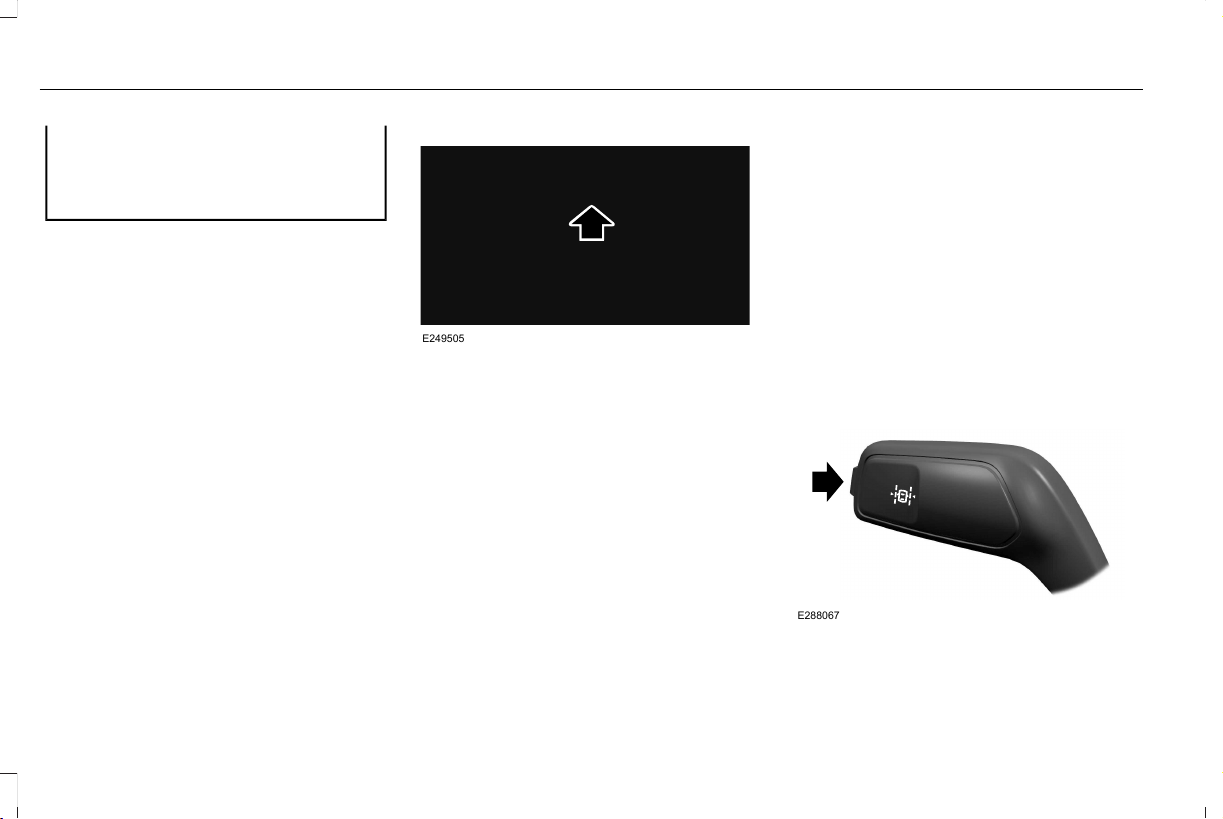
WARNING: The system may not
correctly operate if your vehicle is fitted
with a suspension kit not approved by us.
Note: The system works above 40 mph
(64 km/h).
Note: The system works as long as the
camera can detect one lane marking.
Note: When you select Aid or Alert and Aid
mode and the system detects no steering
activity for a short period, the system alerts
you to put your hands on the steering wheel.
The system may detect a light grip or touch
on the steering wheel as hands off driving.
Note: The system may not function if the
camera is blocked, or if the windshield is
damaged or dirty.
E249505
When you switch the system on and it
detects an unintentional drift out of your lane
is likely to occur, the system notifies or
assists you to stay in your lane through the
steering system and information display. In
Alert mode, the system provides a warning
by vibrating the steering wheel. In Aid mode,
the system provides steering assistance by
gently counter steering your vehicle back
into the lane.
When the system is functioning in the
combined Alert and Aid mode, the system
first provides steering assistance by gently
counter steering your vehicle back into the
lane, followed by a warning that vibrates the
steering wheel if the vehicle is still out of the
lane markings.
Switching the System On and Off
Note: The on or off setting is stored until it
is manually changed, unless a MyKey is
detected. If the system detects a MyKey, it
defaults to on and the mode sets to Alert.
E288067
Press the button on the direction indicator
stalk to switch the system on or off.
280
Aviator (CTV) Canada/United States of America, enUSA, Edition date: 201902, First-Printing
Driving Aids
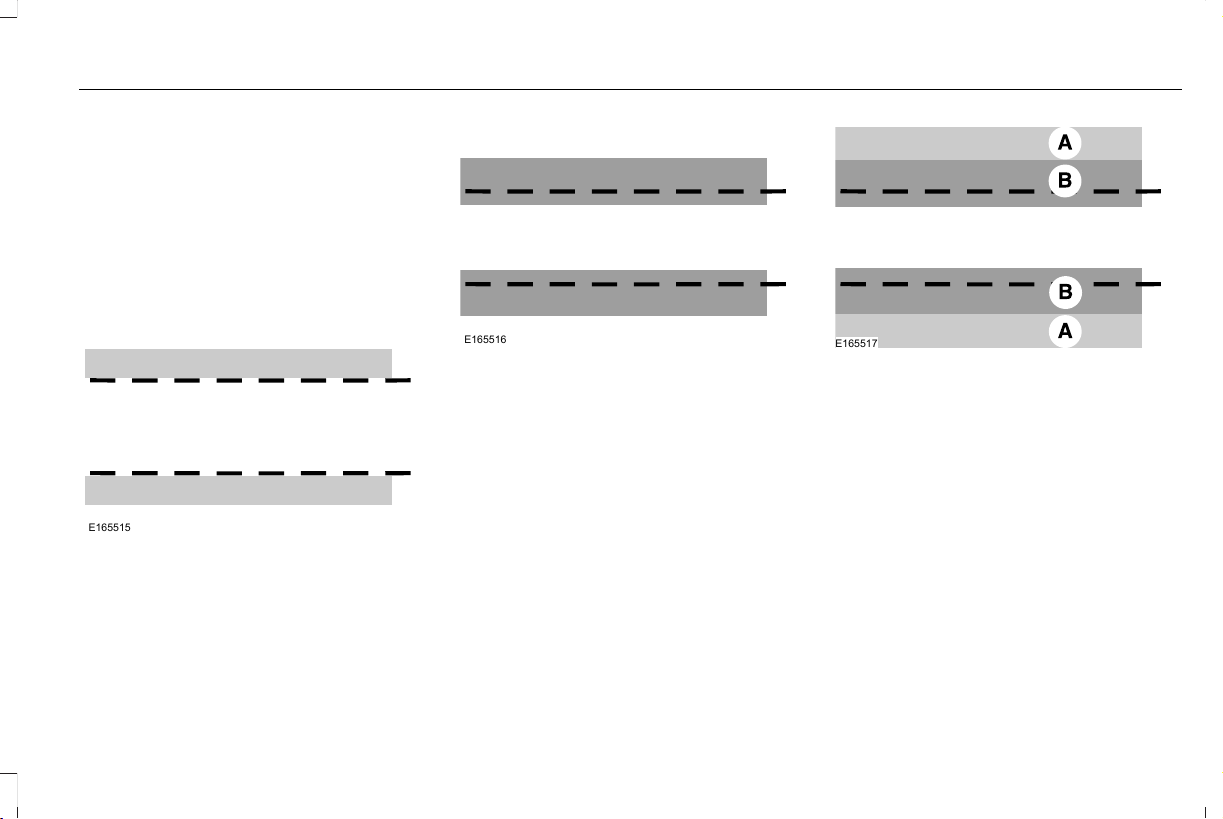
System Settings
The system has optional setting menus
available. The system stores the last known
selection for each of these settings. You do
not need to readjust your settings each time
you switch the system on.
Mode: This setting allows you to select which
of the system features you can enable.
E165515
Alert only – Provides a steering wheel
vibration when the system detects an
unintended lane departure.
E165516
Aid only – Provides steering assistance
toward the lane center when the system
detects an unintended lane departure.
E165517
Alert.A
Aid.B
Alert and Aid – Provides steering assistance
toward the lane center.
If your vehicle continues drifting out of the
lane after the lane keeping aid corrects the
vehicle, the system provides a steering
wheel vibration.
If your vehicle stays to one side of the lane
after the lane keeping aid corrects your
vehicle and then subsequently drifts out of
the lane again, the system only provides an
Alert at the steering wheel.
281
Aviator (CTV) Canada/United States of America, enUSA, Edition date: 201902, First-Printing
Driving Aids

Note: The Alert and Aid diagrams illustrate
general zone coverage. They do not provide
exact zone parameters.
Intensity: This setting affects the intensity of
the steering wheel vibration used for the
Alert and Alert and Aid modes. This setting
does not affect the Aid mode.
• Low.
• Normal.
• High.
System Display
E272890
When you switch the system on, a graphic
of lane markings appears in the information
display.
When you switch the system off, the lane
marking graphics do not display.
While the system is on, the color of the lane
markings change to indicate the system
status. These colors represent the following:
Gray: Indicates that the system is temporarily
unable to provide a warning or intervention
on the indicated side. This may be because:
• Your vehicle is under the activation
speed.
• The direction indicator is active.
• Your vehicle is in a dynamic maneuver.
• The road has no or poor lane markings
in the camera field-of-view.
• The camera is obscured or unable to
detect the lane markings due to
environmental, traffic or vehicle
conditions. For example, significant sun
angles, shadows, snow, heavy rain or fog,
following a large vehicle that is blocking
or shadowing the lane or poor headlamp
illumination.
See Troubleshooting for additional
information.
Green: Indicates that the system is available
or ready to provide a warning or intervention
on the indicated side.
Animated graphic: Indicates that the system
is providing or has just provided a lane
keeping aid intervention.
282
Aviator (CTV) Canada/United States of America, enUSA, Edition date: 201902, First-Printing
Driving Aids

Red: Indicates that the system is providing
or has just provided a lane keeping alert
warning.
The system can be temporarily suppressed
at any time by the following:
• Quick braking.
• Fast acceleration.
• Using the direction indicator.
• Evasive steering maneuver.
• Driving too close to the lane markings.
Troubleshooting
Why is the feature not available (line markings are gray) when I can see the lane markings on the road?
Your vehicle speed is outside the operational range of the feature.
The sun is shining directly into the camera lens.
A quick intentional lane change has occurred.
Your vehicle stays too close to the lane markings.
Driving at high speeds in curves.
The last Alert warning or Aid intervention occurred a short time ago.
Ambiguous lane markings, for example in construction zones.
Rapid transition from light to dark, or from dark to light.
Sudden offset in lane markings.
ABS or AdvanceTrac™ is active.
There is a camera blockage due to dirt, grime, fog, frost or water on the windshield.
283
Aviator (CTV) Canada/United States of America, enUSA, Edition date: 201902, First-Printing
Driving Aids

Why is the feature not available (line markings are gray) when I can see the lane markings on the road?
You are driving too close to the vehicle in front of you.
Transitioning between no lane markings to lane markings or vice versa.
There is standing water on the road.
Faint lane markings, for example partial yellow lane markings on concrete roads.
Lane width is too narrow or too wide.
The camera has not been calibrated after a windshield replacement.
Driving on tight roads or on uneven roads.
Why does the vehicle not come back toward the middle of the lane, as expected, in the Aid or Aid and Alert mode?
High cross winds are present.
There is a large road crown.
Rough roads, grooves or shoulder drop-offs.
Heavy uneven loading of the vehicle or improper tire inflation pressure.
The tires have been changed, or the suspension has been modified.
284
Aviator (CTV) Canada/United States of America, enUSA, Edition date: 201902, First-Printing
Driving Aids
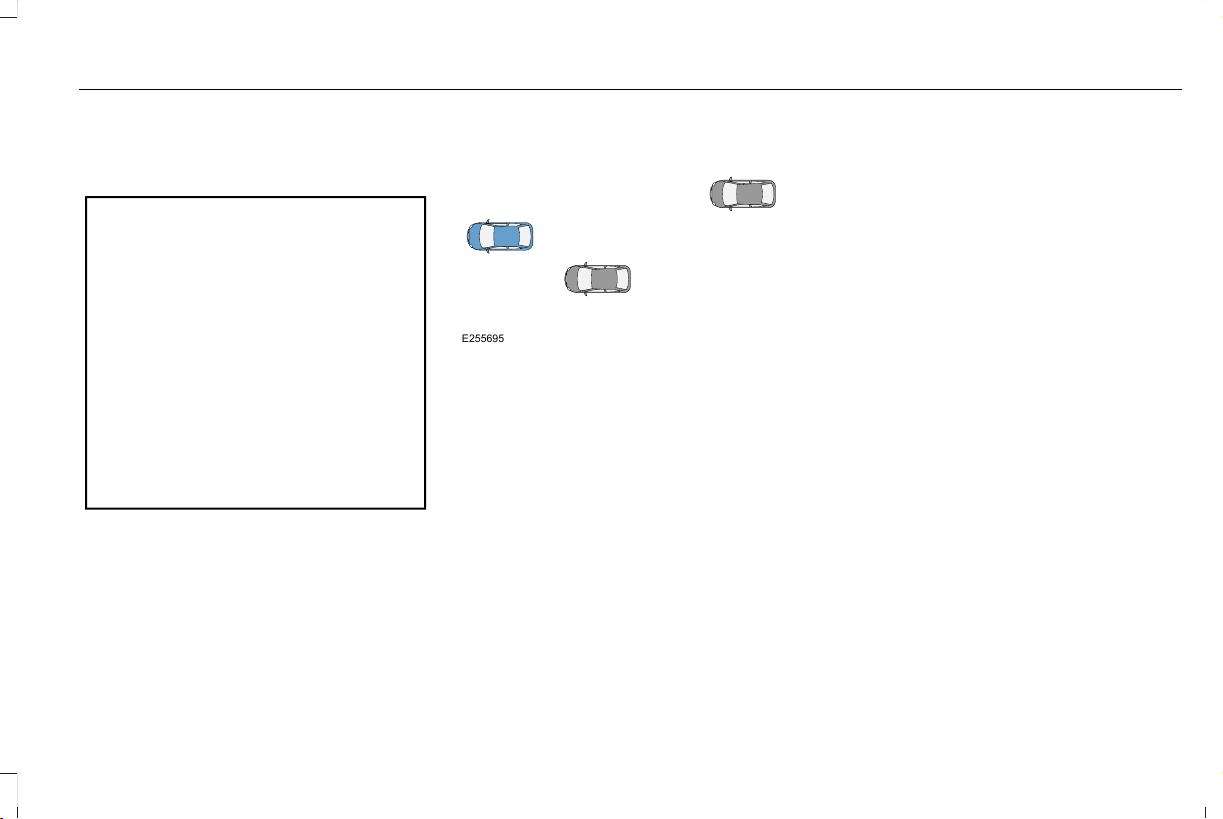
BLIND SPOT INFORMATION
SYSTEM
WARNING: Do not use the blind spot
information system as a replacement for
using the interior and exterior mirrors or
looking over your shoulder before
changing lanes. The blind spot information
system is not a replacement for careful
driving.
WARNING: The system may not
operate properly during severe weather
conditions, for example snow, ice, heavy
rain and spray. Always drive with due care
and attention. Failure to take care may
result in a crash.
E255695
The design of the system is to detect
vehicles that could have entered the blind
spot zone. The detection area is on both
sides of your vehicle, extending rearward
from the exterior mirrors to approximately
13 ft (4 m) beyond the rear bumper. The
detection area extends to approximately
59 ft (18 m) beyond the rear bumper when
the vehicle speed is greater than 30 mph
(48 km/h) to alert you of faster approaching
vehicles.
Note: The system does not prevent contact
with other vehicles. It does not detect parked
vehicles, pedestrians, animals or other
infrastructures.
Using the Blind Spot Information
System
Vehicles with Automatic Transmission
The system turns on when all of the following
occur:
• You start your vehicle.
• You shift into drive (D).
• The vehicle speed is greater than 6 mph
(10 km/h).
Note: The system does not operate in park
(P) or reverse (R).
Vehicles with Manual Transmission
The system turns on when all of the following
occur:
• You start your vehicle.
• The vehicle speed is greater than 6 mph
(10 km/h).
Note: The system does not operate in
reverse (R).
285
Aviator (CTV) Canada/United States of America, enUSA, Edition date: 201902, First-Printing
Driving Aids

System Lights and Messages
E142442
When the system detects a vehicle, an alert
indicator illuminates in the exterior mirror on
the side the approaching vehicle is coming
from. If you turn the direction indicator on for
that side of your vehicle, the alert indicator
flashes.
Note: The system may not alert you if a
vehicle quickly passes through the detection
zone.
Blocked Sensors
E205199
The sensors are behind the rear bumper on
both sides of your vehicle.
Note: Keep the sensors free from snow, ice
and large accumulations of dirt.
Note: Do not cover the sensors with bumper
stickers, repair compound or other objects.
Note: Blocked sensors could affect system
performance.
If the sensors become blocked, a message
could appear in the information display. See
Information Messages (page 131). The alert
indicators remain illuminated but the system
does not alert you.
System Errors
If the system detects a fault, a warning lamp
illuminates and a message displays. See
Information Messages (page 131).
Switching the System On and Off
To switch the system on or off, adjust the
setting. Depending on your vehicle options,
the setting could be in the following:
• Information display. See General
Information (page 127).
• Touchscreen. See Settings (page 489).
When you switch the system off, a warning
lamp illuminates and the alert indicators flash
twice.
Note: The system remembers the last setting
when you start your vehicle.
Note: The system may not correctly operate
when towing a trailer. For vehicles with an
approved trailer tow module and tow bar,
the system turns off when you attach a
trailer. For vehicles with an aftermarket
trailer tow module or tow bar, we
recommend that you switch the system off
when you attach a trailer.
286
Aviator (CTV) Canada/United States of America, enUSA, Edition date: 201902, First-Printing
Driving Aids
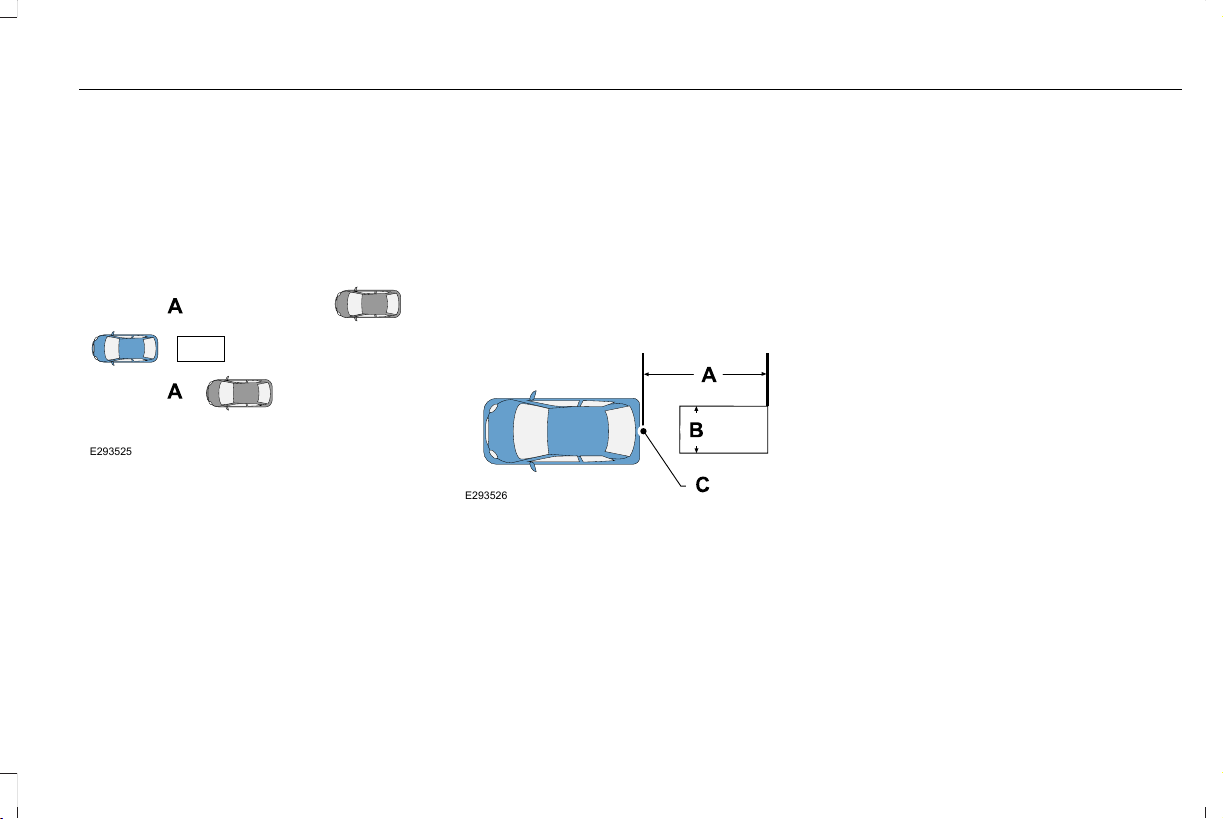
To permanently switch the system off,
contact an authorized dealer.
Blind Spot Information System with
Trailer Tow (If Equipped)
E293525
The design of the system is to aid you in
detecting vehicles that could have entered
the detection area zone (A). The detection
area is on both sides of your vehicle and
trailer, extending rearward from the exterior
mirrors to the end of your trailer. When you
attach and have setup a trailer, the blind spot
information system with trailer tow becomes
active when driving forward above 6 mph
(10 km/h).
You can switch the system off in the
information display. See General Information
(page 127). If you switch the blind spot
information system off, blind spot information
system with trailer tow turns off.
Setting up a Trailer
You can setup a trailer through the
information display. See General Information
(page 127).
E293526
Trailer length.A
Trailer width.B
Trailer hitch ball.C
Note: Measure the width of the trailer at the
front of the trailer, not the widest point. The
maximum width that the system can support
is 8.2 ft (2.5 m)(B).
Note: The trailer length is the distance
between the trailer hitch ball and the rear of
the trailer. The maximum length that the
system can support is 32.8 ft (10 m)(A).
When setting up a trailer, a sequence of
screens appear asking for trailer information:
• Select trailer screen: None, Trailer A,
Trailer B or Trailer C.
Note: You can select only one trailer on
small information displays.
Select one of the trailers and press OK. The
menu goes to the next screen.
• Width less than 8.2 ft (2.5 m) and length
less than 33 ft (10 m)?
Note: You do not need to enter an exact
trailer width measurement. You only need
to confirm that the width of the trailer is 8.2 ft
(2.5 m) or less.
If no, the system turns off.
If yes, the menu goes to the next screen.
287
Aviator (CTV) Canada/United States of America, enUSA, Edition date: 201902, First-Printing
Driving Aids

• Enter length of trailer:
Toggling up or down using the menu buttons
increases or decreases the measurement by
3 ft (1 m). Select a length that is equal to or
within 3 ft (1 m) of the actual measured
length. For example, if the actual measured
length is 25 ft (7.6 m), toggle the length in
the menu to 8 m or 27 ft. When you enter the
length of the trailer, this saves the system
setup.
Note: When you connect a trailer, but do not
setup a trailer in the blind spot information
system, the system turns off and a warning
appears in the information display.
Note: If the trailer is a bike rack or cargo
rack with electrical lighting, enter a length
of 3 ft (1 m). Cross Traffic Alert remains on
for trailers with a length of 3 ft (1 m) or less.
Note: The system requires proper
measurement and measurement entry to
function as designed.
System Operation
If you select a trailer in the information
display prior to connecting a trailer, the
system loads that configuration and the
information display shows a message when
you connect the trailer. A second message
appears stating cross traffic alert is off, unless
a trailer is set up with a length of 3 ft (1 m).
The blind spot information system with trailer
tow still functions normally when driving
forward.
If you connect a trailer, a message appears
indicating that you attached a trailer. If you
have not selected a trailer previously,
another message appears requesting you to
select one of the trailers in the list or add a
new trailer. The blind spot information system
with trailer tow does not function without a
trailer selected. If you do not select a trailer,
a message appears in the information display
stating it has deactivated the system. This
message might not appear until your vehicle
speed reaches 21.7 mph (35 km/h).
The blind spot information system with trailer
tow activates when driving forward for that
particular trailer set up. If you cycle the
ignition, the blind spot information system
with trailer tow continues to function using
the last trailer you selected.
Trailer Considerations
The system works with a trailer with a front
width of 8.2 ft (2.5 m) or less, and a total
length from the trailer hitch ball to the rear
of the trailer of 33 ft (10 m) or less.
Some trailers could cause a slight change in
system performance:
• Wide box trailers, especially those wider
than the towing vehicle, could cause false
alerts to occur when driving next to
infrastructure or near parked cars. A false
alert could also occur while making a
90-degree turn or driving through a
roundabout.
• Wide trailers that have a total length
greater than 20 ft (6 m) could cause
delayed alerts when a vehicle is passing
at high speeds.
288
Aviator (CTV) Canada/United States of America, enUSA, Edition date: 201902, First-Printing
Driving Aids

• Box trailers that have a width greater than
8.2 ft (2.5 m) could cause early alerts
when you pass a vehicle.
• Clam shell or V-Nose box trailers with a
width greater than 8.2 ft (2.5 m) could
cause delayed alerts when a vehicle
traveling the same speed as your vehicle
merges lanes.
System Errors
If the system detects a fault, a warning lamp
illuminates and a message displays. See
Information Messages (page 131).
Switching the System On and Off
You can switch the blind spot information
system with trailer tow off by not selecting a
trailer the information display. See General
Information (page 127). In this case, the
system turns off as long as a trailer is
attached to your vehicle. As soon as you
disconnect the trailer, the blind spot
information system becomes active.
When you switch the system off, a warning
lamp illuminates and the alert indicators flash
twice.
Note: The system remembers the last trailer
setting when you start your vehicle.
You cannot switch off the blind spot
information system with trailer tow when
using MyKey, but you can still change the
trailer settings. See MyKey™ (page 70).
To permanently switch the system off,
contact an authorized dealer.
CROSS TRAFFIC ALERT
WARNING: Do not use the cross
traffic alert system as a replacement for
using the interior and exterior mirrors or
looking over your shoulder before
reversing out of a parking space. The cross
traffic alert system is not a replacement for
careful driving.
WARNING: The system may not
operate properly during severe weather
conditions, for example snow, ice, heavy
rain and spray. Always drive with due care
and attention. Failure to take care may
result in a crash.
The system alerts you of vehicles
approaching from the sides behind your
vehicle when you shift into reverse (R).
Using Cross Traffic Alert
The system detects vehicles that approach
at a speed between 4 mph (6 km/h) and
37 mph (60 km/h). Coverage decreases when
the sensors are partially, mostly or fully
obstructed. Slowly reversing helps increase
the coverage area and effectiveness.
The system turns on when you start the
engine and you shift into reverse (R). The
system turns off when you shift out of reverse
(R).
289
Aviator (CTV) Canada/United States of America, enUSA, Edition date: 201902, First-Printing
Driving Aids
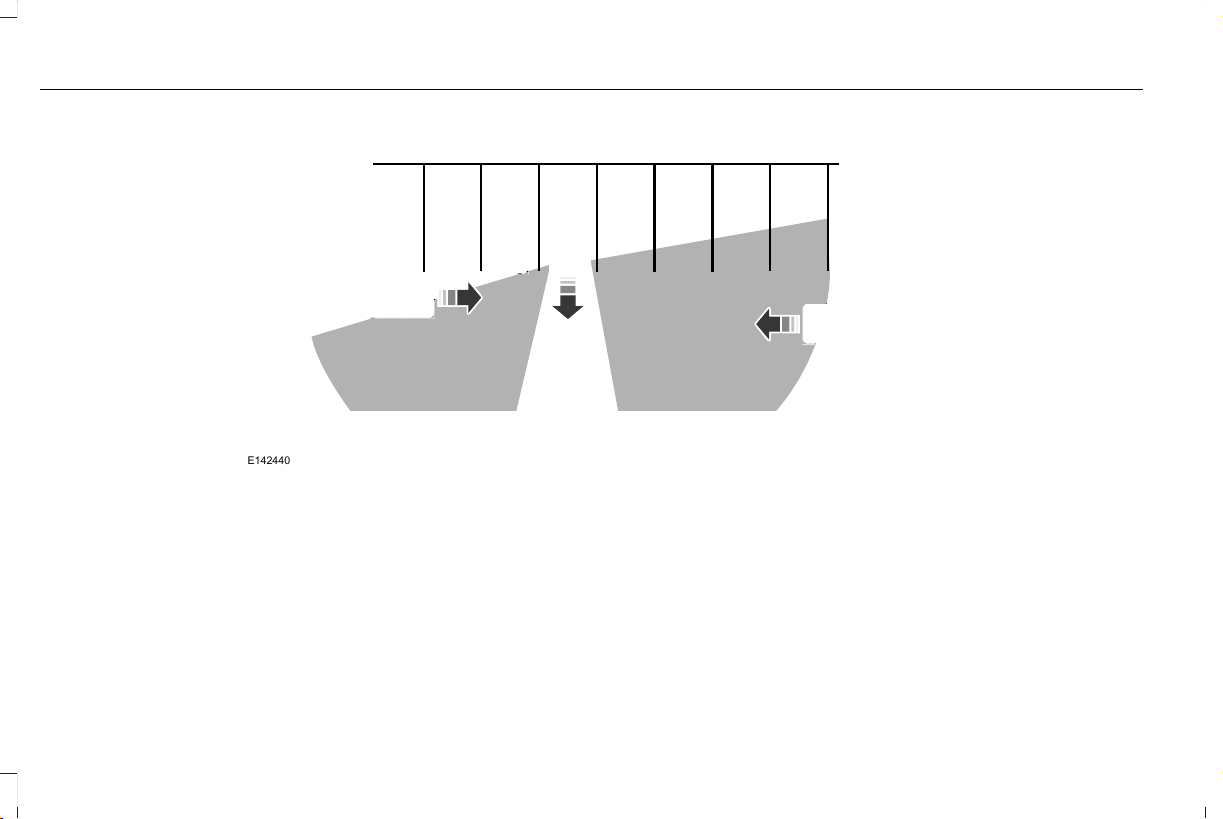
E142440
The sensor on the left-hand side is only
partially obstructed and zone coverage on
the right-hand side is maximized.
290
Aviator (CTV) Canada/United States of America, enUSA, Edition date: 201902, First-Printing
Driving Aids
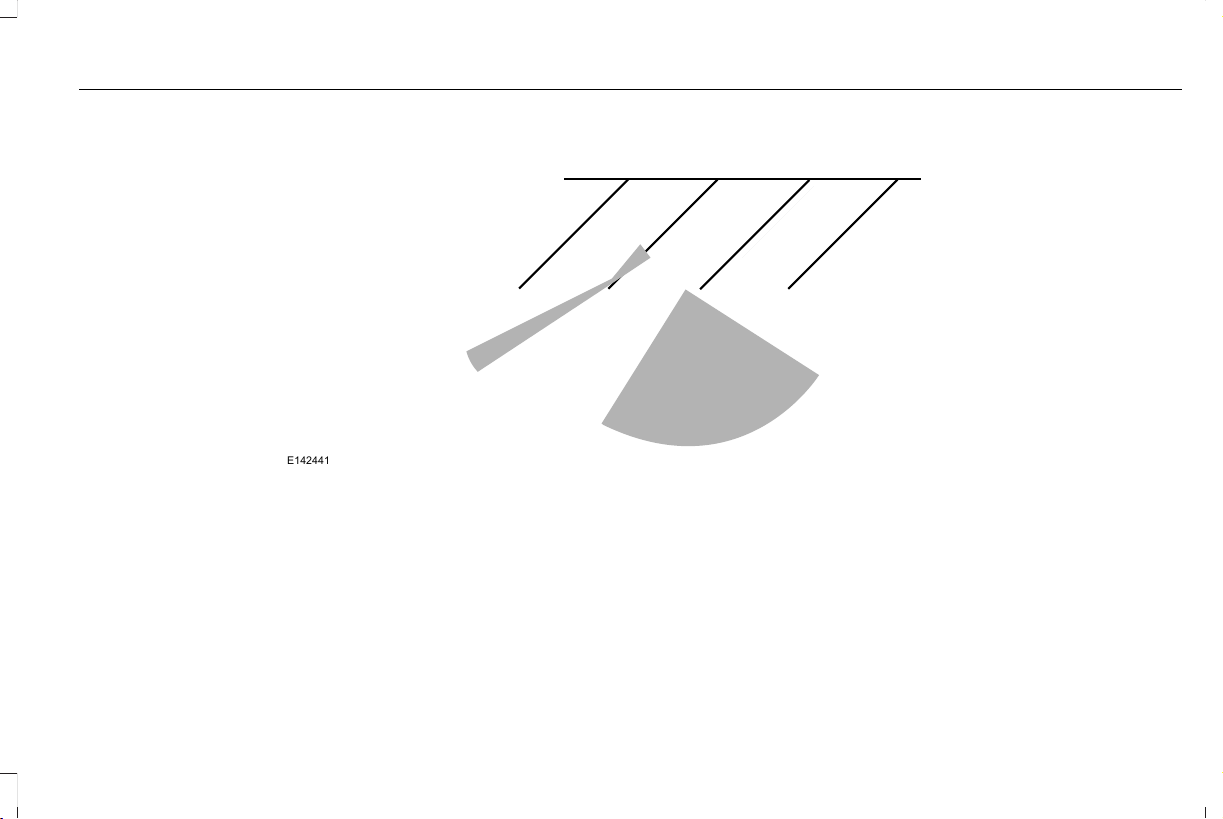
E142441
Zone coverage also decreases when parking
at narrow angles. The sensor on the left-hand
side is mostly obstructed and zone coverage
on that side is severely reduced.
291
Aviator (CTV) Canada/United States of America, enUSA, Edition date: 201902, First-Printing
Driving Aids

Cross Traffic Alert System Sensors
E205199
The sensors are behind the rear bumper on
both sides of your vehicle.
Note: Keep the sensors free from snow, ice
and large accumulations of dirt.
Note: Do not cover the sensors with bumper
stickers, repair compound or other objects.
Note: Blocked sensors could affect system
performance.
If the sensors are blocked, a message may
appear in the information display when you
shift into reverse (R).
Cross Traffic Alert System Limitations
The system may not correctly operate when
any of the following occur:
• The sensors are blocked.
• Adjacently parked vehicles or objects are
obstructing the sensors.
• Vehicles approach at speeds less than
4 mph (6 km/h) or greater than 37 mph
(60 km/h).
• The vehicle speed is greater than 7 mph
(12 km/h).
• You reverse out of an angled parking
space.
Cross Traffic Alert Behavior When
Trailer is Attached
Note: The system may not correctly operate
when towing a trailer. For vehicles with an
approved trailer tow module and tow bar,
the system turns off when you attach a
trailer. For vehicles with an aftermarket
trailer tow module or tow bar, we
recommend that you switch the system off
when you attach a trailer.
Cross traffic alert remains on when you
attach a trailer in vehicles that come with
blind spot information system with trailer tow
under the following conditions:
• You connect a trailer.
• The trailer is a bike rack or cargo rack
with a maximum length of 3 ft (1 m).
• You set the trailer length to 3 ft (1 m) in
the information display.
See Blind Spot Information System (page
285).
Switching the System On and Off
To switch the system on or off, adjust the
setting. Depending on your vehicle options,
the setting could be in the following:
• Information display. See General
Information (page 127).
• Touchscreen. See Settings (page 489).
Note: The system turns on every time you
switch the ignition on. To permanently switch
the system off, contact an authorized dealer.
292
Aviator (CTV) Canada/United States of America, enUSA, Edition date: 201902, First-Printing
Driving Aids
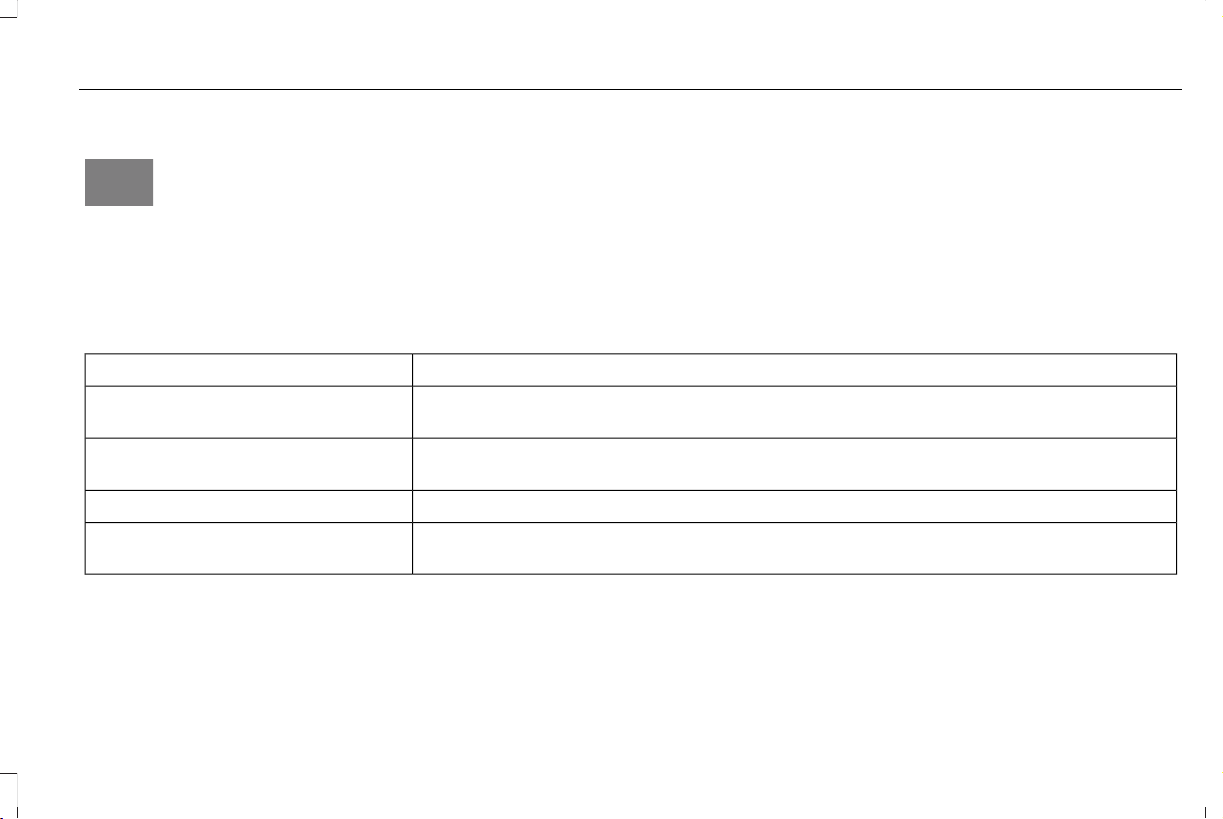
Cross Traffic Alert Indicator
E268294
When the system detects an
approaching vehicle, a tone
sounds, a warning lamp illuminates
in the relevant exterior mirror and arrows
appear in the information display to show
which side the approaching vehicle is coming
from.
Note: If arrows do not display, a message
appears in the information display.
If the system malfunctions, a warning lamp
illuminates in the instrument cluster and a
message appears in the information display.
Have your vehicle checked as soon as
possible.
Note: In exceptional conditions, the system
could alert you, even when there is nothing
in the detection zone, for example a vehicle
passing further away from your vehicle.
Cross Traffic Alert Information Messages
ActionMessage
Displays instead of indication arrows when the system detects a vehicle. Check for approaching
traffic.
Cross Traffic Alert
Indicates blocked cross traffic alert system sensors. Clean the sensors. If the message continues
to appear, have your vehicle checked as soon as possible.
Cross Traffic Not Available Sensor
Blocked See Manual
The system has malfunctioned. Have your vehicle checked as soon as possible.Cross Traffic System Fault
Displays if you attach a trailer to your vehicle.Cross Traffic Alert Deactivated Trailer
Attached
293
Aviator (CTV) Canada/United States of America, enUSA, Edition date: 201902, First-Printing
Driving Aids

STEERING
Electric Power Steering
WARNING: The electric power
steering system has diagnostic checks that
continuously monitor the system. If a fault
is detected, a message displays in the
information display. Stop your vehicle as
soon as it is safe to do so. Switch the
ignition off. After at least 10 seconds,
switch the ignition on and watch the
information display for a steering system
warning message. If a steering system
warning message returns, have the system
checked as soon as possible.
WARNING: If the system detects an
error, you may not feel a difference in the
steering, however a serious condition may
exist. Have your vehicle checked as soon
as possible. Failure to do so may result in
loss of steering control.
Your vehicle has an electric power steering
system. There is no fluid reservoir. No
maintenance is required.
If your vehicle loses electrical power while
you are driving, electric power steering
assistance is lost. The steering system still
operates and you can steer your vehicle
manually. Manually steering your vehicle
requires more effort.
Extreme continuous steering may increase
the effort required for you to steer your
vehicle. This increased effort prevents
overheating and permanent damage to the
steering system. You do not lose the ability
to steer your vehicle manually. Typical
steering and driving maneuvers allow the
system to cool and return to normal
operation.
Steering Tips
If the steering wanders or pulls, check for:
• Correct tire pressures.
• Uneven tire wear.
• Loose or worn suspension components.
• Loose or worn steering components.
• Improper vehicle alignment.
Note: A high crown in the road or high
crosswinds may also make the steering
seem to wander or pull.
Adaptive Learning
The electronic power steering system
adaptive learning helps correct road
irregularities and improves overall handling
and steering feel. It communicates with the
brake system to help operate advanced
stability control and accident avoidance
systems. Additionally, whenever the battery
is disconnected or a new battery installed,
you must drive your vehicle a short distance
before the system relearns the strategy and
reactivates all systems.
294
Aviator (CTV) Canada/United States of America, enUSA, Edition date: 201902, First-Printing
Driving Aids

Adaptive Steering (If Equipped)
Note: The adaptive steering system has
diagnostic checks that continuously monitor
the system. If a fault is detected a message
displays in the information display. If a red
warning message displays, stop your vehicle
as soon as it is safe to do so. The message
may clear if the fault is no longer present. If
an adaptive steering system warning
message appears each time you start your
vehicle, have the system checked as soon
as possible.
The adaptive steering system continually
changes the steering ratio with changes to
vehicle speed, optimizing the steering
response in all conditions.
The adaptive steering system is designed
with a locking device. While the lock is
engaged, your vehicle returns to a fixed
steering ratio. You may also notice a sound
when you start or turn off your vehicle as the
lock is disengaged or engaged. If your
vehicle loses electrical power or detects a
fault while you are driving, the lock engages
and you are able to continue steering. During
this time it is possible that the steering wheel
may not be straight when the vehicle is
driving straight ahead. During this time you
may notice that the steering wheel angle
required to steer the vehicle may be
different. Extreme operating conditions may
also cause the lock to engage. This strategy
prevents overheating and permanent
damage to the adaptive steering system.
Typical steering and driving maneuvers allow
the system to cool and return to normal
operation.
PRE-COLLISION ASSIST (IF EQUIPPED)
WARNING: You are responsible for
controlling your vehicle at all times. The
system is designed to be an aid and does
not relieve you of your responsibility to
drive with due care and attention. Failure
to follow this instruction could result in the
loss of control of your vehicle, personal
injury or death.
WARNING: The system does not
detect vehicles that are driving in a
different direction, cyclists or animals.
Failure to take care may result in the loss
of control of your vehicle, serious personal
injury or death.
WARNING: The system does not
operate during hard acceleration or
steering. Failure to take care may lead to
a crash or personal injury.
WARNING: The system may fail or
operate with reduced function during cold
and severe weather conditions. Snow, ice,
rain, spray and fog can adversely affect the
system. Keep the front camera and radar
free of snow and ice. Failure to take care
may result in the loss of control of your
vehicle, serious personal injury or death.
295
Aviator (CTV) Canada/United States of America, enUSA, Edition date: 201902, First-Printing
Driving Aids
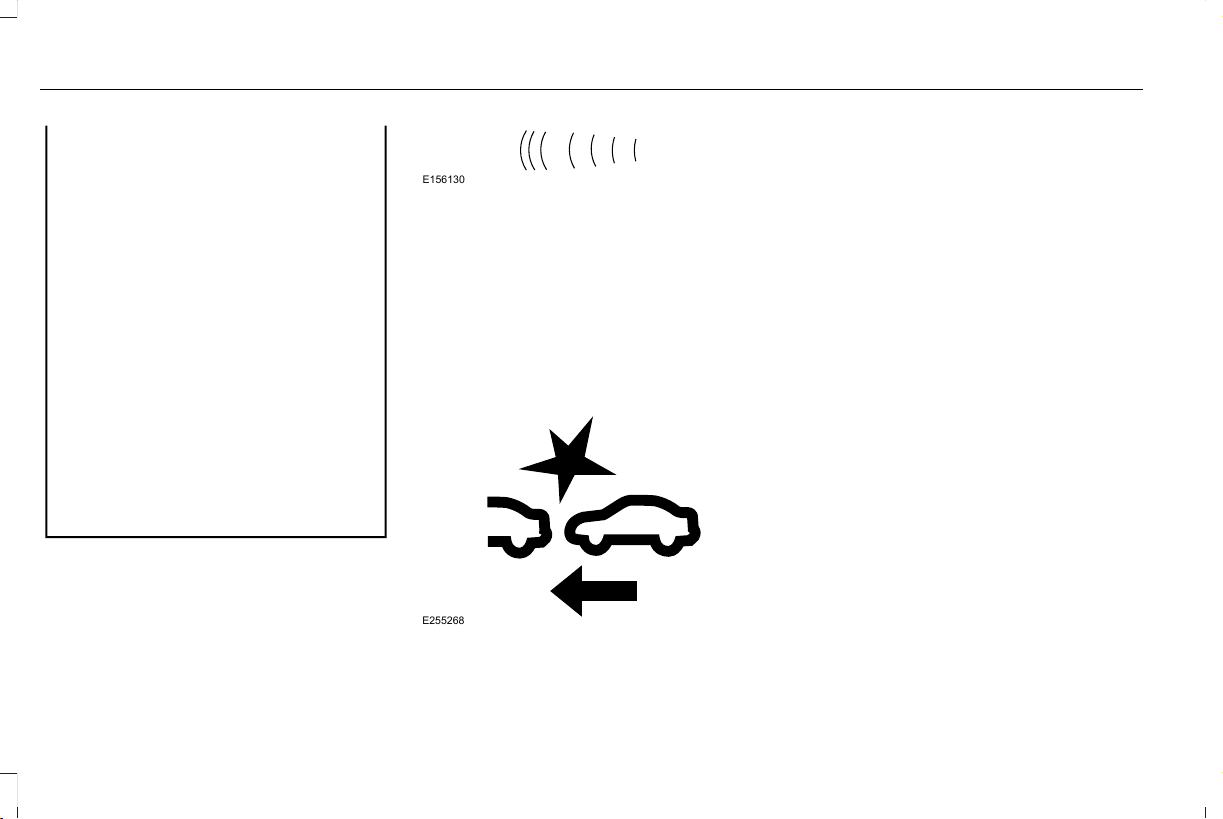
WARNING: In situations where the
vehicle camera has limited detection
capability, this may reduce system
performance. These situations include but
are not limited to direct or low sunlight,
vehicles at night without tail lights,
unconventional vehicle types, pedestrians
with complex backgrounds, partly
obscured pedestrians, or pedestrians that
the system cannot distinguish from a
group. Failure to take care may result in
the loss of control of your vehicle, serious
personal injury or death.
WARNING: The system cannot help
prevent all crashes. Do not rely on this
system to replace driver judgment and the
need to maintain a safe distance and
speed.
Using the Pre-Collision Assist System
The system is active at speeds above
approximately 3 mph (5 km/h) and pedestrian
detection is active at speeds up to 50 mph
(80 km/h).
E156130
If your vehicle is rapidly approaching another
stationary vehicle, a vehicle traveling in the
same direction as yours, or a pedestrian
within your driving path, the system is
designed to provide three levels of
functionality:
1. Alert
2. Brake Support
3. Active Braking
E255268
Alert: When active, a flashing visual warning
appears and an audible warning tone
sounds.
Brake Support: The system is designed to
help reduce the impact speed by preparing
the brakes for rapid braking. Brake support
does not automatically apply the brakes. If
you press the brake pedal, the system could
apply additional braking up to maximum
braking force, even if you lightly press the
brake pedal.
Active Braking: Active braking may activate
if the system determines that a collision is
imminent. The system may help the driver
reduce impact damage or avoid the crash
completely.
Note: Brake Support and Active Braking are
active at speeds up to 75 mph (120 km/h). If
your vehicle has a radar sensor included
with Adaptive Cruise Control, then Brake
Support and Active Braking are active up to
the maximum speed of the vehicle.
296
Aviator (CTV) Canada/United States of America, enUSA, Edition date: 201902, First-Printing
Driving Aids
Note: If you perceive Pre-Collision Assist
alerts as being too frequent or disturbing,
then you can reduce the alert sensitivity,
though the manufacturer recommends using
the highest sensitivity setting where possible.
Setting lower sensitivity would lead to fewer
and later system warnings.
Distance Indication and Alert (If Equipped)
Distance Indication and Alert is a function
that provides the driver with a graphical
indication of the time gap to other preceding
vehicles traveling in the same direction.
Distance Indication and Alert shows one of
the graphics that follow in the information
display.
E254797
If the time gap to a preceding vehicle is
small, a red visual indication displays to the
driver.
Note: Distance Indication and Alert
deactivates and the graphics do not display
when Adaptive Cruise Control is active.
Time GapDistance GapGraphicsSensitivitySpeed
>0.9sec>82 ft (25 m)GreyNormal62 mph (100 km/h)
0.6sec — 0.9sec56–82 ft (17–25 m)YellowNormal62 mph (100 km/h)
<0.6sec<56 ft (17 m)RedNormal62 mph (100 km/h)
297
Aviator (CTV) Canada/United States of America, enUSA, Edition date: 201902, First-Printing
Driving Aids
Evasive Steering Assist (If Equipped)
If your vehicle is rapidly approaching a
stationary vehicle or a vehicle traveling in
the same direction as your vehicle, the
system is designed to help you steer around
the vehicle.
The system only activates when all of the
following occur:
• The Pre-Collision Assist system detects
a vehicle ahead and starts to apply Active
Braking.
• You turn the steering wheel in an attempt
to steer around the vehicle.
After you turn the steering wheel, the system
applies additional steering torque to help
you steer around the vehicle. After you pass
the vehicle, the system applies steering
torque in the opposite direction to encourage
you to steer back into the lane. The system
deactivates after you fully pass the vehicle.
Note: The system does not automatically
steer around a vehicle. If you do not turn the
steering wheel, the system does not activate.
Note: The system does not activate if the
distance to the vehicle ahead is too small
and the system cannot avoid a crash.
Adjusting the Pre-Collision Assist
Settings
You can adjust the following settings by
using the information display controls. See
General Information (page 127).
• You can change Alert and Distance Alert
sensitivity to one of three possible
settings.
• You can switch Distance Indication and
Alert on or off.
• If required, you can switch Active Braking
on or off.
• If required, you can switch Evasive
Steering Assist on or off.
Note: Active Braking and Evasive Steering
Assist automatically turn on every time you
switch the ignition on.
Note: If you switch Active Braking off,
Evasive Steering Assist turns off.
Blocked Sensors
E288869
Camera.1
Radar sensor (if equipped).2
If a message regarding a blocked sensor or
camera appears in the information display,
the radar signals or camera images are
obstructed. If your vehicle has a radar sensor,
it is behind the fascia cover in the center of
the lower grille. With a blocked sensor or
camera, the Pre-Collision Assist system may
not function, or performance may reduce.
The following table lists possible causes and
actions for when this message displays.
298
Aviator (CTV) Canada/United States of America, enUSA, Edition date: 201902, First-Printing
Driving Aids
Camera Troubleshooting
ActionCause
Clean the outside of the windshield in front of the camera.
The windshield in front of the camera is dirty or obstructed in some
way.
Wait a short time. It may take several minutes for the camera to detect
that there is no obstruction.
The windshield in front of the camera is clean but the message remains
in the display screen.
299
Aviator (CTV) Canada/United States of America, enUSA, Edition date: 201902, First-Printing
Driving Aids

Radar Troubleshooting (If Equipped)
ActionCause
Clean the grille surface in front of the radar or remove the object
causing the obstruction.
The surface of the radar in the grille is dirty or obstructed in some
way.
Wait a short time. It may take several minutes for the radar to detect
that there is no obstruction.
The surface of the radar in the grille is clean but the message remains
in the display screen.
The Pre-Collision Assist system is temporarily disabled. Pre-Collision
Assist automatically reactivates a short time after the weather condi-
tions improve.
Heavy rain, spray, snow or fog is interfering with the radar signals.
The Pre-Collision Assist system is temporarily disabled. Pre-Collision
Assist automatically reactivates a short time after the weather condi-
tions improve.
Swirling water or snow or ice on the surface of the road may interfere
with the radar signals.
Contact an authorized dealer to have the radar checked for proper
coverage and operation.
Radar is out of alignment due to a front end impact.
Note: Proper system operation requires a
clear view of the road by the camera. Have
any windshield damage in the area of the
camera's field of view repaired.
Note: If something hits the front end of your
vehicle or damage occurs and your vehicle
has a radar sensor, the radar sensing zone
may change. This could cause missed or
false detections. Contact an authorized
dealer to have the radar checked for proper
coverage and operation.
300
Aviator (CTV) Canada/United States of America, enUSA, Edition date: 201902, First-Printing
Driving Aids

ABOUT DRIVE MODE CONTROL
The system delivers a driving experience
through a suite of sophisticated electronic
vehicle systems. These systems optimize
steering, handling and powertrain response.
This provides a single location to control
multiple systems performance settings.
Changing the drive mode automatically
changes the functionality of the following
systems:
• Electronically power-assisted steering
system adjusts steering effort and feel
based on the mode you select. See
Steering (page 294).
• Electronic stability control and traction
control maintains your vehicle control in
adverse conditions or high performance
driving. See Stability Control (page 242).
• Electronic throttle control enhances the
powertrain response to your driving
inputs.
• Transmission controls optimize with shift
schedules tuned to each mode.
• AWD settings become optimized and
tuned to each mode.
The system automatically tailors your vehicle
configuration for each mode you select.
Note: Not all settings may be available.
Note: The system has diagnostic checks that
continuously monitor the system for proper
operation. Certain drive modes are not
available based on gear shifter position. If
a mode is unavailable due to a system fault
or change in gear shifter position, the mode
defaults to Normal.
SELECTING A DRIVE MODE
Note: Drive mode changes may not be
available when the ignition is off or when the
engine is not running.
E297680
Rotate the drive mode dial on the center
console to change the drive mode.
DRIVE MODES
Conserve
Enables efficient and responsible driving. It
helps to deliver maximum fuel efficiency and
increases driving range.
301
Aviator (CTV) Canada/United States of America, enUSA, Edition date: 201902, First-Printing
Drive Mode Control (If Equipped)

Deep Conditions (If Equipped)
For crossing terrain that has deformable
deep, rutted surfaces such as mud, deep
sand or deep snow. Do not use on dry, hard
surfaced roads.
If your vehicle has air suspension, it raises
approximately 1.2 in (30 mm) at low speeds
for improved ground clearance.
Deep Sand (If Equipped)
For crossing deep soft and dry sand.
Excite
For aggressive on-road driving. This mode
increases throttle response, provides a
sportier exhaust sound and steering feel,
along with quicker shifting. The suspension
stiffens, with an emphasis on handling and
control. The transmission also holds gears
longer, helping your vehicle accelerate faster
when shifting gears.
If your vehicle has air suspension, it lowers
approximately 0.6 in (15 mm) to increase
aerodynamics.
Normal
For everyday driving. This mode is a perfect
balance of excitement, comfort and
convenience.
Slippery
For less than ideal road conditions, such as
snow or ice covered roads. Slippery mode
inspires confidence without taking away from
driving pleasure. Slippery mode lowers
throttle response and optimizes shifting for
slippery surfaces.
302
Aviator (CTV) Canada/United States of America, enUSA, Edition date: 201902, First-Printing
Drive Mode Control (If Equipped)
REAR UNDER FLOOR STORAGE
Cargo Management System
E201720
The system is located in the floor of the
cargo area. Lift the handle to open. There is
an additional cover that can be removed to
access the spare tire.
ROOF RACKS AND LOAD
CARRIERS (IF EQUIPPED)
WARNING: When loading the roof
racks, we recommend you evenly distribute
the load, as well as maintain a low center
of gravity. Loaded vehicles, with higher
centers of gravity, may handle differently
than unloaded vehicles. Take extra
precautions, such as slower speeds and
increased stopping distance, when driving
a heavily loaded vehicle.
For correct roof rack system function, you
must place loads directly on crossbars affixed
to the roof rack side rails. When using the
roof rack system, we recommend you use
Ford Genuine Accessory crossbars designed
specifically for your vehicle.
E291748
Make sure that you securely fasten the load.
Check the tightness of the load before
driving and at each fuel stop.
Note: Never place loads directly on the roof
panel. The roof panel is not designed to
directly carry a load.
Maximum Recommended Load
Amounts (If Equipped)
Note: The maximum recommended load is
based on the load being evenly distributed
on the crossbars.
303
Aviator (CTV) Canada/United States of America, enUSA, Edition date: 201902, First-Printing
Load Carrying
Maximum Recommended LoadDescription
82 lb (37 kg)Vehicles with Moonroof
165 lb (75 kg)Vehicles without Moonroof
LOAD LIMIT
Vehicle Loading - with and without a
Trailer
This section guides you in the proper
loading of your vehicle, trailer, or both.
Keep your loaded vehicle weight within
its design rating capability, with or
without a trailer. Properly loading your
vehicle provides maximum return of
vehicle design performance. Before you
load your vehicle, become familiar with
the following terms for determining your
vehicle’s weight rating, with or without
a trailer, from the vehicle’s Tire and
Loading Information label or Safety
Compliance Certification label.
304
Aviator (CTV) Canada/United States of America, enUSA, Edition date: 201902, First-Printing
Load Carrying

Tire and Loading Label Information
Example:
E198719
Payload
Payload is the combined weight of cargo
and passengers that your vehicle is
carrying. The maximum payload for your
vehicle appears on the Tire and Loading
label. The label is either on the B-pillar
or the edge of the driver door. Vehicles
exported outside the US and Canada
may not have a tire and loading label.
Look for “The combined weight of
occupants and cargo should never
exceed XXX kg OR XXX lb” for
maximum payload. The payload listed
on the Tire and Loading Information
label is the maximum payload for your
vehicle as built by the assembly plant. If
you install any additional equipment on
your vehicle, you must determine the
new payload. Subtract the weight of the
equipment from the payload listed on
the Tire and Loading label. When towing,
trailer tongue weight or king pin weight
is also part of payload.
WARNING: The appropriate
loading capacity of your vehicle can
be limited either by volume capacity
(how much space is available) or by
payload capacity (how much weight
the vehicle should carry). Once you
have reached the maximum payload
of your vehicle, do not add more
cargo, even if there is space available.
Overloading or improperly loading
your vehicle can contribute to loss of
vehicle control and vehicle rollover.
GAWR (Gross Axle Weight Rating)
GAWR is the maximum allowable weight
that a single axle (front or rear) can carry.
These numbers are on the Safety
Compliance Certification label. The label
is located on the door hinge pillar,
door-latch post, or the door edge that
meets the door-latch post, next to the
driver seating position.
The total load on each axle must never
exceed its Gross Axle Weight Rating.
305
Aviator (CTV) Canada/United States of America, enUSA, Edition date: 201902, First-Printing
Load Carrying
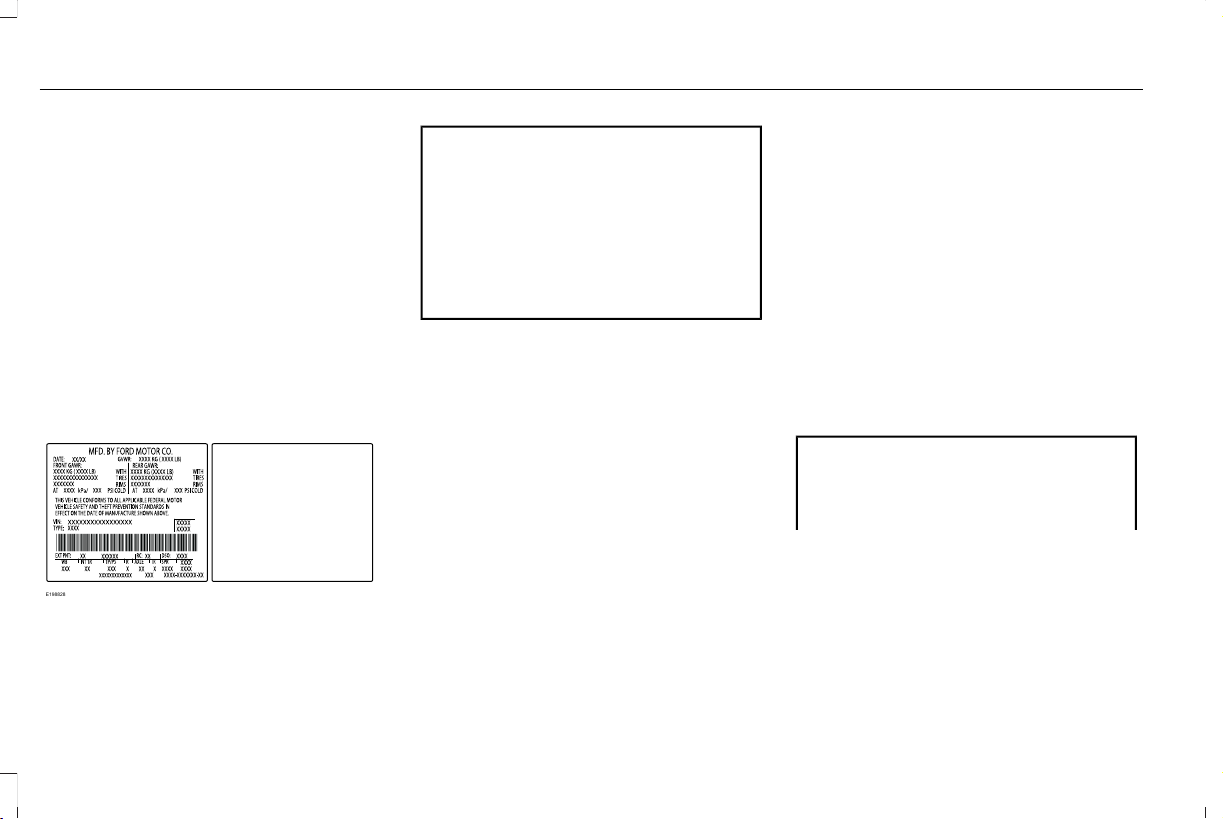
GVWR (Gross Vehicle Weight Rating)
GVWR is the maximum allowable weight
of the fully loaded vehicle. This includes
all options, equipment, passengers and
cargo. It appears on the Safety
Compliance Certification label. The label
is located on the door hinge pillar,
door-latch post, or the door edge that
meets the door-latch post, next to the
driver seating position.
The gross vehicle weight must never
exceed the Gross Vehicle Weight Rating.
Safety Compliance Certification Label
Example:
E198828
WARNING: Exceeding the Safety
Compliance Certification label vehicle
weight limits can adversely affect the
performance and handling of your
vehicle, cause vehicle damage and
can result in the loss of control of your
vehicle, serious personal injury or
death.
Maximum Loaded Trailer Weight
Maximum loaded trailer weight is the
highest possible weight of a fully loaded
trailer the vehicle can tow. Consult an
authorized dealer (or the RV and Trailer
Towing Guide available at an authorized
dealer) for more detailed information.
GCWR (Gross Combined Weight
Rating)
GCWR is the maximum allowable weight
of the vehicle and the loaded trailer,
including all cargo and passengers, that
the vehicle can handle without risking
damage. (Important: The towing
vehicle’s braking system is rated for
operation at Gross Vehicle Weight
Rating, not at Gross Combined Weight
Rating.) Separate functional brakes
should be used for safe control of towed
vehicles and for trailers where the Gross
Combined Weight of the towing vehicle
plus the trailer exceed the Gross Vehicle
Weight Rating of the towing vehicle.
The gross combined weight must never
exceed the Gross Combined Weight
Rating.
Note: For trailer towing information
refer to the RV and Trailer Towing Guide
available at an authorized dealer.
WARNING: Do not exceed the
GVWR or the GAWR specified on the
certification label.
306
Aviator (CTV) Canada/United States of America, enUSA, Edition date: 201902, First-Printing
Load Carrying

WARNING: Do not use
replacement tires with lower load
carrying capacities than the original
tires because they may lower your
vehicle's GVWR and GAWR limitations.
Replacement tires with a higher limit
than the original tires do not increase
the GVWR and GAWR limitations.
WARNING: Exceeding any
vehicle weight rating can adversely
affect the performance and handling
of your vehicle, cause vehicle damage
and can result in the loss of control of
your vehicle, serious personal injury
or death.
Steps for determining the correct load
limit:
1. Locate the statement "The combined
weight of occupants and cargo
should never exceed XXX kg or XXX
lb." on your vehicle’s placard.
2. Determine the combined weight of
the driver and passengers that will
be riding in your vehicle.
3. Subtract the combined weight of the
driver and passengers from XXX kg
or XXX lb.
4. The resulting figure equals the
available amount of cargo and
luggage load capacity. For example,
if the “XXX” amount equals 1,400 lb.
and there will be five 150 lb.
passengers in your vehicle, the
amount of available cargo and
luggage load capacity is 650 lb.
(1400-750 (5 x 150) = 650 lb.)
5. Determine the combined weight of
luggage and cargo being loaded on
the vehicle. That weight may not
safely exceed the available cargo
and luggage load capacity calculated
in Step 4.
6. If your vehicle will be towing a trailer,
load from your trailer will be
transferred to your vehicle. Consult
this manual to determine how this
reduces the available cargo and
luggage load capacity of your
vehicle.
Helpful examples for calculating the
available amount of cargo and
luggage load capacity
Suppose your vehicle has a 1400-pound
(635-kilogram) cargo and luggage
capacity. You decide to go golfing. Is
there enough load capacity to carry you,
four of your friends and all the golf bags?
You and four friends average 220
pounds (99 kilograms) each and the golf
bags weigh approximately 30 pounds
(13.5 kilograms) each. The calculation
would be: 1400 - (5 x 220) - (5 x 30) =
1400 - 1100 - 150 = 150 pounds. Yes, you
307
Aviator (CTV) Canada/United States of America, enUSA, Edition date: 201902, First-Printing
Load Carrying

have enough load capacity in your
vehicle to transport four friends and your
golf bags. In metric units, the calculation
would be: 635 kilograms - (5 x 99
kilograms) - (5 x 13.5 kilograms) = 635 -
495 - 67.5 = 72.5 kilograms.
Suppose your vehicle has a 1400-pound
(635-kilogram) cargo and luggage
capacity. You and one of your friends
decide to pick up cement from the local
home improvement store to finish that
patio you have been planning for the
past two years. Measuring the inside of
the vehicle with the rear seat folded
down, you have room for twelve
100-pound (45-kilogram) bags of
cement. Do you have enough load
capacity to transport the cement to your
home? If you and your friend each weigh
220 pounds (99 kilograms), the
calculation would be: 1400 - (2 x 220) -
(12 x 100) = 1400 - 440 - 1200 = - 240
pounds. No, you do not have enough
cargo capacity to carry that much
weight. In metric units, the calculation
would be: 635 kilograms - (2 x 99
kilograms) - (12 x 45 kilograms) = 635 -
198 - 540 = -103 kilograms. You will need
to reduce the load weight by at least
240 pounds (104 kilograms). If you
remove three 100-pound (45-kilogram)
cement bags, then the load calculation
would be:1400 - (2 x 220) - (9 x 100) =
1400 - 440 - 900 = 60 pounds. Now you
have the load capacity to transport the
cement and your friend home. In metric
units, the calculation would be: 635
kilograms - (2 x 99 kilograms) - (9 x 45
kilograms) = 635 - 198 - 405 = 32
kilograms.
The above calculations also assume that
the loads are positioned in your vehicle
in a manner that does not overload the
front or the rear gross axle weight rating
specified for your vehicle on the Safety
Compliance Certification label.
Special Loading Instructions for
Owners of Pick-up Trucks and Utility-
type Vehicles
WARNING: When loading the
roof racks, we recommend you evenly
distribute the load, as well as maintain
a low center of gravity. Loaded
vehicles, with higher centers of gravity,
may handle differently than unloaded
vehicles. Take extra precautions, such
as slower speeds and increased
stopping distance, when driving a
heavily loaded vehicle.
AIR SUSPENSION (IF EQUIPPED)
WARNING: If your vehicle has
self-leveling air suspension, you must
switch the system off before carrying out
any maintenance or repair. Failure to follow
this warning could result in serious
personal injury or death.
308
Aviator (CTV) Canada/United States of America, enUSA, Edition date: 201902, First-Printing
Load Carrying

The air suspension system automatically
adjusts to maintain a constant frame height,
allows for ease of vehicle loading, provides
improved vehicle ride, and increased driver
comfort.
You can adjust different ride settings through
the selectable drive modes. See Selecting
a Drive Mode (page 301).
Note: The air suspension system may not
operate properly if you exceed the load limit.
See Load Limit (page 304).
Note: When your vehicle is off, the air
compressor may run for a short time. This is
normal.
Switching the systems on or off
You can access the air suspension, liftgate
and easy entry features through the
information display menu settings. See
General Information (page 127).
Using the Service Mode
When the service mode is active, the air
suspension will not make any adjustments
while your vehicle is stationary.
Note: Always switch the air suspension
service mode to on before servicing your
vehicle.
Using Cargo Loading
The air suspension cargo loading feature
lowers your vehicle for easier access when
the system detects the liftgate is opening.
When the liftgate is closed your vehicle will
return to its normal height after a short time.
Note: To preserve your vehicle battery, your
vehicle will only lower for cargo mode one
to two times per ignition cycle.
Using Easy Entry
The air suspension will lower your vehicle to
an easier access entry height when the
system detects the intelligent access key,
you press the unlock button, or use the
remote start.
The leveling process stops when you open
a door or the target level is achieved.
Note: To stop the leveling process, press the
lock button on the intelligent access key.
Note: To preserve your vehicle battery, your
vehicle will only lower for easy entry one to
two times per ignition cycle.
309
Aviator (CTV) Canada/United States of America, enUSA, Edition date: 201902, First-Printing
Load Carrying

TOWING A TRAILER
WARNING: Towing trailers
beyond the maximum recommended
gross trailer weight exceeds the limit
of your vehicle and could result in
engine damage, transmission damage,
structural damage, loss of vehicle
control, vehicle rollover and personal
injury.
WARNING: Do not exceed the
GVWR or the GAWR specified on the
certification label.
Note: See Recommended Towing
Weights (page 311).
Your vehicle may have electrical items,
such as fuses or relays, related to
towing. See Fuses (page 335).
Your vehicle's load capacity designation
is by weight, not by volume, so you
cannot necessarily use all available
space when loading a vehicle or trailer.
Towing a trailer places an extra load on
your vehicle's engine, transmission, axle,
brakes, tires and suspension. Inspect
these components periodically during,
and after, any towing operation.
Load Placement
To help minimize how trailer movement
affects your vehicle when driving:
• Load the heaviest items closest to
the trailer floor.
• Load the heaviest items centered
between the left and right side trailer
tires.
• Load the heaviest items above the
trailer axles or just slightly forward
toward the trailer tongue. Do not
allow the final trailer tongue weight
to go above or below 10-15% of the
loaded trailer weight.
• Select a ball mount with the correct
rise or drop and load capacity. When
both the loaded vehicle and trailer
are connected, the trailer frame
should be level, or slightly angled
down toward your vehicle, when
viewed from the side.
When driving with a trailer or payload, a
slight takeoff vibration or shudder may
be present due to the increased payload
weight. Additional information regarding
proper trailer loading and setting your
vehicle up for towing is located in
another chapter of this manual. See
Load Limit (page 304).
You can also find information in the RV
& Trailer Towing Guide available at your
authorized dealer, or online.
310
Aviator (CTV) Canada/United States of America, enUSA, Edition date: 201902, First-Printing
Towing
RV & Trailer Towing Guide Online
http://www.fleet.ford.com/towing-guides/Website
TRAILER SWAY CONTROL
WARNING: Turning off trailer sway
control increases the risk of loss of vehicle
control, serious injury or death. Ford does
not recommend disabling this feature
except in situations where speed reduction
may be detrimental (such as hill climbing),
the driver has significant trailer towing
experience, and can control trailer sway
and maintain safe operation.
Note: This feature does not prevent trailer
sway, but reduces it when it begins.
Note: This feature cannot stop all trailers
from swaying.
Note: In some cases, if your vehicle speed
is too high, the system may turn on multiple
times, gradually reducing your vehicle speed.
The system applies the brakes to the
individual wheels and reduces engine torque
to aid vehicle stability. If the trailer begins
to sway, the stability control warning lamp
flashes and a message appears in the
information display. See Information
Messages (page 131). Slow your vehicle
down, pull safely to the side of the road and
check for correct load distribution. See Load
Carrying (page 303).
You can switch this feature off in the
information display. When you switch the
ignition on, the system automatically turns
on.
RECOMMENDED TOWING
WEIGHTS
Note: Do not exceed the trailer weight
for your vehicle configuration listed in
the chart below.
Note: Be sure to take into consideration
trailer frontal area. Do not exceed 20
ft² (1.86 m²) if your vehicle can tow a
class I trailer or 55 ft² (5.11 m²) if your
vehicle can tow a class III trailer.
Note: For high altitude operation,
reduce the gross combined weight by
2% per 1,000 ft (300 m) starting at the
1,000 ft (300 m) elevation point.
Note: Certain states require electric
trailer brakes for trailers over a specified
weight. Be sure to check state
regulations for this specified weight. The
maximum trailer weights listed may be
limited to this specified weight, as the
vehicle’s electrical system may not
include the wiring connector needed to
activate electric trailer brakes.
311
Aviator (CTV) Canada/United States of America, enUSA, Edition date: 201902, First-Printing
Towing
Your vehicle may tow a trailer provided
the maximum trailer weight is less than
or equal to the maximum trailer weight
listed for your vehicle configuration on
the following chart.
Maximum Trailer WeightDriveTransmissionEngine
5,600 lb (2,540 kg)
2WD
1
10-Speed Automatic Transmission
(10R60)
3.0L GTDI
6,700 lb (3,040 kg)
2WD
2
5,600 lb (2,540 kg)
AWD
1
6,700 lb (3,040 kg)
AWD
2
1
Without Trailer Tow Package.
2
With Trailer Tow Package.
312
Aviator (CTV) Canada/United States of America, enUSA, Edition date: 201902, First-Printing
Towing

ESSENTIAL TOWING CHECKS
Follow these guidelines for safe towing:
• Do not tow a trailer until you drive your
vehicle at least 1,000 mi (1,600 km).
• Consult your local motor vehicle laws for
towing a trailer.
• See the instructions included with towing
accessories for the proper installation
and adjustment specifications.
• Service your vehicle more frequently if
you tow a trailer. See Scheduled
Maintenance (page 513).
• If you use a rental trailer, follow the
instructions the rental agency gives you.
You can find information on load
specification terms found on the tire label
and Safety Compliance label as well as
instructions on calculating your vehicle's load
in the Load Carrying chapter. See Load Limit
(page 304).
Remember to account for the trailer tongue
weight as part of your vehicle load when
calculating the total vehicle weight.
Hitches
Do not use a hitch that either clamps onto
the bumper or attaches to the axle.
Distribute the trailer load so 10-15% of the
total trailer weight is on the tongue.
A weight distributing hitch is not required for
your vehicle.
Safety Chains
Note: Do not attach safety chains to the
bumper.
Always connect the safety chains to the hook
retainers of your vehicle hitch.
To connect the trailer’s safety chains, cross
them under the trailer tongue and allow
enough slack for turning tight corners. Do
not allow the chains to drag on the ground.
Trailer Brakes
WARNING: Do not connect a trailer's
hydraulic brake system directly to your
vehicle's brake system. Your vehicle may
not have enough braking power and your
chances of having a collision greatly
increase.
Electric brakes and manual, automatic or
surge-type trailer brakes are safe if you install
them properly and adjust them to the
manufacturer's specifications. The trailer
brakes must meet local and federal
regulations.
The rating for the tow vehicle's braking
system operation is at the gross vehicle
weight rating, not the gross combined weight
rating.
Safe control of towed vehicles requires
separate functioning brake systems for
vehicles and trailers weighing more than
1,500 lb (680 kg) when loaded.
313
Aviator (CTV) Canada/United States of America, enUSA, Edition date: 201902, First-Printing
Towing

Trailer Lamps
WARNING: Never connect any trailer
lamp wiring to the vehicle's tail lamp wiring;
this may damage the electrical system
resulting in fire. Contact your authorized
dealer as soon as possible for assistance
in proper trailer tow wiring installation.
Additional electrical equipment may be
required.
Most towed vehicles require trailer lamps.
Make sure all running lights, brake lights,
direction indicators and hazard flashers are
working.
Before Towing a Trailer
Practice turning, stopping and backing up to
get the feel of your vehicle-trailer
combination before starting on a trip. When
turning, make wider turns so the trailer
wheels clear curbs and other obstacles.
When Towing a Trailer
• Do not drive faster than 70 mph
(113 km/h) during the first 500 mi
(800 km).
• Do not make full-throttle starts.
• Check your hitch, electrical connections
and trailer wheel lug nuts thoroughly after
you have traveled 50 mi (80 km).
• When stopped in congested or heavy
traffic during hot weather, place the
gearshift in park (P) to aid engine and
transmission cooling and to help A/C
performance.
• Turn off the speed control with heavy
loads or in hilly terrain. The speed control
may turn off automatically when you are
towing on long, steep grades.
• Shift to a lower gear when driving down
a long or steep hill. Do not apply the
brakes continuously, as they may
overheat and become less effective.
• If your transmission is equipped with a
Grade Assist or Tow/Haul feature, use
this feature when towing. This provides
engine braking and helps eliminate
excessive transmission shifting for
optimum fuel economy and transmission
cooling.
• Allow more distance for stopping with a
trailer attached. Anticipate stops and
brake gradually.
• Avoid parking on a grade. However, if
you must park on a grade:
1. Turn the steering wheel to point your
vehicle tires away from traffic flow.
2. Set your vehicle parking brake.
3. Place the automatic transmission in park
(P).
4. Place wheel chocks in front and back of
the trailer wheels. (Chocks not included
with vehicle.)
Launching or Retrieving a Boat or
Personal Watercraft (PWC)
Note: Disconnect the wiring to the trailer
before backing the trailer into the water.
314
Aviator (CTV) Canada/United States of America, enUSA, Edition date: 201902, First-Printing
Towing
Note: Reconnect the wiring to the trailer
after removing the trailer from the water.
When backing down a ramp during boat
launching or retrieval:
• Do not allow the static water level to rise
above the bottom edge of the rear
bumper.
• Do not allow waves to break higher than
6 in (15 cm) above the bottom edge of
the rear bumper.
Exceeding these limits may allow water to
enter vehicle components:
• Causing internal damage to the
components.
• Affecting driveability, emissions, and
reliability.
Replace the rear axle lubricant anytime the
rear axle has been submerged in water.
Water may have contaminated the rear axle
lubricant, which is not normally checked or
changed unless a leak is suspected or other
axle repair is required.
TOWING THE VEHICLE ON FOUR
WHEELS
Emergency Towing
WARNING: If your vehicle has a
steering wheel lock make sure the ignition
is in the accessory or on position when
being towed.
If your vehicle becomes inoperable without
access to wheel dollies or a vehicle transport
trailer, it can be flat-towed with all wheels on
the ground, regardless of the powertrain and
transmission configuration, under the
following conditions:
• Your vehicle is facing forward for towing
in a forward direction.
• Refer to the Manual Park Release
procedure. See Automatic Transmission
(page 218). Failing to do so may result in
damage to the transmission.
• Maximum speed is 35 mph (56 km/h).
• Maximum distance is 50 mi (80 km).
Recreational Towing
You cannot recreational tow your vehicle
with all wheels on the ground because
vehicle or transmission damage may occur.
We recommend towing your vehicle with all
four wheels off the ground such as when
using a car-hauling trailer. Otherwise, you
cannot recreational tow your vehicle.
315
Aviator (CTV) Canada/United States of America, enUSA, Edition date: 201902, First-Printing
Towing

BREAKING-IN
You need to break in new tires for
approximately 300 mi (480 km). During this
time, your vehicle may exhibit some unusual
driving characteristics.
Avoid driving too fast during the first 1,000 mi
(1,600 km). Vary your speed frequently and
change up through the gears early. Do not
labor the engine.
Do not tow during the first 1,000 mi
(1,600 km).
REDUCED ENGINE PERFORMANCE
WARNING: If you continue to drive
your vehicle when the engine is
overheating, the engine could stop without
warning. Failure to follow this instruction
could result in the loss of control of your
vehicle.
If the engine coolant temperature gauge
needle moves to the upper limit position, the
engine is overheating. See Gauges (page
120).
You must only drive your vehicle for a short
distance if the engine overheats. The
distance you can travel depends on ambient
temperature, vehicle load and terrain. The
engine continues to operate with limited
power for a short period of time.
If the engine temperature continues to rise,
the fuel supply to the engine reduces. The
air conditioning switches off and the engine
cooling fan operates continually.
1. Gradually reduce your speed and stop
your vehicle as soon as it is safe to do
so.
2. Immediately switch the engine off to
prevent severe engine damage.
3. Wait for the engine to cool down.
4. Check the coolant level. See Engine
Coolant Check (page 356).
5. Have your vehicle checked as soon as
possible.
ECONOMICAL DRIVING
Your fuel economy is affected by several
things, such as how you drive, the conditions
you drive under, and how you maintain your
vehicle.
You may improve your fuel economy by
keeping these things in mind:
• Accelerate and slow down in a smooth,
moderate fashion.
• Drive at steady speeds without stopping.
• Anticipate stops; slowing down may
eliminate the need to stop.
• Combine errands and minimize
stop-and-go driving.
• Close the windows for high-speed
driving.
• Drive at reasonable speeds (traveling at
55 mph [88 km/h] uses 15% less fuel than
traveling at 65 mph [105 km/h]).
• Keep the tires properly inflated and use
only the recommended size.
• Use the recommended engine oil.
• Perform all regularly scheduled
maintenance.
316
Aviator (CTV) Canada/United States of America, enUSA, Edition date: 201902, First-Printing
Driving Hints

Avoid these actions; they reduce your fuel
economy:
• Sudden accelerations or hard
accelerations.
• Revving the engine before turning it off.
• Idle for periods longer than one minute.
• Warm up your vehicle on cold mornings.
• Use the air conditioner or front defroster.
• Use the speed control in hilly terrain.
• Rest your foot on the brake pedal while
driving.
• Drive a heavily loaded vehicle or tow a
trailer.
• Carry unnecessary weight (approximately
1 mpg [0.4 km/L] is lost for every 400 lb
[180 kilogram] of weight carried).
• Driving with the wheels out of alignment.
Conditions
• Heavily loading a vehicle or towing a
trailer may reduce fuel economy at any
speed.
• Adding certain accessories to your
vehicle (for example bug deflectors,
rollbars, light bars, running boards, ski
racks or luggage racks) may reduce fuel
economy.
• To maximize the fuel economy, drive with
the tonneau cover installed (if equipped).
• Using fuel blended with alcohol may
lower fuel economy.
• Fuel economy may decrease with lower
temperatures during the first 5–10 mi
(12–16 km) of driving.
• Driving on flat terrain offers improved fuel
economy as compared to driving on hilly
terrain.
• Transmissions give their best fuel
economy when operated in the top cruise
gear and with steady pressure on the gas
pedal.
• Four-wheel-drive operation (if equipped)
is less fuel efficient than two-wheel-drive
operation.
• Close the windows for high-speed
driving.
COLD WEATHER PRECAUTIONS
The functional operation of some
components and systems can be affected at
temperatures below -13°F (-25°C).
DRIVING THROUGH WATER
WARNING: Do not drive through
flowing or deep water as you may lose
control of your vehicle.
Note: Driving through standing water can
cause vehicle damage.
Note: Engine damage can occur if water
enters the air filter.
317
Aviator (CTV) Canada/United States of America, enUSA, Edition date: 201902, First-Printing
Driving Hints
Before driving through standing water, check
the depth. Never drive through water that is
higher than the bottom of the front rocker
area of your vehicle.
E259345
When driving through standing water, drive
very slowly and do not stop your vehicle.
Your brake performance and traction may
be limited. After driving through water and
as soon as it is safe to do so:
• Lightly press the brake pedal to dry the
brakes and to check that they work.
• Check that the horn works.
• Check that the exterior lights work.
• Turn the steering wheel to check that the
steering power assist works.
FLOOR MATS
WARNING: Use a floor mat designed
to fit the footwell of your vehicle that does
not obstruct the pedal area. Failure to
follow this instruction could result in the
loss of control of your vehicle, personal
injury or death.
WARNING: Pedals that cannot move
freely can cause loss of vehicle control and
increase the risk of serious personal injury.
WARNING: Secure the floor mat to
both retention devices so that it cannot slip
out of position and interfere with the
pedals. Failure to follow this instruction
could result in the loss of control of your
vehicle, personal injury or death.
WARNING: Do not place additional
floor mats or any other covering on top of
the original floor mats. This could result in
the floor mat interfering with the operation
of the pedals. Failure to follow this
instruction could result in the loss of
control of your vehicle, personal injury or
death.
WARNING: Always make sure that
objects cannot fall into the driver foot well
while your vehicle is moving. Objects that
are loose can become trapped under the
pedals causing a loss of vehicle control.
E142666
318
Aviator (CTV) Canada/United States of America, enUSA, Edition date: 201902, First-Printing
Driving Hints

To install the floor mats, position the floor
mat eyelet over the retention post and press
down to lock in position.
To remove the floor mat, reverse the
installation procedure.
Note: Regularly check the floor mats to make
sure they are secure.
319
Aviator (CTV) Canada/United States of America, enUSA, Edition date: 201902, First-Printing
Driving Hints

ROADSIDE ASSISTANCE
Vehicles Sold in the United States:
Getting Roadside Assistance
To fully assist you should you have a vehicle
concern, Lincoln Motor Company offers a
complimentary roadside assistance program.
This program is separate from the New
Vehicle Limited Warranty.
The service is available:
• Throughout the life of the vehicle for
original owners.
• For six years or 70,000 mi (110,000 km)
(whichever comes first) for subsequent
owners.
Roadside Assistance covers:
• A flat tire change with a good spare
(except vehicles supplied with a tire
inflation kit).
• Battery jump start.
• Lock-out assistance (key replacement
cost is the client's responsibility).
• Fuel delivery — independent service
contractors, if not prohibited by state,
local or municipal law shall deliver up to
2 gal (8 L) of gasoline or 5 gal (20 L) of
diesel fuel to a disabled vehicle.
Roadside Assistance limits fuel delivery
service to two no-charge occurrences
within a 12-month period.
• Winch out — available within 100 ft (30 m)
of a paved or county maintained road,
no recoveries.
• Towing — independent service
contractors, if not prohibited by state,
local or municipal law shall tow Lincoln
eligible vehicles to the client's selling or
preferred dealer within 100 mi (160 km)
of the disablement location or to the
nearest Lincoln dealer. If a client requests
a tow to a selling or preferred dealer that
is more than 100 mi (160 km) from the
disablement location, the client is
responsible for any mileage costs in
excess of 100 mi (160 km).
• Roadside Assistance includes up to $200
for a towed trailer if the disabled eligible
vehicle requires service at the nearest
authorized dealer. If the towing vehicle
is operational but the trailer is not, then
the trailer does not qualify for any
roadside services.
Vehicles Sold in the United States:
Using Roadside Assistance
United States clients who require roadside
assistance, call 1-800-521-4140.
320
Aviator (CTV) Canada/United States of America, enUSA, Edition date: 201902, First-Printing
Roadside Emergencies

If you need to arrange roadside assistance
for yourself, Lincoln Motor Company
reimburses a reasonable amount for towing
to the nearest Lincoln dealership within
100 mi (160 km). To obtain reimbursement
information, United States clients, call
1-800-521-4140. Clients need to submit their
original receipts.
Vehicles Sold in Canada: Getting
Roadside Assistance
To fully assist you should you have a vehicle
concern, Lincoln Motor Company offers a
complimentary roadside assistance program.
This program is eligible within Canada or the
continental United States.
The service is available 24 hours a day,
seven days a week.
This program is separate from the New
Vehicle Limited Warranty, beginning from
the original warranty start date and lasts the
life of the vehicle for the original owner.
Subsequent owners receive coverage that
is concurrent with the 6 years or 70,000 mi
(110,000 km) (whichever occurs first)
powertrain warranty coverage period.
Note: Canadian roadside coverage and
benefits may differ from the U.S. coverage.
For complete program coverage details,
review your warranty guide, contact your
dealer, call us in Canada at 1-800-387-9333,
or visit our website at
www.lincolncanada.com.
If you purchased your vehicle in Canada and
require roadside assistance, please call
1-800-387-9333 or contact Roadside
Assistance using the Lincoln Way mobile
app.
Note: For quick reference, complete the
roadside assistance identification card found
in the glove compartment of your vehicle
and place it in your wallet.
HAZARD FLASHERS
Note: The hazard flashers operate when the
ignition is in any position, or if the key is not
in the ignition. If used when the vehicle is not
running, the battery loses charge. As a result,
there may be insufficient power to restart
your vehicle.
The flasher control is on the
instrument panel. Use your hazard
flashers when your vehicle is
creating a safety hazard for other motorists.
• Press the flasher control and all front and
rear direction indicators flash.
• Press the button again to switch them off.
FUEL SHUTOFF
WARNING: If your vehicle has been
involved in a crash, have the fuel system
checked. Failure to follow this instruction
could result in fire, personal injury or death.
Note: When you try to restart your vehicle
after a fuel shutoff, the vehicle makes sure
that various systems are safe to restart.
Once the vehicle determines the systems
are safe, then the vehicle allows you to
restart.
Note: In the event that your vehicle does not
restart after your third attempt, contact a
qualified technician.
321
Aviator (CTV) Canada/United States of America, enUSA, Edition date: 201902, First-Printing
Roadside Emergencies

The fuel pump shutoff stops the flow of fuel
to the engine in the event of a moderate to
severe crash. Not every impact causes a
shutoff.
Should your vehicle shut off after a crash,
you may restart your vehicle.
If your vehicle has a key system:
1. Switch off the ignition.
2. Switch to start position.
3. Switch off the ignition.
4. Switch on the ignition to re-enable the
fuel pump.
5. If the vehicle does not start, repeat steps
1 through 4.
If your vehicle has a push button start
system:
1. Press START/STOP to switch off your
vehicle.
2. Press the brake pedal and START/STOP
to switch on your vehicle.
3. Remove your foot from the brake pedal
and press START/STOP to switch off
your vehicle.
4. You can attempt to start the vehicle by
pressing the brake pedal and
START/STOP, or press START/STOP
without pressing the brake pedal.
5. If the vehicle does not start, repeat steps
1 through 4.
JUMP STARTING THE VEHICLE
WARNING: Batteries normally
produce explosive gases which can cause
personal injury. Therefore, do not allow
flames, sparks or lighted substances to
come near the battery. When working near
the battery, always shield your face and
protect your eyes. Always provide correct
ventilation.
WARNING: Keep batteries out of
reach of children. Batteries contain sulfuric
acid. Avoid contact with skin, eyes or
clothing. Shield your eyes when working
near the battery to protect against possible
splashing of acid solution. In case of acid
contact with skin or eyes, flush immediately
with water for a minimum of 15 minutes and
get prompt medical attention. If acid is
swallowed, call a physician immediately.
WARNING: Use only adequately
sized cables with insulated clamps.
Preparing Your Vehicle
Do not attempt to push-start your automatic
transmission vehicle.
Note: Attempting to push-start a vehicle with
an automatic transmission may cause
transmission damage.
Note: Use only a 12-volt supply to start your
vehicle.
322
Aviator (CTV) Canada/United States of America, enUSA, Edition date: 201902, First-Printing
Roadside Emergencies
Note: Do not disconnect the battery of the
disabled vehicle as this could damage the
vehicle electrical system.
Park the booster vehicle close to the hood
of the disabled vehicle, making sure the two
vehicles do not touch.
Locating the Jump Starting Connection
Points
E288229
1. Open the hood. See Opening and
Closing the Hood (page 351).
2. Remove the access cover.
3. Remove the red protective cover from
the positive lead jump connection point.
4. Locate the negative jump connection
point on the rear mounting bolt for the
cross brace, as shown.
Connecting the Jumper Cables
WARNING: If the engine is running
while the hood is open, stay clear of
moving engine components. Failure to
follow this warning could result in serious
personal injury or death.
WARNING: Do not connect the end
of the second cable to the negative (-)
terminal of the battery to be jumped. A
spark may cause an explosion of the gases
that surround the battery.
Note: In the illustration, the bottom vehicle
represents the booster vehicle.
E281345
1. Connect the positive (+) jumper cable to
the positive (+) terminal of the discharged
battery.
323
Aviator (CTV) Canada/United States of America, enUSA, Edition date: 201902, First-Printing
Roadside Emergencies

2. Connect the other end of the positive (+)
cable to the positive (+) terminal of the
booster vehicle battery
3. Connect the negative (-) cable to the
negative (-) terminal of the booster
vehicle battery.
4. Make the final connection of the negative
(-) cable to an exposed metal part of the
stalled vehicle's engine, away from the
battery and the fuel injection system, or
connect the negative (-) cable to a ground
connection point if available.
Jump Starting
1. Start the engine of the booster vehicle
and rev the engine moderately, or press
the accelerator gently to keep your
engine speed between 2000 and 3000
RPM, as shown in your tachometer.
2. Start the engine of the disabled vehicle.
3. Once the disabled vehicle has been
started, run both vehicle engines for an
additional three minutes before
disconnecting the jumper cables.
Removing the Jumper Cables
Remove the jumper cables in the reverse
order that they were connected.
1. Remove the negative (-) jumper cable
from the disabled vehicle.
2. Remove the jumper cable on the
negative (-) terminal of the booster
vehicle battery.
3. Remove the jumper cable from the
positive (+) terminal of the booster vehicle
battery.
4. Remove the jumper cable from the
positive (+) terminal of the disabled
vehicle battery.
5. Allow the engine to idle for at least one
minute.
POST-CRASH ALERT SYSTEM
The system flashes the direction indicators
and sounds the horn (intermittently) in the
event of a serious impact that deploys an
airbag (front, side, side curtain or Safety
Canopy) or the seatbelt pretensioners.
The horn and indicators turn off when:
• You press the hazard control button.
• You press the panic button on the remote
entry transmitter (if equipped).
• Your vehicle runs out of power.
• Sounding of the horn is only enabled in
specific markets.
324
Aviator (CTV) Canada/United States of America, enUSA, Edition date: 201902, First-Printing
Roadside Emergencies
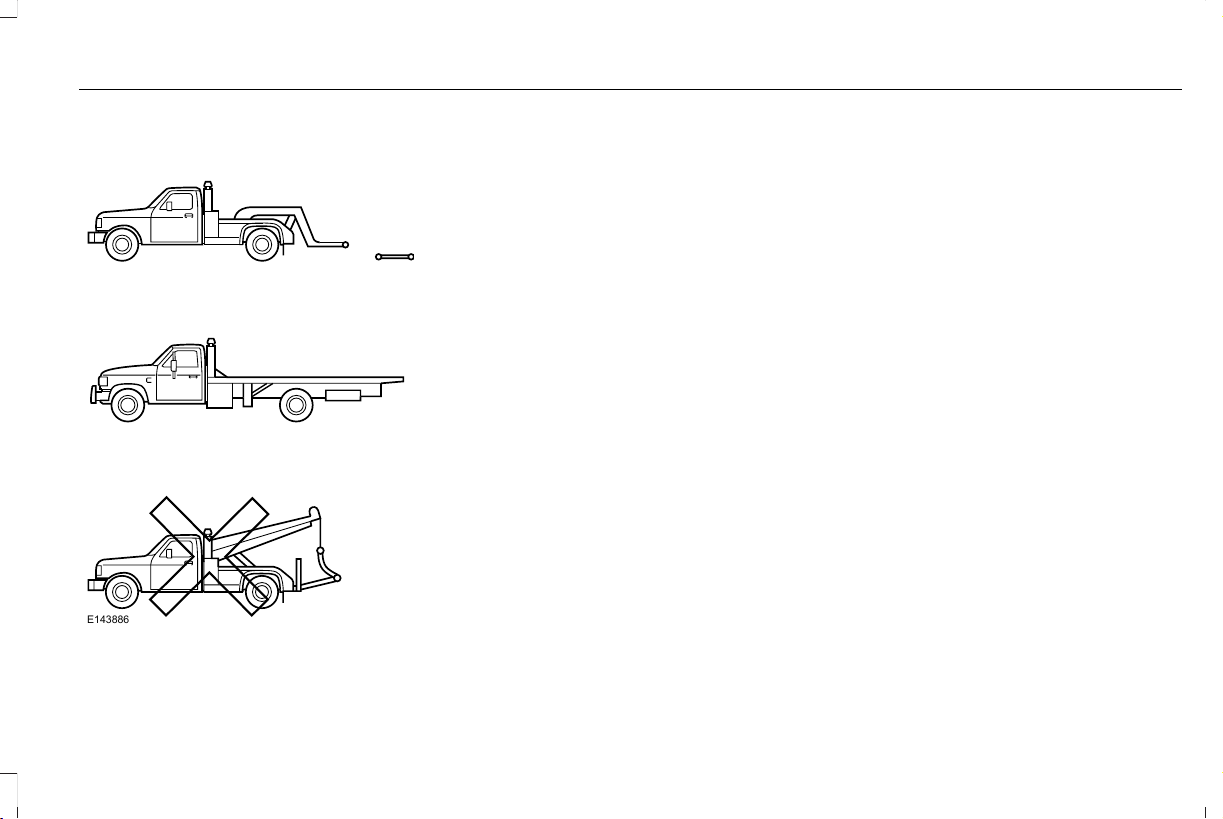
TRANSPORTING THE VEHICLE
E143886
If you need to tow your vehicle, contact a
professional towing service or, if you are a
member of a roadside assistance program,
your roadside assistance service provider.
We recommend the use of a wheel lift and
dollies or flatbed equipment to tow your
vehicle. Do not tow with a slingbelt. We do
not approve a slingbelt towing procedure. If
you tow your vehicle incorrectly, or by any
other means, vehicle damage may occur.
We produce a towing manual for all
authorized tow truck operators. Have your
tow truck operator refer to this manual for
proper hook-up and towing procedures for
your vehicle.
Towing an all-wheel or four-wheel drive
vehicle requires that all wheels be off the
ground, such as using a wheel lift and dollies
or flatbed equipment. This prevents damage
to the transmission, all-wheel or four-wheel
drive system and vehicle.
If your vehicle becomes inoperable without
access to wheel dollies, a car-hauling trailer
or a flatbed transport vehicle, you can
flat-tow with all wheels on the ground under
limited conditions. See Towing the Vehicle
on Four Wheels (page 315).
325
Aviator (CTV) Canada/United States of America, enUSA, Edition date: 201902, First-Printing
Roadside Emergencies

GETTING THE SERVICES YOU
NEED
Warranty repairs to your vehicle must be
performed by an authorized dealer. While
any authorized dealer handling your vehicle
line provides warranty service, we
recommend you return to your selling
authorized dealer who wants to ensure your
continued satisfaction.
Please note that certain warranty repairs
require special training and equipment, so
not all authorized dealers are authorized to
perform all warranty repairs. This means that,
depending on the warranty repair needed,
you may have to take your vehicle to another
authorized dealer.
A reasonable time must be allowed to
perform a repair after taking your vehicle to
the authorized dealer. Repairs are made
using Lincoln or Motorcraft parts, or
remanufactured or other parts that are
authorized by Lincoln.
Away From Home
If you are away from home when your vehicle
needs service, contact the Lincoln Client
Relationship Center or use the online
resources listed below to find the nearest
authorized dealer.
In the United States:
Mailing address
Lincoln Motor Company
Client Relationship Center
P.O. Box 6248
Dearborn, MI 48126
Telephone
1-800-521-4140
TDD for the hearing impaired:
1-800-232-5952
Web Address
www.LincolnOwner.com
These are some of the items that can be
found online:
• United States dealer locator by Dealer
Name, City, State or ZIP Code.
• Owner Manuals.
• Maintenance Schedules.
• Recalls.
• Lincoln Extended Service Plans.
• Lincoln Original Accessories.
• Service specials and promotions.
In Canada:
Mailing address
Lincoln Client Relationship Centre
Lincoln Motor Company of Canada, Limited
P.O. Box 2000
Oakville, Ontario L6K 1C8
Telephone
1-800-387-9333
326
Aviator (CTV) Canada/United States of America, enUSA, Edition date: 201902, First-Printing
Customer Assistance
Web Address
www.LincolnCanada.com
Online Resources
Twitter English
@LincolnMotorCA
Twitter French
@LincolnQC
Instagram
@LincolnMotorCA
Facebook
/LincolnMotorCA
Additional Assistance
If you have questions or concerns, or are
unsatisfied with the service you are receiving,
follow these steps:
1. Contact your Sales Representative or
Service Advisor at your selling or
servicing authorized dealer.
2. If your inquiry or concern remains
unresolved, contact the Sales Manager,
Service Manager or Customer Relations
Manager.
3. If you require assistance or clarification
on Lincoln Motor Company policies,
please contact the Lincoln Client
Relationship Center.
In order to help us serve you better, please
have the following information available
when contacting a Client Relationship
Center:
• Vehicle Identification Number.
• Your telephone number (home and
business).
• The name of the authorized dealer and
city where located.
• The vehicle’ s current odometer reading.
In some states, you must directly notify
Lincoln in writing before pursuing remedies
under your state’s warranty laws. Lincoln is
also allowed a final repair attempt in some
states.
In the United States, a warranty dispute must
be submitted to the BBB AUTO LINE before
taking action under the Magnuson-Moss
Warranty Act, or to the extent allowed by
state law, before pursuing replacement or
repurchase remedies provided by certain
state laws. This dispute handling procedure
is not required prior to enforcing state
created rights or other rights which are
independent of the Magnuson-Moss
Warranty Act or state replacement or
repurchase laws.
IN CALIFORNIA (U.S. ONLY)
California Civil Code Section 1793.2(d)
requires that, if a manufacturer or its
representative is unable to repair a motor
vehicle to conform to the vehicle’s applicable
express warranty after a reasonable number
of attempts, the manufacturer shall be
required to either replace the vehicle with
one substantially identical or repurchase the
327
Aviator (CTV) Canada/United States of America, enUSA, Edition date: 201902, First-Printing
Customer Assistance

vehicle and reimburse the buyer in an
amount equal to the actual price paid or
payable by the consumer (less a reasonable
allowance for consumer use). The consumer
has the right to choose whether to receive
a refund or replacement vehicle.
California Civil Code Section 1793.22(b)
presumes that the manufacturer has had a
reasonable number of attempts to conform
the vehicle to its applicable express
warranties if, within the first 18 months of
ownership of a new vehicle or the first
18,000 mi (29,000 km), whichever occurs
first:
1. Two or more repair attempts are made
on the same non-conformity likely to
cause death or serious bodily injury OR
2. Four or more repair attempts are made
on the same nonconformity (a defect or
condition that substantially impairs the
use, value or safety of the vehicle) OR
3. The vehicle is out of service for repair of
nonconformities for a total of more than
30 calendar days (not necessarily all at
one time).
In the case of 1 or 2 above, the consumer
must also notify the manufacturer of the need
for the repair of the nonconformity at the
following address:
Ford Motor Company
16800 Executive Plaza Drive
Mail Drop 3NE-B
Dearborn, MI 48126
You are required to submit your warranty
dispute to BBB AUTO LINE before asserting
in court any rights or remedies conferred by
California Civil Code Section 1793.22(b). You
are also required to use BBB AUTO LINE
before exercising rights or seeking remedies
created by the Federal Magnuson-Moss
Warranty Act, 15 U.S.C. sec. 2301 et seq. If
you choose to seek redress by pursuing
rights and remedies not created by California
Civil Code Section 1793.22(b) or the
Magnuson-Moss Warranty Act, resort to BBB
AUTO LINE is not required by those statutes.
THE BETTER BUSINESS BUREAU
(BBB) AUTO LINE PROGRAM (U.S.
ONLY)
Your satisfaction is important to Ford Motor
Company and to your dealer. If a warranty
concern has not been resolved using the
three-step procedure outlined earlier in this
chapter in the Getting the Services you need
section, you may be eligible to participate in
the BBB AUTO LINE program.
The BBB AUTO LINE program consists of
two parts – mediation and arbitration. During
mediation, a representative of the BBB will
contact both you and Ford Motor Company
to explore options for settlement of the claim.
If an agreement is not reached during
mediation or you do not want to participate
in mediation, and if your claim is eligible, you
may participate in the arbitration process. An
arbitration hearing will be scheduled so that
you can present your case in an informal
setting before an impartial person. The
arbitrator will consider the testimony
provided and make a decision after the
hearing.
328
Aviator (CTV) Canada/United States of America, enUSA, Edition date: 201902, First-Printing
Customer Assistance

Disputes submitted to the BBB AUTO LINE
program are usually decided within forty days
after you file your claim with the BBB. You
are not bound by the decision, and may
reject the decision and proceed to court
where all findings of the BBB Auto Line
dispute, and decision, are admissible in the
court action. Should you choose to accept
the BBB AUTO LINE decision, Ford is then
bound by the decision, and must comply with
the decision within 30 days of receipt of your
acceptance letter.
BBB AUTO LINE Application: Using the
information provided below, please call or
write to request a program application. You
will be asked for your name and address,
general information about your new vehicle,
information about your warranty concerns,
and any steps you have already taken to try
to resolve them. A Customer Claim Form will
be mailed that will need to be completed,
signed and returned to the BBB along with
proof of ownership. Upon receipt, the BBB
will review the claim for eligibility under the
Program Summary Guidelines.
You can get more information by calling
BBB AUTO LINE at 1-800-955-5100, or
writing to:
BBB AUTO LINE
3033 Wilson Boulevard, Suite 600
Arlington, Virginia 22201
BBB AUTO LINE applications can also be
requested by calling the Ford Motor
Company Customer Relationship Center at
1-800-392-3673.
For additional information refer to the Better
Business Bureau website.
Note: Ford Motor Company reserves the
right to change eligibility limitations, modify
procedures, or to discontinue this process
at any time without notice and without
obligation.
UTILIZING THE
MEDIATION/ARBITRATION
PROGRAM (CANADA ONLY)
For vehicles delivered to authorized
Canadian dealers. In those cases where you
continue to feel that the efforts by Ford of
Canada and the authorized dealer to resolve
a factory-related vehicle service concern
have been unsatisfactory, Ford of Canada
participates in an impartial third party
mediation/arbitration program administered
by the Canadian Motor Vehicle Arbitration
Plan (CAMVAP).
The CAMVAP program is a straight forward
and relatively speedy alternative to resolve
a disagreement when all other efforts to
produce a settlement have failed. This
procedure is without cost to you and is
designed to eliminate the need for lengthy
and expensive legal proceedings.
329
Aviator (CTV) Canada/United States of America, enUSA, Edition date: 201902, First-Printing
Customer Assistance

In the CAMVAP program, impartial third-party
arbitrators conduct hearings at mutually
convenient times and places in an informal
environment. These impartial arbitrators
review the positions of the parties, make
decisions and, when appropriate, render
awards to resolve disputes. CAMVAP
decisions are fast, fair, and final as the
arbitrator’ s award is binding on both you and
Ford of Canada.
CAMVAP services are available in all
Canadian territories and provinces. For more
information, without charge or obligation, call
your CAMVAP Provincial Administrator
directly at 1-800-207-0685 or visit
www.camvap.ca.
GETTING ASSISTANCE OUTSIDE
THE U.S. AND CANADA
Before exporting your vehicle to a foreign
country, contact the appropriate foreign
embassy or consulate. These officials can
inform you of local vehicle registration
regulations and where to find unleaded fuel
or petrol/gas engines or the proper sulfur
fuel for diesel engines.
If you cannot find the proper fuel
recommended for your vehicle, contact our
Customer Relationship Center.
The use of improper fuels in your vehicle
without proper conversion may damage the
effectiveness of your emission control system
and may cause engine knocking or serious
engine damage. Ford Motor Company or
Ford of Canada is not responsible for any
damage caused by use of improper fuel.
Using improper fuels may also result in
difficulty importing your vehicle back into the
United States.
If your vehicle must be serviced while you
are traveling or living in Asia-Pacific Region,
Sub-Saharan Africa, U.S. Virgin Islands and/or
Puerto Rico, Central America, the Caribbean,
and Israel and the Middle East, contact the
nearest authorized dealer. If the authorized
dealer cannot help you, contact the
corresponding Ford Customer Assistance
Center:
FORD MOTOR COMPANY
Customer Relationship Centers in:
330
Aviator (CTV) Canada/United States of America, enUSA, Edition date: 201902, First-Printing
Customer Assistance

E-mailFaxPhoneCustomer Relationship Center
[email protected]N/AN/AAsia Pacific
[email protected]-+1 313 594 4857Caribbean and Central America
[email protected]971 4 3327 266
Ford
Middle East
80004443673
Lincoln
80004441067
UAE
80004441066
Saudi Arabia
8008443673
Mobily and Zain cell phone users
in Saudi
800850078
Kuwait
22280384
[email protected]N/AN/ANorth Africa
331
Aviator (CTV) Canada/United States of America, enUSA, Edition date: 201902, First-Printing
Customer Assistance
E-mailFaxPhoneCustomer Relationship Center
[email protected]N/A+1-800-841-3673Puerto Rico and U.S. Virgin Islands
[email protected]N/AN/ASub-Saharan Africa
N/A+82-02-1600-6003South Korea
If you buy your vehicle in North America and
then relocate to any of the above locations,
register your vehicle identification number
(VIN) and new address with Ford Global
Trade Services by emailing,
If you are in another foreign country, contact
the nearest authorized dealer. In the event
your inquiry is unresolved, communicate your
concern with the dealership’ s Sales Manager,
Service Manager or Customer Relations
Manager. If you require additional assistance
or clarification, please contact the respective
Customer Relationship Center as previously
listed.
Customers in the U.S. should call
1-800-392-3673.
ORDERING ADDITIONAL OWNER'S
LITERATURE
To order the publications in this portfolio,
contact Helm, Incorporated at:
HELM, INCORPORATED
47911 Halyard Drive
Plymouth, Michigan 48170
Attention: Customer Service
Or to order a free publication catalog, call
toll free: 1-800-782-4356
Monday-Friday 8:00 a.m. - 6:00 p.m. EST
Helm, Incorporated can also be reached by
their website:
www.helminc.com
(Items in this catalog may be purchased by
credit card, check or money order.)
Obtaining a French Owner’s Manual
French Owner’s Manual can be obtained
from your authorized dealer or by contacting
Helm, Incorporated using the contact
information listed previously in this section.
332
Aviator (CTV) Canada/United States of America, enUSA, Edition date: 201902, First-Printing
Customer Assistance
REPORTING SAFETY DEFECTS
(U.S. ONLY)
If you believe that your vehicle has a
defect which could cause a crash or
could cause injury or death, you should
immediately inform the National
Highway Traffic Safety Administration
(NHTSA) in addition to notifying Ford
Motor Company.
If NHTSA receives similar complaints, it
may open an investigation, and if it finds
that a safety defect exists in a group of
vehicles, it may order a recall and
remedy campaign. However, NHTSA
cannot become involved in individual
problems between you, your dealer, or
Ford Motor Company.
To contact NHTSA, you may call the
Vehicle Safety Hotline toll-free at
1-888-327-4236 (TTY: 1-800-424-9153);
go to http://www.safercar.gov; or write
to:
Administrator
1200 New Jersey Avenue, Southeast
Washington, D.C. 20590
You can also obtain other information
about motor vehicle safety from
http://www.safercar.gov.
REPORTING SAFETY DEFECTS
(CANADA ONLY)
If you believe that your vehicle has a defect
which could cause a crash or could cause
injury or death, you should immediately
inform Transport Canada and Ford of
Canada.
Transport Canada Contact Information
http://www.tc.gc.ca/eng/motorvehiclesafety/reporting-defects-motor-vehicles.html (English)Website
http://www.tc.gc.ca/fra/securiteautomobile/signaler-defauts-vehicules-automobiles.html (French)Website
1–800–333–0510Phone
333
Aviator (CTV) Canada/United States of America, enUSA, Edition date: 201902, First-Printing
Customer Assistance
Ford of Canada Contact Information
www.ford.caWebsite
1–800–565-3673Phone
334
Aviator (CTV) Canada/United States of America, enUSA, Edition date: 201902, First-Printing
Customer Assistance

FUSE SPECIFICATION CHART
Engine Compartment Fuse Box
WARNING: Always disconnect the
battery before servicing high current fuses.
WARNING: To reduce risk of
electrical shock, always replace the cover
to the power distribution box before
reconnecting the battery or refilling fluid
reservoirs.
The engine compartment fuse box is under
the driver side leaf screen in the engine
compartment. It has high-current fuses that
protect your vehicle's main electrical systems
from overloads.
If you disconnect and reconnect the battery,
you need to reset some features. See
Changing the 12V Battery (page 363).
Note: Replace fuses with the same type and
rating. See Changing a Fuse (page 348).
335
Aviator (CTV) Canada/United States of America, enUSA, Edition date: 201902, First-Printing
Fuses
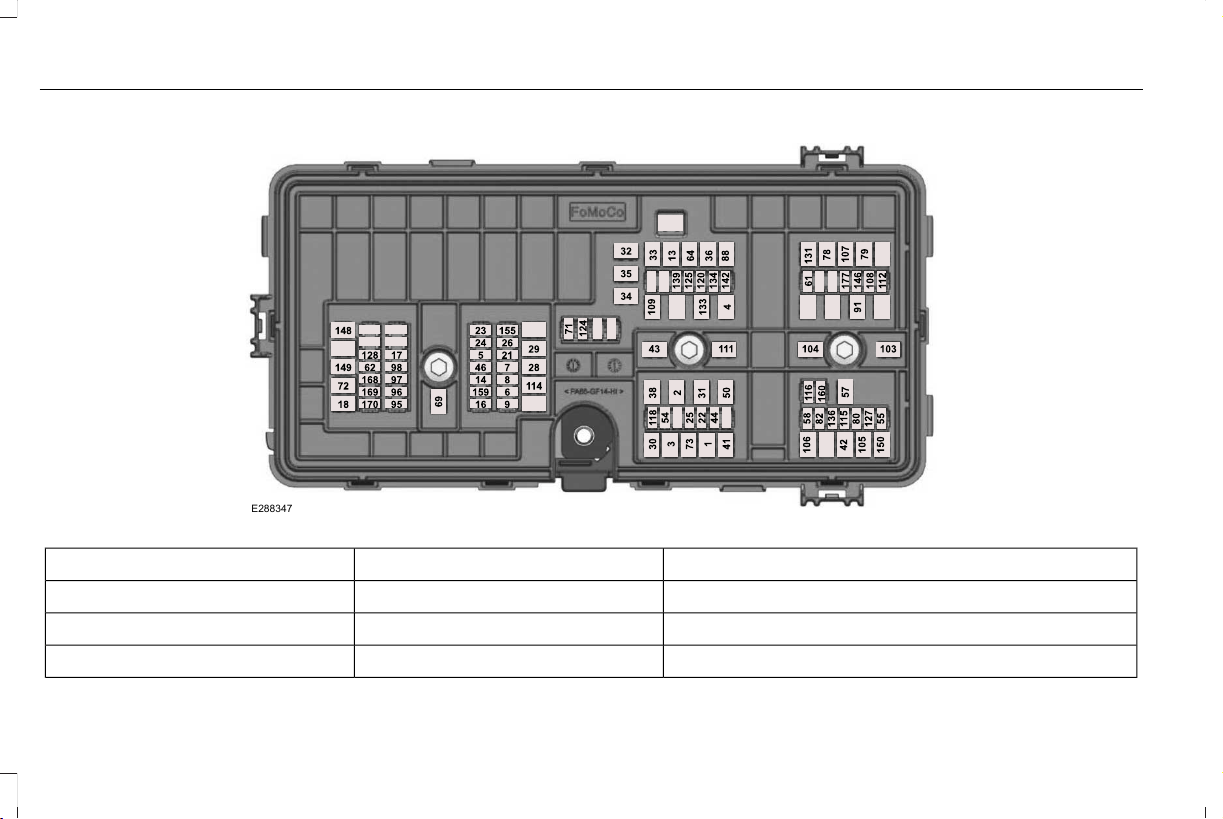
E288347
Protected ComponentFuse RatingFuse or Relay Number
Body control module - battery power in feed 1.40A1
Not used (spare).20A2
Body control module - battery power in feed 2.40A3
336
Aviator (CTV) Canada/United States of America, enUSA, Edition date: 201902, First-Printing
Fuses

Protected ComponentFuse RatingFuse or Relay Number
Fuel pump.30A4
Powertrain control module keep alive power.5A5
Powertrain control module power.20A6
Canister vent solenoid.20A7
Evaporative leak control module.
Vapor blocking valve.
Universal exhaust gas oxygen 11.
Universal exhaust gas oxygen 21.
Catalyst monitor sensor 12.
Catalyst monitor sensor 22.
Canister purge valve.
Cooling fan relay coil.20A8
Battery interrupt box.
Transmission oil pump.
Auxiliary coolant pump.
Engine coolant bypass valve.
Active grille shutters.
Ignition coils.20A9
Front blower motor relay.40A13
Transmission oil pump.15A14
A/C compressor variable clutch.
337
Aviator (CTV) Canada/United States of America, enUSA, Edition date: 201902, First-Printing
Fuses

Protected ComponentFuse RatingFuse or Relay Number
Engine mounts.
Windshield and rear window washer pump relay power.15A16
Not used (spare).5A17
Starter motor.30A18
Headlamp leveling motors.10A21
Adaptive headlamps.
Electric power assisted steering module.10A22
Anti-lock brake system module with integrated park brake.10A23
Powertrain control module.10A24
Air quality sensor.10A25
Particulate matter sensor.
360 camera with park aid.
Rear view camera.
Blind spot information system.
Adaptive cruise control module.
Transmission control module.15A26
Anti-lock brake system valves with integrated park brake.40A28
Anti-lock brake system pump with integrated park brake.60A29
338
Aviator (CTV) Canada/United States of America, enUSA, Edition date: 201902, First-Printing
Fuses

Protected ComponentFuse RatingFuse or Relay Number
Driver seat module.30A30
Passenger seat module.30A31
Not used (spare).20A32
Rear cargo area power point.20A33
Main console bin power point.20A34
Not used (spare).20A35
Power inverter.40A36
Climate controlled seat module.30A38
Power liftgate module.30A41
Trailer brake control module.30A42
Body control module.60A43
Brake on and off switch.10A44
Not used (spare).15A46
Heated backlite.40A50
Heated steering wheel.20A54
Trailer tow park lamps.20A55
339
Aviator (CTV) Canada/United States of America, enUSA, Edition date: 201902, First-Printing
Fuses

Protected ComponentFuse RatingFuse or Relay Number
Trailer tow battery charge.30A57
Trailer tow backup lamps.10A58
Multi-contour seat module.15A61
Headlamp washer pump.15A62
Four-wheel drive module.40A64
Front window wiper motor.30A69
Rear window wiper motor.15A71
Air suspension module.20A72
Driver door module.30A73
Not used.—78
Not used.—79
Left-hand front electronic door.20A80
Right-hand front electronic door.20A82
Rear blower motor.20A88
Trailer tow lighting module.20A91
Not used (spare).15A95
340
Aviator (CTV) Canada/United States of America, enUSA, Edition date: 201902, First-Printing
Fuses

Protected ComponentFuse RatingFuse or Relay Number
Not used (spare).15A96
Not used (spare).10A97
Not used (spare).10A98
Not used (spare).50A103
Not used (spare).50A104
Steering angle sensor module - adaptive front steering.40A105
Not used (spare).40A106
Not used (spare).40A107
Not used (spare).20A108
Passenger door module.30A109
Body control module voltage quality monitor feed.30A111
Left-hand rear electronic door.20A112
Air suspension compressor.50A114
Amplifier.20A115
Not used (spare).5A116
Second row heated seats.30A118
341
Aviator (CTV) Canada/United States of America, enUSA, Edition date: 201902, First-Printing
Fuses

Protected ComponentFuse RatingFuse or Relay Number
Port fuel injectors.15A120
Rain sensor.5A124
USB smart charger 1.5A125
Amplifier.20A127
Illuminated badge.15A128
Power folding seat module.40A131
Left-hand heated wiper blade.15A133
Right-hand heated wiper blade.
Family entertainment system.10A134
Right-hand rear electronic door.20A136
USB smart charger 2.5A139
Traffic cam.5A142
Not used (spare).15A146
Left-hand headlamp module.30A148
Right-hand headlamp module.30A149
Not used (spare).40A150
342
Aviator (CTV) Canada/United States of America, enUSA, Edition date: 201902, First-Printing
Fuses

Protected ComponentFuse RatingFuse or Relay Number
Not used (spare).25A155
Not used (spare).15A159
Not used (spare).10A160
Not used (spare).20A168
Not used (spare).10A169
Not used (spare).10A170
Center console blower.10A177
Note: Spare fuse amperage may vary.
Passenger Compartment Fuse Panel
The fuse panel is under the instrument panel
to the left of the steering column.
Note: It may be easier to access the fuse
panel if you remove the finish trim piece.
343
Aviator (CTV) Canada/United States of America, enUSA, Edition date: 201902, First-Printing
Fuses
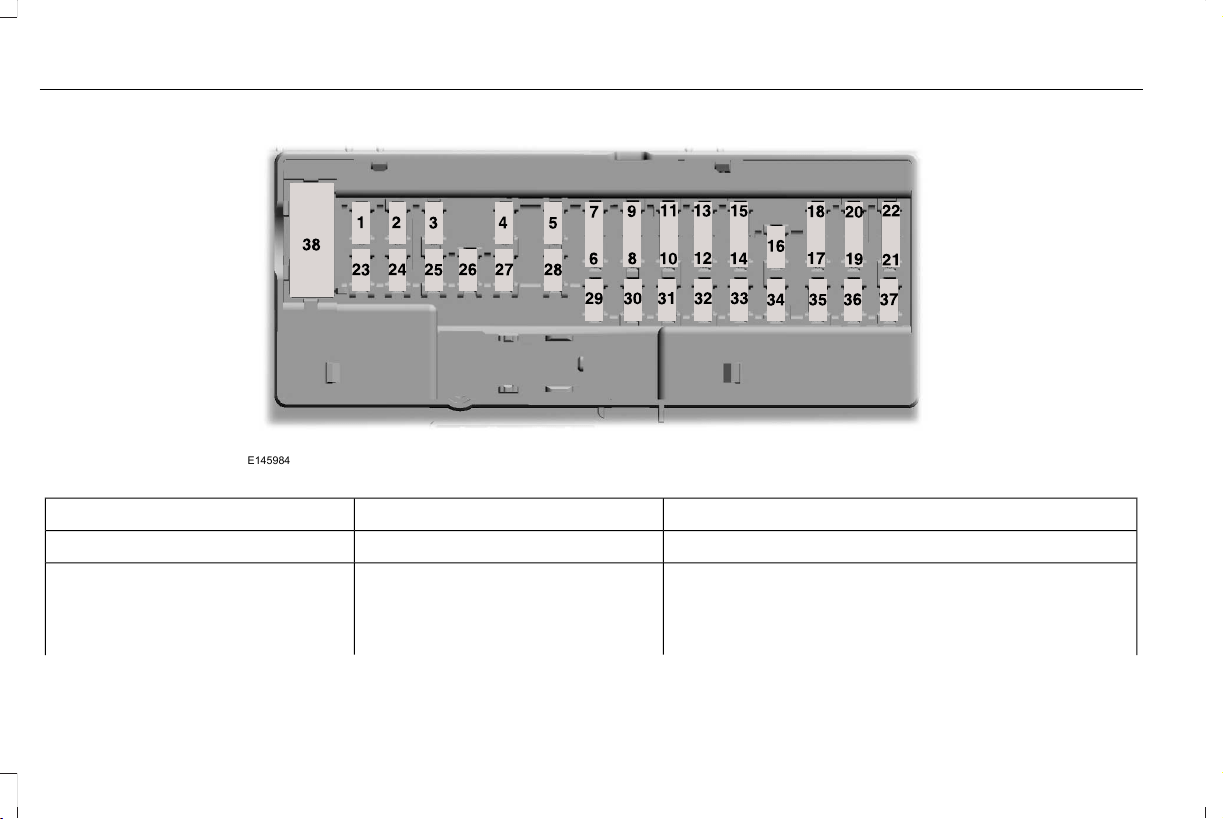
E145984
Protected ComponentFuse RatingFuse or Relay Number
Not used.—1
Moonroof.10A2
eCall.
Telematics control unit module.
Inverter.
344
Aviator (CTV) Canada/United States of America, enUSA, Edition date: 201902, First-Printing
Fuses

Protected ComponentFuse RatingFuse or Relay Number
Driver door switch pack.
Memory seat switch.7.5A3
Wireless accessory charger module.
Seat switches.
Not used (spare).20A4
Not used.—5
Not used.10A6
Smart data link connector power.10A7
Telematics control unit module.5A8
Hands-free liftgate actuation module.
Power liftgate module.
Combined sensor module.5A9
Keypad switch.
Rear climate control.
Not used.—10
Not used.—11
Remote climate control module.7.5A12
Gear shift module.
Steering column control module.7.5A13
345
Aviator (CTV) Canada/United States of America, enUSA, Edition date: 201902, First-Printing
Fuses

Protected ComponentFuse RatingFuse or Relay Number
Switch interface module A.
Smart datalink connector.
Instrument cluster.
Not used (spare).15A14
SYNC.15A15
Electronic finish panel.
Not used.—16
Headlamp control module.7.5A17
Not used (spare).7.5A18
Headlamp switch.5A19
Push button ignition switch.
Telematics control unit module.5A20
eCall.
Bluetooth low energy module.
Not used.5A21
Not used (spare).5A22
Not used (spare).30A23
Moonroof.30A24
346
Aviator (CTV) Canada/United States of America, enUSA, Edition date: 201902, First-Printing
Fuses

Protected ComponentFuse RatingFuse or Relay Number
Not used (spare).20A25
Not used (spare).30A26
Not used (spare).30A27
Not used (spare).30A28
Head up display.15A29
Trailer brake connector.5A30
Terrain management switch.10A31
Transceiver module.
Audio control module.20A32
Not used.—33
Run/start relay.30A34
Not used (spare).5A35
Park assist module.15A36
Electrochromic mirror.
Suspension module.
Image processing module A.
347
Aviator (CTV) Canada/United States of America, enUSA, Edition date: 201902, First-Printing
Fuses
Protected ComponentFuse RatingFuse or Relay Number
Not used (spare).20A37
Not used.—38
Note: Spare fuse amperage may vary.
CHANGING A FUSE
Fuses
WARNING: Always replace a fuse
with one that has the specified amperage
rating. Using a fuse with a higher
amperage rating can cause severe wire
damage and could start a fire.
E217331
If electrical components in the vehicle are
not working, a fuse may have blown. Blown
fuses are identified by a broken wire within
the fuse. Check the appropriate fuses before
replacing any electrical components.
348
Aviator (CTV) Canada/United States of America, enUSA, Edition date: 201902, First-Printing
Fuses
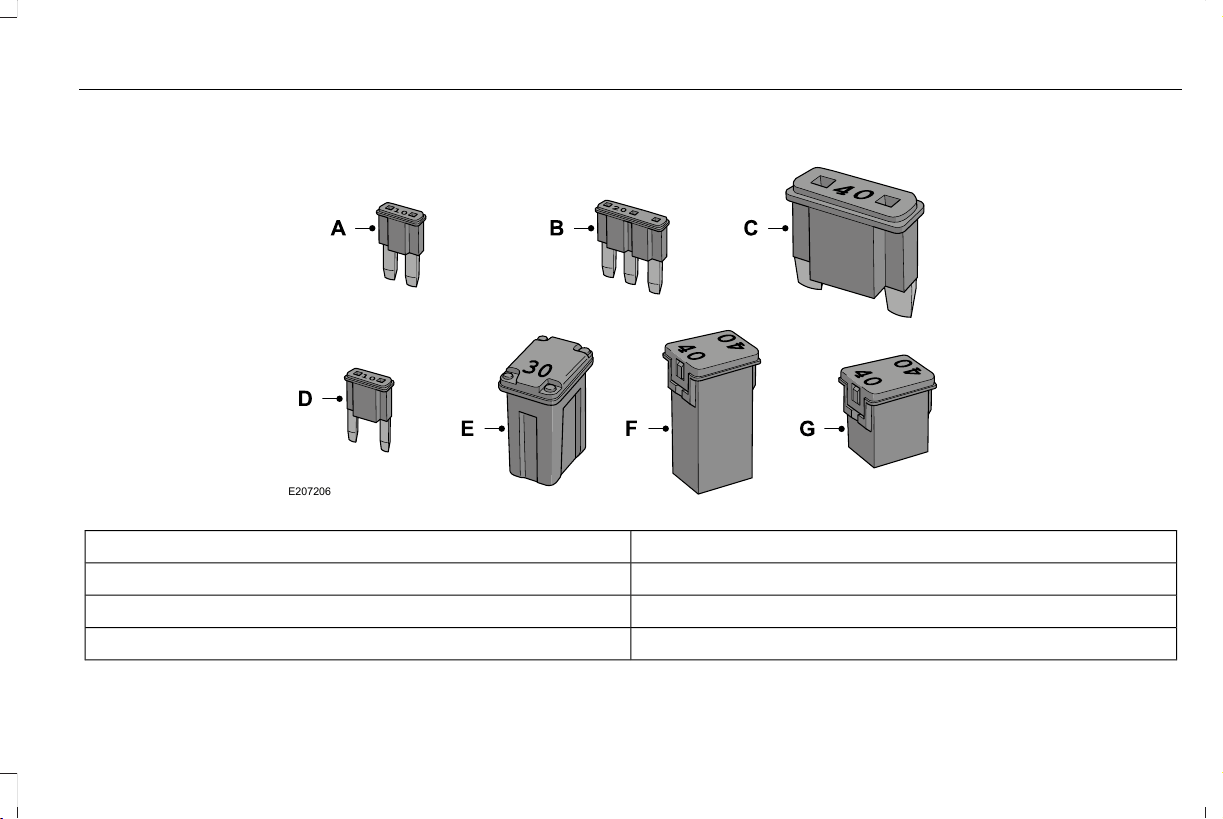
Fuse Types
E207206
Fuse TypeCallout
Micro 2A
Micro 3B
MaxiC
349
Aviator (CTV) Canada/United States of America, enUSA, Edition date: 201902, First-Printing
Fuses

Fuse TypeCallout
MiniD
M CaseE
J CaseF
J Case Low ProfileG
350
Aviator (CTV) Canada/United States of America, enUSA, Edition date: 201902, First-Printing
Fuses
GENERAL INFORMATION
Have your vehicle serviced regularly to help
maintain its roadworthiness and resale value.
There is a large network of authorized
dealers that are there to help you with their
professional servicing expertise. We believe
that their specially trained technicians are
best qualified to service your vehicle properly
and expertly. They are supported by a wide
range of highly specialized tools developed
specifically for servicing your vehicle.
If your vehicle requires professional service,
an authorized dealer can provide the
necessary parts and service. Check your
warranty information to find out which parts
and services are covered.
Use only recommended fuels, lubricants,
fluids and service parts conforming to
specifications. Motorcraft® parts are
designed and built to provide the best
performance in your vehicle.
Precautions
• Do not work on a hot engine.
• Make sure that nothing gets caught in
moving parts.
• Do not work on a vehicle with the engine
running in an enclosed space, unless you
are sure you have enough ventilation.
• Keep all open flames and other burning
material (such as cigarettes) away from
the battery and all fuel related parts.
Working with the Engine Off
1. Set the parking brake and shift the
transmission to park (P).
2. Switch off the engine.
3. Block the wheels.
Working with the Engine On
WARNING: To reduce the risk of
vehicle damage and personal burn injuries,
do not start your engine with the air
cleaner removed and do not remove it
while the engine is running.
1. Set the parking brake and shift the
transmission to park (P).
2. Block the wheels.
OPENING AND CLOSING THE
HOOD
Opening the Hood
E263274
1. Open the left-hand front door.
2. Fully pull the hood release lever and let
it completely retract.
351
Aviator (CTV) Canada/United States of America, enUSA, Edition date: 201902, First-Printing
Maintenance

Note: This action releases the hood latch.
3. Fully pull the hood release lever for a
second time.
Note: This action fully releases the hood.
4. Open the hood.
Note: There is no secondary latch under the
hood.
Closing the Hood
1. Lower the hood and allow it to drop
under its own weight for the last 10–14 in
(25–35 cm).
Note: Make sure that the hood is correctly
closed.
352
Aviator (CTV) Canada/United States of America, enUSA, Edition date: 201902, First-Printing
Maintenance
Brake fluid reservoir. See Brake Fluid Check (page 361).D
Engine compartment fuse box. See Fuses (page 335).E
Engine coolant reservoir. See Engine Coolant Check (page 356).F
Air filter assembly. See Changing the Engine Air Filter (page 369).G
Washer fluid reservoir. See Washer Fluid Check (page 362).H
ENGINE OIL DIPSTICK
E169062
MINA
MAXB
ENGINE OIL CHECK
To check the engine oil level consistently
and accurately, do the following:
1. Make sure the parking brake is on. Make
sure the transmission is in park (P) or
neutral (N).
2. Run the engine until it reaches normal
operating temperature.
3. Make sure that your vehicle is on level
ground.
4. Switch the engine off and wait 15 minutes
for the oil to drain into the oil pan.
Checking the engine oil level too soon
after you switch the engine off may result
in an inaccurate reading.
5. Open the hood. See Opening and
Closing the Hood (page 351).
6. Remove the dipstick and wipe it with a
clean, lint-free cloth. See Under Hood
Overview (page 353).
7. Reinstall the dipstick and remove it again
to check the oil level. See Under Hood
Overview (page 353).
8. Make sure that the oil level is between
the maximum and minimum marks. If the
oil level is at the minimum mark, add oil
immediately. See Capacities and
Specifications (page 418).
9. If the oil level is correct, replace the
dipstick and make sure it is fully seated.
Note: Do not remove the dipstick when the
engine is running.
354
Aviator (CTV) Canada/United States of America, enUSA, Edition date: 201902, First-Printing
Maintenance
Note: If the oil level is between the
maximum and minimum marks, the oil level
is acceptable. Do not add oil.
Note: The oil consumption of new engines
reaches its normal level after approximately
3,000 mi (5,000 km).
Adding Engine Oil
WARNING: Do not remove the filler
cap when the engine is running.
Do not use supplemental engine oil additives
because they are unnecessary and could
lead to engine damage that may not be
covered by the vehicle Warranty.
E142732
Only use oils certified for gasoline engines
by the American Petroleum Institute (API).
An oil with this trademark symbol conforms
to the current engine and emission system
protection standards and fuel economy
requirements of the International Lubricants
Specification Advisory Committee (ILSAC).
To top up the engine oil level do the
following:
1. Clean the area surrounding the engine
oil filler cap before you remove it.
2. Remove the engine oil filler cap. See
Under Hood Overview (page 353). Turn
it counterclockwise and remove it.
3. Add engine oil that meets our
specifications. See Capacities and
Specifications (page 418). You may have
to use a funnel to pour the engine oil into
the opening.
4. Recheck the oil level.
5. If the oil level is correct, replace the
dipstick and make sure it is fully seated.
6. Replace the engine oil filler cap. Turn it
clockwise until you feel a strong
resistance.
Note: Do not add oil further than the
maximum mark. Oil levels above the
maximum mark may cause engine damage.
Note: Make sure you install the oil filler cap
correctly.
Note: Soak up any spillage with an
absorbent cloth immediately.
OIL CHANGE INDICATOR RESET
Use the information display controls on the
steering wheel to reset the oil change
indicator.
355
Aviator (CTV) Canada/United States of America, enUSA, Edition date: 201902, First-Printing
Maintenance

From the main menu scroll to:
Action and descriptionMessage
Press the right arrow button,
then from this menu scroll to
the following message.
Settings
Press the right arrow button,
then from this menu scroll to
the following message.
Vehicle
Press the right arrow button,
then from this menu scroll to
the following message.
Oil Life
Press and hold the OK button
until the instrument cluster
displays the following
message.
Hold OK to
Reset
Reset Successful
When the oil change indicator
resets the instrument cluster
displays 100%.
Remaining Life
{00}%
Action and descriptionMessage
If the instrument cluster
displays one of the following
messages, repeat the
process.
Not Reset
Reset Cancelled
ENGINE COOLANT CHECK
WARNING: Do not remove the
coolant reservoir cap when the engine is
on or the cooling system is hot. Wait 10
minutes for the cooling system to cool
down. Cover the coolant reservoir cap with
a thick cloth to prevent the possibility of
scalding and slowly remove the cap.
Failure to follow this instruction could result
in personal injury.
WARNING: Do not put coolant in the
windshield washer reservoir. If sprayed on
the windshield, coolant could make it
difficult to see through the windshield.
WARNING: To reduce the risk of
personal injury, make sure the engine is
cool before unscrewing the coolant
pressure relief cap. The cooling system is
under pressure. Steam and hot liquid can
come out forcefully when you loosen the
cap slightly.
WARNING: Do not add coolant
further than the MAX mark.
When the engine is cold, check the
concentration and level of the coolant at the
intervals listed in the scheduled maintenance
information. See Scheduled Maintenance
(page 513).
Note: Make sure that the coolant level is
between the MIN and MAX marks on the
coolant reservoir.
Note: Coolant expands when it is hot. The
level may extend beyond the MAX mark.
356
Aviator (CTV) Canada/United States of America, enUSA, Edition date: 201902, First-Printing
Maintenance

Maintain coolant concentration within 48%
to 50%, which equates to a freeze point
between -29°F (-34°C) and -35°F (-37°C).
Coolant concentration should be checked
using a refractometer. We do not recommend
the use of hydrometers or coolant test strips
for measuring coolant concentration.
Adding Coolant
WARNING: Do not add engine
coolant when the engine is hot. Failure to
follow this instruction could result in
personal injury.
WARNING: Do not remove the
coolant reservoir cap when the engine is
on or the cooling system is hot. Wait 10
minutes for the cooling system to cool
down. Cover the coolant reservoir cap with
a thick cloth to prevent the possibility of
scalding and slowly remove the cap.
Failure to follow this instruction could result
in personal injury.
WARNING: Do not put coolant in the
windshield washer reservoir. If sprayed on
the windshield, coolant could make it
difficult to see through the windshield.
Note: Do not use stop leak pellets, cooling
system sealants, or non-specified additives
as they can cause damage to the engine
cooling or heating systems. Resulting
component damage may not be covered by
the vehicle Warranty.
Note: Automotive fluids are not
interchangeable.
It is very important to use prediluted coolant
approved to the correct specification in order
to avoid plugging the small passageways in
the engine cooling system. See Capacities
and Specifications (page 413). Do not mix
different colors or types of coolant in your
vehicle. Mixing of engine coolants or using
an incorrect coolant may harm the engine or
cooling system components and may not be
covered by the vehicle Warranty.
Note: If prediluted coolant is not available,
use the approved concentrated coolant
diluting it to 50/50 with distilled water. See
Capacities and Specifications (page 413).
Using water that has not been deionised
may contribute to deposit formation,
corrosion and plugging of the small cooling
system passageways.
Note: Coolants marketed for all makes and
models may not be approved to our
specifications and may cause damage to
the cooling system. Resulting component
damage may not be covered by the vehicle
Warranty.
If the coolant level is at or below the
minimum mark, add prediluted coolant
immediately.
To top up the coolant level do the following:
1. Unscrew the cap slowly. Any pressure
escapes as you unscrew the cap.
2. Add prediluted coolant approved to the
correct specification. See Capacities and
Specifications (page 413).
3. Add enough prediluted coolant to reach
the correct level.
357
Aviator (CTV) Canada/United States of America, enUSA, Edition date: 201902, First-Printing
Maintenance

4. Replace the coolant reservoir cap, turn
it clockwise until you feel a strong
resistance.
5. Check the coolant level in the coolant
reservoir the next few times you drive
your vehicle. If necessary, add enough
prediluted engine coolant to bring the
coolant level to the correct level.
If you have to add more than 1.1 qt (1 L) of
engine coolant per month, have your vehicle
checked as soon as possible. Operating an
engine with a low level of coolant can result
in engine overheating and possible engine
damage.
In case of emergency, you can add a large
amount of water without engine coolant in
order to reach a vehicle service location. In
this instance, qualified personnel:
1. Must drain the cooling system.
2. Chemically clean the coolant system.
3. Refill with engine coolant as soon as
possible.
Water alone, without engine coolant, can
cause engine damage from corrosion,
overheating or freezing.
Do not use the following as a coolant
substitute:
• Alcohol.
• Methanol.
• Brine.
• Any coolant mixed with alcohol or
methanol antifreeze.
Alcohol and other liquids can cause engine
damage from overheating or freezing.
Do not add extra inhibitors or additives to
the coolant. These can be harmful and
compromise the corrosion protection of the
coolant.
Recycled Coolant
We do not recommend the use of recycled
coolant as an approved recycling process is
not yet available.
Note: Dispose of used coolant in the
appropriate manner.
Follow your community's regulations and
standards for recycling and disposing of
automotive fluids.
Severe Climates
If you drive in extremely cold climates:
• It may be necessary to increase the
coolant concentration above 50%.
• A coolant concentration of 60% provides
improved freeze point protection.
Coolant concentrations above 60%
decrease the overheat protection
characteristics of the coolant and may
cause engine damage.
If you drive in extremely hot climates:
• You can decrease the coolant
concentration to 40%.
• Coolant concentrations below 40%
decrease the freeze and corrosion
protection characteristics of the coolant
and may cause engine damage.
Vehicles driven year-round in non-extreme
climates should use prediluted coolant for
optimum cooling system and engine
protection.
358
Aviator (CTV) Canada/United States of America, enUSA, Edition date: 201902, First-Printing
Maintenance

Coolant Change
At specific mileage intervals, as listed in the
scheduled maintenance information, the
coolant should be changed. Add prediluted
coolant approved to the correct specification.
See Capacities and Specifications (page
413).
Fail-Safe Cooling
Fail-safe cooling allows you to temporarily
drive your vehicle before any incremental
component damage occurs. The fail-safe
distance depends on ambient temperature,
vehicle load and terrain.
How Fail-Safe Cooling Works
If the engine begins to overheat,
the coolant temperature gauge
moves toward the red zone:
A warning lamp illuminates and a
message may appear in the
information display.
If the engine reaches a preset
over-temperature condition, the engine
automatically switches to alternating cylinder
operation. Each disabled cylinder acts as an
air pump and cools the engine.
When this occurs, your vehicle still operates,
however:
• Engine power is limited.
• The air conditioning system turns off.
Continued operation increases the engine
temperature, causing the engine to
completely shut down. Your steering and
braking effort increases in this situation.
When the engine temperature cools, you can
re-start the engine. Have your vehicle
checked as soon as possible to minimize
engine damage.
When Fail-Safe Mode Is Activated
WARNING: Fail-safe mode is for use
during emergencies only. Operate your
vehicle in fail-safe mode only as long as
necessary to bring your vehicle to rest in
a safe location and seek immediate repairs.
When in fail-safe mode, your vehicle will
have limited power, will not be able to
maintain high-speed operation, and may
completely shut down without warning,
potentially losing engine power, power
steering assist, and power brake assist,
which may increase the possibility of a
crash resulting in serious injury.
WARNING: Do not remove the
coolant reservoir cap when the engine is
on or the cooling system is hot. Wait 10
minutes for the cooling system to cool
down. Cover the coolant reservoir cap with
a thick cloth to prevent the possibility of
scalding and slowly remove the cap.
Failure to follow this instruction could result
in personal injury.
359
Aviator (CTV) Canada/United States of America, enUSA, Edition date: 201902, First-Printing
Maintenance

Your vehicle has limited engine power when
in the fail-safe mode, drive your vehicle with
caution. Your vehicle does not maintain
high-speed operation and the engine may
operate poorly.
Remember that the engine is capable of
automatically shutting down to prevent
engine damage. In this situation:
1. Pull off the road as soon as safely
possible and switch the engine off.
2. If you are a member of a roadside
assistance program, we recommend that
you contact your roadside assistance
service provider.
3. If this is not possible, wait for a short
period of time for the engine to cool.
4. Check the coolant level. If the coolant
level is at or below the minimum mark,
add prediluted coolant immediately.
5. When the engine temperature cools, you
can re-start the engine. Have your vehicle
checked as soon as possible to minimize
engine damage.
Note: Driving your vehicle without repair
increases the chance of engine damage.
Engine Coolant Temperature
Management (If Equipped)
WARNING: To reduce the risk of
crash and injury, be prepared that the
vehicle speed may reduce and the vehicle
may not be able to accelerate with full
power until the coolant temperature
reduces.
If you tow a trailer with your vehicle, the
engine may temporarily reach a higher
temperature during severe operating
conditions, for example ascending a long or
steep grade in high ambient temperatures.
At this time, you may notice the coolant
temperature gauge moves toward the red
zone and a message may appear in the
information display.
You may notice a reduction in vehicle speed
caused by reduced engine power in order
to manage the engine coolant temperature.
Your vehicle may enter this mode if certain
high-temperature and high-load conditions
take place. The amount of speed reduction
depends on vehicle loading, grade and
ambient temperature. If this occurs, there is
no need to stop your vehicle. You can
continue to drive.
The air conditioning may automatically turn
on and off during severe operating
conditions to protect the engine from
overheating. When the coolant temperature
decreases to the normal operating
temperature, the air conditioning turns on.
If the coolant temperature gauge moves fully
into the red zone, or if the coolant
temperature warning or service engine soon
messages appear in your information display,
do the following:
1. Stop your vehicle as soon as it is safe to
do so. Fully apply the parking brake, shift
into park (P) or neutral (N).
360
Aviator (CTV) Canada/United States of America, enUSA, Edition date: 201902, First-Printing
Maintenance

2. Leave the engine running until the
coolant temperature gauge needle
returns to the normal position. If the
temperature does not drop after several
minutes, follow the remaining steps.
3. Switch the engine off and wait for it to
cool. Check the coolant level.
4. If the coolant level is at or below the
minimum mark, add prediluted coolant
immediately.
5. If the coolant level is normal, restart the
engine and continue.
AUTOMATIC TRANSMISSION
FLUID CHECK
If required, have an authorized dealer check
and change the transmission fluid at the
correct service interval. See Scheduled
Maintenance (page 513).
The automatic transmission does not have
a transmission fluid dipstick.
Refer to your scheduled maintenance
information for scheduled intervals for fluid
checks and changes. Your transmission does
not consume fluid. However, if the
transmission slips, shifts slowly or if you
notice a sign of leaking fluid, contact an
authorized dealer.
Do not use supplemental transmission fluid
additives, treatments or cleaning agents. The
use of these materials may affect
transmission operation and result in damage
to internal transmission components.
BRAKE FLUID CHECK
WARNING: Do not use any fluid other
than the recommended brake fluid as this
will reduce brake efficiency. Use of
incorrect fluid could result in the loss of
vehicle control, serious personal injury or
death.
WARNING: Only use brake fluid from
a sealed container. Contamination with dirt,
water, petroleum products or other
materials may result in brake system
damage or failure. Failure to adhere to this
warning could result in the loss of vehicle
control, serious personal injury or death.
WARNING: Do not allow the fluid to
touch your skin or eyes. If this happens,
rinse the affected areas immediately with
plenty of water and contact your physician.
WARNING: The brake system could
be affected if the brake fluid level is below
the MIN mark or above the MAX mark on
the brake fluid reservoir.
361
Aviator (CTV) Canada/United States of America, enUSA, Edition date: 201902, First-Printing
Maintenance

E170684
1. Park your vehicle on a level surface.
2. Look at the brake fluid reservoir to see
where the brake fluid level is relative to
the MIN and the MAX marks on the
reservoir.
Note: If the brake fluid level is between the
MIN and the MAX marks on the reservoir, it
is acceptable.
Note: If the brake fluid level is below the MIN
mark or above the MAX mark, have your
vehicle checked as soon as possible.
Note: To avoid fluid contamination, the
reservoir cap must remain in place and fully
tight, unless you are adding fluid.
Only use fluid that meets our specifications.
See Capacities and Specifications (page
413).
Brake Fluid Service Interval
Brake fluid absorbs water over time which
degrades the effectiveness of the brake fluid.
Change the brake fluid at the specified
intervals to prevent degraded braking
performance.
For detailed interval information, see
Scheduled Maintenance in your Owner's
Manual or your local maintenance guide.
POWER STEERING FLUID CHECK
Your vehicle is equipped with an electric
power steering (EPS) system. There is no
fluid reservoir to check or fill.
WASHER FLUID CHECK
WARNING: If you operate your
vehicle in temperatures below 41.0°F (5°C),
use washer fluid with antifreeze protection.
Failure to use washer fluid with antifreeze
protection in cold weather could result in
impaired windshield vision and increase
the risk of injury or accident.
Note: The front and rear washer systems
are supplied from the same reservoir.
Add fluid to fill the reservoir if the level is low.
Only use a washer fluid that meets our
specifications. See Capacities and
Specifications (page 413).
State or local regulations on volatile organic
compounds may restrict the use of methanol,
a common windshield washer antifreeze
additive. Washer fluids containing
non-methanol antifreeze agents should be
used only if they provide cold weather
protection without damaging the vehicle’s
paint finish, wiper blades or washer system.
362
Aviator (CTV) Canada/United States of America, enUSA, Edition date: 201902, First-Printing
Maintenance

FUEL FILTER
Your vehicle is equipped with a lifetime fuel
filter that is integrated with the fuel tank.
Regular maintenance or replacement is not
needed.
CHANGING THE 12V BATTERY
WARNING: Batteries normally
produce explosive gases which can cause
personal injury. Therefore, do not allow
flames, sparks or lighted substances to
come near the battery. When working near
the battery, always shield your face and
protect your eyes. Always provide correct
ventilation.
WARNING: When lifting a
plastic-cased battery, excessive pressure
on the end walls could cause acid to flow
through the vent caps, resulting in personal
injury and damage to the vehicle or battery.
Lift the battery with a battery carrier or with
your hands on opposite corners.
WARNING: Keep batteries out of
reach of children. Batteries contain sulfuric
acid. Avoid contact with skin, eyes or
clothing. Shield your eyes when working
near the battery to protect against possible
splashing of acid solution. In case of acid
contact with skin or eyes, flush immediately
with water for a minimum of 15 minutes and
get prompt medical attention. If acid is
swallowed, call a physician immediately.
WARNING: Battery posts, terminals
and related accessories contain lead and
lead compounds, chemicals known to the
State of California to cause cancer and
reproductive harm. Wash your hands after
handling.
WARNING: This vehicle may have
more than one battery. Removing the
battery cables from only one battery does
not disconnect your vehicle electrical
system. Make sure you disconnect the
battery cables from all batteries when
disconnecting power. Failure to do so may
cause serious personal injury or property
damage.
WARNING: For vehicles with
Auto-Start-Stop the battery requirement is
different. You must replace the battery with
one of exactly the same specification.
The battery is in the engine compartment.
See Under Hood Overview (page 353).
Your vehicle has a maintenance-free battery.
It does not require additional water during
service.
If the vehicle battery has a cover and vent
hose, make sure you correctly install it after
cleaning or replacing the battery.
363
Aviator (CTV) Canada/United States of America, enUSA, Edition date: 201902, First-Printing
Maintenance

For longer, trouble-free operation, keep the
top of the battery clean and dry and the
battery cables tightly fastened to the battery
terminals. If any corrosion is present on the
battery or terminals, remove the cables from
the terminals and clean with a wire brush.
You can neutralize the acid with a solution
of baking soda and water.
We recommend that you disconnect the
negative battery cable terminal from the
battery if you plan to store your vehicle for
an extended period.
Note: If you only disconnect the negative
battery cable terminal, make sure it is
isolated or placed away from the battery
terminal to avoid unintended connection or
arcing.
If you replace the battery make sure it
matches the electrical requirements of your
vehicle.
If you disconnect or replace the battery and
your vehicle has an automatic transmission,
it must relearn its adaptive strategy. Because
of this, the transmission may shift firmly when
first driven. This is normal operation while
the transmission fully updates its operation
to optimum shift feel.
Battery Management System (If Equipped)
The battery management system monitors
battery conditions and takes actions to
extend battery life. If excessive battery drain
is detected, the system temporarily disables
some electrical systems to protect the
battery.
Systems included are:
• Heated rear window.
• Heated seats.
• Climate control.
• Heated steering wheel.
• Audio unit.
• Navigation system.
A message may appear in the information
displays to alert you that battery protection
actions are active. These messages are only
for notification that an action is taking place,
and not intended to indicate an electrical
problem or that the battery requires
replacement.
After battery replacement, or in some cases
after charging the battery with an external
charger, the battery management system
requires eight hours of vehicle sleep time to
relearn the battery state of charge. During
this time your vehicle must remain fully
locked with the ignition switched off.
Note: Prior to relearning the battery state of
charge, the battery management system
may temporarily disable some electrical
systems.
364
Aviator (CTV) Canada/United States of America, enUSA, Edition date: 201902, First-Printing
Maintenance

Electrical Accessory Installation
To make sure the battery management
system works correctly, do not connect an
electrical device ground connection directly
to the battery negative post. This can cause
inaccurate measurements of the battery
condition and potential incorrect system
operation.
Note: If you add electrical accessories or
components to the vehicle, it may adversely
affect battery performance and durability.
This may also affect the performance of
other electrical systems in the vehicle.
Remove and Reinstall the Battery
To disconnect or remove the battery, do the
following:
1. Apply the parking brake and switch the
ignition off.
2. Switch all electrical equipment off, for
example lights and radio.
3. Wait a minimum of two minutes before
disconnecting the battery.
Note: The engine management system has
a power hold function and remains powered
for a period of time after you switch the
ignition off. This is to allow diagnostic and
adaptive tables to be stored. Disconnecting
the battery without waiting can cause
damage not covered by the vehicle
Warranty.
4. Disconnect the negative battery cable
terminal.
5. Disconnect the positive battery cable
terminal.
6. Remove the battery securing clamp.
7. Remove the battery.
8. To install, reverse the removal procedure.
Note: Before reconnecting the battery, make
sure the ignition remains switched off.
Note: Make sure the battery cable terminals
are fully tightened.
If you disconnect or replace the vehicle
battery, you must reset the following
features:
• Window bounce-back. See Power
Windows (page 113).
• Clock Settings.
• Pre-set radio stations.
Battery Disposal
E107998
Make sure that you dispose of old
batteries in an environmentally
friendly way. Seek advice from
your local authority about recycling old
batteries.
CHECKING THE WIPER BLADES
E142463
365
Aviator (CTV) Canada/United States of America, enUSA, Edition date: 201902, First-Printing
Maintenance
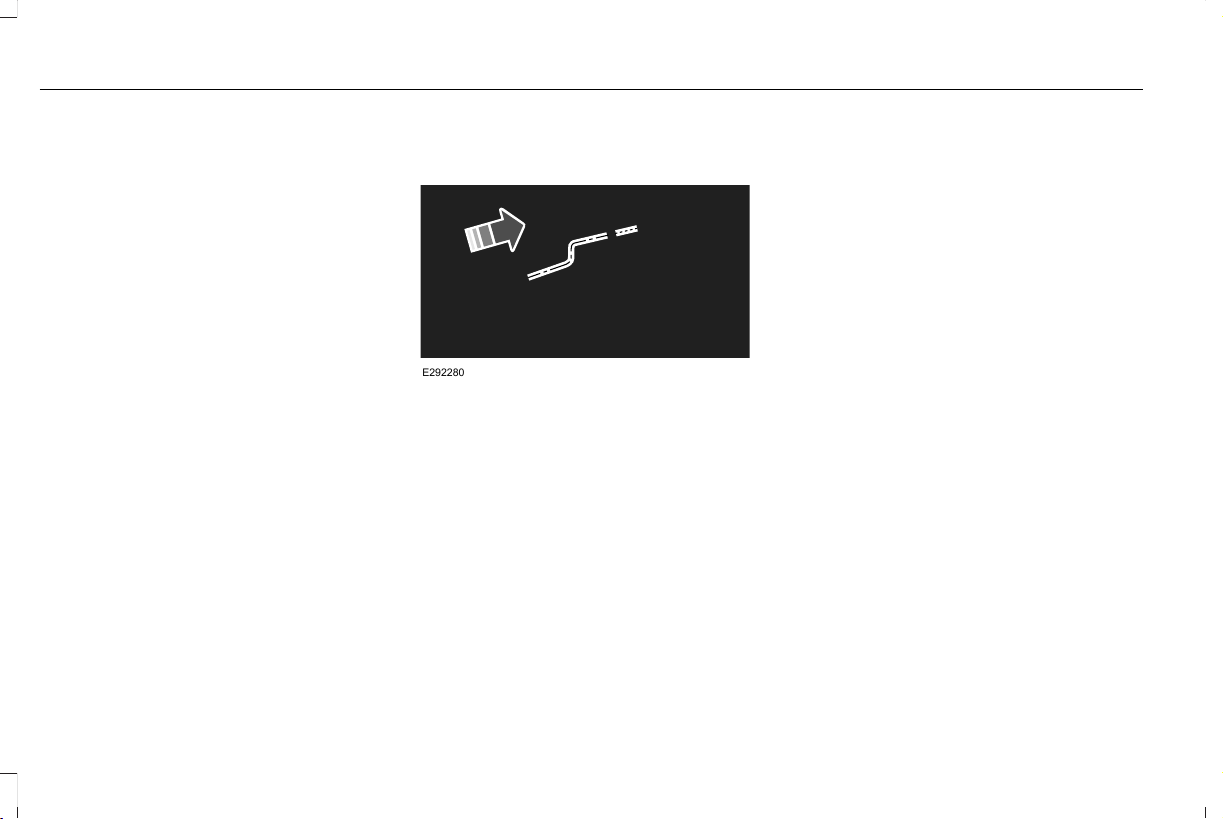
Run the tip of your fingers over the edge of
the blade to check for roughness.
Clean the wiper blades with washer fluid or
water applied with a soft sponge or cloth.
CHANGING THE FRONT WIPER
BLADES - VEHICLES WITHOUT:
HEATED WIPER BLADES
You can improve poor wiper quality by
cleaning the wiper blades and the
windshield.
Replace the wiper blades at least annually
for optimum performance.
Removing the Front Wiper Blades
E292280
1. Lift the wiper arm and then press the
blade release button.
Note: Do not hold the wiper blade to lift the
wiper arm.
2. Pull the wiper blade from the wiper arm.
Note: Make sure that the wiper arm does
not spring back against the glass when the
wiper blade is not attached.
Installing the Front Wiper Blades
1. Lift the wiper arm.
2. Line up the wiper blade, water and
electrical connectors with the receptors
on the wiper arm and slide in until the
blade release button locks into place.
Note: Make sure that the wiper blade locks
into place.
366
Aviator (CTV) Canada/United States of America, enUSA, Edition date: 201902, First-Printing
Maintenance
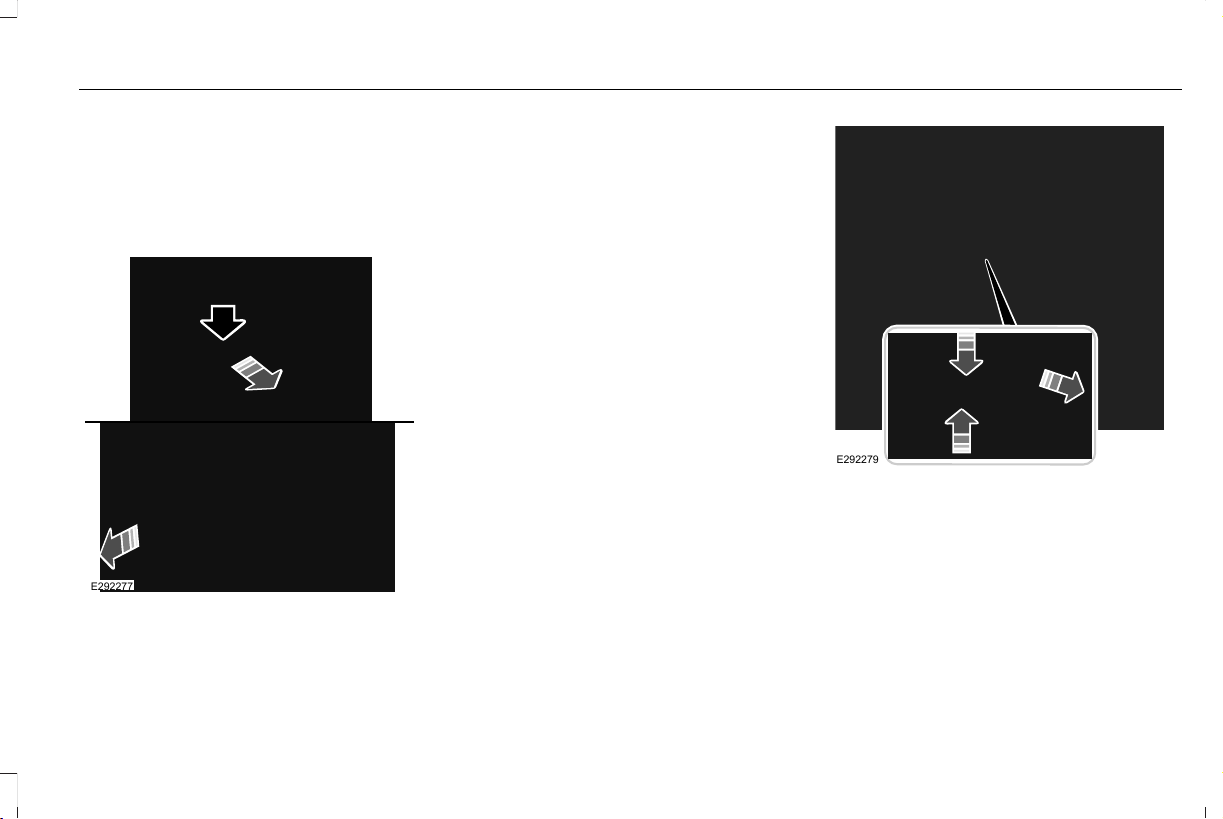
CHANGING THE FRONT WIPER
BLADES - VEHICLES WITH:
HEATED WIPER BLADES
Replacing the Rubber Insert
E292277
1. Remove the wiper blade.
2. Use a suitable tool, for example a
screwdriver, to carefully move the tab on
the end cap.
3. Pull the end cap to release the rubber
insert
4. To install, reverse the removal procedure.
CHANGING THE REAR WIPER
BLADES
You can improve poor wiper quality by
cleaning the wiper blades and the
windshield.
Replace the wiper blades at least annually
for optimum performance.
E292279
1. Switch your vehicle ignition on and off to
move the wiper arm to the service
position.
2. Lift the wiper arm and then press the
wiper blade locking buttons together.
Note: Do not hold the wiper blade to lift the
wiper arm.
3. Slightly rotate the wiper blade.
367
Aviator (CTV) Canada/United States of America, enUSA, Edition date: 201902, First-Printing
Maintenance
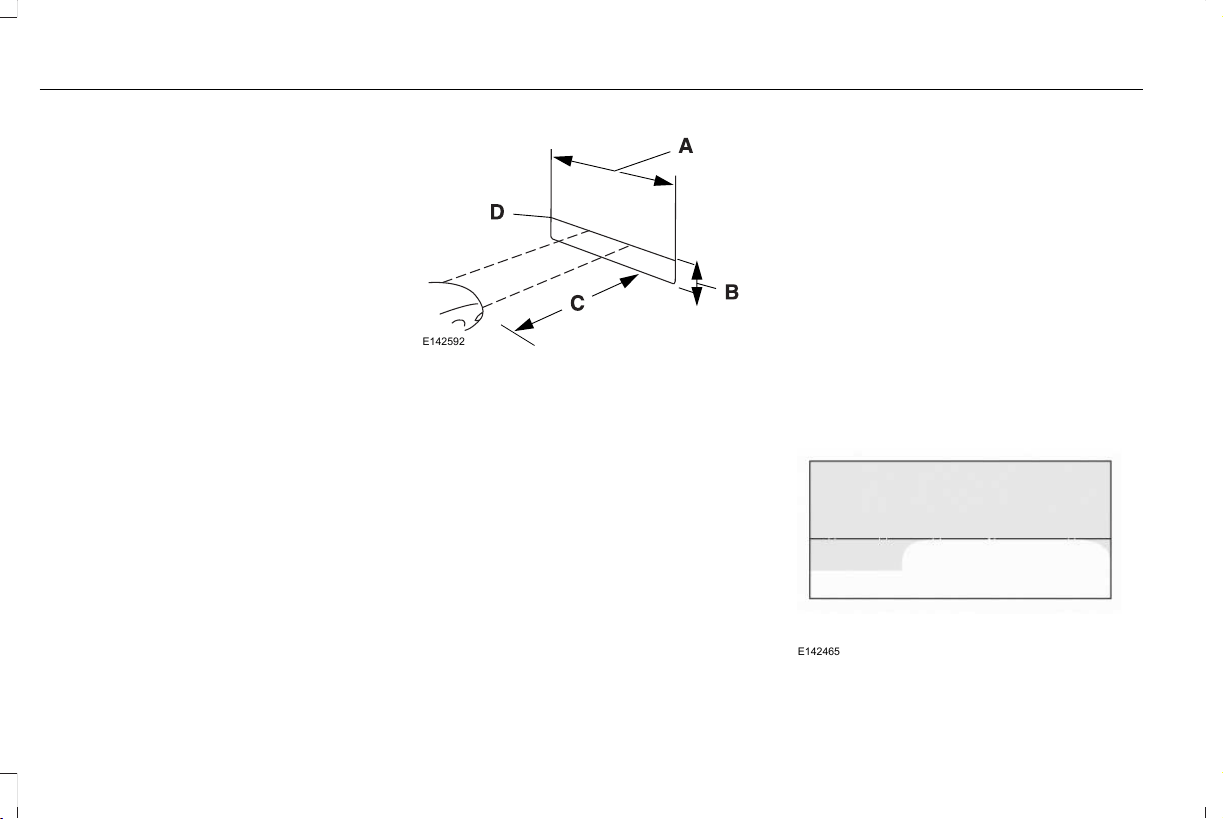
4. Remove the wiper blade.
Note: Make sure that the wiper arm does
not spring back against the glass when the
wiper blade is not attached.
5. To install, reverse the removal procedure.
Note: Make sure that the wiper blade locks
into place.
ADJUSTING THE HEADLAMPS
Vertical Aim Adjustment
If your vehicle has been involved in a crash,
have the aim of the headlamp beam checked
by an authorized dealer.
E142592
8 ft (2.4 m).A
Ground to the center of the
headlamp high beam bulb.
B
25 ft (7.6 m).C
Horizontal reference line.D
Vertical Aim Adjustment Procedure
1. Park your vehicle on level ground
approximately 25 ft (7.6 m) from a wall or
screen.
2. Measure the distance from the ground
to the center of the headlamp high beam
bulb and mark an 8 ft (2.4 m) long
horizontal reference line on the wall or
screen at this height.
Note: There may be an identifying mark on
the lens to help you locate the center line of
the headlamp high beam bulb.
Note: To see a clearer light pattern for
adjusting, you may want to block the light
from one headlamp while adjusting the
other.
3. Switch on the low beam headlamps and
open the hood.
E142465
368
Aviator (CTV) Canada/United States of America, enUSA, Edition date: 201902, First-Printing
Maintenance
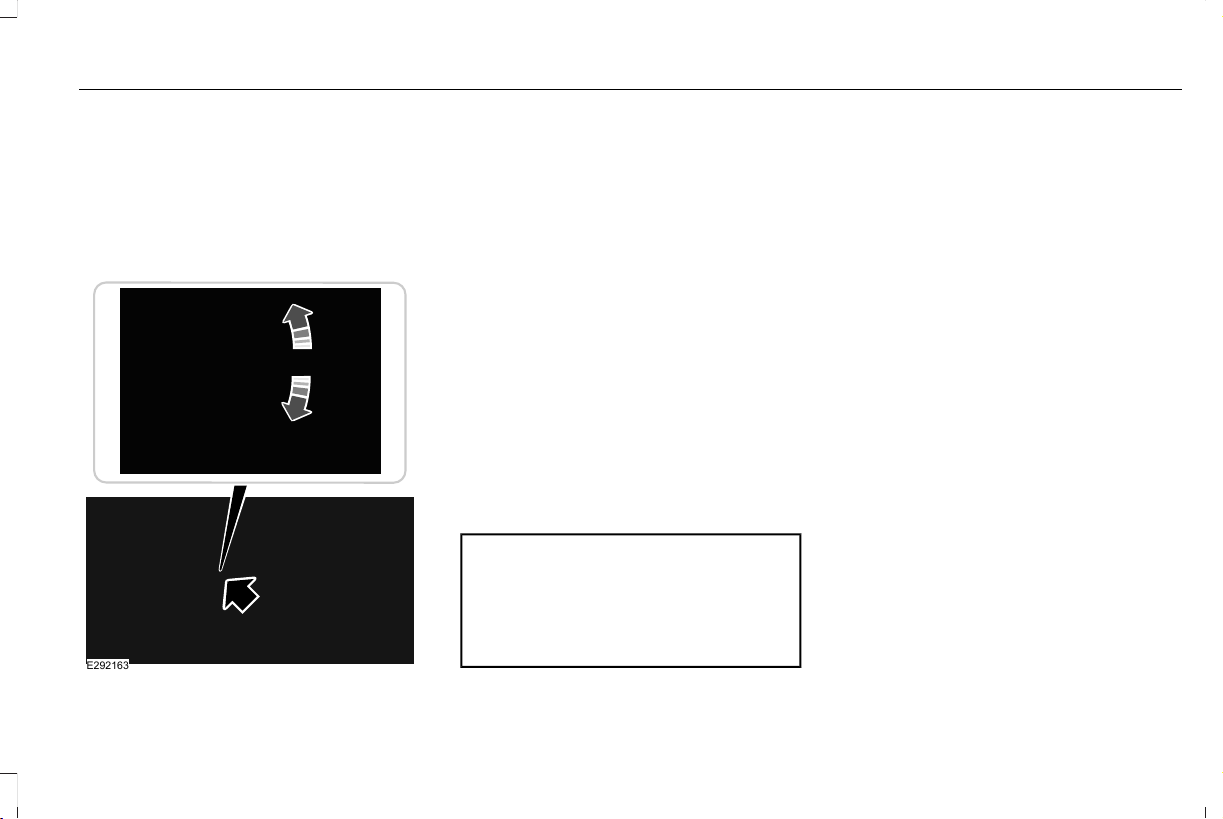
4. On the wall or screen you will observe a
flat zone of high intensity light located at
the top of the beam pattern. If the top
edge of the flat zone of high intensity
light is not on the horizontal reference
line, adjust the aim of the headlamp
beam.
E292163
5. Use a suitable tool, for example a
screwdriver or socket wrench, to turn the
adjuster clockwise or counterclockwise
to adjust the vertical aim of the
headlamp. The horizontal edge of the
brighter light should touch the horizontal
reference line.
6. Close the hood and switch off the lamps.
CHANGING A BULB
LED Lamps
LED lamps are not serviceable. See an
authorized dealer if they fail.
CHANGING THE ENGINE AIR
FILTER
WARNING: To reduce the risk of
vehicle damage and personal burn injuries,
do not start your engine with the air
cleaner removed and do not remove it
while the engine is running.
When changing the engine air filter, do not
allow debris or foreign material to enter the
air induction system. Engine components
are susceptible to damage not covered by
the vehicle Warranty.
Change the air filter element at the correct
interval. See Scheduled Maintenance (page
513).
Incorrect component use can cause damage
not covered by the vehicle Warranty. See
Motorcraft Parts (page 414).
To replace the air filter element do the
following:
369
Aviator (CTV) Canada/United States of America, enUSA, Edition date: 201902, First-Printing
Maintenance
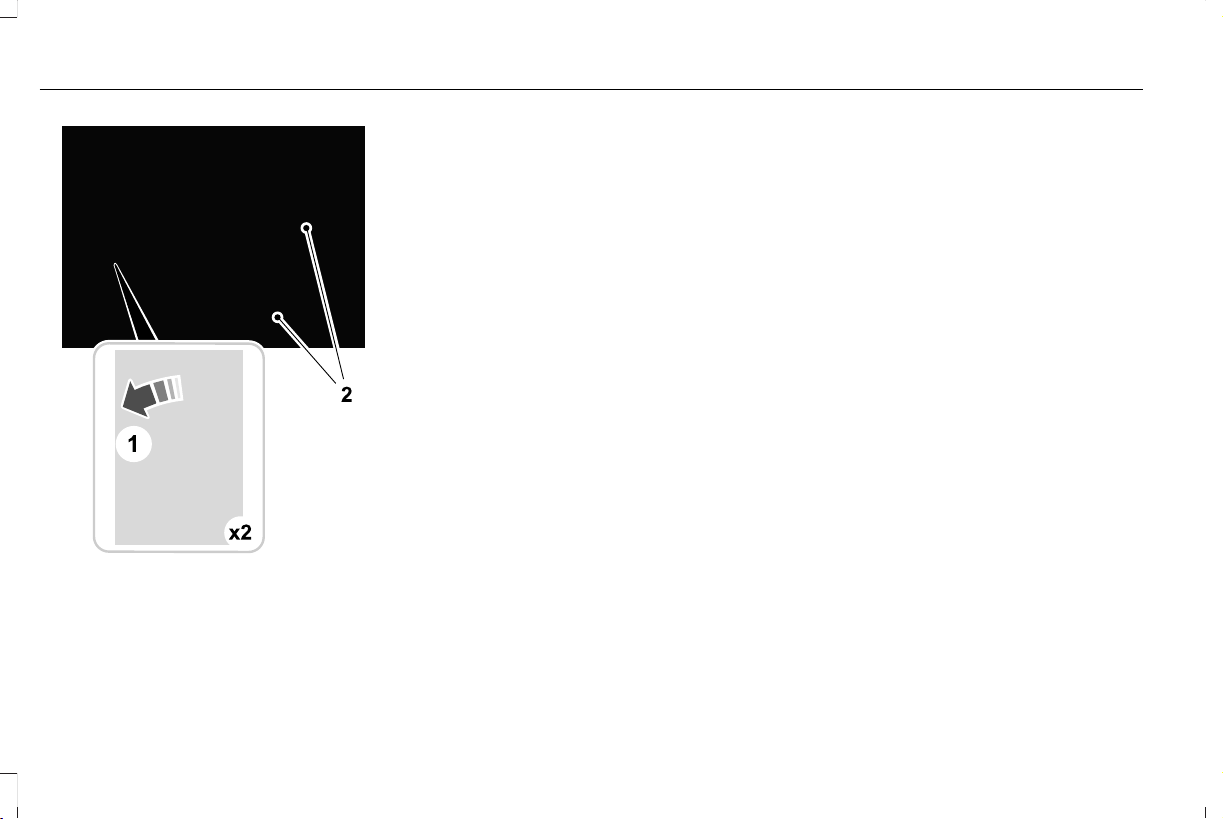
E294778
1. Remove the clips that secure the air filter
housing cover.
2. Using a screwdriver, loosen two clamps
on either side of the air filter housing
cover.
3. Gently pull the two boots back away from
the air filter housing cover.
4. Carefully lift the air filter housing cover.
5. Remove the air filter element from the air
filter housing.
6. Wipe any dirt or debris from the air filter
housing and cover to make sure no dirt
gets in the engine and that you have a
good seal.
7. Install a new air filter element. Be careful
not to crimp the filter element edges
between the air filter housing and cover.
This could cause filter damage and allow
unfiltered air to enter the engine if it is
not properly seated.
8. Install the air filter housing cover.
9. Engage the clips to secure the air filter
housing cover to the air filter housing.
10. Reconnect the two boots on the air filter
housing cover and torque to 3.69 lb.ft
(5 Nm).
370
Aviator (CTV) Canada/United States of America, enUSA, Edition date: 201902, First-Printing
Maintenance

GENERAL INFORMATION
Your dealer has many quality products
available to clean your vehicle and protect
its finishes.
CLEANING PRODUCTS
Materials
For best results, use the following products
or products of equivalent quality:
SpecificationName
Motorcraft® Bug and Tar Remover, ZC-42 (U.S. & Canada)
ESR-M5B194-BMotorcraft® Custom Bright Metal Cleaner, ZC-15 (U.S. & Canada)
ESR-M14P4-AMotorcraft® Detail Wash, ZC-3-A (U.S. & Canada)
ESR-M14P3-AMotorcraft® Engine Shampoo and Degreaser, ZC-20 (U.S.)
Motorcraft® Engine Shampoo, CXC-66-A (Canada)
Motorcraft® Premium Leather and Vinyl Cleaner, ZC-56 (U.S. & Canada)
Motorcraft® Multi-Purpose Cleaner, CXC-101 (Canada)
WSS-M14P19-AMotorcraft® Premium Windshield Wash Concentrate with Bitterant, ZC-32-B2 (U.S.)
WSS-M14P19-AMotorcraft® Premium Quality Windshield Washer Fluid, CXC-37-A/B/D/F (Canada)
Motorcraft® Professional Strength Carpet & Upholstery Cleaner, ZC-54 (U.S. & Canada)
ESR-M14P5-AMotorcraft® Premium Glass Cleaner, CXC-100 (Canada)
371
Aviator (CTV) Canada/United States of America, enUSA, Edition date: 201902, First-Printing
Vehicle Care

SpecificationName
Motorcraft® Spot and Stain Remover, ZC-14 (U.S.)
ESR-M14P5-AMotorcraft® Ultra-Clear Spray Glass Cleaner, ZC-23 (U.S.)
Motorcraft® Wheel and Tire Cleaner, ZC-37-A (U.S. & Canada)
CLEANING THE EXTERIOR
Wash your vehicle regularly with cool or
lukewarm water and a neutral pH shampoo,
we recommend Motorcraft Detail Wash.
• Never use strong household detergents
or soap, for example dish washing or
laundry liquid. These products can
discolor and spot painted surfaces.
• Never wash your vehicle when it is hot
to the touch, or during strong or direct
sunlight.
• Dry your vehicle with a chamois or soft
terry cloth towel to eliminate water
spotting.
• Immediately remove fuel spillages, bird
droppings, insect deposits and road tar.
These may cause damage to your
vehicle’ s paintwork or trim over time. We
recommend Motorcraft Bug and Tar
Remover.
• Remove any exterior accessories, for
example antennas, before entering a car
wash.
• When filling with AdBlue®, remove any
residue on painted surfaces immediately.
Note: Suntan lotions and insect repellents
can damage painted surfaces. If these
substances come in contact with your
vehicle, wash the affected area as soon as
possible.
Cleaning the Headlamps
Note: Do not scrape the headlamp lenses
or use abrasives, alcoholic solvents or
chemical solvents to clean them.
Note: Do not wipe the headlamps when they
are dry.
372
Aviator (CTV) Canada/United States of America, enUSA, Edition date: 201902, First-Printing
Vehicle Care

Exterior Chrome Parts
• Apply a high quality-cleaning product to
bumpers and other chrome parts. Follow
the manufacturer’s instructions. We
recommend Motorcraft Custom Bright
Metal Cleaner.
• Do not apply the cleaning product to hot
surfaces. Do not leave the cleaning
product on chrome surfaces longer than
the time recommended.
• Using non-recommended cleaners can
result in severe and permanent cosmetic
damage.
Note: Never use abrasive materials, for
example steel wool or plastic pads as they
can scratch the chrome surface.
Note: Do not use chrome cleaner, metal
cleaner or polish on wheels or wheel covers.
Exterior Plastic Parts
For routine cleaning we recommend
Motorcraft Detail Wash. If tar or grease spots
are present, we recommend Motorcraft Bug
and Tar Remover.
Stripes or Graphics (If Equipped)
Hand washing your vehicle is preferred
however, pressure washing may be used
under the following conditions:
• Do not use water pressure higher than
2,000 psi (14,000 kPa).
• Do not use water hotter than 179°F (82°C).
• Use a spray with a 40° wide spray angle
pattern.
• Keep the nozzle at a 12 in (305 mm)
distance and 90° angle to your vehicle's
surface.
Note: Holding the pressure washer nozzle
at an angle to the vehicle's surface may
damage graphics and cause the edges to
peel away from the vehicle's surface.
Underbody
Regularly clean the underside of your vehicle
using water. Keep body and door drain holes
free of debris or foreign material.
Under Hood
For removing black rubber marks from under
the hood we recommend Motorcraft Wheel
and Tire Cleaner or Motorcraft Bug and Tar
Remover.
WAXING
Regular waxing is necessary to protect your
car's paint from the elements. We
recommend that you wash and wax the
painted surface once or twice a year.
When washing and waxing, park your vehicle
in a shaded area out of direct sunlight.
Always wash your vehicle before applying
wax.
• Use a quality wax that does not contain
abrasives.
• Follow the manufacturer’s instructions to
apply and remove the wax.
• Apply a small amount of wax in a
back-and-forth motion, not in circles.
373
Aviator (CTV) Canada/United States of America, enUSA, Edition date: 201902, First-Printing
Vehicle Care

• Do not allow wax to come in contact with
any non-body (low-gloss black) colored
trim. The wax will discolor or stain the
parts over time.
• Roof racks.
• Bumpers.
• Grained door handles.
• Side moldings.
• Mirror housings.
• Windshield cowl area.
• Do not apply wax to glass areas.
• After waxing, your car's paint should feel
smooth, and be free of streaks and
smudges.
CLEANING THE ENGINE
Engines are more efficient when they are
clean because grease and dirt buildup keep
the engine warmer than normal.
When washing:
• Take care when using a power washer
to clean the engine. The high-pressure
fluid could penetrate the sealed parts
and cause damage.
• Do not spray a hot engine with cold water
to avoid cracking the engine block or
other engine components.
• Spray Motorcraft Engine Shampoo and
Degreaser on all parts that require
cleaning and pressure rinse clean. In
Canada, use Motorcraft Engine Shampoo.
Note: If your vehicle has an engine cover
remove the cover before application of
Motorcraft Engine Shampoo and Degreaser.
Immediately rinse away any over spray.
• Never wash or rinse the engine while it
is hot or running; water in the running
engine may cause internal damage.
• Never wash or rinse any ignition coil,
spark plug wire or spark plug well, or the
area in and around these locations.
• Cover the battery, power distribution box,
and air filter assembly to prevent water
damage when cleaning the engine.
CLEANING THE WINDOWS AND
WIPER BLADES
Car wash chemicals and environmental
fallout can result in windshield and wiper
blade contamination. Dirty windshield and
wipers will result in poor windshield wiper
operation. Keep the windshield and wiper
blades clean to maintain windshield wiper
performance.
To clean the windshield and wiper blades:
• Clean the windshield with a non-abrasive
glass cleaner. When cleaning the interior
of the windshield, avoid getting any glass
cleaner on the instrument panel or door
panels. Wipe any glass cleaner off these
surfaces immediately.
• For windshields contaminated with tree
sap, chemicals, wax or bugs, clean the
entire windshield using steel wool (no
greater than 0000 grade) in a circular
motion and rinse with water.
• Clean the wiper blades with isopropyl
rubbing alcohol or windshield washer
concentrate.
374
Aviator (CTV) Canada/United States of America, enUSA, Edition date: 201902, First-Printing
Vehicle Care

Note: Do not use razor blades or other
sharp objects to clean or remove decals from
the inside of the heated rear window. The
vehicle warranty does not cover damage
caused to the heated rear window grid lines.
CLEANING THE INTERIOR
WARNING: Do not use cleaning
solvents, bleach or dye on the vehicle's
seatbelts, as these actions may weaken
the belt webbing.
WARNING: On vehicles equipped
with seat-mounted airbags, do not use
chemical solvents or strong detergents.
Such products could contaminate the side
airbag system and affect performance of
the side airbag in a crash.
For fabric, carpets, cloth seats and seats
equipped with side airbags:
• Remove dust and loose dirt with a
vacuum cleaner.
• Remove light stains and soil with
Motorcraft Professional Strength Carpet
& Upholstery Cleaner.
• If grease or tar is present on the material,
spot-clean the area first with Motorcraft
Spot and Stain Remover. In Canada, use
Motorcraft Multi-Purpose Cleaner.
• If a ring forms on the fabric after spot
cleaning, clean the entire area
immediately (but do not oversaturate) or
the ring will set.
• Do not use household cleaning products
or glass cleaners, which can stain and
discolor the fabric and affect the flame
retardant abilities of the seat materials.
Mirrors
Do not clean the housing or glass of any
mirror with harsh abrasives, fuel or other
petroleum or ammonia-based cleaning
products.
CLEANING THE INSTRUMENT
PANEL AND INSTRUMENT
CLUSTER LENS
WARNING: Do not use chemical
solvents or strong detergents when
cleaning the steering wheel or instrument
panel to avoid contamination of the airbag
system.
Note: Follow the same procedure as
cleaning leather seats for cleaning leather
instrument panels and leather interior trim
surfaces. See Cleaning Leather Seats (page
376).
Clean the instrument panel and cluster lens
with a clean, damp and soft cloth, then use
a clean, dry and soft cloth to dry these areas.
375
Aviator (CTV) Canada/United States of America, enUSA, Edition date: 201902, First-Printing
Vehicle Care

• Avoid cleaners or polishes that increase
the gloss of the upper portion of the
instrument panel. The dull finish in this
area helps protect you from undesirable
windshield reflection.
• Do not use any household cleaning
products or glass cleaners as these may
damage the finish of the instrument
panel, interior trim and cluster lens.
• Wash or wipe your hands clean if you
have been in contact with certain
products such as insect repellent and
suntan lotion to avoid possible damage
to the interior painted surfaces.
• Do not allow air fresheners and hand
sanitizers to spill onto interior surfaces.
If a spill occurs, wipe off immediately.
Your warranty may not cover these
damages.
If a staining liquid like coffee or juice has
been spilled on the instrument panel or on
interior trim surfaces:
1. Wipe up spilled liquid using a clean, soft
cloth as quickly as possible.
2. Use Motorcraft Premium Leather and
Vinyl Cleaner or a commercially available
leather cleaning product for automotive
interiors. Test any cleaner or stain
remover on an inconspicuous area.
3. Alternatively, wipe the surface with a
clean, soft cloth and a mild soap and
water solution. Dry the area with a clean,
soft cloth.
4. If necessary, apply more soap and water
solution or cleaning product to a clean,
soft cloth and press it onto the soiled
area. Allow this to set at room
temperature for 30 minutes.
5. Remove the soaked cloth, then with a
clean, damp cloth, use a rubbing motion
for 60 seconds on the soiled area.
6. Dry the area with a clean, soft cloth.
CLEANING LEATHER SEATS
Note: Follow the same procedure as
cleaning leather seats for cleaning leather
instrument panels and leather interior trim
surfaces.
For routine cleaning, wipe the surface with
a soft, damp cloth and a mild soap and water
solution. Dry the area with a clean, soft cloth.
For cleaning and removing stains such as
dye transfer, use Motorcraft Premium Leather
and Vinyl Cleaner or a commercially available
leather cleaning product for automotive
interiors.
Note: Test any cleaner or stain remover on
an inconspicuous area.
You should:
• Remove dust and loose dirt with a
vacuum cleaner.
• Clean and treat spills and stains as soon
as possible.
Do not use the following products as these
may damage the leather:
• Oil and petroleum or silicone-based
leather conditioners.
• Household cleaners.
• Alcohol solutions.
• Solvents or cleaners intended specifically
for rubber, vinyl and plastics.
376
Aviator (CTV) Canada/United States of America, enUSA, Edition date: 201902, First-Printing
Vehicle Care

REPAIRING MINOR PAINT
DAMAGE
Authorized dealers have touch-up paint to
match your vehicle’ s color. Your vehicle color
code is printed on a sticker on the front,
left-hand side door jamb. Take your color
code to your authorized dealer to make sure
you get the correct color.
Before repairing minor paint damage, use a
cleaner such as Motorcraft Bug and Tar
Remover to remove particles such as bird
droppings, tree sap, insect deposits, tar
spots, road salt and industrial fallout.
Always read the instructions before using
cleaning products.
CLEANING THE WHEELS
1. Regularly clean them with a wheel
cleaner. We recommend that you use
Ford approved wheel cleaner if available.
2. Remove dirt and brake dust with a
sponge.
3. Remove tar and grease with a bug and
tar remover. We recommend that you use
Ford approved bug and tar remover if
available.
4. Thoroughly rinse the wheels with water
after cleaning.
If you intend on parking your vehicle for an
extended period after cleaning the wheels
with a wheel cleaner, drive your vehicle for
a few minutes before doing so. This reduces
the risk of corrosion of the brake discs, brake
pads and linings.
Do not clean the wheels when they are hot.
Note: Some car washes could damage
wheel rims and covers.
Note: Using non-recommended cleaners,
harsh cleaning products, chrome wheel
cleaners or abrasive materials could
damage wheel rims and covers.
VEHICLE STORAGE
If you plan on storing your vehicle for 30
days or more, read the following
maintenance recommendations to make sure
your vehicle stays in good operating
condition.
We engineer and test all motor vehicles and
their components for reliable, regular driving.
Under various conditions, long-term storage
may lead to degraded engine performance
or failure unless you use specific precautions
to preserve engine components.
General
• Store all vehicles in a dry, ventilated
place.
• Protect from sunlight, if possible.
• If vehicles are stored outside, they
require regular maintenance to protect
against rust and damage.
377
Aviator (CTV) Canada/United States of America, enUSA, Edition date: 201902, First-Printing
Vehicle Care

Body
• Wash your vehicle thoroughly to remove
dirt, grease, oil, tar or mud from exterior
surfaces, rear-wheel housing and the
underside of front fenders.
• Periodically wash your vehicle if it is
stored in exposed locations.
• Touch-up exposed or primed metal to
prevent rust.
• Cover chrome and stainless steel parts
with a thick coat of auto wax to prevent
discoloration. Re-wax as necessary when
you wash your vehicle.
• Lubricate all hood, door and luggage
compartment hinges and latches with a
light grade oil.
• Cover interior trim to prevent fading.
• Keep all rubber parts free from oil and
solvents.
Engine
• Change the engine oil and filter prior to
storage because used engine oil contains
contaminates which may cause engine
damage.
• Start the engine every 15 days for a
minimum of 15 minutes. Run at fast idle
with the climate controls set to defrost
until the engine reaches normal
operating temperature.
• With your foot on the brake, shift through
all the gears while the engine is running.
• We recommend that you change the
engine oil before you use your vehicle
again.
Fuel system
• Fill the fuel tank with high-quality fuel
until the first automatic shutoff of the fuel
pump nozzle.
Cooling system
• Protect against freezing temperatures.
• When removing your vehicle from
storage, check coolant fluid level.
Confirm that there are no cooling system
leaks and that fluid is at the
recommended level.
Battery
• Check and recharge as necessary. Keep
connections clean.
• If storing your vehicle for more than 30
days without recharging the battery, we
recommend that you disconnect the
battery cables to maintain battery charge
for quick starting.
Note: It is necessary to reset memory
features if battery cables are disconnected.
Brakes
• Make sure the brakes and parking brake
release fully.
Tires
• Maintain recommended air pressure.
378
Aviator (CTV) Canada/United States of America, enUSA, Edition date: 201902, First-Printing
Vehicle Care

Miscellaneous
• Make sure all linkages, cables, levers and
pins under your vehicle are covered with
grease to prevent rust.
• Move vehicles at least 25 ft (7.5 m) every
15 days to lubricate working parts and
prevent corrosion.
Removing Vehicle From Storage
When your vehicle is ready to come out of
storage, do the following:
• Wash your vehicle to remove any dirt or
grease film build-up on window surfaces.
• Check windshield wipers for any
deterioration.
• Check under the hood for any foreign
material that may have collected during
storage such as mice or squirrel nests.
• Check the exhaust for any foreign
material that may have collected during
storage.
• Check tire pressures and set tire inflation
per the Tire Label.
• Check brake pedal operation. Drive your
vehicle 15 ft (4.5 m) back and forth to
remove rust build-up.
• Check fluid levels (including coolant, oil
and gas) to make sure there are no leaks,
and fluids are at recommended levels.
• If you remove the battery, clean the
battery cable ends and check for
damage.
Contact an authorized dealer if you have any
concerns or issues.
379
Aviator (CTV) Canada/United States of America, enUSA, Edition date: 201902, First-Printing
Vehicle Care

GENERAL INFORMATION
The recommended tire inflation pressures
are found on the Tire Label which is located
on the B-pillar or the edge of the driver door.
This information can also be found on the
Safety Compliance Certification Label, affixed
to either the door hinge pillar, door-latch
post, or the door edge that meets the
door-latch post; next to the driver’s seating
position.
We strongly recommend maintaining these
tire pressures at all times. Failure to follow
the tire pressure recommendations can
cause uneven treadwear patterns, reduced
fuel economy, and adversely affect the way
your vehicle handles.
Note: Check and set the tire pressure at the
ambient temperature in which you are
intending to drive your vehicle and when the
tires are cold.
Note: Check your tire pressures at least once
per month.
If your vehicle has a spare tire, set the
pressure to the highest value given for your
vehicle and tire size combination.
Use only approved wheels and tire sizes,
using other sizes could damage your vehicle.
If you change the diameter of the factory
installed tires, the speedometer may not
display the correct speed. This could effect
the functionality of the All Wheel Drive (AWD)
system, if equipped. Take your vehicle to an
authorized dealer and have the engine
management system reprogrammed.
If you intend to change the size of the factory
installed tires, check the suitability with an
authorized dealer.
Additional information related to the
functionality and maintenance of your tires
can be found in the Wheels and Tire section.
See Tire Care (page 382).
Notice to utility vehicle and truck
owners
WARNING: Vehicles with a higher
center of gravity (utility and four-wheel
drive vehicles) handle differently than
vehicles with a lower center of gravity
(passenger cars). Avoid sharp turns,
excessive speed and abrupt steering in
these vehicles. Failure to drive cautiously
increases the risk of losing control of your
vehicle, vehicle rollover, personal injury
and death.
WARNING: In a rollover crash, an
unbelted person is significantly more likely
to die than a person wearing a seatbelt.
Utility vehicles and trucks handle differently
than passenger cars in the various driving
conditions that are encountered on streets,
highways and off-road. Utility vehicles and
trucks are not designed for cornering at
speeds as high as passenger cars any more
than low-slung sports cars are designed to
perform satisfactorily under off-road
conditions.
380
Aviator (CTV) Canada/United States of America, enUSA, Edition date: 201902, First-Printing
Wheels and Tires

Study your owner's manual and any
supplements for specific information about
equipment features, instructions for safe
driving and additional precautions to reduce
the risk of an accident or serious injury.
All-wheel drive system (if equipped)
WARNING: Do not become
overconfident in the ability of four-wheel
drive vehicles. Although a four-wheel drive
vehicle may accelerate better than a
two-wheel drive vehicle in low traction
situations, it won't stop any faster than
two-wheel drive vehicles. Always drive at
a safe speed.
A vehicle equipped with all-wheel drive has
the ability to use all four wheels to power
itself. This increases traction which may
enable you to safely drive over terrain and
road conditions that a conventional
two-wheel drive vehicle cannot. Power is
supplied to all four wheels through a transfer
case operation and drive mode selection.
See All-Wheel Drive (page 224). You should
become thoroughly familiar with this
information before you operate your vehicle.
Some limited All Wheel Drive (AWD) traction
may be provided if a temporary spare is
installed on one of the front wheels. If you
are in driving conditions where limited All
Wheel Drive (AWD) traction needed while a
temporary wheel is installed, it is
recommended the temporary spare be
installed on the front axle.
For all-wheel-drive vehicles, a spare tire of
a different size other than the tire provided
should never be used. A dissimilar spare tire
size; other than the spare tire provided or
major dissimilar tire sized between the front
and rear axles could cause the
all-wheel-drive system to stop functioning
and default to rear-wheel drive.
How your vehicle differs from other
vehicles
Sport utility vehicles and trucks can differ
from some other vehicles in a few noticeable
ways. Your vehicle may be:
• Higher - to allow higher load carrying
capacity and to allow it to travel over
rough terrain without getting hung up or
damaging underbody components.
• Shorter - to give it the capability to
approach inclines and drive over the
crest of a hill without getting hung up or
damaging underbody components. All
other things held equal, a shorter
wheelbase may make your vehicle
quicker to respond to steering inputs
than a vehicle with a longer wheelbase.
• Narrower - to provide greater
maneuverability in tight spaces,
particularly in off-road use.
381
Aviator (CTV) Canada/United States of America, enUSA, Edition date: 201902, First-Printing
Wheels and Tires
As a result of the above dimensional
differences, sport utility vehicles and trucks
often have a higher center of gravity and a
greater difference in center of gravity
between the loaded and unloaded condition.
These differences that make your vehicle so
versatile also make it handle differently than
an ordinary passenger car.
TIRE CARE
Information About Uniform Tire Quality
Grading
E142542
Tire Quality Grades apply to new
pneumatic passenger car tires. The
Quality grades can be found where
applicable on the tire sidewall between
tread shoulder and maximum section
width. For example: Treadwear 200
Traction AA Temperature A.
These Tire Quality Grades are
determined by standards that the United
States Department of Transportation has
set.
Tire Quality Grades apply to new
pneumatic passenger car tires. They do
not apply to deep tread, winter-type
snow tires, space-saver or temporary
use spare tires, light truck or LT type
tires, tires with nominal rim diameters of
10 to 12 inches or limited production tires
as defined in Title 49 Code of Federal
Regulations Part 575.104 (c)(2).
U.S. Department of Transportation Tire
quality grades: The U.S. Department of
Transportation requires us to give you
the following information about tire
grades exactly as the government has
written it.
Treadwear
The treadwear grade is a comparative
rating based on the wear rate of the tire
when tested under controlled conditions
on a specified government test course.
For example, a tire graded 150 would
wear 1½ times as well on the
government course as a tire graded 100.
The relative performance of tires
depends upon the actual conditions of
their use, however, and may depart
significantly from the norm due to
variations in driving habits, service
practices, and differences in road
characteristics and climate.
Traction AA A B C
WARNING: The traction grade
assigned to this tire is based on
straight-ahead braking traction tests,
and does not include acceleration,
cornering, hydroplaning or peak
traction characteristics.
382
Aviator (CTV) Canada/United States of America, enUSA, Edition date: 201902, First-Printing
Wheels and Tires

The traction grades, from highest to
lowest are AA, A, B, and C. The grades
represent the tire’ s ability to stop on wet
pavement as measured under controlled
conditions on specified government test
surfaces of asphalt and concrete. A tire
marked C may have poor traction
performance.
Temperature A B C
WARNING: The temperature
grade for this tire is established for a
tire that is properly inflated and not
overloaded. Excessive speed,
underinflation, or excessive loading,
either separately or in combination,
can cause heat buildup and possible
tire failure.
The temperature grades are A (the
highest), B and C, representing the tire’ s
resistance to the generation of heat and
its ability to dissipate heat when tested
under controlled conditions on a
specified indoor laboratory test wheel.
Sustained high temperature can cause
the material of the tire to degenerate
and reduce tire life, and excessive
temperature can lead to sudden tire
failure. The grade C corresponds to a
level of performance which all
passenger car tires must meet under the
Federal Motor Vehicle Safety Standard
No. 139. Grades B and A represent
higher levels of performance on the
laboratory test wheel than the minimum
required by law.
Glossary of Tire Terminology
*Tire label: A label showing the original
equipment tire sizes, recommended
inflation pressure and the maximum
weight the vehicle can carry.
*Tire Identification Number (TIN): A
number on the sidewall of each tire
providing information about the tire
brand and manufacturing plant, tire size
and date of manufacture. Also referred
to as DOT code.
*Inflation pressure: A measure of the
amount of air in a tire.
*Standard load: A class of P-metric or
Metric tires designed to carry a
maximum load at set pressure. For
example: For P-metric tires 35 psi
(2.4 bar) and for Metric tires 36 psi
(2.5 bar). Increasing the inflation
pressure beyond this pressure will not
increase the tire’s load carrying
capability.
*Extra load: A class of P-metric or Metric
tires designed to carry a heavier
maximum load at 42 psi (2.9 bar).
Increasing the inflation pressure beyond
this pressure will not increase the tire’s
load carrying capability.
*kPa: Kilopascal, a metric unit of air
pressure.
*PSI: Pounds per square inch, a standard
unit of air pressure.
*Cold tire pressure: The tire pressure
when the vehicle has been stationary
and out of direct sunlight for an hour or
more and prior to the vehicle being
driven for 1 mi (1.6 km).
383
Aviator (CTV) Canada/United States of America, enUSA, Edition date: 201902, First-Printing
Wheels and Tires
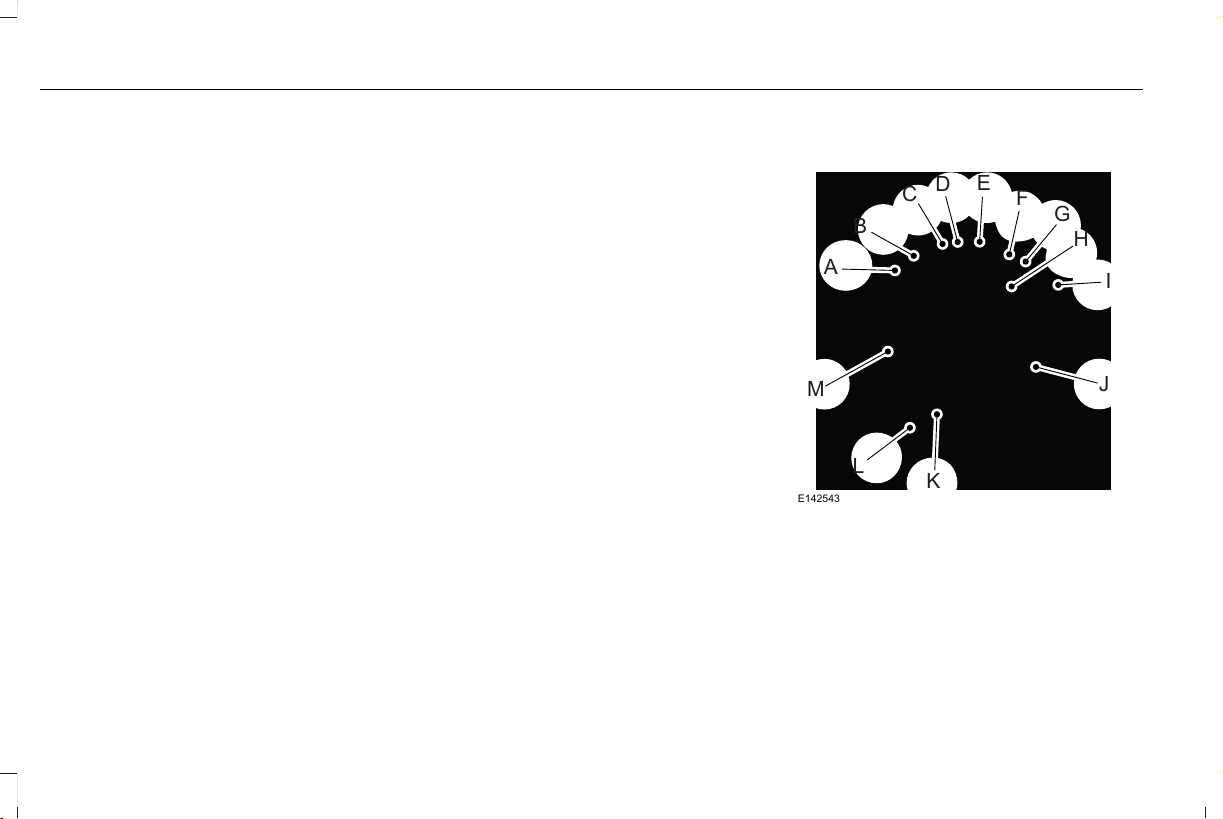
*Recommended inflation pressure: The
cold inflation pressure found on the
Safety Compliance Certification Label
(affixed to either the door hinge pillar,
door-latch post, or the door edge that
meets the door-latch post, next to the
driver's seating position), or Tire Label
located on the B-Pillar or the edge of the
driver door.
*B-pillar: The structural member at the
side of the vehicle behind the front door.
*Bead area of the tire: Area of the tire
next to the rim.
*Sidewall of the tire: Area between the
bead area and the tread.
*Tread area of the tire: Area of the
perimeter of the tire that contacts the
road when mounted on the vehicle.
*Rim: The metal support (wheel) for a
tire or a tire and tube assembly upon
which the tire beads are seated.
Information Contained on the Tire
Sidewall
Both United States and Canada Federal
regulations require tire manufacturers
to place standardized information on the
sidewall of all tires. This information
identifies and describes the fundamental
characteristics of the tire and also
provides a U.S. DOT Tire Identification
Number for safety standard certification
and in case of a recall.
Information on P Type Tires
H
I
J
K
L
M
A
B
C
D
E
F
G
E142543
P215/65R15 95H is an example of a tire
size, load index and speed rating. The
definitions of these items are listed
below. (Note that the tire size, load index
and speed rating for your vehicle may
be different from this example.)
384
Aviator (CTV) Canada/United States of America, enUSA, Edition date: 201902, First-Printing
Wheels and Tires

A. P: Indicates a tire, designated by the
Tire and Rim Association, that may be
used for service on cars, sport utility
vehicles, minivans and light trucks. Note:
If your tire size does not begin with a
letter this may mean it is designated by
either the European Tire and Rim
Technical Organization or the Japan Tire
Manufacturing Association.
B. 215: Indicates the nominal width of
the tire in millimeters from sidewall edge
to sidewall edge. In general, the larger
the number, the wider the tire.
C. 65: Indicates the aspect ratio which
gives the tire's ratio of height to width.
D. R: Indicates a radial type tire.
E. 15: Indicates the wheel or rim
diameter in inches. If you change your
wheel size, you will have to purchase
new tires to match the new wheel
diameter.
F. 95: Indicates the tire's load index. It
is an index that relates to how much
weight a tire can carry. You may find this
information in your owner’s manual. If
not, contact a local tire dealer.
Note: You may not find this information
on all tires because it is not required by
federal law.
G. H: Indicates the tire's speed rating.
The speed rating denotes the speed at
which a tire is designed to be driven for
extended periods of time under a
standard condition of load and inflation
pressure. The tires on your vehicle may
operate at different conditions for load
and inflation pressure. These speed
ratings may need to be adjusted for the
difference in conditions. The ratings
range from 81 mph (130 km/h) to
186 mph (299 km/h). These ratings are
listed in the following chart.
Note: You may not find this information
on all tires because it is not required by
federal law.
Speed ratingLetter rating
81 mph (130 km/h)M
87 mph (140 km/h)N
99 mph (159 km/h)Q
106 mph (171 km/h)R
112 mph (180 km/h)S
118 mph (190 km/h)T
124 mph (200 km/h)U
130 mph (210 km/h)H
149 mph (240 km/h)V
385
Aviator (CTV) Canada/United States of America, enUSA, Edition date: 201902, First-Printing
Wheels and Tires

Speed ratingLetter rating
168 mph (270 km/h)W
186 mph (299 km/h)Y
Note: For tires with a maximum speed
capability over 149 mph (240 km/h), tire
manufacturers sometimes use the letters
ZR. For those with a maximum speed
capability over 186 mph (299 km/h), tire
manufacturers always use the letters
ZR.
H. U.S. DOT Tire Identification Number
(TIN): This begins with the letters DOT
and indicates that the tire meets all
federal standards. The next two
numbers or letters are the plant code
designating where it was manufactured,
the next two are the tire size code and
the last four numbers represent the
week and year the tire was built. For
example, the numbers 317 mean the 31st
week of 1997. After 2000, the numbers
go to four digits. For example, 2501
means the 25th week of 2001. The
numbers in between are identification
codes used for traceability. This
information is used to contact customers
if a tire defect requires a recall.
I. M+S or M/S: Mud and Snow, or
AT: All Terrain, or
AS: All Season.
J. Tire Ply Composition and Material
Used: Indicates the number of plies or
the number of layers of rubber-coated
fabric in the tire tread and sidewall. Tire
manufacturers also must indicate the ply
materials in the tire and the sidewall,
which include steel, nylon, polyester,
and others.
K. Maximum Load: Indicates the
maximum load in kilograms and pounds
that can be carried by the tire. See the
Safety Compliance Certification Label
(affixed to either the door hinge pillar,
door-latch post, or the door edge that
meets the door-latch post, next to the
driver's seating position), for the correct
tire pressure for your vehicle.
L. Treadwear, Traction and
Temperature Grades:
*Treadwear: The treadwear grade is a
comparative rating based on the wear
rate of the tire when tested under
controlled conditions on a specified
government test course. For example,
a tire graded 150 would wear one and
one-half times as well on the
government course as a tire graded 100.
386
Aviator (CTV) Canada/United States of America, enUSA, Edition date: 201902, First-Printing
Wheels and Tires
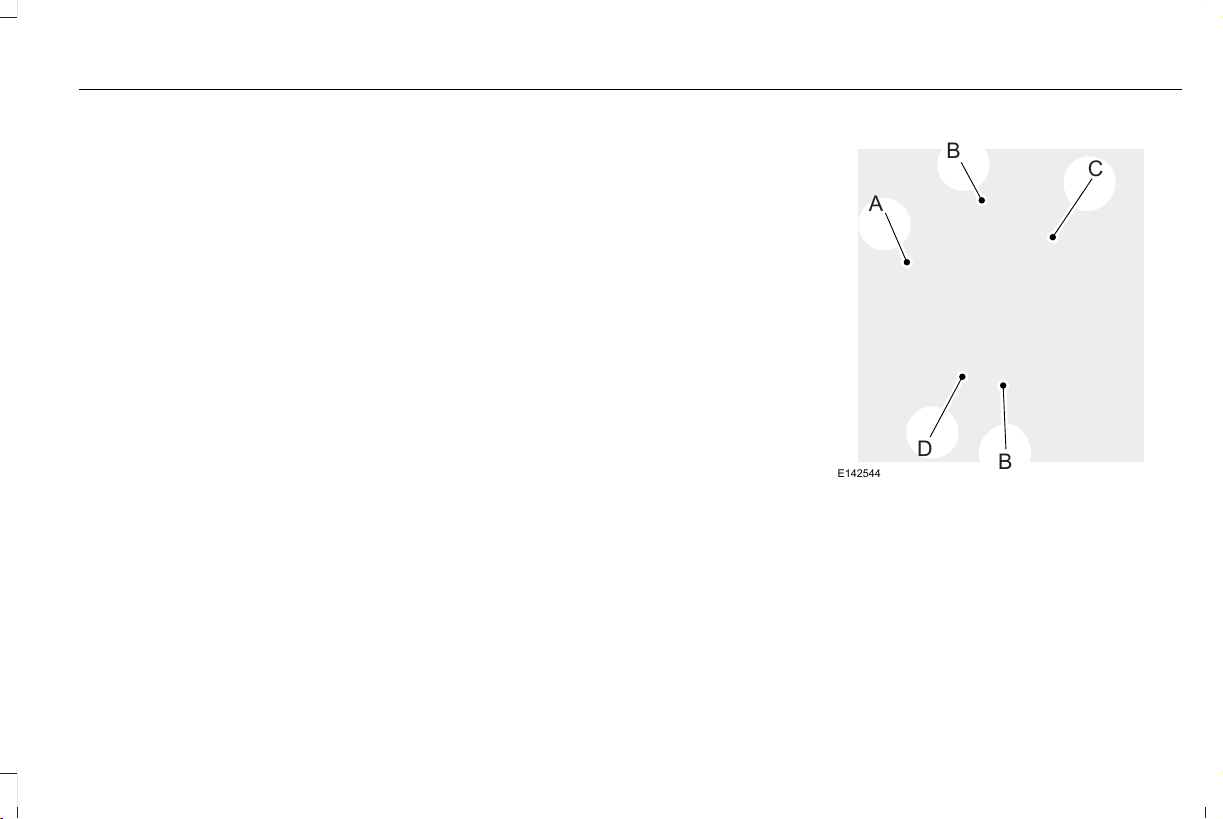
*Traction: The traction grades, from
highest to lowest are AA, A, B, and C.
The grades represent the tire's ability to
stop on wet pavement as measured
under controlled conditions on specified
government test surfaces of asphalt and
concrete. A tire marked C may have
poor traction performance.
*Temperature: The temperature grades
are A (the highest), B and C,
representing the tire's resistance to the
generation of heat and its ability to
dissipate heat when tested under
controlled conditions on a specified
indoor laboratory test wheel.
M. Maximum Inflation Pressure:
Indicates the tire manufacturers'
maximum permissible pressure or the
pressure at which the maximum load
can be carried by the tire. This pressure
is normally higher than the vehicle
manufacturer's recommended cold
inflation pressure which can be found
on the Safety Compliance Certification
Label (affixed to either the door hinge
pillar, door-latch post, or the door edge
that meets the door-latch post, next to
the driver's seating position), or Tire
Label which is located on the B-Pillar or
the edge of the driver’s door. The cold
inflation pressure should never be set
lower than the recommended pressure
on the vehicle label.
The tire suppliers may have additional
markings, notes or warnings such as
standard load or radial tubeless.
Additional Information Contained on
the Tire Sidewall for LT Type Tires
Note: Tire Quality Grades do not apply
to this type of tire.
A
B
C
B
D
E142544
LT type tires have some additional
information beyond those of P type tires;
these differences are described below.
A. LT: Indicates a tire, designated by the
Tire and Rim Association, that is
intended for service on light trucks.
387
Aviator (CTV) Canada/United States of America, enUSA, Edition date: 201902, First-Printing
Wheels and Tires
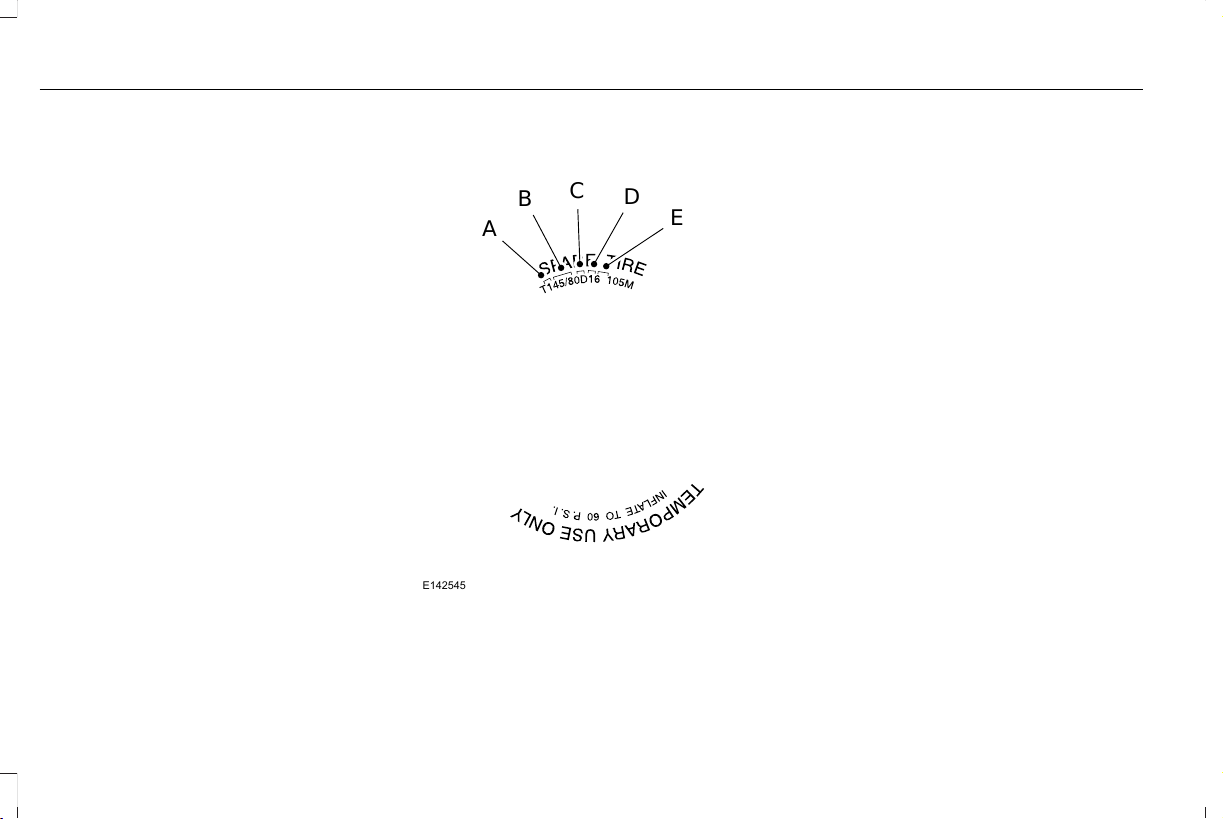
B. Load Range and Load Inflation
Limits: Indicates the tire's load-carrying
capabilities and its inflation limits.
C. Maximum Load Dual lb (kg) at psi
(kPa) cold: Indicates the maximum load
and tire pressure when the tire is used
as a dual, defined as four tires on the
rear axle (a total of six or more tires on
the vehicle).
D. Maximum Load Single lb (kg) at psi
(kPa) cold: Indicates the maximum load
and tire pressure when the tire is used
as a single, defined as two tires (total)
on the rear axle.
Information on T Type Tires
T145/80D16 is an example of a tire size.
Note: The temporary tire size for your
vehicle may be different from this
example. Tire Quality Grades do not
apply to this type of tire.
A
B
C
D
E
E142545
T type tires have some additional
information beyond those of P type tires;
these differences are described below:
A. T: Indicates a type of tire, designated
by the Tire and Rim Association, that is
intended for temporary service on cars,
sport utility vehicles, minivans and light
trucks.
B. 145: Indicates the nominal width of
the tire in millimeters from sidewall edge
to sidewall edge. In general, the larger
the number, the wider the tire.
C. 80: Indicates the aspect ratio which
gives the tire's ratio of height to width.
Numbers of 70 or lower indicate a short
sidewall.
D. D: Indicates a diagonal type tire.
R: Indicates a radial type tire.
E. 16: Indicates the wheel or rim
diameter in inches. If you change your
wheel size, you will have to purchase
new tires to match the new wheel
diameter.
388
Aviator (CTV) Canada/United States of America, enUSA, Edition date: 201902, First-Printing
Wheels and Tires

Recommended Tire Pressures and
Inflating Your Tires
Safe operation of your vehicle requires
that your tires are properly inflated.
Remember that a tire can lose up to half
of its air pressure without appearing flat.
Every day before you drive, check your
tires. If one looks lower than the others,
use a tire gauge to check the pressure
of all tires and adjust if required.
At least once a month and before long
trips, inspect each tire and check the tire
pressure with a tire gauge (including
spare, if equipped). Inflate all tires to the
inflation pressure recommended by the
manufacturer.
WARNING: Under-inflation is the
most common cause of tire failures
and may result in severe tire cracking,
tread separation or blowout, with
unexpected loss of vehicle control and
increased risk of injury. Under-inflation
increases sidewall flexing and rolling
resistance, resulting in heat buildup
and internal damage to the tire. It also
may result in unnecessary tire stress,
irregular wear, loss of vehicle control
and accidents. A tire can lose up to
half of its air pressure and not appear
to be flat!
You are strongly urged to buy a reliable
tire pressure gauge, as automatic
service station gauges may be
inaccurate. We recommend the use of
a digital or dial-type tire pressure gauge
rather than a stick-type tire pressure
gauge. Use the recommended cold
inflation pressure for optimum tire
performance and wear. Under-inflation
or over-inflation may cause uneven
treadwear patterns.
Always inflate your tires to the
recommended inflation pressure even
if it is less than the maximum inflation
pressure information found on the tire.
You will find a Tire Label containing the
manufactures recommended tire
inflation pressure by the tire size and
other important information located on
the B-Pillar or the edge of the driver’s
door.
The recommended tire inflation pressure
is also found on the Safety Compliance
Certification Label (affixed to either the
door hinge pillar, door-latch post, or the
door edge that meets the door-latch on
the B-pillar, or on the edge of the
driver’s door.
Failure to follow the tire pressure
recommendations can cause uneven
treadwear patterns and adversely affect
the way your vehicle handles.
389
Aviator (CTV) Canada/United States of America, enUSA, Edition date: 201902, First-Printing
Wheels and Tires
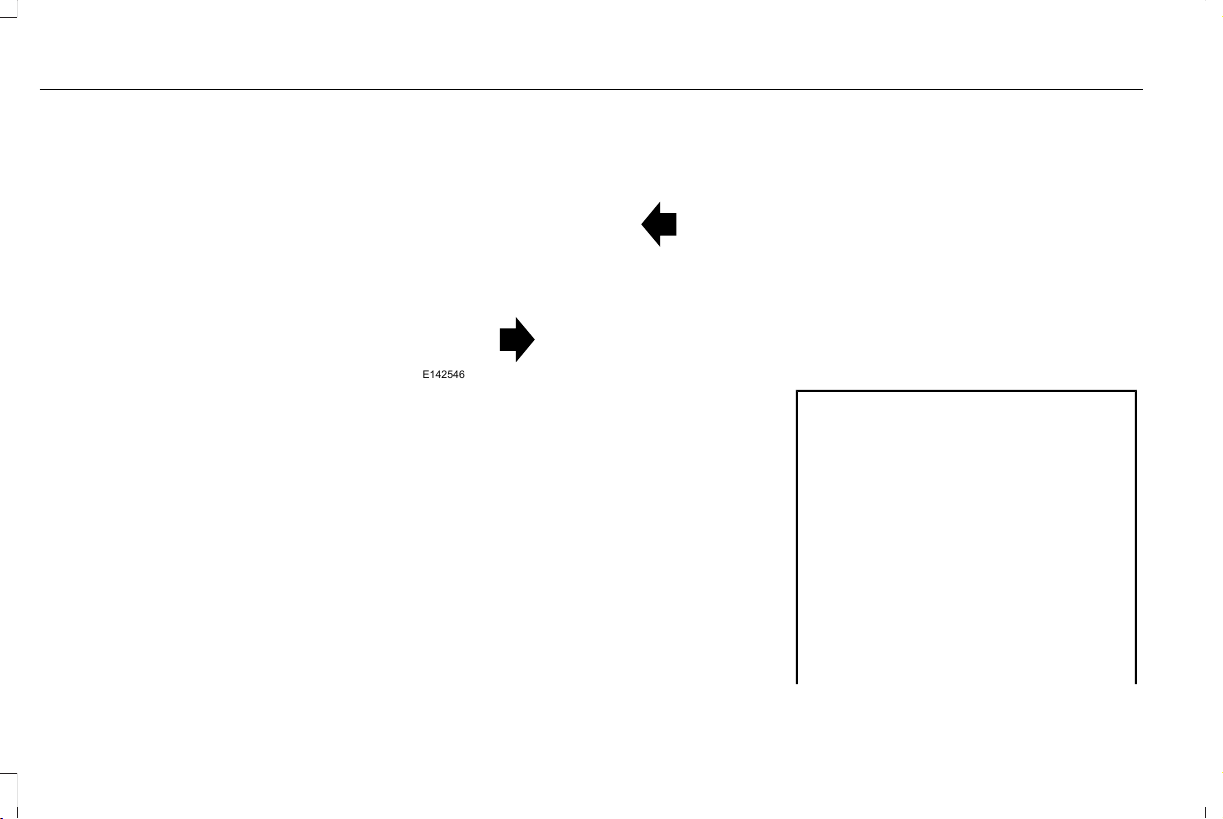
Inspecting Your Tires and Wheel Valve
Stems
Periodically inspect the tire treads for
uneven or excessive wear and remove
objects such as stones, nails or glass
that may be wedged in the tread
grooves. Check the tire and valve stems
for holes, cracks, or cuts that may permit
air leakage and repair or replace the tire
and replace the valve stem. Inspect the
tire sidewalls for cracking, cuts, bruises
and other signs of damage or excessive
wear. If internal damage to the tire is
suspected, have the tire demounted and
inspected in case it needs to be repaired
or replaced. For your safety, tires that
are damaged or show signs of excessive
wear should not be used because they
are more likely to blow out or fail.
Improper or inadequate vehicle
maintenance can cause tires to wear
abnormally. Inspect all your tires,
including the spare, frequently, and
replace them if one or more of the
following conditions exist:
Tire Wear
E142546
When the tread is worn down to one
sixteenth of an inch (2 mm), tires must
be replaced to help prevent your vehicle
from skidding and hydroplaning. Built-in
treadwear indicators, or wear bars,
which look like narrow strips of smooth
rubber across the tread will appear on
the tire when the tread is worn down to
one sixteenth of an inch (2 mm).
When the tire tread wears down to the
same height as these wear bars, the tire
is worn out and must be replaced.
Damage
Periodically inspect the tire treads and
sidewalls for damage (such as bulges in
the tread or sidewalls, cracks in the
tread groove and separation in the tread
or sidewall). If damage is observed or
suspected, have the tire inspected by a
tire professional. Tires can be damaged
during off-road use, so inspection after
off-road use is also recommended.
Age
WARNING: Tires degrade over
time depending on many factors such
as weather, storage conditions, and
conditions of use (load, speed, inflation
pressure) the tires experience
throughout their lives.
In general, tires should be replaced
after six years regardless of tread
wear. However, heat caused by hot
climates or frequent high loading
conditions can accelerate the aging
process and may require tires to be
replaced more frequently.
390
Aviator (CTV) Canada/United States of America, enUSA, Edition date: 201902, First-Printing
Wheels and Tires

You should replace your spare tire
when you replace the road tires or
after six years due to aging even if it
has not been used.
U.S. DOT Tire Identification Number
Both United States and Canada Federal
regulations require tire manufacturers
to place standardized information on the
sidewall of all tires. This information
identifies and describes the fundamental
characteristics of the tire and also
provides a U.S. DOT Tire Identification
Number for safety standard certification
and in case of a recall.
This begins with the letters DOT and
indicates that the tire meets all federal
standards. The next two numbers or
letters are the plant code designating
where it was manufactured, the next two
are the tire size code and the last four
numbers represent the week and year
the tire was built. For example, the
numbers 317 mean the 31st week of
1997. After 2000, the numbers go to four
digits. For example, 2501 means the
25th week of 2001. The numbers in
between are identification codes used
for traceability. This information is used
to contact customers if a tire defect
requires a recall.
Tire Replacement Requirements
Your vehicle is equipped with tires
designed to provide a safe ride and
handling capability.
WARNING: Only use replacement
tires and wheels that are the same
size, load index, speed rating and type
(such as P-metric versus LT-metric or
all-season versus all-terrain) as those
originally provided by Ford. The
recommended tire and wheel size may
be found on either the Safety
Compliance Certification Label (affixed
to either the door hinge pillar,
door-latch post, or the door edge that
meets the door-latch post, next to the
driver's seating position), or the Tire
Label which is located on the B-Pillar
or edge of the driver's door. If this
information is not found on these
labels, then you should contact your
authorized dealer as soon as possible.
Use of any tire or wheel not
recommended by Ford can affect the
safety and performance of your
vehicle, which could result in an
increased risk of loss of vehicle
control, vehicle rollover, personal
injury and death.
WARNING: To reduce the risk of
serious injury, when mounting
replacement tires and wheels, you
should not exceed the maximum
pressure indicated on the sidewall of
the tire to set the beads without
additional precautions listed below. If
the beads do not seat at the maximum
pressure indicated, re-lubricate and
try again.
391
Aviator (CTV) Canada/United States of America, enUSA, Edition date: 201902, First-Printing
Wheels and Tires

WARNING: For a mounting
pressure more than 20 psi (1.38 bar)
greater than the maximum pressure,
a Ford dealer or other tire service
professional should do the mounting.
WARNING: Always inflate steel
carcass tires with a remote air fill with
the person inflating standing at a
minimum of 12 ft (3.66 m) away from
the wheel and tire assembly.
WARNING: When inflating the
tire for mounting pressures up to
20 psi (1.38 bar) greater than the
maximum pressure on the tire sidewall,
the following precautions must be
taken to protect the person mounting
the tire:
• Make sure that you have the correct
tire and wheel size.
• Lubricate the tire bead and wheel
bead seat area again.
• Stand at a minimum of 12 ft (3.66 m)
away from the wheel and tire
assembly.
• Use both eye and ear protection.
Important: Remember to replace the
wheel valve stems when the road tires
are replaced on your vehicle.
It is recommended that the two front
tires or two rear tires generally be
replaced as a pair if the worn tires still
have usable depth.
To avoid potential All Wheel Drive (AWD)
malfunction or All Wheel Drive (AWD)
system damage, it is recommended to
replace all four tires rather than mixing
significantly worn tires with new tires.
The tire pressure sensors mounted in
the wheels (originally installed on your
vehicle) are not designed to be used in
aftermarket wheels.
The use of wheels or tires not
recommended may affect the operation
of your tire pressure monitoring system.
If the tire pressure monitoring system
indicator is flashing, your system is
malfunctioning. Your replacement tire
might be incompatible with your tire
pressure monitoring system, or some
component of the system may be
damaged.
Safety Practices
WARNING: If your vehicle is stuck
in snow, mud or sand, do not rapidly
spin the tires; spinning the tires can
tear the tire and cause an explosion.
A tire can explode in as little as three
to five seconds.
WARNING: Do not spin the
wheels at over 34 mph (55 km/h). The
tires may fail and injure a passenger
or bystander.
Driving habits have a great deal to do
with your tire mileage and safety.
*Observe posted speed limits
392
Aviator (CTV) Canada/United States of America, enUSA, Edition date: 201902, First-Printing
Wheels and Tires

*Avoid fast starts, stops and turns
*Avoid potholes and objects on the road
*Do not run over curbs or hit the tire
against a curb when parking
Highway Hazards
No matter how carefully you drive, there
is always the possibility that you may
eventually have a flat tire on the
highway. Drive slowly to the closest safe
area out of traffic. This may further
damage the flat tire, but your safety is
more important.
If you feel a sudden vibration or ride
disturbance while driving, or you suspect
your tire or vehicle has been damaged,
immediately reduce your speed. Drive
with caution until you can safely pull off
the road. Stop and inspect the tires for
damage. If a tire is under-inflated or
damaged, deflate it, remove wheel and
replace it with your spare tire and wheel.
If you cannot detect a cause, have the
vehicle towed to the nearest repair
facility or tire dealer to have the vehicle
inspected.
Tire and Wheel Alignment
A bad jolt from hitting a curb or pothole
can cause the front end of your vehicle
to become misaligned or cause damage
to your tires. If your vehicle seems to
pull to one side when you are driving,
the wheels may be out of alignment.
Have an authorized dealer check the
wheel alignment periodically.
Wheel misalignment in the front or the
rear can cause uneven and rapid
treadwear of your tires and should be
corrected by an authorized dealer.
Front-wheel drive vehicles and those
with an independent rear suspension (if
equipped) may require alignment of all
four wheels.
The tires should also be balanced
periodically. An unbalanced tire and
wheel assembly may result in irregular
tire wear.
Tire Rotation
WARNING: If the tire label shows
different tire pressures for the front
and rear tires and the vehicle has a
tire pressure monitoring system, then
you need to update the settings for
the system sensors. Always perform
the system reset procedure after tire
rotation. If you do not reset the system,
it may not provide a low tire pressure
warning when necessary.
Note: If your tires show uneven wear,
ask an authorized dealer to check for
and correct any wheel misalignment,
tire imbalance or mechanical problem
involved before tire rotation.
393
Aviator (CTV) Canada/United States of America, enUSA, Edition date: 201902, First-Printing
Wheels and Tires
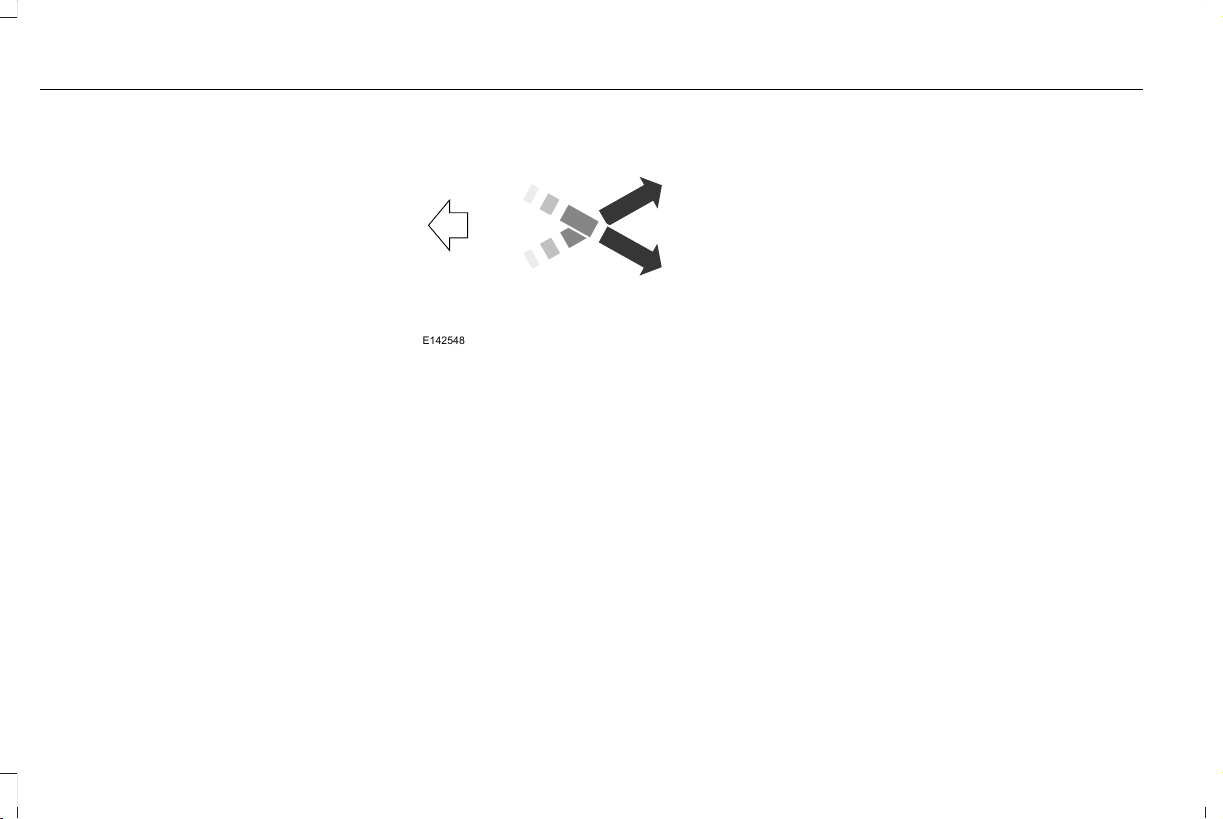
Note: Your vehicle may be equipped
with a dissimilar spare wheel and tire
assembly. A dissimilar spare wheel and
tire assembly is defined as a spare
wheel and tire assembly that is different
in brand, size or appearance from the
road tires and wheels. If you have a
dissimilar spare wheel and tire
assembly, it is intended for temporary
use only and should not be used in a
tire rotation.
Note: After having your tires rotated,
inflation pressure must be checked and
adjusted to the vehicle requirements.
Rotating your tires at the recommended
interval will help your tires wear more
evenly, providing better tire performance
and longer tire life. Sometimes irregular
tire wear can be corrected by rotating
the tires. See Scheduled Maintenance
(page 513).
Tire Rotation Diagram
Rear-wheel drive and all-wheel drive
vehicles, front tires at left of diagram.
E142548
USING SUMMER TIRES
Summer tires provide superior performance
on wet and dry roads. Summer tires do not
have the Mud and Snow (M+S or M/S) tire
traction rating on the tire side wall. Since
summer tires do not have the same traction
performance as All-season or Snow tires, we
do not recommend using summer tires when
temperatures drop to approximately 45°F
(7°C) or below (depending on tire wear and
environmental conditions) or in snow and ice
conditions. Like any tire, summer tire
performance is affected by tire wear and
environmental conditions. If you must drive
in those conditions, we recommend using
Mud and Snow (M+S, M/S), All-season or
Snow tires.
Always store your summer tires indoors at
temperatures above 19°F (-7°C). The rubber
compounds used in these tires lose flexibility
and may develop surface cracks in the tread
area at temperatures below 19°F (-7°C). If the
tires have been subjected to 19°F (-7°C) or
less, warm them in a heated space to at least
41°F (5°C) for at least 24 hours before
installing them on a vehicle, or moving the
vehicle with the tires installed, or checking
tire inflation. Do not place tires near heaters
or heating devices used to warm the room
where the tires are stored. Do not apply heat
or blow heated air directly on the tires.
Always inspect the tires after storage periods
and before use.
394
Aviator (CTV) Canada/United States of America, enUSA, Edition date: 201902, First-Printing
Wheels and Tires

USING SNOW CHAINS
WARNING: Do not exceed 30 mph
(50 km/h). Failure to follow this instruction
could result in the loss of control of your
vehicle, personal injury or death.
WARNING: Do not use snow chains
on snow-free roads.
WARNING: Only fit snow chains to
specified tires.
WARNING: If your vehicle is fitted
with wheel trims, remove them before
fitting snow chains.
WARNING: Snow tires must be the
same size, load index and speed rating as
those originally provided by Ford. Use of
any tire or wheel not recommended by
Ford can affect the safety and performance
of your vehicle, which could result in an
increased risk of loss of control, vehicle
rollover, personal injury and death.
Additionally, the use of non-recommended
tires and wheels can cause steering,
suspension, axle, transfer case or power
transfer unit failure. Follow the Ford
recommended tire inflation pressure found
on the Safety Compliance Certification
Label (on the door hinge pillar, door latch
post or the door edge that meets the door
latch post, next to the driver seat), or Tire
Label on the B-Pillar or the edge of the
driver door. Failure to follow the tire
pressure recommendations can cause
uneven treadwear patterns and adversely
affect the way your vehicle handles.
Only use snow chains on rear wheels. Install
snow chains in pairs. Do not use
self-tensioning snow chains.
Only use snow chains on the following
specified tire sizes:
• 255/60R19
• Only install chains that are 10 mm or
less.
• 255/55R20
• Only install chains that are 10 mm or
less.
We recommend you use steel wheels of the
same size and specification if snow chains
are required because chains may chip
aluminum wheels.
Follow these guidelines when using snow
tires and traction devices:
• If possible, avoid fully loading your
vehicle.
• Purchase snow chains from a
manufacturer that clearly labels body to
tire dimension restrictions.
• When driving with snow chains do not
exceed 30 mph (50 km/h) or the
maximum speed recommended by the
chain manufacturer, whichever is less.
• Drive cautiously. If you hear the snow
chains rub or bang against the vehicle,
stop and tighten them. If this does not
work, remove the snow chains to prevent
vehicle damage.
• Remove the snow chains when they are
no longer needed. Do not use snow
chains on dry roads.
395
Aviator (CTV) Canada/United States of America, enUSA, Edition date: 201902, First-Printing
Wheels and Tires
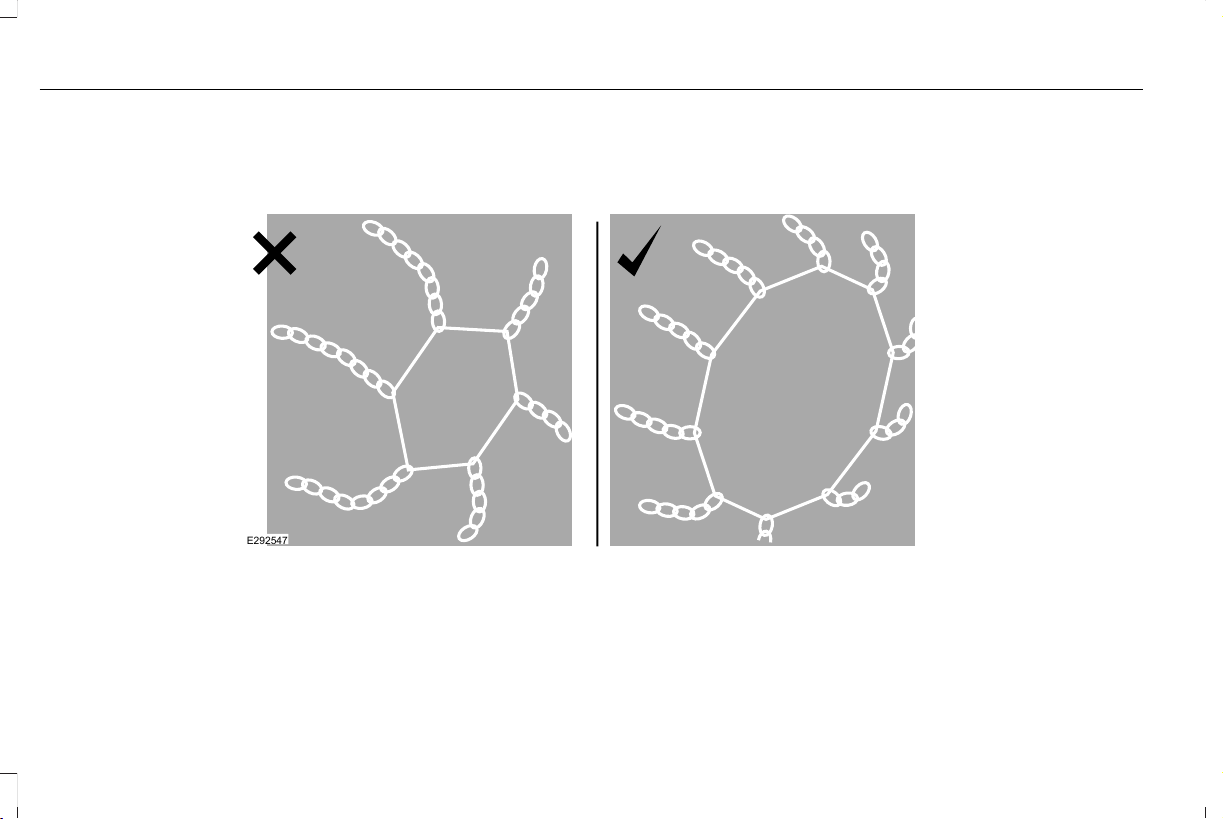
• If a temporary spare wheel is mounted
on your vehicle, do not use snow chains
on the axle with the temporary spare
wheel.
• Use snow chains that fit against the
sidewall of the tire to prevent the chains
from touching the wheel rims or
suspension, see following illustration.
E292547
If you have any questions regarding snow
chains, please contact your authorized
dealer.
396
Aviator (CTV) Canada/United States of America, enUSA, Edition date: 201902, First-Printing
Wheels and Tires
TIRE PRESSURE MONITORING
SYSTEM
WARNING: The tire pressure
monitoring system is not a substitute for
manually checking tire pressures. You
should periodically check tire pressures
using a pressure gauge. Failure to correctly
maintain tire pressures could increase the
risk of tire failure, loss of control, vehicle
rollover and personal injury.
Note: You should only use tire sealants in
roadside emergencies as they could cause
damage to the tire pressure monitoring
system sensor.
Note: If the tire pressure monitoring system
sensor becomes damaged, it will not
function.
Each tire, including the spare (if
provided), should be checked
monthly when cold and inflated to
the inflation pressure recommended by the
vehicle manufacturer on the vehicle placard
or tire inflation pressure label. (If your vehicle
has tires of a different size than the size
indicated on the vehicle placard or tire
inflation pressure label, you should
determine the proper tire inflation pressure
for those tires).
As an added safety feature, your vehicle has
been equipped with a Tire Pressure
Monitoring System (TPMS) that illuminates a
low tire pressure telltale when one or more
of your tires is significantly under-inflated.
Accordingly, when the low tire pressure
telltale illuminates, you should stop and
check your tires as soon as possible, and
inflate them to the proper pressure. Driving
on a significantly under-inflated tire causes
the tire to overheat and can lead to tire
failure. Under-inflation also reduces fuel
efficiency and tire tread life, and could affect
the vehicle’s handling and stopping ability.
Please note that the TPMS is not a substitute
for proper tire maintenance, and it is the
driver’ s responsibility to maintain correct tire
pressure, even if under-inflation has not
reached the level to trigger illumination of
the TPMS low tire pressure telltale.
Your vehicle has also been equipped with a
TPMS malfunction indicator to indicate when
the system is not operating properly. The
TPMS malfunction indicator is combined with
the low tire pressure telltale. When the
system detects a malfunction, the telltale will
flash for approximately one minute and then
remain continuously illuminated. This
sequence will continue upon subsequent
vehicle start-ups as long as the malfunction
exists.
When the malfunction indicator is illuminated,
the system will not be able to detect or signal
low tire pressure as intended. TPMS
malfunctions could occur for a variety of
reasons, including the installation of
replacement or alternate tires or wheels on
the vehicle that prevent the TPMS from
397
Aviator (CTV) Canada/United States of America, enUSA, Edition date: 201902, First-Printing
Wheels and Tires

functioning properly. Always check the TPMS
malfunction telltale after replacing one or
more tires or wheels on your vehicle to
ensure that the replacement or alternate tires
and wheels allow the TPMS to continue to
function properly.
This device complies with Part 15 of the FCC
Rules and with License exempt RSS
Standards of Industry Canada. Operation is
subject to the following two conditions:
1. This device will not cause harmful
interference, and
2. This device must accept any interference
received, including interference that
could cause undesired operation.
Note: Changes or modifications not
expressively approved by the party
responsible for compliance could void the
user's authority to operate the equipment.
The term "IC:" before the radio certification
number only signifies that Industry Canada
technical specifications were met.
Changing Tires With a Tire Pressure
Monitoring System
E142549
Note: Each road tire is equipped with a tire
pressure sensor located inside the wheel
and tire assembly cavity. The pressure
sensor is attached to the valve stem. The
pressure sensor is covered by the tire and
is not visible unless the tire is removed. Take
care when changing the tire to avoid
damaging the sensor.
You should always have your tires serviced
by an authorized dealer.
Check the tire pressure periodically (at least
monthly) using an accurate tire gauge. See
When Inflating Your Tires in this chapter.
Understanding Your Tire Pressure
Monitoring System
E250820
The tire pressure monitoring system
measures pressure in your road tires and
sends the tire pressure readings to your
vehicle. You can view the tire pressure
readings through the information display.
See General Information (page 127). The low
tire pressure warning light will turn on if the
tire pressure is significantly low. Once the
398
Aviator (CTV) Canada/United States of America, enUSA, Edition date: 201902, First-Printing
Wheels and Tires

light is illuminated, your tires are
under-inflated and need to be inflated to the
manufacturer’ s recommended tire pressure.
Even if the light turns on and a short time
later turns off, your tire pressure still needs
to be checked.
When Your Temporary Spare Tire is
Installed
When one of your road tires needs to be
replaced with the temporary spare, the
system will continue to identify an issue to
remind you that the damaged road wheel
and tire assembly needs to be repaired and
put back on your vehicle.
Some limited All Wheel Drive (AWD) traction
may be provided if a temporary spare is
installed on one of the front wheels. If you
are in driving conditions where limited All
Wheel Drive (AWD) traction is needed while
a temporary is installed, it is recommended
the temporary spare be installed on the front
axle.
To restore the full function of the tire
pressure monitoring system, have the
damaged road wheel and tire assembly
repaired and remounted on your vehicle.
When You Believe Your System is Not
Operating Properly
The main function of the tire pressure
monitoring system is to warn you when your
tires need air. It can also warn you in the
event the system is no longer capable of
functioning as intended. See the following
chart for information concerning your tire
pressure monitoring system:
399
Aviator (CTV) Canada/United States of America, enUSA, Edition date: 201902, First-Printing
Wheels and Tires

Customer action requiredPossible causeLow tire pressure warning light
Make sure tires are at the proper pressure. See Inflating your tires
in this chapter. After inflating your tires to the manufacturer’s
recommended pressure as shown on the Tire Label (located on
the edge of driver’s door or the B-Pillar), the vehicle must be driven
for at least two minutes over 20 mph (32 km/h) before the light
turns off.
Tire(s) under-inflated
Solid warning light Repair the damaged road wheel and tire assembly and reinstall
it on the vehicle to restore system function. For a description on
how the system functions, see When Your Temporary Spare Tire
is Installed in this section.
Spare tire in use
If the tires are properly inflated and the spare tire is not in use but
the light remains on, contact your authorized dealer as soon as
possible.
TPMS malfunction
400
Aviator (CTV) Canada/United States of America, enUSA, Edition date: 201902, First-Printing
Wheels and Tires

Customer action requiredPossible causeLow tire pressure warning light
On vehicles with different front and rear tire pressures, the system
must be retrained following every tire rotation. See Tire Pressure
Monitoring System Reset procedure later in this section.
Tire rotation without sensor training
Repair the damaged road wheel and tire assembly and reinstall
it on the vehicle to restore system function. For a description on
how the system functions, see When Your Temporary Spare Tire
is Installed in this section.
Spare tire in use
Flashing warning light
If the tires are properly inflated and the spare tire is not in use but
the light remains on, contact your authorized dealer as soon as
possible.
TPMS malfunction
When Inflating Your Tires
WARNING: Do not use the tire
pressure displayed in the information
display as a tire pressure gauge. Failure to
follow this instruction could result in
personal injury or death.
When putting air into your tires (such as at a
gas station or in your garage), the tire
pressure monitoring system will not respond
immediately to the air added to your tires.
It could take up to two minutes of driving
over 20 mph (32 km/h) for the light to turn
off after you have filled your tires to the
recommended inflation pressure.
How Temperature Affects Your Tire
Pressure
The tire pressure monitoring system monitors
tire pressure in each pneumatic tire. While
driving in a normal manner, a typical
passenger tire inflation pressure could
increase about 2–4 psi (14–28 kPa) from a
cold start situation. If the vehicle is stationary
overnight with the outside temperature
significantly lower than the daytime
temperature, the tire pressure could
decrease about 3 psi (21 kPa) for a drop of
30°F (17°C) in ambient temperature. This
lower pressure value could be detected by
the tire pressure monitoring system as being
significantly lower than the recommended
inflation pressure and activate the system
warning light for low tire pressure. If the low
tire pressure warning light is on, visually
check each tire to verify that no tire is flat. If
one or more tires are flat, repair as
401
Aviator (CTV) Canada/United States of America, enUSA, Edition date: 201902, First-Printing
Wheels and Tires

necessary. Check the air pressure in the road
tires. If any tire is under-inflated, carefully
drive the vehicle to the nearest location
where air can be added to the tires. Inflate
all the tires to the recommended inflation
pressure.
Tire Pressure Monitoring System Reset
Procedure
WARNING: To determine the
required pressure(s) for your vehicle, see
the Safety Compliance Certification Label
(on the door hinge pillar, door-latch post
or the door edge that meets the door-latch
post, next to the driver seat) or the Tire
Label on the B-Pillar or the edge of the
driver door.
Note: You need to perform the tire pressure
monitoring system reset procedure after
each tire rotation.
To provide the vehicle's load carrying
capability, some vehicles require different
recommended tire pressures in the front tires
as compared to the rear tires. The tire
pressure monitoring system equipped on
these vehicles is designed to illuminate the
low tire pressure warning light at two
different pressures; one for the front tires
and one for the rear tires.
Since tires need to be rotated to provide
consistent performance and maximum tire
life, the tire pressure monitoring system
needs to know when the tires are rotated to
determine which set of tires are on the front
and which are on the rear. With this
information, the system can detect and
properly warn of low tire pressures.
System reset tips:
• To reduce the chances of interference
from another vehicle, perform the system
reset procedure at least 3 ft (1 m) away
from another Ford Motor Company
vehicle undergoing the system reset
procedure at the same time.
• Do not wait more than two minutes
between resetting each tire sensor or the
system can time-out and you have to
repeat the entire procedure on all four
wheels.
• A double horn sounds indicating the
need to repeat the procedure.
Performing the System Reset Procedure
Read the entire procedure before attempting.
1. Drive the vehicle above 20 mph
(32 km/h) for at least two minutes, then
park in a safe location where you can
easily get to all four tires and have access
to an air pump.
2. Place the ignition in the off position and
keep the key in the ignition.
3. Cycle the ignition to the on position with
the engine off.
402
Aviator (CTV) Canada/United States of America, enUSA, Edition date: 201902, First-Printing
Wheels and Tires

4. Turn the hazard flashers on then off three
times. You must accomplish this within
10 seconds. If you successfully enter the
reset mode, the horn sounds once, the
system indicator flashes and a message
shows in the information display. If this
does not occur, please try again starting
at step 2. If after repeated attempts to
enter the reset mode, the horn does not
sound, the system indicator does not
flash and no message shows in the
information display, seek service from
your authorized dealer.
5. Train the tire pressure monitoring system
sensors in the tires using the following
system reset sequence starting with the
left front tire in the following clockwise
order: Left front - driver side front tire,
Right front - passenger side front tire,
Right rear - passenger side rear tire, Left
rear - driver side rear tire.
6. Remove the valve cap from the valve
stem on the left front tire. Decrease the
air pressure until the horn sounds.
Note: The single horn tone confirms that the
sensor identification code has been learned
by the module for this position. If a double
horn is heard, the reset procedure was
unsuccessful, and you must repeat it.
7. Remove the valve cap from the valve
stem on the right front tire. Decrease the
air pressure until the horn sounds.
8. Remove the valve cap from the valve
stem on the right rear tire. Decrease the
air pressure until the horn sounds.
9. Remove the valve cap from the valve
stem on the left rear tire. Decrease the
air pressure until the horn sounds.
Training is complete after the horn
sounds for the last tire trained, driver side
rear tire, the system indicator stops
flashing, and a message shows in the
information display.
10. Turn the ignition off. If two short horn
beeps are heard, the reset procedure
was unsuccessful and you must repeat
it. If after repeating the procedure and
two short beeps are heard when the
ignition is turned to off, seek assistance
from your authorized dealer.
11. Set all four tires to the recommended
air pressure as indicated on the Safety
Compliance Certification Label, affixed
to either the door hinge pillar,
door-latch post, or the door edge that
meets the door-latch post, next to the
driver seating position or Tire Label
located on the B-Pillar or the edge of
the driver door.
CHANGING A ROAD WHEEL
WARNING: If the tire pressure
monitor sensor becomes damaged it may
not function.
Note: You should only use tire sealants in
roadside emergencies as they may cause
damage to the tire pressure monitoring
system sensor.
403
Aviator (CTV) Canada/United States of America, enUSA, Edition date: 201902, First-Printing
Wheels and Tires
Note: The tire pressure monitoring system
indicator light illuminates when the spare
tire is in use. To restore the full function of
the monitoring system, all road wheels
equipped with tire pressure monitoring
sensors must be mounted on the vehicle.
If you get a flat tire when driving, do not
apply the brake heavily. Instead, gradually
decrease your speed. Hold the steering
wheel firmly and slowly move to a safe place
on the side of the road.
Have a flat serviced by an authorized dealer
in order to prevent damage to the tire
pressure monitoring system sensors. See
Tire Pressure Monitoring System (page 397).
Replace the spare tire with a road tire as
soon as possible. During repairing or
replacing of the flat tire, have the authorized
dealer inspect the tire pressure monitoring
system sensor for damage.
Dissimilar Spare Wheel and Tire
Assembly Information
WARNING: Failure to follow these
guidelines could result in an increased risk
of loss of vehicle control, injury or death.
If you have a dissimilar spare wheel and tire,
then it is intended for temporary use only.
This means that if you need to use it, you
should replace it as soon as possible with a
road wheel and tire assembly that is the
same size and type as the road tires and
wheels that were originally provided by us.
If the dissimilar spare tire or wheel is
damaged, you should replace it rather than
repair it.
A dissimilar spare wheel and tire assembly
is defined as a spare wheel and tire assembly
that is different in brand, size or appearance
from the road tires and wheels and can be
one of three types:
1. T-type mini-spare: This spare tire begins
with the letter T for tire size and may have
Temporary Use Only molded in the sidewall.
2. Full-size dissimilar spare with label on
wheel: This spare tire has a label on the
wheel that states: THIS WHEEL AND TIRE
ASSEMBLY FOR TEMPORARY USE ONLY.
When driving with one of the dissimilar spare
tires listed above, do not:
• Exceed 50 mph (80 km/h).
• Load the vehicle beyond maximum
vehicle load rating listed on the Safety
Compliance Label.
• Tow a trailer.
• Use snow chains on the end of the
vehicle with the dissimilar spare tire.
• Use more than one dissimilar spare tire
at a time.
• Use commercial car washing equipment.
• Try to repair the dissimilar spare tire.
Use of one of the dissimilar spare tires listed
above at any one wheel location can lead to
impairment of the following:
• Handling, stability and braking
performance.
• Comfort and noise.
• Ground clearance and parking at curbs.
404
Aviator (CTV) Canada/United States of America, enUSA, Edition date: 201902, First-Printing
Wheels and Tires

• Winter weather driving capability.
• Wet weather driving capability.
• All-wheel driving capability.
3. Full-size dissimilar spare without label
on wheel.
When driving with the full-size dissimilar
spare wheel and tire assembly, do not:
• Exceed 70 mph (113 km/h).
• Use more than one dissimilar spare
wheel and tire assembly at a time.
• Use commercial car washing equipment.
• Use snow chains on the end of the
vehicle with the dissimilar spare wheel
and tire assembly.
The usage of a full-size dissimilar spare
wheel and tire assembly can lead to
impairment of the following:
• Handling, stability and braking
performance.
• Comfort and noise.
• Ground clearance and parking at curbs.
• Winter weather driving capability.
• Wet weather driving capability.
• All-wheel driving capability.
When driving with the full-size dissimilar
spare wheel and tire assembly additional
caution should be given to:
• Towing a trailer.
• Driving vehicles equipped with a camper
body.
• Driving vehicles with a load on the cargo
rack.
Drive cautiously when using a full-size
dissimilar spare wheel and tire assembly and
seek service as soon as possible.
Tire Change Procedure
WARNING: The jack supplied with
this vehicle is only intended for changing
wheels. Do not use the vehicle jack other
than when you are changing a wheel in an
emergency.
WARNING: Check that the vehicle
jack is not damaged or deformed and the
thread is lubricated and clean.
WARNING: When one of the front
wheels is off the ground, the transmission
alone will not prevent the vehicle from
moving or slipping off the jack, even if the
transmission is in park (P).
WARNING: To help prevent your
vehicle from moving when changing a
wheel, shift the transmission into park (P),
set the parking brake and use an
appropriate block or wheel chock to
secure the wheel diagonally opposite to
the wheel being changed. For example,
when changing the front left wheel, place
an appropriate block or wheel chock on
the right rear wheel.
405
Aviator (CTV) Canada/United States of America, enUSA, Edition date: 201902, First-Printing
Wheels and Tires
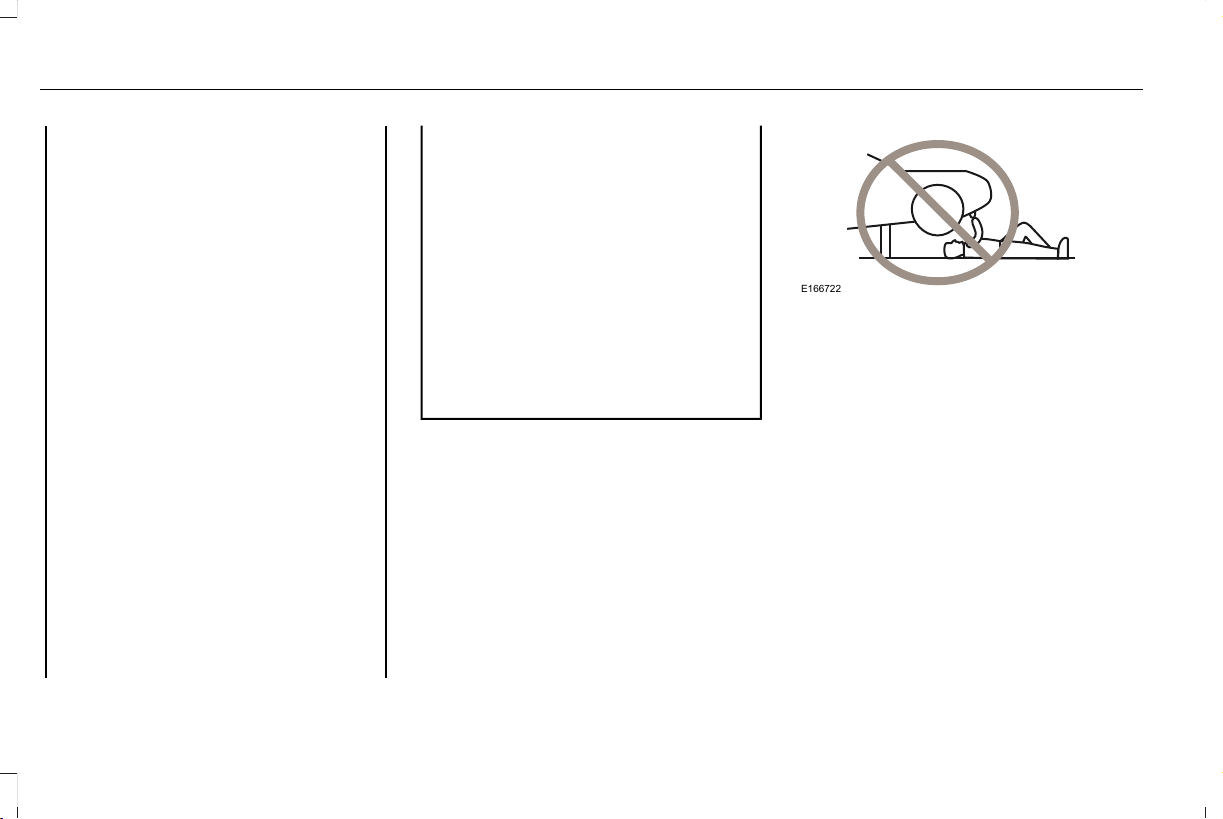
WARNING: Always use the jack
provided as original equipment with your
vehicle. If using a jack other than the one
provided, make sure the jack capacity is
adequate for the vehicle weight, including
any vehicle cargo or modifications. If you
are unsure if the jack capacity is adequate,
contact the authorized dealer.
WARNING: Failure to follow these
guidelines could result in an increased risk
of loss of vehicle control, injury or death.
WARNING: Use only the specified
jacking points. If you use other positions,
you may damage the body, steering,
suspension, engine, braking system or the
fuel lines.
WARNING: Do not work on your
vehicle when the jack is the only support.
If the vehicle slips off the jack, you or
someone else could be seriously injured.
WARNING: Never place anything
between the vehicle jack and your vehicle.
WARNING: Never place anything
between the vehicle jack and the ground.
WARNING: Park your vehicle so that
you do not obstruct the flow of traffic or
place yourself in any danger and set up a
warning triangle.
WARNING: Do not attempt to change
a tire on the side of the vehicle close to
moving traffic. Pull far enough off the road
to avoid the danger of being hit when
operating the jack or changing the wheel.
Note: Passengers should not remain in your
vehicle when the vehicle is being jacked.
Note: Jack at the specified locations to avoid
damage to the vehicle.
E166722
Note: No maintenance or additional
lubrication of your jack is required over the
service life of your vehicle.
1. Park on a level surface, set the parking
brake and switch on the hazard flashers.
2. Apply the parking brake, place the
transmission in park (P) or reverse (R) for
manual transmission. Turn the engine off.
3. If your vehicle has air suspension, use
the touch screen to switch on the Air
Suspension Service Mode prior to
jacking.
406
Aviator (CTV) Canada/United States of America, enUSA, Edition date: 201902, First-Printing
Wheels and Tires
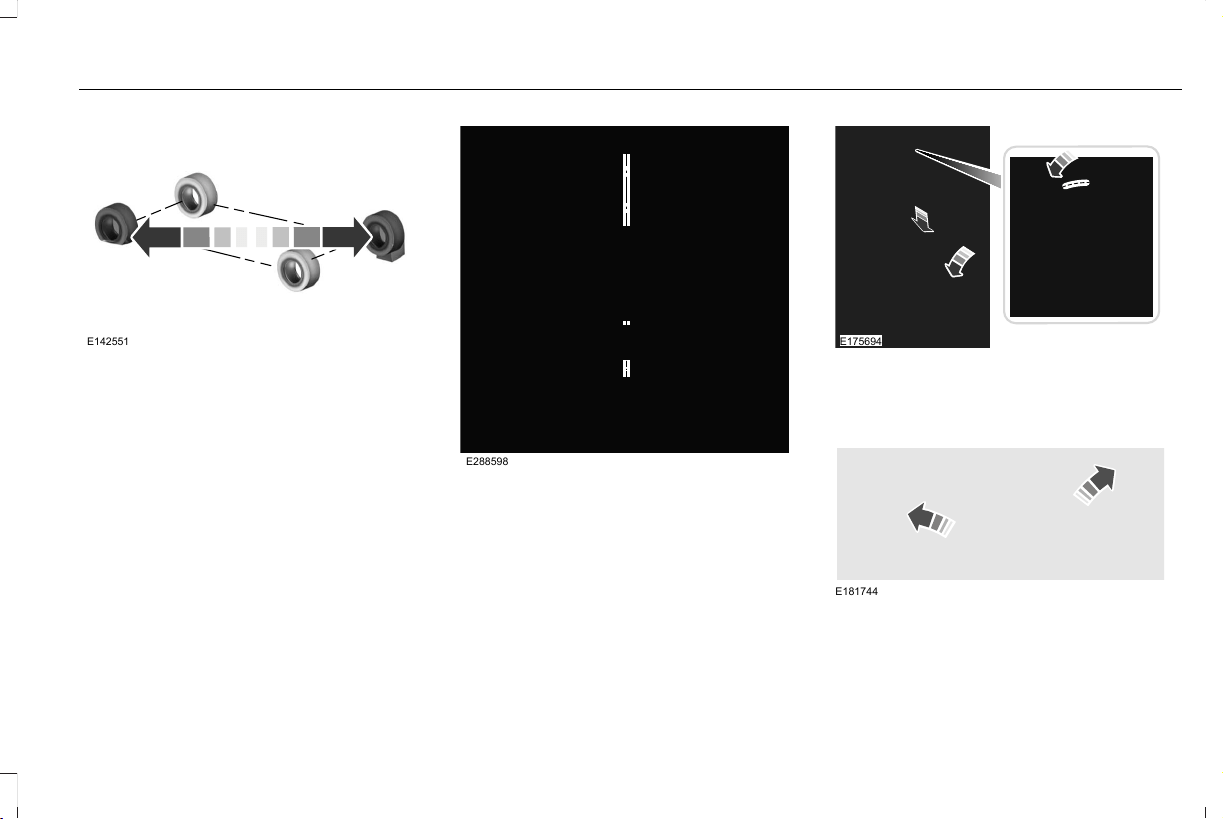
E142551
4. Block the wheel diagonally opposite the
flat tire. For example, if the left front tire
is flat, block the right rear wheel.
E288598
5. Turn the wing nut securing the spare tire
counterclockwise, remove the wing nut.
6. Remove the spare tire, jack and wrench
from the spare tire storage compartment
under the trunk load floor.
E175694
7. Turn the hex nut on the jack
counterclockwise to remove the lug
wrench from jack. This lowers the jack
and loosens the mechanical lock.
E181744
8. Unfold the wrench for use.
407
Aviator (CTV) Canada/United States of America, enUSA, Edition date: 201902, First-Printing
Wheels and Tires
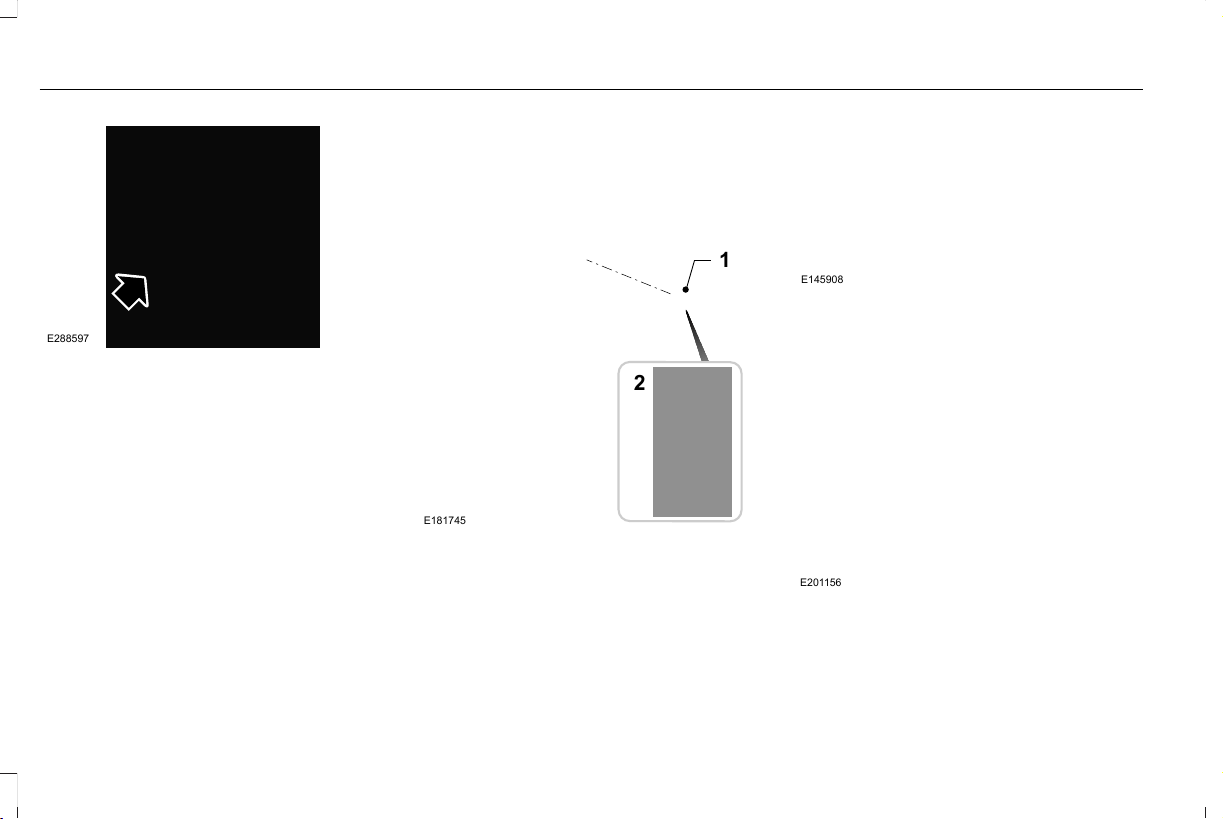
E288597
9. Remove the strap from the jack.
1
E181745
2
10. Loosen each wheel lug nut one-half
turn counterclockwise, but do not
remove them until the flat tire is raised
off the ground.
E145908
11. Find the jacking points shown here,
small arrow-shaped marks on the sills
show the location of the jacking points.
E201156
12. Place the jack at the jacking point next
to the tire which you are changing. Turn
the lug wrench handle clockwise until
the flat tire is completely off the ground.
408
Aviator (CTV) Canada/United States of America, enUSA, Edition date: 201902, First-Printing
Wheels and Tires
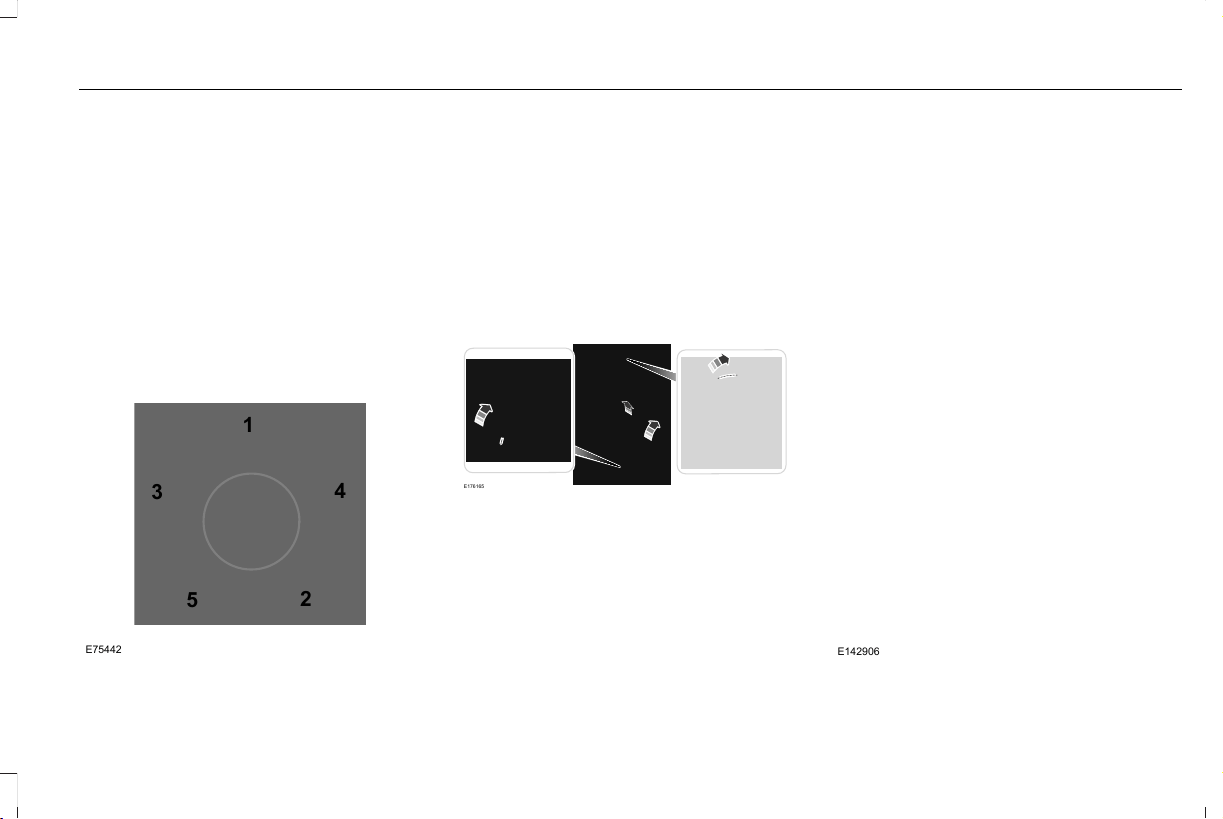
13. Remove the lug nuts with the lug
wrench.
14. Replace the flat tire with the spare tire,
making sure the valve stem is facing
outward.
15. Install the lug nuts snug against the
hub. Do not fully tighten the lug nuts
until the vehicle is lowered.
16. Turn the wrench handle
counterclockwise to lower the vehicle
completely.
1
2
3
4
5
E75442
17. Remove the jack and fully tighten the
lug nuts in the order shown. See
Technical Specifications (page 411).
18. If you enabled the Air Suspension
Service Mode, switch the mode off prior
to driving.
19. Remove the wheel blocks.
Stowing the jack
E176165
1. To store the folded wrench on the jack,
engage the bracket of the jack base and
the lug wrench pin, swing the wrench
upwards, adjust jack height until the
wrench hook engages the hole on jack.
Tighten the hex nut clockwise by hand
until secure.
2. Place the jack in the spare tire
compartment, install the wing nut and
tighten clockwise by hand until secure.
Stowing the flat tire
You cannot store the full-sized road wheel
in the temporary spare tire well.
1. Find the flat tire retainer strap tucked
inside the jack channel. Lower the
carpeted load floor.
2. Stow the flat tire in the cargo area on the
load floor with the wheel facing up.
Secure the flat tire with the retainer strap
by following the next steps.
E142906
409
Aviator (CTV) Canada/United States of America, enUSA, Edition date: 201902, First-Printing
Wheels and Tires
3. Locate the rear left side and right side
cargo tie-down rings. Push the loop end
of the retainer strap through one cargo
tie-down ring. Thread the non-loop end
through the loop.
4. Weave the retainer strap through the
wheel openings.
E294325
5. Locate the front cargo tie-down in the
opposite rear corner of the cargo area.
Thread the retainer strap through the
tie-down and pull tight.
E143746
6. Secure by tying a 2-half hitch knot.
410
Aviator (CTV) Canada/United States of America, enUSA, Edition date: 201902, First-Printing
Wheels and Tires
TECHNICAL SPECIFICATIONS
Wheel Lug Nut Torque Specifications
WARNING: When you install a wheel, always remove any corrosion, dirt or foreign materials present on the mounting surfaces of the
wheel or the surface of the wheel hub, brake drum or brake disc that contacts the wheel. Make sure to secure any fasteners that attach
the rotor to the hub so they do not interfere with the mounting surfaces of the wheel. Installing wheels without correct metal-to-metal contact
at the wheel mounting surfaces can cause the wheel nuts to loosen and the wheel to come off while your vehicle is in motion, resulting in
loss of vehicle control, personal injury or death.
lb.ft (Nm)
*
Bolt size
150 lb.ft (204 Nm)M14 x 1.5
*
Torque specifications are for nut and bolt threads free of dirt and rust. Use only Ford recommended replacement fasteners.
Retighten the lug nuts to the specified torque within 100 miles (160 kilometers) after any wheel disturbance (such as tire rotation, changing a
flat tire, wheel removal).
411
Aviator (CTV) Canada/United States of America, enUSA, Edition date: 201902, First-Printing
Wheels and Tires

E145950
Wheel pilot boreA
Inspect the wheel pilot bore and mounting
surface prior to installation. Remove any
visible corrosion or loose particles.
412
Aviator (CTV) Canada/United States of America, enUSA, Edition date: 201902, First-Printing
Wheels and Tires

ENGINE SPECIFICATIONS
3.0LEngine
180 in³ (2,956 cm³)Displacement.
Minimum 87 octaneFuel type.
1-4-2-5-3-6Firing order.
Coil on plugIgnition system.
0.028–0.031 in (0.7–0.8 mm)Spark plug gap.
9.5:1Compression ratio.
413
Aviator (CTV) Canada/United States of America, enUSA, Edition date: 201902, First-Printing
Capacities and Specifications
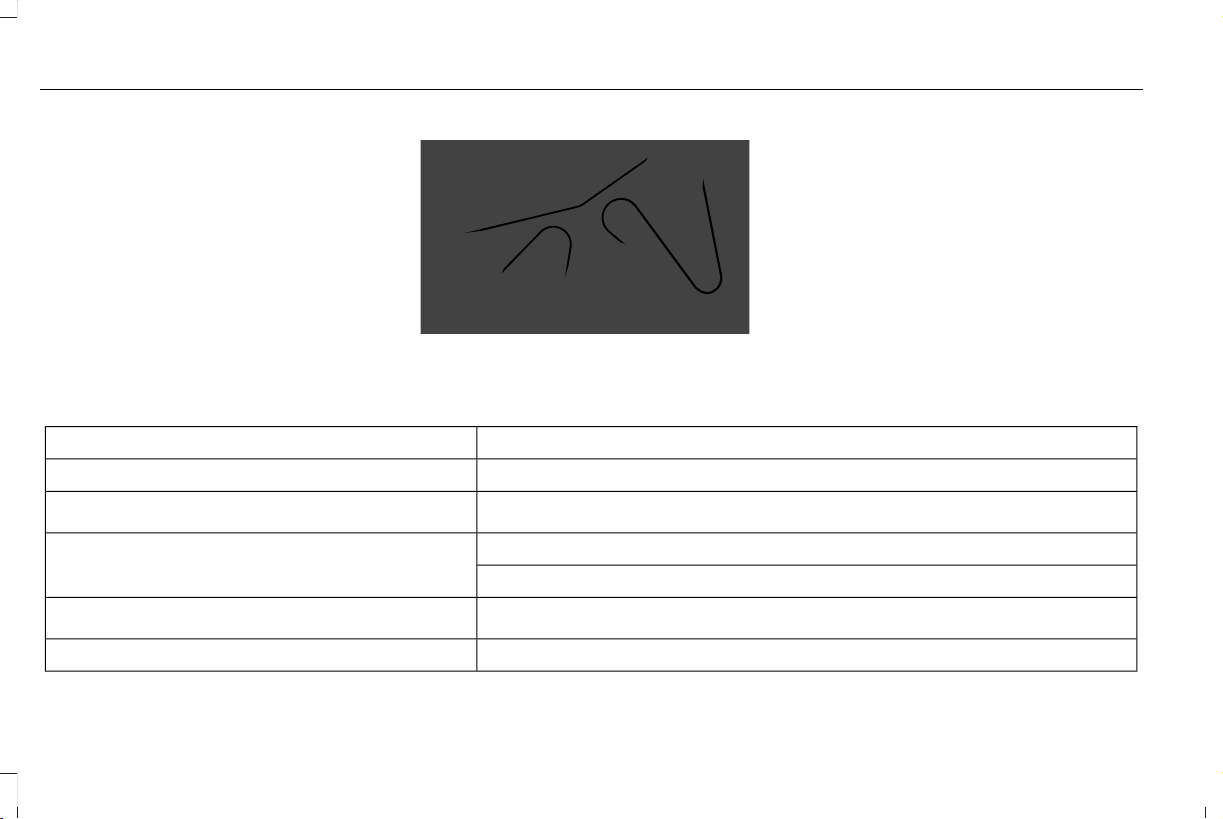
Drivebelt Routing
E297178
MOTORCRAFT PARTS
Part NumberComponent
FA-1884Air filter.
FL-2062
Oil filter.
1
BAGM-94RH7-800
Battery.
2
BAGM-49H8-850
SP-578
Spark plugs.
3
FP-89Cabin air filter.
414
Aviator (CTV) Canada/United States of America, enUSA, Edition date: 201902, First-Printing
Capacities and Specifications
Part NumberComponent
WW-2617-NH (non-heated driver side)Windshield wiper blade.
WW-2618-H (heated driver side)
WW-2619-R (refill driver side)
WW-2114-NH (non-heated passenger side)
WW-2115-H (heated passenger side)
WW-2116-R (refill passenger side)
WW-1111Rear window wiper blade.
1
If a Motorcraft oil filter is not available, use an oil filter that meets industry performance specification SAE/USCAR-36.
2
See your authorized dealer for correct replacement.
3
For spark plug replacement, contact your authorized dealer. Replace the spark plugs at the appropriate intervals. See Scheduled
Maintenance (page 513).
We recommend Motorcraft replacement parts available at your authorized dealer or at fordparts.com for scheduled maintenance. These parts
engineered for your vehicle meet or exceed our specifications. Use of other parts could impact vehicle performance, emissions and durability.
Your warranty could be void for any damage related to use of other parts.
415
Aviator (CTV) Canada/United States of America, enUSA, Edition date: 201902, First-Printing
Capacities and Specifications
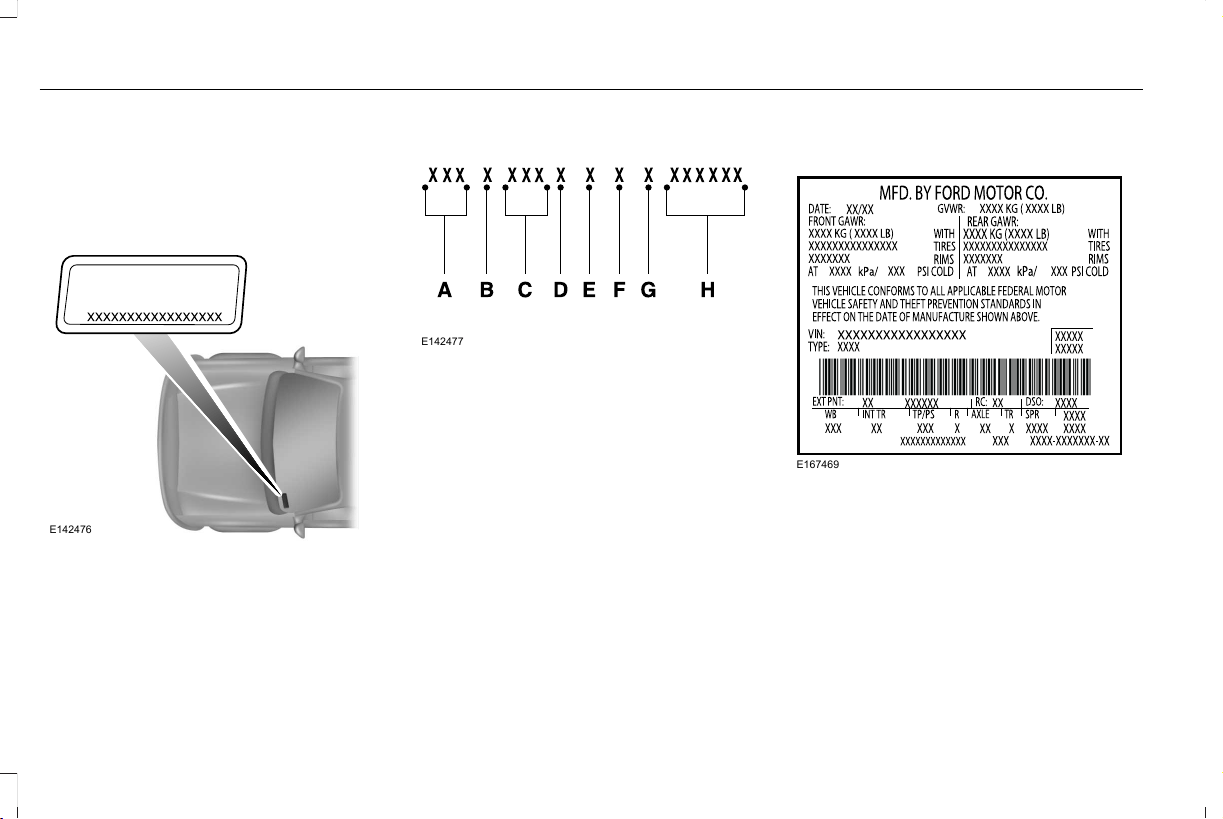
VEHICLE IDENTIFICATION
NUMBER
The vehicle identification number is located
on the left-hand side of the instrument panel.
E142476
Please note that in the graphic, XXXX is
representative of your vehicle identification
number.
The Vehicle Identification Number contains
the following information:
E142477
World manufacturer identifierA
Brake system, Gross Vehicle
Weight Rating, Restraint Devices
and their locations
B
Make, vehicle line, series, body
type
C
Engine typeD
Check digitE
Model yearF
Assembly plantG
Production sequence numberH
VEHICLE CERTIFICATION LABEL
E167469
The National Highway Traffic Safety
Administration Regulations require that a
Safety Compliance Certification Label be
affixed to a vehicle and prescribe where the
Safety Compliance Certification Label may
be located. The Safety Compliance
Certification Label shall be affixed to either
the door hinge pillar, the door latch post, or
the edge of the door near the door latch,
next to the driver's seating position.
416
Aviator (CTV) Canada/United States of America, enUSA, Edition date: 201902, First-Printing
Capacities and Specifications
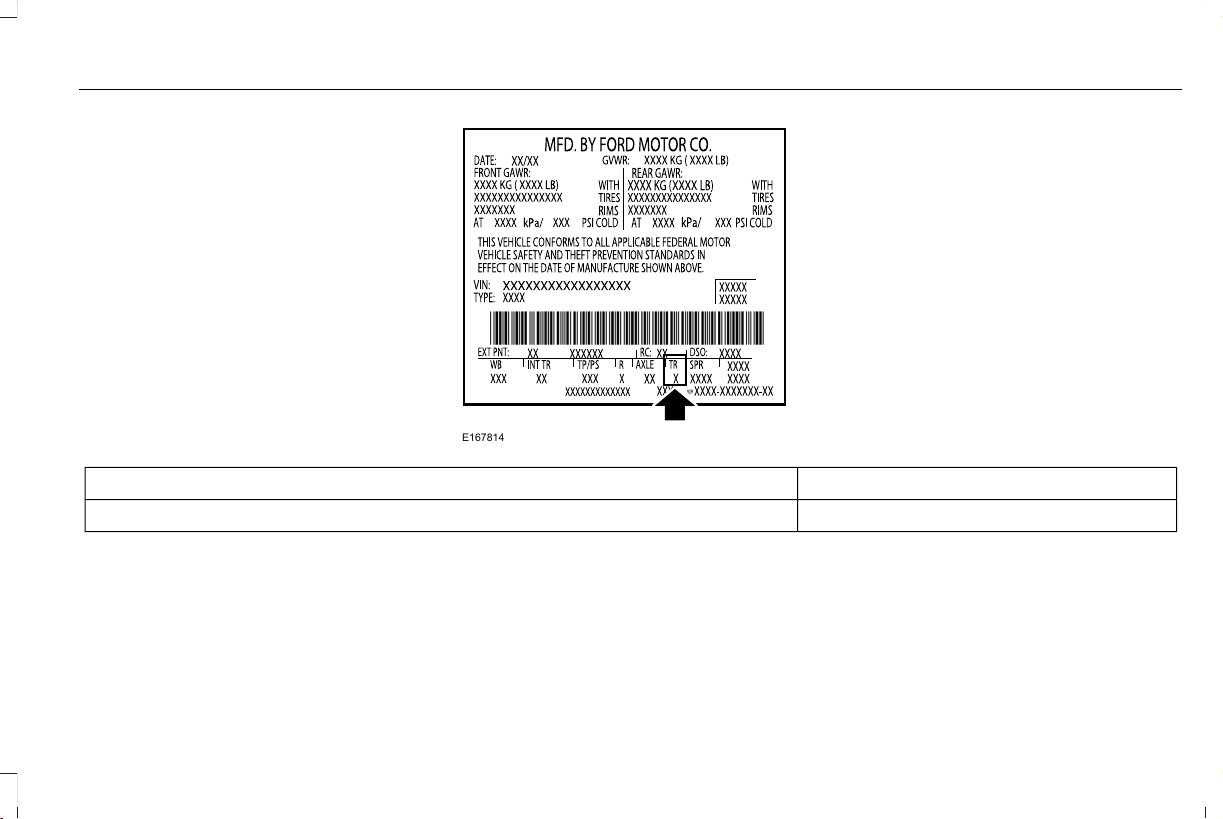
TRANSMISSION CODE
DESIGNATION
E167814
The transmission code is on the Safety
Compliance Certification Label. The
following table shows the transmission code
along with the transmission description.
CodeDescription
TTen-speed automatic transmission (10R60).
417
Aviator (CTV) Canada/United States of America, enUSA, Edition date: 201902, First-Printing
Capacities and Specifications
CAPACITIES AND SPECIFICATIONS
Use oil and fluid that meets the defined
specification and viscosity grade.
If you do not use oil and fluid that meets the
defined specification and viscosity grade, it
could result in:
• Component damage not covered by the
vehicle warranty.
• Longer engine cranking periods.
• Increased emission levels.
• Reduced engine performance.
• Reduced fuel economy.
• Reduced brake performance.
Air Conditioning System
WARNING: The air conditioning
refrigerant system contains refrigerant
under high pressure. Only qualified
personnel should service the air
conditioning refrigerant system. Opening
the air conditioning refrigerant system can
cause personal injury.
Capacities
Refrigerant OilRefrigerantVariant
5.92 fl oz (175 ml)35 oz (0.99 kg)All.
418
Aviator (CTV) Canada/United States of America, enUSA, Edition date: 201902, First-Printing
Capacities and Specifications

Materials
SpecificationName
WSS-M17B21-AR-1234yf Refrigerant (U.S.)
R-1234yf Refrigerant / Frigorigène R-1234yf (Canada)
YN-33-A (U.S.)
HS7Z-19B519-BA (Canada)
WSS-M2C300-A2Motorcraft® R-1234yf Refrigerant PAG Oil (U.S.)
Motorcraft® R-1234yf Refrigerant PAG Oil / Huile PAG pour frigorigène R-1234yf
Motorcraft® (Canada)
YN-35 (U.S. & Canada)
Automatic Transmission
Note: Automatic transmissions that require
MERCON® ULV transmission fluid should
only use MERCON® ULV transmission fluid.
The use of any other fluid may cause
transmission damage.
419
Aviator (CTV) Canada/United States of America, enUSA, Edition date: 201902, First-Printing
Capacities and Specifications

Capacities
QuantityVariant
12.6 qt (11.9 L)
1
All.
1
Approximate dry fill capacity. Actual amount may vary during fluid changes.
Materials
SpecificationName
WSS-M2C949-AMERCON® ULVMotorcraft® MERCON® ULV Automatic Transmission Fluid (U.S.)
Motorcraft® MERCON® ULV Automatic Transmission Fluid / MERCON® ULV huile
pour boîtes automatique Motorcraft® (Canada)
XT-12-QULV (U.S. & Canada)
Engine Coolant
Capacities
QuantityVariant
18.0 qt (17 L)All.
420
Aviator (CTV) Canada/United States of America, enUSA, Edition date: 201902, First-Printing
Capacities and Specifications
Materials
SpecificationName
WSS-M97B57-A2Motorcraft® Yellow Prediluted Antifreeze/Coolant (U.S.)
Motorcraft® Yellow Prediluted Antifreeze/Coolant / Antigel/liquide de refroidissement
prédilué jaune Motorcraft® (Canada)
VC-13DL-G (U.S.)
CVC-13DL-G (Canada)
Engine Oil
E142732
E276075
An oil that displays this symbol conforms to
current engine, emission system and fuel
economy performance standards of ILSAC.
We recommend Motorcraft® motor oil for
your vehicle. If Motorcraft® oil is not available,
use motor oils of the recommended viscosity
grade that meet API SN PLUS requirements
and display the API Certification Mark for
gasoline engines.
421
Aviator (CTV) Canada/United States of America, enUSA, Edition date: 201902, First-Printing
Capacities and Specifications
Capacities
Including the Oil FilterVariant
6.0 qt (5.7 L)All.
Materials
SpecificationName
WSS-M2C946-B1Engine Oil - SAE 5W-30 - Synthetic Blend Motor Oil (U.S.)
Engine Oil - SAE 5W-30 - Super Premium Motor Oil / Huile moteur de très haute
qualité SAE 5W-30 Motorcraft® (Canada)
XO-5W30-Q1SP (U.S.)
CXO-5W30-LSP6 (Canada)
Alternative Engine Oil for Extremely
Cold Climates
To improve engine cold start performance,
we recommend that you use the following
alternative engine oil in extremely cold
climates, where the ambient temperature
reaches -22.0°F (-30°C) or below.
422
Aviator (CTV) Canada/United States of America, enUSA, Edition date: 201902, First-Printing
Capacities and Specifications
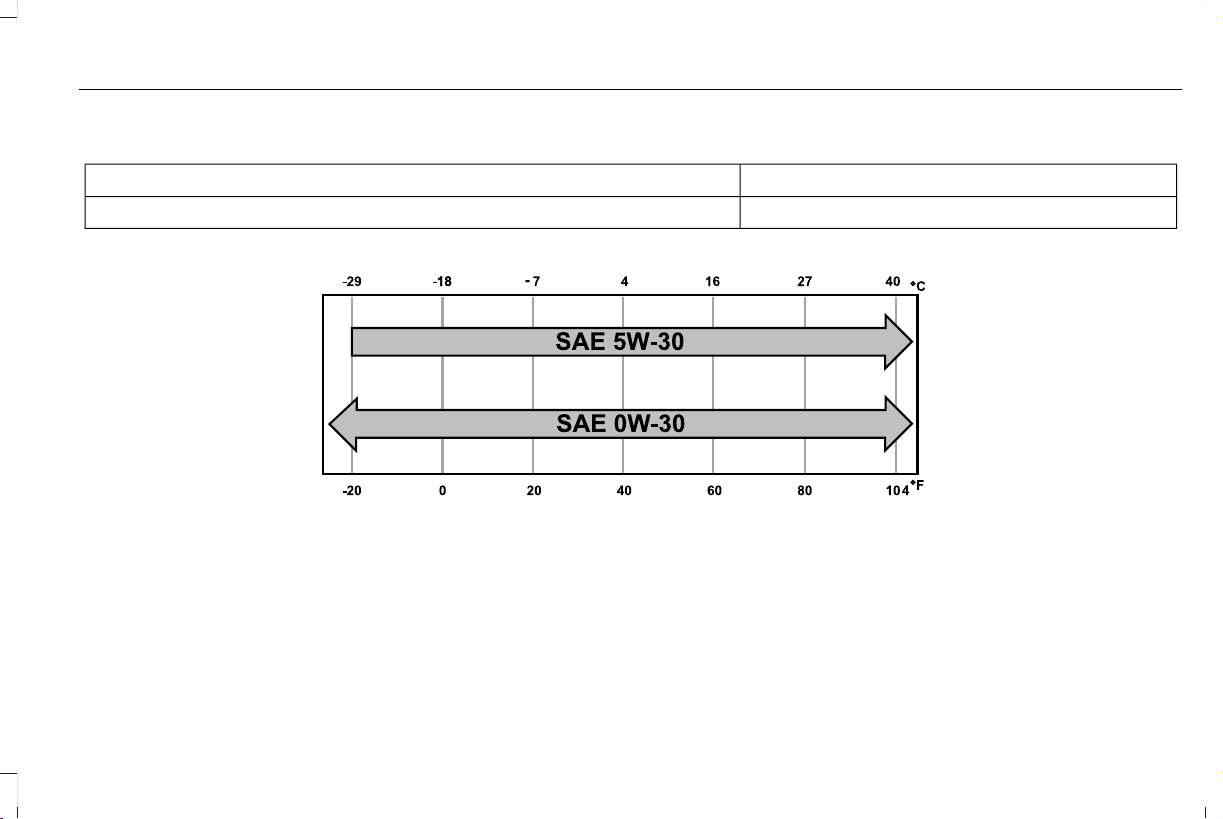
Materials
SpecificationName
WSS-M2C953-B1Engine Oil - SAE 0W-30
E240523
423
Aviator (CTV) Canada/United States of America, enUSA, Edition date: 201902, First-Printing
Capacities and Specifications

Fuel Tank
Capacities
QuantityVariant
20.2 gal (76.5 L)All.
Grease
Materials
SpecificationName
ESA-M1C75-BMotorcraft® Premium Long-Life Grease (U.S.)
Motorcraft® Premium Long-Life Grease / Graisse longue durée de qualité première
Motorcraft® (Canada)
XG-1-E1 (U.S. & Canada)
ESB-M1C93-BMotorcraft® Multi-Purpose Grease Spray (U.S.)
Motorcraft® Multi-Purpose Grease Spray / Graisse tout usage en aérosol Motorcraft®
(Canada)
XL-5-A (U.S. & Canada)
Hydraulic Brake System
424
Aviator (CTV) Canada/United States of America, enUSA, Edition date: 201902, First-Printing
Capacities and Specifications

Materials
SpecificationName
WSS-M6C65-A2Motorcraft® DOT 4 LV High Performance Motor Vehicle Brake Fluid (U.S.)
Motorcraft® DOT 4 LV High Performance Motor Vehicle Brake Fluid / Liquide de
frein automobile haute performance DOT 4 LV Motorcraft® (Canada)
PM-20 (U.S. & Canada)
Note: We recommend using DOT 4 Low
Viscosity (LV) High Performance Brake Fluid
or equivalent meeting WSS-M6C65-A2. Use
of any fluid other than the recommended
fluid may cause reduced brake performance
and not meet our performance standards.
Keep brake fluid clean and dry.
Contamination with dirt, water, petroleum
products or other materials may result in
brake system damage and possible failure.
Locks
Materials
SpecificationName
-Motorcraft® Penetrating and Lock Lubricant (U.S.)
Motorcraft® Penetrating Fluid / Liquide dégrippant Motorcraft® (Canada)
XL-1 (U.S.)
CXC-51-A (Canada)
425
Aviator (CTV) Canada/United States of America, enUSA, Edition date: 201902, First-Printing
Capacities and Specifications

Transfer Case
Capacities
QuantityVariant
1.1 qt (1 L)All.
Materials
SpecificationName
MERCON® LV WSS-M2C938-AMotorcraft® MERCON® LV Automatic Transmission Fluid (U.S.)
Motorcraft® MERCON® LV Automatic Transmission Fluid / Huile pour boîte auto-
matique MERCON® LV Motorcraft® (Canada)
XT-10-QLVC (U.S.)
CXT-10-LV6 (Canada)
Front Axle
Capacities
QuantityVariant
0.6 qt (0.6 L)All wheel drive.
426
Aviator (CTV) Canada/United States of America, enUSA, Edition date: 201902, First-Printing
Capacities and Specifications
Materials
SpecificationName
WSL-M2C192-AMotorcraft® SAE 75W-140 Synthetic Rear Axle Lubricant (U.S.)
Motorcraft® SAE 75W-140 Synthetic Rear Axle Lubricant / Lubrifiant synthétique
pour pont arrière SAE 75W-140 Motorcraft® (Canada)
XY-75W140-QL (U.S.)
CXY-75W140-1L (Canada)
Rear Axle
Capacities
QuantityVariant
1.9 qt (1.8 L)All.
427
Aviator (CTV) Canada/United States of America, enUSA, Edition date: 201902, First-Printing
Capacities and Specifications
Materials
SpecificationName
WSS-M2C942-AMotorcraft® SAE 75W-85 Premium Synthetic Hypoid Gear Lubricant (U.S.)
Motorcraft® SAE 75W-85 Premium Synthetic Hypoid Gear Lubricant / Huile
synthétique de haute qualité pour engrenages hypoïdes SAE 75W-85 Motorcraft®
(Canada)
XY-75W85-QL (U.S. & Canada)
Washer Reservoir
Capacities
QuantityVariant
Fill as required.All.
428
Aviator (CTV) Canada/United States of America, enUSA, Edition date: 201902, First-Printing
Capacities and Specifications
Materials
SpecificationName
WSS-M14P19-AMotorcraft® Premium Windshield Wash Concentrate with Bitterant (U.S.)
Motorcraft® Premium Quality Windshield Washer Fluid / Liquide lave-glace de haute
qualité Motorcraft® (Canada)
ZC-32-B2 (U.S.)
CXC-37-A/B/D/F (Canada)
BULB SPECIFICATION CHART
All exterior and interior lamps are LED.
Note: LED lamps are not serviceable. See
an authorized dealer if they fail.
429
Aviator (CTV) Canada/United States of America, enUSA, Edition date: 201902, First-Printing
Capacities and Specifications
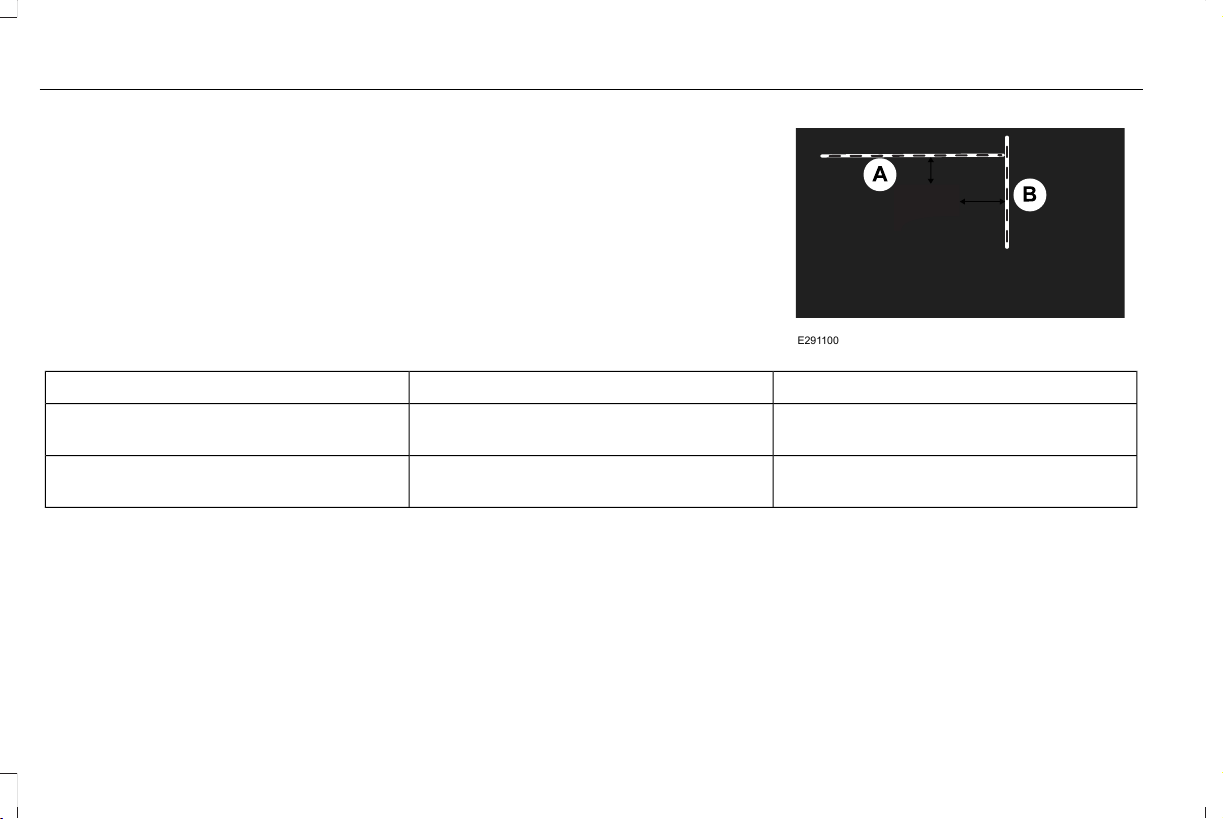
INSTALLING THE VEHICLE
IDENTIFICATION CARD
Install any devices that use radio frequency
identification, for example, toll readers or
vehicle identification cards, to the specified
area on the windshield.
Note: Follow the manufacturer’ s installation
instructions.
Note: When installing the radio frequency
identification device, do not block objects
such as the rain sensor and the
auto-dimming sensor.
E291100
DimensionDimension DescriptionItem
2 in (40 mm)The top edge of the windshield to the top
edge of the identification card.
A
4 in (100 mm)The center of the windshield to the right edge
of the identification card.
B
430
Aviator (CTV) Canada/United States of America, enUSA, Edition date: 201902, First-Printing
Vehicle Identification

CONNECTING THE VEHICLE TO A
MOBILE NETWORK
About the Modem
The modem allows you to connect your
vehicle to the Internet to use when you are
on the road.
If you enable the modem using the Lincoln
Way app, you can access the following
services:
• Locating and remotely starting, locking
and unlocking your vehicle. See the
information in the Lincoln Way app.
• Automatic system updates.
Enabling the Modem Using The Lincoln
Way
1. Open the Lincoln Way app on your
device and log in.
2. Select your vehicle.
3. Select the option for vehicle details.
4. Select the option to activate your vehicle.
5. Switch the ignition on.
6. Make sure that the name on the screen
matches the name shown in your Lincoln
Way account.
7. Confirm the association of your vehicle
with your Lincoln Way account.
Enabling the Modem Using the
Touchscreen
E280315
Select the settings option on the
feature bar.
1. Select Lincoln Connect .
2. Select Connectivity Settings.
3. Switch connectivity features on.
431
Aviator (CTV) Canada/United States of America, enUSA, Edition date: 201902, First-Printing
Network Connectivity

NETWORK CONNECTIVITY – TROUBLESHOOTING
Wi-Fi Network
Possible Cause and ResolutionSymptom
I cannot connect to a Wi-Fi network. – Password error.
• Enter the correct network password.
– Weak network signal.
• Move your vehicle closer to the Wi-Fi hotspot or to a place where the network signal
is not obstructed.
– Multiple access points in range with the same SSID.
• Use a unique name for your SSID,. Do not use the default name unless it contains a
unique identifier, for example as part of the MAC address.
The Wi-Fi connection disconnects after
successful connection.
– Weak network signal.
• Move your vehicle closer to the Wi-Fi hotspot or to a place where the network signal
is not obstructed.
I am close to a Wi-Fi hotspot but the network
signal strength is weak.
– Obstructed network signal.
• If your vehicle has a heated windshield, position your vehicle so that the windshield
is not facing the Wi-Fi hotspot.
• If your vehicle has metallic tinting on the windows but not on the windshield, position
your vehicle so that the windshield is facing the Wi-Fi hotspot or open the windows
that are facing the hotspot.
432
Aviator (CTV) Canada/United States of America, enUSA, Edition date: 201902, First-Printing
Network Connectivity

Possible Cause and ResolutionSymptom
• If your vehicle has metallic tinting on the windows and the windshield, open the
windows that are facing the hotspot.
• If your vehicle is in a garage and you have the garage door closed, open the garage
door.
I cannot see a network in the list of available
networks that I expect to see.
– Hidden network.
• Make the network visible and try again.
I cannot see the Wi-Fi Hotspot name when I
search for Wi-Fi networks on my cell phone
or other device.
– System limitation.
• Make sure Wi-Fi hotspot visibility is on.
• The system does not provide a Wi-Fi hotspot at this time.
– Weak network signal
• Move your vehicle closer to the Wi-Fi hotspot or to a place where the network signal
is not obstructed.
– Wi-Fi hotspot in high demand or has a slow Internet connection.
• Use an more reliable Wi-Fi hotspot.
Software downloads take too long.
– No software update available.
– Wi-Fi network requires a subscription or acceptance of terms and conditions.
• Test the connection using another device. If the network requires a subscription or
acceptance of terms and conditions, contact the network service provider.
The system seems to connect to a Wi-Fi
network and the signal strength is excellent
but the software does not update.
433
Aviator (CTV) Canada/United States of America, enUSA, Edition date: 201902, First-Printing
Network Connectivity
Mobile Network
Possible Cause and ResolutionSymptom
– Modem is not enabled.
• Enable the modem through Lincoln Way.
– Weak network signal.
• Move your vehicle closer to a place where the network signal is not obstructed.
I cannot confirm association with Lincoln Way
when trying to enable the modem.
434
Aviator (CTV) Canada/United States of America, enUSA, Edition date: 201902, First-Printing
Network Connectivity
CREATING A WI-FI HOTSPOT
You can create a Wi-Fi hotspot in your
vehicle and allow devices to connect to it for
access to the Internet.
E280315
Press the button to enter the
settings menu.
1. Select Lincoln Connect.
2. Select Vehicle Hotspot.
Note: The vehicle hotspot default setting is
on.
Finding the Wi-Fi Hotspot Name and
Password
E280315
Press the button to enter the
settings menu.
1. Select Lincoln Connect.
2. Select Vehicle Hotspot.
3. Select Settings.
Note: The SSID is the hotspot name.
4. Select View Password.
Connecting a Device to the Wi-Fi
Hotspot
1. On your device, turn on Wi-Fi and select
the hotspot from the list of available Wi-Fi
networks.
2. When prompted, enter the password.
Purchasing a Data Plan
1. Connect a device to the hotspot.
Note: The vehicle network carrier’s portal
opens on your device.
2. If the portal does not open on your
device, open a website and it redirects
to the vehicle network carrier’s portal.
Note: Secure websites do not redirect.
3. Follow the instructions on the carrier
portal to purchase a plan.
Note: If you have an active plan, the system
does not redirect to the vehicle network
carrier’s portal when you connect a device.
Visit the vehicle network carrier’ s website to
purchase more data.
Note: If data usage information is available
in the vehicle hotspot menu, it is
approximate.
Note: If you carry out a master reset, the
system does not remove your vehicle from
your vehicle network carrier’s account. To
remove your vehicle from the account,
contact your vehicle network carrier.
Note: The vehicle network carrier provides
Vehicle Hotspot services, subject to your
vehicle network carrier agreement, coverage
and availability.
CHANGING THE WI-FI HOTSPOT
NAME OR PASSWORD
E280315
Press the button to enter the
settings menu.
1. Select Lincoln Connect .
2. Select Vehicle Hotspot.
3. Select Settings.
4. Select Edit .
5. Select Change SSID Name.
435
Aviator (CTV) Canada/United States of America, enUSA, Edition date: 201902, First-Printing
Wi-Fi Hotspot

6. Enter your required SSID.
7. Select Done.
8. Select Change Password .
9. Enter your required password.
10. Select Done.
436
Aviator (CTV) Canada/United States of America, enUSA, Edition date: 201902, First-Printing
Wi-Fi Hotspot
GENERAL INFORMATION
Radio Frequencies and Reception
Factors
Note: Listening to loud audio for long
periods of time could damage your hearing.
Radio Reception Factors
The further you travel from an AM or FM station, the weaker the signal and the weaker the reception.Distance and strength
Hills, mountains, tall buildings, bridges, tunnels, freeway overpasses, parking garages, dense tree foliage and
thunderstorms can interfere with the reception.
Terrain
When you pass a ground-based broadcast repeating tower, a stronger signal may overtake a weaker one and
result in the audio system muting.
Station overload
AUDIO UNIT
WARNING: Driving while distracted
can result in loss of vehicle control, crash
and injury. We strongly recommend that
you use extreme caution when using any
device that may take your focus off the
road. Your primary responsibility is the safe
operation of your vehicle. We recommend
against the use of any hand-held device
while driving and encourage the use of
voice-operated systems when possible.
Make sure you are aware of all applicable
local laws that may affect the use of
electronic devices while driving.
E286905
Note: Depending on your vehicle option
package, the controls may look different
from what you see here.
Note: Some features, such as satellite radio,
may not be available in your location. Check
with an authorized dealer.
Note: The touchscreen system controls most
of the audio features.
437
Aviator (CTV) Canada/United States of America, enUSA, Edition date: 201902, First-Printing
Audio System
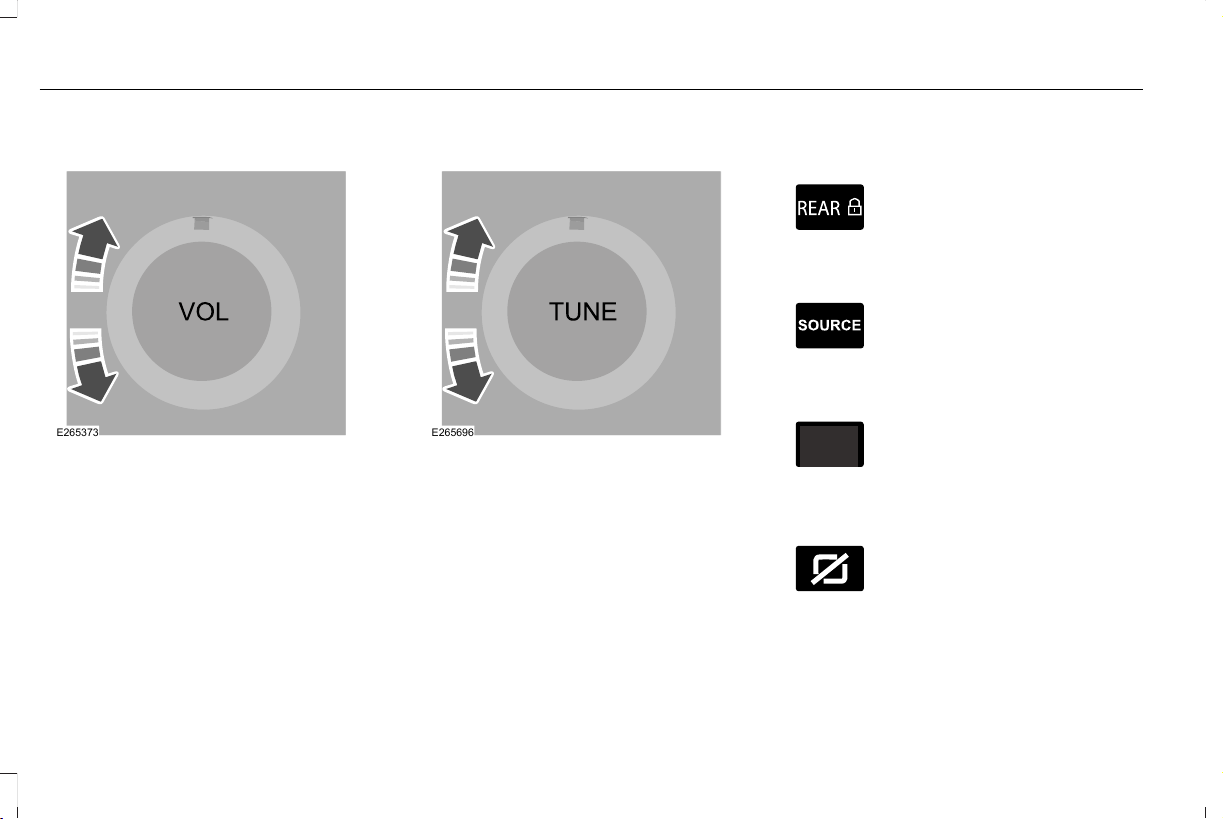
Adjusting the Volume
E265373
Turn to adjust the volume.
Changing Radio Stations
E265696
In radio mode, turn to search through the
radio frequency band.
In satellite radio mode, turn to find the
previous or next available satellite radio
station.
Locking the Rear Audio Controls (If
Equipped)
E270448
Press and release the button to
lock the rear passenger audio
controls.
Selecting the Audio Modes
E265276
Press and release the button to
access different audio modes such
as AM, FM and CD.
Switching the Audio Unit On and Off
Press and release the button.
Switching the Display On and Off (If
Equipped)
E272035
Press and release the button.
438
Aviator (CTV) Canada/United States of America, enUSA, Edition date: 201902, First-Printing
Audio System
Using Seek, Fast Forward and Reverse
In radio mode, select a frequency band and
press and release either button. The system
stops at the first station it finds in that
direction.
In satellite radio mode, press and release to
select the next or previous satellite radio
station. If you select a specific category, such
as jazz, rock or news, press to find the next
or previous station in that category.
Rear Passenger Audio Controls
Use the rear passenger touchscreen to
select the following:
E100027
Touch the audio button on the
feature bar.
Note: Depending on the source selected,
some options may not be available.
Accessing the Source Menu
E287123
Touch the button to access the
source menu.
Selecting a Preset
Touch Presets to select a preset station.
Switching Repeat Mode On and Off
E287125
Touch the button to cycle through
the various repeat modes and off.
Switching Shuffle Mode On and Off
Touch the button to play music on
the selected source in random
order.
Playing or Pausing Media
Touch the button to either play or
pause the audio.
Switching the Audio Control On and
Off
Adjusting the Volume
Touch the arrow buttons to adjust the
volume.
Using Seek, Fast Forward and Reverse
In radio mode, select a frequency band and
touch either button. The system stops at the
first station it finds in that direction.
In satellite radio mode, touch to select the
next or previous satellite radio station. If you
select a specific category, such as jazz, rock
or news, touch to find the next or previous
station in that category.
439
Aviator (CTV) Canada/United States of America, enUSA, Edition date: 201902, First-Printing
Audio System

Rear Audio Control Lock Message
A message displays when the controls are
locked through the front and you try to
operate them.
Note: The controls also lock when a voice
session or phone call is active.
DIGITAL RADIO (IF EQUIPPED)
Note: HD Radio broadcasts are not available
in all markets.
HD Radio technology is the digital evolution
of analog AM/FM radio. Your system has a
special receiver that allows it to receive
digital broadcasts, where available, in
addition to the analog broadcasts, it already
receives. Digital broadcasts provide a better
sound quality than analog broadcasts with
free, crystal-clear audio and no static or
distortion. For more information, and a guide
to available stations and programming,
please visit www.hdradio.com.
When HD Radio is on and you tune to a
station broadcasting HD Radio technology,
you may notice the HD Radio logo on your
screen. When this logo is available, you may
also see Title and Artist fields on-screen.
The multicast indicator appears in FM mode,
only, if the current station is broadcasting
multiple digital broadcasts. The highlighted
numbers signify available digital channels
where new or different content is available.
HD1 signifies the main programming status
and is available in analog and digital
broadcasts. Other multicast stations, HD2
through HD7, are only available digitally.
When HD Radio broadcasts are active, you
can access the following functions:
• Memory presets allow you to save an
active channel as a memory preset.
Touch and hold a memory preset slot
until the sound returns. There is a brief
mute while the radio saves the station.
Sound returns when finished. When
switching to an HD2 or HD3 memory
preset, the sound mutes before the
digital audio plays, because the system
has to reacquire the digital signal.
Note: As with any saved radio station, you
cannot access the saved station if your
vehicle is outside the station’s reception
area.
440
Aviator (CTV) Canada/United States of America, enUSA, Edition date: 201902, First-Printing
Audio System
HD Radio Reception and Station Troubleshooting
Potential reception issues
If you are listening to a multicast station and you are on the fringe of the reception area, the station may mute
due to weak signal strength.
Reception area
If you are listening to HD1, the system switches back to the analog broadcast until the digital broadcast is
available again. However, if you are listening to any of the possible HD2-HD7 multicast channels, the station
mutes and stays muted unless it is able to connect to the digital signal again.
When the system first receives a station, aside from HD2-HD7 multicast stations, it first plays the station in the
analog version. Once the receiver verifies the station is an HD Radio station, it shifts to the digital version.
Depending on the station quality, you may hear a slight sound change when the station changes from analog
to digital. Blending is the shift from analog to digital sound or digital back to analog sound.
Station blending
In order to provide the best possible
experience, use the contact form to report
any station issues found while listening to a
station broadcasting with HD Radio
technology. Independent entities own and
operate each station. These stations are
responsible for the accuracy of all audio
streams and data fields.
441
Aviator (CTV) Canada/United States of America, enUSA, Edition date: 201902, First-Printing
Audio System

Potential station issues
ActionCauseIssues
No action required. This is a broadcast issue.This is poor time alignment by the radio
broadcaster.
Echo, stutter, skip or repeat in audio.
Increase or decrease in audio volume.
No action required. The reception issue may
clear up as you continue to drive.
The radio is shifting between analog and
digital audio.
Sound fading or blending in and out.
No action required. This is normal behavior.
Wait until the audio is available.
The digital multicast is not available until the
HD Radio broadcast is decoded. Once
decoded, the audio is available.
There is an audio mute delay when selecting
HD2 or HD3, multicast preset or Direct Tune.
No action required. The station is not avail-
able in your current location.
The previously stored multicast preset or
direct tune is not available in your current
reception area.
Cannot access HD2 or HD3 multicast channel
when recalling a preset or from a direct tune.
Fill out the station issue form at website listed
below.
1
Data service issue by the radio broadcaster.Text information does not match currently
playing audio.
Fill out the station issue form at website listed
below.
1
Data service issue by the radio broadcaster.There is no text information shown for
currently selected frequency.
1
http://hdradio.com/stations/feedback
442
Aviator (CTV) Canada/United States of America, enUSA, Edition date: 201902, First-Printing
Audio System
HD Radio Technology manufactured under
license from iBiquity Digital Corporation and
foreign patents. HD Radio and the HD and
HD Radio logos are proprietary trademarks
of DTS Ford Motor Company and DTS are
not responsible for the content sent using
HD Radio technology. Content may be
changed, added or deleted at any time at
the station owner's discretion.
SATELLITE RADIO
SiriusXM® Satellite Radio broadcasts a
variety of music, news, sports, weather, traffic
and entertainment satellite radio channels.
For more information and a complete list of
SiriusXM satellite radio channels, visit
www.siriusxm.com in the United States,
www.siriusxm.ca in Canada, or call SiriusXM
at 1-888-539-7474.
Note: This receiver includes the eCos
real-time operating system. eCos is
published under the eCos License.
Satellite Radio Reception Factors
Potential satellite radio reception issues
For optimal reception performance, keep the antenna clear of snow and ice build-up and keep luggage and
other material as far away from the antenna as possible.
Antenna obstructions
Hills, mountains, tall buildings, bridges, tunnels, freeway overpasses, parking garages, dense tree foliage and
thunderstorms can interfere with your reception.
Terrain
When you pass a ground-based broadcast-repeating tower, a stronger signal may overtake a weaker one and
the audio system may mute.
Station overload
Your display may show ACQUIRING . . . to indicate the interference and the audio system may mute.Satellite radio signal interfer-
ence
443
Aviator (CTV) Canada/United States of America, enUSA, Edition date: 201902, First-Printing
Audio System
SiriusXM Satellite Radio Service
Note: SiriusXM reserves the unrestricted
right to change, rearrange, add or delete
programming including canceling, moving
or adding particular channels, and its prices,
at any time, with or without notice to you.
Ford Motor Company shall not be
responsible for any such programming
changes.
E208625
SiriusXM satellite radio is a
subscription-based satellite radio service that
broadcasts a variety of music, sports, news,
weather, traffic and entertainment
programming. Your factory-installed SiriusXM
satellite radio system includes hardware and
a limited subscription term, which begins on
the date of sale or lease of your vehicle. See
an authorized dealer for availability.
For more information on extended
subscription terms (a service fee is required),
the online media player and a complete list
of SiriusXM satellite radio channels, and
other features, please visit www.siriusxm.com
in the United States, www.siriusxm.ca in
Canada, or call SiriusXM at 1-888-539-7474.
Satellite Radio Electronic Serial
Number (ESN)
You need your ESN to activate, modify or
track your satellite radio account. When in
satellite radio mode, tune to channel 0.
444
Aviator (CTV) Canada/United States of America, enUSA, Edition date: 201902, First-Printing
Audio System

Troubleshooting
ActionConditionMessage
No action required. This message should
disappear shortly.
Radio requires more than two seconds to
produce audio for the selected channel.
Acquiring…
If this message does not clear shortly, or with
an ignition key cycle, your receiver may have
a fault. See an authorized dealer for service.
There is an internal module or system failure
present.
Satellite antenna fault
SIRIUS system failure
Tune to another channel or choose another
preset.
The channel is no longer available.Invalid Channel
Contact SiriusXM at 1-888-539-7474 to
subscribe to the channel, or tune to another
channel.
Your subscription does not include this
channel.
Unsubscribed Channel
The signal is blocked. When you move into an
open area, the signal should return.
The signal is lost from the SiriusXM satellite
or SiriusXM tower to your vehicle antenna.
No Signal
No action required. The process may take up
to three minutes.
Update of channel programming in progress.Updating…
Contact SiriusXM at 1-888-539-7474 to resolve
subscription issues.
Your satellite service is no longer available.Questions? Call
1-888-539-7474
445
Aviator (CTV) Canada/United States of America, enUSA, Edition date: 201902, First-Printing
Audio System
ActionConditionMessage
Use the channel guide to turn off the Lock or
Skip function on that station.
All the channels in the selected category are
either skipped or locked.
None found
Check Channel Guide
No action required.SiriusXM has updated the channels available
for your vehicle.
Subscription Updated
USB PORT
WARNING: Driving while distracted
can result in loss of vehicle control, crash
and injury. We strongly recommend that
you use extreme caution when using any
device that may take your focus off the
road. Your primary responsibility is the safe
operation of your vehicle. We recommend
against the use of any hand-held device
while driving and encourage the use of
voice-operated systems when possible.
Make sure you are aware of all applicable
local laws that may affect the use of
electronic devices while driving.
USB ports may be on the instrument panel
or center console.
E285280
The USB port allows you to plug in media
playing devices, memory sticks and charge
devices.
Note: We recommend using only USB-IF
certified cables and adapters. Non-certified
cables and adapters may not work.
446
Aviator (CTV) Canada/United States of America, enUSA, Edition date: 201902, First-Printing
Audio System
GENERAL INFORMATION
WARNING: Driving while distracted
can result in loss of vehicle control, crash
and injury. We strongly recommend that
you use extreme caution when using any
device that may take your focus off the
road. Your primary responsibility is the safe
operation of your vehicle. We recommend
against the use of any hand-held device
while driving and encourage the use of
voice-operated systems when possible.
Make sure you are aware of all applicable
local laws that may affect the use of
electronic devices while driving.
About SYNC
The system allows you to interact with the
entertainment, information and
communication systems on your vehicle
using voice commands and a touchscreen.
The system provides easy interaction with
audio, phone, navigation, mobile apps and
settings.
Note: You can switch the system on and use
it for up to an hour without switching the
ignition on.
Note: You can use the system after you
switch the ignition off for up to 10 minutes or
until you open a door.
Note: For your safety, some features are
speed-dependent. Their use is limited to
when your vehicle speed is less than 3 mph
(5 km/h).
Using the Touchscreen
E297844
Status bar.A
Home screen.B
Clock. See Settings (page 489).C
Outside air temperature.D
Feature bar.E
447
Aviator (CTV) Canada/United States of America, enUSA, Edition date: 201902, First-Printing
SYNC™ 3
Status Bar
Cell phone microphone muted.
Audio system muted.
Software update installed.
Wi-Fi connected.
Cell phone roaming.
Text message received.
Automatic crash notification system
off.
Cell phone network signal
strength.
Feature Bar
E100027
Select to use the radio, a USB, a
media player or a Bluetooth
device. See Entertainment (page
461).
E283811
Select to adjust climate settings
See Climate (page 473).
Select to make calls and access
the phonebook on your cell phone.
See Phone (page 476).
Select to use the navigation
system. See Navigation (page 478).
Select to search for and use
compatible apps on your iOS or
Android device. See Apps (page
486).
E280315
Select to adjust system settings.
See Settings (page 489).
Cleaning the Touchscreen
See Cleaning the Interior (page 375).
Updating the System
Updating the System Using a USB Drive
Downloading an Update
1. Go to the SYNC update page on the local
Ford website.
2. Download the update.
Note: The website notifies you if an update
is available.
3. Insert a USB drive into your computer.
Note: The USB drive needs to be empty and
meet the minimum requirements detailed on
the website.
4. Follow the instructions provided to
download the update to the USB drive.
Installing an Update
Note: You can use the system when an
installation is in progress.
1. Disconnect all other USB devices from
the USB ports.
2. Connect the USB drive with the update
to a USB port.
448
Aviator (CTV) Canada/United States of America, enUSA, Edition date: 201902, First-Printing
SYNC™ 3
Note: Installation starts automatically within
10 minutes.
Updating the System Using a Wi-Fi Network
Connection
Connecting to a Wi-Fi Network
E280315
Select the settings option on the
feature bar.
1. Select Automatic Updates.
2. Select System Wi-Fi.
3. Switch System Wi-Fi on.
4. Select Available Wi-Fi Networks.
5. Select an available Wi-Fi network.
Note: Enter the network password to
connect to a secure network.
Switching Automatic System Updates On
E280315
Select the settings option on the
feature bar.
1. Select Automatic Updates.
2. Switch Automatic System Updates on.
The system is now set to check for and
receive system updates when it is connected
to a Wi-Fi network.
Note: You can use the system when a
download is in progress.
Note: If the system is disconnected from the
Wi-Fi network when a download is in
progress, the download continues the next
time the system is connected to a Wi-Fi
network.
Additional Information and Assistance
For additional information and assistance,
we recommend that you contact an
authorized dealer or refer to the local Ford
website.
USING VOICE RECOGNITION
The system allows you to interact with the
entertainment, information and
communication systems on your vehicle
using voice commands. This allows you to
keep your hands on the steering wheel and
focus on what is in front of you.
E142599
Press the voice control button on
the steering wheel and wait for the
voice prompt.
Note: Press the voice control button again
to interrupt a voice prompt and begin
speaking.
Note: Turn the volume control when a voice
prompt plays to adjust the volume.
Note: Press and hold the voice control
button on the steering wheel to use Siri on
your iOS device.
The following voice commands are designed
to help you from any screen:
• List of Commands
• Help
The following tables list some of the more
frequently used voice commands. For a
complete list of voice commands, refer to
our website.
449
Aviator (CTV) Canada/United States of America, enUSA, Edition date: 201902, First-Printing
SYNC™ 3

General
DescriptionVoice Command
Get a list of voice commands for a specific feature.
1
___ List of Commands
Cancel an active voice session.Cancel
Get a list of voice commands for a specific feature.
1
___ Help
Return to the previous screen.Go back
Go to the main menu.Main Menu
Go to the next page.Next Page
Go to the previous page.Previous Page
1
Add the name of the feature to the command.
450
Aviator (CTV) Canada/United States of America, enUSA, Edition date: 201902, First-Printing
SYNC™ 3

Entertainment
Audio Source
DescriptionVoice Command
Use the radio.Radio
Use the CD player.CD Player
Use a Bluetooth device.Bluetooth Stereo
Use a USB or media player.USB
Radio
DescriptionVoice Command
Listen to AM radio.AM
Tune to a specific AM frequency.
1
AM ___
Listen to SiriusXM radio.
2
Sirius Channel ___
451
Aviator (CTV) Canada/United States of America, enUSA, Edition date: 201902, First-Printing
SYNC™ 3

DescriptionVoice Command
Listen to FM radio.FM
Tune to a specific FM frequency.
1
FM ___
1
Add the radio frequency to two decimal places to the command.
2
You can say the Sirius channel name or number such as "Sirius Channel 16" or " Sirius Channel The Pulse".
USB and Media Player
DescriptionVoice Command
Play your music by category.
1
Play Album ___
Play Artist ___
Play Genre ___
Play Playlist ___
Play Song ___
Play Audiobook ___
Play Podcast ___
Browse music on a USB device.
Browse All Albums
Browse All Artists
452
Aviator (CTV) Canada/United States of America, enUSA, Edition date: 201902, First-Printing
SYNC™ 3

DescriptionVoice Command
Browse All Audiobooks
Browse All Genres
Browse All Playlists
Browse All Podcasts
Browse All Songs
Browse your music by category on a USB device.
1
Browse Album ___
Browse Artist ___
Browse Audiobook ___
Browse Genre ___
Browse Playlist ___
Browse Podcast ___
1
Add an album name, artist name, audiobook name, genre name, playlist name, podcast name or track name to the command. Say the name
exactly as it appears on your device.
Climate (If Equipped)
You can control the temperature of the
vehicle using voice commands.
___ is a dynamic listing, meaning that for
climate voice commands it can be the
desired degrees for the temperature setting.
453
Aviator (CTV) Canada/United States of America, enUSA, Edition date: 201902, First-Printing
SYNC™ 3

To adjust the temperature, say:
DescriptionVoice command
Adjust the temperature between 60–85°F (15.5–29.5°C).Set Temperature ___
Phone
DescriptionVoice Command
Pair a cell phone or Bluetooth enabled device.Pair Phone
Redial the last number that you dialed.Redial
Dial a number.
1
Dial ___
Call a specific contact from your phonebook.
2
Call ___
Call a specific contact from your phonebook at a specific location.
3
Call ___ ___
Listen to a text message.Listen to Message
454
Aviator (CTV) Canada/United States of America, enUSA, Edition date: 201902, First-Printing
SYNC™ 3
DescriptionVoice Command
Listen to a specific text message from a list of text messages.Listen to Message ___
Reply to the last text message.Reply to Message
1
Add the number you want to dial to the command.
2
Add a contact name from your phonebook to the command. Say the first and last name of your contact exactly as it appears on your device.
3
Add a contact name and location from your phonebook to the command. Say the first and last name of your contact exactly as it appears
on your device.
455
Aviator (CTV) Canada/United States of America, enUSA, Edition date: 201902, First-Printing
SYNC™ 3

Navigation (If Equipped)
Setting a Destination
DescriptionVoice Command
Enter a destination address. When prompted, provide the house number, the street
and city.
Find an Address
Search for a point of interest by name or by category.Find a Place
Search for a nearby point of interest by category.
1
Find the Next ___
Search for a point of interest category.
1
Find a POI Category
Set your saved home address as your destination.Drive Home
Set your saved place of work as your destination.Drive to Work
Display and select from a list of previous destinations.Show Previous Destinations
Display and select from a list of favorite destinations.Show Favorites
1
Add a point of interest category or the name of a major brand or chain to the command.
456
Aviator (CTV) Canada/United States of America, enUSA, Edition date: 201902, First-Printing
SYNC™ 3

Route Guidance
DescriptionVoice Command
Cancel the current route.Cancel Route
Select an alternate route.Detour
Repeat the last guidance prompt.Repeat Instruction
Display an overview of the route.Show Route
Display a list of traffic events on your route.Show Traffic
Display the map on the touchscreen.Show Map
Display a two-dimensional map with north toward the top of the touchscreen.North Up
Display a two-dimensional map with the direction you are traveling toward the top
of the touchscreen.
Heading Up
Display a three-dimensional map with the direction you are traveling toward the
front.
Show 3D
457
Aviator (CTV) Canada/United States of America, enUSA, Edition date: 201902, First-Printing
SYNC™ 3

Apps
General
DescriptionVoice Command
Start an app. The system prompts your for the app name.Mobile Applications
Get a list of apps running on your device.List Applications
Search and connect to apps running on your device.Find Applications
Active App
DescriptionVoice Command
Get a list of voice commands for a specific app.
1
___ Help
Close an app.
1
Exit ___
1
Add an app name to the command.
458
Aviator (CTV) Canada/United States of America, enUSA, Edition date: 201902, First-Printing
SYNC™ 3

SiriusXM Traffic and Travel Link (If Equipped)
DescriptionVoice command
Displays a list of traffic incidents.Show Traffic
Displays the current weather map.Show Weather Map
Displays a list of fuel prices.Show Fuel Prices
Displays the 5 day weather forecast.Show 5 Day Fore-
cast
Voice Settings
DescriptionVoice Command
Go to the voice settings menu.Voice Settings
Switch long voice prompts on.Interaction Mode Novice
Switch short voice prompts on.Interaction Mode Advanced
Switch call confirmation on. The system prompts you to confirm before making a
call.
Phone Confirmation On
459
Aviator (CTV) Canada/United States of America, enUSA, Edition date: 201902, First-Printing
SYNC™ 3

DescriptionVoice Command
Switch call confirmation off. The system does not prompt you to confirm before
making a call.
Phone Confirmation Off
Switch the display of voice commands on.Voice Command Lists On
Switch the display of voice commands off.Voice Command Lists Off
Automatic Blower Motor Speed
Reduction
If necessary, the system decreases the
blower motor speed when you are using
voice commands to reduce the amount of
background noise in your vehicle. It returns
to normal when you are finished.
Switching Automatic Blower Motor Speed
Reduction Off
Simultaneously press the A/C and
recirculated air buttons.
460
Aviator (CTV) Canada/United States of America, enUSA, Edition date: 201902, First-Printing
SYNC™ 3
ENTERTAINMENT
E297845
Audio source. Select to choose a
different audio source.
A
Presets. Swipe left to view more
presets.
B
You can access these options using the
touchscreen or voice commands.
Sources
Press this button to select the source of
media you want to listen to.
Menu Item
AM
FM
SIRIUS
CD
The name of the USB that is plugged in displays here.USB
461
Aviator (CTV) Canada/United States of America, enUSA, Edition date: 201902, First-Printing
SYNC™ 3
Menu Item
Bluetooth Stereo
If you have SYNC 3 compatible apps on your connected smart phone, they display here as individual source selections.Apps
AM/FM Radio
Tuning a Station
You can use the tune or seek controls on the
radio bezel to select a station.
To tune a station using the touchscreen,
select:
Menu Item
Direct Tune
A pop up appears, allowing you to type in
the frequency of a station. You can only enter
a valid station for the source you are
currently listening to.
You can press the backspace button to
delete the previously entered number.
Once you have entered the station's call
numbers, you can select:
Action and Descrip-
tion
Menu Item
Press to begin
playing the station
you have entered.
Enter
Press to exit without
changing the station.
Cancel
Presets
To set a new preset, tune to the station and
then press and hold one of the memory
preset buttons. The audio mutes briefly while
the system saves the station and then
returns.
You can add additional preset pages using
the settings option on the feature bar.
SiriusXM® Satellite Radio (If Activated)
Note: This feature may not be available in
all markets and requires an active
subscription.
E234451
SiriusXM satellite radio is a
subscription-based satellite radio service that
broadcasts a variety of music, sports, news,
weather, traffic and entertainment
programming. Your factory-installed SiriusXM
satellite radio system includes hardware and
a limited subscription term that begins on
the date of sale or lease of your vehicle. See
an authorized dealer for availability.
462
Aviator (CTV) Canada/United States of America, enUSA, Edition date: 201902, First-Printing
SYNC™ 3
For more information on extended
subscription terms (a service fee is required),
the online media player and a list of SiriusXM
satellite radio channels, and other features,
please visit www.siriusxm.com in the United
States, www.siriusxm.ca in Canada, or call
SiriusXM at 1-888-539-7474.
Note: SiriusXM reserves the unrestricted
right to change, rearrange, add or delete
programming. This includes canceling,
moving or adding particular channels, and
its prices, at any time, with or without notice
to you. We are not responsible for any such
programming changes.
Note: This receiver includes the eCos
real-time operating system. eCos is
published under the eCos License.
The following buttons are available for SiriusXM:
Action and DescriptionMenu Item
Touch this button to see a list of available stations.Browse
A pop-up appears, allowing you to type in the call numbers of a station.Direct Tune
Once you enter the stations call numbers, you can select:
The system tunes to the station you select.Enter
You exit the pop-up and the current station continues to play.Cancel
You can press the backspace button to delete the previous number.
463
Aviator (CTV) Canada/United States of America, enUSA, Edition date: 201902, First-Printing
SYNC™ 3
Action and DescriptionMenu Item
Replay audio on the current channel. You can replay approximately 45 minutes of audio as long as
you remain tuned to the current station. Changing stations erases the previous audio.
Replay
When you are in replay mode, you are not able to select a different
preset until you return to live audio. Pressing this button returns you
to the live broadcast.
Live
Save the current song, artist, or team as a favorite. The system alerts you when it plays again on
any channel.
ALERT
Selecting this button allows you to enable and edit alerts. See Settings (page 489).
Memory Presets
To set a preset, tune to the station then press
and hold one of the memory preset buttons.
The audio mutes briefly while the system
saves the station and returns once the
station is stored.
You can add additional preset pages using
the settings option on the feature bar.
Satellite Radio Electronic Serial Number
(ESN)
You need your ESN to activate, modify or
track your satellite radio account. See
Settings (page 489).
464
Aviator (CTV) Canada/United States of America, enUSA, Edition date: 201902, First-Printing
SYNC™ 3

SiriusXM Satellite Radio Reception Factors and Troubleshooting
Potential Reception Issues
For optimal reception performance, keep the antenna clear of snow and ice build-up and keep
luggage and other materials as far away from the antenna as possible.
Antenna obstructions
Hills, mountains, tall buildings, bridges, tunnels, freeway overpasses, parking garages, dense tree
foliage and thunderstorms can interfere with your reception.
Terrain
When you pass a ground-based broadcast-repeating tower, a stronger signal may overtake a
weaker one and the audio system may mute.
Station overload
Your display may show ACQUIRING... to indicate the interference and the audio system may mute.Satellite radio signal interference
Troubleshooting Tips
ActionCauseMessage
No action required. This message should disap-
pear shortly.
Radio requires more than two seconds to produce
audio for the selected channel.
Acquiring Signal
If this message does not clear shortly, or with an
ignition key cycle, your receiver may have a fault.
See an authorized dealer for service.
There is an internal module or system failure
present.
Satellite antenna fault
SIRIUS system failure
Tune to another channel or choose another preset.The channel is no longer available.Invalid Channel
465
Aviator (CTV) Canada/United States of America, enUSA, Edition date: 201902, First-Printing
SYNC™ 3

Troubleshooting Tips
ActionCauseMessage
Contact SiriusXM at 1-888-539-7474 to subscribe
to the channel, or tune to another channel.
Your subscription does not include this channel.Unsubscribed Channel
The signal is blocked. When you move into an
open area, the signal should return.
The signal is lost from the SiriusXM satellite or
SiriusXM tower to your vehicle antenna.
Satellite acquiring signal…
No action required. The process may take up to
three minutes.
Update of channel programming in progress.Updating…
Contact SiriusXM at 1-888-539-7474 to resolve
subscription issues.
Your satellite service is no longer available.Questions? Call 1-888-539-7474
Use the channel guide or the Sirius XM Settings
tile to turn off the Lock or Skip function on that
station.
All the channels in the selected category are either
skipped or locked.
None found. Check channel guide.
No action required.SiriusXM has updated the channels available for
your vehicle.
SIRIUS Subscription updated
HD Radio™ Information (If Available)
To activate HD radio, please see the Radio
Settings in the Settings Chapter. See
Settings (page 489).
Note: HD Radio broadcasts are not available
in all markets.
466
Aviator (CTV) Canada/United States of America, enUSA, Edition date: 201902, First-Printing
SYNC™ 3
HD Radio technology is the digital evolution
of analog AM/FM radio. Your system has a
special receiver that allows it to receive
digital broadcasts (where available) in
addition to the analog broadcasts, it already
receives. Digital broadcasts provide a better
sound quality than analog broadcasts with
free, crystal-clear audio and no static or
distortion. For more information, and a guide
to available stations and programming,
please visit:
Website
www.hdradio.com
When HD Radio is on and you tune to a
station broadcasting HD Radio technology,
you may notice the following indicators on
your screen:
E142616
The HD logo is grey when acquiring a digital
station, and then changes to orange when
digital audio is playing. When this logo is
available, you may also see Title and Artist
fields on-screen.
The multicast indicator appears in FM mode
(only) if the current station is broadcasting
multiple digital broadcasts. The highlighted
numbers signify available digital channels
where new or different content is available.
HD1 signifies the main programming status
and is available in analog and digital
broadcasts. Other multicast stations (HD2
through HD7) are only available digitally.
Note: There is also an additional feature for
stations that have more than 1 HD multicast
(For example, HD1 or HD2). The HD logo and
Radio text appears as a button. Pressing this
button allows you to cycle through all of the
HD stations on that specific frequency. For
example, if you are on 101.1 and it has HD1,
HD2, HD3, pressing the button repeatedly
causes the radio to cycle through the HD
stations in a cyclic increasing order.
467
Aviator (CTV) Canada/United States of America, enUSA, Edition date: 201902, First-Printing
SYNC™ 3

When HD Radio broadcasts are active, you can access the following functions:
Action and DescriptionMessage
Allows you to save an active channel as a memory preset. Touch and hold a memory preset slot
until the sound returns. There is a brief mute while the radio saves the station. Sound returns
when the channel saves. When switching to an HD2 or HD3 memory preset, the sound mutes
before the digital audio plays, because the system has to reacquire the digital signal.
Presets
Note: As with any station you save, you cannot access the saved station if your vehicle is outside the station’s reception area.
HD Radio Reception and Station Troubleshooting
Potential Reception Issues
If you are listening to a multicast station and you are on the fringe of the reception area, the station
may mute due to weak signal strength.
Reception area
If you are listening to HD1, the system changes back to the analog broadcast until the digital
broadcast is available again. However, if you are listening to any of the possible HD2-HD7 multicast
channels, the station mutes and stays muted unless it is able to connect to the digital signal again.
When the system first receives a station (aside from HD2-HD7 multicast stations), it first plays the
station in the analog version. Once the receiver verifies the station is an HD Radio station, it shifts
to the digital version. Depending on the station quality, you may hear a slight sound change when
the station changes from analog to digital. Blending is the shift from analog to digital sound or
digital back to analog sound.
Station blending
468
Aviator (CTV) Canada/United States of America, enUSA, Edition date: 201902, First-Printing
SYNC™ 3

In order to provide the best possible
experience, use the contact form to report
any station issues found while listening to a
station broadcasting with HD Radio
technology. Independent entities own and
operate each station. These stations are
responsible for ensuring all audio streams
and data fields are accurate.
Potential Station Issues
ActionCauseIssues
No action required. This is a broadcast issue.This is poor time alignment by the radio broad-
caster.
Echo, stutter, skip or repeat in audio.
Increase or decrease in audio
volume.
No action required. The reception issue may clear
up as you continue to drive.
The radio is shifting between analog and digital
audio.
Sound fading or blending in and out.
No action required. This is normal behavior. Wait
until the audio is available.
The digital multicast is not available until the HD
Radio broadcast is decoded. Once decoded, the
audio is available.
There is an audio mute delay when
selecting HD2 or HD3, multicast
preset or Direct Tune.
No action required. The station is not available in
your current location.
The previously stored multicast preset or direct
tune is not available in your current reception area.
Cannot access HD2 or HD3 multicast
channel when recalling a preset or
from a direct tune.
Fill out the station issue form.Data service issue by the radio broadcaster.Text information does not match
currently playing audio.
Fill out the station issue form.Data service issue by the radio broadcaster.There is no text information shown
for currently selected frequency.
469
Aviator (CTV) Canada/United States of America, enUSA, Edition date: 201902, First-Printing
SYNC™ 3
Station Issue Form
http://hdradio.com/stations/feedback
HD Radio Technology manufactured under
license from iBiquity Digital Corporation and
foreign patents. HD Radio and the HD and
HD Radio logos are proprietary trademarks
of DTS. The vehicle manufacturer and DTS
are not responsible for the content sent using
HD Radio technology. Content may be
changed, added or deleted at any time at
the station owner's discretion.
CD (If equipped)
Once you select this option, the system
returns you to the main audio screen.
The current audio information appears on
the screen.
The following buttons are also available:
FunctionButton
You can use the browse button to select a track.Browse
Select this button and a small number one displays to indicate the track is set to repeat.Repeat
For MP3 CDs, this button allows you to toggle through repeat off, repeat one track (a small number
one displays), and repeat current folder (a small folder displays).
Select the shuffle symbol to have the audio on the disk play in random order.Shuffle
470
Aviator (CTV) Canada/United States of America, enUSA, Edition date: 201902, First-Printing
SYNC™ 3
You can use the forward, reverse, pause or
play buttons to control the audio playback.
Bluetooth Stereo or USB
Bluetooth Stereo and USB allow you to
access media that you store on your
Bluetooth device or USB device such as
music, audio books or podcasts.
The following buttons are available for Bluetooth and USB:
FunctionButton
Pressing the repeat button toggles the repeat setting through three modes: repeat off (button not
highlighted), repeat all (button highlighted) and repeat track (button highlighted with a small number
one).
Repeat
Play the tracks in random order.Shuffle
You can use the forward, reverse, pause or
play buttons to control the audio playback.
To get more information about the currently
playing track, press the cover art or Info
button.
For some devices, SYNC 3 is able to provide
30-second skip buttons when you listen to
audio books or podcasts. These buttons
allow you to skip forward or backward within
a track.
While playing audio from a USB device you
can look for certain music by selecting the
following:
471
Aviator (CTV) Canada/United States of America, enUSA, Edition date: 201902, First-Printing
SYNC™ 3

FunctionButton
If available, displays the list of tracks in the Now Playing playlist.Browse
This option, which is available under browse, allows you to play all
tracks or to filter the available media into one of the below categories.
New Search
Play All
Playlists
Artist
Albums
Songs
Genres
Podcasts
Audio books
Composers
This button allows you to choose a specific letter to view within the
category you are browsing.
A-Z Jump
If available, this allows you to browse the folders and files on your
USB device.
Explore Device
472
Aviator (CTV) Canada/United States of America, enUSA, Edition date: 201902, First-Printing
SYNC™ 3
USB Ports
E211463
The USB ports are in the center console or
behind a small access door in the instrument
panel.
This feature allows you to plug in USB media
devices, memory sticks, flash drives or thumb
drives, and charge devices if they support
this feature.
Select this option to play audio from your
USB device.
Apps
The system supports the use of certain audio
apps such as iHeartRadio through a USB or
Bluetooth enabled device.
Each app gives you different on-screen
options depending on the app's content.
See Apps (page 486).
Supported Media Players, Formats and
Metadata Information
The system is capable of hosting nearly any
digital media player, including iPod, iPhone,
and most USB drives.
Supported audio formats include MP3, WMA,
WAV, AAC, and FLAC.
Supported audio file extensions include MP3,
WMA, WAV, M4A, M4B, AAC, and FLAC.
Supported USB file systems include: FAT,
exFAT, and NTFS.
SYNC 3 is also able to organize the media
from your USB device by metadata tags.
Metadata tags, which are descriptive
software identifiers embedded in the media
files, provide information about the file.
If your indexed media files contain no
information embedded in these metadata
tags, SYNC 3 may classify the empty
metadata tags as unknown.
SYNC 3 is capable of indexing up to 50,000
songs per USB device, for up to 10 devices.
CLIMATE
Touch the climate button on the touchscreen
to access your climate control features.
Note: You can switch temperature units
between Fahrenheit and Celsius. See
Settings (page 489).
Accessing the Climate Control Menu
E265038
Touch the button to access
additional controls for the front
climate system.
Directing the Airflow
Touch the button to direct airflow
to the windshield air vents and
de-mister.
473
Aviator (CTV) Canada/United States of America, enUSA, Edition date: 201902, First-Printing
SYNC™ 3
Touch the button to direct airflow
to the instrument panel air vents.
Touch the button to direct airflow
to the footwell air vents.
You can direct air through any combination
of these air vents.
Setting the Blower Motor Speed
Touch up or down to increase or
decrease the volume of air that
circulates in your vehicle.
Setting the Temperature
Touch up or down on the left-hand
temperature control to set the left-hand
temperature.
Note: This control also adjusts the right-hand
side temperature when you switch off dual
zone mode.
Touch up or down on the right-hand
temperature control to set the right-hand
temperature.
Switching Auto Mode On and Off
Touch the button to switch on
automatic operation, then set the
temperature.
The system adjusts the blower motor speed,
air distribution, air conditioning operation,
and outside or recirculated air to reach and
maintain the temperature you have set.
Switching the Air Conditioning On and
Off
A pop-up appears on the screen
to display the air conditioning
options.
MAX A/C: Touch the button to activate and
maximize cooling. The driver and passenger
temperatures are set to LO, recirculated air
flows through the instrument panel vents, air
conditioning automatically turns on and the
fan automatically adjusts to the highest
speed.
A/C: Touch to switch the air conditioning on
or off. Use A/C with recirculated air to
improve cooling performance and efficiency.
Note: In certain conditions, such as
maximum defrost, the air conditioning
compressor may continue to operate even
though you switch off the air conditioning.
Switching the Climate Control On and
Off
Touch the button.
Switching the Climate Controlled Seats
On and Off
E265282
Touch the button to cycle through
the various climate controlled seat
settings and off.
Switching Dual Zone Mode On and Off
E265280
Touch the button to switch on
temperature control for the
right-hand side of the vehicle.
474
Aviator (CTV) Canada/United States of America, enUSA, Edition date: 201902, First-Printing
SYNC™ 3
Switching the Heated Exterior Mirrors
On and Off
E266189
Touch the button.
Switching the Heated Rear Window On
and Off
E184884
Touch the button to clear the rear
window of thin ice and fog.
Switching the Heated Seats On and Off
Touch the button to cycle through
the various heat settings and off.
Switching the Heated Steering Wheel
On and Off
Touch the button.
Switching Maximum Air Conditioning
On and Off
Touch the button for maximum
cooling.
Recirculated air flows through the instrument
panel air vents, air conditioning turns on and
the blower motor adjusts to the highest
speed.
Switching Maximum Defrost On and
Off
Touch the button for maximum
defrosting.
Air flows through the windshield air vents,
and the blower motor adjusts to the highest
speed.
You can also use this setting to defog and
clear the windshield of a thin covering of ice.
Note: To prevent window fogging, you
cannot select recirculated air when
maximum defrost is on.
Note: The heated rear window also turns on
when you select maximum defrost.
Switching Recirculated Air On and Off
Touch the button to switch
between outside air and
recirculated air.
The air currently in the passenger
compartment recirculates. This may reduce
the time needed to cool the interior, when
used with A/C, and reduce unwanted odors
from entering your vehicle.
Note: Recirculated air may turn off, or
prevent you from switching on, in all air flow
modes except MAX A/C to reduce the risk
of fogging. Recirculation may also turn on
and off in various air distribution control
combinations during hot weather to improve
cooling efficiency.
Switching the Ventilated Seats On and
Off
E268558
Touch the button to cycle through
the various ventilated seat settings
and off.
Accessing Rear Climate Controls
E270447
Touch the button to access
additional controls for the rear
climate system.
475
Aviator (CTV) Canada/United States of America, enUSA, Edition date: 201902, First-Printing
SYNC™ 3
Rear Climate Control Lock Indicator
E265289
Touch the button.
When on, you can only operate the
rear passenger settings through
the front controls.
Switching Rear Auto Mode On and Off
Touch the button to switch on rear
automatic operation, then set the
temperature.
Switching the Rear Climate Controlled
Seats On and Off
E265282
Touch the button to cycle through
the various climate controlled seat
settings and off.
Switching the Rear Heated Seats On
and Off
Touch the button to cycle through
the various heat settings and off.
Switching the Rear Ventilated Seats
On and Off
E268558
Touch the button to cycle through
the various ventilated seat settings
and off.
PHONE
WARNING: Driving while distracted
can result in loss of vehicle control, crash
and injury. We strongly recommend that
you use extreme caution when using any
device that may take your focus off the
road. Your primary responsibility is the safe
operation of your vehicle. We recommend
against the use of any hand-held device
while driving and encourage the use of
voice-operated systems when possible.
Make sure you are aware of all applicable
local laws that may affect the use of
electronic devices while driving.
Check the compatibility of your device on
the regional website.
Pairing Your Cell Phone for the First
Time
Go to the settings menu on your cell phone
and switch Bluetooth on.
Select the phone option on the
feature bar.
1. Select Add Phone.
Note: A prompt alerts you to search for your
vehicle on your cell phone.
2. Select your vehicle on your cell phone.
Note: A number appears on your cell phone
and on the touchscreen.
3. Confirm that the number on your cell
phone matches the number on the
touchscreen.
Note: The touchscreen indicates that you
have successfully paired your cell phone.
4. Download the phonebook from your cell
phone when you are prompted.
Note: If you pair more than one cell phone,
use the phone settings to specify the primary
phone. You can change this setting at any
time.
476
Aviator (CTV) Canada/United States of America, enUSA, Edition date: 201902, First-Printing
SYNC™ 3

Using Your Cell Phone
Recent Call List
Display and select an entry from a list of
previous calls.
Contacts
Display a smart search form to look up your
contacts. Use the List button to alphabetically
sort your contacts.
Change Device
Display the list of paired or connected
devices that you can select.
Phone Settings
Change ring tones, alerts or pair another
phone.
Do Not Disturb
Reject incoming calls and switch ring tones
and alerts off.
Phone Keypad
Directly dial a number.
Mute
Mute the microphone.
Text Messaging
Setting Text Message Notification
iOS
1. Go to the settings menu on your cell
phone.
2. Select Bluetooth.
3. Select the information icon to the right of
your vehicle.
4. Switch text message notification on.
Android
1. Go to the settings menu on your cell
phone.
2. Select Bluetooth.
3. Select the profiles option.
4. Select the phone profile .
5. Switch text message notification on.
477
Aviator (CTV) Canada/United States of America, enUSA, Edition date: 201902, First-Printing
SYNC™ 3
Using Text Messaging
DescriptionMenu Item
Hear the text message.Hear It
View the text message.View
Call the sender.Call
Reply to the text message with a standard text message.Reply
Apple CarPlay
1. Connect your device to a USB port.
2. Follow the instructions on the
touchscreen.
Note: Certain features of the system are not
available when you are using Apple CarPlay.
Switching Apple CarPlay Off
Select the settings option on the
feature bar.
1. Select Apple CarPlay Preferences.
2. Switch Apple CarPlay off.
Android Auto
1. Connect your device to a USB port.
2. Follow the instructions on the
touchscreen.
Note: You might need to enable Android
Auto from the settings menu.
Note: Certain features of the system are not
available when you are using Android Auto.
Switching Android Auto Off
Select the settings option on the
feature bar.
1. Select Android Auto.
2. Switch Android Auto off.
NAVIGATION
Note: For more information, refer to our
website.
Select the navigation option on the
feature bar.
478
Aviator (CTV) Canada/United States of America, enUSA, Edition date: 201902, First-Printing
SYNC™ 3
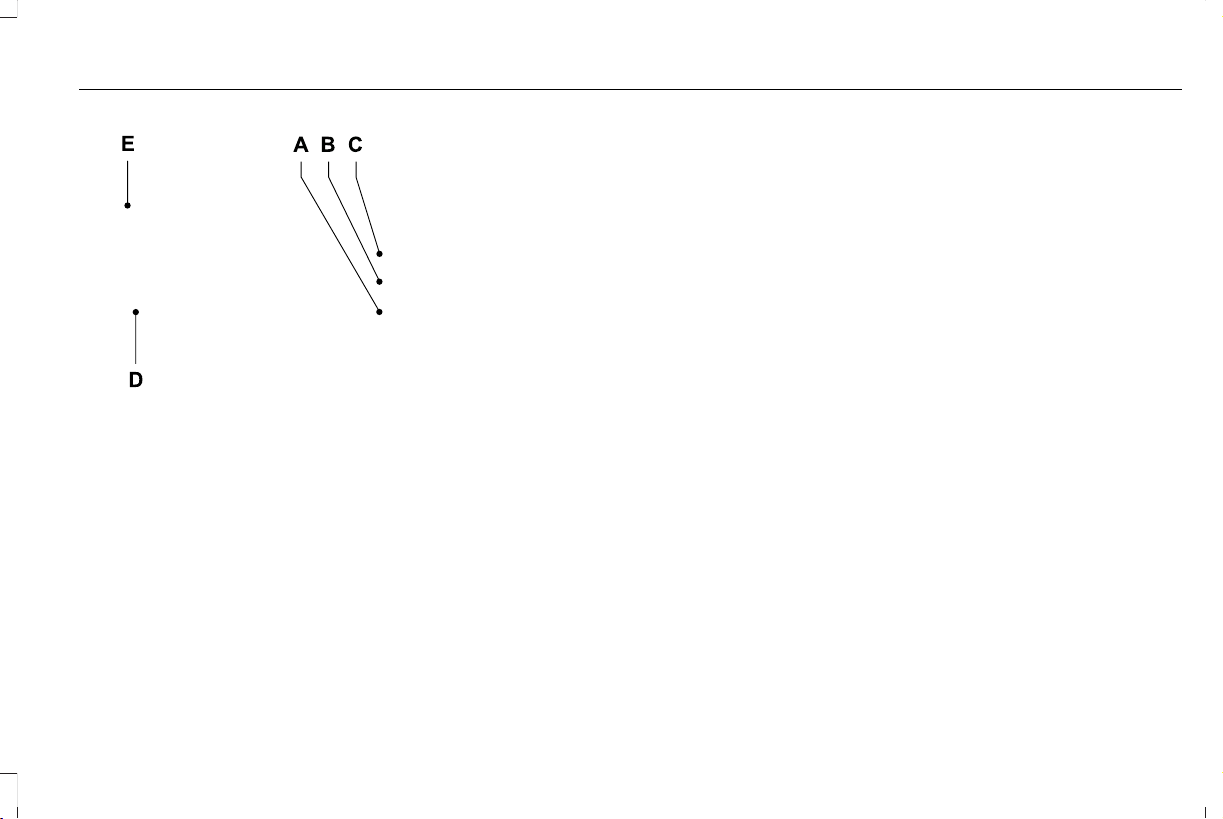
E297846
Map view menu.A
Zoom out.B
Zoom in.C
Route guidance menu.D
Destination entry menu.E
479
Aviator (CTV) Canada/United States of America, enUSA, Edition date: 201902, First-Printing
SYNC™ 3

Setting a Destination
Destination Entry Menu
DescriptionItem
Enter a destination address.Search
Display and select from a list of previous destinations.Previous Destinations
Set your saved home address as your destinationHome
Set your saved place of work as your destination.Work
Display and select from a list of favorite destinations.Favorites
480
Aviator (CTV) Canada/United States of America, enUSA, Edition date: 201902, First-Printing
SYNC™ 3
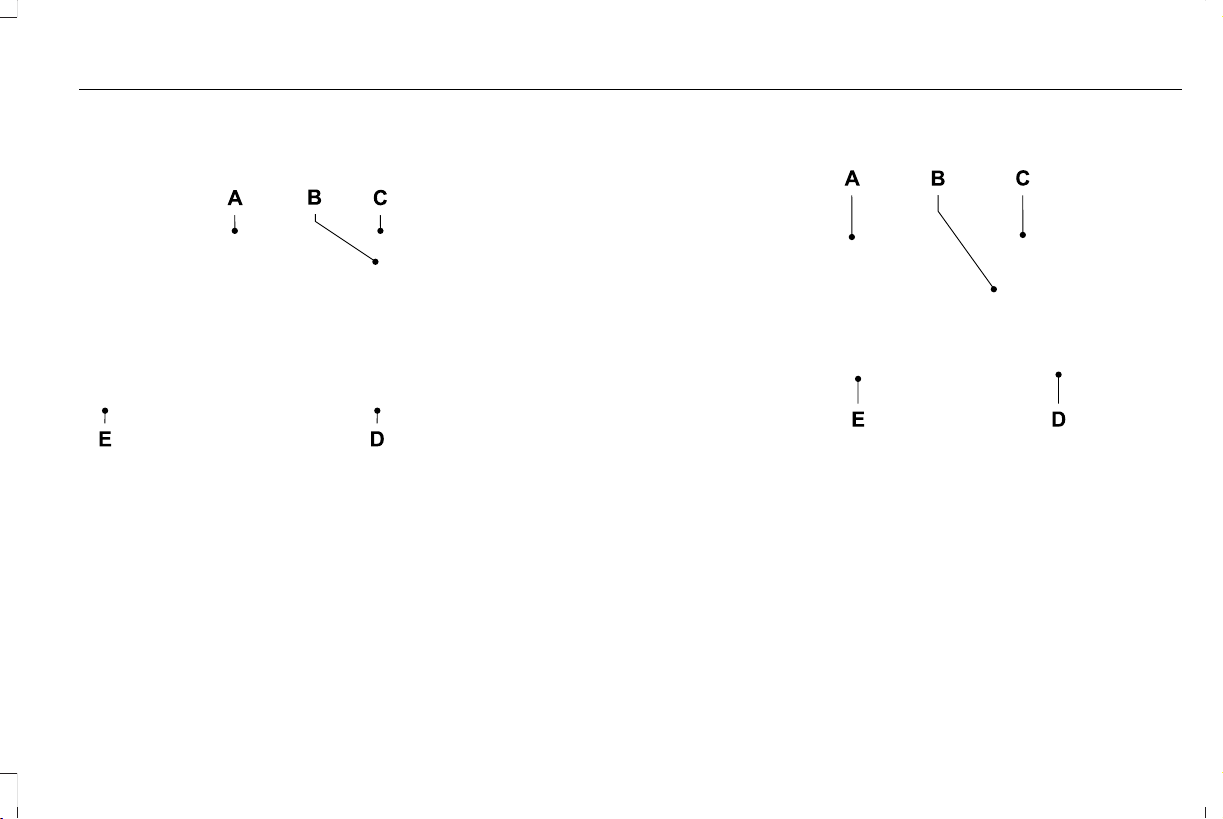
Setting a Destination Using the Text Entry
Screen
E297857
Text entry field.A
Information icon.B
Automatic suggestions based on
the text you enter.
C
Search.D
Keyboard settings.E
Note: Select one of the suggestions to
copy the detail to the text entry field.
You can search by entering all or part of
the destination, such as the Address, POI
Category or Name, Intersection, City,
Latitude/Longitude, etc. Tips: If you do not
specify a location, the system will use the
current vehicle location. You can specify a
location by address, city, state or zip code.
For additional search support, please visit:
owner.lincoln.com.
Note: Press the button in the top right-hand
corner of the main map to display estimated
time of arrival, remaining travel time or
distance to destination.
Setting a Destination Using the Map Screen
E297858
Re-center the map.A
Selected location.B
3D map rotation. Swipe left or right.C
Destination name.D
Start route guidance.E
Select the location on the map.
Select Start to begin route guidance.
481
Aviator (CTV) Canada/United States of America, enUSA, Edition date: 201902, First-Printing
SYNC™ 3
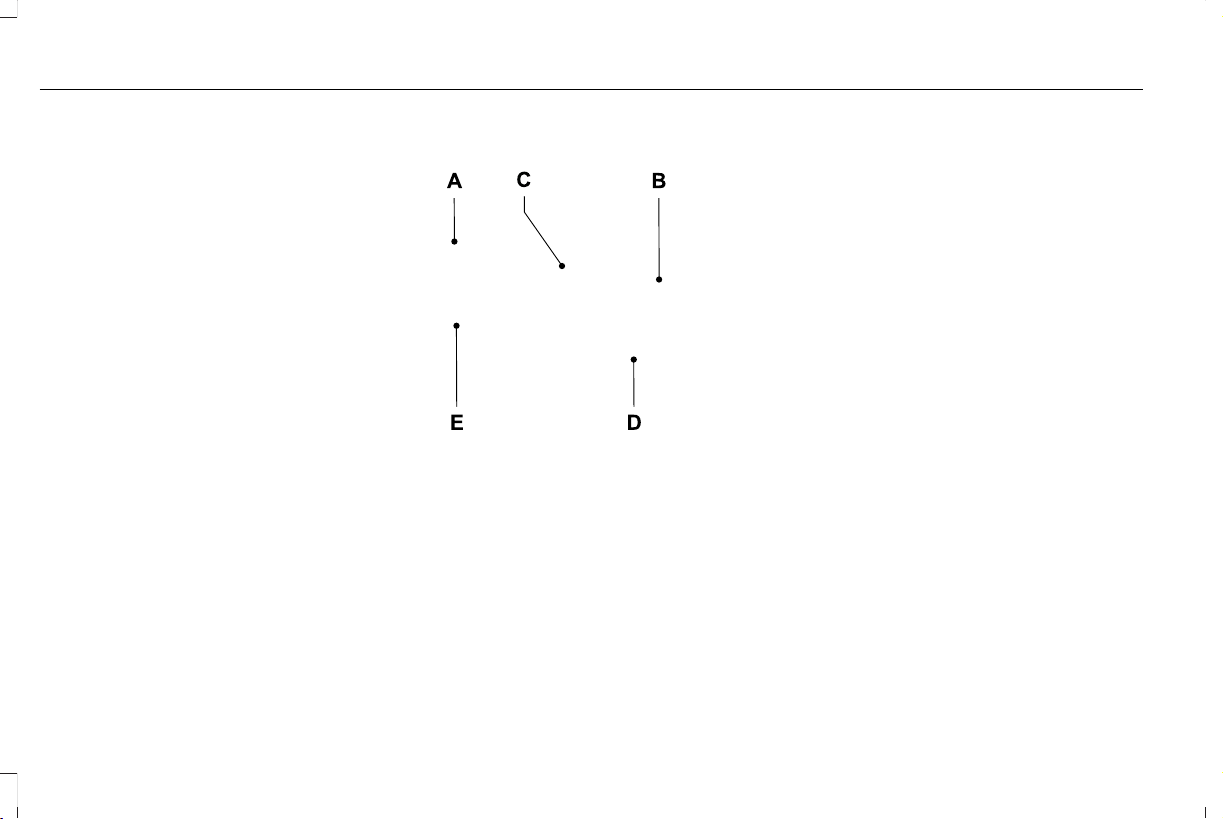
Changing the Format of the Map
Display the map in one of the following
formats:
• A two-dimensional map with the direction
you are traveling toward the top of the
screen.
• A two-dimensional map with north toward
the top of the screen.
• A three-dimensional map with the
direction you are traveling toward the
front.
Zoom
Display more or less detail on the map.
Note: You can use pinch gestures to zoom
in and out. Place two fingers on the screen
and move them apart to zoom in. Place two
fingers on the screen and bring them
together to zoom out.
Route Guidance
E297859
Turn indicator. Select to hear the
last voice prompt.
A
Point of interest.B
Estimated time of arrival, distance
to destination or time to
destination.
C
Current road.D
Mute guidance prompts.E
Note: To change guidance prompt volume,
turn the volume control when a guidance
prompt plays.
482
Aviator (CTV) Canada/United States of America, enUSA, Edition date: 201902, First-Printing
SYNC™ 3

Route Guidance Menu
DescriptionMenu Item
Adjust your map preferences for when route guidance is active.Screen View
View a full screen map when route guidance is active.Full Map
View highway exit information for your current route.Highway Exit Info
View the turn list for your current route. Select a road to avoid it.Turn List
You can find the SiriusXM Traffic and Travel Link information by pressing this button. This information
requires an active subscription to SiriusXM Traffic and Travel Link. When a route is not active, a list
of nearby traffic incidents displays. When a route is active, you can choose to display a list of traffic
nearby or on the route.
Traffic List
Adjust navigation settings. See Settings (page 489).Navigation Settings
View information about your current location.Where Am I?
Cancel route guidance.Cancel Route
View the entire current route on the map.View Route
View an alternative route compared to your current one.Detour
Change the order or remove waypoints.Edit Waypoints
The system determines the order of waypoints for you.Optimize Order
Go to the next screen and start the new route.Go
483
Aviator (CTV) Canada/United States of America, enUSA, Edition date: 201902, First-Printing
SYNC™ 3

Adjusting the Guidance Prompt Volume
Turn the volume control when a guidance
prompt plays to adjust the volume.
Note: If you have inadvertently adjusted the
volume to zero, press the turn indicator
button to play the last voice prompt and then
adjust the volume to the desired level.
Muting Guidance Prompts
Select the mute option on the
screen to mute guidance prompts.
Note: The system mutes the next and all
future guidance prompts.
Adding Waypoints
You can add a waypoint to a navigation route
as a destination along your route. You can
add up to five waypoints.
1. Select the search option on the map.
2. Set a destination.
3. Select Add Waypoint.
4. Select Go.
Canceling Route Guidance
Select the route guidance menu
option on the active guidance
screen.
Select Cancel Route.
E297860
Note: The route guidance menu option is
always in the bottom right-hand corner of
the main map.
cityseeker (If Equipped)
Note: cityseeker point of interest (POI)
information is limited to approximately 1,110
cities (1,049 in the United States, 36 in
Canada and 15 in Mexico).
E225487
cityseeker, when available, is a service that
provides more information about certain
points of interest such as restaurants, hotels
and attractions.
When you have selected a point of interest,
the location and information appear, such as
address, phone number and a star rating.
Press More Information to see a photo, a
review, a list of services and facilities, the
average room or meal price and the web
address. This screen displays the point of
interest icons.
484
Aviator (CTV) Canada/United States of America, enUSA, Edition date: 201902, First-Printing
SYNC™ 3

For restaurants, cityseeker can provide
information such as star rating, average cost,
review, handicap access, hours of operation,
and website address.
For hotels, cityseeker can provide
information such as star rating, price
category, review, check-in and checkout
times, hotel service icons and website
address. Hotel service icons include:
• Restaurant
• Business center
• Handicap facilities
• Laundry
• Refrigerator
• 24 hour room service
• Fitness center
• Internet access
• Pool
• Wi-Fi
Attractions include nearby landmarks,
amusement parks, historic buildings and
more. cityseeker can provide information
such as star rating, reviews, hour of operation
and admission price.
SiriusXM Traffic and Travel Link (If
Equipped)
SiriusXM Traffic and Travel Link is available
on vehicles equipped with navigation and
only in select markets. You must activate and
subscribe to receive SiriusXM Traffic and
Travel Link information. It helps you locate
the best gas prices, find movie listings, get
current traffic alerts, view the weather map,
get accurate ski conditions and see current
sports scores.
The system calculates a reasonable efficient
route based on available speed limits, traffic,
and road conditions. You may know a local
short cut that is more efficient at a given time
than the route provided by SYNC 3, but you
should expect a slight difference in minutes
or miles with the SYNC 3 route.
Michelin Travel Guide (If Equipped)
The Michelin travel guide is a service which
provides additional information about certain
places of interest, for example restaurants,
hotels and tourist sites. Points of interest that
have Michelin travel guide information
display a button to show you more
information. Push the button to see the
additional information. If you have paired
your phone with the system, you can press
the phone button to directly establish a call
with the selected point of interest.
Navigation Map Accuracy and Updates
HERE is the digital map provider for the
navigation application. If you find map data
errors, you may report them directly to HERE
by going to www.here.com. HERE evaluates
all reported map errors and responds with
the result of their investigation by e-mail.
485
Aviator (CTV) Canada/United States of America, enUSA, Edition date: 201902, First-Printing
SYNC™ 3

The navigation system map data may contain
inaccurate or incomplete information due to
the passage of time, changing
circumstances, sources used and the nature
of collecting comprehensive geographic
data, any of which may lead to incorrect
results. Inaccurate speed limit information,
turn restrictions and other road attributes
may affect the determined route and
associated guidance
Annual navigation map updates are available
for purchase through your dealership.
Depending on your purchase agreement,
you might be eligible for free Map update.
You can choose to download the Map data
update onto a USB, order a USB, or use Wi-Fi
to deliver automatic updates. To update your
Map data over Wi-Fi, your vehicle must be
connected to a Wi-Fi access point. Map Data
files are large, so it is highly recommended
to perform the update when free Wi-Fi is
available otherwise high data rates may
apply. For USB updates, free map update
eligibility, and other details, contact dealers
at 1-866-462-8837 in the United States and
Canada or 01-800-557-5539 in Mexico or
visit our local website for more information.
APPS
The system allows you interact with select
mobile apps while keeping your eyes on the
road. Voice commands, your steering wheel
buttons, or a quick tap on your touchscreen
give you advanced control of compatible
mobile apps. You can also stream your
favorite music or podcasts, share your time
of arrival with friends, and keep connected
safely.
When you start an app through the system
for the first time, you could be asked to grant
certain permissions. You can review and
change the permissions that you have
granted at any time when your vehicle is not
moving. We recommend that you check your
data plan before using your apps through
the system. Using them could result in
additional charges. We also recommend that
you check the app provider's terms and
conditions and privacy policy before using
their app. Make sure that you have an active
account for apps that you want to use
through the system. Some apps will work
with no setup. Others require you to
configure some personal settings before you
can use them.
Note: For more information about available
apps, visit catalog.ford.com.
Using Apps on an iOS Device
Select the apps option on the
feature bar.
1. If your device is connected via USB,
switch Apple CarPlay off. See Phone
(page 476).
2. Connect your device to a USB port or
pair and connect using Bluetooth.
3. If prompted to enable CarPlay, select
Disable.
4. Start the apps on your device that you
want to use through SYNC.
Note: If you close the apps on your device,
you will not be able to use them through the
system.
486
Aviator (CTV) Canada/United States of America, enUSA, Edition date: 201902, First-Printing
SYNC™ 3

5. Select the app that you want to use on
the touchscreen.
Note: When using a navigation app, the app
needs to be open and the device needs to
remain unlocked.
Using Apps on an Android Device
Select the apps option on the
feature bar.
1. If your device is connected via USB,
switch Android Auto off. See Phone
(page 476).
2. Pair your device. See Phone (page 476).
3. Start the apps on your device that you
want to use through SYNC.
Note: If you close the apps on your device,
you will not be able to use them through the
system.
4. Select Find Mobile Apps.
Note: The system searches and connects to
compatible apps that are running on your
device.
5. Select the app that you want to use on
the touchscreen.
Note: Mobile Apps on your device use the
USB port to establish a connection with
SYNC. Some devices may lose the ability to
play music over USB when Mobile Apps are
enabled.
Using Mobile Navigation on an Android
Device
1. Connect your device to a USB port.
2. Switch Android Auto off. See Phone
(page 476).
3. Switch on Enable Mobile Apps via USB
in the Mobile Apps Settings tile.
4. Select the apps option on the feature bar.
5. Select the navigation app that you want
to use on the touchscreen.
Note: When using a navigation app, the app
needs to stay in the foreground of the device
and the device needs to remain unlocked.
SiriusXM Traffic and Travel Link (If
Equipped)
WARNING: Driving while distracted
can result in loss of vehicle control, crash
and injury. We strongly recommend that
you use extreme caution when using any
device that may take your focus off the
road. Your primary responsibility is the safe
operation of your vehicle. We recommend
against the use of any hand-held device
while driving and encourage the use of
voice-operated systems when possible.
Make sure you are aware of all applicable
local laws that may affect the use of
electronic devices while driving.
Note: SiriusXM Traffic and Travel Link may
not be available in all markets.
Note: In order to use SiriusXM Traffic and
Travel Link, your vehicle must have
navigation.
Note: A paid subscription is required to
access and use these features. Go to
www.siriusxm.com/travellink for more
information.
487
Aviator (CTV) Canada/United States of America, enUSA, Edition date: 201902, First-Printing
SYNC™ 3

Note: Visit www.siriusxm.com/traffic and click
on Coverage map and details for a complete
listing of all traffic areas covered by SiriusXM
Traffic and Travel Link.
Note: Neither Sirius nor Ford is responsible
for any errors or inaccuracies in the SiriusXM
Traffic and Travel Link services or its use in
vehicles.
When you subscribe to SiriusXM Traffic and
Travel Link, it can help you locate the best
gas prices, find movie listings, get current
traffic alerts, view the current weather map,
get accurate ski conditions and see scores
to current sports games.
Action and DescriptionMenu Item
Touch these buttons to identify traffic incidents on your route, near your vehicle’s current location
or near any of your favorite places, if programmed.
Traffic on Route
Traffic Nearby
Touch this button to view fuel prices at stations close to your vehicle’s location or on an active
navigation route.
Fuel Prices
Touch this button to view nearby movie theaters and their show times, if available.Movie Listings
Touch this button to view the nearby weather, current weather, or the five-day forecast for the
chosen area.
Weather
Select to see the weather map, which can show storms,
radar information, charts and winds.
Map
Select to choose from a listing of weather locations.Area
Touch this button to view scores and schedules from a variety of sports. You can also save up to
10 favorite teams for easier access. The score automatically refreshes when a game is in progress.
Sports Info
Touch this button to view ski conditions for a specific area.Ski Conditions
488
Aviator (CTV) Canada/United States of America, enUSA, Edition date: 201902, First-Printing
SYNC™ 3

SETTINGS
E280315
Press the button to enter the
settings menu.
E268570
Once you select a tile, press the
button next to a menu item to view
an explanation of the feature or
setting.
Sound
Select this tile to adjust the sound settings.
Clock
Select this tile to adjust the clock settings.
Bluetooth
Select this tile to switch Bluetooth on and off
and adjust settings.
Phone
Select this tile to connect, disconnect, and
manage the connected device settings.
Audio
Select this tile to adjust the audio settings.
Driver Assist (If Equipped)
Select this tile to adjust Driver Assist features
like Parking Aids, Lane Keeping system,
Pedestrian Detection, and Auto-Start-Stop.
Vehicle
Select this tile to adjust vehicle settings like
windows, alarm, lighting, backup starting
passcode, and MyKey settings.
Lincoln Way
Select this tile to adjust the Lincoln Way
settings.
General
Select this tile to adjust settings like
language, measurement units, or to reset the
system.
911 Assist (If Equipped)
Select this tile to switch 911 Assist on and off.
Automatic Updates
Select this tile to adjust automatic update
settings.
Mobile Apps
Select this tile to adjust permissions, enable,
disable, and update mobile apps.
Display
Select this tile to adjust display settings like
brightness and auto dim.
Charge Settings (If Equipped)
Select this tile to adjust the electric vehicle
charge setting.
Voice Control
Select this tile to adjust voice control settings
like command confirmations and displayed
lists.
Navigation (If Equipped)
Select this tile to adjust navigation settings
like map preferences and route guidance.
489
Aviator (CTV) Canada/United States of America, enUSA, Edition date: 201902, First-Printing
SYNC™ 3

Multi Contour Seats (If Equipped)
Select this tile to adjust the position and
massage function of your multi contour seats.
Seats (If Equipped)
Select this tile to adjust the lumbar function
of your seat.
Message Center (If Equipped)
Select this tile to view vehicle messages.
Personal Profiles (If Equipped)
Select this tile to adjust recalled memory
features when using personal profiles.
Valet Mode (If Equipped)
Select this tile to enable and disable valet
mode.
Ambient Lighting (If Equipped)
Select this tile to change the color or
intensity of the interior lighting.
490
Aviator (CTV) Canada/United States of America, enUSA, Edition date: 201902, First-Printing
SYNC™ 3
SYNC™ 3 TROUBLESHOOTING
Voice Recognition
Possible Cause and ResolutionSymptom
The system does not understand what I am
saying.
– You are using the wrong voice commands.
• See Using Voice Recognition (page 449).
• For a complete list of voice commands, refer to our website.
– You are speaking too soon.
• Wait for the voice prompt before you speak.
491
Aviator (CTV) Canada/United States of America, enUSA, Edition date: 201902, First-Printing
SYNC™ 3

Possible Cause and ResolutionSymptom
– Device limitation. Bluetooth does not support voice commands.
• Connect your device to a USB port.
• If you have an iOS device, press and hold the voice control button on the steering
wheel to use Siri to play specific tracks.
– You are using the wrong voice commands.
• See Using Voice Recognition (page 449).
• For a complete list of voice commands, refer to our website.
– You are not saying the name exactly as it appears on your device.
• Say the name of the track or artist exactly as it appears on your device. Spell out any
abbreviations in the name.
The song or artist name may have some special characters that are not being recognized
by the system.
– The name contains special characters, for example *, - or +.
• Rename the files on your device or use the touchscreen to select and play the track.
The system does not understand the name of
a track or artist.
– You are not saying the name exactly as it appears on your device.
• Say the first and last name of the contact exactly as it appears on your device. Spell
out any abbreviations in the name.
– The name contains special characters, for example *, - or +.
• Rename the contact on your device or use the touchscreen to select and call the
contact.
The system does not understand the name of
a contact in the phonebook on my device and
calls the wrong contact.
492
Aviator (CTV) Canada/United States of America, enUSA, Edition date: 201902, First-Printing
SYNC™ 3

Possible Cause and ResolutionSymptom
The system does not understand foreign
names of contacts in the phonebook on my
device.
– You are not saying the name exactly as it appears on your device.
• Say the first and last name of the contact exactly as it appears on your device. The
system applies phonetic pronunciation rules of the selected language to the names
of contacts in the phonebook on your device. Select the name of the contact on the
touchscreen and use the Hear it option to get an idea of how the system expects you
to pronounce it.
– Device limitation.
• The system uses text-to-speech technology and uses a synthetically generated voice
rather than pre-recorded human voice.
The system voice prompts and the pronunci-
ation of some words does not seem to be very
accurate.
USB and Bluetooth Audio
Possible Cause and ResolutionSymptom
I cannot connect my device. – Device malfunction.
• Disconnect your device. Switch your device off, reset it and try again.
– Cable connection issue.
• Correctly connect the cable to your device and the vehicle USB port.
– Incompatible cable.
• Use the cable recommended by the manufacturer of your device.
493
Aviator (CTV) Canada/United States of America, enUSA, Edition date: 201902, First-Printing
SYNC™ 3

Possible Cause and ResolutionSymptom
– Incorrect device settings.
• Make sure that your device does not have an auto-install program or active security
settings.
• Check that your device is not set only to charge.
– Device lock screen enabled.
• Unlock your device before connecting it.
The system does not recognize my device. – Device limitation.
• Do not leave your device in your vehicle during very hot or very cold weather condi-
tions.
The system does not understand the name of
a track or artist.
– Device limitation. Bluetooth does not support voice commands.
• Connect your device to a USB port.
• If you have an iOS device, press and hold the voice control button on the steering
wheel to use Siri to play specific tracks.
I cannot stream audio from my Bluetooth
device.
– Incompatible device.
• Check the compatibility of your device on our website.
– Device not connected.
• Pair your device. See Phone (page 476).
– Media player not running.
• Start the media player on your device.
494
Aviator (CTV) Canada/United States of America, enUSA, Edition date: 201902, First-Printing
SYNC™ 3

Possible Cause and ResolutionSymptom
The system does not recognize the music on
my device.
– Missing or incorrect audio file metadata, for example artist, song title, album or genre.
• Repair the files on your device.
– Corrupt files.
• Repair the files on your device.
– Copyright protected files.
• Use a device that contains files that are not copyright protected.
– Unsupported file format.
• Repair or convert the files to a supported format. See Entertainment (page 461).
– Device indexing required.
• Re-index your device. See Settings (page 489).
– Device lock screen enabled.
• Unlock your device before connecting it.
495
Aviator (CTV) Canada/United States of America, enUSA, Edition date: 201902, First-Printing
SYNC™ 3

Possible Cause and ResolutionSymptom
Sometimes I cannot hear a track playing on
my device.
– Device malfunction.
• Disconnect your device. Switch your device off, reset it and try again.
When I disconnect my iOS device the audio
volume is set to maximum.
– Device limitation.
• Turn the volume down on your device
If the system does not play the tracks on your USB device in the correct order, the following
information could help:
The system does not play the tracks on my
USB drive in the correct order.
– If you are selecting USB as the audio source when the system is still indexing, SYNC plays
tracks sorted alphabetically by file name in the root directory.
– If you are selecting USB as the audio source after the system has finished indexing, SYNC
plays all tracks sorted alphabetically by the title in the ID3 tag regardless of where they
are located. SYNC uses the file name if the title in the ID3 Tag does not exist.
– If you are selecting the option to play all tracks from the browsing menu, SYNC plays all
tracks sorted alphabetically by the title in the ID3 tag regardless of where they are located.
SYNC uses the file name if the title in the ID3 Tag does not exist.
– If you are selecting a track when using the explore device option, SYNC plays tracks
sorted alphabetically by file name in the folder you have selected. SYNC then plays all
tracks in any subfolders in the folder you have selected.
496
Aviator (CTV) Canada/United States of America, enUSA, Edition date: 201902, First-Printing
SYNC™ 3

Phone
Possible Cause and ResolutionSymptom
During a call, I can hear excessive background
noise.
– Incorrect cell phone settings.
• Check and adjust the audio settings on your cell phone. Refer to your cell phone's
user manual.
– Cell phone malfunction.
• Switch your cell phone off, reset it and try again.
– Cell phone microphone muted.
• Unmute your cell phone microphone.
During a call, I can hear the other person but
they cannot hear me.
During a call, I cannot hear the other person
and they cannot hear me.
– System restart required.
• Restart the system. Switch the ignition off and open the door. Close the door and lock
the vehicle. Wait until the touchscreen is off and any illuminated USB ports are not
illuminated. Unlock the vehicle, switch the ignition on and try again.
I cannot download phonebook. – Incompatible cell phone.
• Check the compatibility of your cell phone on our website.
– Incorrect cell phone settings.
• Allow the system to retrieve contacts from your cell phone. Refer to your cell phone's
user manual.
497
Aviator (CTV) Canada/United States of America, enUSA, Edition date: 201902, First-Printing
SYNC™ 3

Possible Cause and ResolutionSymptom
– Incorrect system settings.
• Switch automatic phonebook download on. See Settings (page 489).
– Cell phone malfunction.
• Switch your cell phone off, reset it and try again.
– Incorrect cell phone settings.
• Allow the system to retrieve contacts from your cell phone. Refer to your cell phone's
user manual.
• Check the location of the missing contacts on your cell phone. If they are stored on
the SIM card, move them to the cell phone memory.
– Incorrect system settings.
• Switch automatic phonebook download on. See Settings (page 489).
A message displays suggesting that my
phonebook has downloaded but it is empty
or it has missing contacts.
498
Aviator (CTV) Canada/United States of America, enUSA, Edition date: 201902, First-Printing
SYNC™ 3

Possible Cause and ResolutionSymptom
– Incompatible cell phone.
• Check the compatibility of your cell phone on our website.
– Cell phone malfunction.
• Switch your cell phone off, reset it and try again.
• Install the latest cell phone firmware.
• Delete your device from system and delete SYNC from your device and try again.
• Switch automatic phonebook download off. See Settings (page 489).
I cannot connect my cell phone.
– Incompatible cell phone.
• Check the compatibility of your cell phone on our website.
– Cell phone malfunction.
• Switch your cell phone off, reset it and try again.
Text messaging does not work.
I cannot hear text messages. – Incompatible cell phone.
• Check the compatibility of your cell phone on our website.
499
Aviator (CTV) Canada/United States of America, enUSA, Edition date: 201902, First-Printing
SYNC™ 3

Navigation (If Equipped)
Possible Cause and ResolutionSymptom
I cannot enter a street name when I am
abroad.
– Incorrect entry method.
• Enter the street name with the country.
The system does not recognize coordinates. – You are using the wrong coordinates format.
• Use the format ##. #####, ##. ##### (for N/S , E/W). Add a minus before coordinates
if the direction is West and keep a positive value if the direction is East, for example
12.5412 means East and -12.5412 means West.
500
Aviator (CTV) Canada/United States of America, enUSA, Edition date: 201902, First-Printing
SYNC™ 3

Apps
Possible Cause and ResolutionSymptom
The system cannot find any apps. – Incompatible device.
• You will need an Android device with OS 4.3 or higher or an iOS device with iOS 8.0
or higher. Pair and connect your Android device to find AppLink compatible apps.
Connect your iOS device to a USB port or pair and connect using Bluetooth.
I have a compatible device and it is correctly
connected but the system still cannot find any
apps.
– AppLink compatible apps not installed on your device.
• Download and install the latest version of the app.
– AppLink compatible apps not running on your device.
• Start the apps to allow the system to find them and make sure you sign in to any apps
if required.
– Incorrect app settings.
• Check and adjust the app settings on your device and allow SYNC to access the app
if required.
I have a compatible device, it is correctly
connected and my apps are running but the
system still cannot find any apps.
– Apps failed to fully close.
• Restart the apps and try again.
• If you have an Android device with apps that have an exit or quit option, use this and
then restart the apps. Alternatively, use the force stop option in the settings menu on
your device.
• If you have an iOS device with iOS 7.0 or higher, tap the home button on your device
twice and then swipe the app upward to close it.
501
Aviator (CTV) Canada/United States of America, enUSA, Edition date: 201902, First-Printing
SYNC™ 3

Possible Cause and ResolutionSymptom
I have an Android device that is correctly
connected, I have restarted my apps and they
are running but the system still cannot find
them.
– An issue on some older versions of the Android operating system could result in apps
not being found.
• Switch Bluetooth off and on again to force the system to reconnect to your device.
I have an iOS device that is correctly
connected, I have restarted my apps and they
are running but the system still cannot find
them.
– Cable connection issue.
• Disconnect the cable from your device, wait for a moment and then connect it again
to force the system to reconnect to your device.
I have an Android device running a media app
which the system has found but I cannot hear
the sound or the sound is very quiet.
– Device volume is low.
• Turn the volume up on your device.
I have an Android device running a number
of compatible apps but the system cannot find
all of them.
– Device limitation. Some Android devices have a limited number of Bluetooth ports that
apps can use to connect. If you have more apps running on your device than the number
of available Bluetooth ports, the system cannot find all of them.
• Close some of the apps to allow the system to find those that you want to use.
502
Aviator (CTV) Canada/United States of America, enUSA, Edition date: 201902, First-Printing
SYNC™ 3

Wi-Fi Connectivity
Possible Cause and ResolutionSymptom
I cannot connect to a Wi-Fi network. – Password error.
• Enter the correct network password.
– Weak network signal.
• Move your vehicle closer to the Wi-Fi hotspot or to a place where the network signal
is not obstructed.
– Multiple access points in range with the same SSID.
• Use a unique name for your SSID,. Do not use the default name unless it contains a
unique identifier, for example as part of the MAC address.
The Wi-Fi connection disconnects after
successful connection.
– Weak network signal.
• Move your vehicle closer to the Wi-Fi hotspot or to a place where the network signal
is not obstructed.
I am close to a Wi-Fi hotspot but the network
signal strength is weak.
– Obstructed network signal.
• If your vehicle has a heated windshield, position your vehicle so that the windshield
is not facing the Wi-Fi hotspot.
• If your vehicle has metallic tinting on the windows but not on the windshield, position
your vehicle so that the windshield is facing the Wi-Fi hotspot or open the windows
that are facing the hotspot.
• If your vehicle has metallic tinting on the windows and the windshield, open the
windows that are facing the hotspot.
503
Aviator (CTV) Canada/United States of America, enUSA, Edition date: 201902, First-Printing
SYNC™ 3

Possible Cause and ResolutionSymptom
If your vehicle is in a garage and you have the garage door closed, open the garage
door.
•
I cannot see a network in the list of available
networks that I expect to see.
– Hidden network.
• Make the network visible and try again.
I cannot see SYNC when I search for Wi-Fi
networks on my cell phone or other device.
– System limitation.
• SYNC does not provide a Wi-Fi hotspot at this time.
– Weak network signal
• Move your vehicle closer to the Wi-Fi hotspot or to a place where the network signal
is not obstructed.
– Wi-Fi hotspot in high demand or has a slow Internet connection.
• Use an more reliable Wi-Fi hotspot.
Software downloads take too long.
– No software update available.
– Wi-Fi network requires a subscription or acceptance of terms and conditions.
• Test the connection using another device. If the network requires a subscription or
acceptance of terms and conditions, contact the network service provider.
The system seems to connect to a Wi-Fi
network and the signal strength is excellent
but the software does not update.
504
Aviator (CTV) Canada/United States of America, enUSA, Edition date: 201902, First-Printing
SYNC™ 3

Personal Profiles
Possible Cause and SolutionSymptom
You have not set up Personal Profiles.
I cannot create a profile.
You entered an invalid profile.
You did not select a memory button when prompted.
You did not have the ignition on or in park (P), or you shifted out park (P) when creating a
profile.
Personal Profiles has been switched off.
You did not select the lock button on the remote control.
I cannot link a remote control.
The remote control selected was already associated with another profile and the system
declined to overwrite.
The system performed a profile recall when linking a remote control.
You did not have the ignition on or in park (P), or you shifted out park (P) when creating a
profile.
You are using the old linking method.
Personal Profiles does not support your unsaved settings.
My personalized settings do not save. A different personal profile is active.
Another user changed the settings for the wrong personal profile.
505
Aviator (CTV) Canada/United States of America, enUSA, Edition date: 201902, First-Printing
SYNC™ 3

Possible Cause and SolutionSymptom
You did not create a personal profile.
My profile will not recall.
Personal Profiles is turned off.
The profile you requested is already active.
You did not link the memory button you are using to a profile.
You did not link the remote control you are using to a profile.
You are using the wrong remote control.
You are pressing a button other than the unlock or remote start on a linked remote control.
You deleted the personal profile.
You switched the personal profiles off.My preset positions recall, but my profile does
not.
The vehicle is in motion.
My profile recalls but my preset positions do
not.
The preset positions are the same as the guest or previously active profile.
Unlink and relink your remote control in the Personal Profiles menu. You may need to see
your authorized dealer.
I lost a remote control.
You erased and reprogrammed the remote controls. This could happen if you let a dealership
add a new remote control to replace a lost one.
I lost all profiles.
Someone performed a master reset without your knowledge.
506
Aviator (CTV) Canada/United States of America, enUSA, Edition date: 201902, First-Printing
SYNC™ 3

Resetting the System
1. Simultaneously press and hold the seek
up and the audio unit power buttons until
the screen goes black.
2. Wait three minutes to allow the system
to complete the reset.
3. Press the audio unit power button to
switch the system on.
Note: You can reset the system to restore
functionality that has stopped working. The
system reset is designed to restore
functionality and not delete any data that
you have stored.
Additional Information and Assistance
For additional information and assistance,
we recommend that you contact an
authorized dealer or refer to our website.
507
Aviator (CTV) Canada/United States of America, enUSA, Edition date: 201902, First-Printing
SYNC™ 3

For a complete listing of the accessories that
are available for your vehicle, please contact
your authorized dealer or visit the online
store website:
Web Address (United States)
www.Accessories.Lincoln.com
Web Address (Canada)
www.LincolnCanada.com
We will repair or replace any properly
authorized dealer-installed Lincoln Original
Accessory found to be defective in
factory-supplied materials or workmanship
during the warranty period, as well as any
component damaged by the defective
accessories.
We will warrant your Lincoln Original
Accessory through the warranty that provides
the greatest benefit:
• 24 months, unlimited mileage.
• The remainder of your new vehicle
limited warranty.
*Lincoln Licensed Accessory. The accessory
manufacturer designs, develops and
therefore warrants Lincoln Licensed
Accessories, and does not design or test
these accessories to Lincoln Motor Company
engineering requirements. Contact an
authorized Lincoln dealer for the accessory
manufacturer's limited warranty details and
request a copy of the Lincoln Licensed
Accessories product limited warranty from
the accessory manufacturer.
For maximum vehicle performance, keep the
following information in mind when adding
accessories or equipment to your vehicle:
• When adding accessories, equipment,
passengers and luggage to your vehicle,
do not exceed the total weight capacity
of the vehicle or of the front or rear axle
(GVWR or GAWR as indicated on the
Safety Compliance Certification label).
Ask an authorized dealer for specific
weight information.
• The Federal Communications
Commission (FCC) and Canadian Radio
Telecommunications Commission (CRTC)
regulate the use of mobile
communications systems that have radio
transmitters, for example two-way radios,
telephones and theft alarms. Any such
equipment installed in your vehicle
should comply with Federal
Communications Commission (FCC) and
Canadian Radio Telecommunications
Commission (CRTC) regulations and
should only be installed by an authorized
dealer.
508
Aviator (CTV) Canada/United States of America, enUSA, Edition date: 201902, First-Printing
Accessories

• Mobile communications systems may
harm the operation of your vehicle,
particularly if their manufacturer did not
design them specifically for automotive
use.
• If you or an authorized Lincoln dealer add
any non-Lincoln electrical or electronic
accessories or components to your
vehicle, you may adversely affect battery
performance and durability. In addition,
you may also adversely affect the
performance of other electrical systems
in the vehicle.
509
Aviator (CTV) Canada/United States of America, enUSA, Edition date: 201902, First-Printing
Accessories

PROTECT YOURSELF FROM THE RISING
COST OF VEHICLE REPAIRS WITH
LINCOLN PROTECT EXTENDED SERVICE
PLAN.
Lincoln Protect Extended Service Plans
(U.S. Only)
Lincoln Protect means peace of mind. It’s the
extended service plan backed by the Lincoln
Motor Company, and provides more
protection beyond the New Vehicle Limited
Warranty coverage. When you visit your
Lincoln Dealer, insist on genuine Lincoln
Protect extended service plans!
Lincoln Protect Extended Service Plan Can
Quickly Pay for Itself
One trip to the Service Center could easily
exceed the price of your Lincoln Protect
extended service plan. With Lincoln Protect
you minimize your risk for unexpected repair
bills and rising repair costs.
Up to 1000+ Covered Vehicle Components
There are four mechanical Lincoln Protect
extended service plans with different levels
of coverage. Ask your authorized dealer for
details.
1. PremiumCARE - Our most comprehensive
coverage. With over 1,000 covered
components, this plan is so complete it’ s
probably easier to list what’s not covered.
2. ExtraCARE - Covers 113 components, and
includes many high-tech items.
3. BaseCARE - Covers 84 components.
4. PowertrainCARE - Covers 29 critical
components.
Lincoln Protect extended service plans are
honored by all authorized Lincoln dealers in
the U.S., Canada and Mexico.
That means you get:
• Reliable, quality service at any Lincoln or
Ford dealership.
• Repairs performed by factory trained
technicians, using genuine parts.
Rental Car Reimbursement
1st day Rental Benefit
If you bring your car into your dealer for
service, we’ll give you a loaner to use for the
day.
Extended Rental Benefits
If your vehicle is kept overnight for covered
repairs, you are eligible for rental car
coverage, including bumper to bumper
warranty repairs, and Field Service Actions.
Roadside Assistance
Exclusive 24/7 roadside assistance, including:
• Towing, flat-tire change and battery jump
starts.
• Out of fuel and lock-out assistance.
• Travel expense reimbursement for
lodging, meals and rental car.
• Assistance for taxi, shuttle, rental car
coverage and other transportation.
510
Aviator (CTV) Canada/United States of America, enUSA, Edition date: 201902, First-Printing
Lincoln Protect

Transferable Coverage
If you sell your vehicle before your Lincoln
Protect extended service plan coverage
expires, you can transfer any remaining
coverage to the new owner. Which should
give you and your potential buyer a little
more peace of mind.
Less Cost to Properly Maintain Your Vehicle
Lincoln Protect extended service plan also
offers a Premium Maintenance Plan that
covers all scheduled maintenance, and
selected wear items. The coverage is
prepaid, so you never have to worry about
the cost of your vehicle’s maintenance.
Covered maintenance includes:
• Windshield wiper blades.
• Spark plugs.
• The clutch disc (if equipped).
• Brake pads and linings.
• Shock absorbers and struts.
• Engine cooling hoses, clamps and
o-rings.
• Engine belts.
• Diesel exhaust fluid replenishment (if
equipped).
Interest Free Finance Options
Just a 10% down payment will provide you
with an affordable, no interest, no fee
payment program allowing you all the
security and benefits Lincoln Protect
extended service plan has to offer while
paying over time. You are pre-approved with
no credit check or hassles. To learn more,
call our Lincoln Protect extended service
plan specialists at 800-367-3377.
Complete the information below and mail to:
Lincoln Protect Extended Service Plan
P.O. Box 321067
Detroit, MI 48232
Lincoln Protect (CANADA ONLY)
You can get more protection for your vehicle
by purchasing a Lincoln Protect extended
service plan. Lincoln Protect extended
service plan is the only service contract
backed by Lincoln Motor Company of
Canada, Limited. Depending on the plan you
purchase, Lincoln Protect extended service
plan provides benefits such as:
• Rental reimbursement.
• Coverage for certain maintenance and
wear items.
• Protection against repair costs after your
New Vehicle Limited Warranty Coverage
expires.
• Roadside Assistance benefits.
511
Aviator (CTV) Canada/United States of America, enUSA, Edition date: 201902, First-Printing
Lincoln Protect

There are several Lincoln Protect extended
service plans available in various time,
distance and deductible combinations. Each
plan is tailored to fit your own driving needs,
including reimbursement for towing and
rental. When you purchase Lincoln Protect
extended service plan, you receive added
peace-of-mind protection throughout
Canada, the United States and Mexico,
provided by a network of participating
authorized Lincoln Motor Company dealers.
Note: Repairs performed outside of Canada,
the United States and Mexico are not eligible
for Lincoln Protect extended service plan
coverage.
This information is subject to change. For
more information, visit your local Lincoln of
Canada dealer or www.LincolnCanada.com
to find the Lincoln Protect extended service
plan that is right for you.
512
Aviator (CTV) Canada/United States of America, enUSA, Edition date: 201902, First-Printing
Lincoln Protect

GENERAL MAINTENANCE
INFORMATION
Why Maintain Your Vehicle?
Carefully following the maintenance
schedule helps protect against major repair
expenses resulting from neglect or
inadequate maintenance and may help to
increase the value of your vehicle when you
sell or trade it. Keep all receipts for
completed maintenance with your vehicle.
We have established regular maintenance
intervals for your vehicle based upon
rigorous testing. It is important that you have
your vehicle serviced at the proper times.
These intervals serve two purposes: one is
to maintain the reliability of your vehicle and
the second is to keep your cost of owning
your vehicle down.
It is your responsibility to have all scheduled
maintenance performed and to make sure
that the materials used meet the
specifications identified in this owner's
manual. See Capacities and Specifications
(page 413).
Failure to perform scheduled maintenance
invalidates warranty coverage on parts
affected by the lack of maintenance.
Why Maintain Your Vehicle at Your
Dealership?
Factory-Trained Technicians
Service technicians participate in extensive
factory-sponsored certification training to
help them become experts on the operation
of your vehicle. Ask your dealership about
the training and certification their technicians
have received.
Our Genuine Replacement Parts
Dealerships stock our genuine manufactured
or our authorized re-manufactured
replacement parts. These parts meet or
exceed our specifications. Parts installed at
your dealership carry a nationwide 24-month
or unlimited mile (kilometer) parts and labor
limited warranty.
If you do not use our authorized parts they
may not meet our specifications and
depending on the part, it could affect
emissions compliance.
Convenience
Many dealerships have extended evening
and Saturday hours to make your service
visit more convenient and they offer one stop
shopping. They can perform any services
that are required on your vehicle, from
general maintenance to collision repairs.
Note: Not all dealers have extended hours
or body shops. Please contact your dealer
for details.
Protecting Your Investment
Maintenance is an investment that pays
dividends in the form of improved reliability,
durability and resale value. To maintain the
proper performance of your vehicle and its
emission control systems, make sure you
have scheduled maintenance performed at
the designated intervals.
Your vehicle has an Intelligent Oil-Life
Monitor system; a message appears in the
information display at the proper oil change
interval. This interval may be up to one year
or 10,000 mi (16,000 km), hybrid vehicles
may exceed 10,000 mi (16,000 km).
513
Aviator (CTV) Canada/United States of America, enUSA, Edition date: 201902, First-Printing
Scheduled Maintenance

When the oil change message appears in
the information display, it is time for an oil
change. Make sure you perform the oil
change within two weeks or 500 mi (800 km)
of the message appearing. Make sure you
reset the Intelligent Oil-Life Monitor after
each oil change. See Oil Change Indicator
Reset (page 355).
If your information display resets prematurely
or becomes inoperative, you should perform
the oil change interval at six months or
5,000 mi (8,000 km) from your last oil
change. Never exceed one year or 10,000 mi
(16,000 km) between oil change intervals,
Your vehicle is very sophisticated and built
with multiple, complex performance systems.
Every manufacturer develops these systems
using different specifications and
performance features. That is why it is
important to rely upon your dealership to
properly diagnose and repair your vehicle.
We have recommended maintenance
intervals for various parts and component
systems based upon engineering testing.
We rely upon this testing to determine the
most appropriate mileage for replacement
of oils and fluids to protect your vehicle at
the lowest overall cost to you and
recommends against maintenance schedules
that deviate from the scheduled maintenance
information.
We strongly recommend the use of only our
genuine manufactured or our authorized
re-manufactured replacement parts
engineered for your vehicle.
Additives and Chemicals
This owner's manual and our Workshop
Manual list the recommended additives and
chemicals for your vehicle. We do not
recommend using chemicals or additives not
approved by us as part of your vehicle’s
normal maintenance. Please consult your
warranty information.
Oils, Fluids and Flushing
In many cases, fluid discoloration is a normal
operating characteristic and, by itself, does
not necessarily indicate a concern or that the
fluid needs to be changed. However, a
qualified expert, such as the factory-trained
technicians at your dealership, should
inspect discolored fluids that also show signs
of overheating or foreign material
contamination immediately.
Make sure to change your vehicle’ s oils and
fluids at the specified intervals or in
conjunction with a repair. Flushing is a viable
way to change fluid for many vehicle
sub-systems during scheduled maintenance.
It is critical that systems are flushed only with
new fluid that is the same as that required
to fill and operate the system or using our
approved flushing chemical.
Owner Checks and Services
Make sure you perform the following basic
maintenance checks and inspections every
month or at six-month intervals.
514
Aviator (CTV) Canada/United States of America, enUSA, Edition date: 201902, First-Printing
Scheduled Maintenance

Check Every Month
Engine oil level.
Function of all interior and exterior lights.
Tires (including spare) for wear and proper pressure.
Windshield washer fluid level.
Holes and slots in the tail pipe to make sure they are functional and clear of debris.
Check Every Six Months
Battery connections. Clean if necessary.
Body and door drain holes for obstructions. Clean if necessary.
Cooling system fluid level and coolant strength.
Door weatherstrips for wear. Lubricate if necessary.
Hinges, latches and outside locks for proper operation. Lubricate if necessary.
Parking brake for proper operation.
515
Aviator (CTV) Canada/United States of America, enUSA, Edition date: 201902, First-Printing
Scheduled Maintenance

Check Every Six Months
Seatbelts and seat latches for wear and function.
Safety warning lamps (brake, ABS, airbag and seatbelt) for operation.
Washer spray and wiper operation. Clean or replace blades as necessary.
Multi-Point Inspection
In order to keep your vehicle running right,
it is important to have the systems on your
vehicle checked regularly. This can help
identify potential issues and prevent major
problems. We recommend having the
following multi-point inspection performed
at every scheduled maintenance interval to
help make sure your vehicle keeps running
great.
Multi-Point Inspection
Hazard warning system operationAccessory drive belt(s)
Horn operationBattery performance
Radiator, cooler, heater and air conditioning hosesEngine air filter
Suspension components for leaks or damageExhaust system
516
Aviator (CTV) Canada/United States of America, enUSA, Edition date: 201902, First-Printing
Scheduled Maintenance

Multi-Point Inspection
Steering and linkageExterior lamps operation
Tires (including spare) for wear and proper pressure
2
Fluid levels
1
; fill if necessary
Windshield for cracks, chips or pitsFor oil and fluid leaks
Washer spray and wiper operationHalf-shaft dust boots
1
Brake, coolant recovery reservoir, automatic transmission and window washer
2
If your vehicle is equipped with a temporary mobility kit, check the tire sealant expiration Use By date on the canister. Replace as needed.
Be sure to ask your dealership service
advisor or technician about the multi-point
vehicle inspection. It is a comprehensive way
to perform a thorough inspection of your
vehicle. Your checklist gives you immediate
feedback on the overall condition of your
vehicle.
NORMAL SCHEDULED
MAINTENANCE
Intelligent Oil-Life Monitor™
Your vehicle has an Intelligent Oil-Life
Monitor that determines when you should
change the engine oil based on how your
vehicle is used. By using several important
factors in its calculations, the monitor helps
reduce the cost of owning your vehicle and
reduces environmental waste at the same
time.
This means you do not have to remember to
change the oil on a mileage-based schedule.
Your vehicle lets you know when an oil
change is due by displaying a message in
the information display.
The following table provides examples of
vehicle use and its impact on oil change
intervals. It is a guideline only. Actual oil
change intervals depend on several factors
and generally decrease with severity of use.
517
Aviator (CTV) Canada/United States of America, enUSA, Edition date: 201902, First-Printing
Scheduled Maintenance

When to Expect the OIL CHANGE REQUIRED Message
Vehicle Use and Example
Interval
1
Normal
9,500–12,500 mi (15,000–20,000 km)
Normal commuting with highway driving
No, or moderate, load or towing
Flat to moderately hilly roads
No extended idling
Severe
6,000–9,500 mi (10,000–15,000 km)
Moderate to heavy load or towing
Mountainous or off-road conditions
Extended idling
Extended hot or cold operation
Extreme
3,500–6,000 mi (6,000–10,000 km)
Maximum load or towing
Extreme hot or cold operation
Extended engine idling
1
Hybrid vehicles may achieve longer distances between oil changes, but do not exceed the 1 year maximum oil change interval. Remaining
oil life can be accessed through the information display. See Information Displays (page 127).
518
Aviator (CTV) Canada/United States of America, enUSA, Edition date: 201902, First-Printing
Scheduled Maintenance

Normal Maintenance Intervals
At Every Oil Change Interval as Indicated by the Information Display
1
Change engine oil and filter.
2
Rotate the tires.
Perform a multi-point inspection, recommended.
Inspect the brake pads, rotors, hoses and parking brake.
Inspect the engine cooling system strength and hoses.
Inspect the exhaust system and heat shields.
Inspect the front axle.
Inspect the rear axle and U-joints.
Inspect the half-shaft boots.
Inspect the steering linkage, ball joints, suspension and tire-rod ends.
Inspect the tires, tire wear and measure the tread depth.
Inspect the wheels and related components for abnormal noise, wear, looseness or drag.
1
Do not exceed one year or 12,500 mi (20,000 km) between service intervals.
2
Reset the Intelligent Oil-Life Monitor after engine oil and filter changes. See Engine Oil Check (page 354).
519
Aviator (CTV) Canada/United States of America, enUSA, Edition date: 201902, First-Printing
Scheduled Maintenance

Brake Fluid Maintenance
1
Change brake fluid.
2
Every 3 Years
1
Perform this maintenance item every 3 years. Do not exceed the designated time for the interval.
2
Brake fluid servicing requires special equipment available at your authorized dealer.
Other Maintenance Items
1
Replace cabin air filter.Every 12,500 mi
(20,000 km)
Replace engine air filter.Every 18,500 mi
(30,000 km)
Change engine coolant and motor electronics coolant.
2
At 200,000 mi
(322,000 km)
Replace spark plugs.Every 100,000 mi
(160,000 km)
Inspect accessory drive belt or belts.
3
Every 100,000 mi
(160,000 km)
520
Aviator (CTV) Canada/United States of America, enUSA, Edition date: 201902, First-Printing
Scheduled Maintenance
Other Maintenance Items
1
Change automatic transmission fluid.
Every 150,000 mi
(240,000 km)
Replace accessory drive belt or belts.
4
1
Perform these maintenance items within 3,000 mi (4,800 km) of the last engine oil and filter change. Do not exceed the designated distance
for the interval.
2
Initial replacement at 10 years or 200,000 mi (322,000 km), then every five years or 100,000 mi (160,000 km).
3
After initial inspection, inspect every other oil change until replaced.
4
If not replaced within the last 100,000 mi (160,000 km).
SPECIAL OPERATING CONDITIONS
SCHEDULED MAINTENANCE
If you operate your vehicle primarily in any
of the following conditions, you need to
perform extra maintenance as indicated. If
you operate your vehicle occasionally under
any of these conditions, it is not necessary
to perform the extra maintenance. For
specific recommendations, see your
dealership service advisor or technician.
Perform the services shown in the following
tables when specified or within 3,000 mi
(4,800 km) of the message appearing in the
information display prompting you to change
your oil.
• Example 1: The message comes on at
28,750 mi (46,270 km). Perform the
30,000 mi (48,000 km) automatic
transmission fluid replacement.
• Example 2: The message has not come
on, but the odometer reads 30,000 mi
(48,000 km) (for example, the Intelligent
Oil-Life Monitor was reset at 25,000 mi
(40,000 km). Perform the engine air filter
replacement.
521
Aviator (CTV) Canada/United States of America, enUSA, Edition date: 201902, First-Printing
Scheduled Maintenance

Towing a Trailer or Using a Car-top Carrier
Change engine oil and filter as indicated by the information display and perform services listed in the Normal
Scheduled Maintenance chart.
As required
Inspect front axle.Inspect frequently, service
as required
Inspect rear axle and U-joints.
Inspect half-shaft boots.
See axle maintenance items under Exceptions.
Replace spark plugs.Every 60,000 mi
(96,000 km)
Extensive Idling or Low-speed Driving for Long Distances, as in Heavy Commercial Use
Change engine oil and filter as indicated by the information display and perform services listed in the Normal
Scheduled Maintenance chart.
As required
Replace cabin air filter.Inspect frequently, service
as required
Replace engine air filter.
Replace spark plugs.Every 60,000 mi
(96,000 km)
522
Aviator (CTV) Canada/United States of America, enUSA, Edition date: 201902, First-Printing
Scheduled Maintenance
Operating in Dusty or Sandy Conditions - Such as Unpaved or Dusty Roads
Replace cabin air filter.Inspect frequently, service
as required
Replace engine air filter.
Inspect the wheels and related components for abnormal noise, wear, looseness or drag.Every 5,000 mi (8,000 km)
Rotate tires, inspect tires for wear and measure tread depth.
Change engine oil and filter.
1
Every 5,000 mi (8,000 km)
or six months
Perform multi-point inspection.
1
Reset your Intelligent Oil-Life Monitor after engine oil and filter changes. See Oil Change Indicator Reset (page 355).
Exclusive use of E85 - Flex Fuel Vehicles Only
If ran exclusively on E85, fill the fuel tank full with regular unleaded fuel.Every oil change
Exceptions
There are several exceptions to the Normal
Schedule:
Axle and PTU maintenance: The Power
Transfer Unit (PTU) and rear axle (four wheel
drive only) in your vehicle does not require
any normal scheduled maintenance. Vehicles
are electronically monitored and notify the
driver required service by displaying a
message in the information display. The PTU
523
Aviator (CTV) Canada/United States of America, enUSA, Edition date: 201902, First-Printing
Scheduled Maintenance

lubricant will be more likely to require a
change if the vehicle has experienced
extended periods of extreme/severe duty
cycle driving. Changing or checking the PTU
lubricant is not necessary unless the unit has
been submerged in water, shows signs of
leakage or a message indicating required
service is displayed. Contact your authorized
dealer for service.
California fuel filter replacement: If you
register your vehicle in California, the
California Air Resources Board has
determined that the failure to perform this
maintenance item does not nullify the
emission warranty or limit recall liability
before the completion of your vehicle's
useful life. Ford Motor Company, however,
urges you to have all recommended
maintenance services performed at the
specified intervals and to record all vehicle
service.
Engine air filter and cabin air filter
replacement: The life of the engine air filter
and cabin air filter is dependent on exposure
to dusty and dirty conditions. Vehicles
operated in these conditions require frequent
inspection and replacement of the engine
air filter and cabin air filter.
SCHEDULED MAINTENANCE
RECORD
After the scheduled maintenance services
are performed, record the Repair Order #,
Distance and Engine Hours in the boxes
provided.
524
Aviator (CTV) Canada/United States of America, enUSA, Edition date: 201902, First-Printing
Scheduled Maintenance
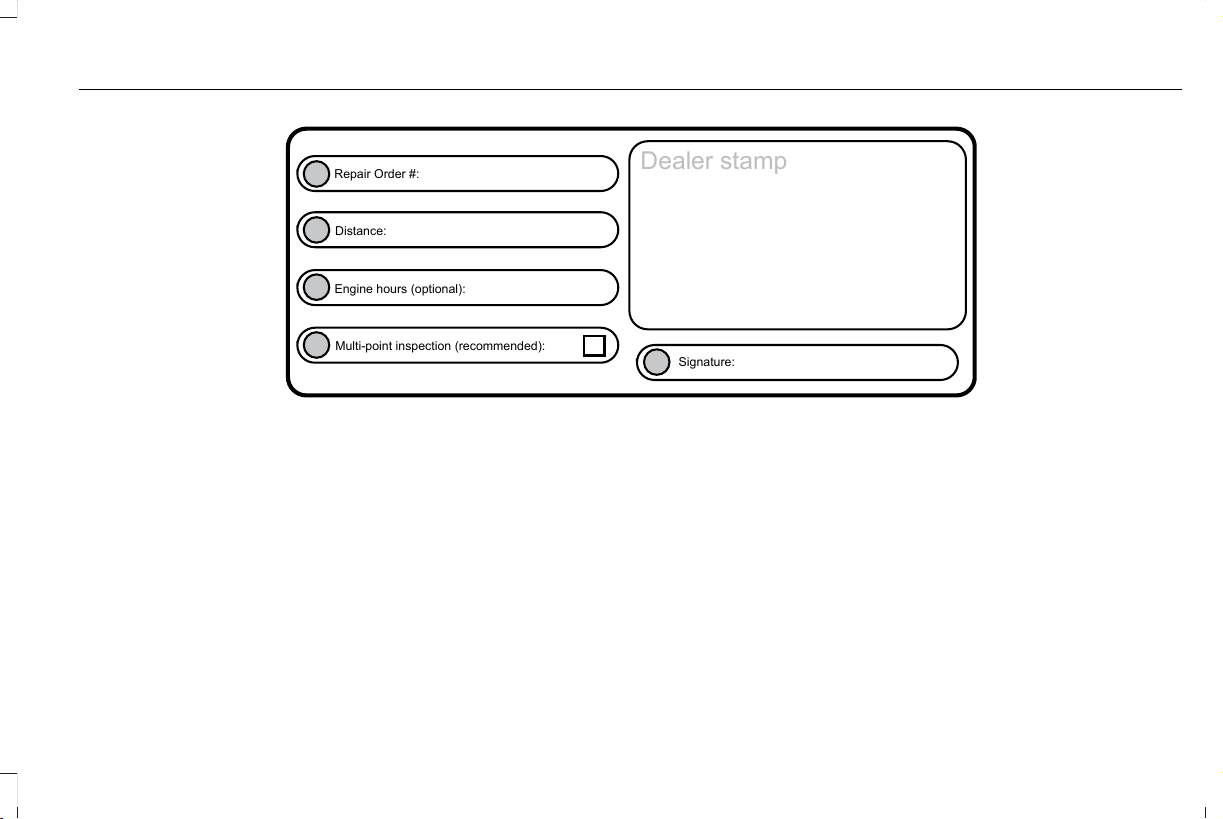
E146852
Repair Order #:
Distance:
Engine hours (optional):
Multi-point inspection (recommended):
Signature:
Dealer stamp
525
Aviator (CTV) Canada/United States of America, enUSA, Edition date: 201902, First-Printing
Scheduled Maintenance
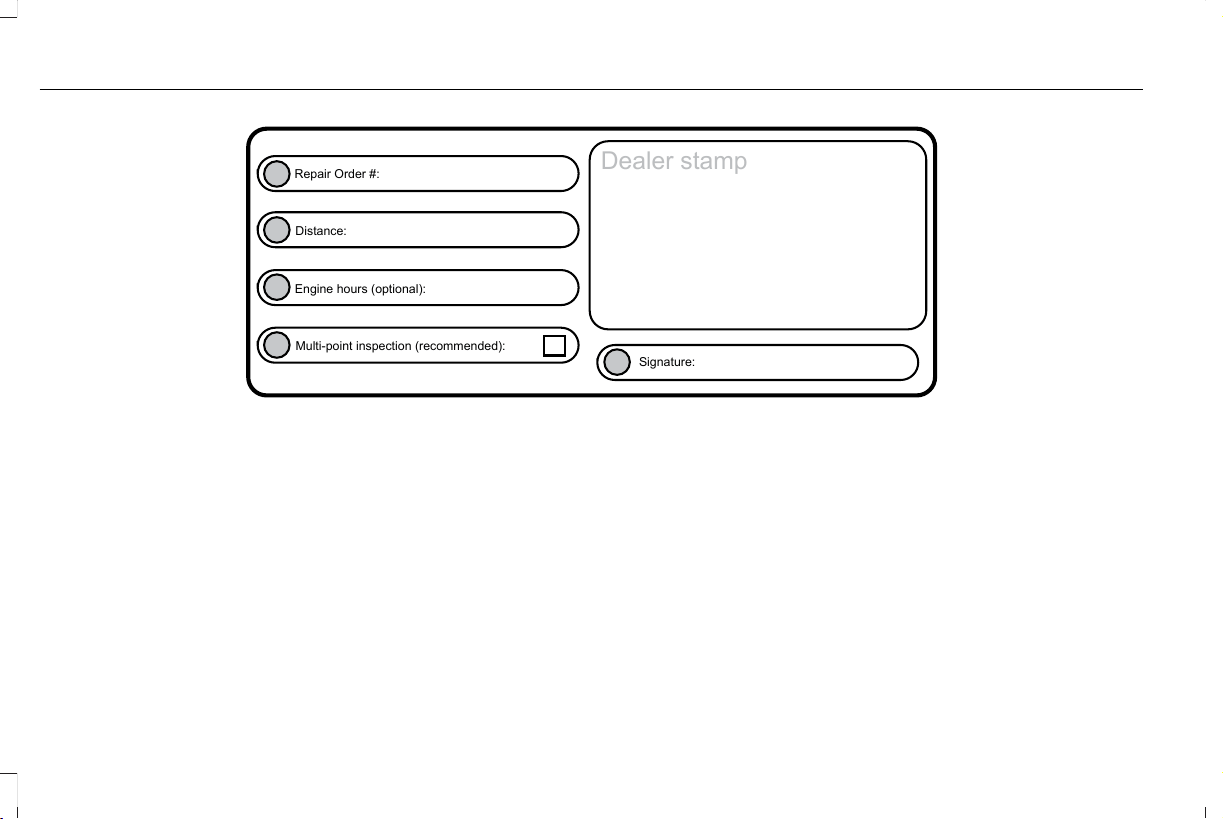
E146852
Repair Order #:
Distance:
Engine hours (optional):
Multi-point inspection (recommended):
Signature:
Dealer stamp
526
Aviator (CTV) Canada/United States of America, enUSA, Edition date: 201902, First-Printing
Scheduled Maintenance
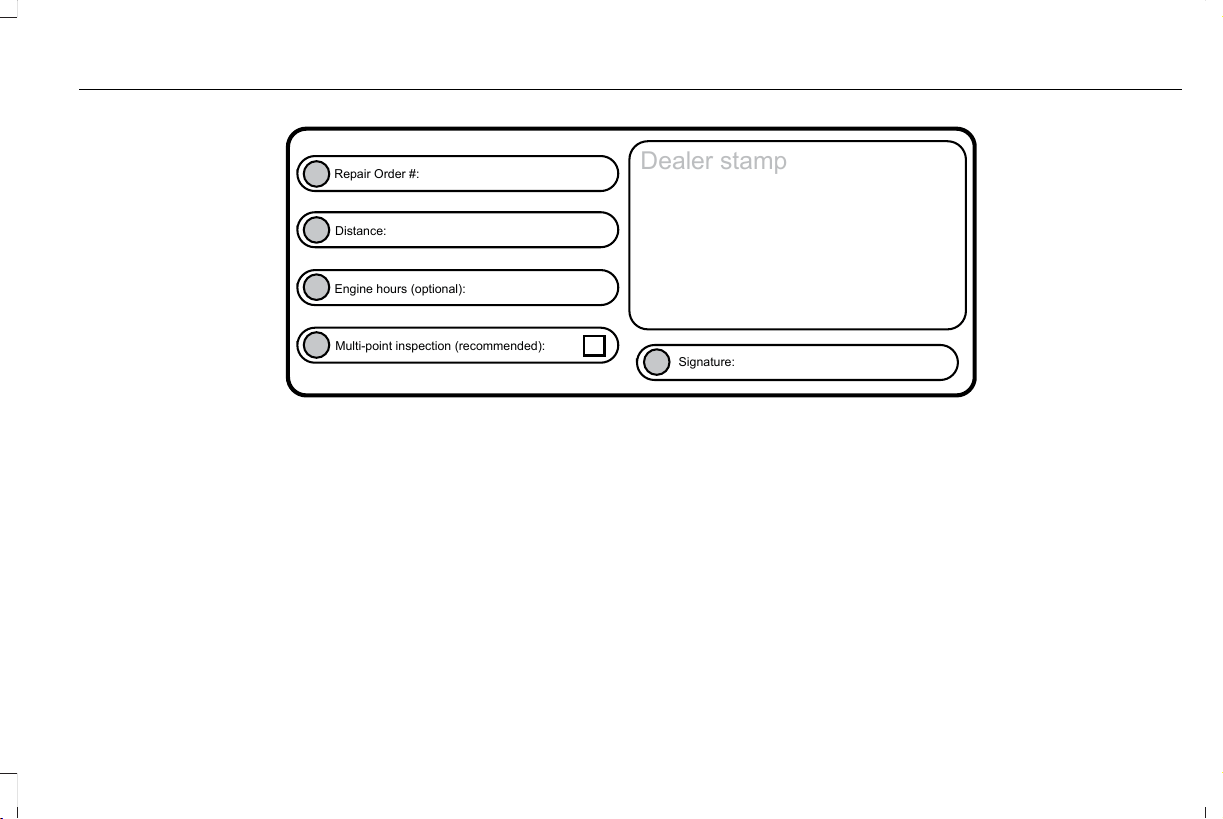
E146852
Repair Order #:
Distance:
Engine hours (optional):
Multi-point inspection (recommended):
Signature:
Dealer stamp
527
Aviator (CTV) Canada/United States of America, enUSA, Edition date: 201902, First-Printing
Scheduled Maintenance
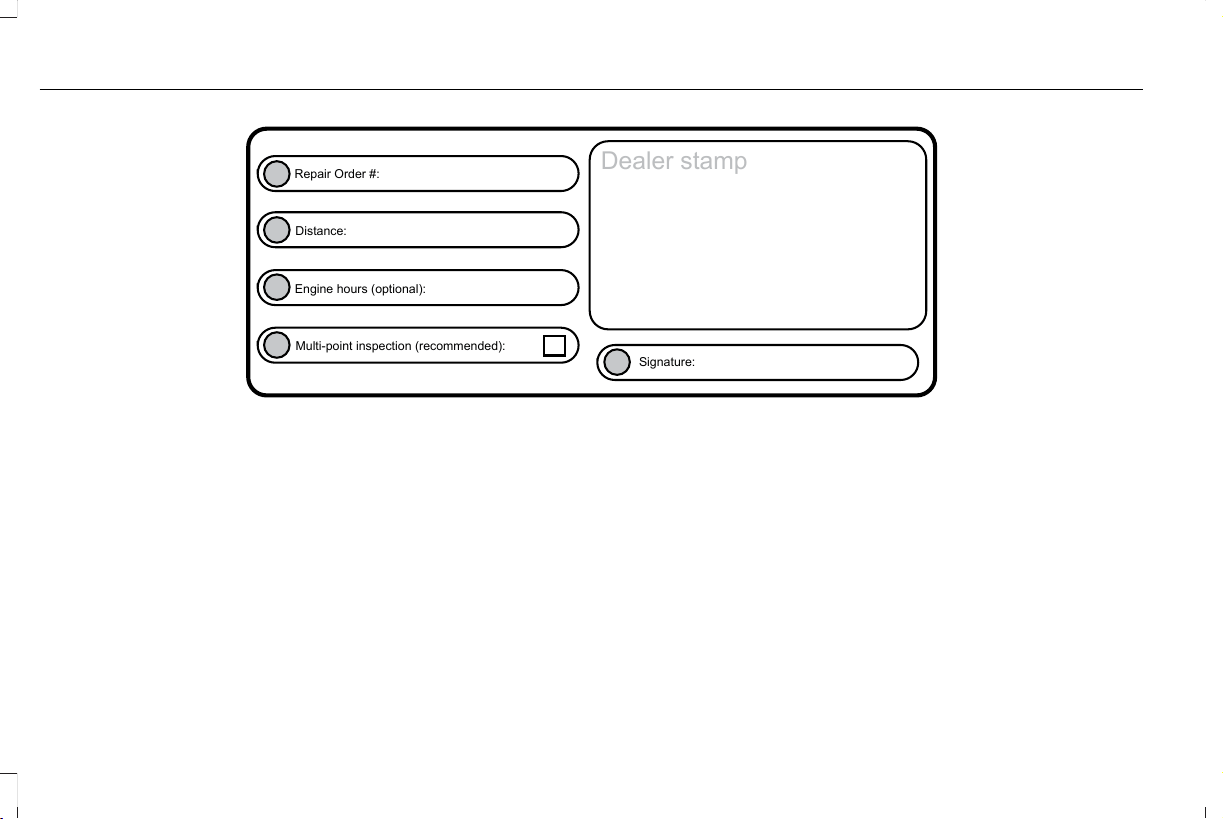
E146852
Repair Order #:
Distance:
Engine hours (optional):
Multi-point inspection (recommended):
Signature:
Dealer stamp
528
Aviator (CTV) Canada/United States of America, enUSA, Edition date: 201902, First-Printing
Scheduled Maintenance
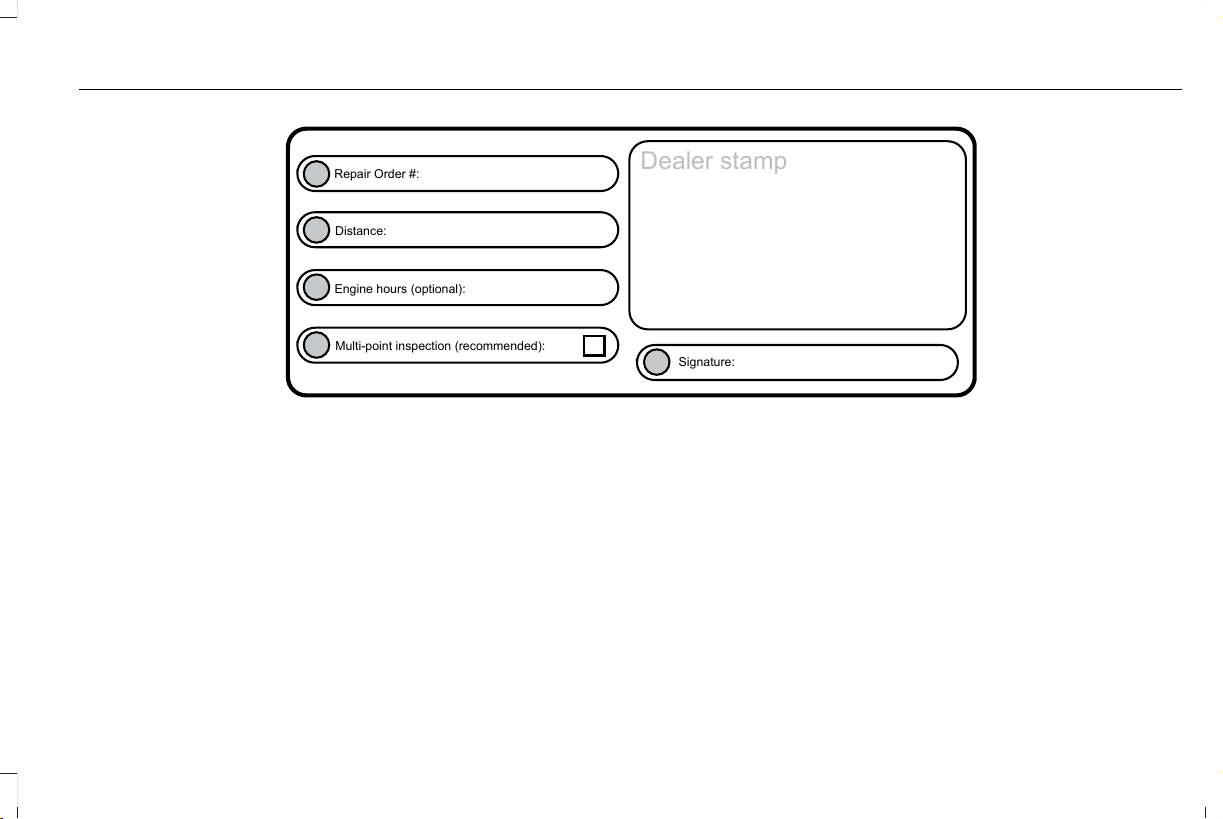
E146852
Repair Order #:
Distance:
Engine hours (optional):
Multi-point inspection (recommended):
Signature:
Dealer stamp
529
Aviator (CTV) Canada/United States of America, enUSA, Edition date: 201902, First-Printing
Scheduled Maintenance
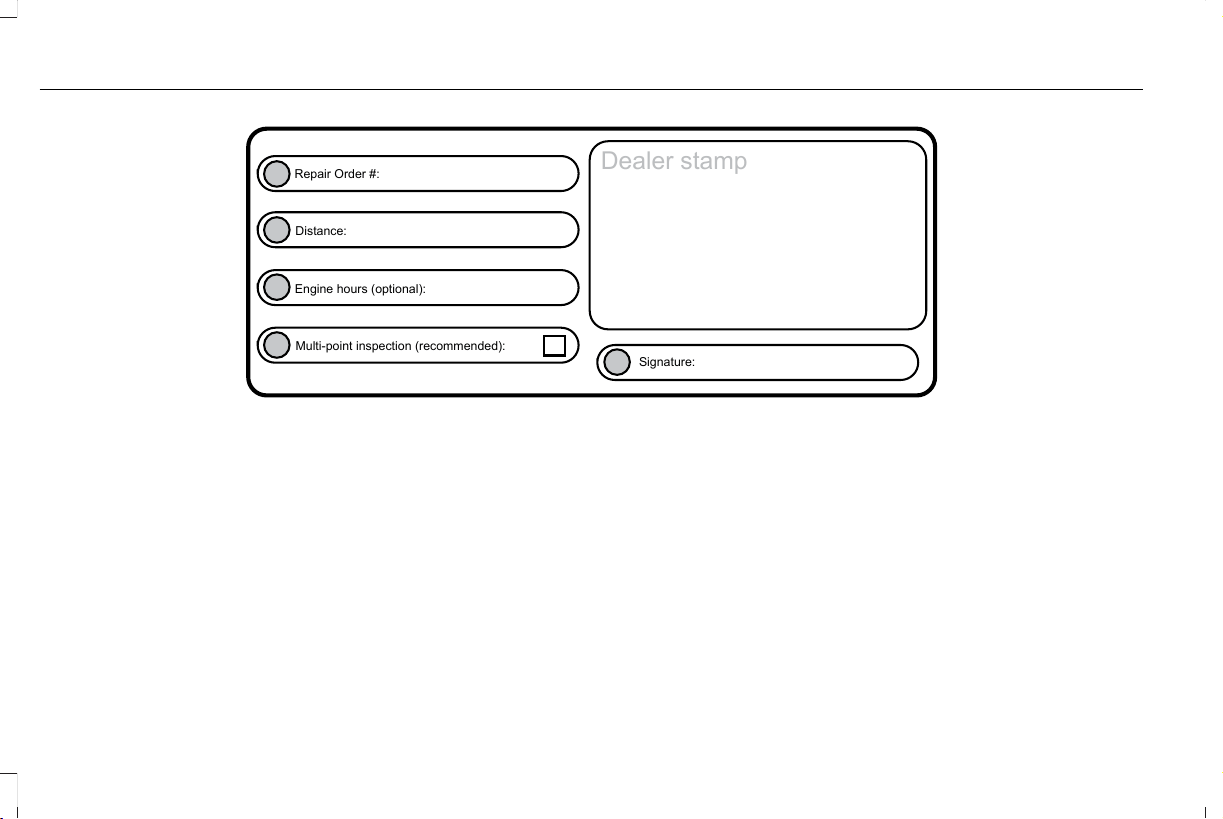
E146852
Repair Order #:
Distance:
Engine hours (optional):
Multi-point inspection (recommended):
Signature:
Dealer stamp
530
Aviator (CTV) Canada/United States of America, enUSA, Edition date: 201902, First-Printing
Scheduled Maintenance
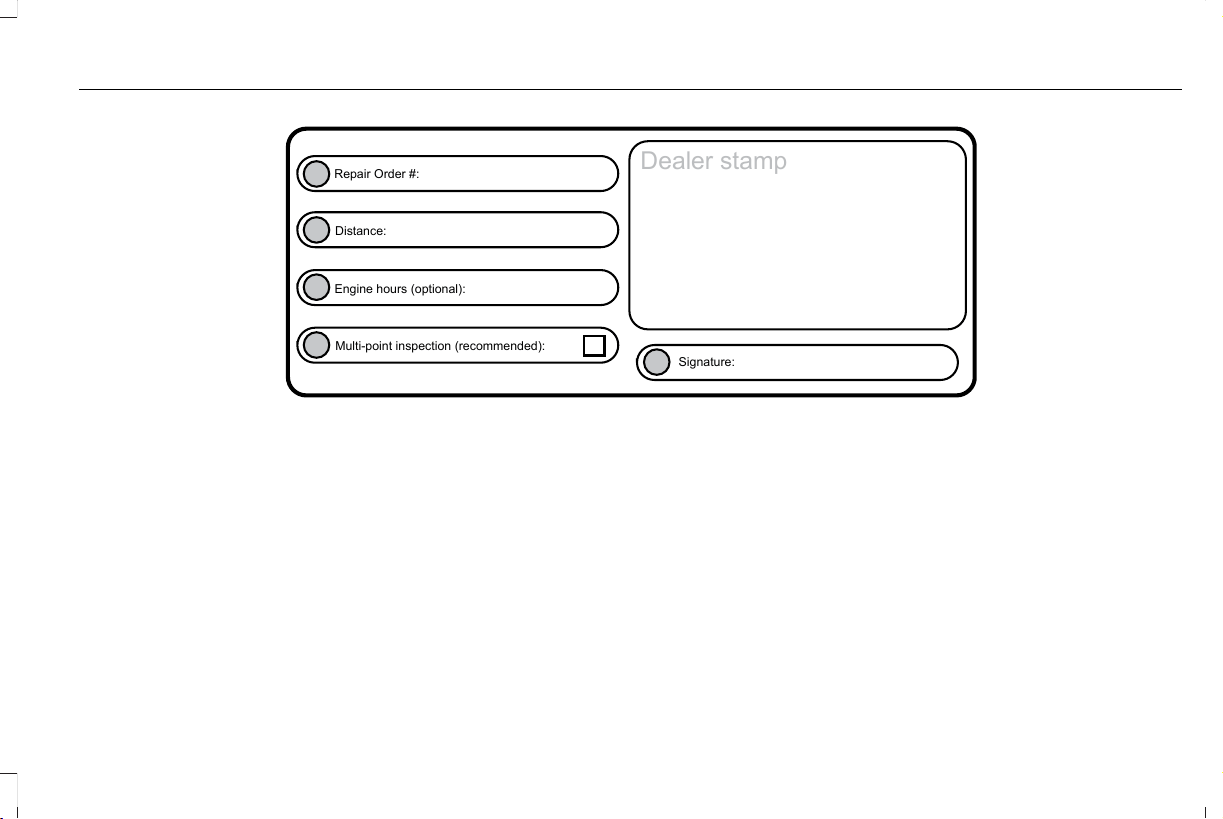
E146852
Repair Order #:
Distance:
Engine hours (optional):
Multi-point inspection (recommended):
Signature:
Dealer stamp
531
Aviator (CTV) Canada/United States of America, enUSA, Edition date: 201902, First-Printing
Scheduled Maintenance
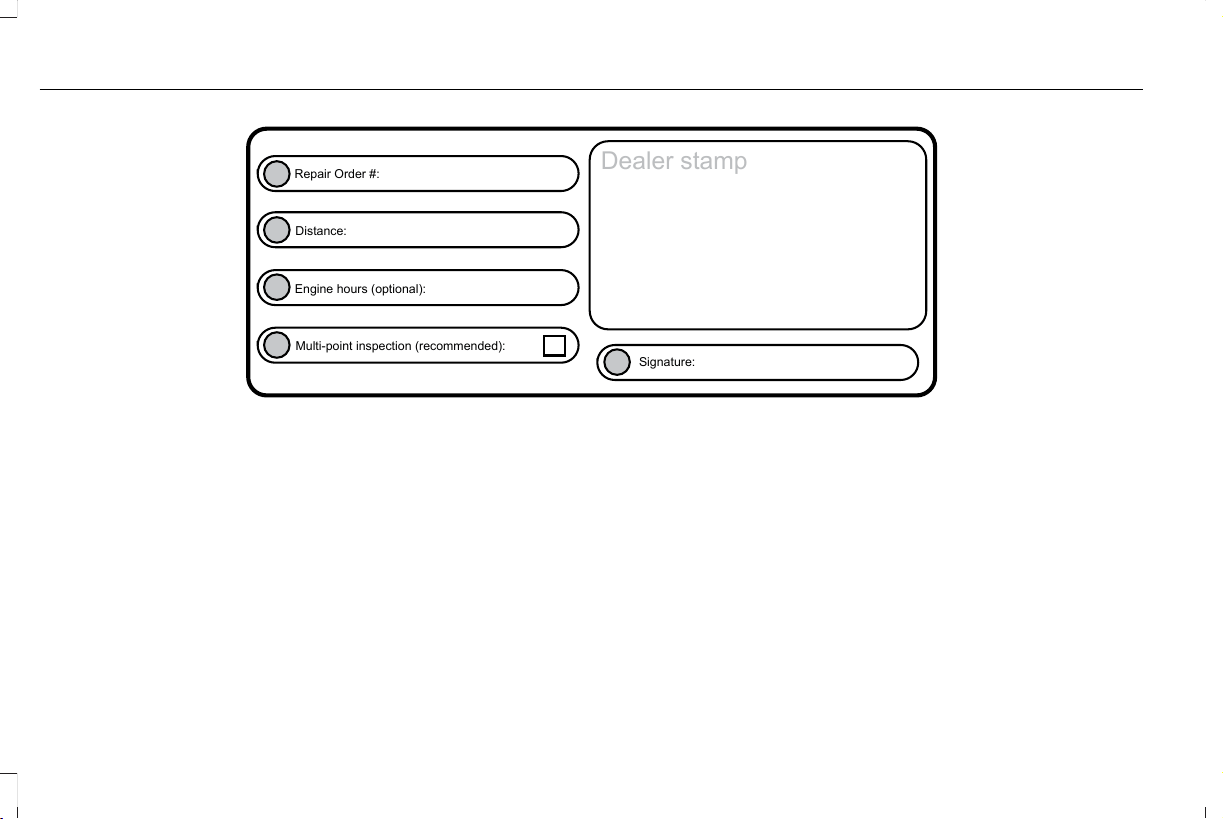
E146852
Repair Order #:
Distance:
Engine hours (optional):
Multi-point inspection (recommended):
Signature:
Dealer stamp
532
Aviator (CTV) Canada/United States of America, enUSA, Edition date: 201902, First-Printing
Scheduled Maintenance
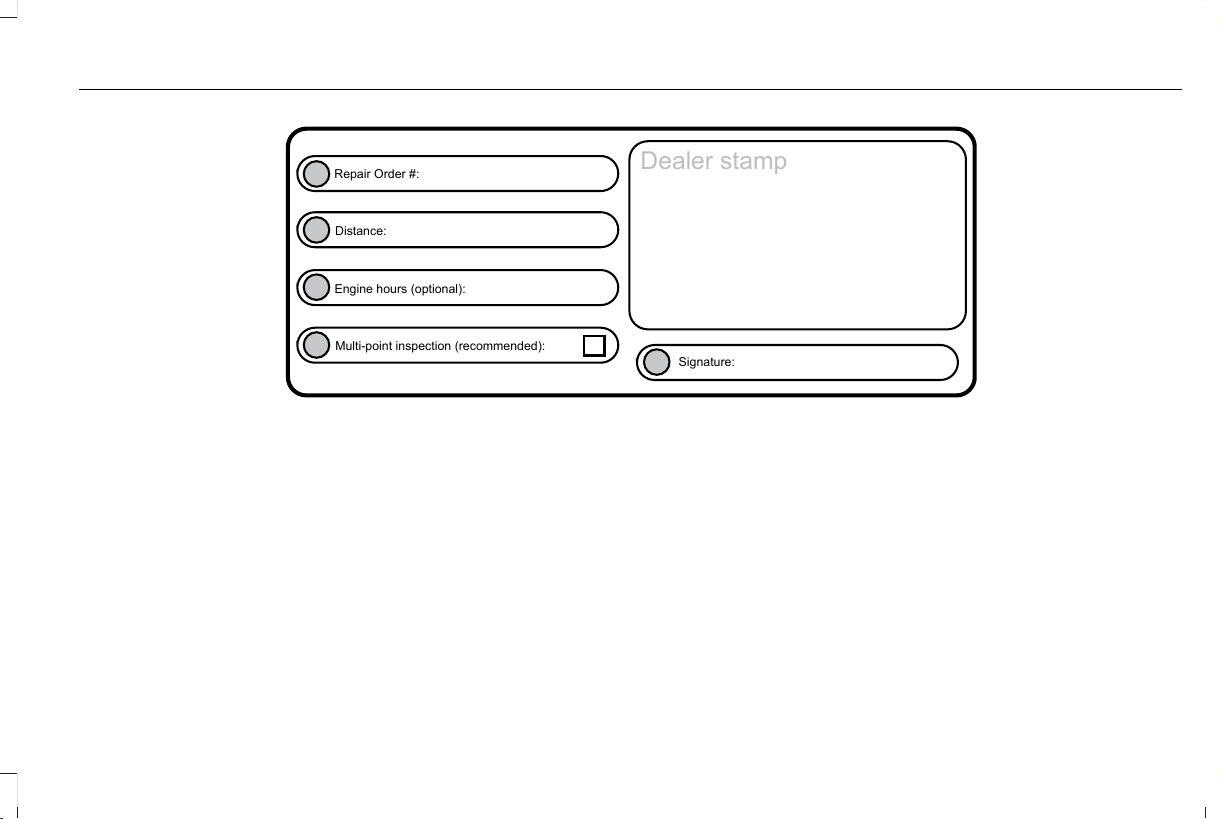
E146852
Repair Order #:
Distance:
Engine hours (optional):
Multi-point inspection (recommended):
Signature:
Dealer stamp
533
Aviator (CTV) Canada/United States of America, enUSA, Edition date: 201902, First-Printing
Scheduled Maintenance
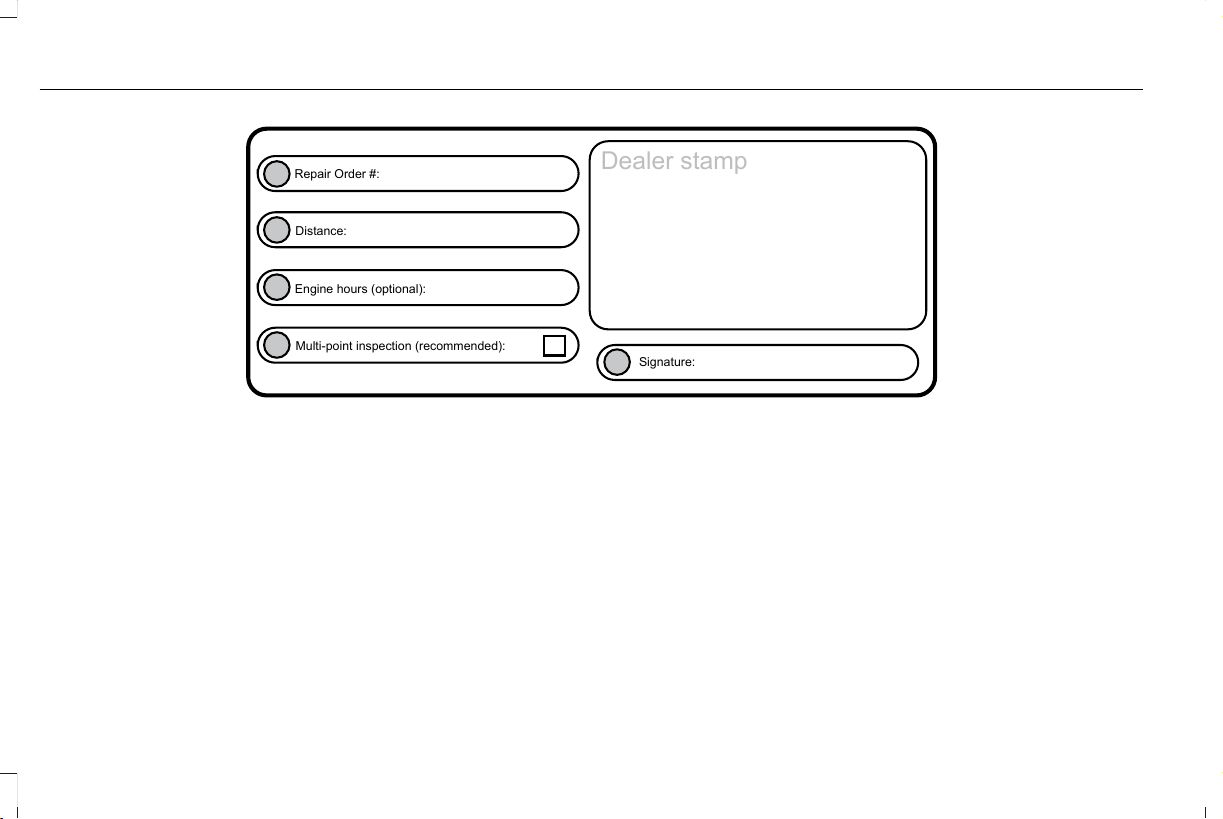
E146852
Repair Order #:
Distance:
Engine hours (optional):
Multi-point inspection (recommended):
Signature:
Dealer stamp
534
Aviator (CTV) Canada/United States of America, enUSA, Edition date: 201902, First-Printing
Scheduled Maintenance
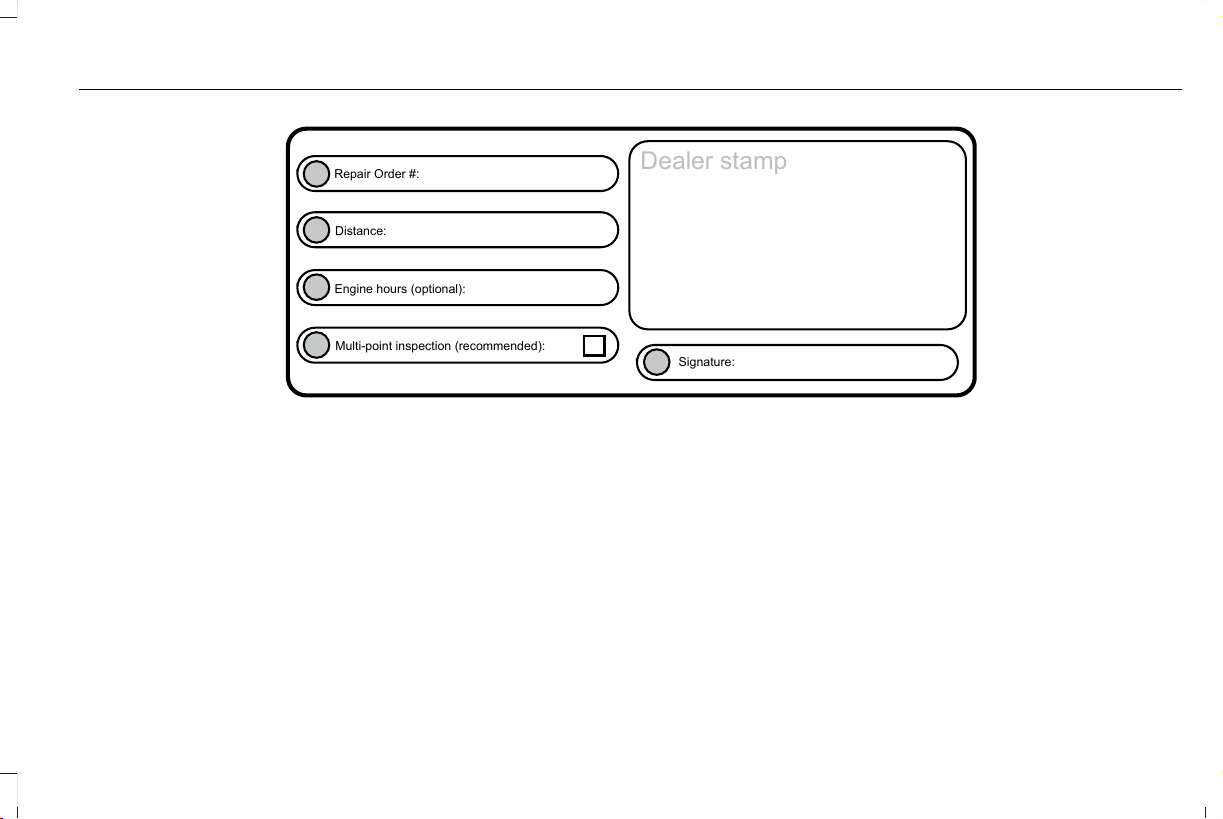
E146852
Repair Order #:
Distance:
Engine hours (optional):
Multi-point inspection (recommended):
Signature:
Dealer stamp
535
Aviator (CTV) Canada/United States of America, enUSA, Edition date: 201902, First-Printing
Scheduled Maintenance
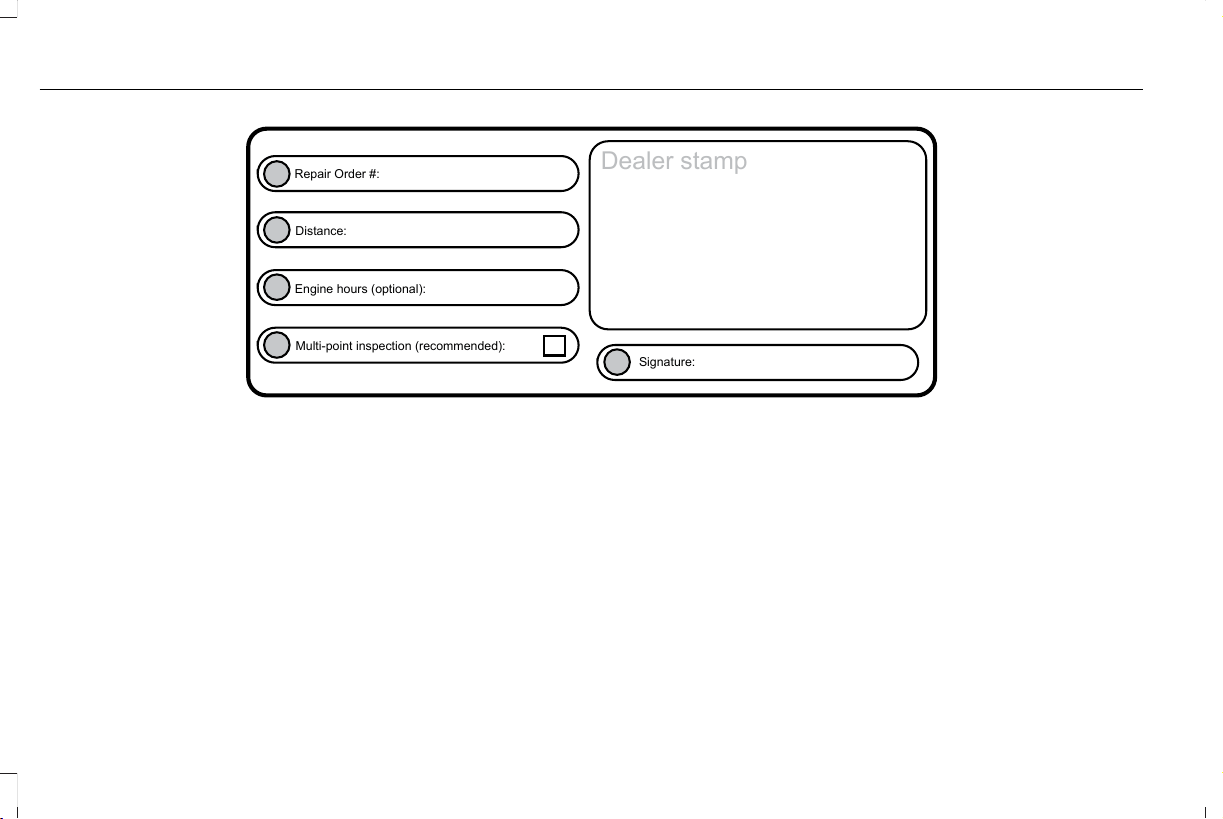
E146852
Repair Order #:
Distance:
Engine hours (optional):
Multi-point inspection (recommended):
Signature:
Dealer stamp
536
Aviator (CTV) Canada/United States of America, enUSA, Edition date: 201902, First-Printing
Scheduled Maintenance
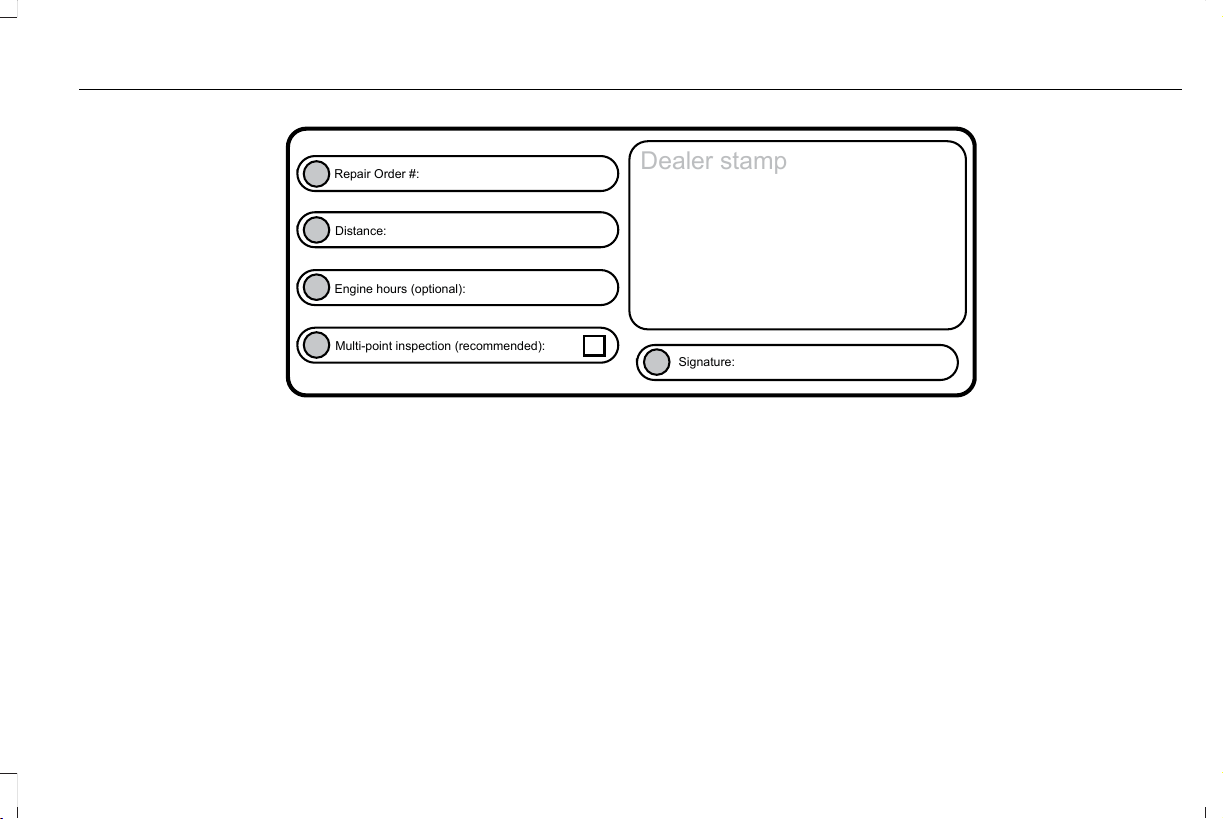
E146852
Repair Order #:
Distance:
Engine hours (optional):
Multi-point inspection (recommended):
Signature:
Dealer stamp
537
Aviator (CTV) Canada/United States of America, enUSA, Edition date: 201902, First-Printing
Scheduled Maintenance
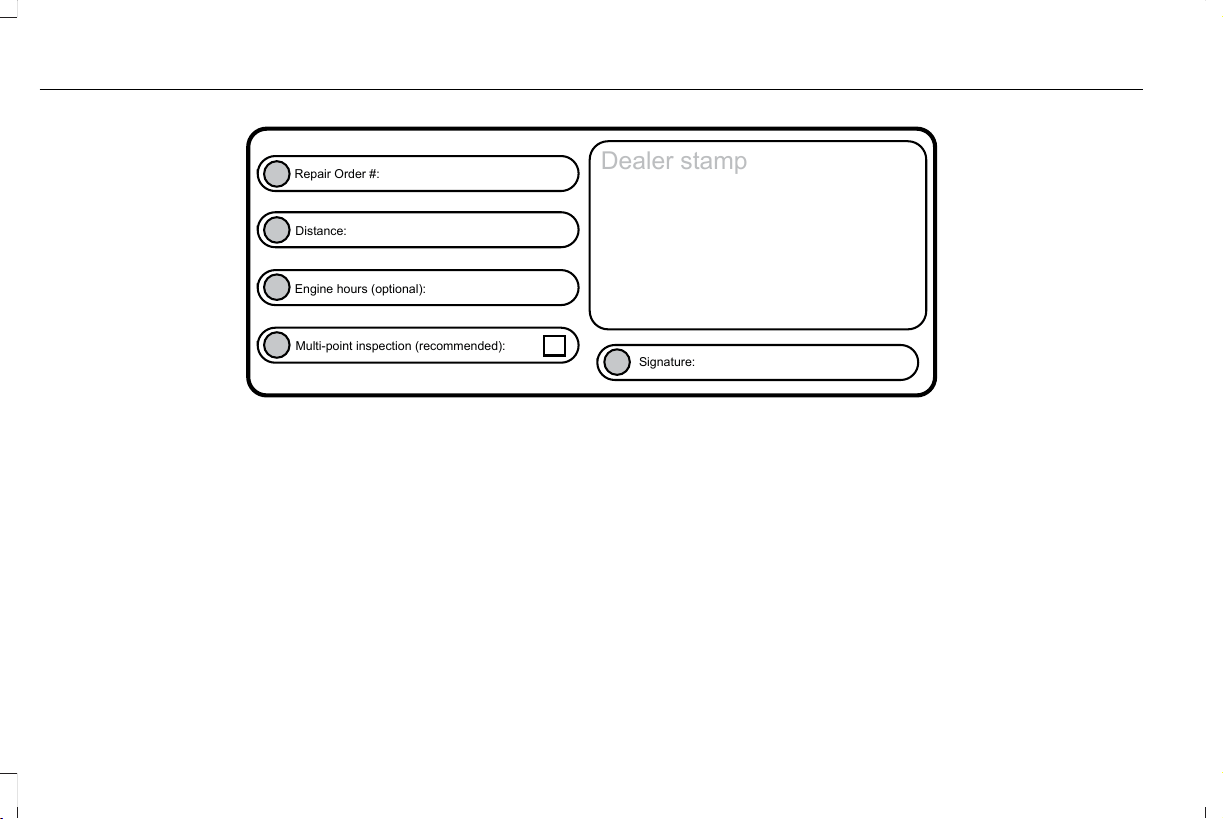
E146852
Repair Order #:
Distance:
Engine hours (optional):
Multi-point inspection (recommended):
Signature:
Dealer stamp
538
Aviator (CTV) Canada/United States of America, enUSA, Edition date: 201902, First-Printing
Scheduled Maintenance
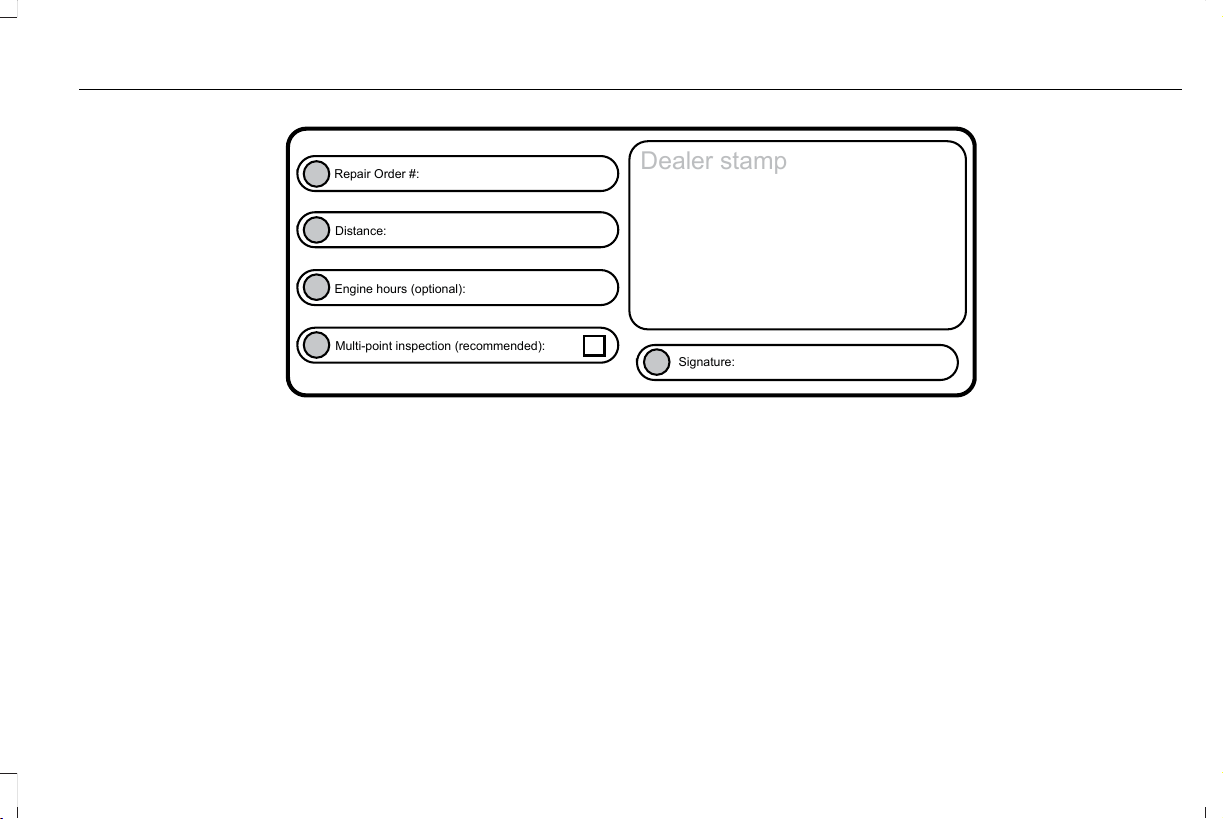
E146852
Repair Order #:
Distance:
Engine hours (optional):
Multi-point inspection (recommended):
Signature:
Dealer stamp
539
Aviator (CTV) Canada/United States of America, enUSA, Edition date: 201902, First-Printing
Scheduled Maintenance
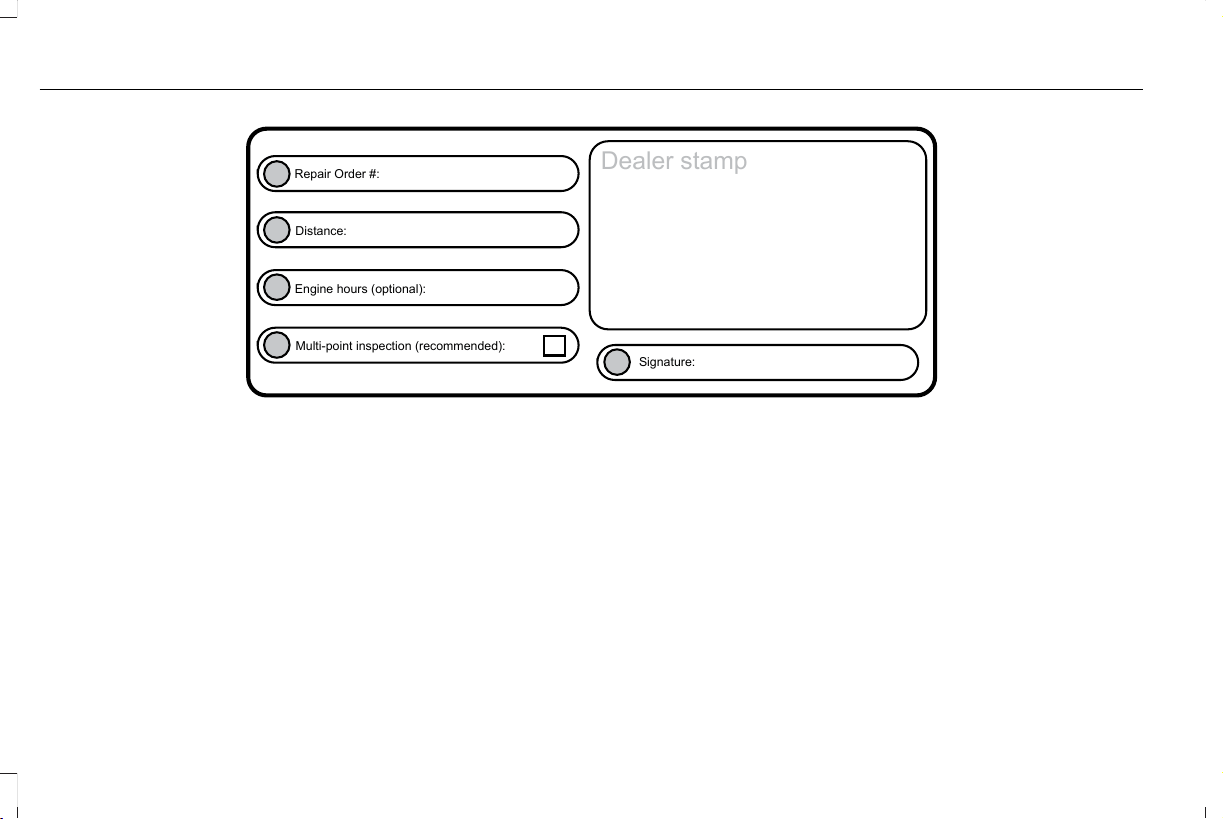
E146852
Repair Order #:
Distance:
Engine hours (optional):
Multi-point inspection (recommended):
Signature:
Dealer stamp
540
Aviator (CTV) Canada/United States of America, enUSA, Edition date: 201902, First-Printing
Scheduled Maintenance
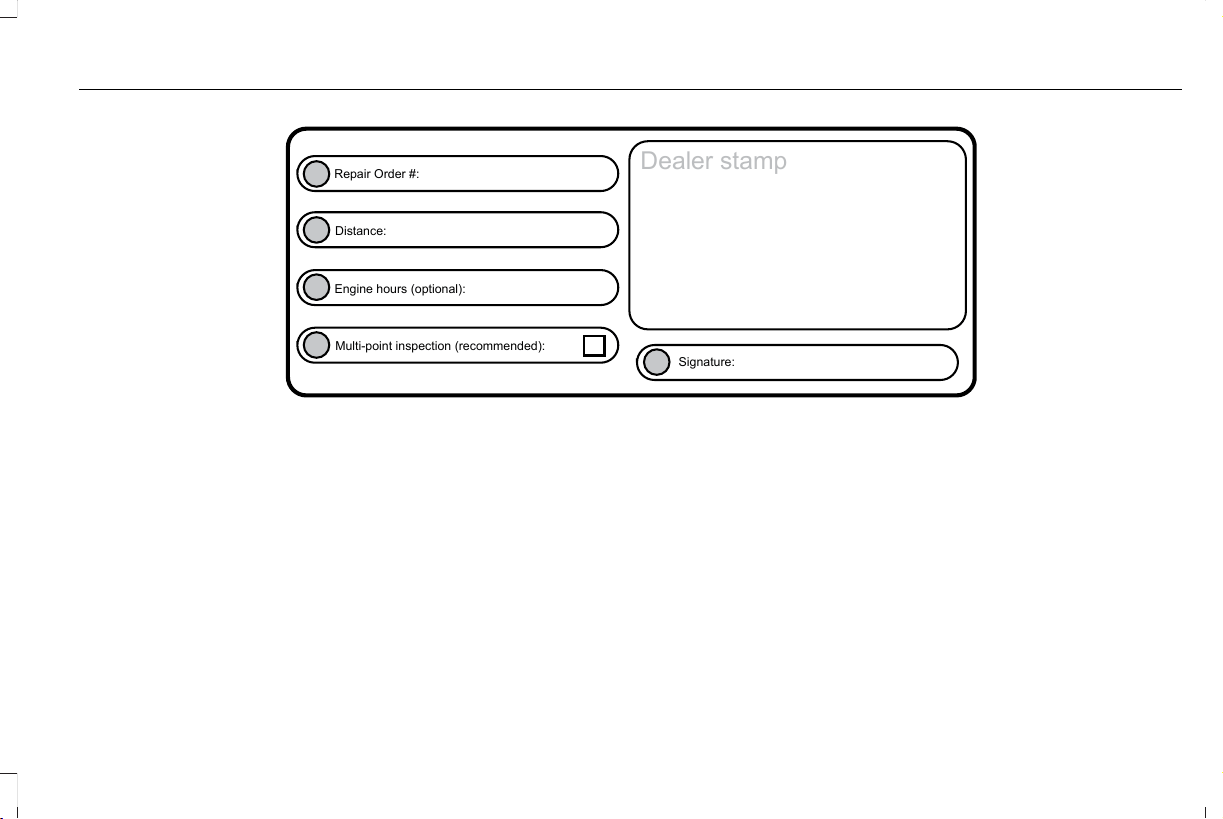
E146852
Repair Order #:
Distance:
Engine hours (optional):
Multi-point inspection (recommended):
Signature:
Dealer stamp
541
Aviator (CTV) Canada/United States of America, enUSA, Edition date: 201902, First-Printing
Scheduled Maintenance
E146852
Repair Order #:
Distance:
Engine hours (optional):
Multi-point inspection (recommended):
Signature:
Dealer stamp
542
Aviator (CTV) Canada/United States of America, enUSA, Edition date: 201902, First-Printing
Scheduled Maintenance
E146852
Repair Order #:
Distance:
Engine hours (optional):
Multi-point inspection (recommended):
Signature:
Dealer stamp
543
Aviator (CTV) Canada/United States of America, enUSA, Edition date: 201902, First-Printing
Scheduled Maintenance
E146852
Repair Order #:
Distance:
Engine hours (optional):
Multi-point inspection (recommended):
Signature:
Dealer stamp
544
Aviator (CTV) Canada/United States of America, enUSA, Edition date: 201902, First-Printing
Scheduled Maintenance

ELECTROMAGNETIC
COMPATIBILITY
WARNING: Do not place objects or
mount equipment on or near the airbag
cover, on the side of the seatbacks (of the
front seats), or in front seat areas that may
come into contact with a deploying airbag.
Failure to follow these instructions may
increase the risk of personal injury in the
event of a crash.
WARNING: Do not fasten antenna
cables to original vehicle wiring, fuel pipes
and brake pipes.
WARNING: Keep antenna and power
cables at least 4 in (10 cm) from any
electronic modules and airbags.
Note: We test and certify your vehicle to
meet electromagnetic compatibility
legislation (UNECE Regulation 10 or other
applicable local requirements). It is your
responsibility to make sure that any
equipment an authorized dealer installs on
your vehicle complies with applicable local
legislation and other requirements.
Note: Any radio frequency transmitter
equipment in your vehicle (such as cellular
telephones and amateur radio transmitters)
must keep to the parameters in the following
table. We do not provide special provisions
or conditions for installations or use.
545
Aviator (CTV) Canada/United States of America, enUSA, Edition date: 201902, First-Printing
Appendices
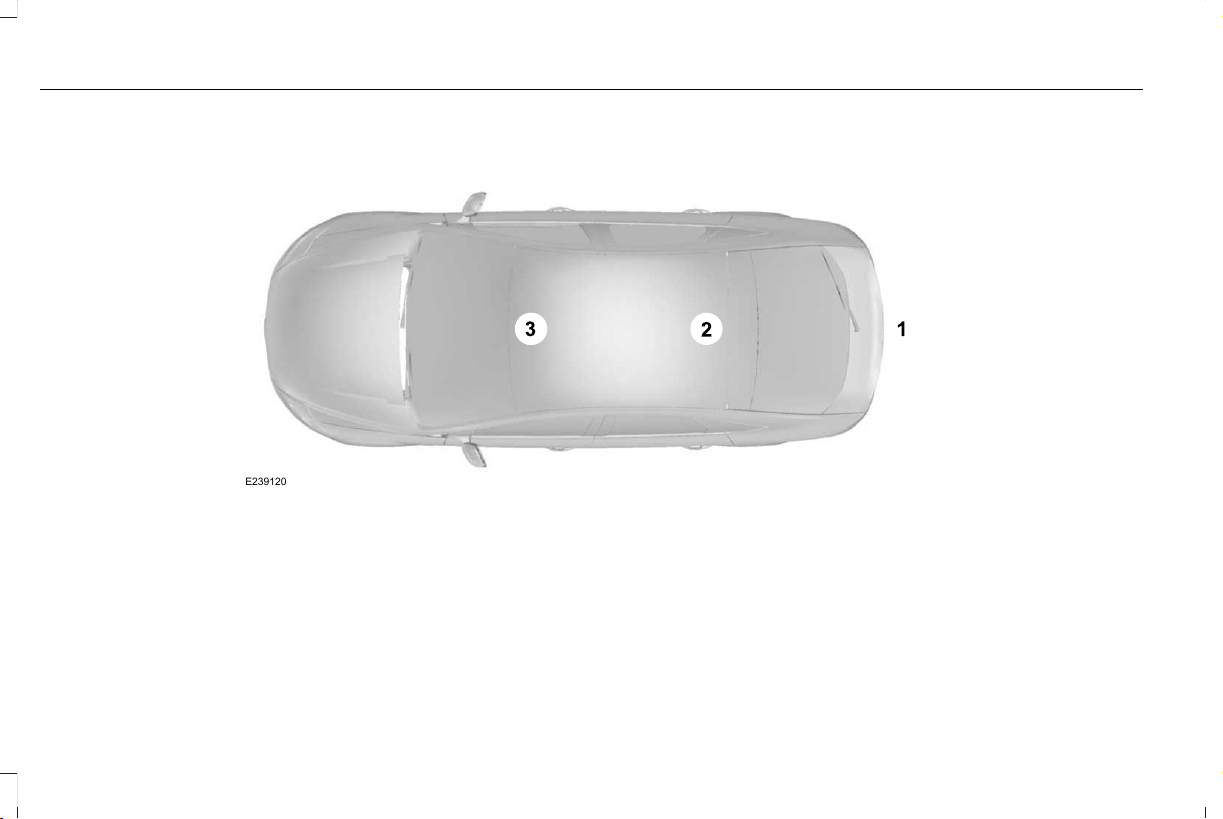
Car
E239120
546
Aviator (CTV) Canada/United States of America, enUSA, Edition date: 201902, First-Printing
Appendices
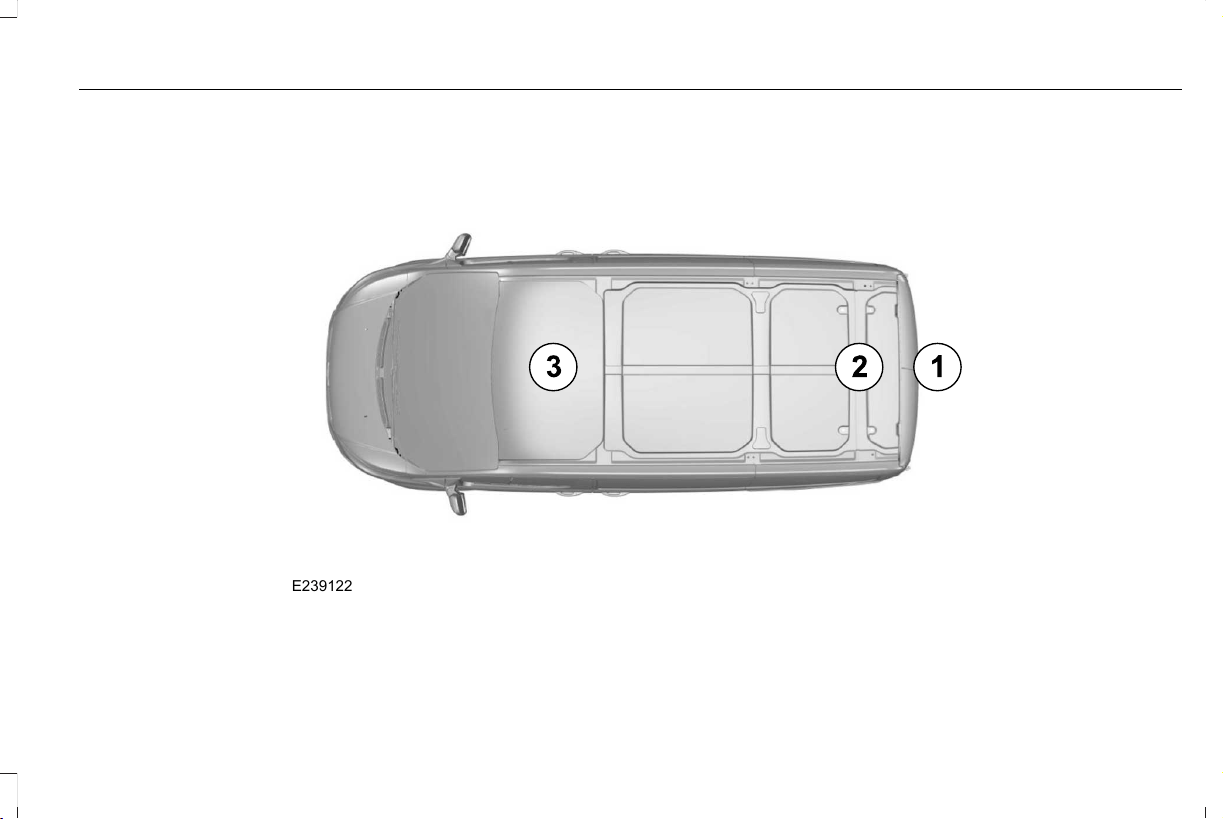
Van
E239122
547
Aviator (CTV) Canada/United States of America, enUSA, Edition date: 201902, First-Printing
Appendices
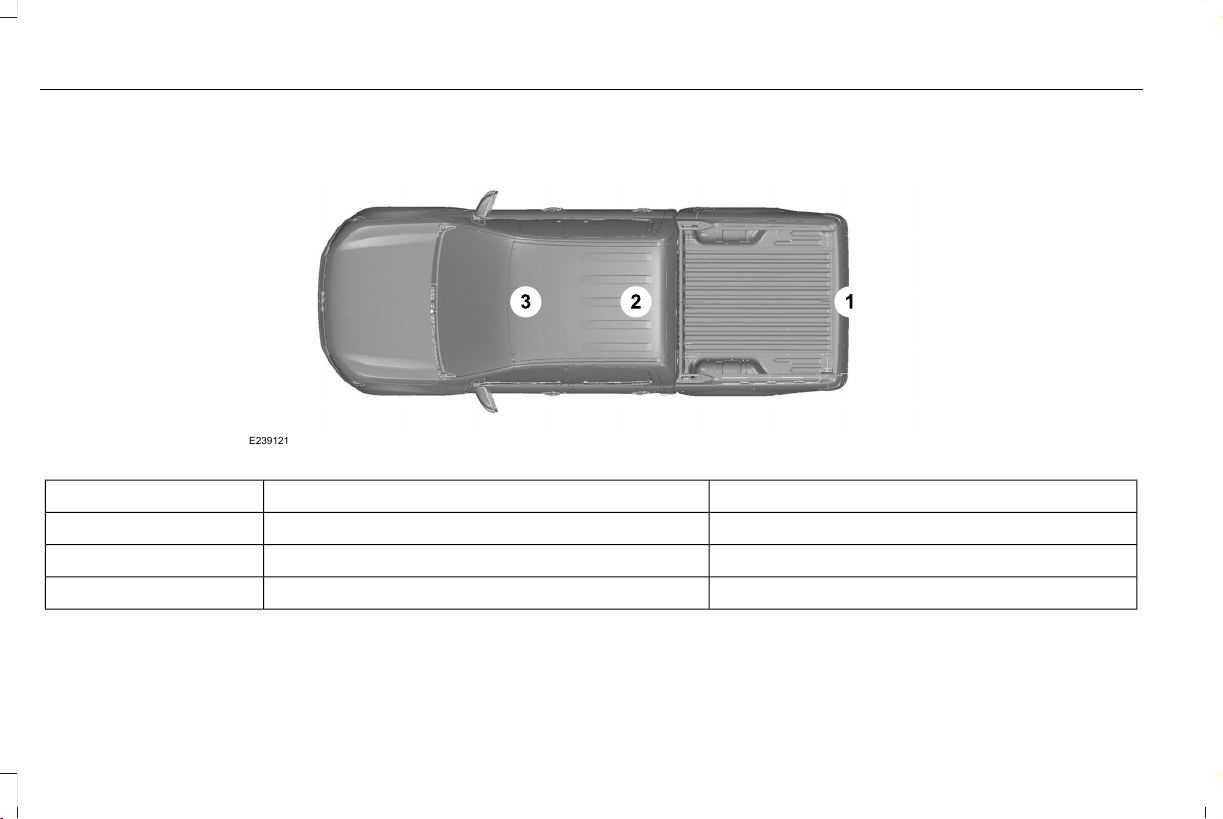
Truck
E239121
Antenna PositionsMaximum output power Watt (Peak RMS)Frequency Band MHz
1501-30
2, 35050-54
2, 35068-88
548
Aviator (CTV) Canada/United States of America, enUSA, Edition date: 201902, First-Printing
Appendices

Antenna PositionsMaximum output power Watt (Peak RMS)Frequency Band MHz
2, 350142-176
2, 350380-512
2, 310806-870
Note: After the installation of radio frequency
transmitters, check for disturbances from
and to all electrical equipment in your
vehicle, both in the standby and transmit
modes.
Check all electrical equipment:
• With the ignition ON.
• With the engine running.
• During a road test at various speeds.
Check that electromagnetic fields generated
inside your vehicle cabin by the transmitter
installed do not exceed applicable human
exposure requirements.
549
Aviator (CTV) Canada/United States of America, enUSA, Edition date: 201902, First-Printing
Appendices

END USER LICENSE AGREEMENT
VEHICLE SOFTWARE END USER
LICENSE AGREEMENT (EULA)
• You (“You” or “Your” as applicable) have
acquired a vehicle having several
devices, including SYNC ® and various
control modules, ("DEVICES") that include
software licensed or owned by Ford
Motor Company and its affiliates ("FORD
MOTOR COMPANY"). Those software
products of FORD MOTOR COMPANY
origin, as well as associated media,
printed materials, and "online" or
electronic documentation ("SOFTWARE")
are protected by international intellectual
property laws and treaties. The
SOFTWARE is licensed, not sold. All
rights reserved.
• The SOFTWARE may interface with
and/or communicate with, or may be later
upgraded to interface with and/or
communicate with additional software
and/or systems provided by FORD
MOTOR COMPANY.
IF YOU DO NOT AGREE TO THIS END
USER LICENSE AGREEMENT ("EULA") DO
NOT USE THE DEVICES OR COPY THE
SOFTWARE. ANY USE OF THE SOFTWARE,
INCLUDING BUT NOT LIMITED TO USE ON
THE DEVICES, WILL CONSTITUTE YOUR
AGREEMENT TO THIS EULA (OR
RATIFICATION OF ANY PREVIOUS
CONSENT).
GRANT OF SOFTWARE LICENSE: This EULA
grants you the following license:
• You may use the SOFTWARE as installed
on the DEVICES and as otherwise
interfacing with systems and/or services
provide by or through FORD MOTOR
COMPANY or its third party software and
service providers.
Description of Other Rights and Limitations
• Speech Recognition: If the SOFTWARE
includes speech recognition
component(s), you should understand
that speech recognition is an inherently
statistical process and that recognition
errors are inherent in the process.
Neither FORD MOTOR COMPANY nor
its suppliers shall be liable for any
damages arising out of errors in the
speech recognition process. It is your
responsibility to monitor any speech
recognition functions included in the
system.
• Limitations on Reverse Engineering,
Decompilation and Disassembly: You
may not reverse engineer, decompile,
translate, disassemble or attempt to
discover any source code or underlying
ideas or algorithms of the SOFTWARE
nor permit others to reverse engineer,
decompile or disassemble the
SOFTWARE, except and only to the
extent that such activity is expressly
permitted by applicable law
notwithstanding this limitation or to the
extent as may be permitted by the
licensing terms governing use of any
open source components included with
the SOFTWARE.
550
Aviator (CTV) Canada/United States of America, enUSA, Edition date: 201902, First-Printing
Appendices

• Limitations on Distributing, Copying,
Modifying and Creating Derivative
Works: You may not distribute, copy,
make modifications to or create
derivative works based on the
SOFTWARE, except and only to the
extent that such activity is expressly
permitted by applicable law
notwithstanding this limitation or to the
extent as may be permitted by the
licensing terms governing use of any
open source components included with
the SOFTWARE.
• Single EULA: The end user
documentation for the DEVICES and
related systems and services may contain
multiple EULAs, such as multiple
translations and/or multiple media
versions (e.g., in the user documentation
and in the software). Even if you receive
multiple EULAs, you are licensed to use
only one (1) copy of the SOFTWARE.
• SOFTWARE Transfer: You may
permanently transfer your rights under
this EULA only as part of a sale or transfer
of the DEVICES, provided you retain no
copies, you transfer all of the SOFTWARE
(including all component parts, the media
and printed materials, any upgrades, and,
if applicable, the Certificate(s) of
Authenticity), and the recipient agrees to
the terms of this EULA. If the SOFTWARE
is an upgrade, any transfer must include
all prior versions of the SOFTWARE.
• Termination: Without prejudice to any
other rights, FORD MOTOR COMPANY
may terminate this EULA if you fail to
comply with the terms and conditions of
this EULA.
• Internet-Based Services Components:
The SOFTWARE may contain
components that enable and facilitate
the use of certain Internet-based
services. You acknowledge and agree
that FORD MOTOR COMPANY, third
party software and service suppliers, its
affiliates and/or its designated agent may
automatically check the version of the
SOFTWARE and/or its components that
you are utilizing and may provide
upgrades or supplements to the
SOFTWARE that may be automatically
downloaded to your DEVICES.
• Additional Software/Services: The
SOFTWARE may permit FORD MOTOR
COMPANY, third party software and
service suppliers, its affiliates and/or its
designated agent to provide or make
available to you SOFTWARE updates,
supplements, add-on components, or
Internet-based services components of
the SOFTWARE after the date you obtain
your initial copy of the SOFTWARE
("Supplemental Components".)
SOFTWARE updates may cause you to
incur additional charges from your
wireless service provider. If FORD
MOTOR COMPANY or third party
software and services suppliers provide
or make available to you Supplemental
Components and no other EULA terms
are provided along with the
Supplemental Components, then the
terms of this EULA shall apply. FORD
551
Aviator (CTV) Canada/United States of America, enUSA, Edition date: 201902, First-Printing
Appendices

MOTOR COMPANY, its affiliates and/or
its designated agent reserve the right to
discontinue without liability any
Internet-based services provided to you
or made available to you through the use
of the SOFTWARE.
552
Aviator (CTV) Canada/United States of America, enUSA, Edition date: 201902, First-Printing
Appendices

• Links to Third Party Sites: The
SOFTWARE may provide you with the
ability to link to third party sites. The third
party sites are not under the control of
FORD MOTOR COMPANY, its affiliates
and/or its designated agent. Neither
FORD MOTOR COMPANY nor its
affiliates nor its designated agent are
responsible for (I) the contents of any
third party sites, any links contained in
third party sites, or any changes or
updates to third party sites, or (ii)
webcasting or any other form of
transmission received from any third
party sites. If the SOFTWARE provides
links to third party sites, those links are
provided to you only as a convenience,
and the inclusion of any link does not
imply an endorsement of the third party
site by FORD MOTOR COMPANY, its
affiliates and/or its designated agent.
• Obligation to Drive Responsibly: You
recognize your obligation to drive
responsibly and keep attention on the
road. You will read and abide with the
DEVICES operating instructions
particularly as they pertain to safety and
you agree to assume any risk associated
with the use of the DEVICES.
UPGRADES AND RECOVERY MEDIA: If the
SOFTWARE is provided by FORD MOTOR
COMPANY separate from the DEVICES on
media such as a ROM chip, CD ROM disk(s)
or via web download or other means, and is
labeled "For Upgrade Purposes Only" or "For
Recovery Purposes Only" you may install one
(1) copy of such SOFTWARE onto the
DEVICES as a replacement copy for the
existing SOFTWARE, and use it in
accordance with this EULA, including any
additional EULA terms accompanying the
upgrade SOFTWARE.
INTELLECTUAL PROPERTY RIGHTS: All
title and intellectual property rights in and to
the SOFTWARE (including but not limited to
any images, photographs, animations, video,
audio, music, text and "applets" incorporated
into the SOFTWARE), the accompanying
printed materials, and any copies of the
SOFTWARE, are owned by FORD MOTOR
COMPANY, or its affiliates or suppliers. The
SOFTWARE is licensed, not sold. You may
not copy the printed materials accompanying
the SOFTWARE. All title and intellectual
property rights in and to the content which
may be accessed through use of the
SOFTWARE is the property of the respective
content owner and may be protected by
applicable copyright or other intellectual
property laws and treaties. This EULA grants
you no rights to use such content outside its
intended use. All rights not specifically
granted under this EULA are reserved by
FORD MOTOR COMPANY, its affiliates, and
third party software and service providers
and suppliers. Use of any on-line services
which may be accessed through the
SOFTWARE may be governed by the
respective terms of use relating to such
services. If this SOFTWARE contains
documentation that is provided only in
electronic form, you may print one copy of
such electronic documentation.
553
Aviator (CTV) Canada/United States of America, enUSA, Edition date: 201902, First-Printing
Appendices

EXPORT RESTRICTIONS: You acknowledge
that the SOFTWARE is subject to U.S. and
European Union export jurisdiction. You
agree to comply with all applicable
international and national laws that apply to
the SOFTWARE, including the U.S. Export
Administration Regulations, as well as
end-user, end-use and destination
restrictions issued by U.S. and other
governments.
TRADEMARKS: This EULA does not grant
you any rights in connection with any
trademarks or service marks of FORD
MOTOR COMPANY, its affiliates, and third
party software and service providers.
PRODUCT SUPPORT: Please refer to FORD
MOTOR COMPANY instructions provided in
the documentation for the DEVICES product
support, such as the vehicle owner guide.
Should you have any questions concerning
this EULA, or if you desire to contact FORD
MOTOR COMPANY for any other reason,
please refer to the address provided in the
documentation for the DEVICES.
No Liability for Certain Damages: EXCEPT
AS PROHIBITED BY LAW, FORD MOTOR
COMPANY, ANY THIRD PARTY SOFTWARE
OR SERVICES SUPPLIERS, AND THEIR
AFFILIATES SHALL HAVE NO LIABILITY FOR
ANY INDIRECT, SPECIAL, CONSEQUENTIAL
OR INCIDENTAL DAMAGES ARISING FROM
OR IN CONNECTION WITH THE USE OR
PERFORMANCE OF THE SOFTWARE. THIS
LIMITATION SHALL APPLY EVEN IF ANY
REMEDY FAILS OF ITS ESSENTIAL
PURPOSE. THERE ARE NO WARRANTIES
OTHER THAN THOSE THAT MAY BE
EXPRESSLY PROVIDED FOR YOUR NEW
VEHICLE.
SYNC® Automotive Important Safety
Information Read and follow instructions:
• Before using your SYNC® system, read
and follow all instructions and safety
information provided in this end user
manual ("Owner Guide".) Not following
precautions found in the Owner Guide
can lead to an accident or other serious
injuries.
General Operation
• Voice Command Control: Certain
functions within the SYNC® system may
be accomplished using voice commands.
Using voice commands while driving
helps you to operate the system without
removing your hands from the wheel or
eyes from the road.
• Prolonged Views of Screen: Do not
access any function requiring a
prolonged view of the screen while you
are driving. Pull over in a safe and legal
manner before attempting to access a
function of the system requiring
prolonged attention.
• Volume Setting: Do not raise the volume
excessively. Keep the volume at a level
where you can still hear outside traffic
and emergency signals while driving.
Driving while unable to hear these
sounds could cause an accident.
554
Aviator (CTV) Canada/United States of America, enUSA, Edition date: 201902, First-Printing
Appendices

• Navigation Features: Any navigation
features included in the system are
intended to provide turn by turn
instructions to get you to a desired
destination. Please make certain all
persons using this system carefully read
and follow instructions and safety
information fully.
• Distraction Hazard: Any navigation
features may require manual (non-verbal)
setup. Attempting to perform such set-up
or insert data while driving can distract
your attention and could cause an
accident or other serious injury. Stop the
vehicle in a safe and legal manner before
attempting these operations.
• Let Your Judgment Prevail: Any
navigation features are provided only as
an aid. Make your driving decisions
based on your observations of local
conditions and existing traffic regulations.
Any such feature is not a substitute for
your personal judgment. Any route
suggestions made by this system should
never replace any local traffic regulations
or your personal judgment or knowledge
of safe driving practices.
• Route Safety: Do not follow the route
suggestions if doing so would result in
an unsafe or illegal maneuver, if you
would be placed in an unsafe situation,
or if you would be directed into an area
that you consider unsafe. The driver is
ultimately responsible for the safe
operation of the vehicle and therefore,
must evaluate whether it is safe to follow
the suggested directions.
• Potential Map Inaccuracy: Maps used
by this system may be inaccurate
because of changes in roads, traffic
controls or driving conditions. Always use
good judgment and common sense when
following the suggested routes.
• Emergency Services: Do not rely on any
navigation features included in the
system to route you to emergency
services. Ask local authorities or an
emergency services operator for these
locations. Not all emergency services
such as police, fire stations, hospitals and
clinics are likely to be contained in the
map database for such navigation
features.
555
Aviator (CTV) Canada/United States of America, enUSA, Edition date: 201902, First-Printing
Appendices

Your Responsibilities and Assumptions of
Risk
556
Aviator (CTV) Canada/United States of America, enUSA, Edition date: 201902, First-Printing
Appendices

• You agree to each of the following:(a)
Any use of the SOFTWARE while driving
an automobile or other vehicle in
violation of applicable law or otherwise
driving in an unsafe manner presents a
significant risk of distracted driving and
should not be attempted under any
circumstances;(b) Use of the SOFTWARE
at excessive volume poses a significant
risk of hearing damage and should not
be attempted under any
circumstances;(c) The SOFTWARE may
not be compatible with new or different
versions of an operating system, third
party software, or third party services,
and the SOFTWARE may potentially
cause a critical failure of an operating
system, third party software, or third party
service.(d) Any third party service
accessed by or third party software used
with the SOFTWARE (I) may charge an
additional fee for access, (ii) may not
work correctly, on an uninterrupted basis,
or error free, (iii) may change streaming
formats or discontinue operation, (iv) may
contain adult, profane or offensive
content; and (v) may contain inaccurate,
false or misleading traffic, weather,
financial or safety information or other
content; and (e) Use of the SOFTWARE
may cause you to incur additional
charges from your wireless service
provider (WSP) and any data or minute
calculators that may be included in the
software program are for reference only,
are not warranted in any way and should
not be relied upon in anyway.
• When using the SOFTWARE, you agree
to be responsible for and assume the
entire risk to the items set forth in Section
(a) – (e) above.
Disclaimer of Warranty
YOU EXPRESSLY ACKNOWLEDGE AND
AGREE THAT USE OF THE DEVICES AND
SOFTWARE IS AT YOUR SOLE RISK AND
THAT THE ENTIRE RISK AS TO
SATISFACTORY QUALITY, PERFORMANCE,
COMPATIBILITY, ACCURACY AND EFFORT
IS WITH YOU. TO THE MAXIMUM EXTENT
PERMITTED BY APPLICABLE LAW, THE
SOFTWARE AND ANY THIRD PARTY
SOFTWARE OR THIRD-PARTY SERVICES
ARE PROVIDED "AS IS" AND “AS
AVAILABLE”, WITH ALL FAULTS AND
WITHOUT WARRANTY OF ANY KIND, AND
FORD MOTOR COMPANY HEREBY
DISCLAIMS ALL WARRANTIES AND
CONDITIONS WITH RESPECT TO THE
SOFTWARE, THIRD PARTY SOFTWARE, AND
THIRD-PARTY SERVICES, EITHER EXPRESS,
IMPLIED OR STATUTORY, INCLUDING, BUT
NOT LIMITED TO, THE IMPLIED
WARRANTIES AND/OR CONDITIONS OF
MERCHANTABILITY, OF SATISFACTORY
QUALITY, OF FITNESS FOR AN ARTICULAR
PURPOSE, OF ACCURACY, OF QUIET
ENJOYMENT, AND NON-INFRINGEMENT
OF THIRD-PARTY RIGHTS. FORD MOTOR
COMPANY DOES NOT WARRANT (a)
AGAINST INTERFERENCE WITH YOUR
ENJOYMENT OF THE SOFTWARE, THIRD
PARTY SOFTWARE, OR THIRD-PARTY
SERVICES, (b) THAT THE SOFTWARE, THIRD
PARTY SOFTWARE, OR THIRD-PARTY
SERVICES WILL MEET YOUR
REQUIREMENTS, (c) THAT THE OPERATION
OF THE SOFTWARE, THIRD PARTY
SOFTWARE, OR THIRD-PARTY SERVICES
WILL BE UNINTERRUPTED OR ERROR-FREE,
(d) OR THAT DEFECTS IN THE SOFTWARE,
THIRD PARTY SOFTWARE, OR THIRD-PARTY
SERVICES WILL BE CORRECTED. NO ORAL
557
Aviator (CTV) Canada/United States of America, enUSA, Edition date: 201902, First-Printing
Appendices

OR WRITTEN INFORMATION OR ADVICE
GIVEN BY FORD MOTOR COMPANY OR ITS
AUTHORIZED REPRESENTATIVE SHALL
CREATE A WARRANTY. SHOULD THE
SOFTWARE, THIRD PARTY SOFTWARE, OR
THIRD-PARTY SERVICES PROVE
DEFECTIVE, YOU ASSUME THE ENTIRE
COST OF ALL NECESSARY SERVICING,
REPAIR OR CORRECTION. SOME
JURISDICTIONS DO NOT ALLOW THE
DISCLAIMER OF IMPLIED WARRANTIES OR
LIMITATIONS ON APPLICABLE STATUTORY
RIGHTS OF A CONSUMER, SO THE ABOVE
DISCLAIMER MAY NOT FULLY APPLY TO
YOU. THE SOLE WARRANTY PROVIDED BY
FORD MOTOR COMPANY SHALL BE FOUND
IN THE WARRANTY INFORMATION
INCLUDING WITH YOUR OWNER GUIDE. TO
THE EXTENT THAT THERE IS ANY
CONFLICT BETWEEN THE TERMS OF THIS
SECTION AND THE WARRANTY BOOKLET,
THE WARRANTY BOOKLET SHALL
CONTROL.
Applicable Law, Venue, Jurisdiction
• The laws of the State of Michigan govern
this EULA and Your use of the
SOFTWARE. Your use of the SOFTWARE
may also be subject to other local, state,
national, or international laws. Any
litigation arising out of or related to this
EULA shall be brought and maintained
exclusively in a court of the State of
Michigan located in Wayne County or in
the United States District Court for the
Eastern District of Michigan. You hereby
consent to submit to the personal
jurisdiction of a court in the State of
Michigan located in Wayne County and
the United States District Court for the
Eastern District of Michigan for any
dispute arising out of or relating to this
EULA.
Binding Arbitration and Class Action Waiver
(a) Application. This Section applies to any
dispute EXCEPT IT DOES NOT INCLUDE A
DISPUTE RELATING TO COPYRIGHT
INFRINGEMENT, OR TO THE
ENFORCEMENT OR VALIDITY OF YOUR,
FORD MOTOR COMPANY, OR ANY OF
FORD MOTOR COMPANY’S LICENSORS’
INTELLECTUAL PROPERTY RIGHTS. Dispute
means any dispute, action, or other
controversy between You and FORD MOTOR
COMPANY, other than the exceptions listed
above, concerning the SOFTWARE (including
its price) or this EULA, whether in contract,
warranty, tort, statute, regulation, ordinance,
or any other legal or equitable basis.
(b) Notice of Dispute. In the event of a
Dispute, You or FORD MOTOR COMPANY
must give the other a “Notice of Dispute”,
which is a written statement of the name,
address, and contact information of the party
giving it, the facts giving rise to the dispute,
and the relief requested. You and FORD
MOTOR COMPANY will attempt to resolve
any dispute through informal negotiation
within 60 days from the date the Notice of
Dispute is sent. After 60 days, You or FORD
MOTOR COMPANY may commence
arbitration.
558
Aviator (CTV) Canada/United States of America, enUSA, Edition date: 201902, First-Printing
Appendices

(c) Small claims court. You may also litigate
any dispute in small claims court in your
county of residence or FORD MOTOR
COMPANY’S principal place of business, if
the dispute meets all requirements to be
heard in the small claims court. You may
litigate in small claims court whether or not
You negotiated informally first.
(d) Binding arbitration. If You and FORD
MOTOR COMPANY, do not resolve any
dispute by informal negotiation or in small
claims court, any other effort to resolve the
dispute will be conducted exclusively by
binding arbitration. You are giving up the
right to litigate (or participate in as a party or
class member) all disputes in court before a
judge or jury. Instead, all disputes will be
resolved before a neutral arbitrator, whose
decision will be final except for a limited right
of appeal under the Federal Arbitration Act.
Any court with jurisdiction over the parties
may enforce the arbitrator’s award.
(e) Class action waiver. Any proceedings to
resolve or litigate any dispute in any forum
will be conducted solely on an individual
basis. Neither you nor FORD MOTOR
COMPANY, will seek to have any dispute
heard as a class action, as a private attorney
general action, or in any other proceeding
in which any party acts or proposes to act in
a representative capacity. No arbitration or
proceeding will be combined with another
without the prior written consent of all parties
to all affected arbitrations or proceedings.
(f) Arbitration procedure. Any arbitration
will be conducted by the American
Arbitration Association (the “AAA”), under its
Commercial Arbitration Rules. If You are an
individual and use the SOFTWARE for
personal or vehicle use, or if the value of the
dispute is $75,000 or less whether or not
You are an individual or how You use the
SOFTWARE, the AAA Supplementary
Procedures for Consumer-Related Disputes
will also apply. To commence arbitration,
submit a Commercial Arbitration Rules
Demand for Arbitration form to the AAA. You
may request a telephonic or in-person
hearing by following the AAA rules. In a
dispute involving $10,000 or less, any
hearing will be telephonic unless the
arbitrator finds good cause to hold an
in-person hearing instead. For more
information, see adr.org or call
1-800-778-7879. You agree to commence
arbitration only in your county of residence
or FORD MOTOR COMPANY’S principal
place of business. The arbitrator may award
the same damages to You individually as a
court could. The arbitrator may award
declaratory or injunctive relief only to You
individually, and only to the extent required
to satisfy Your individual claim.
(g) Arbitration fees and incentives.
• I. Disputes involving $75,000 or less.
FORD MOTOR COMPANY will promptly
reimburse your filing fees and pay the
AAA’s and arbitrator’s fees and
expenses. If you reject FORD MOTOR
COMPANY’S last written settlement offer
made before the arbitrator was appointed
(“last written offer”), your dispute goes
all the way to an arbitrator’s decision
(called an “award”), and the arbitrator
awards you more than the last written
offer, FORD MOTOR COMPANY will give
559
Aviator (CTV) Canada/United States of America, enUSA, Edition date: 201902, First-Printing
Appendices

you three incentives: (1) pay the greater
of the award or $1,000; (2) pay twice your
reasonable attorney’ s fees, if any; and (3)
reimburse any expenses (including expert
witness fees and costs) that your attorney
reasonably accrues for investigating,
preparing, and pursuing your claim in
arbitration. The arbitrator will determine
the amounts.
• ii. Disputes involving more than $75,000.
The AAA rules will govern payment of
filing fees and the AAA’ s and arbitrator’ s
fees and expenses.
• iii. Disputes involving any amount. In any
arbitration you commence, FORD
MOTOR COMPANY will seek its AAA or
arbitrator’s fees and expenses, or Your
filing fees it reimbursed, only if the
arbitrator finds the arbitration frivolous
or brought for an improper purpose. In
any arbitration FORD MOTOR COMPANY
commences, it will pay all filing, AAA, and
arbitrator’ s fees and expenses. It will not
seek its attorney’s fees or expenses from
you in any arbitration. Fees and expenses
are not counted in determining how
much a dispute involves.
(h) Claims or disputes must be filed within
one year. To the extent permitted by law,
any claim or dispute under this EULA to
which this Section applies must be filed
within one year in small claims court (Section
c) or in arbitration (Section d). The one-year
period begins when the claim or dispute first
could be filed. If such a claim or dispute is
not filed within one year, it is permanently
barred.
(I) Severability. If the class action waiver
(Section e) is found to be illegal or
unenforceable as to all or some parts of a
dispute, then that portion of Section e will
not apply to those parts. Instead, those parts
will be severed and proceed in a court of
law, with the remaining parts proceeding in
arbitration. If any other provision of that
portion Section e is found to be illegal or
unenforceable, that provision will be severed
with the remainder of Section e remaining in
full force and effect.
Telenav Software End User License
Agreement
Please read these terms and conditions
carefully before you use the TeleNav
Software. Your use of the TeleNav Software
indicates that you accept these terms and
conditions. If you do not accept these terms
and conditions, do not break the seal of the
package, launch, or otherwise use the
TeleNav Software. TeleNav may revise this
Agreement and the privacy policy at any
time, with or without notice to you. You agree
to visit http://www.telenav.com from time to
time to review the then current version of
this Agreement and of the privacy policy.
1. Safe and Lawful Use
You acknowledge that devoting attention to
the TeleNav Software may pose a risk of
injury or death to you and others in situations
that otherwise require your undivided
attention, and you therefore agree to comply
with the following when using the TeleNav
Software:
(a) observe all traffic laws and otherwise drive
safely;
560
Aviator (CTV) Canada/United States of America, enUSA, Edition date: 201902, First-Printing
Appendices

(b) use your own personal judgment while
driving. If you feel that a route suggested by
the TeleNav Software instructs you to
perform an unsafe or illegal maneuver,
places you in an unsafe situation, or directs
you into an area that you consider to be
unsafe, do not follow such instructions;
(c) do not input destinations, or otherwise
manipulate the TeleNav Software, unless
your vehicle is stationary and parked;
(d) do not use the TeleNav Software for any
illegal, unauthorized, unintended, unsafe,
hazardous, or unlawful purposes, or in any
manner inconsistent with this Agreement;
(e) arrange all GPS and wireless devices and
cables necessary for use of the TeleNav
Software in a secure manner in your vehicle
so that they will not interfere with your
driving and will not prevent the operation of
any safety device (such as an airbag).
You agree to indemnify and hold TeleNav
harmless against all claims resulting from any
dangerous or otherwise inappropriate use
of the TeleNav Software in any moving
vehicle, including as a result of your failure
to comply with the directions above.
2. Account Information
You agree: (a) when registering the TeleNav
Software, to provide TeleNav with true,
accurate, current, and complete information
about yourself, and (b) to inform TeleNav
promptly of any changes to such information,
and to keep it true, accurate, current and
complete.
3. Software License
• Subject to your compliance with the
terms of this Agreement, TeleNav hereby
grants to you a personal, non-exclusive,
non-transferable license (except as
expressly permitted below in connection
with your permanent transfer of the
TeleNav Software license), without the
right to sublicense, to use the TeleNav
Software (in object code form only) in
order to access and use the TeleNav
Software. This license shall terminate
upon any termination or expiration of this
Agreement. You agree that you will use
the TeleNav Software only for your
personal business or leisure purposes,
and not to provide commercial navigation
services to other parties.
3.1 License Limitations
• (a) reverse engineer, decompile,
disassemble, translate, modify, alter or
otherwise change the TeleNav Software
or any part thereof; (b) attempt to derive
the source code, audio library or
structure of the TeleNav Software without
the prior express written consent of
TeleNav; (c) remove from the TeleNav
Software, or alter, any of TeleNav's or its
suppliers' trademarks, trade names,
logos, patent or copyright notices, or
other notices or markings; (d) distribute,
sublicense or otherwise transfer the
TeleNav Software to others, except as
part of your permanent transfer of the
TeleNav Software; or (e) use the TeleNav
Software in any manner that
I. infringes the intellectual property or
proprietary rights, rights of publicity or
privacy or other rights of any party,
ii. violates any law, statute, ordinance or
regulation, including but not limited to laws
and regulations related to spamming, privacy,
consumer and child protection, obscenity or
defamation, or
561
Aviator (CTV) Canada/United States of America, enUSA, Edition date: 201902, First-Printing
Appendices

iii. is harmful, threatening, abusive, harassing,
tortuous, defamatory, vulgar, obscene,
libelous, or otherwise objectionable; and (f)
lease, rent out, or otherwise permit
unauthorized access by third parties to the
TeleNav Software without advanced written
permission of TeleNav.
4. Disclaimers
• To the fullest extent permissible pursuant
to applicable law, in no event will
TeleNav, its licensors and suppliers, or
agents or employees of any of the
foregoing, be liable for any decision
made or action taken by you or anyone
else in reliance on the information
provided by the TeleNav Software.
TeleNav also does not warrant the
accuracy of the map or other data used
for the TeleNav Software. Such data may
not always reflect reality due to, among
other things, road closures, construction,
weather, new roads and other changing
conditions. You are responsible for the
entire risk arising out of your use of the
TeleNav Software. For example but
without limitation, you agree not to rely
on the TeleNav Software for critical
navigation in areas where the well-being
or survival of you or others is dependent
on the accuracy of navigation, as the
maps or functionality of the TeleNav
Software are not intended to support
such high risk applications, especially in
more remote geographical areas.
• TELENAV EXPRESSLY DISCLAIMS AND
EXCLUDES ALL WARRANTIES IN
CONNECTION WITH THE TELENAV
SOFTWARE, WHETHER STATUTORY,
EXPRESS OR IMPLIED, INCLUDING ALL
WARRANTIES WHICH MAY ARISE FROM
COURSE OF DEALING, CUSTOM OR
TRADE AND INCLUDING, BUT NOT
LIMITED TO, THE IMPLIED WARRANTIES
OF MERCHANTABILITY, FITNESS FOR
A PARTICULAR PURPOSE AND
NON-INFRINGEMENT OF THIRD PARTY
RIGHTS WITH RESPECT TO THE
TELENAV SOFTWARE.
• Certain jurisdictions do not permit the
disclaimer of certain warranties, so this
limitation may not apply to you.
5. Limitation of Liability
• TO THE EXTENT PERMITTED UNDER
APPLICABLE LAW, UNDER NO
CIRCUMSTANCES SHALL TELENAV OR
ITS LICENSORS AND SUPPLIERS BE
LIABLE TO YOU OR TO ANY THIRD
PARTY FOR ANY INDIRECT,
INCIDENTAL, CONSEQUENTIAL,
SPECIAL OR EXEMPLARY DAMAGES
(INCLUDING IN EACH CASE, BUT NOT
LIMITED TO, DAMAGES FOR THE
INABILITY TO USE THE EQUIPMENT OR
ACCESS DATA, LOSS OF DATA, LOSS
OF BUSINESS, LOSS OF PROFITS,
BUSINESS INTERRUPTION OR THE LIKE)
ARISING OUT OF THE USE OF OR
INABILITY TO USE THE TELENAV
SOFTWARE, EVEN IF TELENAV HAS
BEEN ADVISED OF THE POSSIBILITY OF
SUCH DAMAGES. NOTWITHSTANDING
ANY DAMAGES THAT YOU MIGHT
INCUR FOR ANY REASON
WHATSOEVER (INCLUDING, WITHOUT
LIMITATION, ALL DAMAGES
REFERENCED HEREIN AND ALL DIRECT
OR GENERAL DAMAGES IN CONTRACT,
TORT (INCLUDING NEGLIGENCE) OR
562
Aviator (CTV) Canada/United States of America, enUSA, Edition date: 201902, First-Printing
Appendices

OTHERWISE), THE ENTIRE LIABILITY OF
TELENAV AND OF ALL OF TELENAV'S
SUPPLIERS SHALL BE LIMITED TO THE
AMOUNT ACTUALLY PAID BY YOU FOR
THE TELENAV SOFTWARE. SOME
STATES AND/OR JURISDICTIONS DO
NOT ALLOW THE EXCLUSION OR
LIMITATION OF INCIDENTAL OR
CONSEQUENTIAL DAMAGES, SO THE
ABOVE LIMITATIONS OR EXCLUSIONS
MAY NOT APPLY TO YOU.
6. Arbitration and Governing Law
• You agree that any dispute, claim or
controversy arising out of or relating to
this Agreement or the TeleNav Software
shall be settled by independent
arbitration involving a neutral arbitrator
and administered by the American
Arbitration Association in the County of
Santa Clara, California. The arbitrator
shall apply the Commercial Arbitration
Rules of the American Arbitration
Association, and the judgment upon the
award rendered by the arbitrator may be
entered by any court having jurisdiction.
Note that there is no judge or jury in an
arbitration proceeding and the decision
of the arbitrator shall be binding upon
both parties. You expressly agree to
waive your right to a jury trial. This
Agreement and performance hereunder
will be governed by and construed in
accordance with the laws of the State of
California, without giving effect to its
conflict of law provisions. To the extent
judicial action is necessary in connection
with the binding arbitration, both TeleNav
and you agree to submit to the exclusive
jurisdiction of the courts of the County of
Santa Clara, California. The United
Nations Convention on Contracts for the
International Sale of Goods shall not
apply.
7. Assignment
• You may not resell, assign, or transfer
this Agreement or any of your rights or
obligations, except in totality, in
connection with your permanent transfer
of the TeleNav Software, and expressly
conditioned upon the new user of the
TeleNav Software agreeing to be bound
by the terms and conditions of this
Agreement. Any such sale, assignment
or transfer that is not expressly permitted
under this paragraph will result in
immediate termination of this Agreement,
without liability to TeleNav, in which case
you and all other parties shall
immediately cease all use of the TeleNav
Software. Notwithstanding the foregoing,
TeleNav may assign this Agreement to
any other party at any time without
notice, provided the assignee remains
bound by this Agreement.
8. Miscellaneous
8.1
This Agreement constitutes the entire
agreement between TeleNav and you with
respect to the subject matter hereof.
8.2
Except for the limited licenses expressly
granted in this Agreement, TeleNav retains
all right, title and interest in and to the
TeleNav Software, including without
limitation all related intellectual property
rights. No licenses or other rights which are
563
Aviator (CTV) Canada/United States of America, enUSA, Edition date: 201902, First-Printing
Appendices

not expressly granted in this Agreement are
intended to, or shall be, granted or conferred
by implication, statute, inducement, estoppel
or otherwise, and TeleNav and its suppliers
and licensors hereby reserve all of their
respective rights other than the licenses
explicitly granted in this Agreement.
8.3
By using the TeleNav Software, you consent
to receive from TeleNav all communications,
including notices, agreements, legally
required disclosures or other information in
connection with the TeleNav Software
(collectively, "Notices") electronically.
TeleNav may provide such Notices by
posting them on TeleNav's Website or by
downloading such Notices to your wireless
device. If you desire to withdraw your
consent to receive Notices electronically,
you must discontinue your use of the
TeleNav Software.
8.4
TeleNav's or your failure to require
performance of any provision shall not affect
that party's right to require performance at
any time thereafter, nor shall a waiver of any
breach or default of this Agreement
constitute a waiver of any subsequent breach
or default or a waiver of the provision itself.
8.5
If any provision herein is held unenforceable,
then such provision will be modified to reflect
the intention of the parties, and the
remaining provisions of this Agreement will
remain in full force and effect.
8.6
The headings in this Agreement are for
convenience of reference only, will not be
deemed to be a part of this Agreement, and
will not be referred to in connection with the
construction or interpretation of this
Agreement. As used in this Agreement, the
words "include" and "including" and
variations thereof, will not be deemed to be
terms of limitation, but rather will be deemed
to be followed by the words "without
limitation".
9. Other Vendors Terms and Conditions
• The Telenav Software utilizes map and
other data licensed to Telenav by third
party vendors for the benefit of you and
other end users. This Agreement includes
end-user terms applicable to these
companies (included at the end of this
Agreement), and thus your use of the
Telenav Software is also subject to such
terms. You agree to comply with the
following additional terms and conditions,
which are applicable to Telenav’s third
party vendor licensors::
564
Aviator (CTV) Canada/United States of America, enUSA, Edition date: 201902, First-Printing
Appendices

9.1 End User Terms Required by HERE
North America, LLC
The data (“Data”) is provided for your
personal, internal use only and not for resale.
It is protected by copyright, and is subject to
the following terms and conditions which are
agreed to by you, on the one hand, and
Telenav (“Telenav”) and its licensors
(including their licensors and suppliers) on
the other hand.
© 2013 HERE. All rights reserved.
The Data for areas of Canada includes
information taken with permission from
Canadian authorities, including: © Her
Majesty the Queen in Right of Canada, ©
Queen's Printer for Ontario, © Canada Post
Corporation, GeoBase®, © Department of
Natural Resources Canada.
HERE holds a non-exclusive license from the
United States Postal Service® to publish and
sell ZIP+4® information.
©United States Postal Service® 2014. Prices
are not established, controlled or approved
by the United States Postal Service®. The
following trademarks and registrations are
owned by the USPS: United States Postal
Service, USPS, and ZIP+4
The Data for Mexico includes certain data
from Instituto Nacional de Estadística y
Geografía.
9.2 End User Terms Required by NAV2
(Shanghai) Co., Ltd
The data (“Data”) is provided for your
personal, internal use only and not for resale.
It is protected by copyright, and is subject to
the following terms and conditions which are
agreed to by you, on the one hand, and
NAV2 (Shanghai) Co., Ltd (“NAV2”) and its
licensors (including their licensors and
suppliers) on the other hand. 20xx. All rights
reserved
Terms and Conditions
Permitted Use. You agree to use this Data
together with the Telenav Software solely
for the internal business and personal
purposes for which you were licensed, and
not for service bureau, time-sharing or other
similar purposes. Accordingly, but subject to
the restrictions set forth in the following
paragraphs, you agree not to otherwise
reproduce, copy, modify, decompile,
disassemble, create any derivative works of,
or reverse engineer any portion of this Data,
and may not transfer or distribute it in any
form, for any purpose, except to the extent
permitted by mandatory laws.
Restrictions. Except where you have been
specifically licensed to do so by Telenav, and
without limiting the preceding paragraph,
you may not use this Data (a) with any
products, systems, or applications installed
or otherwise connected to or in
communication with vehicles, capable of
vehicle navigation, positioning, dispatch, real
time route guidance, fleet management or
similar applications; or (b) with or in
565
Aviator (CTV) Canada/United States of America, enUSA, Edition date: 201902, First-Printing
Appendices

communication with any positioning devices
or any mobile or wireless-connected
electronic or computer devices, including
without limitation cellular phones, palmtop
and handheld computers, pagers, and
personal digital assistants or PDAs.
Warning. The Data may contain inaccurate
or incomplete information due to the
passage of time, changing circumstances,
sources used and the nature of collecting
comprehensive geographic data, any of
which may lead to incorrect results.
No Warranty. This Data is provided to you
“as is,” and you agree to use it at your own
risk. Telenav and its licensors (and their
licensors and suppliers) make no guarantees,
representations or warranties of any kind,
express or implied, arising by law or
otherwise, including but not limited to,
content, quality, accuracy, completeness,
effectiveness, reliability, fitness for a
particular purpose, usefulness, use or results
to be obtained from this Data, or that the
Data or server will be uninterrupted or
error-free.
Disclaimer of Warranty: TELENAV AND ITS
LICENSORS (INCLUDING THEIR LICENSORS
AND SUPPLIERS) DISCLAIM ANY
WARRANTIES, EXPRESS OR IMPLIED, OF
QUALITY, PERFORMANCE,
MERCHANTABILITY, FITNESS FOR A
PARTICULAR PURPOSE OR
NON-INFRINGEMENT. Some States,
Territories and Countries do not allow certain
warranty exclusions, so to that extent the
above exclusion may not apply to you.
Disclaimer of Liability: TELENAV AND ITS
LICENSORS (INCLUDING THEIR LICENSORS
AND SUPPLIERS) SHALL NOT BE LIABLE TO
YOU: IN RESPECT OF ANY CLAIM, DEMAND
OR ACTION, IRRESPECTIVE OF THE
NATURE OF THE CAUSE OF THE CLAIM,
DEMAND OR ACTION ALLEGING ANY LOSS,
INJURY OR DAMAGES, DIRECT OR
INDIRECT, WHICH MAY RESULT FROM THE
USE OR POSSESSION OF THE
INFORMATION; OR FOR ANY LOSS OF
PROFIT, REVENUE, CONTRACTS OR
SAVINGS, OR ANY OTHER DIRECT,
INDIRECT, INCIDENTAL, SPECIAL OR
CONSEQUENTIAL DAMAGES ARISING OUT
OF YOUR USE OF OR INABILITY TO USE
THIS INFORMATION, ANY DEFECT IN THE
INFORMATION, OR THE BREACH OF THESE
TERMS OR CONDITIONS, WHETHER IN AN
ACTION IN CONTRACT OR TORT OR BASED
ON A WARRANTY, EVEN IF TELENAV OR
ITS LICENSORS HAVE BEEN ADVISED OF
THE POSSIBILITY OF SUCH DAMAGES.
Some States, Territories and Countries do
not allow certain liability exclusions or
damages limitations, so to that extent the
above may not apply to you.
Export Control. You shall not export from
anywhere any part of the Data or any direct
product thereof except in compliance with,
and with all licenses and approvals required
under, applicable export laws, rules and
regulations, including but not limited to the
laws, rules and regulations administered by
the Office of Foreign Assets Control of the
U.S. Department of Commerce and the
Bureau of Industry and Security of the U.S.
Department of Commerce. To the extent that
any such export laws, rules or regulations
prohibit HERE from complying with any of its
obligations hereunder to deliver or distribute
Data, such failure shall be excused and shall
not constitute a breach of this Agreement.
566
Aviator (CTV) Canada/United States of America, enUSA, Edition date: 201902, First-Printing
Appendices

Entire Agreement. These terms and
conditions constitute the entire agreement
between Telenav (and its licensors, including
their licensors and suppliers) and you
pertaining to the subject matter hereof, and
supersedes in their entirety any and all
written or oral agreements previously
existing between us with respect to such
subject matter.
Governing Law. The above terms and
conditions shall be governed by the laws of
the State of Illinois [insert “Netherlands”
where European HERE Data is used], without
giving effect to (i) its conflict of laws
provisions, or (ii) the United Nations
Convention for Contracts for the International
Sale of Goods, which is explicitly excluded.
You agree to submit to the jurisdiction of the
State of Illinois [insert “The Netherlands”
where European HERE Data is used] for any
and all disputes, claims and actions arising
from or in connection with the Data provided
to you hereunder.
Government End Users. If the Data is being
acquired by or on behalf of the United States
government or any other entity seeking or
applying rights similar to those customarily
claimed by the United States government,
this Data is a “commercial item” as that term
is defined at 48 C.F.R. (“FAR”) 2.101, is
licensed in accordance with these End-User
Terms, and each copy of Data delivered or
otherwise furnished shall be marked and
embedded as appropriate with the following
“Notice of Use,” and shall be treated in
accordance with such Notice:
NOTICE OF USE
CONTRACTOR (MANUFACTURER/
SUPPLIER) NAME: HERE
CONTRACTOR (MANUFACTURER/
SUPPLIER) ADDRESS: c/o Nokia, 425 West
Randolph Street, Chicago, Illinois 60606
This Data is a commercial item as defined
in FAR 2.101 and is subject to these End-
User Terms under which this Data was
provided.
© 1987 – 2014 HERE – All rights reserved.
If the Contracting Officer, federal government
agency, or any federal official refuses to use
the legend provided herein, the Contracting
Officer, federal government agency, or any
federal official must notify HERE prior to
seeking additional or alternative rights in the
Data.
I. US/Canada Territory
A. United States Data. The End-User
Terms for any Application containing Data
for the United States shall contain the
following notices:
“HERE holds a non-exclusive license
from the United States Postal Service®
to publish and sell ZIP+4® information.”
“©United States Postal Service® 20XX.
Prices are not established, controlled or
approved by the United States Postal
Service®. The following trademarks and
registrations are owned by the USPS:
United States Postal Service, USPS, and
ZIP+4.”
567
Aviator (CTV) Canada/United States of America, enUSA, Edition date: 201902, First-Printing
Appendices

B. Canada Data. The following provisions
apply to the Data for Canada, which may
include or reflect data from third party
licensors (“Third Party Data”), including
Her Majesty the Queen in Right of Canada
(“Her Majesty”), Canada Post Corporation
(“Canada Post”) and the Department of
Natural Resources of Canada (“NRCan”):
1. Disclaimer and Limitation: Client
agrees that its use of the Third Party
Data is subject to the following provi-
sions:
a. Disclaimer: The Third Party Data is
licensed on an “as is” basis. The
licensors of such data, including Her
Majesty, Canada Post and NRCan,
make no guarantees, representations
or warranties respecting such data,
either express or implied, arising by
law or otherwise, including but not
limited to, effectiveness, complete-
ness, accuracy or fitness for a partic-
ular purpose.
b. Limitation on Liability: The Third
Party Data licensors, including Her
Majesty, Canada Post and NRCan,
shall not be liable: (i) in respect of any
claim, demand or action, irrespective
of the nature of the cause of the claim,
demand or action alleging any loss,
injury or damages, direct or indirect,
which may result from the use or
possession of such Data; or (ii) in any
way for loss of revenues or contracts,
or any other consequential loss of any
kind resulting from any defect in the
Data.
2. Copyright Notice: In connection with
each copy of all or any portion of the
Data for the Territory of Canada, Client
shall affix in a conspicuous manner the
following copyright notice on at least
one of: (i) the label for the storage media
of the copy; (ii) the packaging for the
copy; or (iii) other materials packaged
with the copy, such as user manuals or
end user license agreements: “This data
includes information taken with permis-
sion from Canadian authorities, including
© Her Majesty the Queen in Right of
Canada, © Queen's Printer for Ontario,
© Canada Post Corporation, GeoBase®,
© The Department of Natural Resources
Canada. All rights reserved.”
3. End-User Terms: Except as otherwise
agreed by the parties, in connection with
the provision of any portion of the Data
for the Territory of Canada to End-Users
as may be authorized under the Agree-
ment, Client shall provide such End-
Users, in a reasonably conspicuous
manner, with terms (set forth with other
end user terms required to be provided
568
Aviator (CTV) Canada/United States of America, enUSA, Edition date: 201902, First-Printing
Appendices

under the Agreement, or as otherwise
may be provided, by Client) which shall
include the following provisions on
behalf of the Third Party Data licensors,
including Her Majesty, Canada Post and
NRCan:
The Data may include or reflect data
of licensors, including Her Majesty the
Queen in the Right of Canada (“Her
Majesty”), Canada Post Corporation
(“Canada Post”) and the Department
of Natural Resources Canada
(“NRCan”). Such data is licensed on
an “as is” basis. The licensors,
including Her Majesty, Canada Post
and NRCan, make no guarantees,
representations or warranties
respecting such data, either express
or implied, arising by law or otherwise,
including but not limited to, effective-
ness, completeness, accuracy or
fitness for a particular purpose. The
licensors, including Her Majesty,
Canada Post and NRCan, shall not be
liable in respect of any claim, demand
or action, irrespective of the nature of
the cause of the claim, demand or
action alleging any loss, injury or
damages, direct or indirect, which may
result from the use or possession of
the data or the Data. The licensors,
including Her Majesty, Canada Post
and NRCan, shall not be liable in any
way for loss of revenues or contracts,
or any other consequential loss of any
kind resulting from any defect in the
data or the Data.
End User shall indemnify and save
harmless the licensors, including Her
Majesty, Canada Post and NRCan, and
their officers, employees and agents
from and against any claim, demand
or action, irrespective of the nature of
the cause of the claim, demand or
action, alleging loss, costs, expenses,
damages or injuries (including injuries
resulting in death) arising out of the
use or possession of the data or the
Data.
4. Additional Provisions: The terms
contained in this Section are in addition
to all of the rights and obligations of the
parties under the Agreement. To the
extent that any of the provisions of this
Section are inconsistent with, or conflict
with, any other provisions of the Agree-
ment, the provisions of this Section shall
prevail.
569
Aviator (CTV) Canada/United States of America, enUSA, Edition date: 201902, First-Printing
Appendices

II. Mexico. The following provision applies
to the Data for Mexico, which includes
certain data from the Instituto Nacional de
Estadística y Geografía (“INEGI”):
A. Any and all copies of the Data and/or
packaging containing Data for Mexico
shall contain the following notice: “Fuente:
INEGI (Instituto Nacional de Estadística y
Geografía)”
III. Latin America Territory
A. Third Party Notices. Any and all copies
of the Data and/or packaging relating
thereto shall include the respective Third
Party Notices set forth below and used as
described below corresponding to the
Territory (or portion thereof) included in
such copy:
NoticeTerritory
IGN “INSTITUTO
GEOGRAFICO NACIONAL
ARGENTINO”
Argentina
“INSTITUTO GEOGRAFICO
MILITAR DEL ECUADOR
AUTORIZACION N° IGM-2011-
01- PCO-01 DEL 25 DE ENERO
DE 2011”
Ecuador
“source: © IGN 2009 - BD
TOPO ®”
“Fuente: INEGI (Instituto
Nacional de Estadística y
Geografía)”
Guade-
loupe,
French
Guiana
and
Marti-
nique
Mexico
IV. Middle East Territory
A. Third Party Notices. Any and all copies
of the Data and/or packaging relating
thereto shall include the respective Third
Party Notices set forth below and used as
described below corresponding to the
Territory (or portion thereof) included in
such copy:
NoticeCountry
“© Royal Jordanian
Geographic Centre” . The fore-
going notice requirement for
Jordan Data is a material term
of the Agreement. If Client or
any of its permitted subli-
censees (if any) fail to meet
such requirement, HERE shall
have the right to terminate
Client’ s license with respect to
the Jordan Data.
Jordan
B. Jordan Data. Client and its permitted
sublicensees (if any) are restricted from
licensing and/or otherwise distributing
HERE’s database for the country of Jordan
(“Jordan Data”) for use in Enterprise
Applications to (i) non-Jordanian entities
for use of the Jordan Data solely in Jordan
or (ii) Jordan-based customers. In addition,
Client, its permitted sublicensees (if any)
and End-Users are restricted from using
the Jordan Data in Enterprise Applications
if such party is (i) a non-Jordanian entity
using the Jordan Data solely in Jordan or
(ii) a Jordan-based customer. For purposes
570
Aviator (CTV) Canada/United States of America, enUSA, Edition date: 201902, First-Printing
Appendices

of the foregoing, “Enterprise Applications”
shall mean Geomarketing applications,
GIS applications, mobile business asset
management applications, call center
applications, telematics applications,
public organization Internet applications
or for providing geocoding services.
V. Europe Territory
A. Use of Certain Traffic Codes in Europe
1. General Restrictions Applicable to
Traffic Codes. Client acknowledges and
agrees that in certain countries of the
Europe Territory, Client will need to
obtain rights directly from third party
RDS-TMC code providers to receive and
use the Traffic Codes in the Data and to
deliver to End-Users Transactions in any
way derived from or based on such
Traffic Codes. For such countries, HERE
shall deliver the Data incorporating
Traffic Codes to Client only after
receiving certification from Client of its
having obtained such rights.
2. Display of Third Party Rights Legends
for Belgium. Client shall, for each Trans-
action that uses Traffic Codes for
Belgium, provide the following notice to
the End-User: “Traffic Codes for Belgium
are provided by the Ministerie van de
Vlaamse Gemeenschap and the
Ministèrie de l’Equipement et des
Transports.”
B. Paper Maps. With respect to any license
granted to Client relating to making,
selling or distributing paper maps (i.e., a
map fixed on a paper or paper-like
medium): (a) such license with respect to
Data for the Territory of Great Britain is
conditioned on Client’s entering into and
complying with a separate written agree-
ment with the Ordnance Survey (“OS”) to
create and sell paper maps, Client’s
paying to the OS any and all applicable
paper map royalties, and Client’s
complying with the OS copyright notice
requirements; (b) such license for selling
or otherwise distributing for charge with
respect to Data for the Territory of Czech
Republic is conditioned on Client’s
obtaining prior written consent from
Kartografie a.s.; (c) such license for selling
or distributing with respect to Data for the
Territory of Switzerland is conditioned on
Client’s obtaining a permit from
Bundesamt für Landestopografie of
Switzerland; (d) Client is restricted from
using Data for the Territory of France to
create paper maps with a scale between
1:5,000 and 1:250,000; and (e) Client is
restricted from using any Data to create,
sell or distribute paper maps that are the
same or substantially similar, in terms of
data content and specific use of color,
symbols and scale, to paper maps
published by the European national
mapping agencies, including without
limitation, Landervermessungämter of
Germany, Topografische Dienst of the
Netherlands, Nationaal Geografisch
Instituut of Belgium, Bundesamt für
Landestopografie of Switzerland,
Bundesamt für Eich-und Vermessung-
swesen of Austria, and the National Land
Survey of Sweden.
571
Aviator (CTV) Canada/United States of America, enUSA, Edition date: 201902, First-Printing
Appendices

C. OS Enforcement. Without limiting
Section IV(B) above, with respect to Data
for the Territory of Great Britain, Client
acknowledges and agrees that the
Ordnance Survey (“OS”) may bring a direct
action against Client to enforce compli-
ance with the OS copyright notice (see
Section IV(D) below) and paper map
requirements (see Section IV(B) above)
contained in this Agreement.
D. Third Party Notices. Any and all copies
of the Data and/or packaging relating
thereto shall include the respective Third
Party Notices set forth below and used as
described below corresponding to the
Territory (or portion thereof) included in
such copy:
NoticeCountry(ies)
“© Bundesamt für Eich- und
Vermessungswesen”
Austria
“© EuroGeographics”
Croatia
Cyprus,
Estonia,
Latvia,
Lithuania,
Moldova,
Poland,
Slovenia
and/or
Ukraine
“source: © IGN 2009 – BD
TOPO ®”
France
“Die Grundlagendaten
wurden mit Genehmigung
der zuständigen Behörden
entnommen”
Germany
“Contains Ordnance Survey
data © Crown copyright
and database right 2010
Contains Royal Mail data ©
Royal Mail copyright and
database right 2010”
Great Britain
“Copyright Geomatics Ltd.”Greece
“Copyright © 2003; Top-
Map Ltd.”
Hungary
“La Banca Dati Italiana è
stata prodotta usando
quale riferimento anche
cartografia numerica ed al
tratto prodotta e fornita
dalla Regione Toscana.”
Italy
“Copyright © 2000;
Norwegian Mapping
Authority”
Norway
“Source: IgeoE – Portugal”Portugal
“Información geográfica
propiedad del CNIG”
Spain
“Based upon electronic
data © National Land
Survey Sweden.”
Sweden
“Topografische Grundlage:
© Bundesamt für
Landestopographie.
Switzerland
E. Respective Country Distribution. Client
acknowledges that HERE has not received
approvals to distribute map data for the
following countries in such respective
countries: Albania, Belarus, Kyrgyzstan,
Moldova and Uzbekistan. HERE may
572
Aviator (CTV) Canada/United States of America, enUSA, Edition date: 201902, First-Printing
Appendices

update such list from time to time. The
license rights granted to Client under this
TL with respect to the Data for such
countries are contingent upon Client’s
compliance with all applicable laws and
regulations, including, without limitation,
any required licenses or approvals to
distribute the Application incorporating
such Data in such respective countries.
VI. Australia Territory
A. Third Party Notices. Any and all copies
of the Data and/or packaging relating
thereto shall include the respective Third
Party Notices set forth below and used as
described below corresponding to the
Territory (or portion thereof) included in
such copy:
Copyright. Based on data provided
under license from PSMA Australia
Limited (www.psma.com.au).
Product incorporates data which is ©
20XX Telstra Corporation Limited, GM
Holden Limited, Intelematics Australia
Pty Ltd and Continental Pty Ltd.
B. Third Party Notices for Australia. In
addition to the foregoing, the End-User
Terms for any Application containing RDS-
TMC Traffic Codes for Australia shall
contain the following notice: “Product
incorporates traffic location codes which
is © 20XX Telstra Corporation Limited and
its licensors.”
AT&T Vehicle Network Carrier Telematics
Disclosure
END USER FOR PURPOSES OF THIS
SECTION MEANS YOU AND YOUR HEIRS,
EXECUTORS, LEGAL PERSONAL
REPRESENTATITVES AND PERMITED
ASSIGNS. FOR PURPOSES OF THIS
SECTION “UNDERLYING WIRELESS SERVICE
CARRIER” INCLUDES ITS AFFILIATES AND
CONTRACTORS AND THEIR RESPECTIVE
OFFICERS, DIRECTORS, EMPLOYEES,
SUCCESSORS AND ASSIGNS. END USER
HAS NO CONTRACTUAL RELATIONSHIP
WITH THE UNDERLYING WIRELESS SERVICE
CARRIER AND END USER IS NOT A THIRD
PARTY BENEFICIARY OF ANY AGREEMENT
BETWEEN FORD AND UNDERLYING
CARRIER. END USER UNDERSTANDS AND
AGREES THAT THE UNDERLYING CARRIER
HAS NO LEGAL, EQUITABLE, OR OTHER
LIABILITY OF ANY KIND TO END USER. IN
ANY EVENT, REGARDLESS OF THE FORM
OF THE ACTION, WHETHER FOR BREACH
OF CONTRACT, WARRANTY, NEGLIGENCE,
STRICT LIABILITY IN TORT OR OTHERWISE,
END USER'S EXCLUSIVE REMEDY FOR
CLAIMS ARISING IN ANY WAY IN
CONNECTION WITH THIS AGREEMENT, FOR
ANY CAUSE WHATSOEVER, INCLUDING
BUT NOT LIMITED TO ANY FAILURE OR
DISRUPTION OF SERVICE PROVIDED
HEREUNDER, IS LIMITED TO PAYMENT OF
DAMAGES IN AN AMOUNT NOT TO EXCEED
THE AMOUNT PAID BY END USER FOR THE
SERVICES DURING THE TWO-MONTH
PERIOD PRECEDING THE DATE THE CLAIM
AROSE.
573
Aviator (CTV) Canada/United States of America, enUSA, Edition date: 201902, First-Printing
Appendices

(ii) END USER AGREES TO INDEMNIFY AND
HOLD HARMLESS THE UNDERLYING
WIRELESS SERVICE CARRIER AND ITS
OFFICERS, EMPLOYEES, AND AGENTS
AGAINST ANY AND ALL CLAIMS,
INCLUDING WITHOUT LIMITATION CLAIMS
FOR LIBEL, SLANDER, OR ANY PROPERTY
DAMAGE, PERSONAL INJURY OR DEATH,
ARISING IN ANY WAY, DIRECTLY OR
INDIRECTLY, IN CONNECTION WITH THIS
AGREEMENT OR THE USE, FAILURE TO USE,
OR INABILITY TO USE THE DEVICE EXCEPT
WHERE THE CLAIMS RESULT FROM THE
UNDERLYING CARRIER’S GROSS
NEGLIGENCE OR WILLFUL MISCONDUCT.
THIS INDEMNITY WILL SURVIVE THE
TERMINATION OF THE AGREEMENT.
(iii) END USER HAS NO PROPERTY RIGHT
IN ANY NUMBER ASSIGNED TO THE
DEVICE.
(iv) END USER UNDERSTANDS THAT FORD
AND THE UNDERLYING CARRIER CANNOT
GUARANTY THE SECURITY OF WIRELESS
TRANSMISSIONS, AND WILL NOT BE LIABLE
FOR ANY LACK OF SECURITY RELATING
TO THE USE OF THE SERVICES
THE SERVICE IS FOR [END USER’S] USE
ONLY AND END USER MAY NOT RESELL
THE SERVICE TO ANY OTHER PARTY END
USER UNDERSTANDS THAT THE
UNDERLYING CARRIER DOES NOT
GUARANTEE ANY END USER
UNINTERRUPTED SERVICE OR COVERAGE.
THE UNDERLYING CARRIER DOES NOT
WARRANT THAT END USERS CAN OR WILL
BE LOCATED USING THE SERVICE. THE
UNDERLYING CARRIER MAKES NO
WARRANTY, EXPRESS OR IMPLIED, OF
MERCHANTABILITY OR FITNESS FOR A
PARTICULAR PURPOSE, SUITABILITY, OR
PERFORMANCE REGARDING ANY SERVICES
OR GOODS, AND IN NO EVENT SHALL
AT&T BE LIABLE, WHETHER OR NOT DUE
TO ITS OWN NEGLIGENCE, FOR ANY: (A)
ACT OR OMISSION OF A THIRD PARTY; (B)
MISTAKES, OMISSIONS, INTERRUPTIONS,
ERRORS, FAILURES TO TRANSMIT, DELAYS,
OR DEFECTS IN THE SERVICE PROVIDED
BY OR THROUGH THE UNDERLYING
CARRIER; (C) DAMAGE OR INJURY CAUSED
BY SUSPENSION OR TERMINATION BY THE
UNDERLYING CARRIER; OR (D) DAMAGE OR
INJURY CAUSED BY A FAILURE OR DELAY
IN CONNECTING A CALL TO ANY ENTITY,
INCLUDING 911 OR ANY OTHER
EMERGENCY SERVICE. TO THE FULL
EXTENT ALLOWED BY LAW, THE END USER
RELEASES, INDEMNIFIES AND HOLDS THE
UNDERLYING CARRIER HARMLESS FROM
AND AGAINST ANY AND ALL CLAIMS OF
ANY PERSON OR ENTITY FOR DAMAGES
OF ANY NATURE ARISING IN ANY WAY
FROM OR RELATING TO, DIRECTLY OR
INDIRECTLY, SERVICES PROVIDED BY THE
UNDERLYING CARRIER OR ANY PERSON’S
USE THEREOF, INCLUDING CLAIMS ARISING
IN WHOLE OR IN PART FROM THE ALLEGED
NEGLIGENCE OF THE UNDERLYING
CARRIER.
VII. China Territory
Personal Use Only
You agree to use this Data together with
[insert name of Client Application] for the
solely personal, non-commercial purposes
for which you were licensed, and not for
service bureau, time-sharing or other similar
purposes. Accordingly, but subject to the
restrictions set forth in the following
paragraphs, you may copy this Data only as
necessary for your personal use to (i) view
574
Aviator (CTV) Canada/United States of America, enUSA, Edition date: 201902, First-Printing
Appendices

it, and (ii) save it, provided that you do not
remove any copyright notices that appear
and do not modify the Data in any way. You
agree not to otherwise reproduce, copy,
modify, decompile, disassemble or reverse
engineer any portion of this Data, and may
not transfer or distribute it in any form, for
any purpose, except to the extent permitted
by mandatory laws.
Restrictions
Except where you have been specifically
licensed to do so by NAV2 , and without
limiting the preceding paragraph, you may
not (a) use this Data with any products,
systems, or applications installed or
otherwise connected to or in communication
with vehicles, capable of vehicle navigation,
positioning, dispatch, real time route
guidance, fleet management or similar
applications; or (b) with or in communication
with any positioning devices or any mobile
or wireless-connected electronic or computer
devices, including without limitation cellular
phones, palmtop and handheld computers,
pagers, and personal digital assistants or
PDAs. You agree to cease using this Data if
you fail to comply with these terms and
conditions.
Limited Warranty
NAV2 warrants that (a) the Data will perform
substantially in accordance with the
accompanying written materials for a period
of ninety (90) days from the date of receipt,
and (b) any support services provided by
NAV2 shall be substantially as described in
applicable written materials provided to you
by NAV2, and NAV2’s support engineers will
make commercially reasonable efforts to
solve any problem issues.
rigCustomer Remedies
NAV2 and its suppliers’ entire liability and
your exclusive remedy shall be, at NAV2’s
sole discretion, either (a) return of the price
paid, if any, or (b) repair or replacement of
the Data that do not meet NAV2’s Limited
Warranty and that are returned to NAV2 with
a copy of your receipt. This Limited Warranty
is void if failure of the Data has resulted from
accident, abuse, or misapplication. Any
replacement Data will be warranted for the
remainder of the original warranty period or
thirty (30) days, whichever is longer. Neither
these remedies nor any product support
services offered by NAV2 are available
without proof of purchase from an authorized
international source.
No Other Warranty:
EXCEPT FOR THE LMITED WARRANTY SET
FORTH ABOVE AND TO THE EXTENT
PERMITTED BY APPLICABLE LAW, NAV2
AND ITS LICENSORS (INCLUDING THEIR
LICENSORS AND SUPPLIERS) DISCLAIM
ANY WARRANTIES, EXPRESS OR IMPLIED,
OF QUALITY, PERFORMANCE,
MERCHANTABILITY, FITNESS FOR A
PARTICULAR PURPOSE, OWNERSHIP OR
NON-INFRINGEMENT. Certain warranty
exclusions may not be permitted under
applicable law, so to that extent the above
exclusion may not apply to you.
575
Aviator (CTV) Canada/United States of America, enUSA, Edition date: 201902, First-Printing
Appendices

Limited Liability:
TO THE EXTENT PERMITTED BY
APPLICABLE LAW, NAV2 AND ITS
LICENSORS (INCLUDING THEIR LICENSORS
AND SUPPLIERS) SHALL NOT BE LIABLE TO
YOU: IN RESPECT OF ANY CLAIM, DEMAND
OR ACTION, IRRESPECTIVE OF THE
NATURE OF THE CAUSE OF THE CLAIM,
DEMAND OR ACTION ALLEGING ANY LOSS,
INJURY OR DAMAGES, DIRECT OR
INDIRECT, WHICH MAY RESULT FROM THE
USE OR POSSESSION OF THE
INFORMATION; OR FOR ANY LOSS OF
PROFIT, REVENUE, CONTRACTS OR
SAVINGS, OR ANY OTHER DIRECT,
INDIRECT, INCIDENTAL, SPECIAL OR
CONSEQUENTIAL DAMAGES ARISING OUT
OF YOUR USE OF OR INABILITY TO USE
THIS INFORMATION, ANY DEFECT IN THE
INFROMATION, OR THE BREACH OF THESE
TERMS OR CONDITIONS, WHETHER IN AN
ACTION IN CONTRACT OR TORT OR BASED
ON A WARRANTY, EVEN IF NAV2 OR ITS
LICENSORS HAVE BEEN ADVISED OF THE
POSSIBILITY OF SUCH DAMAGES. UNDER
NO CIRCUMSTANCES SHALL NAV2’s OR
ITS SUPPLIERS’ LIABILITY HEREUNDER
EXCEED THE PRICE PAID. Certain liability
exclusions may not be permitted under
applicable law, so to that extent the above
exclusion may not apply to you.
Export Control
You agree not to export to anywhere any
part of the Data provided to you or any direct
product thereof except in compliance with,
and with all licenses and approvals required
under, applicable export laws, rules and
regulations.
IP Protection
The Data are owned by NAV2 or its suppliers
and are protected by applicable copyright
and other intellectual property law and
treaties. The Data are provided solely on the
basis of a license to use, not sale.
Entire Agreement
These terms and conditions constitute the
entire agreement between NAV2(and its
licensors, including their licensors and
suppliers) and you pertaining to the subject
matter hereof, and supersedes in their
entirety any and all written or oral
agreements previously existing between us
with respect to such subject matter.
Governing Law.
The above terms and conditions shall be
governed by the laws of the People’s
Republic of China, without giving effect to (i)
its conflict of laws provisions, or (ii) the United
Nations Convention for Contracts for the
International Sale of Goods, which is
explicitly excluded. Any dispute arising from
or in connection with the Data provided to
you hereunder shall be submitted to the
Shanghai International Economic and Trade
Arbitration Commission for arbitration.
Gracenote® Copyright
CD and music-related data from Gracenote,
Inc., copyright©
576
Aviator (CTV) Canada/United States of America, enUSA, Edition date: 201902, First-Printing
Appendices

2000-2007 Gracenote. Gracenote Software,
copyright © 2000-2007 Gracenote. This
product and service may practice one or
more of the following U.S. Patents 5,987,525;
6,061,680; 6,154,773; 6,161,132; 6,230,192;
6,230,207; 6.240,459; 6,330,593 and other
patents issued or pending. Some services
supplied under license from Open Globe,
Inc. for U.S. Patent 6,304,523.
Gracenote and CDDB are registered
trademarks of Gracenote. The Gracenote
logo and logotype, and the "Powered by
Gracenote™" logo are trademarks of
Gracenote.
Gracenote® End User License Agreement
(EULA)
This device contains software from
Gracenote, Inc. of 2000 Powell Street
Emeryville, California 94608 ("Gracenote").
The software from Gracenote (the
"Gracenote Software") enables this device
to do disc and music file identification and
obtain music-related information, including
name, artist, track, and title information
("Gracenote Data") from online servers
("Gracenote Servers"), and to perform other
functions. You may use Gracenote Data only
by means of the intended End User functions
of this device. This device may contain
content belonging to Gracenote's providers.
If so, all of the restrictions set forth herein
with respect to Gracenote Data shall also
apply to such content and such content
providers shall be entitled to all of the
benefits and protections set forth herein that
are available to Gracenote. You agree that
you will use the content from Gracenote
("Gracenote Content") , Gracenote Data, the
Gracenote Software, and Gracenote Servers
for your own personal, non-commercial use
only. You agree not to assign, copy, transfer
or transmit the Gracenote Content,
Gracenote Software or any Gracenote Data
(except in a Tag associated with a music file)
to any third party. YOU AGREE NOT TO USE
OR EXPLOIT GRACENOTE CONTENT,
GRACENOTE DATA, THE GRACENOTE
SOFTWARE, OR GRACENOTE SERVERS,
EXCEPT AS EXPRESSLY PERMITTED
HEREIN.
You agree that your non-exclusive licenses
to use the Gracenote Content, Gracenote
Data, the Gracenote Software, and
Gracenote Servers will terminate if you
violate these restrictions. If your licenses
terminate, you agree to cease any and all
use of the Gracenote Content, Gracenote
Data, the Gracenote Software, and
Gracenote Servers.
Gracenote, respectively, reserve all rights in
Gracenote Data, the Gracenote Software,
and the Gracenote Servers and Gracenote
Content, including all ownership rights.
Under no circumstances will either
Gracenote become liable for any payment
to you for any information that you provide,
including any copyrighted material or music
file information. You agree that Gracenote
may enforce its respective rights, collectively
or separately, under this agreement against
you, directly in each company's own name.
577
Aviator (CTV) Canada/United States of America, enUSA, Edition date: 201902, First-Printing
Appendices

Gracenote uses a unique identifier to track
queries for statistical purposes. The purpose
of a randomly assigned numeric identifier is
to allow Gracenote to count queries without
knowing anything about who you are. For
more information, see the web page at
www.gracenote.com for the Gracenote
Privacy Policy.
THE GRACENOTE SOFTWARE, EACH ITEM
OF GRACENOTE DATA AND THE
GRACENOTE CONTENT ARE LICENSED TO
YOU "AS IS". NEITHER GRACENOTE MAKES
ANY REPRESENTATIONS OR WARRANTIES,
EXPRESS OR IMPLIED, REGARDING THE
ACCURACY OF ANY GRACENOTE DATA
FROM THE GRACENOTE SERVERS OR
GRACENOTE CONTENT. GRACENOTE
COLLECTIVELY AND SEPARATELY RESERVE
THE RIGHT TO DELETE DATA AND/OR
CONTENT FROM THE COMPANIES'
RESPECTIVE SERVERS OR, IN THE CASE OF
GRACENOTE, CHANGE DATA CATEGORIES
FOR ANY CAUSE THAT GRACENOTE
DEEMS SUFFICIENT. NO WARRANTY IS
MADE THAT EITHER GRACENOTE
CONTENT OR THE GRACENOTE SOFTWARE
OR GRACENOTE SERVERS ARE
ERROR-FREE OR THAT THE FUNCTIONING
OF THE GRACENOTE SOFTWARE OR
GRACENOTE SERVERS WILL BE
UNINTERRUPTED. GRACENOTE IS NOT
OBLIGATED TO PROVIDE YOU WITH ANY
ENHANCED OR ADDITIONAL DATA TYPES
THAT GRACENOTE MAY CHOOSE TO
PROVIDE IN THE FUTURE AND IS FREE TO
DISCONTINUE ITS ONLINE SERVICES AT
ANY TIME. GRACENOTE DISCLAIM ALL
WARRANTIES EXPRESS OR IMPLIED,
INCLUDING, BUT NOT LIMITED TO, IMPLIED
WARRANTIES OF MERCHANTABILITY,
FITNESS FOR A PARTICULAR PURPOSE,
TITLE, AND NON-INFRINGEMENT. NEITHER
GRACENOTE WARRANTS THE RESULTS
THAT WILL BE OBTAINED BY YOUR USE
OF THE GRACENOTE SOFTWARE OR ANY
GRACENOTE SERVER. IN NO CASE WILL
GRACENOTE BE LIABLE FOR ANY
CONSEQUENTIAL OR INCIDENTAL
DAMAGES OR FOR ANY LOST PROFITS OR
LOST REVENUES FOR ANY REASON
WHATSOEVER. © Gracenote 2007.
Radio Frequency Statement
FCC ID: ACJ-SYNCG3-L
IC: 216B-SYNCG3-L
This device complies with Part 15 of the FCC
Rules and with RSS-210 of Industry Canada.
Operation is subject to the following two
conditions:
(1) This device may not cause harmful
interference, and
(2) this device must accept any interference
received, including interference that may
cause undesired operation.
WARNING: Changes or modifications
not expressively approved by the party
responsible for compliance could void the
user's authority to operate the equipment.
The term "IC:" before the radio certification
number only signifies that Industry Canada
technical specifications were met.
The antenna used for this transmitter must
not be co-located or operating in conjunction
with any other antenna or transmitter.
578
Aviator (CTV) Canada/United States of America, enUSA, Edition date: 201902, First-Printing
Appendices
Taiwan Territory
Note: In accordance with the management
approach of low-power radio wave radiation
motors:
Article 12: For approved and certified
low-power radiation motor models,
companies, firms or users must not alter the
frequency, increase the power or change the
characteristics and functions of the original
design without authorization.
Article 14: The usage of low-power
radio-frequency motors must not affect
aviation safety and interfere with legal
telecommunications. Should interference be
detected, immediately stop using the device
and only resume usage after ensuring that
there is no longer any interference. For the
legal telecommunication and wireless
telecommunication of the telco, the
low-power radio frequency motor must be
able to tolerate legal limits of interference
from telecommunication, industrial, scientific
and radio wave equipment.
SUNA TRAFFIC CHANNEL – TERMS AND
CONDITIONS
By activating, using and/or accessing the
SUNA Traffic Channel, SUNA Predictive or
other content or material provided by
Intelematics (together, SUNA Products
and/or Services), you must accept certain
terms and conditions. The following is a brief
summary of the terms and conditions that
apply to you. To view the full terms and
conditions relevant to your use of the SUNA
Products and/or Services, please consult:
Website
www.sunatraffic.com.au/termsandcondi-
tions/
1. Acceptance
By using SUNA Products and/or Services,
you will be deemed to have accepted and
agreed to be bound by the terms and
conditions fully detailed at:
Website
www.sunatraffic.com.au/termsandcondi-
tions/
2. Intellectual Property
SUNA Products and/or Services are for your
personal use. You may not record, or
retransmit the content, nor use the content
in association with any other traffic
information or route guidance service or
device not approved by Intelematics. You
obtain no right of ownership in any
Intellectual Property Rights (including
copyright) in the data that is used to provide
SUNA Products and/or Services.
3. Appropriate Use
579
Aviator (CTV) Canada/United States of America, enUSA, Edition date: 201902, First-Printing
Appendices

SUNA Products and/or Services are intended
as an aid to personal motoring and travel
planning, and do not provide comprehensive
or accurate information on all occasions. On
occasions, you may experience additional
delay as a result of using SUNA Products
and/or Services. You acknowledge that it is
not intended, or suitable, for use in
applications where time of arrival or driving
directions may impact the safety of the public
or yourself.
4. Use of SUNA Products and Services
while driving
You, and other authorised drivers of the
vehicle in which SUNA Products and/or
Services are available or installed and active,
remain at all times responsible for observing
all relevant laws and codes of safe driving.
In particular, you agree to only actively
operate SUNA Products and/or Services
when the Vehicle is at a complete stop and
it is safe to do so.
5. Service Continuity and Reception of the
SUNA Traffic Channel
We will use reasonable endeavours to
provide the SUNA Traffic Channel 24 hours
a day, 365 days a year. The SUNA Traffic
Channel may occasionally be unavailable for
technical reasons or for planned
maintenance. We will try to perform
maintenance at times when congestion is
light. We reserve the right to withdraw SUNA
Products and/or Services at any time.
Also, we cannot assure the uninterrupted
reception of the SUNA Traffic Channel
RDS-TMC signal at any particular location.
6. Limitation of Liability
Neither Intelematics (nor its suppliers or the
manufacturer of your device (the
“Suppliers”)) shall be liable to you or to any
third party for any damages either direct,
indirect, incidental, consequential or
otherwise arising out of the use of or inability
to use SUNA Products and/or Services even
if Intelematics or a Supplier has been advised
of the possibility of such damages. You also
acknowledge that the neither Intelematics
nor any Supplier guarantees nor make any
warranties that relate to the availability,
accuracy or completeness of SUNA Products
and/or Services, and to the extent which it
is lawful to do so, both Intelematics and each
Supplier excludes any warranties which
might otherwise be implied by any State or
Federal legislation in relation to SUNA
Products and/or Services.
7. Please Note
Great care has been taken in preparing this
manual. Constant product development may
mean that some information is not entirely
up-to-date. The information in this document
is subject to change without notice.
DECLARATION OF CONFORMITY
Your vehicle could have components that
transmit and receive radio waves and are
therefore subject to government regulation.
These components must accept any
interference received, including interference
that could cause undesired operation. For
certification labels and declarations of
conformity, visit
www.wirelessconformity.ford.com.
580
Aviator (CTV) Canada/United States of America, enUSA, Edition date: 201902, First-Printing
Appendices
DECLARATION OF CONFORMITY - VEHICLES WITH: SYNC 3
Radio Frequency Statement
IC Identification NumberFCC Identification NumberSYNC Version
216B-SYNCG3-LACJ-SYNCG3-L3.0
216B-FA170BCARHSACJ-FA-170-BCARHS3.1
216B-FG185SG32MHACJ-FG-185-SG32MH3.2
WARNING: Changes or modifications
not expressively approved by the party
responsible for compliance could void the
user's authority to operate the equipment.
The term "IC:" before the radio certification
number only signifies that Industry Canada
technical specifications were met.
These devices comply with Part 15 of the
FCC Rules and with RSS-210 of Industry
Canada. Operation is subject to the following
two conditions:
1. The device does not cause harmful
interference.
2. The device accepts any interference
received, including interference that
could cause undesired operation.
581
Aviator (CTV) Canada/United States of America, enUSA, Edition date: 201902, First-Printing
Appendices

582
Aviator (CTV) Canada/United States of America, enUSA, Edition date: 201902, First-Printing

3
360 Degree Camera...................................259
Front Camera......................................................260
Side Camera.........................................................261
Using the System...............................................260
9
911 Assist...........................................................62
A
A/C
See: Climate Control...........................................157
About 911 Assist..............................................62
About Adaptive Cruise Control With Lane
Centering.....................................................264
About Adaptive Cruise Control With Stop
and Go..........................................................264
About Automatic High Beam Control........111
About Cruise Control..................................262
About Drive Mode Control.........................301
About Hill Descent Control........................244
About Intelligent Adaptive Cruise
Control..........................................................264
About Reverse Braking Assist...................237
About the Cabin Air Filter...........................166
About This Manual............................................9
ABS
See: Brakes...........................................................231
ABS driving hints
See: Hints on Driving With Anti-Lock
Brakes...............................................................232
Accessories...................................................508
Accessories
See: Replacement Parts Recommendation......17
Active Park Assist.........................................252
Using Active Park Assist...................................253
Adaptive Cruise Control.............................264
Adaptive Cruise Control –
Troubleshooting.............................................274
Adaptive Cruise Control Indicators -
Vehicles With: Adaptive Cruise Control
With Lane Centering..................................271
Adaptive Cruise Control Indicators -
Vehicles With: Adaptive Cruise Control
With Stop and Go......................................272
Adaptive Cruise Control Indicators -
Vehicles With: Intelligent Adaptive Cruise
Control..........................................................272
System Warnings................................................272
Adaptive Cruise Control Limitations -
Vehicles With: Adaptive Cruise Control
With Lane Centering.................................265
Adaptive Cruise Control Limitations -
Vehicles With: Adaptive Cruise Control
With Stop and Go......................................266
Sensor Limitations.............................................266
Adaptive Cruise Control Precautions -
Vehicles With: Adaptive Cruise Control
With Lane Centering.................................264
Adaptive Cruise Control Precautions -
Vehicles With: Adaptive Cruise Control
With Stop and Go......................................264
Hilly Condition Usage.......................................265
When Following a Vehicle...............................265
Adaptive Cruise Control –
Troubleshooting.........................................274
Adaptive Cruise Control – Information
Messages.........................................................274
Adaptive Headlamps...................................106
About Adaptive Headlamps.............................106
Camera Detects Lane Markings......................107
Camera Detects Traffic Signs...........................108
Steering Around a Curve...................................107
Switching Adaptive Headlamps On or
Off.......................................................................108
Adjusting the Headlamps..........................368
Vertical Aim Adjustment...................................368
Adjusting the Set Speed Tolerance.........274
583
Aviator (CTV) Canada/United States of America, enUSA, Edition date: 201902, First-Printing
Index

Adjusting the Steering Wheel - Vehicles
With: Manual Adjustable Steering
Column...........................................................94
Adjusting the Steering Wheel - Vehicles
With: Power Adjustable Steering
Column...........................................................94
End of Travel Position..........................................95
Memory Feature....................................................95
AFS
See: Adaptive Headlamps................................106
Airbag Disposal................................................61
Air Conditioning
See: Climate Control...........................................157
Air Filter
See: Changing the Engine Air Filter..............369
Air Suspension..............................................308
Switching the systems on or off.....................309
Using Cargo Loading........................................309
Using Easy Entry.................................................309
Using the Service Mode...................................309
Alarm
See: Anti-Theft Alarm..........................................92
All-Wheel Drive.............................................224
Ambient Lighting...........................................109
Adjusting the Brightness....................................110
Changing the Color.............................................110
Switching Ambient Lighting Off........................110
Switching Ambient Lighting On........................110
Anti-Theft Alarm..............................................92
Arming the Alarm..................................................92
Disarming the Alarm............................................93
Using the System..................................................92
Appendices....................................................545
Apps.................................................................486
SiriusXM Traffic and Travel Link......................487
Using Apps on an Android Device.................487
Using Apps on an iOS Device........................486
Using Mobile Navigation on an Android
Device...............................................................487
At a Glance........................................................21
Audible Warnings and Indicators..............126
Headlamps On Warning Chime.......................126
Keyless Warning Alert........................................126
Parking Brake On Warning Chime..................126
Audio Control..................................................96
You can operate the following functions with
the control:.........................................................96
Audio System.................................................437
General Information...........................................437
Audio Unit.......................................................437
Accessing the Source Menu...........................439
Adjusting the Volume........................................438
Changing Radio Stations..................................438
Locking the Rear Audio Controls...................438
Playing or Pausing Media.................................439
Rear Audio Control Lock Message................440
Rear Passenger Audio Controls.....................439
Selecting a Preset..............................................439
Selecting the Audio Modes.............................438
Switching Repeat Mode On and Off.............439
Switching Shuffle Mode On and Off..............439
Switching the Audio Control On and
Off......................................................................439
Switching the Audio Unit On and Off............438
Switching the Display On and Off..................438
Using Seek, Fast Forward and Reverse.......439
Auto Hold.......................................................235
Auto Hold Indicator............................................235
Switching Auto Hold On and Off....................235
Using Auto Hold.................................................235
Autolamps.......................................................104
Windshield Wiper Activated Headlamps......104
Automatic Climate Control..........................157
Accessing Rear Climate Controls....................157
Accessing the Air Distribution Controls.........157
Accessing the Climate Control Menu............157
Setting the Blower Motor Speed.....................157
Setting the Temperature....................................158
Switching Auto Mode On and Off...................158
Switching Maximum Air Conditioning On and
Off.......................................................................160
Switching Maximum Defrost On and Off......160
Switching Recirculated Air On and Off..........160
584
Aviator (CTV) Canada/United States of America, enUSA, Edition date: 201902, First-Printing
Index

Switching the Air Conditioning On and
Off.......................................................................159
Switching the Climate Control On and
Off.......................................................................159
Automatic High Beam Control.....................111
Automatic High Beam Control
Indicators.......................................................112
Automatic Transmission..............................218
Automatic Return to Park..................................219
If Your Vehicle Gets Stuck In Mud or
Snow.................................................................223
Manual Park Release..........................................221
SelectShift Automatic™ Transmission............220
Stay in Neutral Mode..........................................219
Understanding your Transmission Selector
Positions............................................................218
Automatic Transmission Fluid Check.......361
Auto-Start-Stop.............................................203
Disabling Auto-Start-Stop................................204
Enabling Auto-Start-Stop..................................203
Autowipers......................................................100
Autowipers Settings............................................101
Low Temperature Wipe Inhibit..........................101
Auxiliary Power Points..................................191
110 Volt AC Power Point......................................191
12 Volt DC Power Point.......................................191
USB Port and Power Point Locations..............191
AWD
See: All-Wheel Drive..........................................224
B
Battery
See: Changing the 12V Battery.......................363
Blind Spot Information System.................285
Blind Spot Information System with Trailer
Tow....................................................................287
Switching the System On and Off..................289
System Errors......................................................289
Using the Blind Spot Information
System..............................................................285
BLIS
See: Blind Spot Information System..............285
Bonnet Lock
See: Opening and Closing the Hood.............351
Booster Seats...................................................37
Types of Booster Seats.......................................37
Brake Fluid Check.........................................361
Brake Fluid Service Interval.............................362
Brakes..............................................................231
General Information............................................231
Breaking-In......................................................316
Bulb Specification Chart.............................429
C
Canceling the Set Speed...........................263
Capacities and Specifications....................418
Air Conditioning System....................................418
Alternative Engine Oil for Extremely Cold
Climates...........................................................422
Automatic Transmission.....................................419
Engine Coolant...................................................420
Engine Oil..............................................................421
Front Axle.............................................................426
Fuel Tank..............................................................424
Grease...................................................................424
Hydraulic Brake System...................................424
Locks.....................................................................425
Rear Axle...............................................................427
Transfer Case......................................................426
Washer Reservoir...............................................428
Car Wash
See: Cleaning the Exterior...............................372
Catalytic Converter.......................................215
On-Board Diagnostics (OBD-II)........................216
Readiness for Inspection and Maintenance
(I/M) Testing......................................................217
Center Console.............................................195
Changing a Bulb...........................................369
LED Lamps...........................................................369
585
Aviator (CTV) Canada/United States of America, enUSA, Edition date: 201902, First-Printing
Index

Changing a Fuse..........................................348
Fuses.....................................................................348
Changing a Road Wheel............................403
Dissimilar Spare Wheel and Tire Assembly
Information......................................................404
Tire Change Procedure....................................405
Changing the 12V Battery..........................363
Battery Management System..........................364
Remove and Reinstall the Battery..................365
Changing the Cabin Air Filter....................166
Changing the Engine Air Filter.................369
Changing the Front Wiper Blades -
Vehicles With: Heated Wiper
Blades...........................................................367
Replacing the Rubber Insert............................367
Changing the Front Wiper Blades -
Vehicles Without: Heated Wiper
Blades...........................................................366
Installing the Front Wiper Blades ..................366
Removing the Front Wiper Blades.................366
Changing the Rear Wiper Blades.............367
Changing the Wi-Fi Hotspot Name or
Password.....................................................435
Checking MyKey System Status.................72
MyKey Distance.....................................................72
Number of Admin Keys........................................73
Number of MyKeys...............................................73
Checking the Wiper Blades.......................365
Child Restraint and Seatbelt
Maintenance..................................................49
Child Restraint Positioning...........................39
Child Safety......................................................24
General Information.............................................24
Child Safety Locks...........................................41
Cleaning Leather Seats...............................376
Cleaning Products.........................................371
Materials.................................................................371
Cleaning the Engine....................................374
Cleaning the Exterior...................................372
Cleaning the Headlamps..................................372
Exterior Chrome Parts.......................................373
Exterior Plastic Parts..........................................373
Stripes or Graphics.............................................373
Underbody............................................................373
Under Hood.........................................................373
Cleaning the Instrument Panel and
Instrument Cluster Lens...........................375
Cleaning the Interior....................................375
Mirrors...................................................................375
Cleaning the Wheels....................................377
Cleaning the Windows and Wiper
Blades...........................................................374
Clearing All MyKeys.......................................72
Climate............................................................473
Accessing Rear Climate Controls...................475
Accessing the Climate Control Menu............473
Directing the Airflow..........................................473
Rear Climate Control Lock Indicator..............476
Setting the Blower Motor Speed....................474
Setting the Temperature...................................474
Switching Auto Mode On and Off..................474
Switching Dual Zone Mode On and Off........474
Switching Maximum Air Conditioning On and
Off......................................................................475
Switching Maximum Defrost On and
Off......................................................................475
Switching Rear Auto Mode On and Off........476
Switching Recirculated Air On and Off.........475
Switching the Air Conditioning On and
Off.......................................................................474
Switching the Climate Controlled Seats On
and Off..............................................................474
Switching the Climate Control On and
Off.......................................................................474
Switching the Heated Exterior Mirrors On and
Off......................................................................475
Switching the Heated Rear Window On and
Off......................................................................475
Switching the Heated Seats On and Off......475
Switching the Heated Steering Wheel On and
Off......................................................................475
Switching the Rear Climate Controlled Seats
On and Off.......................................................476
586
Aviator (CTV) Canada/United States of America, enUSA, Edition date: 201902, First-Printing
Index

Switching the Rear Heated Seats On and
Off......................................................................476
Switching the Rear Ventilated Seats On and
Off......................................................................476
Switching the Ventilated Seats On and
Off......................................................................475
Climate Control..............................................157
Climate Controlled Seats............................183
Ventilated Seats...................................................184
Cold Weather Precautions..........................317
Connecting the Vehicle to a Mobile
Network.........................................................431
About the Modem...............................................431
Enabling the Modem Using The Lincoln
Way.....................................................................431
Enabling the Modem Using the
Touchscreen.....................................................431
Coolant Check
See: Engine Coolant Check............................356
Crash Sensors and Airbag Indicator.........60
Creating a MyKey.............................................71
Programming and Changing Configurable
Settings...............................................................72
Creating a Wi-Fi Hotspot............................435
Connecting a Device to the Wi-Fi
Hotspot.............................................................435
Finding the Wi-Fi Hotspot Name and
Password..........................................................435
Cross Traffic Alert.........................................289
Cross Traffic Alert Behavior When Trailer is
Attached...........................................................292
Cross Traffic Alert Indicator.............................293
Cross Traffic Alert Information
Messages.........................................................293
Cross Traffic Alert System Limitations..........292
Cross Traffic Alert System Sensors...............292
Switching the System On and Off..................292
Using Cross Traffic Alert...................................289
Cruise Control...............................................262
Cruise Control Indicators...........................263
Cruise Control - Vehicles With: Adaptive
Cruise Control With Lane Centering.......96
Cruise Control - Vehicles With: Cruise
Control............................................................97
Customer Assistance..................................326
D
Data Recording................................................12
911 Assist Privacy Notice......................................16
Comfort, Convenience and Entertainment
Data.......................................................................14
Event Data...............................................................13
Service Data............................................................12
Services That Third Parties Provide..................14
Services That We Provide....................................14
Vehicles With a Modem.......................................15
Vehicles With SYNC..............................................15
Daytime Running Lamps - Vehicles With:
Configurable Daytime Running
Lamps............................................................105
Daytime Running Lamps - Vehicles With:
Daytime Running Lamps (DRL)...............105
Declaration of Conformity..........................580
Declaration of Conformity - Vehicles With:
SYNC 3..........................................................581
Radio Frequency Statement.............................581
Digital Radio..................................................440
HD Radio Reception and Station
Troubleshooting..............................................441
Direction Indicators......................................108
Indicating a Lane Change.................................108
Doors and Locks.............................................75
Drive Mode Control......................................301
Drive Modes.........................................................301
Drive Modes...................................................301
Conserve...............................................................301
Deep Conditions................................................302
Deep Sand...........................................................302
Excite.....................................................................302
Normal...................................................................302
Slippery.................................................................302
Driver Alert.....................................................278
PRINCIPLE OF OPERATION............................278
587
Aviator (CTV) Canada/United States of America, enUSA, Edition date: 201902, First-Printing
Index

USING DRIVER ALERT......................................279
Driver and Passenger Airbags....................53
Children and Airbags...........................................54
Proper Driver and Front Passenger Seating
Adjustment.........................................................54
Driver and Passenger Knee Airbags.........58
Driving Aids....................................................278
Driving Hints...................................................316
Driving Through Water.................................317
DRL
See: Daytime Running Lamps - Vehicles With:
Configurable Daytime Running Lamps......105
See: Daytime Running Lamps - Vehicles With:
Daytime Running Lamps (DRL)...................105
E
Economical Driving.......................................316
Electric Parking Brake.................................232
Applying the Electric Parking Brake..............232
Automatically Releasing the Electric Parking
Brake.................................................................233
Manually Releasing the Electric Parking
Brake.................................................................233
Releasing the Electric Parking Brake if the
Vehicle Battery is Running Out of
Charge..............................................................233
Electromagnetic Compatibility..................545
Emergency Call Limitations..........................63
Emergency Call Requirements....................62
Emergency Door Release.............................83
Emission Law..................................................214
Noise Emissions Warranty, Prohibited
Tampering Acts and Maintenance.............215
Tampering With a Noise Control
System...............................................................214
End User License Agreement..................550
VEHICLE SOFTWARE END USER LICENSE
AGREEMENT (EULA) ....................................550
Engine Block Heater....................................201
Using the Engine Block Heater......................202
Engine Coolant Check................................356
Adding Coolant...................................................357
Coolant Change..................................................359
Engine Coolant Temperature
Management...................................................360
Fail-Safe Cooling................................................359
Recycled Coolant...............................................358
Severe Climates.................................................358
Engine Emission Control.............................214
Engine Immobilizer
See: Passive Anti-Theft System.........................91
Engine Oil Check..........................................354
Adding Engine Oil..............................................355
Engine Oil Dipstick.......................................354
Engine Specifications...................................413
Drivebelt Routing.................................................414
Entertainment.................................................461
AM/FM Radio.......................................................462
Apps.......................................................................473
Bluetooth Stereo or USB...................................471
CD (If equipped)..................................................470
HD Radio™ Information (If Available)..............466
SiriusXM® Satellite Radio (If Activated).........462
Sources..................................................................461
Supported Media Players, Formats and
Metadata Information....................................473
USB Ports..............................................................473
Environment.....................................................20
EPB
See: Electric Parking Brake.............................232
Essential Towing Checks.............................313
Before Towing a Trailer......................................314
Hitches...................................................................313
Launching or Retrieving a Boat or Personal
Watercraft (PWC).............................................314
Safety Chains........................................................313
Trailer Brakes........................................................313
Trailer Lamps........................................................314
When Towing a Trailer........................................314
Event Data Recording
See: Data Recording.............................................12
Export Unique Options...................................19
588
Aviator (CTV) Canada/United States of America, enUSA, Edition date: 201902, First-Printing
Index

Exterior Mirrors...............................................114
Auto-dimming Feature........................................116
Auto-Folding Mirrors............................................115
Blind Spot Information System.........................116
Direction Indicator Mirrors ................................116
Fold-Away Exterior Mirrors................................115
Heated Exterior Mirrors .....................................116
Memory Mirrors ...................................................116
Power Exterior Mirrors........................................114
Puddle Lamps........................................................116
F
Fastening the Seatbelts................................44
Seatbelt Locking Modes.....................................45
Using Seatbelts During Pregnancy..................44
Flat Tire
See: Changing a Road Wheel.........................403
Floor Mats.......................................................318
Fog Lamps - Front
See: Front Fog Lamps........................................105
Front Fog Lamps...........................................105
Front Fog Lamp Indicator..................................106
Switching the Front Fog Lamps On or
Off.......................................................................105
Front Parking Aid..........................................248
Object Distance Indicator................................250
Front Passenger Sensing System..............55
Front Wiper Blades
See: Changing the Front Wiper Blades - Vehicles
With: Heated Wiper Blades.........................367
See: Changing the Front Wiper Blades - Vehicles
Without: Heated Wiper Blades...................366
Fuel and Refueling.......................................206
Fuel Consumption.........................................212
Advertised Capacity...........................................212
Calculating Fuel Economy................................212
Filling the Fuel Tank............................................212
Fuel Filler Funnel Location........................207
Fuel Filter........................................................363
Fuel Quality....................................................207
Choosing the Right Fuel...................................207
Fuel Shutoff.....................................................321
Fuses...............................................................335
Fuse Specification Chart............................335
Engine Compartment Fuse Box......................335
Passenger Compartment Fuse Panel...........343
G
Garage Door Opener...................................186
Garage Door Opener
See: Universal Garage Door Opener.............186
Gauges............................................................120
Engine Coolant Temperature Gauge..............121
Fuel Gauge............................................................121
Left and Right Information Group.....................121
Status Bar...............................................................121
Gearbox
See: Transmission...............................................218
General Information on Radio
Frequencies...................................................64
Intelligent Access..................................................64
General Maintenance Information............513
Multi-Point Inspection.........................................516
Owner Checks and Services............................514
Protecting Your Investment..............................513
Why Maintain Your Vehicle?.............................513
Why Maintain Your Vehicle at Your
Dealership?.......................................................513
Getting Assistance Outside the U.S. and
Canada.........................................................330
Getting the Services You Need................326
Away From Home..............................................326
Global Opening and Closing.......................114
Closing the Windows...........................................114
Opening the Windows........................................114
H
Hazard Flashers.............................................321
Headlamp Adjusting
See: Adjusting the Headlamps.......................368
Headlamp Exit Delay....................................105
589
Aviator (CTV) Canada/United States of America, enUSA, Edition date: 201902, First-Printing
Index

Headrest
See: Head Restraints..........................................168
Head Restraints.............................................168
Adjusting the Head Restraint...........................168
Tilting Head Restraints ......................................170
Head Up Display...........................................153
Configuring The Head Up Display..................153
Head Up Display Overview..............................155
Maintaining Your Head Up Display.................156
Heated Exterior Mirrors...............................164
Heated Rear Window...................................164
Heated Seats..................................................182
Front Seats............................................................182
Second Row Heated Seats...............................183
Heated Steering Wheel................................98
Heating
See: Climate Control...........................................157
Hill Descent Control....................................244
Hill Descent Control Indicator...................245
Hill Start Assist..............................................234
Switching the System On and Off..................234
Using Hill Start Assist........................................234
Hints on Controlling the Interior
Climate..........................................................160
Defogging the Side Windows in Cold
Weather..............................................................161
General Hints.......................................................160
Quickly Cooling the Interior...............................161
Quickly Heating the Interior..............................161
Recommended Settings for Cooling...............161
Recommended Settings for Heating...............161
Hints on Driving With Anti-Lock
Brakes..........................................................232
Hood Lock
See: Opening and Closing the Hood.............351
Horn...................................................................98
I
In California (U.S. Only)...............................327
Information Display Control.........................98
Information Displays.....................................127
General Information............................................127
Information Messages...................................131
Active Park.............................................................131
Adaptive Cruise Control....................................132
Adaptive Headlamps..........................................132
Adaptive Steering................................................133
AdvanceTrac™ and Traction Control................133
Alarm.......................................................................134
Automatic Engine Shutdown............................134
AWD........................................................................135
Battery and Charging System..........................136
Blind Spot Information and Cross Traffic Alert
System...............................................................137
Doors and Locks..................................................138
Driver Alert............................................................139
Fuel.........................................................................139
Hill Descent Control...........................................140
Hill Start Assist.....................................................140
Keys and Intelligent Access...............................141
Lane Keeping System........................................142
Maintenance.........................................................142
MyKey.....................................................................144
Park Aid..................................................................145
Park Brake.............................................................146
Power Steering.....................................................147
Pre-Collision Assist.............................................148
Remote Start.........................................................148
Seats.......................................................................148
Starting System ...................................................149
Tire Pressure Monitoring System....................149
Trailer......................................................................150
Transmission..........................................................151
Installing Child Restraints.............................26
Child Seats.............................................................26
Using Lap and Shoulder Belts...........................26
Using Lower Anchors and Tethers for
CHildren (LATCH).............................................30
Using Tether Straps..............................................32
Installing the Vehicle Identification
Card...............................................................430
Instrument Cluster........................................120
Instrument Lighting Dimmer.......................104
590
Aviator (CTV) Canada/United States of America, enUSA, Edition date: 201902, First-Printing
Index

Instrument Panel..............................................21
Interior Air Quality.........................................166
Interior Lamps................................................109
Front Interior Lamp.............................................109
Rear Interior Lamps............................................109
Interior Mirror..................................................116
Auto-Dimming Mirror...........................................116
Introduction.........................................................9
J
Jump Starting the Vehicle..........................322
Connecting the Jumper Cables......................323
Jump Starting......................................................324
Locating the Jump Starting Connection
Points................................................................323
Preparing Your Vehicle.....................................322
Removing the Jumper Cables.........................324
K
Keyless Entry....................................................83
SECURICODE™ Keyless Entry Keypad.............83
Keyless Starting.............................................196
Ignition Modes.....................................................196
Keys and Remote Controls...........................64
Phone as a Key......................................................69
Phone as a Key – Troubleshooting..................69
L
Lane Keeping System.................................279
Switching the System On and Off..................280
Liftgate...............................................................86
Lighting Control.............................................103
Flashing High Beam Headlamps.....................104
Lighting Control Selections..............................103
Switching High Beam Headlamps On and
Off.......................................................................103
Lighting............................................................103
General Information............................................103
Lincoln Automotive Financial Services......16
Lincoln Protect...............................................510
Lincoln Protect (CANADA ONLY).....................511
Lincoln Protect Extended Service Plans (U.S.
Only)...................................................................510
Load Carriers
See: Roof Racks and Load Carriers...............303
Load Carrying................................................303
Load Limit.......................................................304
Special Loading Instructions for Owners of
Pick-up Trucks and Utility-type
Vehicles............................................................308
Vehicle Loading - with and without a
Trailer................................................................304
Locating the Cabin Air Filter.......................166
Locking and Unlocking..................................75
Activating Intelligent Access..............................75
Autolock..................................................................80
Battery Saver..........................................................81
Closing the Luggage Compartment................82
Door Lock Indicator..............................................75
Door Lock Switch Inhibitor.................................75
Emergency Locking..............................................78
Illuminated Entry....................................................81
Illuminated Exit.......................................................81
Locking and Unlocking the Doors From
Inside...................................................................78
Locking the Doors From the Luggage
Compartment.....................................................78
Opening the Luggage Compartment...............81
Remote Control......................................................77
Smart Unlocks for Intelligent Access
Keys.....................................................................80
Unlatching the Driver Door with the Key
Blade....................................................................79
Lug Nuts
See: Changing a Road Wheel.........................403
M
Maintenance...................................................351
General Information............................................351
591
Aviator (CTV) Canada/United States of America, enUSA, Edition date: 201902, First-Printing
Index

Memory Function...........................................175
Easy Entry and Exit Feature..............................176
Personal Profiles..................................................176
Saving a PreSet Position...................................175
Message Center
See: Information Displays..................................127
Mirrors
See: Windows and Mirrors.................................113
Mobile Communications Equipment..........19
Moonroof..........................................................117
Bounce-Back.........................................................119
Opening and Closing the Moonroof...............118
Rear SunShade Opening and Closing............118
Motorcraft Parts.............................................414
MyKey – Troubleshooting.............................73
MyKey™..............................................................70
Principle of Operation..........................................70
N
Navigation......................................................478
Changing the Format of the Map...................482
cityseeker.............................................................484
Michelin Travel Guide........................................485
Navigation Map Accuracy and Updates......485
Route Guidance..................................................482
Setting a Destination.........................................480
SiriusXM Traffic and Travel Link.....................485
Zoom.....................................................................482
Network Connectivity...................................431
Connecting the Vehicle to a Mobile
Network.............................................................431
Network Connectivity –
Troubleshooting.........................................432
Normal Scheduled Maintenance...............517
Intelligent Oil-Life Monitor™...............................517
Normal Maintenance Intervals.........................519
O
Oil Change Indicator Reset.......................355
Oil Check
See: Engine Oil Check......................................354
Opening and Closing the Hood................351
Closing the Hood...............................................352
Opening the Hood..............................................351
Opening the Doors........................................82
Front Doors............................................................82
Rear Doors..............................................................82
Ordering Additional Owner's
Literature......................................................332
Obtaining a French Owner’s Manual............332
Overhead Console.......................................195
Overriding Automatic High Beam
Control............................................................112
Overriding Reverse Braking Assist..........238
Overriding the Set Speed...........................271
P
Parking Aids...................................................246
Principle of Operation.......................................246
Passive Anti-Theft System.............................91
SecuriLock®.............................................................91
PATS
See: Passive Anti-Theft System.........................91
Perchlorate........................................................16
Personalized Settings..................................130
Information On Demand....................................130
Personal Safety System™...............................51
How Does the Personal Safety System
Work?....................................................................51
Phone as a Key...............................................69
Programming Your Phone .................................69
Phone as a Key – Troubleshooting............69
Phone as a Key – Frequently Asked
Questions...........................................................69
Phone..............................................................476
Android Auto........................................................478
Apple CarPlay......................................................478
Pairing Your Cell Phone for the First
Time...................................................................476
Text Messaging....................................................477
Using Your Cell Phone.......................................477
592
Aviator (CTV) Canada/United States of America, enUSA, Edition date: 201902, First-Printing
Index

Post-Crash Alert System.............................324
Power Door Locks
See: Locking and Unlocking..............................75
Power Liftgate.................................................86
Hands-Free Feature.............................................89
Obstacle Detection..............................................88
Opening and Closing the Liftgate....................86
Setting the Liftgate Open Height.....................88
Stopping the Liftgate Movement......................88
Switching the Power Liftgate On or Off..........89
Power Seats.....................................................171
10-Way and 12-Way Seat Controls....................171
30-Way Seat Controls.........................................172
Adjusting the Multi-Contour Front Seats With
Active Motion ..................................................175
Power Steering Fluid Check......................362
Power Windows..............................................113
Accessory Delay...................................................114
Bounce-Back.........................................................113
One-Touch Down..................................................113
One-Touch Up.......................................................113
Window Lock.........................................................114
Pre-Collision Assist......................................295
Adjusting the Pre-Collision Assist
Settings............................................................298
Blocked Sensors................................................298
Distance Indication and Alert..........................297
Evasive Steering Assist.....................................298
Using the Pre-Collision Assist System..........296
Protecting the Environment.........................20
Puncture
See: Changing a Road Wheel.........................403
R
Rear Parking Aid...........................................246
Object Distance Indicator................................248
Rear Passenger Climate Controls -
Vehicles With: Quadruple Zone
Automatic Temperature Control..............161
Directing Air to the Overhead and Rear
Footwell Air Vents..........................................162
Rear Climate Control Lock Message..............162
Rear Passenger Climate Control Screen.......161
Selecting a Row...................................................162
Setting the Rear Blower Motor Speed...........162
Setting the Rear Temperature..........................162
Switching Rear Auto Mode On and Off.........162
Switching the Rear Climate Control On and
Off.......................................................................162
Rear Passenger Climate Controls -
Vehicles With: Triple Zone Automatic
Temperature Control.................................162
Directing Air to the Rear Console Air
Vents..................................................................163
Directing Air to the Rear Footwell Air
Vents..................................................................163
Rear Climate Control Lock Indicator..............163
Setting the Rear Blower Motor Speed...........163
Setting the Rear Temperature..........................163
Switching Rear Auto Mode On........................163
Switching the Rear Climate Control On and
Off.......................................................................164
Switching the Rear Heated Seats On and
Off.......................................................................164
Switching the Rear Ventilated Seats On and
Off.......................................................................164
Rear Seats.......................................................178
Adjusting the Second Row Outermost Seats
Backrest.............................................................179
Adjusting the Second Row Seats for Easy
Entry...................................................................179
Adjusting the Third Row Power Seats............181
Folding the Second Row Outermost Seats
Flat......................................................................179
Rear Under Floor Storage..........................303
Cargo Management System............................303
Rear View Camera.......................................256
Camera Guidelines............................................257
Manual Zoom......................................................258
Obstacle Distance Indicator............................258
Rear Camera Delay............................................259
Rear Camera On Demand...............................258
593
Aviator (CTV) Canada/United States of America, enUSA, Edition date: 201902, First-Printing
Index

Using the Rear View Camera System...........256
Rear View Camera
See: Rear View Camera...................................256
Rear Window Wiper and Washers............102
Rear Camera Washer.........................................102
Rear Window Washer.........................................102
Rear Window Wiper............................................102
Rear Wiper Blades
See: Changing the Rear Wiper Blades.........367
Recommended Towing Weights.................311
Reduced Engine Performance...................316
Refueling........................................................209
Refueling System Overview............................209
Refueling System Warning.................................211
Refueling Your Vehicle.......................................210
Remote Control...............................................64
Car Finder...............................................................67
Intelligent Access Key.........................................64
Remote Start...........................................................67
Replacing the Battery..........................................65
Sounding the Panic Alarm..................................67
Remote Start...................................................164
Automatic Settings..............................................165
Heated and Cooled Features..........................165
Last Settings.........................................................165
Repairing Minor Paint Damage.................377
Replacement Parts Recommendation........17
Collision Repairs.....................................................17
Scheduled Maintenance and Mechanical
Repairs..................................................................17
Warranty on Replacement Parts.........................17
Replacing a Lost Key or Remote
Control............................................................68
Reporting Safety Defects (Canada
Only)..............................................................333
Reporting Safety Defects (U.S. Only).......333
Resuming the Set Speed...........................263
Resuming the Set Speed from a Complete
Stop....................................................................271
Reverse Braking Assist Indicators...........238
Reverse Braking Assist Precautions........237
Reverse Braking Assist...............................237
Reverse Braking Assist –
Troubleshooting.............................................238
Reverse Braking Assist –
Troubleshooting.........................................238
Reverse Braking Assist – Frequently Asked
Questions.........................................................239
Reverse Braking Assist – Information
Messages.........................................................238
Roadside Assistance...................................320
Vehicles Sold in Canada: Getting Roadside
Assistance.........................................................321
Vehicles Sold in the United States: Getting
Roadside Assistance....................................320
Vehicles Sold in the United States: Using
Roadside Assistance....................................320
Roadside Emergencies...............................320
Roof Racks and Load Carriers..................303
Maximum Recommended Load
Amounts...........................................................303
Running-In
See: Breaking-In..................................................316
Running Out of Fuel....................................208
Adding Fuel From a Portable Fuel
Container.........................................................208
Filling a Portable Fuel Container....................208
S
Safety Canopy™...............................................58
Safety Precautions.......................................206
Satellite Radio...............................................443
Satellite Radio Electronic Serial Number
(ESN)..................................................................444
Satellite Radio Reception Factors..................443
SiriusXM Satellite Radio Service.....................444
Troubleshooting..................................................445
Scheduled Maintenance Record..............524
Scheduled Maintenance.............................513
Seatbelt Extension.........................................50
Seatbelt Height Adjustment.........................46
594
Aviator (CTV) Canada/United States of America, enUSA, Edition date: 201902, First-Printing
Index

Seatbelt Reminder..........................................47
Seatbelt Status......................................................48
Seatbelts...........................................................43
Principle of Operation..........................................43
Seatbelt Warning Lamp and Indicator
Chime..............................................................46
Conditions of operation.......................................47
Seats.................................................................167
Security...............................................................91
Selecting a Drive Mode...............................301
Settings...........................................................489
911 Assist...............................................................489
Ambient Lighting................................................490
Audio.....................................................................489
Automatic Updates............................................489
Bluetooth..............................................................489
Charge Settings..................................................489
Clock......................................................................489
Display...................................................................489
Driver Assist.........................................................489
General.................................................................489
Lincoln Way..........................................................489
Message Center.................................................490
Mobile Apps.........................................................489
Multi Contour Seats...........................................490
Navigation............................................................489
Personal Profiles.................................................490
Phone....................................................................489
Seats......................................................................490
Sound....................................................................489
Valet Mode...........................................................490
Vehicle...................................................................489
Voice Control.......................................................489
Setting the Adaptive Cruise Control
Gap................................................................270
Following a Vehicle............................................270
Setting the Adaptive Cruise Control
Speed...........................................................269
Manually Changing the Set Speed................269
Setting the Adaptive Cruise Speed from a
Complete Stop...............................................269
Setting the Cruise Control Speed............262
Changing the Set Speed..................................262
Setting the Hill Descent Speed................244
Side Airbags.....................................................57
Side Sensing System..................................250
Object Distance Indicator.................................251
Sitting in the Correct Position....................167
Snow Chains
See: Using Snow Chains..................................395
Soft Closing Door...........................................83
Spare Wheel
See: Changing a Road Wheel.........................403
Special Notices.................................................17
New Vehicle Limited Warranty...........................17
Notice to Owners of Pickup Trucks and Utility
Type Vehicles.....................................................18
On Board Diagnostics Data Link
Connector...........................................................18
Special Instructions...............................................17
Using Your Vehicle as an Ambulance..............18
Using Your Vehicle With a Snowplow..............18
Special Operating Conditions Scheduled
Maintenance................................................521
Exceptions............................................................523
Speed Control
See: Cruise Control...........................................262
Stability Control............................................242
Principle of Operation.......................................242
Starting a Gasoline Engine.........................197
Automatic Engine Shutdown............................199
Failure to Start......................................................199
Guarding Against Exhaust Fumes..................201
Important Ventilating Information...................201
Phone as a Key Backup Starting
Passcode...........................................................198
Stopping the Engine When Your Vehicle is
Moving..............................................................200
Stopping the Engine When Your Vehicle is
Stationary..........................................................199
Vehicles using Phone as a Key........................198
Vehicles with an Ignition Key............................197
Vehicles with Keyless Start...............................197
595
Aviator (CTV) Canada/United States of America, enUSA, Edition date: 201902, First-Printing
Index

Starting and Stopping the Engine.............196
General Information............................................196
Steering..........................................................294
Adaptive Steering..............................................295
Electric Power Steering....................................294
Steering Wheel................................................94
Storage Compartments...............................195
Sunroof
See: Moonroof.......................................................117
Sun Visors........................................................117
Illuminated Vanity Mirror.....................................117
Supplementary Restraints System.............52
Principle of Operation.........................................52
Switching Adaptive Cruise Control On and
Off..................................................................268
Automatic Cancellation or Deactivation......268
Switching Adaptive Cruise Control Off.........268
Switching Adaptive Cruise Control On.........268
Switching Automatic High Beam Control
On and Off......................................................111
Activating the Automatic High Beam
Control.................................................................111
Switching Cruise Control On and
Off..................................................................262
Switching Cruise Control Off...........................262
Switching Cruise Control On...........................262
Switching From Adaptive Cruise Control
to Cruise Control........................................272
Switching Hill Descent Control On and
Off..................................................................244
Switching Intelligent Mode On and
Off..................................................................274
Changing the Set Speed with Intelligent
Adaptive Cruise Control...............................274
Switching Lane Centering On and
Off..................................................................273
Activating Lane Centering................................273
System Alerts and Automatic
Cancellation.....................................................273
Switching Reverse Braking Assist On and
Off..................................................................238
Symbols Glossary..............................................9
SYNC™ 3..........................................................447
General Information...........................................447
SYNC™ 3 Troubleshooting...........................491
Additional Information and Assistance.........507
Apps.......................................................................501
Navigation............................................................500
Personal Profiles................................................505
Phone.....................................................................497
Resetting the System........................................507
USB and Bluetooth Audio................................493
Voice Recognition...............................................491
Wi-Fi Connectivity..............................................503
T
Technical Specifications
See: Capacities and Specifications................413
The Better Business Bureau (BBB) Auto
Line Program (U.S. Only)..........................328
Tire Care.........................................................382
Glossary of Tire Terminology..........................383
Information About Uniform Tire Quality
Grading.............................................................382
Information Contained on the Tire
Sidewall............................................................384
Temperature A B C.............................................383
Traction AA A B C...............................................382
Treadwear............................................................382
Tire Pressure Monitoring System.............397
Changing Tires With a Tire Pressure
Monitoring System........................................398
Understanding Your Tire Pressure Monitoring
System .............................................................398
Tires
See: Wheels and Tires......................................380
Towing a Trailer..............................................310
Load Placement...................................................310
Towing the Vehicle on Four Wheels........315
Emergency Towing.............................................315
Recreational Towing...........................................315
Towing..............................................................310
596
Aviator (CTV) Canada/United States of America, enUSA, Edition date: 201902, First-Printing
Index

Traction Control.............................................241
Principle of Operation........................................241
Trailer Sway Control......................................311
Transmission Code Designation................417
Transmission...................................................218
Transporting the Vehicle............................325
U
Under Hood Overview................................353
Unique Driving Characteristics.................203
Universal Garage Door Opener................186
HomeLink Wireless Control System...............186
USB Port.........................................................446
Using All-Wheel Drive.................................224
Driving In Special Conditions With All-Wheel
Drive (AWD).....................................................226
How Your Vehicle Differs From Other
Vehicles............................................................225
Operating ALL-Wheel drive (AWD) Vehicles
with Mismatched Tires.................................225
Operating All-Wheel Drive (AWD) Vehicles
With Spare Tires.............................................224
Using MyKey With Remote Start
Systems...........................................................73
Using Snow Chains......................................395
Using Stability Control................................243
Using Summer Tires....................................394
Using Traction Control.................................241
Switching the System Off..................................241
System Indicator Lights and Messages.........241
Using the Information Display Controls.........241
Using Voice Recognition............................449
Apps.......................................................................458
Automatic Blower Motor Speed
Reduction.........................................................460
Climate..................................................................453
Entertainment.......................................................451
General.................................................................450
Navigation............................................................456
Phone....................................................................454
SiriusXM Traffic and Travel Link.....................459
Voice Settings.....................................................459
Utilizing the Mediation/Arbitration Program
(Canada Only).............................................329
V
Vehicle Care....................................................371
General Information............................................371
Vehicle Certification Label..........................416
Vehicle Identification Number...................416
Vehicle Identification...................................430
Vehicle Storage.............................................377
Battery...................................................................378
Body.......................................................................378
Brakes....................................................................378
Cooling system....................................................378
Engine....................................................................378
Fuel system..........................................................378
General..................................................................377
Miscellaneous......................................................379
Removing Vehicle From Storage....................379
Tires.......................................................................378
Ventilation
See: Climate Control...........................................157
VIN
See: Vehicle Identification Number................416
Voice Control...................................................96
W
Warning Lamps and Indicators..................122
Adaptive Cruise Control....................................122
Adaptive Steering...............................................122
Anti-Lock Braking System.................................122
Auto Hold Active.................................................122
Auto Hold Unavailable.......................................123
Automatic High Beam Control.........................122
Auto Start-stop.....................................................123
Battery....................................................................123
Blind Spot Monitor..............................................123
Brake System Warning Lamp...........................123
Cruise Control......................................................123
597
Aviator (CTV) Canada/United States of America, enUSA, Edition date: 201902, First-Printing
Index

Direction Indicator...............................................123
Distance Alert.......................................................123
Door Ajar...............................................................124
Electric Park Brake..............................................124
Engine Coolant Temperature...........................124
Engine Oil..............................................................124
Fasten Rear Seatbelt..........................................124
Fasten Seatbelt....................................................124
Front Airbag..........................................................124
Front Fog Lamps.................................................124
High Beam............................................................124
Hill Descent...........................................................124
Hood Ajar..............................................................125
Lamps On..............................................................125
Liftgate Ajar...........................................................125
Low Beam Warning.............................................125
Low Fuel Level.....................................................125
Low Tire Pressure Warning...............................125
Low Washer Fluid................................................125
Powertrain Fault...................................................125
Rear Fog Lamps Indicator.................................125
Service Engine Soon..........................................125
Stability Control...................................................126
Stability Control Off.............................................126
Tow Haul Indicator..............................................126
Washer Fluid Check....................................362
Washers
See: Cleaning the Exterior...............................372
See: Wipers and Washers..................................99
Waxing.............................................................373
Welcome Lighting.........................................108
Switching the Welcome Lighting On or
Off.......................................................................108
Wheel Nuts
See: Changing a Road Wheel.........................403
Wheels and Tires.........................................380
General Information...........................................380
Technical Specifications.....................................411
Wi-Fi Hotspot.................................................435
Windows and Mirrors....................................113
Windshield Washers......................................101
Front Camera Washer.........................................101
Windshield Wipers - Vehicles With: Heated
Wiper Blades...............................................100
Heated Wiper Blade...........................................100
Windshield Wipers - Vehicles Without:
Heated Wiper Blades..................................99
Intermittent Wipe..................................................99
Speed Dependent Wipers..................................99
Wiper Blades
See: Checking the Wiper Blades...................365
Wipers and Washers......................................99
Wireless Accessory Charging....................192
598
Aviator (CTV) Canada/United States of America, enUSA, Edition date: 201902, First-Printing
Index