
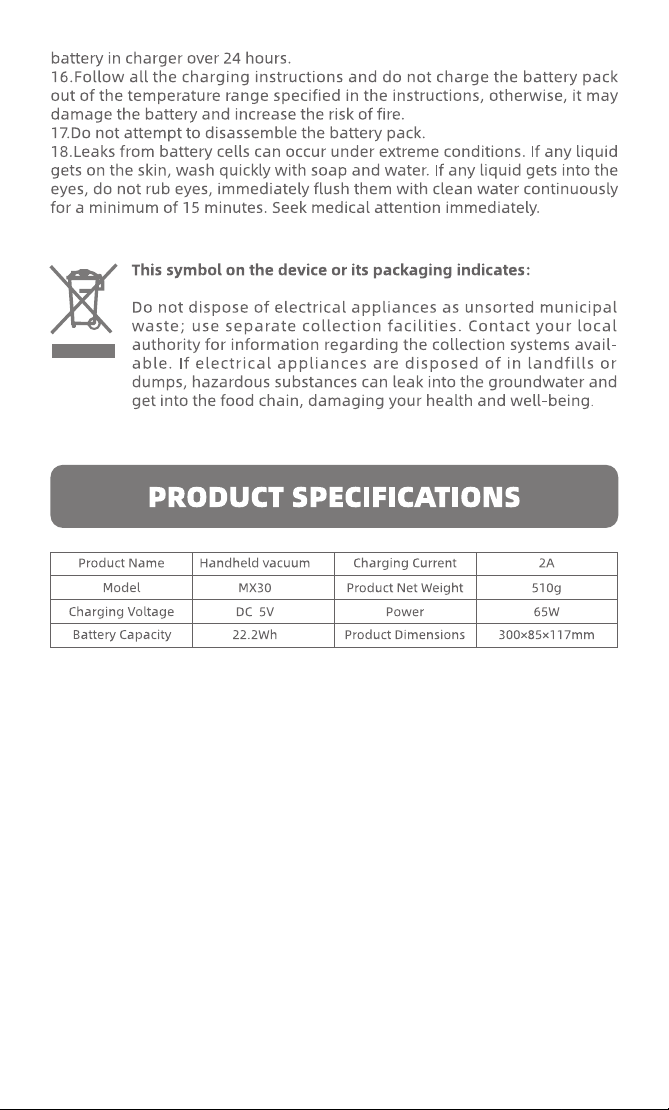
MX30
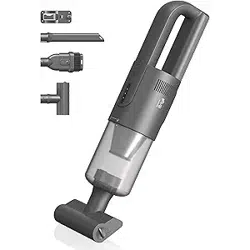
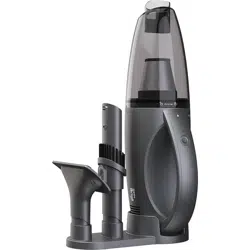
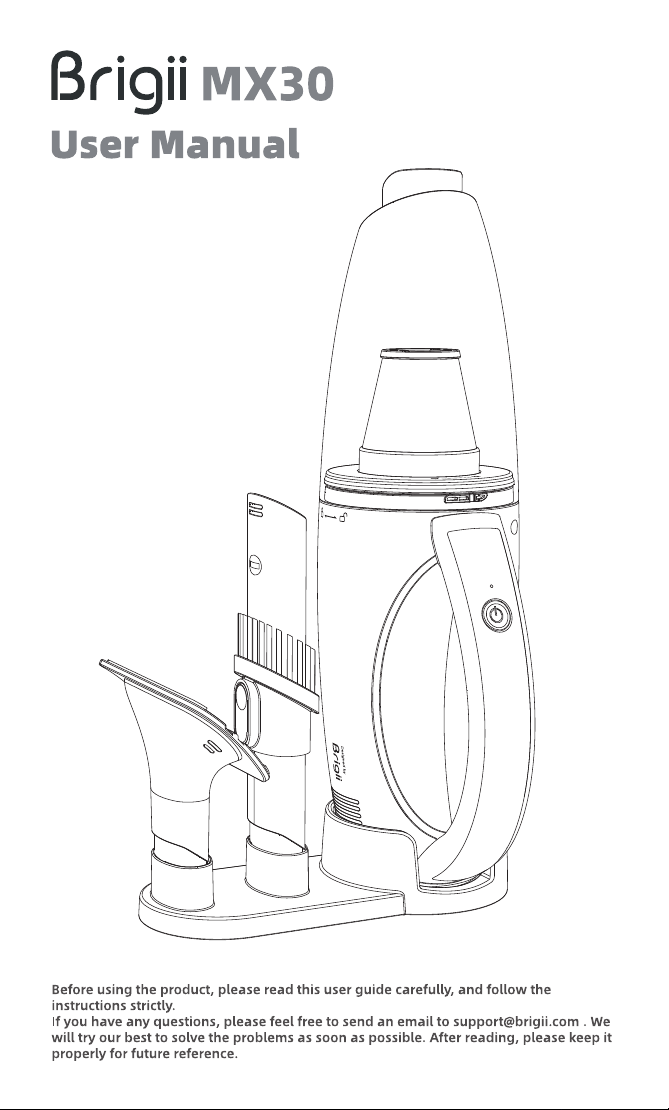
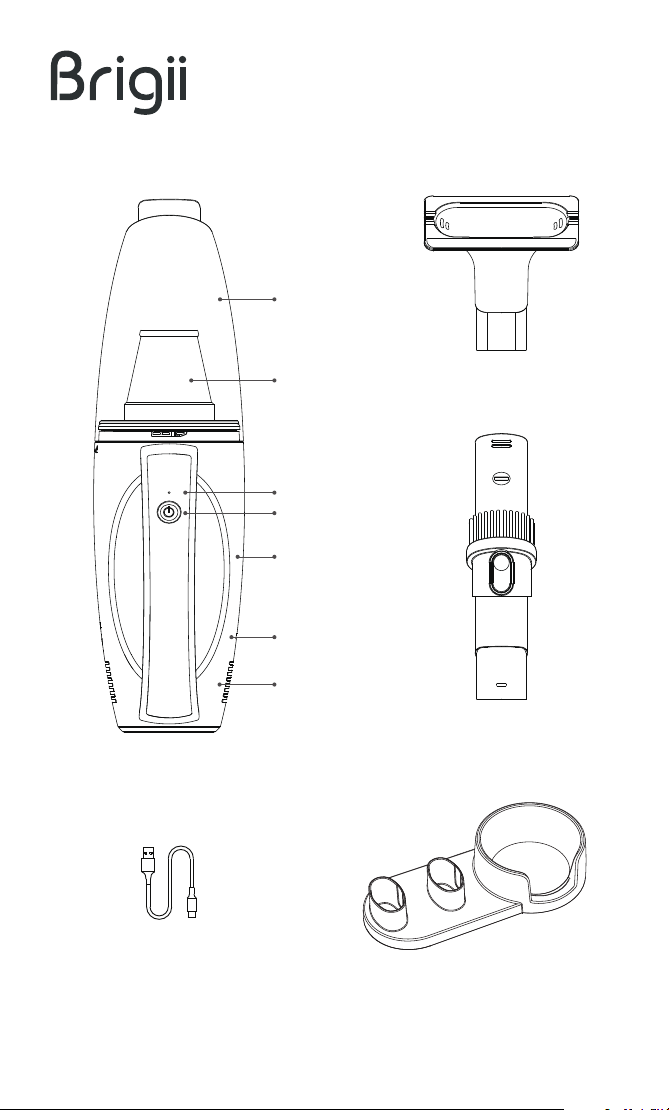
Machine
Charging Port
Air Outlet
On-O
Indicator
Dust Cup
Filter
2 In 1 Brush Nozzle
Base
Multi-Surface Tool
Type-C Charging Cable
Notice: Do not use the vacuum while charging. Please disconnect the
charging cable before using it.
Please fully charged before first use!
OPERATION AND DISPLAY STATUS
TROUBLESHOOTING
Operation
Press the
power button
Won't charge
Won't turn on
Vacuum status
Working properly
Low power
Solid white light
Red light flashes and
stops blinking
Charging
Charging
Fully charged
Red light blinking
Solid white light
Indicator Status
Condition Reasons Solutions
Press the power
button
Stop working The indicator went out
Not connecting the power
supply correctly
Please check the power supply and
charger block and connect them
correctly
Please stop charging, let it sit for 15
minutes and charge it again after
reaching the room temperature
(Please use, store and charge it
within an ambient temperature of
0°C(32°F)-40°C(104°F))
The vacuum cannot be turned
when the cable is connected to the
power supply.
Please follow the instructions to
clean the dust cup and filter before
use.
Overheating of the vacuum
or surrounding
Low-temperature of the
vacuum or surrounding
Out of power Please charge before use
Cable connected
Blockage caused
thermal cut-out
CLEANING AND MAINTENANCE
Please stop using it, let it sit for 15
minutes and charge it again after
reaching the room temperature
(Please use, store and charge within
an ambient temperature of
0°C(32°F)-40°C(104°F))
Overheating of the vacuum
or surrounding
Low-temperature of the
vacuum or surrounding
Won't turn on
Turn o the power, try to take out
the objects and install the filter
correctly
Incorrect filters were
installed and foreign
objects sucked
Abnormal Noise
when using
Clean the air inlet and dust cup on
time according to the instructions or
change the filter on time
The dust cup is full
Air inlet or filter be clogged
Please fully charge before use
Low battery
Suction decreased
Please contact Brigii customer support team, if your problem still cannot be
solved.
Ocial website: www.brigii.com
Email:[email protected]
The suction power and battery life may decrease if the filter is clogged,
please clean the filter in time or change the filter.A good rule of thumb
is to change your high performance filter every 3 months.
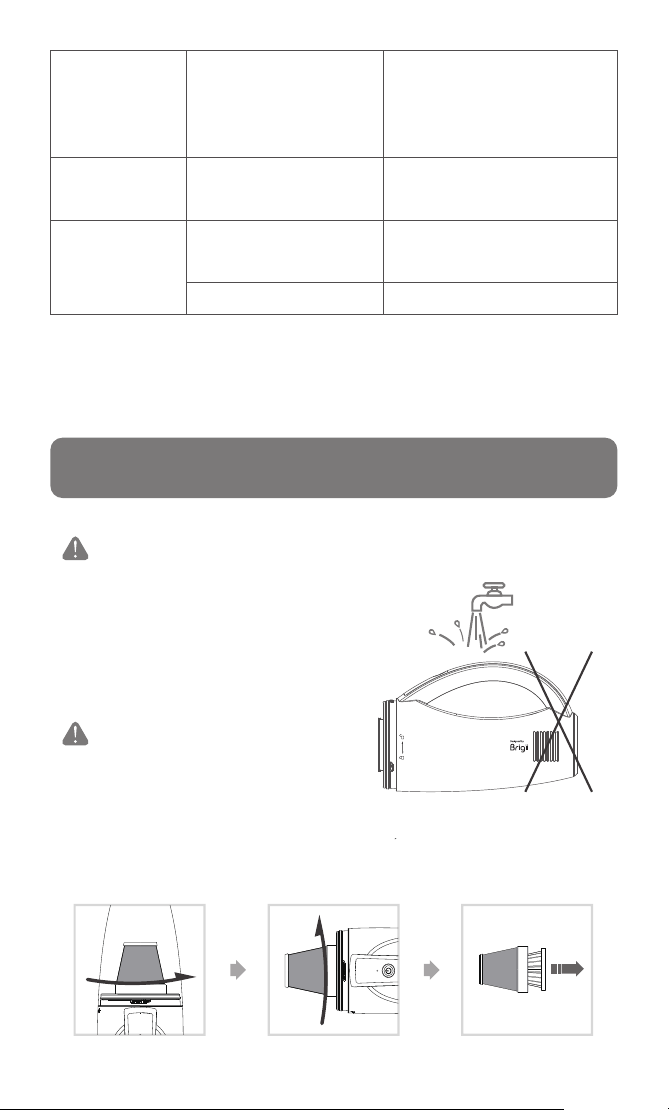
1.Rotate the dust cup in the direction of the arrow to open it and remove the
filter assembly. Then disassemble the HEPA filter.
Do not wash the motor housing.
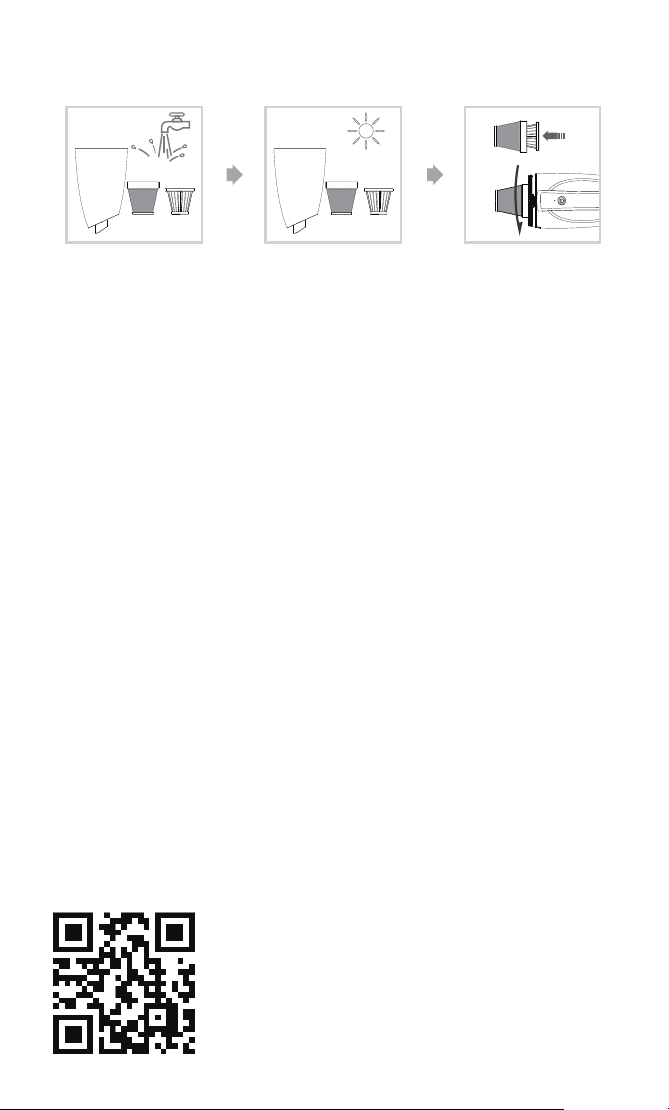
2.Wash the filters and dust cup, air-dry them completely and reassemble the
filters.
More languages
한국어
Deutsch
Français
中文
Italien
www.Brigii.com
Español
中文繁體