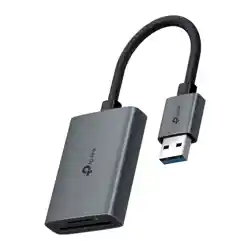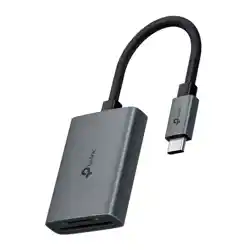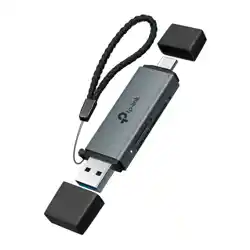
Images are for demonstration only.
1 Product Overview
7100001355 REV1.0.1©2025 TP-Link
USB 3.0 Type-C & Type-A to SD &
microSD 3.0 Adapter
*Achieve up to 200 MB/s read speeds with cutting-edge
technology, surpassing UHS-I 104 MB/s. This requires
compatible devices capable of such speeds. Actual transfer
rates are not guaranteed and may vary due to device conditions
and environmental factors.
Quick Installation Guide
microSD (TF) Card / SD Card
Windows, iOS, macOS, iPadOS,
ChromeOS, Linux, Android, etc.
Connector
USB 3.0 Type-A, USB 3.0 Type-C
Interface
microSD (TF) Card slot ×1,
SD card slot ×1
Supports theoretical transfer
rates of up to 200 MB/s*
Memory Card
Transfer Speed
Supported
Memory Cards
Supported
Maximum
Card Size
Supported
Systems
2 TB or less
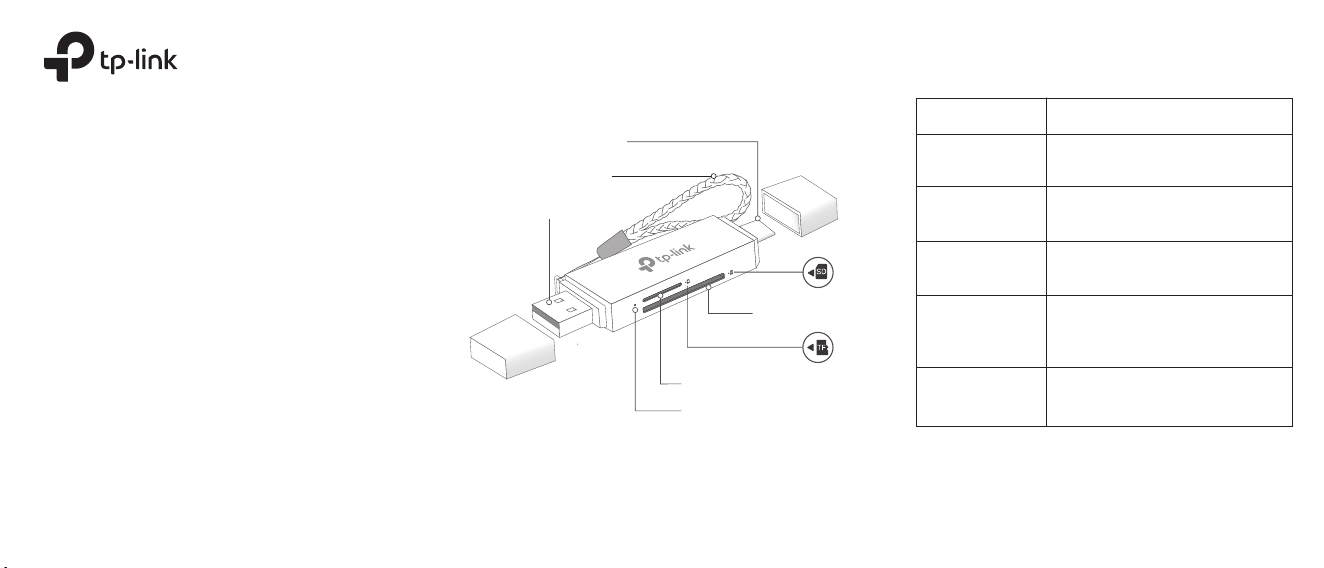
microSD (TF) Card Slot
Status Indicator
Steady On: Card(s) inserted.
Flashing: Transmitting data.
O: Not connected to the host
device yet. No card inserted.
SD Card Slot
Lanyard Strap String
USB Type-C Connector
USB Type-A Connector
For technical support, replacement services, user guides, and
more information, please visit https://www.tp-link.com/support,
or simply scan the QR code.
TP-Link hereby declares that the USB 3.0 Type-C & Type-A to SD &
microSD 3.0 Adapter is in compliance with the essential requirements
and other relevant provisions of directives 2014/30/EU, 2011/65/EU
and (EU)2015/863.
The original EU declaration of conformity may be found at
https://www.tp-link.com/en/support/ce/
TP-Link hereby declares that the USB 3.0 Type-C & Type-A to SD &
microSD 3.0 Adapter is in compliance with the essential requirements
and other relevant provisions of the Electromagnetic Compatibility
Regulations 2016.
The original UK declaration of conformity may be found at
https://www.tp-link.com/support/ukca/
Safety Information
• When product has power button, the power button is one of the way to
shut o the product; when there is no power button, the only way to
completely shut o power is to disconnect the product or the power
adapter from the power source.
• Do not attempt to disassemble, repair, or modify the device. If you need
service, please contact us.
• Keep the device away from water, re, humidity or hot environments.
• This equipment can be powered only by equipments that comply with
Power Source Class 2 (PS2) or Limited Power Source (LPS) dened in
the standard of IEC 62368-1.
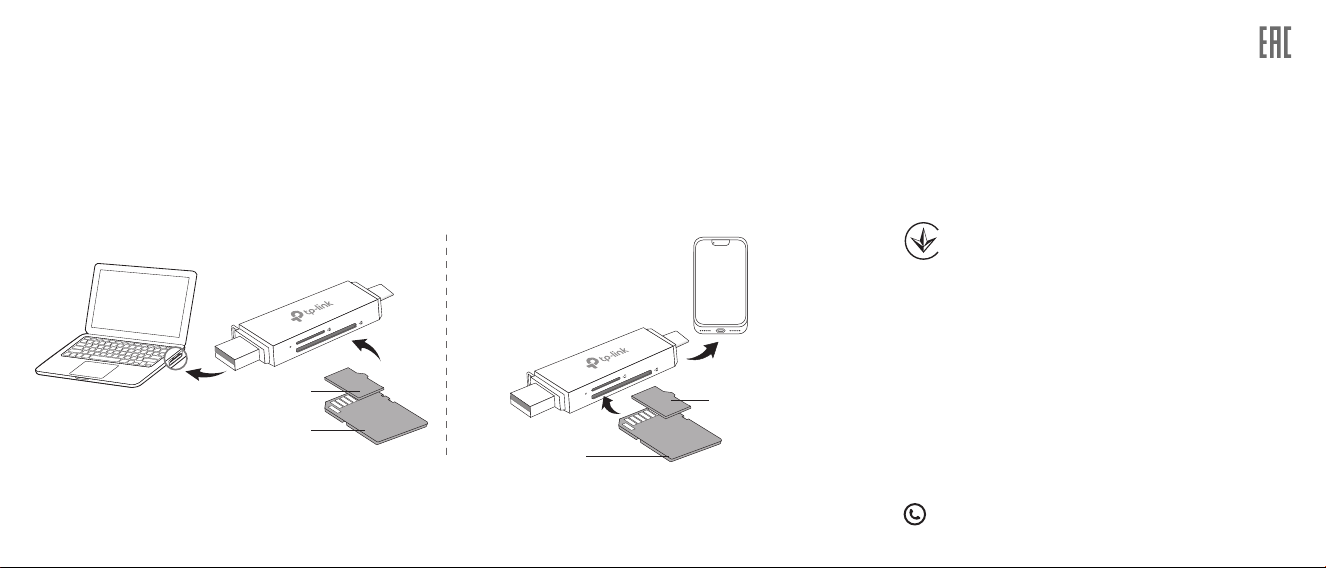
This adapter supports the Plug and Play feature. Choose the connector based on the port type of your host device.
Remove the USB cap and plug one of the USB connectors into ONE host device. Then, insert your card(s) into the
corresponding slot(s).
Note:
a. DO NOT connect this adapter to 2 host devices at a time.
b. DO NOT remove the adapter while transmitting data.
c. This adapter supports simultaneous reading and writing to both a microSD (TF) card and an SD card.
2 Using the Adapter
• SD Card: With the gold contacts facing UP, insert the SD card into the slot until the card is fully inserted.
• microSD (TF) Card: With the gold contacts facing DOWN, insert the microSD (TF) card into the slot until the card is fully inserted.
Option 1. USB Type-A Port Option 2. USB Type-C Port
SD Card
microSD (TF) Card
microSD (TF) Card
SD Card
Продукт сертифіковано згідно с правилами системи УкрСЕПРО на
відповідність вимогам нормативних документів та вимогам, що
передбачені чинними законодавчими актами України.