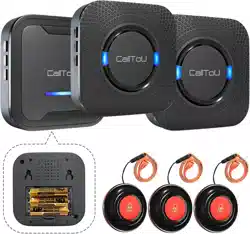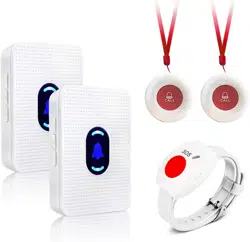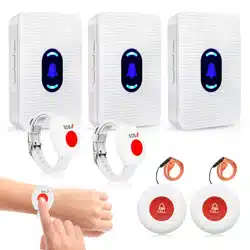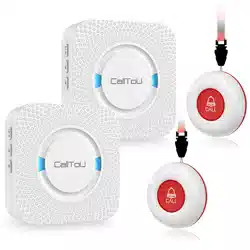
Wireless Caregiver Pager User Manual
1
2
3
4
8
9
5
6
7
10
11
13
12
NOTE:
1.Please fully charge all of the devices before use.
2.Please test the working range before first using.
3.All devices in the same packages have been paired. If you need
additional receivers or transmitters, you need to pair the new device with
the original one.
5V 1A/5V 2A power adapter. The built-in battery will recharge in about 3 hours.
A.Low Power:
⑦ “Indicator 1” flashes red & blue light every 5 seconds to remind users to charge
the device.
⑨ “Indicator 2” flashes blue light every second to remind the user to charge the
device.
B. During Charging:⑦ “Indicator 1” and ⑨ “Indicator 2” turn red.
C. Fully Charged:
⑦ “Indicator 1” turns blue.
⑨ “Indicator 2” goes out.
2.3 Working range test
The receiver will ring when you press ⑧ “Call Button” , and①“Screen” will shows the
transmitter number. The default ringtone is ding-dong.
2.4 Power off
Long press ⑤ “power” for 3 seconds, the receiver will make a sound and then turn
off. The screen will shows “- -”.
2.5 Pairing (Two Modes)
(1)Mode1:one to one
Step 1: Choose your favorite ringtone,
Step 2: Mode 1 :one-to-one
Long press ⑥ “pairing” for 3 seconds until the receiver sound a “ding” to enter the
pairing mode. Quickly press the transmitter, the receiver will sound “ding" twice to
pairing and auto-exit the pairing mode.
(2) Mode 2:one-to-all
Press② “vibration” and ⑥ “pairing” for 3 seconds simultaneously, with a “ding”, the
receiver enters the one-to-all pairing mode. In this mode, the receiver does not
auto-exit. You can press the transmitter to pair with the receiver, the receiver will
sound “ding" twice when pairing is successfully.
Then you can press the next button to pair until all buttons are paired.
Press any button (except ringtone button) to exit theone-to-all pairing mode.
Step 3: Press ⑧ “Call Button” of the paired transmitter to comfirm the pairing result,
2、Functions
2.1 Power on
Long press ③ “Power” for 3 seconds until the screen shows 00.
2.2 Charging
Connect the USB cable on the ⑩Charging Port of the receiver or transmitter to the
if the receiver will ring the ringtone you want, then the pairing is successful.
※The transmitter number that shows on the receiver screen is not selectable, it is
listed in sequence.
2.6 Ringtone Setting
Press ④ “Ringtone” to choose your favorite ringtone.
2.7 Volume Setting
Press ⑤ “Volume” to select the volume level you need.
2.8 Vibration Setting
Turn on: Press ② “Vibration” and the receiver will vibrate once to turn on.
Turn off: Press ② “Vibration” to turn off.
2.9 Reset Setting
A. Stop working: Short press ③ “Power” to pause all receiver button work.
B. Code clearing: Long press ④ “Ringtone” and ⑥ “Paring” for 3 seconds
simultaneously until the receiver make a sound “ding”, the receiver will clean all
paired transmitters.
※After cleaning all paired transmitters, the receiver will enter the pairing mode
automatically, once you press any transmitter, they will auto-pairing. If you want to
pairing more transmitters, please follow the pairing steps.
Frequently Questions
A. The receiver has no sound when the transmitter is pressed.
1. Make sure that both units are fully charged and the receiver is turned on.
2. Please check the pairing between two units. If they are not paired, please refer to
[2.5. Pairing] for pairing.
3. Please adjust the distance between the receiver and transmitter. The signal may
be shielded by wall or the distance is too far.
4. If still no solve the problem, please check whether the receiver is mute. Press
⑤ “Volume” to adjust the volume level.
B. How many transmitters can be pairing with one receiver?
One receiver can be paired with up to 20 transmitters, and one transmitter can be
paired with up to 99+ receivers.
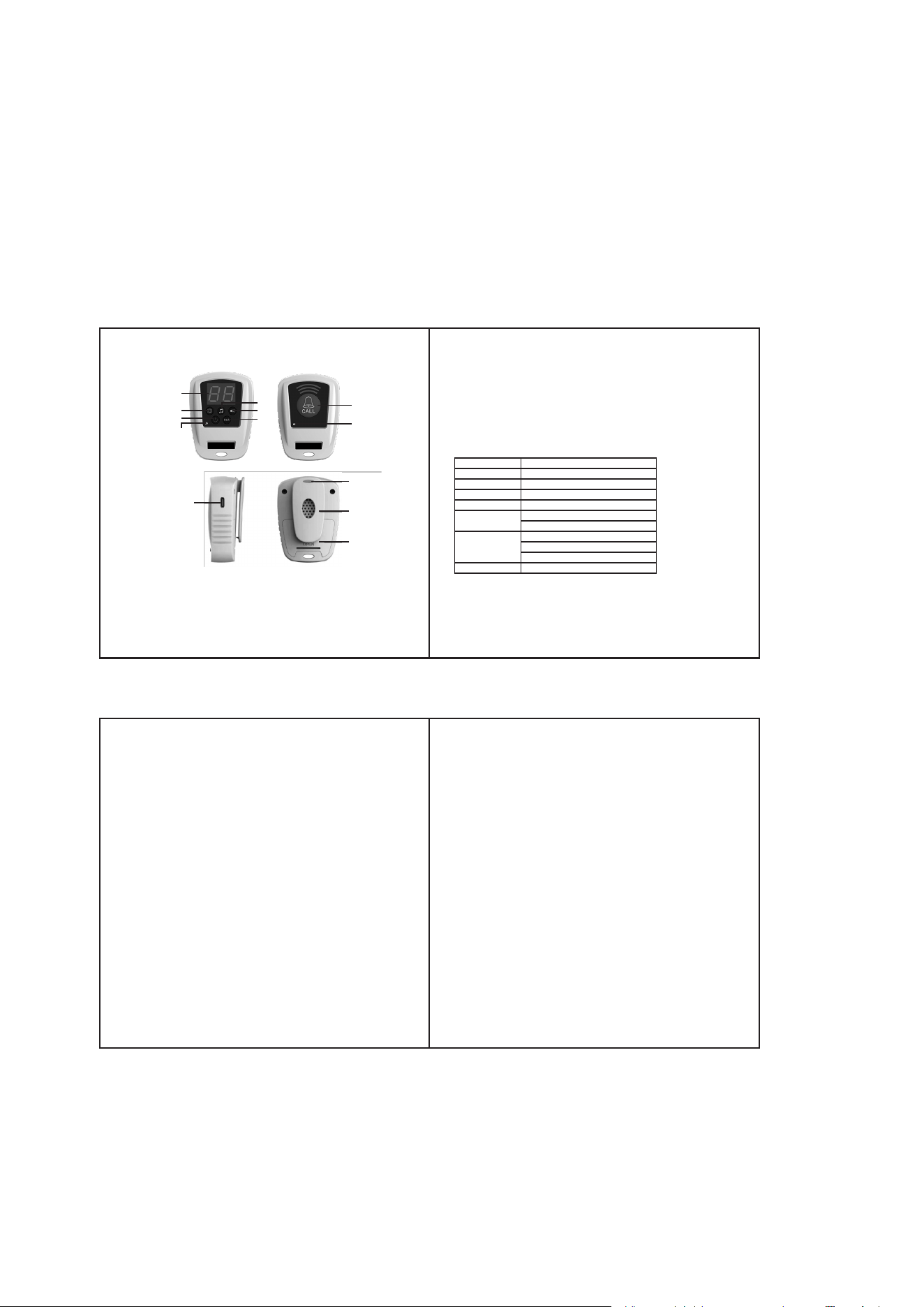
1.Product Overview
1 Screen 8 Call Button
2 Vibration 9 Indicator 2
3 Power 10 Charging Port
4 Ringtone 11 Lanyard Hole
5 Volume 12 Battery
6 Pairing 13 Belt Clip (Detachable)
7 Indicator 1
Specification
Ringtones
Volume
Frequency
Battery
Battery Capacity
Woring Range
Battery Life
Waterproof
10 Ringtones
5 levels of volume, 0-110dB
433MHz
Lithium polymer battery, non rechargeable
Receiver: 500mAh;
Transmitter: 300mAh
2000 feet / 600 m
Receiver :5 days,
Transmitte: 60 days.
It depends on actual frequency of use.
Without waterproof
7.5x7.5cm