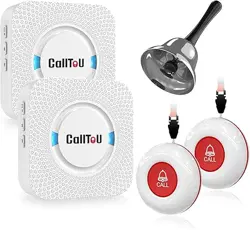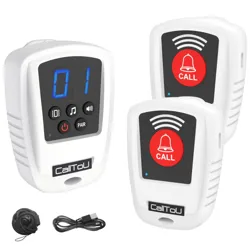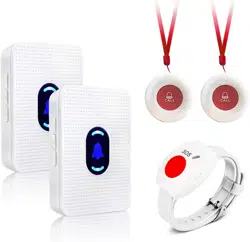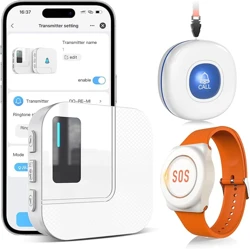
TY01WH-US 2-1 CallToU Wi-Fi Wireless Caregiver Pager Call Button for Elderly at Home , APP Emergency Alert for Seniors, Patients, and the Disabled with 1 Call Button, 1 Watch Button, 1 Receiver 2.4GHz Wi-Fi

Product's Documents

Below are documents related to this product, you can read online or download:
TY01WH-US 2-1 photo

Troubleshooting Guide

This is the main product document for model TY01WH-US 2-1.

The file format is pdf, 1 pages, you can download this manual here .

background
Troubleshooting Guide
Q: Receiver/Mobile App Abnormal Alarm
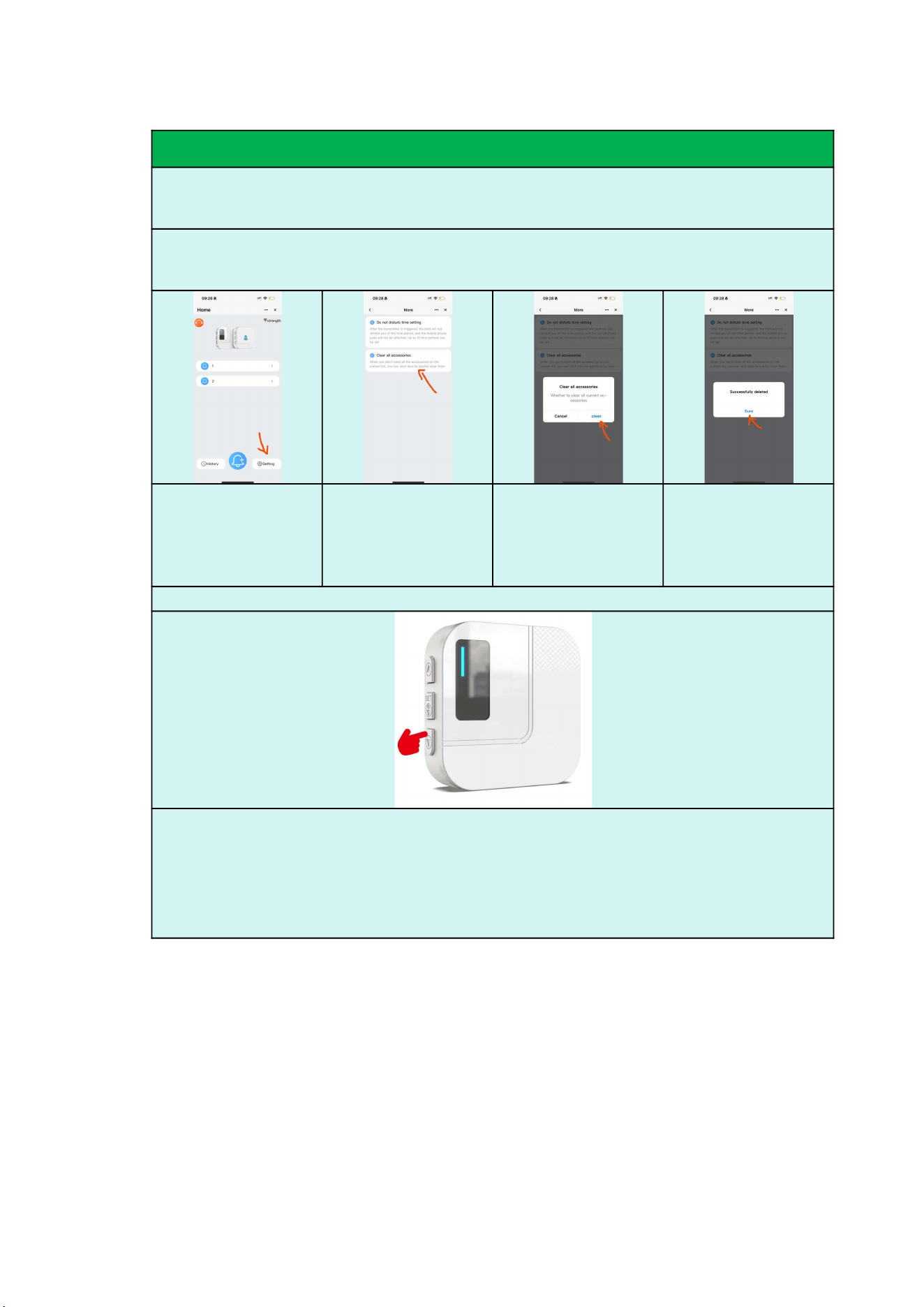
A: Step1. Clear All Accessories(APP)
Tap "Settings"
Select "Clear All
Accessories"
Tap "Clear" to
remove all paired
accessories.
A "Successfully
Deleted" message will
appear,confirming that
all accessories have
been removed.
Step2. Clear All Accessories(Receiver)
Press and hold the “Forward” button on the receiver for 5-10 seconds until you hear a “DING” tone.
Wait another 5-10 seconds until you hear a “dingding” tone, indicating successful clearing.

Specifications

Indexed Terms: Caregiver Pager, App Alerts

CallToU TY01WH-US 2-1 Questions and Answers

Questions and Answers

Related Products