Quick guide
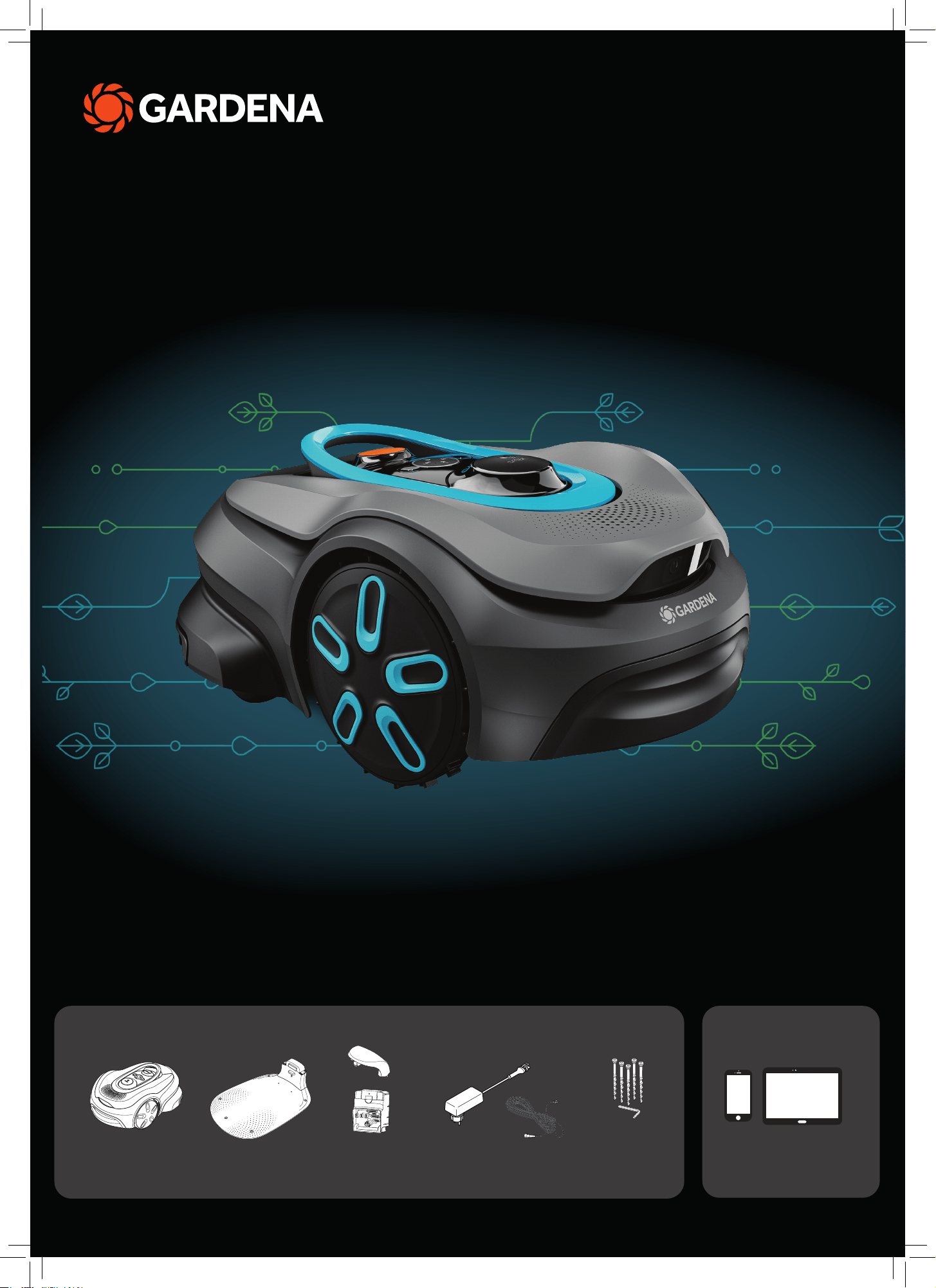
smart SILENO sense
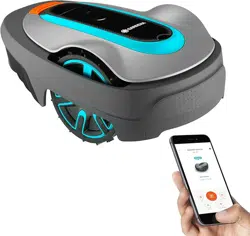
Mobile device
Use the app to control
and make settings for
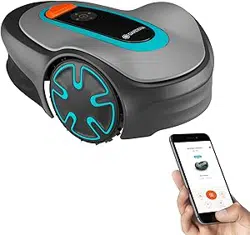
your robotic lawn mower
Robotic lawn mower Charging station
baseplate
Charging top &
charging module
Power supply &
low-voltage cable
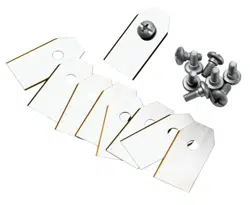
Screws & allen
key to attach the
charing station
What‘s in your box
What else you need
QG_P40 Vision SILENO sense_1144750___.indd 1QG_P40 Vision SILENO sense_1144750___.indd 1 2025-11-03 14:05:052025-11-03 14:05:05
Getting started with the GARDENA robotic lawn mower
For more information, read the operator’s manual supplied with the product.
Before the installation
For an easy installation make sure that the grass is not higher
than 4 cm when you install the robotic lawn mower.
Good to know: The robotic lawn mower is rainproof and does
not need a garage or other shelter.
Criteria for placing the charging station:
• On level ground.
• Near an electrical outlet.
• Obstacle-free 6 m space in front of the charging station.
• The docking point will be placed in front of the charging station
and needs to have unimpeded sky view.
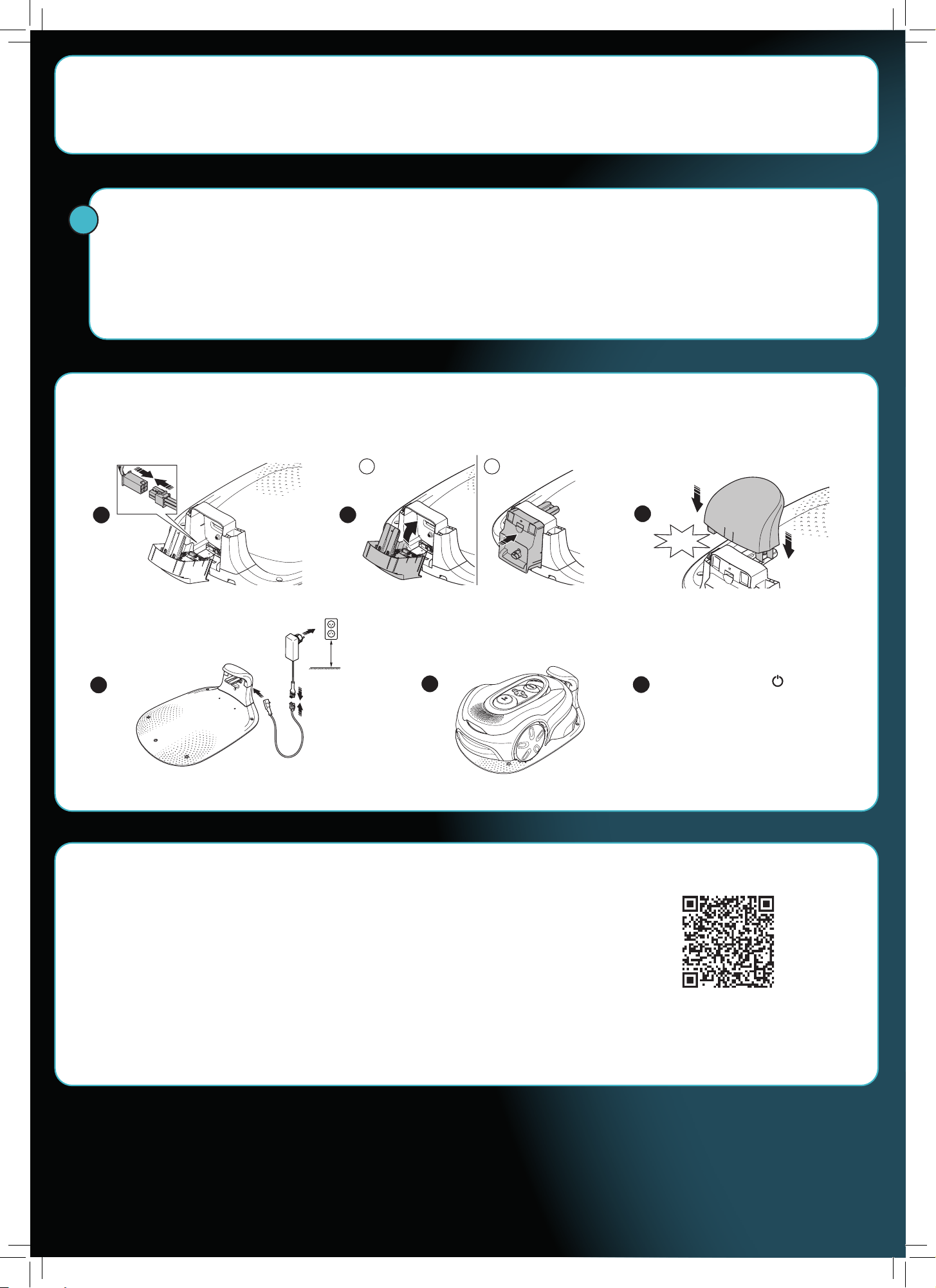
To connect the charging station
CLICK!
BA
!
1
5
6
2
3
4
A. Use the QR code or visit your app store to download the GARDENA smart system App.
B. Open the app and register as a user.
C. Select “Include product“ on the overview page in the app.
D. Push the On/Off button for 3 seconds to set the robotic lawn mower to ON.
E. Enter the factory PIN code 1234 with the keypad on the robotic lawn mower.
F. Push the Connectivity button on the robotic lawn mower to enable the pairing operation mode.
G. Follow the instructions and enter the factory pin code 1234. Change to a new pin code in the app’s settings.
To download and pair with the GARDENA smart system App
Push the On/Off button
for 3 seconds to set the robotic
lawn mower to ON and to charge
the battery.
Minimum
30 cm.
QG_P40 Vision SILENO sense_1144750___.indd 2QG_P40 Vision SILENO sense_1144750___.indd 2 2025-11-03 14:05:192025-11-03 14:05:19
1
6
5
3
2
2
3
4
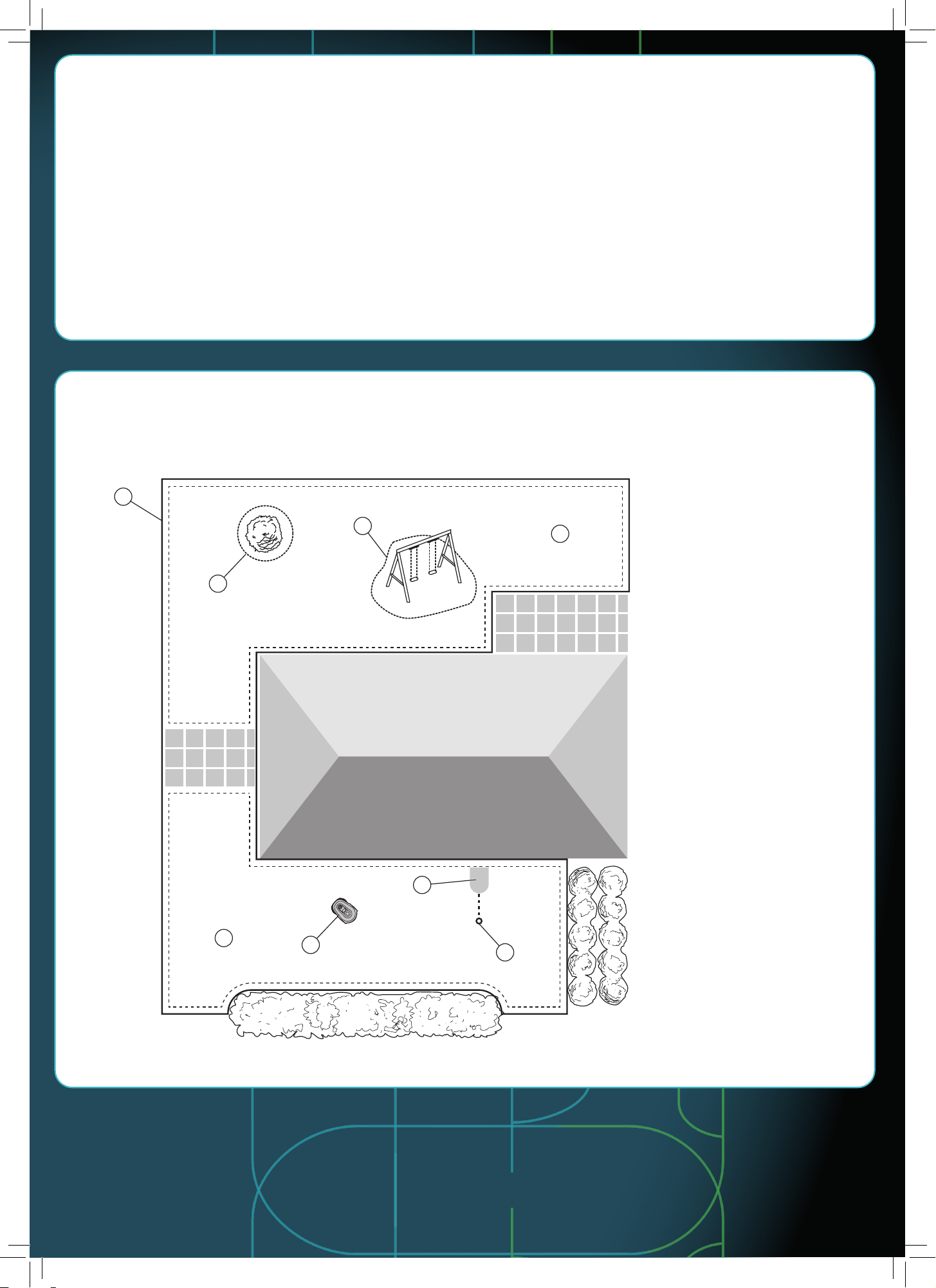
Installation overview
1. Virtual boundary
2. No-go zones
3. Mowing areas
4. Robotic lawn mower
5. Charging station
6. Docking point
Installation description
For installation of virtual boundaries, the product uses satellites and correction data to navigate. The correction data is received through
the cellular network.
To make an installation the product is operated with Remote control in the GARDENA smart system App. Waypoints are added to make a
map in the app. The virtual boundary is installed around an area to specify where the product can operate. The product only cuts grass in
the mowing areas. The No-go zones are areas where the product cannot enter. The product uses the docking point in front of the charging
station to navigate to and from the charging station.
The product has an edge detection function that helps it find the edge of the grass area. It is not necessary to set the waypoints with high
precision. The product will adjust its position and cut the grass near the edge. You can move the waypoints outside the grass area to help
the product cut all the grass near the edge. After you install the product, you can use the app to add, remove, or change the waypoints.
QG_P40 Vision SILENO sense_1144750___.indd 3QG_P40 Vision SILENO sense_1144750___.indd 3 2025-11-03 14:05:252025-11-03 14:05:25
The Bluetooth® word mark and logos are registered trademarks owned by
Bluetooth SIG, inc. and any use of such marks by GARDENA is under license.
App Store and Apple logo are trademarks of Apple Inc.
Google Play and the Google Play logo are trademarks of Google LLC.
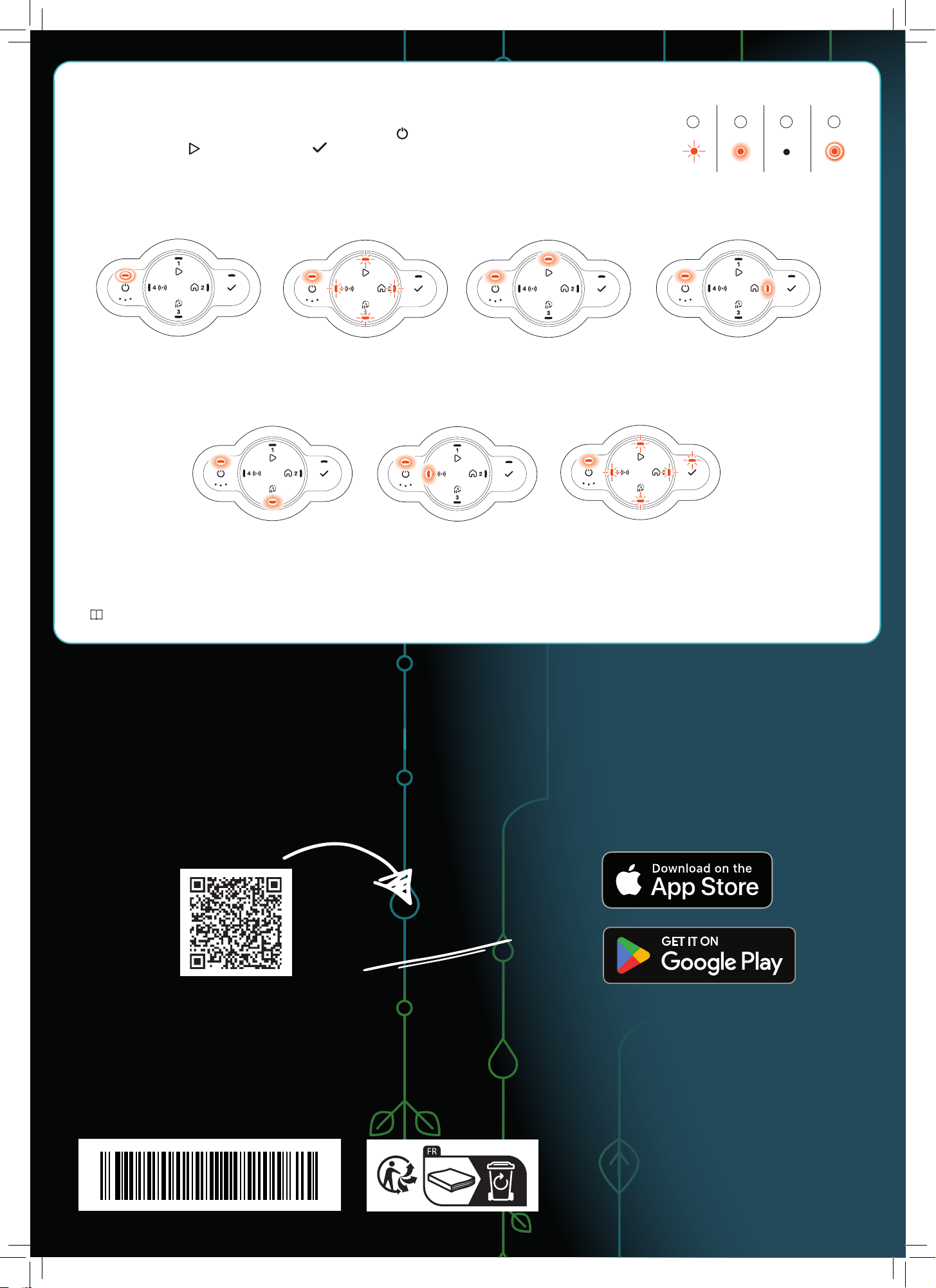
Mowing according to the set
Schedule or in operating
mode Override schedule.
Standby.
Error.
Operating modes for the robotic lawn mower and LED status lights
Start the robotic lawn mower with the app or use the On/Off button and enter the PIN code on the robotic lawn mower.
Push the Start button and then the OK button . Push the STOP button to stop the robotic lawn mower. There are 4 light
modes on the LED indicator: the light flashes quickly (A) the light is solid (B), the light is out (C), and the light pulsates (D).
While the robotic mower is parked, you may set it to idle and select a different operating mode by pushing the STOP button.
Learn more about operating modes and error messages in the operator’s manual.
The right to make changes without prior notice is reserved.
Copyright © 2025 GARDENA Manufacturing GmbH. All rights reserved.
www.gardena.com
Waiting for PIN code.
Park for a certain duration.
Pairing or connected to
the app.
A B C D
Parked until the next
schedule or Parked
until further
notice.
GARDENA smart system
Download the GARDEN
A
smart App
gardena.com
QG_P40 Vision SILENO sense_1144750___.indd 4QG_P40 Vision SILENO sense_1144750___.indd 4 2025-11-03 14:05:462025-11-03 14:05:46
1144750-26
2025-11-04