DR06 Manual
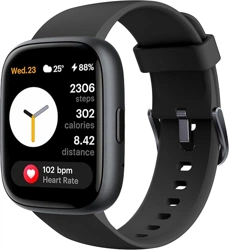
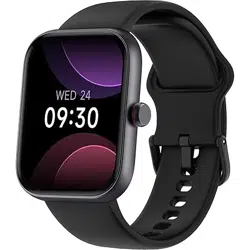
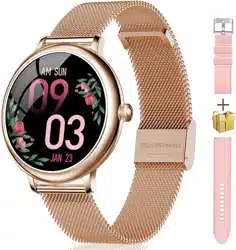
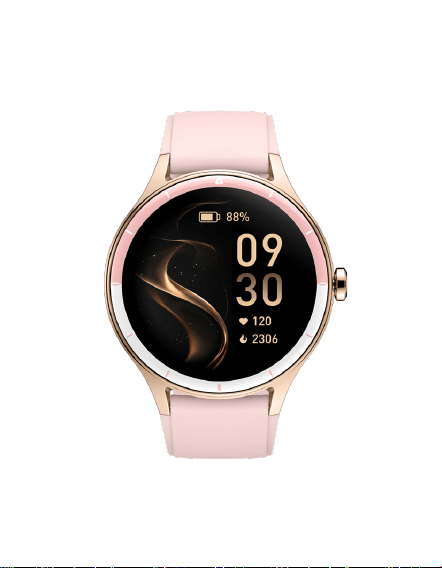
DR06 Smart Watch
Introduction
Getting started
(1) Open the package and check its content.
(2) Delivery content: 1) DR06 smart watch (with built-in
lithium battery); 2) user manual; 3) original charging cable.
(3) Charge the watch to activate and turn it on before first
use. To charge, simply connect the magnetic charging cable
to the charging contacts located on the back of the watch.
(4) Search for "VeryFit" on the App Store, Google Play or
scan the QR code to download and install the app.
(5) Log in to the app and set your personal information, as
well as your step and weight goals.
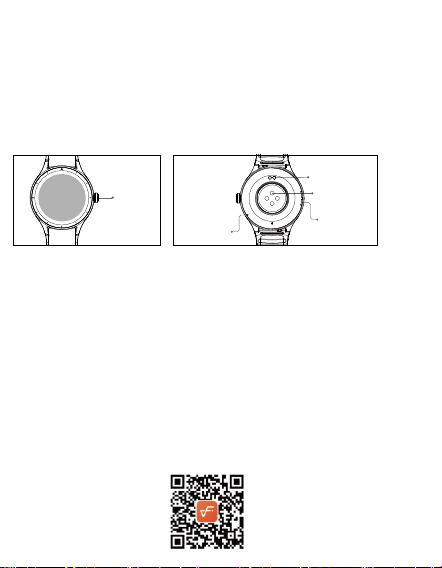
Magnetic
charging
contacts
Heart rate
sensor
Speaker
Microphone
Physical button
Magnetic charging contacts
Heart rate sensor
Speaker
Microphone
Physical
button

Health
(6) On the "Device"
interface, tap the
"+" icon in the
upperright corner, your phone starts searching. From the
device list found, choose your smart watch name to pair
with.You may also link the device directly by scanning the
device’s QR code using the scan function.
a) Watch
1. The watch will automatically record your data.
2. You can manually measure your heart rate,SpO2, and
stress on the bracelet, moreover, it can monitor your heart
rate and sleep throughout the day. You can manually
operate it or set it to automatically monitor your health all
the time.
3. To start an exercise:
4. Start the sports App on the bracelet, click an ICON of
sports type and set the goal, then start to exercise.allenarti.
b) App
1. Start "VeryFit", enable the Bluetooth feat
ure, and grant
the GPS positioning permission;
2. Light up the bracelet screen and bring it close to your
phone;
3. Click "Bind Device" on the App, and select the bracelet
model in the search results to bind;
4. Fill in your information and set your step goal on the App
to complete the binding.
Function Description
You can switchbetween them manually on the watch or on
the VeryFit App watch face settings. You can also customize
the watch face on the App. More watch faces are available
for download from the "Watch Face Market".
1. Dial
Basic Operations
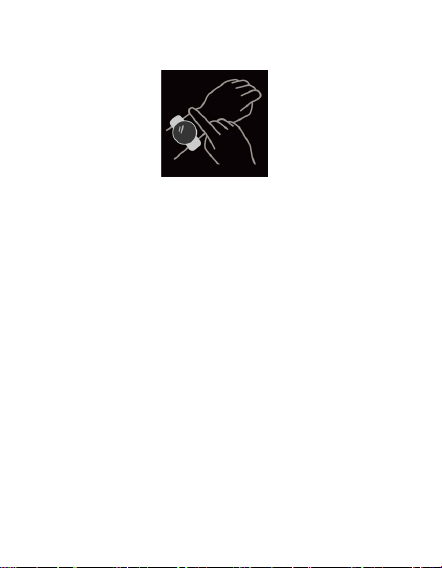
1. Wear the watch correctly: ensure that your watch is at
least one finger above your wrist bone and that the sensor
on the back touches your skin.
2. Screen operation: DR06 has a full touch screen, which
supports operations including short tap, swipe left/right
and swipe up/down.
3. Button operation:DR06 has one physical buttons;
thebutton supports "short press" and "longpress".
2. Application list
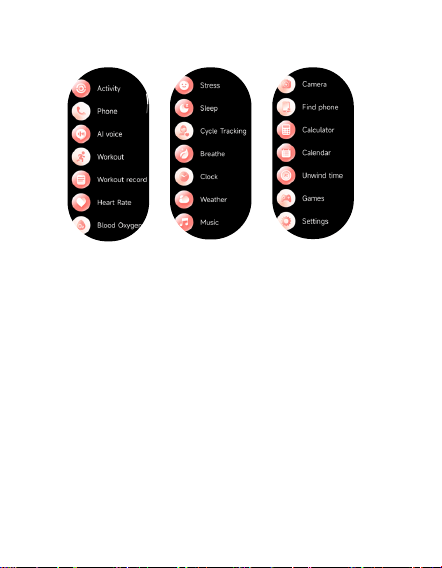
1.When the watch face interface is displayed, short press
thephysical button to access the application list, which
isdisplayed respectively from top to bottom: Activity,Phone,Al
voice,Workout,Workout record,Heart rate,Blood oxygen,
Stress,Sleep,cycle tracking Breathe,Clock,weather,Music,Cam-
era,Find phone,Calculator,calendar,Unwind time,
Games,Settings
2.The wallpaper and font color of the application list can be
set on the "Very Fit" APP. Open the "Very Fit" APP>click on the
device>wallpaper market, select your favorite wallpaper and
font color and enter the replacement.
2.1 Activity
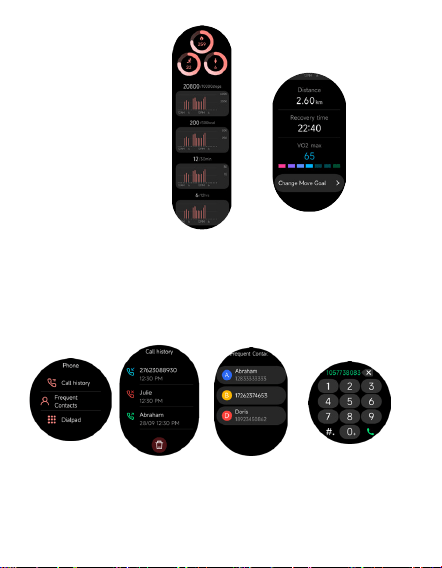
The watch can collect and display: Exercise/Activity/Walking
data and goals of the day, histogram of Exercise/Activi-
ty/Walking data per hour throughout the day, Steps and
Distance of the day, Recovery Time and Maximal Oxygen
Uptake for the latest Exercise, Daily Goal Setting, etc.
2.2 Phone
1. You can add up to 20 frequent contacts to your watch
through the app, then call these contacts on your watch.
2. You can view recent call history on your watch and call
the numbers displayed in the call history.
3. You can make calls through the watch’s dialer
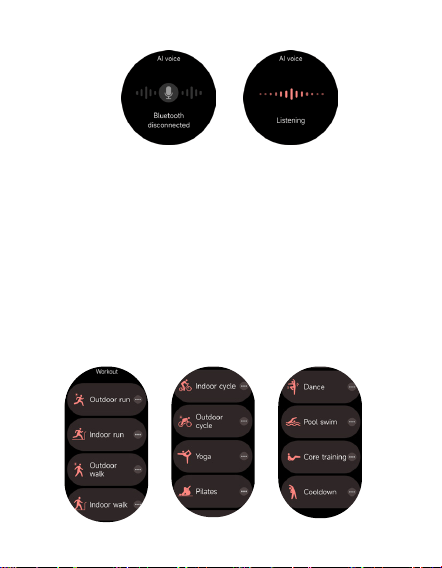
2.3 AI voice
Control your phone’s built-in voice assistants, such as Siri
and Google Assistant, by inputting voice commands on
the watch.
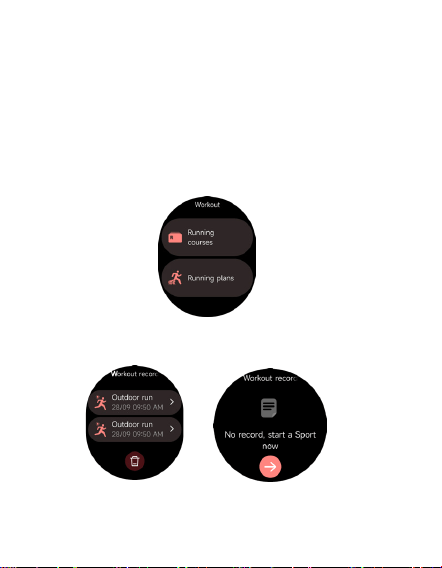
2.4 Workout
a) Up to 12 exercise types can be displayed by default.
On the veryfit App, you can add or delete the exercise
types or change their order displayed on the watch.
There are a total of 100 exercise types to choose
from on the App.
b) DR06 supports intelligent exercise recognition. It can
recognize whether the user is running/walking. It
supports automatically pausing
an exercise or reminding when an exercise ends. This
feature can be turned on/off on the App.
c) DR06 summary of exercise contains various exercise
data, which can be checked on the VeryFit App.
d) You can view your recent exercise records on the
watch, including detailed data about your exercise; you
can also view the exercise records on the App.
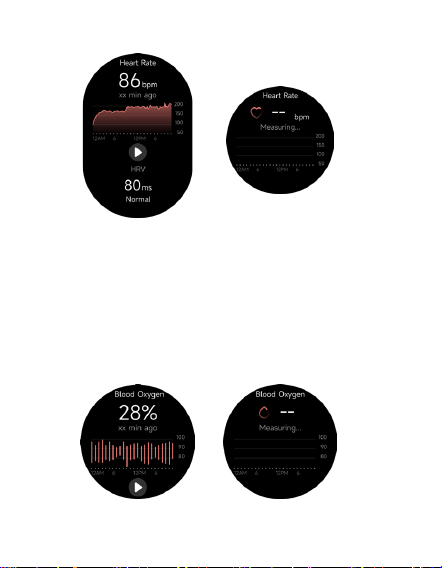
2.5 Workout record
Record the data of each exercise and view the exercise
records at any time
e) Supporto Running Courses and Running Plans.
2.6 Heart rate
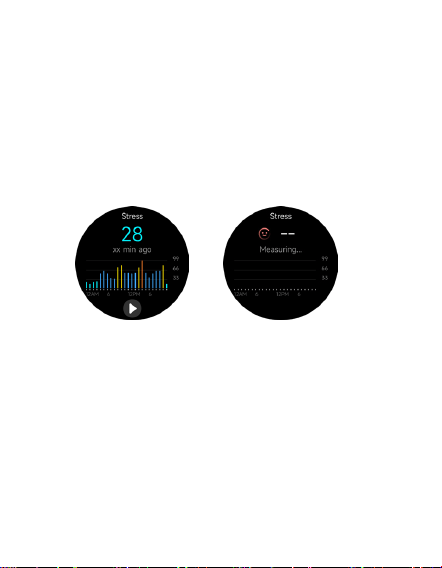
1. You can manually measure the heart rate on the watch. In
the APP settings, you can turn on/off the intelligent
around-the-clock monitoring of the heart rate, or view the
heart data.
2. Each time heart rate is measured, keep your arm and wrist
still and wait patiently until the measurement finishes.
2.7 Blood oxygen
2.8 Stress
1. You can manually measure stress on the watch. In
addition, the watch supports automatic around-the-clock
stress monitoring. In the APP settings, you can turn on/off
this function, or view the stress data.
2. Each time stress is measured, keep your arm and wrist still
and wait patiently until the measurement finishes.
1.You can manually measure blood oxygen on the watch.
In addition, the watch supports automatic
around-the-clock blood oxygen monitoring. In the App
settings, you can turn on/off this function, or view the
blood oxygen data.
2.Each time blood oxygen is measured, keep your arm and
wrist still and wait patiently until the measurement
finishes.
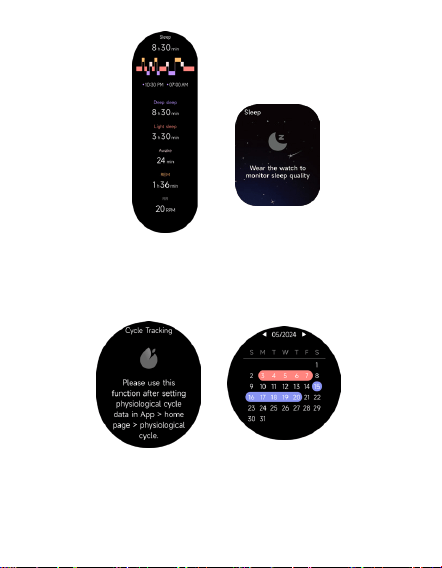
2.9 Sleep
You can view the most recent sleep record and sleep
status at each stage.
2.10 Cycle tracking
After opening Women’s Health on the App, the watch will
display the cycle tracking function options, and set the
cycle length, reminder time and other options, and the
time will be reminded periodically
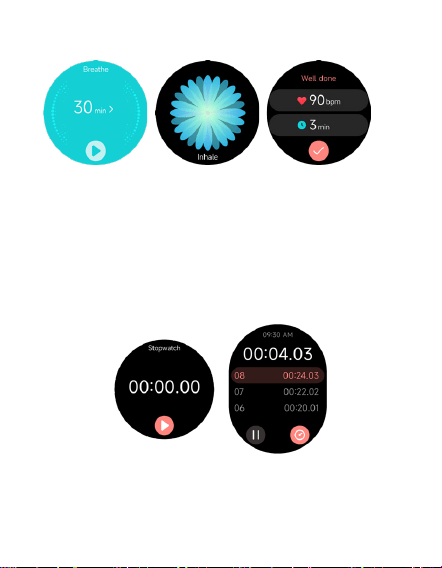
2.11 Breathe
1. Enter the Breathe App and choose the duration;
2. Click to start, then follow the vibration frequency and
animation instructions to adjust your breathing and it will
help you relax.
2.12 Clock
Stopwatch
Use the watch as a stopwatch. The stopwatch has a “Lap”
function.
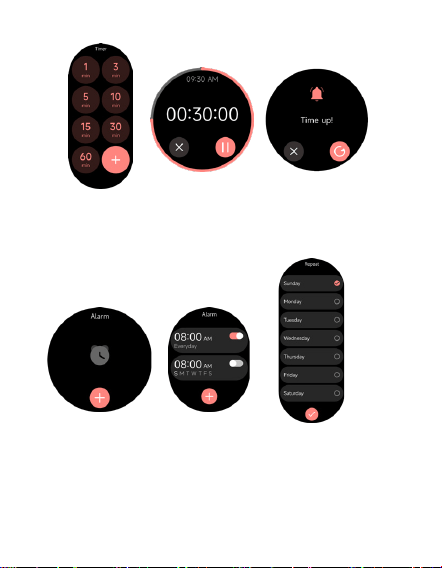
Timer
You can set a timer with a preset duration on the watch,
and the timer will remind you when the timer expires; you
can customize the timer time
Alarm
1. The watch can be set to add, delete, turn on/off the
alarm; you can also set the alarm to the watch through the
App; you can also set the label you need in the alarm to
identify the alarm
2. You can set the alarm delay time and times in the APP to
decide how long you want to delay and how many times to
delay
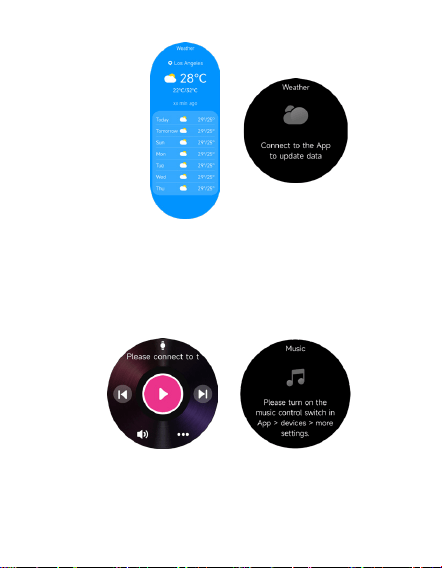
1. When the watch is connected to the App, you can control
the mobile music player to perform the functions of "next,
previous", "play\pause" and "volume increase and decrease".
2. This function can be displayed\hide in the App settings
2.13 Weather
Supports seven days weather viewing, you can view
today’s "current weather, highest and lowest weather
values" and the "highest and lowest weather values" for
the next six days
2.14 Music
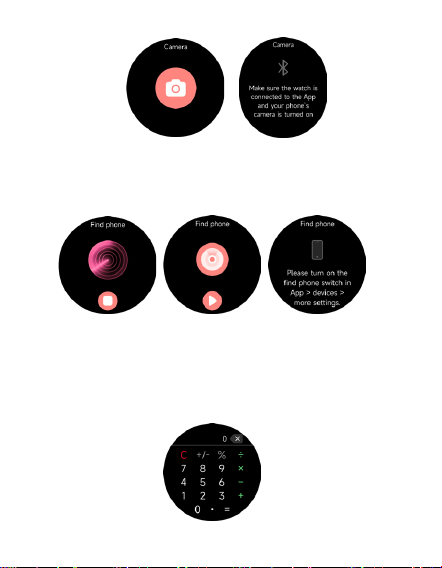
2.15 Camera
When the watch is connected to the App, you can manually
turn on the phone's system camera to control taking photos.
2.16 Find phone
1. When the watch is connected to the App, you can make
your phone ring
2. Click the icon to end the ringing
3. This function can be displayed\hide in the App settings
2.17 Calculator
Calculator allows for simple calculations
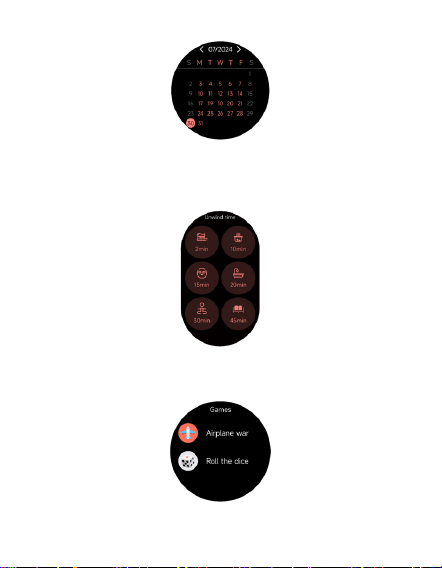
2.18 Calendar
Quickly view past and future calendar situations
2.20 Games
Casual puzzle games that take you to experience a
different life
2.19 Unwind time
A life timer assistant.
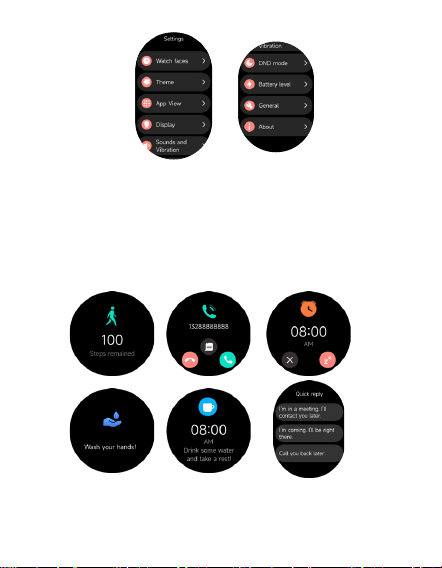
3. Settings
1. You can set the display of the watch
2. You can also set the sounds and vibration,DND mode,
3. You can also restart the watch, restore factory settings, and
view watch information
4. Reminder module
The watch supports multiple reminder modes, including
message reminder, incoming call reminder, drinking
reminder, exercise goal reminder, exercise center rate
warning reminder, etc.
4. You can switch between two sets of UI themes.

5. IP68 waterproof description
Water resistance is not permanent and may be reduced by
time of use and daily wear and tear. The following conditions
may affect the waterproof performance of the wearable and
should be avoided. Damage caused by immersion of the
device in liquid is not covered by the warranty:
Pressing buttons or performing functions underwater.
Cleaning the device with an ultrasonic cleaner or weak
alkaline and weak acidic detergent.
The product is dropped from a height or subjected to other
shocks.
The product is disassembled or repaired through an
unofficial authorized agency.
• The product comes into contact with alkaline substances,
such as soap or suds in the shower or bath.
The product comes into contact with perfumes, solvents,
detergents, acids or acidic substances, insecticides, lotions,
sunscreens, moisturizing oils or hair dyes.
Charging the product in a wet state.
Dust and water resistance is only for the watch body, other
parts (e.g. strap, charging cable) are not included.