Operator’s Manual
www.mechmaxx.com
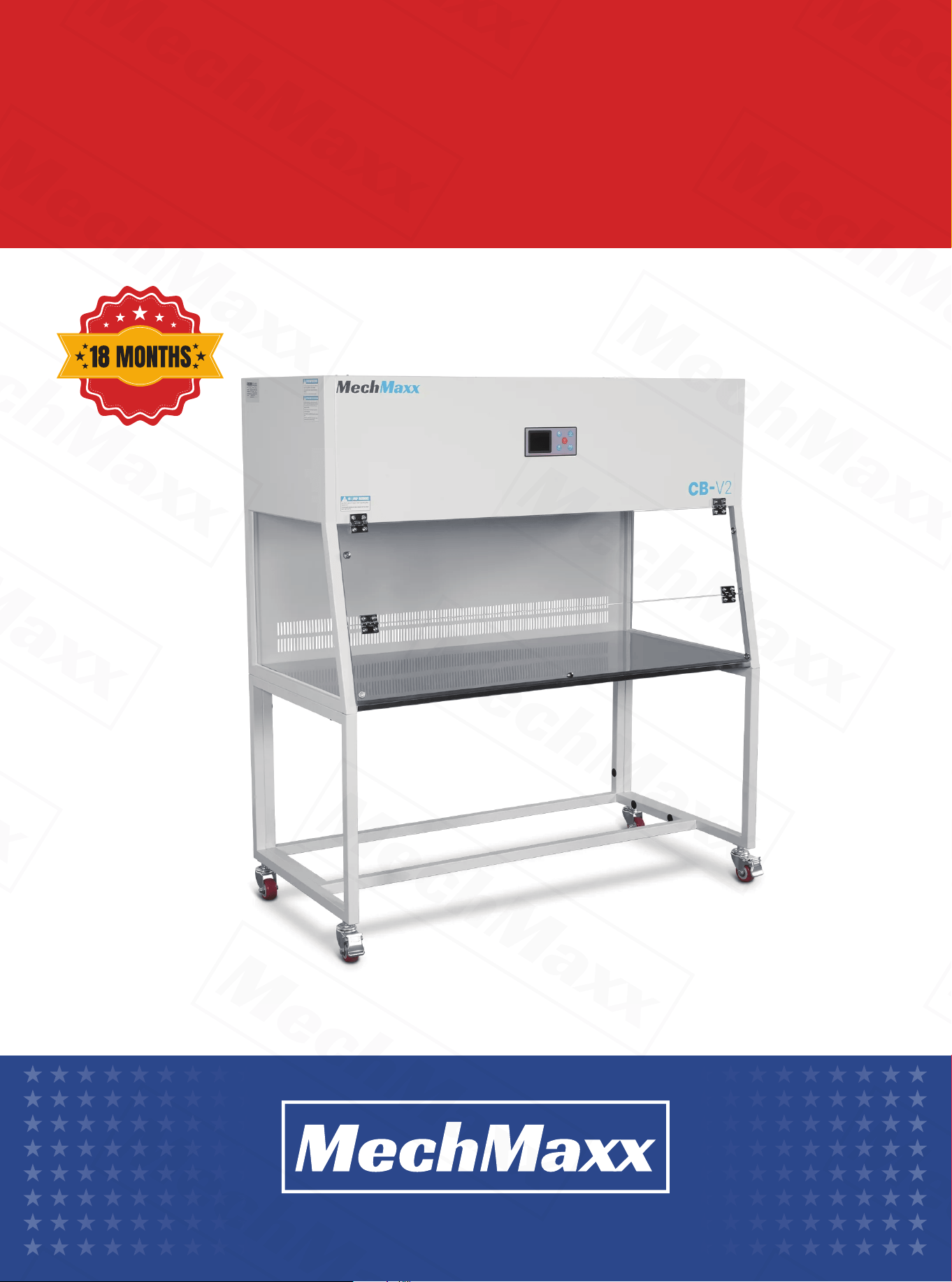
CLEAN BENCH
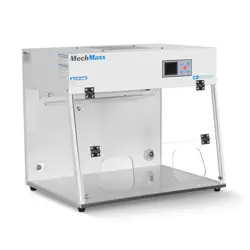
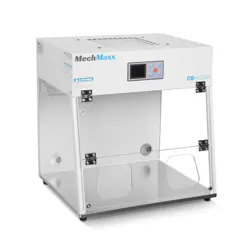
CB-H1
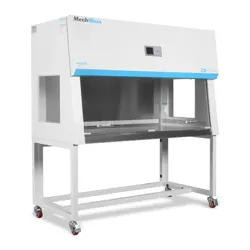
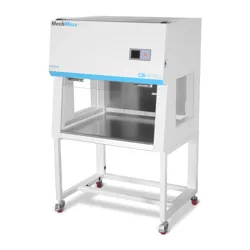
CB-V1
CB-H2
CB-V2
WARRANTY

1
www.mechmaxx.com
The clean bench is a purification device designed to create a clean and controlled local working environment. With the
advancement of science and technology, it is now widely used in various fields, including:
•Electronics and precision machinery – for dust control and product quality assurance.
•Agriculture and forestry – for preventing contamination in experiments and production.
•Colleges and research institutions – for teaching, research, and laboratory applications.
•Medical and healthcare – for controlling dust, bacteria, and viruses to ensure a sterile working environment.
APPLICATION SCOPE
The clean bench adopts advanced technology and is available in horizontal and vertical types with various sizes to meet
different customer requirements.
1.Durable Housing – The body is made of high-quality cold-rolled steel with a spray-coated finish. The chamber is
constructed from stainless steel, making it easy to clean and maintain.
2.Intelligent Control – Equipped with a microcomputer control panel and integrated meter, the screen displays the operat-
ing status clearly.
3.Efficient Filtration – Uses a primary filter mesh and a high-efficiency filter (Class II), achieving cleanliness levels of
Class 100 or better.
4.Open Work Area Design – Purified air flows toward the operator, preventing external contamination from entering the
workspace.
5.Illumination and Sterilization – Equipped with front-mounted lighting and UV lamp for convenient operation and steriliza-
tion.
1.Cleanliness: Class 100 (ISO Class 5)
2.Vibration: ≤2 µm (≤0.00008 in)
3.Airflow Velocity: 49–89 ft/min (0.25–0.45 m/s)
4.Noise Level: ≤65 dB
5.Voltage: AC 110 V ±10%, 60Hz
6.Sterilization: After 30 minutes of UV lamp operation, the chamber reaches aseptic conditions
7.Working Environment: Temperature50–86°F (10–30°C), Relative Humidity ≤75% RH
8.Other Requirements: No obvious vibration or dust
1.Installation Location
The location of the equipment affects its performance and service life. Install the clean bench in a clean environment, and
ensure doors and openings are properly sealed to prevent dust intrusion, thereby prolonging the equipment’s lifespan.
2.Unpacking and Assembly
After opening the package, check the product against the packing list to ensure no components are missing. Unpack the
accessory pack, then assemble the side and back frames using hex screws according to the manual. Ensure all connec-
tions are stable and secure. Next, attach the chamber to the top of the supports. Finally, adjust the level of the casters
and lock the nuts.
3.Placement Considerations
Place the clean bench away from areas with vibration or excessive noise.
FEATURES
TECHNICAL PARAMETERS
INSTALLATION
2
www.mechmaxx.com
4.Filter Maintenance and Environment
To extend the filter’s service life, it is recommended to install the clean bench in a GMP-compliant workspace or laborato-
ry. In general laboratory conditions, the filter should be replaced every 2 years.
5.Airflow Requirements
Ensure normal airflow within the chamber to maintain high filtration efficiency. Do not install the clean bench in locations
subject to strong external airflow, as this can affect performance.
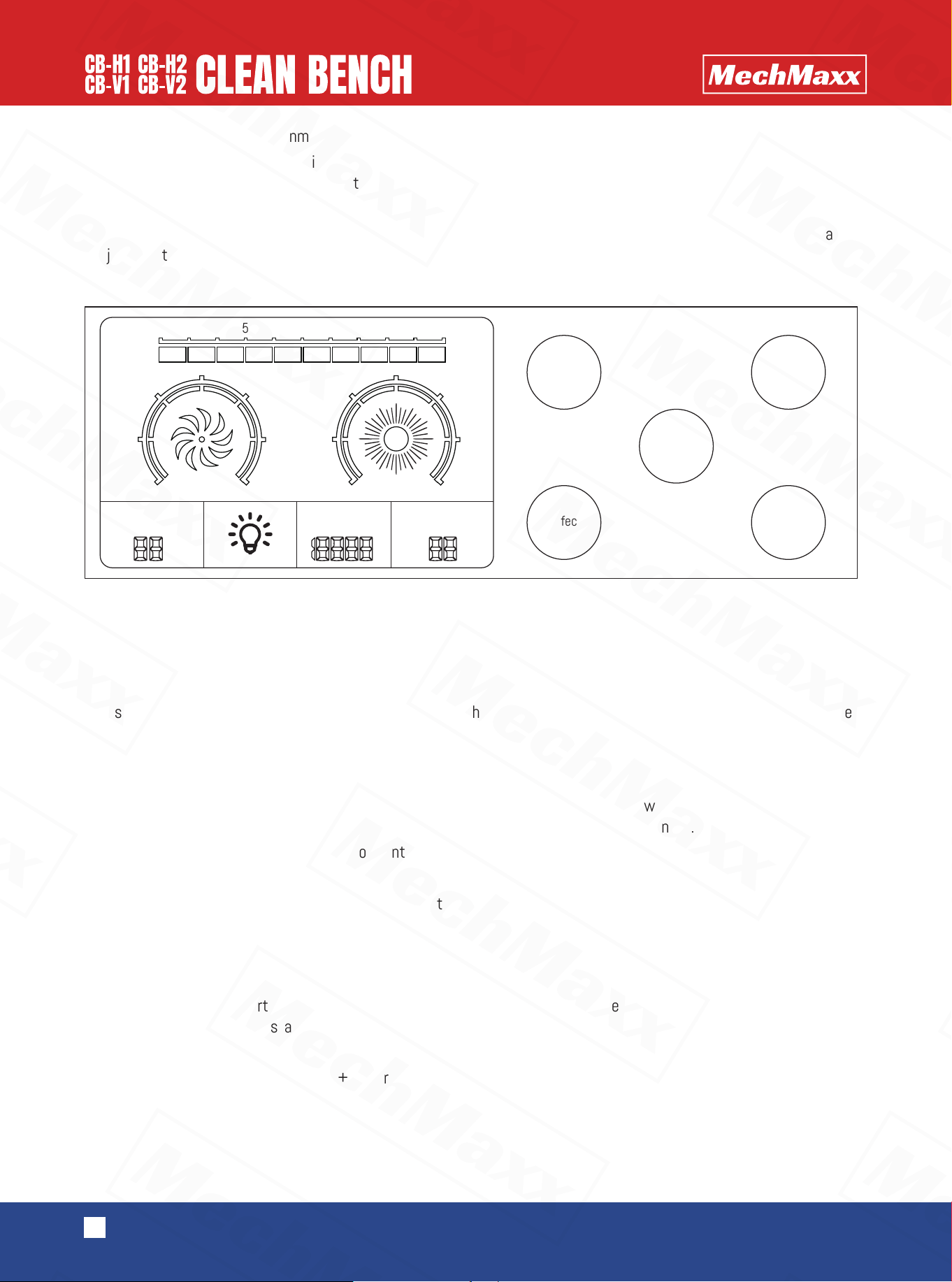
【Switch】
Press to power on the LCD controller and enter normal operation.
【Fan】
Press to start the fan. Wind speed can be adjusted to three levels. Repeatedly pressing cycles through the speed
settings. The fan will remain running even when the controller is powered off. The controller has a memory function and
automatically restores the last wind speed upon restart.
【Disinfection】
Press to activate the UV lamp. Each press adds 20 minutes to the timer. After a few seconds, the UV light will flash
briefly, then operate normally. When the set time expires, the lamp will automatically turn off.
•Press and hold for 3 seconds to switch to “continuous on” mode.
•Press briefly again to turn off the lamp.
•Note: The UV lamp cannot operate simultaneously with the fan or the lighting.
【Lighting】
Press to turn the lighting on. Press again to turn it off.
【Reservation】
Press to set a delayed start for the fan. Each press adds 1 hour. The timer can be set from 0 to 99 hours. When the set
time is reached, the fan will start automatically.
【Pressure Calibration】
When the fan is off, press and hold Fan + Reservation + Disinfection + Lighting simultaneously for 3 seconds to complete
calibration.
INSTRUCTION OF CONTROLLER KEYS
KEY FUNCTIONS
ON/OFF
Light
Fan
Disinfection
Disinfection
UV
Wind speed
0
1
2
3
4
5
6
Pressure
difference
0 50 100 150 200 250 300 350 400 450 500
Pa
Temperature
°C
Scheduled
startup
Cumulatve
working hours
Reservation
0
20
40
60
80
100
120
3
www.mechmaxx.com
The operation for clearing the setting of cumulative working time is as follows:
1.In the screen-off state, long press the [Reservation] key for 3 seconds to enter the "LC 0000" interface.
2.Use the [Fan] key to increase, the [Disinfection] key to decrease, and the [Lighting] key to shift and adjust the parame-
ters. When "LC 0008" is displayed, briefly press the [Reservation] key, and "Pt 0000" will appear.
3.Press the [Fan] key to increase, and "Pt 0001" will be displayed. Then long press the [Reservation] key until a beep is
heard, which indicates that the cumulative working time has been reset to zero successfully. (Note: You must press and
hold the [Reservation] key until the beep sounds, otherwise the reset will not take effect.)
4.Press the [Switch] key and wait for the beep, then the setting mode will be exited.
Setting the Upper Limit of Cumulative Working Hours
1.In the screen-off state, long press the [Reservation] key for 3 seconds to enter the "LC 0000" interface.
2.Use the [Fan] key to increase, the [Disinfection] key to decrease, and the [Lighting] key to shift and adjust the parame-
ters. When "LC 0018" is displayed, briefly press the [Reservation] key, and "St XXXX" will appear.
3.Use the [Fan] key to increase, the [Disinfection] key to decrease, and the [Lighting] key to shift, then set the number
after “St” to the desired hour limit. Long press the [Reservation] key until a beep is heard — the beep indicates that the
setting has been saved successfully. Then press the [Switch] key to return to the menu.
Note: If you exit the setting directly without hearing the confirmation beep, the new value will not be saved. When the
cumulative working time exceeds the set limit, the buzzer will sound an alarm each time the device is turned on.
1.Primary Filter Cleaning – To ensure long-term use, remove and clean the primary filter every 4–6 months according to
the provided diagram.
2.HEPA Filter Replacement – If the airflow velocity in the working area falls below (0.08 m/s), the high-efficiency filter
must be replaced. Replacement filters can be purchased from our company. When installing, ensure the arrow on the filter
points in the direction of laminar airflow.
3.Primary Filter Details – Made of 5–8 mm non-woven fabric and secured with a metal mesh, installed at the air inlet.
4.Post-Replacement Inspection – After replacing filters, clean any debris or dust, then run the fan to check airflow and
ensure proper operation.
5.Prohibited Modifications – Do not alter the internal structure. For any quality issues, please contact our after-sales
service.
6.Handling – Move the equipment carefully to avoid damage.
7.Long-Term Storage – When the equipment will not be used for an extended period, unplug the power cord.
MAINTENANCE
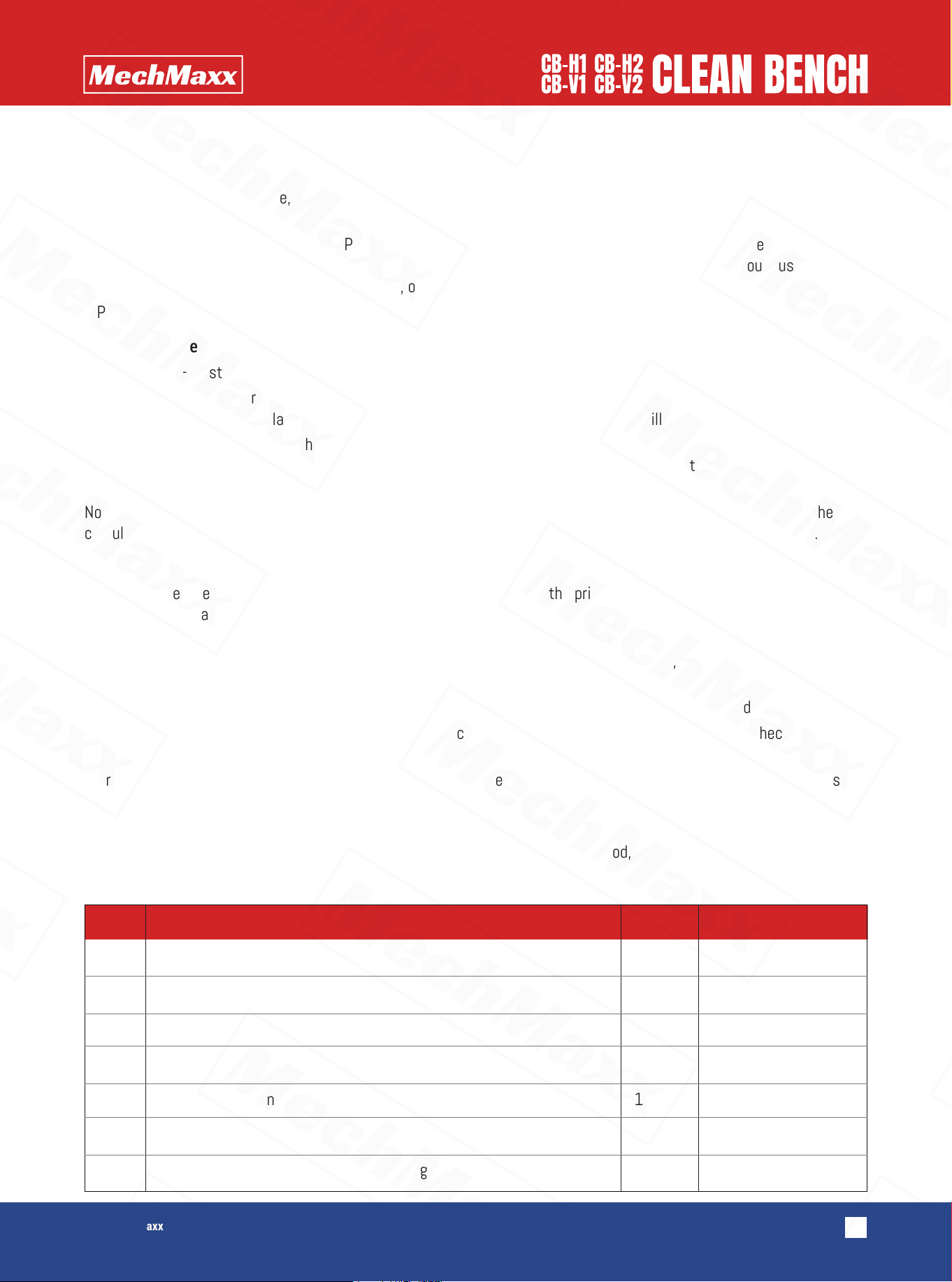
PACKING LIST
Serial Name Quantity Remarks
1
2
3
4
5
6
7
Clean bench
Caster bracket
Hex wrench
manual
17-19 open spanner
Power cord
Hexagon socket head screws, rubber plugs, gaskets
1
1
1
1
1
1
1
For M8 hex screws
For carster adjustment
14 for each variety.