How to Use the Local Storage Sharing (Samba) Feature
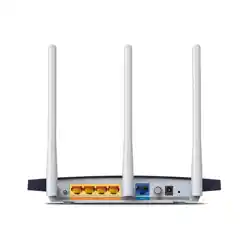
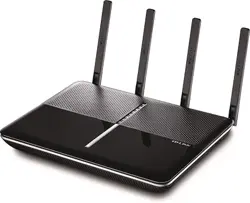
The Local storage sharing feature allows you to share a USB storagedevice that’s connected to the
router, (USB Drive or mobile Hard Disk Drive) to other wired or wireless users on the same network.
HOW TO SET UP:
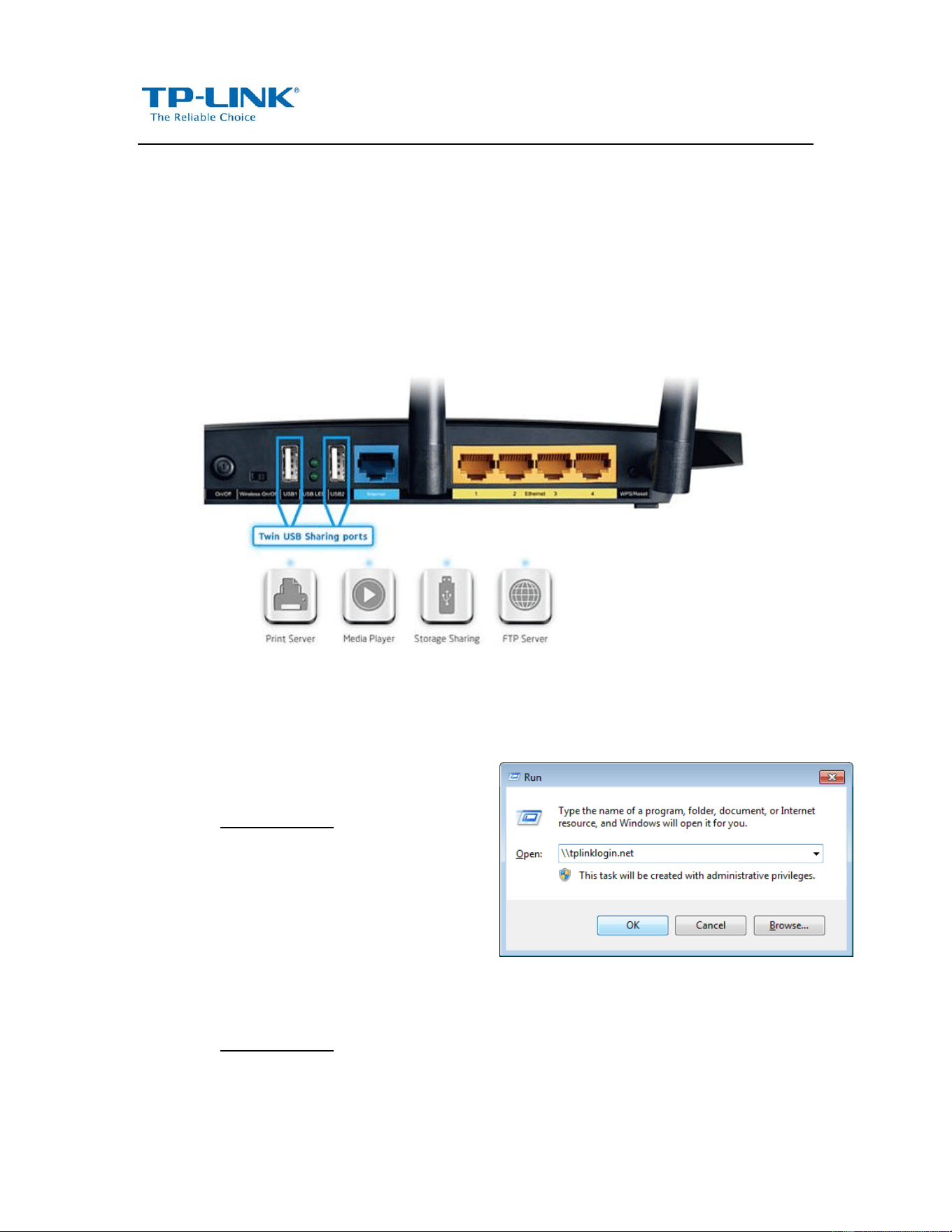
Plug the USB storage into the USB port of the TP-LINK router and wait until the USB LED is solid
green.
You can access the USB Storage by the following steps:
For Windows Users:
Windows XP:
Go to Start > Run
Input \\tplinklogin.net in the dialog box.
Click OK
Windows Vista/7:
Go to Start
Type “run” in the search box
Open the run application
Input \\tplinklogin.net in the dialog box.
Click OK
For Mac OS X Users:
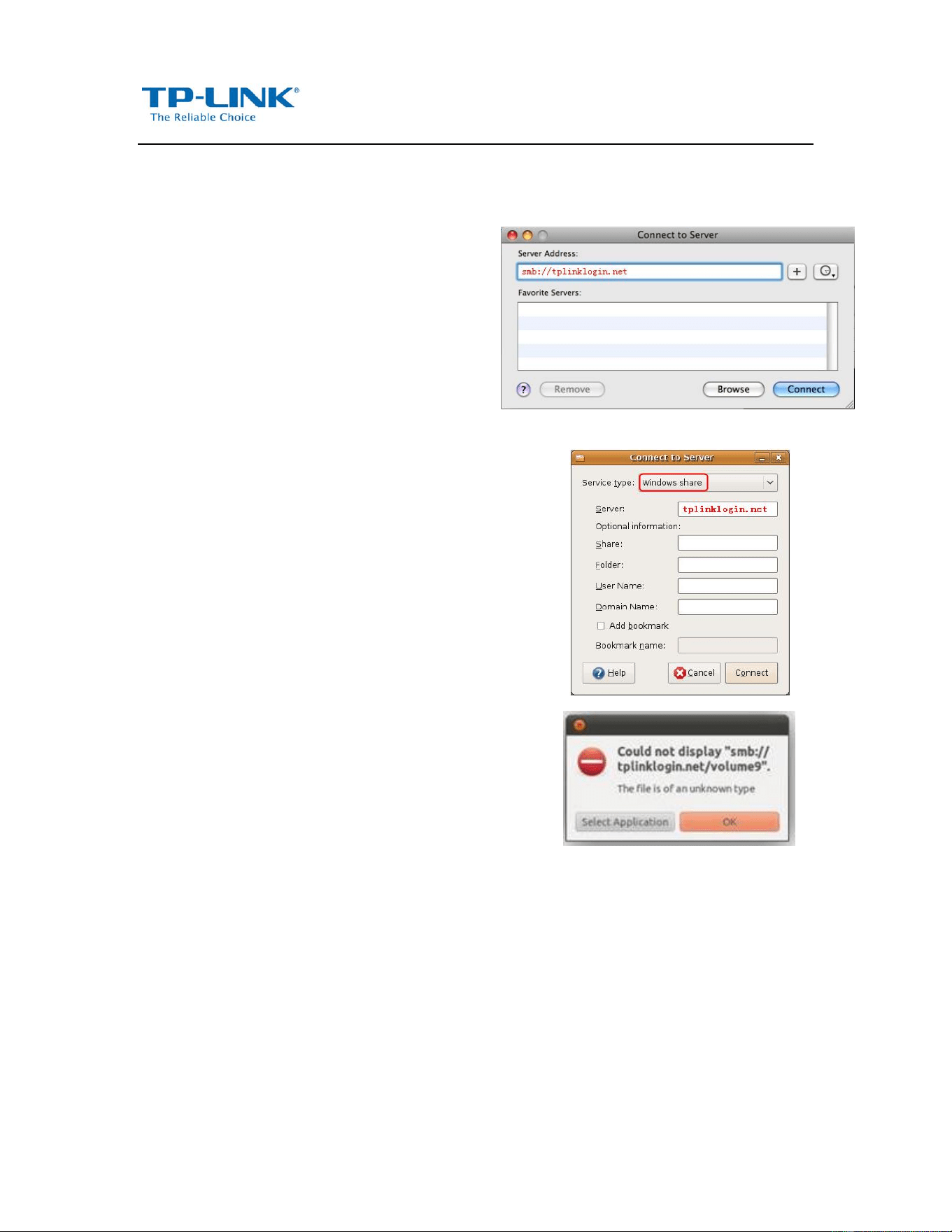
On the top tray, go to Go > Connect to Server
Input Server Address smb://tplinklogin.net
Click Connect
For Linux Users:
On the top tray, go to Places > Connect to
Server
Choose Service type Windows share
Input Server tplinklogin.net
Click Connect
If you encounter the error on the right,
please input /volume1 or /volume9 in the
Folder box.
Volume1~8 map the USB drive connecting to
USB port 1;
Volume9~16 map the USB drive connecting
to USB port 2.
Note:
Some USB storage devices may require using the bundled external power.
To setup different accounts for access rights protection, please log into to the Web management page
and set it on USB Settings > Storage Sharing and USB Settings > User Accounts.