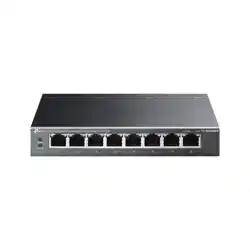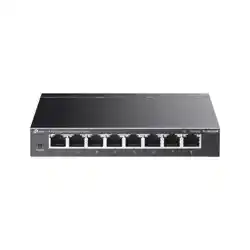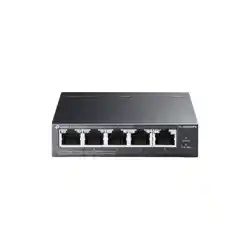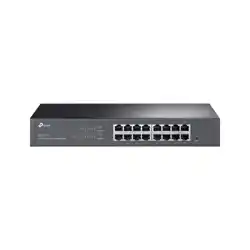
Installation Guide
© 2025 TP-Link 7100001117 REV1.1.0
Easy Managed Switch
LED Explanation
LED Explanation
Power
On/O: Power on/o
Link/Act
On (Green): Running at 1000 Mbps
On (Yellow): Running at 10/100 Mbps
Blinking: Transmitting/receiving data
O: No connected device
Installation
The images in this guide are for demonstration only and may dier from your actual product.
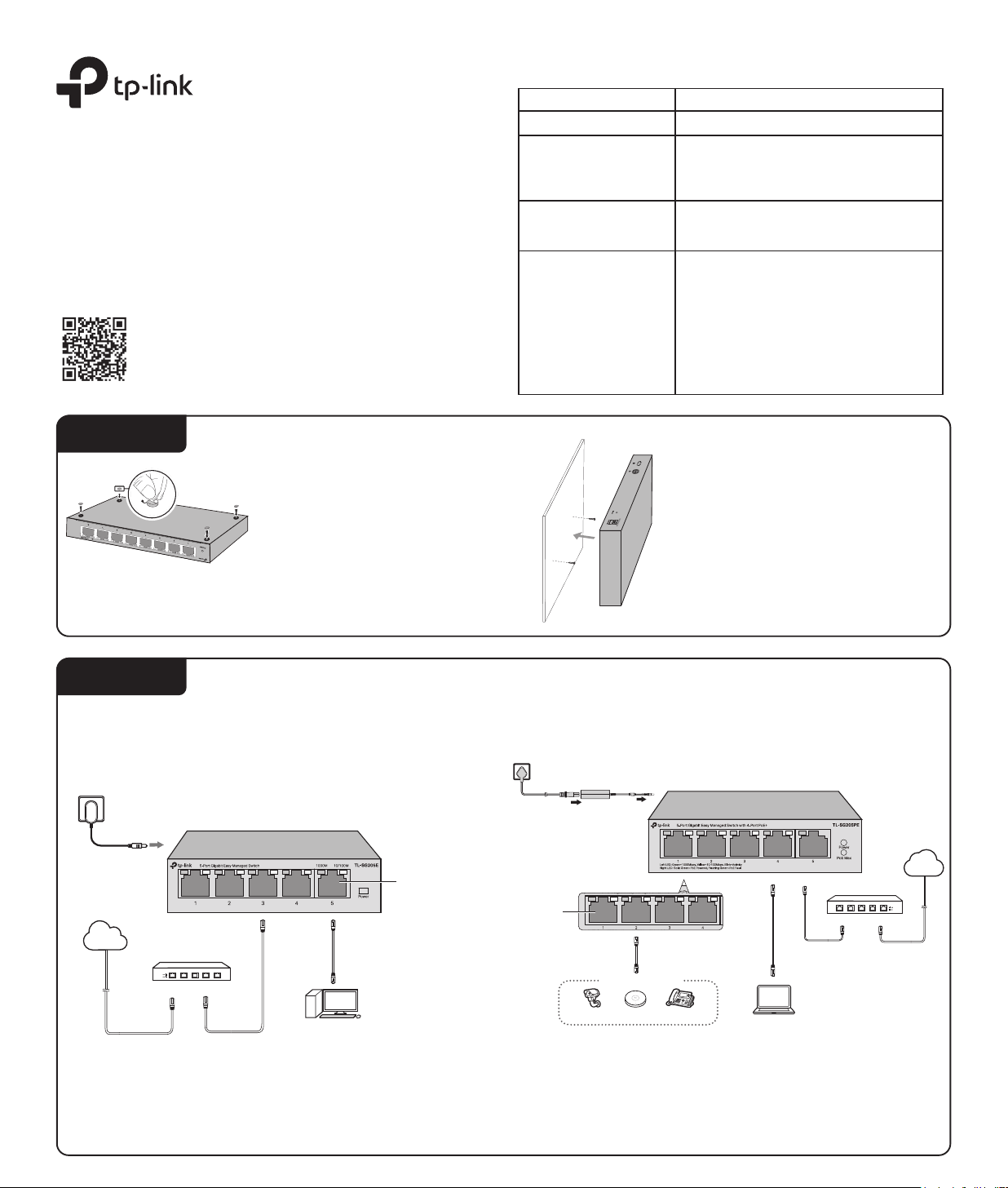
Desktop:
Attach the supplied rubber feet to the
bottom of the switch to prevent it from
slipping when placed on a desktop.
Note: For detailed information, please refer to
the Wall Mounting Guide on the device’s
support page.
Wall-mounting:
Drill two holes on the wall according to
the mounting holes on the bottom of the
switch, then secure the switch to the wall
with two suitable screws (not provided).
PoE Max
(For TL-SG205PE /
TL-SG208PE)
PoE Status
(For Port 1-4 of TL-SG205PE /
Port 1-8 of TL-SG208PE)
On: Providing PoE power
Blinking: Current-overload/Short-circuit
O: Not providing PoE Power
For simplicity, we will take TL-SG205E for example throughout the Guide.
Connection for Non-PoE Switch
Ethernet Ports
(1–5)
Power Adapter
Router/Gateway
LAN PortWAN Port
Internet
For simplicity, we will take TL-SG205PE for example throughout the Guide.
Note:
1. The PoE ports can also connect to non-PoE devices, but only transmit data.
2. The PoE ports shall not be used to charge lithium batteries or devices supplied by lithium
batteries.
3. Maximum PoE power is 30 W for each PoE port, and total PoE budget is 65 W (for TL-SG205PE) /
64 W (for TL-SG208PE).
4. PoE budget calculations are based on laboratory testing. Actual PoE power budget is not
guaranteed and will vary as a result of client limitations and environmental factors.
Connection for PoE Switch:
DC Power Adapter
AC Power Cord
IP Camera AP IP Phone
Powered Device (PD)
Router/Gateway
LAN Port
WAN Port
Internet
PC
PC
For technical support and other information, please visit
https://www.tp-link.com/support/, or simply scan the QR code.
Connection
PoE+ Ports
(1-4)
For TL-SG205PE:
On: 58 W ≤ Total power supply < 65 W
Blinking: Total power supply keeps ≥ 58 W for
more than 2 minuites
O: Total power supply < 58 W
For TL-SG208PE:
On: 57 W ≤ Total power supply <64 W
Blinking: Total power supply keeps ≥ 57 W for
more than 2 minuites
O: Total power supply < 57 W
Conguration
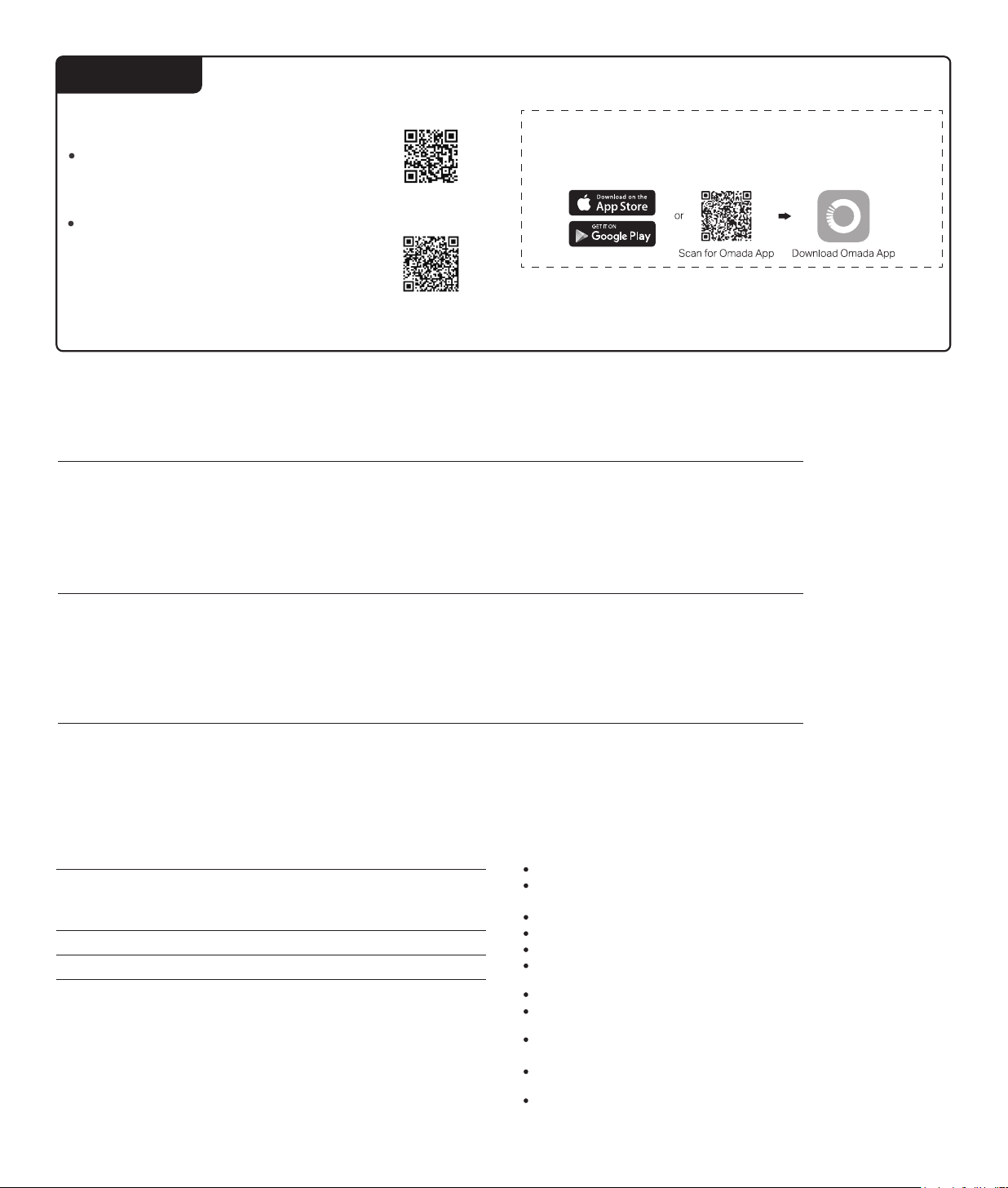
Omada App
With the TP-Link Omada app, you can access and manage your Omada devices at
a local site or remotely with a tap of your phone. You can download and install the
TP-Link Omada app from the App Store or Google Play.
For detailed instructions on device conguration, refer to the user guides of the
Controller and switches.
The switch supports two conguration methods:
Scan for Standalone
Conguration Guide
Scan for Controller
Conguration Guide
Standalone Mode: Congure and manage the switch individually.
To set up a standalone switch, scan the QR code or refer to
https://www.tp-link.com/support/faq/4097/.
Controller Mode: Congure and manage the network devices
centrally. This mode is recommended for large-scale networks
with numerous devices, including access points, switches, and
gateways.
To set up a switch with an Omada Controller, scan the QR code or
refer to the Omada Controller conguration guide at
https://www.tp-link.com/support/faq/4096/.
Frequently Asked Questions (FAQ)
The Power LED should be lit when the power system is working normally. If the Power LED is not lit, please check as follows:
A1:
Make sure the switch and power source are properly connected through the power adapter.
A2:
Make sure the power source voltage meets the input voltage requirements of both the power adapter and the switch.
A3:
Make sure the power source is on.
Q1. The Power LED is not lit.
It is recommended that you check the following items:
A1:
Make sure that the cable connectors are rmly plugged into the switch and the device.
A2:
Make sure the connected device is turned on and working well.
A3:
The cable must be less than 100 meters long (328 feet). If Extend Mode is enabled, it should be less than 250 meters (820 feet).
Q2. Why is the Link/Act LED not lit while a device is connected to the corresponding port?
When the total power consumption of connected PoE devices exceeds the maximum, the PoE port with a smaller port number has a
higher priority. The system will cut o power to the ports with larger port numbers to ensure supplying to other ports.
Take TL-SG205PE for example. If port 1, 2 and 4 are consuming 15.4 W respectively, and an additional PoE device with 20 W is
connected to port 3, the system will cut o the power of port 4 to compensate for the overload.
Q3. Why is PoE Port not supplying power for PoE devices?
Safety Information
packing of this product. If you have any questions, please don’t hesitate to contact us.
Use only power supplies which are provided by manufacturer and in the origin
Do not use any other chargers than those recommended.
Keep the device away from water, re, humidity or hot environments.
Do not use damaged charger or USB cable to charge the device.
Adapter shall be installed near the equipment and shall be easily accessible.
Do not attempt to disassemble, repair, or modify the device. If you need service,
please contact us.
Plug the product into the wall outlets with earthing connection through the power supply
cord. (For TL-SG205PE/TL-SG208PE)
The PoE ports shall not be used to charge lithium batteries or devices supplied by
lithium batteries. (For TL-SG205PE/TL-SG208PE)
The socket-outlet shall be installed near the equipment and shall be easily accessible.
(For TL-SG205PE/TL-SG208PE)
The plug on the power supply cord is used as the disconnect device, the socket-outlet
shall be easily accessible. (For TL-SG205PE/TL-SG208PE)
Place the device with its bottom surface downward.
Environmental and Physical Specications
Operating Temperature
-5 ˚C to 45 ˚C (23 ˚F to 113 ˚F) (For TL-SG208E)
0 ˚C to 40 ˚C (32 ˚F to 104 ˚F) (For TL-SG205E /
TL-SG205PE / TL-SG208PE)
-40 ˚C to 70 ˚C (-40 ˚F to 158 ˚F)
10% RH to 90% RH non-condensing
5% RH to 90% RH non-condensing
Storage Temperature
Operating Humidity
Storage Humidity