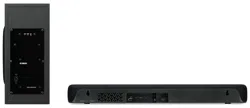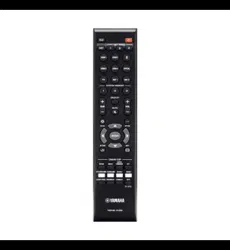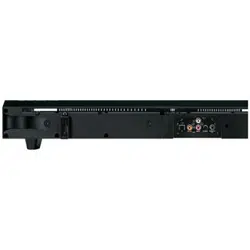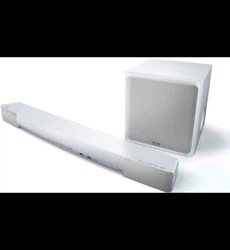
Sound Bar
Wall Mounting Installation
Guide
EN

CONTENTS
About this Wall Mounting Installation Guide.. ............................................... 3
Precautions..............................................................................................4
Items to use for wall mounting installation...................................................5
Mounting the sound bar on a wall................................................................6
2
CONTENTS
About this Wall Mounting Installation Guide
(
This guide explains the installation method for qualified service personnel who mount the sound bar on a
wall.
(
This guide uses the following signal words for important information.
(
CAUTION
This content indicates “risk of injury.”
(
NOTICE
Indicates points that you must observe in order to prevent product failure, damage, or malfunction, as
well as to protect the environment.
(
NOTE
Indicates notes on instructions, restrictions on functions, and additional information that may be
helpful.
(
The illustrations in this guide are for instructional purposes only.
(
The company names and product names in this User Guide are the trademarks or registered trademarks of
their respective companies.
NOTE
(
The Safety Brochure and the Quick Start Guide are included with this product. General precautions for handling this product are
described in the Safety Brochure. See this document before installing the sound bar.
(
For details on the functions, see the User Guide of your product.
(
SR-C30A
https://manual.yamaha.com/av/22/src30a/
(
SR-C20A
https://manual.yamaha.com/av/20/src20a/
(
ATS-C300
https://manual.yamaha.com/av/22/atsc300/
(
ATS-C200
https://manual.yamaha.com/av/20/atsc200/
3
About this Wall Mounting Installation Guide
Precautions
Before mounting the sound bar on a wall, be sure to read the following precautions for safe installation. Be
sure to follow the precautions.
n
Precautions for mounting the sound bar on a wall
CAUTION
(
For proper installation of the sound bar on a wall, make sure to have the work done by the dealer from which you purchased the
product or by a qualified contractor. Some skills and experience are required for safe installation.
(
Be sure to follow the precautions when mounting the sound bar on a wall. The sound bar may fall, resulting in injury.
(
Do not attach it to a wall constructed of weak materials such as drywall or plasterboard.
(
Use screws that are of the size specified in this document and that can support the weight of the installation. Do not use nails,
two-sided tape, screws other than the size specified, or screws that are worn out or damaged.
(
Fix the cables in place so nothing will accidentally catch on them.
(
Check that the sound bar is securely fixed in place immediately after the installation. Yamaha will bear no responsibility for any
accidents caused by improper installations.
n
Precautions after installation
CAUTION
(
Do not lean on the wall-mounted sound bar or apply excessive force to its top. Doing so may cause the sound bar to fall.
4
Precautions
Items to use for wall mounting installation
Make sure that all of the following items are present before installing the sound bar.
n
Items included with this product
(
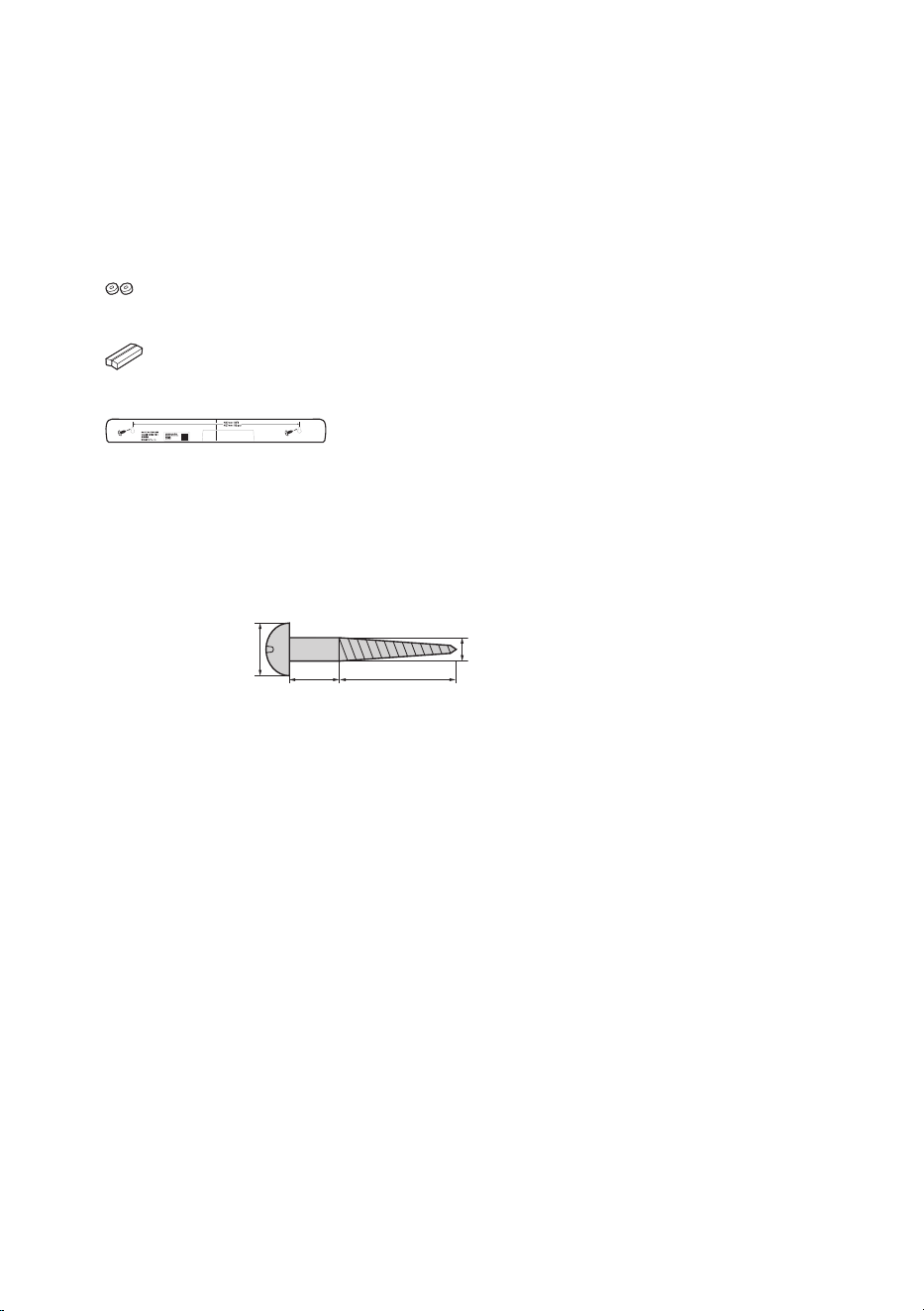
Spacers A (×2)
(
Spacers B (×2, on 1 sheet)
(
Mounting template
n
Commercially available items
In addition to the included items, the following commercially available items are required.
(
Screws (×2)
Choose wood screws of the following size:
7 to 9 mm in diameter
4 to 5 mm
12 to 14 mm 20 mm or more
n
Tools
Use the following tools for installation.
(
Screwdriver
Use a screwdriver that matches the screws.
(
Pencil
Use to mark the positions for the screws on a wall.
(
Tape or thumbtacks
Use to temporarily attach the mounting template to a wall.
5
Items to use for wall mounting installation
Mounting the sound bar on a wall
(
Before mounting the sound bar on a wall, be sure to read the following precautions.
(
“Precautions”(p.4)
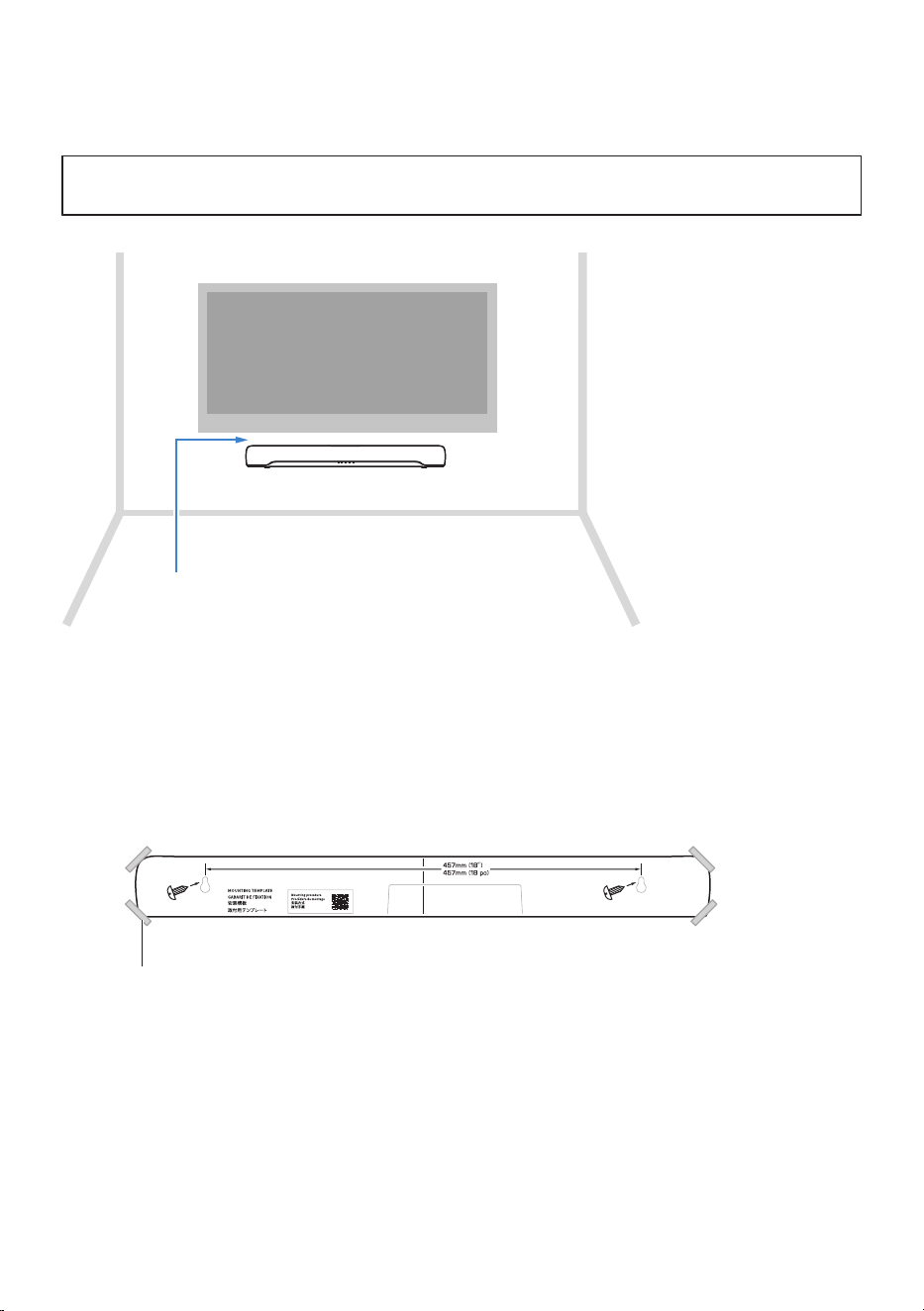
Use the screw-hanging holes on the sound bar to mount the sound bar on a wall.
3 cm or more apart
NOTE
To bring out the best performance of the sound bar, install the sound bar 3 cm or more apart from the TV.
1 Attach the mounting template (included) on a wall temporarily.
Tape or thumbtacks
Mounting template
6
Mounting the sound bar on a wall
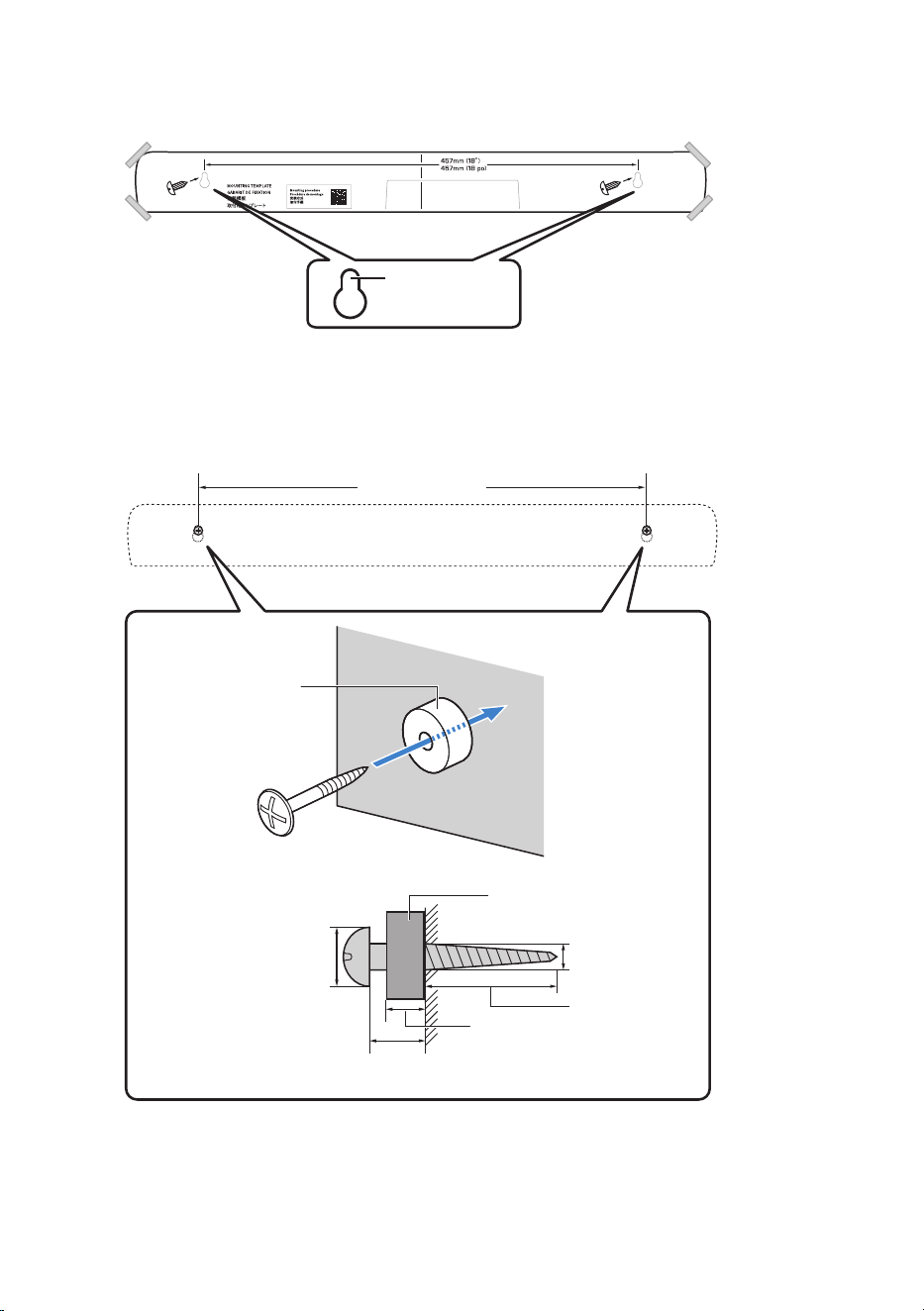
2 Mark the positions for the screws on the wall using a pencil.
Screw position
3 Remove the mounting template from the wall.
4 Install the spacers A (included) and screws at the points marked on the wall.
Be sure to use screws of the following size.
Spacer A
12 to 14 mm
4 to 5 mm
20 mm or more
457 mm (18 in)
7 to 9 mm in diameter
Spacer A
8 mm
7
Mounting the sound bar on a wall
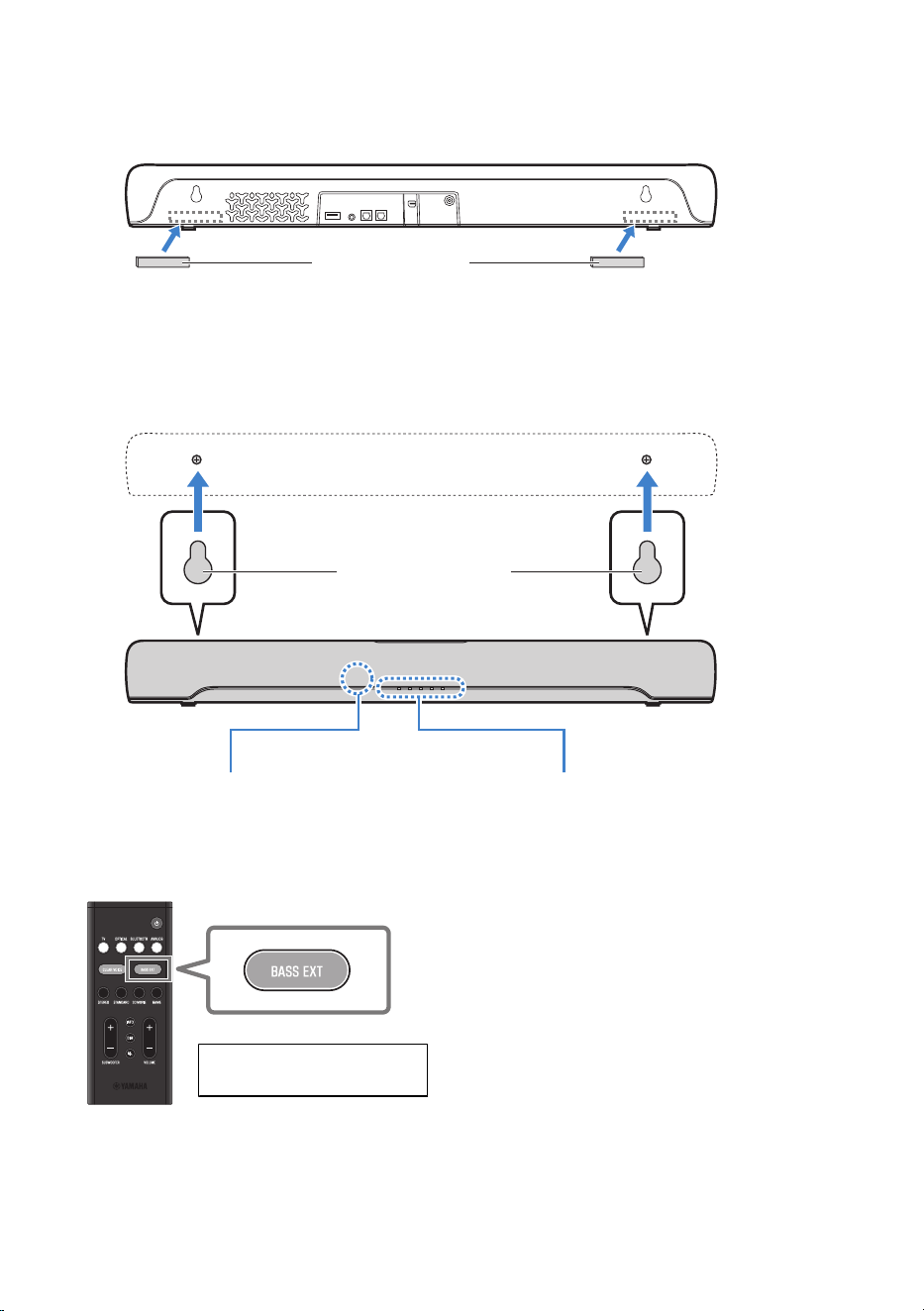
5 Peel off the backing paper from the spacers B (included), and attach the adhesive
face of each spacer to the rear of the sound bar.
Spacers B
6 Connect cables to the sound bar.
For the connection procedure, see the Quick Start Guide or User Guide of your product.
7 Hang the sound bar on the screws.
Sound bar screw-hanging
holes
IndicatorsRemote control sensor
When installation and all connections are complete, while the power is off, hold down BASS EXT on the
sound bar’s remote control for at least five seconds to optimize the frequency characteristics setting for wall
mounting. The indicators show the setting status as follows, and the sound bar is turned on.
Remote control
Hold down for at least five seconds
while the power is off.
8
Mounting the sound bar on a wall
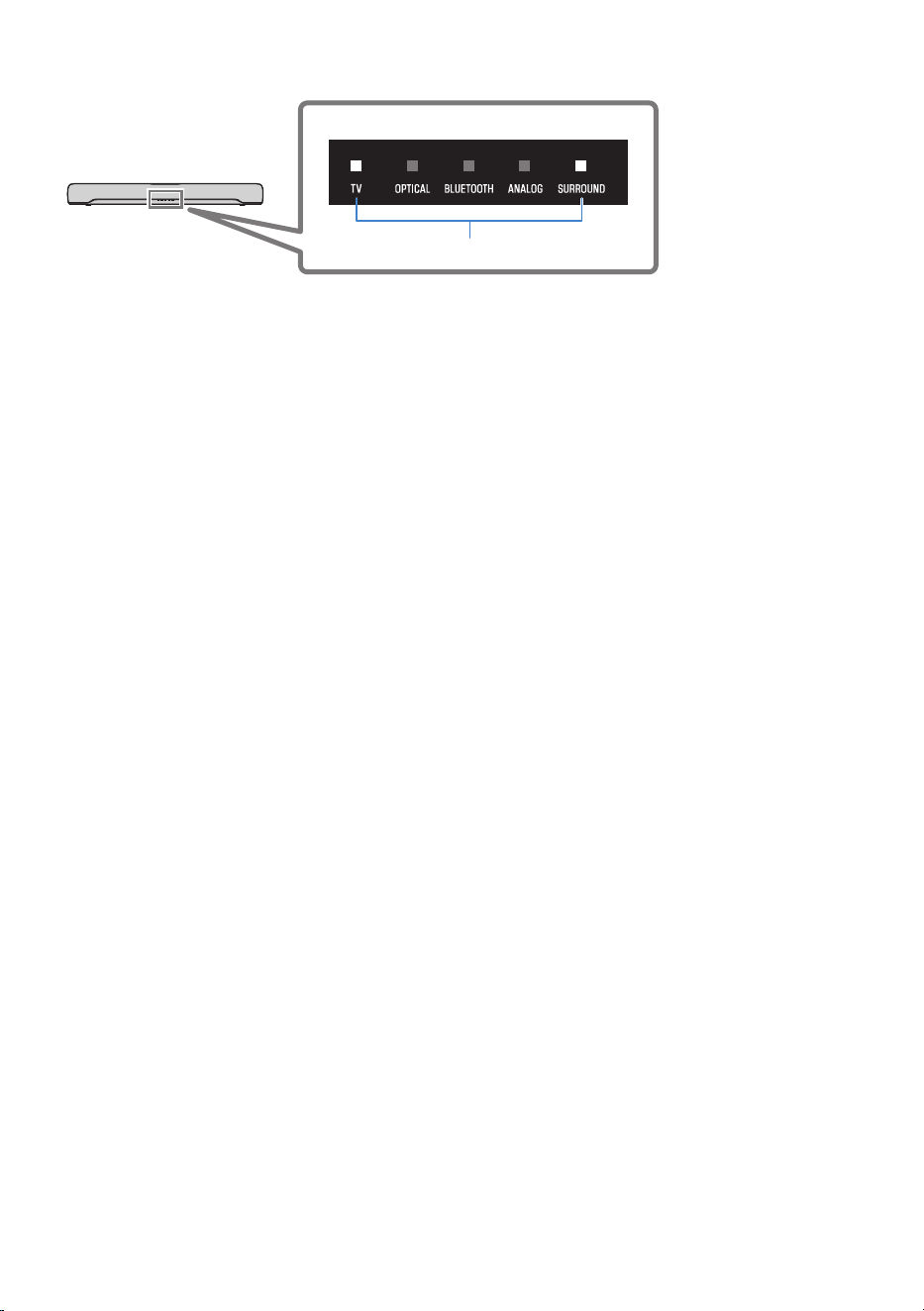
Sound bar’s indicators
Glow
The setting is completed.
NOTE
When changing the installation of the sound bar from wall-mounted to on a stand, also change the frequency characteristics setting.
For more information, refer to the User Guide of your product.
9
Mounting the sound bar on a wall

Yamaha Global Site
https://www.yamaha.com/
Yamaha Downloads
https://download.yamaha.com/
© 2022 Yamaha Corporation
Published 05/2022 NV-A0
AV21-0136
Layout Folder: YMH_PDF_Manual_A5
Stylesheet Name: 01_YMH_PDF_Manual_A5_En-Multi
Stylesheet Version: 2022.04.13