Portable Speaker
EVA USER GUIDE
To ensure correct operation and avoid damage, please read this user manual carefully
before using this product.
Features:
Big sound,small size.
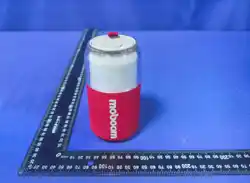
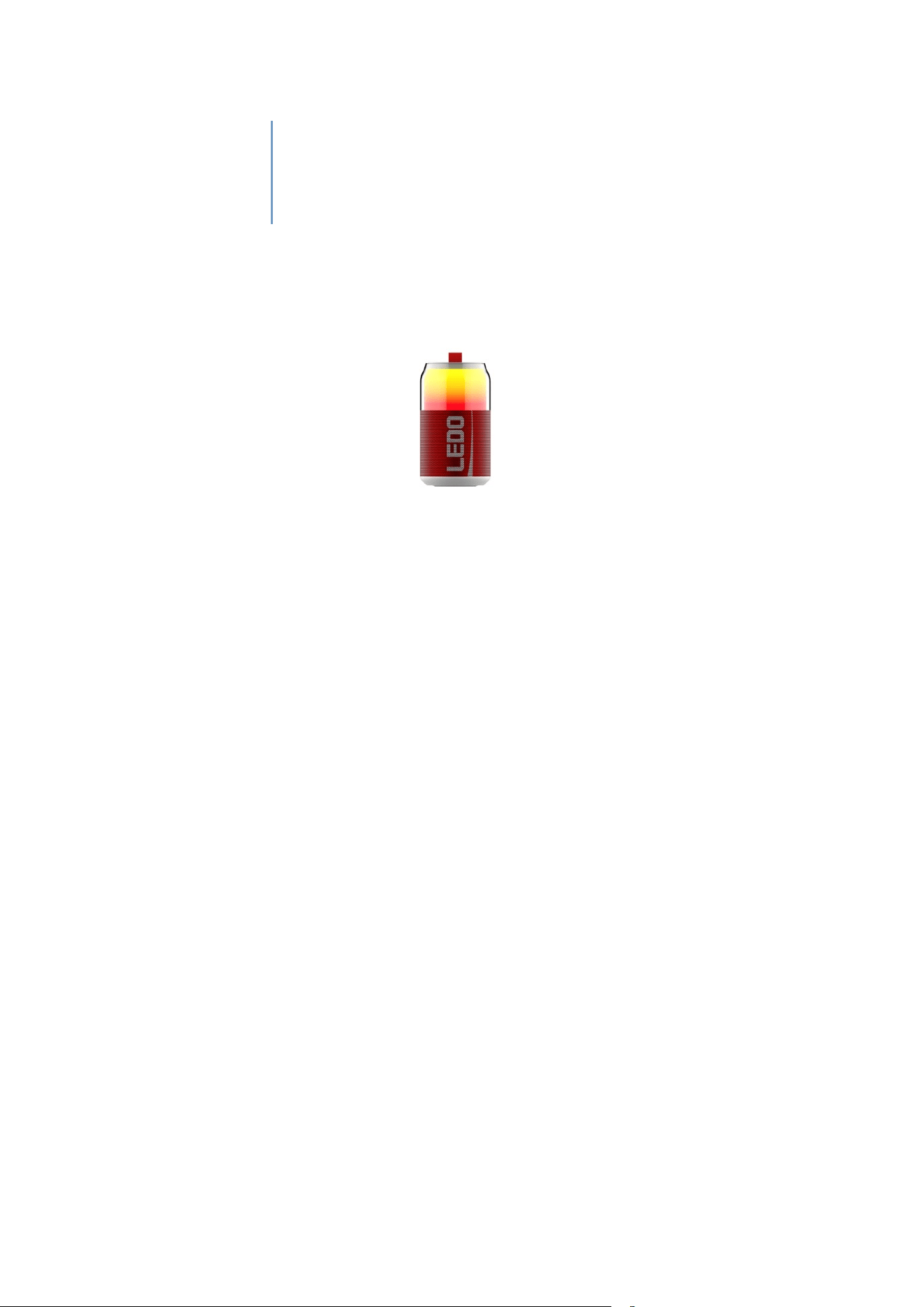
A fun cola can shaped speaker with BT 5.3 fast connection. Colour your life
and amplify your creativity.
4Lighting Modes,a deep music and lighting integration ,sync with your
music, the sound you can see.
Extended Battery life to play music anytime and anywhere.
Multiple play modes, BT, USB-Disk.
Big logo space for enhancing your brand.
The Front-Firing driver provides an expansive sound field and Clean voice.
This Palm-sized design fit nicely in a car cup holder and provide easy
grabbing.Plus, large fabric surface for protecting and non slip handing.
Package Contents:
•
1xPortable Bluetooth Speaker
•
1xType-C Charging cable
•
1xUser manual
Product Details:
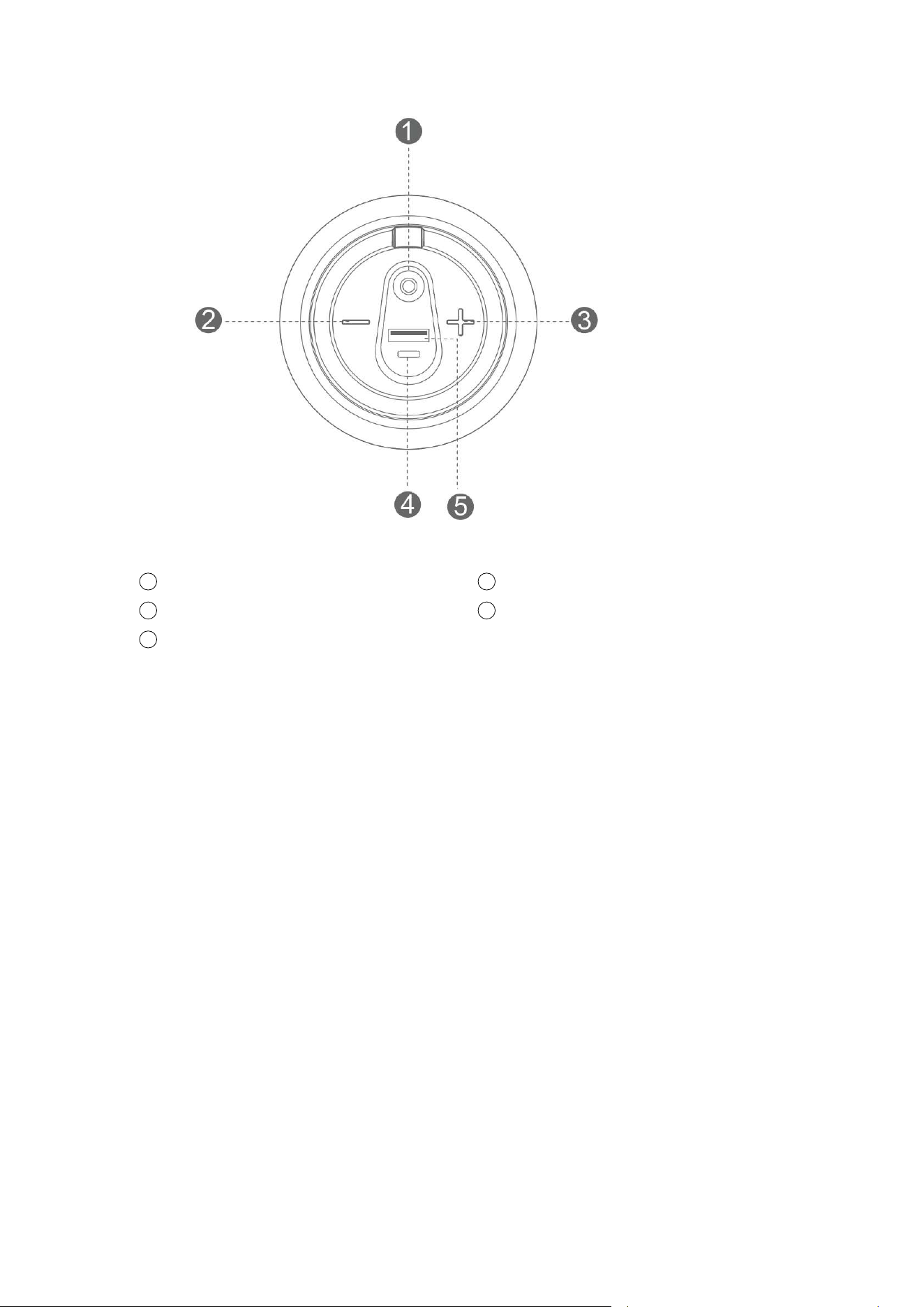
1
Power On/Off;Play/Pause;RGB Light
2
Backward/Volume Down;
3
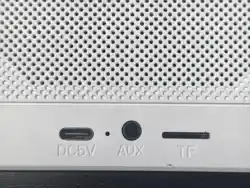
Type-c Charging
4
Forward/Volume Up;
5
USB DISK;
Power On/Off
Long-press the Power button to turn the speaker on and off.
Auto Power Off function:
10 minutes to be able to automatically switch off the speaker in below two condition;no
shutdown when wireless microphone is connected.
1 ) Bluetooth mode: the mobile phone is not connected or no music playing for more than
10 minutes.
2 ) USB mode, press the pause button for more than 10 minutes.
Bluetooth:
● Turn the power button to “ON”. The speaker enter Bluetooth mode automatically and
blue light blinks slowly.
● Activate Bluetooth of mobile phone and search for device name “FS87” then connect it
while blue light always on.
● Play the music from your mobile phone and enjoy.
● Long-press Forward or Backward button to select songs.
● Short-press Forward or Backward button to adjust volume up and down.
● Short-press power button to play/pause the music.
●Double click power button to switch different light modes.

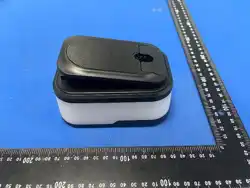
Wireless Microphone Use :
●
Speaker is turned on in Bluetooth mode ,Wireless Microphone is turned on ,within
range automatic connect ,when connect wireless Microphone blue light stay on .
●
Press the Power button briefly to cycle through the microphone modes in the
following order: Microphone Adjustment, Reverb Adjustment, and Accompaniment
Adjustment.
● Short press the "+" button briefly to increase the microphone volume.
●Short press the "-" button briefly to decrease the microphone volume.
● Short p
ress the "M" button to switch between different microphone effects in a
●loop: KTV - Professional Mode - Female to Male - Male to Female - Monster Voice.
●Double-click the "M" button to turn the original voice removal on/off.
Playing music from USB disk:
● Turn the Power button to “ON”.
● Insert USB flash disk into slot, the speaker will play the stored music automatically.
● Long-press Forward or Backward button to select songs you like, short-press to adjust the
volume up and down.
● Double click power button to switch different light modes.
Notes: Under any playing mode, when you insert a USB disk to the speaker, it will switch to
play the USB disk.
RGB Light
The RGB light is always default on while speaker get turned on each time. User can
double-click power button to turn on/off the Light.
Reset Functionality:
If the speaker does not turn off or respond, user can long-press “-” button 5S to reset the
speaker and power off.Meanwhile, all BT connection memory will get cleared.
More Remarks:
● Default volume is at 50% status of max volume.
● Play time may vary depending on volume level and music style.
Warning:
● Please store and use this product in an environment of normal temperature.
● Please do not expose this product to rain or moisture environment.
● Please do not disassemble, repair or modify this product by yourself without
authorization.
● When cleaning this product, please use a soft cloth or with little water if needed, please
do not use chemicals for cleaning.

● In order to have an extended product life and protect your hearing, please avoid listening
to songs on maximum volume for long time.
● The product is with built-in lithium battery, to avoid dangers, please do not discard or put
it in the fire.
FCC STATEMENT
1. This device complies with Part 15 of the FCC Rules. Operation is subject to the
following two conditions:
(1) This device may not cause harmful interference,and
(2) This device must accept any interference received, including interference that
may cause undesired operation.
2. Changes or modifications not expressly approved by the party responsible for
compliance could void the user's authority to operate the equipment.
NOTE: This equipment has been tested and found to comply with the limits for a
Class B digital device, pursuant to Part 15 of the FCC Rules. These limits are designed
to provide reasonable protection against harmful interference in a residential
installation.
This equipment generates, uses and can radiate radio frequency energy and, if not
installed and used in accordance with the instructions, may cause harmful
interference to radio communications. However, there is no guarantee that
interference will not occur in a particular installation. If this equipment does cause
harmful interference to radio or television reception, which can be determined by
turning the equipment off and on, the user is encouraged to try to correct the
interference by one or more of the following measures:
Reorient or relocate the receiving antenna.
Increase the separation between the equipment and receiver.
Connect the equipment into an outlet on a circuit different from that to which
the receiver is connected.
Consult the dealer or an experienced radio/TV technician for help.
RF warning statement:
The device has been evaluated to meet general RF exposure requirement. The device
can be used in portable exposure condition without restriction.