www.PyleUSA.com
PRTPMX6BURC
Wireless Audio DJ Sound Receiver
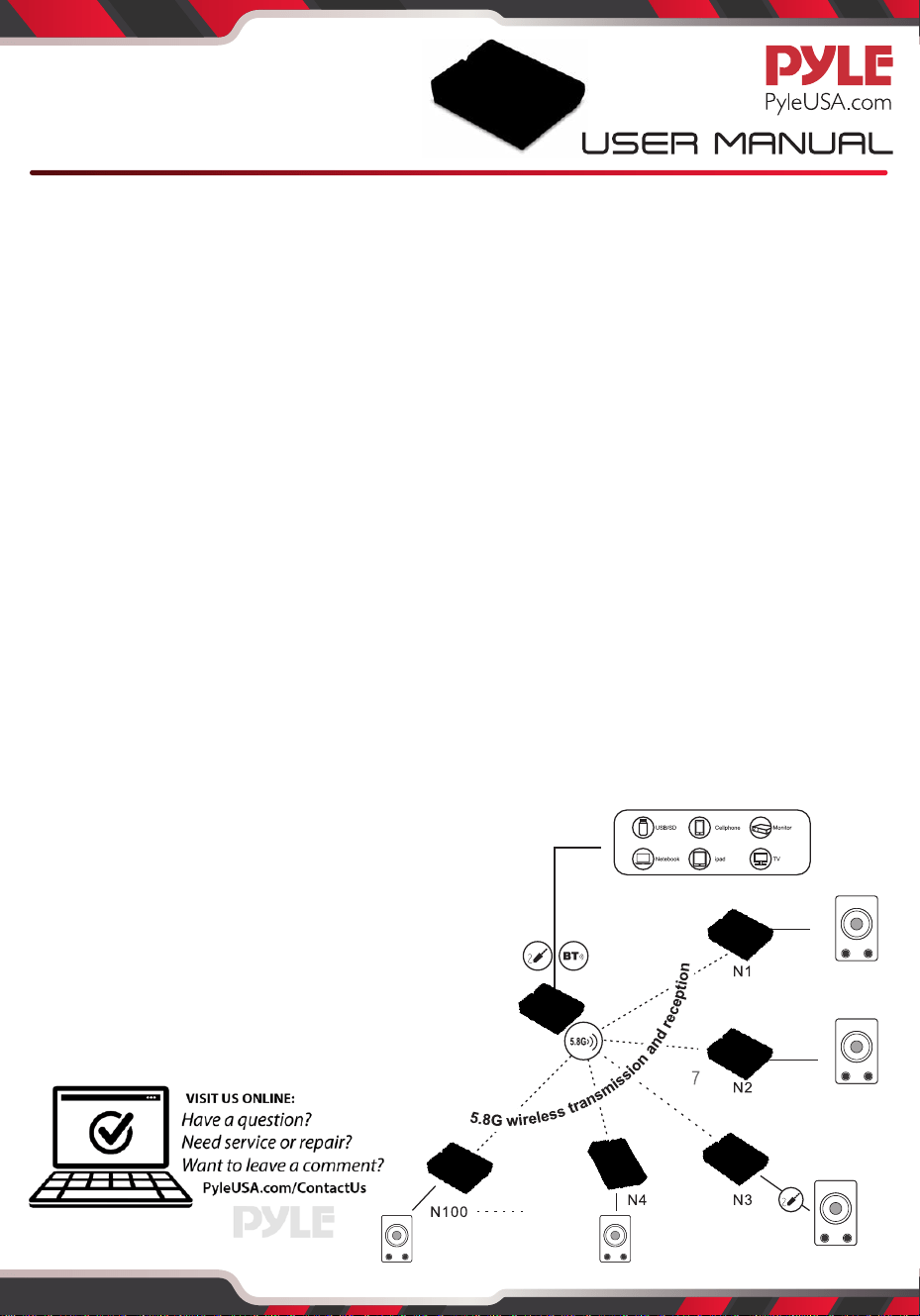
Multi-Receiver Connection:
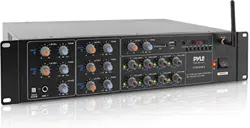
Connecting Additional Receivers / Speakers to the PMX6BU - DJ Sound FX Audio Mixer System...
1. Designate one receiver to act as the ‘MAIN RECEIVER’ -- and place it to the side.
2. Press the ‘POWER’ button on all additional receiver units you are attempting to connect
(the ‘EMIT’ indicator lights will blink).
3. While the ‘EMIT’ indicator is blinking, press the ‘5.8G/BT’ button (the ‘EMIT’ indicator light
will stop blinking and the ‘RXD’ indicator light will remain solid).
4. While the ‘RXD’ indicator light remains solid, press and hold the ‘5.8G/BT’ button for ~ 5
seconds (or until the ‘EMIT’ indicator blinks red).
5. While the ‘EMIT’ indicators blink red on all additional receiver units, press the ‘POWER’
button on the designated ‘MAIN RECEIVER’ (the ‘EMIT’ indicator will blink).
6. While the ‘EMIT’ indicator blinks on the ‘MAIN RECEIVER’, press and hold the ‘5.8G/BT’
button for ~ 5 seconds (or until the ‘EMIT’ indicator blinks red).
7. Wait for the indicator lights on the additional receiver units to stop blinking -- this ensures
they are successfully paired (however, the ‘MAIN RECEIVER’ indicator lights will continue
to blink).
8. While only the indicator light on the ‘MAIN RECEIVER’ is blinking, it’s time to connect via
Bluetooth. Go to your device’s Bluetooth network list and get connected (upon successful
Bluetooth connection, the ‘MAIN RECEIVER’ indicator light will remain lit).
9. Stream some sound! The ‘MAIN RECEIVER’ will deliver the wireless audio to any paired
additional receiver units. Ensure all receiver units are connected to a compatible speaker
with the audio connection cables via the ‘AUX OUTPUT’.
Notes:
• Pyle Model: PMX6BU - DJ Sound FX Audio Mixer,
sold separately.
• When pairing the system, ensure both the mixer
and wireless receiver(s) are within range pairing
sequence.
• Ensure you are using a compatible speaker
system with Aux audio line-in mode is
activated on the connected speaker.