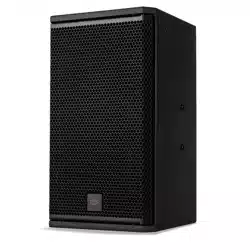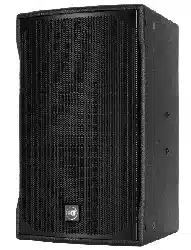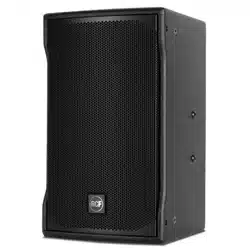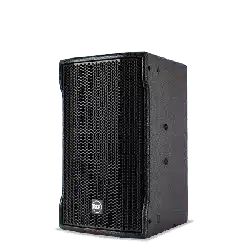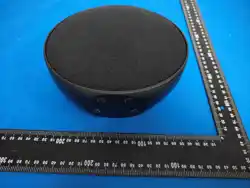
MPD207
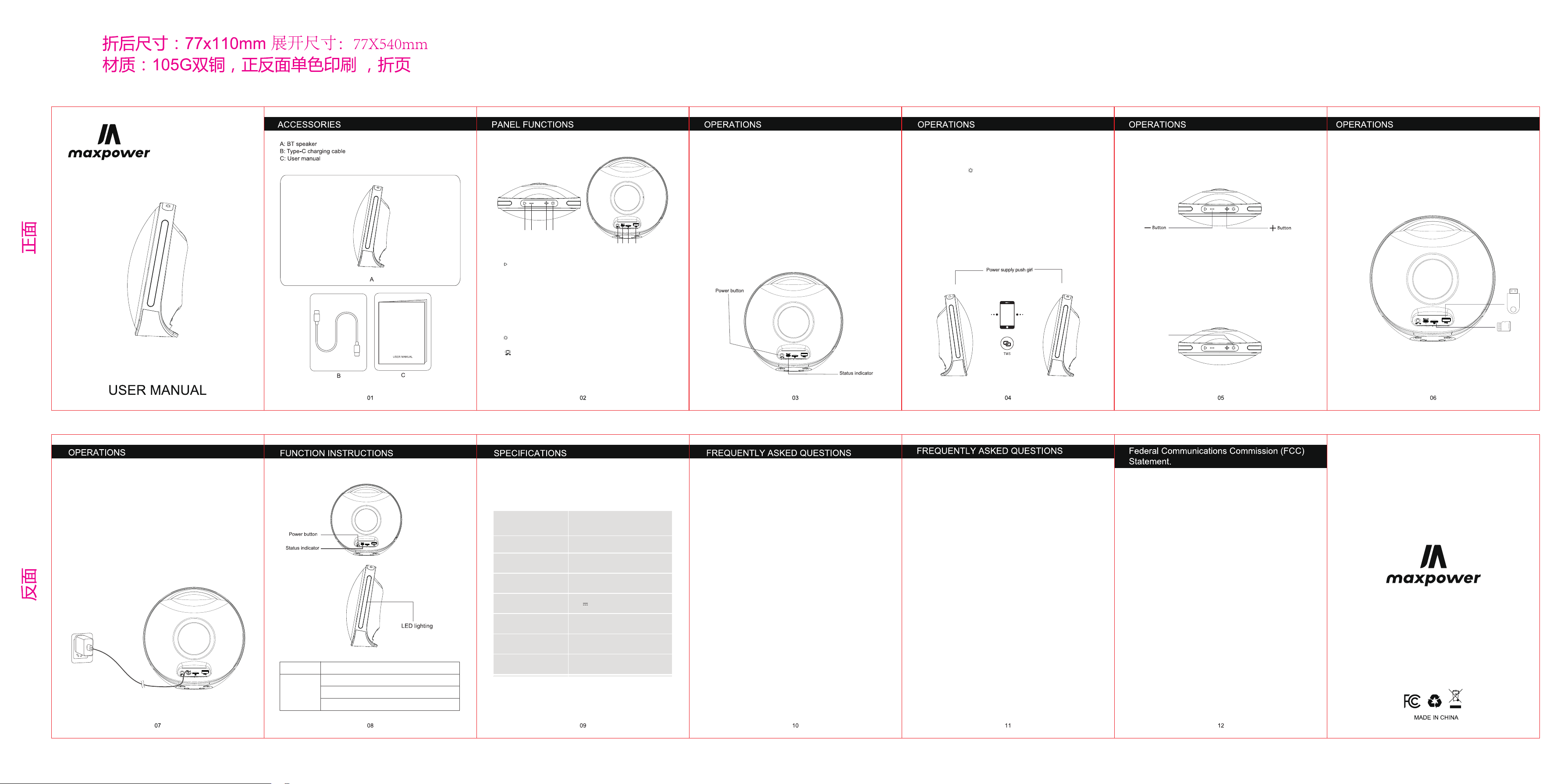
1.【 】:Mode selection / Play / Pause :Long press to switch modes:
USB,MicroSD,FM,BT; Short press to play/pause;Short press to start
auto channel search under FM mode; When an incoming call arrives:
short press to answer or hang up; double-tap to reject the call or redial
the last number.
2.【 - 】:Volume Down / Previous Track :Long press to decrease the
volume, short press to play the previous track; short press to switch to
the previous channel under FM mode.
3.【 + 】:Volume Up / Next Track :Long press to increase volume, short press
for next track; Short press to switch to the next channel under FM mode.
4.【 】:RGB mode / TWS mode:Short press to switch light effects; there
are five light modes in total;Long press to enter TWS mode.
5.【 】:Power on/off :Switch power on / power off.
6.【DC 5V】:Charging Port: It's for charging.
7.【TF】:Insert the TF card to play MP3 music.
8.【USB】:Music playback on USB stick.
1.Power On/Off
3. TWS Connection
4. Volume Control
6. Music Card
7. Power Saving
8. Charging
5. LED Lighting Mode
2. BT Mode
Just toggle the power switch.
1. When you turn on the Speaker, it will already be in the BT mode and
ready to pair to your mobile device/smart device.
After turning on the device,
short
press the M key to switch the
RGB lighting modes
(Mode 1, Mode 2, Mode 3, Mode 4, RGB-OFF)
Insert the music card into the corresponding interface to play music
MP3 is supported.
LED mode
Speaker will power off automatically to save battery when nothing is
connected after 10 minutes.
Q1: What kind of charger should we use for the speaker?
A: All common USB chargers can be used, while we suggest the ones
5V/500mA or above 500mA.
Q2: What if there is noise or discontinuous sound during playing?
A: The speaker can be normally used within 10m under no obstruction
environment.
If it is beyond 10m or with obstruction, there might be noise or
discontinuous sound.
Q3: Why the speaker power off automatically after power on without any
operation?
A:When there is no bluetooth pairing in 10 minutes, the speaker will
shut down automatically to reduce power consumption.
Q4:Why does the speaker cannot connect the once-paired cellphone?
A: First, remove the speaker's paired name from the cellphone's
Bluetooth list and then restart pairing.
Q5: When speaker can not be turned on or used normally.
A: Please charge it for some time, then long press power on
button 10-30s to reset.
Notes:
1. Please read this manual carefully before use and keep it properly.
2. For the first use, please fully charge the product.
3. Pls use certificated adapter that has passed national safety certification.
4. If you do not use the product for a long time, be sure to charge it
once within a month at least to maintain its performance.
5. Do not use this product in an extremely cold or hot environment,
such as temperature beyond the range of 5-35℃. If use it beyond the
above range, the product may stop automatically to protect the i
nternal circuit.
6. When charging it in a high temperature environment, the product
may automatically stop charging to protect the battery. At this time,
the charging indicator usually ashes quickly to indicate that the
charging environmental temperature or the product internal
temperature is too high.
7. Storage environment temperature: -5~35℃ RH<70%
(recommended 25℃±5).
This device complies with part 15 of the FCC Rules. Operation is
subject to the following two conditions:
(1) This device may not cause harmful interference, and
(2) this device must accept any interference received, including
interference that may cause undesired operation.
Note: This equipment has been tested and found to comply with the limits
for a Class B digital device, pursuant to part 15 of the FCC Rules. These
limits are designed to provide reasonable protection against harmful
interference in a residential installation. This equipment generates, uses
and can radiate radio frequency energy and, if not installed and used in
accordance with the instructions, may cause harmful interference to radio
communications. However, there is no guarantee that interference will not
occur in a particular installation. If this equipment does cause harmful
interference to radio or television reception, which can be determined by
turning the equipment off and on, the user is encouraged to try to correct
the interference by one or more of the following measures:
• Reorient or relocate the receiving antenna.
• Increase the separation between the equipment and receiver.
• Connect the equipment into an outlet on a circuit different from that
to which the receiver is connected.
• Consult the dealer or an experienced radio/TV technician for help.
Warning: Changes or modifications made to this device not expressly
approved by Universal Electronics, Inc. may void the FCC authorization
to operate this device.Note: The manufacturer is not responsible for any
radio or TV interference caused by unauthorized modifications to this
equipment. Such modifications could void the user’s authority to operate
the equipment.
RF exposure statement:This device complies with FCC RF radiation
exposure limits set forth for anuncontrolled environment. The device is
installed and operated withoutrestriction.
FCC ID:
Important safety instructions:
1. Do not disassemble or repair this speaker personally, otherwise it
may cause product damage or personal injury.
2. Do not use it in dusty, humid, dry, and high-temperature environment.
3. Do not place this product near a heat source, or a place with
direct sunlight, a lot of dust, or mechanical vibration.
4. In order to reduce the risk of fire, please do not cover this product
with newspapers, tablecloths, curtains etc., during use.
5. When the product is damaged (such as the power cord or plug is
damaged, liquid enters or objects fall into the device, unable to
operate normally or falls), it must be repaired.
6. When the product is fully charged, do not connect it to the charger
for further long time charging.
7. The maximum ambient temperature should not exceed 40℃.
*This speaker supports mobile phones/ tablets/ PCs etc. Here this User Manual
isillustrated based on mobile phones.
Important note :
Preferably use supplied USB-C charging cable
Use an output source 5V/500MA (or above)
Charge when you hear low battery prompt tonefully charged.
The red indicator will be normally on while charging and switch off after
LED lighting
Product Name
Battery Capacity
Playing Time
Charging Time
Charging Current
Speaker Unit
Product Size
Product Weight g
115*115*133mm
10W
5V 500MA
2-4 hours
MPD207
3.7V/1500mAh
5-6hours(70% volume, LED lighting off)
6-8 hours(50% volume, LED lighting off)
Total 5 LED lighting modes
Power on/ TWS (blue indicator)
Charging (red indicator normally on)
Fully charged (red indicator off)
Status
indicator
1.Press and hold the + button to increase the volume.
2.Press and hold the - button to decrease the volume.
2.Long press the “ ” button on one (master) speaker. A prompt tone
will sound right away, indicating the master has entered search mode
with a 30-second pairing countdown.
When the two speakers connect via TWS successfully, both will play a
prompt tone simultaneously, and the slave unit’s blue light will stay
solid on.
(If pairing fails, ensure the speaker is not connected to any previously
paired Bluetooth devices.)
3.Once both the speakers are connected via TWS, then repeat the same
process that you normally would use to connect them via BT from your
cellphone.
1.When you turn on the MaxPower Speaker, it will already be in the BT
mode and ready to pair to your mobile device/smart device.
2. Scan for BT device on your mobile phone. Please select "MPD207"
on your mobile device.
3.Once paired, the volume and tracks can be controlled by your
cellphone or your speaker control panel.
1
5 6 7 8
2 3 4