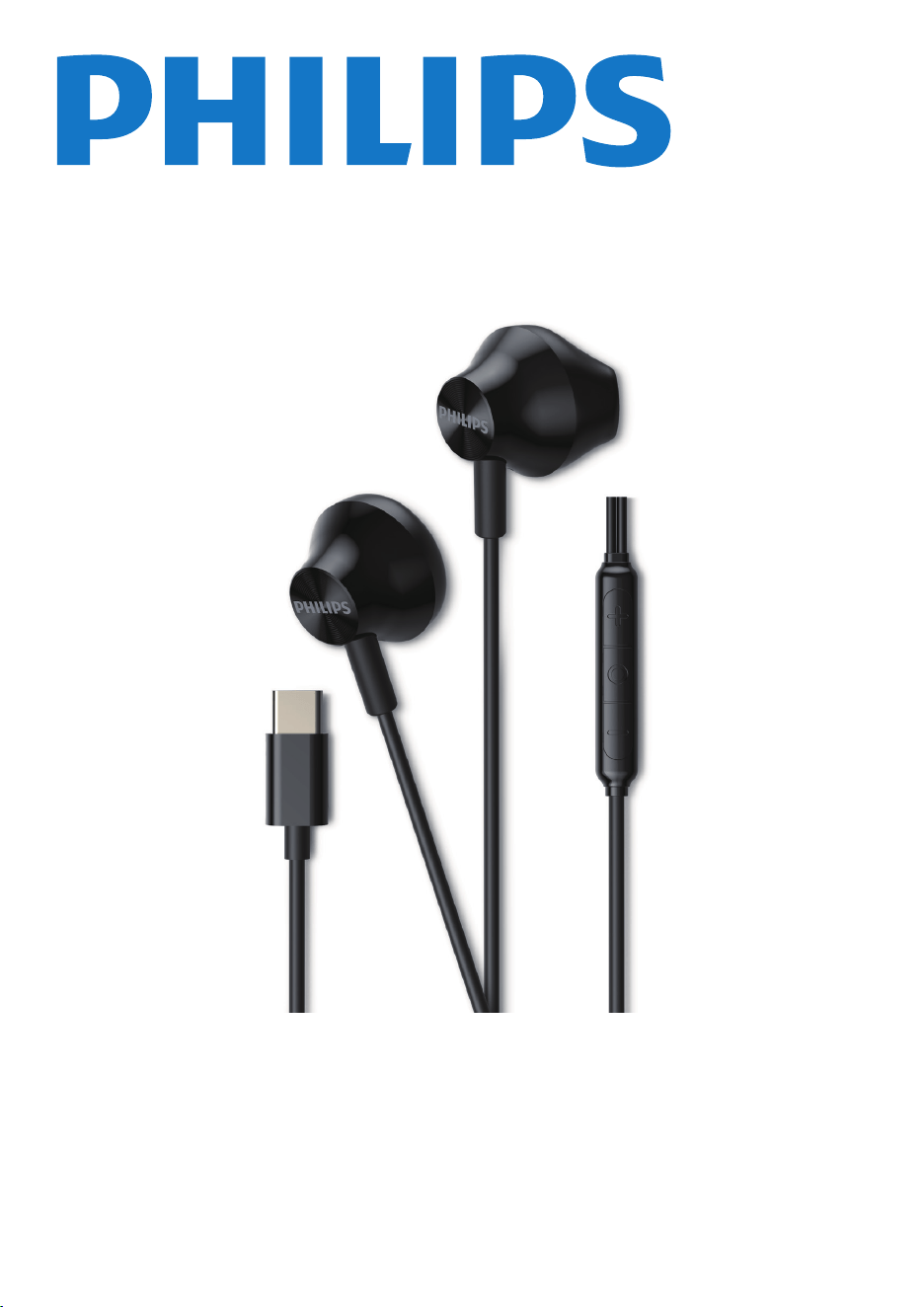
Headphones
TAE2000
User manual
Register your product and get support at
www.philips.com/support
2 EN
1 Important
safety
instructions
Be sure to observe the following guidelines when
using your headphones.
• Listen at reasonable volumes for reasonable
periods of time.
• Be careful not to adjust the volume
continuously upwards as your hearing adapts.
• Do not turn up the volume so high that you
can't hear what's around you.
• You should use caution or temporarily
discontinue use in potentially hazardous
situations.
• Excessive sound pressure from headphones
and headphones can cause hearing loss.
• Using headphones with both ears covered
while driving is not recommended and may be
illegal in some areas.
• For your safety, avoid distractions from music
or phone calls while in traffic or other
potentially dangerous environments.
Danger
To avoid hearing damage, limit the time you
use headphones at high volume and set the
volume to a safe level. The louder the volume,
the shorter the safe listening time is.
Hearing safety
General information
To avoid damage or malfunction:
Caution
Do not expose headphones to excessive heat.
Do not drop your headphones.
Headphones shall not be exposed to dripping
or splashing. (Refer to the IP rating of speci�c
product)
Do not allow your headphones to be
submerged in water.
Do not use any cleaning agents containing
alcohol, ammonia, benzene, or abrasives.
Use a clean, damp cloth to clean your
headphones - especially the sound conduits and
the microphone holes - regularly and avoid
buildup of substances such as sweat or earwax.
If any sweat or water droplets are left in the
sound conduits, air holes or microphone holes,
the sound level will temporarily drop or cut out
entirely. This is not a malfunction. Use a soft,
damp cloth to dry the headphones thoroughly.
Alternatively, remove the earbud tips, turn the
sound conduits downward and gently tap the
headphones about �ve times on a dry cloth or
similar to remove any water collected inside.
Be sure the headphones are completely dry
before charging and using. Avoid using
disposable alcohol pads or other substances for
cleaning.
The equipment is supplied only by external
power source which output capacity is less than
15W.
Operating and storage temperatures and
humidity
• Store in a place where the temperature is
between -20°C (-4°F) and 50°C (122 °F) with
up to 90% relative humidity.
• Operate in a place where the temperature is
between 0°C (32°F) and 45°C (113 °F) with up
to 90% relative humidity.
Disposal of your old
product
Your product is designed and manufactured with
high quality materials and components which can be
recycled and reused.
This symbol on a product means that the product is
covered by European Directive 2012/19/EU.
The symbol indicates DC voltage
3 EN
2 Your Earbud
headphones
with mic
What's in the box
Congratulations on your purchase, and welcome to
Philips! To fully bene�t from the support that
Philips offers, register your product at
www.philips.com/support.
With these Philips Earbud headphones with mic
you can:
• Enjoy powerful 14.2 mm drivers for dynamic
bass and clear sound
• Enjoy in-line integrated mic and pick-up
button for convenient calls
• Integrated microphone and call button
• Enjoy quality sound
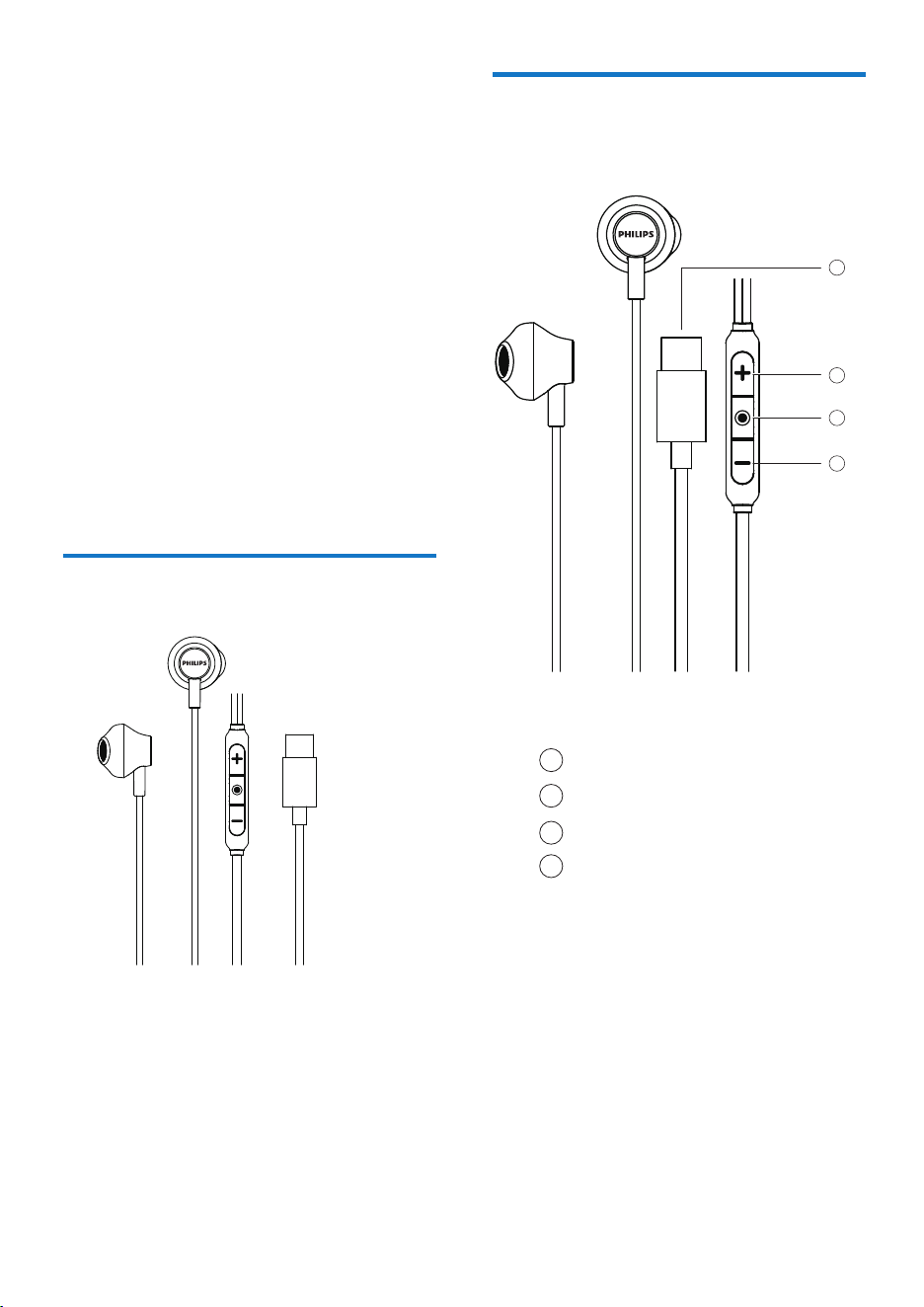
Earbud headphones with mic TAE2000
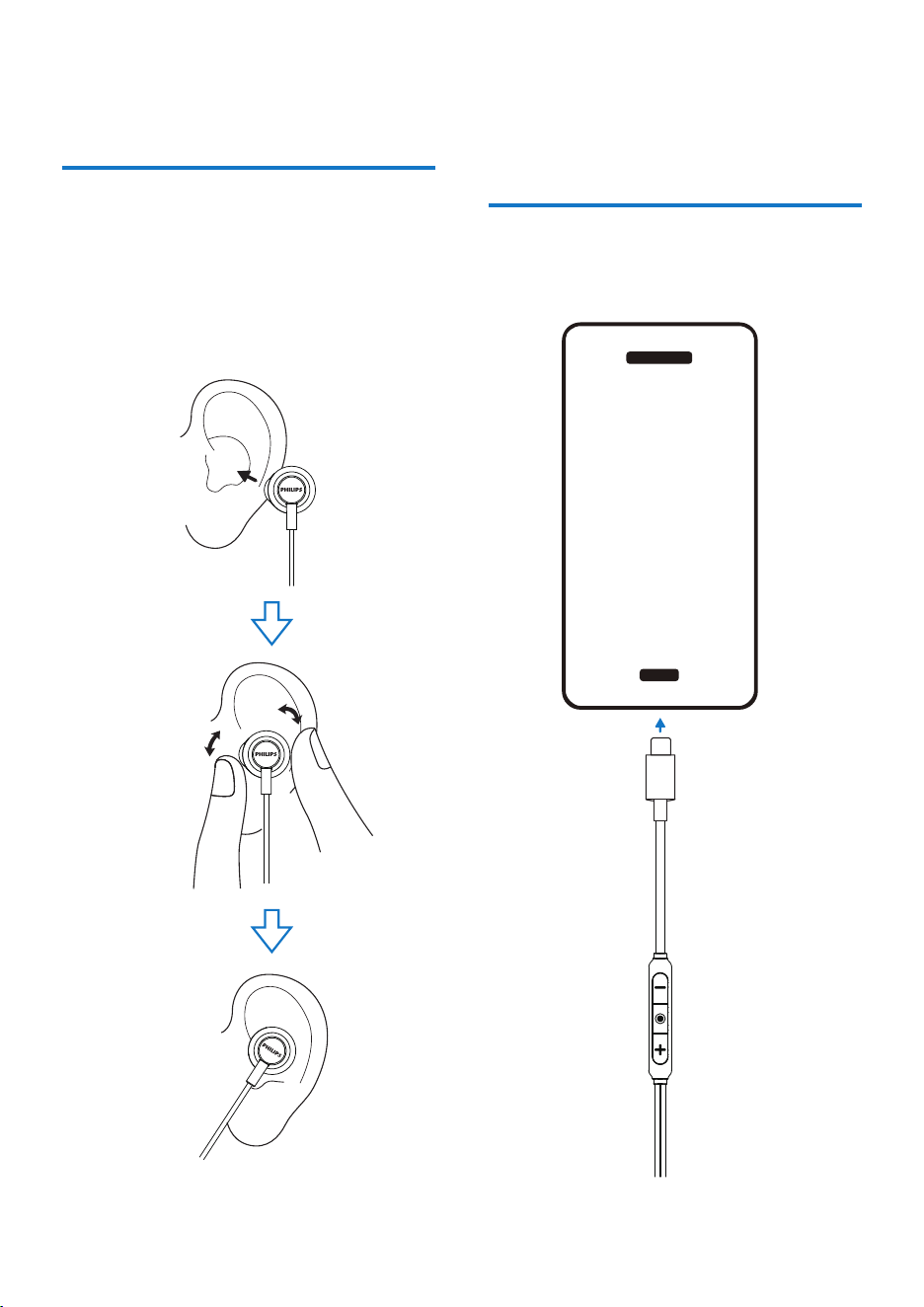
Overview of Earbud
headphones with mic
USB-C connector
Volume Up
MFB
Volume Down
2
1
4
3
1
2
3
4
4 EN
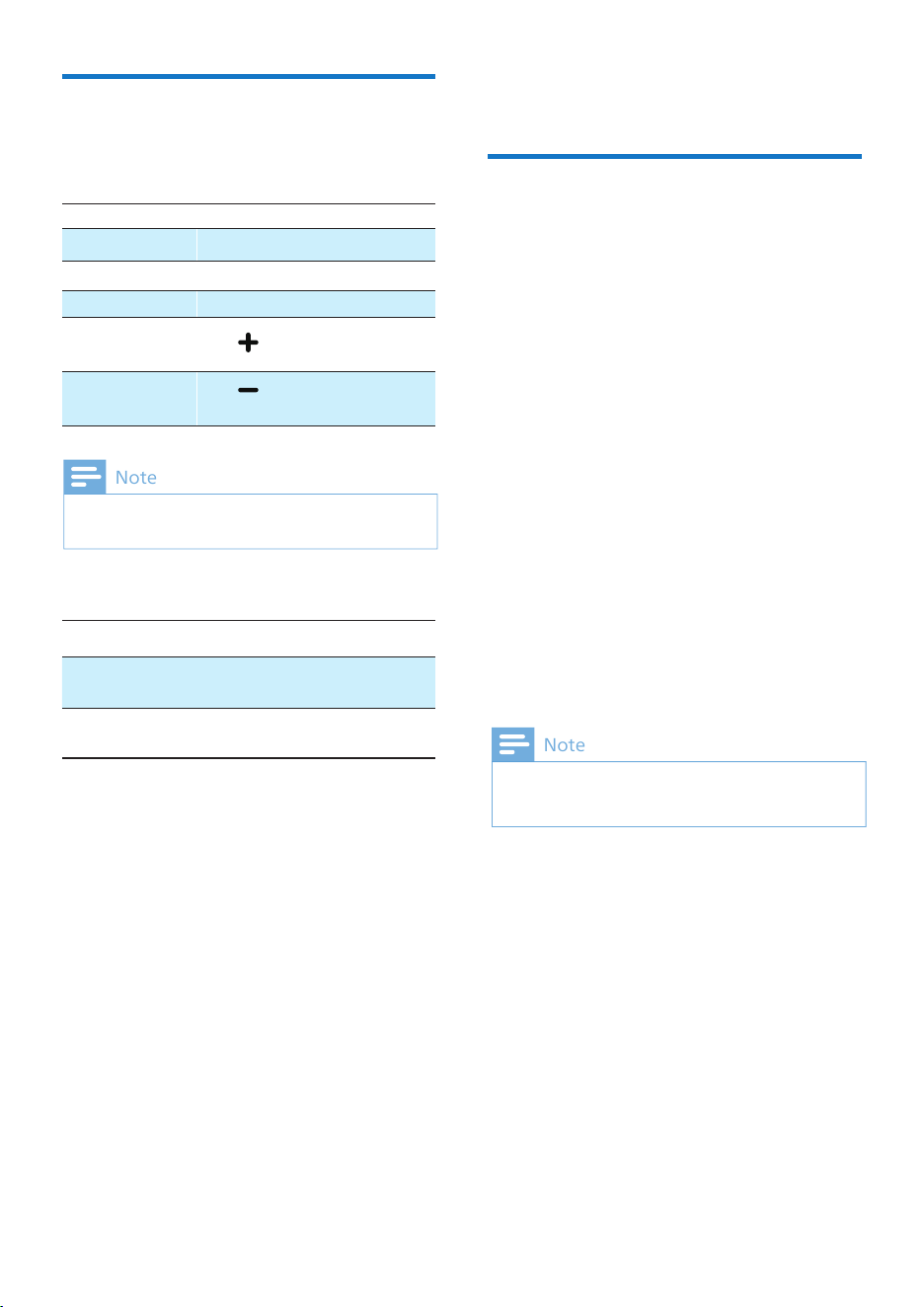
3 How to wear
1
2
Check left or right orientation of the
headphones.
Insert the headphones into the ears
and twist slightly until a secure �t is achieved.
4 Use your
headphones
Connect headphone to your device via USB-C
connector.
Call control
5 Technical data
• Frequency range: 20-20,000 Hz
• Speaker diameter: 14.2 mm
• lmpedance: 32 Ohm
• Maximum power input: 5 mW
• Sensitivity: 108dB (1kHz, 1mW)
Speci�cations are subject to change without
notice.
Note
5 EN
Sound
• Cable Connection: Two-parallel, symmetric
• Cable length: 1.2 m
• Microphone: Built-in microphone
• Connector type: USB-C
Conectivity
• Volume control
• Type of controls: Button
• Call control
• Play / Pause
Convenience
• Ear �tting: Earbud
Design
You will hear a tone that indicates when the volume
has reached maximum level.
Note
Manage your calls
and music
Music control
Play or pause music
Next track Double tap
Previous track
Triple tap
Adjust volume +
Tap once or
long touch
Tap once
Task
Button
Button
MFB
MFB
MFB
Operation
Pick up/
Hang up call
Reject call
Press and hold for
more than 2 seconds
Single tap
Task Operation
Adjust volume - Tap once then
long touch
MFB
MFB

UM_TAE2000_00_EN_V1.0
MMD Hong Kong Holding Limited. All rights reserved. Speci�cations are subject to change without notice. Philips
and the Philips Shield Emblem are registered trademarks of Koninklijke Philips N.V. and are used under license. This
product has been manufactured by and is sold under the responsibility of MMD Hong Kong Holding Limited or
one of its affiliates, and MMD Hong Kong Holding Limited is the warrantor in relation to this product. All other
company and product names may be trademarks of its respective companies with which they are associated.