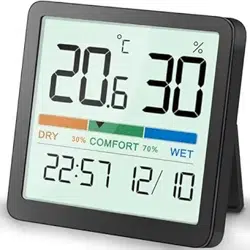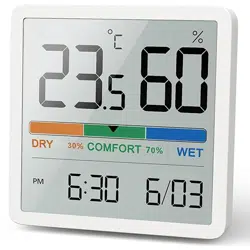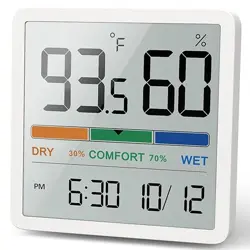
Date and Time Setting
→Go on
Chapter 1
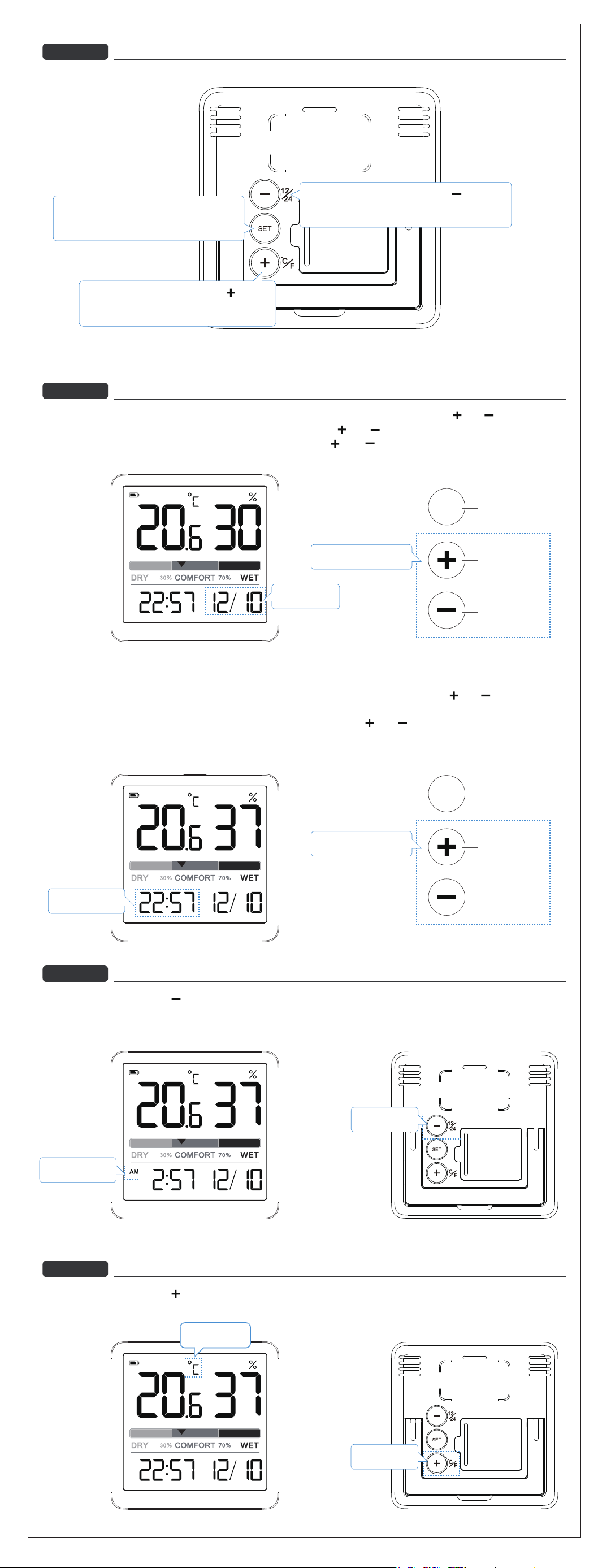
Back of MachineOverview
1. Press and hold the [ SET ] button to enter the DATE setting, the Year "2022" begins to flash, press the [ ] or [ ] to set the Year.
2. Press the [ SET ] button again, the Month "1" begin to flash, press the [ ] or [ ] button to adjust.
3. Press the [ SET ] button again, the Day "1" begins to flash, press the [ ] or [ ] button to adjust.
12/24 Hr ChangeChapter 2
Under normal using, Press the [ ] button to switch 12/24H time format.
Note: When the 12H time format is selected, the “AM” or“ PM” will display on the screen.
℉/℃ SwitchChapter 3
Under normal using, Press the [ ] button to switch temperature unit to °C/°F
4. press the [ SET ] button again, enter Time Setting, the Hour number "12" starts to flash, press the [ ] or [ ] button to
adjust the Hour.
5. Press the [ SET ] button again, the Minute digit "00" starts to flash, press the [ ] or [ ] button to adjust.
6. Press[ SET ] button to save Date and Time setting.
No operation 15S automatically can also save.
SET
1. On the normal using. press the [ ] button to
switch 12/24H time format.
2. On the time set, can set the date/time down
1. Under normal using, Press the [ ] button
to switch temperature unit to °C/°F
2. On the time set, can set the date/time up
Date Button
Plus Button
Minus Button
I’m the date.
I’m the time.
12/24 Hr Change
12/24 Hour
Change
℉/℃ Switch
Press and hold for
quick adjustment.
SET
Date Button
Plus Button
Minus Button
Press and hold for
quick adjustment.
℉/℃ Switch
1. Press and hold to enter the date setting.
2. After one setting done, Press again to
get the next setting.