Input Power 12Vdc
Standby Power <0.5W
RF Transmit Power 16.136dBm
Turn-on Delay Time < 0.5s
Wireless Frequency 2.4GHz
Wireless Range (Open Air) 500ft
Wireless Protocol Bluetooth 5.0
Keystone Technologies • Philadelphia, PA • Phone (800) 464-2680 • www.keystonetech.com
Specifications subject to change. Last revised on 02.11.26
Operating Temperature -30°C/-22°F to 55°C/131°F
Storage Temperature -30°C/-22°F to 85°C/185°F
Humidity 0-100%
Lifetime Rating 50,000 hours
Moisture and Dust Rating IP66
UL/cUL UL8750
FCC Part 15.247
Channel 1 Red
Channel 2 Green
Channel 3 Blue
Channel 4 Cool White
Channel 5 Warm White
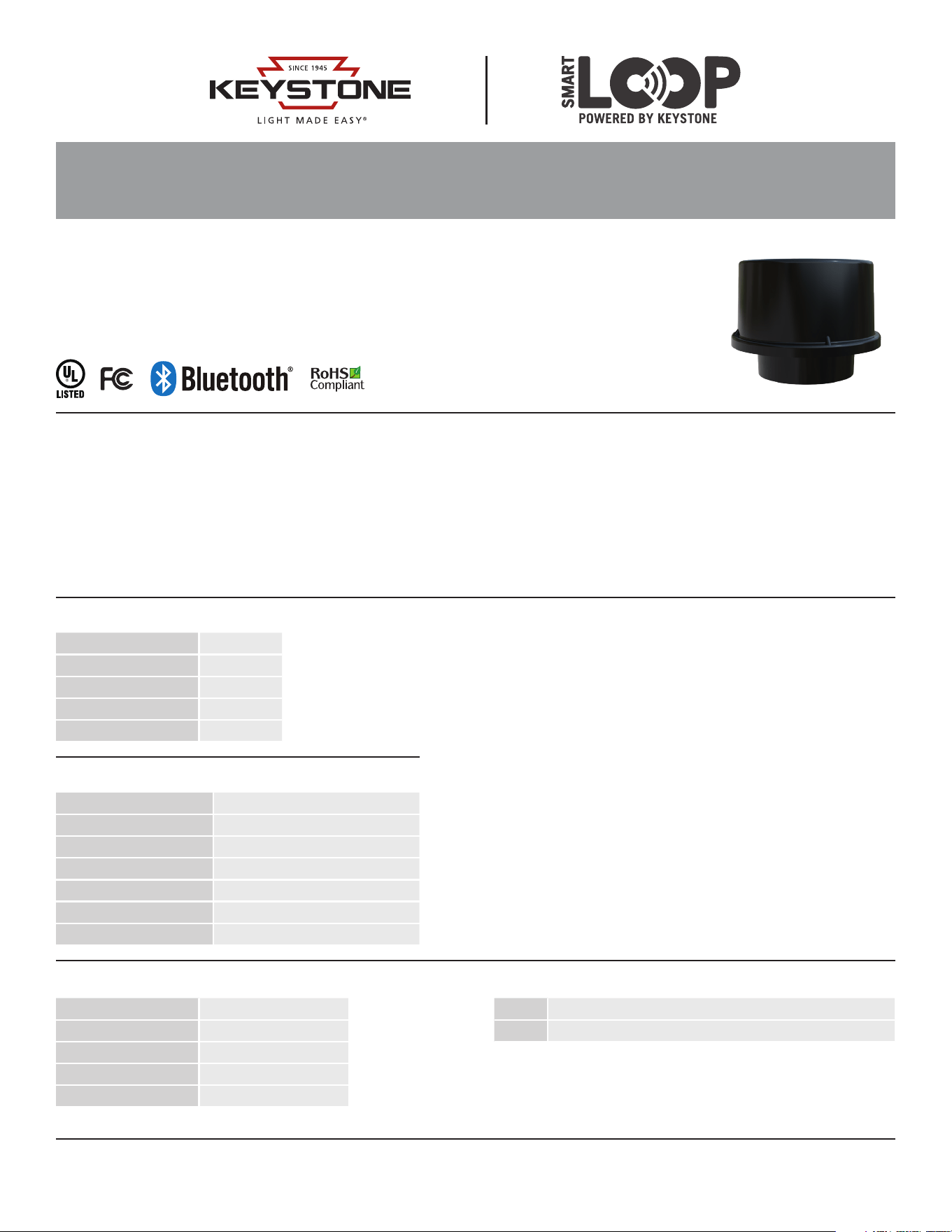
KTSL-DMXC3-LV-Z10
SMARTLOOP WIRELESS DMX CONTROLLER
DESCRIPTION
Bluetooth mesh wireless DMX controller for SmartLoop system
APPLICATION
Architectural Lighting, Landscape Lighting, Sign Lighting, Billboards
FUNCTIONALITY
This SmartLoop DMX controller allows DMX devices, ranging from 1 to 5
channels, to be controlled wirelessly via the SmartLoop control platform.
Features include ability to set desired color and intensity settings and
easily group devices together. Additionally the system allows for easy
creation of custom scenes and sequences, allowing the lighting devices to
be operated on a continuous playback loop featuring various user defined
colors and intensities with adjustable hold and fade times.
Devices are commissioning and de-commissioned just like standard
SmartLoop lighting controllers through the mobile app. See SmartLoop
user manual for full details. Additionally, controllers feature a hard magnetic
reset (hold strong magnet over the “magnetic reset” logo for 5 seconds to
restore the controller to factory settings).
• Wireless DMX controller optimized for use with various Keystone
DMX controllable RGBW fixture solutions.
• Programmable Scenes and Sequences
• Zhaga Z10 base for simple twist-on installation
• Suitable for indoor or outdoor use
• Compatible with most fixture types using the DMX512
communication protocol up to 5 channels
• Commissioned via SmartLoop mobile app for iPhone
• Controlled via SmartLoop mobile app, keypad, and sensors
• Utilizes Bluetooth mesh technology for reliable and secure
wireless communication
PRODUCT FEATURES
ELECTRICAL SPECIFICATIONS
ENVIRONMENTAL SPECIFICATIONS SAFETY AND EMC COMPLIANCE
DMX CHANNEL OUTPUTS
Page 1 of 3
Page 2 of 3
Keystone Technologies • Philadelphia, PA • Phone (800) 464-2680 • www.keystonetech.com
Specifications subject to change. Last revised on 02.11.26
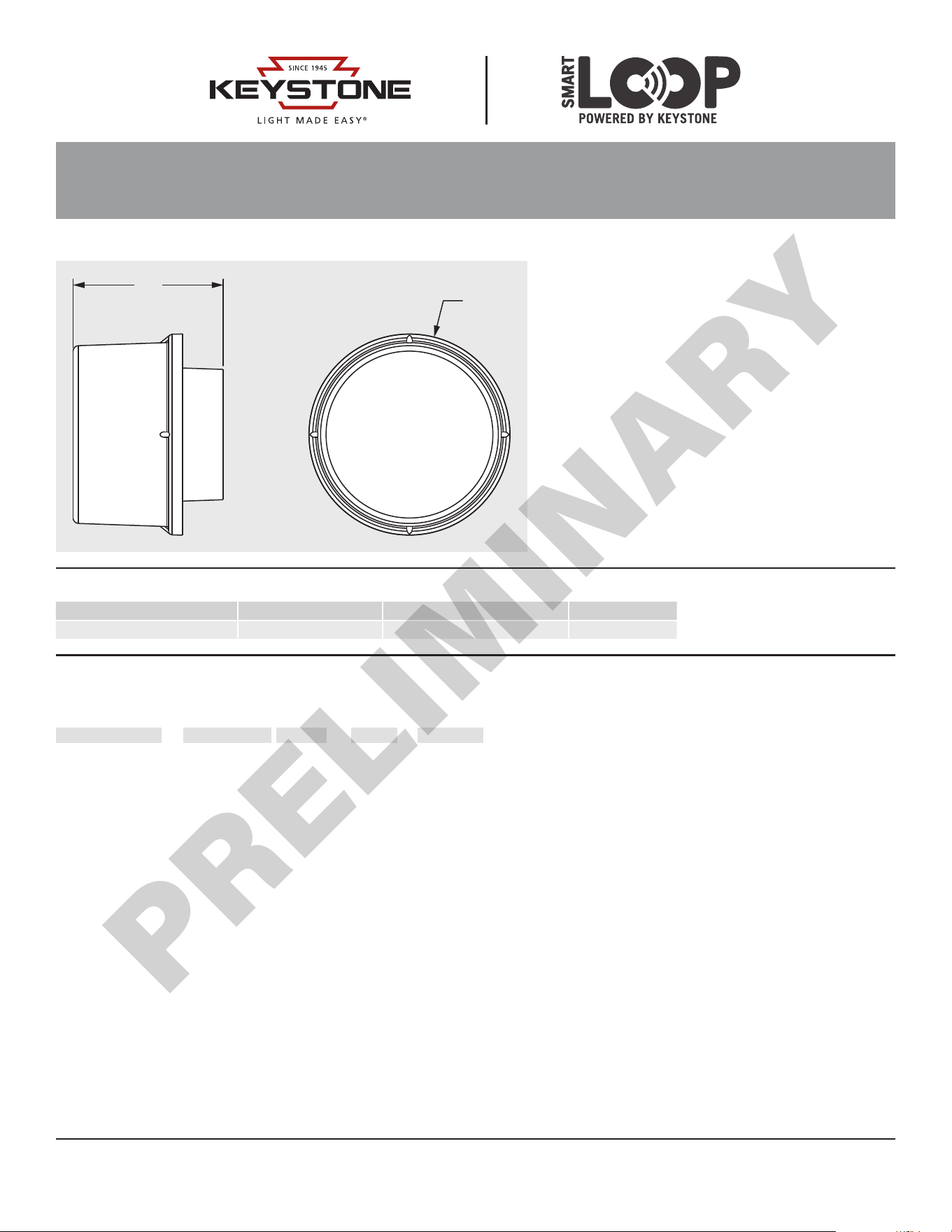
PHYSICAL SPECIFICATIONS
Ø2.17”
ORDERING INFORMATION
Order Code Pack Qty. UPC Easy Code
KTSL-DMXC3-LV-Z10 1 TBD TBD
CATALOG NUMBER BREAKDOWN
KTSL-DMXC3-LV-Z10
1 2 4 53
1 Keystone Technologies SmartLoop
2 DMX 512
3 Controller Style 3
4 Low Voltage
5 Zhaga Z10 Connection
1.62"
KTSL-DMXC3-LV-Z10
SMARTLOOP WIRELESS DMX CONTROLLER
PRELIMINARY

SAVE THESE INSTRUCTIONS
FCC STATEMENT
Changes or modifications not expressly approved by the party responsible for compliance could void the user’s authority to operate the
equipment.
This device complies with Part 15 of the FCC Rules. Operation is subject to the following two conditions: (1) this device may not cause
harmful interference, and (2) this device must accept any interference received, including interference that may cause undesired operation.
This equipment has been tested and found to comply with the limits for a Class B digital device, pursuant to part 15 of the FCC Rules. These
limits are designed to provide reasonable protection against harmful interference in a residential installation.
This equipment generates, uses and can radiate radio frequency energy and, if not installed and used in accordance with the instructions,
may cause harmful interference to radio communications. However, there is no guarantee that interference will not occur in a particular
installation. If this equipment does cause harmful interference to radio or television reception, which can be determined by turning the
equipment off and on, the user is encouraged to try to correct the interference by one or more of the following measures:
• Reorient or relocate the receiving antenna.
• Increase the separation between the equipment and receiver.
• Connect the equipment into an outlet on a circuit different from that to which the receiver is connected.
• Consult the dealer or an experienced radio/TVtechnician for help.
RF EXPOSURE
This equipment must be installed and operated in accordance with provided instructions and the antenna(s) used for this transmitter must
be installed to provide a separation distance of at least 20 cm from all persons and must not be co-located or operating in conjunction with
any other antenna or transmitter. End-users and installers must be provided with antenna installation instructions and transmitter operating
conditions for satisfying RF exposure compliance.
Keystone Technologies • Philadelphia, PA • Phone (800) 464-2680 • www.keystonetech.com
Specifications subject to change. Last revised on 02.11.26
Page 3 of 3
PRELIMINARY