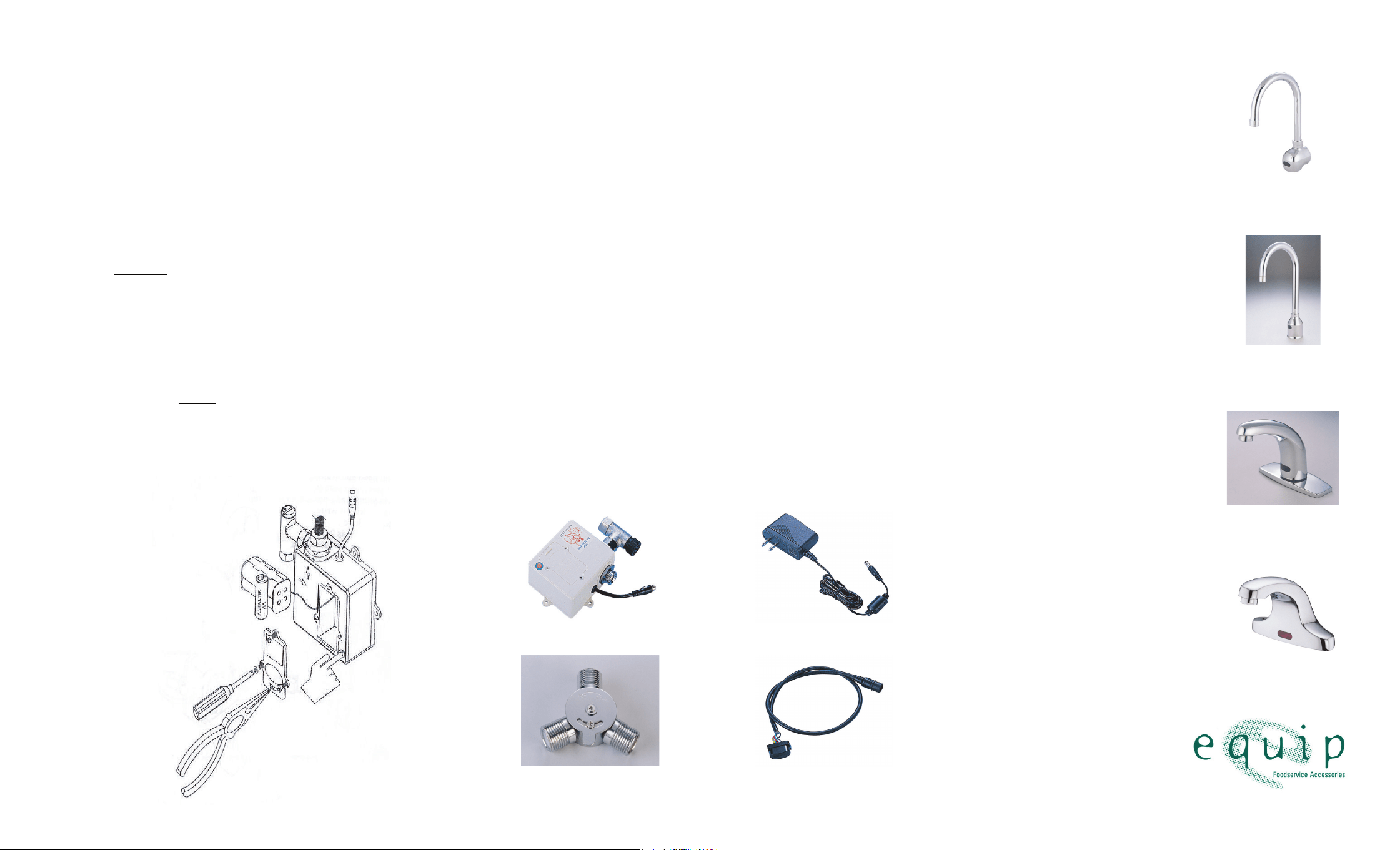
BATTERY INSTALLATION
1. Your sensor faucet requires four (4) AA alkaline batteries. If the
AC adapter is plugged in, unplug it from its power source.
2. With the help of a phillips screwdriver, remove the battery
cover’s three (3) fasteners and pull cover away from the control
box.
3. Remove the old batteries.
4. Install the new AA batteries, making sure that the + and – ends
are facing the correct direction. Return the battery cover to its
spot and tighten fasteners. If the AC adapter is unplugged, plug
it in at this time.
5. Press and hold the on/off button for 5-7 seconds. Water flow
will stop and the LED inside the electronic eye will blink on.
6. Release the on/off button. The LED should turn itself off,
signaling that the faucet is ready for setup.
7. Place your hand about two (2) inches from the electronic eye.
The LED will flash to signal that the sensor is “picking up” your
hand.
8. Move your hand slowly away from the electronic eye until you
have reached the desired sensor range distance, and hold it
there until the LED flashes.
9. Keeping your hand there, use your other hand to press the
on/off button to save the new range setting.
10. The default sensor range is 1-7”.
Q&A
1. Q: Can I operate the faucet manually, without using the electronic
eye?
A: Yes. Press the on/off button and water will start flowing. To
turn water off, press on/off button again. If you forget to turn the
water off, the faucet will automatically turn it off after 60 seconds.
2. Q:What is the optimal sensing distance?
A: About 2” from sensor.
3. Q: Does the electronic eye require special maintenance?
A: In order for the sensor to function, the electronic eye must be
clean. Use only mild soaps and water. Wipe with a soft cloth.
4. Q: How often should I clean the filter?
A: Depending on the quality of the water in your area, every 4-12
weeks.
5. Q:Why doesn’t the water shut itself off after I have moved my
hands away from the electronic eye?
A:Sensor range could be too long. User may have to adjust
sensor range.
6. Q: No water will come out of the faucet and the red LED stays on.
What is the problem?
A: Replace the batteries.
5EF-0001
USER’S GUIDE
EQUIP
TOUCH-FREE
SENSOR FAUCETS
Limited One Year Warranty
Equip warrants the original purchaser (other than
for purposes of resale) that such product is free
from defects in material and workmanship for a
period of one (1) year from the date of purchase.
During this warranty period, if the product is found
to be defective, equip shall, at its option, repair
and/or replace it. To obtain warranty service,
products must be returned to:
Equip Foodservice Accessories
Attn: Warranty Repair Department
P.O. Box 1088, 2 Saddleback Cove
Travelers Rest, SC 29690
Sh ipp in g, fr eig ht , i ns u ra nc e, a nd ot he r
transportation charges of the product to equip and
the return of repaired or replaced product to the
purchaser are the responsibility of the purchaser.
Repair and/or replacement shall be made within
a reasonable time after receipt by Equip of the
returned product. This warranty does not cover
items which have received secondary finishing or
have been altered or modified after purchase, or
for defects caused by physical abuse to or misuse
of the product, or shipment of the products.
Any express warranty not provided herein, and
any remedy for Breach of Contract which might
arise, is hereby excluded and disclaimed. Any
implied warranties of merchantability or fitness
for a particular purpose are limited to one year in
duration. Under no circumstances shall Equip be
liable for loss of use or any special consequential
costs, expenses or damages.
Some states do not allow limitations on how
long an implied warranty lasts or the exclusion or
limitation of incidental or consequential damages,
so the above limitations or exclusions may not
apply to you. Specific rights under this warranty
and other rights vary from state to state.
098-015286-45 Rev.0
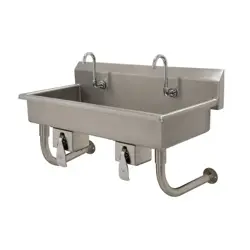
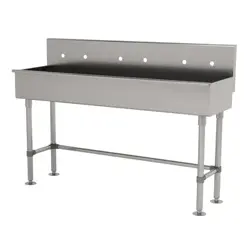
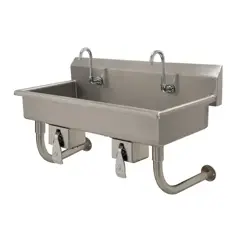
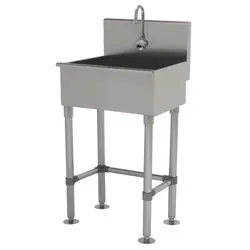
5EF-1D-WG
5EF-1D-DG
5EF-1D-DS
5EF-2D-DS
5EF-0002
5EF-0006 5EF-0003/5EF-0004
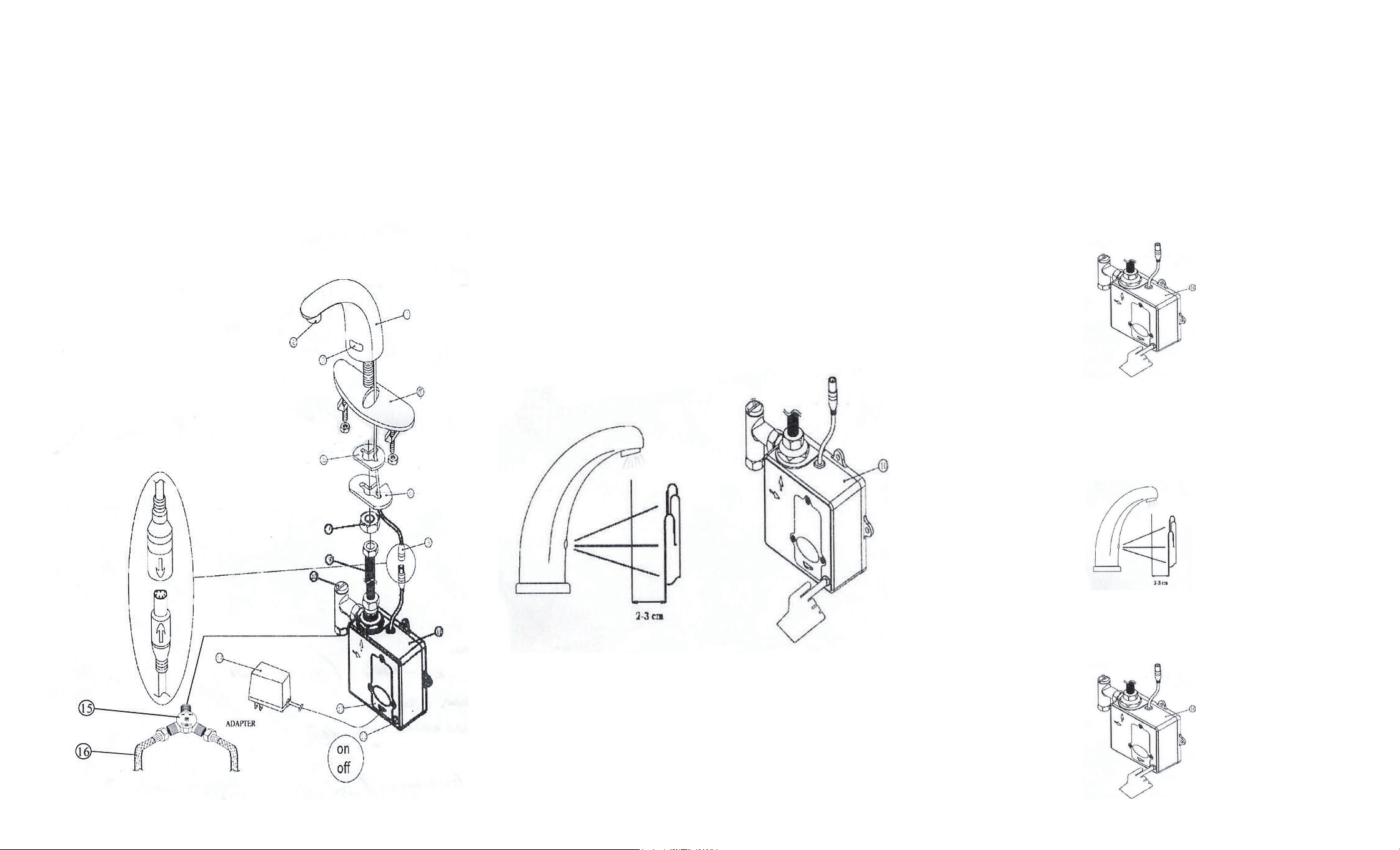
PART LIST
1. Main Body – Solid Brass
2. Spout
3. Infrared sensor eye
4. 4” cover plate (not included)
5. Washer
6. Brass washer
7. Basin nut
8. Connect Line Cable
9. Supply Hose
10. Filter
11. Control Box
12. Battery Cover
13. On/Off control button
14. Adapter: 100-240 VAC (option)
15. Mechanical Mixing Valve
16. Flexible inlet supply lines
OPERATION
1. Place hands under spout. Water will flow for as long as the user’s
hands remain within sensor range.
2. Clean filter every month.
3. Keep electronic eye cover clean.
4. Red flashing in the electronic eye indicates low batteries.
(Replacement batteries: Alkaline AA.)
5. Solid red light in the electronic eye and no water flow indicates
batteries are dead.
6. When used in conjunction with the optional AC adapter, the faucet
will automatically switch to AC power and conserve its battery
power.
Fresh alkaline batteries should last 400,000 on/off cycles.
Maximum Running Time: 60 seconds
Response Time: 0.3 seconds
Sensing Range: 1-7 inches from sensor
Power Source: AC and/or DC
Low Battery Indicator: Red LED on
SENSOR RANGE SETUP
1. AF-serial sensor range can only be set by using the on/off button
situated on the bottom right corner of the control box (see 2). Do
not attempt to open control box.
2. Push and hold the on/off button for 5-7 seconds. Water flow will
stop and the red LED light inside the electronic eye will blink on.
Release the on/off button. The LED should turn itself off, signaling
that the faucet is ready for setup.
3. Release the on/off button. The LED should turn itself off,
signaling that the faucet is ready for setup.
4. Place your hand about 2 inches from the electronic eye. The LED
will flash to signal that your hand has been “picked up” by the
electronic eye.
5. Move your hand slowly away from the electronic eye until you
have reached the desired distance, and hold it there until the LED
6. Use your other hand to press the on/off button to save the new
range setting.
7. The default sensor range is 1-7”.