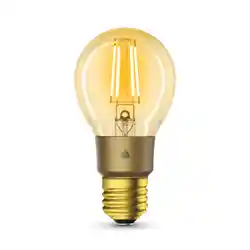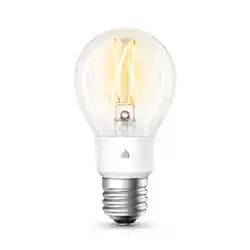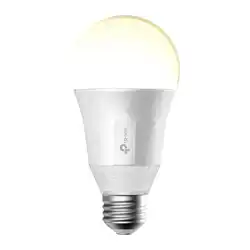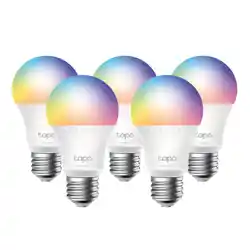
Smart Wi-Fi LED Bulb
Let’s get started with your new Smart Wi-Fi LED Bulb.
WELCOME TO K ASA
www.tp-link.com
Kasa
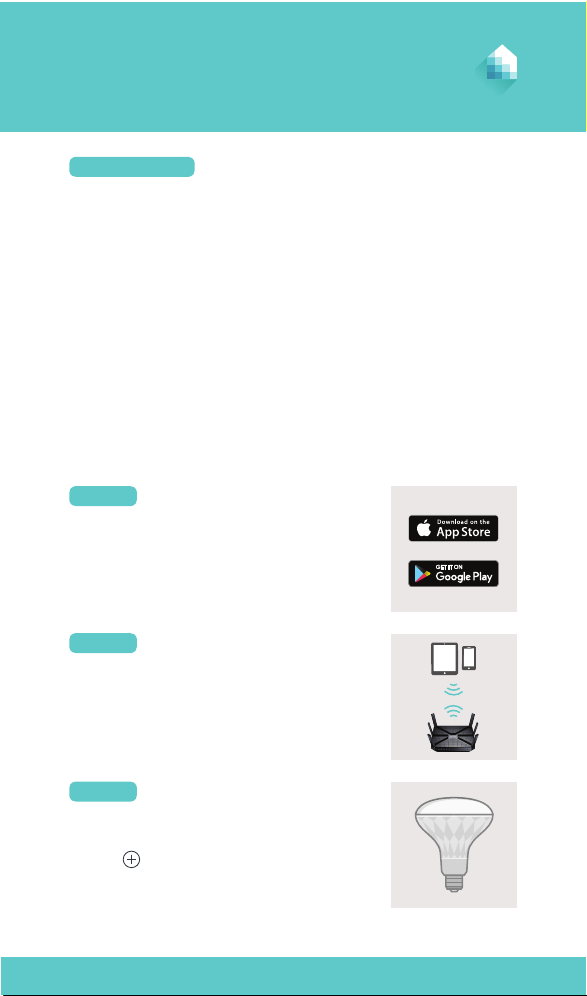
DOWNLOAD KASA
Get the Kasa for Mobile app from the Apple
App Store or Google Play.
STEP 1
Tap the button in the Kasa app and select
SMART BULB. Follow app instructions to
complete setup.
ADD TO KASA
STEP 3
Connect your mobile device to a 2.4GHz
Wi-Fi network.
CONNECT TO NETWORK
STEP 2
Before starting, read the following safety precautions:
• WARNING: RISK OF ELECTRIC SHOCK OR BURNS. Switch OFF the light
switch controlling the bulb and WAIT for the bulb to cool down before
attempting to change it.
• Do not install the Smart Bulb with wet hands or when standing on wet or
damp surfaces.
• Only use the control provided with or specied by the following
instructions to control this Smart Bulb. This Smart Bulb will not operate
properly when connected to a standard (incandescent) dimmer or
dimming control.
• Suitable for use in operating environment between -15°C and 40°C (5°F
and 104°F).
• NOT FOR EMERGENCY LIGHTING.
SAFETY FIRST
7106507776 REV1.0.2 © 2017 TP-Link. All rights reserved.
Need some help?
www.tp-link.com/support
?
TP-Link hereby declares that the device is in compliance with the essential requirements
and other relevant provisions of directives 2014/53/EU, 2009/125/EC and 2011/65/EU.
The original EU declaration of conformity may be found athttp://www.tp-link.com/en/ce.