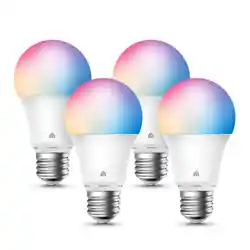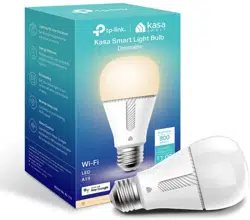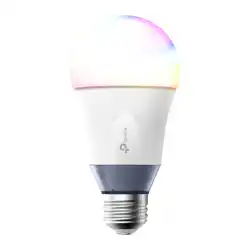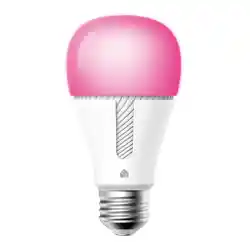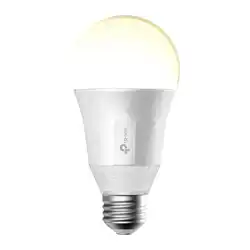
Kasa Smart Light Bulb Installation
Quick Start Guide
KB1XX Series
Important Information
Before installing or replacing the Kasa Smart Light Bulb, read and follow all
precautions, including the following:
• WARNING: RISK OF ELECTRIC SHOCK OR BURNS. Switch OFF the light
switch controlling the bulb and WAIT for the bulb to cool down before
attempting to change it.
• Do not install the Kasa Smart Light Bulb with wet hands or when standing on
wet or damp surfaces.
• Not suitable for use with standard in-wall dimmers. Dimmable via the app
only.
• Suitable for use in operating environment between -20°C and 40°C (-4°F and
104°F).
• NOT FOR EMERGENCY LIGHTING.
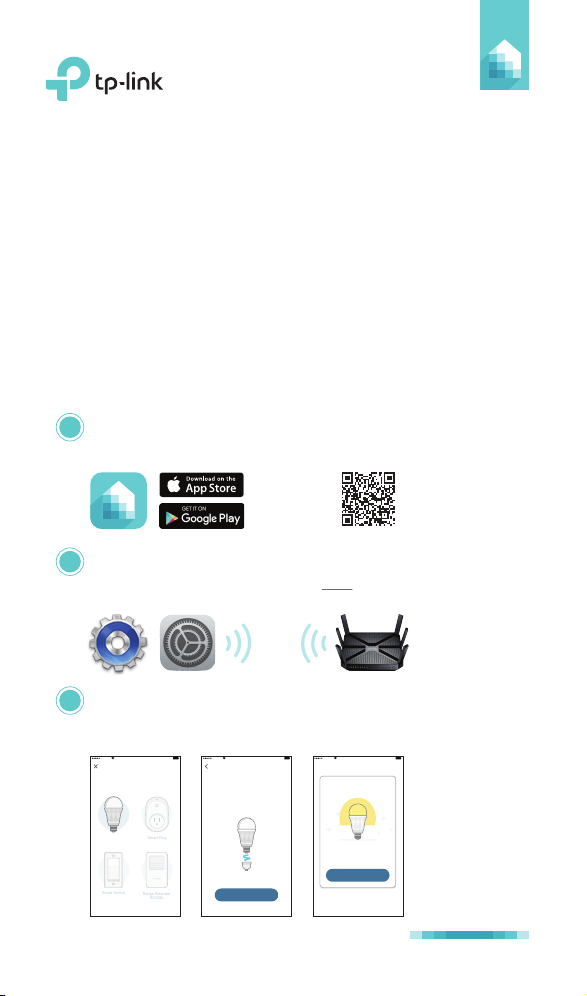
1 Download Kasa for Mobile from the App Store or
Google Play.
2 Connect your mobile device to a 2.4GHz Wi-Fi network.
Note: The Kasa Smart Light Bulb only supports 2.4GHz
networks.
3 Launch Kasa and follow the in-app instructions to
connect the Kasa Smart Light Bulb to your home
network.
OR
scan QR
code
7106507752 REV 1.0.0
Sketch 9:41 AM 100%
DONE
Great!
Your Smart Bulb is all set up. It is
now saved in your Device List.
Sketch 9:41 AM 100%
Install your Smart Bulb
First, make sure the power is off on
the light you’re replacing. Swap the
current bulb with your Smart Bulb.
NEXT
Add Device
Sketch 9:41 AM 100%
Smart Plug
Range Extender
RE350k
Smart Bulb
Smart Switch

Frequently Asked Questions
1. The Kasa Smart Light Bulb appears offline or unreachable,
what should I do?
• Check the light switch and make sure that it’s switched to
ON. The Kasa Smart Light Bulb requires an “always-on”
power supply to operate properly.
• Make sure you are connected to the same Wi-Fi network to
control it locally. To control the Kasa Smart Light Bulb
outside of your home, sign in to your Kasa account and
enable Remote Control.
• Reset the Kasa Smart Light Bulb and reconnect it to your
Wi-Fi network.
2. How do I reset my Kasa Smart Light Bulb?
• To reset without losing your configuration settings, turn the
light switch controlling the bulb to OFF first, then flip the
light switch on and off 3 times.
• To factory reset, turn the light switch controlling the bulb to
OFF first, then flip the light switch on and off 5 times. Note
that factory resetting the Kasa Smart Light Bulb will erase all
of your custom settings, and you’ll have to set it up again.
3. Can I control the Kasa Smart Light Bulb from multiple devices?
Yes. Download Kasa for Mobile to your devices and sign in
using the same Kasa account.
4. How do I pair the Kasa Smart Light Bulb with Amazon Echo?
Visit www.tp-link.com/en/faq-944.html or within the Kasa
Help section for pairing instructions.
© 2017 TP-Link. All rights reserved.
Specifications are subject to change without notice. TP-Link is a registered trademark of
TP-Link Technologies Co., Ltd.
App Store is a registered trademark of Apple Inc.
Google Play is a trademark of Google Inc.
www.tp-link.com
MADE IN CHINA
Support
Visit www.tp-link.com/support for technical support
and troubleshooting information.