3劲区R
E
M
E
.
PRINTER SLUG
DIGITAL LIFESTYLE ACCESSORIES
FOR TECH PACK
BRAND: XTREME
ADDITIONAL PRINTING PROCESSES:
CATEGORY: Audio
UV SPOT: GLOSS
METALLIC FOIL:
FILE NAME: XBE9-1043_Use『Manual
DEBOSS:
ITEM NUMBER: XBE9-1043
EMBOSS:
VARNISHING TECHNIQUE: MAE LAMINATION
PRESS WORK: PRINT 1 /1. TRIM TO SIZE, SCORE,
PRESS SPEC COLOR REFERENCES
FOLD WHEN SPECIFIED
SCALE:100%
口 DIELINE
ASSEMBLED PACKAGE DIMENSIONS (In Inches)
■ GLOSS UV SPOT
WIDTH:3"
I
EMBOSSING (RELIEF)
HEIGHT: 4.9"
■ DEBOSSING (SUNKEN)
DEPTH:
DIELINE OVERALL DIMENSIONS (in Millimeters)
.I -
,
I FOLDING LINE
WIDTH: 78.065mm
·-·
俨
一
勹
HEIGHT: 124.873mm
, , PRODUCT PLACEMENT
• 一�
MANUAL MATERIAL, THICKNESS & SIZE
■ FOILING
SUBSTRATE TYPE:
■ GLUE FOLD
MAE ART PAPER C2S, 100gsm
■ 020mm SECURI STICKERS PLACEMENT
WINDOW:
r-
,
INNER TRAY:
1
1
BLISTER OR INNER TRAY PLACEMENT
•-·
BLISTER:
,-,
1 1 CLOTH LIFT TAG
•-·
PLASTIC BAG:
MAGNET:
ADDITIONAL PANTONE COLORS (NOT CMYK)
VELCRO:
SOLID COLOR NAME:
SECURI STICKERS:
NEON COLOR NAME:
HANG TAB COLOR/ MATERIAL/SIZE:
METALLIC COLORS:
FOAM
VENDOR'S FOIL NAME/NUMBER:
CORRUGATED BOARD:
PAPERBOARD:
FILE SAVED AS:
USER MANUAL: PRINT 1/1 IN BLACK ONLY
.al= FULLY EDITABLE
-OUT.ai = OUTLINED
PACGING TYPES
.pdf = Acrobat
.
j
pg =
Flat
ima
ge
FOLDING CARTON:
.png = DIGITAL (transparent background)
FOLDING CARTON WITH DOOR PANEL:
RIGIT GIFT BOX:
APPROVAL CHECKLIST:
CLAMSHELL:
PRIMARY DESIGNER: Rita Manuan
SLIDING/SLIPCASE:
DATE: 12/08/2025
SECONDARY DESIGNER:
TRAPPED BLISTER CARD
DATE:
BLISTER CARD:
PROOF READ:
OTHER:
DATE:
APPROVED BY:
DATE:
AUTHORIZATION
SIGNATURES:
Press Ready Artwork.
DO NOT PRINT THIS LAYER:
Printer Slug
PRINTABLE LAYER:
Manual Artwork
When lded, please make sure that this
title page is visible and not lded inside.
FRONT PAGE
OPERATIONS
叨ERON, To turn on the ea「buds, simply remove them from the
charging case. They will power on automatically, enter Bluetooth search
mode, and provide a voice prompt "Power On" with lights ashing
Alternatively, 1f the earbuds are off and outside the case, press and hold
the button for 5 seconds. The same voice prompt and LED 1nd1cator
pattern will confirm they are powering on
PER OFF: The earbuds can be turned off 1n the following ways
Return to Case or Hold button for 5s
NOTE: When powering off, both earbuds will turn o but when powering
on, you have to turn on each earbud Individually
BLUEH IRI心
The earbuds first pa1rw1th each other when powered on, then go into
pairing mode (The main earbud indicated light fast ash, while the
secondary ears have no lights.)Turn on Bluetooth on your phone and
connect to "Xtreme XBE9-0143-BLK" or "Xtreme XBE9-0142-RSG'
NOTE:
, Earbuds will automatically 「econnectto the device 11 back w1th1n
effective range wrthin -5 minutes. If not, manual connection 1s required
Earbuds auto power off aer 5 minutes of disconnection
, The earbuds will enter the disconnected state 11 they move out of
Bluetooth range or if Bluetooth is manually turned off on the phone. In
this state, the earbuds will go back into Bluetooth pairing mode
MUSIC MODE
Play/Pause, Double-p「essle or right touch cont「ola「ea
Previous Track, Triple-press left touch control area,
Ne Track, Triple-press right touch control a「ea
CALL MODE
Answer/End, Double-press left or right touch control area
Reject Call: Press and hold left or nght touch control area for 2 seconds,
with an audible prompt
Voice Assistant I Sirl, Quadruple press le or right touch central area
You will hear a tone to confirm the act1vat1on
FCC STATEMENT
Any changes or modifications not expressly approved切theparty
「espons心lefor compliance could void this user's authority to operate
the equipment.
This device complies with part 15 of the FCC Rules. Operation is
sub1ect to the following two cond1t1ons
.
(1) This device may not cause
harmful interference, and (2) this device must accept any 1nte「ference
「eceived, including interference that may cause undesired operation
Note
.
This equipment has been tested and found to comply with the
limits for a Class B digital device, pursuant to Part 15 of the FCC Rules.
These limits are designed to provide reasonable protection against
harmful interference in a residential installation. This equipment
generates, uses, and can radiate radio frequency energy and, if not
installed and used 1n accordance with the 1nstruct1ons, may cause
harmful interference to radio communications. However, there is no
gua「anteethat interference will not occur in a particular installation. If
this equipment does not cause harmful interference to radio or
telev1s1on reception, which can be determined切turningthe
equipment off and on, the user is encouraged to try to cor「ect
interfe「enceby oneo「 more of the following measures
• Reorient or relocate the receiving antenna
·Increase the sepa「ationbetween the equipment and receiver
• Connect the equipment into an outlet on a ci「cuit different
from that to which the receiver is connected
• Consult the dealer o『an experienced「ad10/technician fo『help
FCC Radiation Exposure Statement
Thisequ,pm的t complies with FCC radiation exposure limits set forth
for an uncont『olledenvi『onment
@
( GoGetXtreme
)
。
ONE YEAR LIMITED WARRANTY
Xtreme war「ants,ts products for one year against defects in
manufacturing under regula「 consumeruse with ong,nal 「eceiptof
retail pu「chase. We believe 1n ou「 p「oductsand want to provide you
with a replacement, if needec, but we have to know about the problem
while the produ如sstill uncer warranty. If you discover a defect
covered by this warranty,
please contact us about rece1v1ng a
replacement. In o「de「touse the products war「antythecuster must
provide proof of the retailers receipt
• Any customers outside of the U S. will be responsible for sh1pp1ng
and handling charges if a replacement is required that is not due to a
manufacturing defect If there 1s not a manufacturing defect, shipping
and handling will be applied
Xtreme's warranty 1s hmrted to our products only. Our wa「『anty does
not cover the「eplacement o『repair cost of anyth1「d-partyaccessory,
electronic device or personal property. Fo「instructionsabout how to
obtain warranty service for you「product, please contact Customer
Service, [email protected]
Scan the QR code below, or on the front
of this manual to eend your warranty
from 1 Year to 2 Year Limited.
Scan to Extend
Your Warranty
>
J:
(
TREM
E'"
SOUND
TRUEREL响STEREO
STRYD
OPEN -EAR BUDS
WITH CHARGING CASE
User Manual V1.01225
855.999.8041 I WWW.XTREMECABLES.COM
Scan ta Extend
Your Warranty
BACK PAGE
SAFETY AND CARE INSTRUCTIONS
INTRODUCTION
PRODUCT DESCRIPTION
Read all the instructions before using the product and then sto「ethem
for future reference
• Noise 1s measured 1n decibels (dB) Long-term exposure to noise
levels of 85 dB or higher can gradually cause hearing loss. To protect
your hearing, monitor your usage the louder the sound, the shOer the
time you should be exposed to it Conversely, the soer the sound, the
longer you can listen safely For more 1nformat1on on safe listening
levels and other important safety gu1del1nes, please v1srtthe Consumer
Electronics Association website at wwwce org For detailed information
on preventing no1se-1nduced hearing loss (NIHL) and a comprehensive
list of harmful noise levels, v1s1t the Foundation for the study of the
Hearing Impairment at wwwdrf org
• Turn d叨,n the volume on the ea「budsbefo「e turning on audio p
layback.
• This product 1s not a toy Do not allow children or others who recuire
superv1s1on to use the product unsupervised
This product contains a non-replaceable rechargeable lithium-polymer
battery. Whe吨scard1ng, fa眙w your local/state guidelines
• Do not use abrasive cleaning solvents to clean the un代
• Disconnect the USB cable once the product is fully charged
• Do not expose to heat sources or leave in a location that is likely to
get excessively hot.
• Do not let the product get wet
• Do not disassemble
• Performance can be affected by the environment or when the
product becomes discharged
• Interruption can be caused by obstacles between the product and
the Bluetooth device, by W1-F1 or other high frequency signals, or 1f
the product is brought out of range of the Bluetooth device
• Charge fully before storing for a long period. Note, L1th1um-polymer
batteries will self-discharge over time
To ensure battery life, do not store the product 1n an uncharged state
for a length of time. If le in a discharged state for too long a
lithium-polymer battery will no longer have the ability to be「echarged
Thank you for choosing the Xtreme STYRD Open-Ear Buds Designed
for active lifestyles, they keep you aware of your surroundings while
dehvemg crisp, immers1ve sound With all-day comfort, intuitive
controls, and a sleek charging case, you『mus1c m切eswith
you-anywhere
FEATURES
• Open ear design sits securely and comfortable outside your ea「
• Listen to music and take calls without blocking the ambient nrnse
around you
·One touch control to pl可
,
pause and an刮ver calls
• Travel-friendly cha「gingcase to recha「ge your buds on the go
SPECIFICATIONS
Material
.
ABS
Earbuds Baery capacity : 28mAh
Cha「ging Sp
ecification
.
5V/0.2A
Cha「ging Case:200mAH
Speaker Specication: F14.2mm, 320, 105dB土3dB
Bluetooth Range
.
33
Playback Time: 6-10 hours (at 70% volume)
Cha「ging Time: 2 hours
USB Charging Cable Length: 11 8们
WHAT'S INSIDE
• Open Ea「 Buds
•Cha『gingCase
·US8-C Charging Cable
·User Manual
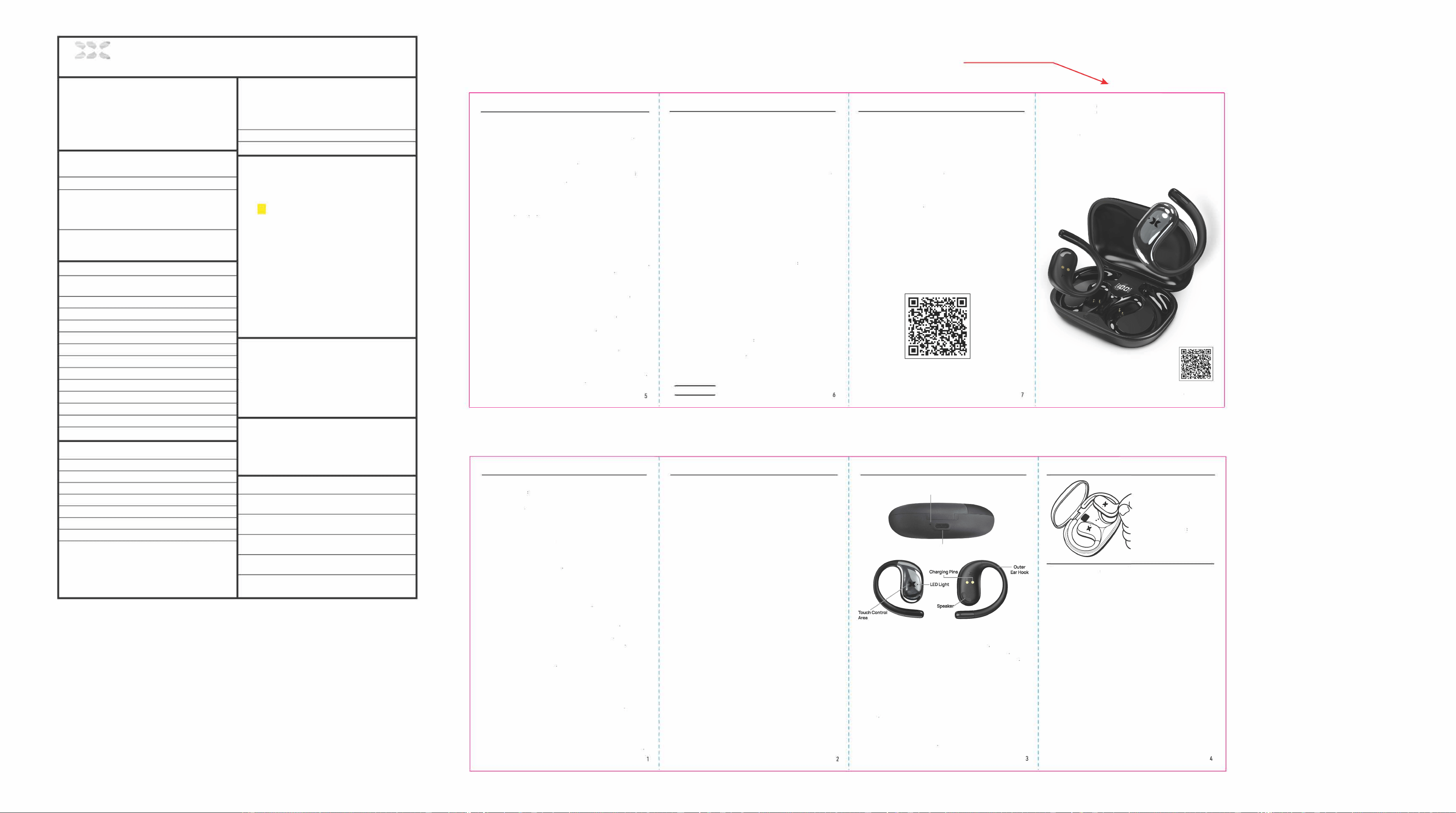
LED Light
USB-C Charging
Our view of earphone
Inner view of earphone
·Carefully remove the components from the packaging
• Remove the earbuds from the charging case to power them on
• Remove the protective tape from the charging pins befo「efirst use
·Your earbuds come fully charged so you can use them immediately
HOW TO WEAR YOUR EARBUDS
H TO CHARGE
Charging Case: To charge your ea『buds, you must first make sure the
case 1s fully charged Insert the USB-C end of the included cha「g1ngcable
into the USB-C port on the charging case Plug the other end into an
appropriate power source. The LED indicator light will blink to indicate it is
charging
Earbuds: Your earbuds will automatically charge when placed cor「ectly in
the included charging case. The LED 1nd1cator light on the earbuds will
glow to 1nd1cate they are charging
TIP, When placing you『
earbuds in the cha「gingcase,
they must be pos1t1oned
correctly as shown
These earbuds feature an open-ear design with a tail that hooks around
your outer ea「fo「 securityand comfort. Use the following diagram to fit
them car「ectly
言氖言三�"�
Once theta ii 1s securely hookeo a「oundyour outer ea「. you can gently
「epos,tionthe bud as needed for comfort and improved sound quality
3
4
XBE9-0143-BLK
FCC ID:2AHAS-XBE90143ER
FCC ID:2AHAS-XBE90143EL