HOYS22A
Digital
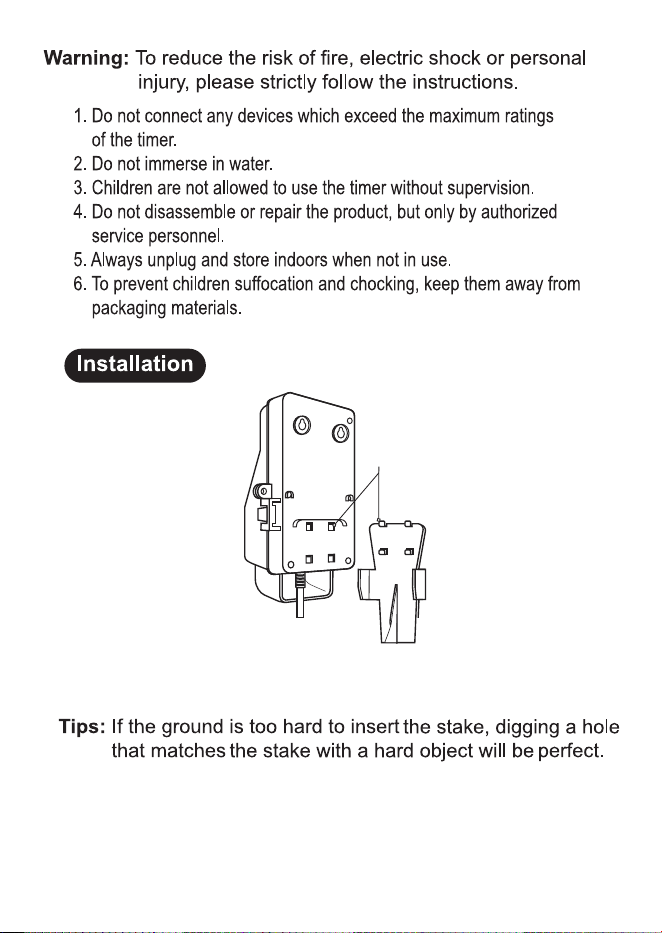
Align four tabs on stake with four holes on back of timer. Push
tabs down, then up, until they lock into place. Shown as Figure
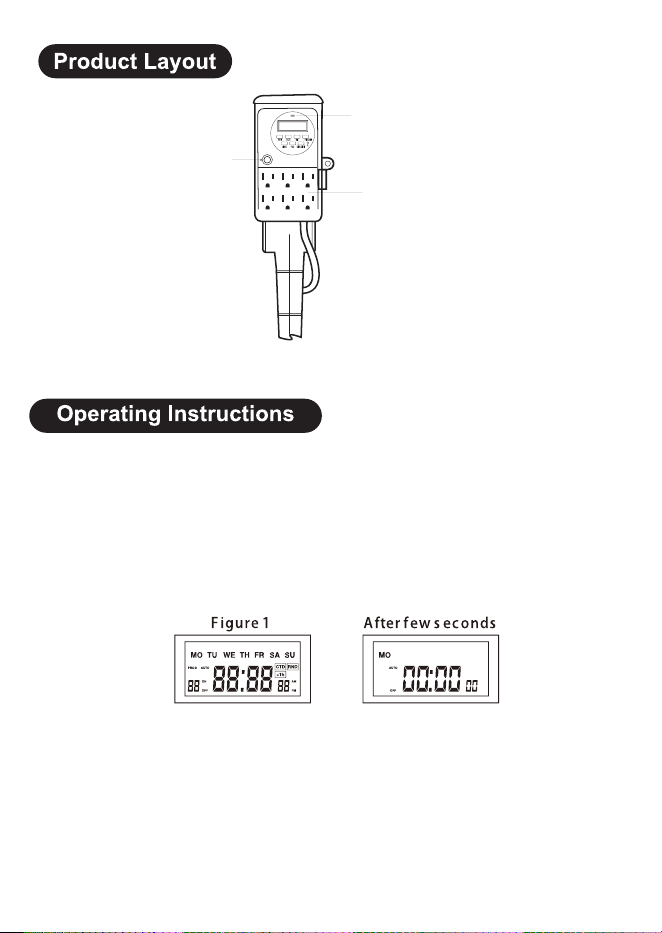
Before programming, all settings should be reset. The reset hole which is
identified by “R” is just located below the “R/RECALL” button. Use a paper
clip or ball point pen to stick it. See Figure 1.
1. Reset
Before initial use, plug the timer in for at least 30 minutes to charge the
internal battery. After the screen displays, the unit is ready for programming.
2. Set the Current Time
a. Keep the “CLOCK” button pressed the entire setting operation.
b. Press the “HOUR” button to set hours.
c. Press the “MIN” button to set minutes.
d. Press the “WEEK” button to select the correct day of the week.
e. Release the “CLOCK” button. The time will be set.
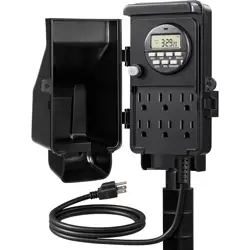
Overload Protection
Switch
Indicator
Outlets
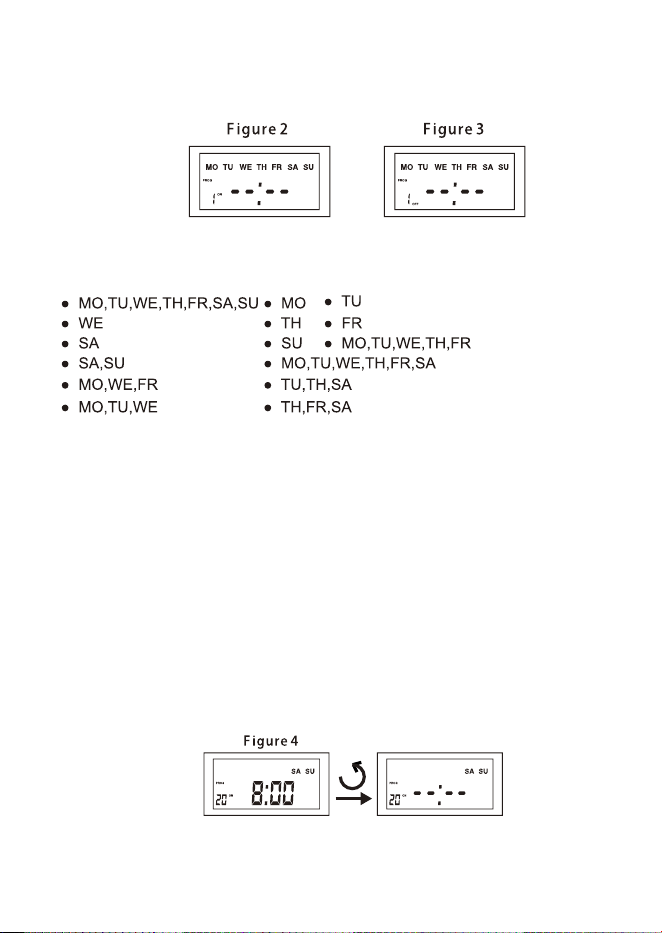
a. Press the “PROG” button once , Figure 2 will appear. There are a total
of 20 ON/OFF settings.
3. ON/OFF Program Setting
b. Press the “HOUR” or “MIN” buttons to set ON time.
c. Press the “WEEK” button to select the day(s).
d. Press the “PROG” button to save and proceed to the “1 OFF ” setting.
See Figure 3
e. Repeat steps a-e to set ON/OFF times. Press the “PROG” button again
will advance to the other 19 ON/OFF settings.
Note:Timer should operate in the “AUTO ON” or “AUTO OFF” mode.
See “Switching Mode Indication” section.
4. Reset Button
a. Press the “PROG” button to select the ON/OFF setting that needs to be
changed.
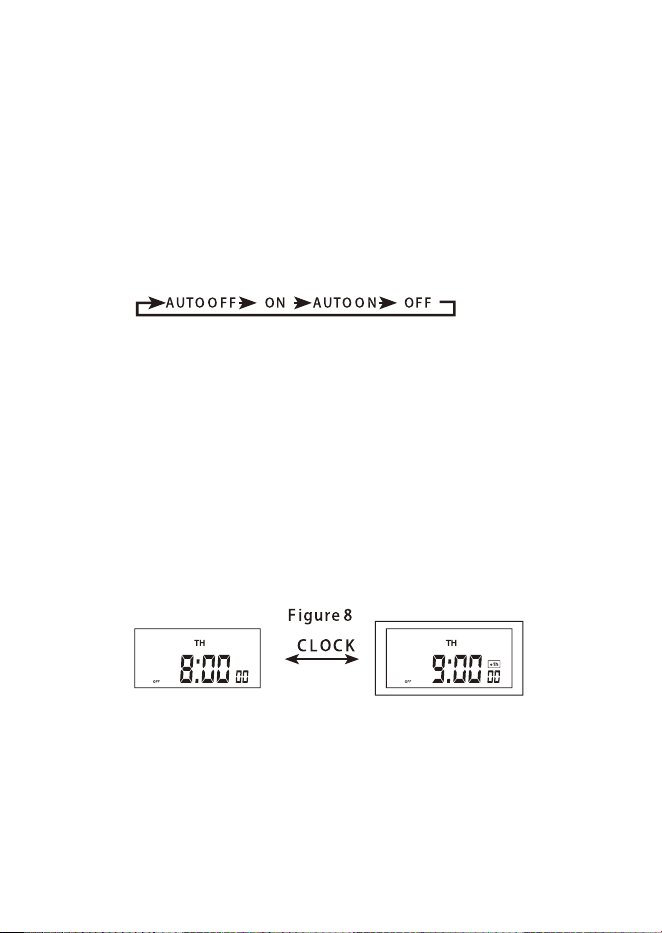
b. Press the “ R/RECALL” button to reset the current ON/OFF setting (See
Figure 4) without having to scroll through all the hours.
5. Switching Mode Indication
The actual mode is shown on the display as “ON”, “AUTO ON”, “OFF”, or
“AUTO OFF” together with the time of day. Press the “ON/AUTO/OFF”
button to adjust to the desired setting mode.
6. Manual Override Setting
As an independent programming, it is possible at any given time to advance
to the next switching command by constantly pressing the “MANUAL” button,
as shown below:
ON = Always ON;
OFF = Always OFF;
AUTO ON = Timer is ON currently and ON/OFF program is activated.
AUTO OFF = Timer is OFF currently and ON/OFF program is activated.
7. Daylight Saving Time (DST)
Press and hold the “CLOCK” button for 3 seconds to advance to the current
time 1 hour, “+1h” icon will appear on the display. Press and hold the
“CLOCK” button for 3 seconds again to decrease 1 hour and the “+1h” icon
will disappear. See Figure 8.
8. Power Back-up Feature
In the event of a power failure, the timer will retain its settings for an
estimated 3 months if the power backup is fully charged.
15A Resistive
1000W Tungsten
1 HP
14/3C
E-
I
5