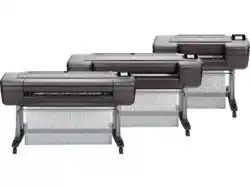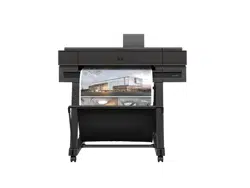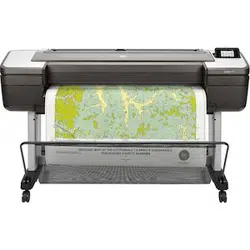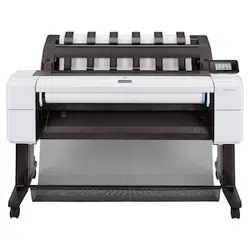

Connect Your Large Format Printers
User Guide
SUMMARY
Leanr more about connecting to large-format printers.

About this edition
© Copyright 2025 HP Development
Company, L.P.
Edition 1, August 2025
Legal notices
The information contained herein is subject to
change without notice.
The only warranties for HP products and
services are set forth in the express warranty
statements accompanying such products
and services. Nothing herein should be
construed as constituting an additional
warranty. HP shall not be liable for technical
or editorial errors or omissions contained
herein.

Table of contents
Connect your large-format printers .................................................................................................................................................. 1
Option 1: Claim the printer through a supported portal............................................................................................................................................1
Option 2: Access data through HP SDKs and APIs.......................................................................................................................................................1
Need additional help? ..........................................................................................................................................................................................................................2
iii

Connect your large-format printers
If no printers appear in your account, it may be because the printer has not yet been associated with
your HP account, or because the available options for accessing data do not apply to your specic printer
model.
This document outlines the different paths by which you can try to access your printer data.
Option 1: Claim the printer through a supported portal
To access printer data, the printer must be associated with your HP account through one of various
portals.
The appropriate portal depends on your printer type. Not all printers are compatible with all portals.
● HP PrintOS: https://www.hp.com/go/printos
For HP Latex printers. You can use your HP PrintOS credentials to register and manage supported
devices.
● HP Smart app: https://hpsmart.com/
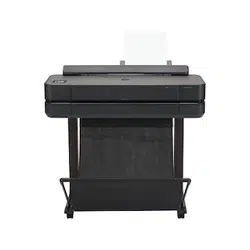
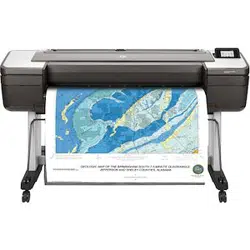
For the HP DesignJet T100/T200/T500/T600/T700/T800 series.
● HP Smart admin portal: https://hpsmart.com/admin
For the HP DesignJet T850/T870/T950 series. You can connect by using the Printer Pairing option in
the printer’s Embedded Web Server or control panel.
● HP Command Center: https://hp-commandcenter.com
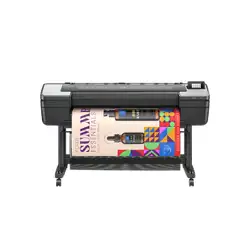
For the HP DesignJet XL 3800 series. You can connect by using the Printer Pairing option in the
printer’s Embedded Web Server or control panel.
After claiming your printer in one of these portals, return to the data portal and refresh the page. If the
printer is compatible with the selected portal, it should now appear there.
Option 2: Access data through HP SDKs and APIs
If the portals above are not appropriate for your printer, you may be able to access data using HP’s
developer tools. They are designed for IT professionals and developers.
Developer tools you can explore
● HP LFP SDK: https://developers.hp.com/lfp
Connect your large-format printers
1

Enables integration with HP multifunction printers. Useful for retrieving device data and building
custom workows.
This option is ideal for advanced use cases or when portal-based claiming is not available for your printer
model.
Need additional help?
Before contacting support, make sure:
● You are signed in with the correct HP account.
● The printer is connected to the Internet.
● You have tried all applicable portals and tools listed above.
If you still need assistance, contact HP Support.
2
Chapter 1 Connect your large-format printers