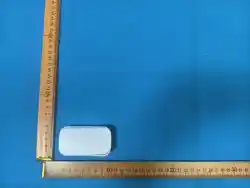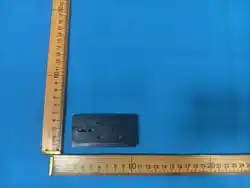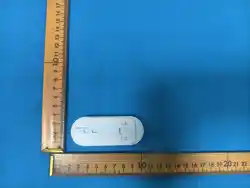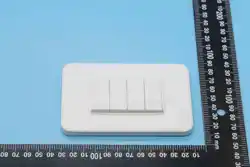
+
1
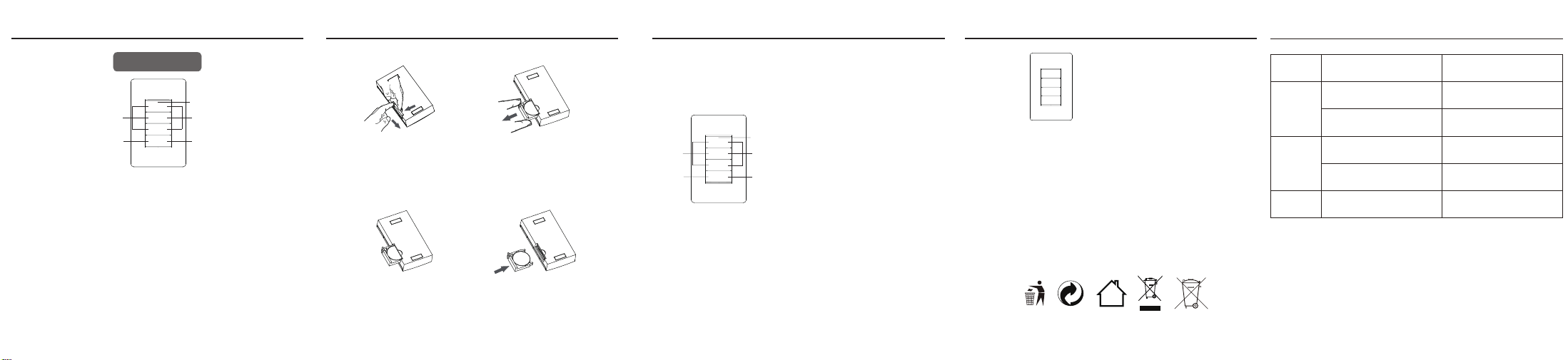
PRODUCT STRUCTURE
Remote controller
32 4
INSTRUCTIONS
5
PRODUCT SPECIFICATION
Frequency: 433.92MHz
Model: 50208USA
Working temperature: 0℃~35℃
Working voltage:1x3V CR2032
Standby current:﹤5μA
FAULT ANALYSIS AND SOLUTION
Problem Possible Cause Solution
The pairing failed.
The indicator light
of the transmitter
does not flash
The battery is not sufficient
The installation of batteries is not correct
Replace with a new battery
One switch button
controls multiple
outlets
Multiple outlets are paired with the
switch button
Clear all pairs of the socket and then
re-pair to the corresponding switch buttons
Remove the battery and reinstall it
again to make sure the contact is good
Re-pair the receiver and transmitter again
The transmitter is too far from the receiver
or there is a metal obstacle near the
The receiver does
not work
receiver's mounting location
Reduce the distance between the remote
control and the receiver or move the
metal barrier between them
BATTERY INSTALLATION
① ②
Install the battery
③
Install the battery cover
④
Open the battery cover Remove the battery cover
FCC ID:RHT208
A
ON OFF
B
C
ALL
Indicator light
A
ON OFF
B
C
ALL
ALL On ALL Off
Off
On
Indicator light
A
ON OFF
B
C
ALL
ALL On ALL Off
Off
On
1.Remote control operation method
Example: Press the AON key to turn on the device, press the AOFF key to turn off
the device.
Example: Press the ALLON key to turn on all devices, press the ALLOFF key to
turn off all devices.
+
+
PRECAUTIONS
8
PRECAUTIONS PRECAUTIONS
9 10
Model:50208USA
Remote Controller User Guide
• Always install batteries with the correct polarity (+ and –), as shown in the battery compartment.
• Notice! If the battery is incorrectly installed, there is a danger of explosion.
• When replacing the battery, only use the same type of battery.
• Store the battery in a well-ventilated and dry place.
• If you do not use the device for a long time, remove the battery.
• Risk of explosion! Do not use other reagents to charge or reactivate the battery, and do not
disassemble, throw into fire or short-circuit the battery.
• Remove the used battery from the device and dispose it immediately.
• If the battery leaks, remove it from the battery compartment with a cloth,dispose the battery
properly. If battery acid leaks, avoid contact with skin, eyes, and mucous membranes. If you come
into contact with acid, immediately rinse the affected skin thoroughly with water and consult a doctor.
• Do not expose the battery to extreme temperatures such as direct sunlight or fire. Do not place the
device on the heater. Leaking battery acid can cause damage.
7
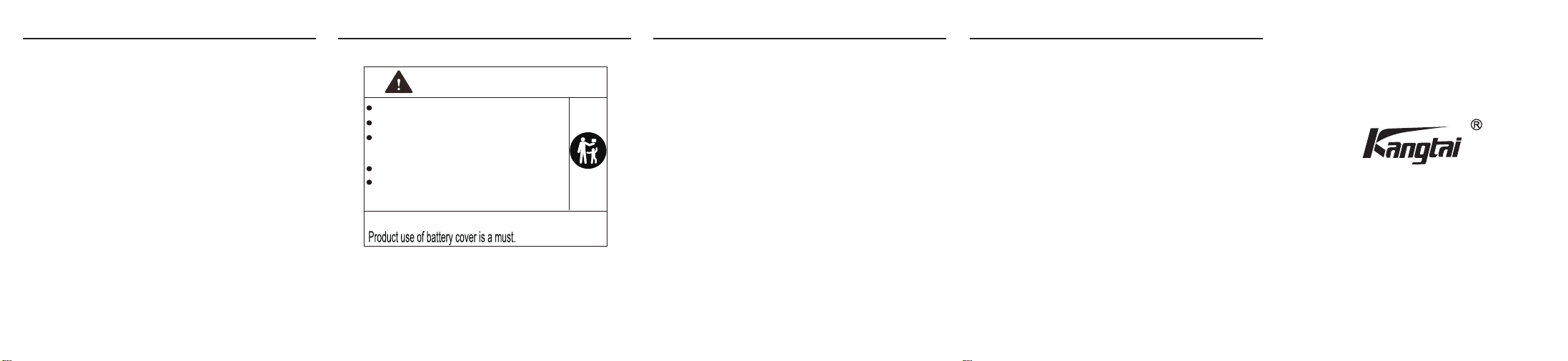
WARNING:
Remove and immediately recycle or dispose of used batteries according to local regulations and keep
away from children,
Do NO
T dispose of batteries in household trash or incinerate.
Even used batteries may cause severe injury or death
If the coin-cell battery is swallowed or placed inside any part of the body, call a local poison control
center for treatment information.
The non-rechargeable battery is not to be recharged.
Do not force discharge, recharge, disassemble,
heatabove 60°C (140°F) or incinerate.
Doing so may result in injury due to venting,
leakage or explosion resulting in chemical burns.
Coin-cell Battery Type: CR2032 Nominal Voltage: 3.0Vdc
INGESTION HAZARD: This product contains a button cell or coin battery.
DEATH or serious injury can occur if ingested.
A swallowed button cell or coin battery can cause Internal Chemical
Burns in as little as 2 hours.
KEEP new and used batteries OUT OF REACH of CHILDREN
Seek immediate medical attention if a battery is suspected to be
swallowed or inserted inside any part of the body.
WARNING
FCC Statement
This equipment has been tested and found to comply with the limits for a Class B digital device,
pursuant to part 15 of the FCC Rules. These limits are designed to provide reasonable protection
against harmful interference in a residential installation. This equipment generates, uses and can
radiate radio frequency energy and, if not installed and used in accordance with the instructions,
may cause harmful interference to radio communications. However, there is no guarantee that
interference will not occur in a particular installation. If this equipment does cause harmful
interference to radio or television reception, which can be determined by turning the equipment
off and on, the user is encouraged to try to correct the interference by one or more of the following
measures:
•Reorient or relocate the receiving antenna.
•Increase the separation between the equipment and receiver.
•Connect the equipment into an outlet on a circuit different from that to which the receiver
is connected.
•Consult the dealer or an experienced radio/TV technician for help.
Caution: Any changes or modifications to this device not explicitly approved by manufacturer could
void your authority to operate this equipment.
This device complies with part 15 of the FCC Rules. Operation is subject to the following two
conditions: (1) This device may not cause harmful interference, and (2) this device must accept
any interference received, including interference that may cause undesired operation.
RF Exposure Information
The device has been evaluated to meet general RF exposure requirement.
The device can be used in portable exposure condition, compliance with exposure requirements.
PRECAUTIONS