4
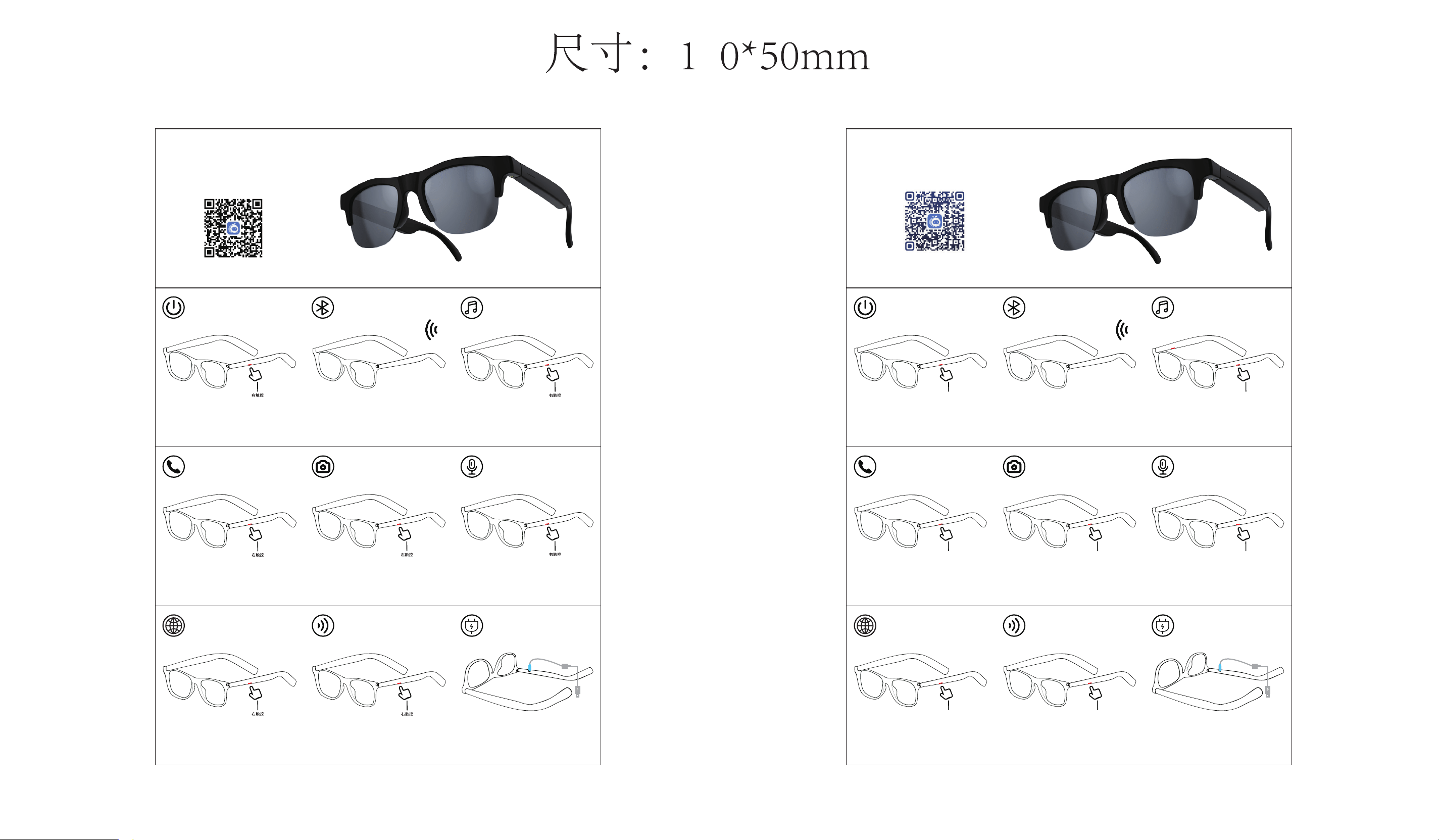
开关机
开机:长按3秒开机
关机:长按5秒关机
连接
打开手机蓝牙,搜索设备名称Glasses-D12,
并链接。
开机后3秒自动回连配对过的手机注:
音乐暂停/播放:触摸点击右侧1下
音乐切换:触摸点击右侧3下,切换下一曲
音乐
电话
来电接听/挂断:触摸点击右侧1下
拒接电话:长按右侧2秒
(注:通话音量大小可在手机上调节
)
拍照:在手机打开相机状态下,
单击右侧拍照
拍照 唤醒语音助手
唤醒语音助手:长按右侧2秒唤醒
(注:单击取消语音助手)
中英文语音切换:触摸点击右侧4下
中英文语音切换
音量增加:触摸点击右侧2下
(注:音乐音量大小也可以在手机上调节
)
音量
Type-C:充电时显示红灯,
充满时显示蓝灯长亮
充电
Switch Machine
Right touch
Switch on: Long press 3 seconds to switch
on
Switch off: Long press 5 seconds to switch
off
Pairing
turn on the Bluetooth of the mobile phone, and
search for Device name Glasses-D12 and link to it.
The device is automatically reconnected to
paired phones 3 seconds after booting.
Note:
Music pause/play :
Touch right side 1 time
Music Switching :
Switch to the next song:Touch on the Right
side 3 times
Music
Right touch
Phone
Phone Answer/Hangup: Touch right side 1 time
Rejection of calls: long press on right side for 2 seconds
(Note: The volume of the call can be adjusted on
thephone)
Right touch
Take a photo
Right touch
Take a photo:
Tap right side to take a photo when
the camera is turned on in the mobile phone.
Voice assistance
Wake up Voice assistant : long press right
side for 2 seconds to wake up
(
Note:
Touch once to cancel the voice assistant)
Right touch
Chinese and
English switching
Right touch
English and Chinese voice switching:
Touch right side 4 times.
Volume
Right touch
(
sound increases: Touch on the Right touch 2 times
Note:
Music volume can also be adjusted on
mobile phones)
Charge
blue light stays on when
full.
Red light during charging
Type-C:
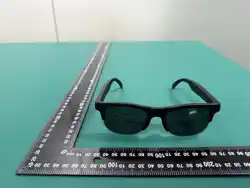
智 能 眼 镜
使用指南
SMART GLASSES
User Manual
智能AI扫码下载APP
Smart AI Scan QR Code to Download App

This device complies with part 15 of the FCC Rules. Operation is subject to the
following two conditions: (1) This device may not cause harmful interference, and (2)
this device must accept any interference received, including interference that may cause
undesired operation.
Any Changes or modifications not expressly approved by the party responsible for
compliance could void the user's authority to operate the equipment.
Note: This equipment has been tested and found to comply with the limits for a Class B
digital device, pursuant to part 15 of the FCC Rules. These limits are designed to
provide reasonable protection against harmful interference in a residential installation.
This equipment generates uses and can radiate radio frequency energy and, if not
installed and used in accordance with the instructions, may cause harmful interference
to radio communications. However, there is no guarantee that interference will not
occur in a particular installation. If this equipment does cause harmful interference to
radio or television reception, which can be determined by turning the equipment off and
on, the user is encouraged to try to correct the interference by one or more of the
following measures:
-Reorient or relocate the receiving antenna.
-Increase the separation between the equipment and receiver.
-Connect the equipment into an outlet on a circuit different from that to which the
receiver is connected.
-Consult the dealer or an experienced radio/TV technician for help.
FCC Radiation Exposure statement
The device has been evaluatec to meel general RF exposure requirement. The device
can be used in portable exposure condition without restriction.

