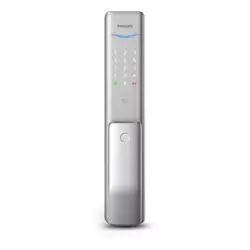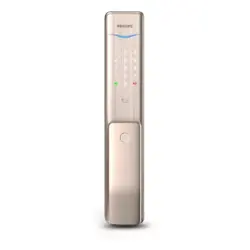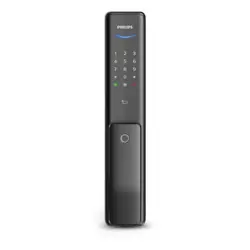
EasyKey
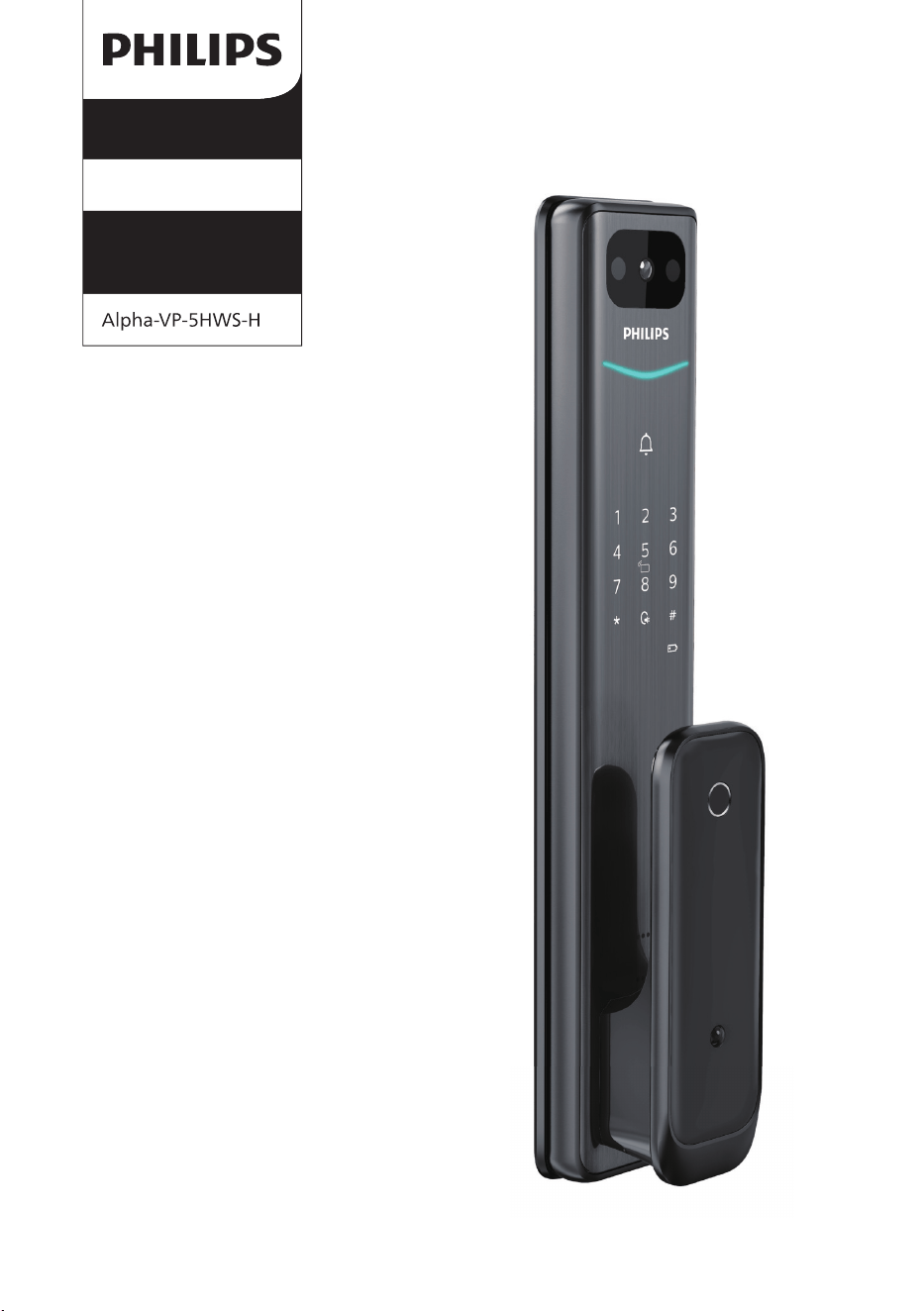
Alpha series
Smart Video Door
Lock
User
manual
Register your produc t(s) to get
support from below link:
www. philips.com/support

1
2
3
Warranty
Card
Easy
Key
Quick Start
Guide
EasyKey
EasyKey
4
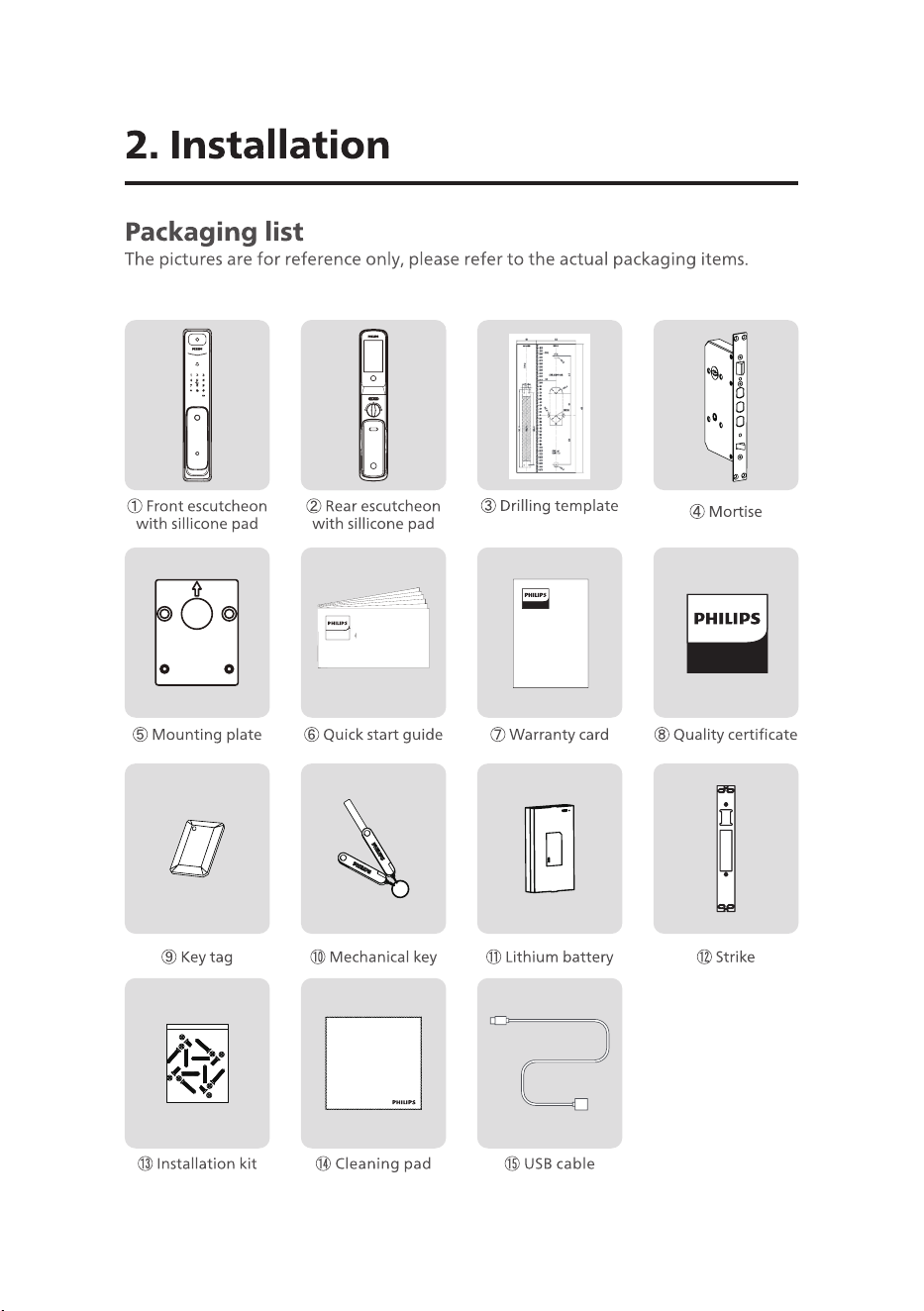
1
1
22 33 44
55
66
77
88
99 1010
1111
1212
1313
1
5
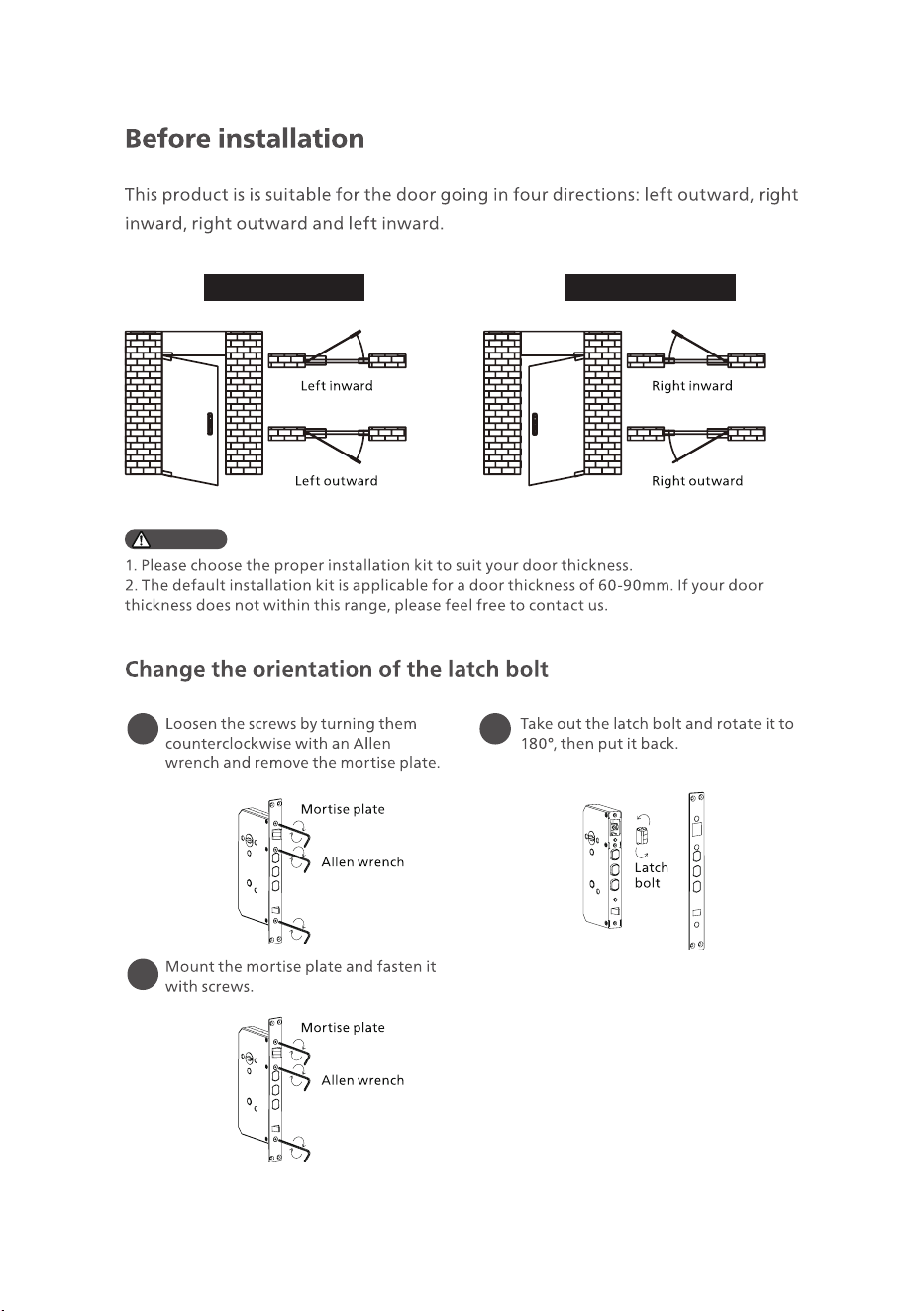
Left-handed door Right-handed door
Attention
1
3
2
6
1 2
3
4
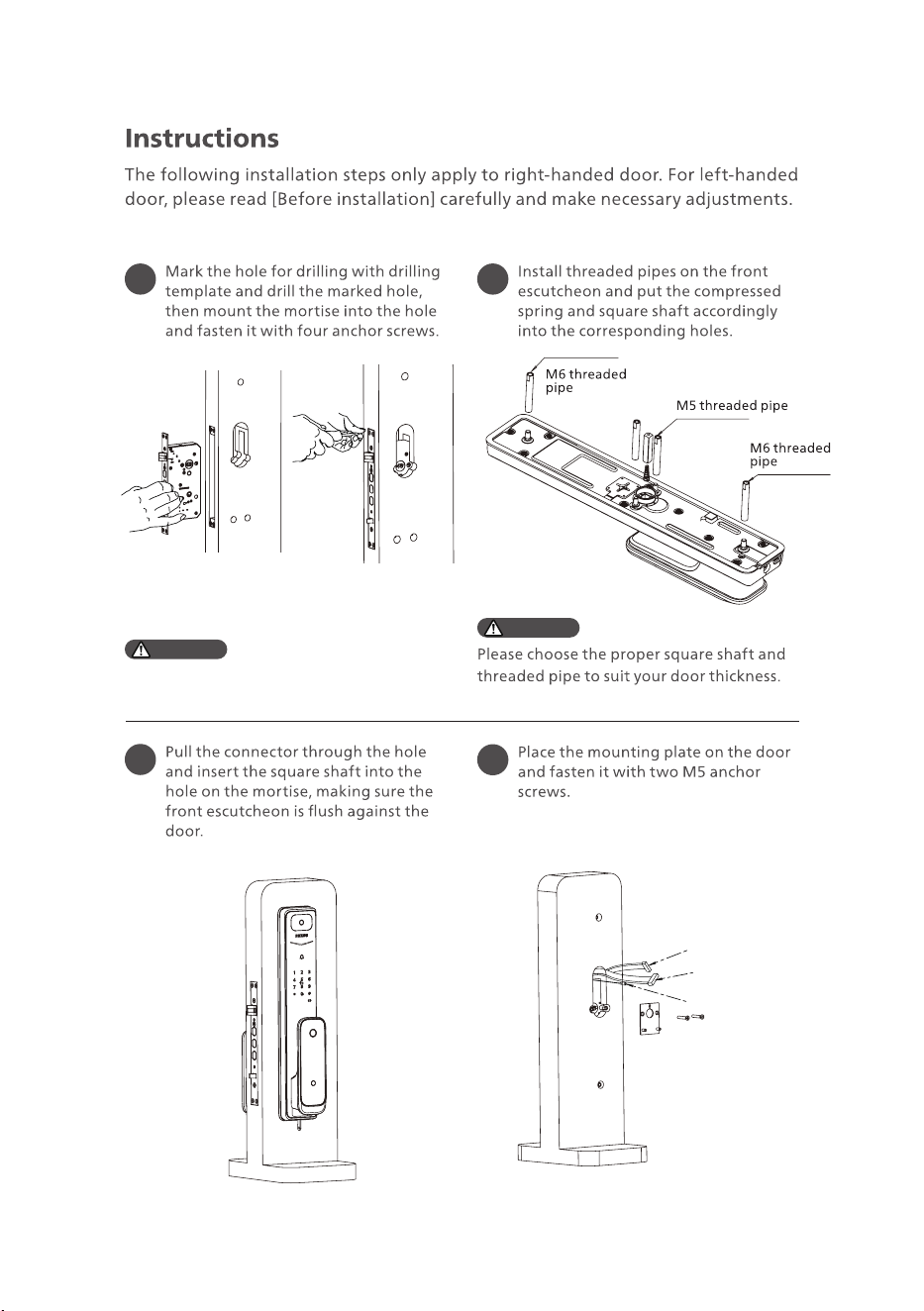
Make sure the latch bolt stays inside the
door during installation.
Attention
Attention
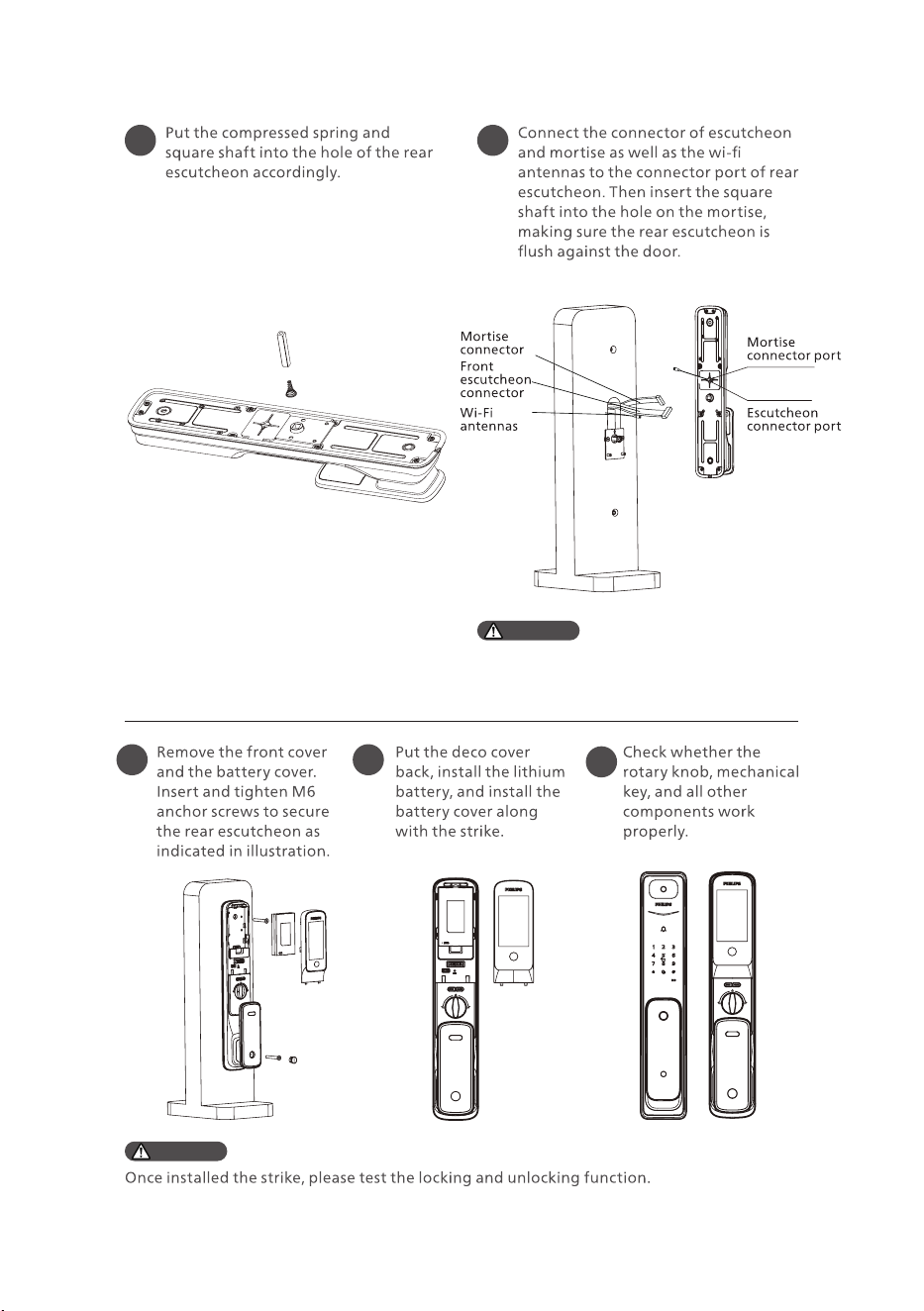
Mortise connector
Escutcheon connector
Wi-Fi antennas
7
5 6
Please hide the extra connector in the door
hole or the inside escutcheon.
Attention
Attention
7 8
9
8
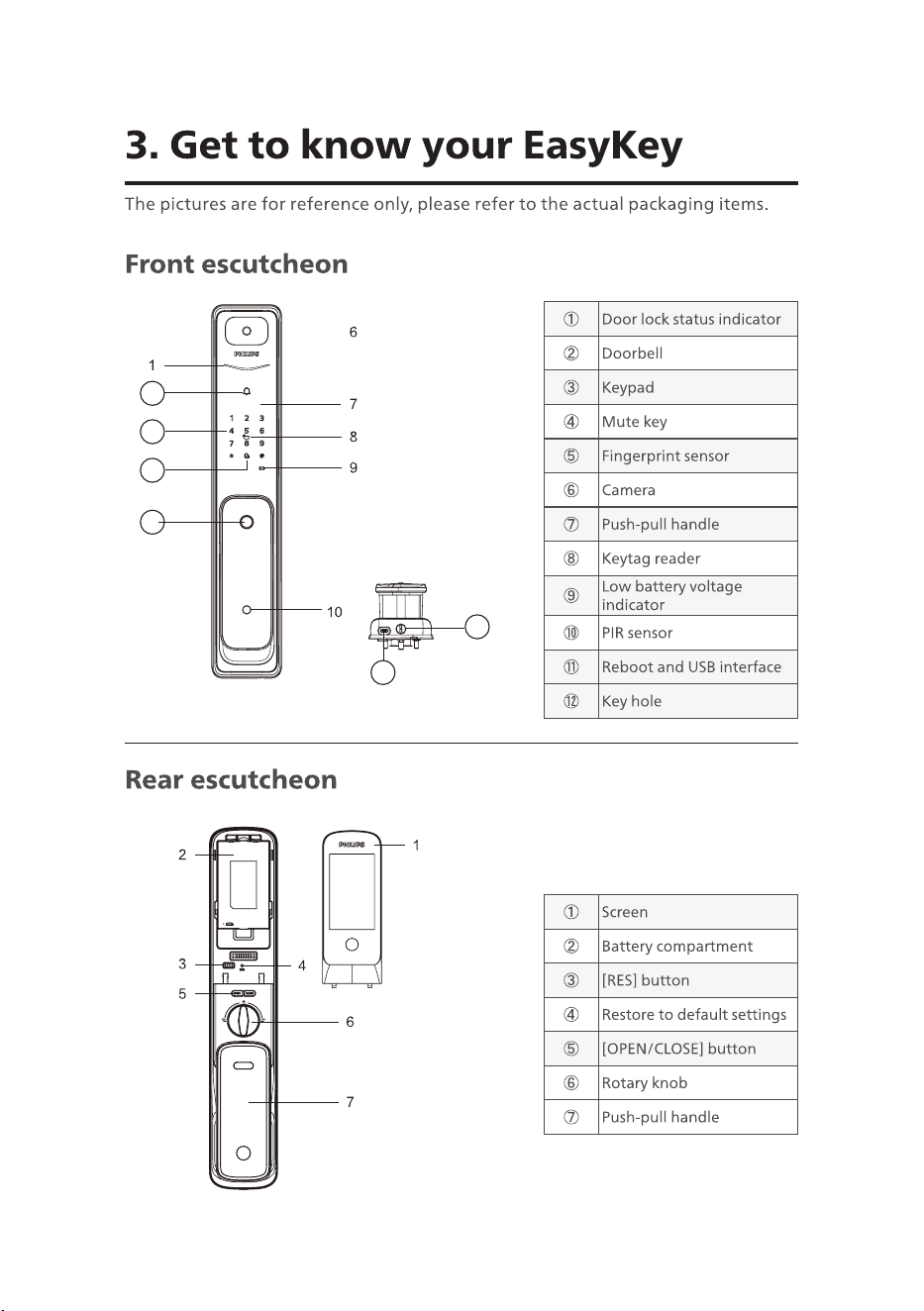
①
Door lock status indicator
②
Doorbell
③
Keypad
④
Mute key
⑤
Fingerprint sensor
⑥
Camera
⑦
Push-pull handle
⑧
Keytag reader
⑨
Low battery voltage
indicator
⑩
PIR sensor
⑪
Reboot and USB interface
⑫
Key hole
①
Screen
②
Battery compartment
③
[RES] button
④
Restore to default settings
⑤
[OPEN/CLOSE] button
⑥
Rotary knob
⑦
Push-pull handle
3
4
5
2
11
12
9
Attention
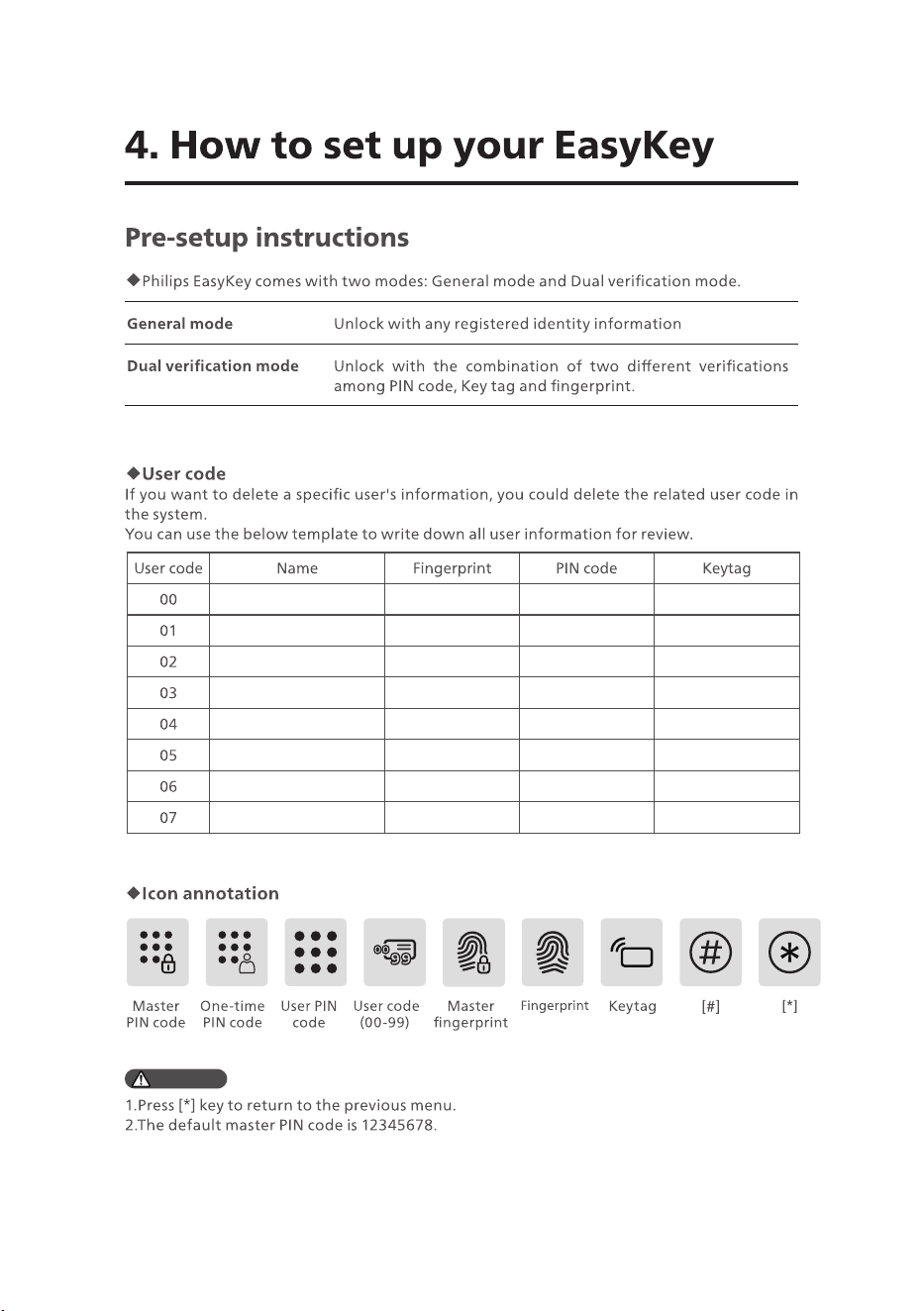
User code Name Fingerprint PIN code Keytag
00
01
02
03
04
05
06
07
10
Attention
Attention
11
11
2
1
1
1
1
12
Attention
Attention
Attention
Attention
13
Attention
Attention
14
15
Attention
Attention
16
Attention
Attention
17
18
Attention
19
20
21
Attention
22
23
Attention
24
Attention

25