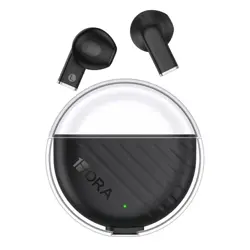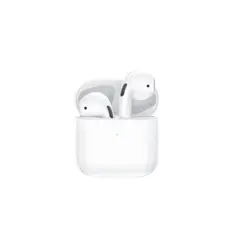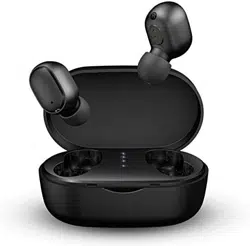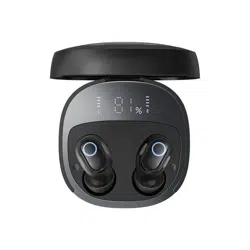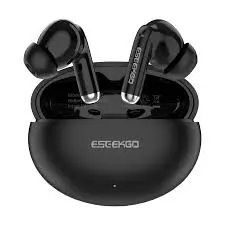
EB-W05B/EB-W05W
TWS Wireless Bluetooth
Earphones
User Manual
Specifications
Product Name: TWS Wireless
Bluetooth Earphones
Bluetooth version: 6.0
Color: Black/White
Bluetooth effective distance: ≤ 8
meters (straight-line distance)
Battery:
Earphone battery: 3.7V 28mAh;
Charging compartment lithium battery:
350mAh
Charging time: About 2 hours
Music duration: approximately 4.5
hours (80% volume)
Talk time: approximately 2.5 hours
(80% volume)
Headphone standby time:
approximately 28H
Product Usage
• Headphones on: No light effect
• Left/right interconnection: No
lighting effect
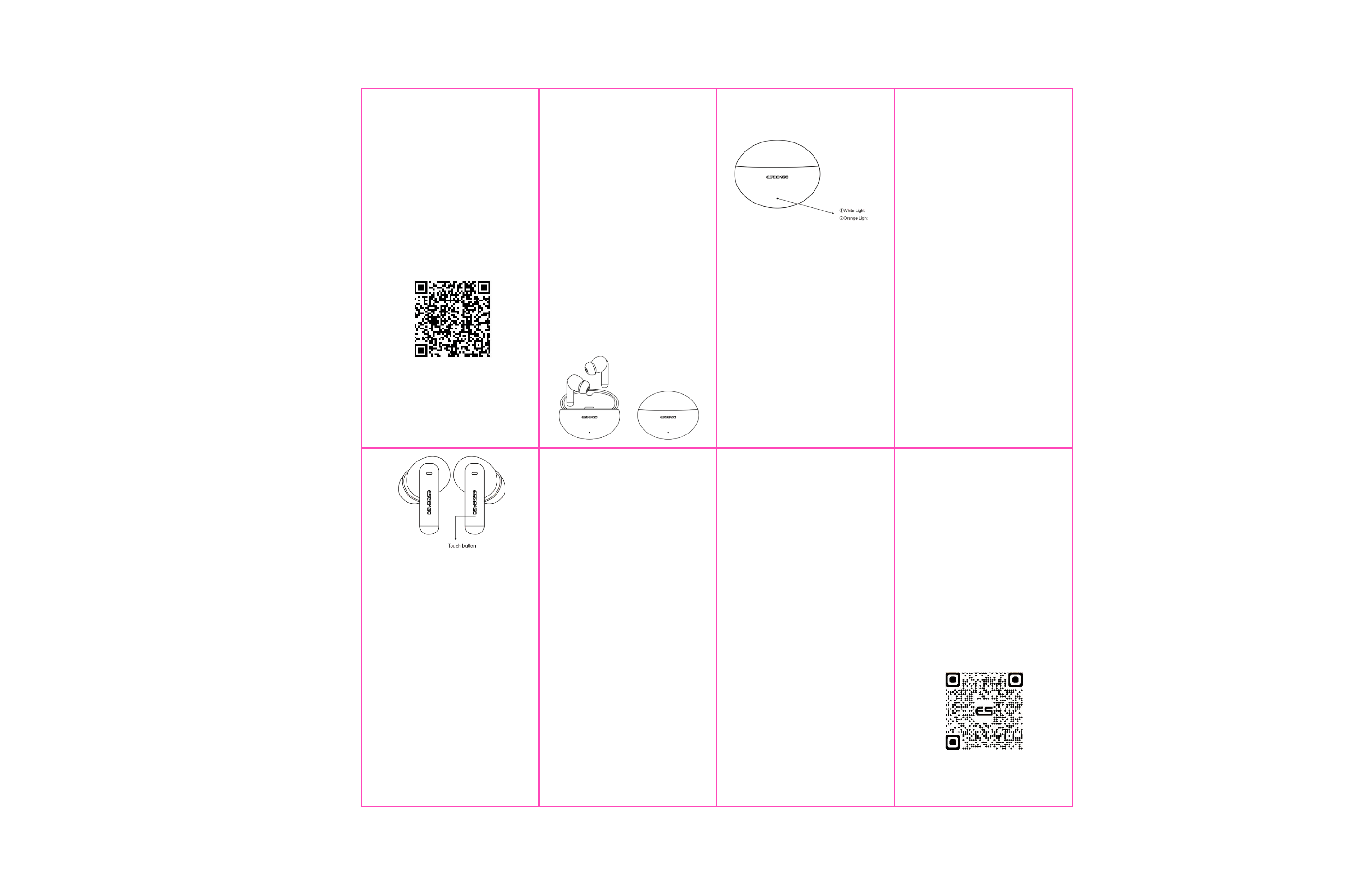
• Earphone charging: Earphones have
no light effect, the white light on the high
battery compartment stays on, and the
orange light on the low battery
compartment stays on
• Headphones fully charged:The
compartment indicator light goes out
• Charging compartment charging:
orange light flashing
• Warehouse fully charged: Orange
light on continuously
Safety Precautions
1. Do not use abrasive cleaning agents
to clean this product.
2. Do not allow this product to be
heated or placed near a fire source,
such as a cooking stove.
3. Do not expose this product to direct
sunlight for extended periods of time.
4. Do not dispose of this product in fire
to avoid explosion.
5. Do not attempt to disassemble this
product for any modifications, as it does
not contain any repair components.
6. Do not use this product in the rain.
7.If you do not plan to use this product
for a long time, please store it in a dry
environment and charge the
headphones at least once a month to
extend their lifespan, avoiding extreme
temperatures and dust.
• Play/pause music: Click any Touch
key
• Previous song: Triple-click any touch
key while music is playing
• Next track: Double click any Touch key
while music is playing
• Answering phone calls: Click on any
headphone Touch button
• Hanging up the phone: Double click
any headphone Touch button
• Reject call: Long press and hold the
Touch button on any earphone for 2
seconds
• Open Siri: Long press and hold for 2
seconds on any headphone Touch button
• Cancel Siri: Press and hold the Touch
button on any earphone for 2 seconds
after start up
Equipment adaptation
①
Mobile phones
② Computers
③ Laptops
④ Tablets
⑤
Other devices that support
Bluetooth headphone connections
Troubleshooting
• Power on: Open the compartment
cover and start automatically
• Power off : The earphones will shut
down after being placed in the
compartment and covered (automatically
shuts down after 3 minutes without
connection)
• Connect phone: After turning on the
earphones, connect the corresponding
device name: EB-W05B/EB-W05W
• Restore factory settings: When the
earphones are not connected to the
phone, quickly press any earphone
Touch key 5 times to successfully shut
down the earphones .(clearing the
connection record between the
earphones and the phone, as well as the
TWS teaming record of the left and right
earphones)
※Please scan the code for the Electronic Product Manual
(1) LED indicator status
(2) Functional Operations
(3) Reminder sound
• Power on: Power on
• Shut down: Power off
• Connect Bluetooth: Deng Piano
Sound
• Disconnect Bluetooth: Dudu
If the operation is incorrect, please follow
these steps:
1. Check the integrity of Bluetooth
earphone products;
2. Check the connection between the
Bluetooth earphones and the device;
3. Check your device settings;
4. Disconnect and reconnect the device;
Restart the connection.
If the problem persists, please contact the
seller.
Learn more about this and other products on
www.eseekgo.com

FCC Warning Statement: Changes or modifications to this unit not expressly
approved by the party responsible for compliance could void the user’s
authority to operate the equipment. This equipment has been tested and found
to comply with the limits for a Class B digital device, pursuant to Part 15 of the
FCC Rules. These limits are designed to provide reasonable protection against
harmful interference in a residential installation. This equipment generates,
uses and can radiate radio frequency energy and, if not installed and used in
accordance with the instructions, may cause harmful interference to radio
communications.
However, there is no guarantee that interference will not occur in a particular
installation. If this equipment does cause harmful interference to radio or
television reception, which can be determined by turning the equipment off and
on, the user is encouraged to try to correct the interference by one or more of
the following measures:
- Reorient or relocate the receiving antenna.
- Increase the separation between the equipment and receiver.
-
Connect the equipment into an outlet on a circuit different from that to
which the receiver is connected.
-
Consult the dealer or an experienced radio/TV technician for help.
This device complies with Part 15 of the FCC Rules. Operation is subject to the
following two conditions: (1) this device may not cause harmful interference,
and (2) this device must accept any interference received, including
interference that may cause undesired operation.
FCC Radiation Exposure Statement
The device has been evaluated to meet general RF exposure requirement. The
device can be used in portable exposure condition without restriction.