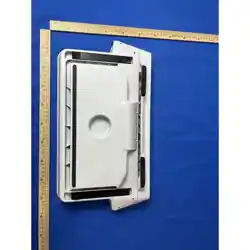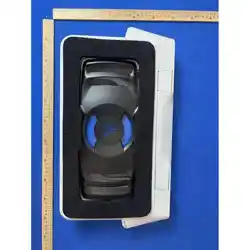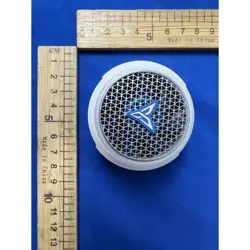
【 B9X English User Manual 】
Flydigi Mobile Phone Cooling
Fan B9X
Model:Flydigi B9X
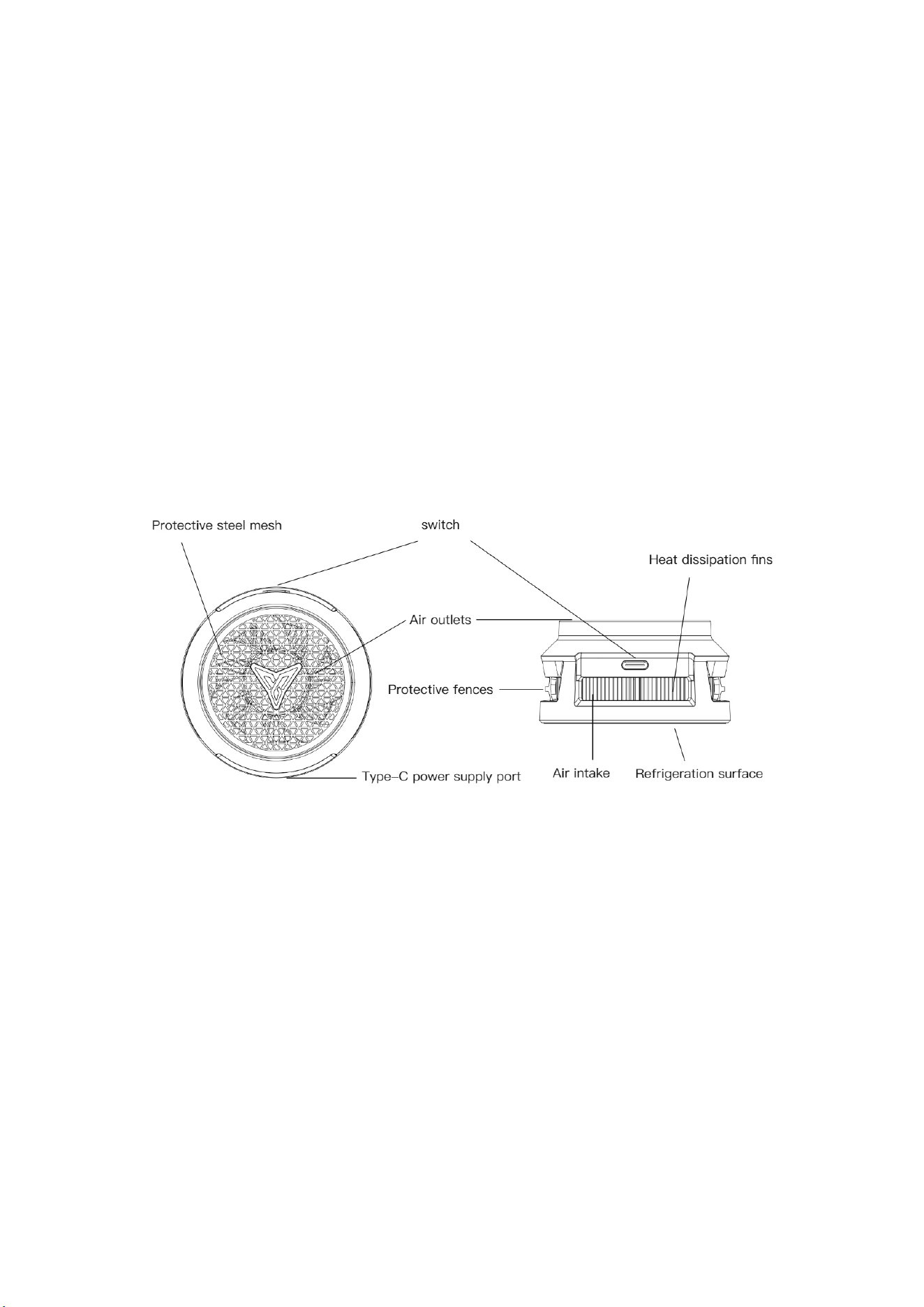
Product Introduction
Installation & Usage
For phones without magnetic
suction function (e.g., most Android
models)
1. Clean the phone back cover.
Peel off the white release paper from
the magnetic adhesive pad(avoid
removing the transparent plastic tab).
Align and stick the pad to the desired
position on the phone. Ensure full
For phones with magnetic suction
function (e.g., iPhone 12/13/14/15/16
series)
1. Insert the Type-C power cable
into the cooler and connect it to a
power source. Attach the cooler
directly to the phone’s back. Press the
power button briefly to activate the
cooler.
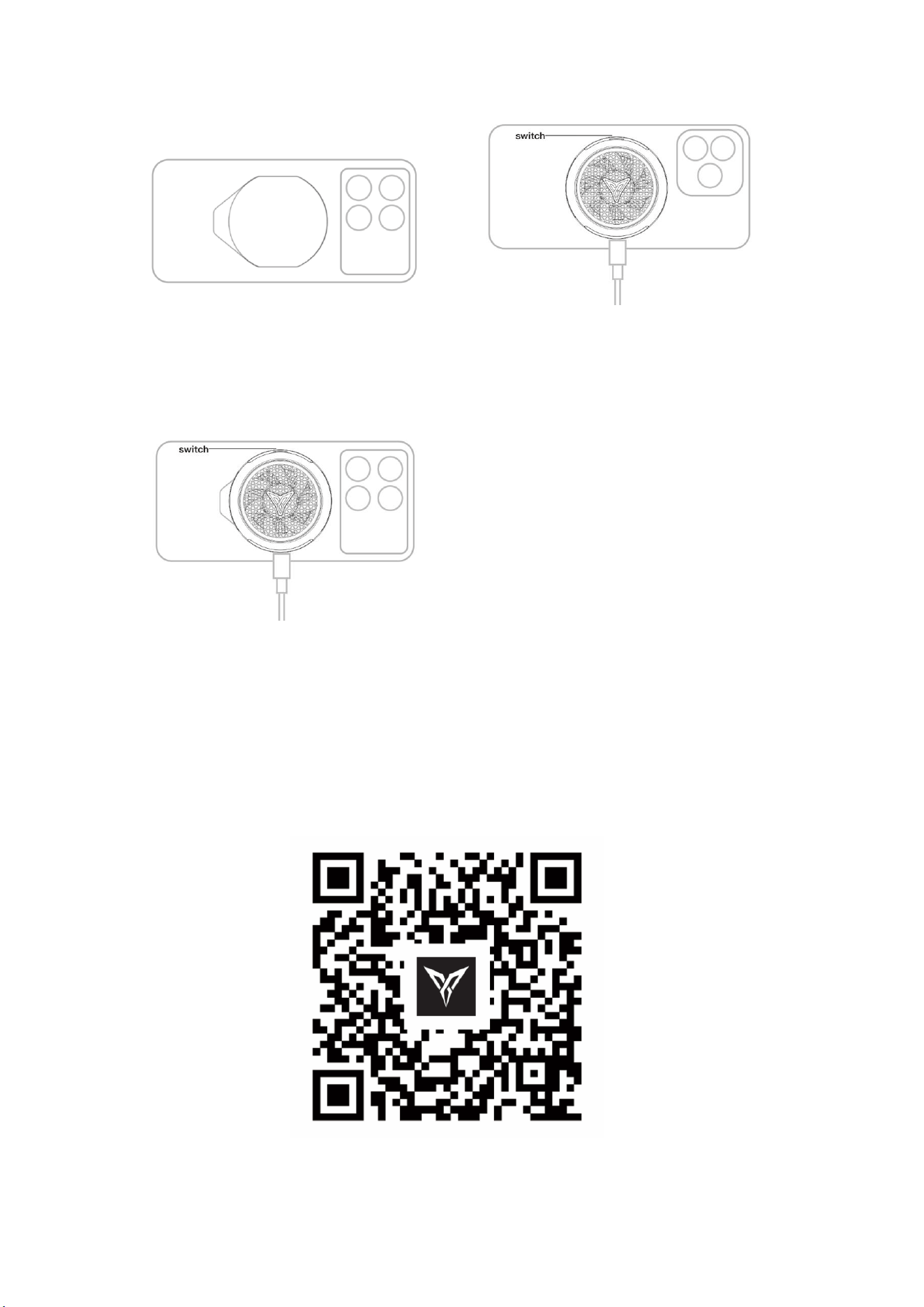
adhesion. Allow 1 hour to set.
2. Insert the Type-C power cable
into the cooler, connect to power,
attach the cooler to the phone, and
press the power button to start
cooling.
*For optimal cooling performance, use a PD protocol charger of 30W or higher.
Download Flydigi Game Center
Scanning QR code to download Flydigi Game Center.

Turn on the Bluetooth to connect Cooling fan can change to multiple modes,
view more tutorials
Smart Frequency Control
The cooler automatically adjusts cooling power based on temperature. To activate
maximum performance, use a PD protocol charger of 30W (12V 2.5A) or higher.
Fixed Power Mode
The cooler operates at a fixed cooling power based on the selected mode. Use a PD
protocol charger of 30W (12V 2.5A) or higher for full power activation.
FAQs
• Q: Is a 30W (12V 2.5A) PD charger required?
A: Yes, to activate maximum cooling power.
• Q: Why does the cooler suddenly stop working?
A: It may trigger automatic protection due to extreme temperatures. Check real-time
status via the app.
• Q: Does the B9X have a built-in battery?
A: No, it requires continuous external power.
Precautions
• Do not insert fingers or objects into the vents to avoid injury.
• Contains magnets. Keep at least 15cm away from implanted medical devices.
• Avoid contact with colored silicone cases to prevent color transfer.
• To prevent condensation, use Smart Frequency Control or Expert Mode to adjust
the temperature, effectively reducing condensation formation.
• Use Smart Frequency or Expert Mode to reduce condensation.
• This product is only suitable for phones or tablets that have not been
disassembled or repaired. Other or disassembled and repaired devices may cause
damage.
FCC Statement
1. This device complies with Part 15 of the FCC Rules. Operation is subject to the

following two conditions:
○ This device may not cause harmful interference.
○ This device must accept any interference received, including interference
that may cause undesired operation.
2. Changes or modifications not expressly approved by the party responsible for
compliance could void the user’s authority to operate the equipment.
Note: This equipment has been tested and found to comply with the limits for a class
B digital device, pursuant to Part 15 of the FCC Rules. These limits are designed to
provide reasonable protection against harmful interference in a residential installation.
This equipment generates uses and can radiate radio frequency energy and,
if not installed and used in accordance with the instructions, may cause harmful
interference to radio communications. However, there is no guarantee that
interference will not occur in a particular installation. if this equipment does
cause harmful interference to radio or television reception, which can be
determined by turning the equipment off and on, the user is encouraged to try to
correct the interference by one or more of the following measures:
○ Reorient or relocate the receiving antenna.
○ Increase the separation between the equipment and receiver.
○ Connect the equipment into an outlet on a circuit different from that to which
the receiver is connected.
○ Consult the dealer or an experienced radio/TV technician for help.
The device has been evaluated to meet general RF exposure requirement.
The device can be used in portable exposure condition without restriction.
Warranty & Service
• 7-Day Return: Return undamaged products within 7 days.
• 15-Day Replacement: Free replacement for quality issues (shipping covered by
seller).
• 1-Year Repair Warrant: User covers shipping costs.
Return/Replacement:
For quality issues within 15 days, return the product to Flydigi or the retailer.
Shanghai Flydigi Electronics Technology Co., Ltd
Address: Room 01A, 19th Floor,Building 1, No. 770 Songhu Road, Yangpu District,
Shanghai, China
Website:
www.flydigi.com
Service Hotline: 400-850-3336