Model:
DS11-24 说明书
尺寸:100mm x 150mm
80g书写纸,黑白印刷,折页,双面印
料号:
Please read this manual carefully before operating the SPEAKER,
keep this user manual forfurther reference.
IMPORTANT
3
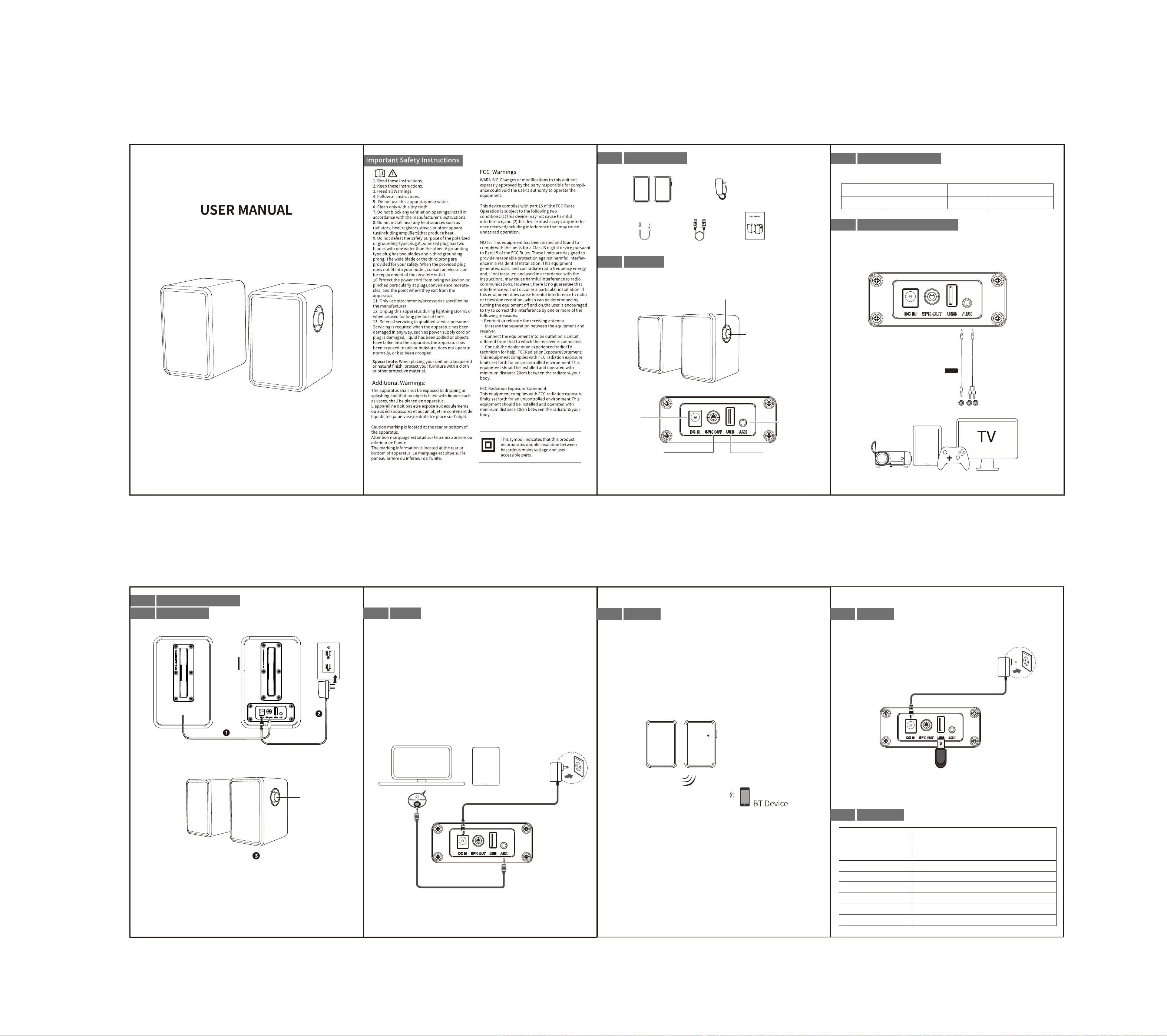
SPEAKER LED Indicator
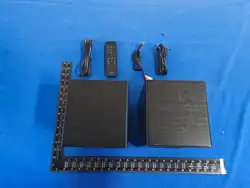
Power adapter
USB cable
User Manual
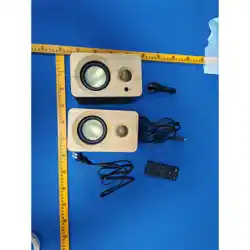
SPEAKER main unit
Make sure you read all the safety information before you use this product.
AUX audio cable
3. Volume Control
LED indicator
SPEAKER main unit
* Figures and illustrations in this User Manual are provided for reference only and may differ
from actual product appearance.
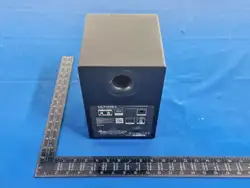
DC in
3.5 Stereo Input
USB(for USB driver
play music / PC Decoding)
1. Press to switch the
unit on/off.
2. Select the input modes
(BT,AUX,USB,PC).
Model: DS11-24
2.0 Channel SPEAKER System
The LED indicator on the sound bar gives you information about the status of the SPEAKER.
Left Channel Output
Purple light
Purple light
Red light
Blue light
BT
AUX PC
USB
2 Overview
1 What's in the box
4
Connect the SPEAKER
AUX
Audio
Cable
AUX
AUDIO OUT
or
GOOD
1. Choose line in cable (3.5mm to 3.5mm) connect the SPEAKER to your TV.
4. Play TV show to test the SPEAKER.
3.5mm to 3.5mm cable
(not supplied)
3. Turn on the TV, press the home (or menu) on the TV remote, go to TV setting→
audio(sound)→TV speaker--select external speaker(turn off TV speaker), save the
setting.( For some TVs, please back to audio(sound)→select analog output→
select the“Variable”,save the setting).
2. Turn on the speaker. Press the knob button on the speaker,
then select the "AUX" red light input mode on the display screen.
Kindly Note: only for USB flash drive to play MP3 music and update firmware, can not
compatible with other usb devices.
USB Flash Driver
2pcs * 1.5"tweeter Driver+ 2pcs * 3" Driver+2pcs * 88x60 Passive
0~32
5.4
<0.5%
2.36kg
110(L) x 130(D) x 165(H) mm*2pcs
Model
Power Supply
24W
Peak Power
Speaker
Volume Level
BT Version
Distortion
Product Weight
Product Dimension
5
Using your soundbar
1. Connect the cable of the secondary computer to the SPKOUT hole
of the main computer.
1. Connect your USB drive to the USB port on the speaker.
2. Press the speaker knob button, then select the purple light shown on the display
screen, which corresponds to the input mode "USB".
3. Play music to test.
1. Press the speaker knob button, then select the blue light input mode "BT" on
the display screen. At this time, the blue light will blink.
2. Turn on BT on the BT device. (see the device's manual for more information)
4. Play music from the BT device to test the SPEAKER.
The BT connection
* You cannot connect more than one BT device at a time.
* If your device requests a password, enters the default “0000”.
* Only work with the device which can output BT signal, it can not work with some
devices can not output BT signal such as headphones.
3. Select “DS11-24”from the device BT list, connect it. When your BT device
is connected, the LED display will stop flash.
5c
BT
5d
USB
6
Specifications
5b
AUX
5a
Turn On / Off
PC phone
2. Plug in the power supply and press to turn it on
(Short press to turn on, long press to turn off.).
Press to switch the
unit on/off.
BOOKSHELF SPEAKER
VENTOTWO
VENTOTWO
DC 18V