GE005 User Manual

Operating Instructions
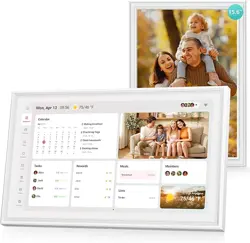
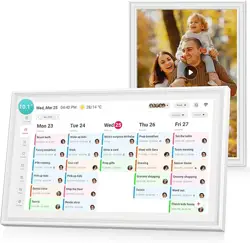
Welcome! Smart Digital Calendar-Your Family Schedule Assistant!
Just 4 steps to connect your phone to your digital calendar frame, let's gets started.
STEP1: Plug in the Calendar
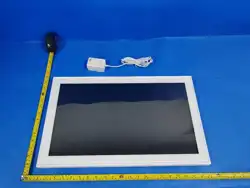
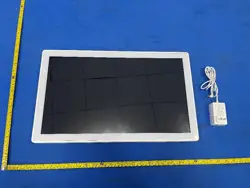
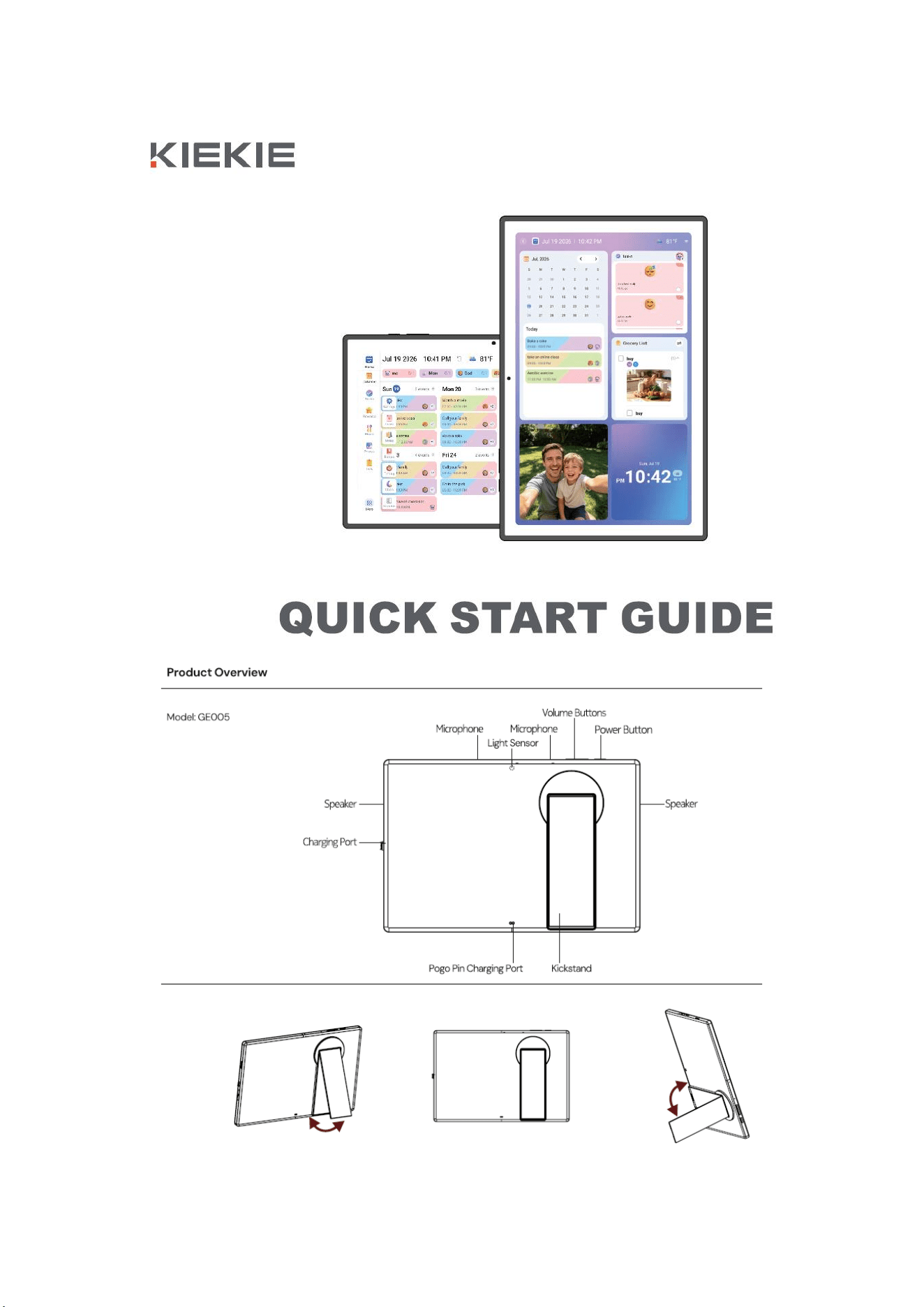
Unbox the Calendar. Have the Calendar connected to USB power supply cable. The calendar will power on.
STEP2: Select language, connect to Bluetooth, choose City
1. Select the language after power on.
2. Connect to Bluetooth under the Bluetooth setting.
3. Select the time zone and type to search the City
STEP3: Play music
1. The Calendar can play music.
2. Supported play formats include MP3, WAV, FLAC etc.
STEP4: Play photos
1. The Calendar can play photos.
2. Supported play formats include JPG, JPEG, BMP etc.
This device complies with Part 15 of the FCC Rules. Operation is subject to the following two conditions: (1)
this device may not cause harmful interference, and (2) this device must accept any interference received,
including interference that may cause undesired operation.
Changes or modifications to this unit not expressly approved by the party responsible for compliance could
void the user’s authority to operate the equipment.
NOTE: This equipment has been tested and found to comply with the limits for a Class B digital device,
pursuant to Part 15 of the FCC Rules. These limits are designed to provide reasonable protection against harmful
interference in a residential installation. This equipment generates, uses and can radiate radio frequency energy
and, if not installed and used in accordance with the instructions, may cause harmful interference to radio
communications. However, there is no guarantee that interference will not occur in a particular installation. If this
equipment does cause harmful interference to radio or television reception, which can be determined by turning the
equipment off and on, the user is encouraged to try to correct the interference by one or more of the following
measures:
-- Reorient or relocate the receiving antenna.
-- Increase the separation between the equipment and receiver.
-- Connect the equipment into an outlet on a circuit different from that to which the receiver is connected.
-- Consult the dealer or an experienced radio/TV technician for help.
This device and its antenna(s) must not be co-located or operation in conjunction with any other antenna or
transmitter.
Radiation Exposure Statement
To maintain compliance with FCC’s RF Exposure guidelines, This equipment should be installed and operated
with minimum distance of 20cm from your body.