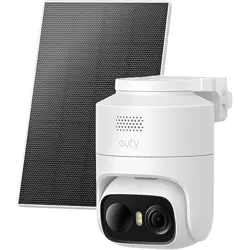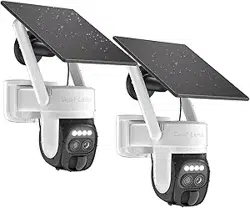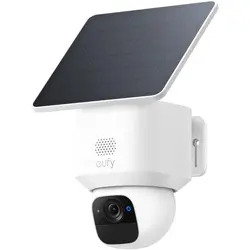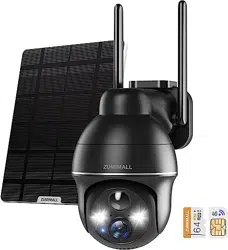
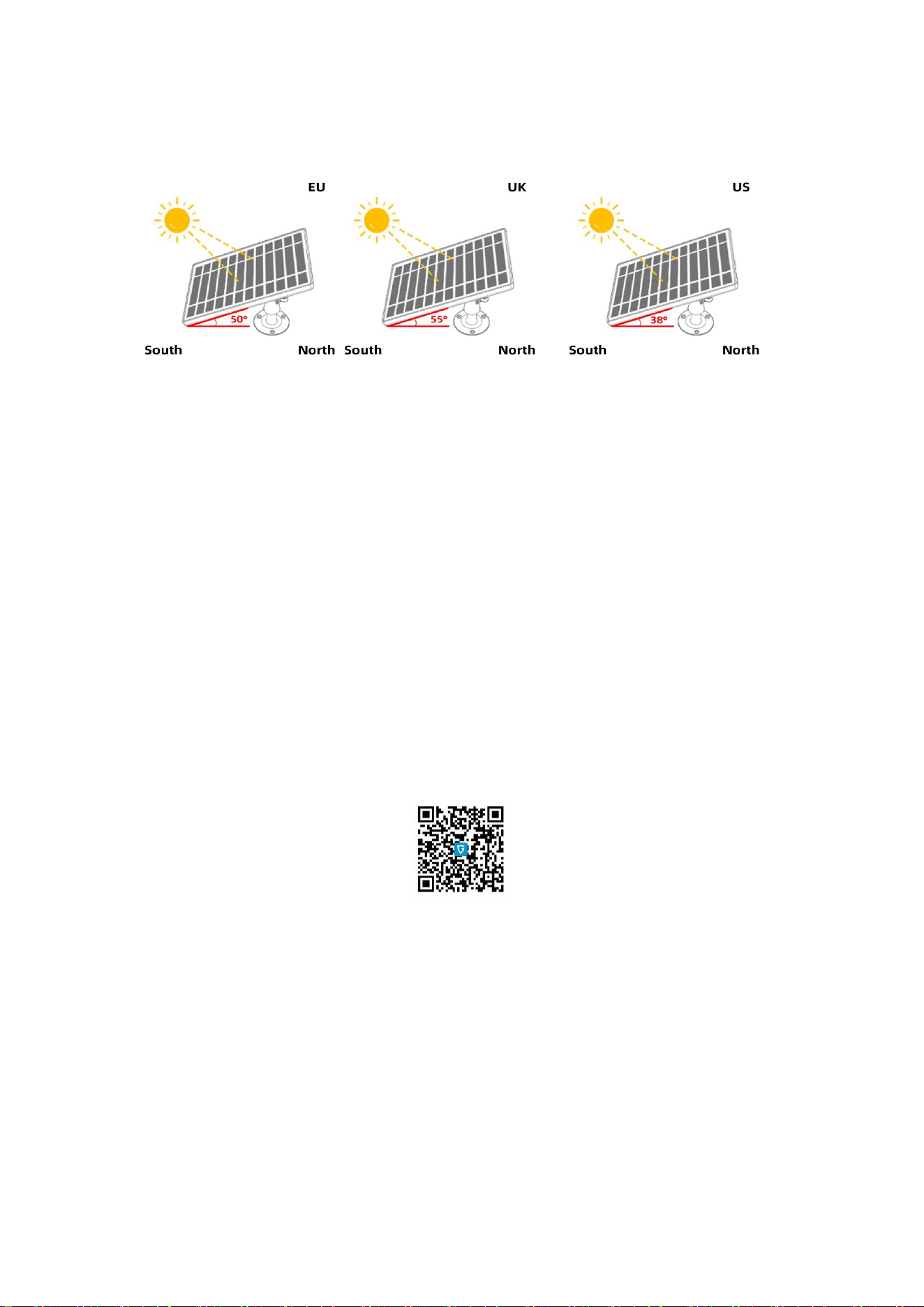
Please install solar panel according to below picture instruction.
See how installation location affects photovoltaic efficiency:
Please choose the best installation location and adjust to a suitable angle to ensure that the solar
panels get sufficient sunlight. It is recommended to place the solar panels horizontally, and then
tilt south. (If your location is in the southern hemisphere, please tilt north). The tilt angle of solar
panels is determined according to the local latitude. (If the local latitude is 55°N, please tilt the
solar panel south to 55°)
Please Note:
1. In the cloudy days, under the shade, morning, and evening, the current of solar panel is small
due to insufficient sunlight. When the charging current is less than 50mA, the camera won't be
charged. This is a normal phenomenon, please don't worry. When the sunlight is sufficient, the
solar panel will continue to charge the camera.
2. When connecting the solar panel to the camera, the charging status (charging icon) will not be
displayed immediately. Please exit the current interface and enter the live video interface, then
the charging icon will be displayed.
3. Solar charging is a slow charging method, and the purpose is to increase battery life. You need
to use the power adapter to charge the camera.
Scan the code for installation details video