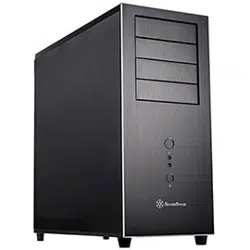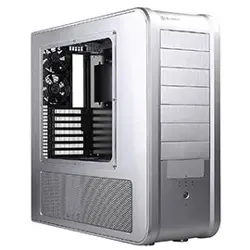
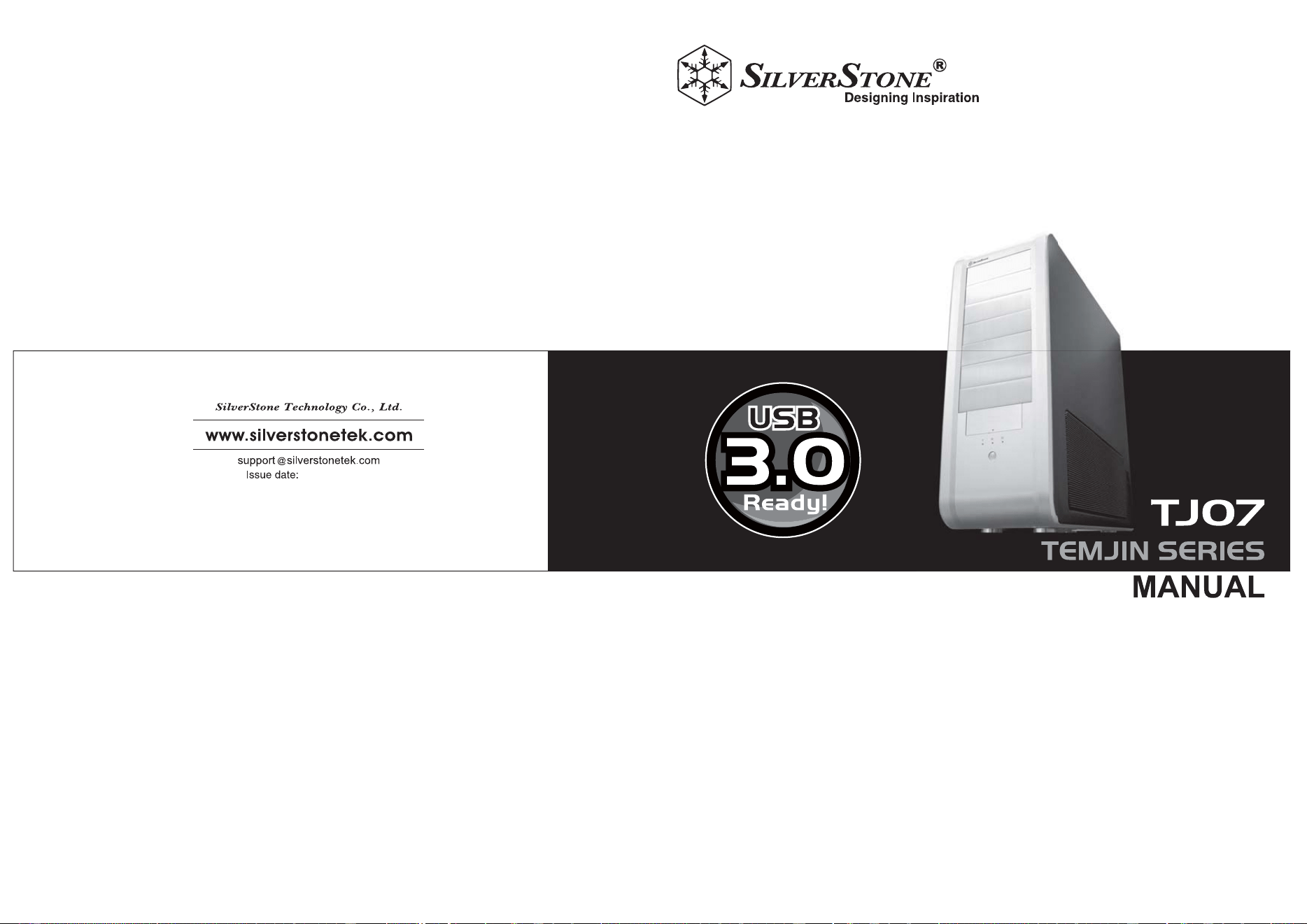
SilverStone SST-TJ07B, SST-TJ07B-USB3.0 tj07

Product's Documents

Below are documents related to this product, you can read online or download:
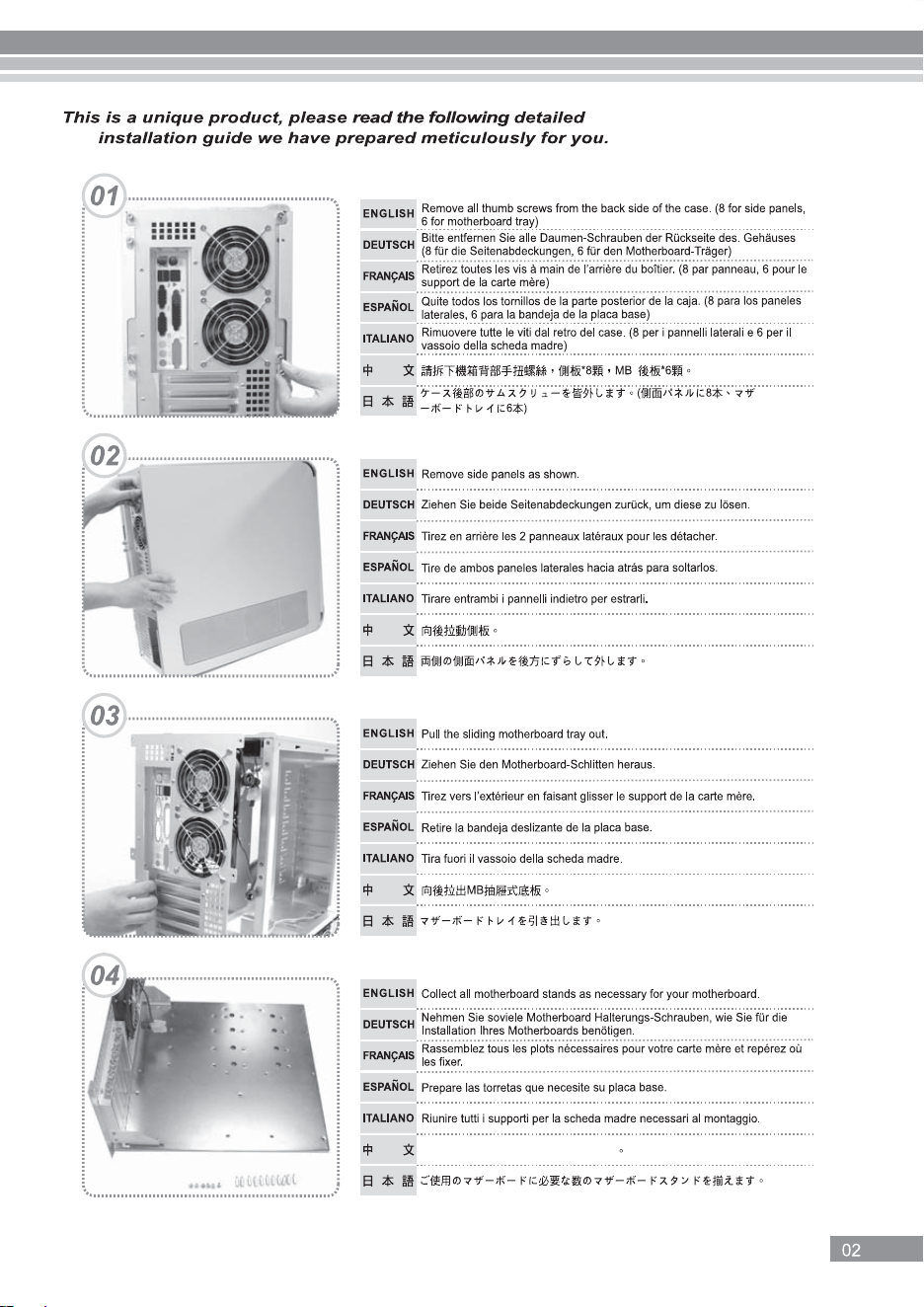
User Manual Installation Instruction

TJ07 Manual

This is the main product document for model SST-TJ07B, SST-TJ07B-USB3.0. Additionally, the document applies to other SilverStone models: SST-TJ07S, SST-TJ07B-W, SST-TJ07B-W-USB3.0, SST-TJ07S-W

The file format is pdf, 11 pages, you can download this manual here .

background
NO:G11205602
October, 2011
background
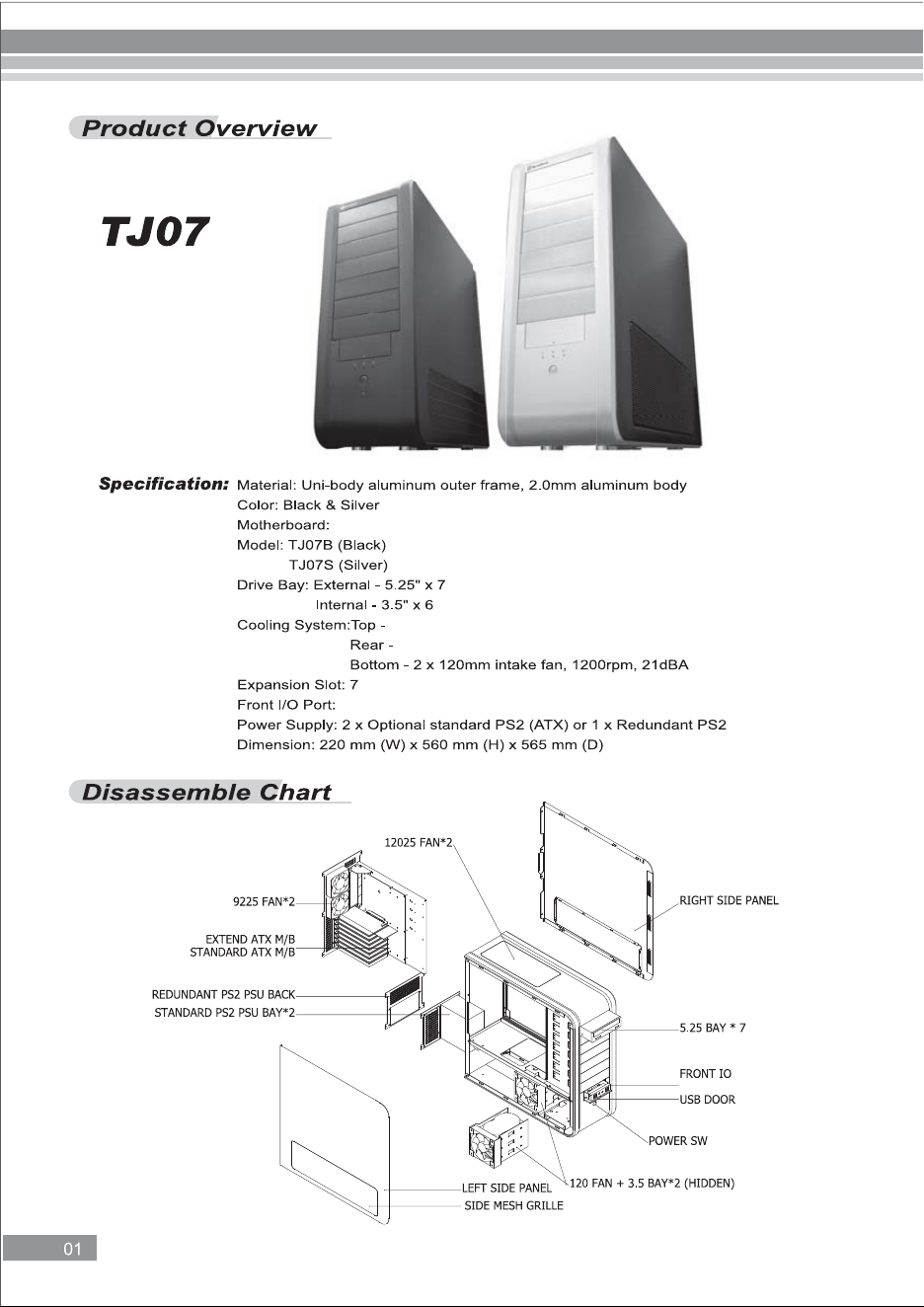
SSI EEB, SSI CEB, Extended ATX, ATX, Micro ATX
2 x 92mm exhaust fans, 1600rpm, 20dBA
2 x 120mm intake fan, 1200rpm, 21dBA
USB 3.0 x 4, audio x 1, MIC x 1
USB 3.0 x 4 + MIC + SPK
background
㞾䳊ӊࣙপߎᙼⱘЏ″⠜᠔䳔㶎󰵦
background
Ϻᇡ⑪
background
background
background
background
background
background
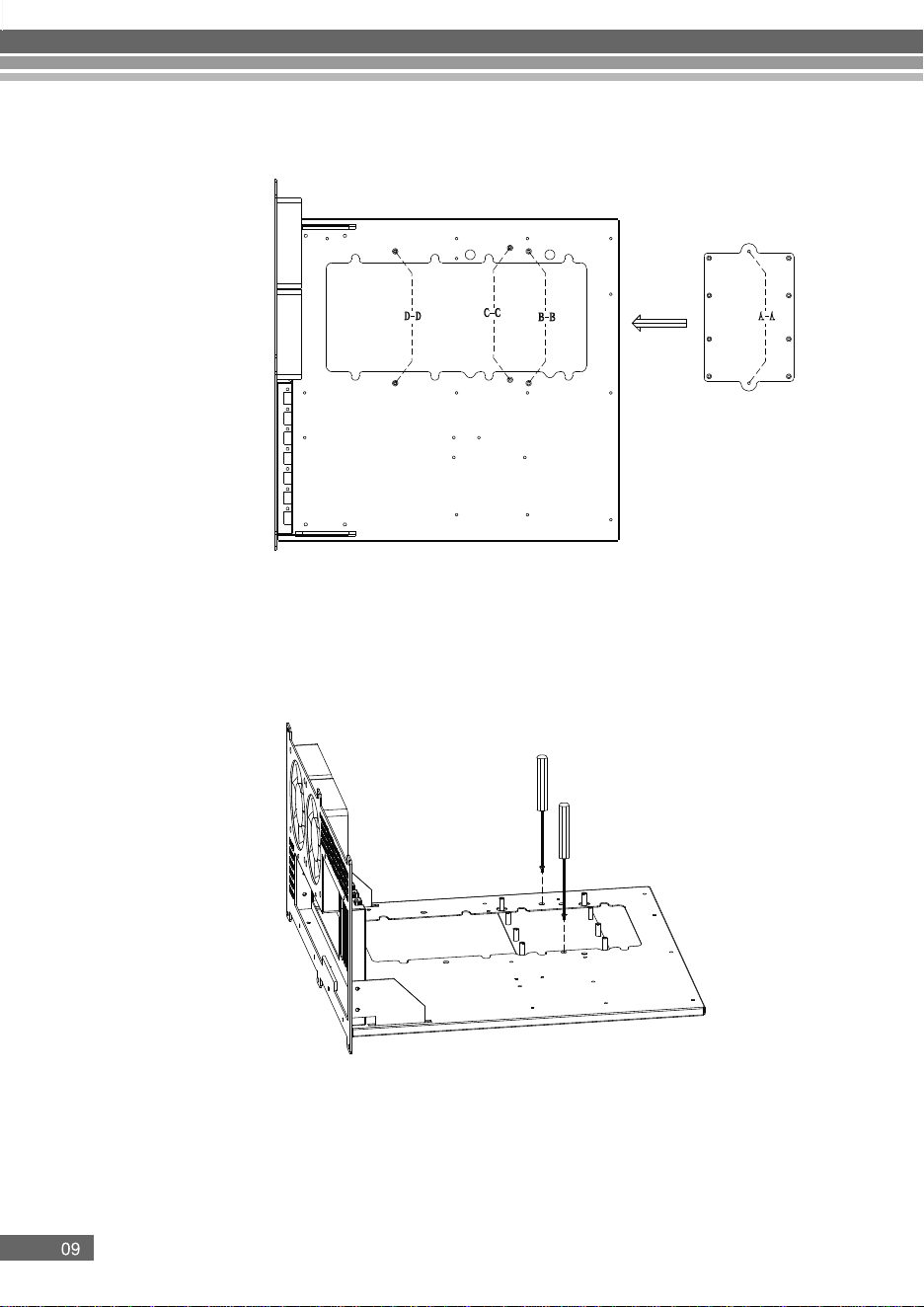
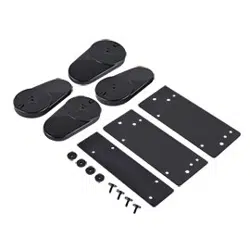
XEON back plate installation guide
Step 1
Install the XEON back plate onto the motherboard tray. The back plate can be installed with hole
A-A, B-B, C-C and D-D. The hole B-B supports with SSI-CEB motherboard and the hole C-C
and D-D support SSI-EEB motherboard.
Step 2
Secure the XEON back plate with included 2 PCS screws
background

Specifications

Indexed Terms: Computer Case

SilverStone SST-TJ07B, SST-TJ07B-USB3.0 Questions and Answers

Questions and Answers

Related Products

Product SilverStone SST TS07 image
SilverStone SST-TS07 TS07
2026-04-05 1 docs