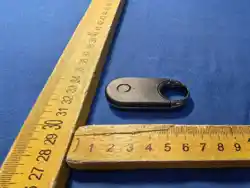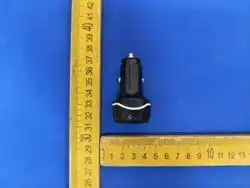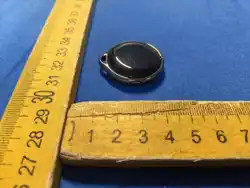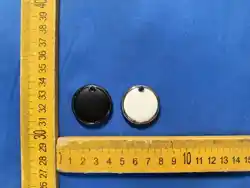

防丢器使用说明书
Loss prevention instruction manual

本产品为 IOS 的移动设备专用,安卓用户请勿购买! !
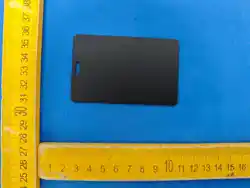
防丢器收到后确认有无破损,塑料绝緣片是否存在, 若
有产品外观损坏或者绝緣片缺失,请将产品装回包装 盒,
在平台申请退货。
使用方法:
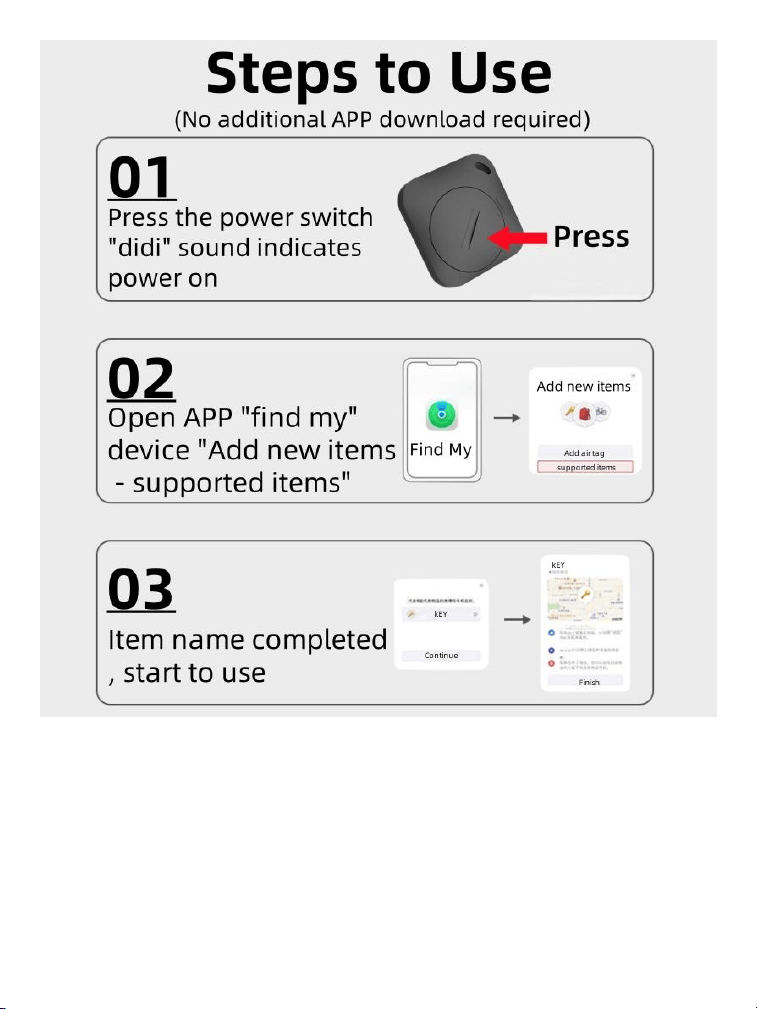
1、 拔出产品上用来绝緣的塑料卡片,听到’滴”声后 代
表设备开机,进入匹配状态。
2、 打开 iOS 设备的’査我” APP,点击’物品”然后点 击
右上角的“+”,然后点击“添加其他物品”这时会出 现
搜索界面,当搜索到设备名称后点击连接
3、 根据提示给设备命名,此时你的设备就和防丢器绑定
好了
将防丢器绑定在物品上(比如钥匙,钱包等物品),当 你找到
物品时,可以打开“査找”来査看物品的位置 ,如果距比
较远可以根据导航我到位置,如果物品很近 ,在 10 米的范
围内,可以点击“播放声音”根据“滴滴 ”的声音找到物
品
防丢器的电池为 2032 纽扣电池,当防丢器电池没电后, 可
以自行比较近的商店购买补充

This product is for IOS mobile devices, Android users
please do not buy!
Loss prevention device received to confirm that there is no damage to
the plastic insulation piece is present, if there is damage to the
appearance of the product or the insulation piece is missing, please put
the product back into the box and apply for a return on the platform.
Usage:
1, pull out the plastic card used to insulate the product, after hearing the
"drop" sound
On behalf of the device is turned on, enter the matching state.
2, open the iOS device's "Find" APP click on "items" and then click on
the "+" in the upper right corner, then click on "add other items". The
search interface will appear, when the device name is searched, click on
the connection.
3, According to the prompts to give the device a name, at this time your
device and the anti-loss device binding good!
Bind the anti-lost device to items (such as keys, wallets and other
items), when you can't find the items, you can open the "Find" to check
the location of the items, if the distance is far away, you can find the
location according to the navigation, if the items are very close to the
10-meter range, you can click on the "Play Sound" button. If the item is
very close, within 10 meters, you can click "Play Sound" to find the item
according to the sound of "drop".
The battery of the anti-lost device is 2032 button battery, when the
battery of the anti-lost device is dead, you can buy a supplement from
the nearest store.

FCC WARNING
This device complies with part 15 of the FCC Rules. Operation is subject to
the following two conditions: (1) This device may not cause harmful
interference, and (2) this device must accept any interference received,
including interference that may cause undesired operation.
Note: This equipment has been tested and found to comply with the limits
for a Class B digital device, pursuant to part 15 of the FCC Rules. These
limits are designed to provide reasonable protection against harmful
interference in a residential installation. This equipment generates, uses and
can radiate radio frequency energy and, if not installed and used in
accordance with the instructions, may cause harmful interference to radio
communications. However, there is no guarantee that interference will not
occur in a particular installation. If this equipment does cause harmful
interference to radio or television reception, which can be determined by
turning the equipment off and on, the user is encouraged to try to correct the
interference by one or more of the following measures:
—
Reorient or relocate the receiving antenna.
—
Increase the separation between the equipment
and receiver.
—
Connect the equipment into an outlet on a circuit
different from that to
which the receiver is connected.
—
Consult the dealer or an experienced radio/TV
technician for help.
Note: The Grantee is not responsible for any changes or modifications not
expressly approved by the party responsible for compliance. such
modifications could void the user's authority to operate the equipment.
The device has been evaluated to meet general RF exposure requirement.
This equipment complies with FCC's RF radiation exposure limits set forth
for an uncontrolled environment. This device and its antenna(s) must not be
co-located or conjunction with any other antenna or transmitter.