21
SETUP
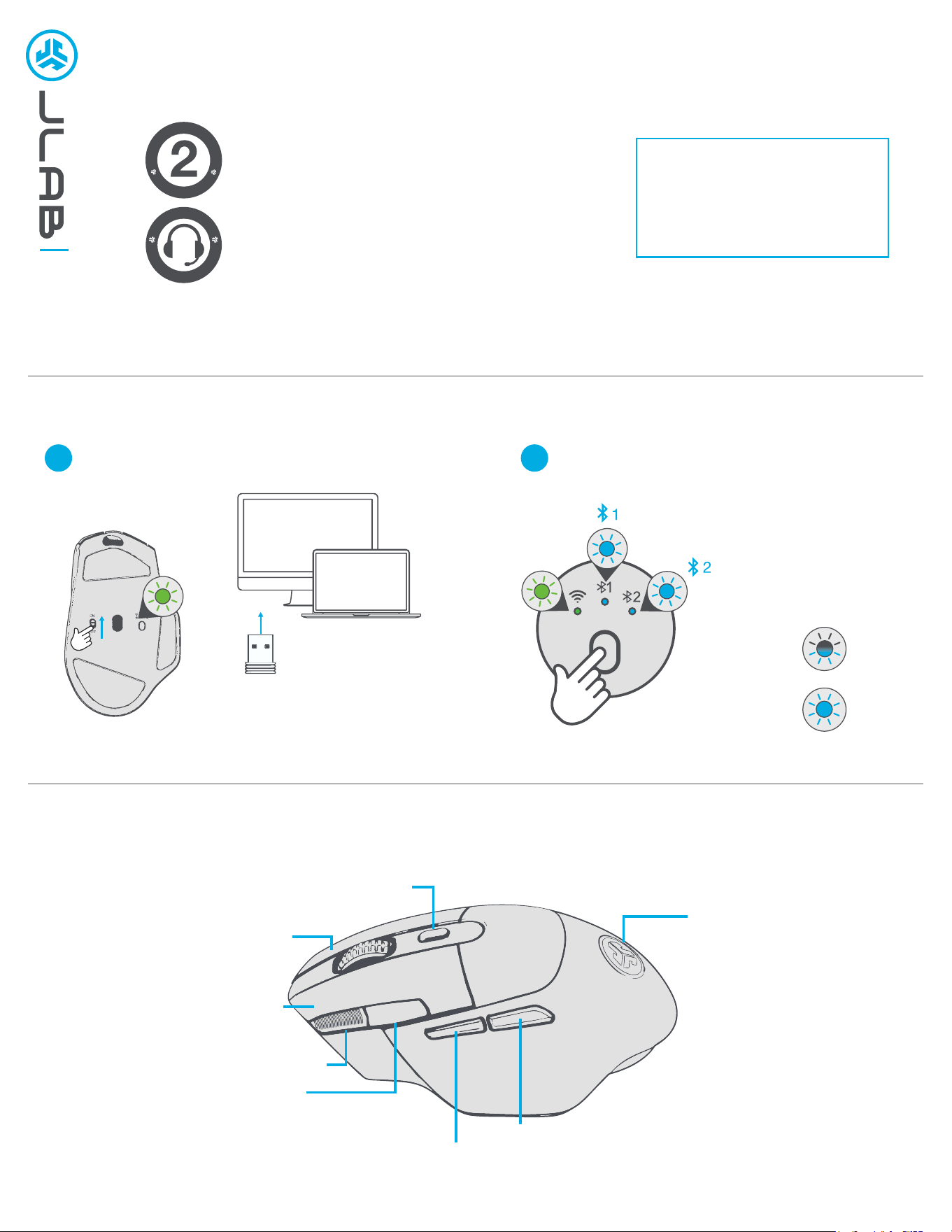
BUTTON CONTROLS
Bluetooth ConnectionLabSpeed 2.4 GHz Connection
PAIRING
MODE:
Flashing
PAIRED:
Solid
2.4
1x PRESS:
SWITCH
CONNECTION
PRESS HOLD:
PAIRING MODE
2.4
LED Indicator
Color shows DPI:
Blue: 800
White: 1600
Warm White: 2400
Yellow: 3200
Orange: 6400
DPI
Press hold to cycle LED pattern
Right Click
Left Click
Browser Forward
Browser Back
DPI Shift
Rapid Click
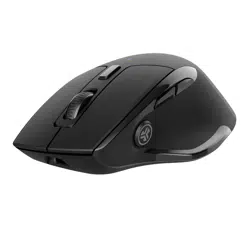
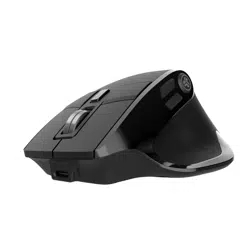
MIDNIGHT
MOUSE
We love that you are rocking JLab!
We take pride in our products and fully stand behind them.
YOUR WARRANTY
All warranty claims are subject to JLab authorization
and at our sole discretion. Retain your proof of
purchase to ensure warranty coverage.
CONTACT US
Reach out to us at [email protected]
or visit jlab.com/contact
REGISTER TODAY
jlab.com/register
Product updates | How-to tips
FAQs & more
L
I
M
I
T
E
D
T
W
O
Y
E
A
R
W
A
R
R
A
N
T
Y
S
U
P
P
O
R
T
T
E
A
M
#
T
E
A
M
J
L
A
B
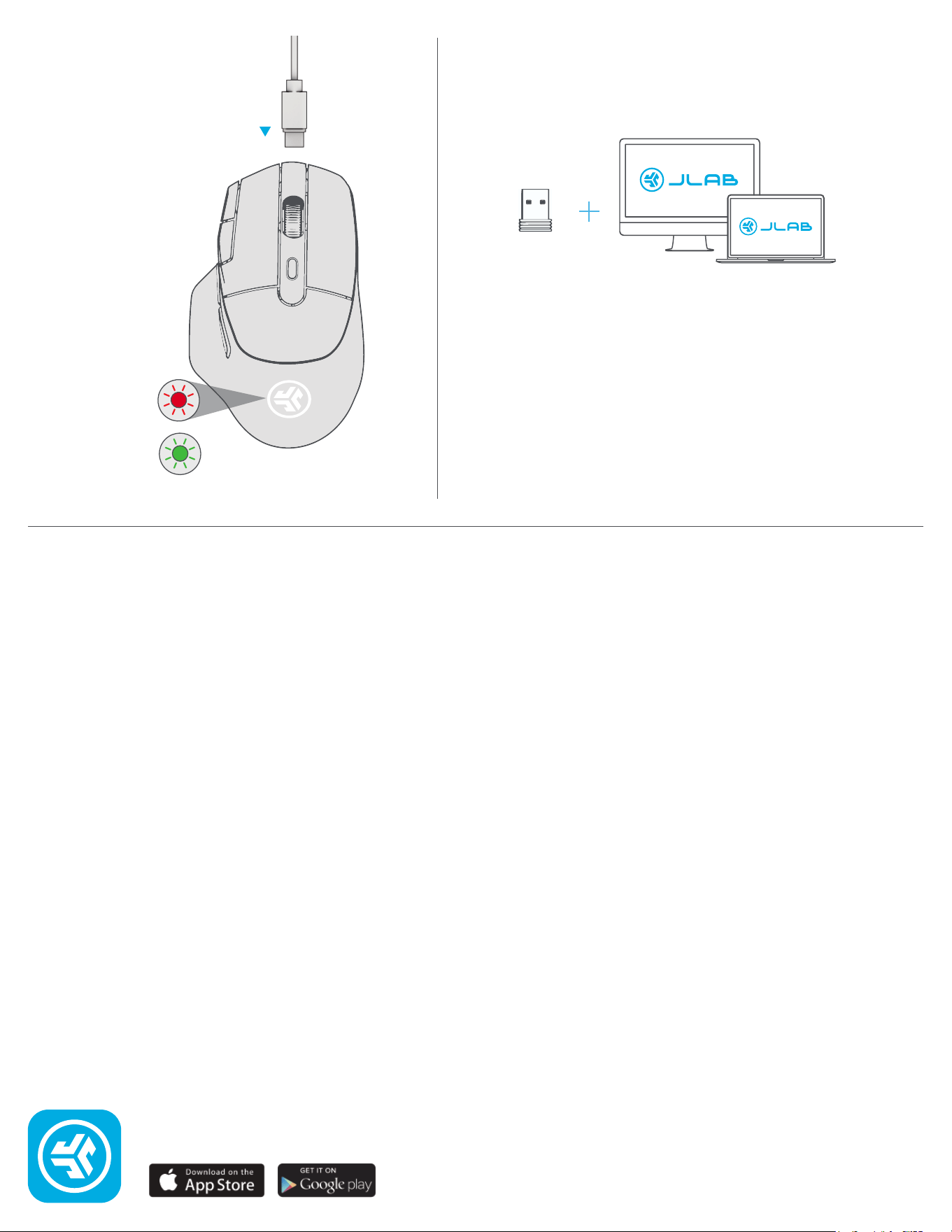
CHARGING
Connect the Midnight to computer
or USB to charge.
CUSTOMIZATION
Download the Lab App (for PC) to fully customize Midnight:
JLAB.COM/SOFTWARE
(2.4 connection needs to be used for customizing software)
Needs
charging
Charging
JLAB.COM
Shop products | Product alerts | Burn-in your headphones
JLab Store + Burn-in Tool