We love that you are rocking JLab!
We take pride in our products and fully stand behind them.
YOUR WARRANTY
All warranty claims are subject to JLab authorization
and at our sole discretion. Retain your proof of
purchase to ensure warranty coverage.
CONTACT US
Reach out to us at [email protected]
or visit jlab.com/contact
1
REGISTER TODAY
jlab.com/register
Product updates | How-to tips
FAQs & more
L
I
M
I
T
E
D
T
W
O
Y
E
A
R
W
A
R
R
A
N
T
Y
S
U
P
P
O
R
T
T
E
A
M
#
T
E
A
M
J
L
A
B
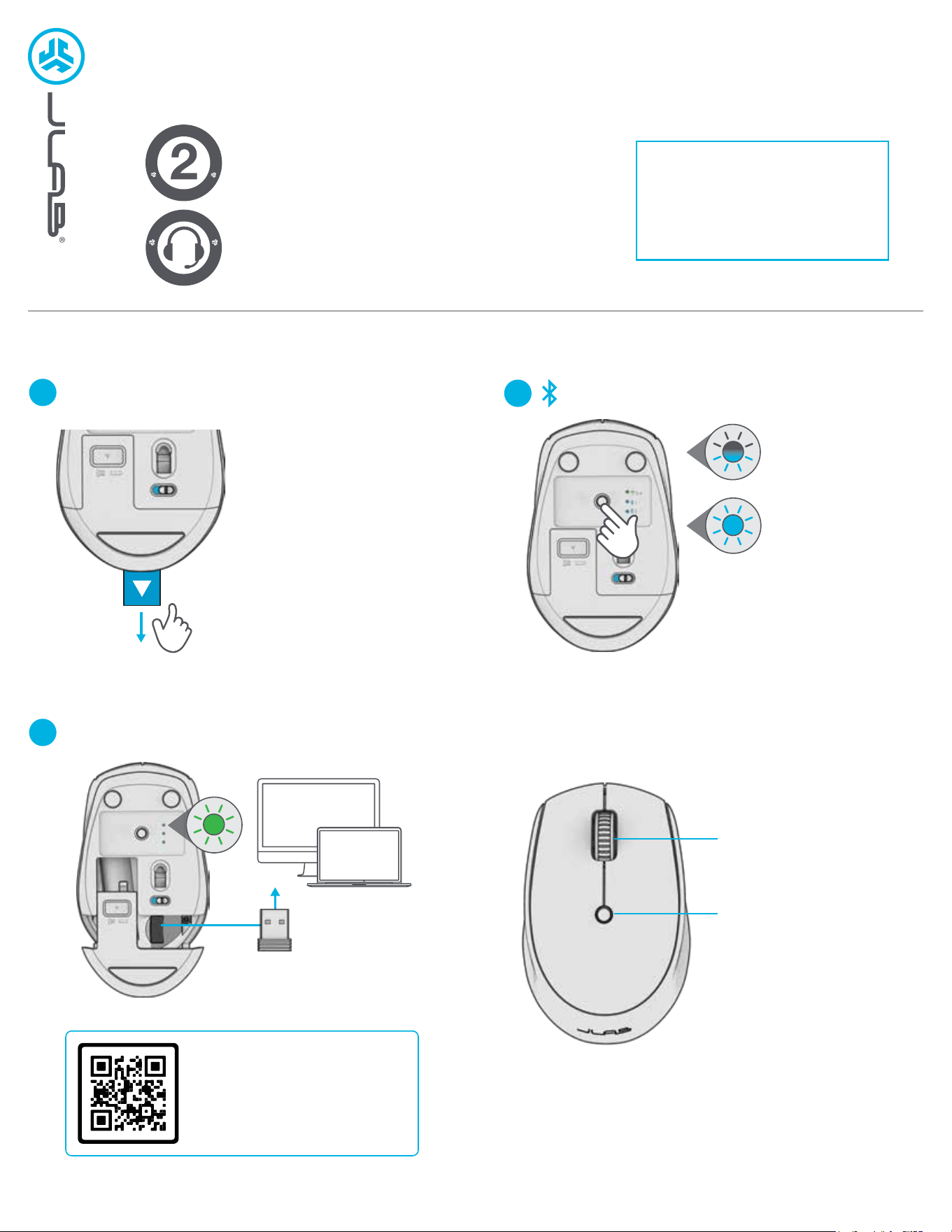
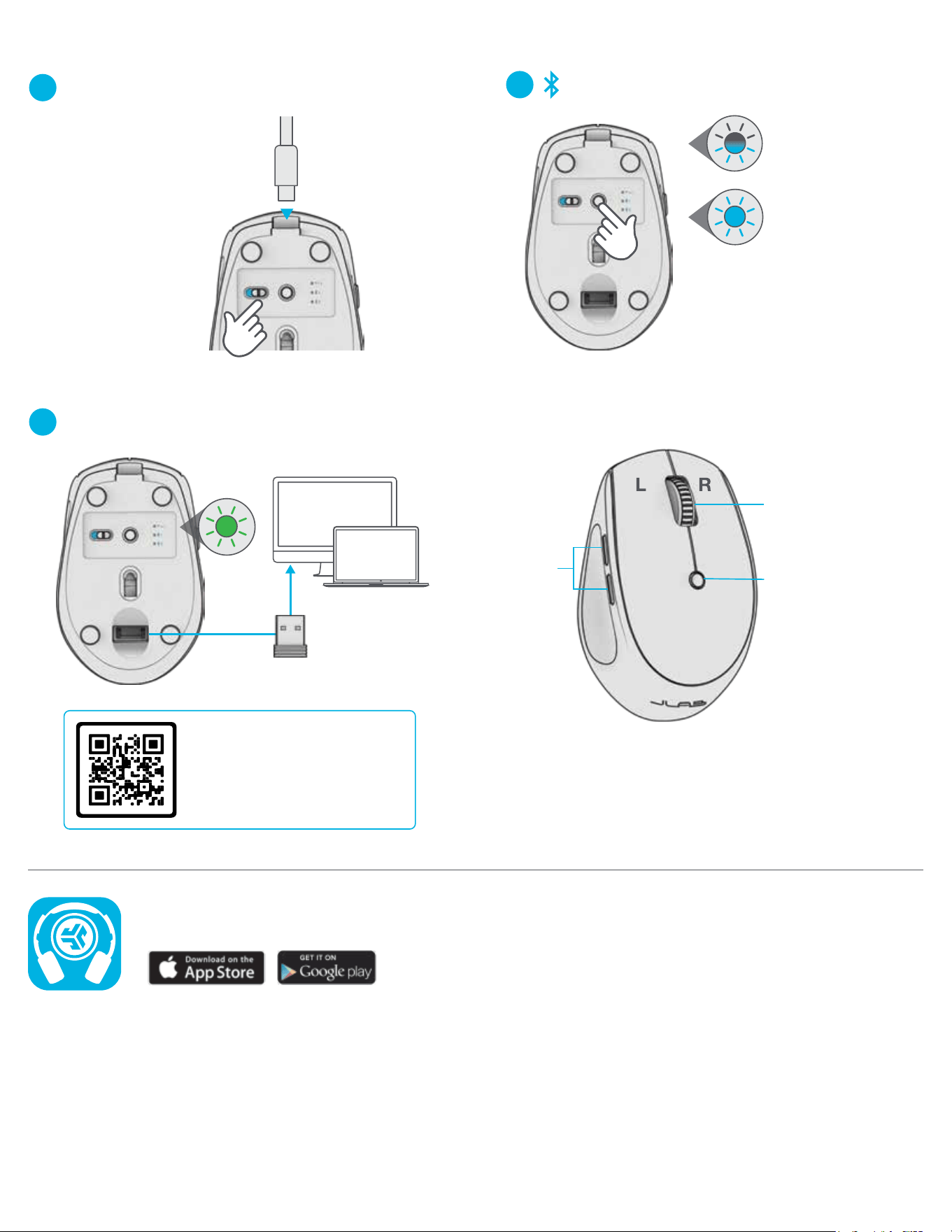
SETUP
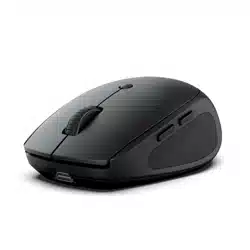
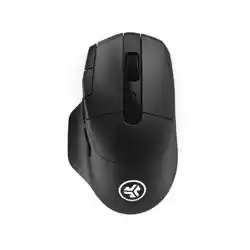
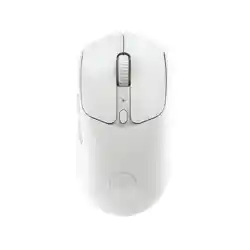
GO MOUSE
2
2.4 CONNECTION
3
CONNECTION
INTERFACE
PAIRING
MODE:
Flashing
PAIRED:
Solid then off
QUICK PRESS
to switch connection
PRESS AND HOLD
for Pairing Mode
(Search for GO Mouse in
device settings to connect)
DPI Button:
Toggle mouse
sensitivity:
800/Low
1200/Medium
1600/High
Scroll + Middle Button
R
Have a JLab Go Keyboard?
Scan the QR code to learn how
to pair both your devices with
just one dongle.
1
SETUP
3
CONNECTION
INTERFACE
Side
Buttons
PAIRING
MODE:
Flashing
PAIRED:
Solid then off
QUICK PRESS
to switch connection
PRESS AND HOLD
for Pairing Mode
(Search for GO Charge in
device settings to connect)
Switch GO Charge ON.
Plug in if charging is needed.
Scroll + Middle Button
DPI Button
Toggle mouse
sensitivity:
800/Low
1200/Medium
1600/High
Shop products | Product alerts | Burn-in your headphones
JLab Store + Burn-in Tool
JLAB.COM
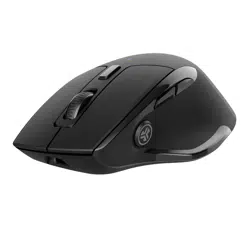
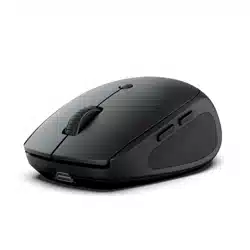
GO CHARGE MOUSE
Have a JLab Go Keyboard?
Scan the QR code to learn how
to pair both your devices with
just one dongle.
2
2.4 CONNECTION