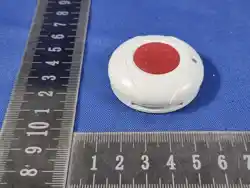
Emergency Button
UserManual
* We reserve all the right for the final explanation
I、Product Introduction
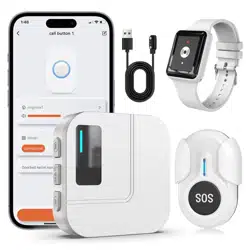
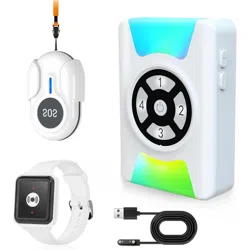
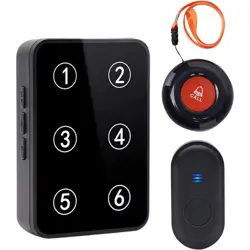
This product is an emergency button, with emergency alarm
function, fashion, small and durable. using wireless 433MHz
communication. The button could be used for homes, companies,
shopping malls, hospitals, banks, security boother and other
places need to carry out security precautions.
Using wireless 433MHz communication.
SOS emergency button, in case of danger, one-key for help.
Simple and lightweight, suitable for a wide range of places.
Features:
Wireless and simple operation .
1 2
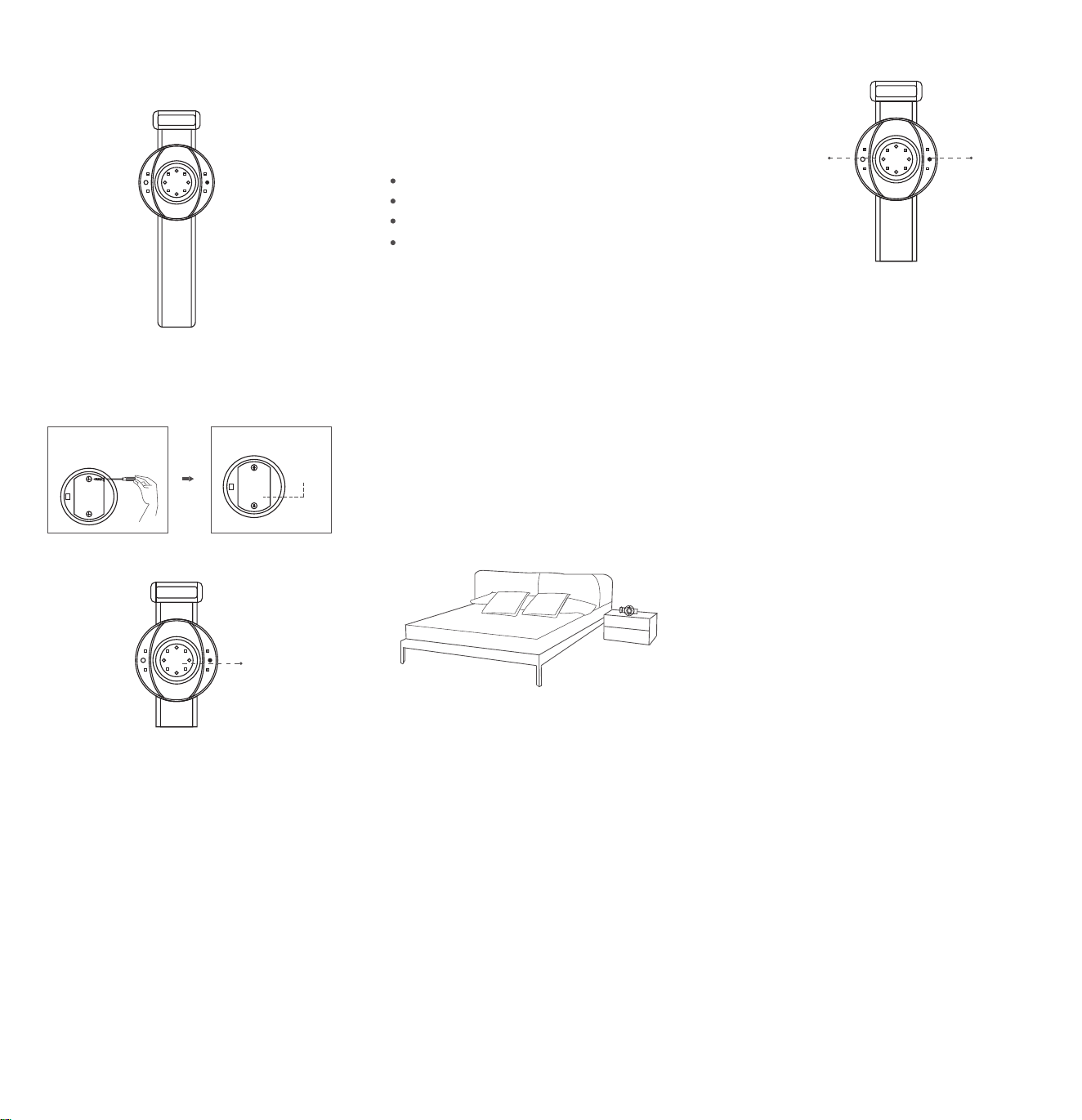
Front View:
SOS button function: press the SOS key to trigger the alarm,
LED light on for 0.5S, and send an alarm code.
II、Understanding Of Products
LEDSOS button
Fig(1)
Change battery
Fig(2)
Battery
Use a screwdriver
to remove the
screws.
Change
battery
IV、Installation Instructions
V、Product Parameters
54
Fig(4)
Power: DC12V (12V23A button battery)
Battery life:>1 year
Radio frequency available: 315/433MHz,open
transmission distance>80m
Working environment: -20 ~ + 50°C
Humidity: up to 95% non-condensing
Dimensions: Φ42.8mm
When alarm host in coding status, press the SOS button to let it
send wireless signal to alarm host. after successful coding,when
you press the SOS Key, the alarm host will alarm ,and inform the
user the alarm information immediately.
You can wear the Panic Button on your hand wrist or wear
it as a pendant.
III、Code Description
Fig(3)
3
76
SOS button
FCC Warning
This device complies with Part 15 of the FCC Rules. Operation is
subject to the following two conditions:
(1) This device may not cause harmful interference, and (2) this
device must accept any interference received, including
interference that may cause undesired operation.
NOTE 1: This equipment has been tested and found to comply
with the limits for a Class B digital device, pursuant to part 15 of
the FCC Rules. These limits are designed to provide reasonable
protection against harmful interference in a residential installation.
This equipment generates, uses and can radiate radio frequency
energy and, if not installed and used in accordance with the
instructions, may cause harmful interference to radio
communications. However, there is no guarantee that
interference will not occur in a particular installation. If this
equipment does cause harmful interference to radio or television
reception, which can be determined by turning the equipment off
and on, the user is encouraged to try to correct the interference
by one or more of the following measures:
- Reorient or relocate the receiving antenna.
- Increase the separation between the equipment and receiver.
-Connect the equipment into an outlet on a circuit different from
that to which the receiver is connected.
-Consult the dealer or an experienced radio/TV technician for help.
NOTE 2: Any changes or modifications to this unit not expressly
approved by the party responsible for compliance could void the
user's authority to operate the equipment.
The device has been evaluated to meet general RF exposure
requirement. The device can be used in portable exposure
condition without restriction.