
Dear Customer!
My name is Sergii Varych, I am the founder of Mirkit Radio.
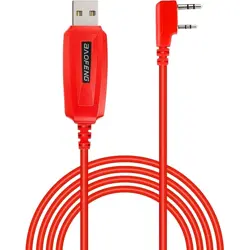
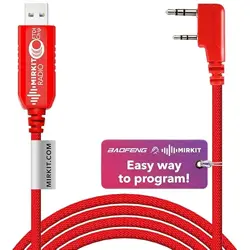
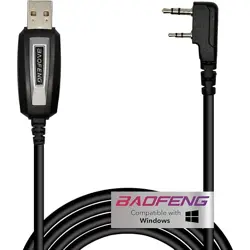
Glad to share with you detailed instructions for using our cable Pl2303.
You are welcomed to have access to software and Channel List for
programming your radio via the link below:
FOR WINDOWS OS:
https://www.amazon.com/clouddrive/share/14d80xLwYxIEDqN596gpClCgJKn
xrD7iw7KR5IH j0C4
To do list for WINDOWS:
Using the link find the "mirkit-instruction.pdf" and follow up the step-by-step
instruction for the easiest programming experience of your radio. That`s all!
Just follow the described steps and enjoy the radio!
If you would like just to flash your radio with Mirkit Channel List, but not to use
the proposed by us Image file, please follow next steps:
Using PC with Windows open the folder mirkit-chanellist-soft_for_PC via the
shared above link and find 3 files:
1) Chirp_Mirkit_installer.exe (This is a program for flashing radio sets)
2) mirkit-chanellist_v1_2019.csv (This is a file with firmware)
3) MIRKIT RADIO channel list 2019.pdf (This is a detailed description of the
channels and their specification)
4) mirkit-instruction_win_2019.pdf ( Step by Step instruction)
If you have ANY kind of issues with programming cable of working set up -
just contact us.