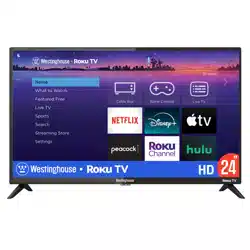
Select Series
HD TV
Quick Start
Guide
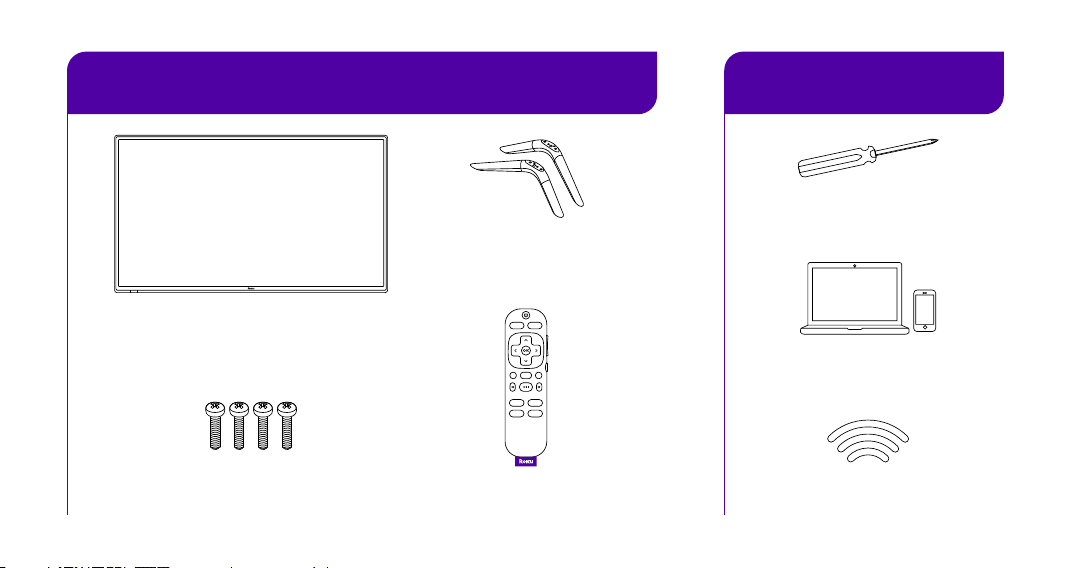
What you need
What’s included
Stand screws Roku TV Remote
TV stands
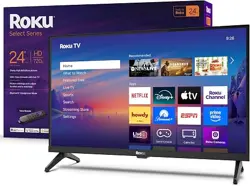
Roku Select Series HD TV
x 4 screws
Internet connection
Laptop or mobile
phone for activation
Phillips head
screwdriver
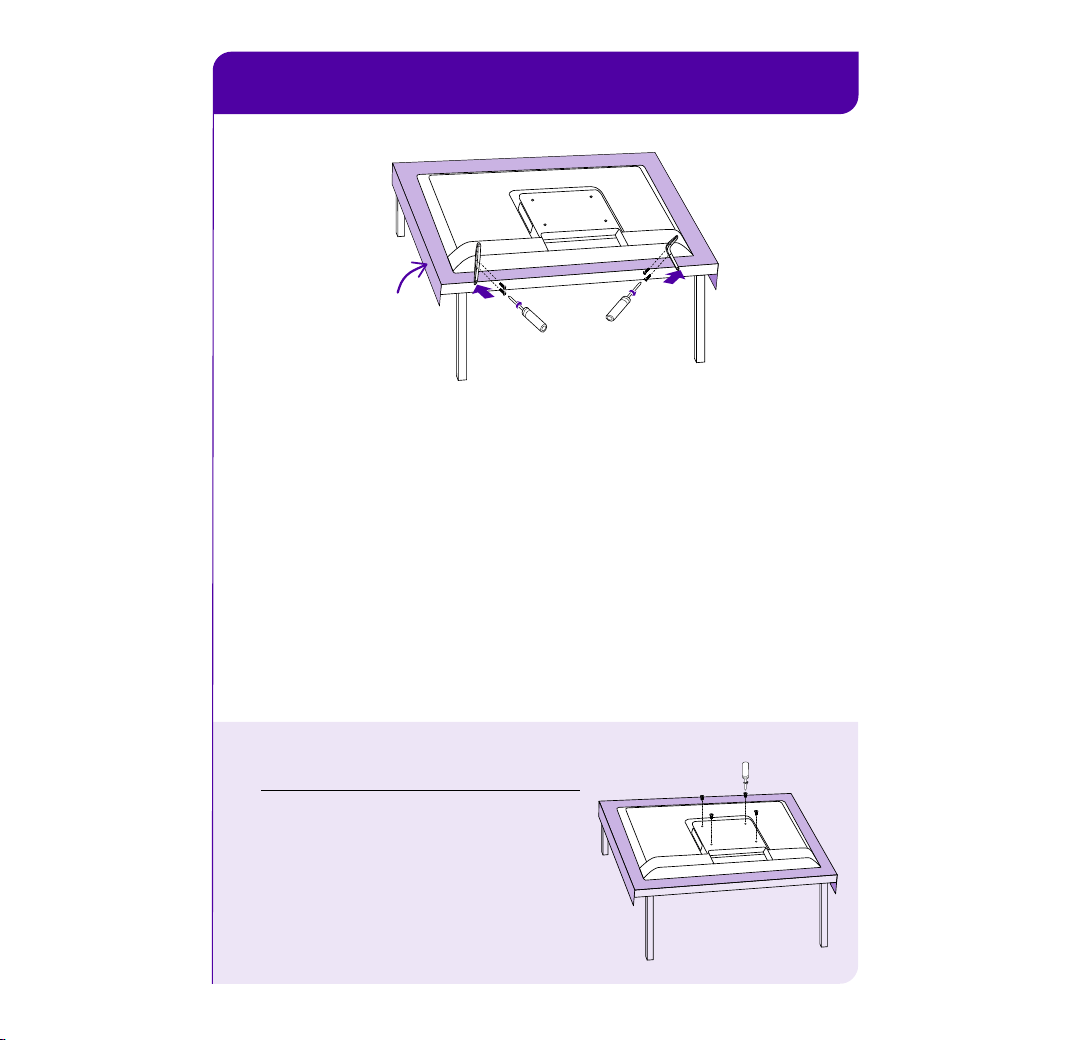
STEP 1˸ Set up your TV
A
Prepare a surface
Put a soft covering like a blanket down onto a clean,
flat surface (make sure it’s larger than the TV) and place
the TV on it.
B
Attach the stands
Use a screwdriver and included screws to attach the stands.
C
Set TV upright
Place your TV on a stable, flat surface.
Mounting your TV?
For instructions, skip these steps
and visit go.roku.com/tvmount
Blanket
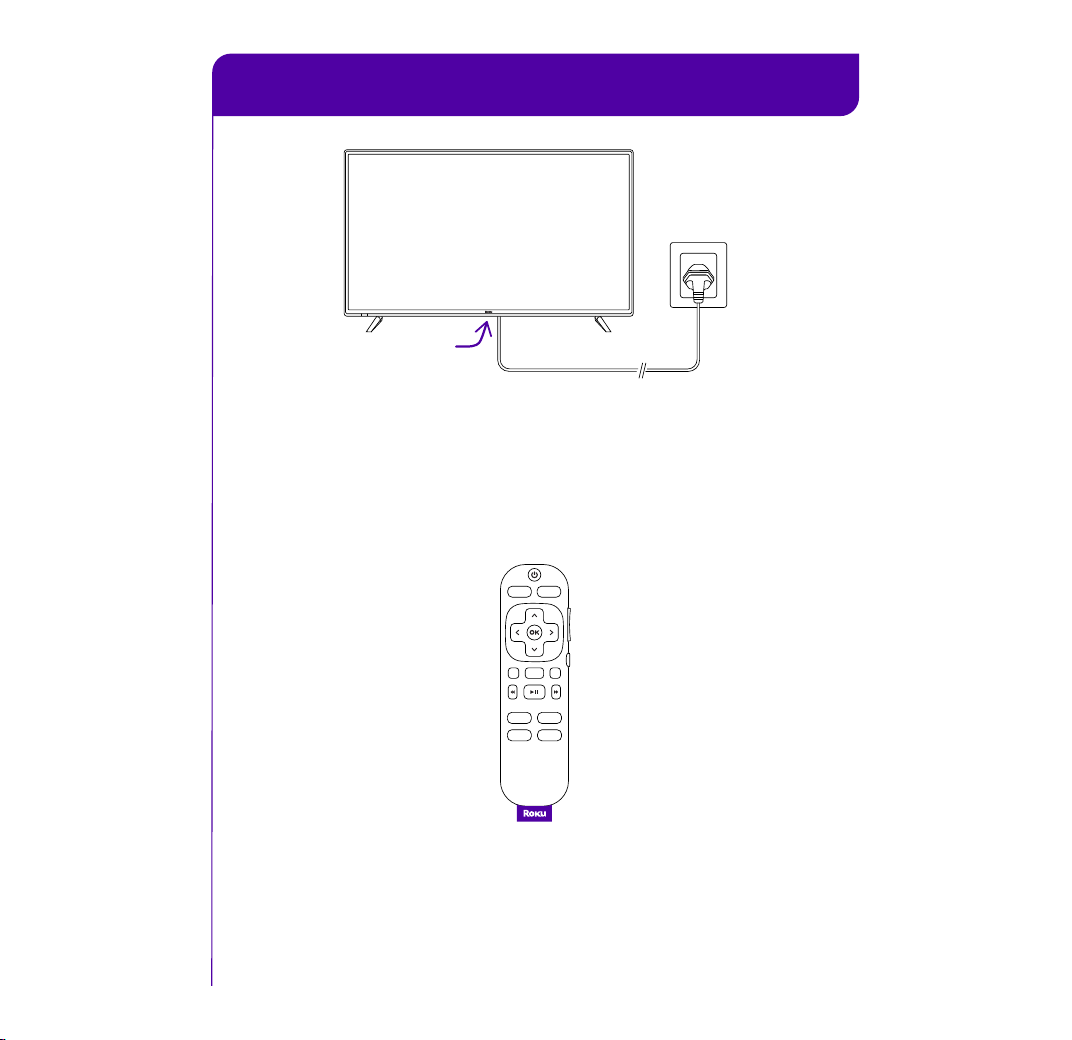
STEP 2˸ Plug TV in and power your remote
A
Connect your TV
Plug your TV into a power outlet. It should turn on
automatically. If it doesn’t, press the power button.
B
Power your remote
See the remote features card on how to use your
Roku TV remote.
Power
button
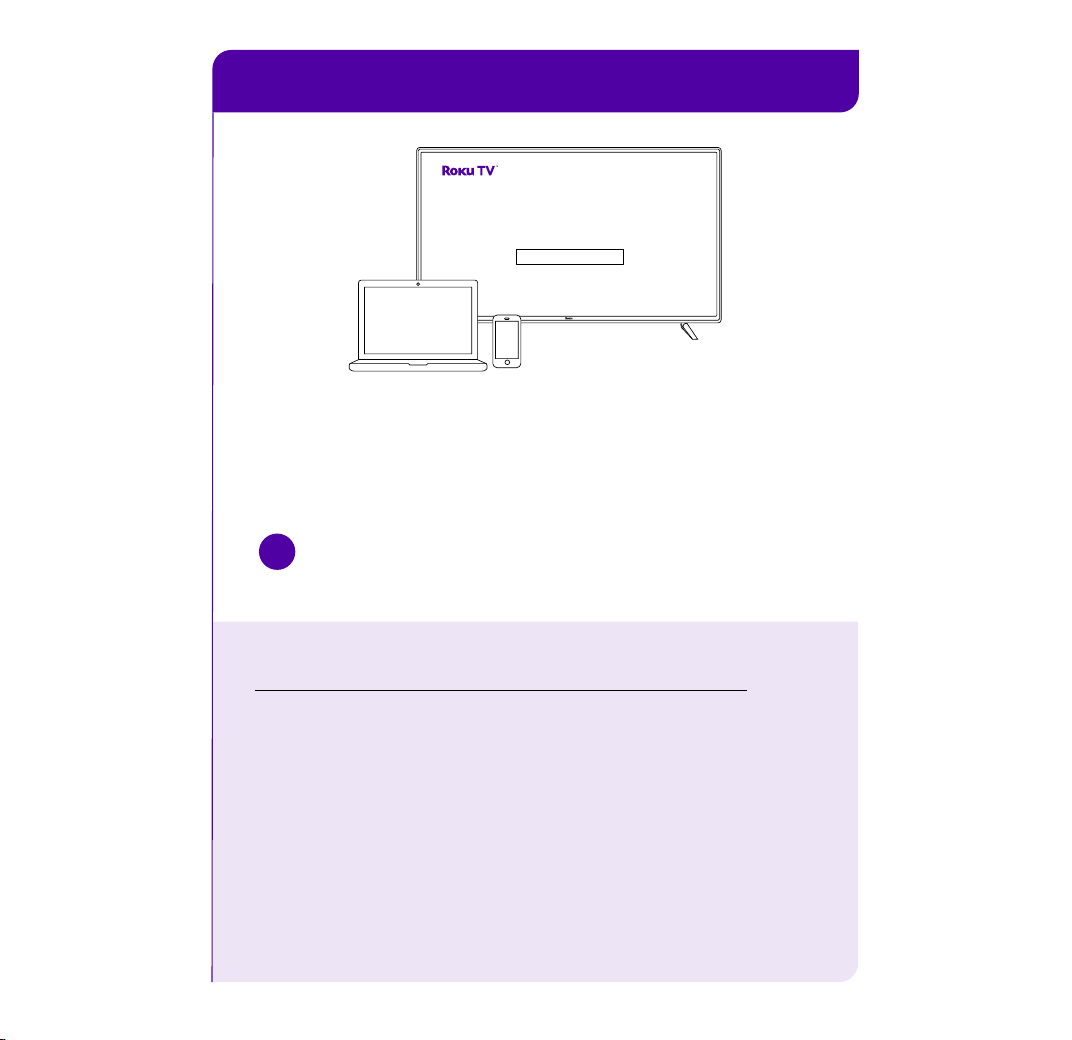
STEP 3˸ Activate your TV
Frequently asked questions
Why do I need an internet connection?
You’ll need an internet connection to set up your TV, stream
your favorite channels and for automatic software updates.
Why should I enter a payment method?
Saving a payment method makes it easy to rent or buy movies,
subscribe to popular channels, and start free trials in just a
click. No charges will be made without your authorization.
!
IMPORTANT
Roku never charges for activation support.
Connect your TV
Follow the instructions on your TV screen. Activate your TV by
using your computer or smartphone to link a Roku account.
Let’s get started
>
English
Deutsch
Español
Français
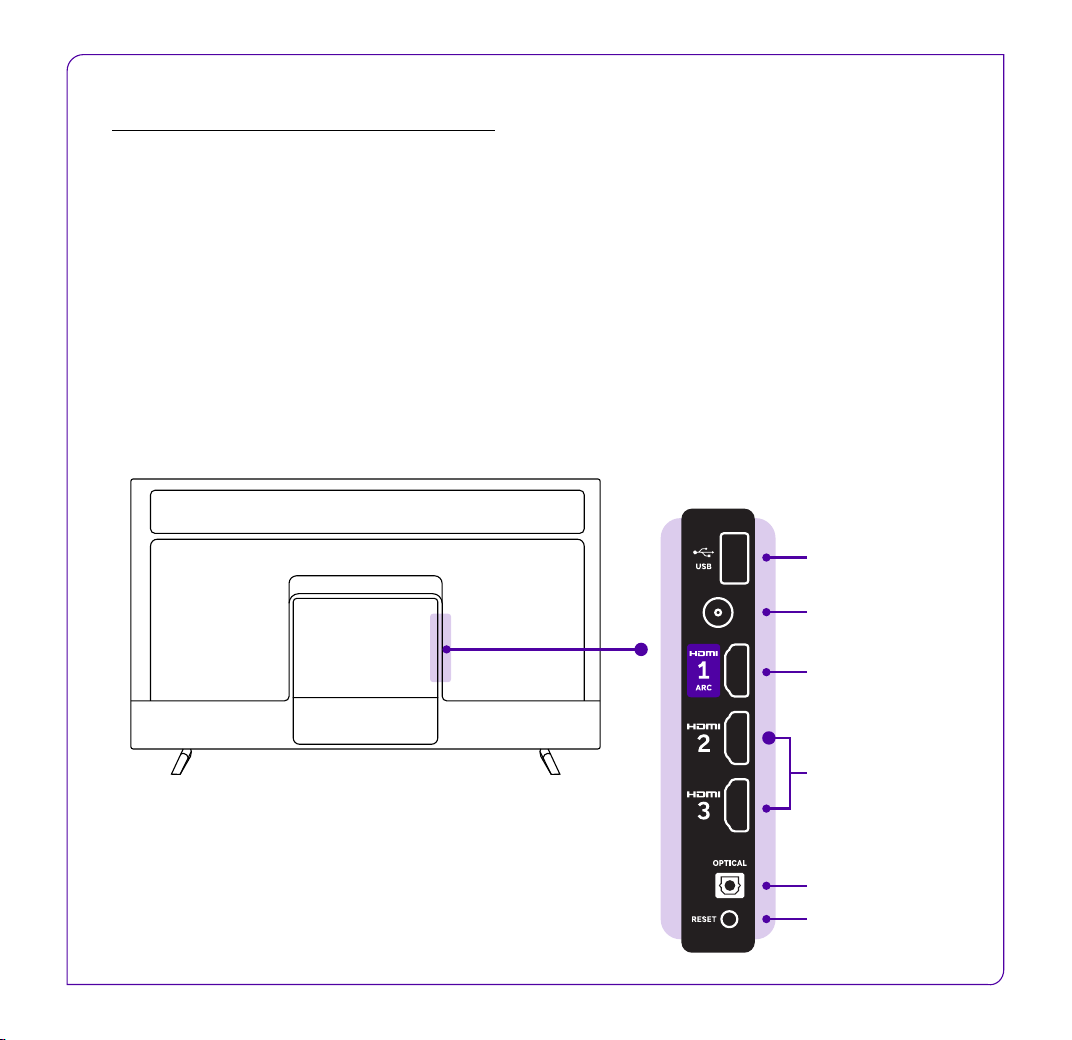
Get to know your TV
Video connections
HDMI - Game consoles, DVD players
Antenna/Cable - Digital antenna, cable connection
Audio connections
HDMI ARC (recommended) - AV receivers, soundbars
Optical (S/PDIF) - AV receivers, soundbars
Other connections
USB - Flash drive
Optical
USB
Reset
HDMI ARC
HDMI
Antenna/Cable
© 2025 Roku, Inc. All Rights Reserved. Roku,
the Roku logo, and the purple d-pad and
purple fabric tag designs are trademarks or
registered trademarks of Roku, Inc.
Manufactured under license from Dolby Laboratories.
Dolby, Dolby Audio, and the double-D symbol are registered
trademarks of Dolby Laboratories Licensing Corporation.
Confidential unpublished works. Copyright 1992-2019 Dolby
Laboratories. All rights reserved.
Need help?
go.roku.com/TV
For setup help or
support, visit or call
1-816-272-8106
4˸00 am – 10˸00 pm PT