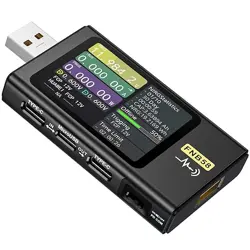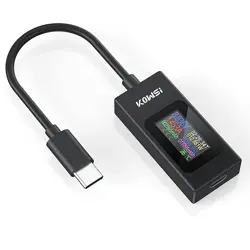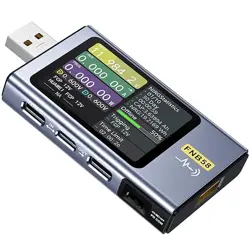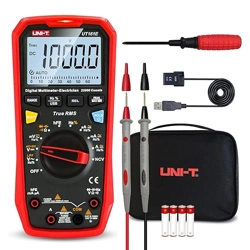
KJ-KayJI 2 in 1 Multifunctional Digital Multimeter Tester
Tester Latest Button Functions
Press Once-Click: Switch the Display Interface
Fast Double-Click: Capacity mAH Clear
Fast Press Three-Click: Current WH Clear
Fast Press Four-Click: Time Clea
Fast Press Five-Click: Switch Data Storage Group (NO.X)
Long Press Button, Capacity, Power, Time, Clear the current group (mAh, Wh, 00:00:00)
Switch to the Screen rotation interface Long Press the Screen to Flip, Other interfaces can only long press to clear data.
Voltage and current warning interface:2 click to add, 3 click to reduce,When add and reduce, long press is continuous addition and subtraction;
Tips:
If there is current in the tester at no load, Press and hold the tester button,insert the device,and calibrate to zero. During calibration,the output must not have any
current consumption.
Tester highlights:
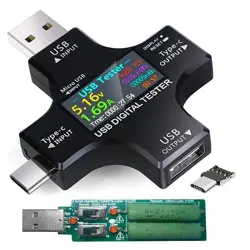
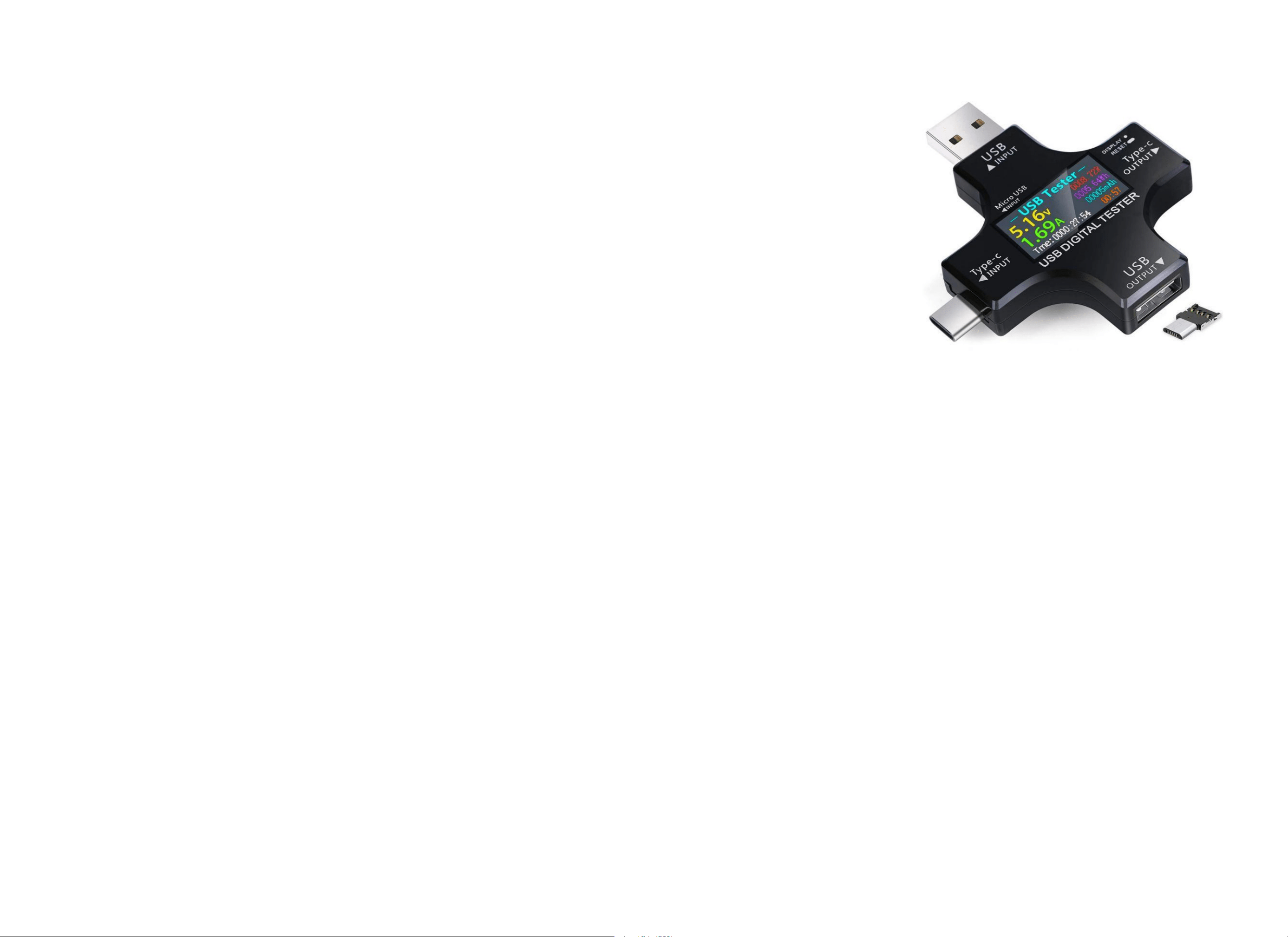
When inserting the tester into the USB-C device and USB C Cable/usb a to usb c Cable, you must use the OTG adapter (Micro-usb adapter) or Micro-usb Cable to
insert the Micro-USB INPUT Port of the USB Tester to trigger the PD charging function. The tester can be used normally.
Scope of application:
Micro-usb cable, usb a to usb c Cable, usb c to usb c Cable. USB A Charger, USB C Charger, Power Bank and other USB devices.
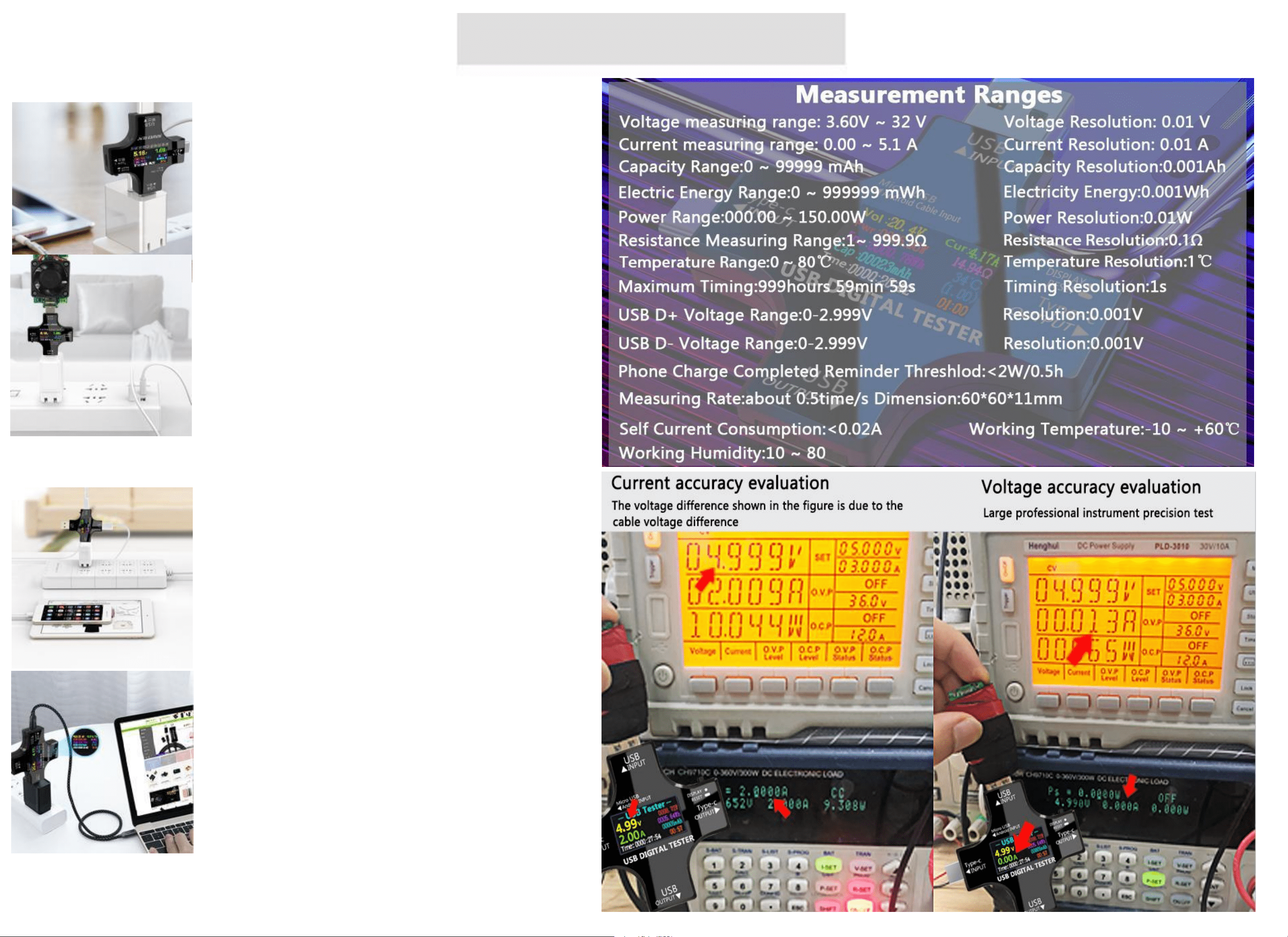
KJ-KayJI Personal DIY portable
Test various cables
monitor charging status Charge your phone safely and
check data in real time
Test various USB / Type-C chargers
Plug the tester into the charger and connect an
adjustable current loader,Perform current adjustment
and test the current and voltage data of the charger.
Let the charger be connected to the current loader
for a long time to check the stability of the charger.
Charge test / 1 X 2
Can meet the output of two devices at the same time,
support Type-C devices, intelligent charging scheme,
and ensure the safety of the device.
Laptop Charge Monitoring
When you power the Laptop,connect KJ-KayJI test meter
to monitor the voltage, current, capacity, power,
temperature and other technical parameter information in
real time.
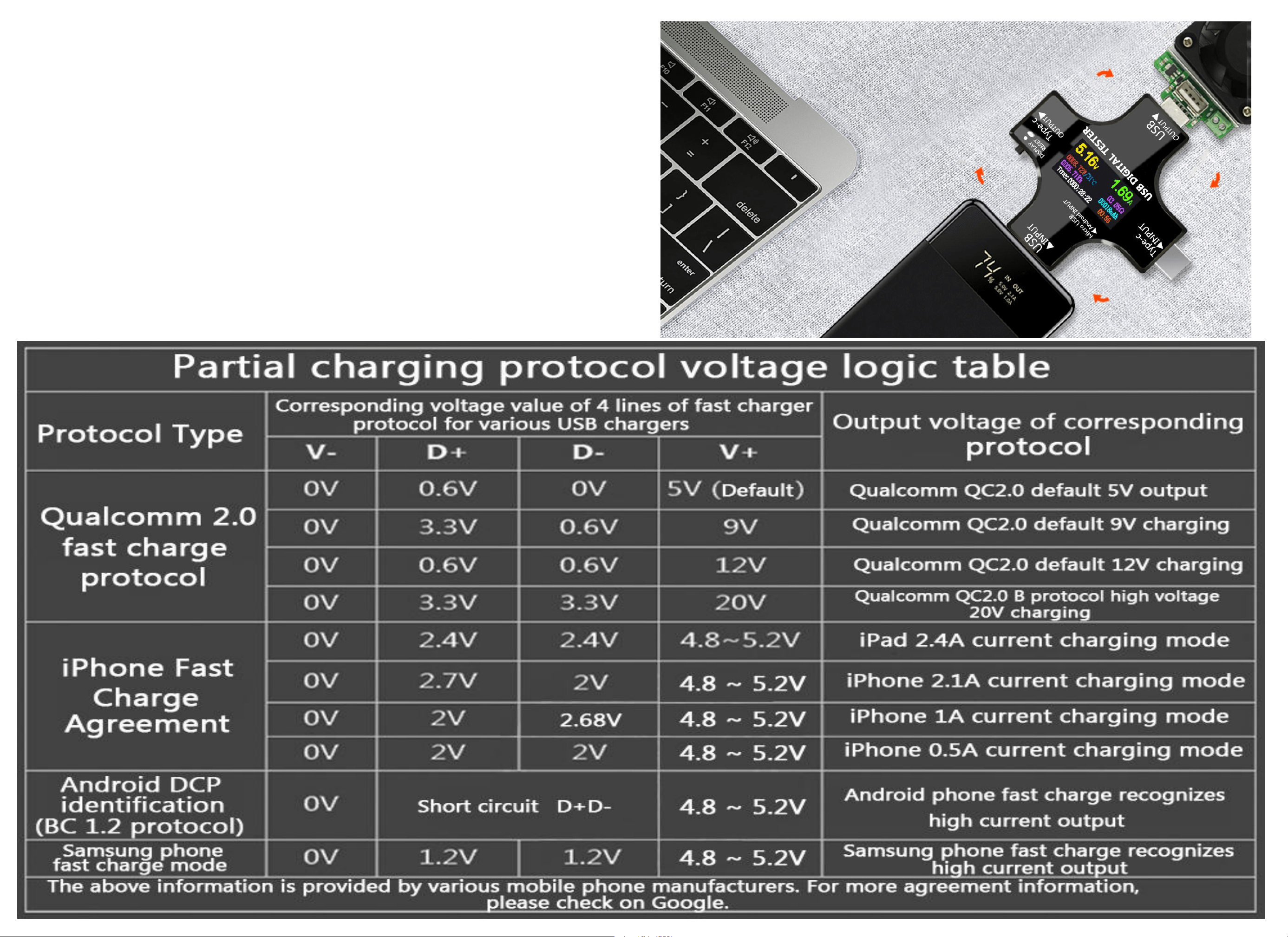
Test Power Bank/Phone Capacity
Tester Power Bank
Fully charge the power bank, insert it into the tester, clear the mAh of the tester, connect
to Load to quickly discharge to obtain mAh capacity,multiply by 90%.
Tester Phone Capacity
The phone is fully charged, plugged into the tester, cleared Wh data, connected to Load,
quickly discharged, and acquired data.
Electricity: Wh/3.75V(Phone battery voltage)=Capacity value X 1000 X90%=Phone mAh
capacity.(which is close to the phone battery capacity)
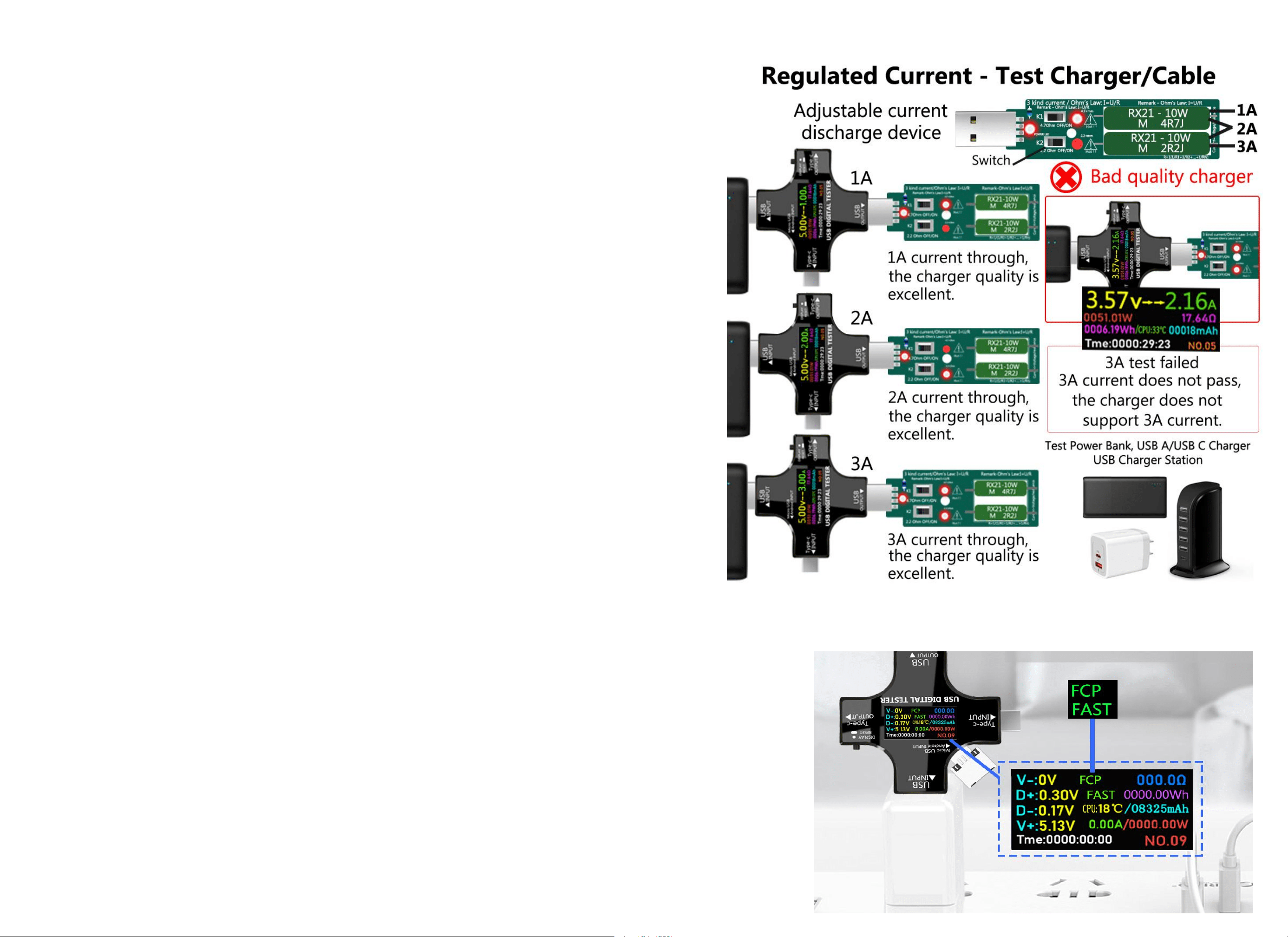
Load tester
1-3A current adjustment test is provided, and the connected load of the tester is
inserted into the charger, Cable, Power Bank, Phone.
1. Test the charging quality of the charger and cable, adjust the current 1-3A, and
check whether the current conforms to the current provided by the charger.
For example, the charger provides 5V-3A, the inserted load is adjusted to 3A, and
the tester displays 5V-3A. The charger has excellent quality and fast charging speed;
It displays 4.5V-2.4A, the quality of the charger is average, and it cannot provide 3A
fast charging; When it is adjusted to 2A, the tester displays 5V-2A and provides 2A
charging; It shows 5V-1.5A, which is of poor quality and cannot provide 5V-2A
charging.
2. Test the cable and use the charger that has been tested and determined to be of
excellent quality. Adjust the current after connecting the load tester. If the voltage
and current meet the corresponding data, the cable is excellent; If the voltage and
current are lower than the corresponding current, the cable quality is poor and the
charging speed is slow.
3. Test Power Bank. Clear the tester data, connect the load, discharge the 3A current rapidly, and check the tester Mah after
discharge, Mah * 90%=Power Bank power.
Test the fast charging protocol
After connecting the mobile phone with the charger, switch the page to "USB 4-wire detection
interface". If "FCP" and "FAST" are displayed, the charger provides fast charging. After
confirmation, insert the cable to test the fast charging. If it is not displayed, the cable does not
provide fast charging.