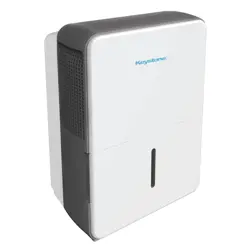
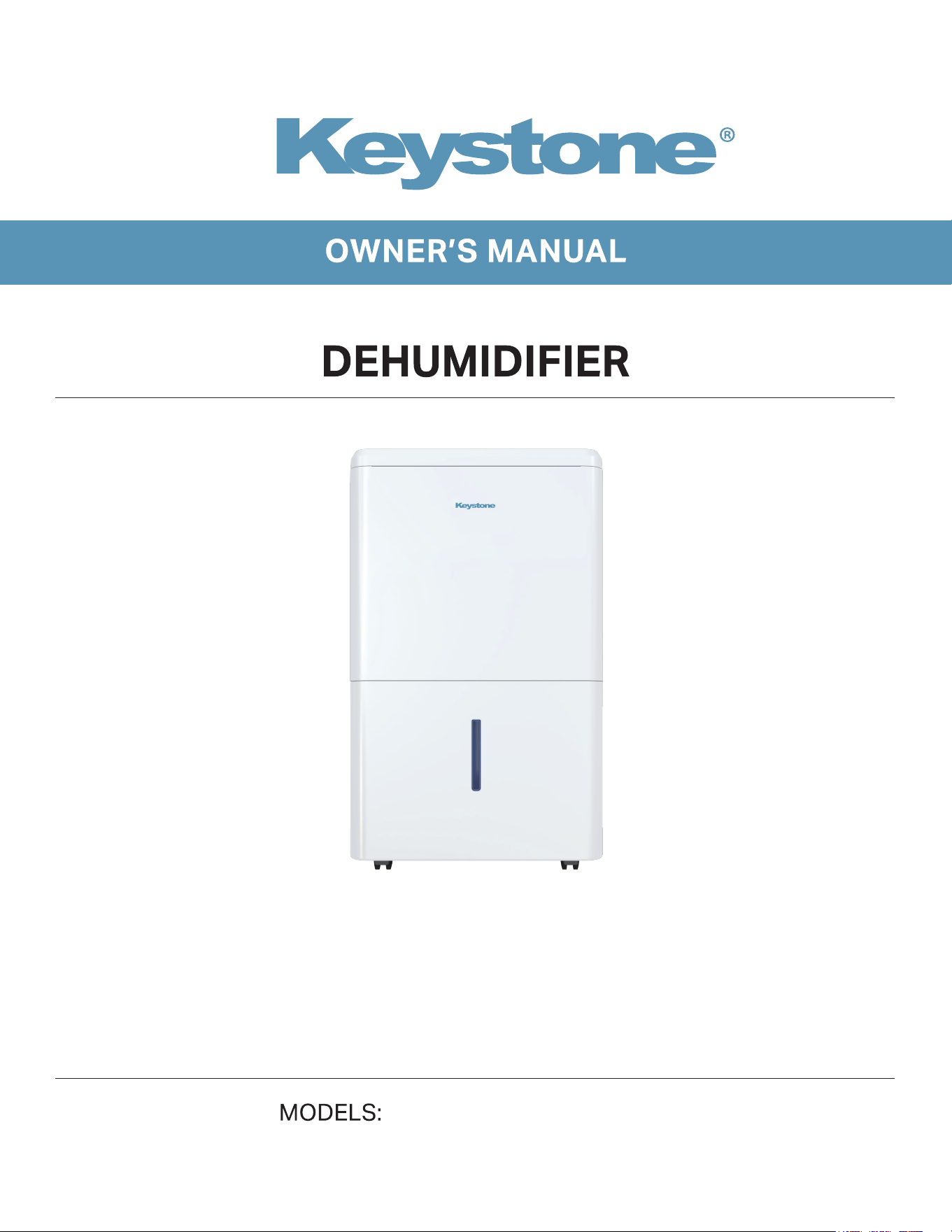
KYSTD50AE/KYSTD50PAE 001152***

8
10
1
Do not use means to accelerate the defrosting process
or to clean, other than those recommended by the
manufacturer.
The appliance shall be stored in a room without
continuously operating ignition sources (for example:
open flames, an operating gas appliance or an
operating electric heater.
Do not pierce or burn refrigerant tubing. Be aware that
refrigerants may not contain an odor.
Keep ventilation openings clear of obstruction.
When handling, installing, and operating the appliance,
care should be taken to avoid damage to the
refrigerant tubing.
Do not drill holes in the unit.
Maintenance, cleaning, and service should only be
performed by technicians properly trained and qualified
in the use of flammable refrigerants.
We do not support any servicing of the dehumidifier.
Dispose of the dehumidifier in accordance with Federal
and Local Regulations. Flammable refrigerants require
special disposal procedures. Contact your local
authorities for the environmentally safe disposal of your
dehumidifier.
WARNING
Risk of Fire or Explosion. This unit contains flammable refrigerant.
Additional safety precautions must be followed.
2
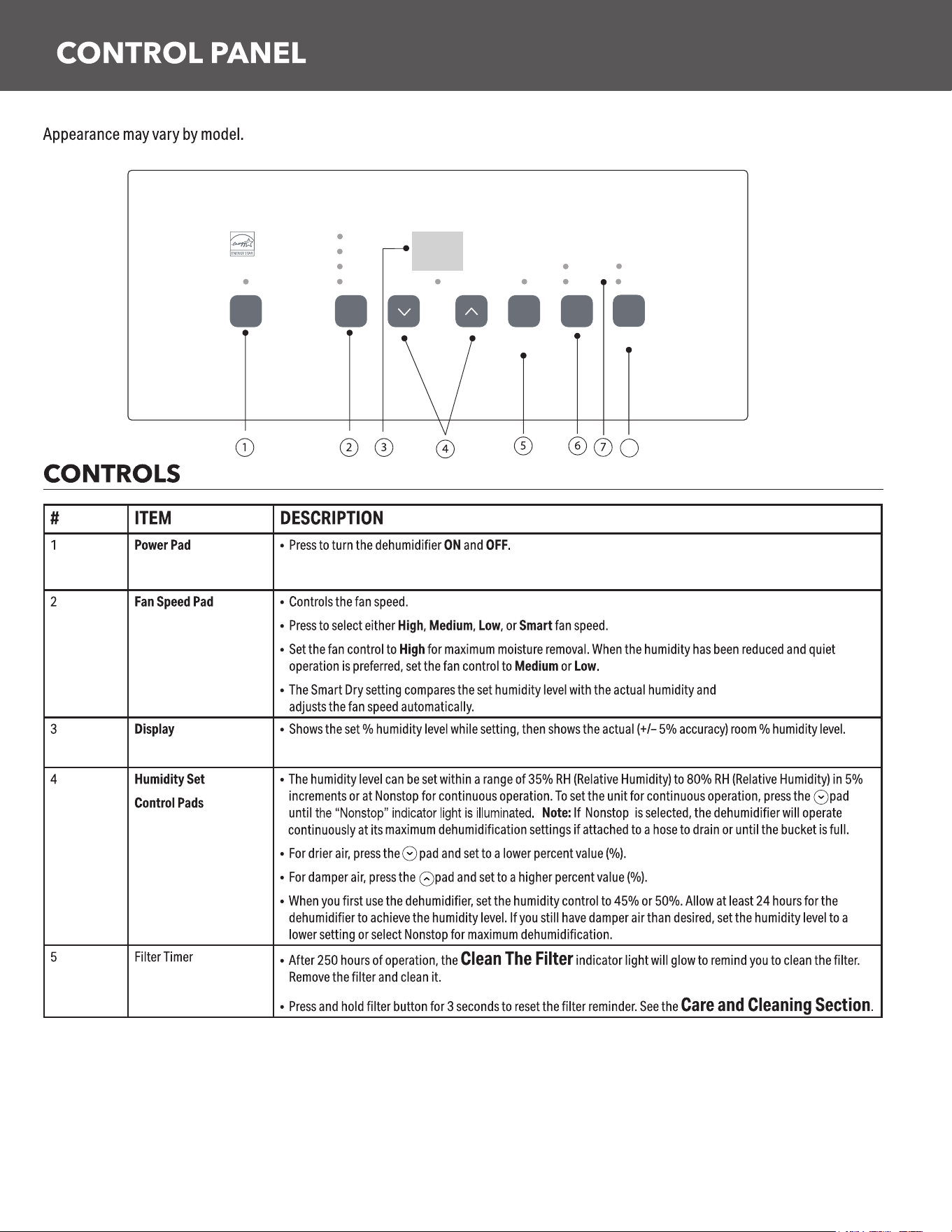
Hold 3 Sec To
Reset Filter
Power Speed Filter Delay
Smart
Med
High
OnNonstop
Off
Low
Humidity %
Empty
Hold 3 Sec
Requires Hose
Pump
On
8
3
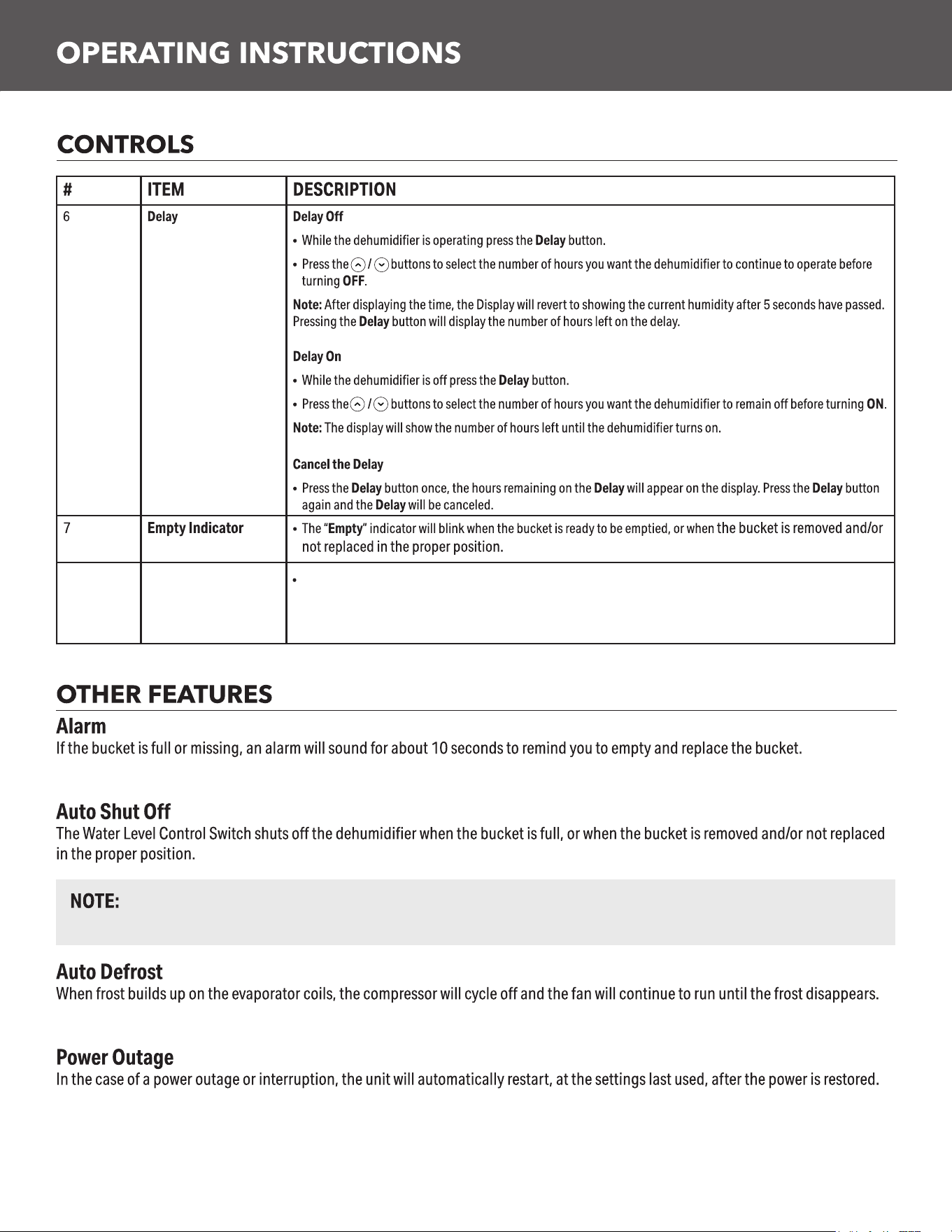
The fan and compressor will stop running as soon as the bucket is full or removed. The alarm will sound if the
bucket is full or not replaced in the proper position after 3 minutes.
Pump
(on some models)
8
Activates the internal pump function. Press for 3 seconds to activate the internal pump for automatic removal of
condensate. The internal pump indicator light will remain illuminated after 3 seconds. Press to deactivate the pump.
Before turning on the pump, ensure the hoseconnected.
4
5
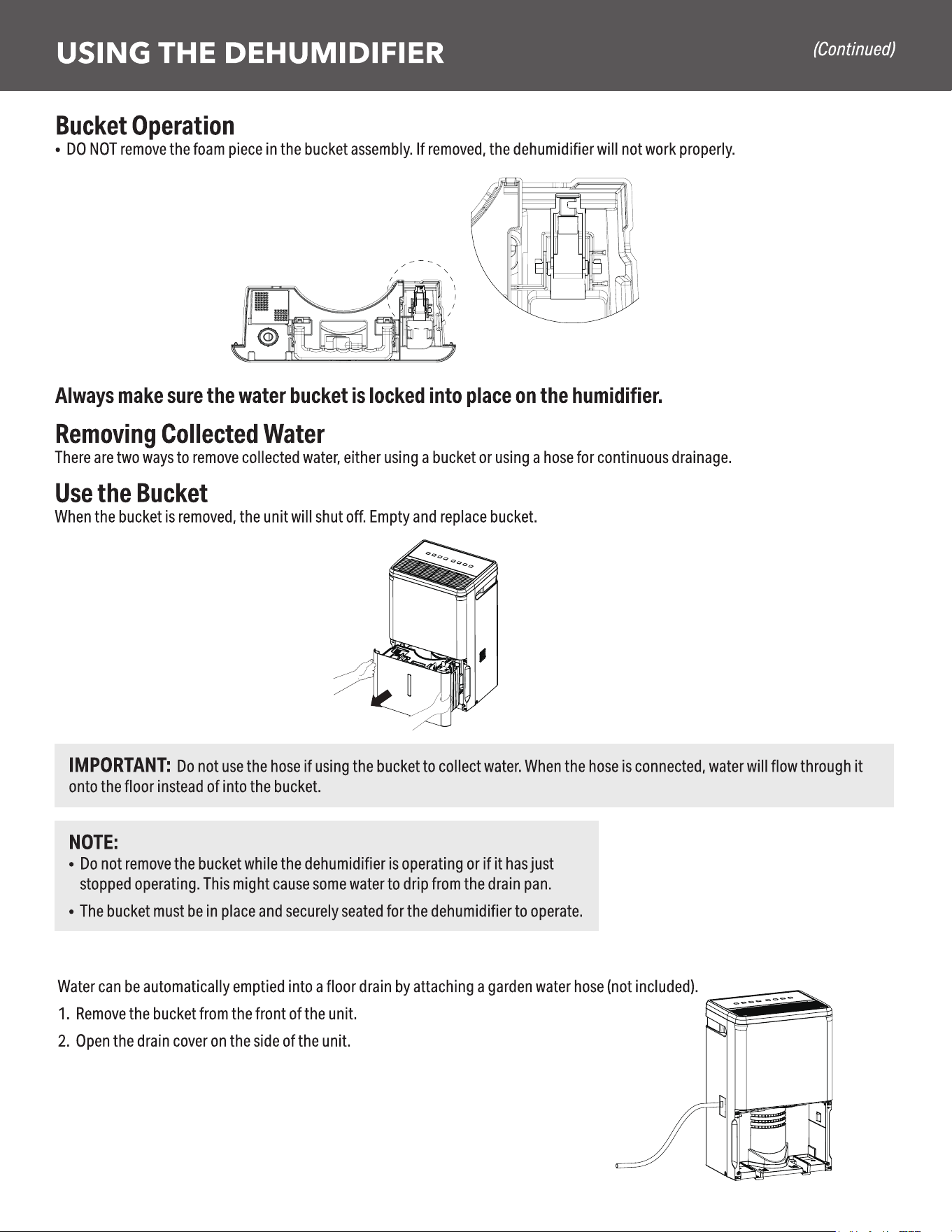
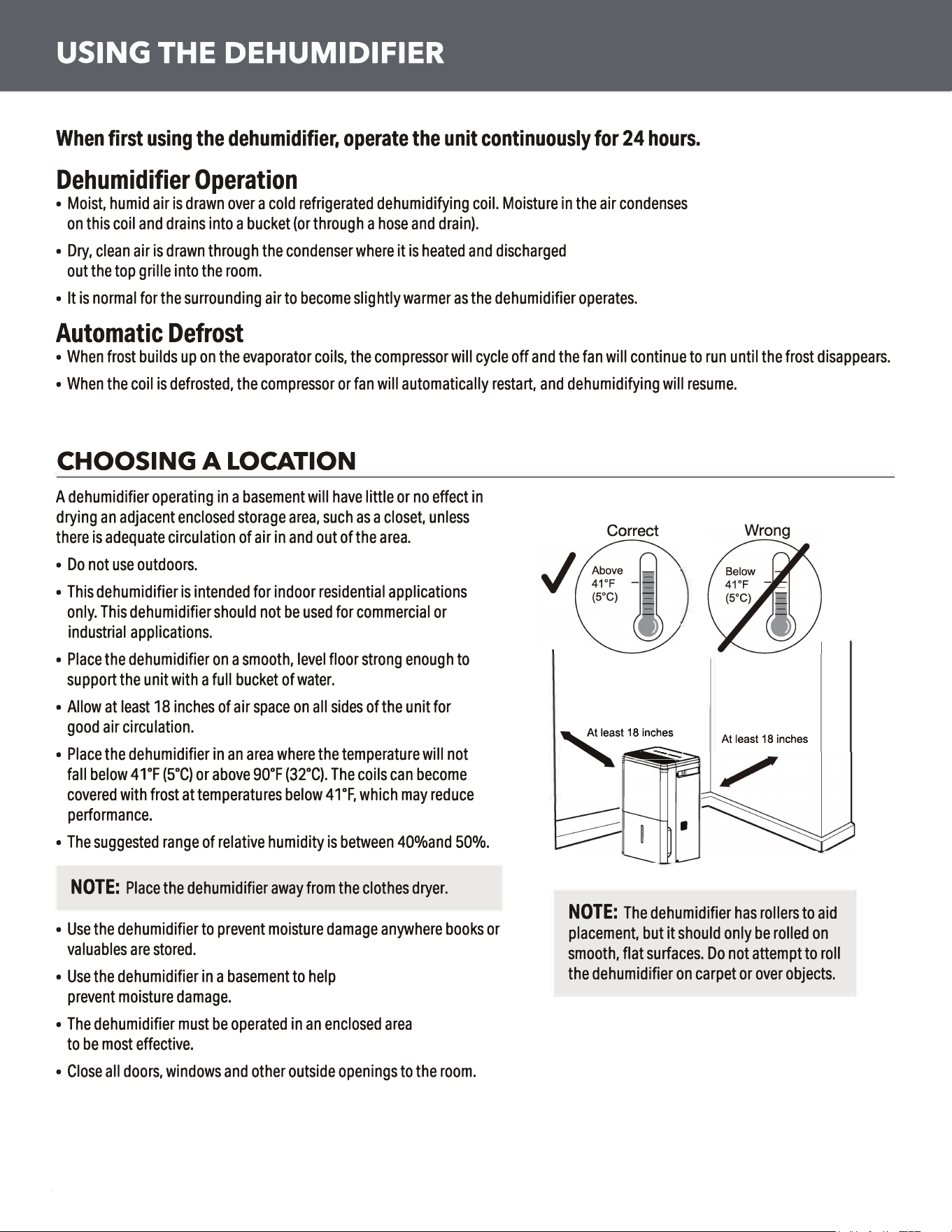
Use a garden Hose(3/4-11.5NH)
6
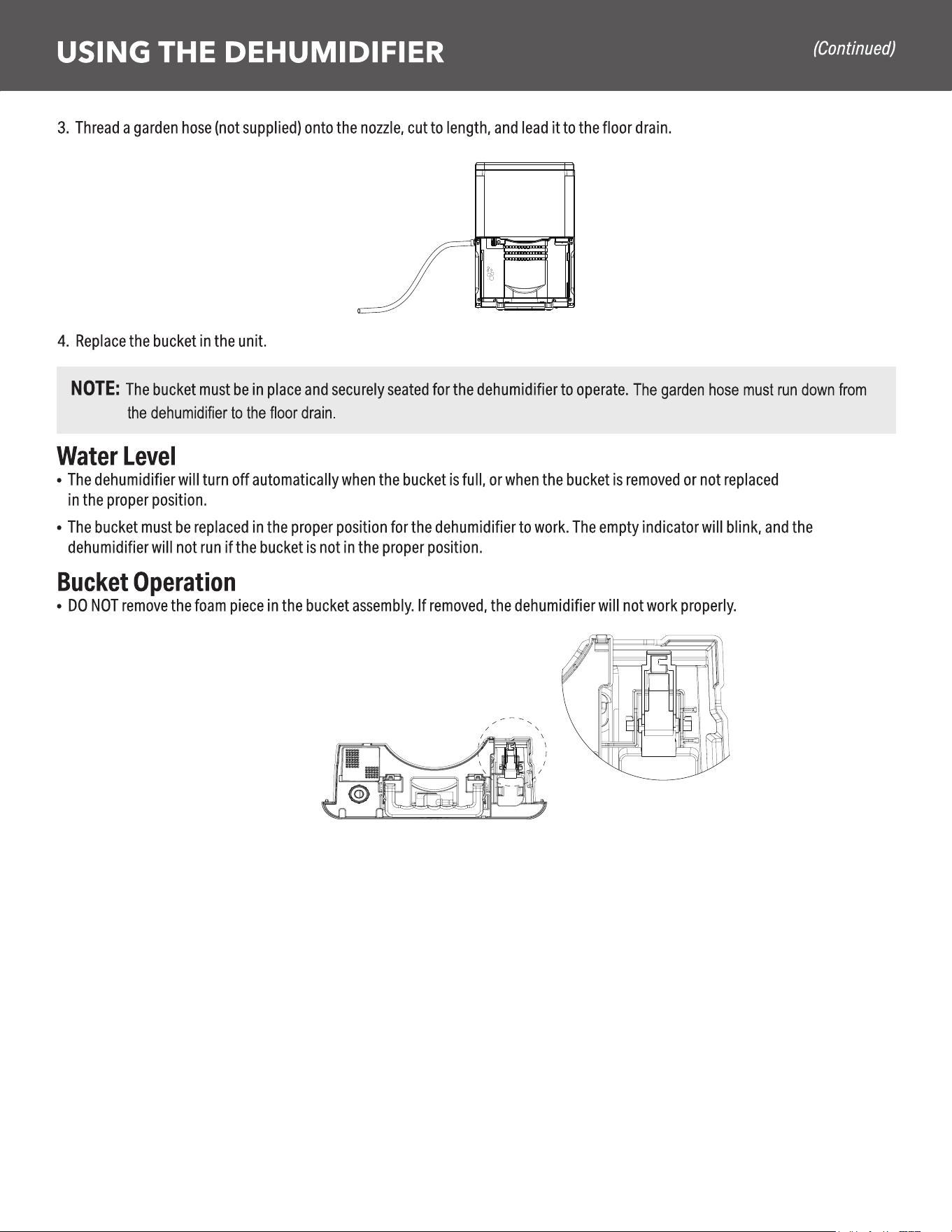
Removing Collected Water (Continued)
Use the internal pump (on some models)
Water can be automatically emptied into a remote location by attaching the included pump hose.
eht hcattA .1 pump hose to the hose connector by pushing the tube fitting into the connector until it fits into place
(should not be able to remove the hose when pulled).
2. Position the hose discharge to the desired location.
3. Make sure the pump is activated. To activate the pump,press and hold the Pump button for 3 seconds. The Pump indicator
light will flash then remain illuminated once the 3 seconds are complete.
IMPORTANT: Make sure the condensate hose is properly connected and is not kinked, bent or cracked as this may cause water
to flow onto the floor. Please ensure the bucket is empty before putting the unit into pump mode. The bucket must also be fully
seated for the pump to work properly. Do not operate the machine if the room temperature is 41°F or below.
7
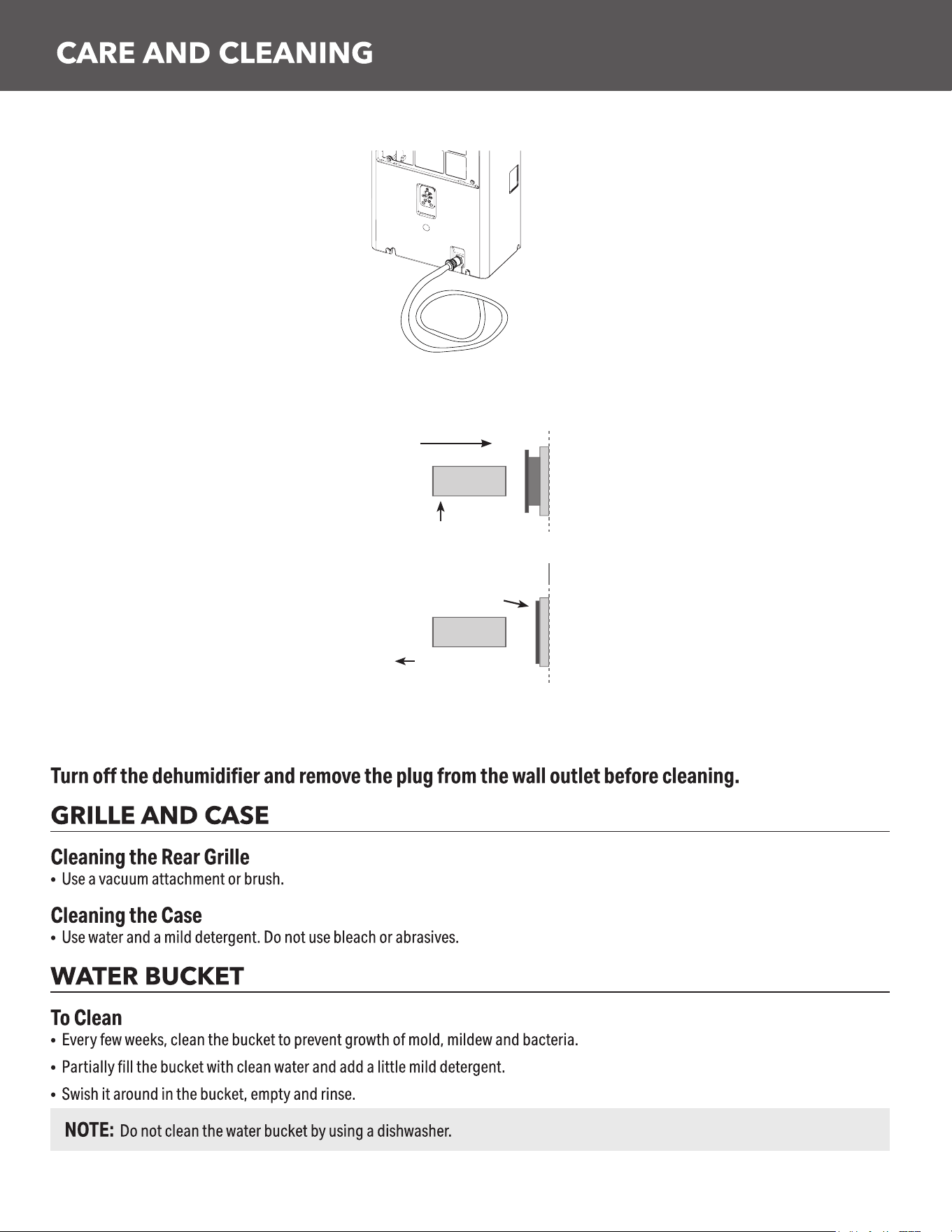
NOTE: Maximum lift height is 16ft.
NOTE: DO NOT kink or crimp hose, as it can block water flow.
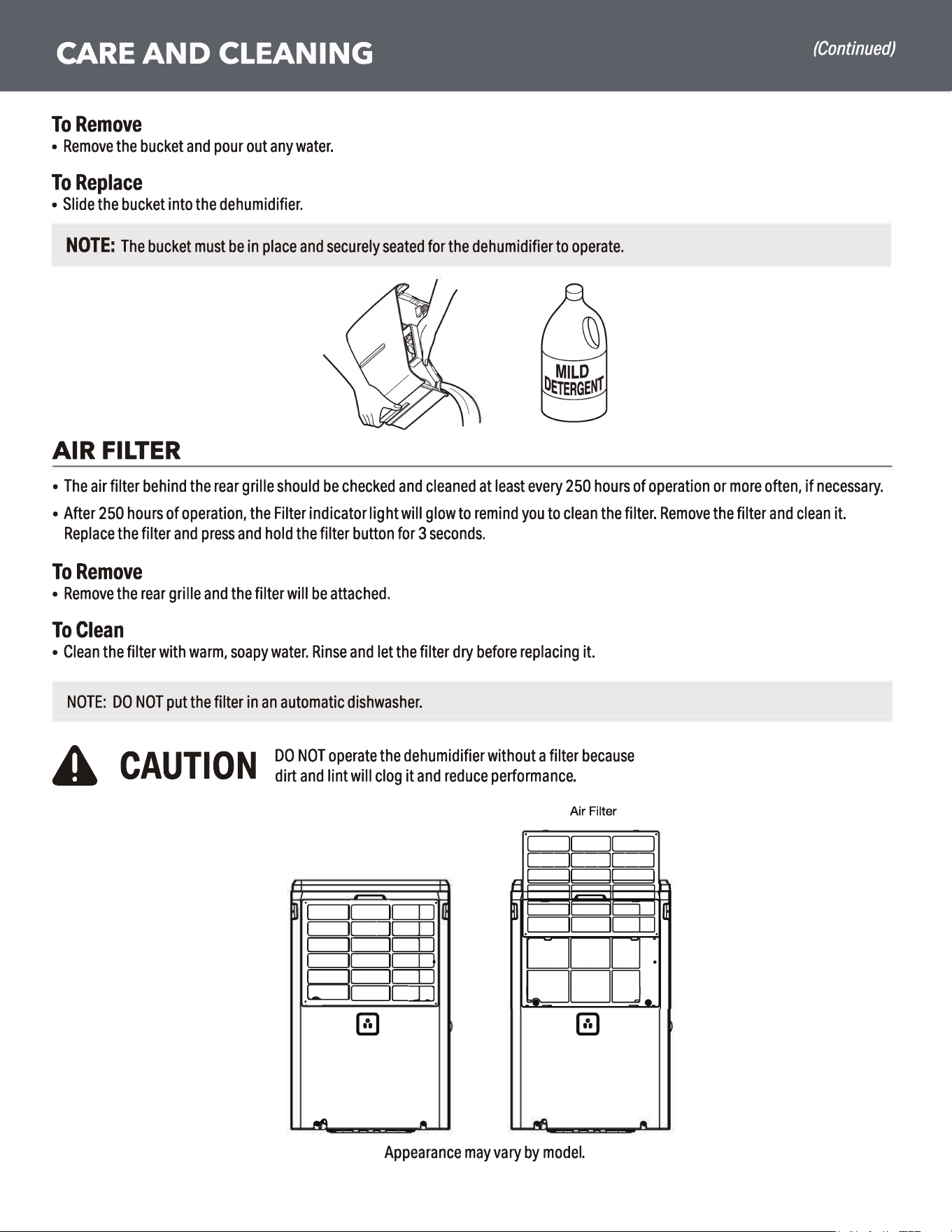
To Install Pump Hose (on some models): Push in hose and gently pull to make sure it is secure. Should not be able to
be removed.
Push hose in
To Release Pump Hose:To Release Pump Hose: Hold the grey ring while Hold the grey ring while pulling to remove.
NOTE: DO NOT kink or crimp hose, as it can block water flow. Only use the hose included with the product for Pump
1. Hold grey ring in
2. Pull hose out
mode.
8
9
Problem Possible Cause What To Do
Dehumidifier does not start The dehumidifier is unplugged. Makes sure the dehumidifier’s plug is pushed completely into the
outlet.
The fuse is blown/circuit breaker
is tripped.
Check the house fuse/circuit breaker box and replace the fuse or
reset the breaker.
Dehumidifier has reached its set
humidity level or bucket is full.
The dehumidifier automatically turns off when either condition
occurs. Change to a lower setting or empty the bucket and replace
properly.
Bucket is not in the proper
position.
The bucket must be in place and securely seated for the
dehumidifier to operate.
Power Failure. There is a protective time delay (up to 3 minutes) to prevent tripping
of the compressor overload. For this reason, the unit may not start
normal dehumidification for 3 minutes after it turned back on.
Dehumidifier does not dry the
air as it should
Did not allow enough time to
remove the moisture.
When first installed, allow at least 24 hours to maintain the desired
dryness.
Airflow is restricted. Make sure there are no curtains, blinds or furniture blocking the top
or back of the dehumidifier. See the Choosing a Location section.
Dirty Filter See the Care and Cleaning section.
The Humidity Control may not be
set low enough.
For drier air, press the ▼ pa
d and set to a lower percent value (%)
or at the Nonstop setting for maximum dehumidification.
Doors and windows may not be
closed tightly.
Check that all doors, windows and other openings are securely
closed.
Clothes dryer may be blowing
moisure-laden air into the room.
Install the dehumidifier away from the dyer. The dryer should be
vented to the outside.
Room temperature is too low. Moisture removal is best at higher room temperatures. Lower room
temperatures will reduce the moisture removal rate. Models are
designed to be operated at temperatures above 41°F (5°C).
Dehumidifier runs too much Area to be dehumidified is too
large.
The capacity of your dehumidifier may not be adequate
Doors and windows are open. Close all doors and windows to the outside.
Frost appears on the coils Room temperature is below 41°F
(5°C)
Please operate unit at temperatures above 41 F (5 C). Frost will
usually disappear within 60 minutes. Under certain conditions, frost
may appear on the coils of your dehumidifier at temperatures above
41°F (5°C). This is normal and frost will usually disappear within 60
minutes. See the Automatic Defrost section.
Fan noise Air is moving through the
dehumidifier.
This is normal.
Water on floor Hose connection may be loose. Check the hose connection. See the
Removing Collected Water
section.
Intended to use the bucket to
collect water, but a hose was
attached
Disconnect the hose if using a bucket to collect water. See the
Removing Collected Water section.
Bucket Full LED light flashing
and alarm sounds while drain
hose is connected
Drain hose not tight on fitting. Check drain hose connection.
Drain hose is kinked. Ensure the drain hose is pointed straight down to the floor and is
not kinked in anyway.
Bucket fills up when using
drain pump (on some models)
Unit not in pump mode Ensure pump is turned on and pump light is illuminated
Pump hose not installed Ensure pump hose is properly installed on back of unit
Water level sensor issue This may be caused by very humid conditions or error with float
sensor. Check unit for a P1 error code on display. If this is present
- turn off the unit, unplug unit for a few seconds, plug back in and
turn on the unit to reset sensor. If this error continues to occur refer
to warranty section for exchange options.
10

www.keystone-products.com
1-800-849-1112