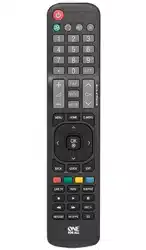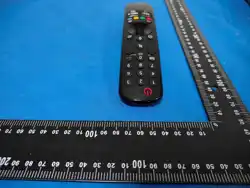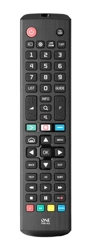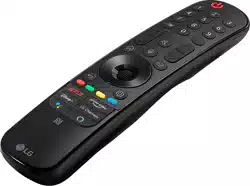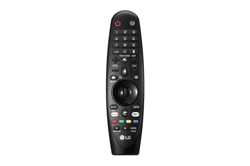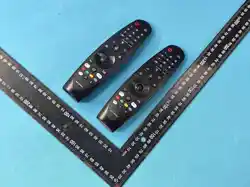
Replacement Remote for LG 2021/2022/2023
UHD/OLED/QNED/NanoCell Smart TV
Remote Control
s
Section 1: Before You Begin
1. Power and Battery Requirements
Battery Type: Use only new alkaline batteries.
Prohibited Actions: Do not mix old and new batteries. Do not mix different
battery types.
Operating Voltage: 36V and below. Ensure batteries comply with this
specification.
Long-Term Storage: Remove batteries if the remote will not be used for an
extended period to prevent leakage and corrosion.
2. Safety Warnings
Water & Heat: Do not expose the remote control to water, moisture,
extreme heat, or direct sunlight.
Child Safety: Keep out of reach of young children to prevent swallowing
of small parts or batteries.
Battery Handling: Do not disassemble, crush, puncture, or short-circuit the
batteries.
Damage: If the remote is damaged, malfunctions, or is exposed to liquid,
discontinue use immediately.
Section 2: Initial Setup and Pairing
Important:
You must pair the Magic Remote with your TV before use (Registering the
Magic Remote Control).
Standard Pairing Procedure
1.Insert batteries and turn the TV on by pressing the Power button on the
remote.
2.Point the Magic Remote at your TV and press the Wheel (OK) .
3.Follow the on-screen prompts to complete the registration process.
Troubleshooting:
If the Magic Remote fails to register, restart the process. If the issue persists,
follow the De-registration steps in Section 3 to unpair the remote before
trying to register it again.
Section 3: Re-registration Guide (Model-Specific)
Select the correct method based on your TV model year to unpair and
reconnect your remote.
◆ For Models: LG17 to LG20 Series
Method 1:
Press the "Back" and "Home" buttons simultaneously for 5 seconds to
un-pair the remote from your TV.
Point the remote at the TV and press the Wheel (OK) . Follow the on-screen
prompts to complete the registration process.
Method 2:
Aim the Magic Remote at the TV and long press the "GUIDE" button for 5 to
10 seconds.
Follow the on-screen prompts to complete the registration process.
◆ For Models: LG21 to LG24 Series
Method 1:
Press the "Back" and "Home" buttons simultaneously for 5 seconds to
un-pair the remote from your TV.
Point the remote at the TV and press the Wheel (OK) . Follow the on-screen
prompts to complete the registration process.
Method 2:
Aim the Magic Remote at the TV and hold down the "Home" and "Settings"
buttons simultaneously for 5 to 10 seconds.
Follow the on-screen prompts to complete the registration process.
Section 4: Care and Maintenance
To ensure optimal performance and extend the lifespan of your remote
control, please follow these care and maintenance guidelines:
1. Cleaning the Remote
Use a soft, dry, lint-free cloth to clean the exterior surface.
For stubborn stains, slightly dampen the cloth with water, then wring it out
thoroughly before wiping. Ensure no moisture enters the button gaps or
battery compartment.
Do NOT use alcohol, benzene, thinners, chemical solvents, or abrasive
cleaners, as these may damage the surface finish or internal components.
2. Proper Handling
Avoid dropping the remote or subjecting it to strong impacts or vibrations.
Do not apply excessive force when pressing buttons or operating the scroll
wheel.
Keep the remote away from dusty or sandy environments to prevent
particle buildup inside the device.
3. Battery Maintenance
Replace batteries promptly when the low battery indicator appears or
when operating range decreases significantly.
Always replace all batteries at the same time. Do not mix battery brands,
types, or old and new batteries.
Remove batteries immediately if you notice any signs of leakage. If
leakage has occurred, clean the battery compartment contacts carefully
with a dry cloth and wash hands thoroughly after handling.
Storage: If storing the remote for more than one month, remove the
batteries to prevent potential damage from battery leakage.
4. Environmental Considerations
Store the remote in a cool, dry place away from direct sunlight, radiators,
or other heat sources.
Avoid using or storing the remote in areas with high humidity, such as
bathrooms or near kitchen sinks.
Section 5: Technical Specifications
Product Type: Replacement Magic Remote
Note:
This product is a replacement remote control. Please follow the instructions
in this manual to ensure proper operation and optimal user experience
Features: Pointer Control, Voice Function
Compatibility: LG 2021 / 2022 / 2023 UHD / OLED / QNED / NanoCell 4K/8K
Smart TVs
Components: Contains electronic components and mainboard
Power Method: Battery-operated (Batteries not included)
Operating Frequency Band: 2402 – 2480 MHz
Maximum Radio-Frequency Power: 1dBm
.
Section 6: COMPLIANCE & LEGAL STATEMENTS
FCC Statement
This device complies with part 15 of the FCC Rules. Operation is subject to the following
two conditions: (1) This device may not cause harmful interference, and (2) this device
mustacceptanyinterferencereceived,includinginterferencethatmay cause
undesired operation.
Any changes or modifications not expressly approved by the party responsible for
compliance could void the user's authority to operate the equipment.
NOTE: This equipment has been tested and found to comply with the limits for a Class B
digital device, pursuant to Part 15 of the FCC Rules. These limits are designed to provide
reasonable protection against harmful interference in a residential installation. This
equipment generates, uses and can radiate radio frequency energy and, if not
installed and used in accordance with the instructions, may cause harmful interference
to radio communications. However, there is no guarantee that interference will not
occur in a particular installation.
If this equipment does cause harmful interference to radio or television reception,
which can be determined by turning the equipment off and on, the user is encouraged
to try to correct the interference by one or more of the following measures:
-- Reorient or relocate the receiving antenna.
-- Increase the separation between the equipment and receiver.
-- Connect the equipment into an outlet on a circuit different
from that to which the receiver is connected.
-- Consult the dealer or an experienced radio/TV technician for help.
The device has been evaluated to meet general RF exposure requirement.
The device can be used in portable exposure condition without restriction.
Section 7: Recycling Instructions
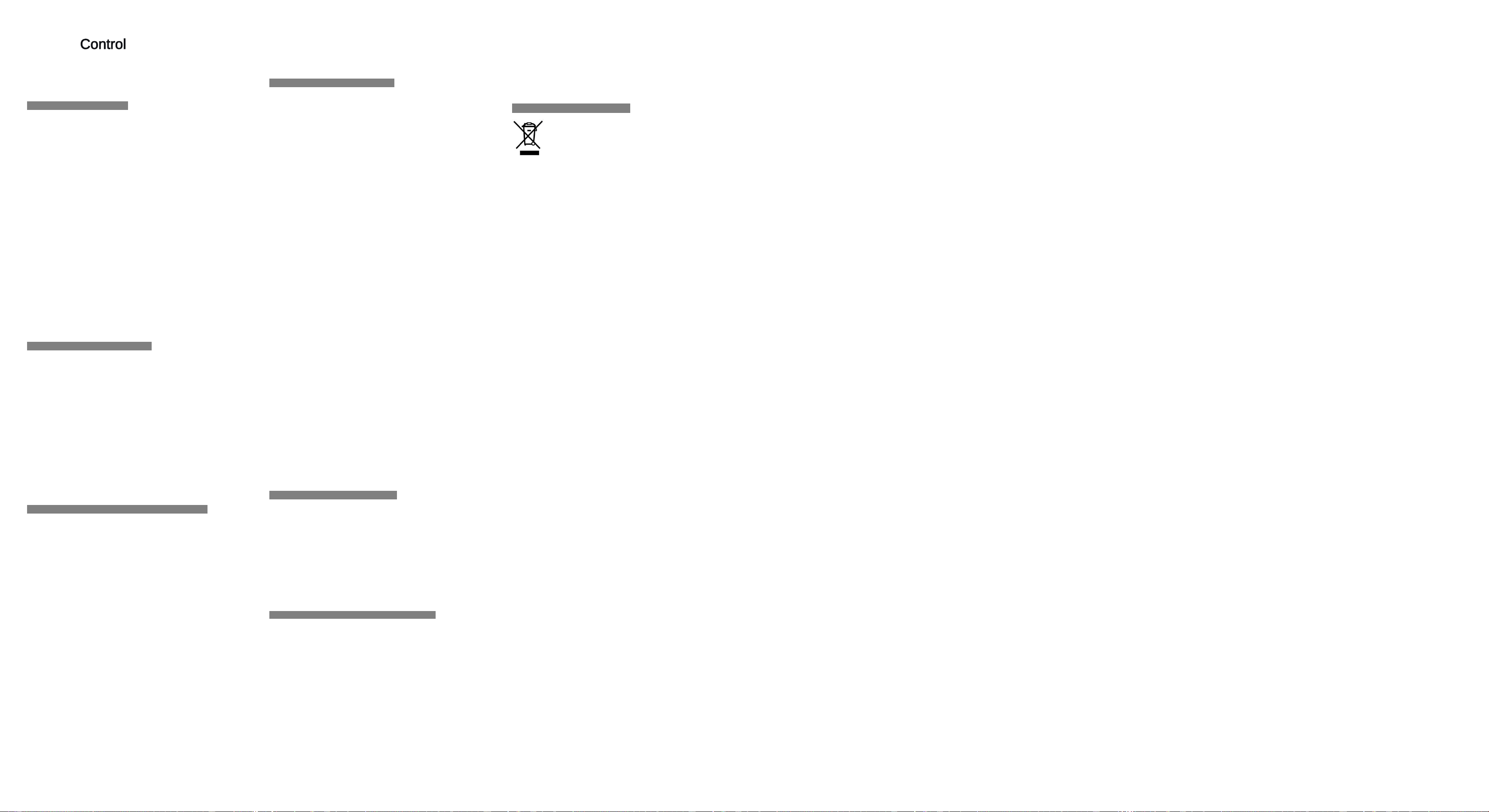
Correct Disposal of This Product: This marking, shown on the product or its
literature, indicates that it should not be disposed of with other household
wastes at the end of its working life. To prevent possible harm to the
environment or human health from uncontrolled waste disposal, please
separate this from other types of wastes and recycle it responsibly to
promote the sustainable reuse of material resources.
Waste Classification: This product and its electronic accessories are
classified as Electrical and Electronic Equipment. Users are required to
ensure that waste electrical and electronic equipment is NOT disposed of
as unsorted municipal waste.
Legal Compliance: The recycling and disposal of this device must be
carried out in accordance with all applicable local laws and regulations.
Recycling Procedures: Household users should contact either the retailer
where they purchased this product, or their local government office, for
details of where and how they can take these items for environmentally
safe recycling. Business users should contact their supplier and check the
terms and conditions of the purchase contract.