mitzu.com mitzu.oficial mitzu.oficialMitzuCorp Mitzu.Corp
Images are for illustrative purposes only; colors and design may vary.
MODEL:
Read the entire manual before using this product for the rst time.
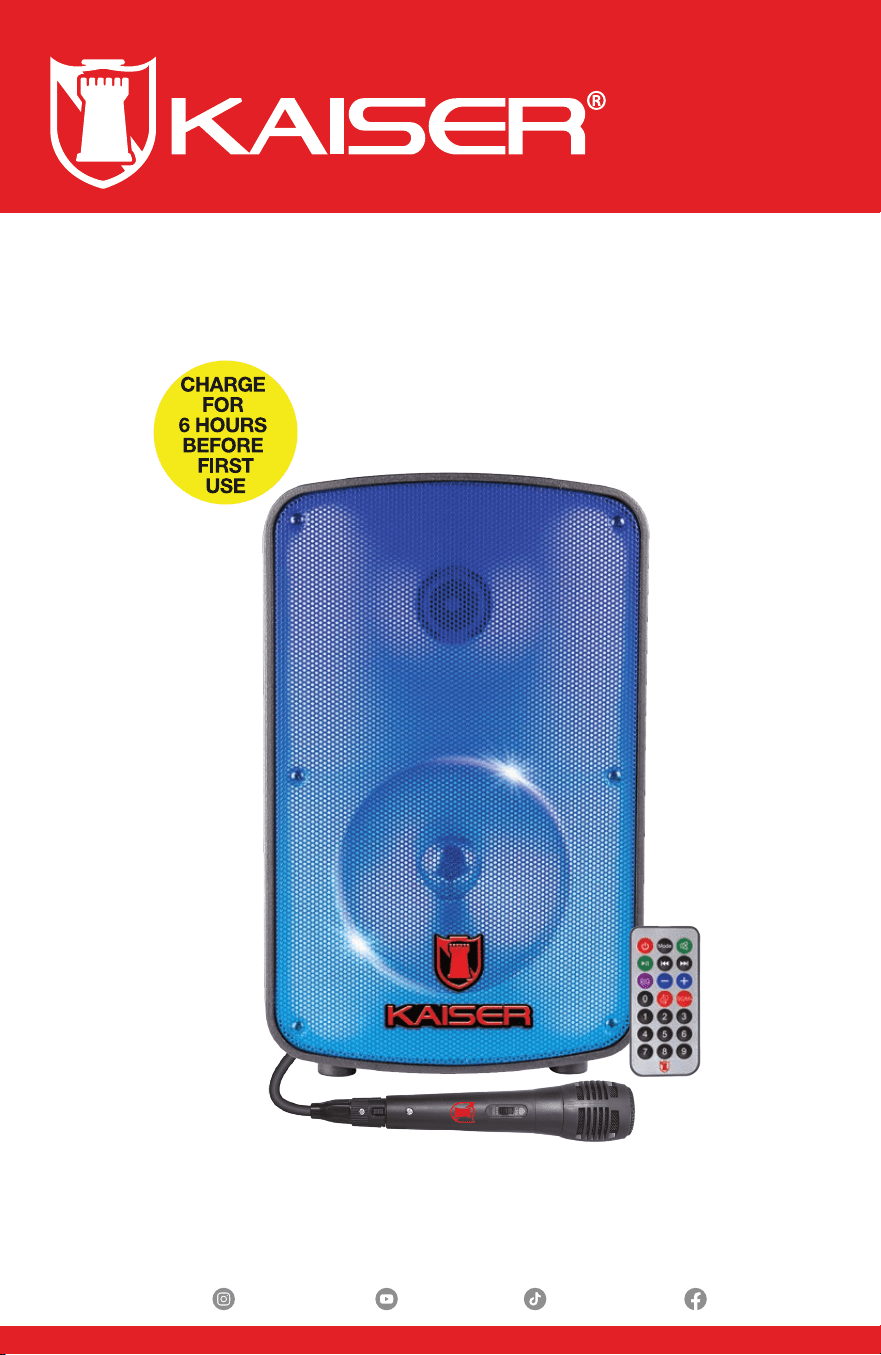
Rechargeable Portable Speaker
with FM Player
KSW-1108
mitzu.com
2
WELCOME
Thank you for purchasing the new KAISER® product. We are condent that
you will be very satised with your purchase.
CONTENTS
HOW TO TURN ON?
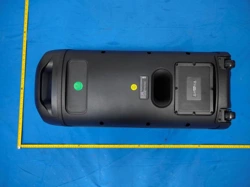
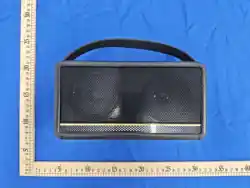
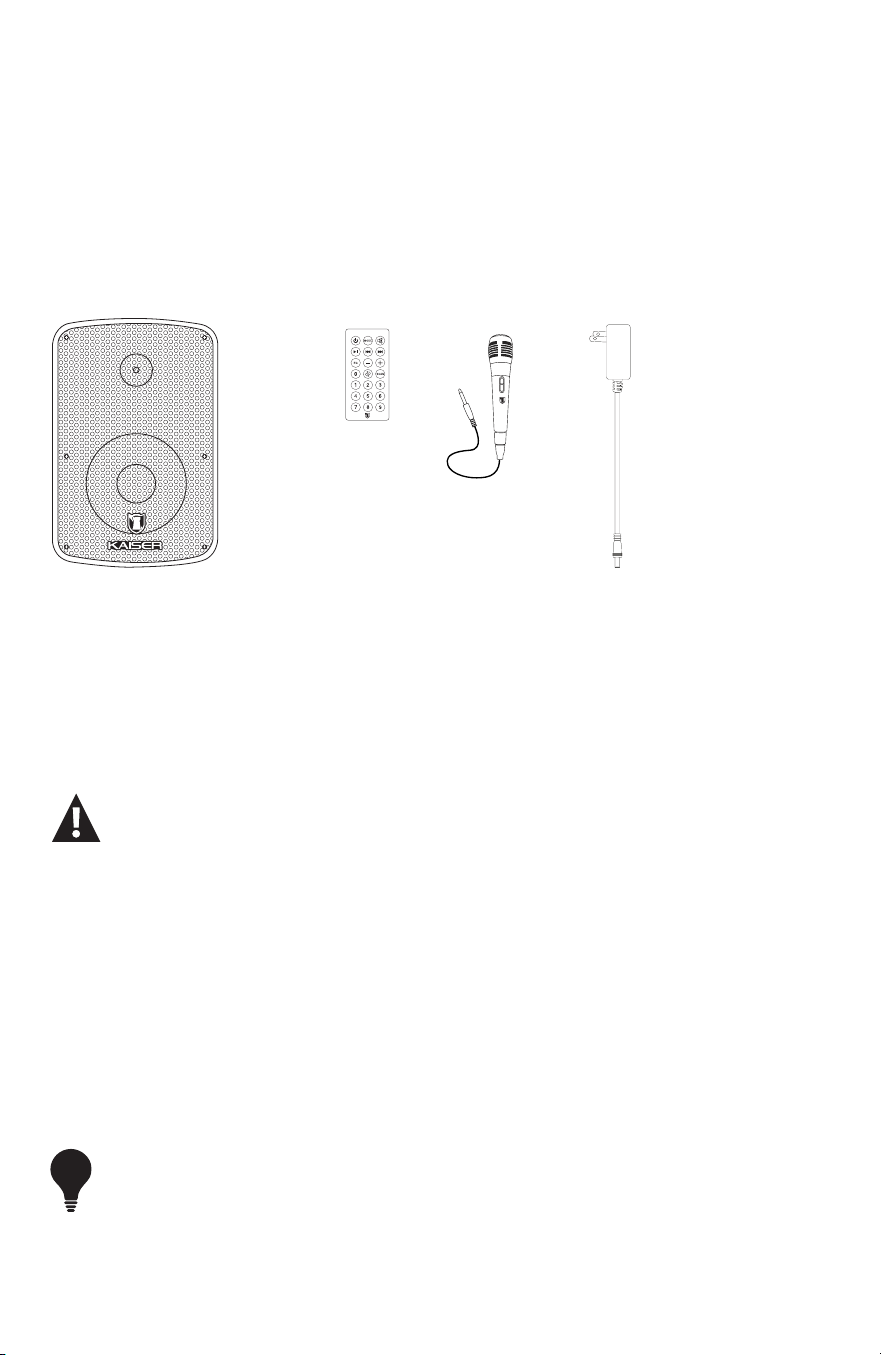
1. Rechargeable Speaker (1 unit).
2. Remote Control (1 unit).
3. Wired Microphone (1 unit).
4. Power Adapter (1 unit).
1
2
3 4
Connect the power cable to the electrical outlet and then to the speaker. Allow charging for 4
hours before turning it on for the rst time.
POWER SUPPLY
After charging the battery for the rst time, you can press the POWER switch to turn on the
device.
To maximize battery life, connect to a power outlet when the battery is low, for up to 3 hours of
charging (see charging LED). You can continue using it while it is connected.
- Set all switches to OFF.
- Check that the volume is set to the lowest level.
- Verify that the voltage of the power source is compatible with the equipment’s required voltage.
If the device is used intermittently, it is recommended to fully charge the battery at least every 30 days.
TIP
3
mitzu.oficial mitzu.oficialMitzuCorp Mitzu.Corp
GENERAL DESCRIPTION
OPERATION
A) CONTROL PANEL
C) REMOTE CONTROL
D) WIRED MICROPHONE
VOLUMEN
KSR-LINK
GRABAR
MODO
LED
ECO
BAJOS
AGUDOS
MIN
MAX
MIN
MIN
MAX
MAX
MAX
MIN
VOL MIC
CARGA
MIN
MAX
MICRO SD
USB
AUX
MIC
ON
OFF
ON
OFF
REC PLAY
AJUSTES
MICRÓFONO
PODER
LED
ENTRADA DE AUDIO
REPRODUCTOR DIGITAL
ALIMENTACIÓN
CONTROL PANEL
A
1
2
3
4
5
6
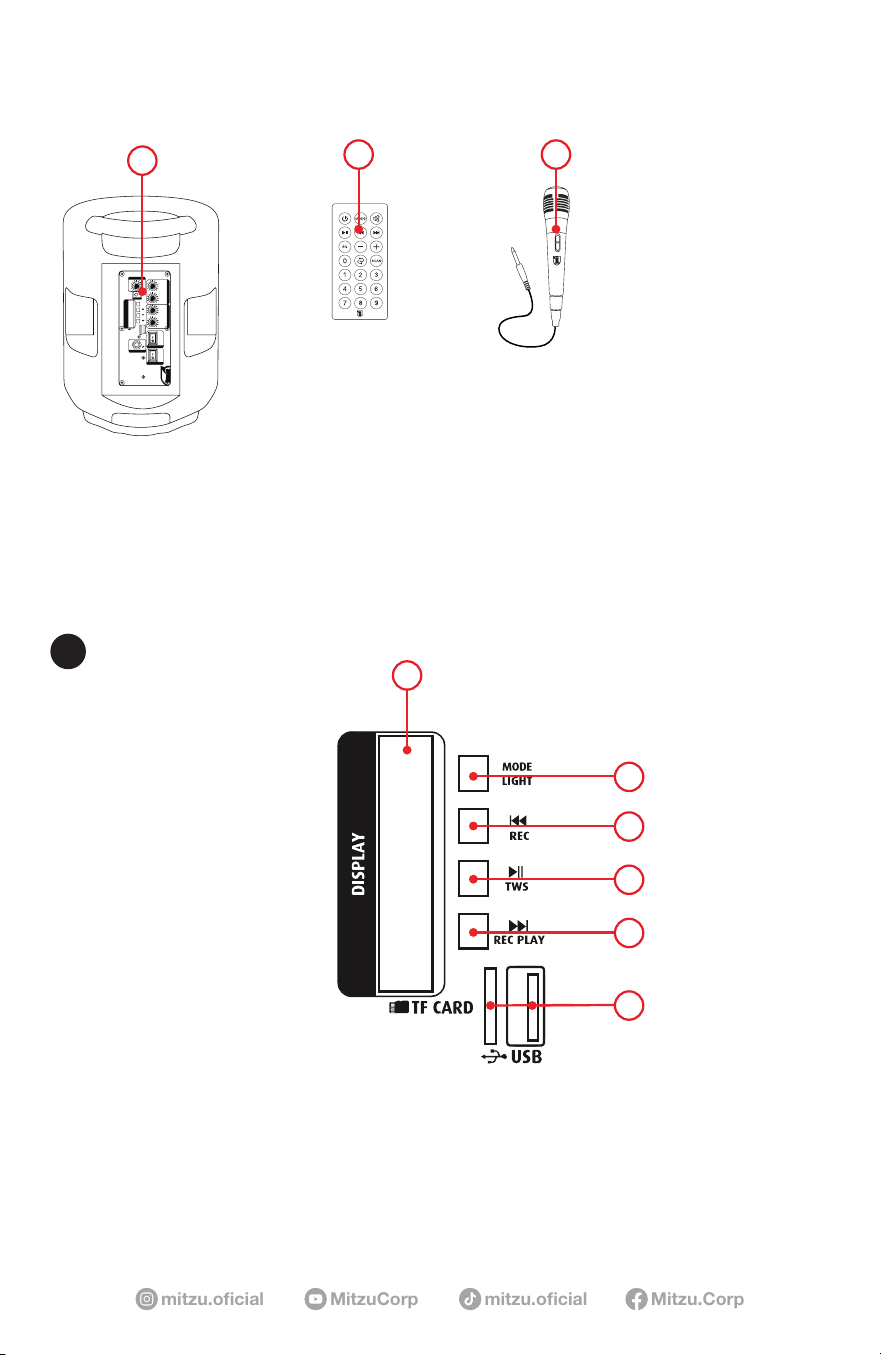
1) DISPLAY: Shows what is being played.
2) MODE / MIC PRIO BUTTON:
Switches between USB, FM, AUX, Micro SD, and Bluetooth modes. Press MODE until
the desired function appears on the screen.
B C
A

mitzu.com
4
AUX MODE
Connect a 3.5 mm cable to the speaker and the audio device.
NOTE: Does not include a 3.5 mm to 3.5 mm cable.
Press MODE until the desired function is indicated on the screen.
NOTE: In some cases, playback may start automatically.
BLUETOOTH® MODE
Enable Bluetooth on your mobile phone. Search for and connect to the unit named
“KSW-1108”. After successful pairing, you can play music. You will not need to
reconnect Bluetooth when switching modes.
USB / MICRO SD PORT MODE
Connect a USB ash drive or Micro SD card.
Press MODE until the desired function appears on the screen.
NOTE: In some cases, playback may start automatically.
MIC PRIO
Turn the microphone priority function on and off by pressing the “MIC PRIO” or
“MODE” button. Please insert the microphone before using this function and ensure the
microphone is turned on.
3) PREVIOUS TRACK / PREVIOUS STATION / RECORD BUTTON
RECORD
A) Insert the USB / Micro SD card and then the microphone.
B) Press and hold the “RECORD” button for more than 3 seconds to start recording.
C) When nished, press the button again to stop. To listen to the recording, press the
“NEXT TRACK” button.
D) Press again to exit the recording function.
4) PLAY / PAUSE / KSR-LINK BUTTON
Play and pause, or press to scan FM stations.
KSR-LINK
A) Only 2 speakers can be connected at the same time.
B) Both speakers must be in BT MODE to use KSR-LINK.
C) Press and hold the PLAY / PAUSE / KSR-LINK button for 3 seconds.
D) The speakers will connect automatically. To listen to music via BT, you must pair your
mobile phone with the main device.
5) NEXT TRACK / NEXT STATION / REC PLAY BUTTON
REC PLAY
Press REC PLAY briey to play the recording.
6) MICRO SD AND USB PORTS: Play stored audio les.
5
mitzu.oficial mitzu.oficialMitzuCorp Mitzu.Corp
1 2
3
4
5
6
7
9
11
10
8
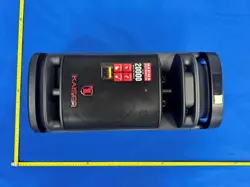
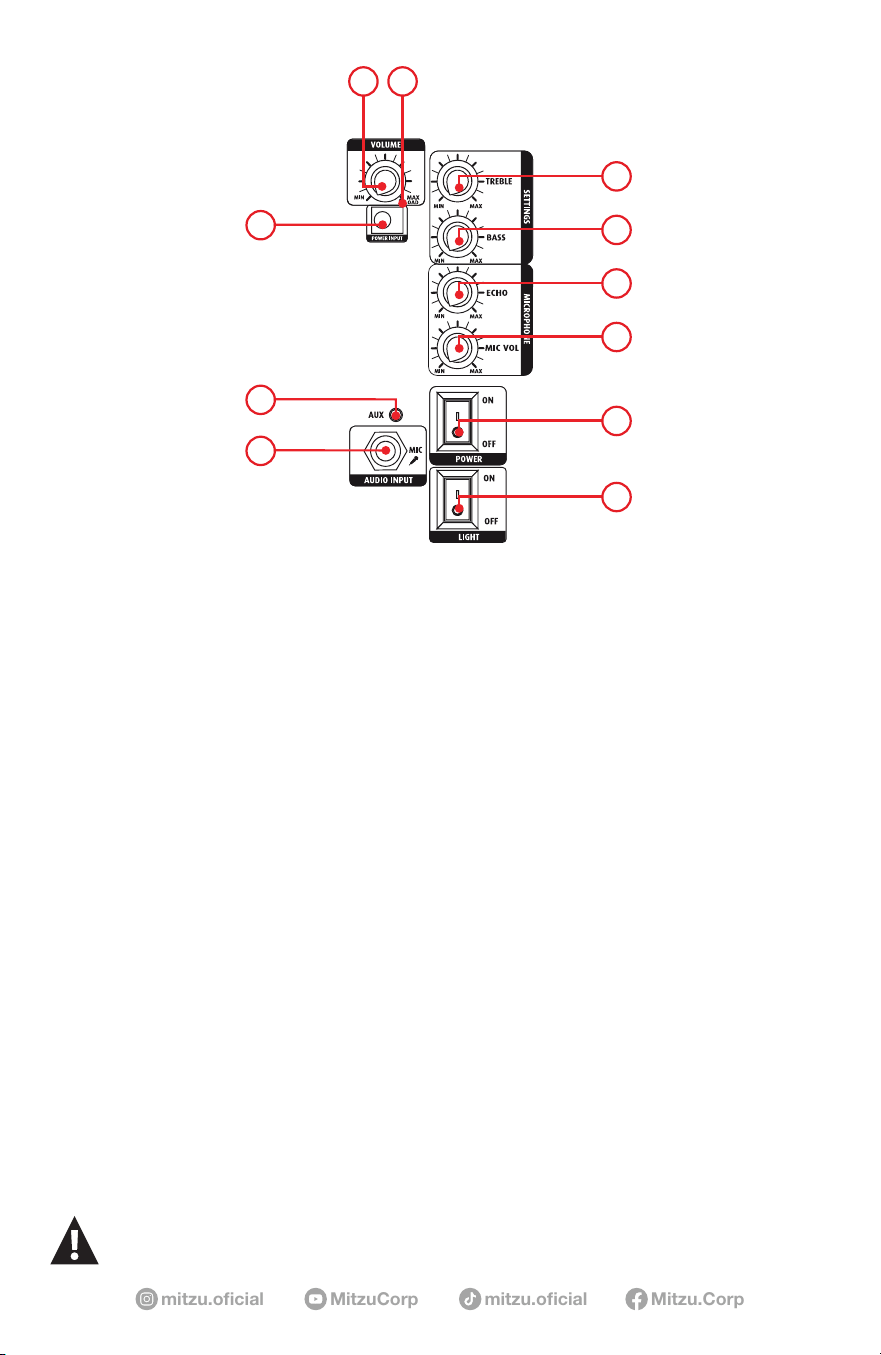
1) MASTER VOLUME KNOB
Adjusts the overall volume.
2) CHARGING LED
When lit (red), it means it is charging; when off, it means the battery is fully charged.
3) TREBLE
Adjust the high-frequency level. Equalize the sound with this tone control.
4) BASS
Adjust the low-frequency level. Equalize the sound with this tone control.
5) ECHO
Microphone sound effect.
6) MICROPHONE VOLUME
Controls the microphone volume.
7) POWER ON / OFF SWITCH
Turns the device on and off.
8) LED ON / OFF SWITCH
Turns the LEDs on and off.
9) 6.3 mm INPUT
For wired microphone.
10) 3.5 mm AUXILIARY INPUT
Plays audio devices (see Auxiliary Mode).
11) POWER INPUT.
- Continuous exposure to audio pressure levels exceeding 100 dB can cause total hearing loss. Some sound
systems can generate levels above 130 dB.
mitzu.com
6
REMOTE CONTROL
B
1
2 3
4
8
6
5
9
7
10
11
12
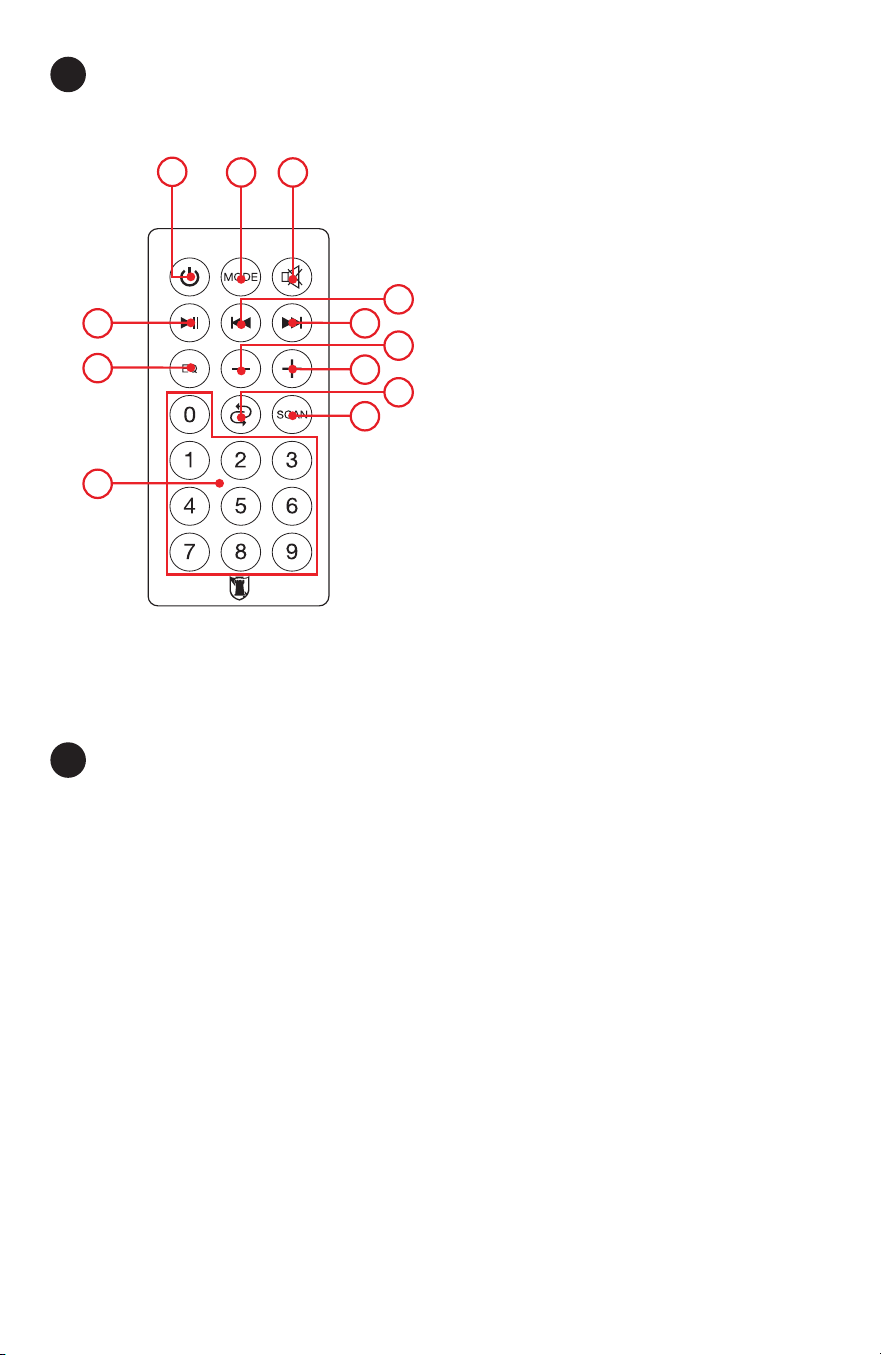
1. STAND BY.
2. MODE: USB, TF, FM, AUX,
BLUETOOTH®.
3. MUTE.
4. PREVIOUS TRACK BUTTON.
5. NEXT TRACK BUTTON.
6. VOL-: Decreases the main volume.
7. VOL+: Increases the main volume.
8. REPEAT: Repeats the currently playing
track.
9. SCAN: Scan channels in FM mode.
10. NUMERIC KEYS FOR SONG
SELECTION (0–9).
11. EQ (EQUALIZER).
12. PLAY / PAUSE BUTTON.
WIRED MICROPHONE
C
WOOFER
1.Connect the microphone to the speaker.
2. Slide the microphone switch to turn it on.
Turn on the LED switch to make the woofer light up and ash (rear panel).
NOTE: In FM mode, the LED light should be turned off to improve radio signal reception.

7
mitzu.oficial mitzu.oficialMitzuCorp Mitzu.Corp
Power Supply: 7,4 Vcc 2 200 mAh (rechargeable battery)
Charging: 9 Vcc 1,5 A
Woofer: 8” (20,32 cm)
Impedance: 2,5 ohm
Frequency Response: 45 Hz - 8 kHz
Sensitivity: 92 dB
Tweeter: 1,5” (3,81cm)
Bluetooth® Version: 5.3
Bluetooth® Frequency Range: 2.4 GHz
Bluetooth® Range: Up to 32.8 ft tested in an unobstructed line of sight under optimal
conditions
AC / DC ADAPTER:
Input: 100 - 240 Vca 50 - 60 Hz 0,625 A
Output: 9 Vcc 1,5 A
SPECIFICATIONS
Model: KSW-1108
Product Name: Portable Rechargeable Speaker with FM Player
FCC ID: TBD
Volume level Battery duration
25% volume 3 hours
50% volume 2 hours
100% volume 1 hour
mitzu.com
8
This device must not be exposed to dripping or splashing liquids.
This device complies with Part 15 of the FCC Rules. Operation is subject to the following two conditions:
(1) This device may not cause harmful interference, and
(2) this device must accept any interference received, including interference that may cause undesired operation.
Changes or modications not expressly approved by the party responsible for compliance could void the user’s authority to operate the equipment.
—Reorient or relocate the receiving antenna.
—Increase the separation between the equipment and receiver.
—Connect the equipment into an outlet on a circuit dierent from that to which the receiver is connected.
—Consult the dealer or an experienced radio/TV technician for help.
Note: This equipment has been tested and found to comply with the limits for a Class B digital device, pursuant to part 15 of the FCC Rules.
These limits are designed to provide reasonable protection against harmful interference in a residential installation. This equipment generates,
uses and can radiate radio frequency energy and, if not installed and used in accordance with the instructions, may cause harmful interference
to radio communications. However, there is no guarantee that interference will not occur in a particular installation. If this equipment does
cause harmful interference to radio or television reception, which can be determined by turning the equipment o and on, the user is
encouraged to try to correct the interference by one or more of the following measures:
This equipment complies with FCC radiation exposure limits set forth for an uncontrolled environment. The device should be installed
and operated with a minimum distance of <1 cm between the radiator and your body.
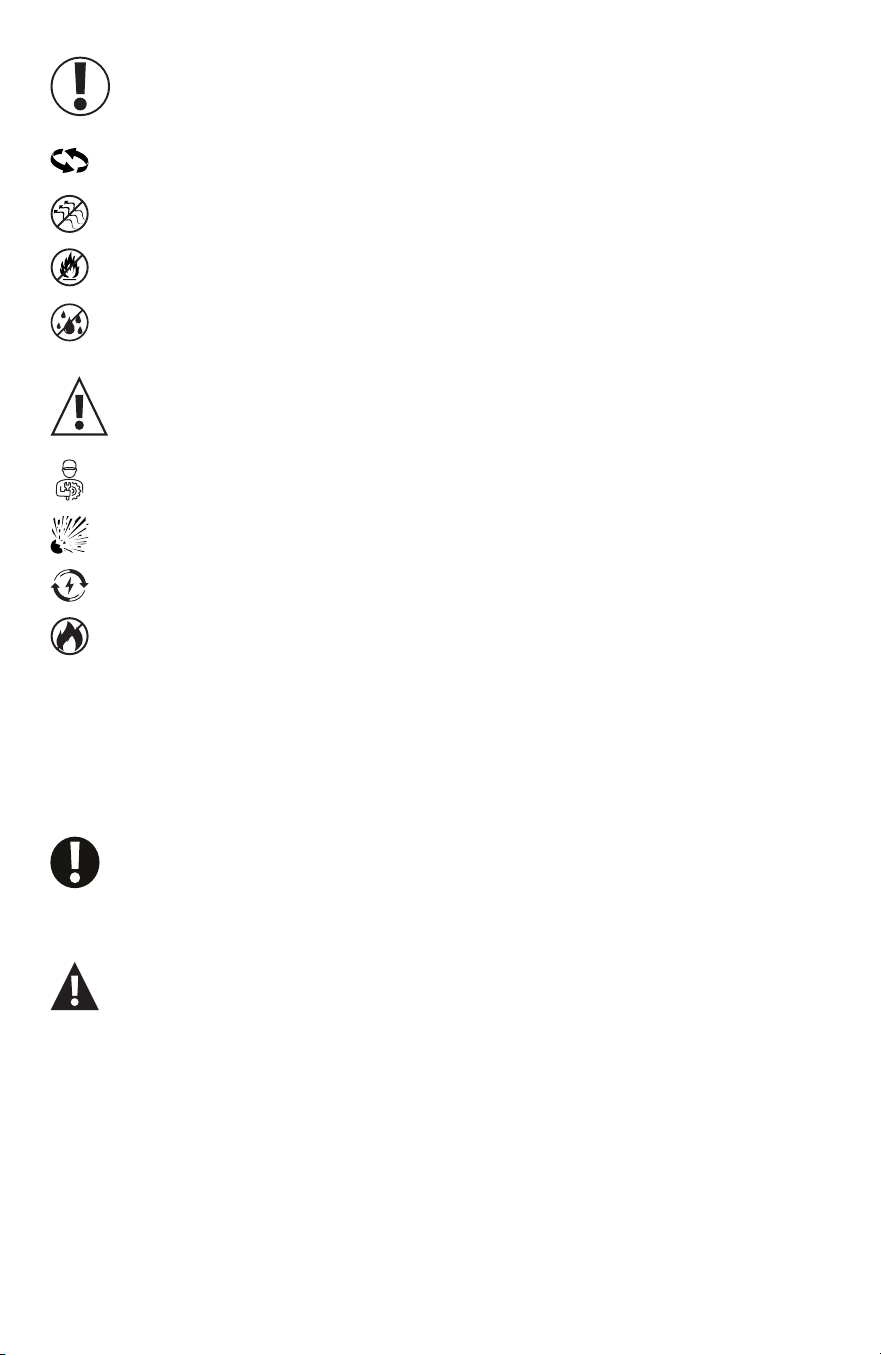
CAUTION
Batteries (installed) should not be exposed to excessive heat such as
sunlight, re, or similar.
Risk of explosion if the battery is not replaced correctly.
Replace only with the same type or equivalent.
Installed batteries should only be replaced by qualied personnel.
The device should not be exposed to dripping or splashing water, and
objects lled with liquids (such as glasses) should not be placed on
the device
This equipment has no ventilation slots.
During use, keep other devices at least 30 cm away from this equipment.
Do not place the device on ammable sources such as lit candles.
IMPORTANT
For questions regarding operation or compliance, contact:
MITZU GLOBAL, LLC
828 Hallmark Dr.
Laredo Tx 78045
+1 (956)740-7746